Customer Ratings & Reviews
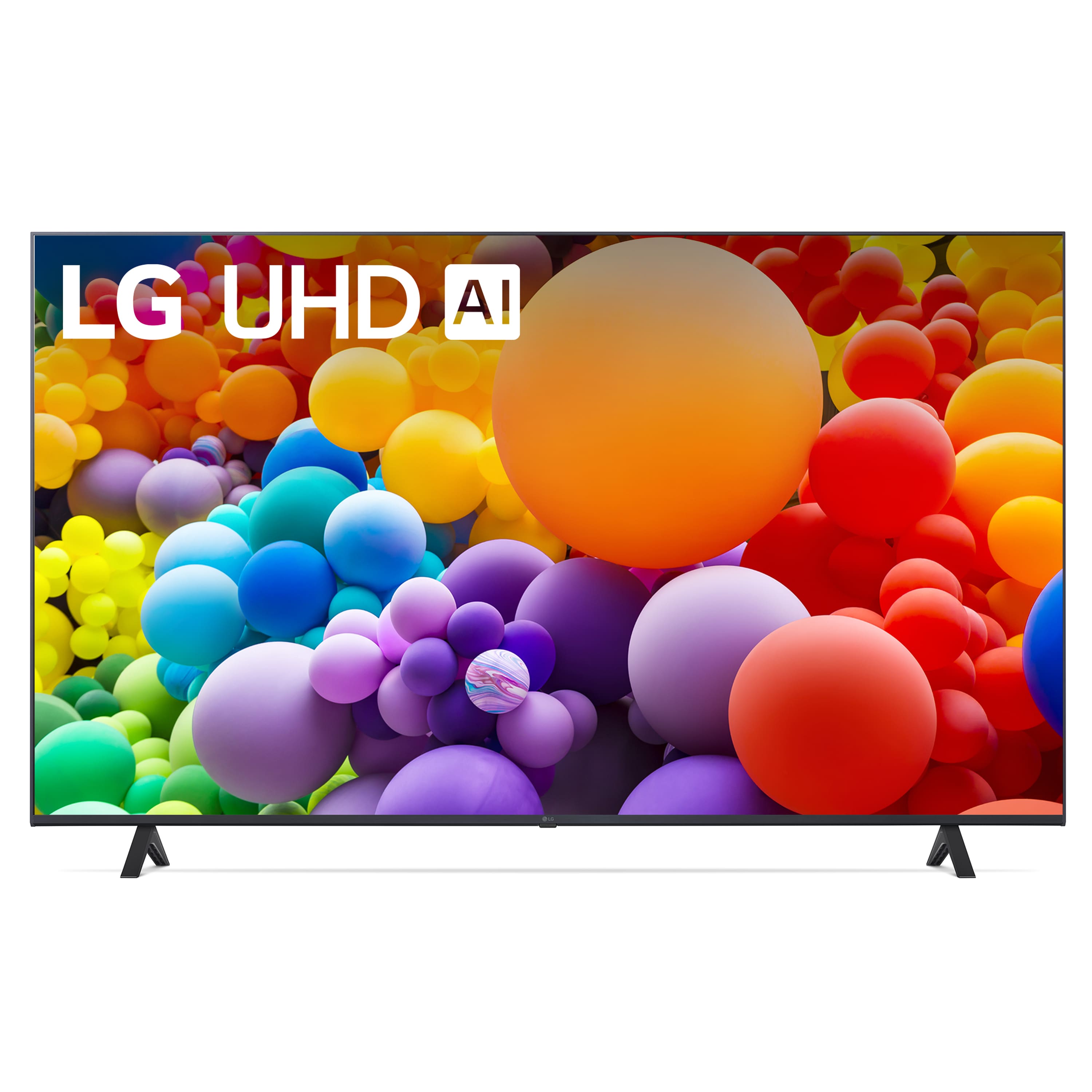



- Model:
- 55UT7000PUA
- SKU:
- 10214377
Rating by feature
- Picture Quality
Rating 4.7 out of 5 stars
- Sound Quality
Rating 4.6 out of 5 stars
- Brightness
Rating 4.7 out of 5 stars
new TV
||Posted . Owned for 3 weeks when reviewed.This reviewer received promo considerations or sweepstakes entry for writing a review.Great color and definition; sound bar adds a fabulous component to the overall experience
I would recommend this to a friendGreat TV
||Posted . Owned for 1 month when reviewed.This reviewer received promo considerations or sweepstakes entry for writing a review.Awesome TV! Has a wonderful picture, easy to use. My daughter love her new TV.
I would recommend this to a friendAmazing Value
||Posted . Owned for less than 1 week when reviewed.This reviewer received promo considerations or sweepstakes entry for writing a review.Amazing value at the price I paid ($299.99 Black Friday sale). Was able to update the tv in my bedroom from a “43” to a “55” and can’t imagine ever going back to a smaller one. Only criticism I have is that sometimes the picture is a little too bright, I like deep shadows in my picture and haven’t been able to find a real good balance that works over a variety of content.
I would recommend this to a friendMovie at Home
||Posted . Owned for 1 week when reviewed.This reviewer received promo considerations or sweepstakes entry for writing a review.Loved it! Good quality and very easy to navigate with the menu and digital apps.
I would recommend this to a friendTV review
||Posted .This reviewer received promo considerations or sweepstakes entry for writing a review.Nice TV with good quality image idk they have me a old TV remote i need a new one
I would recommend this to a friendAbsolutey unbearable user interface and OS
||Posted . Owned for less than 1 week when reviewed.This reviewer received promo considerations or sweepstakes entry for writing a review.This TV gets one extra star for turning on at all which is more than I can say for my bricked 3-year-old Hisense but everything else about this TV is unbearable. Takes way too long to turn on, has required updates and restarts every time I’ve turned it on this week, the companion app that they make you use to set it up is bad and uses broken english, half the home screen is advertisements, and at least one app I have used daily before this is not offered in their knockoff app store. User interface is not intuitive and the remote is poorly designed. Really overall disappinted in this TV after hearing great things about LG. If all new smart TVs are like this, I’m getting a dumb TV hooked up to my computer next because this is absolutely unusable.
No, I would not recommend this to a friendBrand response from LG Digital Customer Care
Posted .Hello there, Emily. Thank you for sharing your experience with us. We understand your situation and can see how the user interface and the slow startup time with the 55UT7000PUA could be frustrating. We're here to help!
Here are a few troubleshooting steps to address the slow power-on time:
QuickStart+ Feature: Check if the QuickStart+ feature is turned off. If enabled, it can speed up the power-on time. To turn this feature on:
Go to the Settings menu.
Navigate to General > QuickStart+.
Turn it on to reduce startup time.
Software Updates: Ensure that your TV’s software is up to date, as updates can improve performance and fix bugs. Check for available updates in the Settings > About This TV section.
Restart the TV: If the TV is requiring updates every time it’s turned on, try performing a soft reset by turning the TV off and unplugging it for about 1-2 minutes before plugging it back in.
For issues with the companion app and app availability, we recommend exploring the LG TV App Store for alternatives that may offer the apps you need.
Why Does it Take So Long for My TV to Power On? - https://www.lg.com/us/support/help-library/lg-tv-why-does-it-take-so-long-for-my-tv-to-power-on--20153123646697
If you continue to experience difficulties or need further assistance, please send us a private message on Social Media @LGUSSupport, and we’ll be happy to help.
We appreciate your feedback and patience!
—Renzo
nice tv for the right sized room
||Posted .This reviewer received promo considerations or sweepstakes entry for writing a review.great picture good for tv and general gaming, a year later and no issues
I would recommend this to a friendLG 55 UT70 Review
||Posted . Owned for 1 month when reviewed.This reviewer received promo considerations or sweepstakes entry for writing a review.Very nice TV for the value. Set-up was very easy. Paired well with my Vizio sound bar.
I would recommend this to a friendLG TV
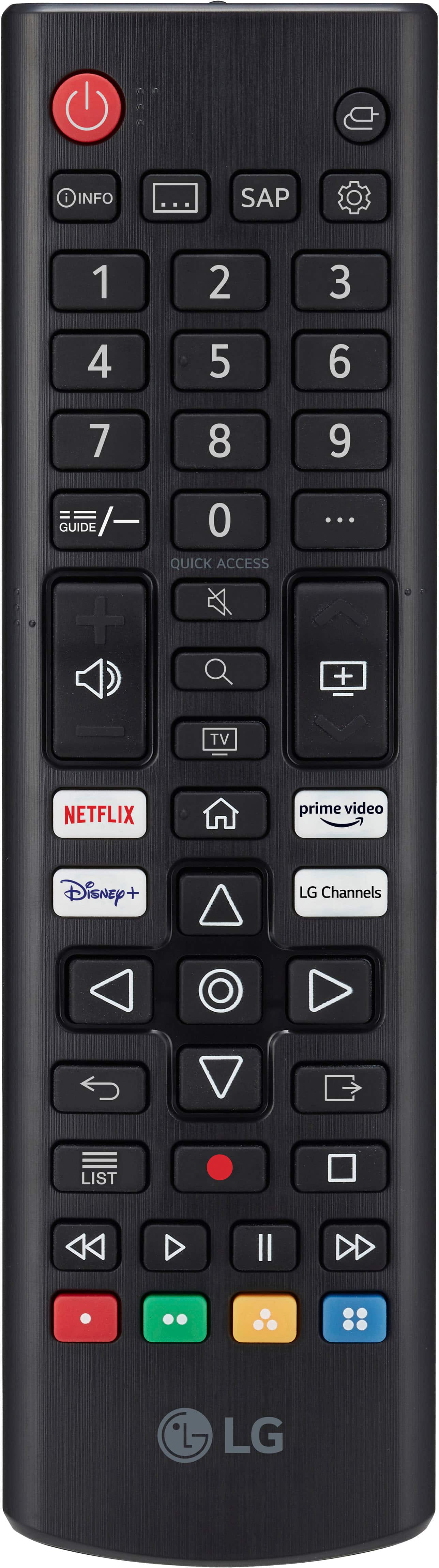
||Posted . Owned for 3 weeks when reviewed.This reviewer received promo considerations or sweepstakes entry for writing a review.TV is good only complaint is the remote arrangement of buttons and no Youtube button (sorry 1st world problem). So you have to search it all the time. Not sure but I hope manufacturers will consider havung a backlight on remote control. At night it is hard ti navigate the remote control.
No, I would not recommend this to a friendGood choice
||Posted . Owned for 1 month when reviewed.This reviewer received promo considerations or sweepstakes entry for writing a review.Great color - easy to set up (I’m nearly 80) - learning new functions all the time!!
I would recommend this to a friendGreat Price Point
||Posted . Owned for less than 1 week when reviewed.This reviewer received promo considerations or sweepstakes entry for writing a review.Super worth the price. It is a great tv that has all essentials for a good price point.
I would recommend this to a friendLove LG’s
||Posted . Owned for 1 month when reviewed.This reviewer received promo considerations or sweepstakes entry for writing a review.Beautiful picture, quality design and easy smart instructions to install.
I would recommend this to a friendLG TV
||Posted . Owned for 2 months when reviewed.This reviewer received promo considerations or sweepstakes entry for writing a review.For the price when on sale it was hard to beat. Picture quality is good.
I would recommend this to a friendGreat tv
||Posted . Owned for 1 month when reviewed.This reviewer received promo considerations or sweepstakes entry for writing a review.Great purchase for our patio pool area. Sound and picture is what we needed.
I would recommend this to a friendLove our LG tvs
||Posted . Owned for 2 weeks when reviewed.This reviewer received promo considerations or sweepstakes entry for writing a review.Love our new LG 55" tv. I like that this new tv has a normal remote. Other LG tv's (5-6 yrs old) we have in the house have the "mouse" in the center of the remote...we HATE that feature. So glad to see LG removed it from these new tv remotes. The picture is very clear and crisp...we now have 5 LG tv's in our house, would not hesitate to buy LG...a very good product.
I would recommend this to a friendThank you
||Posted .This reviewer received promo considerations or sweepstakes entry for writing a review.I enjoy it very much. The setup was easy. Sizing was on point.
I would recommend this to a friendWonderful replacement tv from a Vizo
||Posted . Owned for 3 weeks when reviewed.This reviewer received promo considerations or sweepstakes entry for writing a review.Great color and wonderful sound! Recommended for a larger bedroom tv!
I would recommend this to a friendGreat TV
||Posted . Owned for 2 weeks when reviewed.This reviewer received promo considerations or sweepstakes entry for writing a review.Beautiful picture. Great TV. Easy to install. Just sit back and watch.
I would recommend this to a friendI love my tv
||Posted . Owned for 1 month when reviewed.This reviewer received promo considerations or sweepstakes entry for writing a review.Very easy to set up and manage and control and nice quality
I would recommend this to a friendMomx3
||Posted . Owned for 1 week when reviewed.This reviewer received promo considerations or sweepstakes entry for writing a review.Great buy. LG always quality product. Nice picture and easy to set up and use.
I would recommend this to a friend