Customer Ratings & Reviews
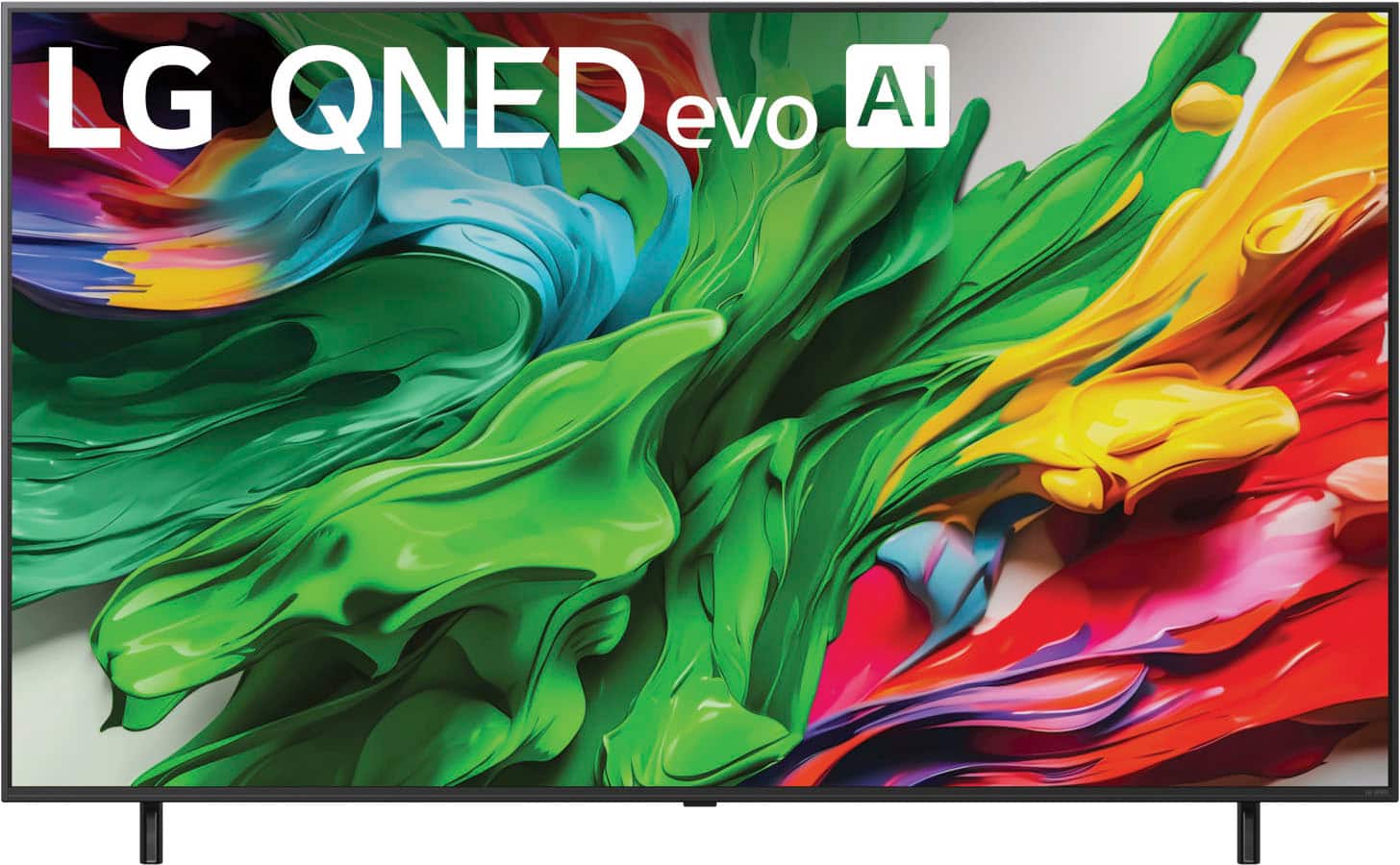
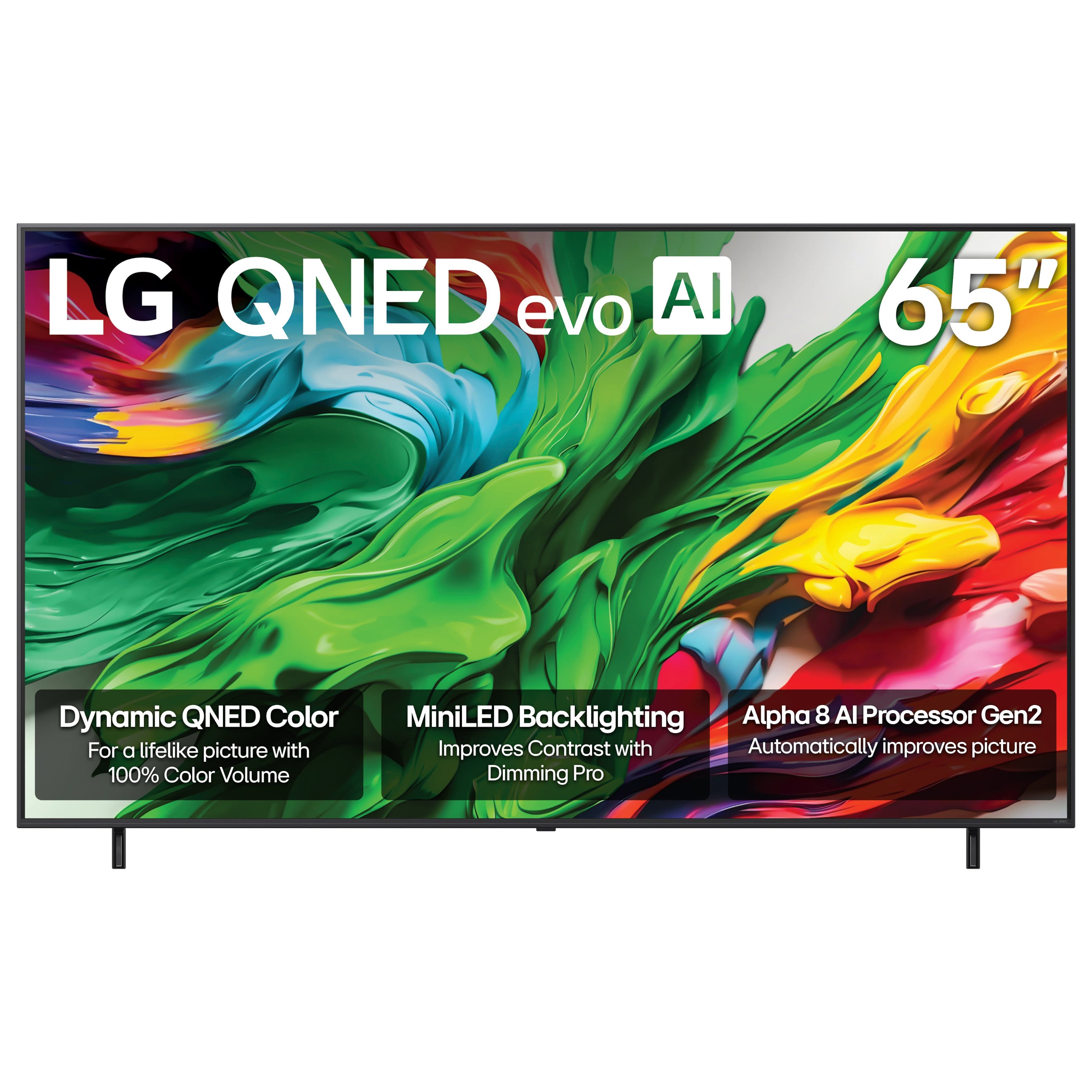





- Model:
- 65QNED85AUA
- SKU:
- 10187397
Rating by feature
- Picture Quality
Rating 4.8 out of 5 stars
- Sound Quality
Rating 4.5 out of 5 stars
- Brightness
Rating 4.8 out of 5 stars
LG 65 IN TV
||Posted . Owned for 2 weeks when reviewed.This reviewer received promo considerations or sweepstakes entry for writing a review.VERY HAPPY WITH PURCHASE IN STORE HELP EXCELLENT GOOD TV
I would recommend this to a friendWorks fine
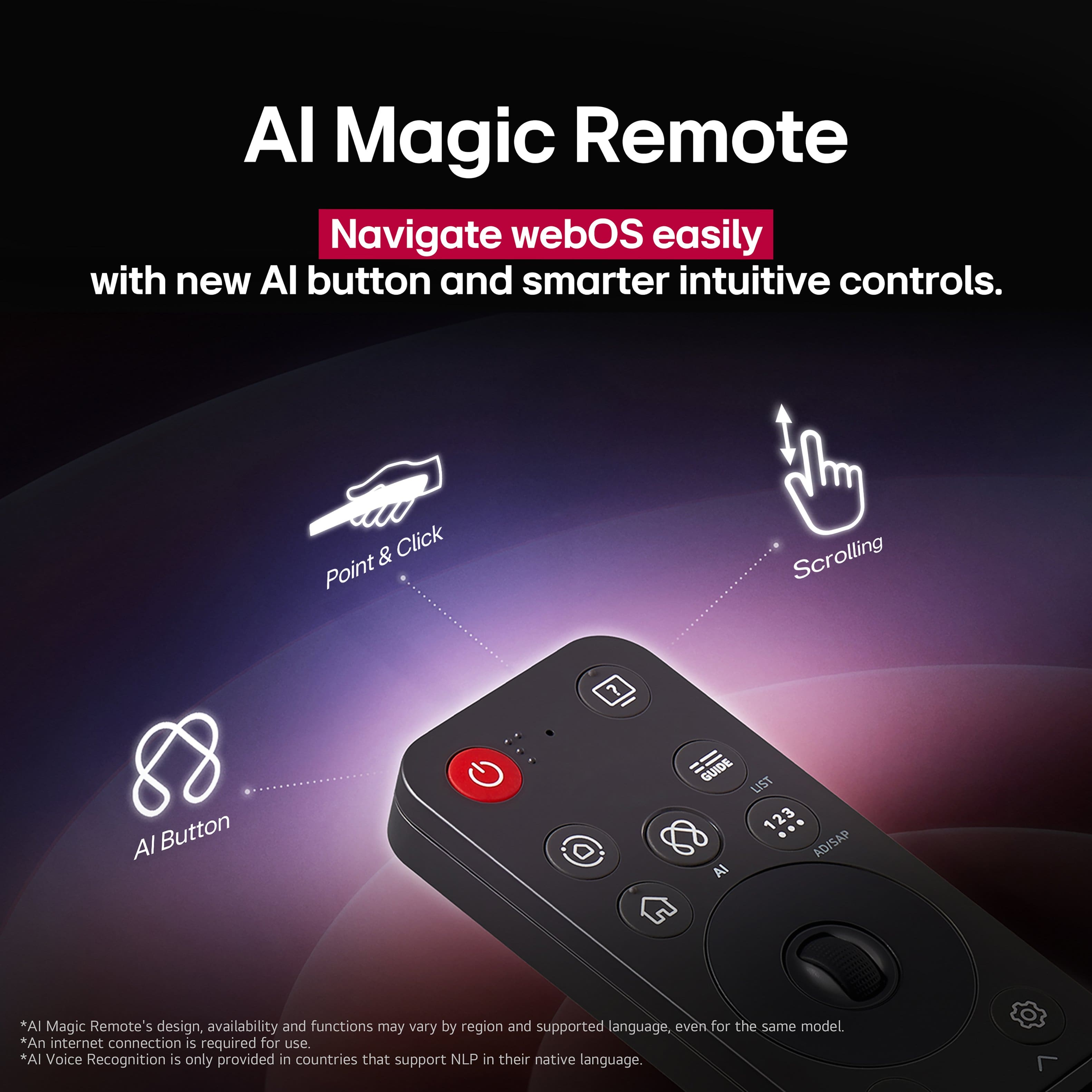
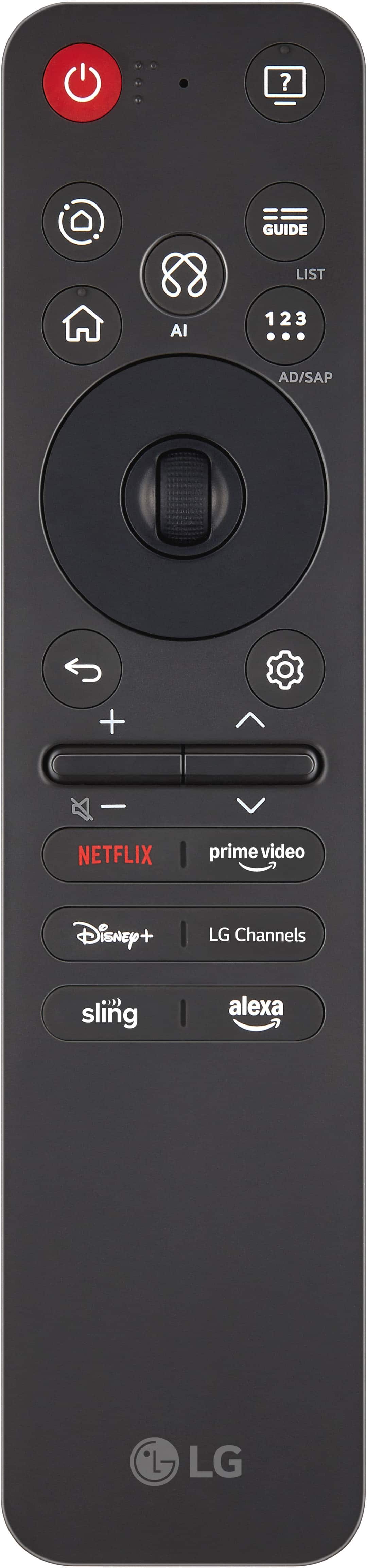
||Posted . Owned for 2 weeks when reviewed.This reviewer received promo considerations or sweepstakes entry for writing a review.Easy to setup and use. Love new remote better than old one
I would recommend this to a friendgreat
||Posted . Owned for 1 week when reviewed.This reviewer received promo considerations or sweepstakes entry for writing a review.Gabe was very helpful and we got what we wanted very quickly.
I would recommend this to a friendTelevision
||Posted . Owned for 1 week when reviewed.This reviewer received promo considerations or sweepstakes entry for writing a review.Excellent product, I recommend it 100% it's worth it
I would recommend this to a friendTelevision
||Posted . Owned for 1 week when reviewed.This reviewer received promo considerations or sweepstakes entry for writing a review.Great service outstanding employees . Good prices on your products
I would recommend this to a friendWhat we needed
||Posted . Owned for 2 weeks when reviewed.This reviewer received promo considerations or sweepstakes entry for writing a review.It fills the room with a sense of it should of been there for a long time
I would recommend this to a friendLG TV
||Posted . Owned for 1 week when reviewed.This reviewer received promo considerations or sweepstakes entry for writing a review.It’s good it’s good it’s good good good good good good good good good good good good good good good good good good good good good
I would recommend this to a friendsmart TV
||Posted . Owned for 1 month when reviewed.This reviewer received promo considerations or sweepstakes entry for writing a review.Great video and adequate audio. Narrow stand setting just what I needed.
I would recommend this to a friendwho title
||Posted . Owned for 1 week when reviewed.This reviewer received promo considerations or sweepstakes entry for writing a review.every one was very helpful. On the store and the technician
I would recommend this to a friendBest Value TV in its class
||Posted . Owned for 2 weeks when reviewed.This reviewer received promo considerations or sweepstakes entry for writing a review.Great value TV for the price point and the features.
I would recommend this to a friendTV review
||Posted . Owned for 3 weeks when reviewed.This reviewer received promo considerations or sweepstakes entry for writing a review.I asked the girl in Best Buy to help me pick a TV that is the best in a room that gets a lot of sunlight. This TV is very good in dark but it is not very good in sunlight so I do feel that I did not get what I asked for
No, I would not recommend this to a friendBrand response from LG Digital Customer Care
Posted .Hello there, DebrajD. Thank you for sharing your experience with us. We understand that your LG - 65" Class 85A Series QNED evo AI MiniLED 4K UHD Smart webOS TV (2025) didn't meet your expectations regarding brightness in your sunlit room. Your feedback is important, and we'd like to assist you further. To improve your viewing experience, we suggest checking the "Picture Mode" in your settings and ensuring it is set to "Vivid" or "APS" for higher brightness levels.
https://www.bestbuy.com/product/lg-65-class-85a-series-qned-evo-ai-miniled-4k-uhd-smart-webos-tv-2025/JJ8VPZTR3Q
For further assistance and any specific concerns you may have, please contact us on [email protected]. We appreciate your patience. —Renzo
LG 65” TV
||Posted . Owned for 1 week when reviewed.This reviewer received promo considerations or sweepstakes entry for writing a review.Nice 65 inch TV. Love it. Highly recommended quality
I would recommend this to a friendLGgreat
||Posted . Owned for 1 week when reviewed.This reviewer received promo considerations or sweepstakes entry for writing a review.So far we like it very much. It fits our needs very well.
I would recommend this to a friendTV Samsung
||Posted . Owned for 1 month when reviewed.This reviewer received promo considerations or sweepstakes entry for writing a review.The sound quality doesn’t seem as good as our other Samsung TVs
No, I would not recommend this to a friendBrand response from LG Digital Customer Care
Posted .Hi there. Thank you for sharing your experience with us. We understand your inquiry regarding the sound quality of your LG 65" Class 85A Series QNED evo AI MiniLED 4K UHD Smart webOS TV (2025). To enhance your audio experience, we recommend checking the "AI Sound Pro" settings in your TV's Sound menu to automatically optimize audio based on content type.
https://www.bestbuy.com/product/lg-65-class-85a-series-qned-evo-ai-miniled-4k-uhd-smart-webos-tv-2025/JJ8VPZTR3Q
For further assistance and any specific concerns you may have, please contact us on [email protected]. We appreciate your patience. —Renzo
- Pros mentioned:Picture quality
GREAT FINANCING AND SERVICE.
||Posted . Owned for 1 month when reviewed.This reviewer received promo considerations or sweepstakes entry for writing a review.I HAD A LG TV THAT I PURCHASED FROM BEST BUY IN 2013 AND I HAD NO PROBLEMS UNTILL RECENTLY. I DESIDED THAT IT WAS TIME FOR A NEW ONE. I WANTED ANOTHER LG BECAUSE IT WAS TROUBLE FREE. I WENT WITH A 65 in ch AND I LOVE IT. BEST BUY IS THE BEST GREAT SERVICE.
I would recommend this to a friendBrand response from LG Digital Customer Care
Posted .Hi, there. Thank you so much for sharing your journey with LG TV's! It’s fantastic to hear that your 2013 model served you well for so many years and that your new LG TV (65QNED85AUA) model is living up to your expectations. We’re thrilled that you chose LG again and that Best Buy provided great service during your upgrade.
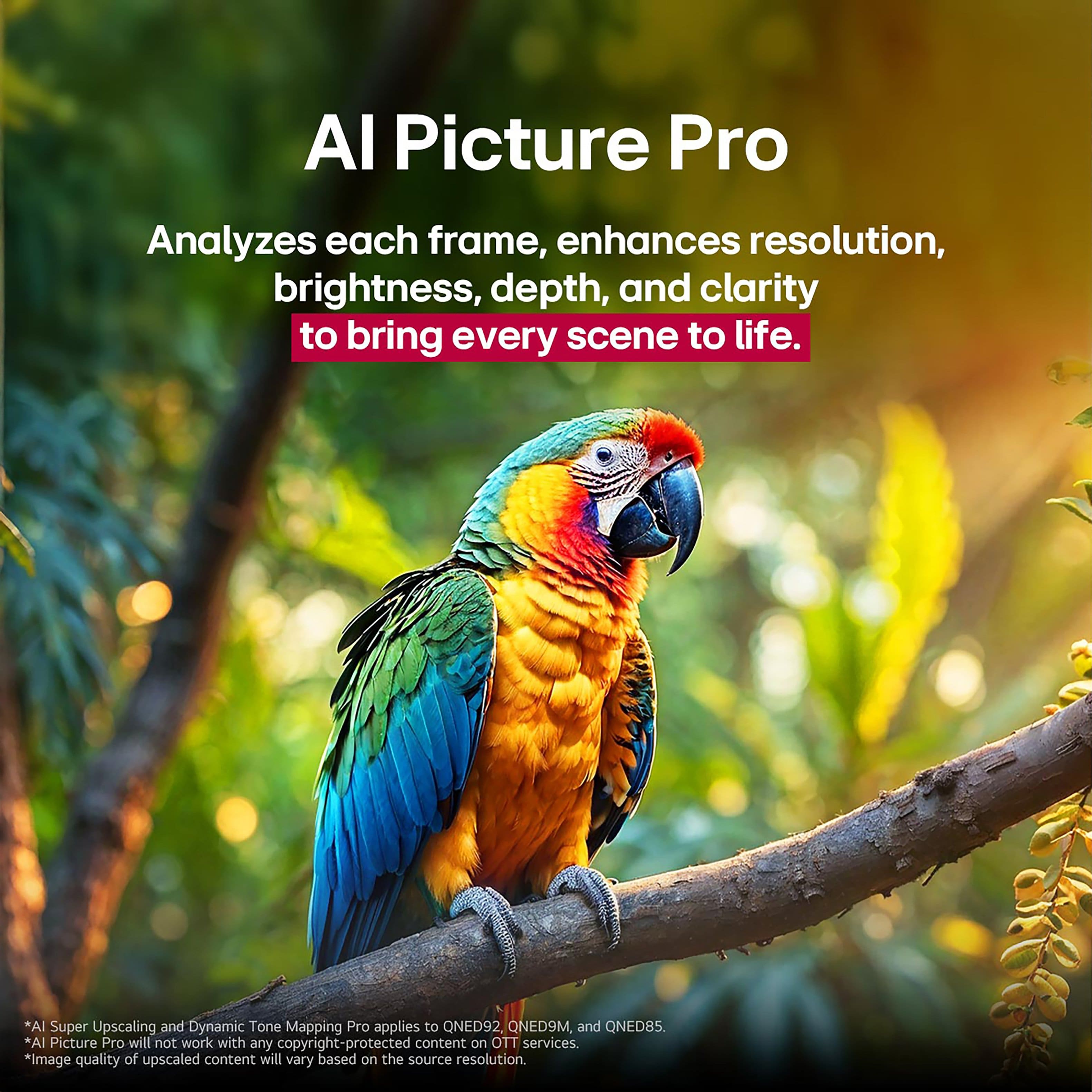
To get the most out of your new TV, we recommend enabling AI Picture Pro and AI Sound Pro under Settings > Picture/Sound > AI Service. These features automatically optimize your viewing and audio experience based on the content and environment. You can explore more tips and features for your model here: https://www.lg.com/us/tvs/lg-65qned85aua-qned-4k-tv. If you ever need assistance or have questions, feel free to email us at [email protected]. We’re here to help. ^Juvy
Poor performace
||Posted . Owned for 1 week when reviewed.This reviewer received promo considerations or sweepstakes entry for writing a review.Inconsistent voice recognition. Very poor remote control to use. Worse one ever had. Returned for the sony i originally was going to buy tell a lg talked me into this tv. Also is side lighted which those have tendency to have problems after a while, so was concerned about that part
No, I would not recommend this to a friendBrand response from LG Digital Customer Care
Posted .Hi, Arthur. Thanks for taking the time to share your experience with the LG 65QNED85AUA — we appreciate your honest feedback.
We understand how important it is for features like voice recognition and remote control usability to meet expectations. For future reference, if you ever reconsider LG, the LG ThinQ app can be a helpful alternative to the physical remote, offering enhanced control and voice command responsiveness through your smartphone.
As for the side-lit panel design, LG QNED TVs are engineered with advanced backlight technology to deliver vibrant picture quality, though we understand your preference for a different configuration. You can explore more about our QNED lineup and features on https://www.lg.com/us/qned-tvs. If you’d like to share more or need assistance with another LG product, feel free to send us an email at [email protected]. We’re here to help. ^Juvy
Dosent connect to wifi
||Posted . Owned for 3 months when reviewed.This reviewer received promo considerations or sweepstakes entry for writing a review.Tv was ok did not work when trying to connect to the internet restarted the tv and everything and still would not connect
No, I would not recommend this to a friendBrand response from LG Digital Customer Care
Posted .Hi, there. Thank you for reaching out to us. We understand the importance of having your LG TV (65QNED85AUA) model connect seamlessly to the internet for the best experience.
As a helpful step, please try resetting the network connection: Press the Settings button on your remote.
Go to All Settings > Connection > Wi-Fi Connection.
Forget the current network, then reconnect by entering your Wi-Fi password again. If the issue continues, test by connecting the TV via an Ethernet cable to see if the internet works through a wired connection. You can find more guidance here: https://www.lg.com/us/support/help-library/lg-tv-troubleshooting-your-tvs-internet-connection--1426626051711. If you need further assistance with your unit, please send us an email at [email protected] so we can support you directly. ^Juvy
SMART TV BUT NOT FRIENDLY
||Posted . Owned for 1 month when reviewed.This reviewer received promo considerations or sweepstakes entry for writing a review.Too complicated and you don't even get a guide book with it, you have to go online for it and/or pay someone from Best Buy to set up and show you how to get your channels.
No, I would not recommend this to a friendBrand response from LG Digital Customer Care
Posted .Hi, there. Thank you for sharing your thoughts on the LG TV (65QNED85AUA) model. We appreciate your feedback and understand how important it is to have a smooth setup experience.
This model is packed with advanced features, and we want to make sure you’re able to enjoy them with ease. While a printed guide isn’t included, the full user manual and setup instructions are available here: https://www.lg.com/us/support/product/lg-65QNED85AUA.AUS. You’ll find step-by-step guidance on channel setup, picture settings, and smart features.
If you’d like help walking through the setup or have questions about specific features, feel free to email us at [email protected]. We’re here to help. ^Juvy
Unreliable volume levels
||Posted .This reviewer received promo considerations or sweepstakes entry for writing a review.I had to return the tv because the volume keeps going high/low without me touching the remote
No, I would not recommend this to a friendBrand response from LG Digital Customer Care
Posted .Hi, Dennis. Thank you for sharing your experience. We understand how important it is for your LG TV (65QNED85AUA) model to deliver consistent audio performance, and we appreciate you bringing this to our attention.
If you encounter this issue again, we recommend checking the following settings: Navigate to Settings > All Settings > Sound > AI Sound Pro and try switching to Standard mode to see if the volume stabilizes.
Disable Auto Volume under Sound Settings, which can sometimes cause fluctuations depending on content type.
Ensure that any connected external devices (like soundbars or receivers) are properly configured and not influencing volume levels. You can also explore more support options for your model here: https://www.lg.com/us/support. If you need further assistance, feel free to email us at [email protected]. We're here to help. ^Juvy
Overcharged in Best Buy Fort Lauderdale
||Posted . Owned for less than 1 week when reviewed.This reviewer received promo considerations or sweepstakes entry for writing a review.Best Buy overcharged me for this television. Now I will have to dispute the charge with my credit card company.
No, I would not recommend this to a friendBrand response from LG Digital Customer Care
Posted .Hello, we understand your experience with the billing issue from Best Buy and hear your feedback on the situation. We acknowledge the inconvenience of having to dispute the charge. If you need further assistance with your LG 65QNED85AUA, feel free to send us a direct message at @LGUSSupport. You can also visit LG TV support page for more resources and information at this link: https://www.lg.com/us/support/tvs. -Shae