Customer Ratings & Reviews
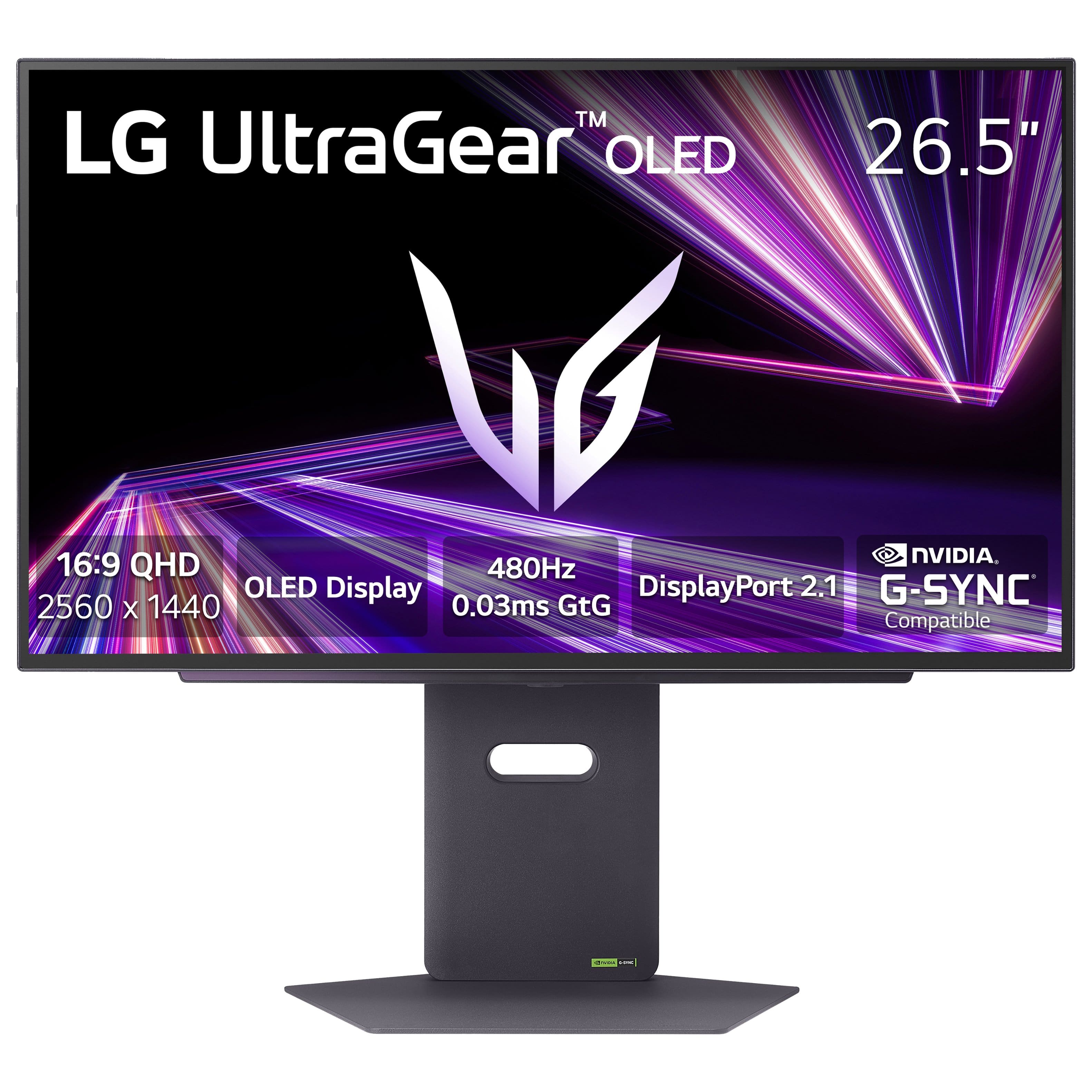



- Model:
- 27GX790A-B
- SKU:
- 11614542
Rating by feature
- Display Quality
Rating 4.8 out of 5 stars
- Ease of Use
Rating 4.8 out of 5 stars
- Features
Rating 4.7 out of 5 stars
A little expensive but nice monitor
||Posted . Owned for 1 month when reviewed.This reviewer received promo considerations or sweepstakes entry for writing a review.Great monitor, the only problem is the color at first but you can work around it and set it.
I would recommend this to a friendWorth
||Posted .This reviewer received promo considerations or sweepstakes entry for writing a review.Considering that I got it at 500$ it is a pretty good deal
I would recommend this to a friendGreat for competitive games
||Posted . Owned for less than 1 week when reviewed.This reviewer received promo considerations or sweepstakes entry for writing a review.A great monitor for competitive gaming. For playing campaigns games is fair enough but a little bit dark. I think still are better options like the LG 27gs95QE.
I would recommend this to a friendGreat monitor
||Posted . Owned for 2 weeks when reviewed.This reviewer received promo considerations or sweepstakes entry for writing a review.The colors on the oled monitor are amazing im glad i got this
I would recommend this to a friendAmazed
||Posted . Owned for 3 weeks when reviewed.This reviewer received promo considerations or sweepstakes entry for writing a review.Amazing service this monitor is overly amazing awesome
I would recommend this to a friendgaming monitor
||Posted . Owned for 1 month when reviewed.This reviewer received promo considerations or sweepstakes entry for writing a review.the product met all the expectations very pleased with purchase
I would recommend this to a friendGreat monitor
||Posted . Owned for 1 week when reviewed.This reviewer received promo considerations or sweepstakes entry for writing a review.Great monitor. The picture quality and speed is the best.
I would recommend this to a friend27in monitor
||Posted . Owned for 1 week when reviewed.This reviewer received promo considerations or sweepstakes entry for writing a review.Great monitor overall the quality is unmatched but I had a problem when playing marvel rivals.
I would recommend this to a friendReview
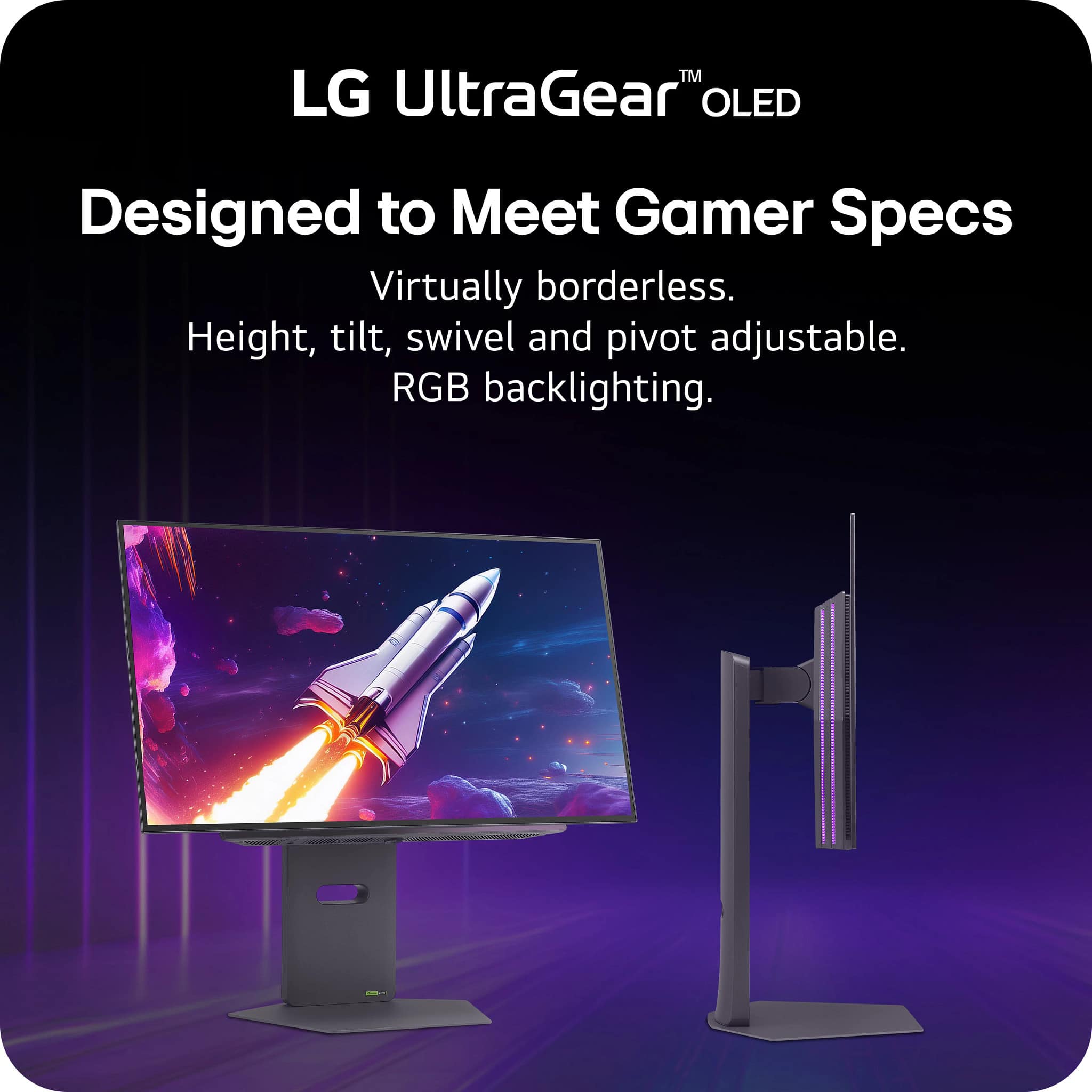
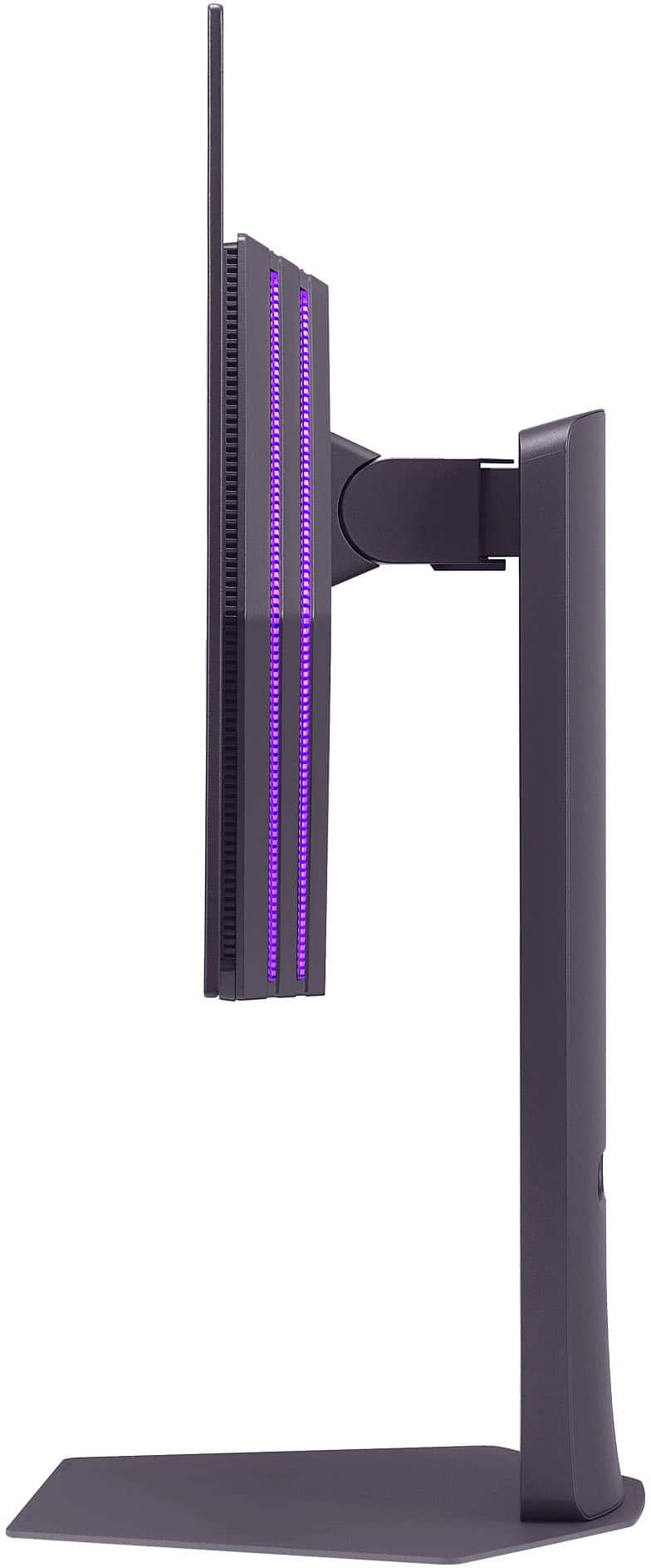
||Posted . Owned for less than 1 week when reviewed.This reviewer received promo considerations or sweepstakes entry for writing a review.It’s great I love it the only con is that the monitor stand IS SO BIG AND TAKES UP ALOT OF SPACE
I would recommend this to a friendExcellent matte screen
||Posted . Owned for less than 1 week when reviewed.This reviewer received promo considerations or sweepstakes entry for writing a review.Great screen with fast response time and decent motion clarity. It does have a matte finish so the text is a little fuzzy.
I would recommend this to a friendGreat
||Posted . Owned for 2 weeks when reviewed.This reviewer received promo considerations or sweepstakes entry for writing a review.This monutor is awesome definitely recommend getting it
I would recommend this to a friendNot enough Nits (brightness)
||Posted . Owned for 1 week when reviewed.This reviewer received promo considerations or sweepstakes entry for writing a review.Amazing monitor. Great with the competitive shooters. Just Not bright enough. The anti reflective does affect the color.
I would recommend this to a friendBest Gaming Monitor
||Posted . Owned for 3 weeks when reviewed.This reviewer received promo considerations or sweepstakes entry for writing a review.Top Quality Monitor! My games never been so smooth
I would recommend this to a friendGreat Monitor
||Posted . Owned for 1 week when reviewed.This reviewer received promo considerations or sweepstakes entry for writing a review.Received this monitor recently. I have no complaints and would recommend.
I would recommend this to a friendGreat Monitor But Be Aware of VRR Flicker
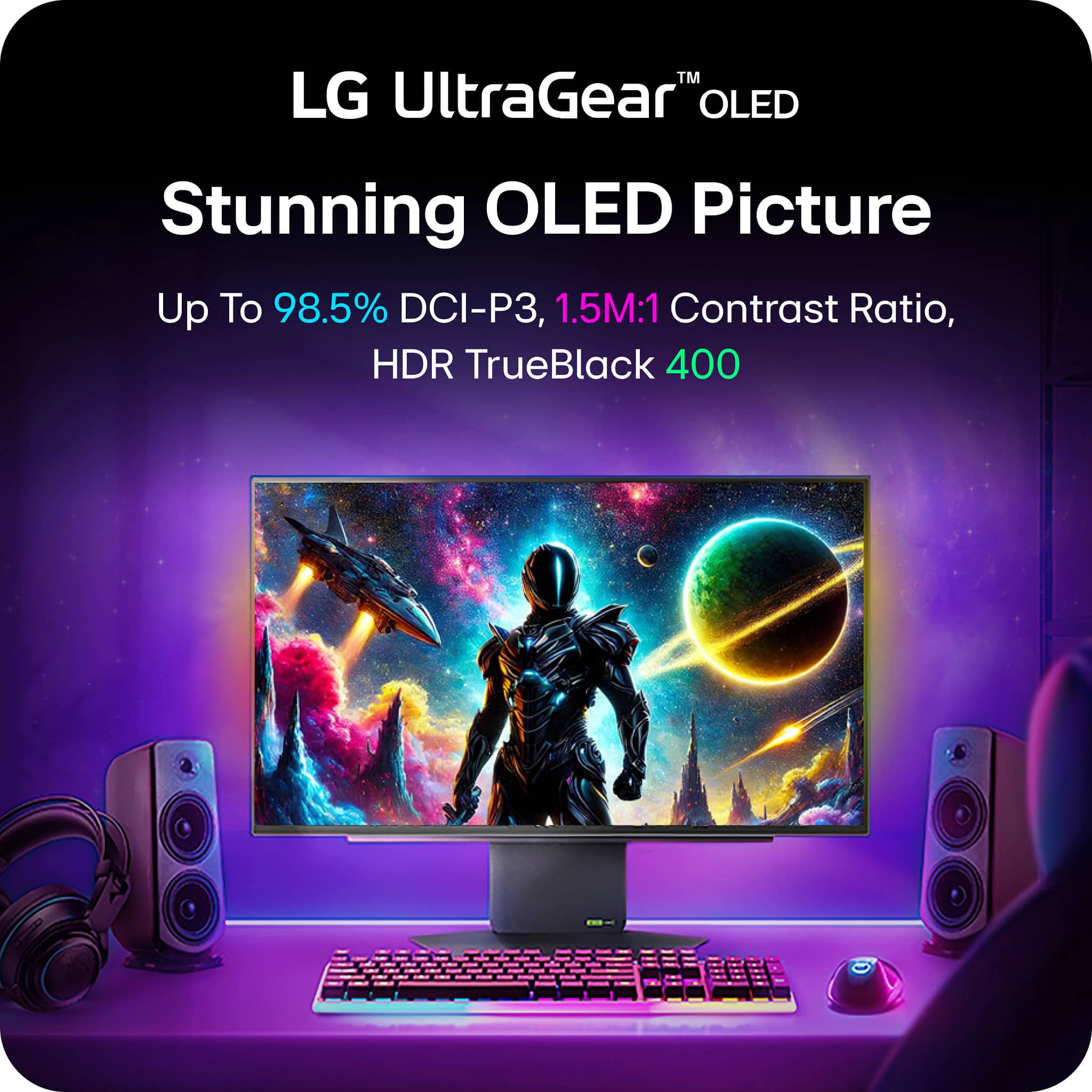
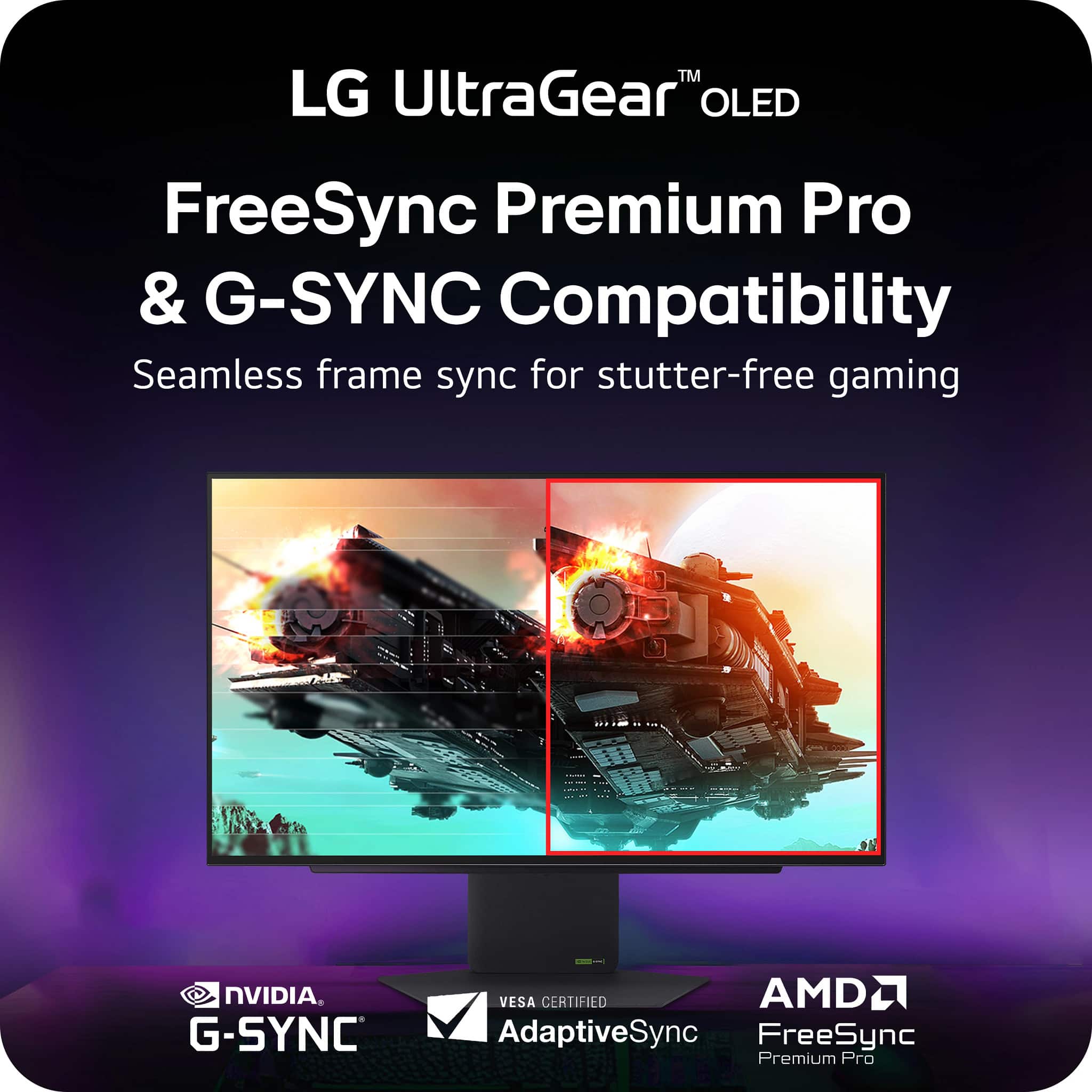
||Posted . Owned for 1 week when reviewed.This reviewer received promo considerations or sweepstakes entry for writing a review.Substantial amount of VRR flicker, including outside of menus. Disabling VRR I see no screen tearing. Beautiful screen and worth looking at if you want to get into OLED.
I would recommend this to a friendReview
||Posted . Owned for 1 week when reviewed.This reviewer received promo considerations or sweepstakes entry for writing a review.Really great monitor, insanely crisp quality and love it!
I would recommend this to a friendGreat Monitor!
||Posted . Owned for 1 week when reviewed.This reviewer received promo considerations or sweepstakes entry for writing a review.The OLED panel really makes the colors pop. Smooth gameplay.
I would recommend this to a friendIt’s alright
||Posted . Owned for 3 months when reviewed.This reviewer received promo considerations or sweepstakes entry for writing a review.Works pretty well and feels smooth only complain is the colors and brightness out of the box. Requires a lot of tuning to get it to your liking. I would probably go with a different one next time.
No, I would not recommend this to a friendBrand response from LG Digital Customer Care
Posted .Hi there, TevinV. Thank you for sharing your experience with the LG - UltraGear 27" OLED QHD 480Hz Gaming Monitor. We understand your inquiry regarding the out-of-the-box color and brightness settings. We are pleased to hear that you find the performance smooth. Your feedback is important, and we would like to assist you in optimizing your display settings to ensure you have the best viewing experience.
https://www.bestbuy.com/product/lg-ultragear-27-oled-qhd-480hz-0-03ms-nvidia-g-sync-amd-freesync-premium-pro-gaming-monitor-hdmi-x2-displayport-usb-black/JJ8VPZTF8C
For further assistance and any specific concerns you may have, please contact us on [email protected]. We appreciate your patience. —Renzo
Some big issues but a great monitor
||Posted . Owned for 1 month when reviewed.This reviewer received promo considerations or sweepstakes entry for writing a review.Really bad screen flickering but the oled looks beautiful and is grest for high quality fast paced gaming
No, I would not recommend this to a friendBrand response from LG Digital Customer Care
Posted .Hi there, Drew. Thank you for sharing your experience with the LG - UltraGear 27" OLED QHD 480Hz Gaming Monitor. We understand your inquiry regarding the screen flickering you are experiencing while gaming. We are happy to hear you find the OLED display beautiful and great for high-quality, fast-paced gaming.
To assist with the flickering, we recommend checking your monitor's settings and ensuring that the "Adaptive-Sync" or "VRR" feature is toggled to "Basic" instead of "Extended," as this can often stabilize the refresh rate. We would like to look into this further with you to ensure your monitor provides the smooth performance you expect.
https://www.bestbuy.com/product/lg-ultragear-27-oled-qhd-480hz-0-03ms-nvidia-g-sync-amd-freesync-premium-pro-gaming-monitor-hdmi-x2-displayport-usb-black/JJ8VPZTF8C
For further assistance and any specific concerns you may have, please contact us on [email protected]. We appreciate your patience. —Renzo
Sucks
||Posted . Owned for 3 weeks when reviewed.This reviewer received promo considerations or sweepstakes entry for writing a review.This thing looked absolutely horrible. Probably the worst looking display I have used tbh. The matte coating that is on it just ruined the image, everything look like it was super out of focus. Especially when watching any type of content.
No, I would not recommend this to a friendBrand response from LG Digital Customer Care
Posted .Hi Noah, thanks for sharing your thoughts on the LG UltraGear 27" OLED Gaming Monitor. It’s clear you were expecting a sharp and vibrant viewing experience, and we appreciate you taking the time to describe what you noticed.
A few quick checks may help improve clarity on the screen. Make sure the monitor is set to its native resolution and refresh rate through your graphics settings. Confirm that your HDMI or DisplayPort cable is securely connected and supports the monitor’s full performance. You can also try switching picture modes on the monitor to see which one gives you the clearest result.
For additional guidance, this LG article walks through helpful steps for improving screen clarity and sharpness:
https://www.lg.com/us/support/help-library/lg-monitor-screen-what-should-i-do-when-the-screen-is-not-clear-enough--20154629827232
For quick reference, here’s the product page you reviewed:
https://www.bestbuy.com/product/lg-ultragear-27-oled-qhd-480hz-0-03ms-nvidia-g-sync-amd-freesync-premium-pro-gaming-monitor-hdmi-x2-displayport-usb-black/JJ8VPZTF8C
If you’d like personalized assistance, feel free to email us at [email protected] with your model number and any details you’d like us to review.
^Rich