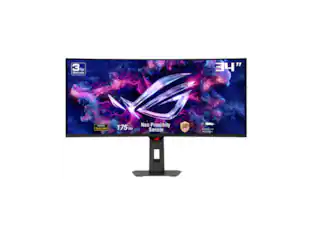
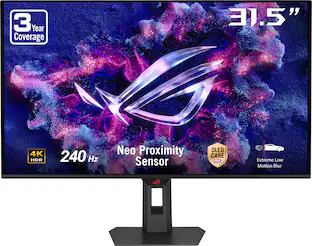
ASUS - ROG Strix 27" 4K OLED 240Hz 0.03ms Gaming Monitor with FreeSync Premium Pro and HDR (DisplayPort, HDMI) - Black
Customers are saying
Customers commend the product for its vivid color quality, smooth refresh rate, and sharp 4K resolution. While the design is also well-received for its convenience, some users noted that the proximity sensor can occasionally trigger falsely. Additionally, a few customers expressed a desire for integrated speakers and felt that the HDR performance could be improved.
Screen Size
27"Highlights
4K Resolution
26.5-inch 4K (3840 x 2160) QD-OLED gaming monitor with 240Hz refresh rate and 0.03ms response time
Latest 4th-gen QD-OLED Technology
Delivers sharper imagery and crystal-clear text, a longer lifespan over previous-gen OLEDs
ASUS OLED Care+
New ASUS OLED Care Pro functions with Neo Proximity Sensor that precisely detects when the user is away, switching to a black screen to reduce the risk of burn-in
OLED Anti-Flicker 2.0 Technology
Includes a new luminance compensation algorithm that reduces flicker by 20% compared to previous-gen panels, ensuring comfortable viewing
VESA DisplayHDR
400 True Black compliance, 99% DCI-P3 gamut, true 10-bit color, and Delta E < 2 color difference for astonishing HDR performance, making it perfect for photo and video editing
Exclusive ASUS DisplayWidget Center
Application allows users to easily access OLED Care Pro functions and adjust monitor settings using a mouse
Extensive Connectivity
Includes DisplayPort 1.4, HDMI 2.1, USB-C (DP Alt mode+ 90W PD), USB hub and earphone jack
- Refresh Rate240HzMaximum Resolution3840 x 2160Response Time0.03 millisecondsSynchronization TechnologyFreeSync Premium Pro (AMD Adaptive Sync), G-SYNC Compatible (NVIDIA Adaptive Sync)Screen Size27 inches
Reviews
Rating 4.9 out of 5 stars with 261 reviews
- Color Quality (115)
- Refresh Rate (34)
- Resolution (11)
- Design (8)
- Proximity Sensor (5)
- HDR Performance (3)
- Speakers (3)
Customer Images
The vast majority of our reviews come from verified purchases. Reviews from customers may include My Best Buy members, employees, and Tech Insider Network members (as tagged). Select reviewers may receive discounted products, promotional considerations or entries into drawings for honest, helpful reviews.
Compare similar products

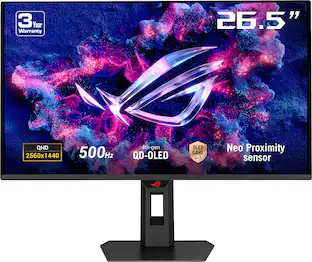
The ROG Strix OLED XG27UCDMG is a 27-inch, 240Hz 4K gaming monitor that boasts the latest fourth-generation QD-OLED technology to deliver supersharp visuals and crisp text. The cutting-edge QD-OLED panel offers greater longevity compared to previous OLED technologies and minimal flicker―even when frame rates fluctuate. With the addition of the Neo Proximity Sensor in the new ROG OLED Care Pro suite, the monitor transitions to a black screen when no user is detected, guarding against burn-in.
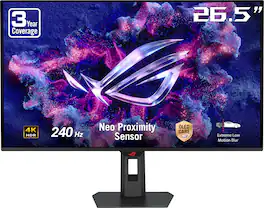
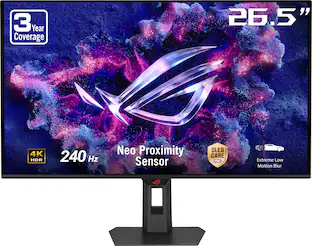
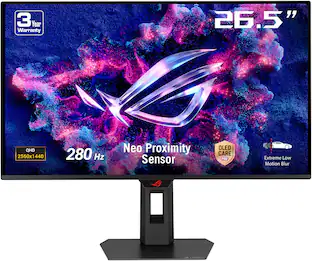
ROG Strix OLED XG27UQDMS packs elite performance into a compact 26.5‑inch QD‑OLED display, combining crisp 4K resolution with a 240Hz refresh rate and ultra‑fast 0.03ms response. With vivid HDR, deep blacks, and precise color accuracy, it’s built for competitive gaming and immersive visuals.
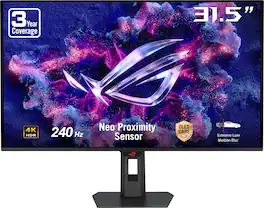
ROG Strix OLED XG32UQDMS delivers immersive 4K gaming on a 31.5‑inch QD‑OLED panel with a blazing‑fast 240Hz refresh rate and 0.03ms response time. Featuring vivid HDR, deep contrast, and pro‑grade color accuracy, it’s built for competitive performance and stunning visual realism.
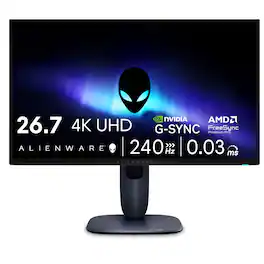
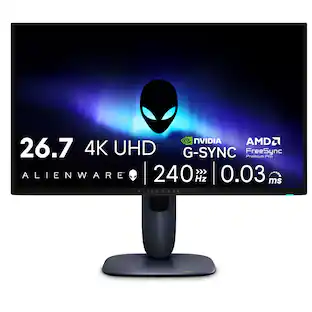
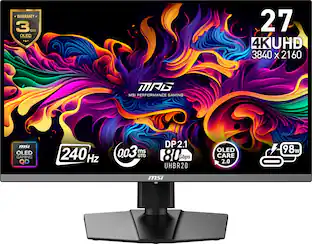
Meet our first 27" 4K QD-OLED Gaming Monitor. Experience ultimate visual fidelity and peak QD-OLED performance in a sleek 27" panel. Immerse yourself in new worlds with the world's highest pixel density in a QD-OLED monitor at 166 PPI* with 4K resolution, incredible color accuracy and Dolby Vision HDR.
| Pros for ASUS - ROG Strix 27" 4K OLED 240Hz 0.03ms Gaming Monitor with FreeSync Premium Pro and HDR (DisplayPort, HDMI) - Black | |||
|---|---|---|---|
| Color Quality, Refresh Rate, Resolution, Design | OLED Quality, Overall Performance | Color Quality, Refresh Rate, Resolution, Performance, HDR Performance | Color Quality, Refresh Rate, Resolution, Design |
| Cons for ASUS - ROG Strix 27" 4K OLED 240Hz 0.03ms Gaming Monitor with FreeSync Premium Pro and HDR (DisplayPort, HDMI) - Black | |||
| Proximity Sensor, HDR Performance, Speakers | There were no cons for this product— | Connectivity | Connectivity |
Specs
Will this monitor do 4k at 240 Hz?
Answered by ASUS AnswersThe ASUS XG27UCDMG does support 4K resolution at 240 Hz, making it ideal for gaming and incredible visuals.

Is this monitor G-SYNC compatible?
Yes, it is G-SYNC Compatible (NVIDIA Adaptive Sync).
This question and answer was generated by AI based on customer and product data.What is the response time of this monitor?
The response time is 0.03 milliseconds.
This question and answer was generated by AI based on customer and product data.What type of OLED technology does this monitor use?
This monitor uses QD-OLED technology.
This question and answer was generated by AI based on customer and product data.What is the refresh rate of this monitor?
The refresh rate is 240Hz.
This question and answer was generated by AI based on customer and product data.
Customers often buy these together
Monitor and Video Cables



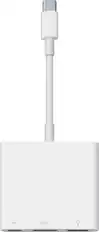
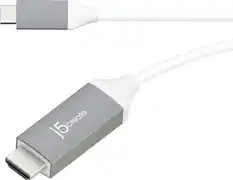
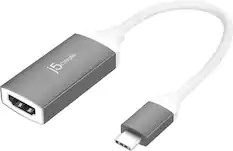

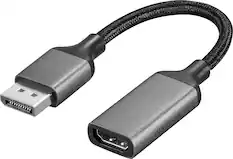
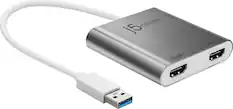
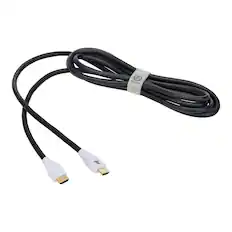
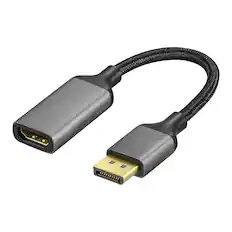
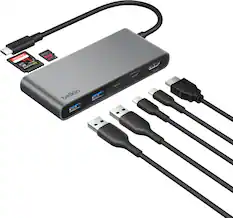
Customers ultimately bought
 Top Deal$799.99The price was $999.99
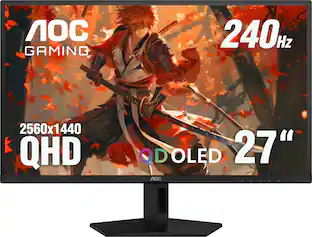 Top Deal$329.99The price was $499.99
 $1,079.99The price was $1,399.99
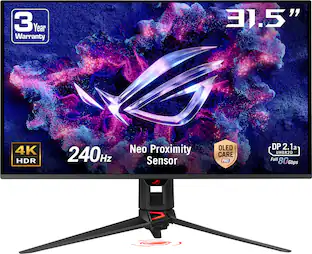 $1,035.99The price was $1,299.99
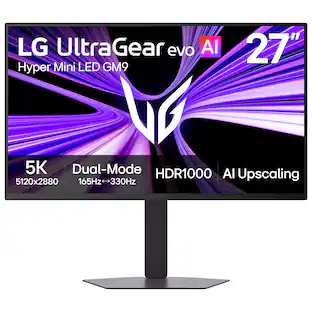 Top Deal$899.99The price was $1,199.99
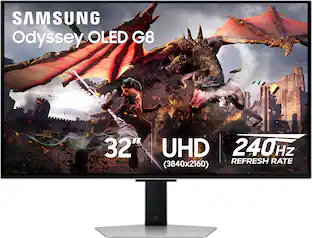 $899.99The price was $1,299.99
 $699.99The price was $1,299.99

Explore tech essentials Sponsored
 $1,274.99The price was $1,424.99
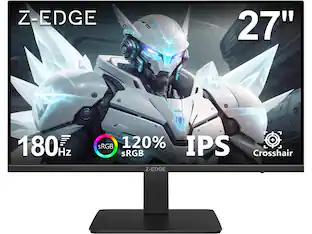 $109.99The price was $129.99
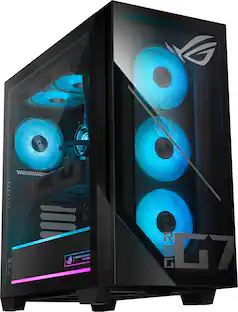
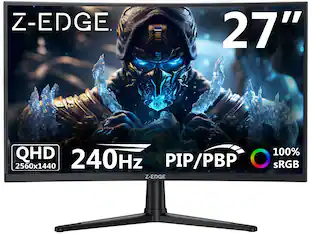

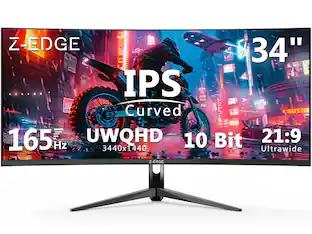


Discover related products
 $49.99The price was $69.99
 $39.99The price was $53.99
 $799.00The price was $899.00







Keep exploring
 $956.86The price was $979.32
 $528.49The price was $539.99
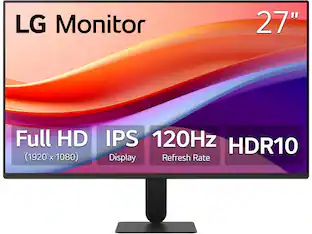 $120.99The price was $129.99
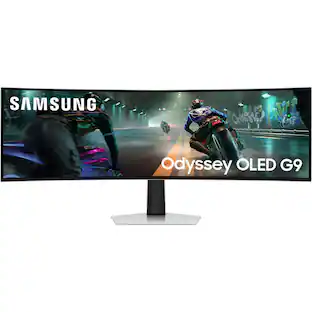 $899.99The price was $1,299.99
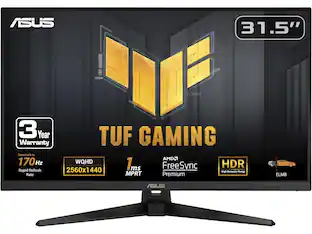 $221.49The price was $259.49
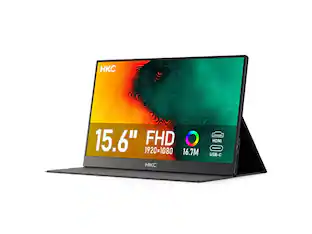 $75.59The price was $88.55
 $197.99The price was $199.99