Customer Ratings & Reviews

- Model:
- 32GQ950-B
- SKU:
- 6506324
Rating by feature
- Display Quality
Rating 4.6 out of 5 stars
- Ease of Use
Rating 4.6 out of 5 stars
- Features
Rating 4.5 out of 5 stars
Customers are saying
Customers have good things to say about the UltraGear monitor's large screen size, smooth refresh rate, and sharp 4K resolution, resulting in an excellent viewing experience for gaming and other uses. Many appreciate the impressive HDR capabilities, although some find the HDR performance somewhat underwhelming. A significant drawback mentioned by several customers is the monitor's substantial weight.
This summary was generated by AI based on customer reviews.
Great monitor!
||Posted . Owned for 3 weeks when reviewed.This reviewer received promo considerations or sweepstakes entry for writing a review.It took me a while to figured it out the best set up to play with. But the monitor is great, easy to assemble and great quality.
I would recommend this to a friendOk for what it is
||Posted . Owned for 2 months when reviewed.This reviewer received promo considerations or sweepstakes entry for writing a review.It had a little spot on the screen that isn’t pixelated but besides that it works!
No, I would not recommend this to a friendHousewife
||Posted . Owned for 5 months when reviewed.This reviewer received promo considerations or sweepstakes entry for writing a review.Awesome Display , works better than we hoped. Color is crystal clear. LG has a hit.
I would recommend this to a friend4k really is better....
||Posted . Owned for 3 weeks when reviewed.This reviewer received promo considerations or sweepstakes entry for writing a review.Great monitor. Did not think i would notice that much of a difference going from 2k to 4k....Holy crap!
I would recommend this to a friendNew monitor
||Posted . Owned for 11 months when reviewed.This reviewer received promo considerations or sweepstakes entry for writing a review.Awesome screen, recommended for next gen gaming. Love playing on it and working on it.
I would recommend this to a friendGreat
||Posted . Owned for 6 months when reviewed.This reviewer received promo considerations or sweepstakes entry for writing a review.Pretty good display. Value for money. Overall great
I would recommend this to a friendQuality
||Posted . Owned for 5 months when reviewed.This reviewer received promo considerations or sweepstakes entry for writing a review.Nice monitör for ps5 and pc system deep black color
I would recommend this to a friendNot worth the price of $1299.99.
||Posted . Owned for 2 months when reviewed.This reviewer received promo considerations or sweepstakes entry for writing a review.Overall a great monitor! Not worth the price of $1299.99. Wait for a sale.
I would recommend this to a friendGreat value. Perfect second monitor
||Posted . Owned for 6 months when reviewed.This reviewer received promo considerations or sweepstakes entry for writing a review.Great gaming monitor. No color issues or blurring. Stoked.
I would recommend this to a friendPerfect
||Posted . Owned for less than 1 week when reviewed.This reviewer received promo considerations or sweepstakes entry for writing a review.All god for quality. Great picture. Gets a little weird when 160 frames is activated. Heats up pretty fast and often.
I would recommend this to a friendGood monitor
||Posted . Owned for 3 weeks when reviewed.This reviewer received promo considerations or sweepstakes entry for writing a review.Just a tad overpriced. Had everything I was looking for and works well
I would recommend this to a friendLg ultragear
||Posted . Owned for 1 year when reviewed.This reviewer received promo considerations or sweepstakes entry for writing a review.Excelent buy, the product arrived in perfect condition and quickly
I would recommend this to a friendBetter monitors out there
||Posted . Owned for 1 year when reviewed.This reviewer received promo considerations or sweepstakes entry for writing a review.It’s a good monitor visually but had problems with ghosting while playing some games like hogwarts legacy and nba 2k. With the new oled monitors coming out, it’s hard to not go that route due to the perfect blacks and performance.
No, I would not recommend this to a friend- Pros mentioned:Hdr, Refresh rate, Resolution

Picture is stunning and tasty candy for your eyes
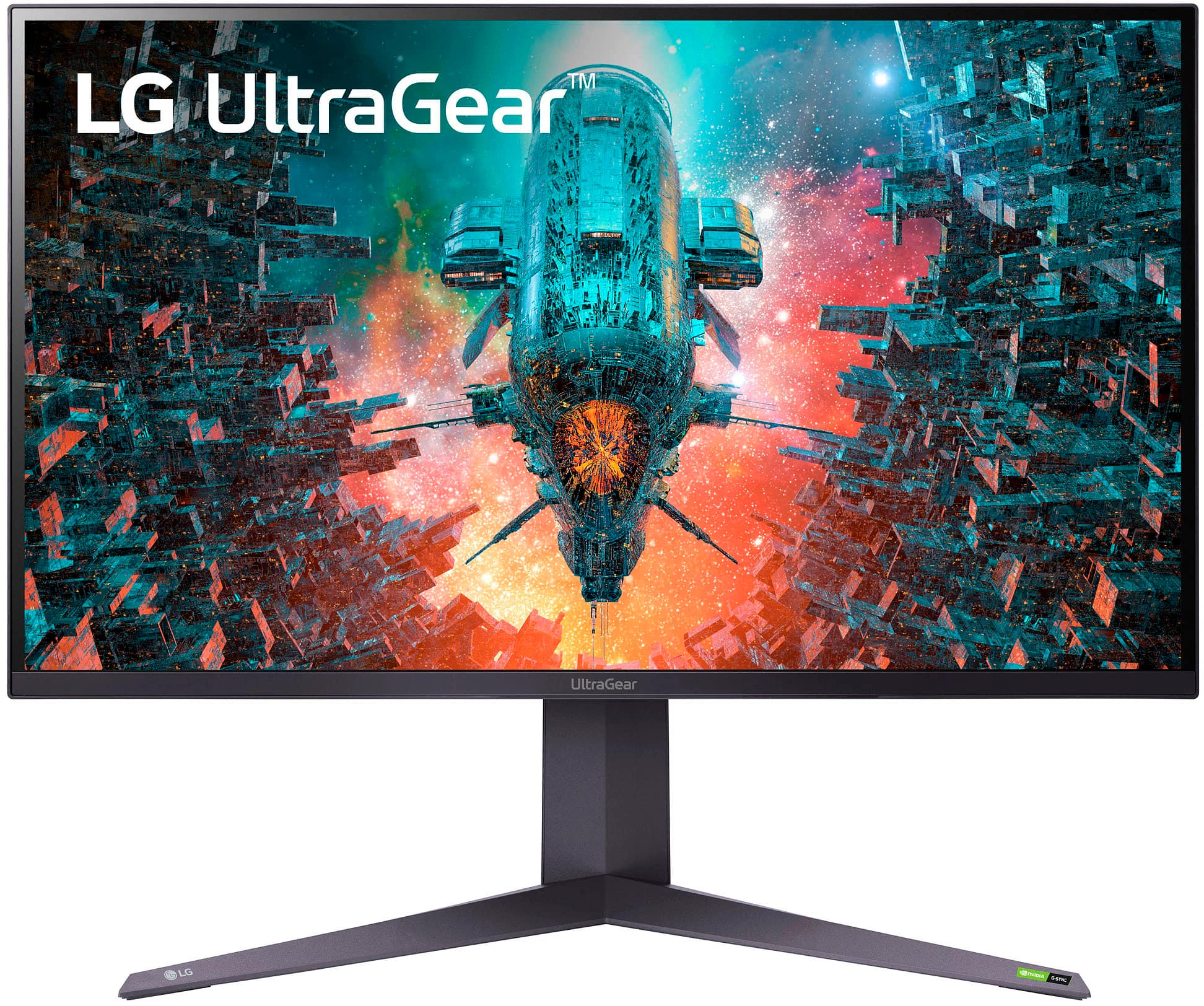
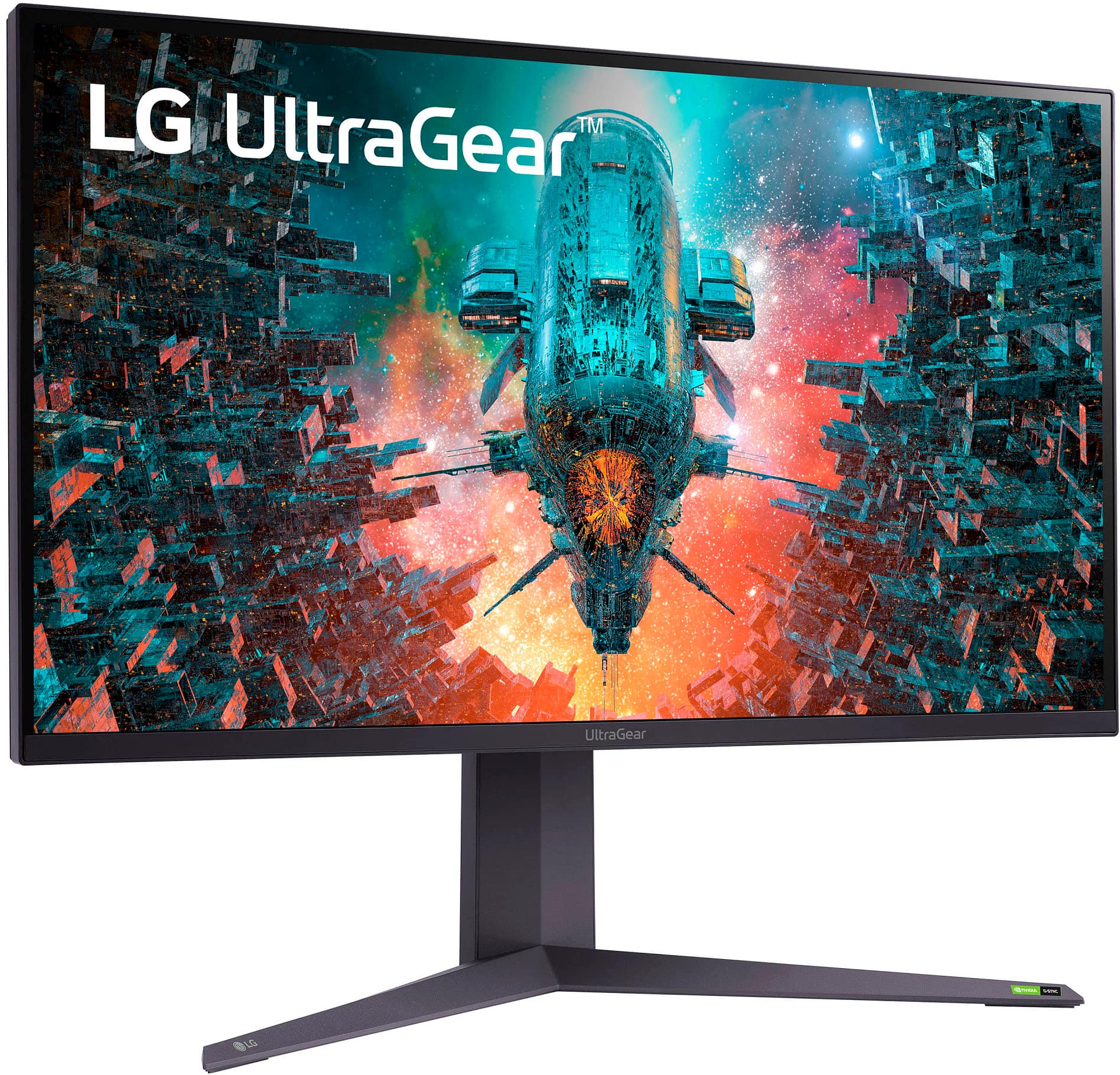
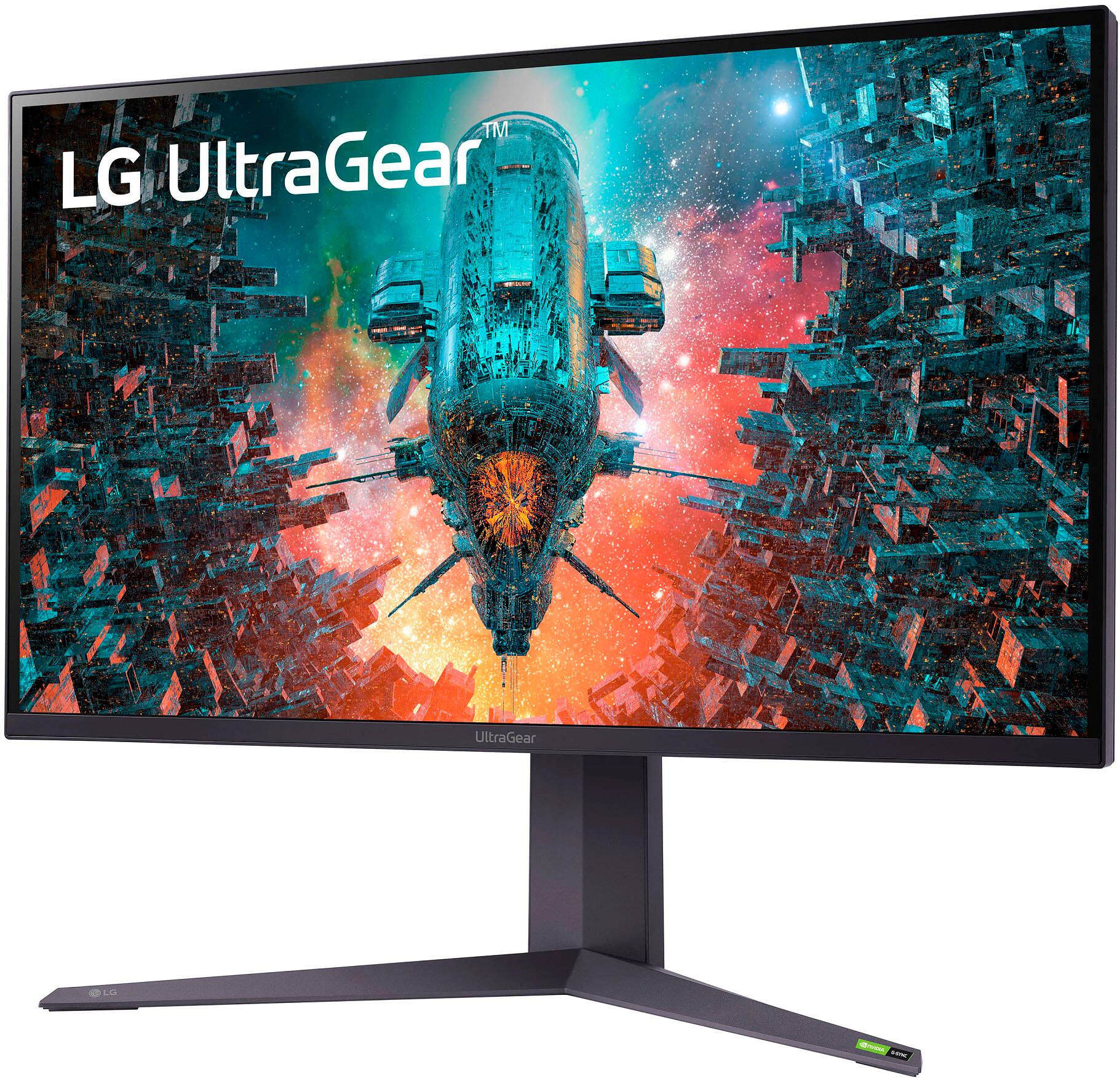
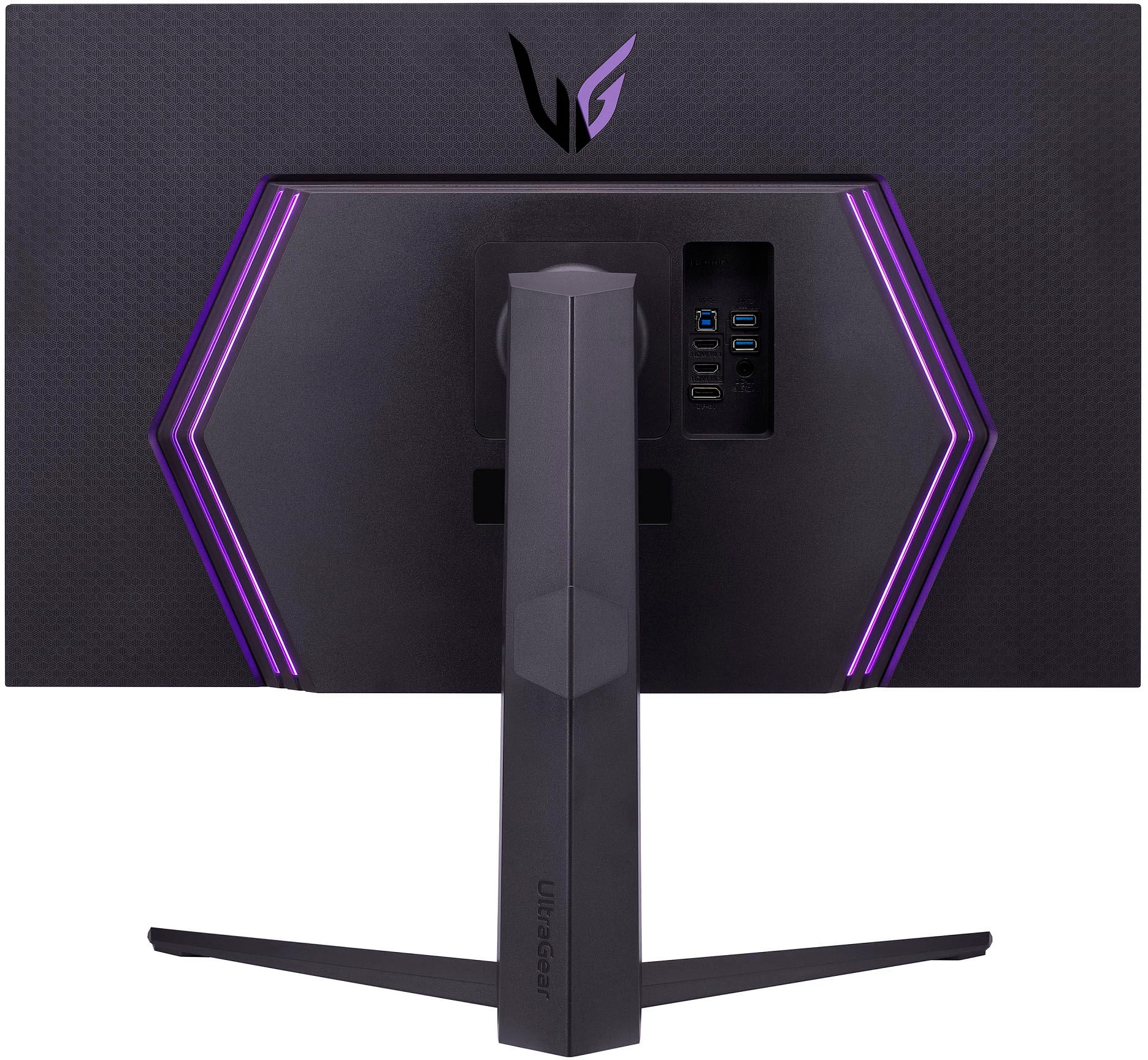
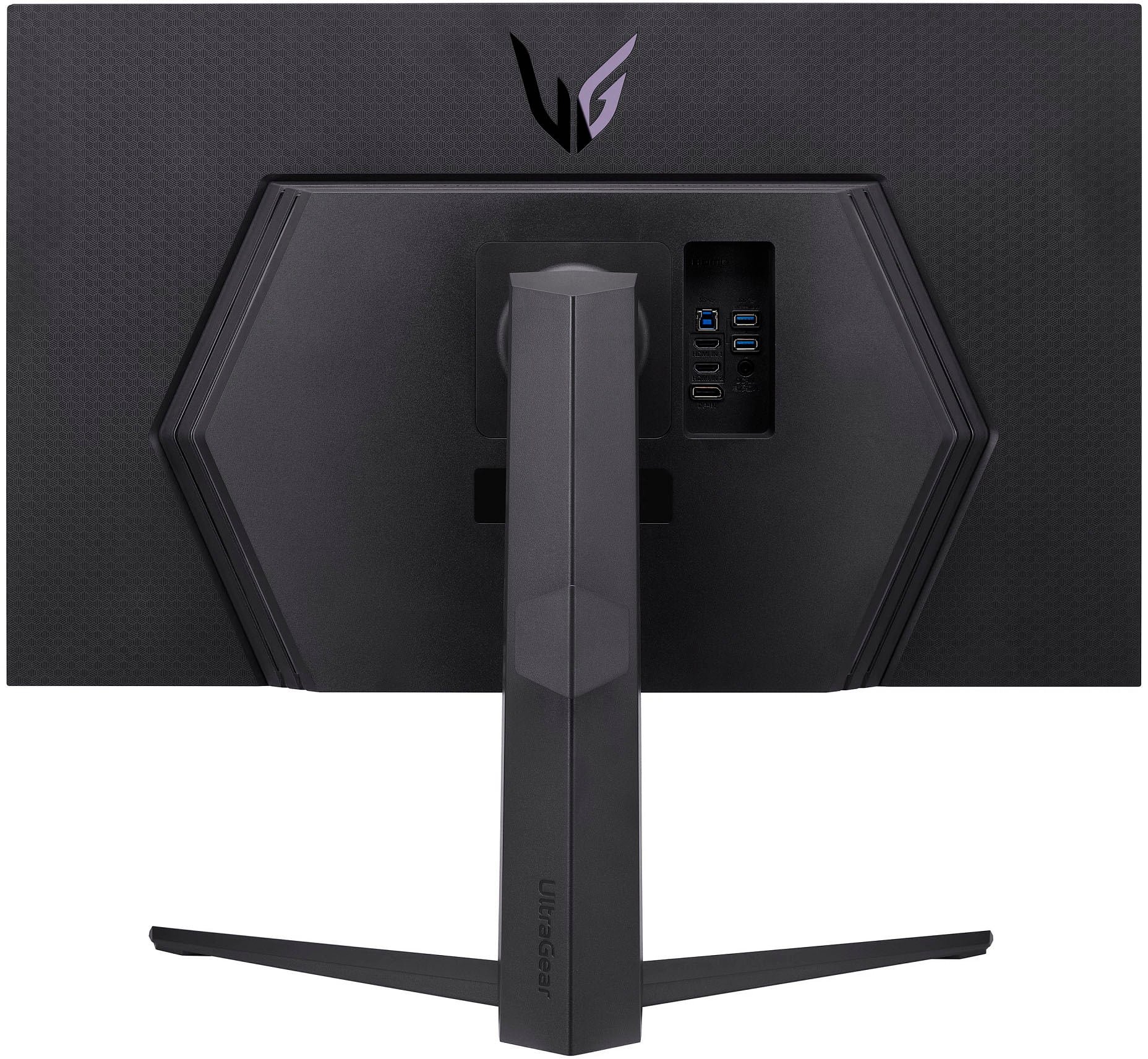
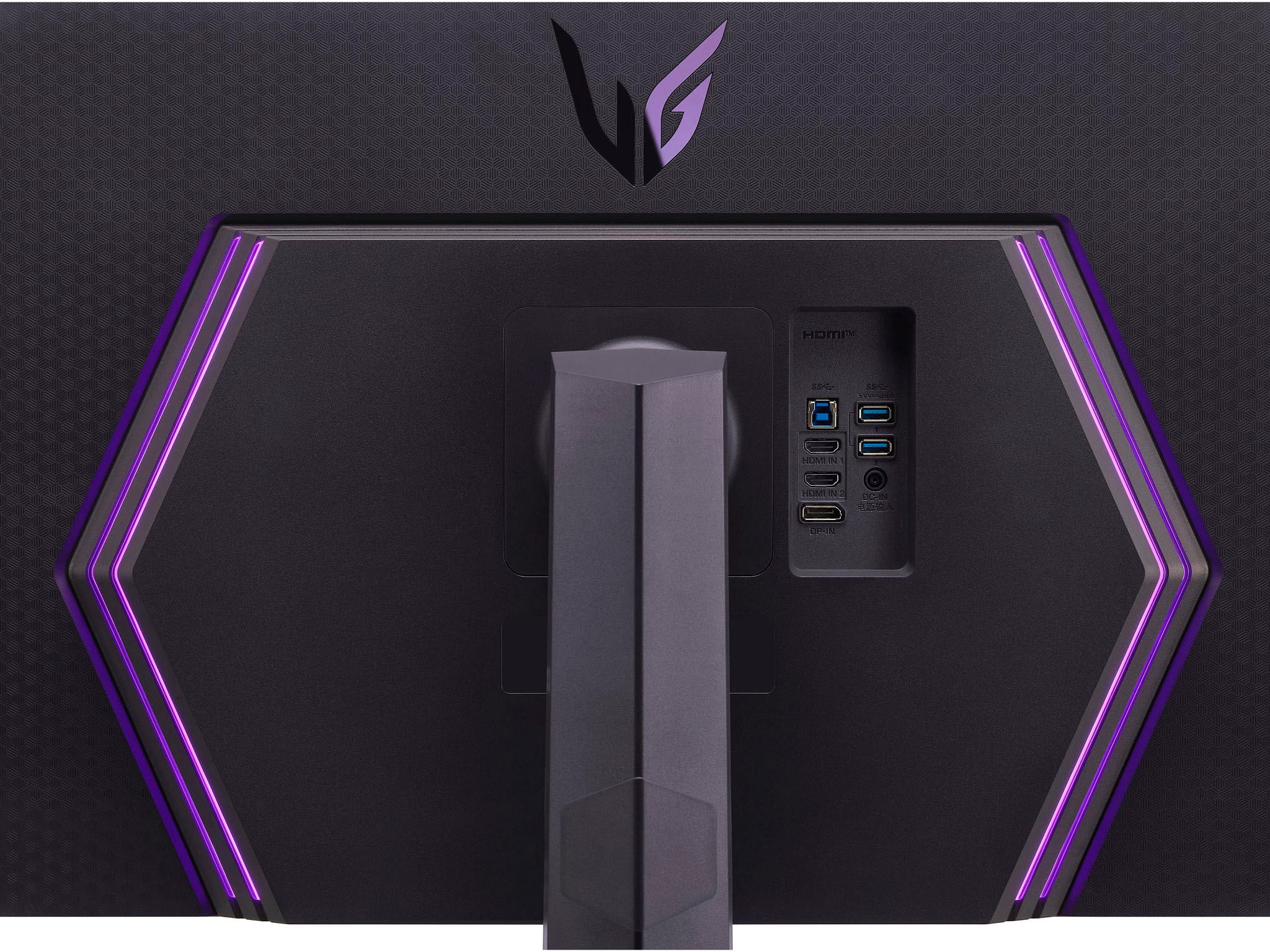
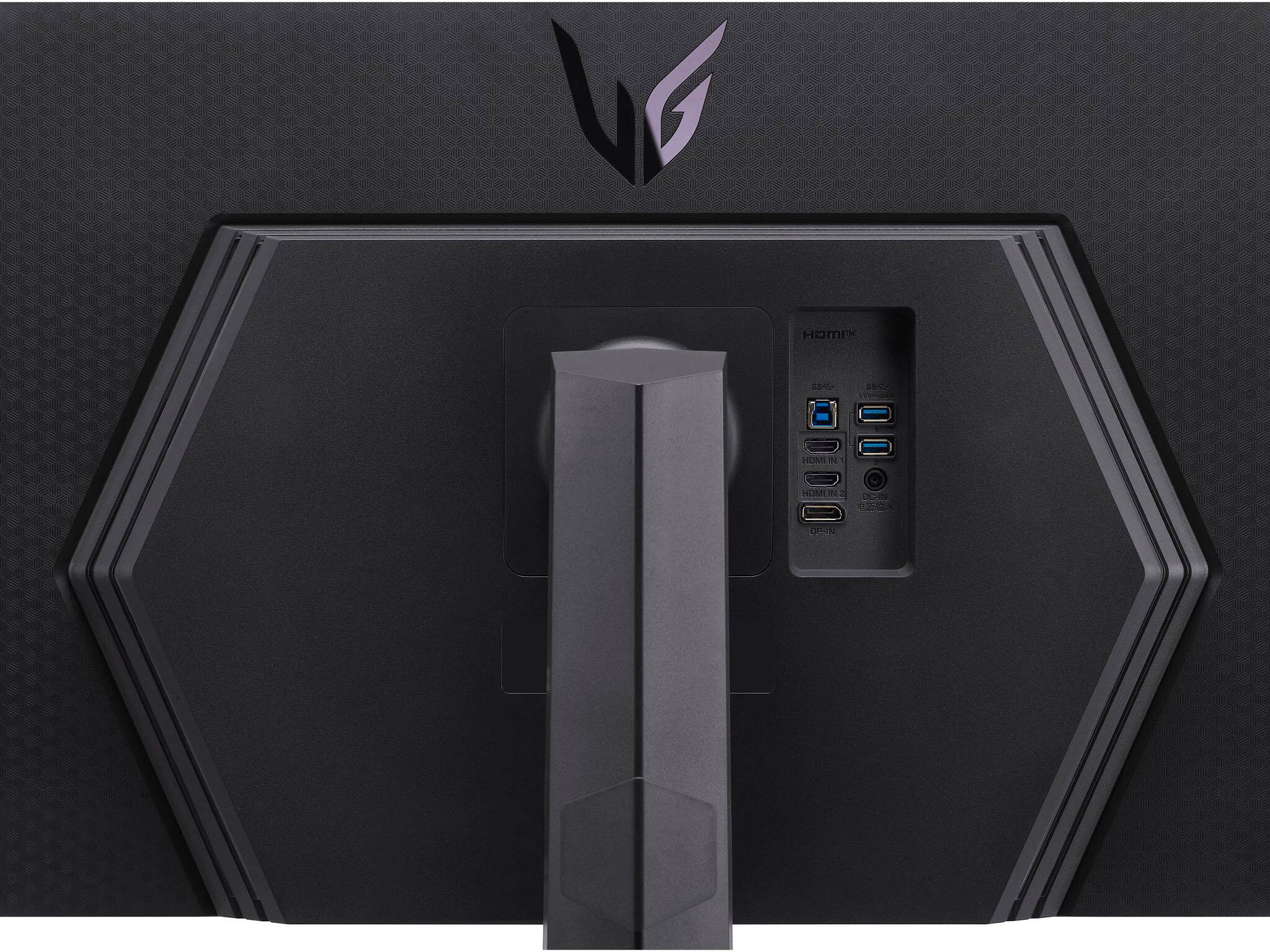
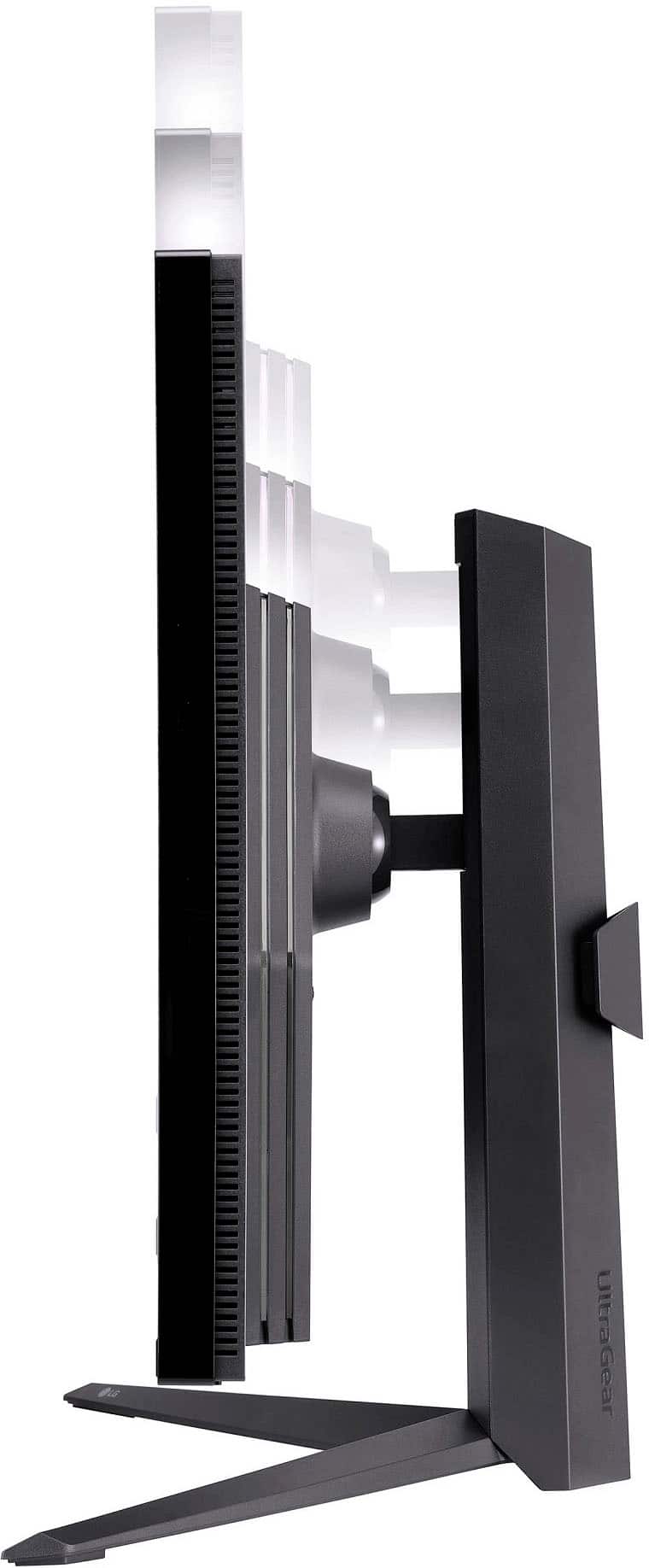
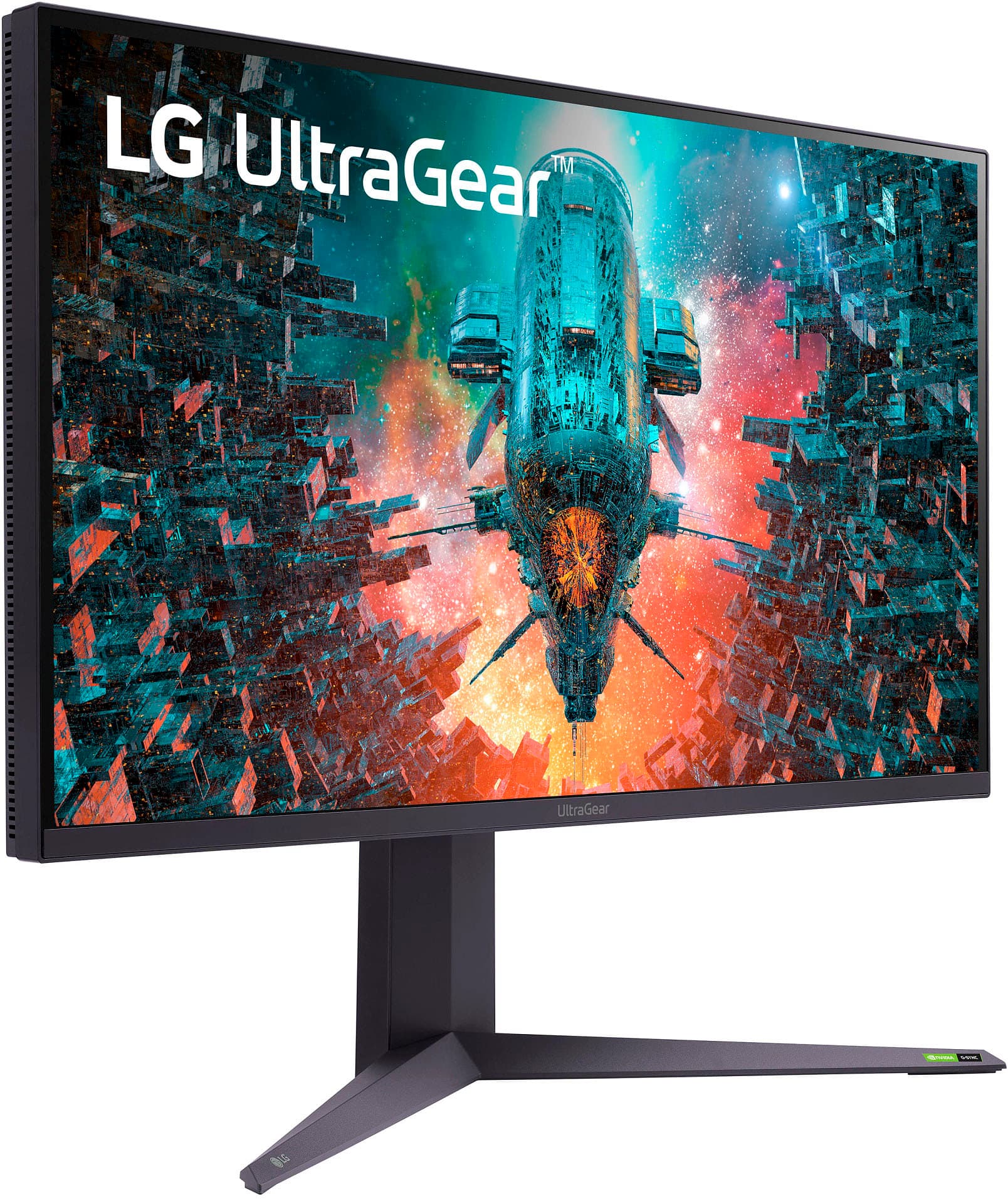
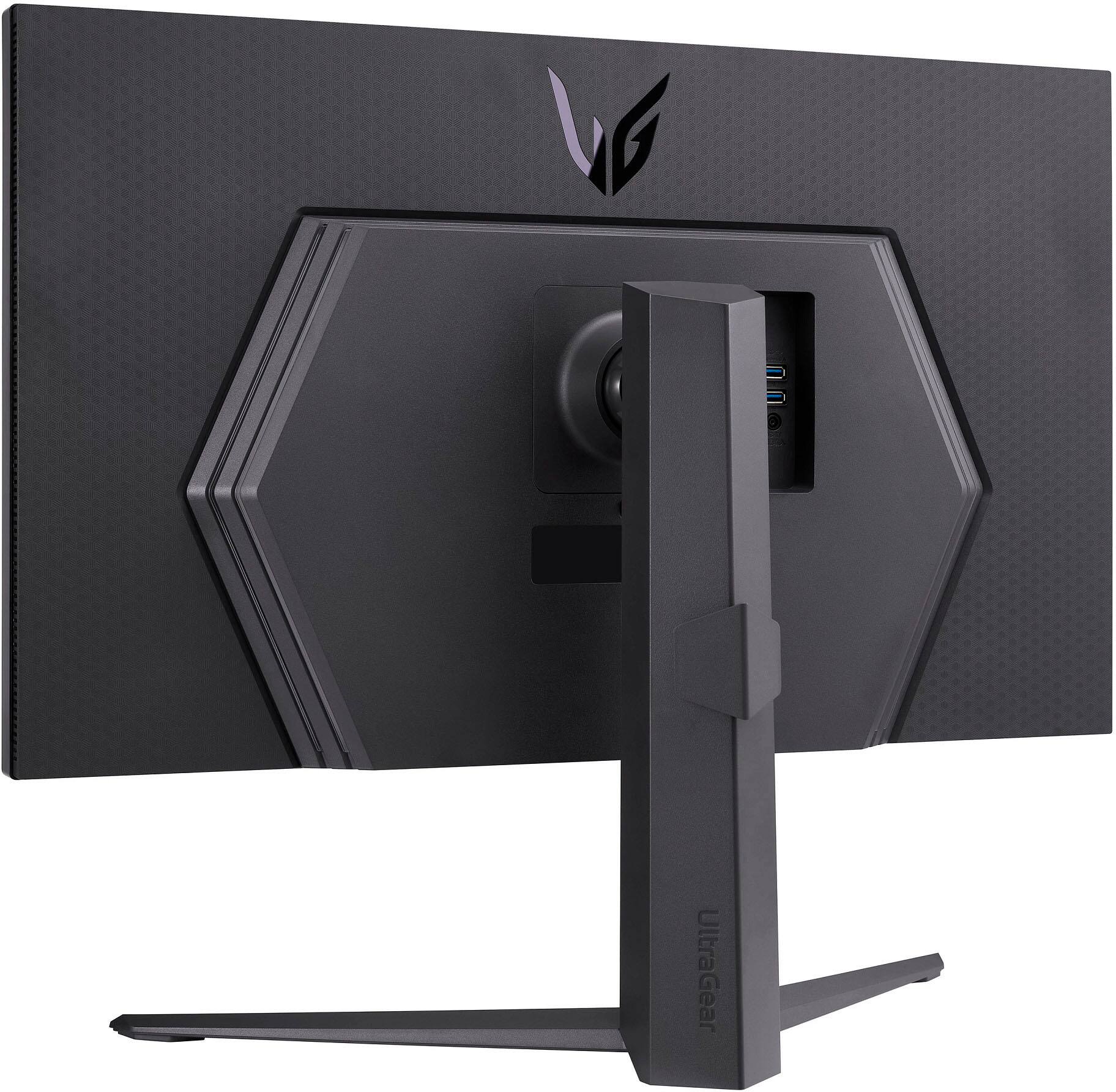
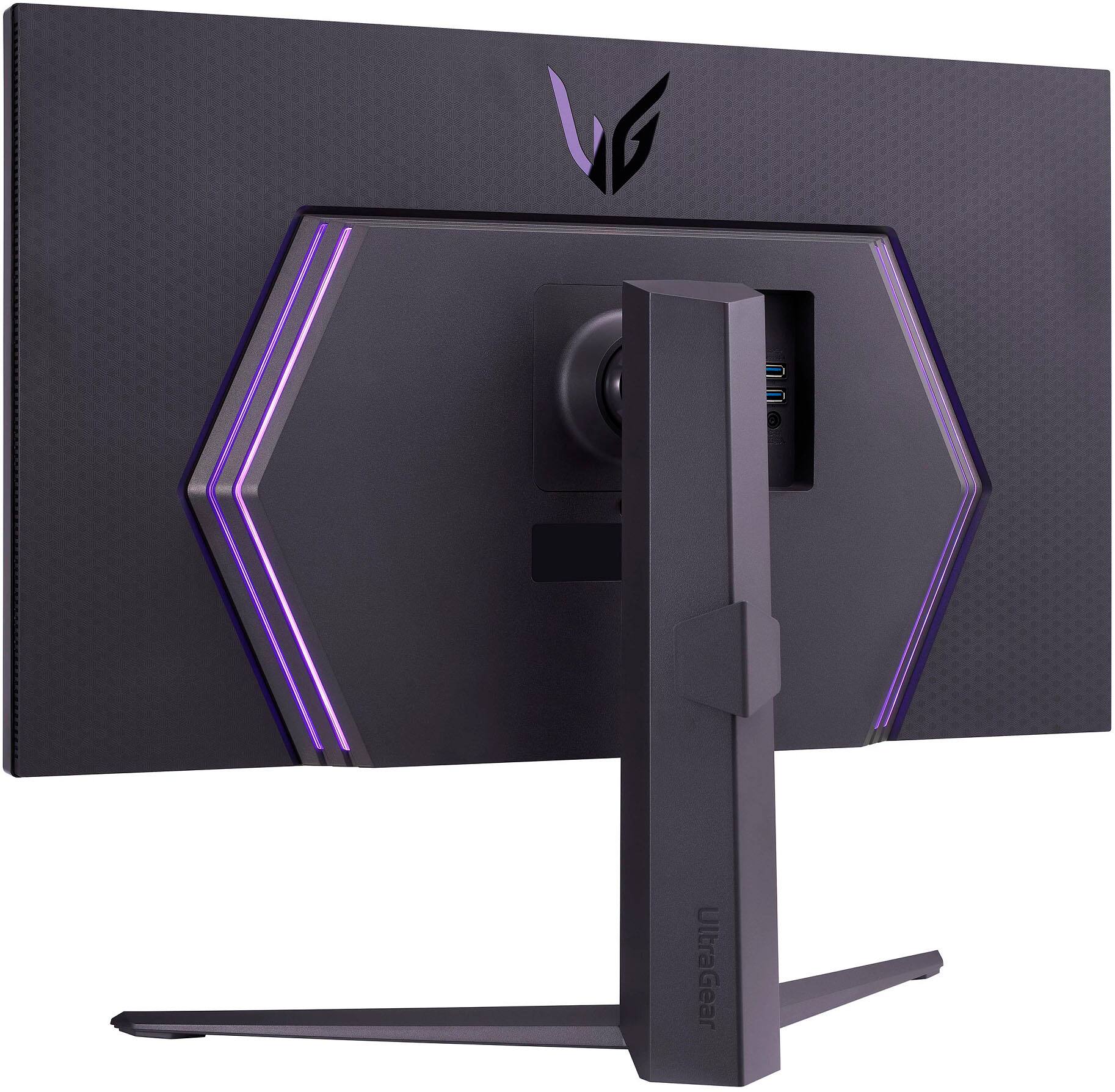
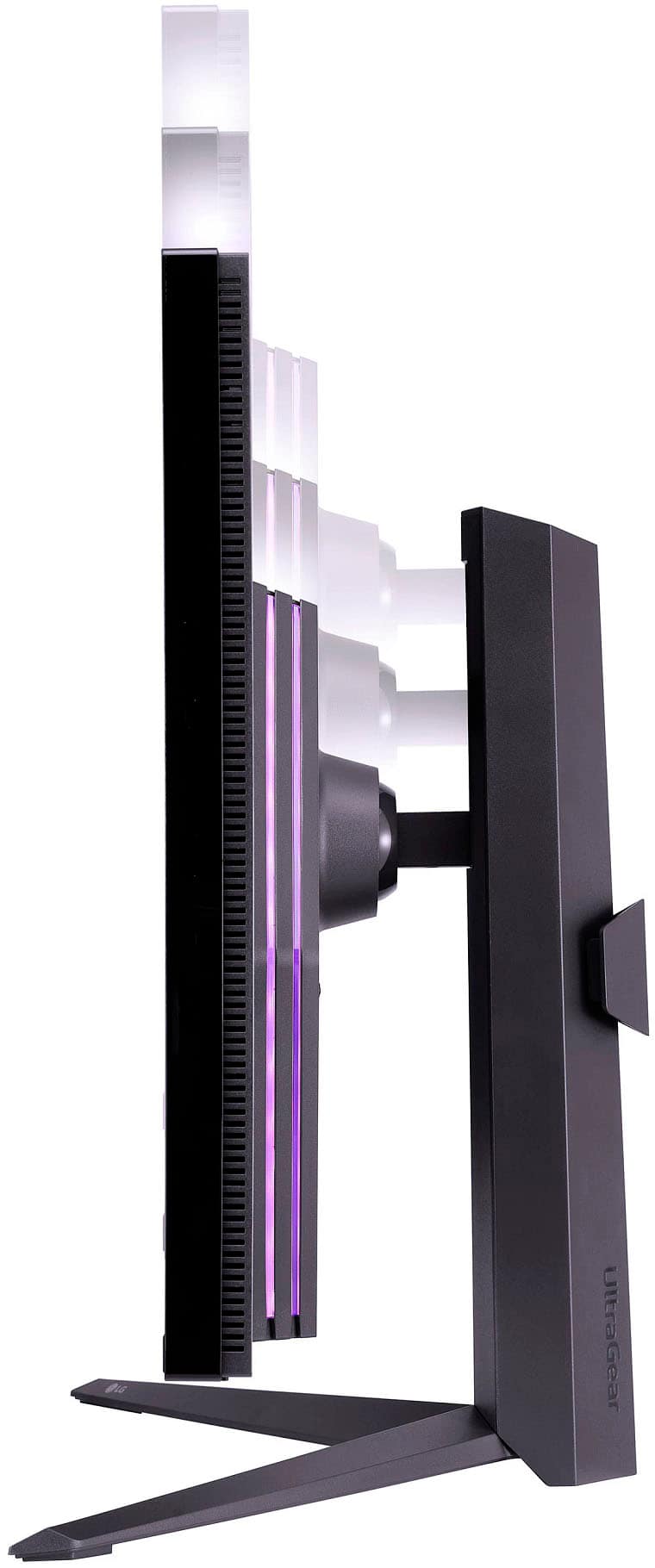
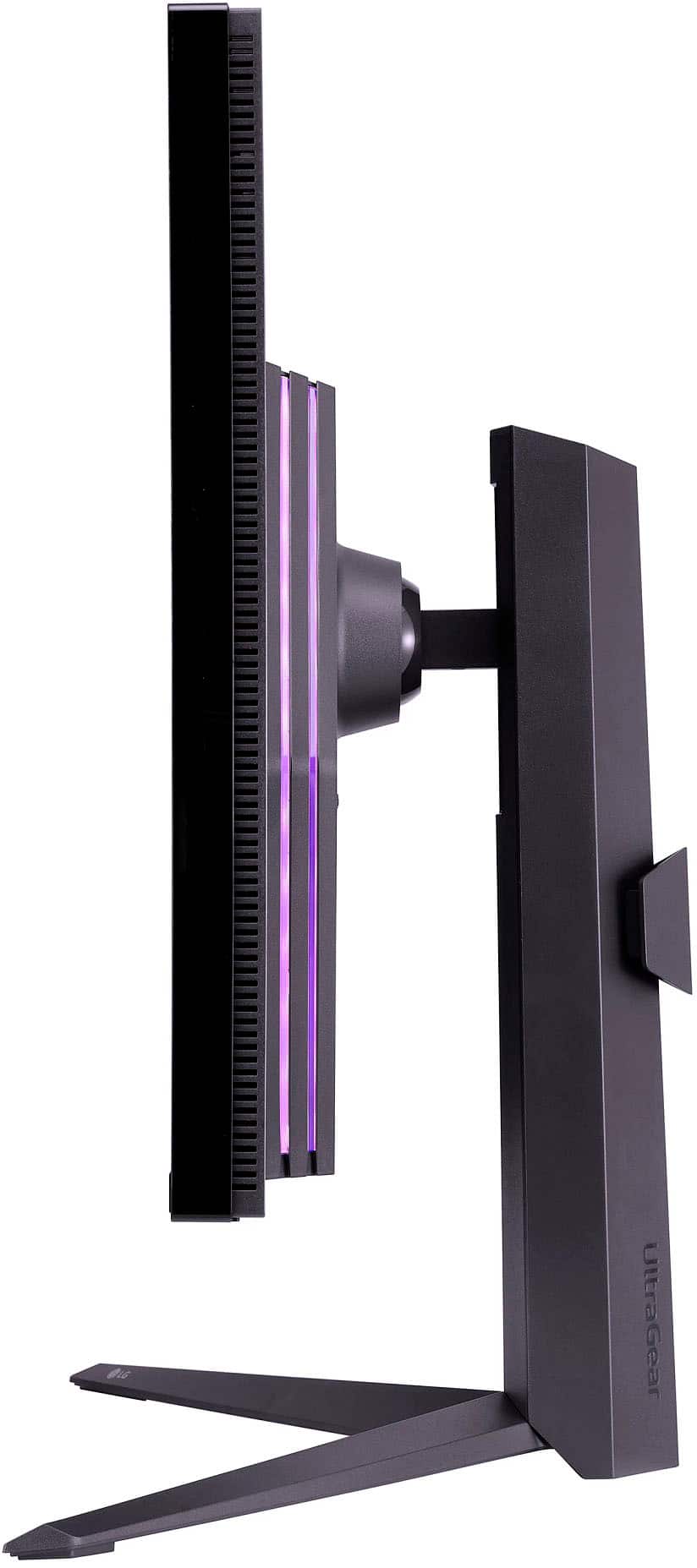
|Posted .This reviewer received promo considerations or sweepstakes entry for writing a review.The new LG UltraGear IPS LED 4K UHD G-SYNC and AMD FreeSync Premium Pro monitor is not for the faint of heart, or eyes... or pocketbook for that matter. However, going from a 32” QHD monitor to a 4K 160Hz overclocked UHD Nano IPS display with DisplayHDR 1000 for gaming is, pun intended, game changing and candy for your eyes not only because of the picture quality but the standout honeycomb designed back highlighted by the RGB lighting. Out of the box, the monitor was surprisingly heavy, about 25 pounds. I imagine that’s because of what LG packed inside along with the overall quality of the monitor. The weight was immediately noticeable after going through several thinner monitors over the past few years. Mounting the monitor to the arm bar and stand was very simple with no reliance on instructions. Once it was plugged in and hooked up to my rig via a USB-C to HDMI, I was able to sort through all the customization features built into the on-screen menu which is controlled by a small multi-directional button hidden underneath the base of the monitor. It is convenient having two HDMI inputs and DisplayPort connection in the rear paired with two powered USB ports in the event you want to have several different connections. You could potentially plug in a computer/laptop along with a streaming stick to use as a TV. One other noticeable and potential turn off for some compared to some of my previous monitors is how large the black bezel is around the monitor; it measures about ½” on the top and sides. Many newer monitors I have seen lately have very minimal bezels which is great for pairing two monitors side by side and extending your screens. With this model LG, it would be hard to justify pairing another one monitor next to this one as you would have a relatively large gap between screens. I assume the larger bezel is due to what’s under the hood, so to speak, and probably where the LED back lights are which you can’t hide with a monitor with no bezel. However, given the monitor is a large 32” beast, in most cases I believe most would not necessarily need an additional monitor and might be overkill. The picture is absolutely brilliant, vivid and definitely doesn’t miss any part of the color spectrum. Because it is a LED, the blacks are visibly non-existent. I have not experienced any lag or drag in high-speed gaming due to the fast 160Hz refresh rate and 1ms response time. Because it is 4K in a smaller 32” screen, the picture is seemingly flawless. There is not much more to say about it, it’s an incredible picture. Overall, this monitor is easily the best monitor I have ever used, and the sheer picture quality far outweighs the potential negatives of the weight and relatively larger bezel. If you have the coin to fork out on an amazing high-end monitor that will impress just about anyone, I say go for it. You won’t be disappointed except for the money missing out of your bank account.
I would recommend this to a friend Amazing
||Posted . Owned for 3 weeks when reviewed.This reviewer received promo considerations or sweepstakes entry for writing a review.Love it! It’s looks amazing and super easy to setup.
I would recommend this to a friendDon’t use your reward points on open box
||Posted .This reviewer received promo considerations or sweepstakes entry for writing a review.Bought this monitor for a great price, however the monitor was defective so I had to return on the same day of purchase. When I returned the monitor, the Best Buy manager told me that my reward points would be refunded, after a few weeks, nothing was ever refunded and now I’m out $55 in rewards points, and I was told there’s nothing they can do, to refund them!
No, I would not recommend this to a friendUnacceptable Auto-Dimming/ HDR locks color options
||Posted . Owned for 2 weeks when reviewed.This reviewer received promo considerations or sweepstakes entry for writing a review.[Intro] The LG 32GQ950-B has a lot of good things going for it like 4K, 144Hz+, non-curved, G-Sync compatible, Freesync Pro, beautiful OSD, and a $1000 price tag, when that price is available. [Problem] Unfortunately, this monitor suffers from an auto dimming feature that is very noticeable when just using Windows and the HDR mode locks you out of the color options, so buyer beware. [Auto Dimming] In games or movies, no problem, but when in a windowed environment like Windows/Linux/MAC OS, if transitioning from a dark screen to a light screen, you will notice the monitor SLOWLY transitioning its brightness up due to the auto dimming feature. The auto dimming also becomes VERY NOTICEABLE when the screen is 50% dark and 50% light as the auto dimming cannot decide on a brightness level resulting in what looks like a very slow FLICKERING. Adjusting or even turning off the local dimming has no effect. There is no option to turn off the auto-dimming. [HDR] The other problem this monitor has is locking out the color options in HDR mode. Again, in games or movies, no problem. However, when using Windows you will notice the colors are heavily washed out. This is normally a result of HDR mode on monitors, but this monitor heavily fades the colors out. You can use Nvidia settings to readjust the color as a work around, but the monitor wiil take those settings and stack them resulting in over saturated colors in game. Disabling the HDR is the only solution for maintaining consistent colors across Windows and games, but the monitor has to be overclocked to 160 Hz in the menu to disable the HDR, which is very weird. [Overall] It is too bad the auto dimming feature cannot be turned off to stop the slow flickering and the inability to use HDR mode in order to maintain consistent colors. Please be aware if you decide to use this as your daily driver.
No, I would not recommend this to a friendBrand response from LGAnswers
Posted .We highly appreciate your honest feedback regarding your experience using your LG 32 in Ultragear Monitor. Your feedback is important to us and your concerns will be shared with our marketing and product teams. We work continuously to improve the quality of our products and anticipate market demands that drive customer satisfaction. If you have questions or further concerns, please reach out to our support team on Twitter via @LGUSSupport and on Facebook at https://www.facebook.com/LGUSA/ or phone us at (800) 243-0000. Thank you.^Tanisha

Good but not great. HDR = Trash
||Posted . Owned for 3 months when reviewed.This reviewer received promo considerations or sweepstakes entry for writing a review.Good monitor if it was 500-600$ but for 1300$ it is a terrible value, HDR is garbage, if you only use SDR at 120hz or less then not bad and colors are great and response is okay but 100% not worth 1300$.
I would recommend this to a friend- Pros mentioned:Refresh rate, Resolution, Screen size
Large and In Charge
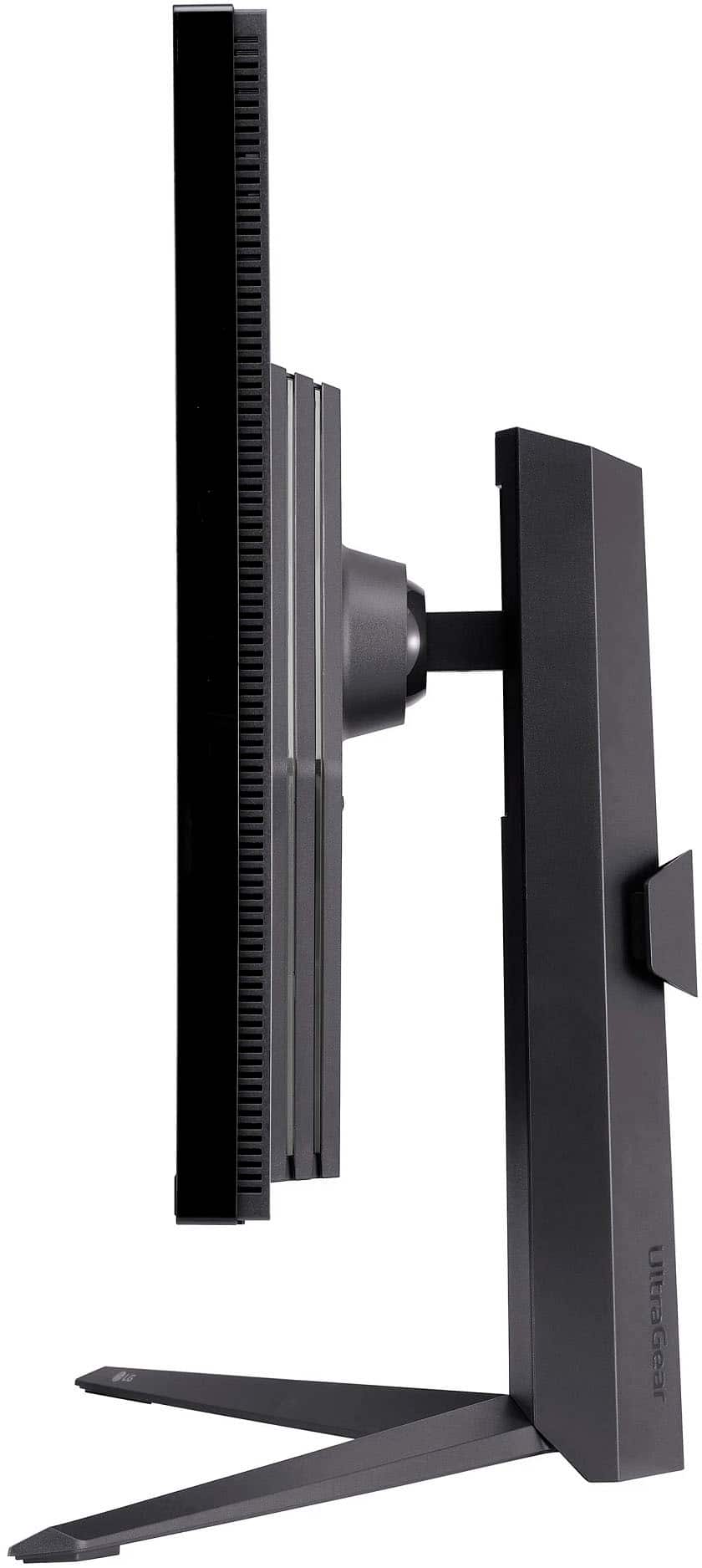
|Posted .This reviewer received promo considerations or sweepstakes entry for writing a review.This is a 4K monitor that has 3840 x 2160UHD resolution with a 144Hz refresh rate, although you can get up to 160 Hz. If you want to, you can hang this monitor on the wall like you would with a TV. The stand that comes with the monitor can tilt, turn and raise/lower the height which is a really nice feature. I upgraded from a 27” (other brand named monitor) and I absolutely love this size monitor. It makes a bigger difference than you would think. The colors are amazing and game play is seamless. I haven’t had any pixilation on the games I have played on my computer or my PS5. Another nice feature on this monitor is that, if I am not in front of the monitor, I can still see the screen clearly because it has a 178 degree wide angle view. This monitor is G-sync AND FreeSync Premium Pro compatible, so no matter which video card you have this works well with it. I found that using either 120 or 144 Hz for gaming works great and will not over tax my computer. Under the front part of the monitor is a little joystick to navigate the menu options. I hooked this monitor up to my PS5 and the response time is amazing. There were no issues with any screen tearing or pixilation with a refresh rate of 144 Hz while I was playing games. There are a number of ports of the back of this monitor. You have two HDMI 2.0, one display port 1.4, one USB-B, 2 USB-A and one 3.5 millimeter headphone jack which also has microphone support. I easily plugged in my gaming headset to listen and talk to friends while gaming. This monitor and base are well made. The base seems sturdy, which I find lacking with other monitors. I love the vivid colors while gaming. I truly feel this monitor is worth the money and is a great addition for any gamer out there.
I would recommend this to a friend Blurry on series x
||Posted . Owned for less than 1 week when reviewed.This reviewer received promo considerations or sweepstakes entry for writing a review.Mehhh.. much rather buy the LG 42” C2. Picture is blurry on this monitor. Id like to see LG make a mini LED monitor.
No, I would not recommend this to a friendBrand response from LGAnswers
Posted .Thank you for taking the time to share your detailed product experience feedback. ^Jennifer