Customer Ratings & Reviews
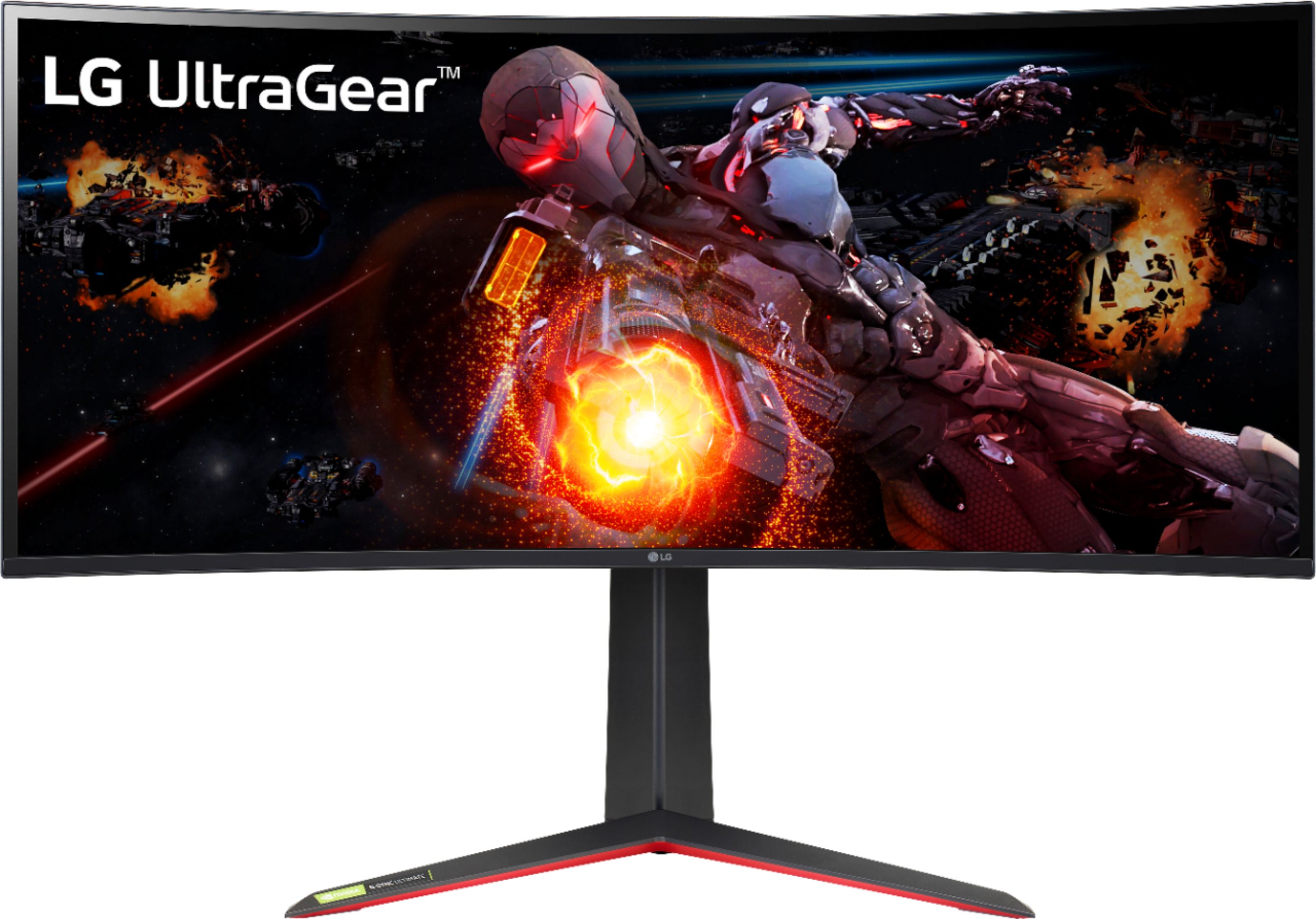
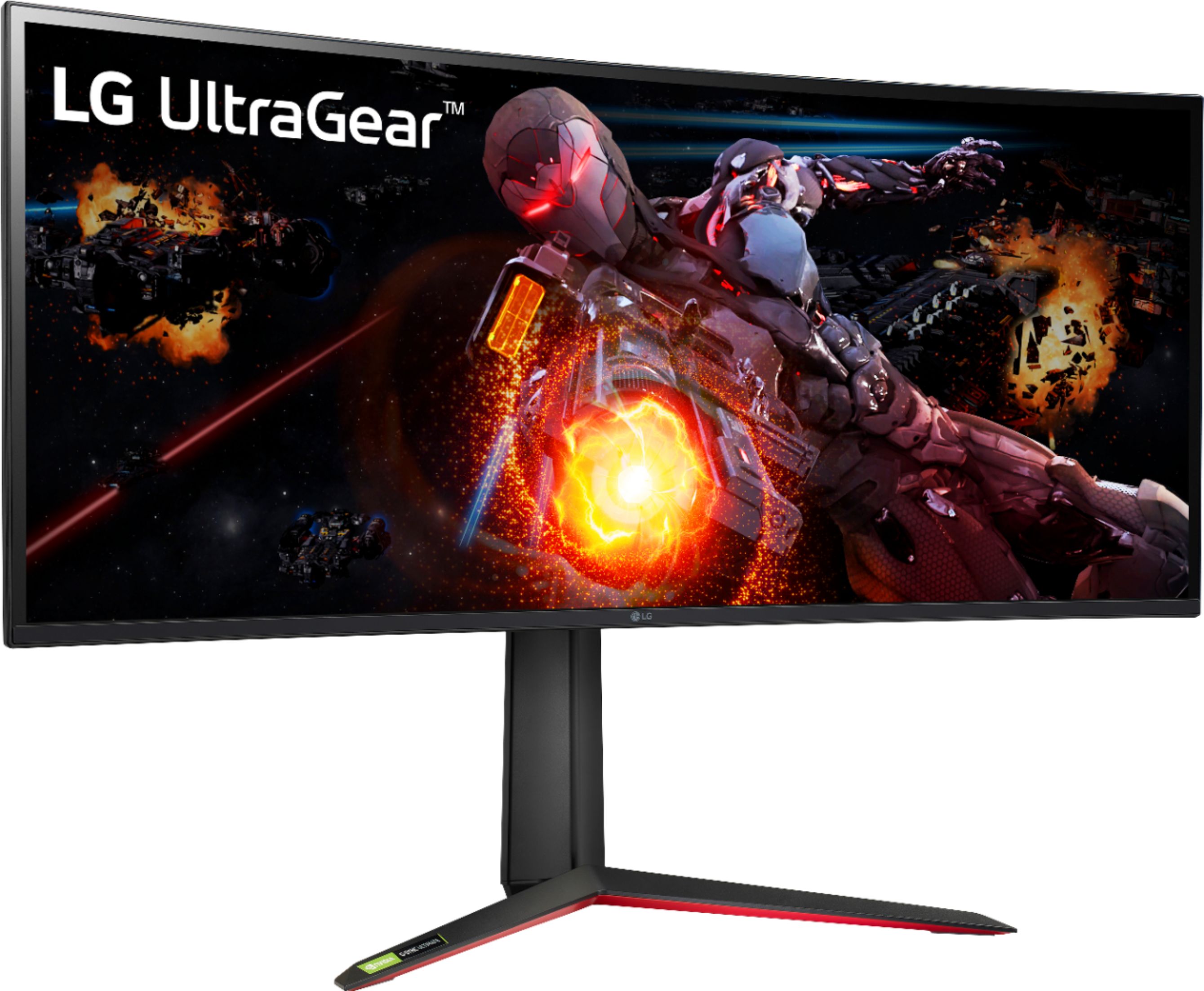
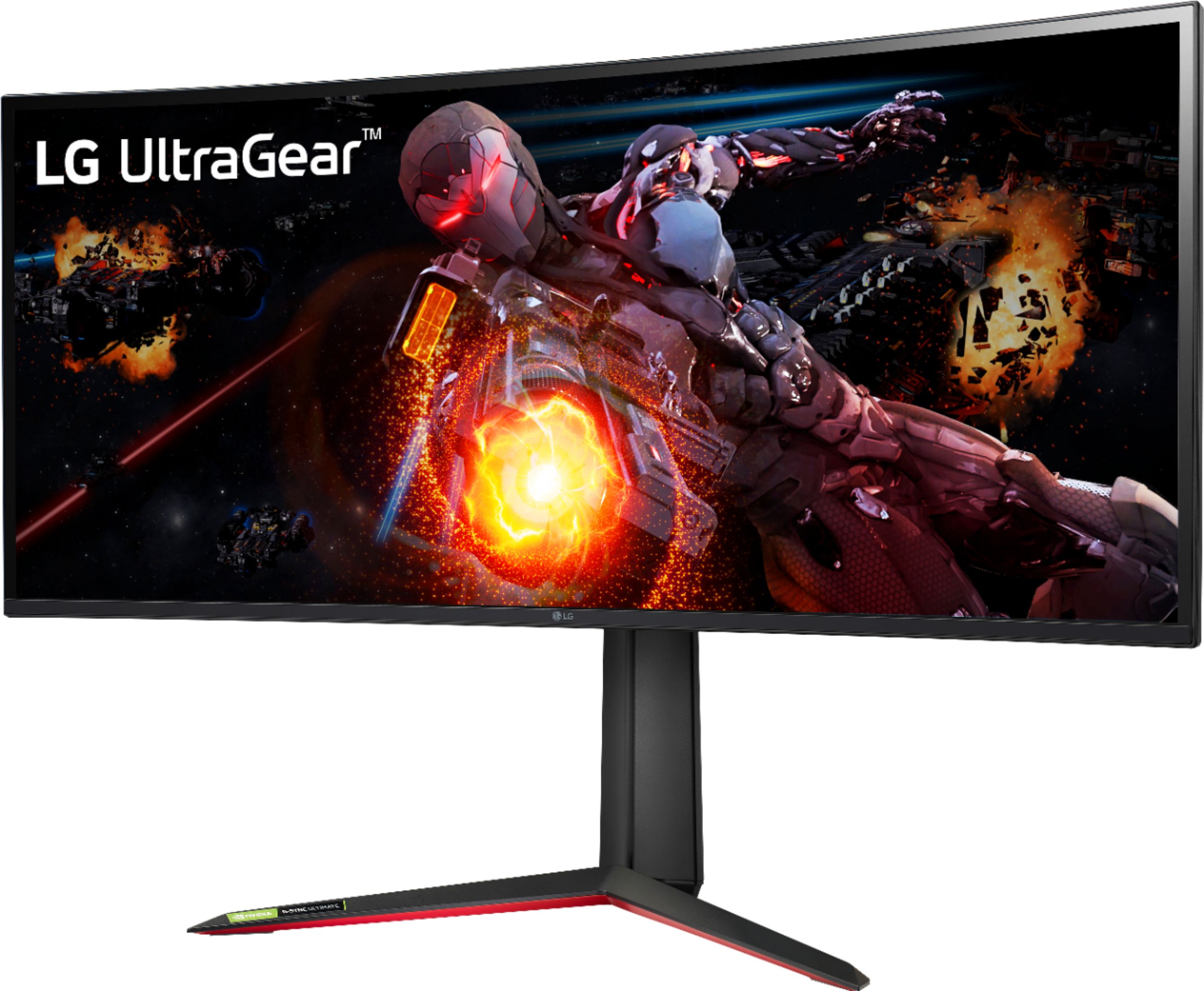
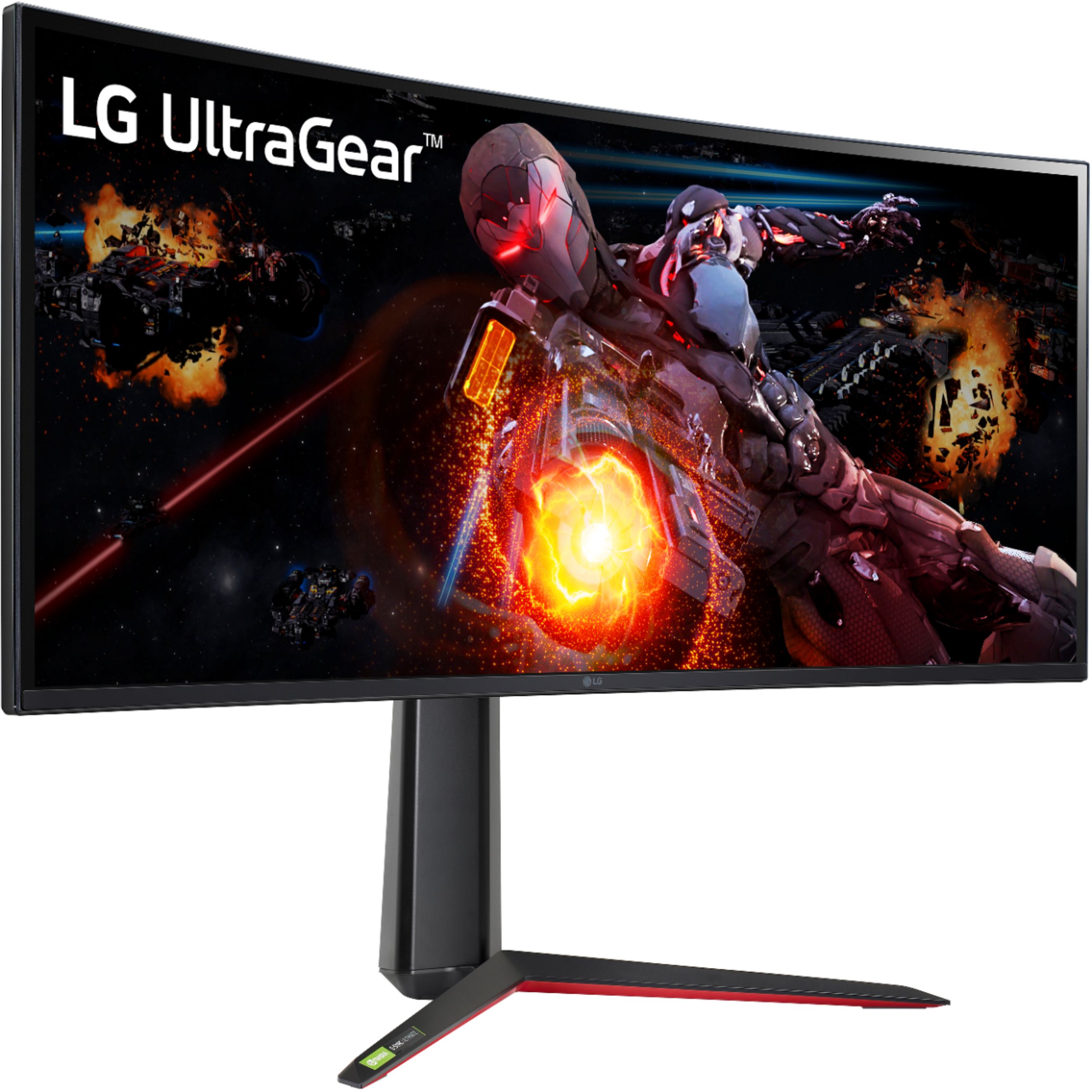
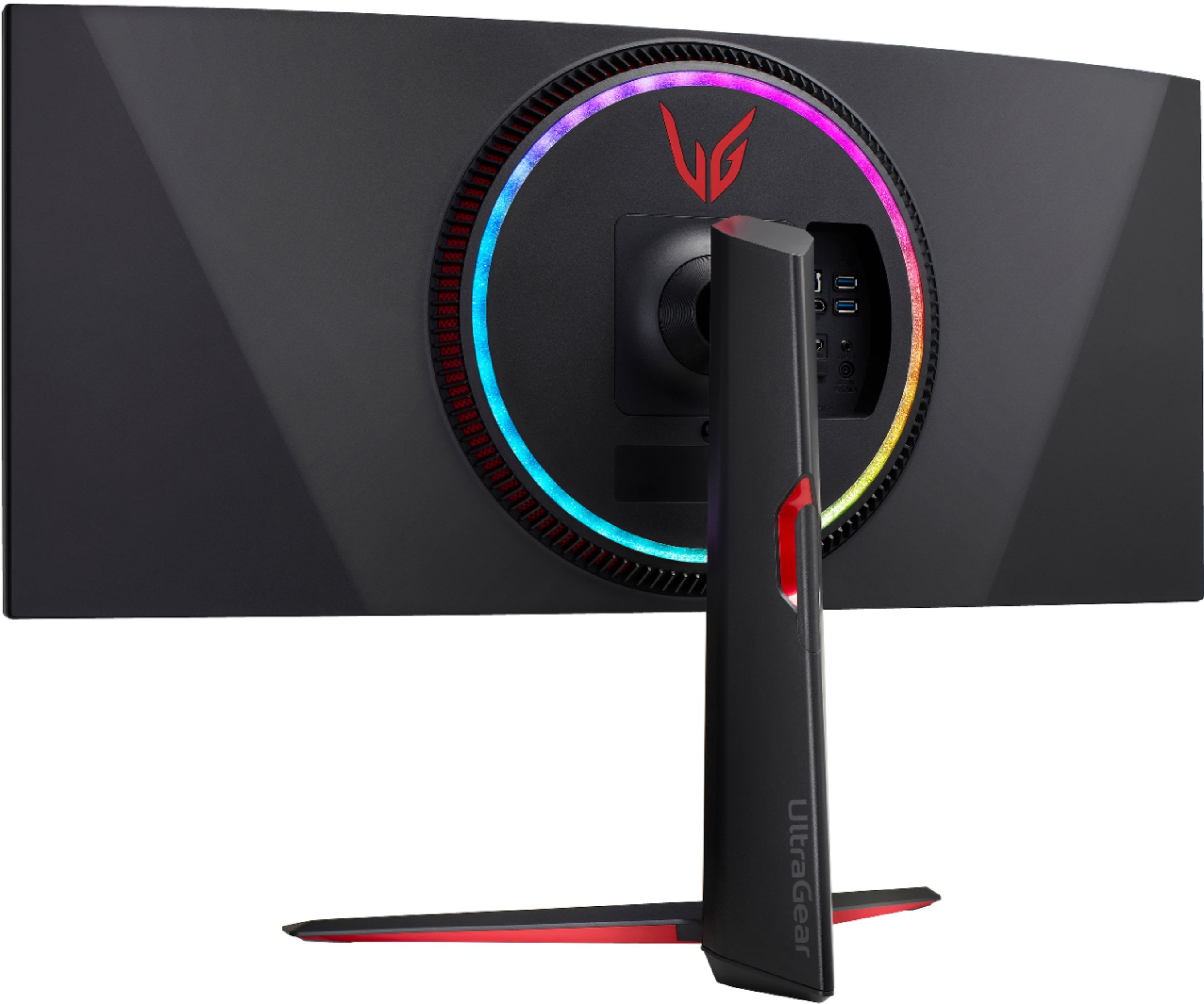

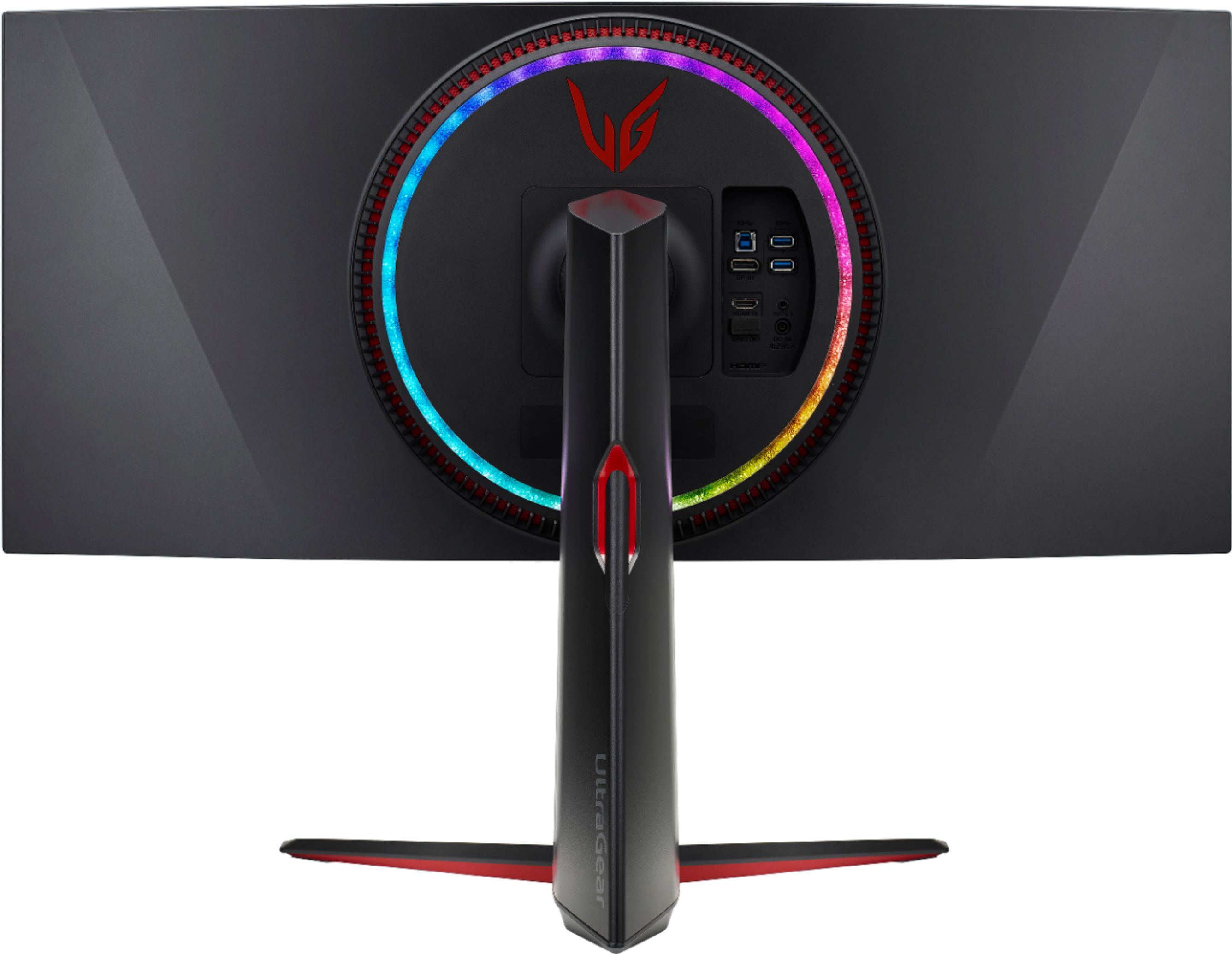
- Model:
- 34GP950G-B.AUS
- SKU:
- 6451084
Rating by feature
- Ease of Use
Rating 4.6 out of 5 stars
- Value
Rating 4.2 out of 5 stars
- Quality
Rating 4.6 out of 5 stars
Customers are saying
Customers recognize the UltraGear 34” IPS monitor's exceptional picture quality, citing vibrant colors, sharpness, and impressive graphics. The high refresh rate is also frequently praised, with users highlighting its smoothness for gaming and the option to overclock for even higher performance. Many appreciate the HDR capabilities, noting improved visuals and vibrant colors. Positive feedback also includes the effective local dimming feature, enhancing the overall viewing experience.
This summary was generated by AI based on customer reviews.
- Pros mentioned:Hdr
Faster and Brighter than the LG 38GL950G-B
||Posted .This reviewer received promo considerations or sweepstakes entry for writing a review.This monitor is amazing! It's faster and brighter than its big brother the LG 38GL950G-B (albeit with a slightly lower resolution and pixel density) the colors really do pop in gaming and the HDR is noticeably better due to its GSync Ultimate certification. It overclocks to 180 hz but you have to lower the color depth to 8 bit to accomplish this. Personally, I can't see a difference between 8 bit or 10 bit. If you don't want to lower the color depth you can still run it at 144 hz at 10 bit color. Additionally, it has exceptional low input lag for an IPS panel, it's Vesa DislplayHDR 600 certified, and it has 56 edge lit dimming zones. This further explains the reason its brighter than previous LG ultrawide displays. Even though it lacks full array local dimming, I think you will be pleasantly surprised at it's performance given it's price point. If you are looking for an amazing gaming monitor then this might be the one for you.
I would recommend this to a friend - Pros mentioned:Hdr, Refresh rate
Just wow.
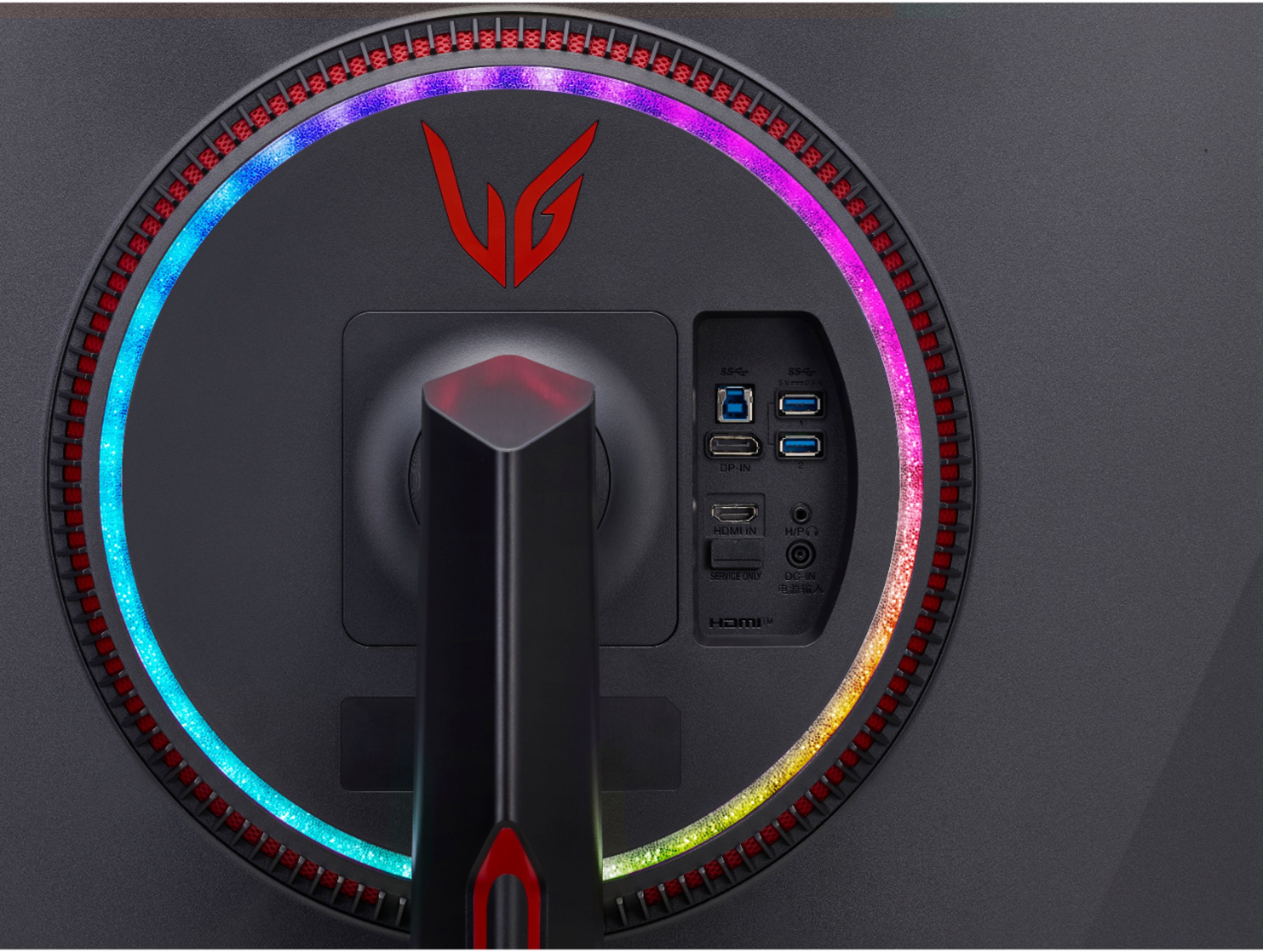
||Posted . Owned for less than 1 week when reviewed.This reviewer received promo considerations or sweepstakes entry for writing a review.Wow. Just.... wow. I've been anxiously awaiting the 34" QD-OLED that Dell/Alienware released this year - however, at this time, it seems as if it will be another year beofre they even catch up to pre-orders. I saw this on an "open box" sale at my local Best Buy. I visit the store frequently and know some of the staff there - so when they told me they were present when it was tested and that it worked flawlessly, I believed them. After spending about the next 40 minutes reading reviews and investigating this panel online I noticed it was the same (but upgraded) LG Nano-IPS panel that was in my HP Omen 27i monitor that I was incredibly happy with. Other than not being OLED, this thing ticked all my boxes. It's a curved (yes, curved) IPS panel (hard to find) it has GeForce Ultimate, 144-180hz (overclocked), a 1ms response time, the same PPI as a 27" monitor, local dimming (yes! Local dimming, so HDR that doesn't suck! *though, still not as good as FALD monitors*) and every other bell and whistle you can shake a stick at. Plus, it's an LG panel so no ghosting, reverse ghosting or artifacts anywhere to be found... Plus, it's a 10 bit panel that is calibrated out of the box. Specs aside, nothing will prepare you for the shock and awe you will experience when turning this thing on to a game like Red Dead Redemption maxed out, with HDR on, on a 6900XT. The RGB on the back is BRIGHT. It lights up my entire wall -- and, surprisingly, the LG software that is used to change the lighting features the ability to change the RGB based on what you are seeing on the screen. This is similar to the 'Govee Immersion' kit i was planning to buy, so i was pleasantly surprised to see that I no longer needed it. I have wondered for years why all monitors with RGB features on the back side don't already have this so I was pleasantly surprised with this as an added bonus. Conclusion: Worth. Every. Penny. Don't think about it. Buy it.
I would recommend this to a friend - Pros mentioned:Refresh rate
Wonderful monitor
||Posted . Owned for 1 week when reviewed.This reviewer received promo considerations or sweepstakes entry for writing a review.This is a great monitor, HD images and fast refresh rate. It does take a little time to become use to the ultra-wide screen but now I love the expanded field of view. I first I wasn’t happy about not having internal speakers but once I pared it with the Insignia Sound Bar it quickly became a non issue. There were really no issues in setting it up once I located the hat switch under the center portion of the monitor. I am very happy with this purchase and can highly recommend it.
I would recommend this to a friend - Pros mentioned:Ultrawide
Best 34” Ultrawide
||Posted . Owned for less than 1 week when reviewed.This reviewer received promo considerations or sweepstakes entry for writing a review.This is the best Ultrawide I’ve had to date. Ive tried the Gigabyte 34 and the Asus Tuf 34 and this is by far worth the extra $$$. I paired this with a 27GP950 and it’s the perfect combo for whatever you need. 180 FPS and G-Sync Ultimate is the perfect for First Person Shooters on Ultrawide. Great option for anyone who works from home and also games. If you’re looking for a cheaper alternative go for the 34GP83A-B at $800 rather than $500 for some of the lower end alternatives, you wont regret buying an LG.
I would recommend this to a friend - Pros mentioned:Color
Money well spent!
||Posted . Owned for 1 week when reviewed.This reviewer received promo considerations or sweepstakes entry for writing a review.Fantastic panel! I couldn’t find any IPS glow, if there is any I didn’t notice it. Really nice colors.
I would recommend this to a friend - Cons mentioned:Price, Stuck pixel
A Disappointing Mess
||Posted . Owned for less than 1 week when reviewed.This reviewer received promo considerations or sweepstakes entry for writing a review.I received this monitor with very bad backlight bleed and one green and one red (stuck) pixels. I tried all of the methods known to attempt to remedy these pixels, but none of those methods worked. After looking through Reddit, this is a very common complaint about the 34" UltraGear series of monitors. For a monitor that's $1,300+, this is unacceptable and I'll be returning it for a different brand.
No, I would not recommend this to a friendBrand response from LGAnswers
Posted .We hate hearing your unit is not working properly. I'd like to see if we can help. Please contact LG Customer Support via private message on Facebook @LGUSSupport and use #VOC in your first message to our social media support team. Also include your contact information, model/serial numbers and date of purchase so that we can investigate and explore all options to provide you with quick assistance and expedite a resolution. We will do everything in our power to help and apologize for any inconvenience experienced. Thank you.^Venette

Fix dead pixels LG
||Posted .This reviewer received promo considerations or sweepstakes entry for writing a review.The monitor looks amazing. The best ultrawide monitor out here I would say, but I received my monitor with two dead pixels. It barely noticeable though, but still for the price I’m not happy about it.
I would recommend this to a friendBest Monitor I’ve Ever Owned
||Posted . Owned for less than 1 week when reviewed.This reviewer received promo considerations or sweepstakes entry for writing a review.So far, I don’t really have any complaints. At first I was hesitant because of the price but after using it for a week or so, for me, it was worth it. Such crisp and amazing colors.
I would recommend this to a friend- Cons mentioned:Price, Resolution
Surprise
||Posted . Owned for less than 1 week when reviewed.This reviewer received promo considerations or sweepstakes entry for writing a review.I have used the Dell S3220DGF 32" LED Curved QHD FreeSync Monitor for the last two years with HDR (2560x1440). I decided to try this LG G-Sync monitor because I am using the GeForce RTX 3090 video card. I tried to compare both monitors (Note: Dell was connected through an HDMI port, and LG was connected through a DP port). Now the conclusions: 1. I can't turn on the HDR function on LG through the Display Settings (Windows 11), but I can turn on Dell. 2. Although LG has a resolution of 3440 x 1440 (144Hz) and Dell has a resolution of 2560 x 1440 (165 Hz), there is no visible difference in video quality. I compared both monitors in different games (Cyberpunk 2077, Call of Duty Vanguard, Sniper Elite 5, and FarCry 6) and could not find any difference in quality between the two monitors. Conclusion #1. I see no reason to overpay 2.5 times for a G-SYNC Ultimate monitor, which is no different in quality from a FreeSync monitor. Conclusion #2. With a GeForce video card, you can use FreeSync monitors perfectly and without losing quality and not pay twice more for them. P.S. I will return the LG.
No, I would not recommend this to a friendBrand response from LGAnswers
Posted .We are sorry to hear that your unit did not meet your needs/expectations. This is not the quality we expect from our products. We are continuously working to improve the quality of our products and anticipate market demands that drive customer satisfaction. If you ever have any questions please reach out to our support team on Facebook at @LGUSSupport and use #VOC in your first message to our social media support team.. To speak with an agent via phone, you can call 800.243.0000 We apologize for any inconvenience this caused. ^Venette
- Pros mentioned:Color, Refresh rate
Love this beast of a monitor!
||Posted . Owned for 4 months when reviewed.This reviewer received promo considerations or sweepstakes entry for writing a review.I haven't had any issues with the colors or screen. Colors are vibrant and HDR looks really good. I've been using this at the 144Hz setting and it looks great in any game I play on it. Spider-man Remastered look amazing. CoD titles give you the fisheye effect, but they still look good. I hear Season 3 for BF2042 brought the title to launch quality, but haven't loaded it yet... I'm sure that will look amazing as well.
I would recommend this to a friend - Pros mentioned:Hdr
Awesome multi-use ultrawide with all the quality
||Posted . Owned for 1 week when reviewed.This reviewer received promo considerations or sweepstakes entry for writing a review.We went the simplify route and eliminated a cobbled together dual monitor setup for a single ultrawide. The two adults share the desk for work/play. No kids. The other worthwhile monitors/TVs in the house are a 2019 LG C9, a 27” rog display w/o hdr, and an old 24” Dell Ultrasharp. The Nano IPS is somewhere between an IPS and OLED re: image quality and blacks, if you’re OLED spoiled, the blacks and colors will be just slightly less vibrant. Since I don’t use an OLED for computer use, this Nano IPS is more than sufficient for really REALLY good colors and darks. You’ll utilize local dimming in certain sections but it looks terrific. Properly implemented HDR makes games look amazing. That’s on devs and it’s unfortunate that some results vary wildly, but when it’s right, oh my. Size is pretty perfect. You won’t get 100% flexibility of a dual monitor setup, but it’s easy to snap three windows side by side with plenty of screen real estate for all three. Checked all the boxes: -real HDR not that HDR400 marketing nothing -fantastic panel quality, colors are wonderful -large enough to generally replace a dual monitor setup -variable refresh rate (g-sync for me) -enough inputs for two people sharing a desk, with image quality to match for whatever you throw at it -fit an existing ergotron LX tall pole monitor arm If I were to gripe about anything, inputs are perpendicular to the plane of the monitor and it makes for some weird cable angles, but nothing worth docking a star.
I would recommend this to a friend - Pros mentioned:Refresh rate
Top notch gaming monitor
||Posted . Owned for less than 1 week when reviewed.This reviewer received promo considerations or sweepstakes entry for writing a review.This monitor is top notch, especially hdr content and put local dimming to aggressive on the monitor settings this can also overclock to 180 hz but i dont recommend it you will loose 10 bit color support, 144 hz is plenty fast for games. i highly recommend this
I would recommend this to a friend - Cons mentioned:Bias lighting
Absolute perfection.
||Posted . Owned for 1 month when reviewed.This reviewer received promo considerations or sweepstakes entry for writing a review.I purchased this monitor to mainly use for gaming. I have an HP Omen 15 gaming laptop with an Nvidia 2070 with super max q. It’s not a super high end gaming rig, but it can push Warzone to about 80-100 FPS with the right settings. This monitor can handle all of that and then some. The additional screen real estate and higher frames has helped my K/D improve from about a 1.15 to a 1.6 - 1.8 average. I also use the monitor for work and it almost entirely eliminates the need for dual monitors. My only gripe is that the bias lighting isn’t as good as I hoped it’d be. In a completely dark room, it’s great. But in a dimly lit room it’s simply not bright enough to notice it. If you have the desire, and the funds, don’t hesitate. Buy it. You won’t regret it.
I would recommend this to a friend - Pros mentioned:Ultrawide
Best 21:9 gaming monitor
||Posted . Owned for 1 month when reviewed.This reviewer received promo considerations or sweepstakes entry for writing a review.Fantastic monitor! Great response time, better ips glow than 16:9 monitors. Maybe the best ultrawide monitor so far. Sadly I had to return it as my new place doesn’t have the space for it.
I would recommend this to a friend - Pros mentioned:Hdr
Very good but not so much for dark games
||Posted . Owned for 11 months when reviewed.This reviewer received promo considerations or sweepstakes entry for writing a review.This monitor is awesome! The HDR really pops and I’ve enjoyed playing cyberpunk and most games on it however it does have very visible halo effect on dark games such as hunt showdown. Also if you use discord overlay that corner with chat members will also be glowing during dark games. Highly recommend using HDR with this monitor though as the colors are really nice.
I would recommend this to a friend - Cons mentioned:Price
Best non-OLED 34" IPS you can buy
||Posted . Owned for less than 1 week when reviewed.This reviewer received promo considerations or sweepstakes entry for writing a review.If you're not interested in OLED, this is easily the best 34" IPS monitor you can buy. I bought it when it was on sale for $799 which is a great value. At the normal price, I don't think it's worth it with the competition out there. But if you can catch it on sale, it's easily one the best buys you can get.
I would recommend this to a friend - Pros mentioned:Color
Beautiful monitor
||Posted . Owned for 1 week when reviewed.This reviewer received promo considerations or sweepstakes entry for writing a review.I was skeptical. This or the larger Alienware? Glad I chose this monitor. Colors and brightness are beautiful. There was slight light bleed in the bottom corners, but fixed by smooth local dimming. Response is perfect, resolution still allows for max settings and high frame rates from my 3080 ti. Recommended!
I would recommend this to a friend - Pros mentioned:Refresh rate
Amazing monitor
||Posted . Owned for less than 1 week when reviewed.This reviewer received promo considerations or sweepstakes entry for writing a review.Beyond happy with my choice in monitor. The color accuracy is spot on and the 10 bit picture with 144 refresh is great. I considered the QD OLED but i use a C1 oled as a monitor and im dont like reading text on it for long periods of time. This is the perfect mix for work school and gaming.
I would recommend this to a friendBrand response from LGAnswers
Posted .We appreciate the positive feedback. Thank you for joining the LG family. ^Jennifer
- Cons mentioned:Resolution
Fantastic Monitor
||Posted . Owned for 5 months when reviewed.This reviewer received promo considerations or sweepstakes entry for writing a review.This is the best monitor I've ever had. A word of warning though for those that are new to Ultrawide screens. Not all games support the resolution so you may end up with black bars on either side when you play. That can be very annoying, but the fault lies with developers and is an issue that will come up with any brand ultrawide monitor.
I would recommend this to a friend - Cons mentioned:Auto input switch
Pretty good monitor. I love it!
||Posted . Owned for 2 weeks when reviewed.This reviewer received promo considerations or sweepstakes entry for writing a review.Awesome Monitor but it has a hard time auto switching to the proper input. It maybe works half the time, and it is properly enabled.
I would recommend this to a friend