Customer Ratings & Reviews
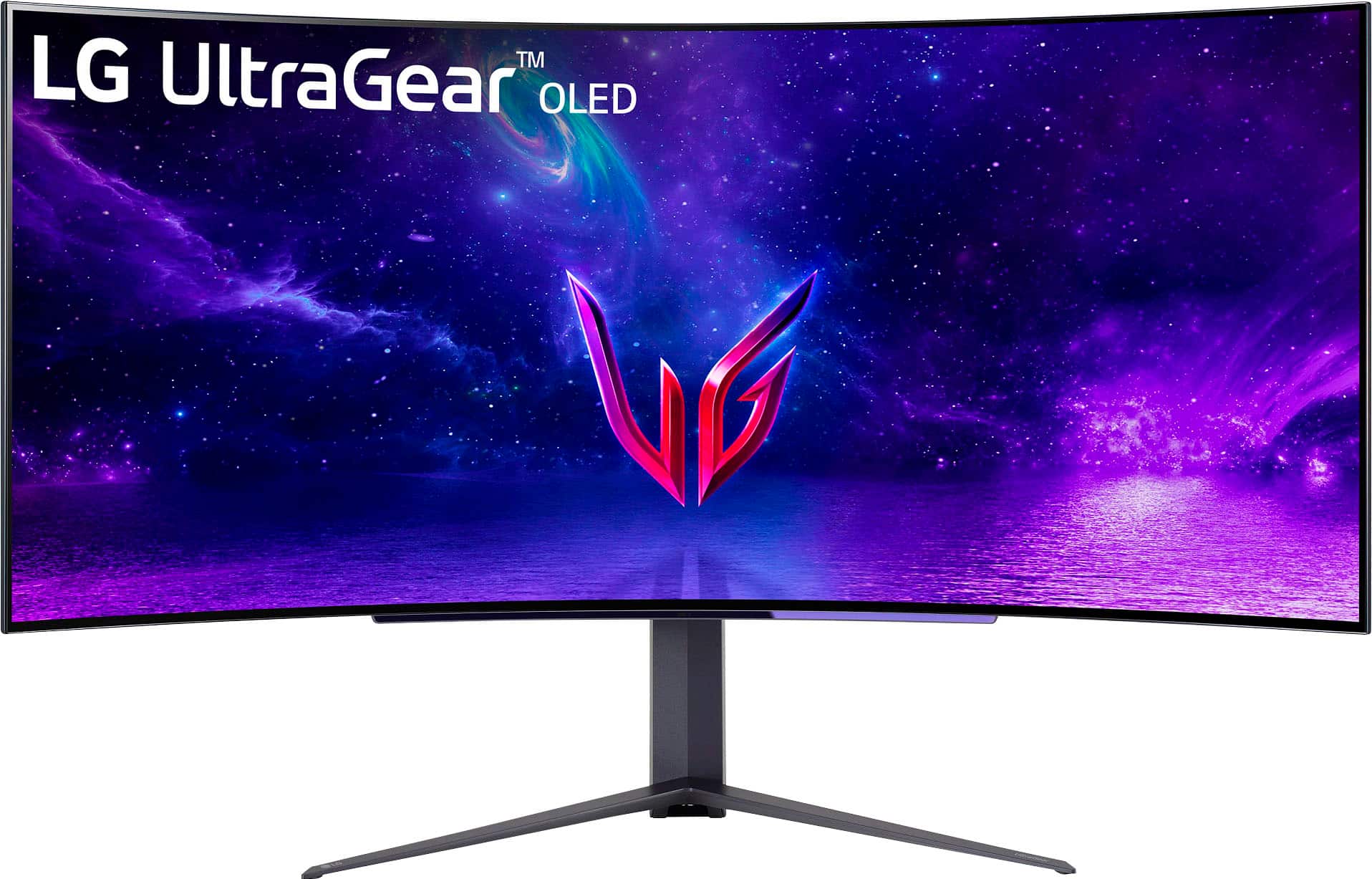
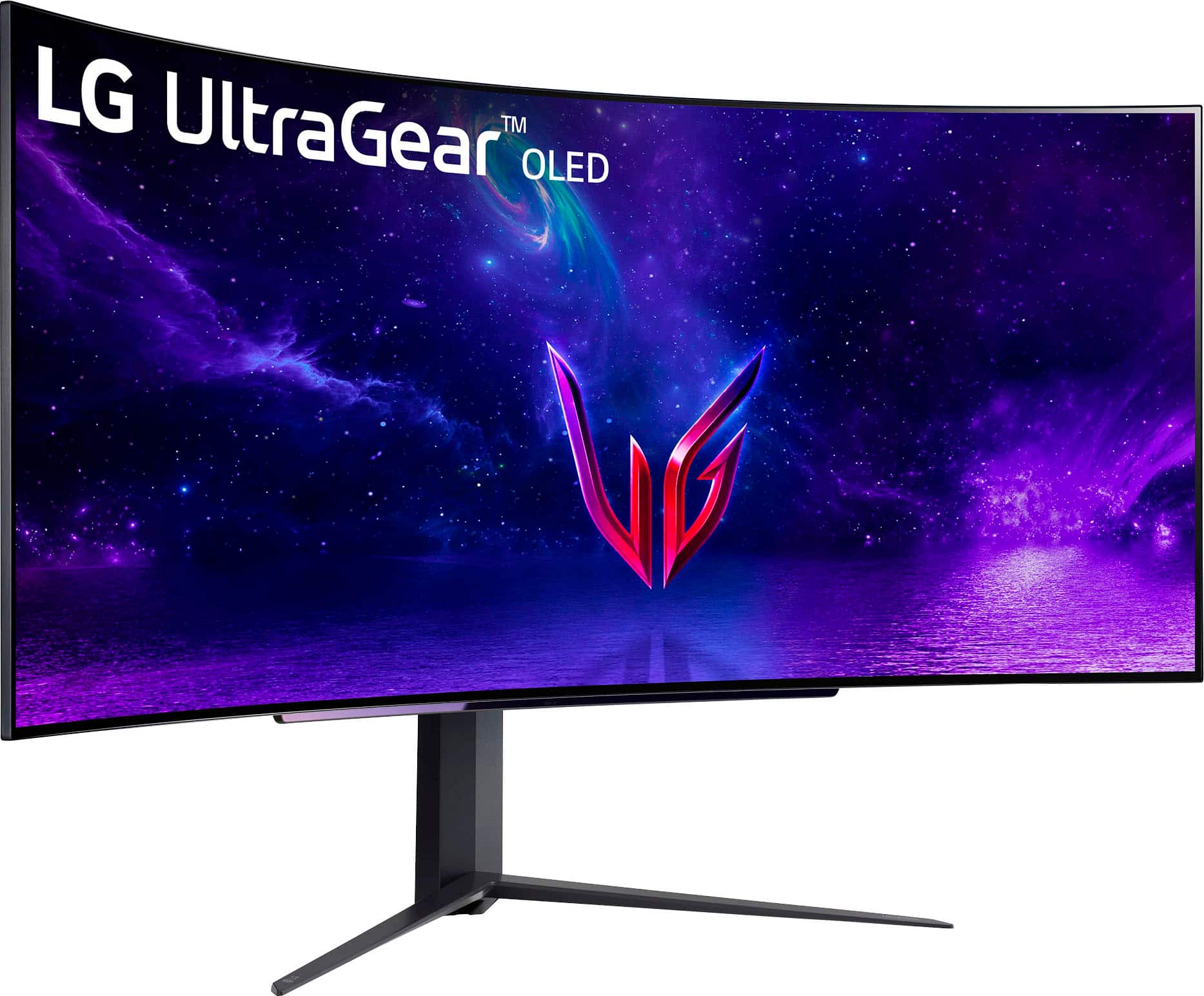
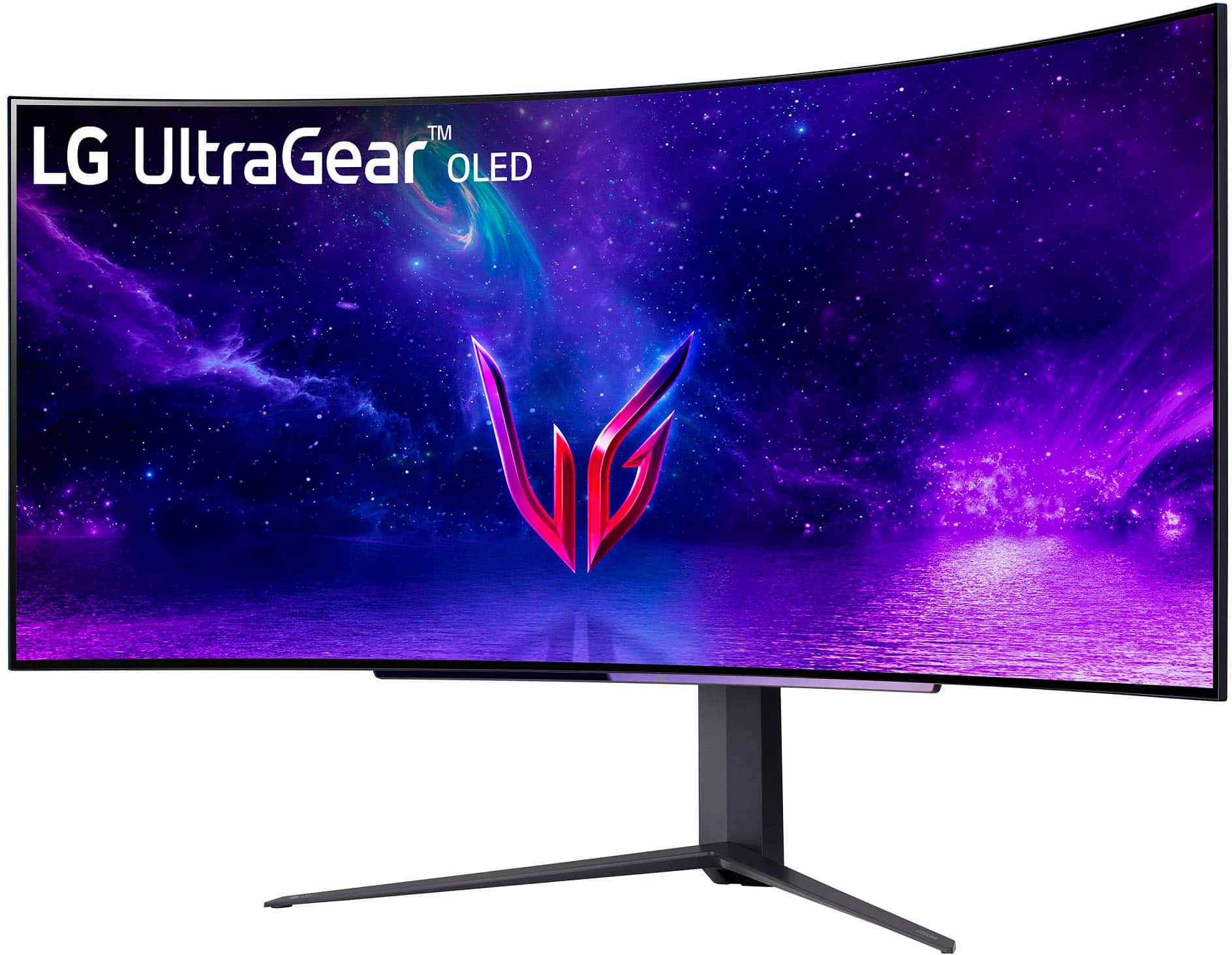
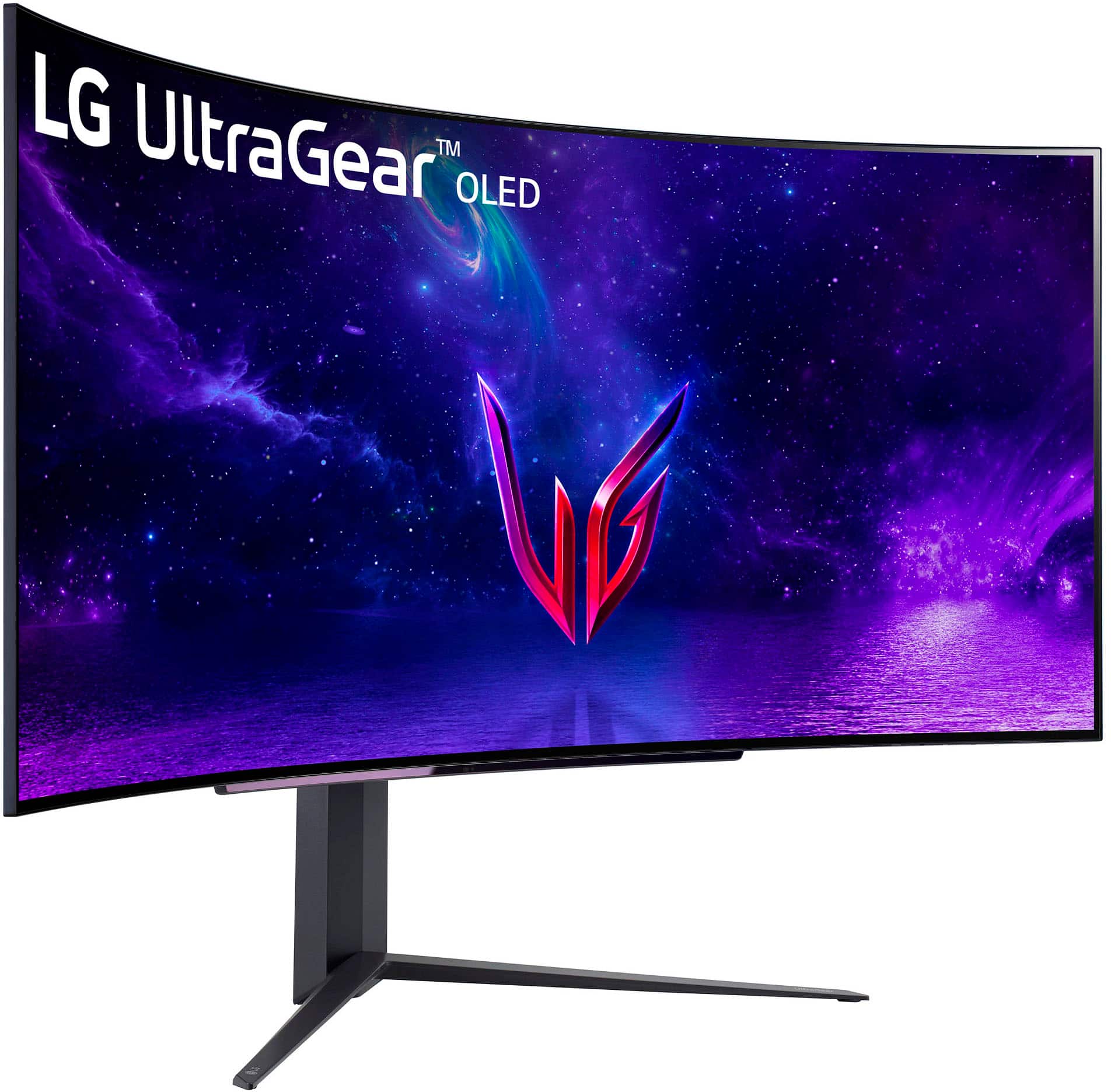



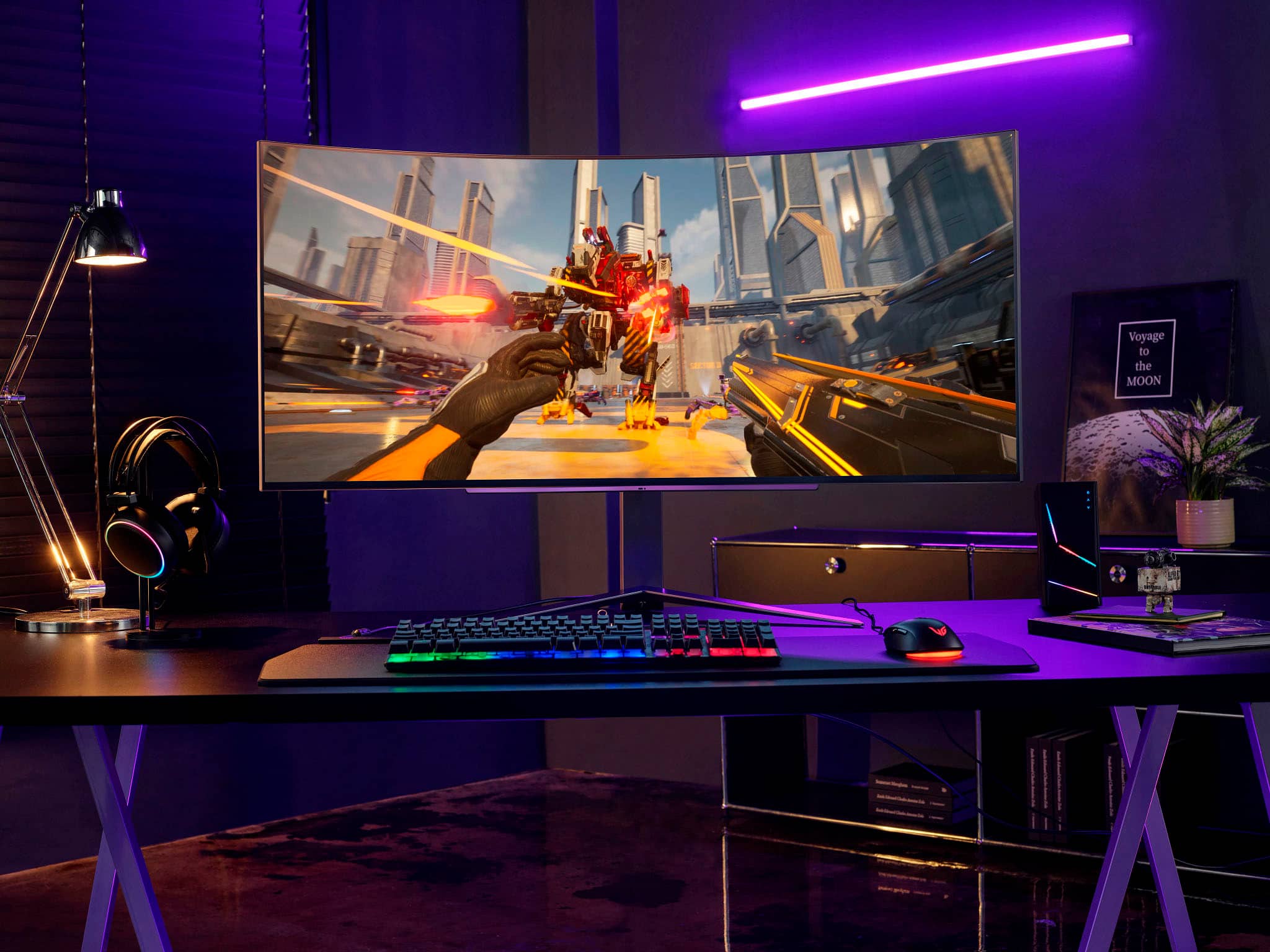
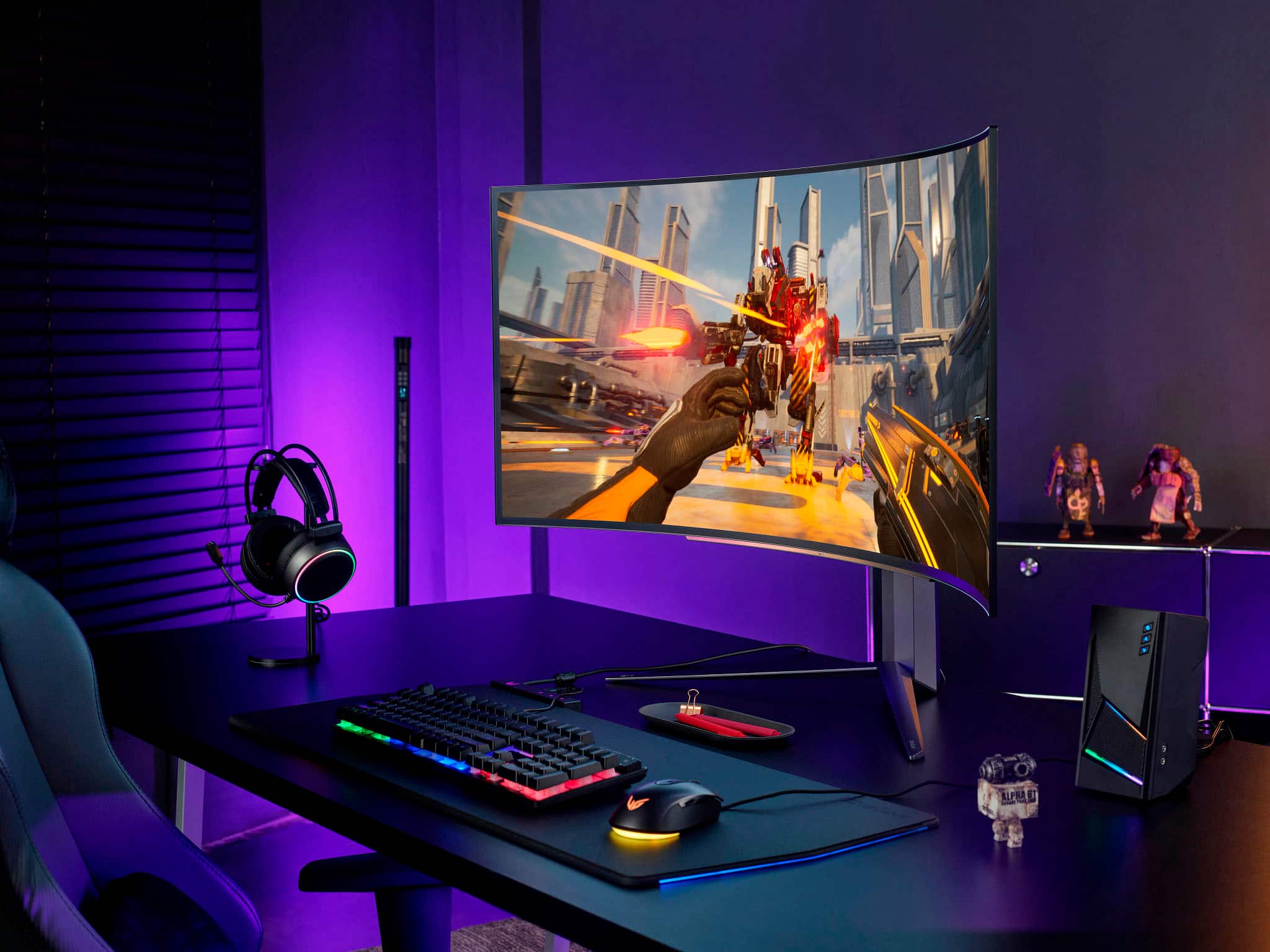

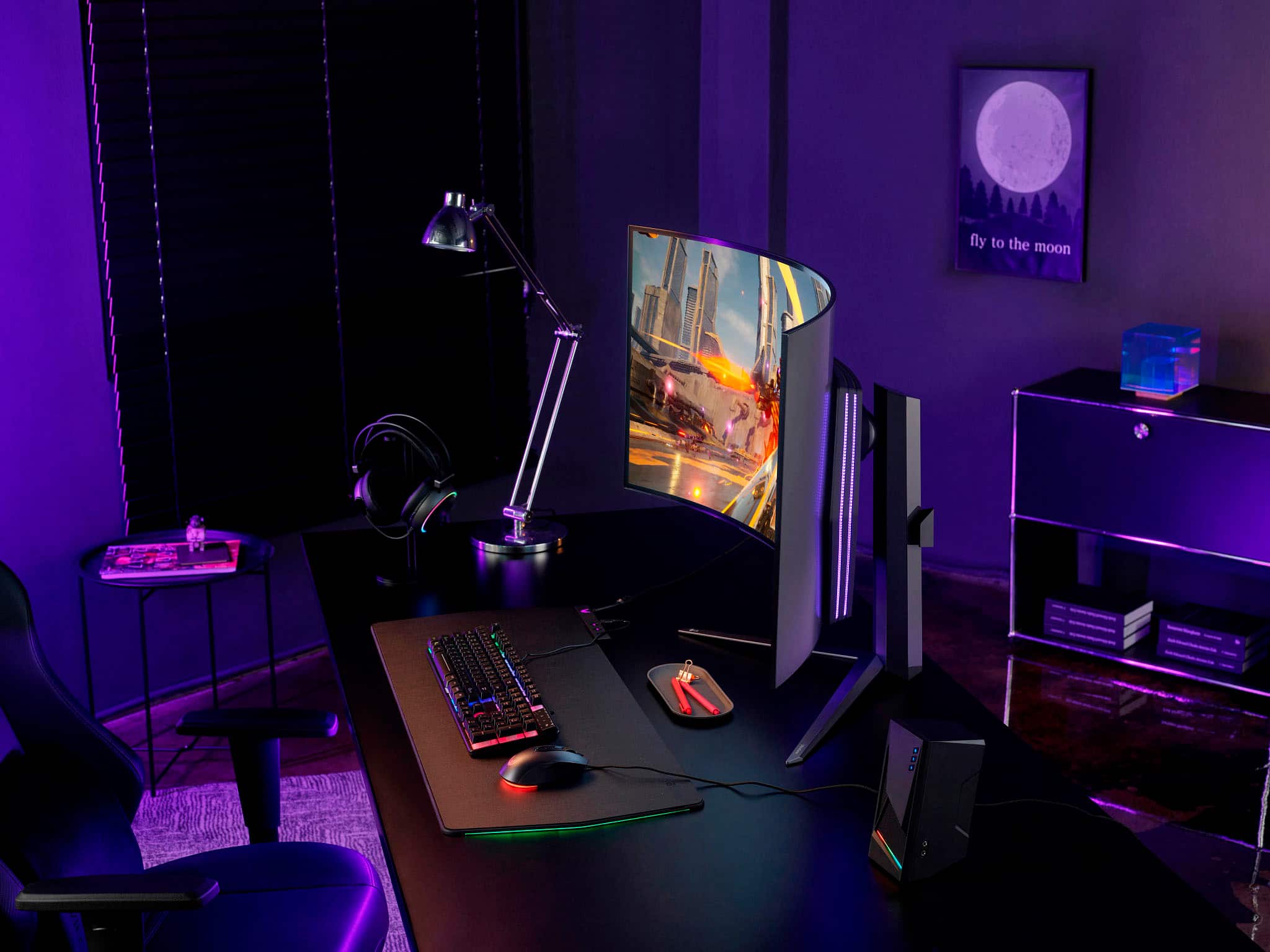
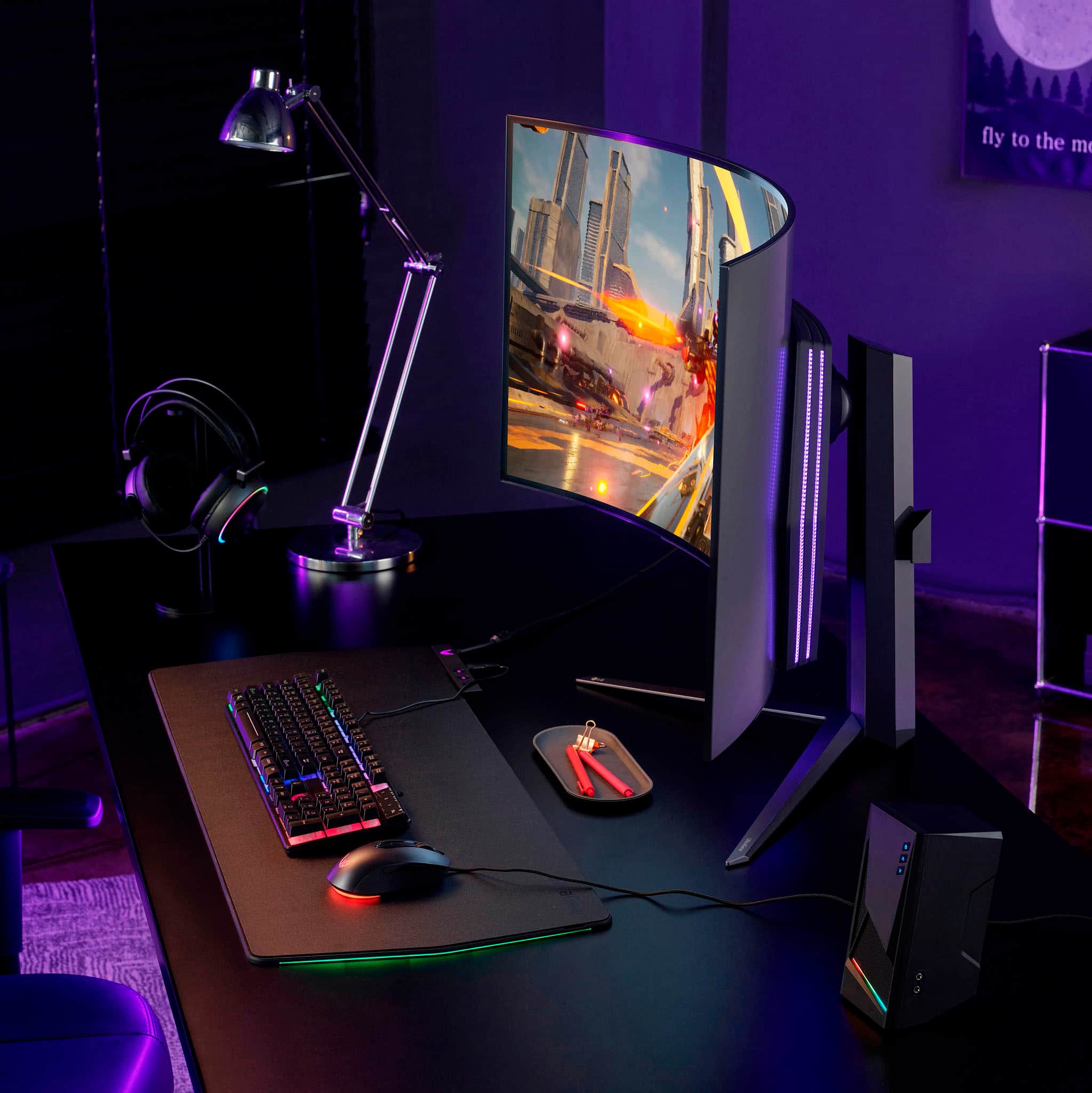



- Model:
- 45GR95QE
- SKU:
- 6530356
Rating by feature
- Display Quality
Rating 4.8 out of 5 stars
- Ease of Use
Rating 4.8 out of 5 stars
- Features
Rating 4.8 out of 5 stars
Customers are saying
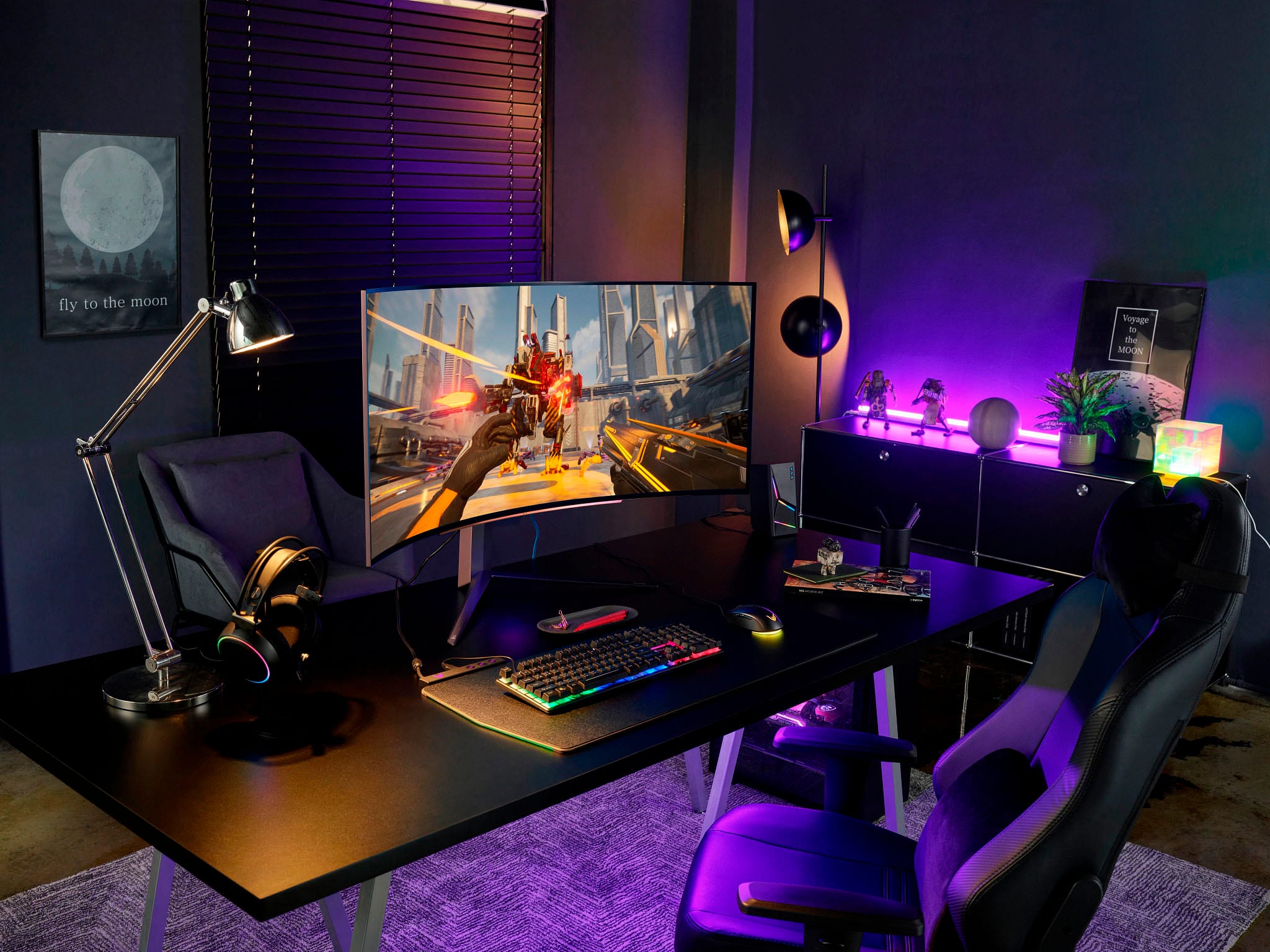
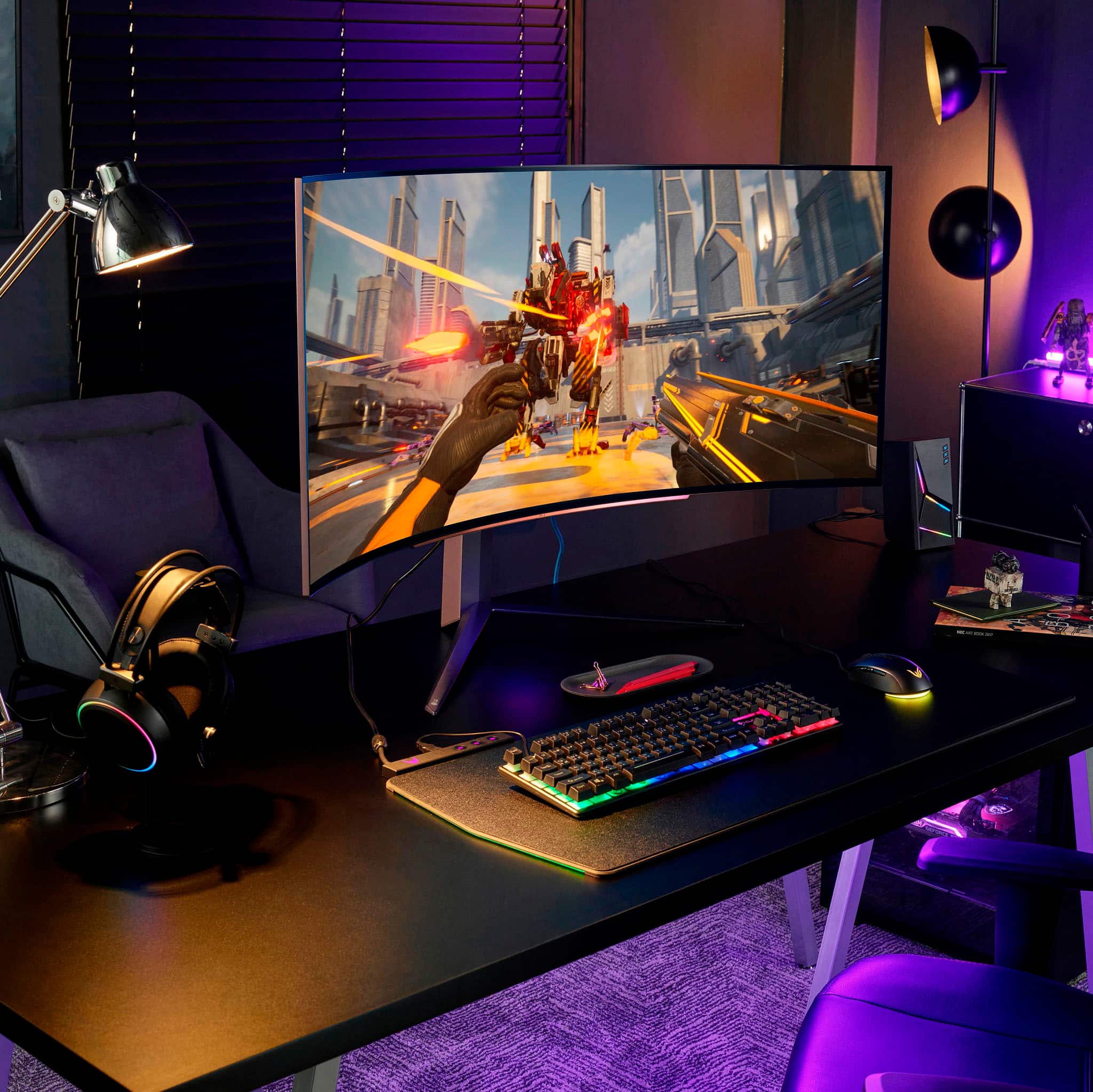
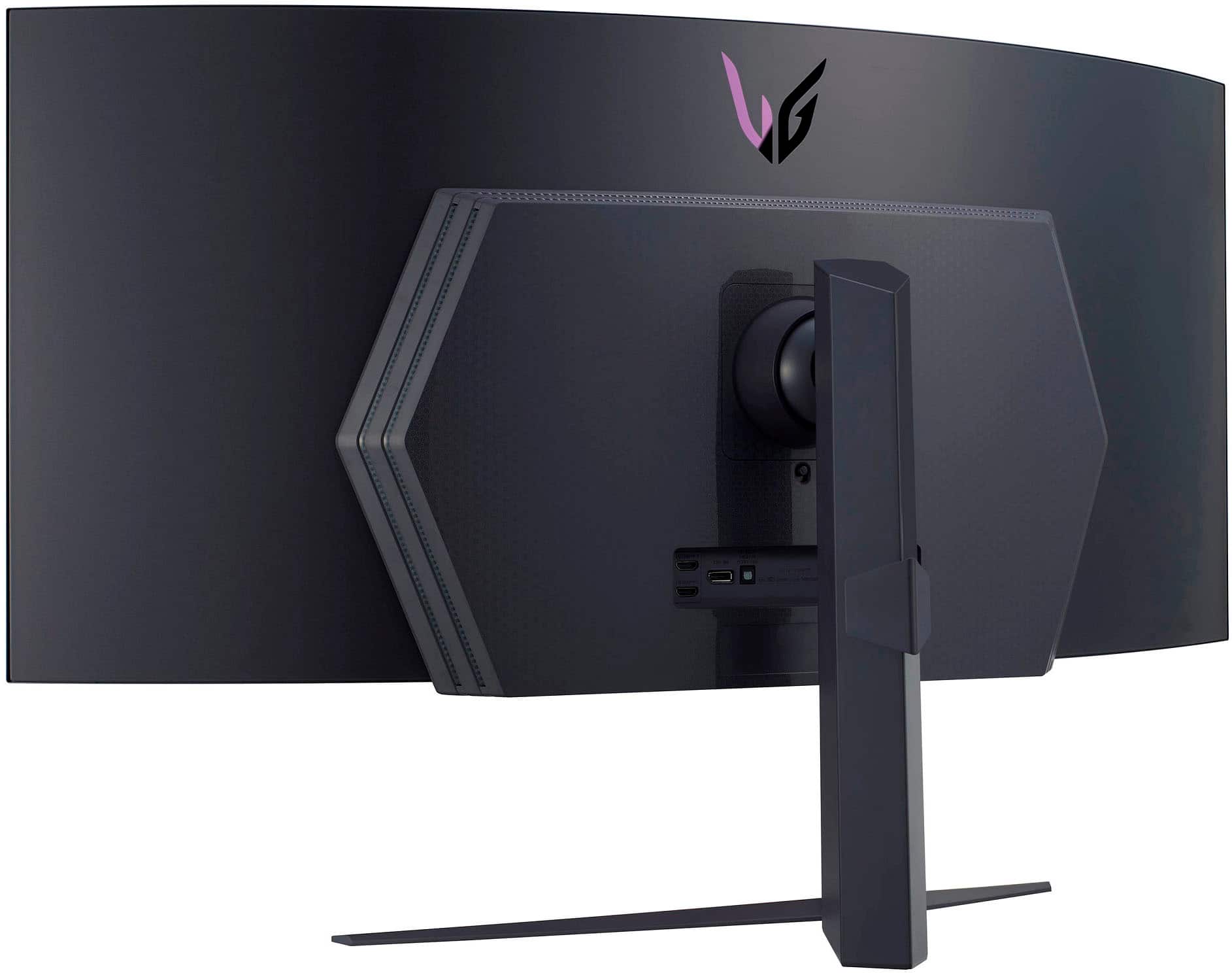
Customers admire the UltraGear 45” OLED monitor's expansive screen size, incredibly smooth refresh rate, and immersive curved design, praising the OLED technology for its vibrant colors and deep blacks. However, some users note concerns regarding text clarity and the relatively high price point. A few also mention the monitor stand's size and the lack of built-in speakers.
This summary was generated by AI based on customer reviews.
Its a great GAMING display
||Posted . Owned for 2 weeks when reviewed.This reviewer received promo considerations or sweepstakes entry for writing a review.What I love about the display (pros) -The size and the curve are very immersive the curve helps bring the sides closer. Which make it not feel to big or out of reach from your eyes. - OLED is king, blacks are perfect of course, but the colors look great my favor display setting is the FPS display settings, Gamer 1 is suppose to be more accurate, but colors look washed out. FPS or Gamer 2 looks the best to my eyes, and you retain all the game mode settings. - 240 HZ/ VVR work great for both HDMI and DS Port. Not so great (Cons) -The resolution for the size is not great you will see pixels, but it is easier for your GPU to make the most out of that 240 Hz Refresh rate. You may need to sit father away from the display - Not the best for office work due to text being hard to read, but I use it 90 %percent of the time for Gaming which it is excellent at. -The Matte finish may be a con for some, I am not sensitive to the matte finish I hardly notice it, but if you are it may be a problem for you.
I would recommend this to a friendThis might be the best gaming monitor out there!
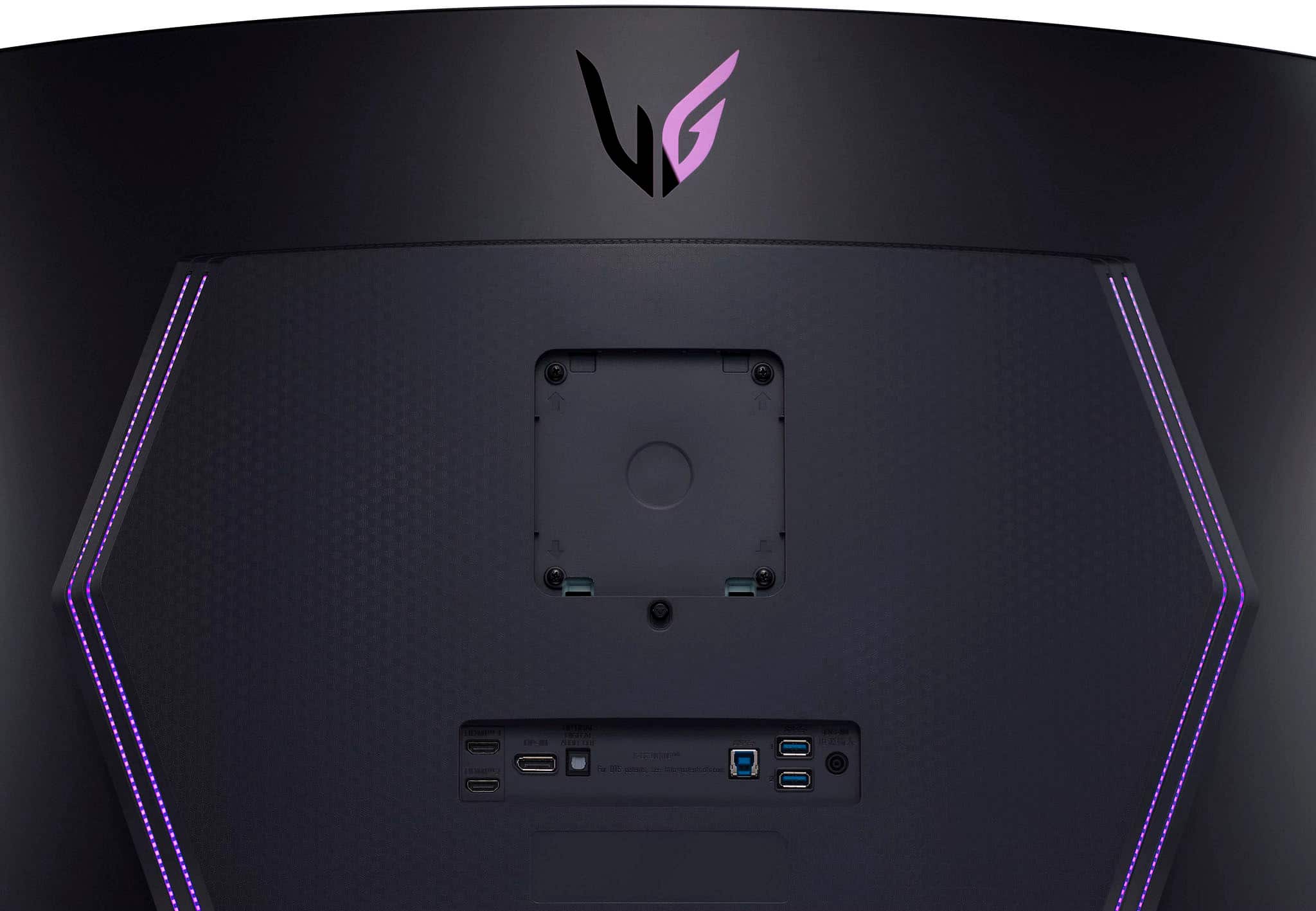
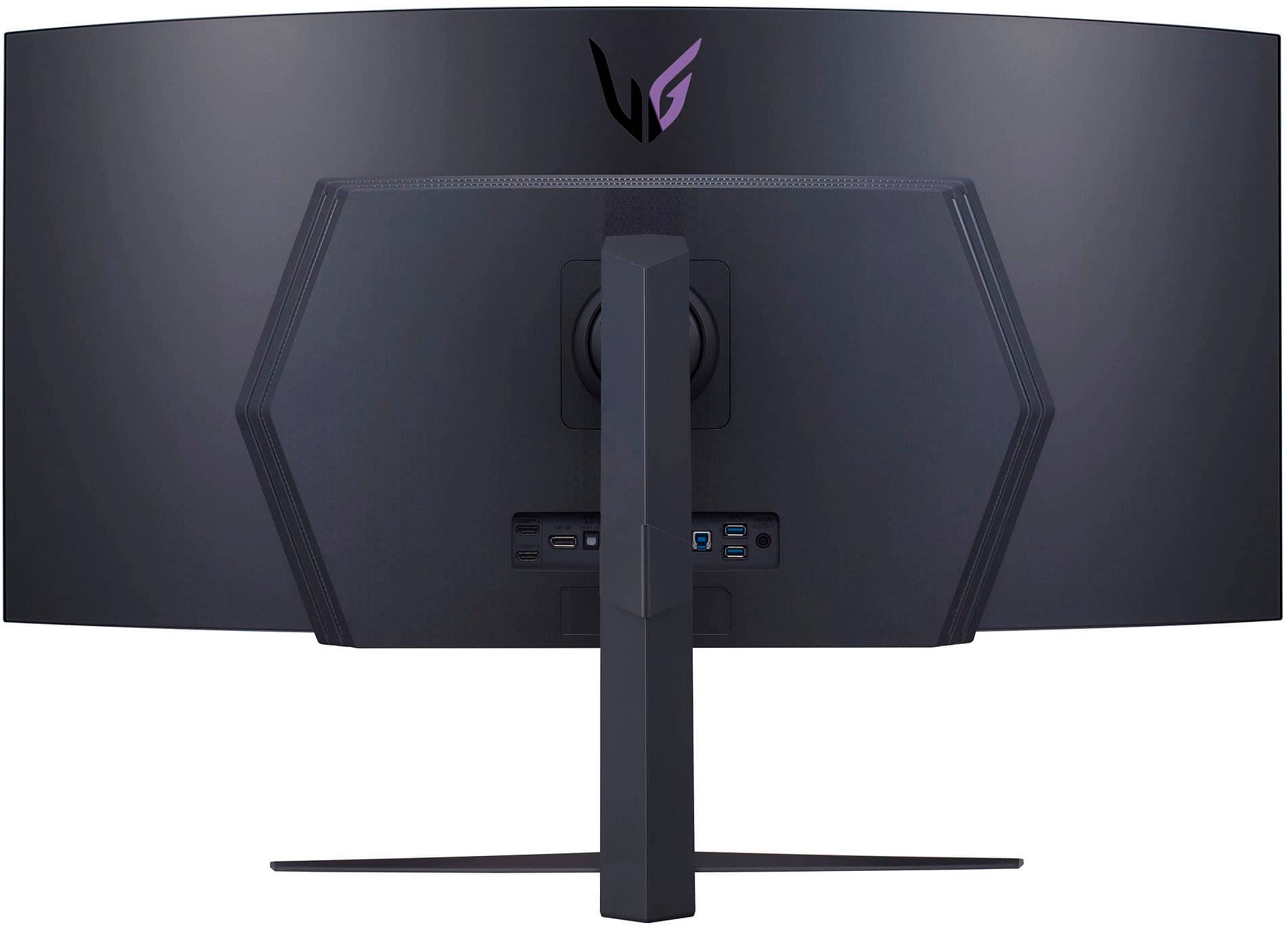
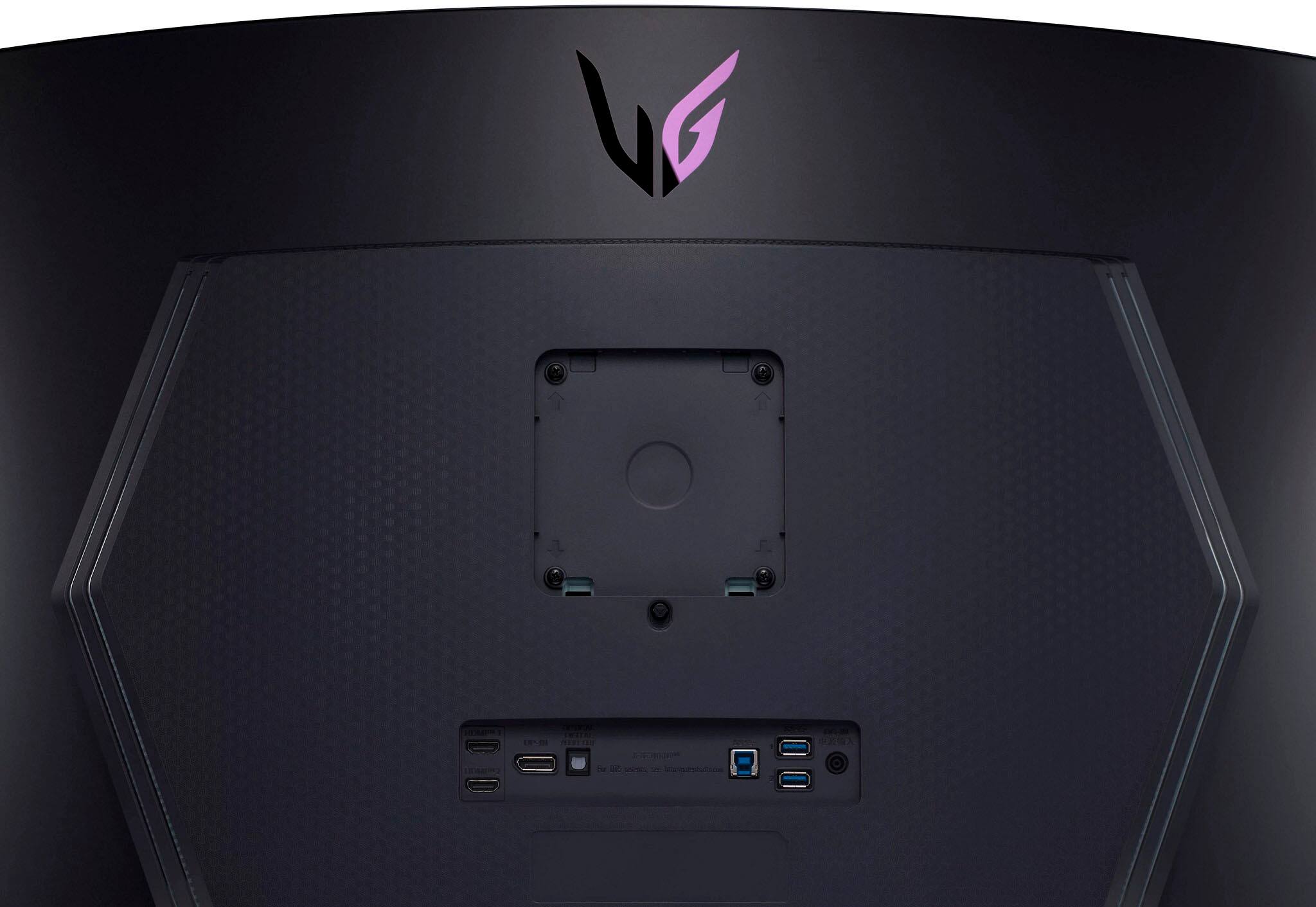
||Posted . Owned for 1 week when reviewed.This reviewer received promo considerations or sweepstakes entry for writing a review.Specs -------- Resolution: 3440x1440 (82.87 PPI) Refresh Rate: 240 Hz Peak VRR Range 48-240Hz Peak SDR Brightness: 200 nits Peak HDR Brightness: 650 nits HDR Support: HDR 10 Aspect Ratio: 21x9 Perceived Retina Viewing Distance: Approximately 41 inches. Connectivity: 2x HDMI 2.1, 1x DP 1.4, 1x USB 3, 1x Optical, and 1x Headphone Jack. If you’re looking at this monitor, then you likely know some of what you’re looking at, so let’s start with some of the things you’re likely not aware of regarding this monitor. The monitor has 3 pieces of software available for download from the LG Website. Dual Controller ---------------- This allows you to set how the dual devices are controlled. * You can share files between the machines. * Shift the Keyboard and Mouse between them. On Screen Controls ------------------- This allows you to choose from about a dozen snap layouts for window management. LG Calibration Studio ---------------------- * This is a custom calibration suite and pattern generator. Connecting a colorimeter allows hardware calibration of the screen. * X-Rite i1 and Spyder X should both work well (I used the Spyder) Now let me address the issues that people have complained about… Resolution ------------ Retina was a term coined by Apple to signify when a display’s viewing distance would reach the point where any perceived imperfection in the monitor would disappear. * 32” 2560x1440 displays have a PPI of 91.79 * 34” 3440x1440 ultrawide displays have a PPI of 109.68 * 45” 3440x1440 ultrawide displays have a PPI of 82.78 The viewing distance at which each display becomes Retina is… * 32” – 37.46 inches. * 34” – 31.34 inches. * 45” – 41.49 inches. What this means, is the viewing distance (shown above) would make all 3 of these monitors appear very similar in terms of resolution. So, with a 45-inch screen, you’re much more likely to sit far enough back that any perceived loss of sharpness or detail would be imperceptible anyway. The bottom line here is that sitting at a normal viewing distance from the display is likely to produce a very pleasing experience (I measured my distance at 38 inches from the screen and I have no issues with the text or image clarity). Brightness ----------- Nits are basically measurements of candle power and that is saying you have a display that is capable of 650 nits is the equivalent of 650 candles spread out over the size of the display and all lit simultaneously. That would likely be more than bright enough for most of us under any conditions as most phone screens do not get that bright. SDR is calibrated at 100 nits and that’s the brightness that content creators target their calibration to meet industry standards for production. You can calibrate this monitor higher than 100 nits, but that’s not the most optimal for Standard Definition Content. HDR Calibration has multiple levels of calibration 400, 600, 1000, 2000, and 10000 are the most prevalent, with 600 and 1000 being the base calibration for most movies you’re likely to see in HDR today. While this screen is at the bottom with an HDR 10 specification it can reach 650 nits of peak brightness so it should be fine for HDR 600 content. Believe me, even in well-lit rooms you’re not going to have an issue seeing HDR content as this display is more than bright enough and the contrast ratio is absurd. Matte Screen ------------- Matte screens have long been preferred for computer monitors as they create a more pleasing and accurate representation of color accuracy and are less likely to interfere with a colorimeter’s readings. The Idea that somehow a pixel being completely turned off is going to be blacker because the screen is shiny is complete nonsense. Off is the absence of any electrical current flowing to that pixel and it doesn’t just get blacker because the surface protecting the panel is shiny! Burn-In Risk ------------- LG has been at this OLED thing for a long time, and they know how to produce a panel that can work within safe limitations to prevent burn-in. Unlike the Alienware QD-OLED and the Samsung Odyssey 8 OLED, this panel has pixel shifting technology (you do have to turn it on though as it is not on by default and that is a mistake on LG’s part). The other things it does are a pixel cleaner and pixel refresher, but these are done automatically when the monitor either goes to sleep or is turned off. I am not too worried about it as this monitor has no mentions of it in a thousand reviews on best buy’s website. Other Details -------------- Now that all the nonsense is out of the way, let's go over some of the other reasons why this might be the best option for you. First, the competition is often using either a 16x9 aspect ratio, or a 32x9 aspect ratio. 16:9 vs 21:9 ------------- A simulated widescreen mode on the 16x9 display is going to have less pixels (I’m talking about the Odyssey Ark 55 here) and would never be able to match the immersive experience of the 21:9 Aspect Ratio. 32:9 vs 21:9 ------------- With 32x9, you are going to find huge black bars beside your online gaming content as most games do not support that aspect ratio and modifying the code to handle it will get you banned from your game. This means that at an ultrawide 49-inch gaming monitor will not only exceed your peripheral vision, but it will also create a situation where you simply cannot benefit from the extra resolution while gaming. Why This Ratio? ---------------- LG chose the most widely supported ultrawide aspect ratio for an immersive gaming experience and the result is a more proportionally pleasing view for day-to-day use. Both a 34” and 49” display using a 32x9 aspect ratio will have 14 inches of vertical resolution, this display has 18” and that only adds to the more pleasing experience of using the LG. Calibration ------------ The default calibration mode is P3 D65, which means it is using the more vibrant and saturated DCI-P3 Display Spec that Apple made popular in their Retina iMacs and iPhones. To say the color pops would be an understatement and I am happy with the color accuracy of the display when calibrated. The Remote ----------- One of the biggest issues I have with the display, well actually the biggest, is that you cannot turn on the pixel shift mode without the remote and you will struggle with the little nub that represents the only controls on the display. One area the remote does well though is that the panel has an option for blocking it from controlling your LG TV, so you are not turning your TV and Monitor on and off at the same time. Samsung has not yet learned this lesson and that was a very painful experience for me. Gaming ------- This monitor is about 5 MP and a 4K Monitor is about 8 MP. What this means, is that you do not need to have the most powerful hardware to get this thing to sync at higher VRR speeds and with very good hardware, hitting the 240 FPS to match the 240 Hz refresh rate is likely going to be much easier than trying to hit that target on a UHD or DQHD Display. Smart Features --------------- Do not be sad about this, but the monitor does not have any. It is just a monitor, and that is a good thing! I do not even use the smart features on my televisions (I use an Apple TV), I certainly do not want them in my monitors. My Opinion ----------- I find the display to be an incredible experience for all my needs. I do not find the resolution too low, the matte screen displeasing, or the color gamut to be lacking in any way. Sure, these could always be better, but this screen checks a lot more boxes than most monitors. For the record, I replaced an Alienware 34” Ultrawide QD-OLED with this panel as I wanted a larger screen and I have no regrets as I simply find this to be a better experience overall. Should you buy it? ------------------- If you are looking for a gaming monitor, and you have the room to use this with a viewing distance of at least 35 inches, then I think you will be more than happy with this display. Is it perfect? Nope it isn’t but none of the other options are either, but I personally find this does more of what I was looking for than any other monitor on the market. If you are on the fence, it is a fantastic display and well worth the $999 that I paid for it in the BF Sale. One last note, the images are taken with my bedroom light shining right on the screen and it is in SDR mode, so its peak brightness is just over 200 nits, with HDR it will be 300% brighter than this.
I would recommend this to a friendGreat
||Posted . Owned for 3 weeks when reviewed.This reviewer received promo considerations or sweepstakes entry for writing a review.Great monitor so far. Had it on my desk for a few days then mounted it on my simrig. Perfect one monitor setup. Gaming is incredible. The curve is nice and the colors really pop. Big oled fan now.
I would recommend this to a friendMust have
||Posted . Owned for 1 month when reviewed.This reviewer received promo considerations or sweepstakes entry for writing a review.I initially thought this monitor was going to be overkill and way too big on my desk or to even game on but it’s been an amazing experience. I stream and that hasn’t been an issue other than some games not having optimization for 3440x1440 resolution. Running the game on Nvidia GeForce Experience fixed most optimization issues I had though. 240 hz, curved monitor AND oled??? Top tier gaming experience 100/10.
I would recommend this to a friend- Cons mentioned:Speakers
Good monitor overall
||Posted . Owned for 2 weeks when reviewed.This reviewer received promo considerations or sweepstakes entry for writing a review.It's exactly what I was looking for in an ultrawide since it has more vertical space than both the 34 inch alienware and even the 49" samsung. Great for gaming with the wonderful OLED contrast and black levels and the vertical real estate makes it optimal for regular browsing. I also like the fact that it's vesa mount compatible. It's held back from being absolutely perfect by the 1440p resolution which doesn't stop it from being a great monitor especially considering there aren't many graphics cards that can output good framerates at 3840×2160. I also wish it had a speaker especially at this price point, I shouldn't have to be limited to headphones when Im paying this much.
I would recommend this to a friendBrand response from LGAnswers
Posted .Hi, thanks for the review for your 45" OLED Curved Gaming Monitor. We're glad to hear that your satisfied overall with your gaming monitor. Please feel free to leave your input regarding the resolution and potential speaker compatibility here: https://www.lg.com/us/support/feedback. We'd be happy to look into the possibility of implementing these changes in future generation models. ^Chris

- Cons mentioned:Price
Could have been the best
||Posted .This reviewer received promo considerations or sweepstakes entry for writing a review.The LG 45GR95QE-B 45" OLED Monitor is a product that impressed me with its beautiful QD OLED display and remarkable response time of 240hz. Despite its impressive performance, I discovered that the 1440p UW resolution is not suitable for this size of monitor, leading to text appearing blurry and unsuitable for productivity. The stand and accessories of the monitor are excellent, offering great adjustability, and the package comes complete with an HDMI and DP cable, as well as a remote. However, the sub-pixel layout leads to text looking less than ideal, making this monitor not the best choice for productivity tasks. If you are looking for a monitor for gaming, the 45GR95QE-B 45" OLED Monitor is a great choice, especially if you play FPS games. It offers a much better performance compared to my previous Neo G9 monitor. I played Overwatch 2 on it and it was truly amazing. However, I did notice the low PPI and 1440p resolution, which could be an issue for those who demand the best graphics. Ultimately, I decided to go with the LG C2 instead, which is available for much less in an open box. I believe it would be best to wait for OLED technology to advance and for a 3840x1600 native 240hz monitor to become available, before making a purchase.
No, I would not recommend this to a friendBrand response from LGAnswers
Posted .Thank you for taking the time to review our product. We’re so sorry that the product did not meet your overall needs. This will be considered for our continuous improvement. Should you need any assistance with your unit, please send us a private message on Facebook or Twitter at @LGUSSupport, or reach us at our customer service line at (800) 243-0000, and we will be happy to accommodate you. ^Jolly
Fantastic For Gaming and Work
||Posted . Owned for 1.5 years when reviewed.This reviewer received promo considerations or sweepstakes entry for writing a review.This is the best piece of technology I have ever been bought. Screen is amazing and has been great for gaming but also work. Its basically 2 screens at its size for working. 4k, curved, OLED, huge size. It is everything you can hope and dream of. Note: it does not have speakers, I dont care about that but you might.
I would recommend this to a friendBest gaming monitor 2023
||Posted . Owned for 2 months when reviewed.This reviewer received promo considerations or sweepstakes entry for writing a review.This is the most immersive monitor on the market hands down, the vertical height adds much more immersion than the 32:9 monitors, and the oled at 240hz it is the smoothest monitor I’ve ever seen. The curve is fantastic and in the sweet spot about 4 foot away you are completely immersed. I bought this for $1200.00 on sale and there is nothing in that price range that beats this monitor. People who think the resolution is an issue have not seen one of these in person.
I would recommend this to a friendSimply perfect monitor in my opinion
||Posted . Owned for less than 1 week when reviewed.This reviewer received promo considerations or sweepstakes entry for writing a review.I was able to get one open box at great price otherwise it would not be in budget. I work from home and do gaming. I went from 3 monitors on desk with laptop screen open to now just this great screen and laptop closed. The curve makes it great as i do not have to tour my head and avg alll that screen for work on one screen is almost cheating is alll i can say. I AM aware my wires are a mess but my home office is to hot in summer
I would recommend this to a friend
The Ultrawide Experience
|Posted . Owned for less than 1 week when reviewed.This reviewer received promo considerations or sweepstakes entry for writing a review.[Employee of bestbuy] I have been eagerly waiting for BestBuy to start selling OLED monitors and went from an old 34" Asus 3440x1440 to the 42" LG C2 OLED 4k and lastly the 34" Samsung Odyssey G8 QD-OLED 3440x1440 and I believe this will be my new primary monitor. There are pros and cons for most people I'd recommend the Samsung Odyssey, QD-OLED technology is hands down the best display currently, its gets extremely bright and colors look amazing making LG's OLED panels look washed out in comparison. With that said this 45" LG Ultrawide is an experience, it completely wraps my field of view for the most immersive gaming. The only other downside to this display is 3440x1440 stretched to 45" gives you the same pixel density of a 27" 1080p monitor, 82ppi. My dream monitor would be if Samsung made a QD-OLED panel this size, with that 800R curve with a slightly higher pixel density, until then I am extremely happy with this LG Ultrawide.
I would recommend this to a friendBrand response from LGAnswers
Posted .It makes our day to hear that we were able to provide you a 5-star experience. We put customer experience and satisfaction as our priority, and your review reaffirms the hard work we put in every day. So thanks for your kind words and we look forward to seeing you again. Please get in touch with us if you have questions for us by sending us a private message on Facebook or Twitter using @LGUSSupport, or call our Customer Service at (800) 243-0000, and it we would be glad to help. ^Jolly
Awesome
||Posted . Owned for 1 month when reviewed.This reviewer received promo considerations or sweepstakes entry for writing a review.Best monitor is excellent!! If you’re thinking about getting it, get it now. It’s the perfect size for gaming. It was Between this one and the Odyssey G9 And after demonstrating both monitors, the choice was clear. The LGOLED ultra wide is truly immersive with Captivating image. Every game I’ve played just looks fantastic.
I would recommend this to a friendBest monitor if you're using it for gaming
|Posted . Owned for 1 month when reviewed.This reviewer received promo considerations or sweepstakes entry for writing a review.[Employee of bestbuy] This monitor is the best if you're using it for gaming. It's plenty bright for me in a bright room and definitely in a dim environment. The response times are fast and I play Apex Legends on a Master level and do just fine thanks to the 240hz refresh rate, and games like Destiny 2 and Star Citizen are super immersive. Console gaming is also a plus since it has HDMI 2.1. The price is high but the panel is worth it.
I would recommend this to a friend- Cons mentioned:Stand
Great gaming monitor, OK for work.
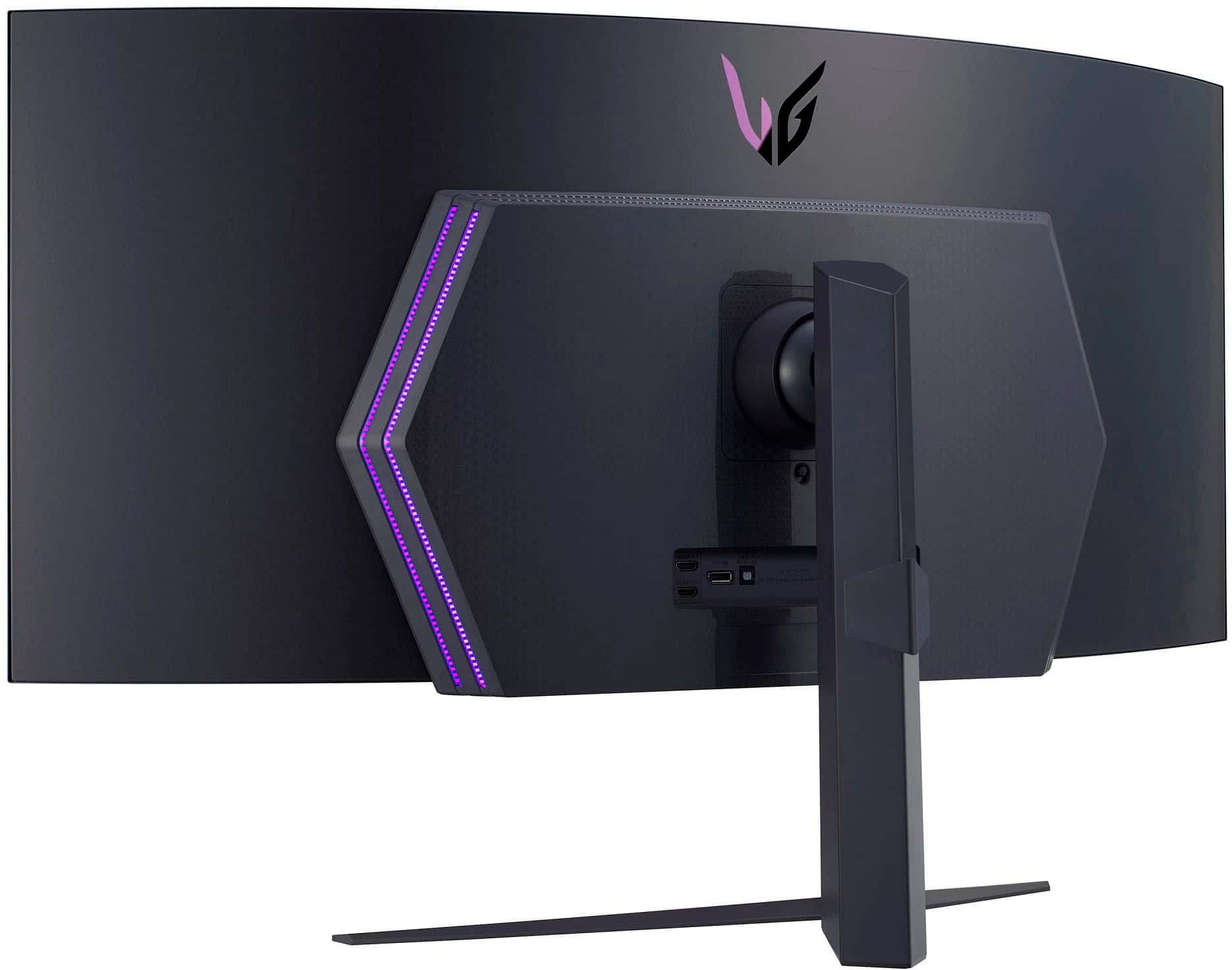
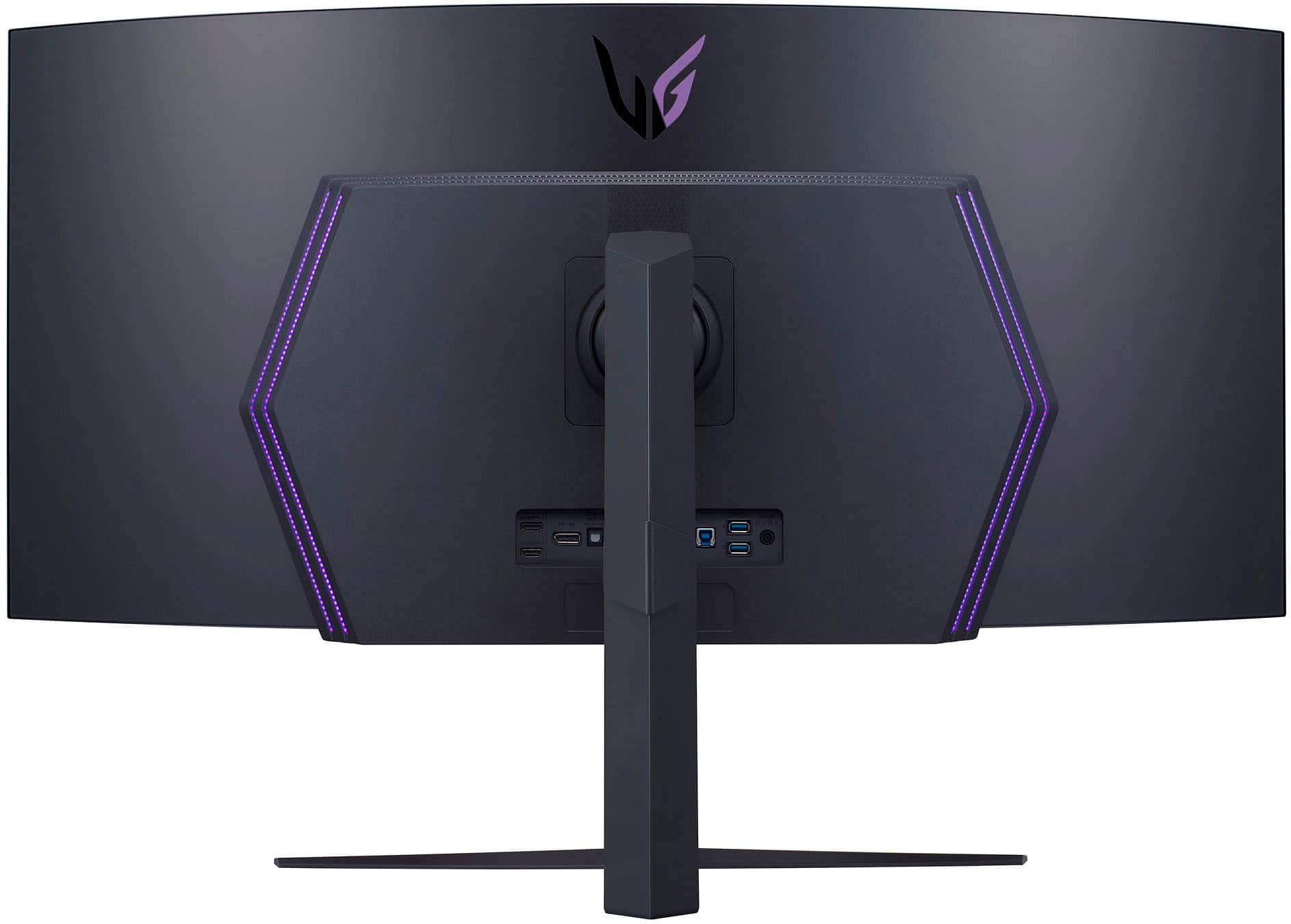
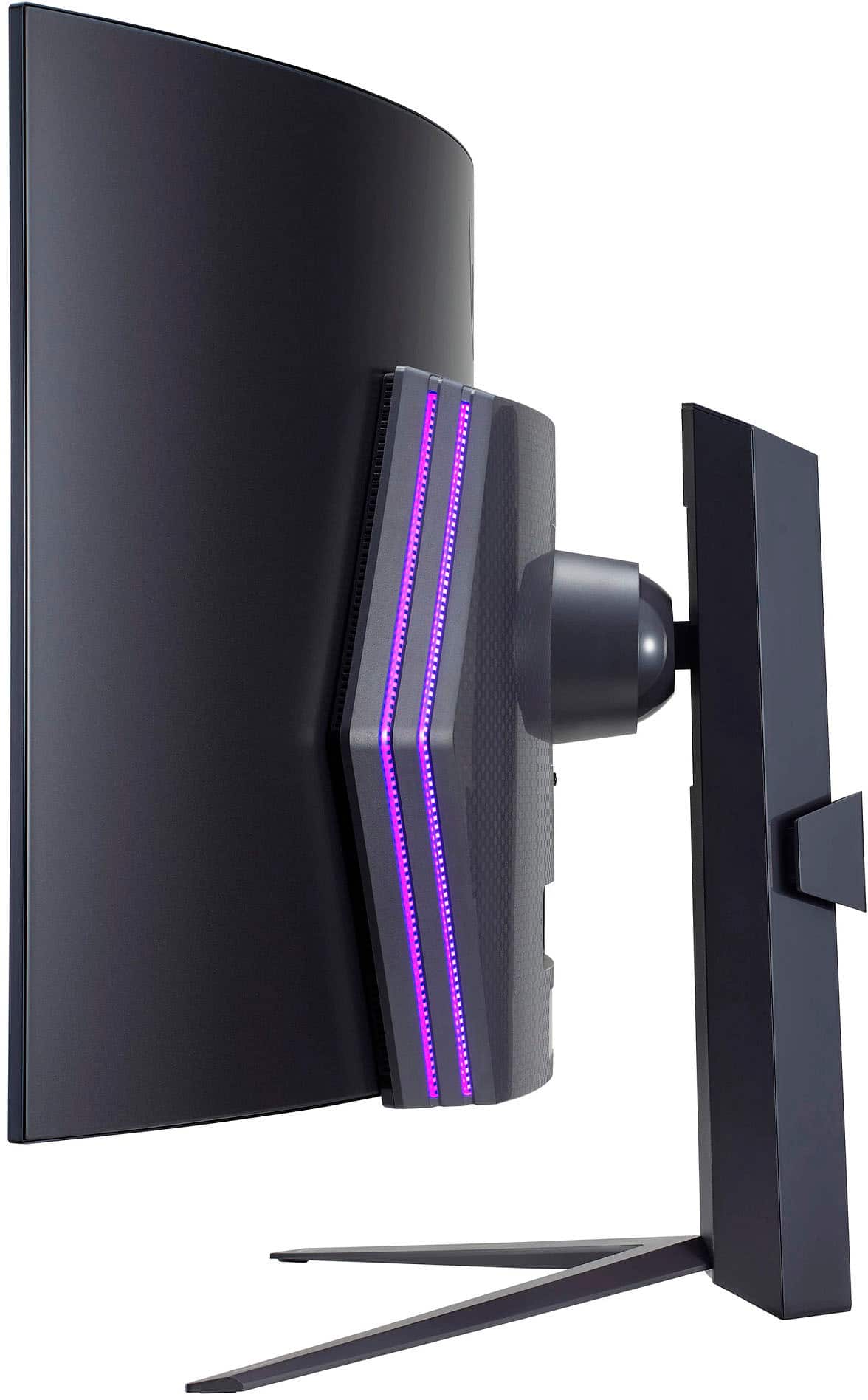
||Posted . Owned for 1 week when reviewed.This reviewer received promo considerations or sweepstakes entry for writing a review.Great monitor, super fast and responsive. 800R curve is a must on a monitor this size. Note that it is a 3440x1440 at 45inch format so the pixel density isn't going to be as good as the same resolution at a smaller dimension. Purely for gaming it's great, it passes for work but texts can get fuzzy depending on how small the text your reading is. Doesn't affect me much but it is important to note if you're planning on using this monitor for work and play like me. HDR performance is so-so on Windows. I'm currently on Windows 10 but I've heard HDR settings are improved on Windows 11, likely my perception would change once I do upgrade to it. HDR performance on the PS5 is pretty good however, the monitor auto detects HDR content and enables it by default. Also, mount this thing. The stand is massive and pretty obtrusive. I'm planning on mounting this as soon as the mount arrives. It's pretty light for it's size (~18lbs) so you'll have plenty of options in terms of mounts.
I would recommend this to a friend - Cons mentioned:Price
I love it
||Posted . Owned for 1 week when reviewed.This reviewer received promo considerations or sweepstakes entry for writing a review.At first I was skeptical about the resolution based on other reviewers. I love it, I mainly game and watch movies. I picked this monitor up along with an 7900 XTX. I don't notice the bad PPI people speak of. I came from and non oled Alienware 34 ultrawide. I know the price is steep but it's nothing else like it.
I would recommend this to a friendBrand response from LGAnswers
Posted .Thanks so much for your kind words! Your support means the world to us. We appreciate your business , and we’re thankful for your trust. ~Tanisha
The best investment I've made for gaming.
||Posted . Owned for 1 week when reviewed.This reviewer received promo considerations or sweepstakes entry for writing a review.Bar none this is the best investment I've made for pure gaming enjoyment. Even better than my 4090. The sheer size is an immersive experience that's hard to describe. I've never gamed on an OLED before so I had no idea just how smooth and clear they are. The motion clarity is unrivaled. I've been gaming at 85hz to keep my GPU running cooler, and it feels just as responsive and clear as my LED monitor at 165hz. It boggles my mind that less frames can somehow be smoother and more responsive, but that's the magic of OLED I guess. Coming from a Samsung Neo G7 (32 inch, 4k, 165hz, Quantum Dot Color) I was expecting a terrible desktop experience, but it's honestly not that bad. Installing MacType with the "DeepGreyNoHinting" preset makes it a pretty enjoyable desktop experience. Text isn't even close to being as clear as a 4k display, especially with the non-standard sub-pixel layout, but I was expecting worse. I reckon the people who complain about the brightness saw the display before the latest firmware updates. That, or they just like to sear their retinas. This panel makes me squint sometimes in HDR, and for normal desktop usage I keep it around 70% brightness. At 100% panel brightness my eyes start to hurt. The color isn't any better or worse than the Samsung Panel it replaced. If you have a Quantum Dot monitor, then don't expect an improvement there. With that said, the colors are incredibly vibrant, especially in HDR. The blues especially really jump off the screen. Doom Eternal in HDR really impresses with the rich colors. After a week of use I hooked up my Neo G7 to make sure I was truly happy, and man did it feel small and slow. Once you experience this level of immersion it'll be hard to go back to a normal size monitor. The brightness of LED and the crispness of the text had me contemplating momentarily, but games and movies on the LG is exponentially better. To the point where nothing else really mattered. Coming from 4k I'm super happy I made this investment. I can now push way more frames, and gaming is so much more responsive with crystal motion clarity. I will forever choose a lower resolution with a higher refresh rate now.
I would recommend this to a friendLG UltraGear 45” OLED Monitor is a Gaming Beast!
||Posted . Owned for 2 weeks when reviewed.This reviewer received promo considerations or sweepstakes entry for writing a review.I just gotta spill the tea on the LG UltraGear 45” OLED Gaming Monitor – it's legit blowing my mind! This bad boy has totally leveled up my gaming setup, and I'm here to share the deets on why it's my new obsession. That 45” OLED display – deep blacks, colors poppin' like crazy, and details so sharp they could cut. Seriously, the contrast is off the charts, and OLED magic makes every pixel glow on its own. From epic landscapes to high-speed action, this monitor makes everything look next-level real. Gaming is a breeze with the 120Hz refresh rate and 1ms response time - No more annoying motion blur, just pure smoothness. Design is sleek as heck with those thin bezels, and the adjustable stand is a game-changer. My setup never looked so fly. LG didn't skimp on quality either – this thing is built like a tank, proving they mean business in the gaming world. Bottom line, the LG UltraGear 45” OLED Gaming Monitor is worth every penny. Yeah, it's an investment, but dang, the quality and features are on another level. LG smashed it outta the park, and I'm legit saying this is the dopest gaming display out there. 5/5!
I would recommend this to a friendBest monitor ive ever had
||Posted . Owned for 3 months when reviewed.This reviewer received promo considerations or sweepstakes entry for writing a review.This thing looks absolutely amazing. Ive been using it for about 4 months now and have had zero issues. Clarity and HDR brightness are astounding, then add thr 240hz refresh rate on top and this thing is a beast of a monitor. Ill never be able to go back to anything less
I would recommend this to a friendTerrific gaming Monitor
||Posted . Owned for 3 weeks when reviewed.This reviewer received promo considerations or sweepstakes entry for writing a review.This is a great immersive monitor for gaming. Colors are vibrant and blacks are true. I wish it was a tad bit brighter but this was expected being an OLED. Overall it is a good monitor for daily use as well but text is slightly bury on the curved edges. Mine is having an issue powering back on sometimes and I have to unplug to power back on. Other than that highly recommended
I would recommend this to a friendThe LG OLED
||Posted . Owned for 2 weeks when reviewed.This reviewer received promo considerations or sweepstakes entry for writing a review.The best OLED monitor out right now. Picture clarity, color, and brightness all cexcellent. I can barely notice the text clarity issue but this is mainly for games. The curve if the this monitor truly does make this immersive. If you can afford the one. I have owned this for a full month now and happyf
I would recommend this to a friendBrand response from LGAnswers
Posted .Hey there, Dave. It is not every day that we receive feedback as detailed and thoughtful as yours in regards to your monitor. We assure you that your review is considered and does not go unnoticed. So thanks for your kind words, and we look forward to seeing you again. ~Anthony
Immersive Gaming Experience
||Posted . Owned for 2 weeks when reviewed.This reviewer received promo considerations or sweepstakes entry for writing a review.The LG UltraGear 45-inch Curved OLED Gaming Monitor is a top-of-the-line gaming display that offers a truly immersive gaming experience. With its WQHD resolution, FreeSync technology, and compatibility with G-Sync, this monitor is designed to deliver stunning visuals and smooth gameplay. In this review, we will delve into the features and performance of this gaming monitor. Design and Display: The LG UltraGear 45-inch Curved OLED Gaming Monitor boasts an eye-catching design that complements its impressive performance. The curved display provides a more immersive gaming experience, enveloping you in the action. The OLED panel produces vibrant colors, deep blacks, and excellent contrast, resulting in stunning visuals. The WQHD resolution offers sharp and detailed images, enhancing the overall gaming experience. Performance and Features: Equipped with AMD FreeSync technology, the LG UltraGear monitor ensures smooth gameplay by synchronizing the monitor's refresh rate with the graphics card's output. This eliminates screen tearing and stuttering, providing a seamless and fluid visual experience. Additionally, the compatibility with G-Sync expands the monitor's versatility, allowing it to work flawlessly with both AMD and NVIDIA graphics cards. The 1ms response time reduces motion blur and ghosting, making fast-paced games feel incredibly smooth and responsive. This is particularly beneficial for competitive gaming, where split-second reactions are crucial. The monitor comes with a variety of gaming features, including various preset display modes tailored for different game genres. The Black Stabilizer enhances visibility in dark scenes, while Dynamic Action Sync minimizes input lag, giving you a competitive edge. Furthermore, the monitor supports HDR content, delivering a wider range of colors and improved contrast for a more lifelike visual experience. Connectivity and Ergonomics: The LG UltraGear monitor offers a decent selection of connectivity options. It is equipped with multiple HDMI and DisplayPort inputs, allowing you to connect various devices simultaneously. The monitor also features a USB hub, which provides convenient access to USB peripherals. In terms of ergonomics, the monitor offers a wide range of adjustments, including tilt, height, and swivel. This allows you to find the most comfortable viewing position, reducing strain during long gaming sessions. The LG UltraGear 45-inch Curved OLED Gaming Monitor is an exceptional gaming display that delivers an immersive and visually stunning gaming experience. Its WQHD resolution, FreeSync technology, and compatibility with G-Sync ensure smooth and tear-free gameplay. The monitor's OLED panel produces vibrant colors and deep blacks, while its gaming features and ergonomic design enhance overall usability. If you are a serious gamer looking for a premium gaming monitor, the LG UltraGear is undoubtedly a worthy choice
I would recommend this to a friend