Customer Ratings & Reviews
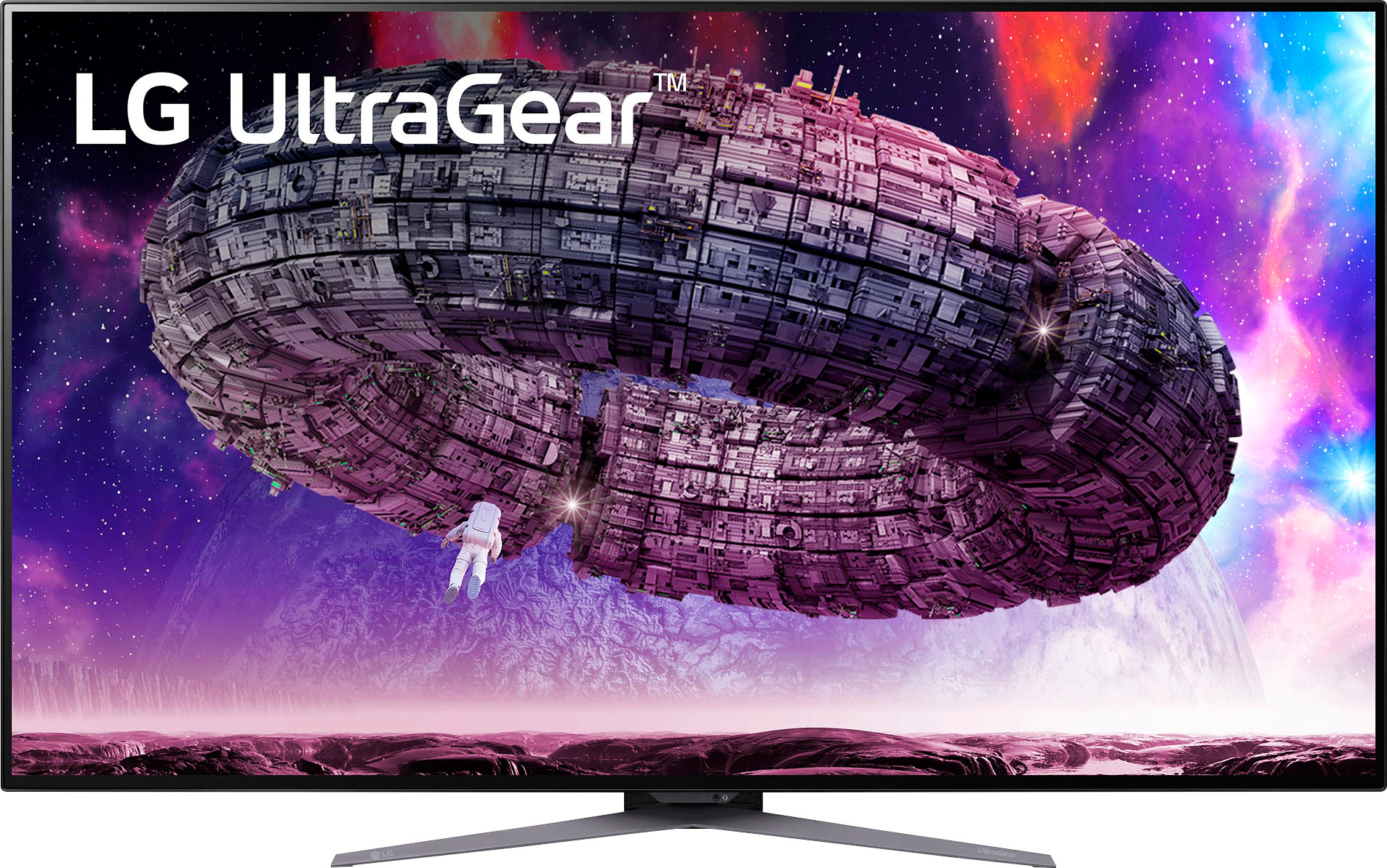
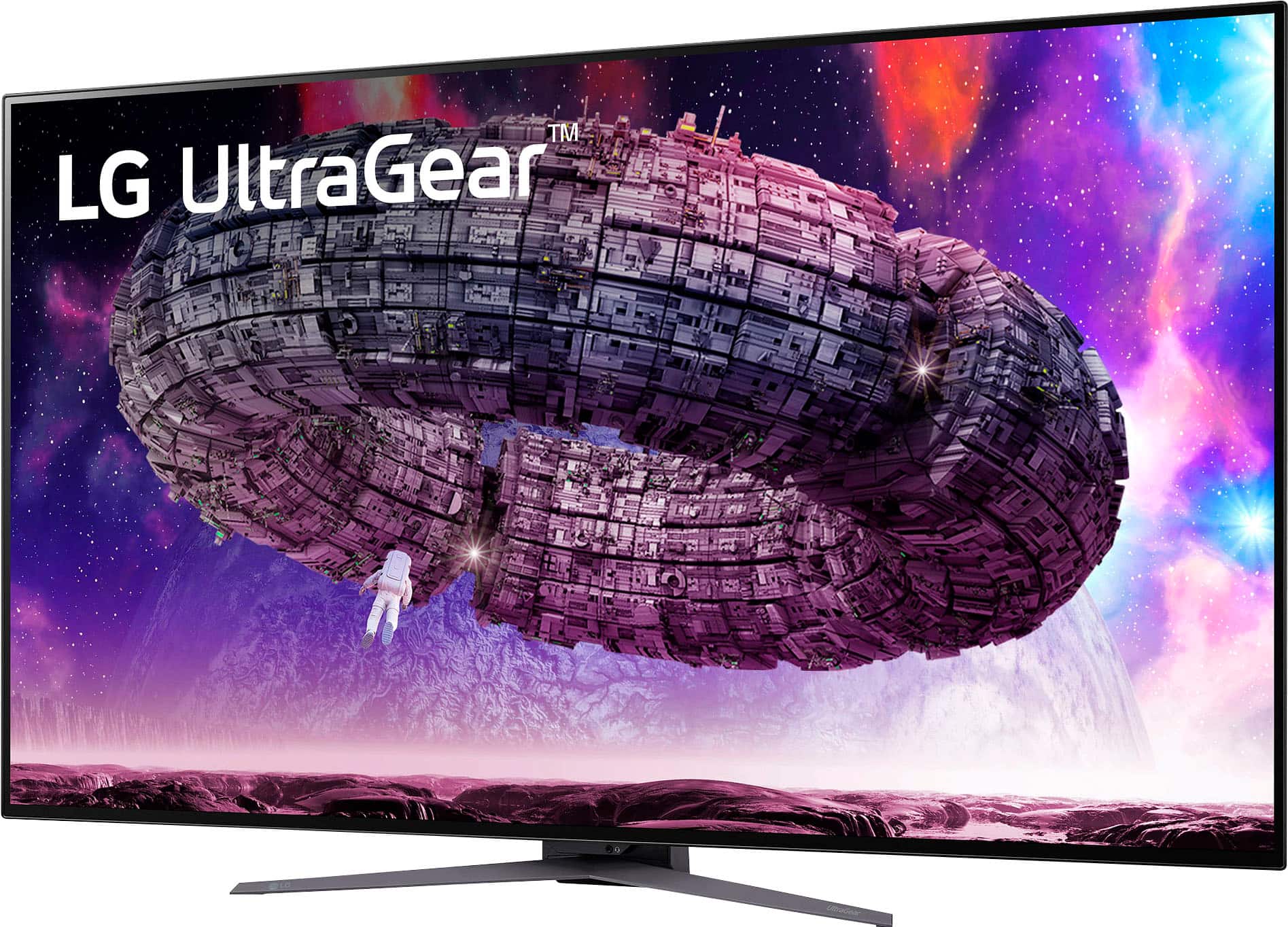
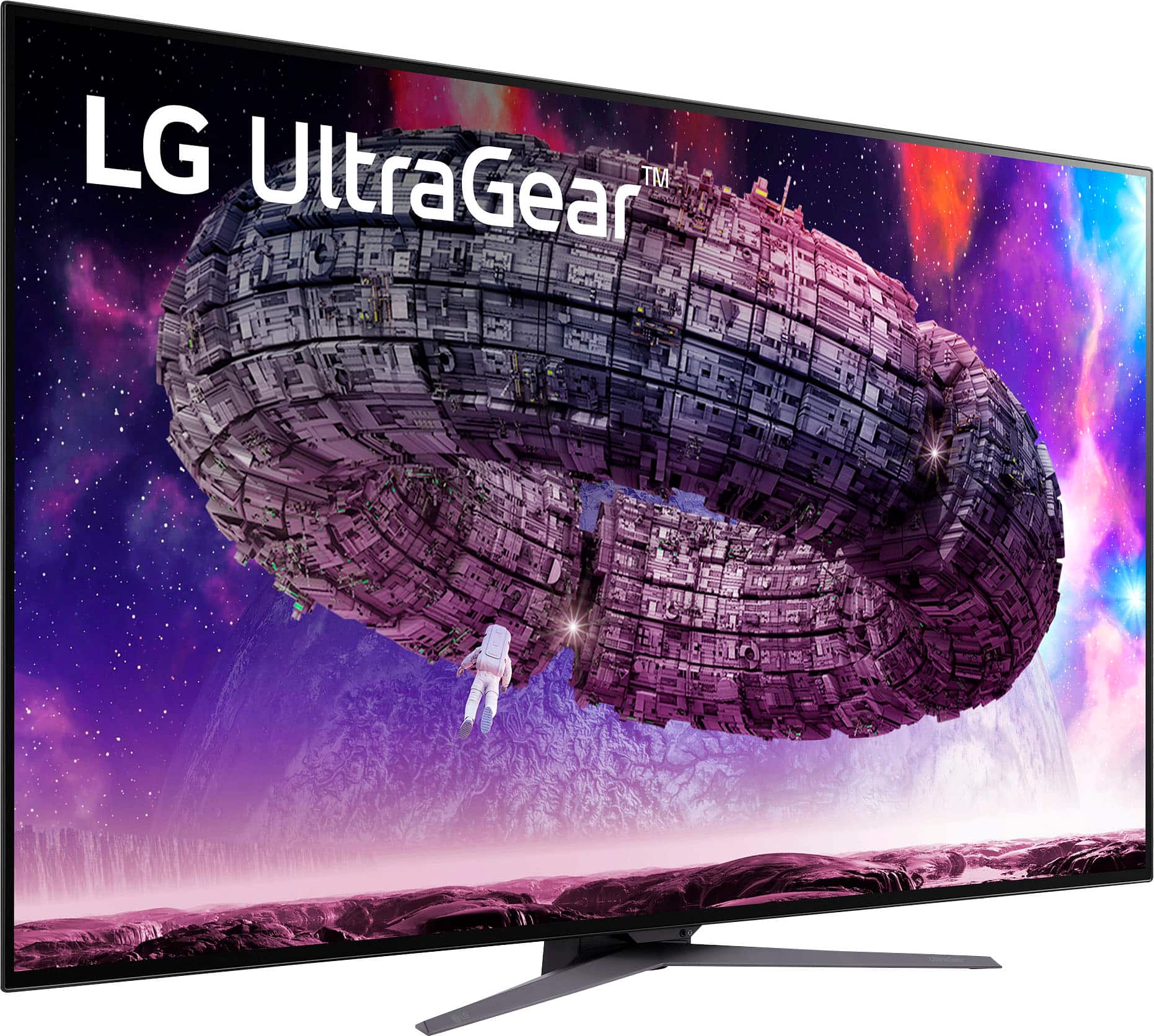
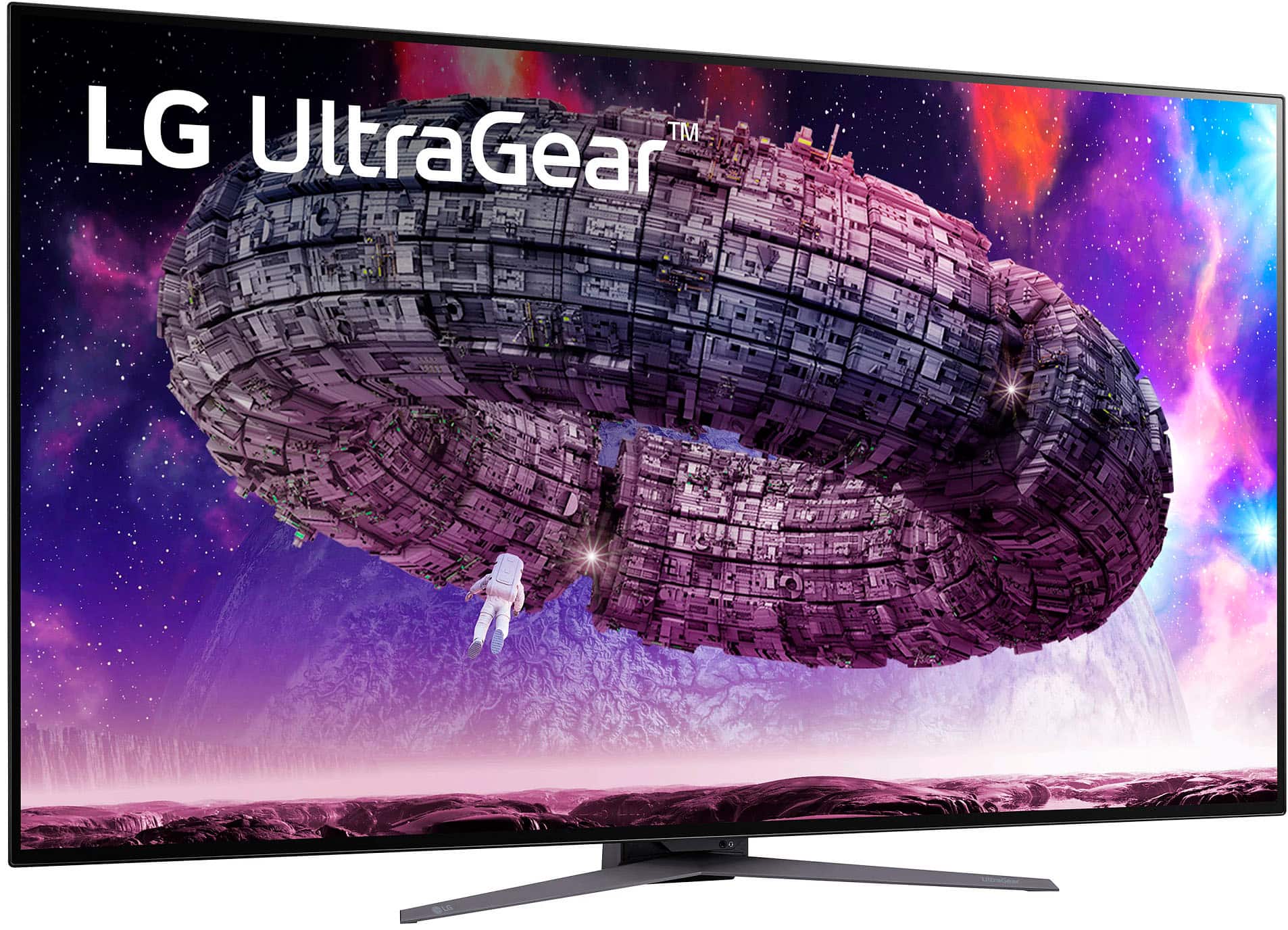
- Model:
- 48GQ900-B
- SKU:
- 6510480
Rating by feature
- Display Quality
Rating 4.7 out of 5 stars
- Ease of Use
Rating 4.6 out of 5 stars
- Features
Rating 4.4 out of 5 stars
Customers are saying
Customers regard the UltraGear 48” OLED monitor's large screen size and high refresh rate as significant advantages, frequently praising the impressive visuals and smooth gaming experience. Many appreciate the HDR capabilities and 4K resolution, resulting in stunning game graphics. However, some users express concerns about the monitor's auto-dimming feature, finding it overly aggressive at times. The lack of Dolby Vision support is another drawback cited by a few customers.
This summary was generated by AI based on customer reviews.
Gaming monitor
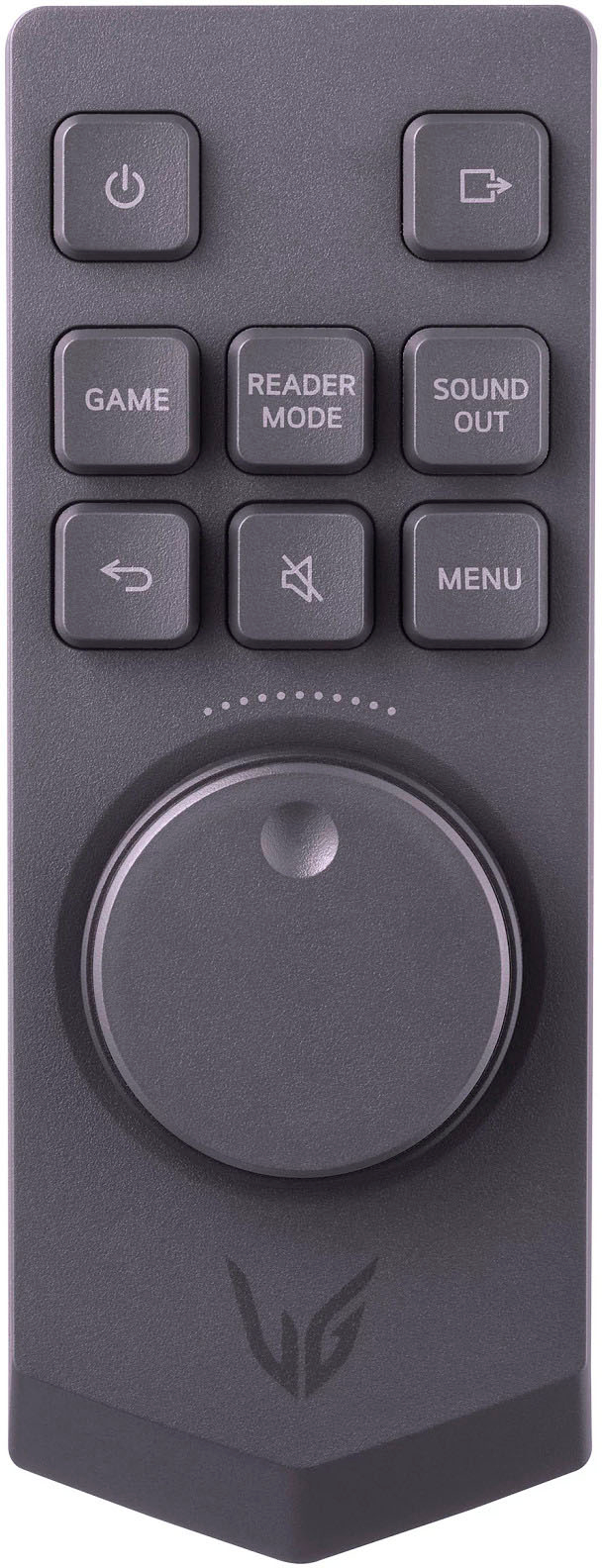
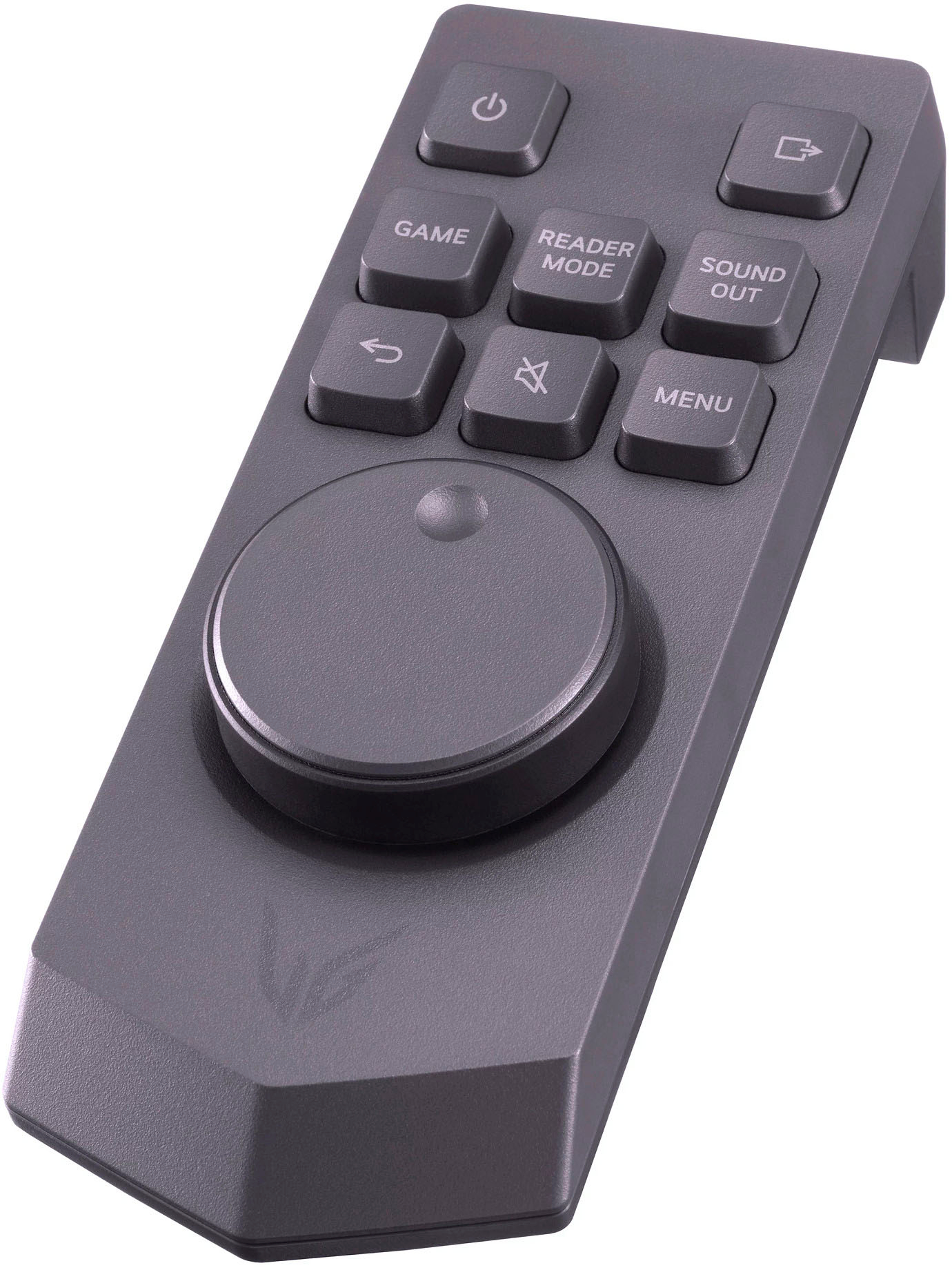
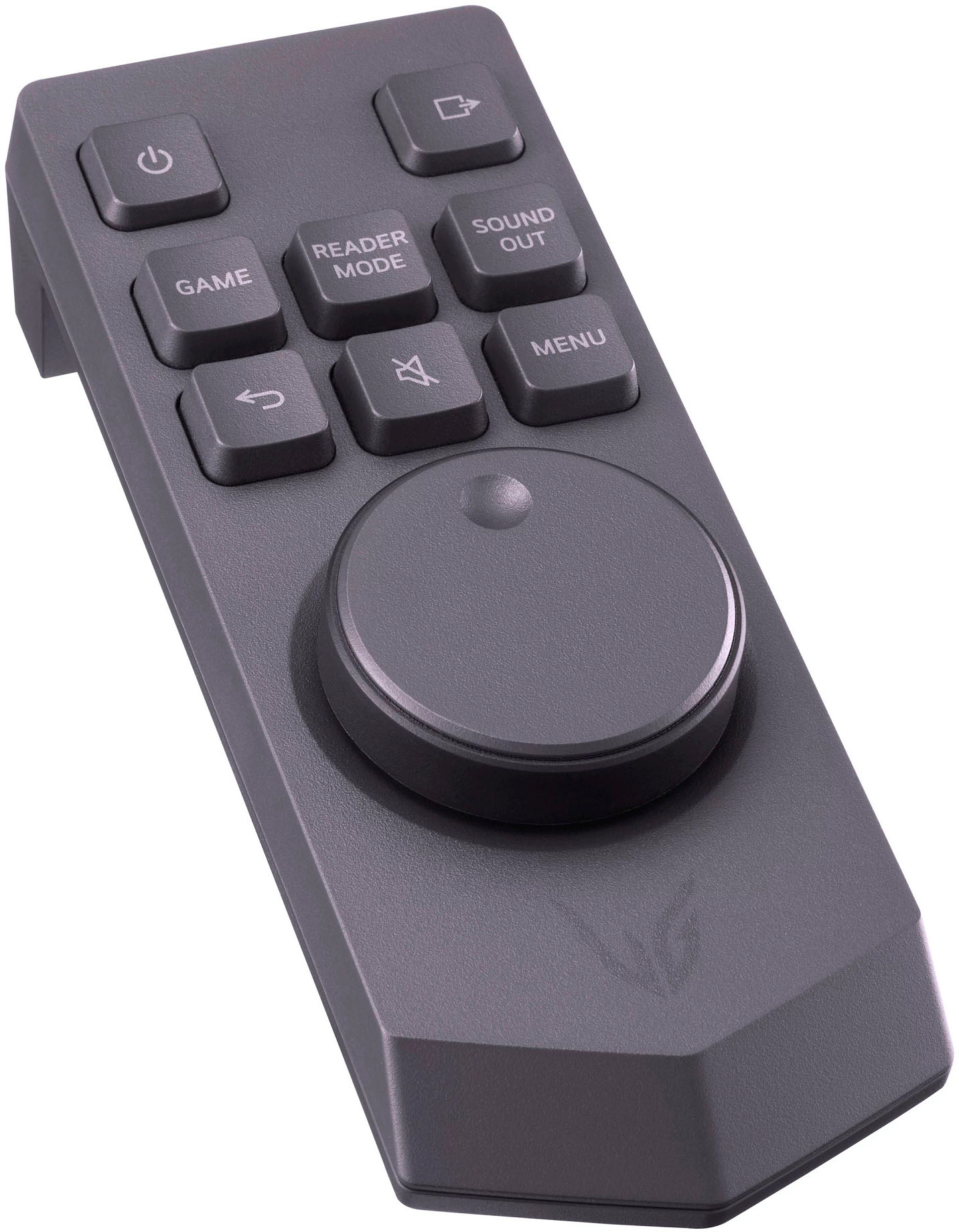
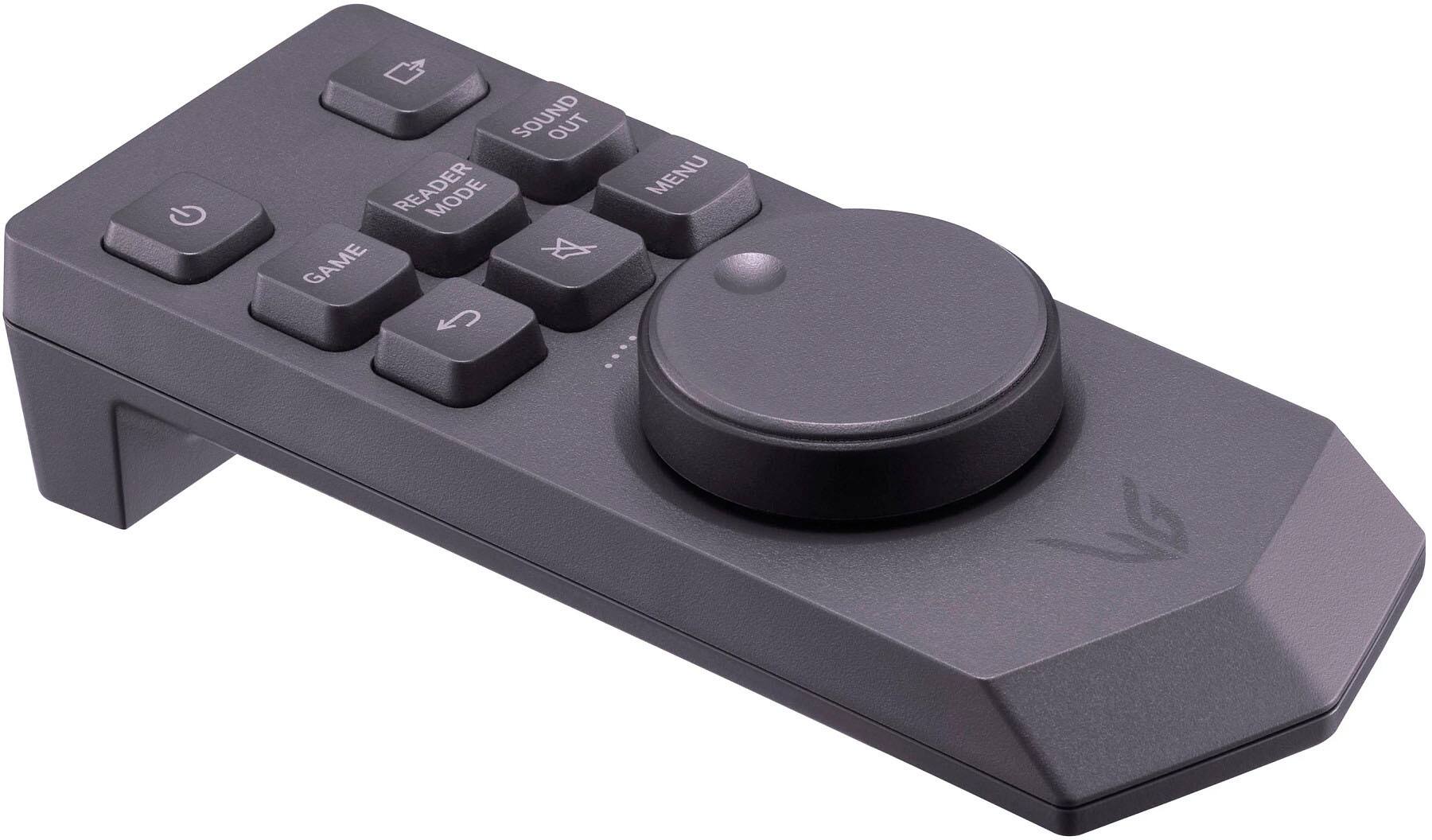
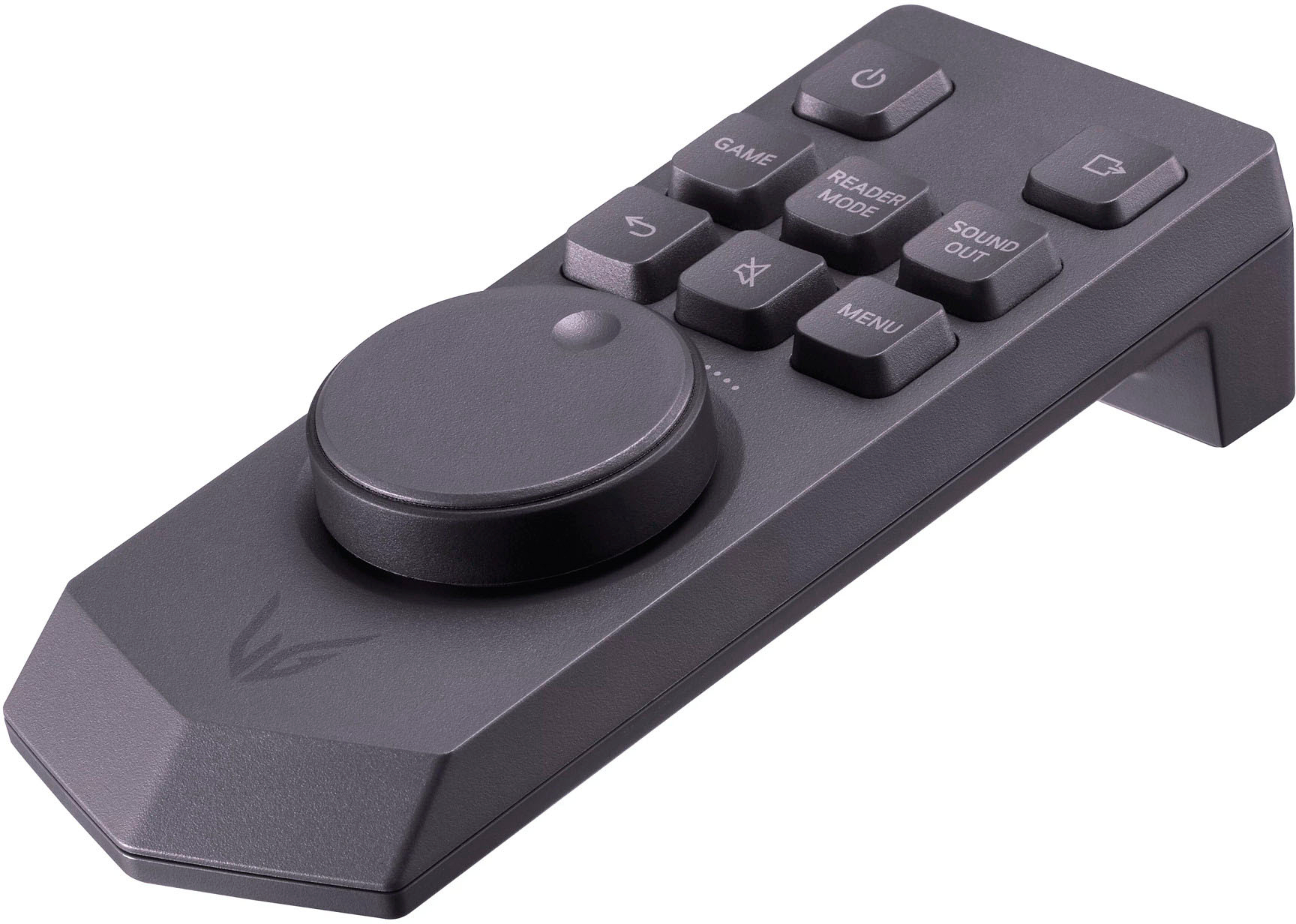
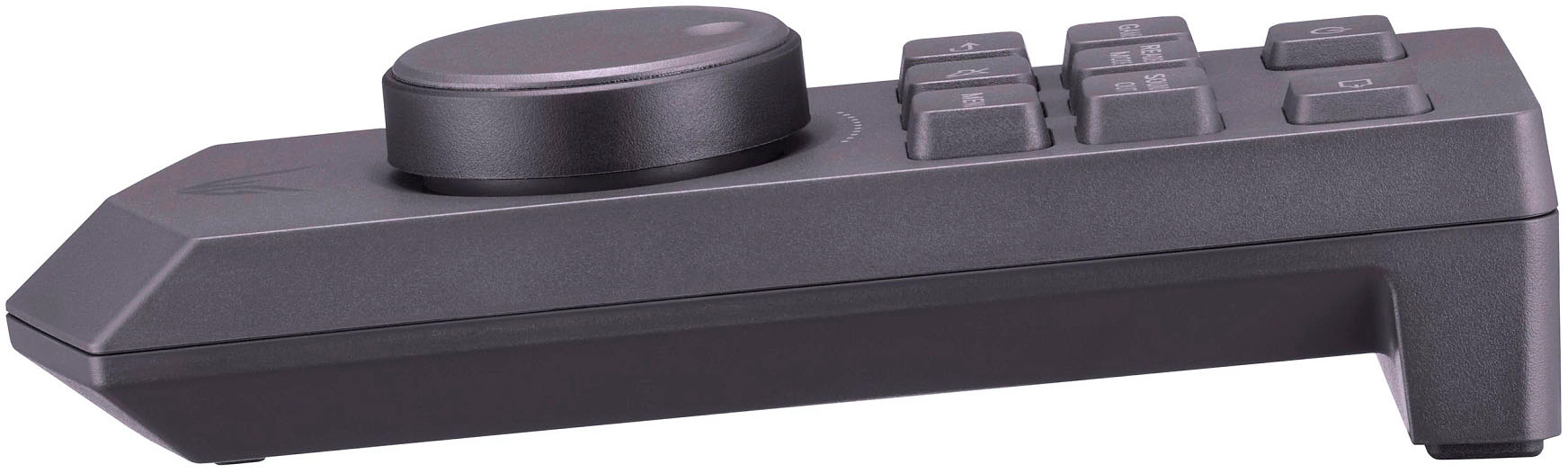
||Posted . Owned for 2 weeks when reviewed.This reviewer received promo considerations or sweepstakes entry for writing a review.I bought this open box “perfect conditions” they were missing parts and no controller
I would recommend this to a friendBrand response from LG Digital Customer Care
Posted .Hi, Jenny. Thank you for sharing your experience with the LG Monitor (48GQ900-B) model. We understand your concern about receiving an open box item that’s missing parts and a controller, especially when it was advertised as being in "perfect condition." We strive to provide accurate and detailed product information to help our customers make informed decisions. However, we acknowledge that sometimes, despite our best efforts, a product may not meet your specific needs or preferences. Please contact Best Buy customer service at 888-237-8289 to inform them of the missing parts and the absence of the controller. They should be able to assist with obtaining the missing components or providing a replacement. If you need further assistance or if there are specific concerns related to LG products, please send us a private message on social media @LGUSSupport. We’re here to help with any additional support you may need. ^Juvy


A Stunning Display
|Posted .This reviewer received promo considerations or sweepstakes entry for writing a review.I have to say this monitor is stunning! Not only is the picture extra large, but the quality of the picture and the speed of the frames is fantastic and the OLED experience makes it seem even better. I've had the monitor setup for about a week and have played with the various settings and tested the display with the most graphic intensive games I have and this monitor has performed admirably in all respects. According to the manufacturer, I though I might need to get an HDMI 2.1 cable to get the G-SYNC and overclock to work, but the Displayport adapter provided the same results. With the G-SYNC on, and using a 3080 Geforce card, there was no hesitation, delay, or anything but smoothness out of the high graphic racing games I played. In fact, you could freeze the screen, zoom in, and see the raindrops on the side of the vehicle in UHD. It is pretty amazing. Also, I turned the monitor overclock on to see if I got a better experience. To be honest, I couldn't tell much difference but have been using it with the overclock on for the past few days and things are at least as good as without it. I was worried that the screen would be too big and it is really big. But if you put it all the way at the back of your desk (or mount it to the wall) you get used to it pretty fast. Also, if you want to use it for things other than gaming there are settings that can divide the screen into multiple screens. I also find myself streaming 4K video on the monitor because the colors are so crisp and clear and the video is so smooth. In summary, this monitor exceeded my expectations by providing better than expected quality and speed. I would highly recommend it.
I would recommend this to a friendWow, I could stare at this screen all day!
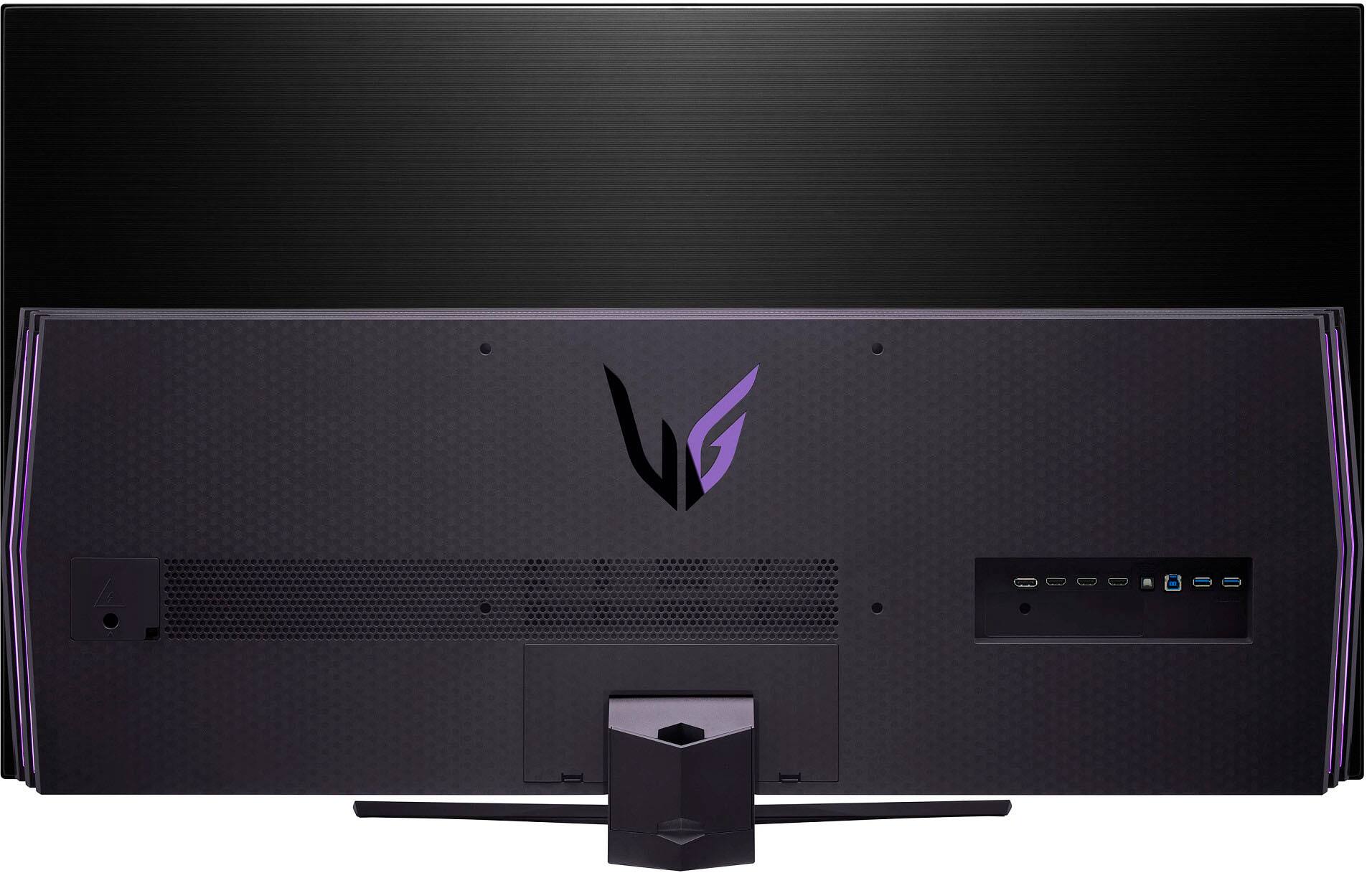
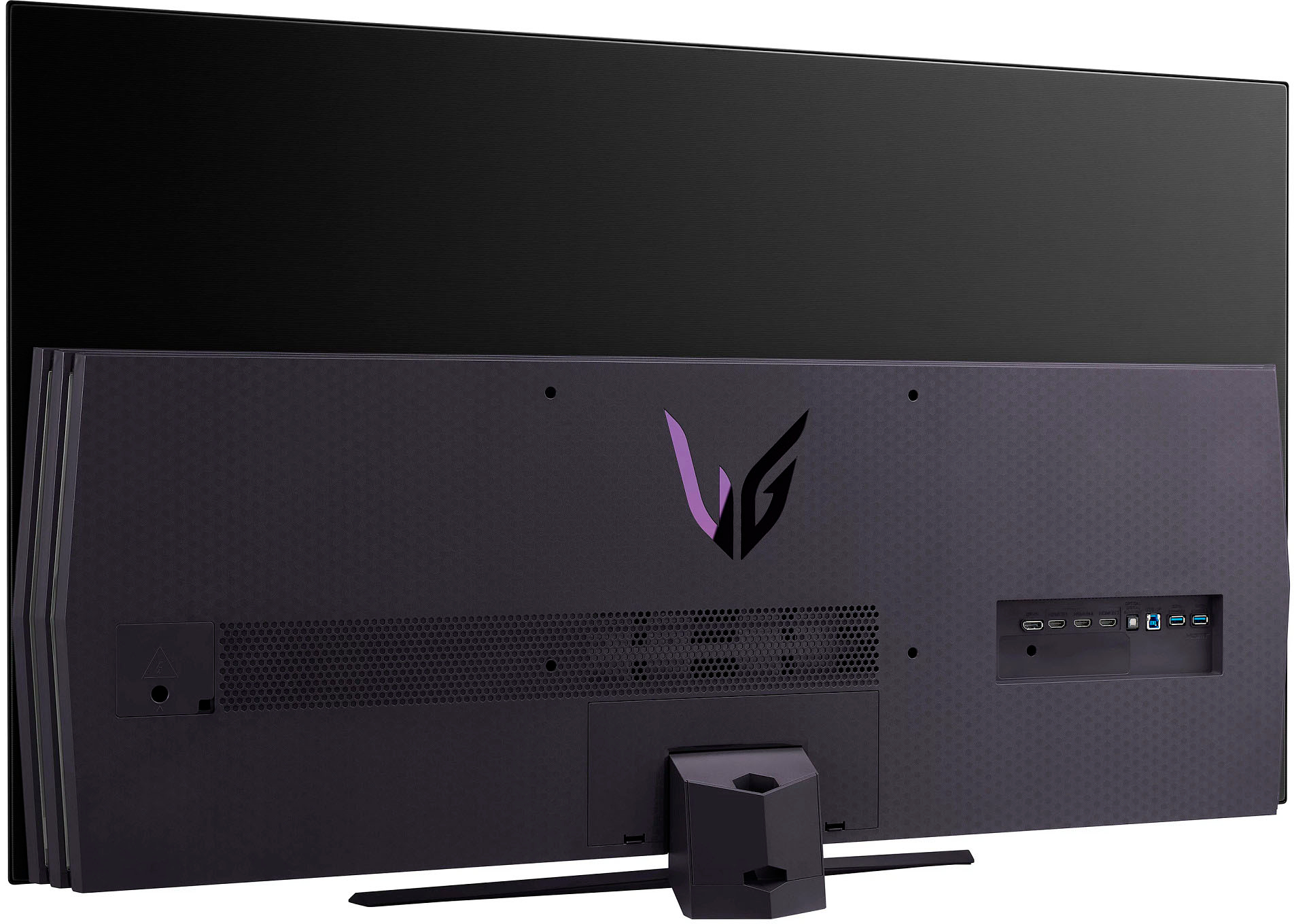
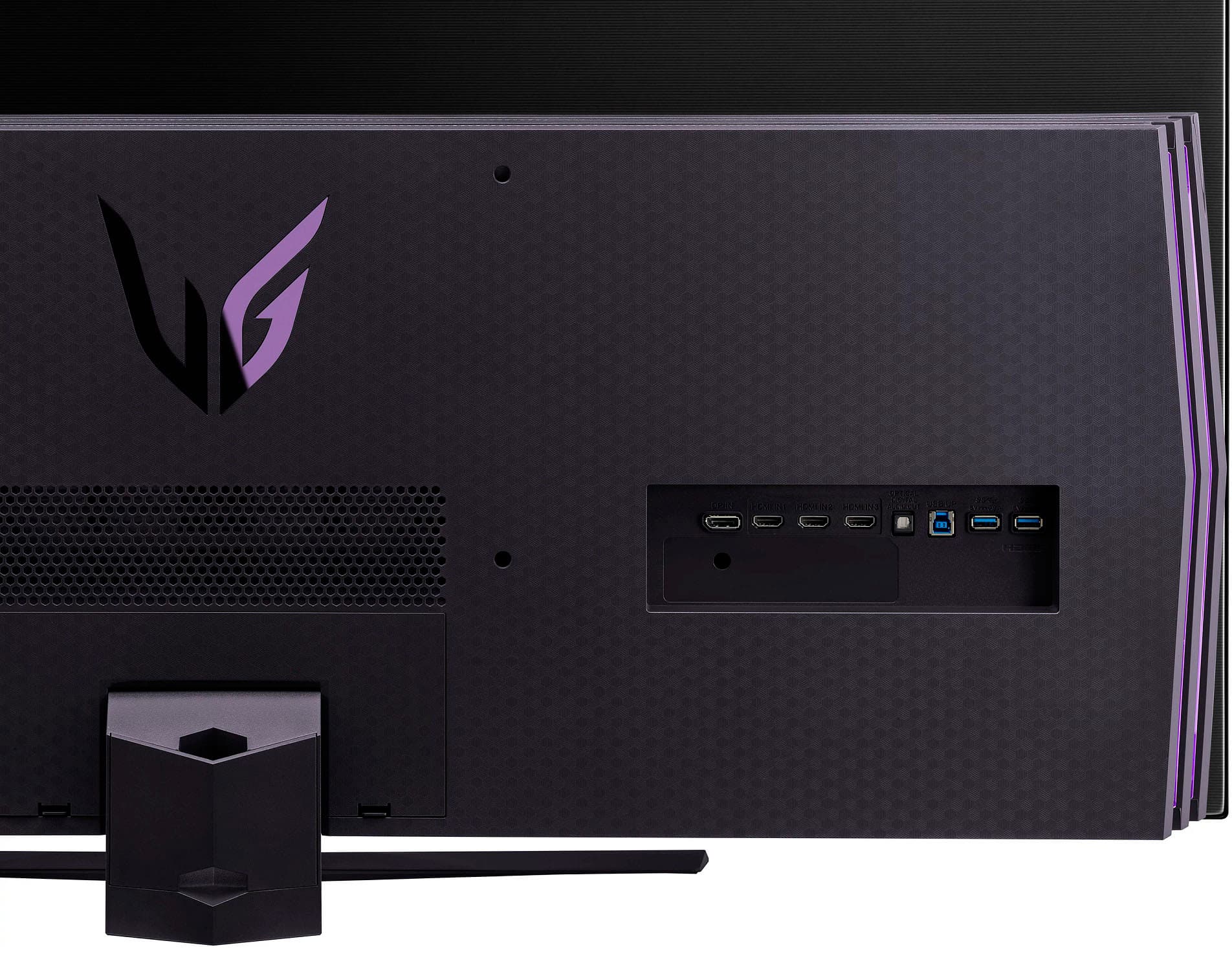
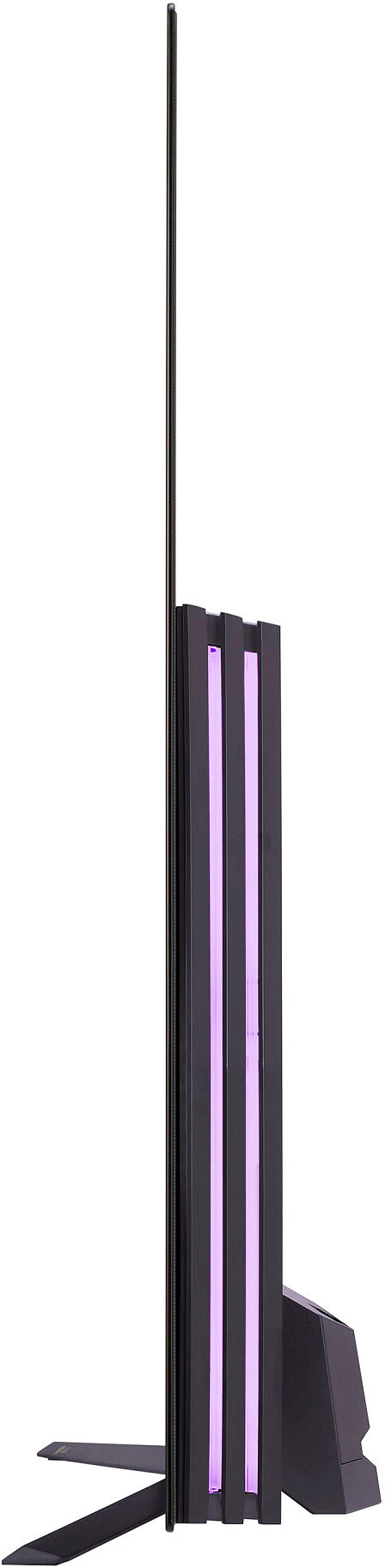
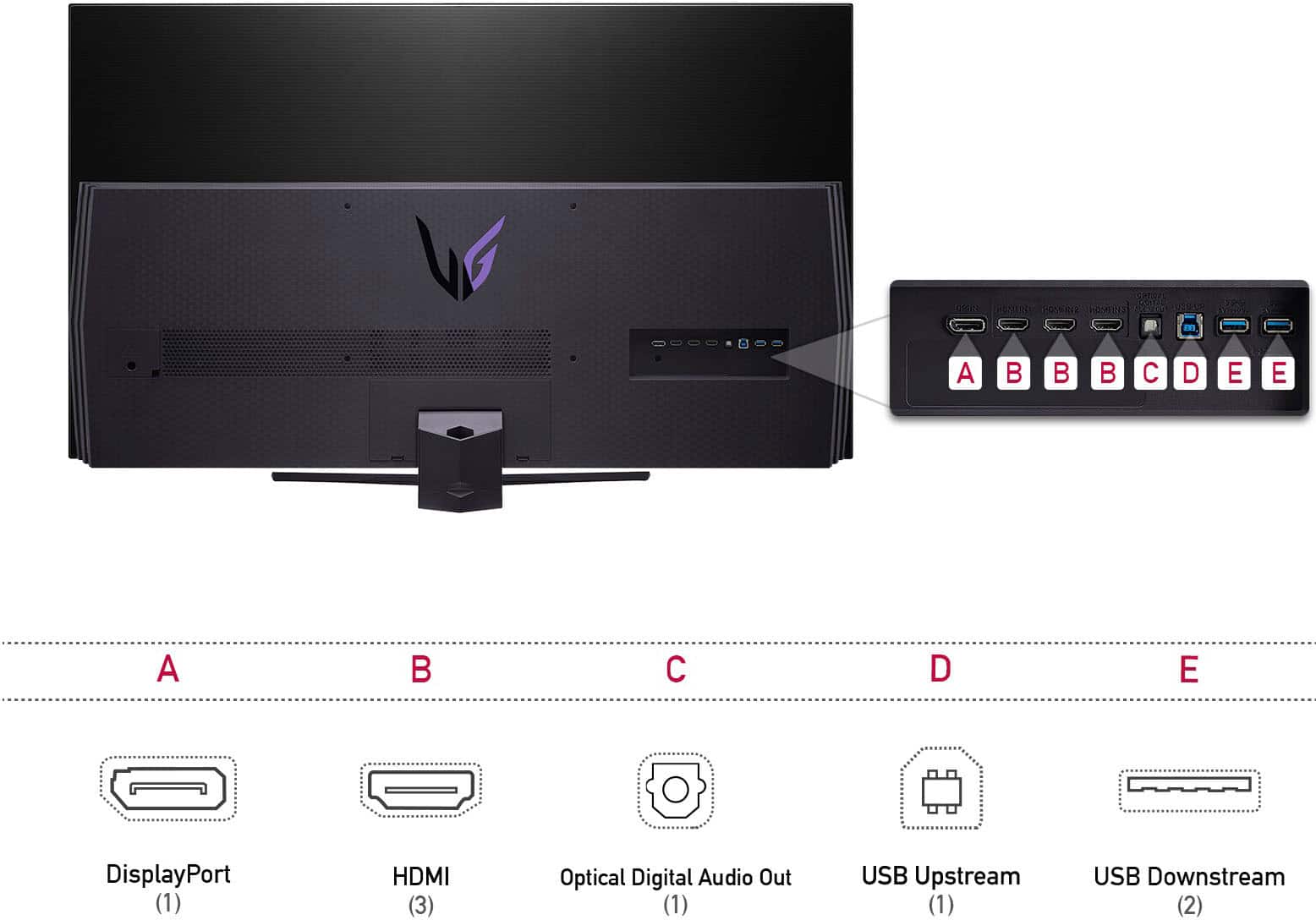
|Posted .This reviewer received promo considerations or sweepstakes entry for writing a review.Being a BIG computer monitor, there is no TV tuner. Also, unlike a TV, this screen has a matte finish like a monitor, which helps minimize reflections from lights, windows, and such. This is important when used for long periods as it makes it easier to see what’s on the screen, reduces eye strain and headaches. Aesthetically the monitor is a head turner. The large size helps too! Virtually borderless, the case has great style and provides ambient lighting on the back. It’s a shame to put it against a wall where it won’t be seen. The stand is sturdy, the screen is gorgeously thin. When on, this screen has a gorgeous picture that does not disappoint. The OLED screens have the blackest blacks, and this screen is no exception. Black on an LED screen is really a dark shade of grey, there’s always some light bleed. Even an IPS monitor has good colors, but the contrast with blacks has similar issues to LCD. AN OLED screen with HDR is different. If the scene has black areas, like a space movie, that part of the screen is essentially off, blacks are utterly black. The colors on the LG OLED are so vibrant and intense! Having this size on a desktop helps provide an immersive experience. Watching a modern Sci-Fi movie set in space is total eye candy. The viewing angle is wide at 178 degrees, so watching from the sides is no problem if you have some friends over. Port selection is good with a DisplayPort 1.4 supporting up to 135 Hz when overclocked for a PC. Overclocking the display rate requires downloading the OnScreen Control software from LG’s site to your PC. You may be able to use Windows Display Settings provided the monitor is recognized and setup in Windows properly. There are also 3 HDMI 2.1 ports supporting 120 Hz which supports my Xbox Series X perfectly. However, unlike my Xbox, the LG does not list Dolby Vision as being supported. Small bummer. Being compatible with nVIDIA G-SYNC, also pairs well with my RTX 3090 using the Display Port. I played a few games with fast action and screen changes, and I could not see any blur, ghosting, or distortion despite looking for it and trying to force it. No doubt due in part to this monitors POINT One (.1 ms) response time. Very impressive! When I turn on the Xbox or Roku, the LG remains on my PC, it does not auto switch like TV’s I have. But then this is a monitor, so I’m not sure this is a negative. It could be a good thing if one of the devices gets accidentally turned on or goes active with an update while otherwise active in a game or working on a PC. I tried the speakers; they work very well for a flat screen monitor. With 20 watts of power, they are better than any other monitor I’ve heard and most TV’s. Really not a bad choice if desk space is tight, or even as a fall back if 2 channel stereo is enough. But speakers in a flat screen have challenges. Space is limited, and the speakers point to the back or down as on the LG bounce off the desktop and are not direct sound to the ear. This can make dialogue, especially soft-spoken dialogue hard to make out. They are just not as clear or as powerful as external speakers can be, nor are they 5.1 or 7.1 surround sound. And there is no Dolby Atmos on the LG for the built-in speakers. Shouldn’t your sound be as immersive as the BIF monitor filling up your view? The LG provides a DIN headphone jack and even better a SPDIF Optical Digital Audio Out port, perfect for plugging into a sound bar or other surround sound system that supports surround sound and Dolby Atmos. The remote is big, it fits my large hand, I can use it one handed, even the dial and it seems to work well. The screen is thin and there are warnings and directions on how to handle it when unpacking and moving it. I cut the box sides off. This made it easier to get safe hands on this 43 pound monitor and move it without pinching the screen. It is a two-person job, so have someone else present when unboxing. I am really happy with the LG as a computer and Xbox gaming monitor. Gorgeous to look at on or off and stunning performance. It’s the best monitor I’ve have used to date. My only real gripe is it lacks support for Dolby Vison and Dolby Atmos while my Xbox does. But these are minor gripes.
I would recommend this to a friendBrand response from LGAnswers
Posted .Thank you for taking the time to share your detailed product experience feedback. ^Jennifer
Great LG monitor
|Posted .This reviewer received promo considerations or sweepstakes entry for writing a review.This is a gaming monitor Gem. It's 4k and 120hz OLED that also has GSync as well. It's a fantastic display and has those colors and contrast you expect from OLED. The monitor can also be overclocked to 138. The monitor has 3 HDMI ports , display port and multiple USB type A ports as well. It also has built in speakers that do the job as well. Not the greatest sounding speakers but they are good enough. You also have a headphone jack to use headphones if you want . With the HDMI ports I connect it to my laptop and while it can't run the newest games at 60 fps at 4K the OLED panel shows the games amazing anyways.i put the games at 2K and get around 60FPS or higher. There isn't any ghosting that I can notice either. Can't measure the brightness myself but it gets bright enough for me although i wish it could get a tad brighter. I know it's not a TV and monitor first but I do have a Roku stick and don't have a TV actually but with the internal speakers I can use the monitor to watch Hulu , Netflix and etc . Fine with me since that's what I use anyways.
I would recommend this to a friendAMAZING Monitor
|Posted .This reviewer received promo considerations or sweepstakes entry for writing a review.WOW! What an amazing monitor. First, it is BIG. Of course it's 48 inches but when you are used to a 24" screen this is something else. That being said, it is not at all too big for use. Its comfortable to work with and doesn't bother the eyes while gaming. Second, it has an amazing screen. The screen is amazingly clear and there is no pixelization. The color is amazing as well. The blacks are deep black and whites are white. The colors are true and there is no streaking or stuttering even with the most demanding games. The 4K looks great when paired with an Nvidia 3080 graphics card. Third, the setup is easy and quick. I use Windows 11 and it was basically plug and play. There several settings you can use to modify the display but it worked well right out of the box. Right now I have it on my desk but is looking at mounting it on the wall to give me some additional space. Overall I couldn't be more pleased with this monitor. Having made a big jump in size from previous monitors, it couldn't have been smoother or more pleasant.
I would recommend this to a friendThe firmware update is helpful
Posted .This reviewer received promo considerations or sweepstakes entry for writing a review.The dimming was a bit aggressive out of the box and the colors were not as bright as I expected but after tweaking the settings it's a good display. There's a recent firmware update that helps reduce the aggressive diming and the display doesn't flicker anymore with VRR on, so make sure you run it. You'll need the "OnScreen Control" software that you can download from LG. Took about 30 minutes to run.
I would recommend this to a friendSolid and good
Posted .This reviewer received promo considerations or sweepstakes entry for writing a review.Plenty of screen realistate but can be a lil overkill in certain scenarios definitely tailored to just gaming, productivity is not super streamlined
I would recommend this to a friendMASSIVE! So big on the desk you're in the game!
|Posted .This reviewer received promo considerations or sweepstakes entry for writing a review.Never have I ever used or had such a large sized monitor for my PC gaming experience. I have with my console gaming but with those I'm not sitting nearly as close as you would with this attached to your PC. At first it's the size is a little overwhelming but the things you can do on this with being able to have multiple windows open at once and not be so limited as to fit them on a 20-27 inch screen. You can easily have a movie up watching it as well as be doing your homework, or listening to music all at the same time in one window. As long as you have the surface space on your desk I'd personally highly recommend it. The size and being so close does take a little getting used to. But it really does make you feel like you're in the game. The deep dark rich blacks bring back me to my days when I played on my plasma television. When playing online there's no ghosting or lag at all. When I move my character moves he moves! And especially when playing FPS when it's crucial for no delays or lag. The color is vibrant and bright, not washed out at all. A few of the games I played were God of War, Horizon Zero Dawn, and Killzone 3. All 3 have variations of bright and colorful lit scenes. Horizon Zero Dawn has a rich pallet of color, really a beautiful game and with the size of this monitor it made even more so than anything else I've played it on. Where Killzone has more dark shadowy areas dungeon like. Some monitors the dark areas would be too bright to not give you a correct feel and really put you into the area but this clicked all the buttons. If you want this size and don't mind paying up for it I would highly recommend this monitor
I would recommend this to a friendLovely OLED Monitor
Posted .This reviewer received promo considerations or sweepstakes entry for writing a review.Love this monitor it's bigger than anticipated but works well for games and just general use.
I would recommend this to a friendnothing compares to oled
Posted .This reviewer received promo considerations or sweepstakes entry for writing a review.OLED is so much better than LCd technology I can never go back. Incredible colors and contrast, everything looks amazing on this monitor
I would recommend this to a friendBest gaming monitor on the market
Posted .This reviewer received promo considerations or sweepstakes entry for writing a review.I got this for my son. It has a great 360° sound with awesome graphics. It makes his gaming experience drastically better than a standard monitor. No glitching, less ping and enhances game play. The LG OLED panels are hard to beat and LG makes a reliable screen. The specs are high end. Love the LED backlight!
I would recommend this to a friendGood but not for everyone
Posted .This reviewer received promo considerations or sweepstakes entry for writing a review.Very good monitor , but may not be for everyone because it is really big. I'd recommend it if you're going to use it for gaming or do video editing, if you're going to use it for minimal tasks I wouldn't buy it
I would recommend this to a friendGood
Posted .This reviewer received promo considerations or sweepstakes entry for writing a review.It is a really good monitor, got it on sale and well worth for the price
I would recommend this to a friendDEAD PIXELS!! After 1 Week!
Posted .This reviewer received promo considerations or sweepstakes entry for writing a review.Dead pixels and internal speakers don’t work. Started with one red damaged/ dead pixel and now has several. Best Buy only has a 14-day exchange window that I missed and LG customer service is a pain to deal with. Better to invest in a quality brand.
No, I would not recommend this to a friendBrand response from LGAnswers
Posted .Hi Sitclaly, 'dead pixels' is never a word we want to hear regarding a newly purchased product. So that we can further assist you, do you mind sending us a direct message on Twitter (@LGUSSupport) or a private message on Facebook (@LGUSA). We'd love look into this so that ultimately, we can provide you with a resolution that your're satisfied with! ^Chris
Buy it elsewhere
Posted .This reviewer received promo considerations or sweepstakes entry for writing a review.Ive bought this item twice and both times it has been cancelled. I just bought it for the 3rd time fungers crissed! Customer service has been completely unhelpful and lied about this product!
No, I would not recommend this to a friendBrand response from LG Digital Customer Care
Posted .Hi there. We sincerely apologize for the inconvenience you've faced with your orders for the 48GQ900-B. This is not the experience we aim to provide, and we understand the frustration this has caused. We want to investigate this matter promptly and ensure a smooth process for your third purchase.
Please direct message us with your order details, including the order numbers and any relevant information on Facebook or Twitter at @LGUSSupport, or call our customer service line at (800) 243-0000. Our customer service team will work diligently to understand and address the issues you've encountered. Your satisfaction is our priority, and we appreciate your patience as we strive to resolve this matter for you. Thank you for bringing this to our attention. ^Jolly