Customer Ratings & Reviews
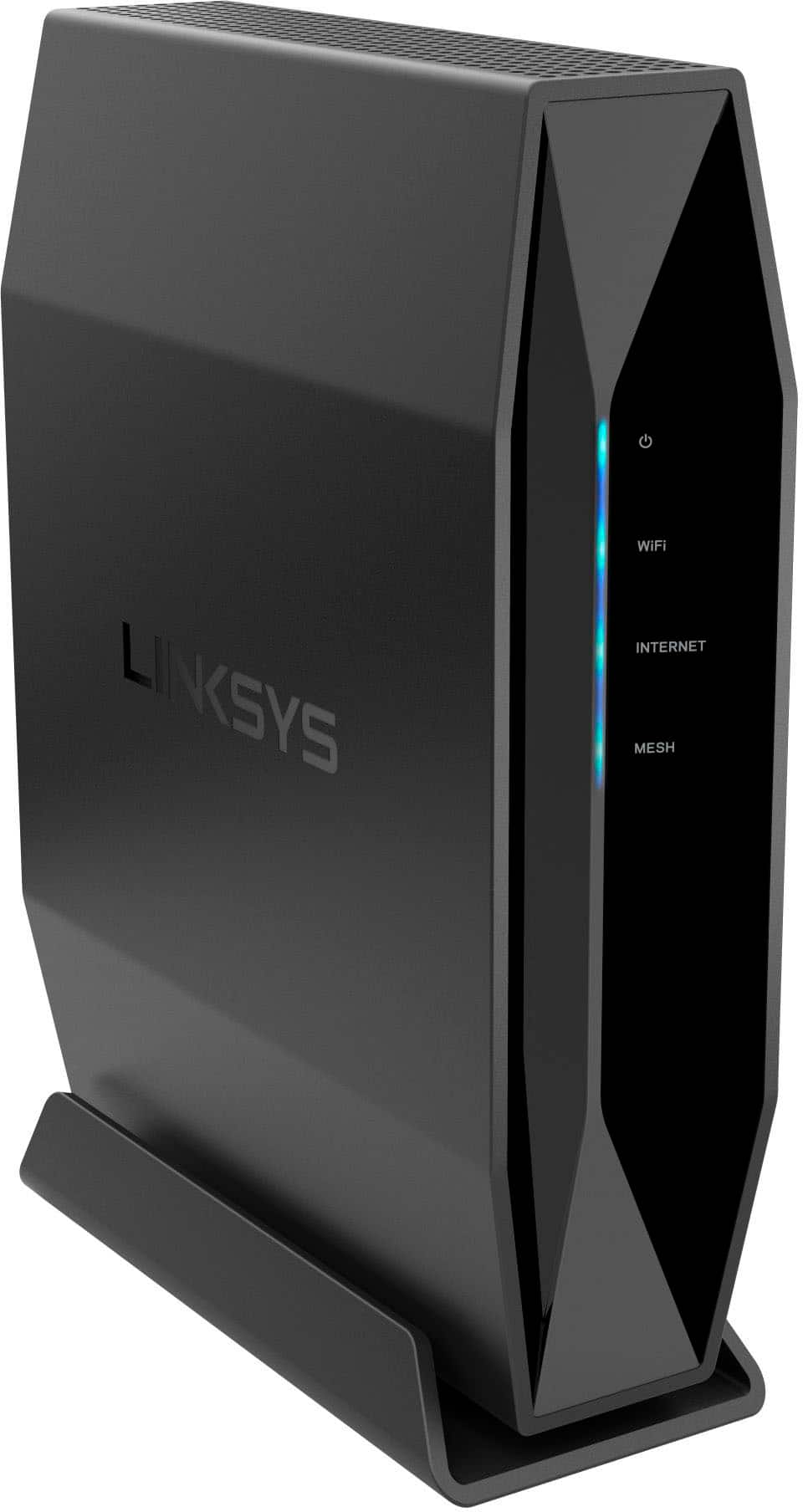
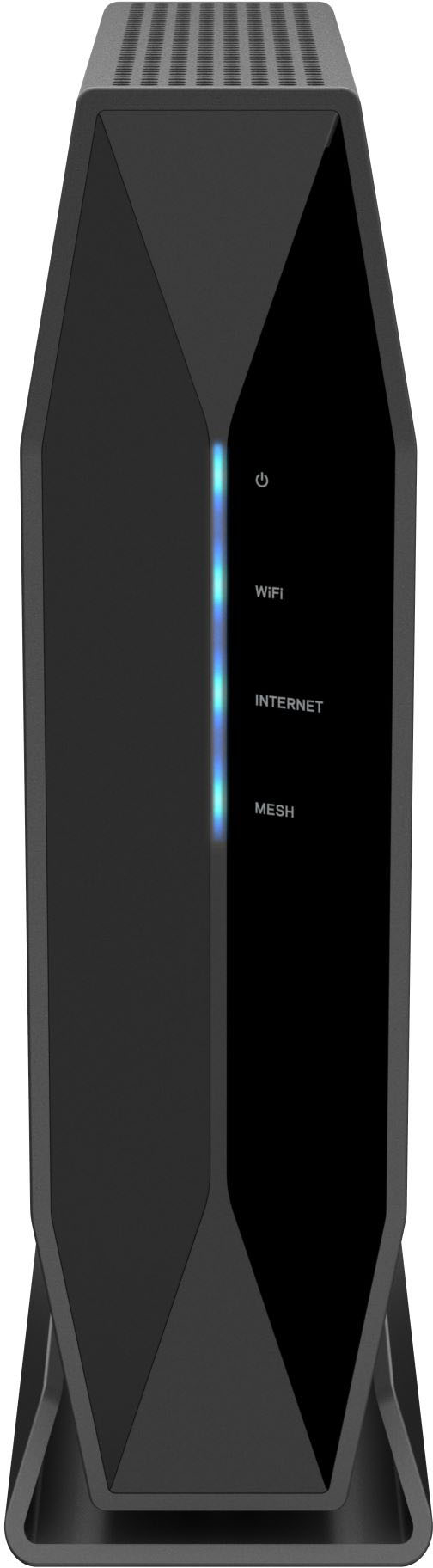
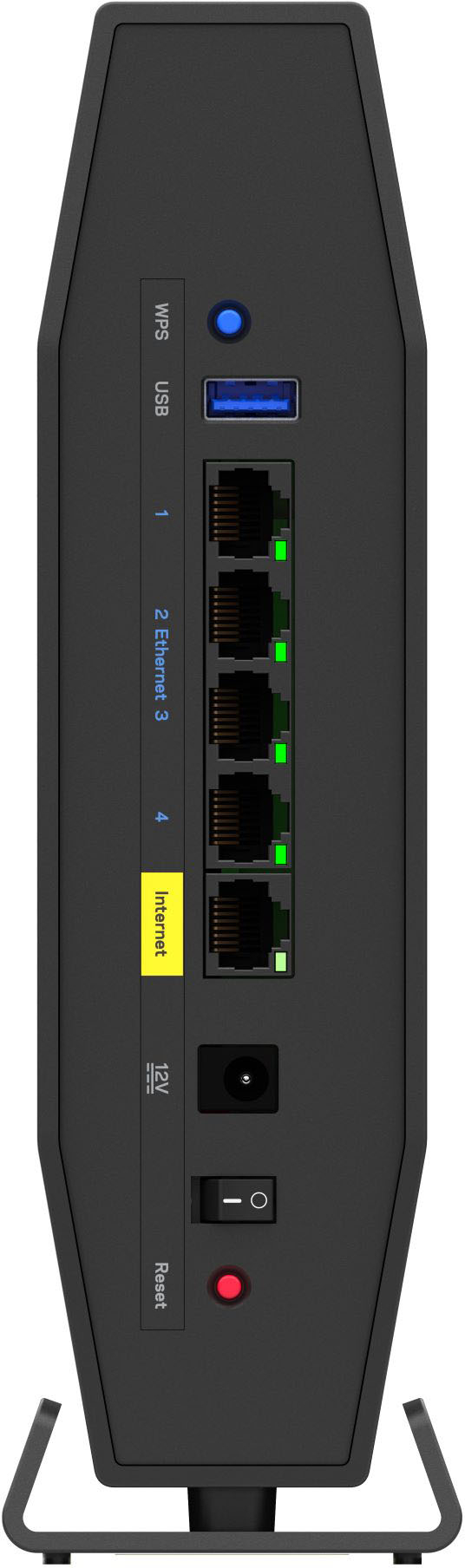
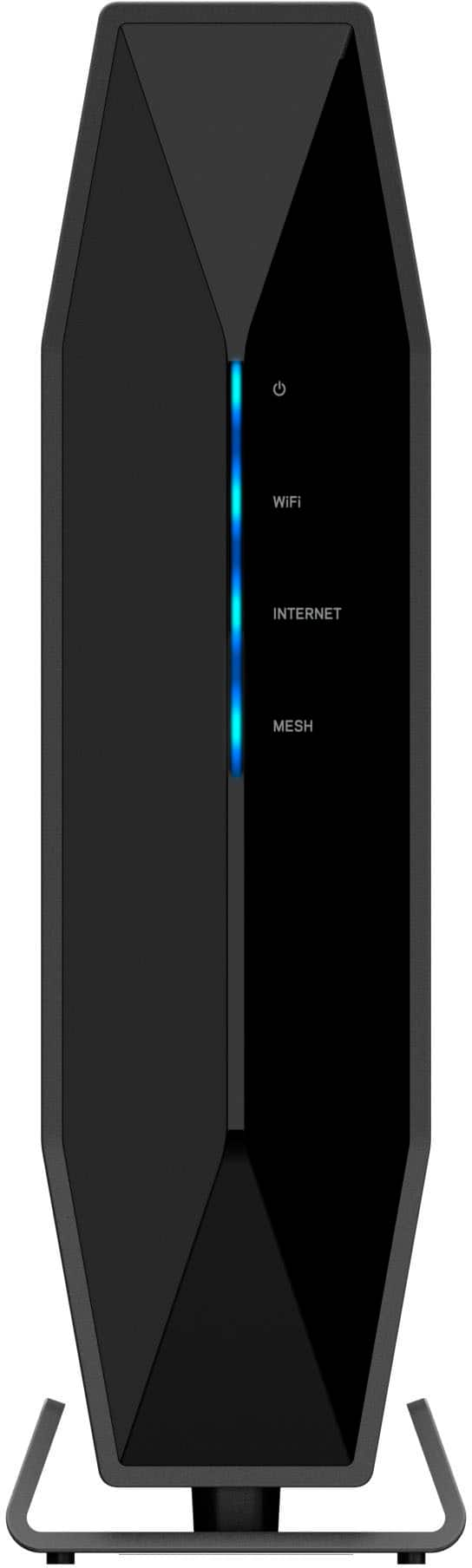
- Model:
- E9450
- SKU:
- 6475408
Rating by feature
- Setup
Rating 4.4 out of 5 stars
- Range
Rating 4.4 out of 5 stars
- Signal Strength
Rating 4.4 out of 5 stars
Customers are saying
Customers praise the Dual-Band AX5400 WiFi 6 Router (E9450) for its impressive range and ease of setup, highlighting its user-friendly interface and broad coverage area. Many appreciate the router's strong performance and modern design, while some express disappointment with the lack of app support for configuration. The router's WiFi 6 capabilities and enhanced security features are also frequently cited as positive aspects.
This summary was generated by AI based on customer reviews.
- Pros mentioned:Coverage, Speed

Great coverage and speed
|Posted .This reviewer received promo considerations or sweepstakes entry for writing a review.I had a Unifi AP AC LR for my wifi before I got this Linksys router and the coverage and speeds and been a noticable improvement. Our home is about 2000sqft per floor and I get a good signal and speed (AT&T 1GB fiber) throughout the house. I'm even able to use our streaming projector in the backyard and watch HD movies and TV while connected to it. Setup was very simple and straight forward (took maybe 5 minutes).
I would recommend this to a friend Unimpressed
|Posted .This reviewer received promo considerations or sweepstakes entry for writing a review.I hate giving bad reviews, but I believe in being 100% honest about how I feel. I found this router rather disappointing and unimpressive. THE GOOD ~ Nice looking ~ Good 2.4 Ghz throughput ~ Solid Feeling (like a brick) ~ Easy setup ~ Easy WPS ~ Wifi 6 (802.11ax) THE BAD ~ Extremely weak 5Ghz signal ~ Short range ~ Occasional/odd disconnects OVERALL I've been in telecom/tech for a long time now. I'm a bit of a geek and I was excited to try out this router. I generally advise my clients to use one of several brands, including Linksys. While I've helped set up some Linksys routers and haven't heard any horror stories or regrets from my clients, I haven't used one for my house. I've used one of the other big name competitors for my past couple routers and they have always worked well and outlasted their life expectancy. My usual hardwired DL speed is around 200-225Mbps. Before hooking up this router, I ran some speed tests hardwired and wifi in my house with the "other" brand wifi which was 802.11n. (You can tell I've had it for a while.) Although it breaks general rules, out of necessity, my wifi is on one side of my house instead of centrally located. Fortunately, I don't have a big house. The main floor is about 1,400 sqft. At the furthest points from my old router at 2.4Ghz, I pulled 10Mbps in one room and 22Mbps in another. With the new router, I got 38Mbps and 51Mbps respectively. Definitely a nice upgrade since I sometimes will take an iPad or tablet in one of those bedrooms and stream videos. Unfortunately, I can't say the same great things about the 5Ghz signal. It tends to be spotty and extremely weak. By the time I walk to the farthest rooms, the 5Ghz signal has dropped. Heck, even in the next room over where the smart TV and Firestick are (which were on the old router's 5Ghz band), I barely have a signal. My devices tell to to choose a better signal that's available... including the neighbor's wifi. LOL. With my old router, I could be in my vehicle in front of the house and have a strong enough wifi connection to surf, have Webex calls, etc. The signal from this barely reaches the same distance. It sometimes sees the signal and tries, but fails to connect. I won't mention the brand, but I had an 802.11g router that had about 3 times the distance range as this. Theoretically, the 802.11g should run approximately 125 feet. My 802.11n 230 feet. I couldn't find an indoor range for 802.11ax. It's supposed to be better than AC's 125-150 feet. If it is, it seems like it is minimally better. Despite having a nice throughput on 2.4, it still occasionally drops the signal momentarily. This was never an issue with my old router. I was streaming something on my phone this morning in another room and had that sudden drop and then reconnect a few seconds later. I'd like to say I love this thing or even think it's very good, but I am not impressed. It's possible I got a bad one. I'd suggest looking at others who have reviewed this and see if they have the same issues. (I haven't read any reviews on it, so I don't know). Always the big question: Would I recommend this to someone? Probably not. I think as far as bang for your buck, there are other better products out there. However, if you're in a small apartment or tight space and have this centrally located, it might work just fine for you.
No, I would not recommend this to a friendBrand response from Linksys Staff
Posted .Hi, BamaBubba.
We can have our Escalation Engineers look into this further. Please email us at [email protected] with your contact details and link to your post for our reference.
Regards,
Linksys Support
Not the best
||Posted . Owned for 1 month when reviewed.This reviewer received promo considerations or sweepstakes entry for writing a review.Most likely returning this. My wifi keeps getting drop and restarting modem/router does nothing
No, I would not recommend this to a friendBrand response from Linksys Staff
Posted .Hi,
Thank you for the feedback. As long as the router is properly configured, this is not what is expected of it. We strongly recommend that newly purchased routers be factory reset first to ensure that there are no pre-configured settings that can affect its overall functionality.
Moreover, email us at [email protected] with your ISP, contact details, router's serial number, and the link to your review so that we can have our 2nd Level Team check on this.
Regards,
Mara
Linksys Support
- Pros mentioned:Range
Great router with great range
|Posted .This reviewer received promo considerations or sweepstakes entry for writing a review.I needed to get a new router to add to my home network. I already had a Linksys router as the base of my network and an aging router of another brand bridged to use as a range extender. I used this new Linksys router to replace the aging router, thus becoming my new range extender. Basically you just plug the new router into the old router with Ethernet cable (easy for me in this case because I can run the cable up a staircase to the next floor) and the new router extends the wireless signal throughout the house. I believe this can also be done via wifi, but I prefer to use cable to keep the signal strong between the two routers. Setup was pretty easy, though because both routers are Linksys, sometimes when trying to access the setup of the new router, I would accidentally get into the setup of the original. Once I set the new router to bridge mode, everything worked great. The router has great range, I can get good signal all over my house (basement, first and second floors) for my computers, phones, tablets and streaming devices. I've owned several Linksys routers over the years (as well as other brands), this is another great product.
I would recommend this to a friend Linksys AX5400
||Posted . Owned for 3 weeks when reviewed.This reviewer received promo considerations or sweepstakes entry for writing a review.This router did not work, returned to Best Buy....
No, I would not recommend this to a friend- Pros mentioned:Speed
Everything works easily at the same time!
|Posted .This reviewer received promo considerations or sweepstakes entry for writing a review.I love this router! It was very simple to hook up and connect all my devices to. I usually have problems with speed, and constantly dropping my feed. I hate the fact that when I'm somewhere far, and I try to look at my doorbell camera, or my flood light camera, it always says out of range or try again later. So far so good! I have my laptop, my desktop, my refrigerator, two televisions, doorbell camera, and also a floodlight camera all running at the same time without any interruption! My daughter also has her laptop running as well as soon as she gets home. I've been running it for about 3 days now with no interruption in anything! I would definitely recommend this for someone with a smaller house like mine who has multiple devices they want to run and the speeds are faster than they were before easily! This is a really great product and I'm glad that I got it!
I would recommend this to a friend - Pros mentioned:Ease of use
Cool design
|Posted .This reviewer received promo considerations or sweepstakes entry for writing a review.We like our new router. We had considered getting WiFi extenders because our surfboard router had a bad Wi-Fi signal in the rear of the house. That one was 2 years old. This one says 2800 square feet and our home is just under 2000. We get a good Wi-Fi connection anywhere in the house. I even went outside and it kept signal to the neighbors house and I was able to steam a video. It’s easy to use and if you have young ones the parental controls will allow you to monitor their device. I would recommend.
I would recommend this to a friend Performs very well, once you get it set up
|Posted .This reviewer received promo considerations or sweepstakes entry for writing a review.Compared to my last router, this one is amazing. I no longer have that problem where my signal is so bad that my phone switches to LTE, and I like the fact that it uses WPA3. The wireless speed is pretty great, and I do like the fact that it's a nondescript little device that blends in to my desk, and does not look like an upturned mechanical spider. That being said, the setup wizard could use a bit of work. It just does the basics, and doesn't account for any special situations at all. For example, it took me an uncomfortable amount of time and two router resets to figure out how to put the thing in Access Point mode after some of my games started to complain about "Strict NAT". Configuring it was... less painful than DD-WRT, but it was far from one of the most pleasant experiences I've had. That aside, I'm really happy that so far I have not had to do any configuration or reboots since I hooked it up. My last router required a manual reboot every now and then for whatever reason, so I'm very glad that this one doesn't. So far it hasn't even had any points where the speed has ended up being super degraded, and I've tested it with somewhere around 25 devices connected. But my favorite part? It even handles Google Stadia just fine. I definitely would recommend this router, though if you're not tech-savvy you might want some help setting it up.
I would recommend this to a friendEasy install and setup, fast!
|Posted .This reviewer received promo considerations or sweepstakes entry for writing a review.Instead of installing myself, I had my notably non-technical father in law set up the new router. I wanted to see how good the instructions were for someone who is not a techie. He blew right through the whole setup, down to creating a guest network! The instructions are extremely well done in easy to follow drawings to match up to your router and modem setup. There’s a wps button if you have any devices that actually need it, and it’s very simple to change the password and network name. The main reason we wanted this new router was for signal strength. The whole house is covered with at least four of five bars with no need for separate access points! Support for 30 devices may seem like overkill, but start adding up all the phones, smart tvs, tablets, laptops, lightbulbs, etc. and it is awesome to have full strength to go around. I highly recommend.
I would recommend this to a friendLinksys AX router
Posted .This reviewer received promo considerations or sweepstakes entry for writing a review.Unfortunately, this product was way below expectations. Required repeated configurations but still would turn itself off.
No, I would not recommend this to a friendExpected more
Posted .This reviewer received promo considerations or sweepstakes entry for writing a review.My phone still gets the same amount of wi-fi bands as with the smaller version.
No, I would not recommend this to a friendBrand response from Linksys Staff
Posted .Hi,
We hear you, and we'd like to improve your experience with the product. Let's make sure that the firmware is updated. Nonetheless, our Escalation Engineers would love to hear more about your concern. Just email us at [email protected] with your contact details and the link to this review.
Regards,
JC
Linksys Support