Customer Ratings & Reviews





- Model:
- 960-001390
- |
- SKU:
- 11525476
Customer reviews
Rating 4.7 out of 5 stars with 2347 reviews
(2,347 customer reviews)Rating by feature
- Value4.4
Rating 4.4 out of 5 stars
- Quality4.7
Rating 4.7 out of 5 stars
- Ease of Use4.7
Rating 4.7 out of 5 stars
- Pros mentioned:Image quality
Rated 5 out of 5 stars
super high quality
||Posted . Owned for 3 weeks when reviewed.This reviewer received promo considerations or sweepstakes entry for writing a review.Only reason i'm reviewing is after I hooked it up and did a test with Microsoft's Teams video chat and the first thing my remote contact said was "Whoa, that video is like Super clear!". Not a bad response on the first test.
This review is from Logitech - 4K Pro 4096 x 2160 Webcam with Noise-Canceling Mic - Black
I would recommend this to a friend - Pros mentioned:Image quality
Rated 5 out of 5 stars
Dawny likes this product
||Posted . Owned for 1.5 years when reviewed.This reviewer received promo considerations or sweepstakes entry for writing a review.Pretty much advanced and affordable for this type of quality! Come to think of it I have not yet to buy a newer webcam! Indestructible in my eyes and irreplaceable in my eyes!
This review is from Logitech - 4K Pro 4096 x 2160 Webcam with Noise-Canceling Mic - Black
I would recommend this to a friend - Pros mentioned:Image quality, Setup
Rated 5 out of 5 stars
Just as expected
||Posted . Owned for 3 weeks when reviewed.This reviewer received promo considerations or sweepstakes entry for writing a review.Easy to set up (plug and play) and excellent video quality.
This review is from Logitech - 4K Pro 4096 x 2160 Webcam with Noise-Canceling Mic - Black
I would recommend this to a friend - Pros mentioned:Image quality
Rated 5 out of 5 stars
Great Price on a 4K Webcam w/Noise Caneling Mic
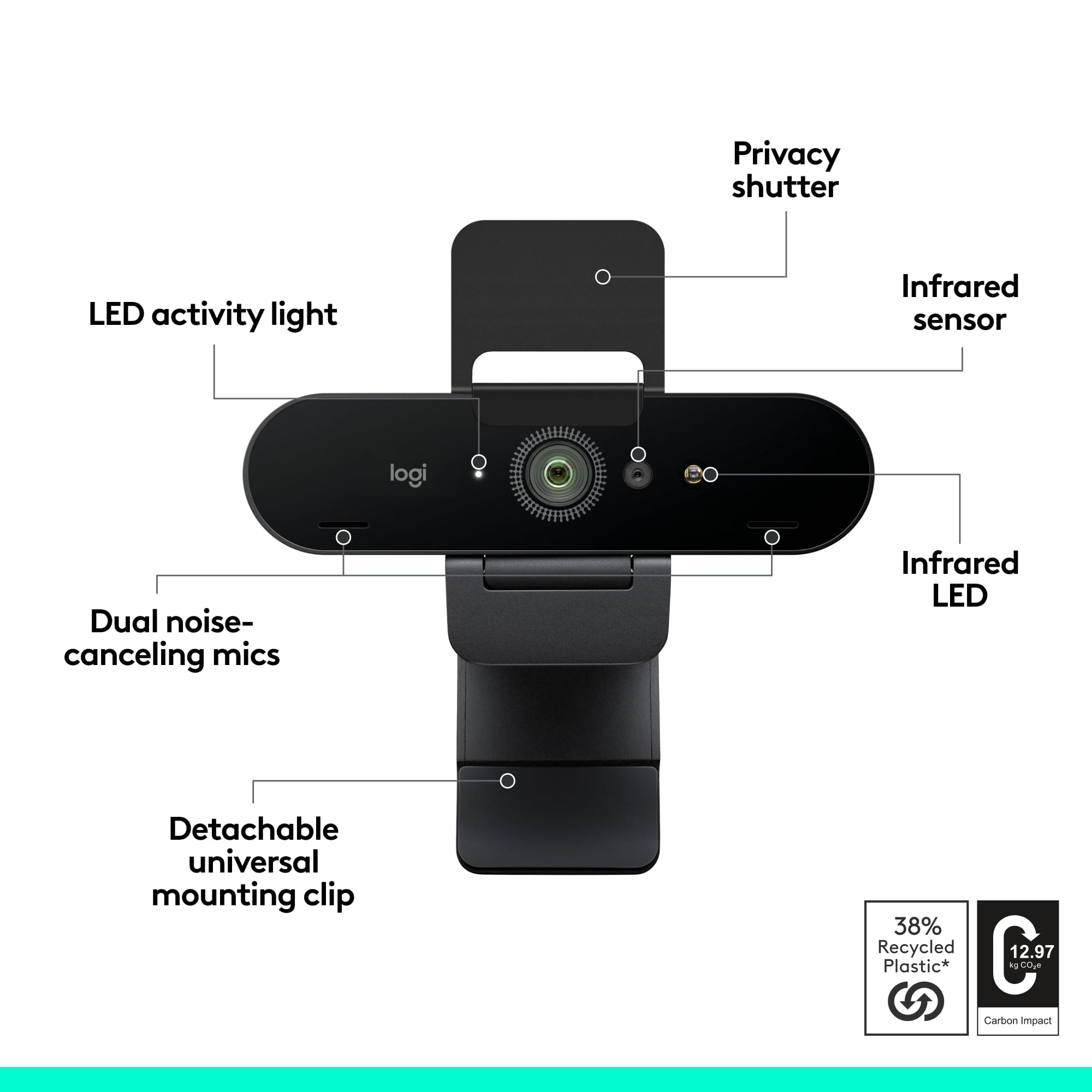
||Posted . Owned for 1 month when reviewed.This reviewer received promo considerations or sweepstakes entry for writing a review.every Logi webcam should have the noise-canceling technology. We purchased these for all of our Leads and Managers at work. Easy set-up and much better microphone, than comparable models. They won't let me buy anything else.
This review is from Logitech - 4K Pro 4096 x 2160 Webcam with Noise-Canceling Mic - Black
I would recommend this to a friend - Pros mentioned:Image quality
Rated 4 out of 5 stars
Highest Advertizd Resolution vs Highest Actual Res
||Posted . Owned for 1 month when reviewed.This reviewer received promo considerations or sweepstakes entry for writing a review.The video images are crisp and clear with normal to high light. The crispness and clarity of the video images with low lighting are less than desirable. Although the product boasts 3840 x 2160 resolution, I, however, am only able to get as high as 1280 x 720 resolution. 3840 x 2160 is not a listed option, nor is 1920 x 1080 resolution. It appears the highest resolution I am able to select is 1280 x 720 resolution.
This review is from Logitech - 4K Pro 4096 x 2160 Webcam with Noise-Canceling Mic - Black
No, I would not recommend this to a friend - Pros mentioned:Image quality, Setup
Rated 5 out of 5 stars
Great
||Posted .This reviewer received promo considerations or sweepstakes entry for writing a review.Crystal clear pic very easy to setup and no drivers needed windows 7 and up
This review is from Logitech - 4K Pro 4096 x 2160 Webcam with Noise-Canceling Mic - Black
I would recommend this to a friend - Pros mentioned:Image quality
Rated 5 out of 5 stars
Great product
||Posted . Owned for more than 2 years when reviewed.This reviewer received promo considerations or sweepstakes entry for writing a review.Best webcame ive ever ownes super good video pretty good mic too
This review is from Logitech - 4K Pro 4096 x 2160 Webcam with Noise-Canceling Mic - Black
I would recommend this to a friendBrand response from Logitech
Posted .We're thrilled to hear that it's the best webcam you've ever owned and that you're impressed with the video quality and microphone performance. Thank you for your review of our Logitech 4K Pro Webcam!
- Pros mentioned:Image quality
Rated 5 out of 5 stars
Great for remote teaching, software could improve
||Posted . Owned for 3 weeks when reviewed.This reviewer received promo considerations or sweepstakes entry for writing a review.My school provided laptop does not work for calling if it is closed and I keep mine docked. I added this to my remote learning package and the quality of my class recordings went up significantly. Great software for making changes to how the camera angles are set but it would be nice if it had green screen tools built in.
This review is from Logitech - 4K Pro 4096 x 2160 Webcam with Noise-Canceling Mic - Black
I would recommend this to a friend - Pros mentioned:Image quality
Rated 5 out of 5 stars
Picture perfect
||Posted . Owned for 7 months when reviewed.This reviewer received promo considerations or sweepstakes entry for writing a review.My wife streams and this camera is really great. The on she had previously even when the lights were on you could barely see her now she is crystal clear.
This review is from Logitech - 4K Pro 4096 x 2160 Webcam with Noise-Canceling Mic - Black
I would recommend this to a friend - Pros mentioned:Image quality
Rated 5 out of 5 stars
The One...
||Posted . Owned for 1 month when reviewed.This reviewer received promo considerations or sweepstakes entry for writing a review.The best all-around web cam for most people. The microphone is fairly good, considering it is omnidirectional. The 4K feature requires certain video card specs, so don't thinkyou will get 4K with an older computer/laptop. 4K is at 30frames per second. 1080p is 60fps. 720p can be 90fps, standard:60 fps.
This review is from Logitech - 4K Pro 4096 x 2160 Webcam with Noise-Canceling Mic - Black
I would recommend this to a friend - Pros mentioned:Image quality
Rated 5 out of 5 stars
Great quality
||Posted . Owned for 5 months when reviewed.This reviewer received promo considerations or sweepstakes entry for writing a review.I use this to Facebook video chat and Zoom with family back home in Scotland and our video is always the best quality. The video quality is fantastic, and the mic is OK. My parents sometimes have trouble hearing me if I am moving about. I haven't used the Logitech software so I can't comment on that; I use other video chat apps.
This review is from Logitech - 4K Pro 4096 x 2160 Webcam with Noise-Canceling Mic - Black
I would recommend this to a friend - Pros mentioned:Setup
Rated 5 out of 5 stars
Exactly what you expect!
||Posted . Owned for 1 month when reviewed.This reviewer received promo considerations or sweepstakes entry for writing a review.This web cam is exactly what the doctor ordered. It's plug and play not overly complicated and works like a charm. I was up and running in minutes no programs to fight with very satisfying and pleasant experience.
This review is from Logitech - 4K Pro 4096 x 2160 Webcam with Noise-Canceling Mic - Black
I would recommend this to a friend - Pros mentioned:Image quality
Rated 5 out of 5 stars
Fantastic all in one webcam.
||Posted . Owned for 2 weeks when reviewed.This reviewer received promo considerations or sweepstakes entry for writing a review.Great for new mac mini. Keeps desktop footprint minimal. No need for separate webcam and mic. Great video and audio quality and can be mounted on a tripod.
This review is from Logitech - 4K Pro 4096 x 2160 Webcam with Noise-Canceling Mic - Black
I would recommend this to a friend - Pros mentioned:Image quality
Rated 4 out of 5 stars
This brand is everything! Don't cheap out.
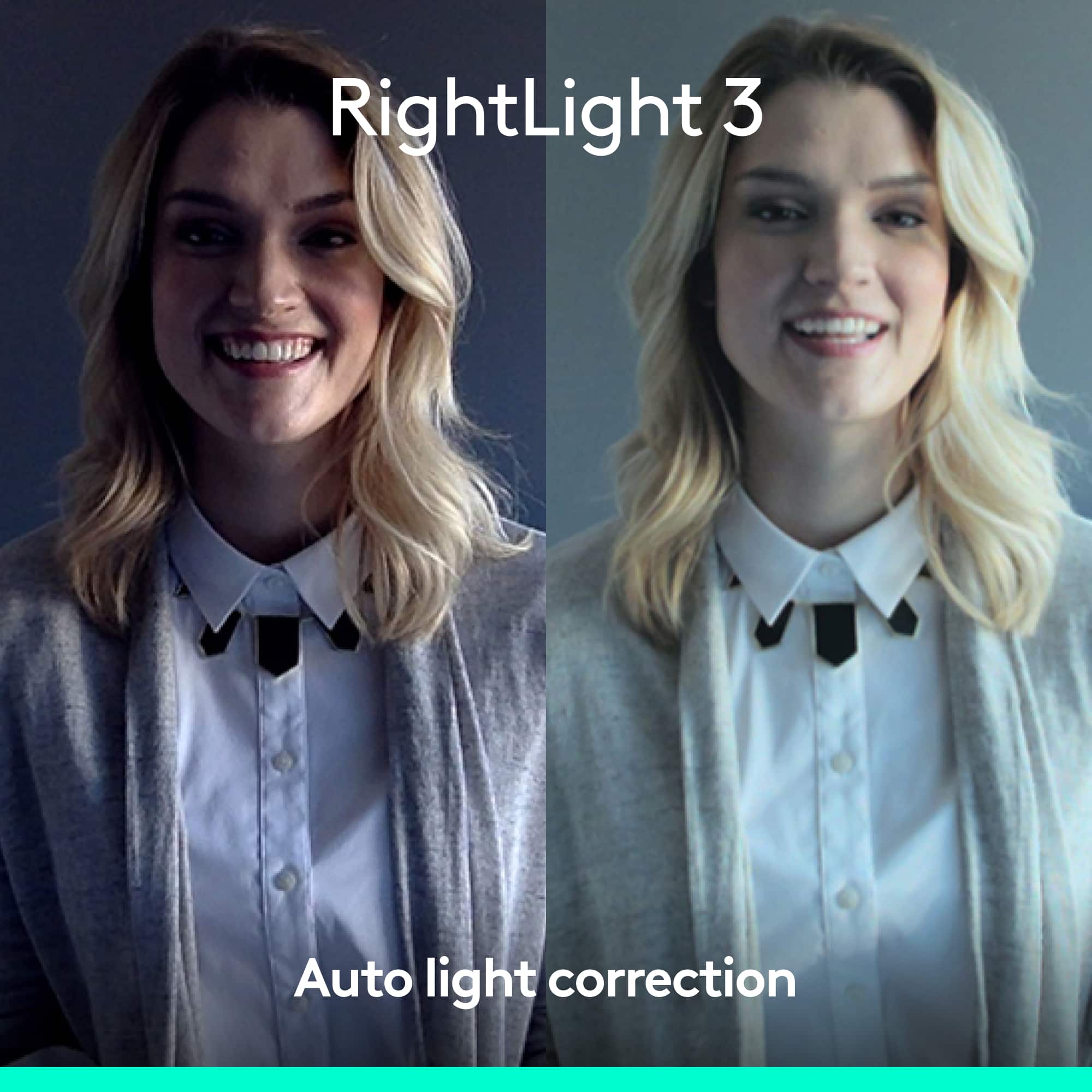
||Posted . Owned for 1 week when reviewed.This reviewer received promo considerations or sweepstakes entry for writing a review.Great 4k quality camera for home office or streaming. Features are great for low light, sound is amazing. The Logitech app is easy to use as well. The only thing I've came across was that there was no auto darkening while outside, but this is a one off issue. I may have been able to do it manually, but never took the time to check the app to adjust the settings.
This review is from Logitech - 4K Pro 4096 x 2160 Webcam with Noise-Canceling Mic - Black
I would recommend this to a friend - Pros mentioned:Image quality
Rated 5 out of 5 stars
Best Webcam Ever
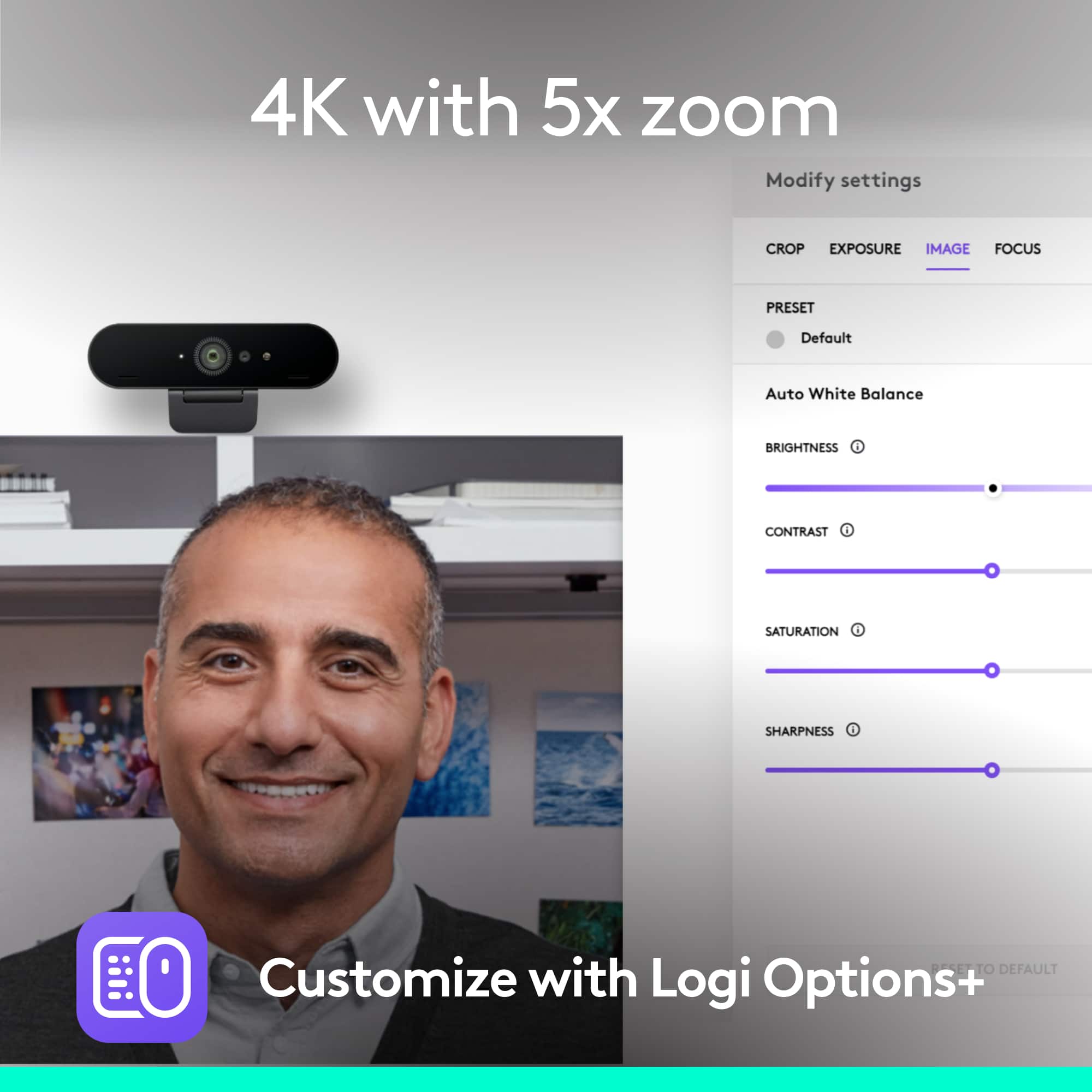
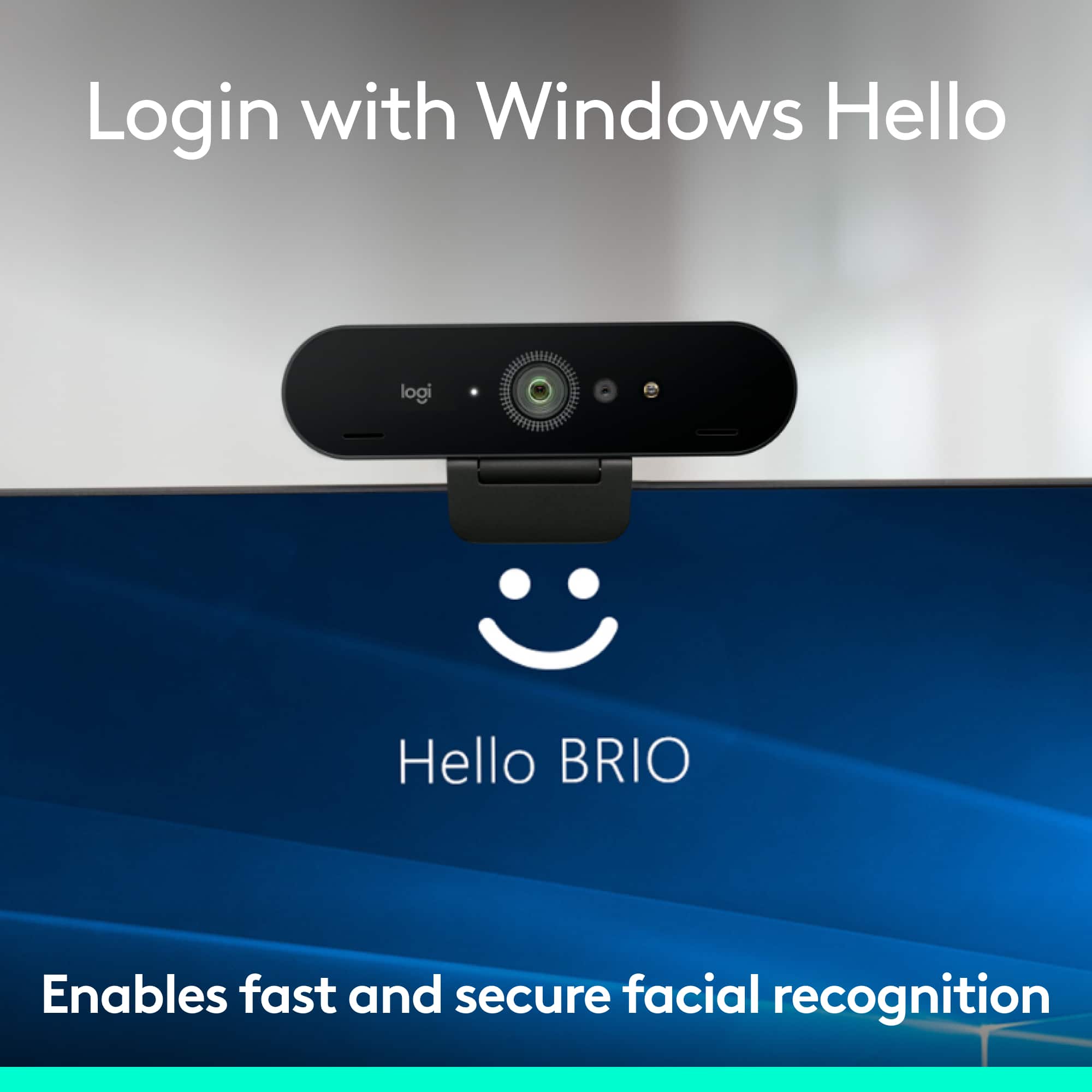
||Posted . Owned for less than 1 week when reviewed.This reviewer received promo considerations or sweepstakes entry for writing a review.This web cam is very good, although I cant figure out how to record in 4k with it, but the default resolution is very good, also I have enabled Windows Hello Facial recognition with it and I am loving it. The Logitech Capture software is superb it allows me to record my screen and the Webcam at the same time and I love it!
This review is from Logitech - 4K Pro 4096 x 2160 Webcam with Noise-Canceling Mic - Black
I would recommend this to a friend - Pros mentioned:Image quality
Rated 5 out of 5 stars
Very easy hookup and play.
||Posted . Owned for 1 month when reviewed.This reviewer received promo considerations or sweepstakes entry for writing a review.Plugged it into a 3.0 USB port and downloaded Logitech's Capture software and started it. Was able to change settings to my liking. I had my first telemed appt with my neurologist. He said I was crystal clear in picture and voice. Looking forward to using it for other tasks. I would recommend this to anyone looking for a webcam
This review is from Logitech - 4K Pro 4096 x 2160 Webcam with Noise-Canceling Mic - Black
I would recommend this to a friend - Pros mentioned:Image quality
Rated 5 out of 5 stars
A great webcam!
||Posted . Owned for 1 month when reviewed.This reviewer received promo considerations or sweepstakes entry for writing a review.This camera is excellent. I have several of other Logitech cameras but Ineeded something with 4k quality for my Youtube channel and Zoom meetings. Even though most streaming platforms don't use 4k, there is still a noticeable difference in the picture when using this camera.
This review is from Logitech - 4K Pro 4096 x 2160 Webcam with Noise-Canceling Mic - Black
I would recommend this to a friend - Pros mentioned:Image quality, Setup
Rated 4 out of 5 stars
Excellent camera and east to setup
||Posted . Owned for 3 weeks when reviewed.This reviewer received promo considerations or sweepstakes entry for writing a review.Excellent camera and easy to setup. Would recommend for anyone trying his camera. Also got this at a great price!
This review is from Logitech - 4K Pro 4096 x 2160 Webcam with Noise-Canceling Mic - Black
I would recommend this to a friend - Pros mentioned:Image quality
Rated 4 out of 5 stars
Beautiful Picture
||Posted .This reviewer received promo considerations or sweepstakes entry for writing a review.Very clear picture. I love the software for this camera too. However if you are using the C922 also then there is a compatibility conflict with the 2 and that can become a problem. For the amount of money Logitech is charging for this webcam, there should be NO ISSUES.
This review is from Logitech - 4K Pro 4096 x 2160 Webcam with Noise-Canceling Mic - Black
I would recommend this to a friend - Cons mentioned:Connectivity
Rated 4 out of 5 stars
Overall it’s a good camera
||Posted . Owned for 4 months when reviewed.This reviewer received promo considerations or sweepstakes entry for writing a review.We purchased this camera to use for live streaming with OBS. It’s a good camera - I like that it has many options like auto focusing, zoom, pan, tilt etc. However, it has had some issues connecting to my OBS and a few times has crashed. I’m not sure if the problem is with the camera or the OBS but the problems mentioned have only occurred a few times since our purchase in August. It also fits perfectly on our tripod.
This review is from Logitech - 4K Pro 4096 x 2160 Webcam with Noise-Canceling Mic - Black
I would recommend this to a friend