Customer Ratings & Reviews


- Model:
- 980-001300
- SKU:
- 11058435
Rating by feature
- Value
Rating 4.4 out of 5 stars
- Quality
Rating 4.6 out of 5 stars
- Ease of Use
Rating 4.5 out of 5 stars
- Pros mentioned:Sound quality
Amazing Speakers
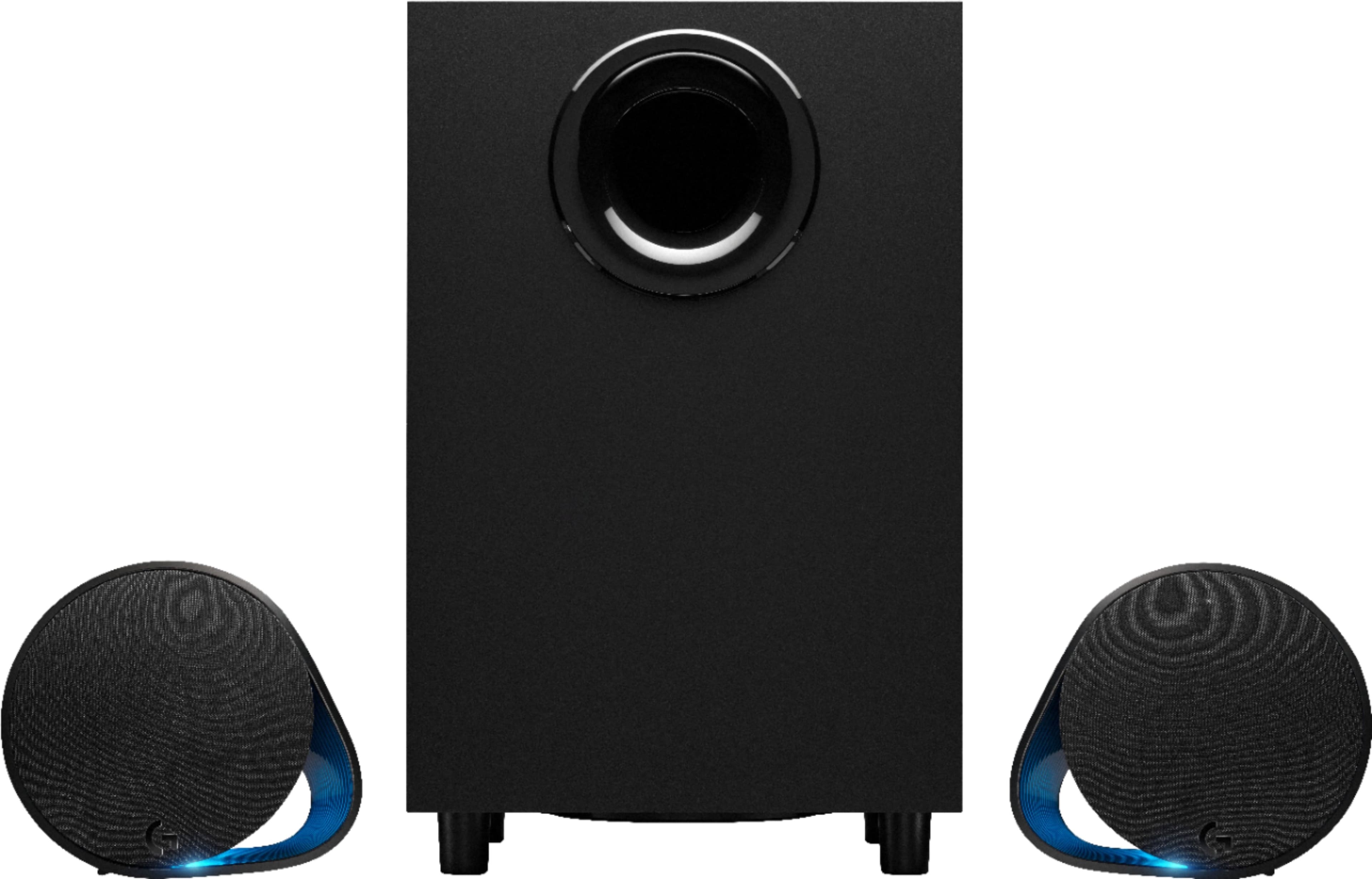
||Posted .This reviewer received promo considerations or sweepstakes entry for writing a review.These speakers are amazing. I have the Bose Companion 3 Series II and these Logitech G560 kill them. For $200 it’s awesome. Music sounds amazing. I would recommend these to anybody. I mostly listen to Rap music and they sound great. I have them hooked up to my iMac and I turn it up 4 clicks and they are loud enough. Buy them. Don’t think about it!!!
I would recommend this to a friend - Pros mentioned:Sound quality
Shazaam!!
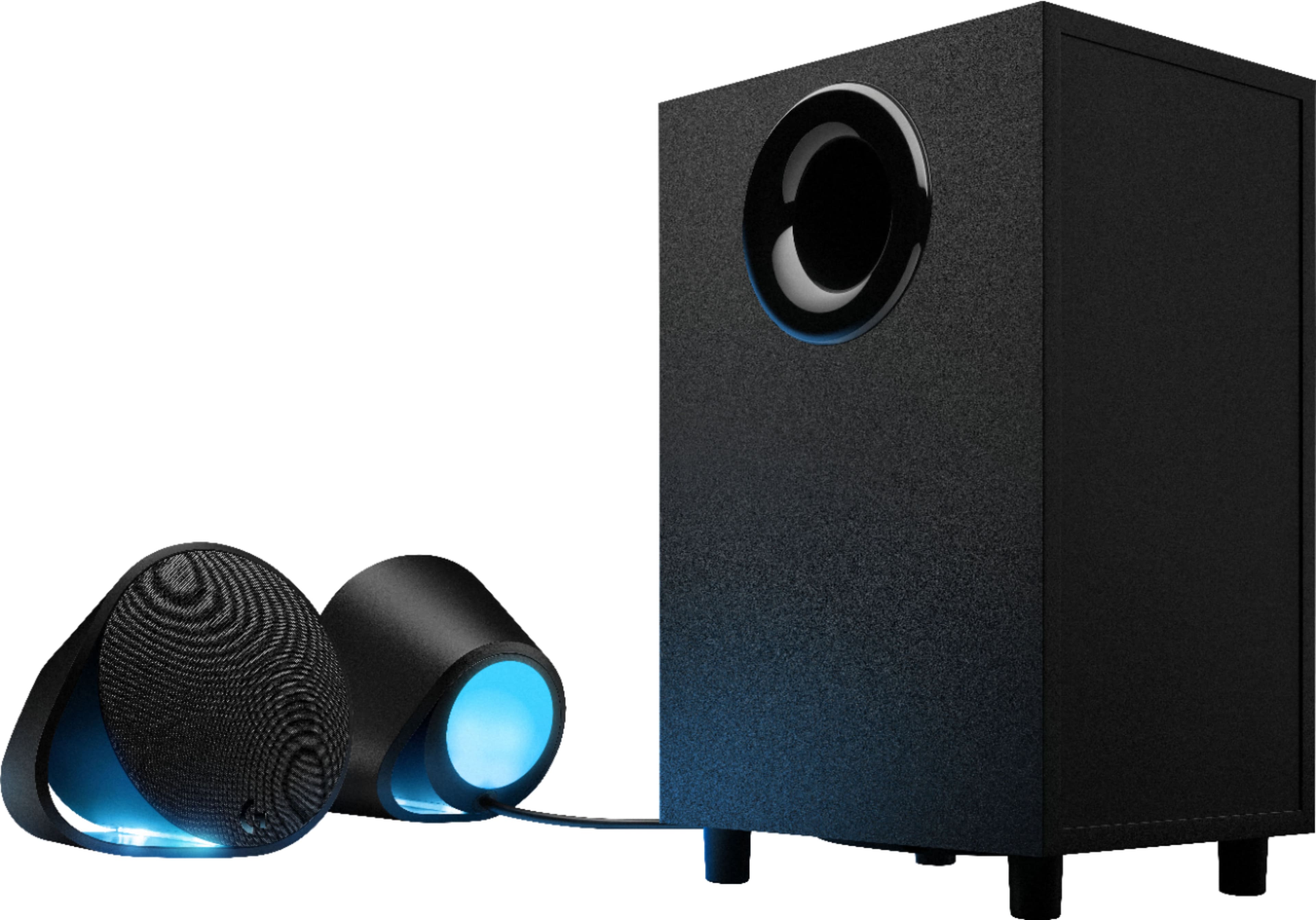
||Posted . Owned for 2 months when reviewed.This reviewer received promo considerations or sweepstakes entry for writing a review.It’s awesome love the lights and detail of the speakers sound is excellent and good vibration threw out the room I would recommend this to anyone !well worth the price!!
I would recommend this to a friendBrand response from Logitech
Posted .Thanks for your fantastic review of the Logitech G560 LIGHTSYNC speakers! We're thrilled you're enjoying the dynamic lighting and immersive audio experience.
- Pros mentioned:Sound quality
Surprised
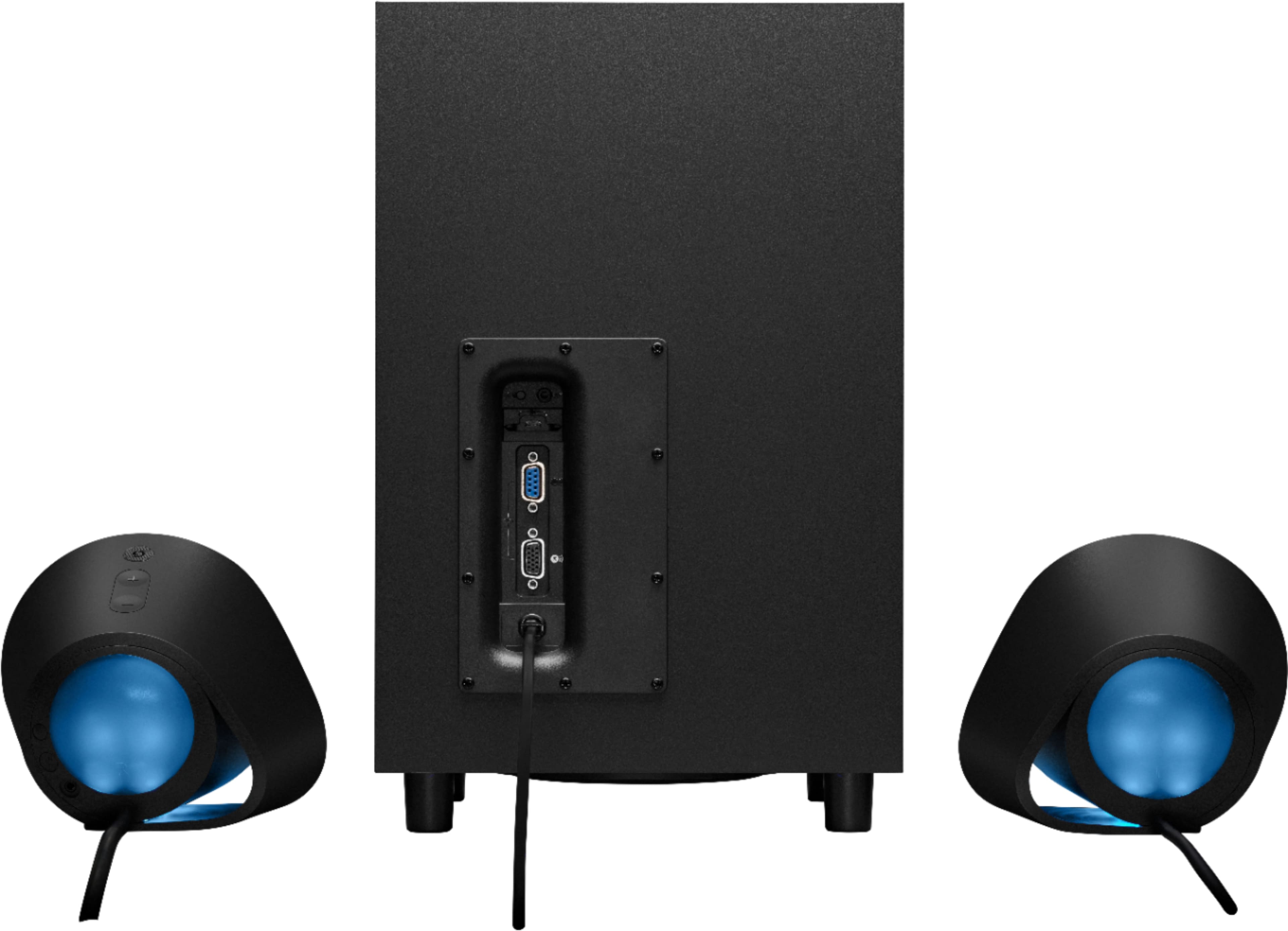
||Posted . Owned for 1 week when reviewed.This reviewer received promo considerations or sweepstakes entry for writing a review.Had my doubts at first because of the vga but they sound great and are much bigger than i expected
I would recommend this to a friendBrand response from Logitech
Posted .The Logitech G560 speakers are a great choice for gamers who want immersive audio. Despite their VGA connection, they offer impressive sound quality and are larger than expected, providing a more powerful audio experience.
Logitech G560
||Posted . Owned for 1 week when reviewed.This reviewer received promo considerations or sweepstakes entry for writing a review.I love love love these speakers. I wanted a sleek, simple set of speakers with power; I got just that. I know I can never go wrong with Logitech. A remote would make a great addition.
I would recommend this to a friendBrand response from Logitech
Posted .Hello, I am so glad to hear you are satisfied with the product. Thank you for being a Logitech customer, and for taking the time to write this review.
Decent experience
||Posted . Owned for 1 week when reviewed.This reviewer received promo considerations or sweepstakes entry for writing a review.Decent experience delivered on the wrong day but still amazing experience easy, quick, simple.
I would recommend this to a friendBrand response from Logitech
Posted .Thank you for your feedback on the Logitech G560 LIGHTSYNC 2.1 Bluetooth Gaming Speakers! We're glad to hear you had an amazing experience with the easy, quick, and simple setup, despite the delivery mix-up. We appreciate your kind words about the speakers and are thrilled you're enjoying them! Thanks for choosing Logitech!

- Pros mentioned:Sound quality
Awesome sound, bass, lighting!
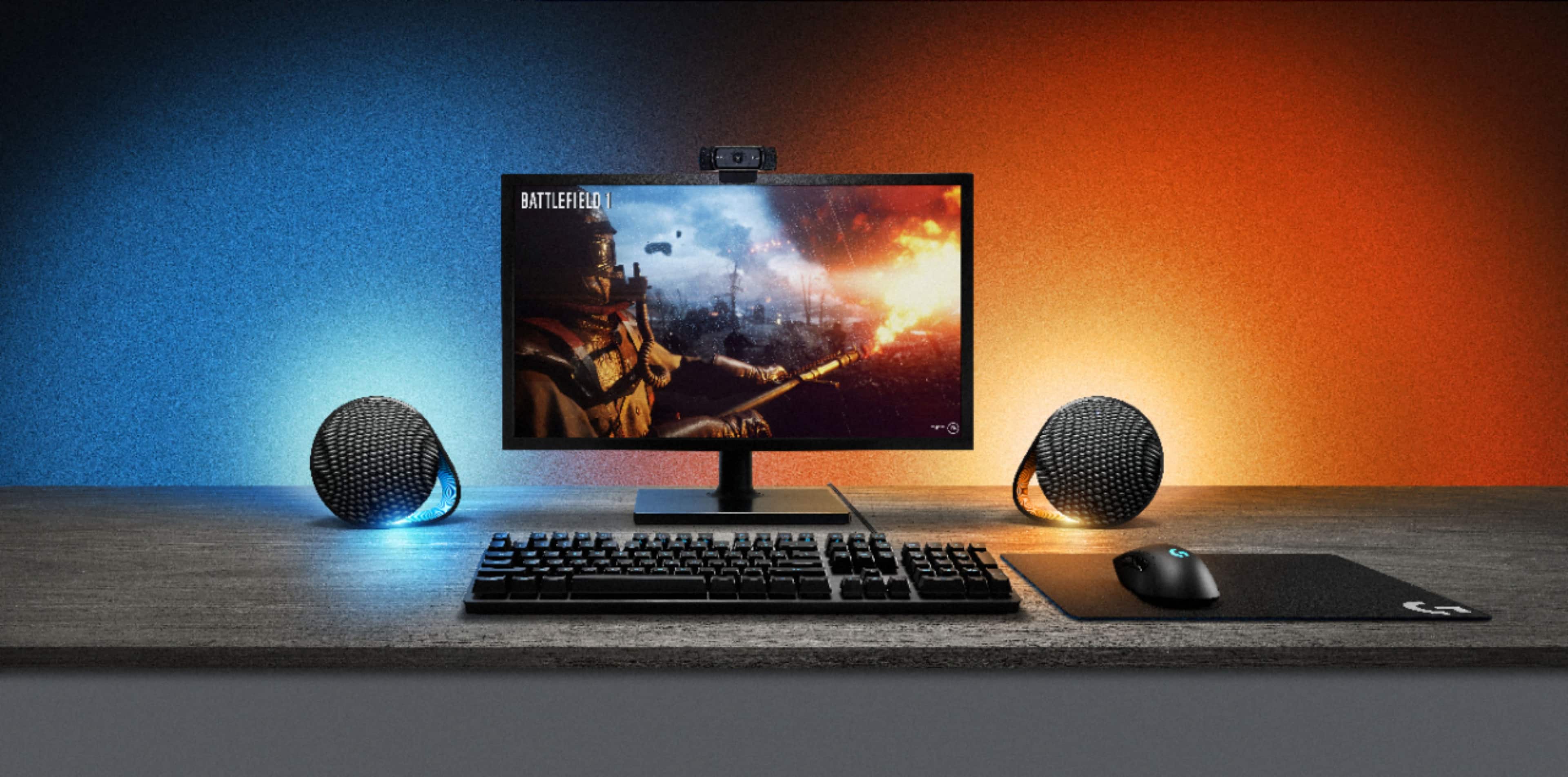
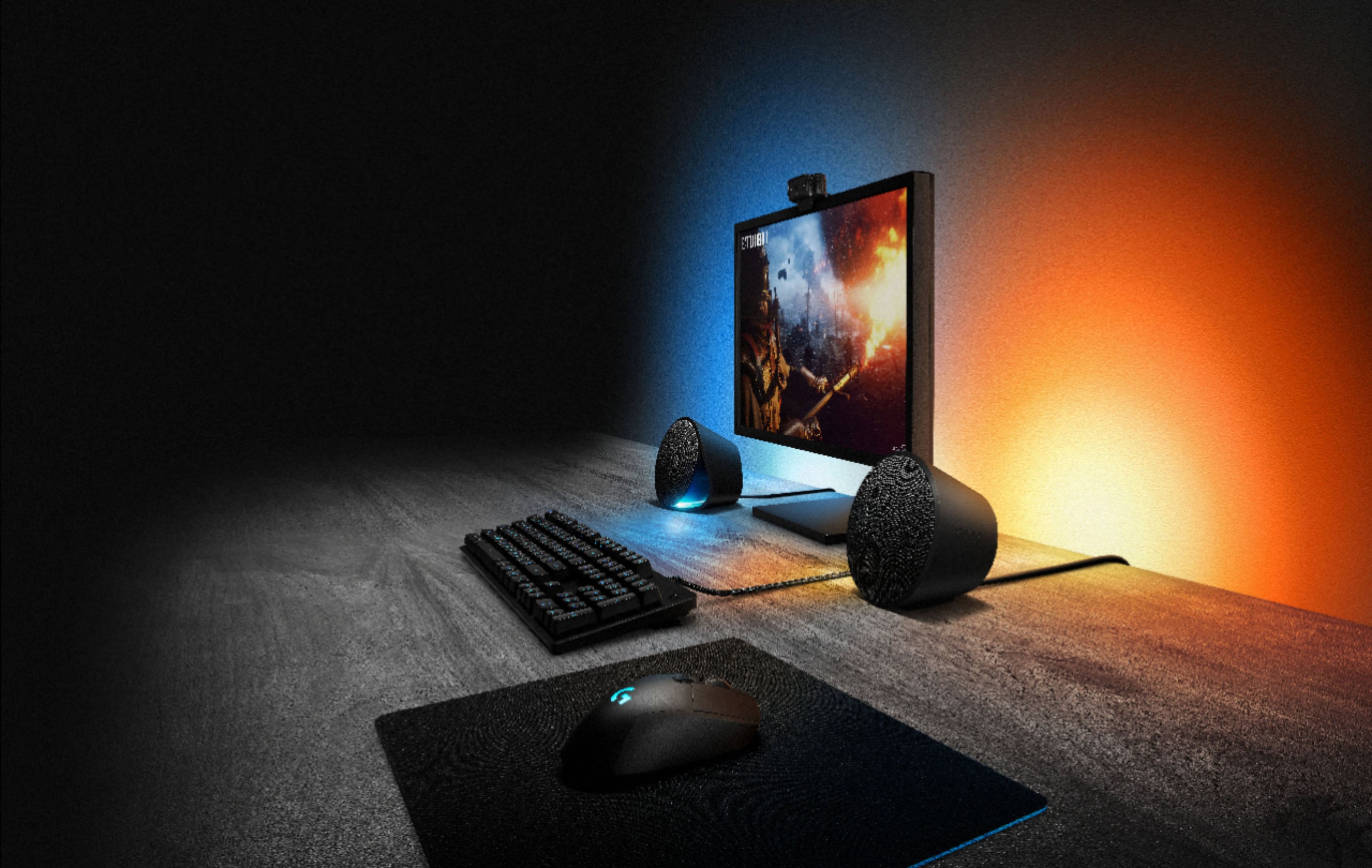
||Posted . Owned for less than 1 week when reviewed.This reviewer received promo considerations or sweepstakes entry for writing a review.Wow, I love these speakers! The lighting options are great too. I switch between screen reactive lighting (setting the zones is easy) to audio reactive. Cleaned up my desktop to enjoy the amazing lighting effect! Love it so far.
I would recommend this to a friend - Pros mentioned:Sound quality
Must have
||Posted .This reviewer received promo considerations or sweepstakes entry for writing a review.I recommend these speakers. They have an awesome sound and used with a gaming computer it puts you right in the middle of a very realistic battle. So cool!!
I would recommend this to a friend Great!
||Posted . Owned for 1 week when reviewed.This reviewer received promo considerations or sweepstakes entry for writing a review.love it and G560 very easy to setup to PC and you need download Logitech G HuB can come with Logitech G910 G560 powerplay and Logitech G502 RGB light sync great..
No, I would not recommend this to a friend- Pros mentioned:Sound quality
Logitech gaming speakers
||Posted . Owned for 1 week when reviewed.This reviewer received promo considerations or sweepstakes entry for writing a review.Sound quality is amazing I enjoy this product and the lights give it a great touch
I would recommend this to a friend Very commendable staff and service
||Posted . Owned for 1 week when reviewed.This reviewer received promo considerations or sweepstakes entry for writing a review.Actually purchase for me by BB Geek Squad representative, Brian O. He knew what went correctly with my Logitech Lightspeed G305 mouse and Logitech G915 keyboard. It is the PERFECT match with the ASUS PROART Desk Top Computer. I am extremely satisfied wit all the above products and especially the work Brian did on my equipment. Brian is a great asset to Best Buy and the GEEK SQUAD.
I would recommend this to a friend- Pros mentioned:Rgb lighting
Great sounding speakers
||Posted . Owned for 2 months when reviewed.This reviewer received promo considerations or sweepstakes entry for writing a review.Great speakers love the RGB. Perfect for my gaming setup.
I would recommend this to a friend - Pros mentioned:Sound quality
Meh
||Posted . Owned for 1 month when reviewed.This reviewer received promo considerations or sweepstakes entry for writing a review.These look good and sound good. But there are issues. They get buggy and start changing colors on their own. And the audio doesn't get very loud.
I would recommend this to a friend - Pros mentioned:Sound quality
Awsome
||Posted . Owned for 1 week when reviewed.This reviewer received promo considerations or sweepstakes entry for writing a review.Awesome product for price point getting your money worth to the sound to the ambiance of the lights
I would recommend this to a friend - Pros mentioned:Sound quality
Best Sound ever
||Posted . Owned for 1 month when reviewed.This reviewer received promo considerations or sweepstakes entry for writing a review.Love the audio and the lights are amazing. Very colorful while playing.
I would recommend this to a friend - Pros mentioned:Sound quality
Rgb party
||Posted . Owned for less than 1 week when reviewed.This reviewer received promo considerations or sweepstakes entry for writing a review.Sound quality is great I love the rgb options and an easy set up
I would recommend this to a friend - Pros mentioned:Sound quality
O
||Posted . Owned for less than 1 week when reviewed.This reviewer received promo considerations or sweepstakes entry for writing a review.Amazing sound , if you like bass you definitely need to buy this one
I would recommend this to a friend - Pros mentioned:Sound quality
Great product G560
||Posted . Owned for 1 month when reviewed.This reviewer received promo considerations or sweepstakes entry for writing a review.Im very happy to purchase g560 i really love it good sounds ..i recomended this product...
I would recommend this to a friend - Pros mentioned:Sound quality
Best sounding pc speakers I have heard tobtgis day
||Posted . Owned for 1 week when reviewed.This reviewer received promo considerations or sweepstakes entry for writing a review.bass and customizable software make these speakers a must have
I would recommend this to a friend - Pros mentioned:Sound quality
Deep Bass!
||Posted . Owned for 2 months when reviewed.This reviewer received promo considerations or sweepstakes entry for writing a review.Great sound quality and i love the color display. I took away stars because the app won't download to my computer in order to customize the lights. Would've been 5 stars otherwise.
I would recommend this to a friend Great Bass! It’s all about the Bass!
||Posted . Owned for 3 weeks when reviewed.This reviewer received promo considerations or sweepstakes entry for writing a review.Excellent product, love these speakers they really pump the bass!
I would recommend this to a friend