Customer Ratings & Reviews
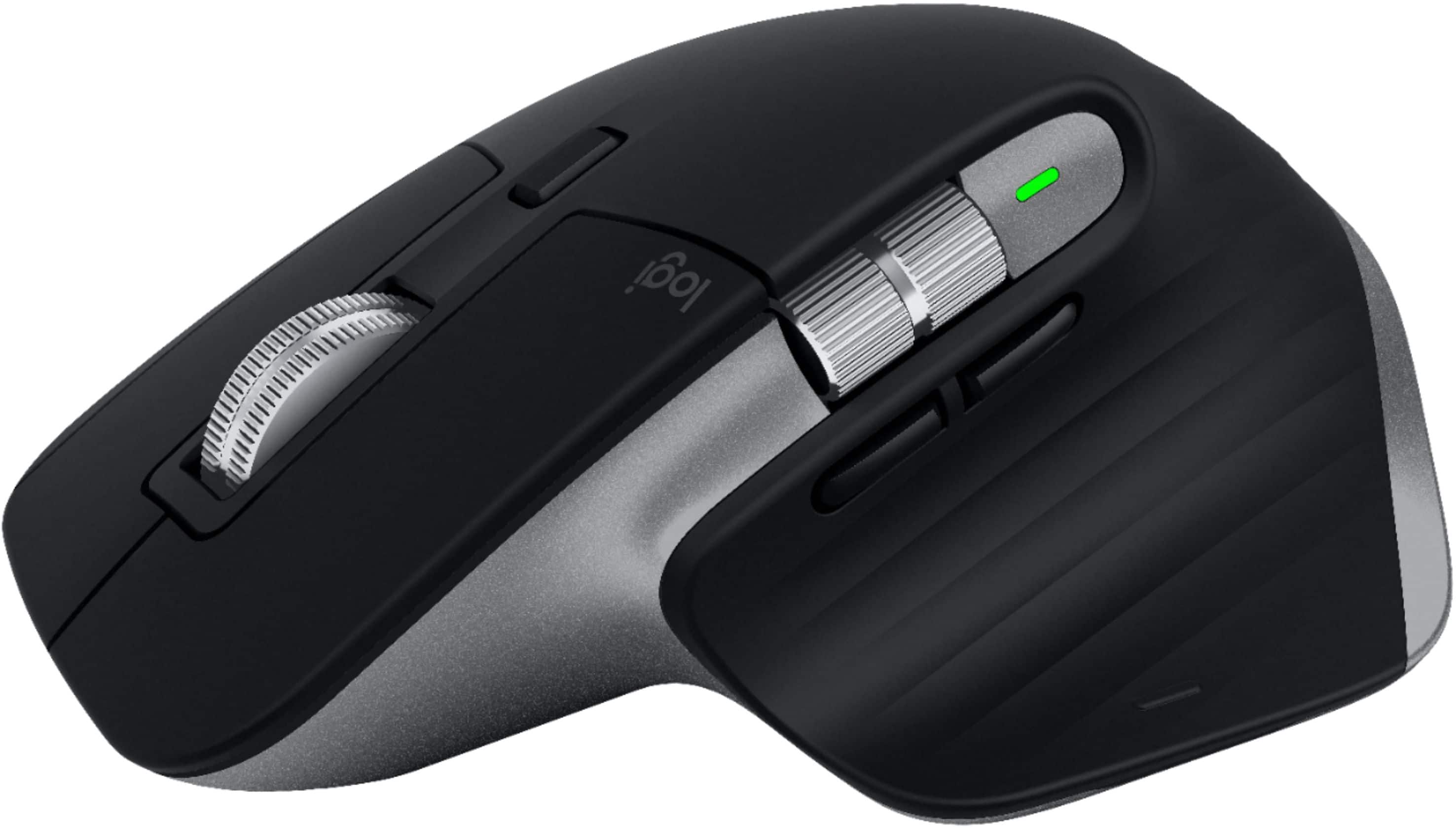

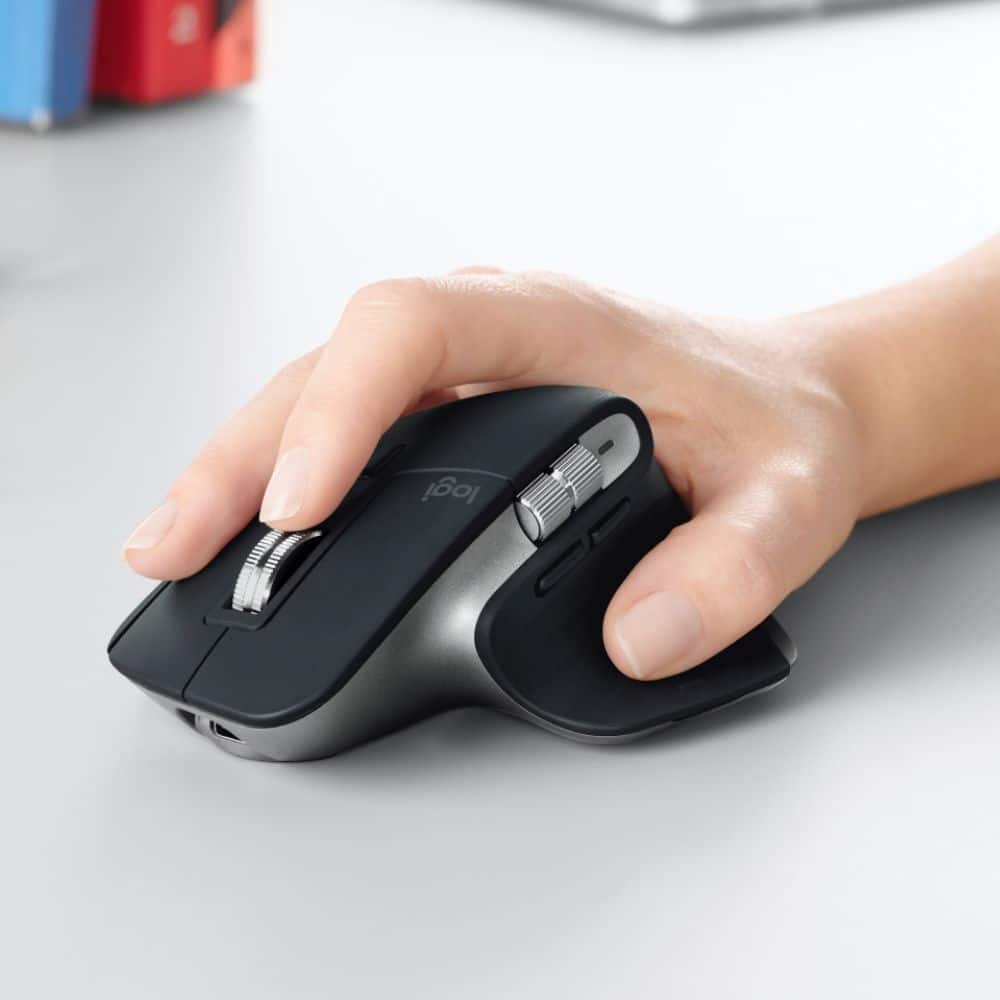


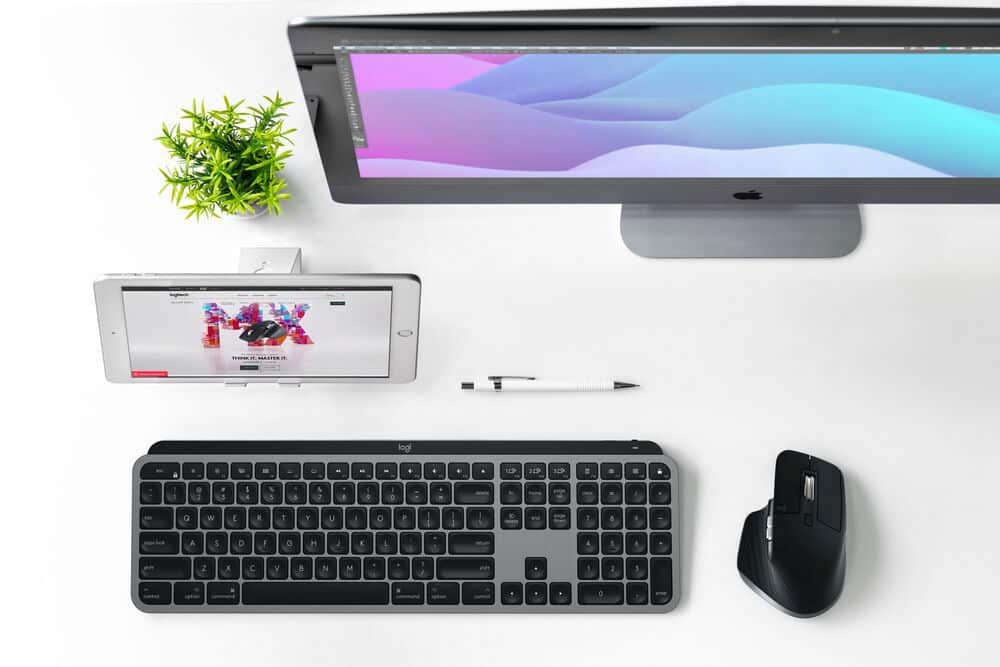
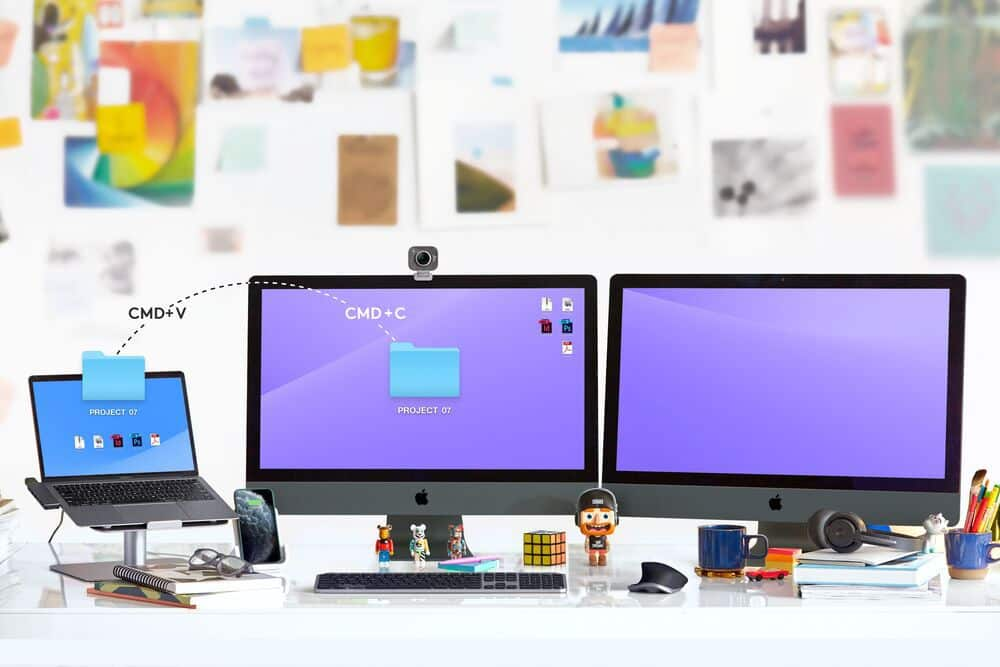


- Model:
- 910-005693
- |
- SKU:
- 6404201
Customer reviews
Rating 4.7 out of 5 stars with 896 reviews
(896 customer reviews)Rating by feature
- Value4.5
Rating 4.5 out of 5 stars
- Quality4.8
Rating 4.8 out of 5 stars
- Ease of Use4.7
Rating 4.7 out of 5 stars
Customers are saying
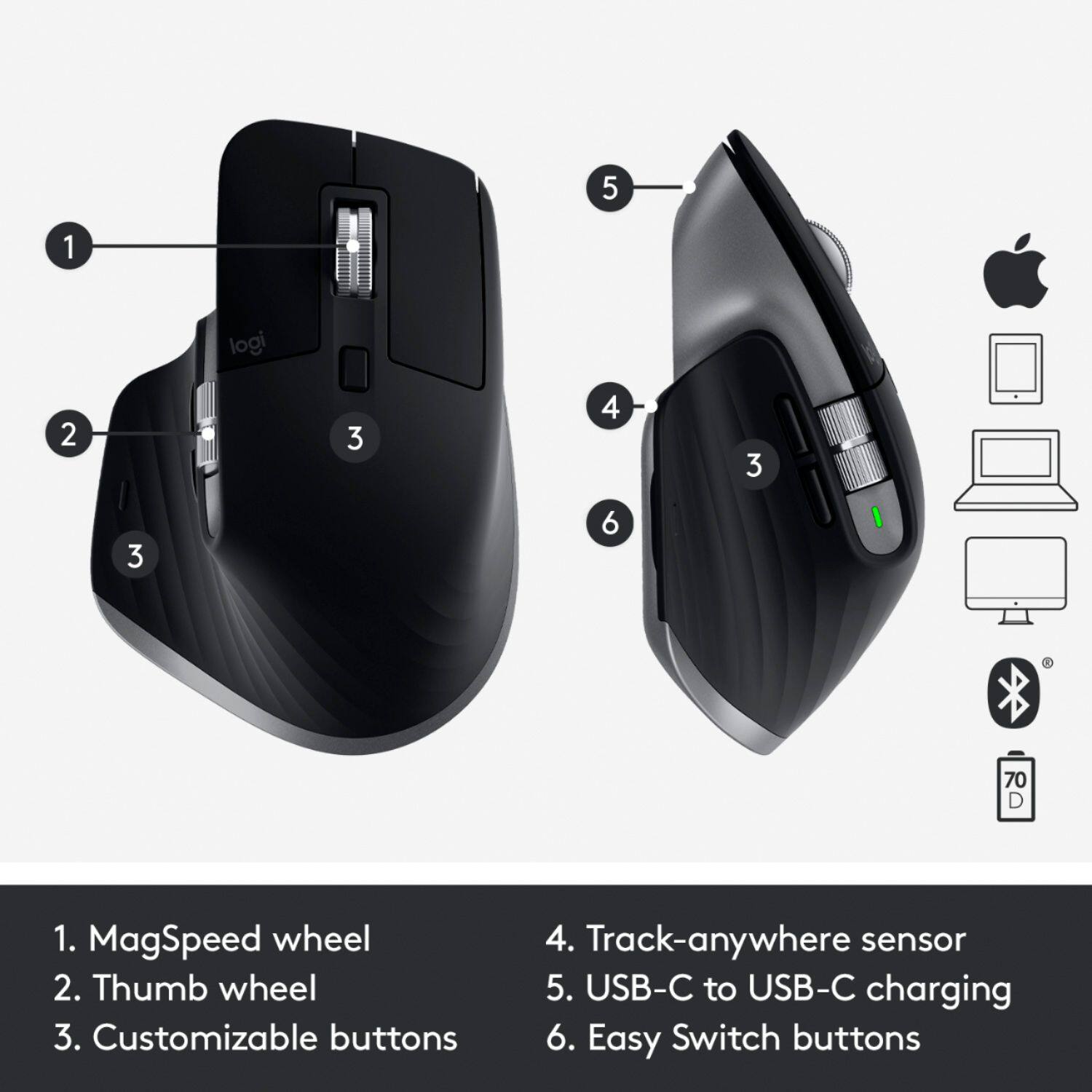
Customers enjoy the ergonomic design, ease of use, and impressive battery life of the MX Master 3 mouse. The scroll wheel and customization options also receive high praise, with many appreciating the precision and responsiveness. However, some find the mouse too large and heavy for their preference, and a few have noted concerns about the software's performance. The price point is also a factor for some customers.
This summary was generated by AI based on customer reviews.
- Pros mentioned:Battery life
Rated 5 out of 5 stars
Great mouse
||Posted . Owned for more than 2 years when reviewed.This reviewer received promo considerations or sweepstakes entry for writing a review.Great mouse, comfortable and lasts long too requiring just a short charge one every month.
I would recommend this to a friend - Pros mentioned:Customization, Ergonomic
Rated 5 out of 5 stars
Wow! Amazing mouse
||Posted . Owned for less than 1 week when reviewed.This reviewer received promo considerations or sweepstakes entry for writing a review.I have used a few mouses now with my Macbook Pro 16', and this one definitely takes the cake. The mouse has amazing ergonomics that makes it comfortable for multiple hour use. And the program helps make the mouse very customizable. I really like how the side to side scroller can switch from tab to tab. That feature itself makes the mouse worth the money. I've tried to do a few things to make it easier for me to switch tabs faster. I have installed apps and stuff to do it, but they made my laptop laggy. Overall, great mouse! Definitely a buy for all mac users.
I would recommend this to a friend - Pros mentioned:Battery life, Ergonomic
Rated 5 out of 5 stars
Productivity Enhancing Mouse - Top Tier Quality
||Posted . Owned for 1 month when reviewed.This reviewer received promo considerations or sweepstakes entry for writing a review.I am a recent convert to the Logitech MX ecosystem, and I couldn’t be happier. The ergonomics, build quality, and customizable options of this mouse are exactly what I was looking for when switching over from Apple peripherals. Honestly, I should have made this upgrade sooner. Be sure to download Logitech Options to take advantage of the highly-useful remappings and sensitivity settings available. Gesture support for Mac is excellent. Incredible internal battery life. I could go on, but I’ll leave it at this - This piece of gear is worth every dollar.
I would recommend this to a friend - Pros mentioned:Battery life, Multi-device
Rated 4 out of 5 stars
Great product, subtle differences with mac and PC
||Posted . Owned for 1 month when reviewed.This reviewer received promo considerations or sweepstakes entry for writing a review.Great mouse because it has a very long battery life, nice feel in the hands, lithium battery, USB-C charging, and multiple scroll options and several ways to connect to multiple devices. If you're looking for a premium productivity mouse, this definitely does it all. The only complaint I have is that the mac version isn't any different besides color, boxing, and it doesn't come with the USB reciever. It doesn't sync to the new secure universal USB that Logitech is pushing out. As a macOS user, I suppose this is Logitech implying that Bluetooth is the preferred connection method for that audience...but then shouldn't it be cheaper?
I would recommend this to a friend - Pros mentioned:Battery life, Ergonomic
Rated 5 out of 5 stars
Great mouse
||Posted . Owned for 1 month when reviewed.This reviewer received promo considerations or sweepstakes entry for writing a review.I got this with the matching keyboard. I really wanted to get the magic keyboard and mouse. But since the keyboard isn’t backlite I had to consider other options. When I started doing my research this mouse came up and one of the big things that caught my attention was that Apple mouse isn’t ergonomic friendly. This mouse is durable, can be paired with up to devices at once. Has a super long charge life and Looks stunning with a great premium finish. There are other features I haven’t even learned yet.
I would recommend this to a friend - Pros mentioned:Ergonomic
Rated 5 out of 5 stars
The best mouse!
||Posted . Owned for 2 months when reviewed.This reviewer received promo considerations or sweepstakes entry for writing a review.This is the best mouse i’ve ever owned, it ergonomically fits perfectly in my right hand, and the extra side scroll bar wheel is a game changer
I would recommend this to a friend - Cons mentioned:Size
Rated 5 out of 5 stars
Logitech MX Master 3
||Posted . Owned for 7 months when reviewed.This reviewer received promo considerations or sweepstakes entry for writing a review.Love this mouse, but it is BIG! If you’re thinking of purchasing one I’d recommend you test it out in person.
I would recommend this to a friend - Pros mentioned:Ergonomic
Rated 5 out of 5 stars
Best mouse for mac work setup
||Posted . Owned for 1 month when reviewed.This reviewer received promo considerations or sweepstakes entry for writing a review.Say goodbye to handcramps when using your mouse. I read a review online that this mouse plus the apple magic keyboard is the best combination you can go with workwise. I have a pc as well as mac set up (the mac is for work) and I go between using a razer gaming mouse for the pc, this mouse for the mac and also sometimes use the magic trackpad. This mouse is great for its ergonomics, build quality and looks.
I would recommend this to a friend - Pros mentioned:Ergonomic
Rated 5 out of 5 stars
SUCH A GREAT MOUSE!
||Posted . Owned for 11 months when reviewed.This reviewer received promo considerations or sweepstakes entry for writing a review.This is the best mouse I have ever purchased! It is very ergonomic and it connects seamlessly with your Macbook Pro
I would recommend this to a friend - Pros mentioned:Battery life
Rated 5 out of 5 stars
Great for Mac
||Posted . Owned for 8 months when reviewed.This reviewer received promo considerations or sweepstakes entry for writing a review.Loving this mouse! Using it with a Mac Studio & after 10 months of use, zero problems. Would definitely purchase again.
I would recommend this to a friend - Pros mentioned:Compatibility
Rated 4 out of 5 stars
Great for pros and anyone who wants a great mouse!
||Posted . Owned for less than 1 week when reviewed.This reviewer received promo considerations or sweepstakes entry for writing a review.I was looking to buy a new mouse for my Mac and I didn’t want to spend too much money but I ended up getting this mouse. I don’t regret it at all though. It is amazing for premier and photoshop and even safari. I love using the side scroll wheel for volume and scrolling through the time line in premier. The only thing I do not like is when the mouse is not on infinite scroll mode, it still feels like it kind of is. Smoothing is good but not great. Overall I would buy this mouse if you are looking into using pro apps like me. If you are just a basic user using safari and other basic apps, get a cheaper Logitech mouse.
I would recommend this to a friend - Pros mentioned:Ergonomic, Multi-device
Rated 5 out of 5 stars
Fantastic ergonomics and multi-device switching
||Posted . Owned for less than 1 week when reviewed.This reviewer received promo considerations or sweepstakes entry for writing a review.I've only had this mouse for a short time, but I can tell it's going to be the best mouse I have ever owned. It's very ergonomic (especially coming from a Magic Mouse) and the button options give it loads of flexibility when combined with the application profiles available with the app. Super easy to switch between my personal Mac, work Mac, and iPad. The space gray is a perfect match for my trackpad and equipment as well. Five stars all the way.
I would recommend this to a friend - Pros mentioned:Multi-deviceCons mentioned:Size
Rated 5 out of 5 stars
Great bluetooth mouse
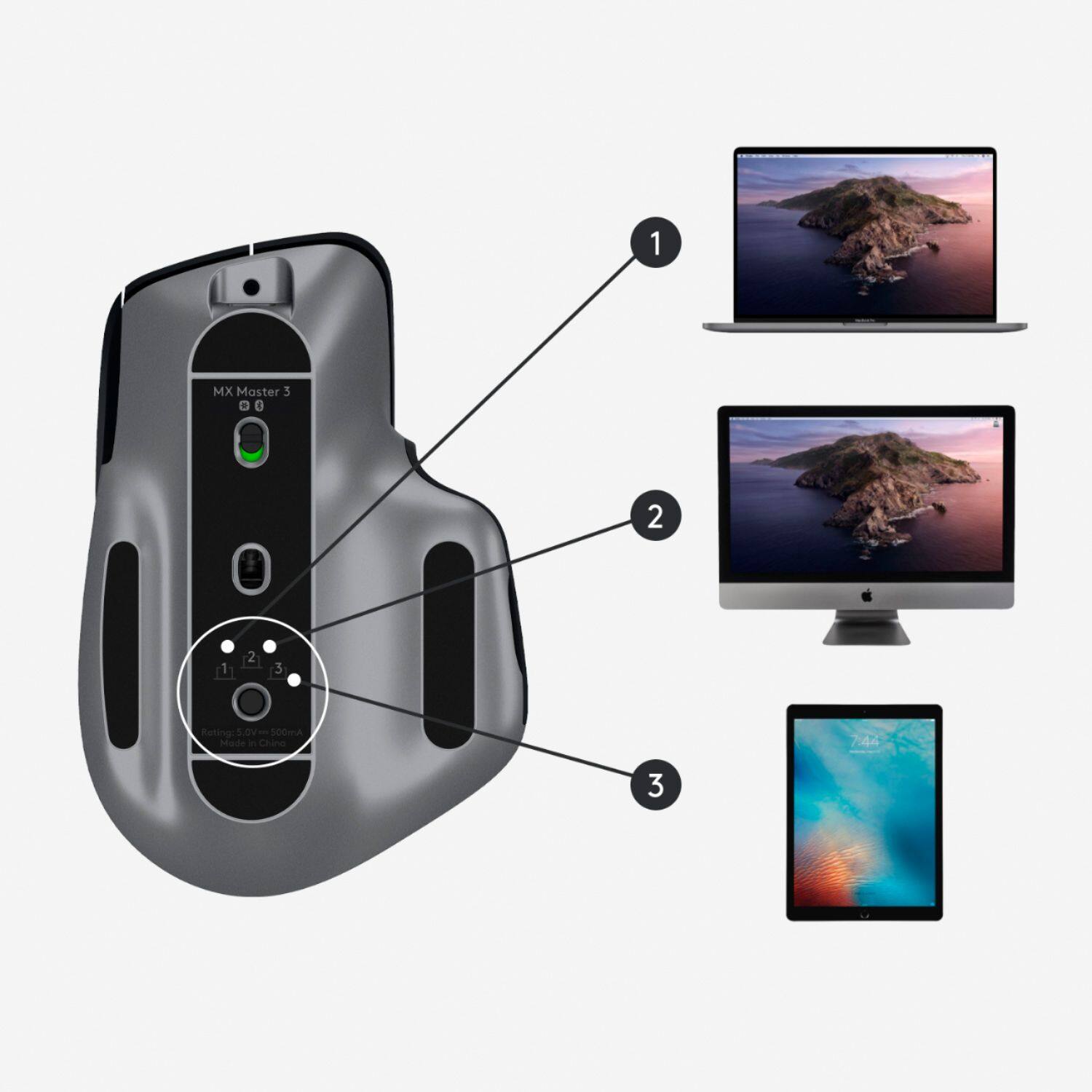
||Posted . Owned for 1 month when reviewed.This reviewer received promo considerations or sweepstakes entry for writing a review.Mouse works great, and it's very convenient being able to quickly change which computer to connect to using the button on the bottom. It took some time to get used to its larger size since I always used a smaller mouse, but now my small mouse feels weird. I think the scroll wheel could use some adjustments out of the box, but it hasn't bothered me enough to go into the settings to fine tune it. Overall, great mouse.
I would recommend this to a friend - Pros mentioned:Battery life, Compatibility
Rated 5 out of 5 stars
Great Mouse for Mac
||Posted . Owned for 2 weeks when reviewed.This reviewer received promo considerations or sweepstakes entry for writing a review.The packaging is great and aligns perfectly with the keyboard (Although not sold as a bundle you should purchase the MX Keys for Mac keyboard at same time). The product paired easily and so far the battery life is great. Being able to recharge and not use batteries is a great treat. Make sure you have a USC-C port on your Mac (Older versions do not have) to ensure recharging. I would highly recommend this product.
I would recommend this to a friend - Pros mentioned:Ergonomic
Rated 5 out of 5 stars
Yes another solid Logitech pointing device!
||Posted .This reviewer received promo considerations or sweepstakes entry for writing a review.The MX Master 3 is an ergonomically friendly and balanced mouse that has required some adjustment to use when compared to very high-speed gaming mice. The fancy checkbox items of RGB lighting and adjustable weighting are absent from the product. It is very adept and supporting and enhancing traditional workflows in conjunction with the Logitech Options software. The feel and speed of the scroll wheels is perfectly suited for most use cases. Adjusting the primary scroll wheel between a tactile and frictionless feedback mode involves a soft-touch button that's placed below the wheel. On other budget-minded options from Logitech (i.e. the M705 Marathon Mouse), this is more of a mechanical implement that can break. On the MX Master 3, it appears to be electronically assisted which will aid in long-term durability if adjustments are repeatedly made. The Options software does a great job of detecting compatible applications and establishing the necessary profiles for workflow-related functions. The support for wheel-driven gesture support further enhances what the MX Master 3 can bring to a given task. It has an ideal curvature that feels substantial in comparison to the default Magic Mouse included with the 2020 iMac. While it doesn't achieve gaming-level sensitivity (6400 dpi as an example), it does track fast enough and accurately enough at higher levels of the slider bar to support the majority of needs when it comes to using a mouse based on skill level and experience. The ability to pair it with up to three different devices helps offset the cost of entry.
I would recommend this to a friend - Pros mentioned:Customization, Ergonomic
Rated 4 out of 5 stars
Great ergonomic mouse
||Posted . Owned for 3 weeks when reviewed.This reviewer received promo considerations or sweepstakes entry for writing a review.This mouse has been amazing since switching over from a magic mouse. I loved the magic mouse and was hesitant with going with MX Master but switching back to a magic mouse for portable use I just can't handle how small it is. There are so many shortcuts on this mouse and so many things to customize. Its fits so nicely in my hand. The only thing I would say that this things isn't amazing at is switching desktops with the gestures. It isn't as seamless as the track pad on my mac or magic mouse but that's the only thing. Im glad I went and picked this thing up.
I would recommend this to a friend - Pros mentioned:Customization, Ergonomic
Rated 5 out of 5 stars
A Mighty Mouse for Mac!
||Posted . Owned for 3 weeks when reviewed.This reviewer received promo considerations or sweepstakes entry for writing a review.This mouse consistently gets fantastic reviews everywhere I looked and for good reason! This is a terrific mouse! Great ergonomics make it comfortable for use all day. It has great precision and tracks well. The buttons and wheels are customizable. I like the sleekness of the Apple Magic Mouse, but it is nowhere as comfortable or customizable as the MX Master 3.
I would recommend this to a friend - Pros mentioned:Battery life, Ergonomic
Rated 5 out of 5 stars
Ergonomic and premium feeling
||Posted . Owned for 1 month when reviewed.This reviewer received promo considerations or sweepstakes entry for writing a review.I really love this mouse. I have smaller hands so I was worried about it fitting, but it works well. I love the soft touch material and the space gray accents, and all of the features too of course. It's definitely expensive, but I enjoy using it so much that I'd buy it again. It also holds a charge well. I haven't had to charge it since I bought it so far.
I would recommend this to a friendBrand response from Logitech
Posted .Hi Jesld, So glad to hear how much you're liking the MX Master 3 for Mac---your feedback is greatly appreciated. If any issues should come up, here's a link to the product support page for the MX Master 3 for Mac. Here you'll find an interactive setup guide (both in video and PDF forms), troubleshooting FAQs, software downloads, warranty information, and more: https://support.logi.com/hc/en-us/articles/360051303933. Hope that you found this useful and that all continues to go well. Thank you for being a Logitech customer. - Richard from Logitech
- Pros mentioned:Ergonomic, Multi-device
Rated 5 out of 5 stars
Top Quality & Works Well with Mac
||Posted . Owned for 1 month when reviewed.This reviewer received promo considerations or sweepstakes entry for writing a review.I've used the Apple trackpad for years and enjoy the gestures. However, for certain types of work, the ergonomics of the trackpad aren't great - which is where the MX Master 3 comes in. It still provides me with most of the actions I need for productivity in Mac OS but also great ergonomics and precision. The ability to pair with 3 devices will be helpful and reduce redundant devices.
I would recommend this to a friend Rated 5 out of 5 stars
The reference mouse for Mac users
||Posted . Owned for 1 week when reviewed.This reviewer received promo considerations or sweepstakes entry for writing a review.The Logitech line of flagship mice have a dedicated following for a reason. While this won't be ideal for those who are primarily gamers, it's ideal for essentially everyone else. Coming from about 10 years of use on MX Revolutions, this was a huge upgrade in build quality, button placement and feature set. The forward/back buttons are infinitely more useful, and the mag scroll wheel does a great job of feeling extremely precise and premium when scrolling slowly, but letting off and going free spin for faster scrolling. Haven't nailed down my habits of leveraging the horizontal scrolling as much as I'd like to yet, but I'm sure the muscle memory will follow and is helpful, especially when working on a Final Cut timeline. The color is a great match to the MX Keys for Mac, as well as all existing space gray colorway Mac's. The universal reciever is much more reliable than bluetooth alone, but I did have some additional lag when plugging it into the back of my CalDigit TS3+ device, which I assume can be attributed to the all metal construction and overhang interfering with the signal. Moving the receiver to my monitor solved all lag and reception issues, and the mouse has been a dream to use day to day since arrival. At about $100 it's absolutely a premium mouse, but if you do computer work all day every day, your hand deserves something you touch constantly to get your work done.
I would recommend this to a friend