Customer Ratings & Reviews

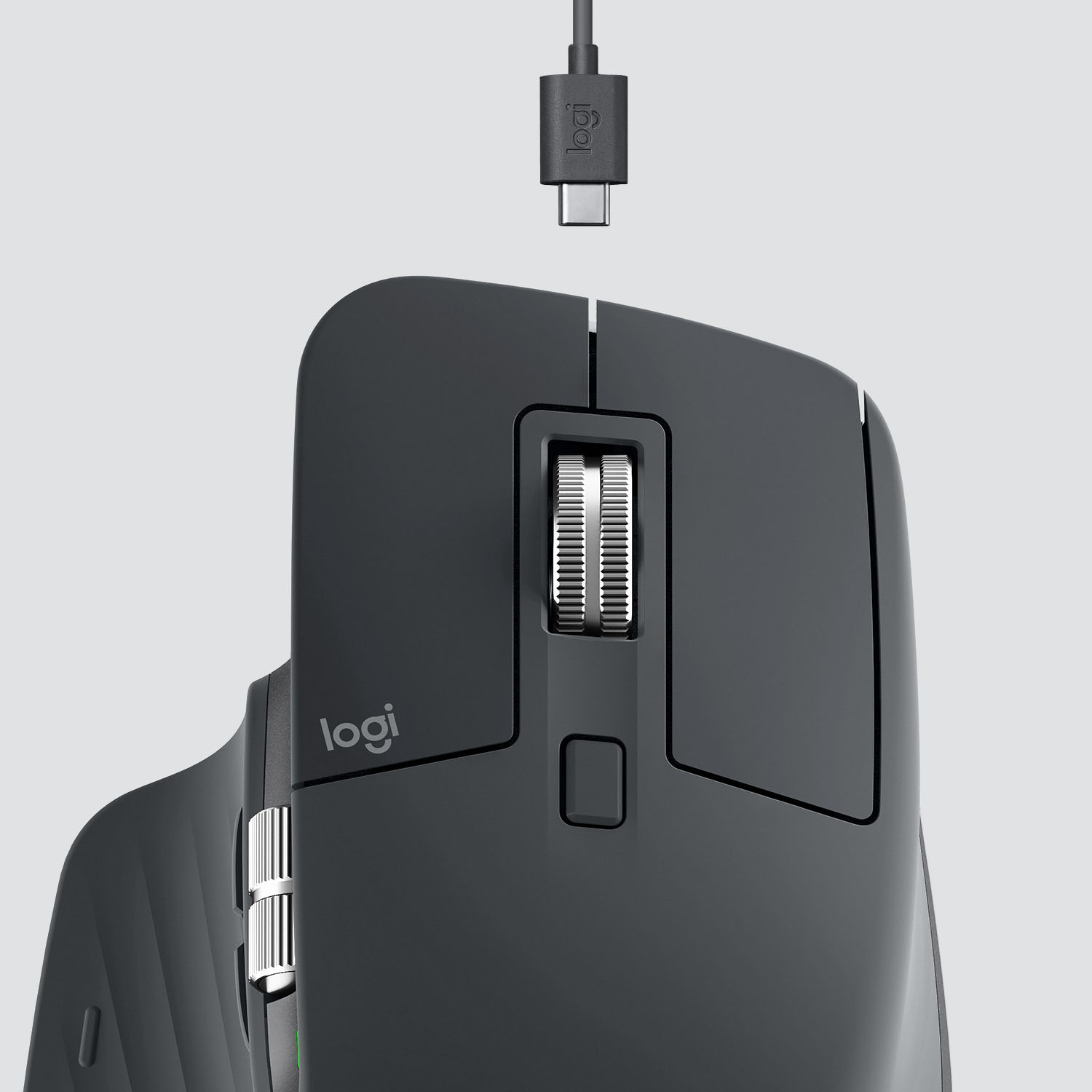

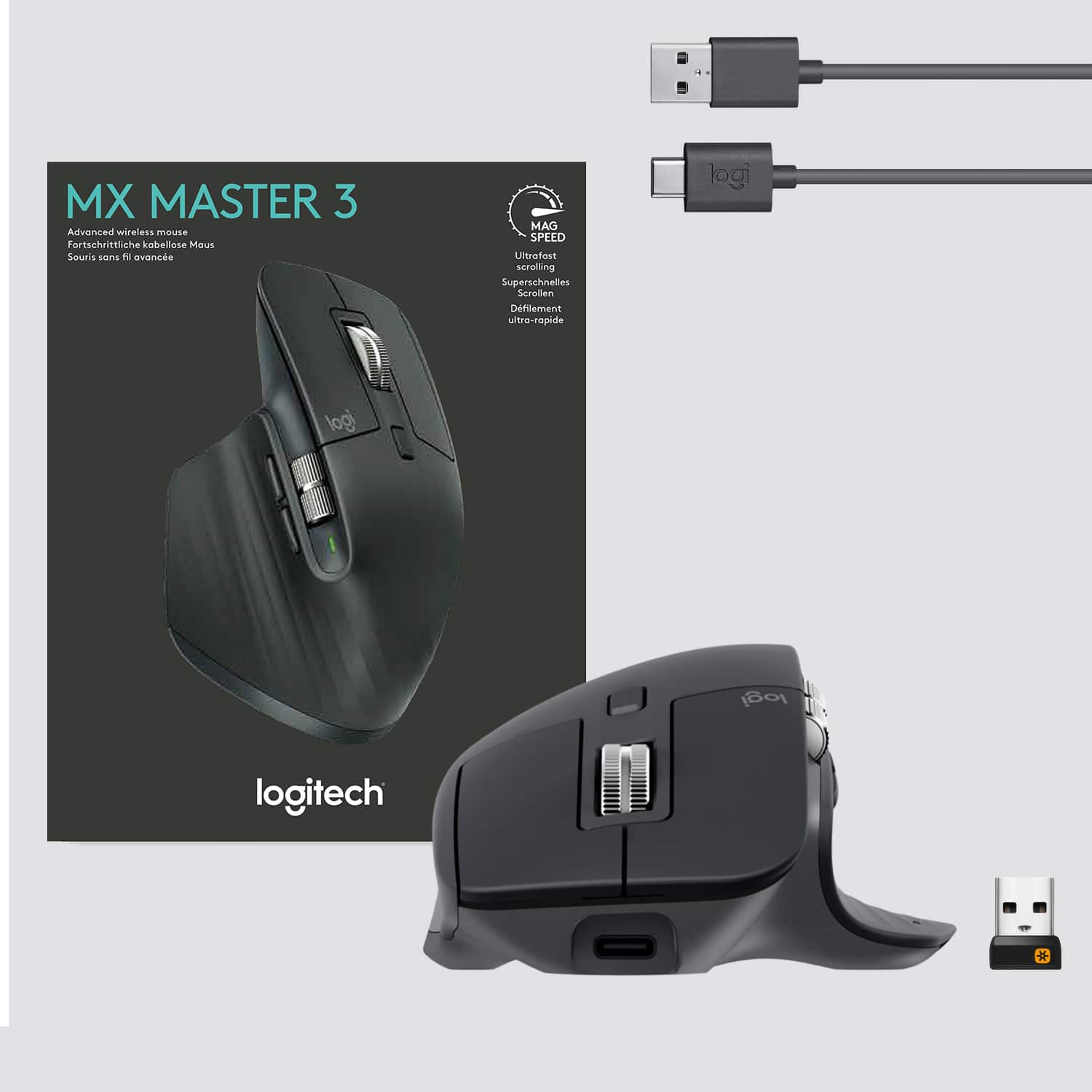

- Model:
- 910-005647
- |
- SKU:
- 6366554
Customer reviews
Rating 4.8 out of 5 stars with 3344 reviews
(3,344 customer reviews)Rating by feature
- Value4.5
Rating 4.5 out of 5 stars
- Quality4.9
Rating 4.9 out of 5 stars
- Ease of Use4.8
Rating 4.8 out of 5 stars
Customers are saying
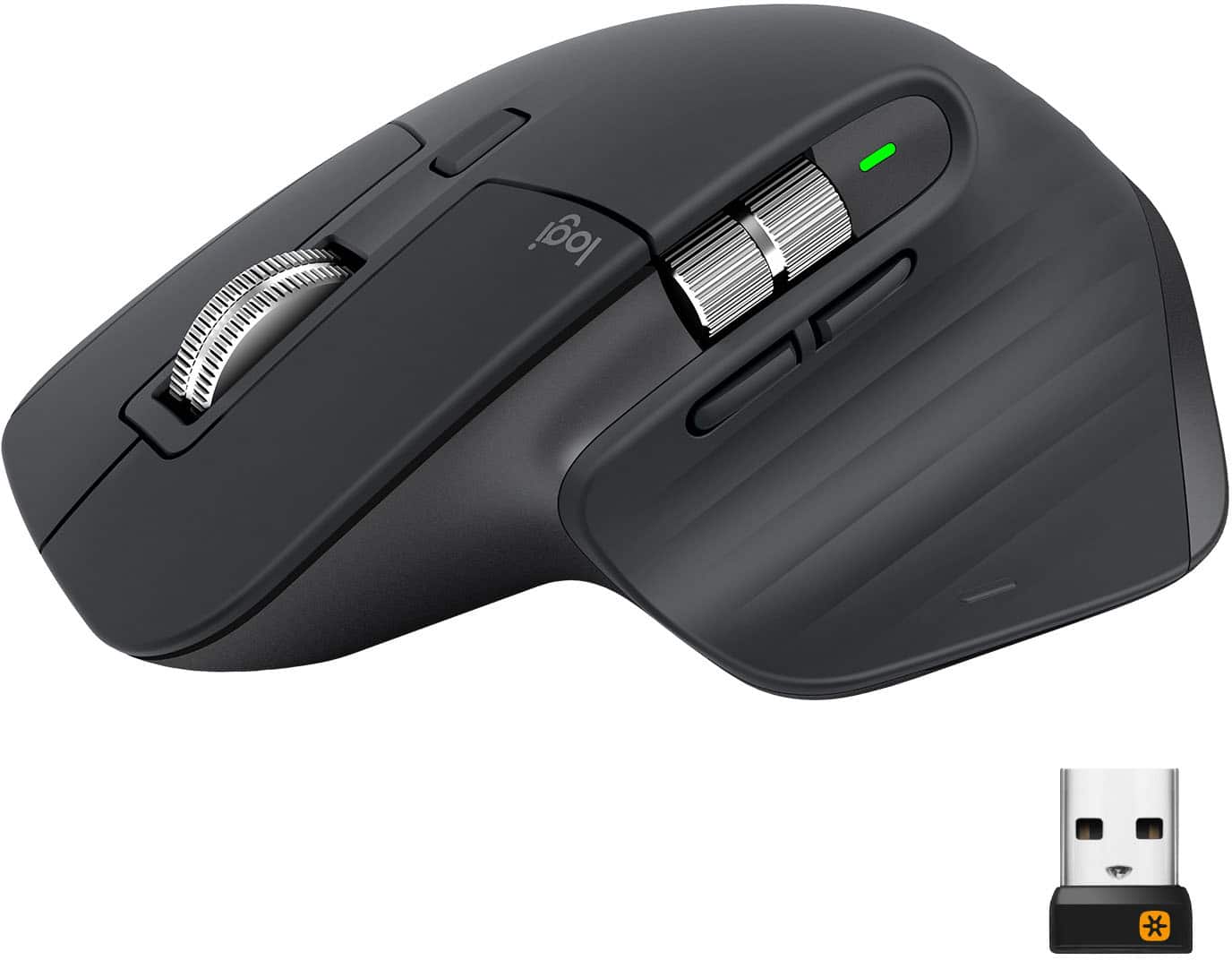
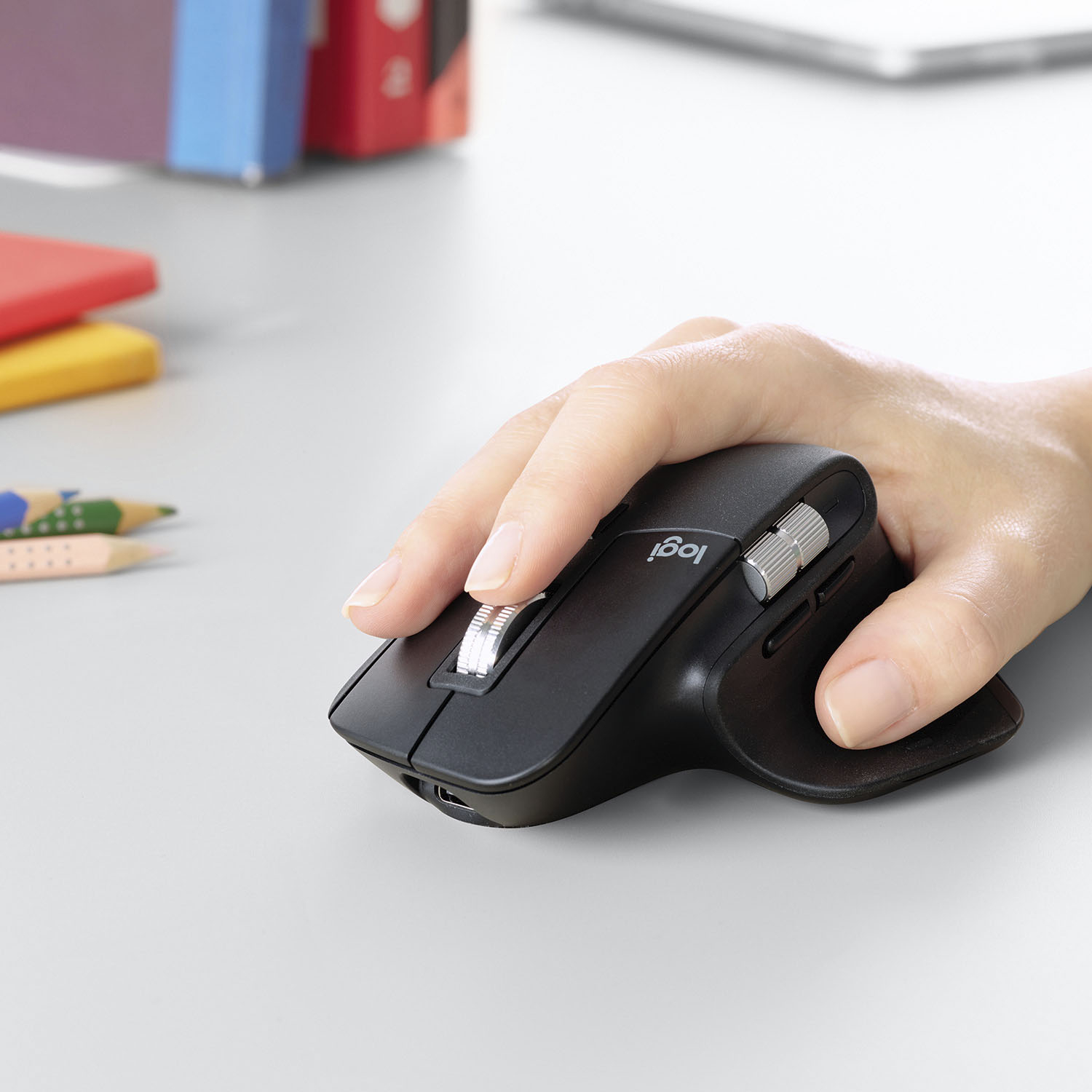
Customers enjoy the ergonomic design, smooth scroll wheel, and excellent battery life of the MX Master 3 mouse. Many appreciate the high-quality build and the extensive customization options, along with its Bluetooth connectivity and multi-device capabilities. However, some find the mouse to be large and heavy. A few users have also reported issues with software consistency and occasional lag.
This summary was generated by AI based on customer reviews.
- Pros mentioned:Comfortable, Customizable
Rated 5 out of 5 stars
Comfortable and Responsive
||Posted .This reviewer received promo considerations or sweepstakes entry for writing a review.Installation was a breeze. The wireless connection came up immediately and required to action on my part. The mouse works flawlessly and is comfortable in my hand. Mouse buttons/controls can be customized, application by application if desired, to the user's needs. This mouse meets my needs perfectly.
I would recommend this to a friend - Pros mentioned:Multi-device, Scroll wheel
Rated 5 out of 5 stars
MX Master 3
||Posted . Owned for 1 month when reviewed.This reviewer received promo considerations or sweepstakes entry for writing a review.Very versatile and precise. The scroll wheels are great for movement around documents, drawings etc. Also, the ability to use with three different PCs is very handy. I ended buying two of them. They are a bit larger, so one stays at the office and one at home.
This review is from Logitech - MX Master 3 Advanced Wireless USB/Bluetooth Laser Mouse with Ultrafast Scrolling - Wireless - Mid Gray
I would recommend this to a friend - Pros mentioned:Customizable, Scroll wheel
Rated 5 out of 5 stars
Perfect mouse
||Posted . Owned for 4 months when reviewed.This reviewer received promo considerations or sweepstakes entry for writing a review.I absolutely love this mouse. After using the MX Anyhwere mouse for many years, I was a little skeptical about the design of this mouse and it took a little getting used to, but the customizable buttons and gestures really help with productivity. And the scoll wheel is fantastic.
I would recommend this to a friend Rated 5 out of 5 stars
Favorite mouse for tech work & gaming
||Posted . Owned for more than 2 years when reviewed.This reviewer received promo considerations or sweepstakes entry for writing a review.The horozontal scroll is necessary in my life. The mouse has a perfect weight to it. Just a few extra buttons but not a ridiculous amount. The only thing that could make this better is if it had an FPS button but that's more of a wish than anything. Have now bought multiple of these.
I would recommend this to a friend- Cons mentioned:Durability
Rated 5 out of 5 stars
Great Mouse - plus/minus from MX Master2
||Posted . Owned for 3 weeks when reviewed.This reviewer received promo considerations or sweepstakes entry for writing a review.Love this mouse, but my MX2 thumb button gave out just under two years of use. It appears without a border, they may have solved that issue on this model. the move of the left side toggle buttons makes them feel less accessible in this model to me, otherwise the smaller form factor is appreciated.
I would recommend this to a friend - Pros mentioned:Long battery life, Multi-device
Rated 5 out of 5 stars
The best work mouse
||Posted . Owned for 6 months when reviewed.This reviewer received promo considerations or sweepstakes entry for writing a review.Definitely a good work mouse. The battery lasts long everything works like it's supposed to. I love that I can use it with 3 different devices just by pushing a button on the bottom. I just wished the horizontal scroll worked without having to install the Logitech Options software.
I would recommend this to a friend - Pros mentioned:Comfortable
Rated 5 out of 5 stars
Top rated mouse for good reason.
||Posted . Owned for 1 week when reviewed.This reviewer received promo considerations or sweepstakes entry for writing a review.The hype is real! I’ve been using a mix of wired and cheap Amazon wireless mice for years, and assumed a mouse this expensive was completely unnecessary. I was wrong. This mouse feels as good as it looks, and is so much more comfortable to use all day. (I switched back to my old Jellycomb mouse for exactly two minutes before promptly throwing it in the drawer). The metal mouse wheel is smooth and premium feeling, the hand position is perfect, the side buttons are exactly where they should be, and it’s incredibly precise. The ability to easily toggle between connected devices is awesome too - I was able to replace two different mice (laptop and desktop) with this one. Sure, it’s expensive, but for something you probably use 8-9 hours a day (or more) to very day, it’s absolutely worth it.
I would recommend this to a friend - Pros mentioned:Comfortable
Rated 5 out of 5 stars
Master MX3
||Posted . Owned for 4 months when reviewed.This reviewer received promo considerations or sweepstakes entry for writing a review.I know the mouse is a little pricey at $100 but this made my daily activities for work so much easier. Not only with comfort but the scroll wheel and the little side scroll wheel. Made a huge difference for my productivity. I can't see myself going back to use a regular mouse again.
I would recommend this to a friend - Pros mentioned:Comfortable
Rated 5 out of 5 stars
Great premium mouse.
||Posted . Owned for 3 weeks when reviewed.This reviewer received promo considerations or sweepstakes entry for writing a review.This is an excellent mouse, but a little heavy. It is very comfortable, especially if you use a palm grip on a mouse. Due to the type of grip I use, I couldn't tell a huge difference between this and my Magic Mouse. It is obviously a premium mouse and will be great for most people.
I would recommend this to a friend - Pros mentioned:Comfortable, Scroll wheel
Rated 5 out of 5 stars
Best Mouse you can buy!
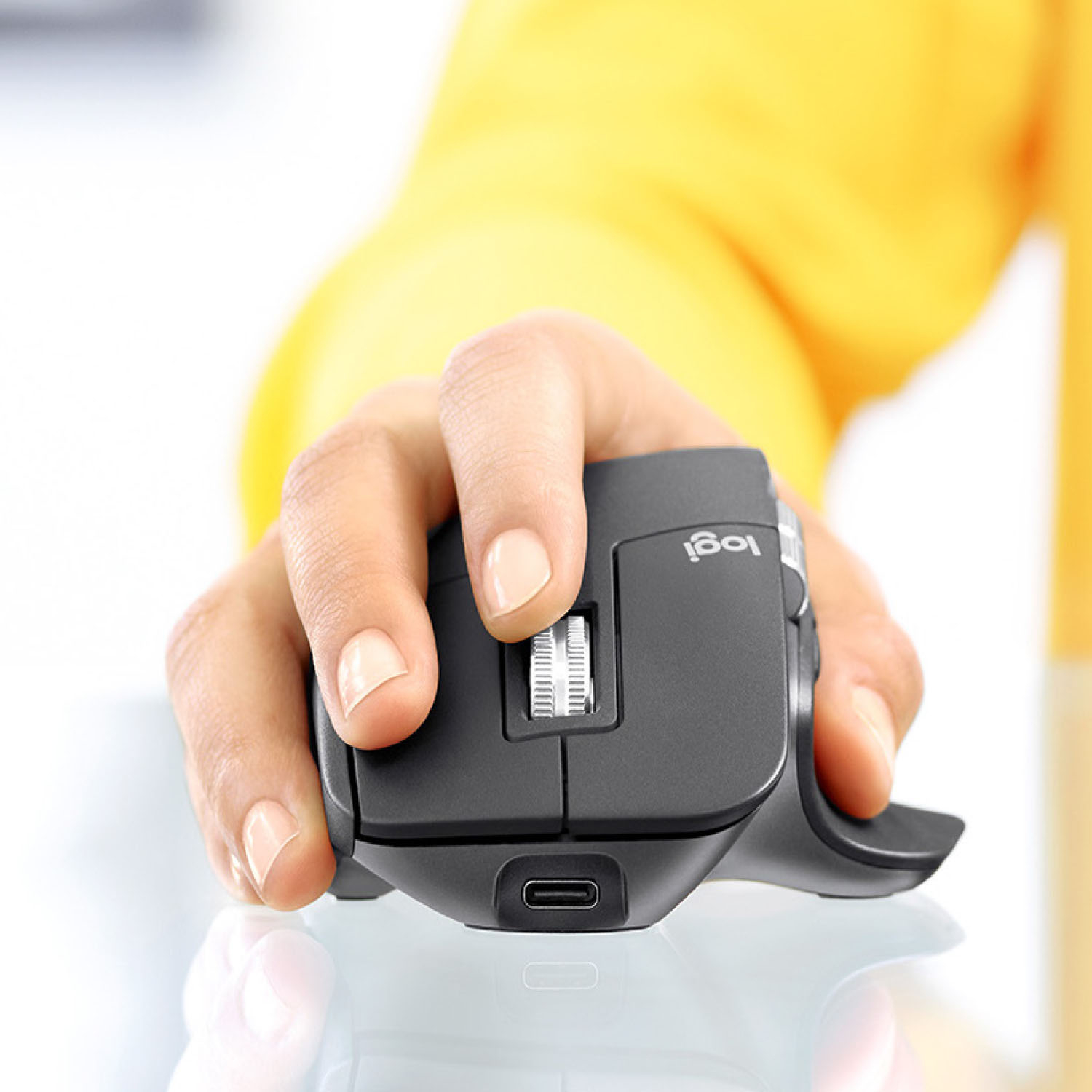
||Posted . Owned for 1 month when reviewed.This reviewer received promo considerations or sweepstakes entry for writing a review.This is the best mouse on the market. It is very comfortable and intuitive. I also appreciate the new scroll wheel. It is less clicky than the MX Master 2. The USB-C port is awesome, I have less cables to keep up with when charging.
I would recommend this to a friend - Pros mentioned:Customizable, Multi-device
Rated 5 out of 5 stars
Video Editing Time Saver
||Posted . Owned for 11 months when reviewed.This reviewer received promo considerations or sweepstakes entry for writing a review.Best wireless mouse I've ever use. I took the apple magic mouse back it didn't work anywhere near as well as this on a new 16 inch macbook. However the ability to swap between multiple devices the customizable buttons. This improves video editing time greatly.
I would recommend this to a friend - Pros mentioned:Customizable
Rated 5 out of 5 stars
Great Comfort and Versatility
||Posted . Owned for 3 weeks when reviewed.This reviewer received promo considerations or sweepstakes entry for writing a review.I’ve used this for a few weeks now and so far I’m loving it. I have two laptops for work and a personal laptop and it can connect to all three with only one receiver. The first computer uses the receiver and the other two connect via Bluetooth. Also if you get the MX Keys it will connect to the same receiver, and then you only need one receiver for the both of them. The mouse is great, but the Logitech Program really sets it over the top. You can either set the buttons to have the same function no matter what program you’re using or you can make it to where the functions are always the same, but for some select programs the button functions are different. Or even set reach program to have their different functions for the buttons on the mouse. And there’s a lot of options for the command button that your thumb presses. Also being able to switch between the ratcheting and smooth roll of the wheel is great and the thing will spin forever. Overall a really awesome mouse.
I would recommend this to a friend - Pros mentioned:Scroll wheel
Rated 5 out of 5 stars
Probably the best mouse I've ever owned!
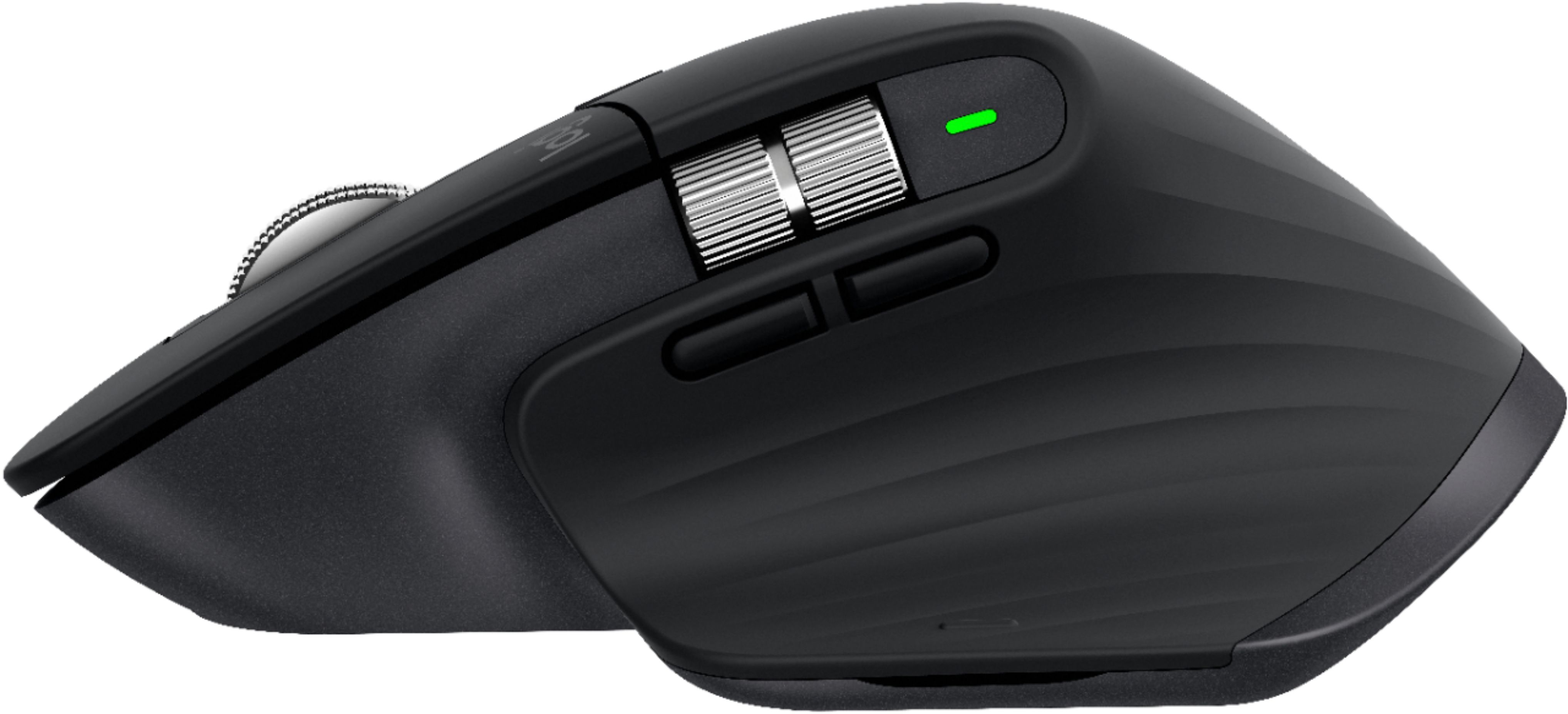
||Posted . Owned for less than 1 week when reviewed.This reviewer received promo considerations or sweepstakes entry for writing a review.This a really awesome mouse! I've been switching between a number of different mice because my hand and wrist would start hurting. $99 bucks seemed a little steep but at this point it's well worth the price - oddly ergonomic given its more conventional design but really comfortable and natural to use. So of the things that could be considered gimmicky are actually useful. The auto detecting free spinning scroll wheel works as advertised and really useful for coding and writing Word docs, but not really useful for web browsing. The horizontal scroll too a little time to get used to but is now second nature after just a few days, the forward / backward buttons are perfect for switching between screens... the best part is the gesture button at the base of the thumb rest... I didn't think I'd ever use it, but it's actually useful as well. Overall this product is well design and works perfectly on a Mac and PC.
I would recommend this to a friend - Pros mentioned:Multi-deviceCons mentioned:Expensive
Rated 5 out of 5 stars
Thais is THE one
||Posted . Owned for 2 weeks when reviewed.This reviewer received promo considerations or sweepstakes entry for writing a review.Had the first MX mouse for 10+ years and couldn’t go back to other mouse, master3 is giving me the same feeling on my hand and the function of connecting different computer blew my mind, price is at the high side but it will last for years, totally worth it.
This review is from Logitech - MX Master 3 Advanced Wireless USB/Bluetooth Laser Mouse with Ultrafast Scrolling - Wireless - Mid Gray
I would recommend this to a friend - Pros mentioned:Comfortable, Long battery life
Rated 5 out of 5 stars
Great mouse!
||Posted . Owned for 1 month when reviewed.This reviewer received promo considerations or sweepstakes entry for writing a review.I've got two of these now, one for my main desktop and one for my work laptop. Simply the best mouse I've owned. Very comfortable and the battery life has been absolutely fantastic compared to the razer mamba it replaced.
This review is from Logitech - MX Master 3 Advanced Wireless USB/Bluetooth Laser Mouse with Ultrafast Scrolling - Wireless - Mid Gray
I would recommend this to a friend - Pros mentioned:Comfortable, Multi-device
Rated 5 out of 5 stars
Multitasking Mouse
||Posted . Owned for 7 months when reviewed.This reviewer received promo considerations or sweepstakes entry for writing a review.The Logitech Mx master 3 has become my top mouse in my day to day work routine. It is very confortable and easy to use. The fact of the variety of option it has is a game changer when it comes to productivity especially if you work with lots of screens. Highly recommended!
I would recommend this to a friend - Pros mentioned:Comfortable, Long battery life
Rated 5 out of 5 stars
Excellent product. A must have for the office.
||Posted . Owned for 6 months when reviewed.This reviewer received promo considerations or sweepstakes entry for writing a review.Best mouse I have owned. It is very responsive. The scrolls make it a breeze when working with large spreadsheets. A must have. It is very comfortable for my large hands. The battery will last at least a month on one charge.
I would recommend this to a friend - Pros mentioned:Customizable
Rated 5 out of 5 stars
Scroll wheels steal the show!
||Posted . Owned for 1 month when reviewed.This reviewer received promo considerations or sweepstakes entry for writing a review.This mouse is bit pricey but I bought it for video editing. Having a horizontal scroll and the ability to customize buttons for every app really makes this mouse stand apart. The upper scroll is the best and with key commands you can use it for horizontal scrolling as well, allowing you to fly through the timeline on long videos. It will probably take me awhile to settle on the button programming but I encourage others to check through Youtube for ideas. Even the basic preferences for special apps that comes with the software is very good to start. About the only thing I miss from using the Apple Magic Mouse is the left to right swiping. It is possible to swipe with this mouse using gestures but not as fluid as the Apple Mouse. The upper scroll wheel is as good as advertised. Can do click type scrolling and then fluid speed scrolling, just by changing the way you attack it. By far, the scroll wheel is my favorite feature on this mouse.
I would recommend this to a friend - Pros mentioned:Comfortable
Rated 5 out of 5 stars
Replacement for my original MX Master
||Posted . Owned for 3 weeks when reviewed.This reviewer received promo considerations or sweepstakes entry for writing a review.I purchased the original MS Master about 3 years ago after an injury to my hands and it was a life saver! The ergonimics was great and having support for my thumb was a must. I finally wore out the scroll function so I had to replace it. I decided to go with the MX Master 3 but was nervous about some of the reviews stating the mouse was smaller and not as comfortable. It is smaller than the original but I find it to be just as comfortable, but I have small hands. I was also worried about the new forward and back button design and placement because I'd gotten used to the one I had. It was an easy transition. I like some of the new features of the MX Master 3 but unfortunately cannot use them on my work laptop due to my company's blocking policy. One of my favorite features is being able to easily switch between my work laptop and my tablet. I even tried it with my phone just to see if it works and it does. This is my favorite ergonimic mouse.
I would recommend this to a friend - Pros mentioned:CustomizableCons mentioned:Expensive
Rated 5 out of 5 stars
Awesome
||Posted . Owned for less than 1 week when reviewed.This reviewer received promo considerations or sweepstakes entry for writing a review.Bought this to replace my Apple Magic Mouse for ergo reasons and it works great. There are plenty of customizations you can do as well. Comes with a USB adapter or can be connected via Bluetooth. It is a bit on the pricier side but definitely worth the quality of the device.
I would recommend this to a friend