Customer Ratings & Reviews

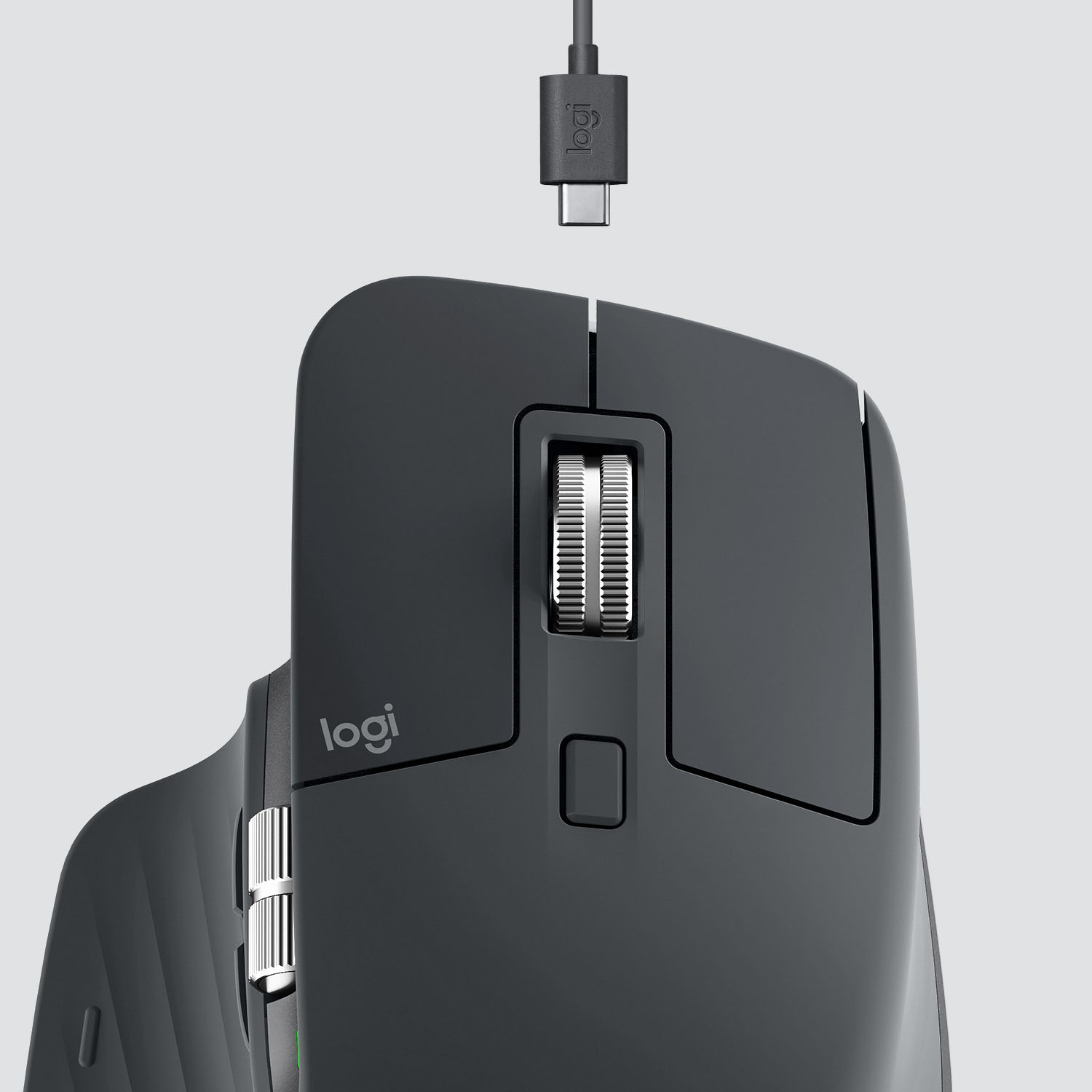

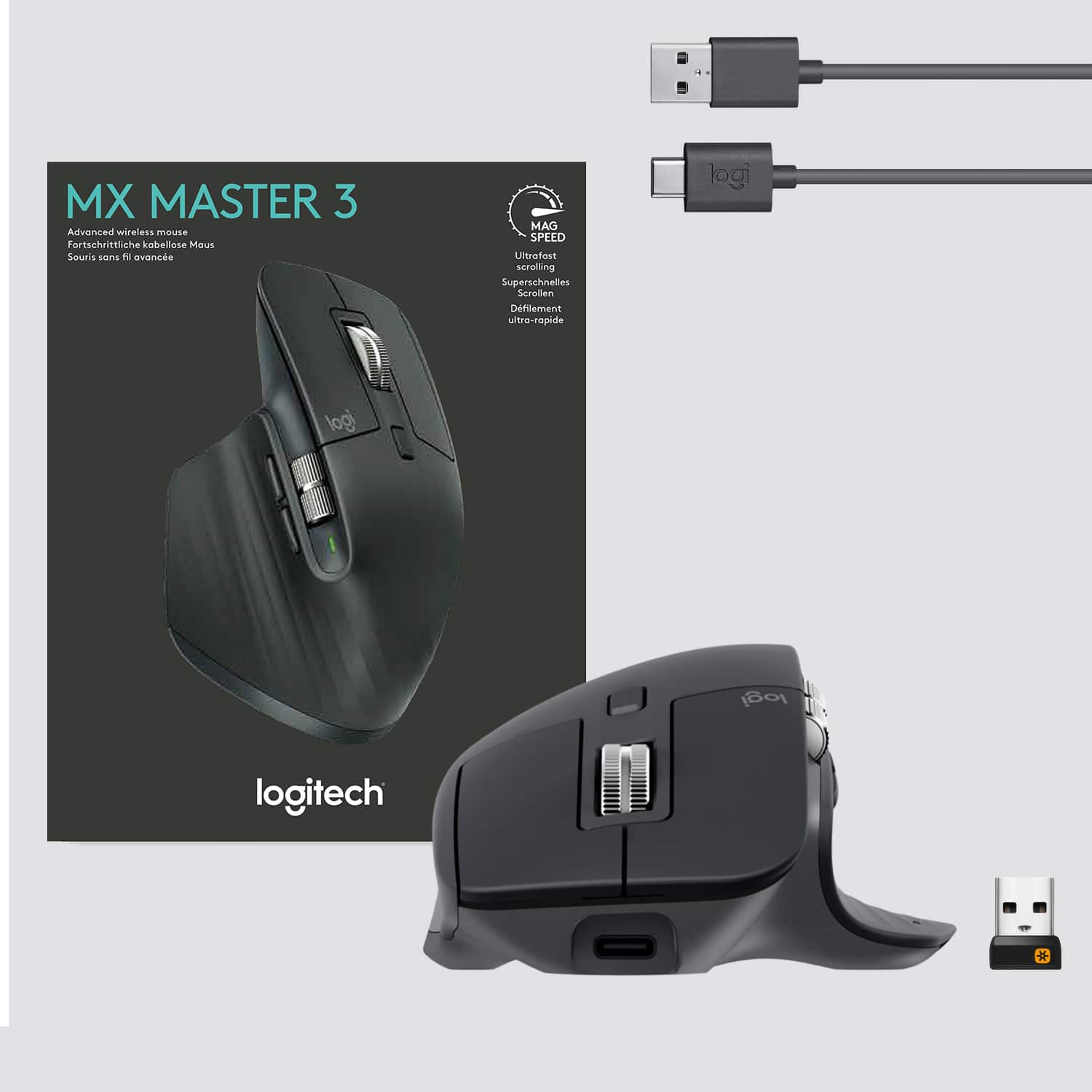

- Model:
- 910-005647
- |
- SKU:
- 6366554
Customer reviews
Rating 4.8 out of 5 stars with 3344 reviews
(3,344 customer reviews)Rating by feature
- Value4.5
Rating 4.5 out of 5 stars
- Quality4.9
Rating 4.9 out of 5 stars
- Ease of Use4.8
Rating 4.8 out of 5 stars
Customers are saying
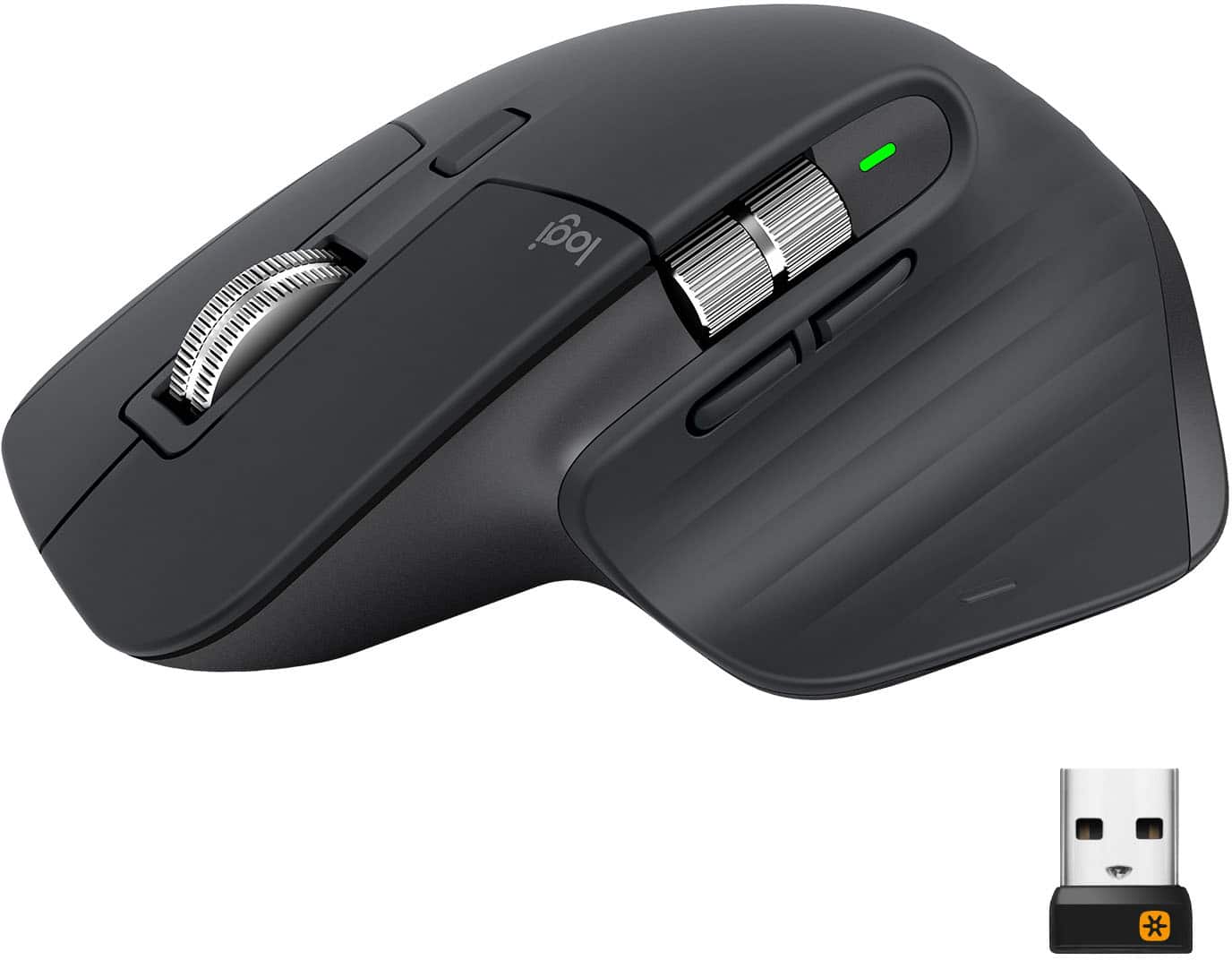
Customers enjoy the ergonomic design, smooth scroll wheel, and excellent battery life of the MX Master 3 mouse. Many appreciate the high-quality build and the extensive customization options, along with its Bluetooth connectivity and multi-device capabilities. However, some find the mouse to be large and heavy. A few users have also reported issues with software consistency and occasional lag.
This summary was generated by AI based on customer reviews.
- Pros mentioned:Comfortable, Long battery life
Rated 5 out of 5 stars
Very comfortable, charge lasts quite a while.
||Posted . Owned for 1 month when reviewed.This reviewer received promo considerations or sweepstakes entry for writing a review.I bought this mouse as most typical, basic wireless mice I find to be too small for my hand. I tried the feel of this and a couple of other similar looking mice at the store before purchasing. This is very comfortable. Typical use is with photo, video, and audio editing programs. In the time that I have had it (over a month and a half at the time of this review), I have not had to recharge it since unboxing it. Build quality is well above average as well. If I could recommend one improvement, it would be to be able to plug the USB receiver into the body of the mouse for transporting it. If you find the average wireless mouse uncomfortable, give this a try.
I would recommend this to a friend - Pros mentioned:Customizable, Long battery life
Rated 5 out of 5 stars
Best mouse for work
||Posted . Owned for 1 month when reviewed.This reviewer received promo considerations or sweepstakes entry for writing a review.Best mouse out there for work. You need to download the program so you can customize it. I work a lot in spreadsheets, and it has the perfect amount of custom buttons I would need. Also horizontal scroll at your thumb is such a luxury. The battery life also seems like to last forever. I had the 1st MX master, and nothing was wrong with it. It actually still works fine, but I've had it since 2014 and wanted a refresh, so I picked up the 3, main reason being I want to ditch anything with micro USB at this point and replace with USB c. I'll still have it as a back up if I ever forget to charge this one.
I would recommend this to a friend - Pros mentioned:Comfortable
Rated 5 out of 5 stars
Great Computer Mouse
||Posted . Owned for 1 year when reviewed.This reviewer received promo considerations or sweepstakes entry for writing a review.I bought this mouse a few months ago and it’s probably one of best computer accessories I’ve ever owned. Super responsive and easy on the wrist. You will not be disappointed with this product.
I would recommend this to a friend - Pros mentioned:Customizable, Multi-device
Rated 5 out of 5 stars
Best mouse for productivity
||Posted . Owned for 1 month when reviewed.This reviewer received promo considerations or sweepstakes entry for writing a review.I love this mouse. I use it on my work laptop and can easily switch it over to act as the cursor on my iPad pro, and then switch it one more time to be the mouse on my PC. There is also software that allows you to move between devices without switching the button. My only gripe, is that the toggle switch for devices is on the bottom so I have to turn it over to switch, but honestly it's not enough to dock it a start, this thing is great. From customizing the buttons, to using the presets, I am using this thing non-stop to improve my productivity and workflows. I have this paired with the MX Keys and love the both of them.
I would recommend this to a friend - Pros mentioned:Comfortable, Long battery life
Rated 5 out of 5 stars
No Regret Buy for Computer Workers
||Posted .This reviewer received promo considerations or sweepstakes entry for writing a review.Was looking for something a little more comfortable for someone who works 8+ hours a day at a workstation. The texture is something like a rubber or soft touch material from a newer vehicle. Clicks are soft and not dramatic. The wheel is very sturdy and the button below controls the physical behavior of the scroll wheel. The mouse will take some use from a Logitech software. I have not tested this due to using work provided computer restrictions. Battery life is solid and I really have only charged a few times. Highly recommend over an ambidextrous gaming mouse or budget company equipment.
This review is from Logitech - MX Master 3 Advanced Wireless USB/Bluetooth Laser Mouse with Ultrafast Scrolling - Wireless - Mid Gray
I would recommend this to a friend - Pros mentioned:Multi-device
Rated 5 out of 5 stars
My Favorite Mouse
||Posted . Owned for 8 months when reviewed.This reviewer received promo considerations or sweepstakes entry for writing a review.Love this mouse. Great for the Adobe Suite and having thousands of browser tabs open : ). Love the bluetooth connectivity and ability to switch between multiple devices easily.
I would recommend this to a friend - Pros mentioned:Comfortable
Rated 5 out of 5 stars
Perfect for me...
||Posted . Owned for 10 months when reviewed.This reviewer received promo considerations or sweepstakes entry for writing a review."The Logitech MX Master 3 is the ultimate wireless mouse for professionals. Precise, comfortable, and packed with features, it will boost your productivity to the next level."
I would recommend this to a friend - Pros mentioned:Scroll wheelCons mentioned:Expensive
Rated 5 out of 5 stars
They improved the scroll wheel :-)
||Posted . Owned for 1 month when reviewed.This reviewer received promo considerations or sweepstakes entry for writing a review.My original MX Master wore out after 6.5 years. It was a no-brainer to replace it with the latest model and I was not disappointed. The MX Master 3 is much the same as the original, which is fine with me. I didn't think it would be possible to improve the scroll wheel on the original but I like this model's wheel even better. The magnetic cogging feels nice. Yes, it is an expensive mouse but my mouse and keyboard are my main points of interaction with my PC. Life's too short to use a mouse I don't enjoy.
I would recommend this to a friend - Pros mentioned:Comfortable, Multi-device
Rated 4 out of 5 stars
Fantastic high-quality mouse with minor issues
||Posted .This reviewer received promo considerations or sweepstakes entry for writing a review.This mouse has pretty much become legendary, and is considered one of the greatest mouse you can get by all kinds of online reviewers and those in the tech community. And seeing as how I now have an work computer, personal computer, and a tablet at home, the multi-device feature was a necessity. The quality of the mouse is top-notch; one of the best on the market. And boy is it comfortable. You can use this for days. But, it's not perfect. I personally found the scaling to be a bit off when used in Bluetooth mode. The cursor was a bit janky, but using the USB dongle fixed that. Also, the scroll wheel is amazing when you want to fly through pages and pages. But when you only want to scroll down or up a little, it's not very smooth. It's janky and sometimes goes to far up or down. Other than that though, it's a terrific mice, and great for heavy multi-tasking workloads.
I would recommend this to a friend - Pros mentioned:Comfortable
Rated 5 out of 5 stars
Must have this If your on the computer everyday
||Posted . Owned for more than 2 years when reviewed.This reviewer received promo considerations or sweepstakes entry for writing a review.My savior when doing work on the computer. This thing is such a great value for what your getting. Comfortability, quality, and usability.
I would recommend this to a friend - Pros mentioned:Long battery life
Rated 5 out of 5 stars
Great mouse
||Posted . Owned for 1.5 years when reviewed.This reviewer received promo considerations or sweepstakes entry for writing a review.Love this mouse. I’ve been using it a year and it rarely needs to be charged and works great. I haven’t had any issues!
I would recommend this to a friend - Pros mentioned:CustomizableCons mentioned:Expensive
Rated 5 out of 5 stars
Kobe!..almost as important as the computer itself
||Posted . Owned for 1 month when reviewed.This reviewer received promo considerations or sweepstakes entry for writing a review.This mouse has tons of features, customizations, performance enhancements, etc. etc. Does take a little time to learn the features and get used to the changes but once she comes around you’ll hate any other computer mouse. Sometimes I like to just hold her in my hand just to feel her smooth touch, even if I’m not using the computer. Originally got it to improve work performance/time, And I know it’s a bit pricey but whether it’s used for work or for personal use, it makes using the computer a whole lot easier. I can navigate through my computer like Keanu Reeves in the Matrix.
This review is from Logitech - MX Master 3 Advanced Wireless USB/Bluetooth Laser Mouse with Ultrafast Scrolling - Wireless - Mid Gray
I would recommend this to a friend - Pros mentioned:Customizable, Scroll wheel
Rated 5 out of 5 stars
Best mouse i've owned thus far.
||Posted . Owned for 2 weeks when reviewed.This reviewer received promo considerations or sweepstakes entry for writing a review.I'm a bit of a tech snob, therefore I try out a number of different products before settling on the "right" one. I've owned or currently own all the apple mice including the trackpads, the Microsoft arc and surface precision mice and my personal favorite. Great customizable features, great ergonomic design and the scroll wheel (my personal favorite). If I were to improve on anything in this mouse, I would request for a more portable design. Highly recommend this mouse to the business professionals, students and the everyday user. I am not a gamer therefore I have no insight, unfortunately.
I would recommend this to a friend Rated 5 out of 5 stars
Great! But one thing is missing!
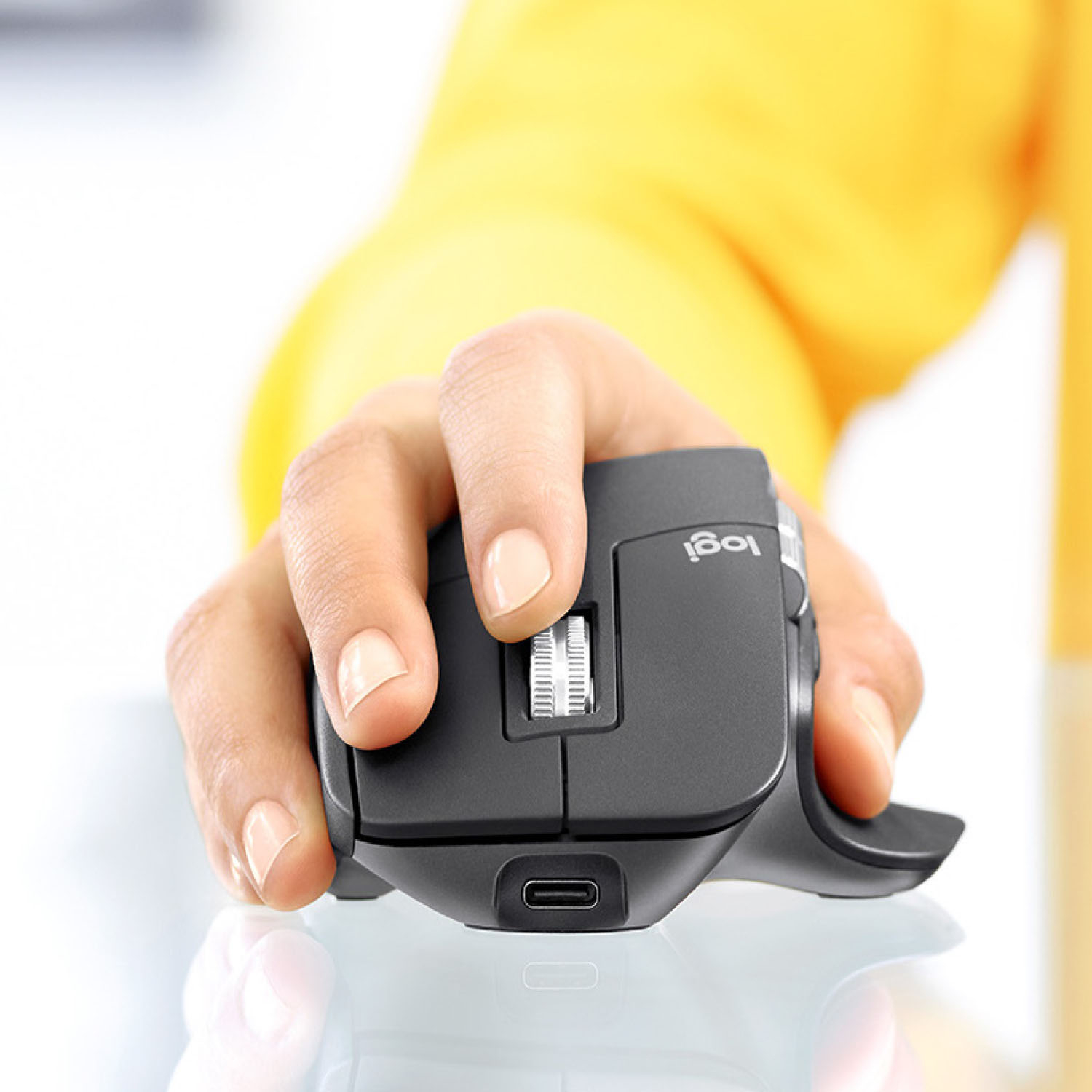
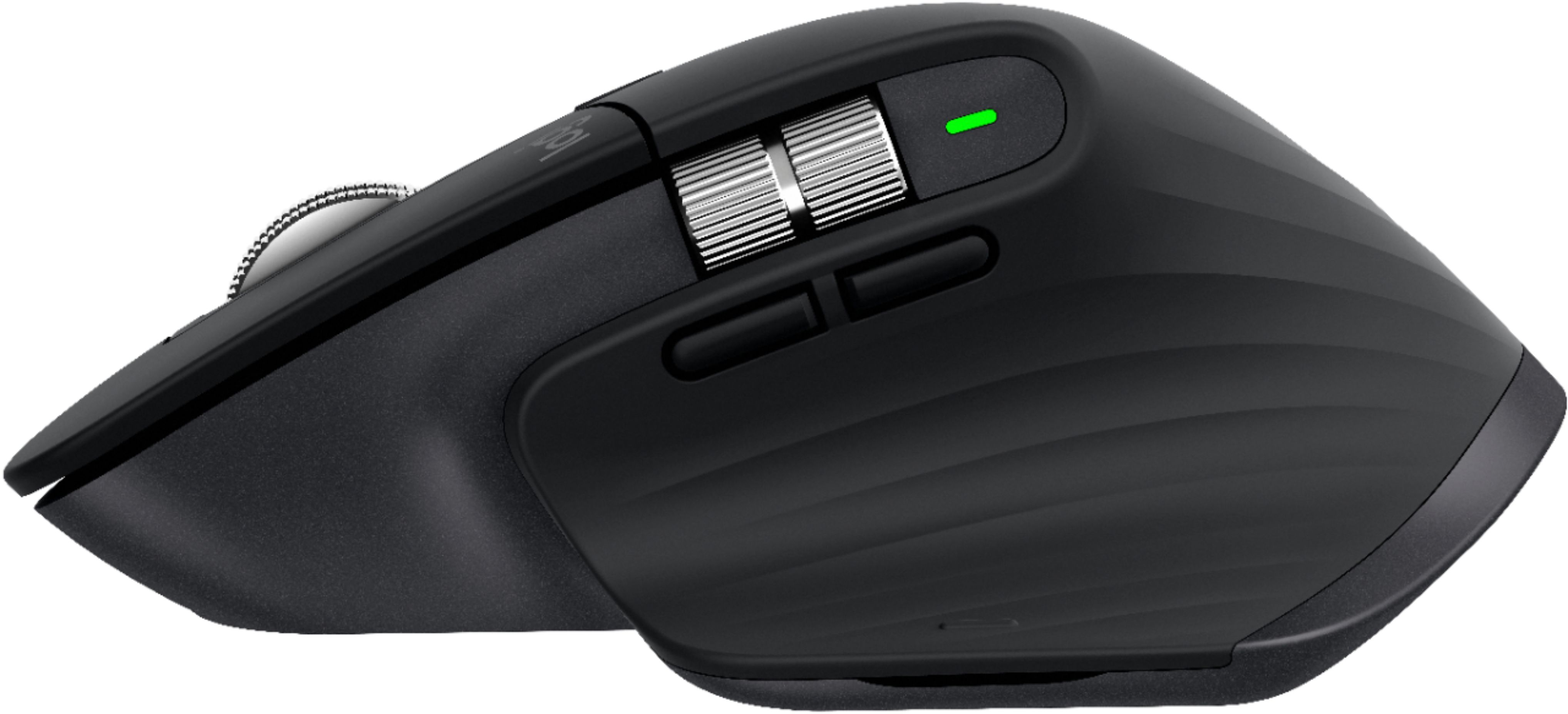
Posted .This reviewer received promo considerations or sweepstakes entry for writing a review.This is a great mouse! It's very high quality. The two scroll metal scroll wheels are smooth and premium. The rubbers and plastics are solid and will not stain from daily use. There is a nice green charging indicator on the side. Yes, the charging port is USB-C! My only complaint is that you cannot put the USB receiver anywhere to store it in the mouse. Keep in mind there is a slot inside the box that the mouse comes in to put the USB receiver in. And this mouse is Bluetooth enabled and it works very well. Besides that quirk, the mouse works very well! It almost feels like an Apple product. The images shown below are of the Logitech MX Master 3 that I bought in late 2019. And also the app that Logitech provides for the mouse isn't very user friendly. I would use the mouse as it comes in the box and not install the Logitech software for the mouse.
I would recommend this to a friendRated 5 out of 5 stars
User-friendly, comfortable
||Posted . Owned for 1.5 years when reviewed.This reviewer received promo considerations or sweepstakes entry for writing a review.These are fantastic. I bought these for multiple device pairing as I work on different systems. Ergonomically they are comfortable. I am so used to this that I can't go back to a normal mouse. It was a bit uncomfortable initially, but I got used to it. I use them with Logitech's wireless keyboard. The keys are easy to configure. The only drawback is the button to switch devices is located at the bottom. So, you have to pick up the mouse and press it. It would be better if they add it on the top or make it configurable with other buttons.
This review is from Logitech - MX Master 3 Advanced Wireless USB/Bluetooth Laser Mouse with Ultrafast Scrolling - Wireless - Mid Gray
I would recommend this to a friend- Pros mentioned:Customizable, Long battery life
Rated 5 out of 5 stars
Mx master 3
||Posted . Owned for 1 month when reviewed.This reviewer received promo considerations or sweepstakes entry for writing a review.I love this mouse. I was using a smaller, wired mouse, for the longest and don’t know why I didn’t stop using that. My hand would hurt after 8-10 hours. This mouse fits perfectly and the charge lasts so long. I also connect two laptops and switch between my work (PC) and personal (MacBook Pro) with no issues. The custom buttons really add to your workflow and the scroll feels really high quality. I definitely recommend it. If you were using a cheap mouse like I was, then upgrade to this? It’s going to make a huge difference.
I would recommend this to a friend - Pros mentioned:Comfortable, Customizable, Long battery life
Rated 5 out of 5 stars
Great Mouse
||Posted . Owned for 1 year when reviewed.This reviewer received promo considerations or sweepstakes entry for writing a review.I really love this mouse. It feels great, has great battery life and the Logitech Options software lets you customize it.
I would recommend this to a friend - Pros mentioned:Long battery life
Rated 5 out of 5 stars
Logitech wireless always solid
||Posted . Owned for 1.5 years when reviewed.This reviewer received promo considerations or sweepstakes entry for writing a review.Best mouse for work. Battery lasts months, ergo is very comfy, just the right amount of buttons. Extra scroll wheel more handy than I imagined.
I would recommend this to a friend - Pros mentioned:Scroll wheelCons mentioned:Price
Rated 5 out of 5 stars
Pricy but great quality!
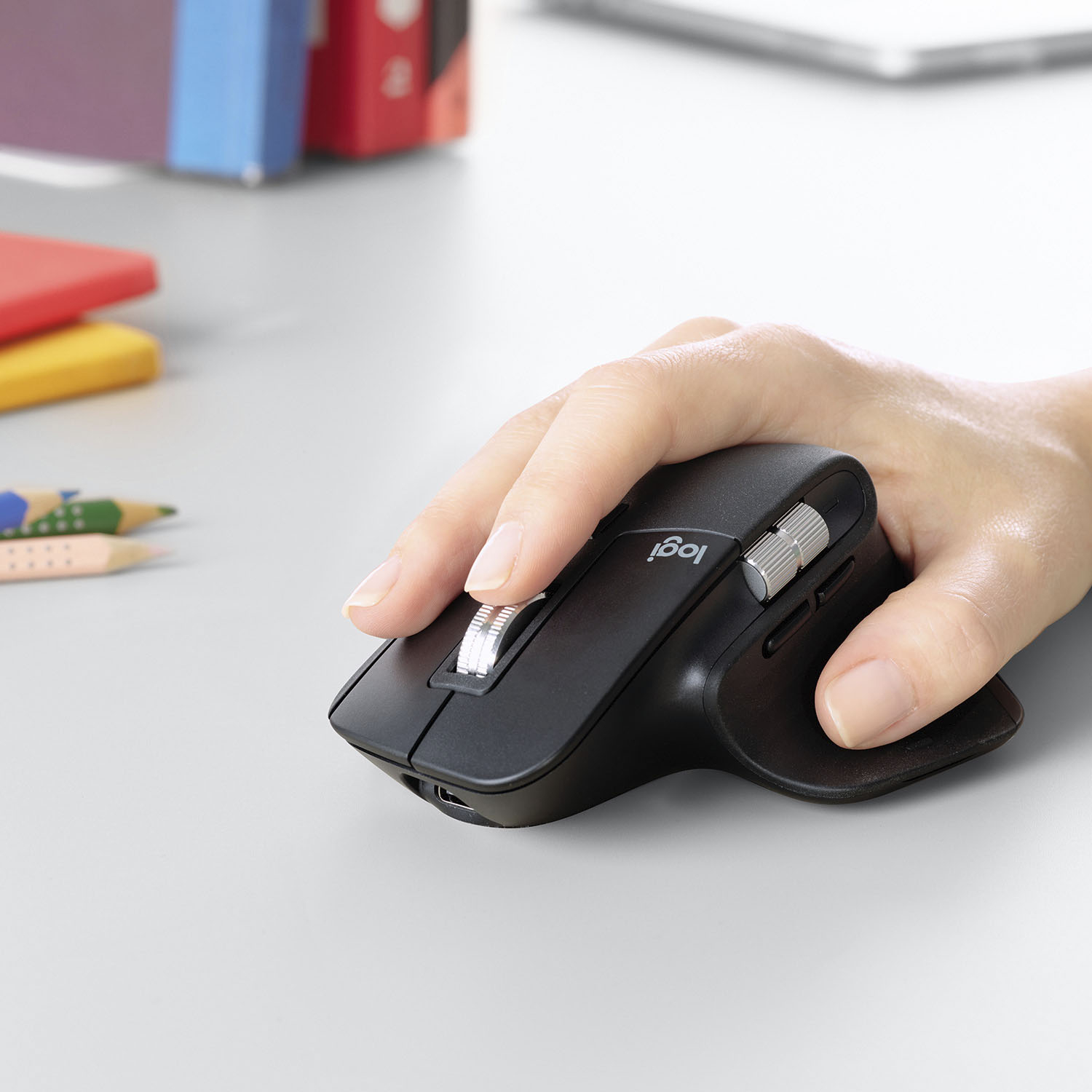
||Posted .This reviewer received promo considerations or sweepstakes entry for writing a review.Big mouse, but not so big it feels unwieldy in smaller hands imo. Keeps my hand from cramping as it’s got a good angle to it. The flat part of the thumb is also a button. The scroll wheel feels great and I’ve had no issues connecting it to any device. On the pricy side of things, but feels like it’s good quality and will hopefully last quite some time. Only complaint is that you can’t store the usb dongle in the mouse anywhere like you can with some other wireless mice, but you could always use Bluetooth if the device has it.
I would recommend this to a friend - Pros mentioned:Long battery life
Rated 5 out of 5 stars
Best Battery Life
||Posted . Owned for more than 2 years when reviewed.This reviewer received promo considerations or sweepstakes entry for writing a review.Best ergonomic mouse. I am very happy with this mouse and never had any challenges. Battery life is great
This review is from Logitech - MX Master 3 Advanced Wireless USB/Bluetooth Laser Mouse with Ultrafast Scrolling - Wireless - Mid Gray
I would recommend this to a friend