Customer Ratings & Reviews


- Model:
- 910-004654
- SKU:
- 11520236
Rating by feature
- Value
Rating 4.4 out of 5 stars
- Quality
Rating 4.8 out of 5 stars
- Ease of Use
Rating 4.6 out of 5 stars
Put your presentations in the “spotlight”
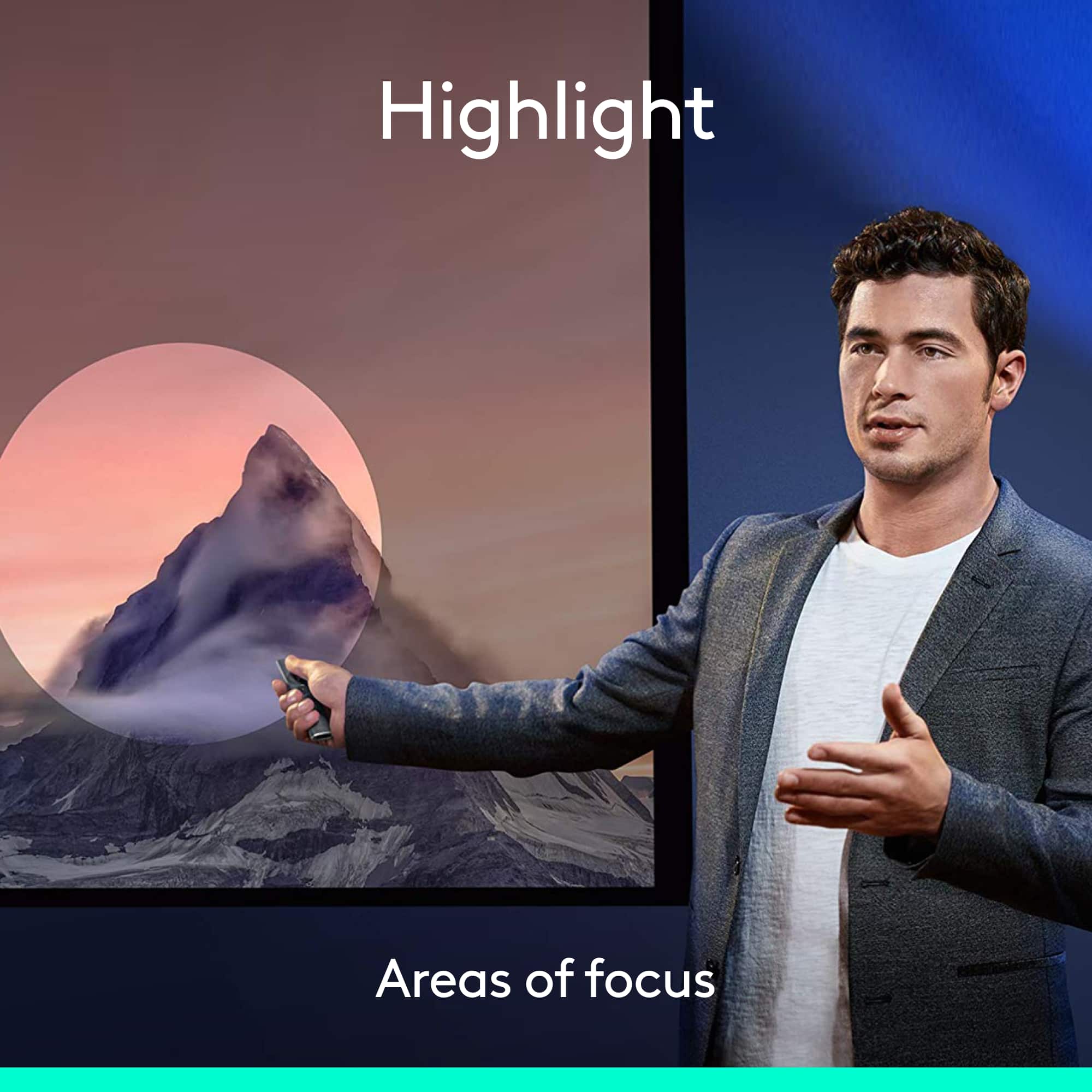
||Posted .This reviewer received promo considerations or sweepstakes entry for writing a review.Everyone that sees a presentation with Spotlight gets a grin on their face for the highlighting ability of this presentation product. Following every meeting they want to know what it is and how to get one. It really allows you to make key points of your material come to life.
I would recommend this to a friendGreat product!
||Posted . Owned for 3 weeks when reviewed.This reviewer received promo considerations or sweepstakes entry for writing a review.Works great. Seems to be a unique product. Seems well made.
I would recommend this to a friendBrand response from Logitech
Posted .We’re thrilled to hear you’re enjoying your Logitech Spotlight Presentation Remote! Your feedback about its unique features and build quality is fantastic. We appreciate you choosing Logitech!
Backup Presenter tool.
||Posted . Owned for 8 months when reviewed.This reviewer received promo considerations or sweepstakes entry for writing a review.I bought this as a backup to another presenter tool I bought from Best Buy. I have never had to use it yet.
I would recommend this to a friendThe best one yet
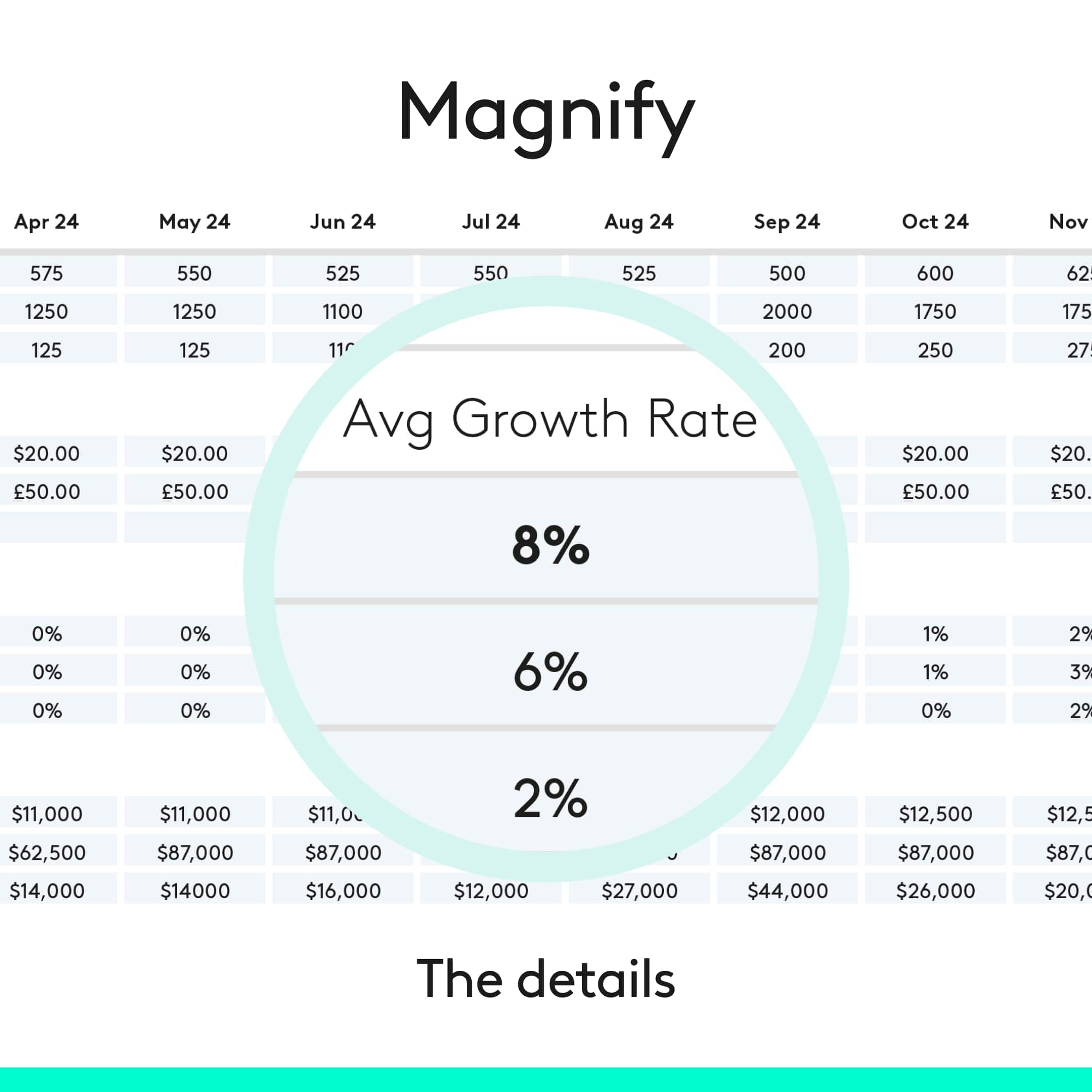
||Posted . Owned for 5 months when reviewed.This reviewer received promo considerations or sweepstakes entry for writing a review.I have had a number of Logitech presenters over the years. This one is the best by far because of the magnifier and highlight functions. Periodic automatic updates add new features to the already great platform.
I would recommend this to a friendExcellent and worth the investment
||Posted .This reviewer received promo considerations or sweepstakes entry for writing a review.I returned two point/presentation controllers that were under $50 before giving up and just spending the extra money. The Bluetooth support is critical. Other devices say wireless but they are line of sight, making use in larger open environments impossible.
I would recommend this to a friendChoose another option
||Posted . Owned for 3 weeks when reviewed.This reviewer received promo considerations or sweepstakes entry for writing a review.The presenter is good. However, it was as not user friendly to me. I hate that I did not have a longer time to return the product and I certainly regret that I ordered it from Best Buy. You may want to order directly from Logitech because you will have a longer return policy if you find that you rather have another type of product. As a note, you probably can order a less expensive pointer with most of the features you will really need.
No, I would not recommend this to a friend- Pros mentioned:Ease of use
Good
||Posted .This reviewer received promo considerations or sweepstakes entry for writing a review.Loved it it worked well for my presentation. Would buy again.
I would recommend this to a friend Spotlight Remote
||Posted .This reviewer received promo considerations or sweepstakes entry for writing a review.I love this remote. So much better than my old red laser pointer. It fits perfectly in my hand. I use it all of the time with power point programs. I even handed it to another presenter and she had no problems using it with a few simple instructions.
I would recommend this to a friend- Cons mentioned:Price
Way too pricey for what it doesn't do.
||Posted . Owned for 1 month when reviewed.This reviewer received promo considerations or sweepstakes entry for writing a review.Way too pricey for what it doesn't do. I can use my iPad or phone and have better control and options.
No, I would not recommend this to a friend great for presentations
||Posted . Owned for 3 weeks when reviewed.This reviewer received promo considerations or sweepstakes entry for writing a review.the set up was easy the price was right able to plug into any media device and make a huge foot print people thought i had an it tech set it all up and spent a couple of hundred dollars
I would recommend this to a friend- Pros mentioned:Battery life, Features, Range

Excellent presentation remote
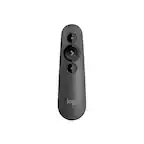
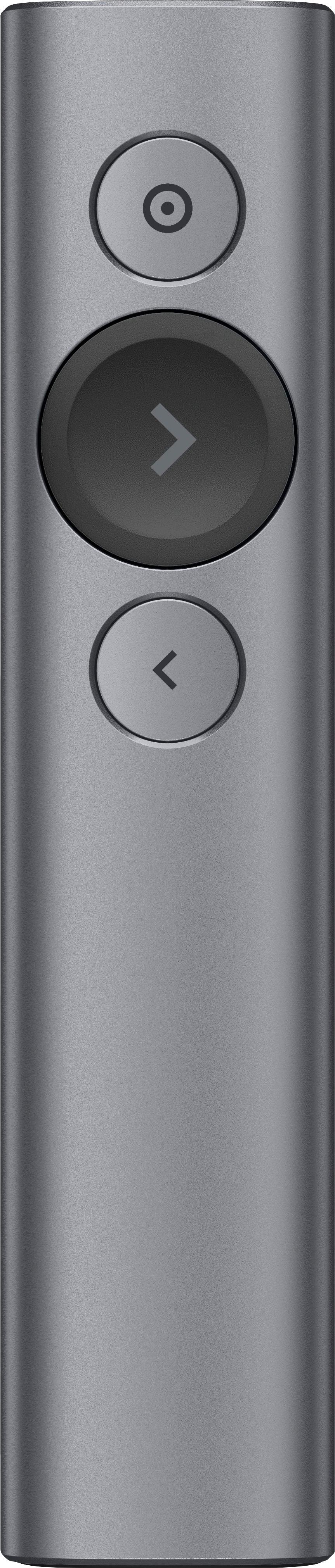
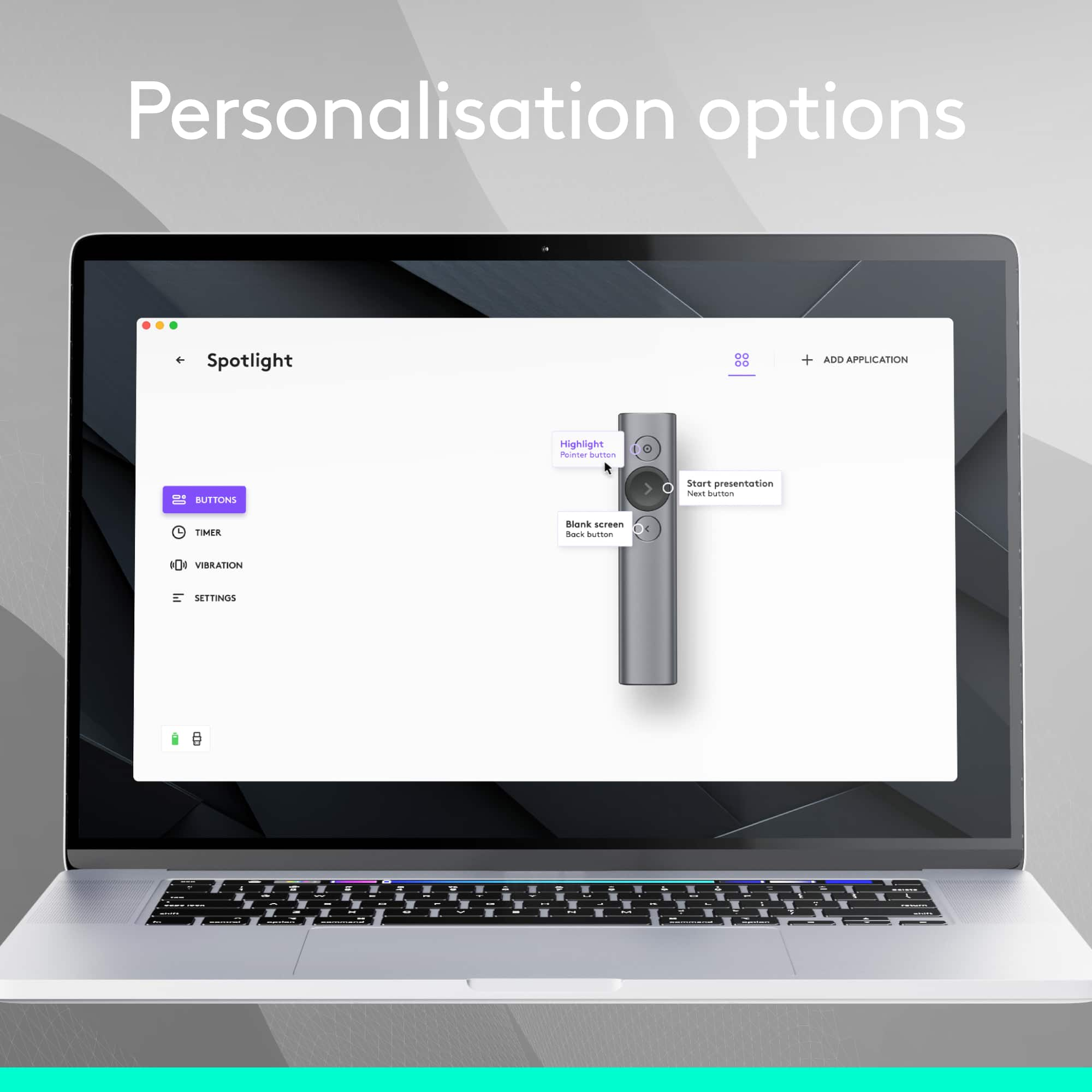
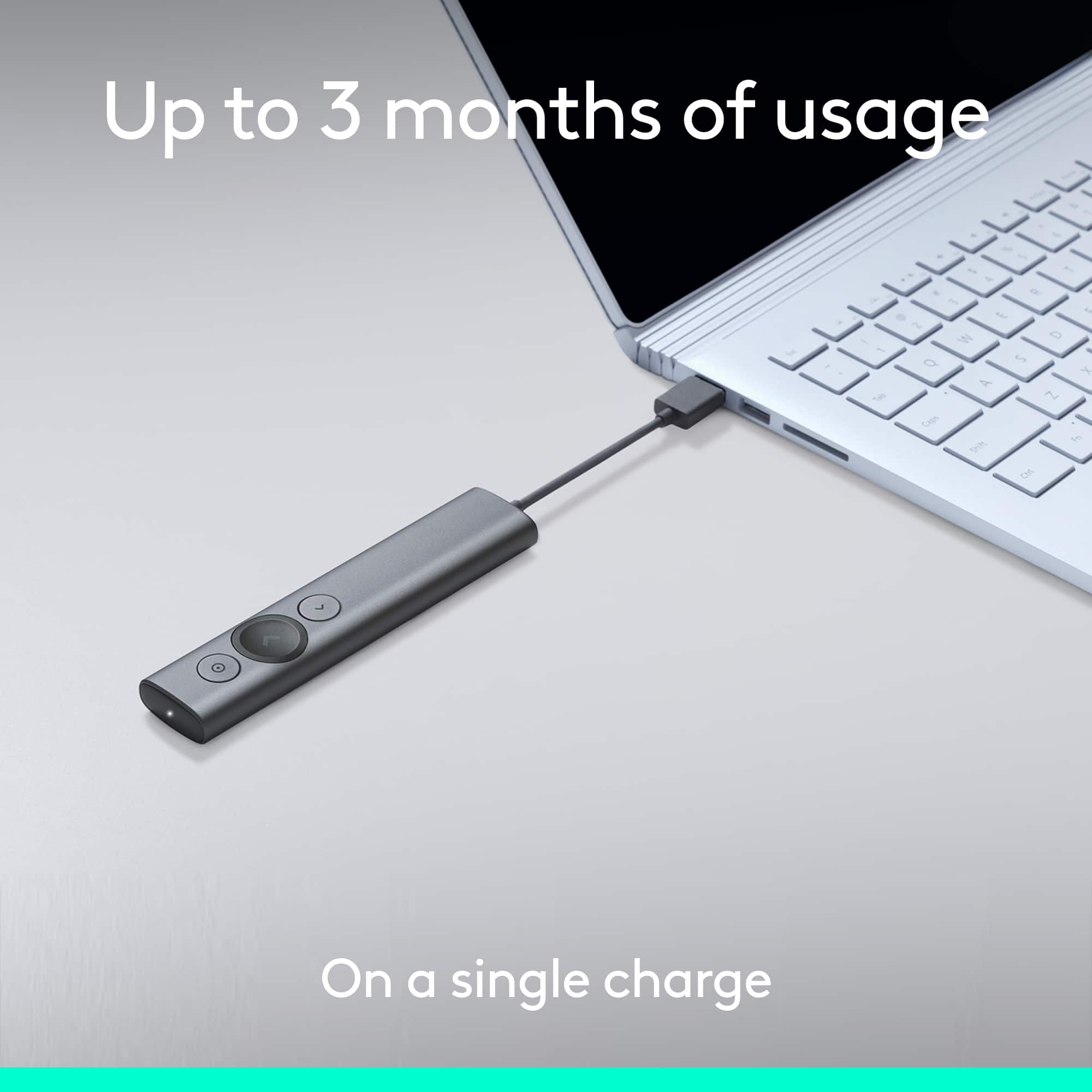
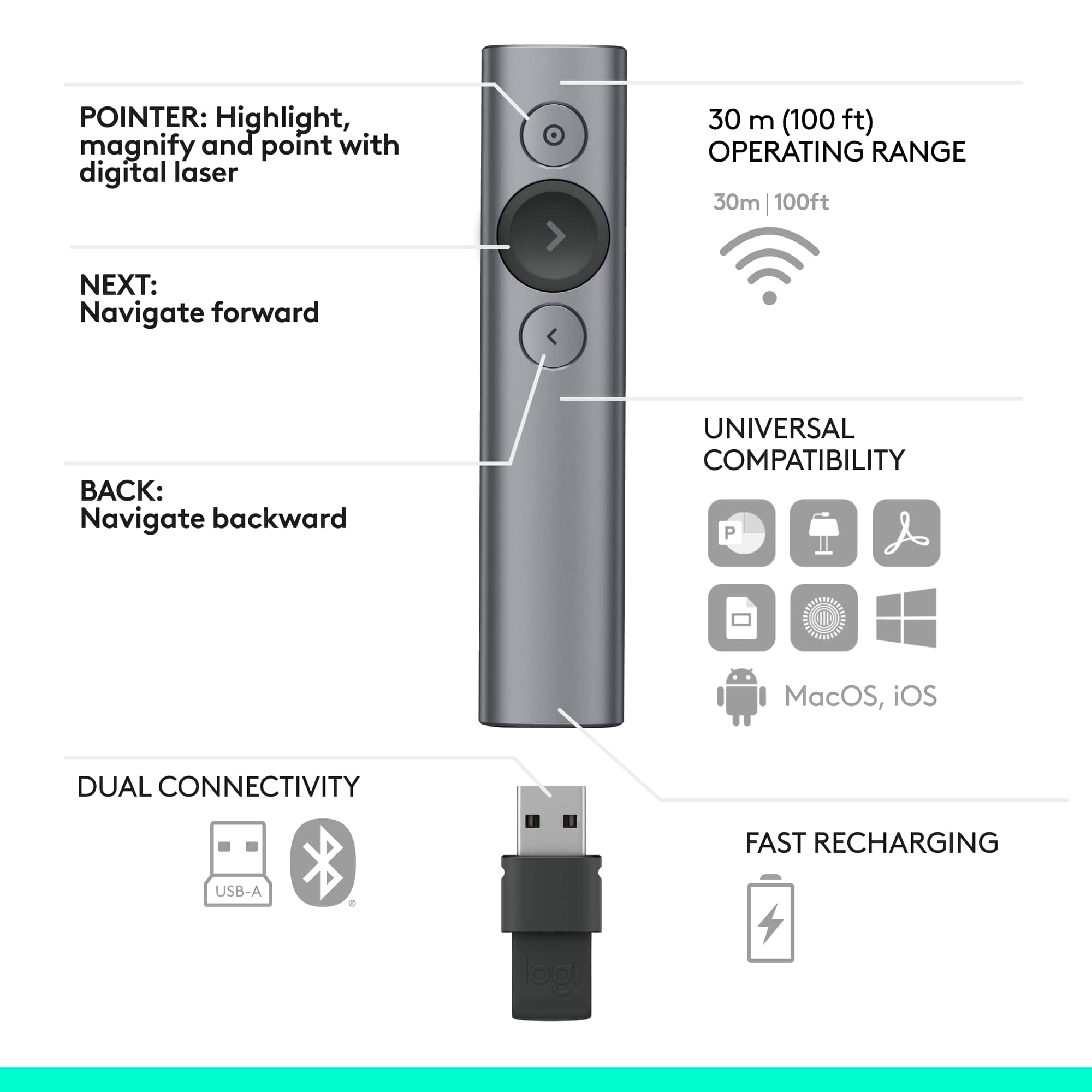
|Posted .This reviewer received promo considerations or sweepstakes entry for writing a review.I do not have alot of experience with presentation remotes. I have done a few powerpoints here and there over the years. I have used the cheap-o remotes that have limited features. They get the job done, but always leave something lacking. Logitech has given us this spotlight presentation remote, and honestly it is a handy, all in one remote that is quite useful. The remote is tiny, and has 3 useful buttons on it. The large button in the middle moves the presentation forward, the below button moves the presentation backwards, and the top button is where you get the advantage of this remote. After all it is called spotlight, and it does just that. You can It can be set (via the Spotlight's app) to show up to three different onscreen pointers. 1. The spotlight feature highlights the area within a round "spotlight" and darkens the rest of the screen so that your area of concentration is more visible; the size of the spotlight can be adjusted. 2. The magnify feature does just what it says: It magnifies the content within a circular area. 3. The circle feature just shows an outlined circle without affecting the content any other way. You access these features by holding down the pointer button for a couple of seconds; you can then cycle through each of the activated features via a double-press. If the highlight is centered on a link or onscreen button, a single press will then act as a left-click. There is an app you will need to download which is quick and easy. The app is needed in order to assign different features to the top or bottom buttons on the remote. Includes Blanking the Screen, Volume Control, and Scrolling. Remote includes a usb dongle built into the base of the remote which has a micro usb port. Charge says it can last for 3 months. I did not test it that long. I also tested this on a PC, not a mac. It has the option to be used on either or. Overall if you are looking for a top notch presenter remote, and your job or lifestyle requires you to make multiple presentations frequently throughout the month, i would highly recommend this remote. If you only do a few presentations a year, or very infrequently, you are prolly better off spending half the price on a remote with the basic features that will work for you.
I would recommend this to a friend Perfect tool
||Posted . Owned for 11 months when reviewed.This reviewer received promo considerations or sweepstakes entry for writing a review.Not a cheap presentation tool, but very much worth the cost.
I would recommend this to a friendBest presentation remote on the market!
||Posted .This reviewer received promo considerations or sweepstakes entry for writing a review.I have used various presentation remotes over the years but this one is by far the best. The Mac and PC features are awesome. Only let down is the features of the Mac/PC are not available on iOS. Still worth the money.
I would recommend this to a friendvery functional
||Posted . Owned for 1 month when reviewed.This reviewer received promo considerations or sweepstakes entry for writing a review.this is a great tool. great feedback from both the presenter and the audience. we use it for hybrid in person / on line trainings with over 200 people.
I would recommend this to a friendNeat device, didn't suit my needs.
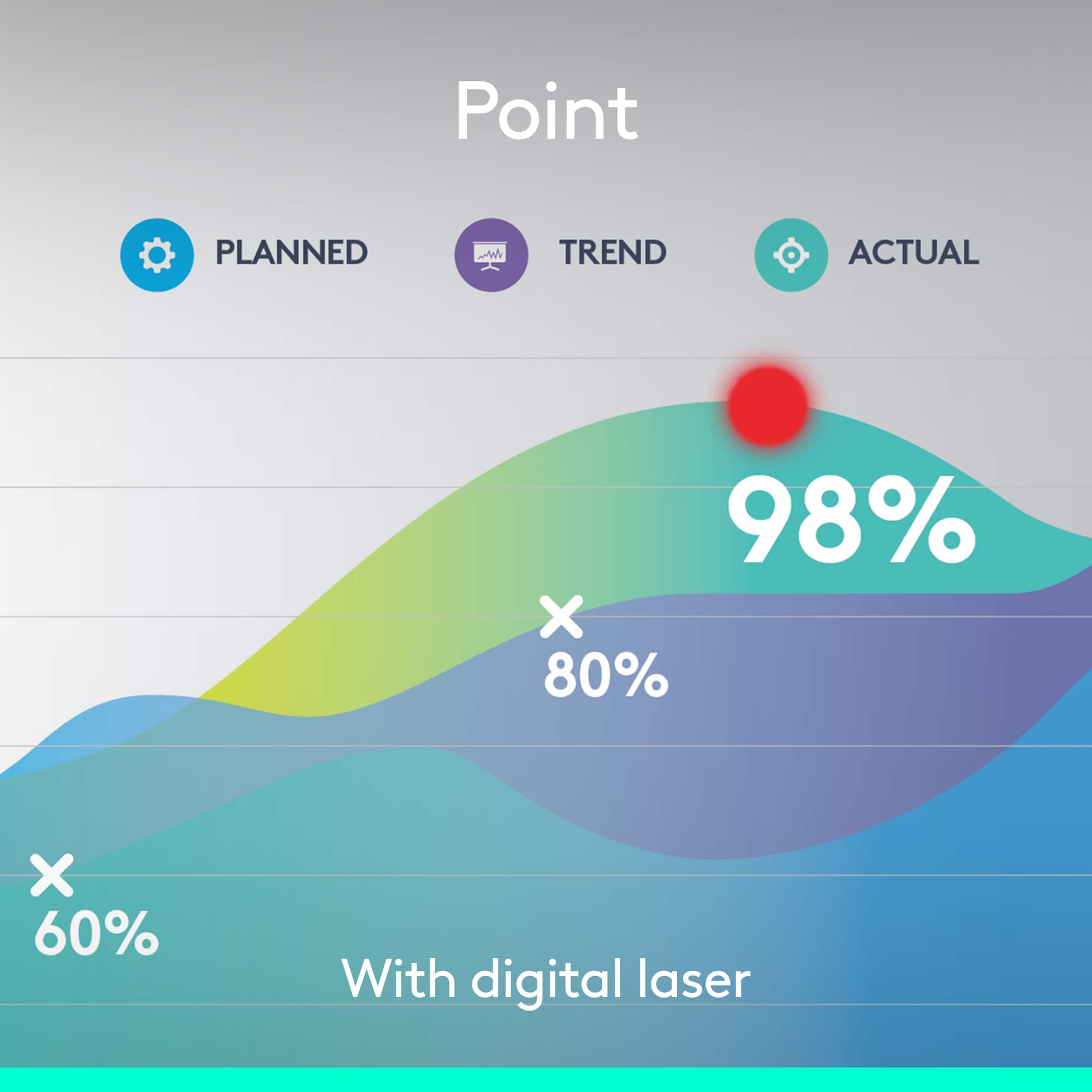
||Posted . Owned for 1.5 years when reviewed.This reviewer received promo considerations or sweepstakes entry for writing a review.Bought for use teaching in various classrooms and presentation halls. Overall, great idea but the execution didn't fit my needs. The "digital laser" is just changing the mouse pointer to a red dot, and isn't very effective. I could not get used to effectively using the motion sensing mouse controls. Honestly, not enough buttons to effectively use or grasp quickly.
No, I would not recommend this to a friendBest presentation tool
||Posted . Owned for 3 weeks when reviewed.This reviewer received promo considerations or sweepstakes entry for writing a review.Easiest set up for a new device I’ve tried. Needed for a presentation in the morning and worked wonderfully.
I would recommend this to a friendAwesome price fast delivery
||Posted . Owned for 2 weeks when reviewed.This reviewer received promo considerations or sweepstakes entry for writing a review.Deliver was quick and all went well and As promised!
I would recommend this to a friendLove
||Posted . Owned for 2 weeks when reviewed.This reviewer received promo considerations or sweepstakes entry for writing a review.Love this product but would ha e liked more explanation on how to charge.
I would recommend this to a friendMust have for presenting on TVs
||Posted . Owned for less than 1 week when reviewed.This reviewer received promo considerations or sweepstakes entry for writing a review.Awesome remote for use with LCD TVs. Just used if for my annual department meeting and it worked great. I really liked the magnification feature.
I would recommend this to a friendBest presentation tool I've owned
||Posted .This reviewer received promo considerations or sweepstakes entry for writing a review.After a small learning curve I have found this to be the best teaching tool next to PowerPoint. It brings more attention and better time management than any other presenter I have owned.
I would recommend this to a friend