Customer Ratings & Reviews


- Model:
- 910-004654
- SKU:
- 11520236
Rating by feature
- Value
Rating 4.4 out of 5 stars
- Quality
Rating 4.8 out of 5 stars
- Ease of Use
Rating 4.6 out of 5 stars
- Cons mentioned:Software
No Software for macOS 14
||Posted . Owned for 2 weeks when reviewed.This reviewer received promo considerations or sweepstakes entry for writing a review.The Spotlight Software that makes this special does not work with macOS 14. I reached out to Logitech and was told "Yes you are right that Spotlight Presentation Remote is compatible with MacOS 10.2 or later as plug and play and remote will still work even without software. Though I understand you are looking for software for your macOS 14 however the Logitech presentation software is not yet compatible and no guarantee if Logitech have plans for future updates but you can also check Downloads - Spotlight Presentation Remote for more updates." macOS14 was released on September 26, 2023. I'm not sure why Logitech’s premier remote would not work with the current operation system.
No, I would not recommend this to a friendBrand response from Logitech
Posted .We sincerely regret if our product provided you with a inferior experience. We understand your displeasure and apologize for any issues that arise. We value your input, therefore we will forward it along to the appropriate team so they can look into it.
Great idea
||Posted .This reviewer received promo considerations or sweepstakes entry for writing a review.I love this device. I recommend practicing a bit before. The charging is great no more batteries. I do miss my laser pointer sometime but it does give the wow affect during a meeting
I would recommend this to a friendAmazing Features
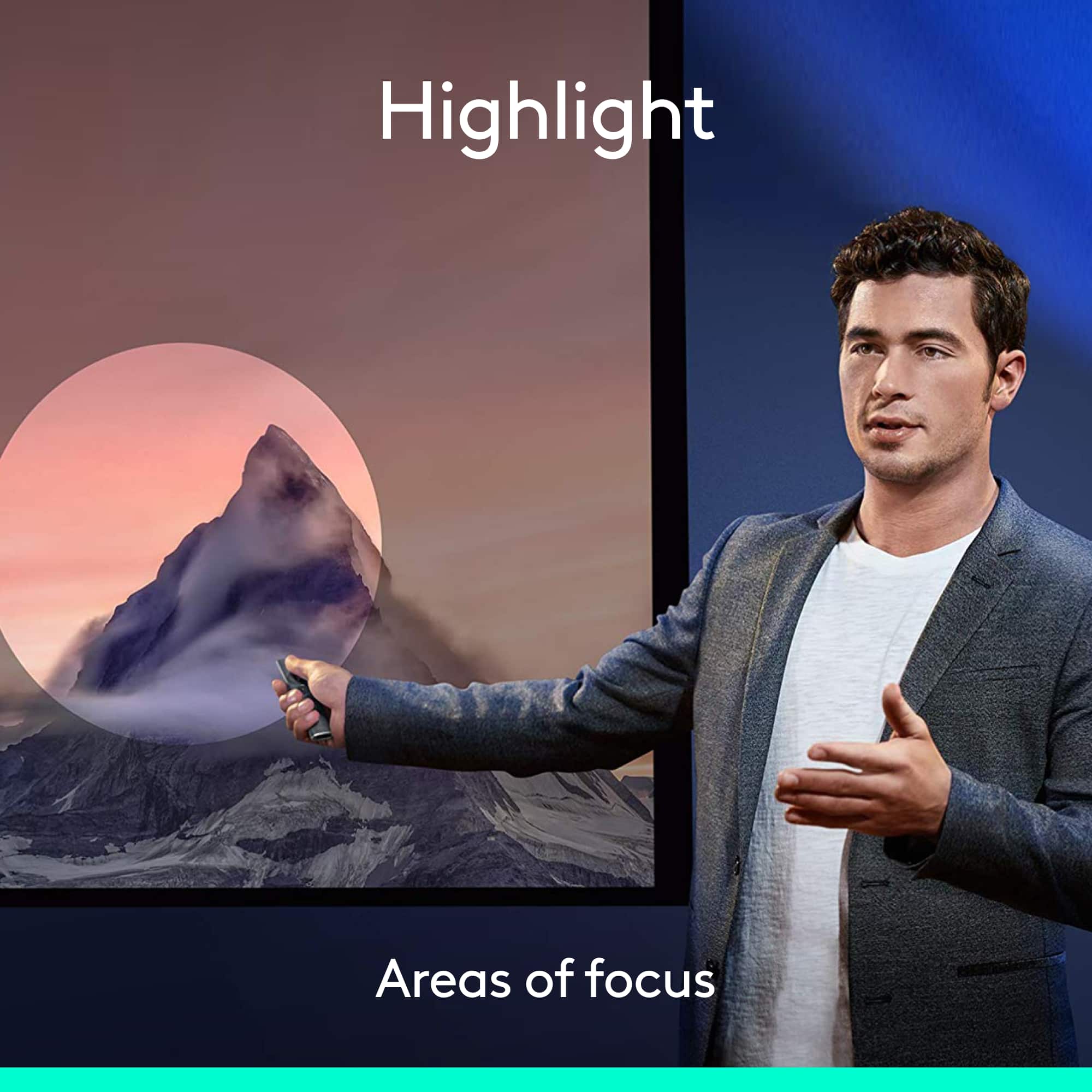
||Posted .This reviewer received promo considerations or sweepstakes entry for writing a review.Love that you can control the volume by holding in a button and waving the wand up and down. Also, the highlight feature is much better than a laser pointer.
I would recommend this to a friendPresentation tool
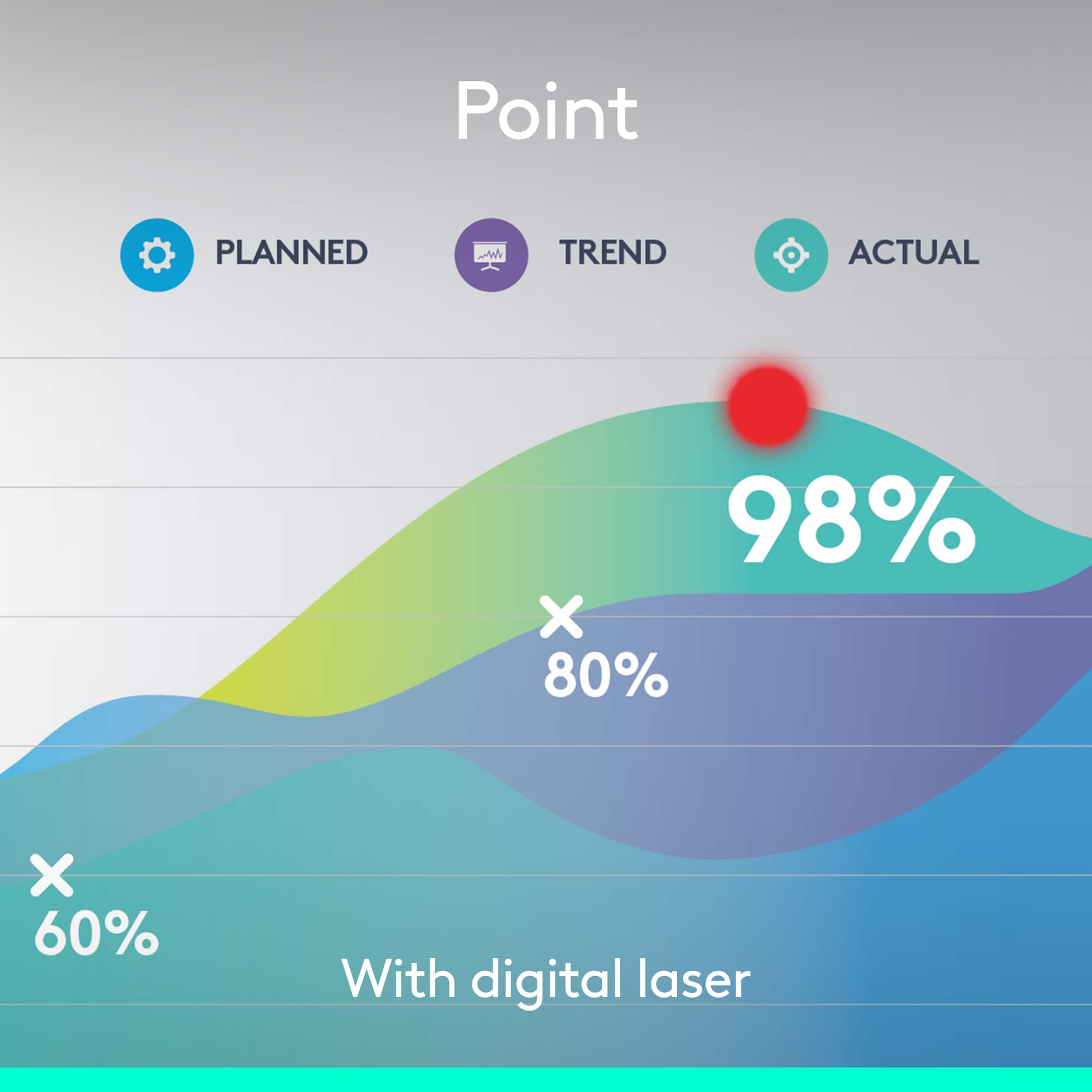
||Posted . Owned for 2 weeks when reviewed.This reviewer received promo considerations or sweepstakes entry for writing a review.Works great. Love the virtual laser pointer and focus options.
I would recommend this to a friend- Pros mentioned:Ease of use, RangeCons mentioned:Price, Software

Great Pointer/Bad Software
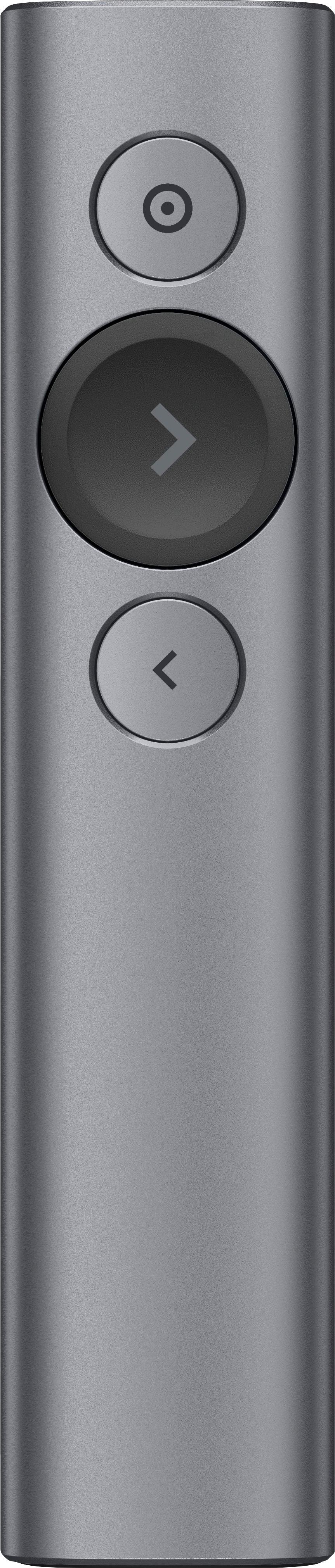
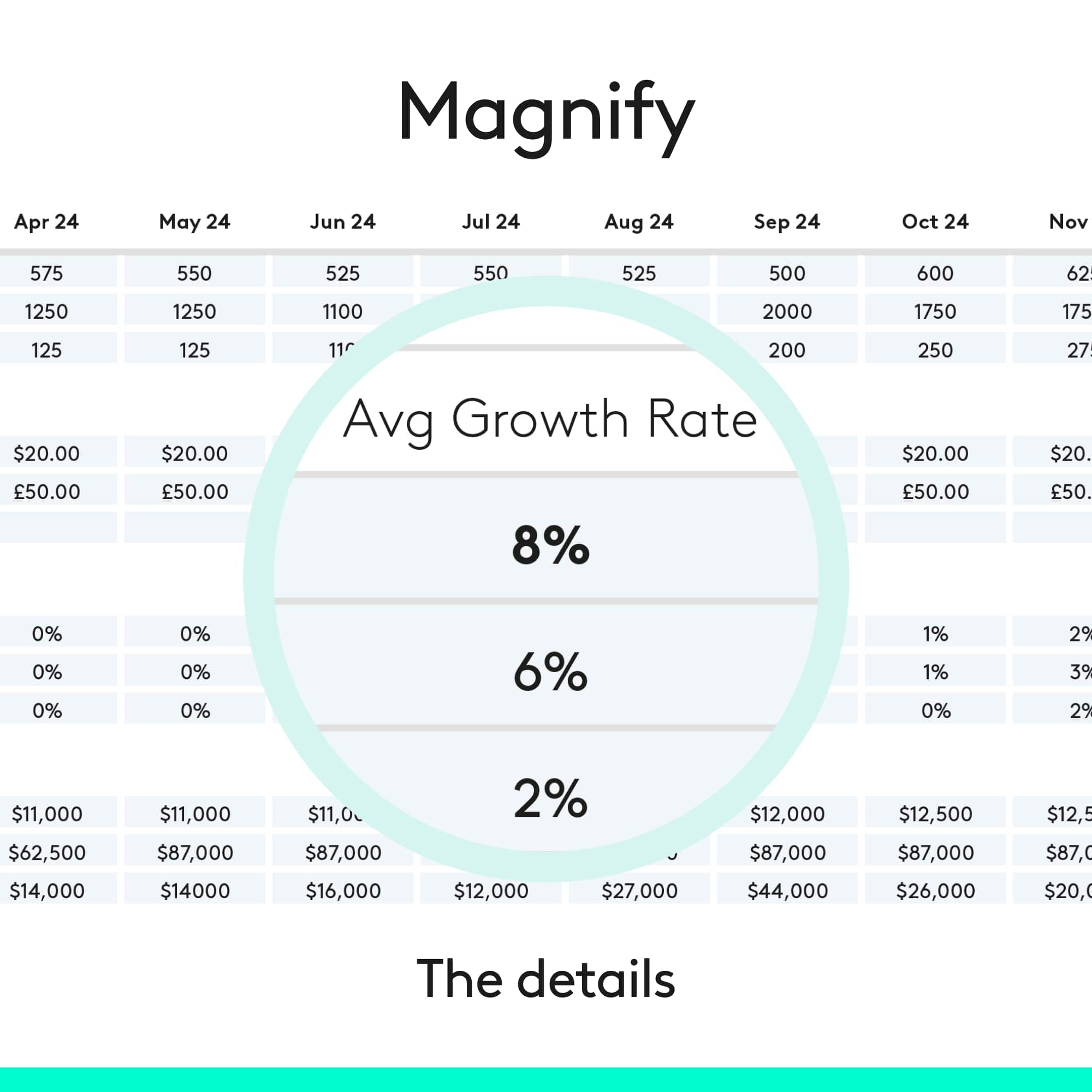
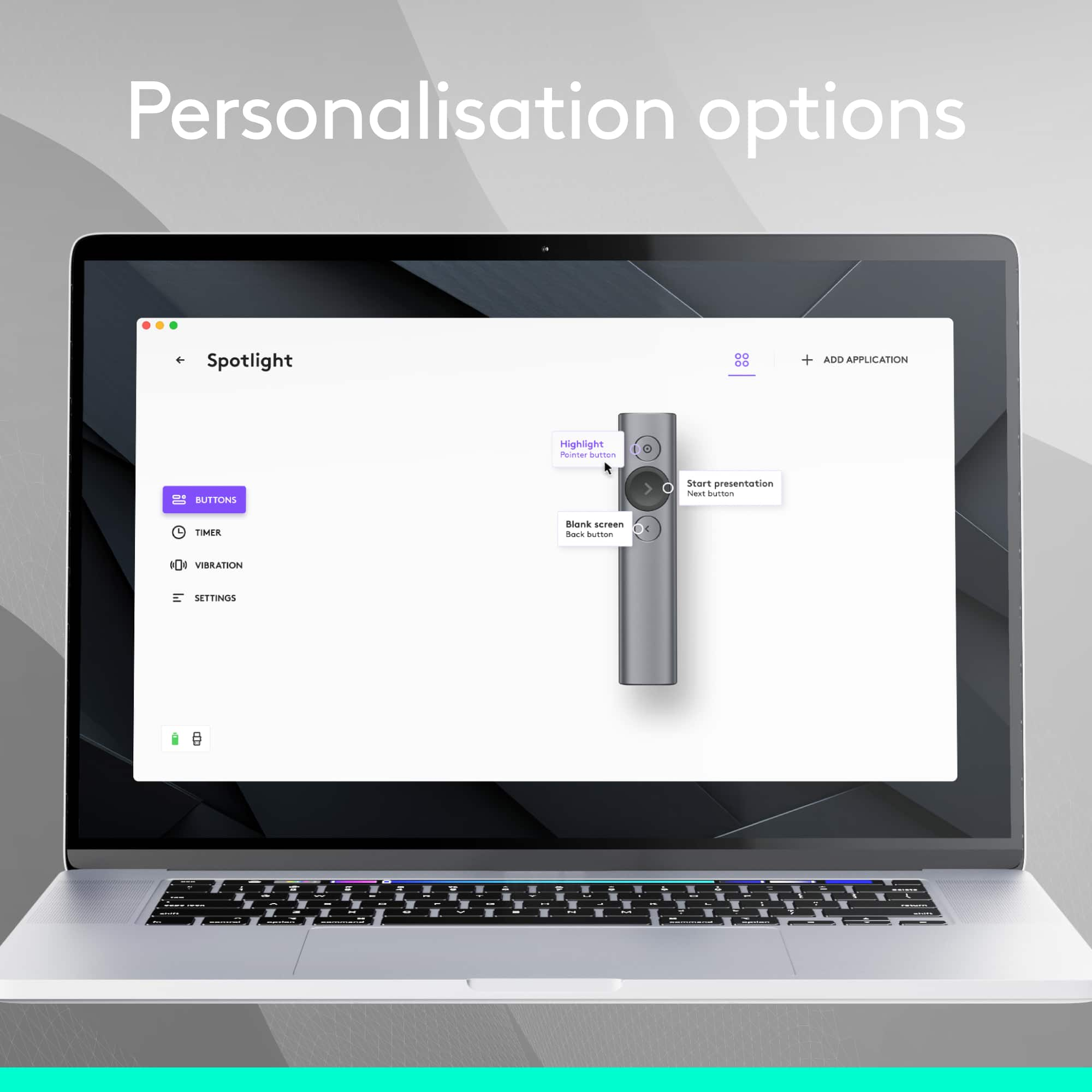
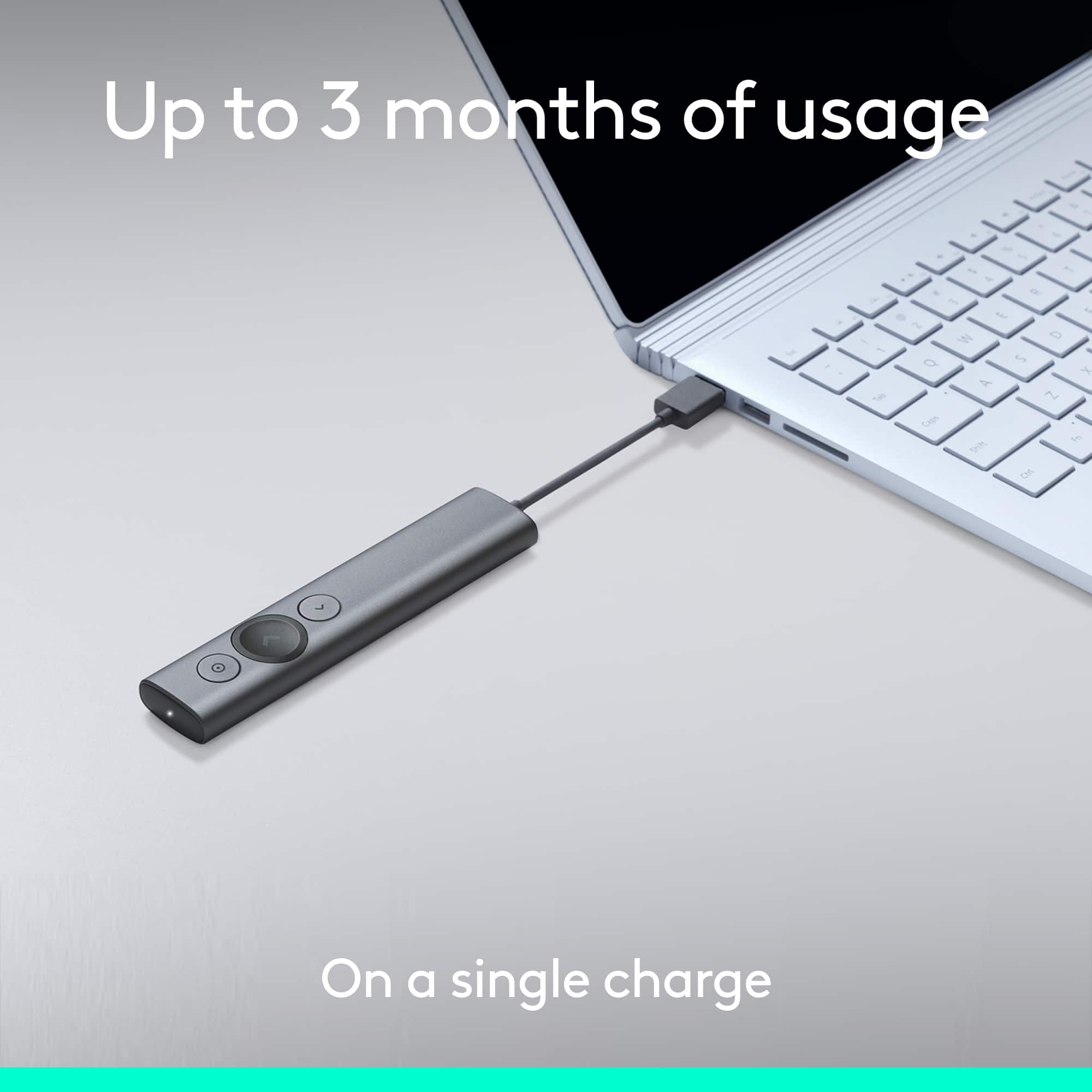
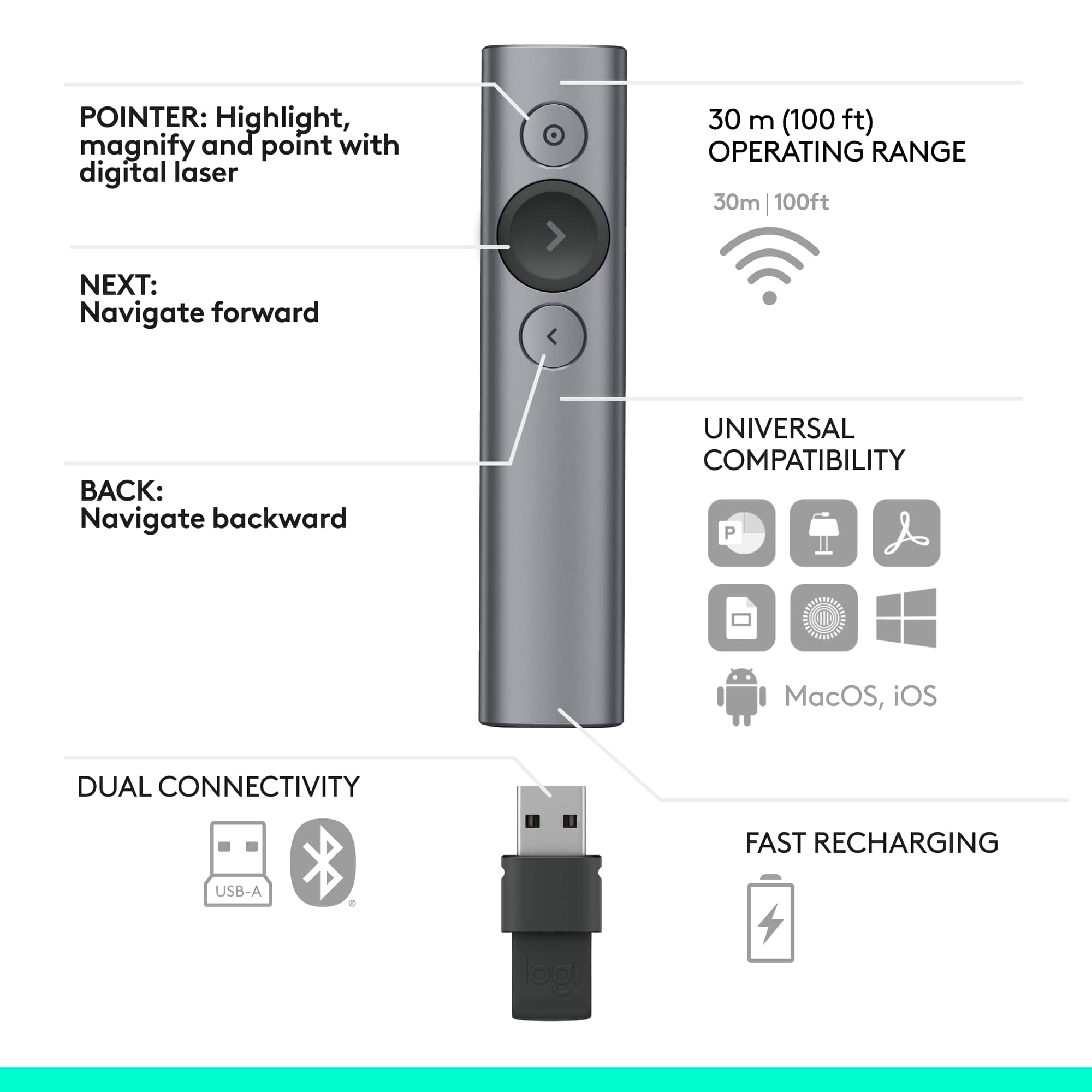
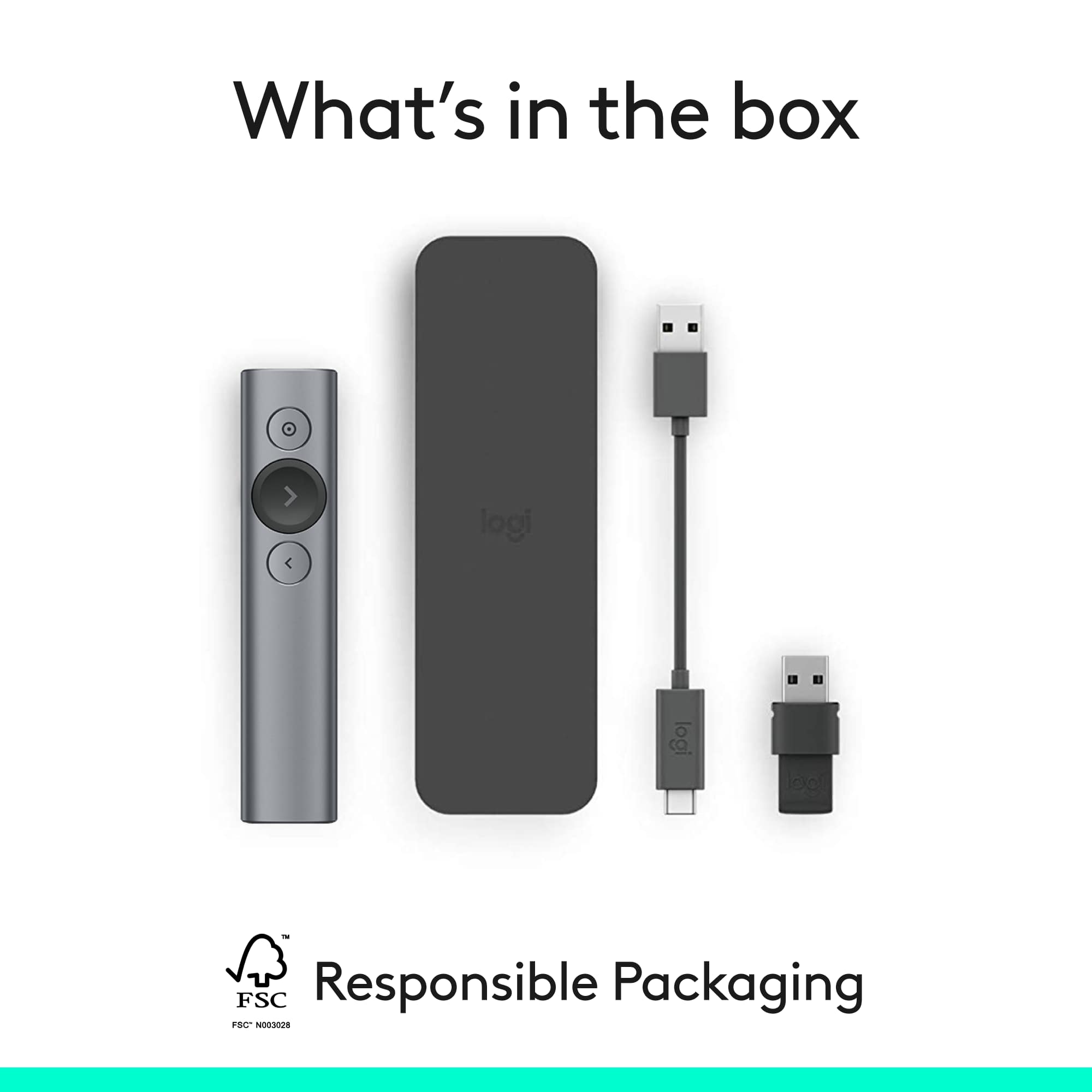
|Posted .This reviewer received promo considerations or sweepstakes entry for writing a review.This arrived the evening before a big presentation I had for work. The box included the pointer, USB receiver, short (5.5”) USB to proprietary connector for charging, a carrying case, and battery removal/disposal documentation. It took less than an hour to fully charge out of the box. The pointer is plug and play for all the basic functions on Win10 (forward, back, and mouse control). However; it requires additional software (Logitech Presentation App) to utilize many of the advertised features such as highlighting, magnifying, and the timer. Sadly, this software was not included with the device. Locating it online wasn’t a problem (http://support.logitech.com/en_us/software/logi-presentation). I’ll discuss the software in more detail below. In additional to working with a PowerPoint presentation on Win10, I tested the it on OpenOffice and MS PowerPoint on a Win7 machine plus OpenOffice on a Linux (Ubuntu16.10) machine. All worked flawlessly. I also connected it via bluetooth on Win10 without issue. The set up was easy and works just as smoothly as connecting via the included USB connection. As for the software, my anti-virus immediately identified it (from the Logitech website) as malware. Nervously trusting their website, I installed it anyways. Installation got stuck at 91%. I left the computer for a couple hours, tried restarting the installation, restarting the computer, and removing/connecting the receiver… nothing worked. I tried calling Logitech support but was put on hold for 5+ minutes so I hung up and ran the presentation with the basic features. It worked, but I expected to use more of it’s features. It’s a bit too costly for only having the basic features. For this reason, I only give it 4 stars. I would’ve given it 3.5 stars but am otherwise happy with it. I'll continue to make it work to it’s full potential and, if I am successful, I will update this review to include details. Another plus side is it's very stylish and fits comfortably in my hand. I tend to talk with my hands so I usually set the pointer down while speaking. Not so with this pointer. The buttons are simple and easily accessible and the design makes it nearly impossible to fat-finger the wrong key.
I would recommend this to a friend Great presentation remote
||Posted . Owned for 7 months when reviewed.This reviewer received promo considerations or sweepstakes entry for writing a review.I love this remote. This is the best device to bring your presentation to life. With the exception that it doesn't have an actual laser pointer, this device in nearly everything you could ever want.
I would recommend this to a friendWorks better than I expected.
||Posted . Owned for 1 month when reviewed.This reviewer received promo considerations or sweepstakes entry for writing a review.It is very nice. It has a built in timer for times speeches. It also highlights the screen - instead of a laser pointer. Very nice.
I would recommend this to a friendLove it
||Posted .This reviewer received promo considerations or sweepstakes entry for writing a review.It did take me a little while to figure out how to use it. I had to go online to get directions. But then I got it all figured out and it works beautifully.
I would recommend this to a friendGood but...
||Posted .This reviewer received promo considerations or sweepstakes entry for writing a review.This product is good, but you must download software for the spotlight features and all of the extra features that come along with this presenter. In most work environments or school environments for that matter you will not be able to download the software on each computer you use let alone even one. Without the software you essentially have a very expensive remote that can go forward and backwards during a presentation, but that is it. Everything else is amazing, but this was a deal-breaker for me. I returned it and bought the Logitech R800 with green laser pointer.
I would recommend this to a friendSharp looks poor performance
||Posted . Owned for 2 weeks when reviewed.This reviewer received promo considerations or sweepstakes entry for writing a review.I was looking forward to using this high-end remote, but it was a complete disappointment. I used the R800 for many years and thought this would be a great update. The pros: sharp looking, easy to set up in my mac laptop. The cons: the pointer is super weak and barely visible, the pointer has a lag, and it gets out of focus a lot during a presentation, no option to mute the screen, and you need to be glued to your presentation podium because it won't work if you move more than five feet away, and last but not least, it won't work with all computers. I called customer service, and they tried to give me the old story that maybe I am doing something wrong, but it is a software issue, and they are working to fix it. I called our IT guy after my class was over to double-check for me, and he told me to bring it back. That is disappointing and frustrating, as I teach in large lecture halls, and it would be nice to have some of the functions advertised, but if they don't work, then it is useless.
No, I would not recommend this to a friendAwesome product
||Posted .This reviewer received promo considerations or sweepstakes entry for writing a review.This item rocks! It has a motion sensor when you connect it to the pc letting you to chose anything on the display with it.
I would recommend this to a friendGreat tool, a few wishes
||Posted . Owned for 1 month when reviewed.This reviewer received promo considerations or sweepstakes entry for writing a review.I was hoping to have others see the pointer be visible to others during on-line reviews/presentations. They can't. But it is still a great way to present.
I would recommend this to a friendAwesome upgrade from standard presentation remote
||Posted .This reviewer received promo considerations or sweepstakes entry for writing a review.This is a fun upgrade to the old fashioned remote. The screen enhancement was awesome and was better than the old laser.
I would recommend this to a friend- Pros mentioned:Range
Was Spot On!
||Posted .This reviewer received promo considerations or sweepstakes entry for writing a review.This was a big event for me and I did not want anything going wrong with my power point presentation. I looked at the cheaper ones but knew the would not last. This made my presentation run smooth, giving me a feeling of confidence. Another presenter also had the same remote controler and agreed that it was the best!
I would recommend this to a friend Awesome
||Posted .This reviewer received promo considerations or sweepstakes entry for writing a review.This is th best controller ever only downside is all the functionality works with program install otherwise it just a clicker
I would recommend this to a friendFantastic Remote
||Posted .This reviewer received promo considerations or sweepstakes entry for writing a review.Great for giving presentations! I utilized for all of my Orals presentations and software is very user friendly.
I would recommend this to a friendPretty cool
||Posted .This reviewer received promo considerations or sweepstakes entry for writing a review.Easy, has some nice options. Only takes a minute to charge. The handheld portion is simple and not convoluted with options like some. Great little gizmo.
I would recommend this to a friendExcellent
||Posted . Owned for 1 week when reviewed.This reviewer received promo considerations or sweepstakes entry for writing a review.Excellent device. Super useful and very comfortable.
I would recommend this to a friendGreat Presentation Tool
||Posted .This reviewer received promo considerations or sweepstakes entry for writing a review.This tool is great. My only complaint is finding easy to use directions. For the price, directions or where to find simple directions would be helpful.
I would recommend this to a friendBest presenter clicker
||Posted .This reviewer received promo considerations or sweepstakes entry for writing a review.Don't waste your time with any other clicker. Pay a little more for something that will lady a very long time.
I would recommend this to a friend