Customer Ratings & Reviews

- Model:
- 910-004654
- SKU:
- 12314392
Rating by feature
- Value
Rating 4.4 out of 5 stars
- Quality
Rating 4.8 out of 5 stars
- Ease of Use
Rating 4.6 out of 5 stars
- Pros mentioned:Ease of use
Professional and easy to use! We love it!
||Posted . Owned for 1.5 years when reviewed.This reviewer received promo considerations or sweepstakes entry for writing a review.We love it! We teach in different setting and cities, with powerpoint and keynote, this remote control is awesome. Easy to set up, professional, sleek look, easy to carry or store. Buy it, you won't regret it.
I would recommend this to a friend Great for an age of LCD displays
||Posted . Owned for 1 month when reviewed.This reviewer received promo considerations or sweepstakes entry for writing a review.If you have a machine with company administrative policies, you need to be sure to give access to the app to "read screen", to use the pointer on screen, other than that works as a charm
I would recommend this to a friendBrand response from Logitech
Posted .That's great feedback! We're glad to hear the Logitech Spotlight Presentation Remote works like a charm, especially highlighting the important tip about granting screen access permissions for users in environments with company administrative policies.

- Pros mentioned:Range
Great Presenter Tool
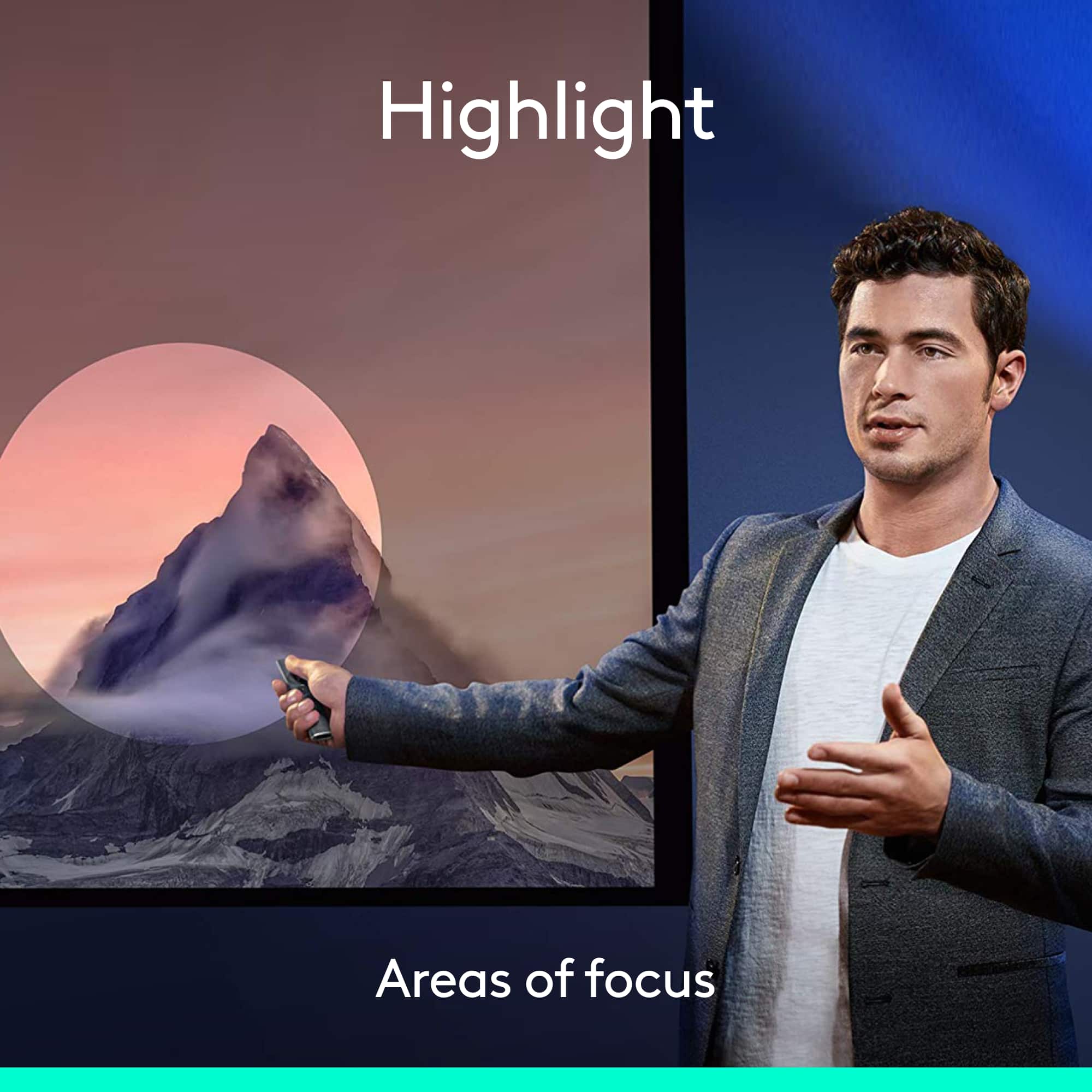
||Posted . Owned for 2 months when reviewed.This reviewer received promo considerations or sweepstakes entry for writing a review.This is a differnt unique presenter. I love the highlighter option which is doffernt thab the red dot. Ot has great range and helps to flow effortlessly.
I would recommend this to a friend Looks sharp and slick
||Posted .This reviewer received promo considerations or sweepstakes entry for writing a review.The spotlight looks fabulous and it sync effortlessly with my Mac air 13 inch 2105. I teach seminars and the last thing I need to worry about is if my pointer is working or not and this works beautifully. I love how you can spotlight on an image or anything you like and the gold color looks so elegant in your hand.
I would recommend this to a friend- Cons mentioned:Software
Game changer
||Posted .This reviewer received promo considerations or sweepstakes entry for writing a review.Love the design. But especially I love the new features. I love the zoom and cursor control. Wow. What a great addition to a presentation device. The only thing that keep me from giving it 5 stars is the software you have to download to take full advantage of the new features does not work on chromebooks. The device works on any device you juts can't take advantage of the new features when using it with a chromebook.
I would recommend this to a friend - Pros mentioned:Ease of useCons mentioned:Price
Easy to use .
||Posted .This reviewer received promo considerations or sweepstakes entry for writing a review.I do a lot events and have used many styles of presentation remotes. This is the 2nd time i purchased this product. Not the least expensive but definately worth the cost. The best presentation remote. The ease to focus and enlarge is useful. Moving forward and backward is easy as well.
I would recommend this to a friend - Pros mentioned:Ease of use, Features
Great Presentation Remote
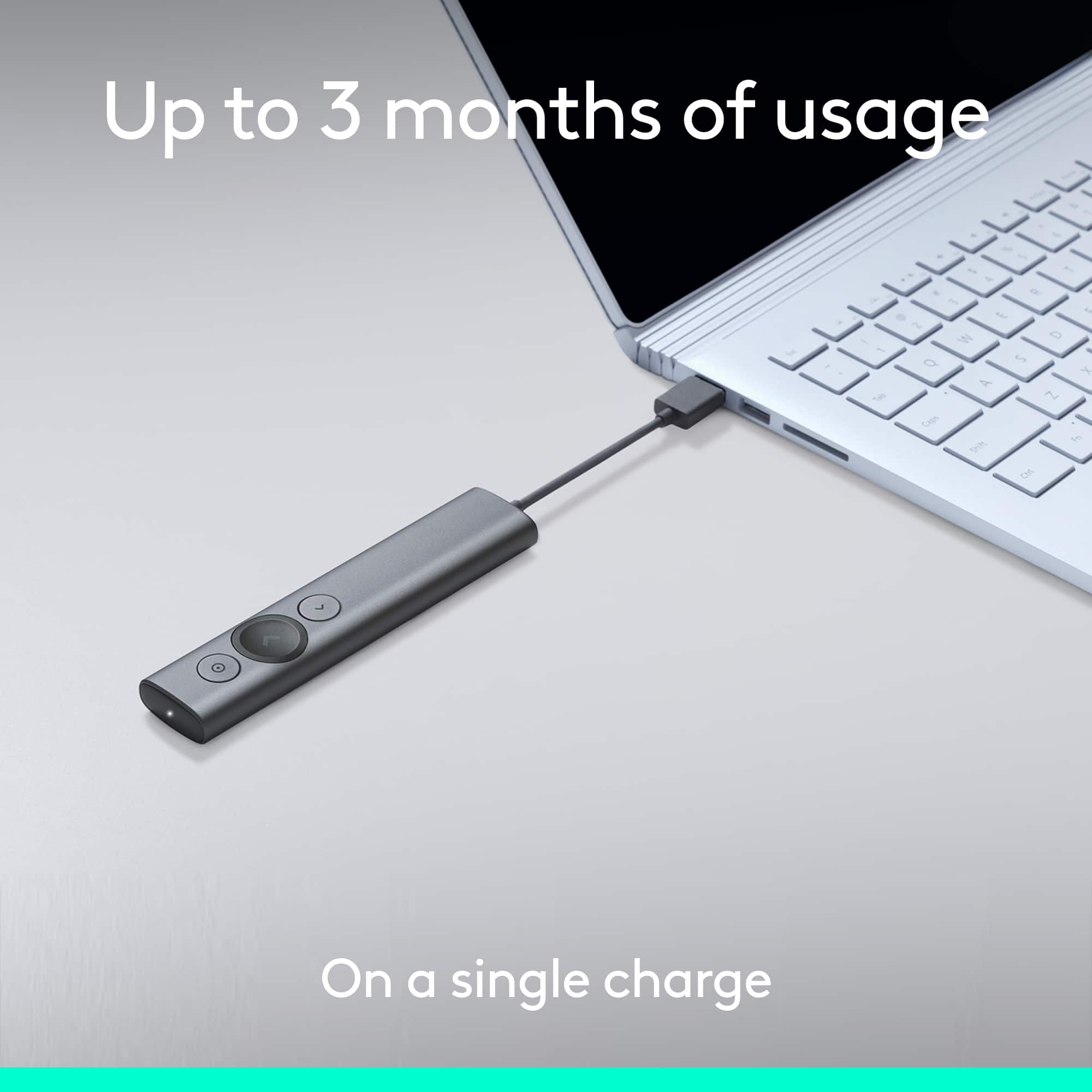
||Posted . Owned for 1 month when reviewed.This reviewer received promo considerations or sweepstakes entry for writing a review.This product is very easy to use, it has great features and is easy to charge.
I would recommend this to a friendBrand response from Logitech
Posted .I hear you! The Logitech Spotlight Presentation Remote sounds like a great choice for you. It's fantastic that you mentioned its ease of use, feature set, and convenient charging method. These are all definitely important factors to consider when choosing a presentation remote.
Nice remote
||Posted . Owned for 1 month when reviewed.This reviewer received promo considerations or sweepstakes entry for writing a review.This does not say it works with an iPad and the slides app and the person I asked at Best Buy said it did not, but I bought it anyway and it does work. A bit over priced in my opinion and the price changes 2 or 3 times in less than a month.
I would recommend this to a friendBrand response from Logitech
Posted .Thank you for sharing your experience with the Logitech Spotlight Presentation Remote! We're glad to hear it works with your iPad and the Slides app, despite the initial information you received. We appreciate your feedback regarding the price and the fluctuations you observed.
- Pros mentioned:Features, Range
Wonderful Product But . . .
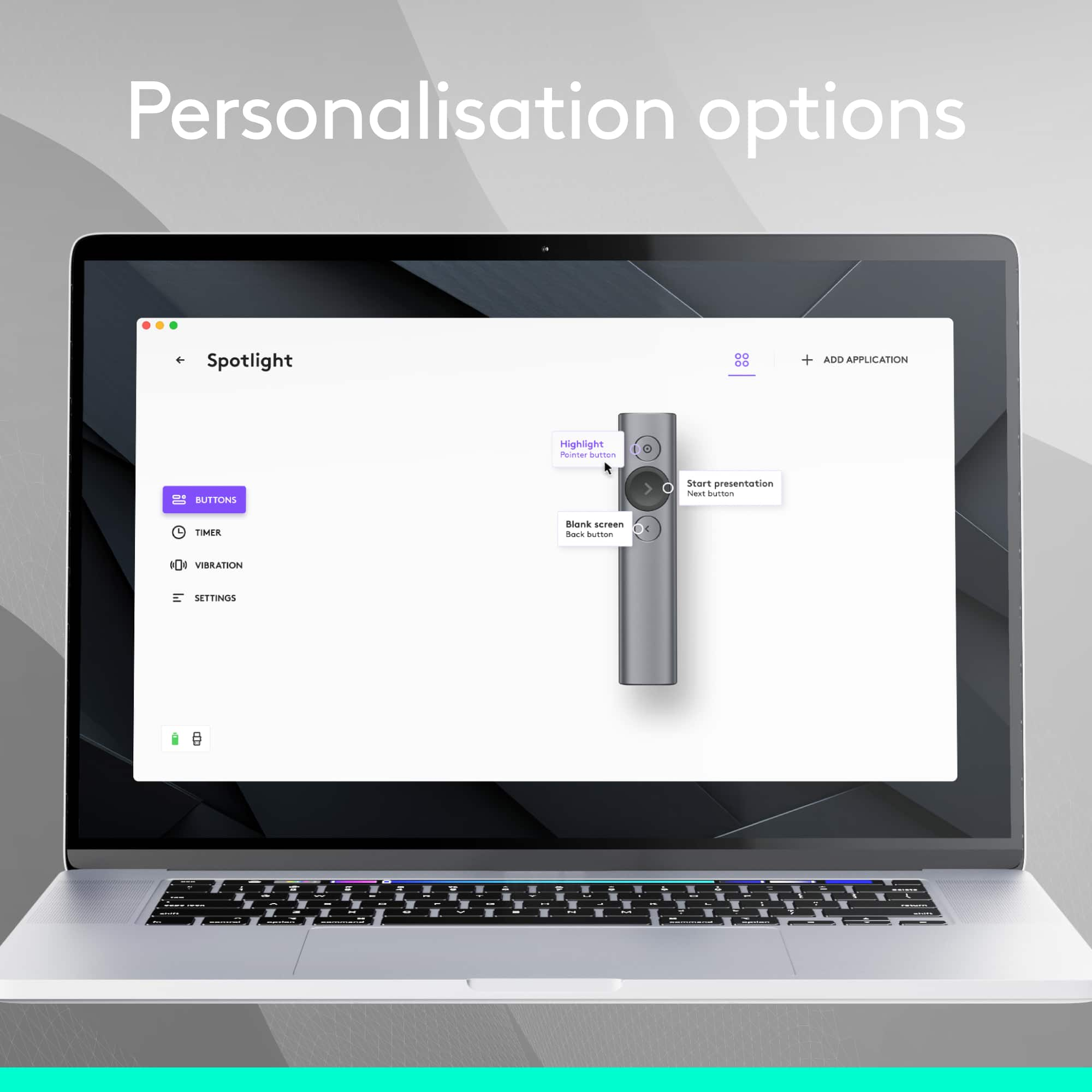
||Posted .This reviewer received promo considerations or sweepstakes entry for writing a review.This is a wonder product but think about WHERE you are going to use it. Unless the computer is able to be programmed with the .exe file that comes with this device, it's no better than the $40 one that Logitech offers. The special features only work when the program file that comes with the device is installed on the foreign device. I my case, I couldn't do that and so I had to return the device.
I would recommend this to a friend - Pros mentioned:Ease of use, Range
Great presentation stick
||Posted .This reviewer received promo considerations or sweepstakes entry for writing a review.If you really want to stand out and show you can prepared for your presentation- look no further. I am very impressed with the amount of options this little guy can do- easy to set up and worked flawlessly. Used on my new MacBook Pro so not sure how it works on a Windows yet.
I would recommend this to a friend - Pros mentioned:Ease of use, Range
Easy presenter
||Posted . Owned for 1 year when reviewed.This reviewer received promo considerations or sweepstakes entry for writing a review.Still use this a year later. I am a college professor and I needed a presenter for my lectures. It's easy to operate and easy to charge. I keep it in my purse because it's very light. It advances screens, opens links,and shows a arrow pointer.
I would recommend this to a friend Slide clicker
||Posted . Owned for 3 months when reviewed.This reviewer received promo considerations or sweepstakes entry for writing a review.It works fine and Pastor loves it. Interesting concept.
I would recommend this to a friendBrand response from Logitech
Posted .Hey! Your review helps us understand what’s working. We’re pleased our product is delivering value. Thank you for being part of our journey.
Everything you need, and a little more.
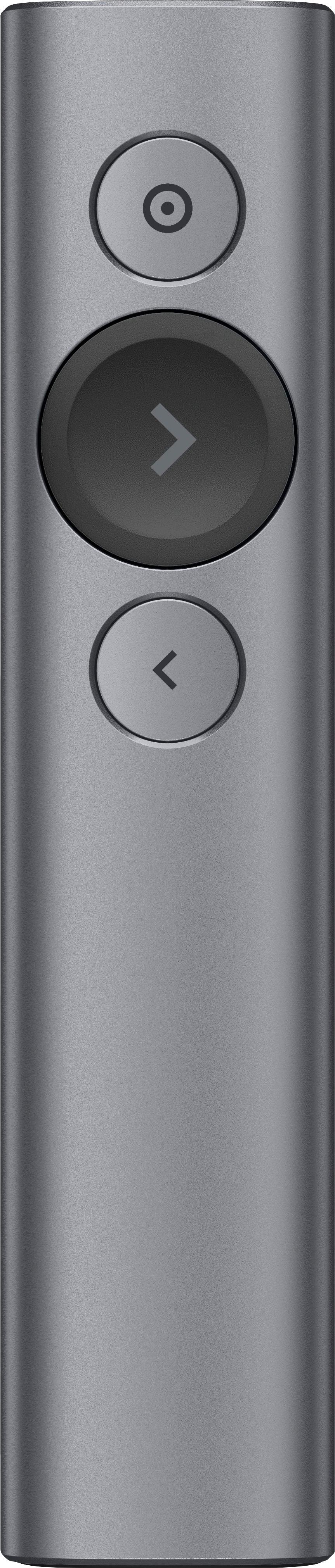
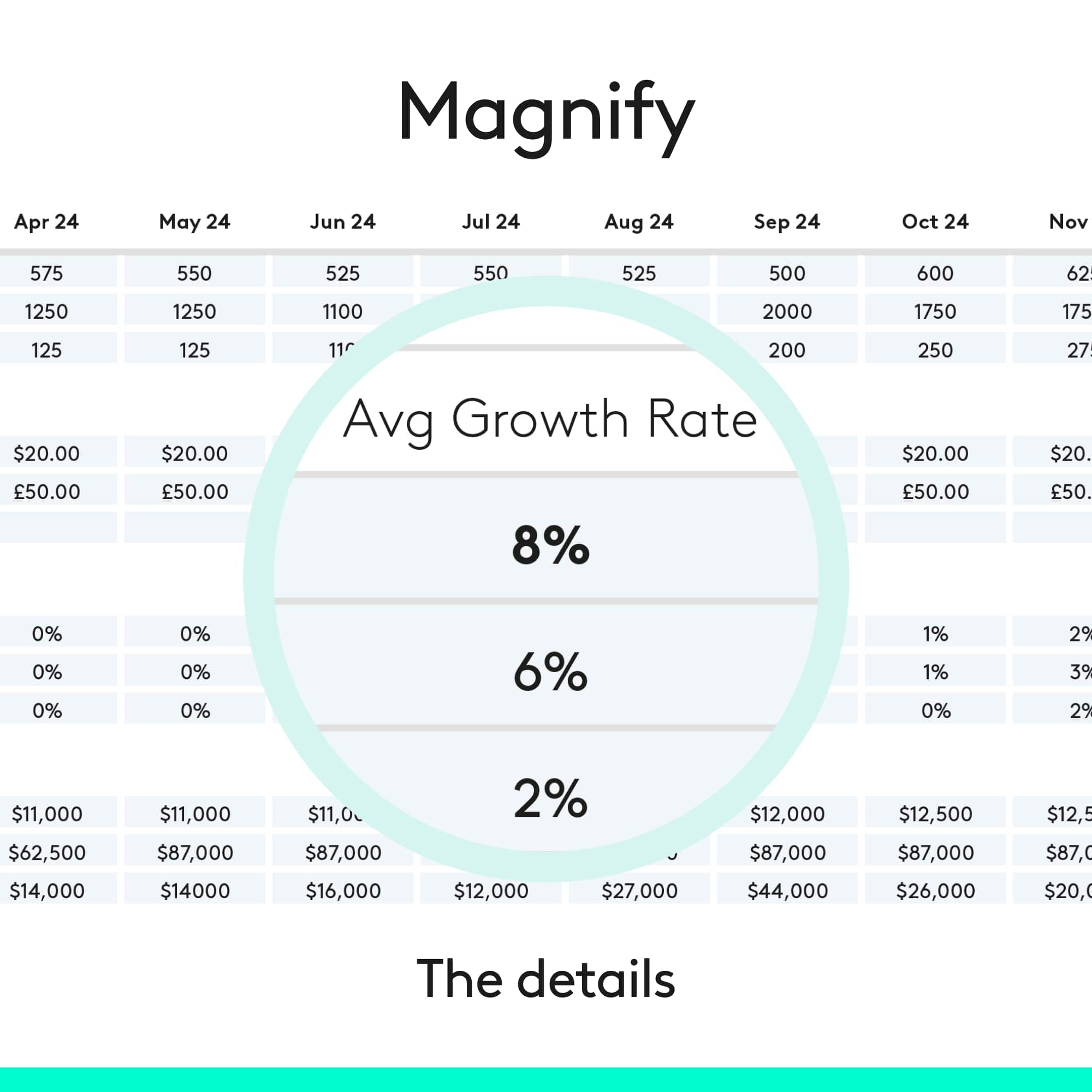
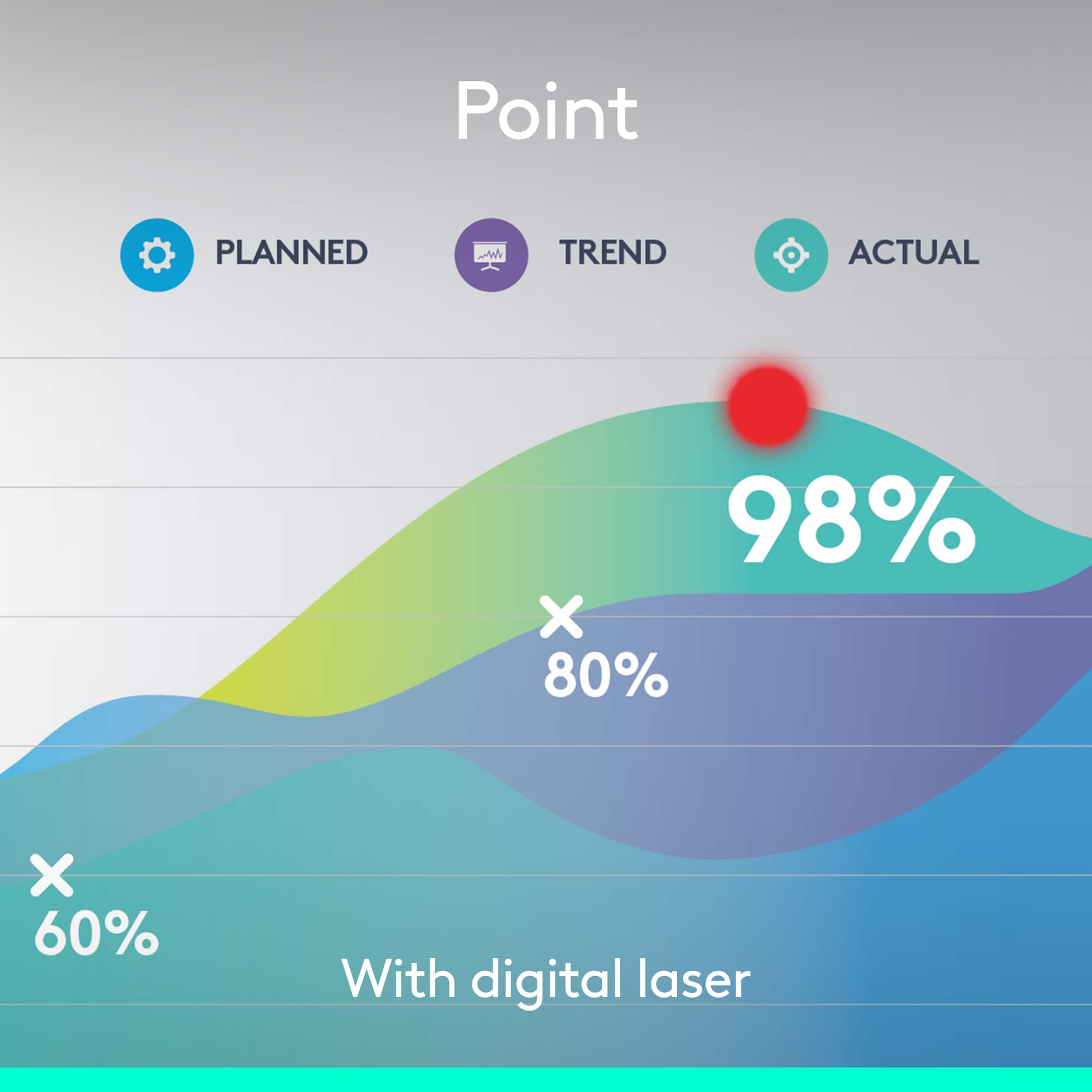
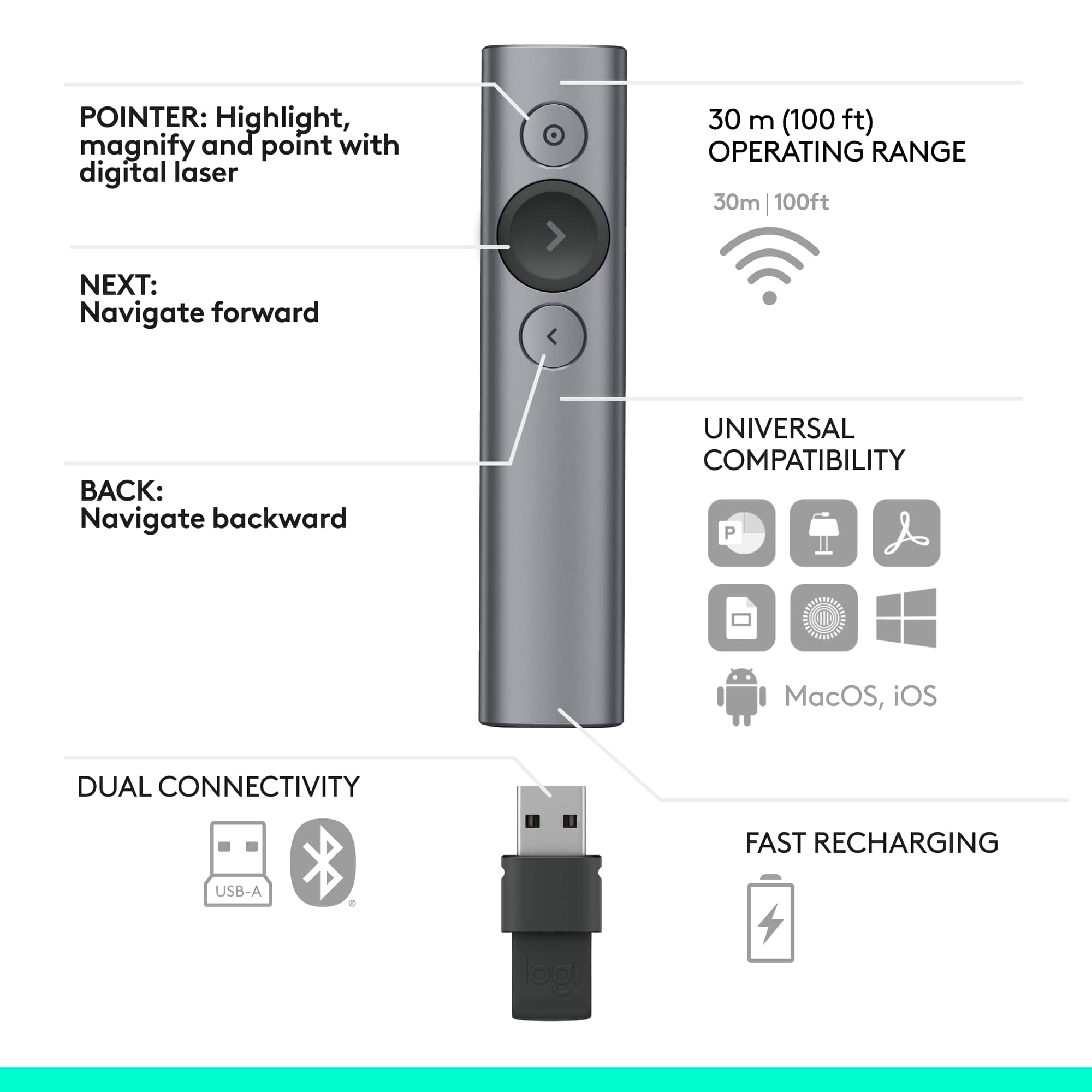
||Posted . Owned for 1 month when reviewed.This reviewer received promo considerations or sweepstakes entry for writing a review.I went back and forth for a bit before purchasing this. There were much cheaper options that did everything I needed. But this had some pretty cool features that intrigued me, and ultimately, I bought into the gimmick. And I don't regret it. Yes, I paid more than I could have. And sure, the cheaper options would have been fine. But if what you do is present regularly, you might as well give yourself all the bells and whistles. As a clicker, this works fine. I've been using it for over a month and no issues so far. I've never really been a big fan of laser pointers - the dot is too small, hard to see in some lighting conditions, and while it's easy to point, you can only point to one screen at a time, which doesn't help much in a presentation space with multiple screens. If what you want as a pointer is a little red dot, the Spotlight Presentation Remote can simulate that for you. But it also offers the highlight (my favorite) and magnify options as well. As a teacher, magnify helps in my classroom setup as the display is really not large enough for the depth of the classroom, so it helps to magnify smaller bits of text or charts for the folks in back. And highlight is nice because it draws the eye and is much easier to find where the speaker wants you to look - much better than a red laser dot. I use this option all the time. And since these options (magnify, highlight and laser) all display digitally like a mouse cursor, they will display on each and every display being used for your presentation, meaning everyone can see what you're pointing at regardless of which screen they are seated closest to or which one you yourself are looking at. Aiming your pointer is a tad trickier than with a traditional laser pointer because it's not actually projecting from the remote itself, but it's not hard and you get used to it quickly. It's kind of like a video game motion controller, if you're familiar with those. The only real downside (aside from price) is that some of the features are only available if you install the necessary software on the machine you are presenting on, so some features will be locked out if you don't have administrator privileges on that machine. I personally just bring my personal laptop and connect to the presentation display that way, so it's not really an issue for me, but that may be a factor for you so I thought I'd point it out. Personally, I'd buy this again, and I'd recommend it for others unless you really don't use pointer features too much or if you don't have admin privileges on the machine you will be using to present. But if those aren't deal-breakers for you, I say go ahead and spend the extra and get all the gadgets.
I would recommend this to a friend- Pros mentioned:Ease of use, Range
Best Presentation Remote Ever!
||Posted . Owned for 2 weeks when reviewed.This reviewer received promo considerations or sweepstakes entry for writing a review.This is the best presentation remote I have ever used. It is literally plug and play and the highlighter function is far superior to the traditional laser pointer. Very happy with this purchase!
I would recommend this to a friend - Pros mentioned:Ease of use, Overall performance
Spotlight
||Posted . Owned for 1 month when reviewed.This reviewer received promo considerations or sweepstakes entry for writing a review.Excellent product. Easy to use and makes an impression.
I would recommend this to a friendBrand response from Logitech
Posted .Thank you for your amazing review of the Logitech Spotlight Presentation Remote! We're thrilled to hear that you appreciate its ease of use and effectiveness. Your positive feedback means a lot to us as we continue to provide exceptional products that enhance your presentations and public speaking experiences.
East To Use
||Posted . Owned for 1 month when reviewed.This reviewer received promo considerations or sweepstakes entry for writing a review.I purchased this for work and it was a game changer. It’s lightweight, not too complicated, and east to conseal. Product is highly recommended.
I would recommend this to a friendBrand response from Logitech
Posted .We’re so happy to hear your experience has been positive. Your feedback helps us stay focused on what matters most—our users. Thanks for supporting Logitech!
- Pros mentioned:Range
Satisfied
||Posted . Owned for 1 year when reviewed.This reviewer received promo considerations or sweepstakes entry for writing a review.The best presentation remote hands down! As an educator I use this everyday and it is very convenient. The spotlight option comes in handy when trying to highlight a specific aspect during a presentation.
I would recommend this to a friend great for classroom use & people who like to move!
||Posted . Owned for 3 weeks when reviewed.This reviewer received promo considerations or sweepstakes entry for writing a review.very useful! our non-profit purchased this to have available for teaching artists who work in our K-12 residency programs with a variety of smartboard & screen mirroring technology: it's been very easy to use, & advances slides well. plus, the "spotlight" option (though a bit tricky to get to turn on reliably) is a neat plus for emphasizing things! it makes our teaching much more effective when we can move around the room with our students rather than being glued to a laptop or stuck "peeling" the screen on touch-screen whiteboards! make sure to download the REGULAR version of the software, not the "lite." i got stuck on "lite" for hours & it wanted to install it on a flash drive, & i couldn't figure it out. just get the regular version! it stays on my menu bar & i can turn it on whenever i want to use the remote! i also will note the first one of these we got had been stolen from the box. we were literally sold an empty box. we got it curbside so didn't notice until we had it at the school. the best buy hotline was more than useless -- through no fault of their own; it's a contracted overseas call center with no contact with the stores. but we took it into the store, explained that the items had been stolen from the box, & they did give us a new one. just check to make sure your item is intact & with the seals on the box, since this item didn't appear to have any protective casing to avoid in-store theft.
I would recommend this to a friend- Pros mentioned:Ease of use
Easy to use and Fast charging
||Posted . Owned for 3 weeks when reviewed.This reviewer received promo considerations or sweepstakes entry for writing a review.Very fast charging...easy to setup and use. Slim and zoom feature is great for meetings.
I would recommend this to a friend - Pros mentioned:Ease of use, Features
Futuristic Presentation Remote
||Posted . Owned for 1 month when reviewed.This reviewer received promo considerations or sweepstakes entry for writing a review.Very easy to install and use during presentations. The spotlight feature is very futuristic compared to the old laser pointer.
I would recommend this to a friend