Customer Ratings & Reviews

- Model:
- 910-004654
- SKU:
- 12314392
Rating by feature
- Value
Rating 4.4 out of 5 stars
- Quality
Rating 4.8 out of 5 stars
- Ease of Use
Rating 4.6 out of 5 stars
- Pros mentioned:Range
spotlight area of discussion
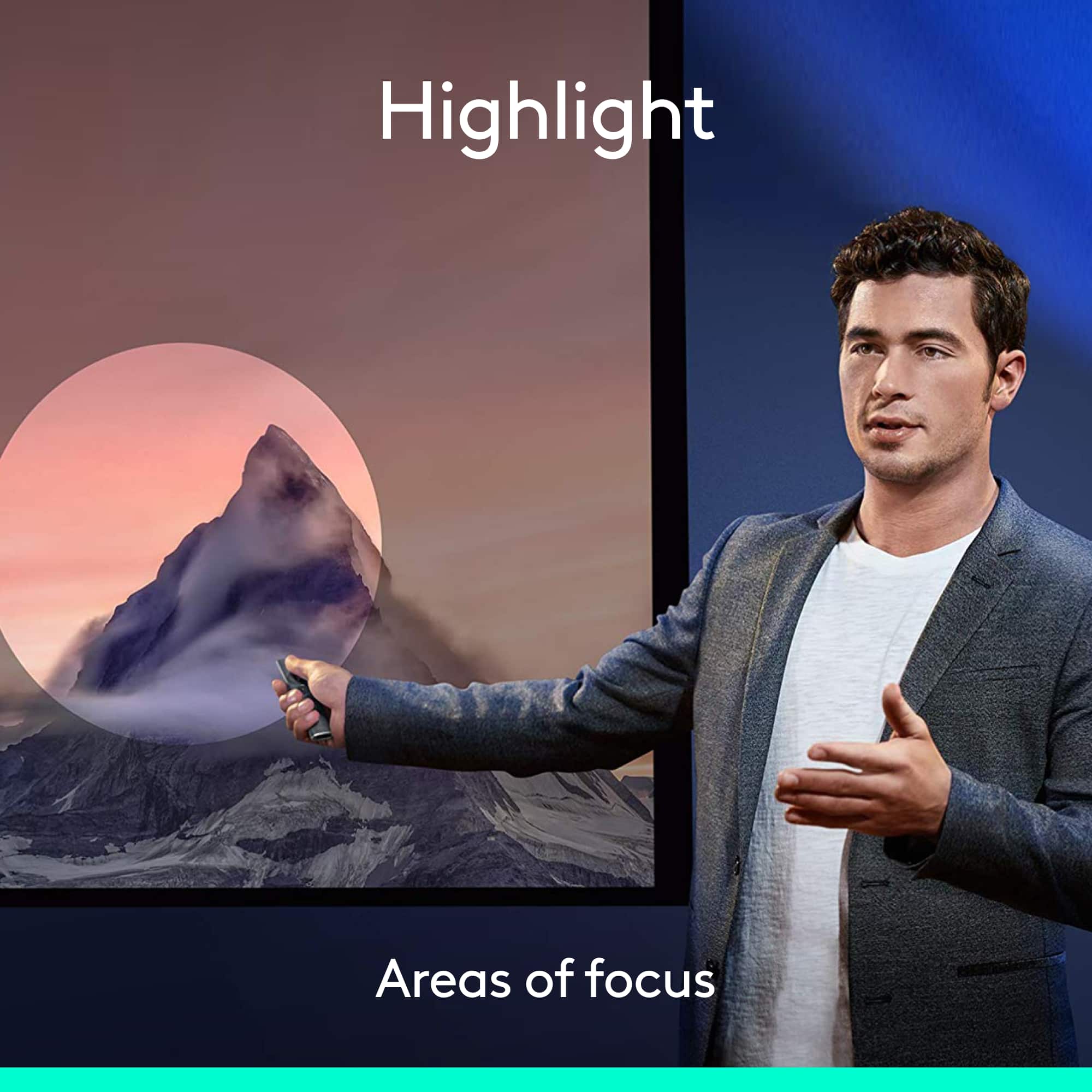
||Posted . Owned for 3 weeks when reviewed.This reviewer received promo considerations or sweepstakes entry for writing a review.This really helps with zoom or Teams meetings. you can highlight an area on the screen and everyone including the remote viewers can see what you've highlighted.
I would recommend this to a friend - Pros mentioned:Range
Best presenting remote period.
||Posted .This reviewer received promo considerations or sweepstakes entry for writing a review.It is fantastic for presenting on a Mac. I've searched for the ability to use a remote for Prezi.com presentations for a long time. This is the first remote that does exactly that and does it better than any other remote I've used.
I would recommend this to a friend Audience spotlight
||Posted . Owned for 1 month when reviewed.This reviewer received promo considerations or sweepstakes entry for writing a review.The Spotlight presentation remote worked beyond our expectations. We were surprised by the ease of use and the ability to highlight..."spotlight" what we wanted to focus on! A non presenter was able to spotlight her question in our presentation so the audience could understand, and she had no previous experience with the remote. As an architect, this product exceeds our needs in a public presentation.
I would recommend this to a friend- Pros mentioned:Ease of use
Awesome!
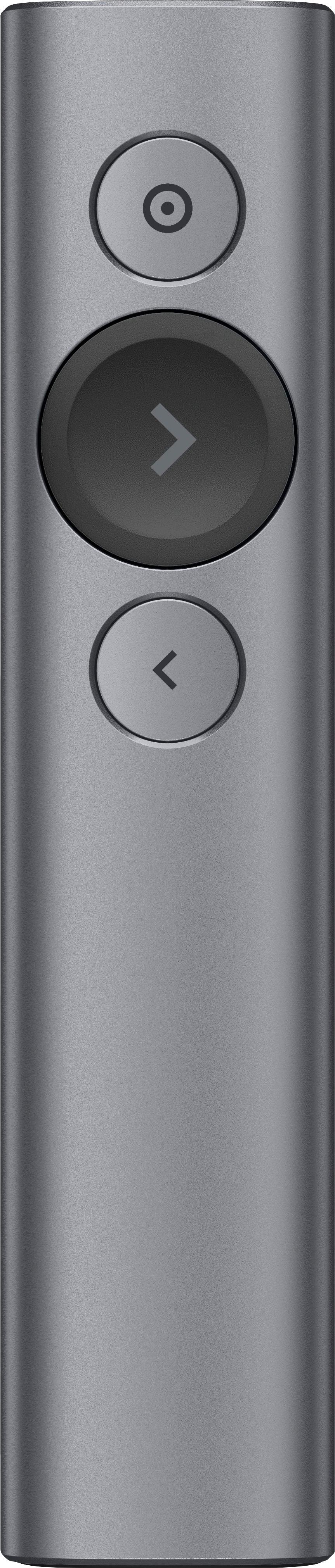
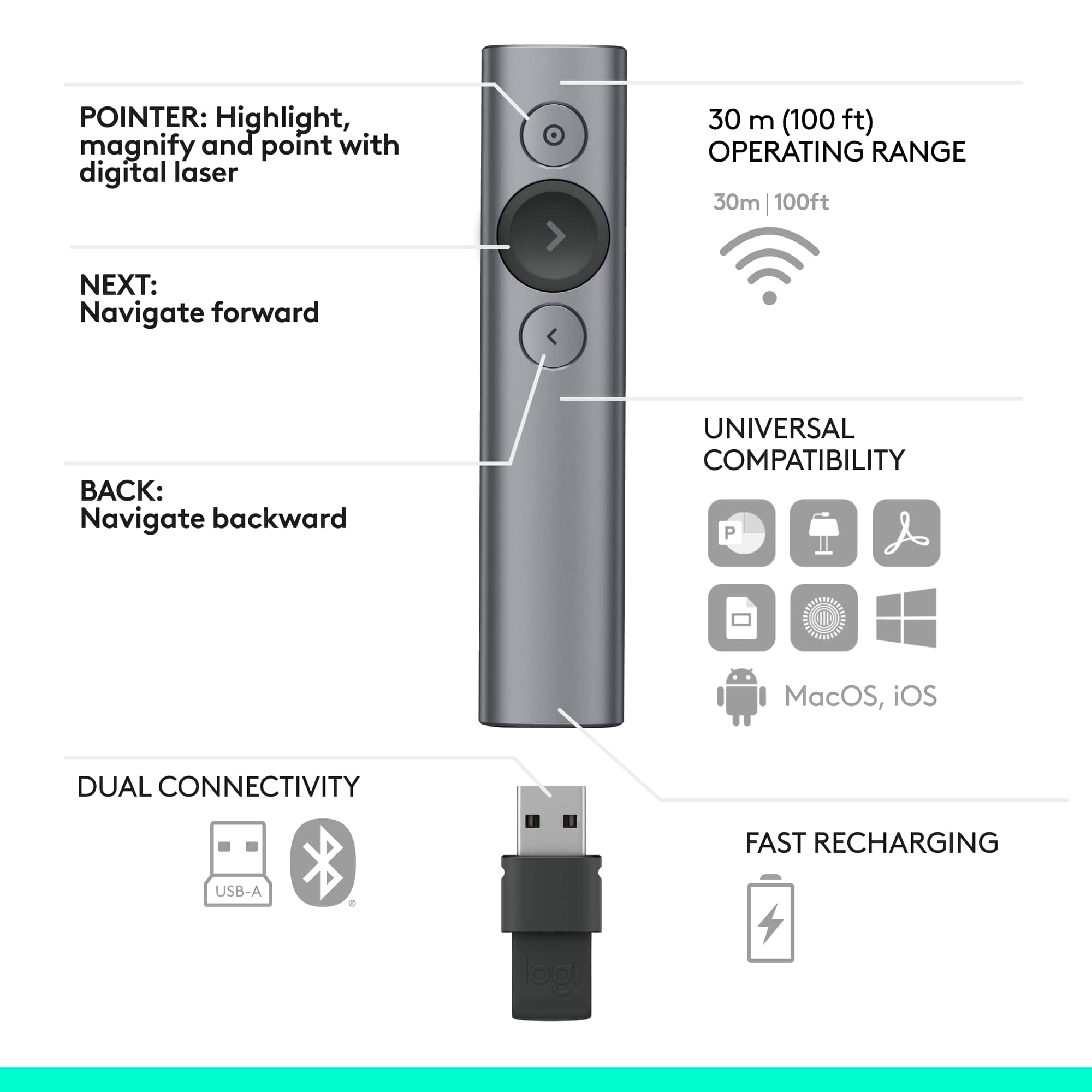
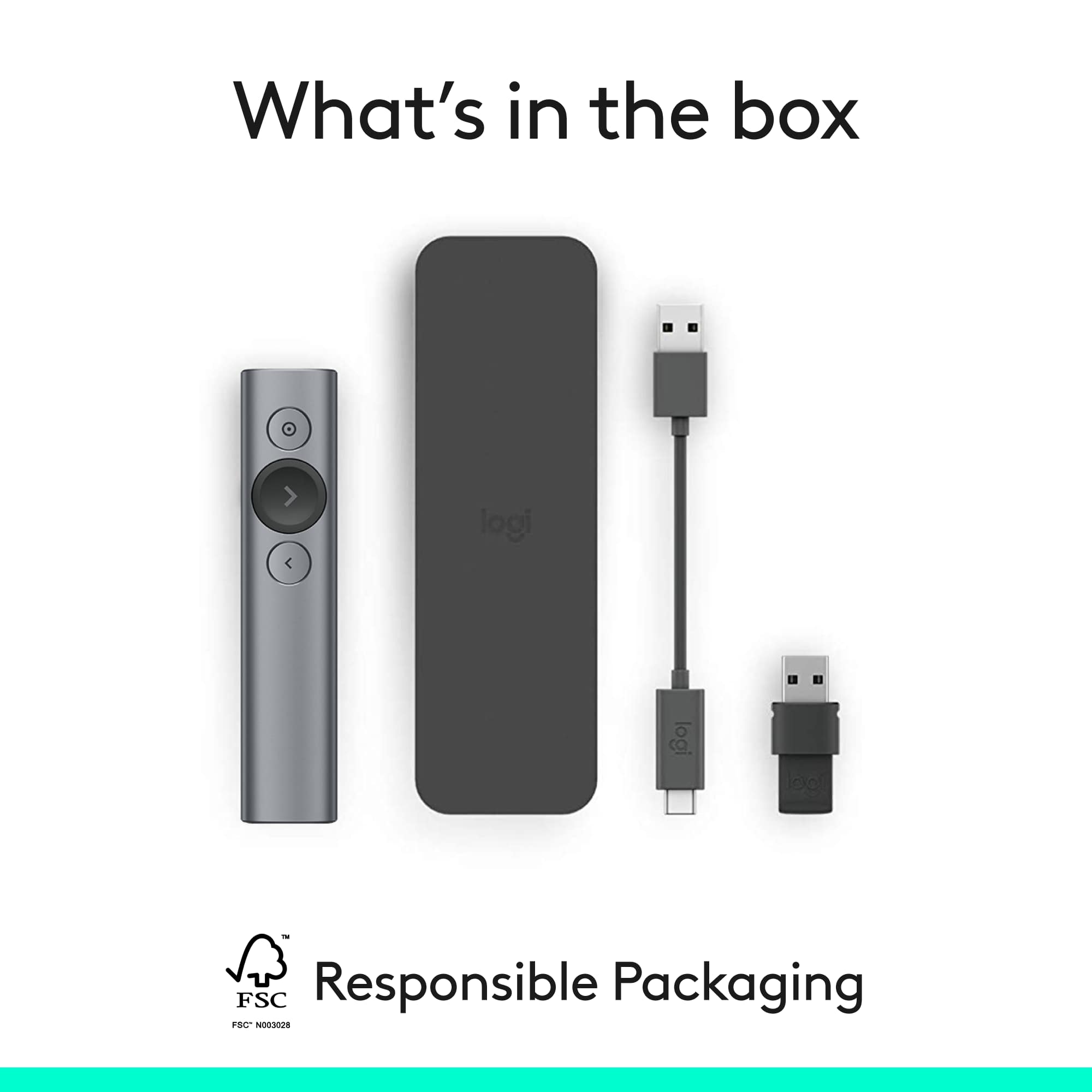
||Posted .This reviewer received promo considerations or sweepstakes entry for writing a review.Love my Logitech presentation remote. It has a unique config that seats the USB piece in the unit when not in use so it will never get lost. Easy to use, dependable. Love that it makes me look like a presentation pro.
I would recommend this to a friend The most amazing tool I have bought in a long time
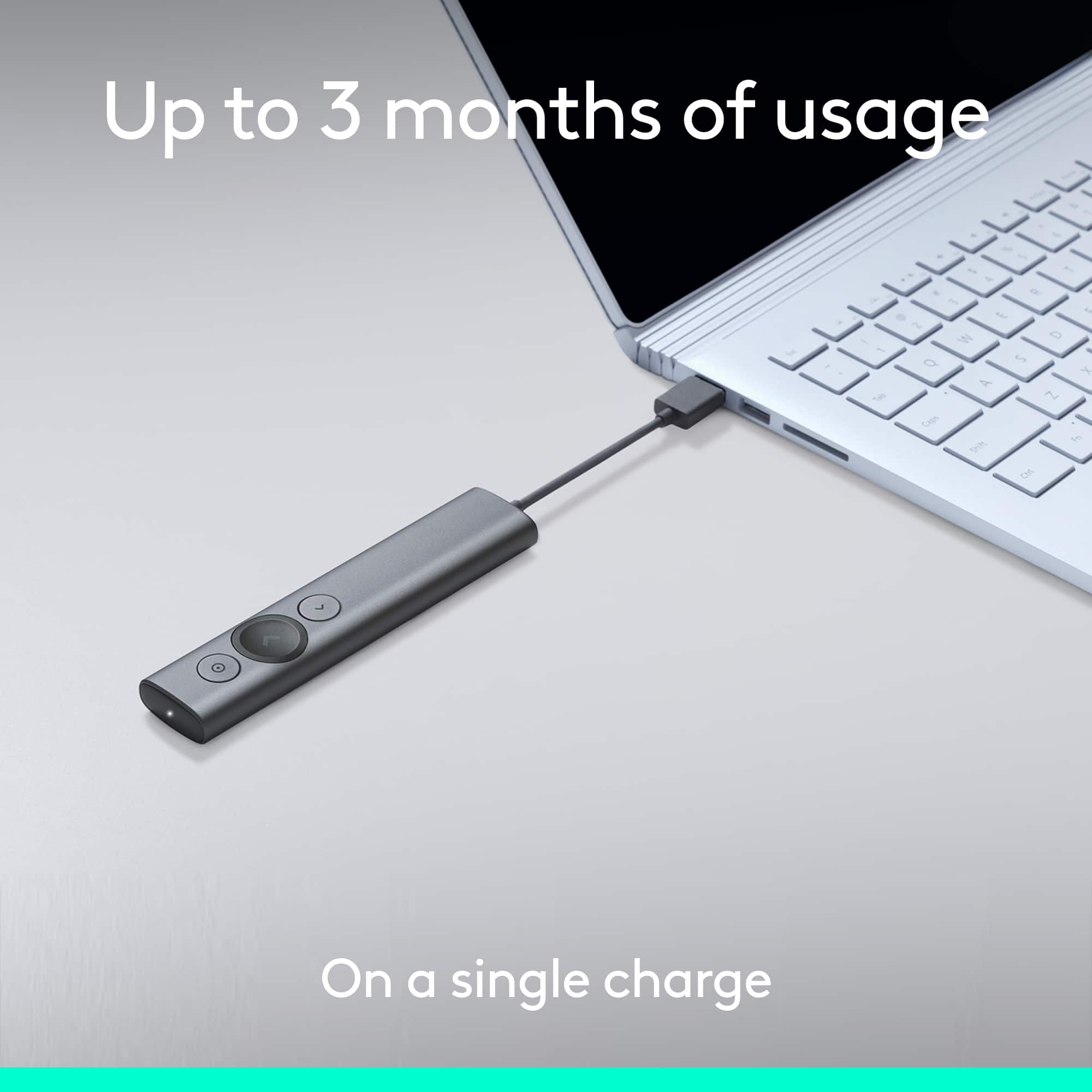
||Posted . Owned for 1 month when reviewed.This reviewer received promo considerations or sweepstakes entry for writing a review.It truly is amazing how something so simple can perform so well. Very simple to setup, just plug in the USB and you are ready to go, It charges super fast with a USB cord and the lase/highlighter/magnifier simple to use and manipulate between them. I was concerned with the slim shape but it fits the hand well and is super light. Very impressive!
I would recommend this to a friend- Pros mentioned:Overall performance
Presentation Pointer
||Posted . Owned for 3 weeks when reviewed.This reviewer received promo considerations or sweepstakes entry for writing a review.This worked perfect...utilized in q presentation and it was Awesome!!!
I would recommend this to a friend Works Flawlessly
||Posted .This reviewer received promo considerations or sweepstakes entry for writing a review.Good clicker, works flawlessly to go back and forth in PPTs and Google Slides
I would recommend this to a friendBrand response from Logitech
Posted .We're delighted to hear that your Logitech Spotlight Presentation Remote works flawlessly for you! It's great to know it's making your presentations in both PowerPoint and Google Slides smooth and effortless. Thanks for sharing your positive experience!

- Pros mentioned:Ease of use
Great for Teachers
||Posted . Owned for 1 month when reviewed.This reviewer received promo considerations or sweepstakes entry for writing a review.Bought this as a Christmas Present for my daughter. PERFECT GIFT... she absolutely loves it and it has made teaching easier
I would recommend this to a friend - Pros mentioned:Ease of use
Great for Presentations :)
||Posted . Owned for 11 months when reviewed.This reviewer received promo considerations or sweepstakes entry for writing a review.The best remote and pointers I have ever used!! It never drops signal if charged and very easy to use!!! A tad pricey bit worth it
I would recommend this to a friend Best in business
||Posted . Owned for 1 month when reviewed.This reviewer received promo considerations or sweepstakes entry for writing a review.It's a high end fancy presenter with a good amount of functionality. The sole reason that I didn't give a full 5-star is that it cannot fit for not-so-short scientific presentations. People, instead of getting focused in the spotlight, get distracted by the big transition of a whole page bright to just having a spotlight. Other than that, it's perfect.
I would recommend this to a friendBrand response from Logitech
Posted .Thanks for your feedback! We understand that the Spotlight feature might not be ideal for all presentations, especially those with a lot of data or complex visuals. We appreciate you highlighting this and will take it into consideration for future product development.
Awesome digital pointer -- alternative to laser
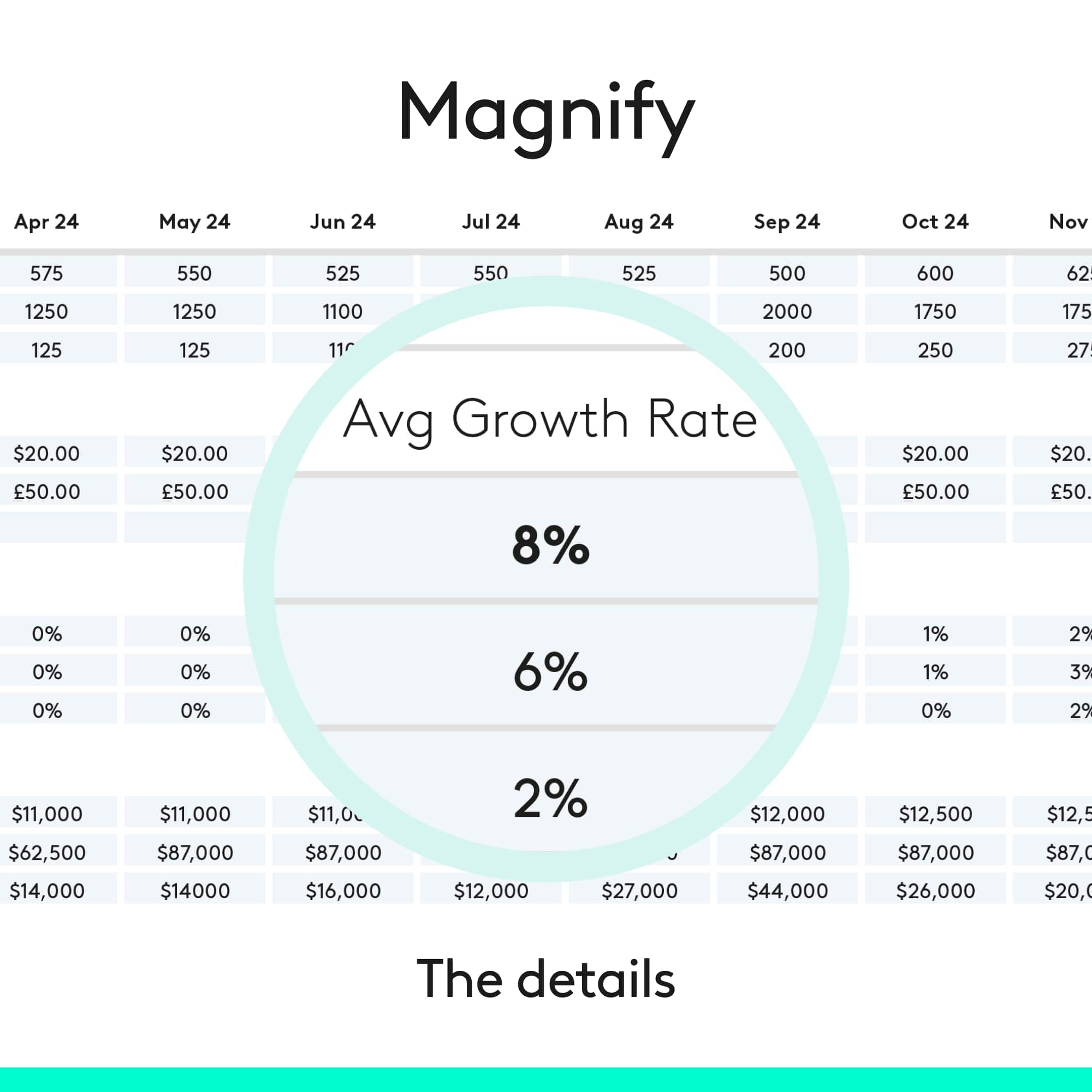
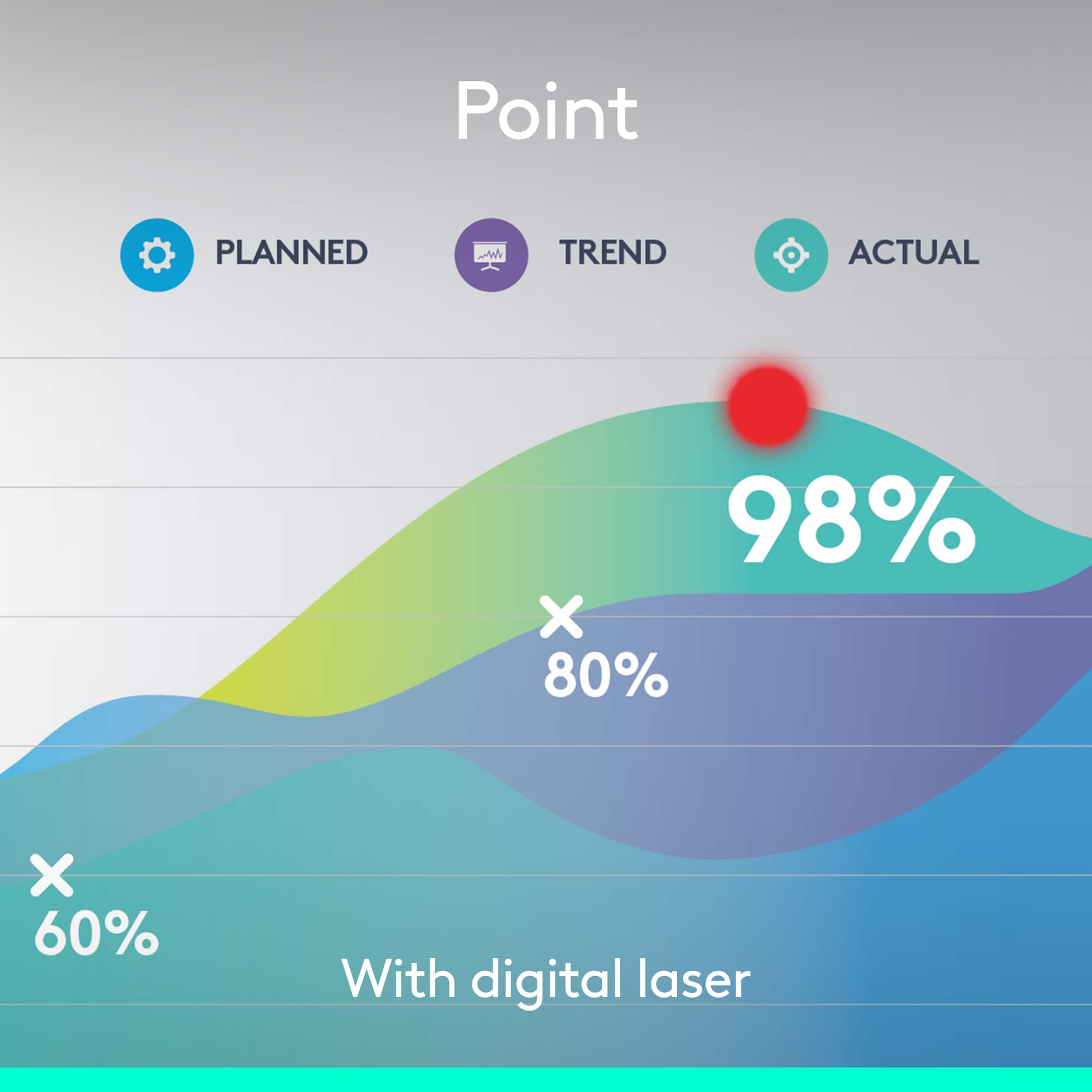
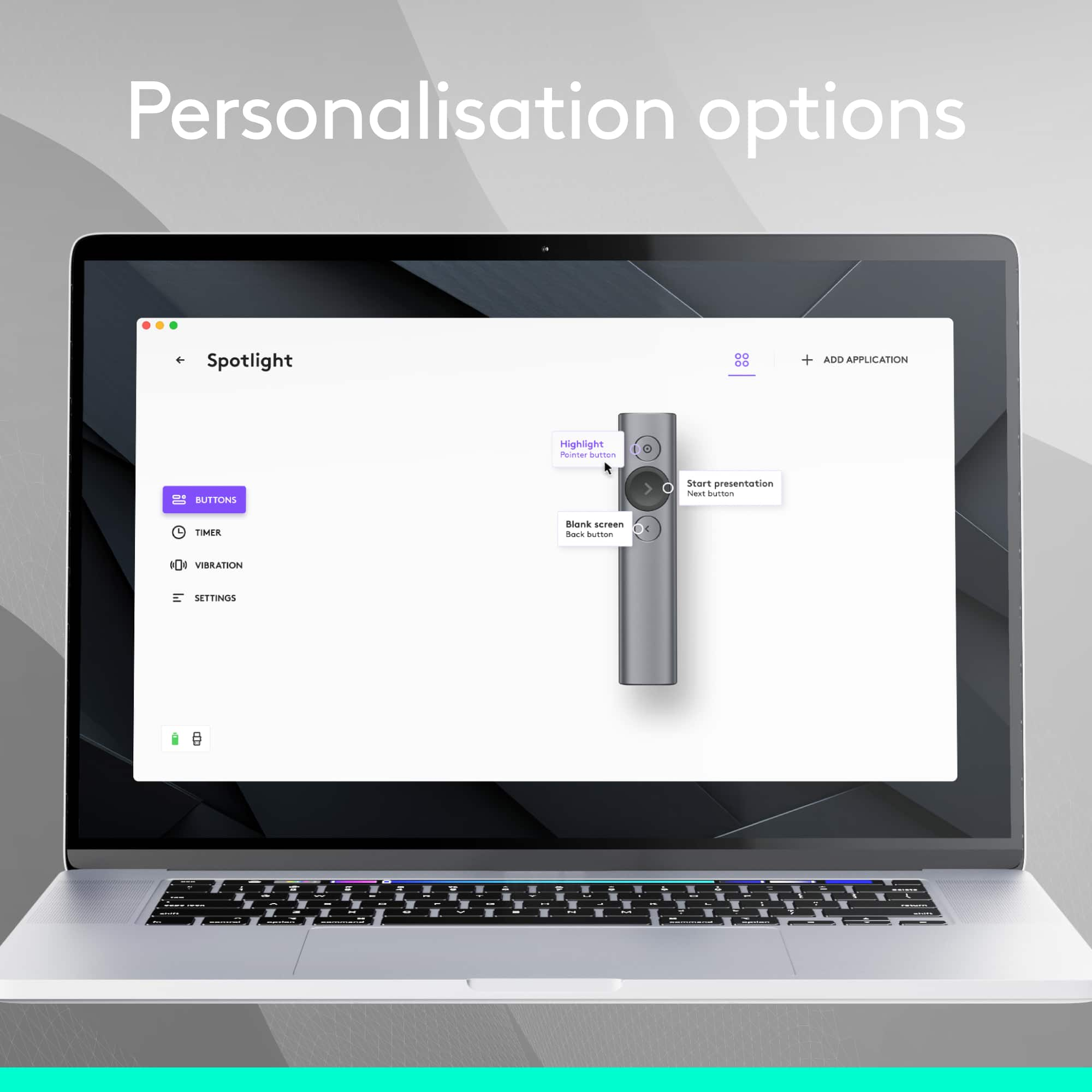
||Posted . Owned for 1 month when reviewed.This reviewer received promo considerations or sweepstakes entry for writing a review.I bought this device with a little bit of skepticism, but boy was I pleasantly surprised! I'm really impressed by the quality of this pointer. The software is logical and easy to use and you can program the buttons to do a lot of different things, including 3 different pointing modes. I love the magnification feature. I also find the quality of the device to be excellent, as expected of Logitech. Easily surpasses any laser pointer. Lasers have a tendency to either glare or paradoxically NOT show up on digital displays. You can bypass these problems with this software-based digital pointer. Only downside: little pricey.
I would recommend this to a friend- Cons mentioned:Software
Quality Presentation Remote for Personal Computers
||Posted . Owned for 1 month when reviewed.This reviewer received promo considerations or sweepstakes entry for writing a review.This was a good device. There is a robust software provided with the remote. My only complaint is there's too much dependency on using the included software for presentations.
I would recommend this to a friend Pricey but worth it...
||Posted .This reviewer received promo considerations or sweepstakes entry for writing a review.Best qualities - Rechargeable - Connects very easily through dongle - Instead of a laser pointer, has a software spotlight - much much better than laser - Just works...
I would recommend this to a friendTell a Friend
||Posted . Owned for 4 months when reviewed.This reviewer received promo considerations or sweepstakes entry for writing a review.A friend loves his, told me about it. I love mine, told a friend about it. He loves his and is telling friends. Simple but powerful. Big, easy to find buttons while presenting and the spotlight / zoom feature is just awesome once you get the hang of it. One note - the software requires admin rights so if you’re using it on a corporate laptop, be ready to give the primary user temporary admin rights for the spotlight software and the associated features to work.
I would recommend this to a friendGreat Presentation Remote, definitely recommend
||Posted .This reviewer received promo considerations or sweepstakes entry for writing a review.Presentation remote has worked flawlessly with all my presentations.
I would recommend this to a friendBrand response from Logitech
Posted .That's fantastic to hear! We're thrilled your Logitech Spotlight Presentation Remote has been a "Great Presentation Remote" for you, working flawlessly with all your presentations. We appreciate your strong recommendation!
- Pros mentioned:Ease of use
Coolest Clicker ever
||Posted .This reviewer received promo considerations or sweepstakes entry for writing a review.This is the nicest and best looking - and simple to use remote slide clicker ever! I read a review and recommendation for it from another trainer and am thrilled with the purchase.
I would recommend this to a friend - Pros mentioned:Ease of use
Must have in a world of vanishing projectors
||Posted .This reviewer received promo considerations or sweepstakes entry for writing a review.This is a great presentation remote. The fact that you can highlight areas on a tv screen made this a no brainer. It will be a constant companion until offices start getting Spark boards.
I would recommend this to a friend Almost Perfect Presentation Remote
||Posted .This reviewer received promo considerations or sweepstakes entry for writing a review.Having tried a variety of laser pointer w/ remote buttons, I ended up using this for my presentations. The reliability of laser pointers isn't great on modern TVs and turning to look at the display isn't the best ergonomics or presentation style. This lets your look forward (at a laptop display or something) and talk to the audience. It does require Logitech's software and there is a mild lag and learning curve to use this (more like a mouse that is gesture controlled than a pointer). I set the circle mode to a big red dot to look like a laser pointer and cycle to highlight mode half the time.
I would recommend this to a friendWorth the money
||Posted .This reviewer received promo considerations or sweepstakes entry for writing a review.You could go with a cheaper presenter, but you would be missing out on the design and usability of this Logitech. It holds a charge for hours, easily pairs with your computer, and feels great in the hand. The buttons are easy to navigate and intuitive. As others have mentioned, the only critique is that the carrying case does not have room for the cable and fob. A small point, that is easy to remedy by slipping the pointer into the provided case and the other items into a small travel bag.
I would recommend this to a friend- Pros mentioned:Overall performance
Works well for online meetings
||Posted .This reviewer received promo considerations or sweepstakes entry for writing a review.This works great for meetings that take place online, as it allows you to "Spotlight" the data you're referencing for those who are not in the same room as you.
I would recommend this to a friend