Customer Ratings & Reviews


- Model:
- SX3-00001
- SKU:
- 4531200
to a friend
Customers are saying
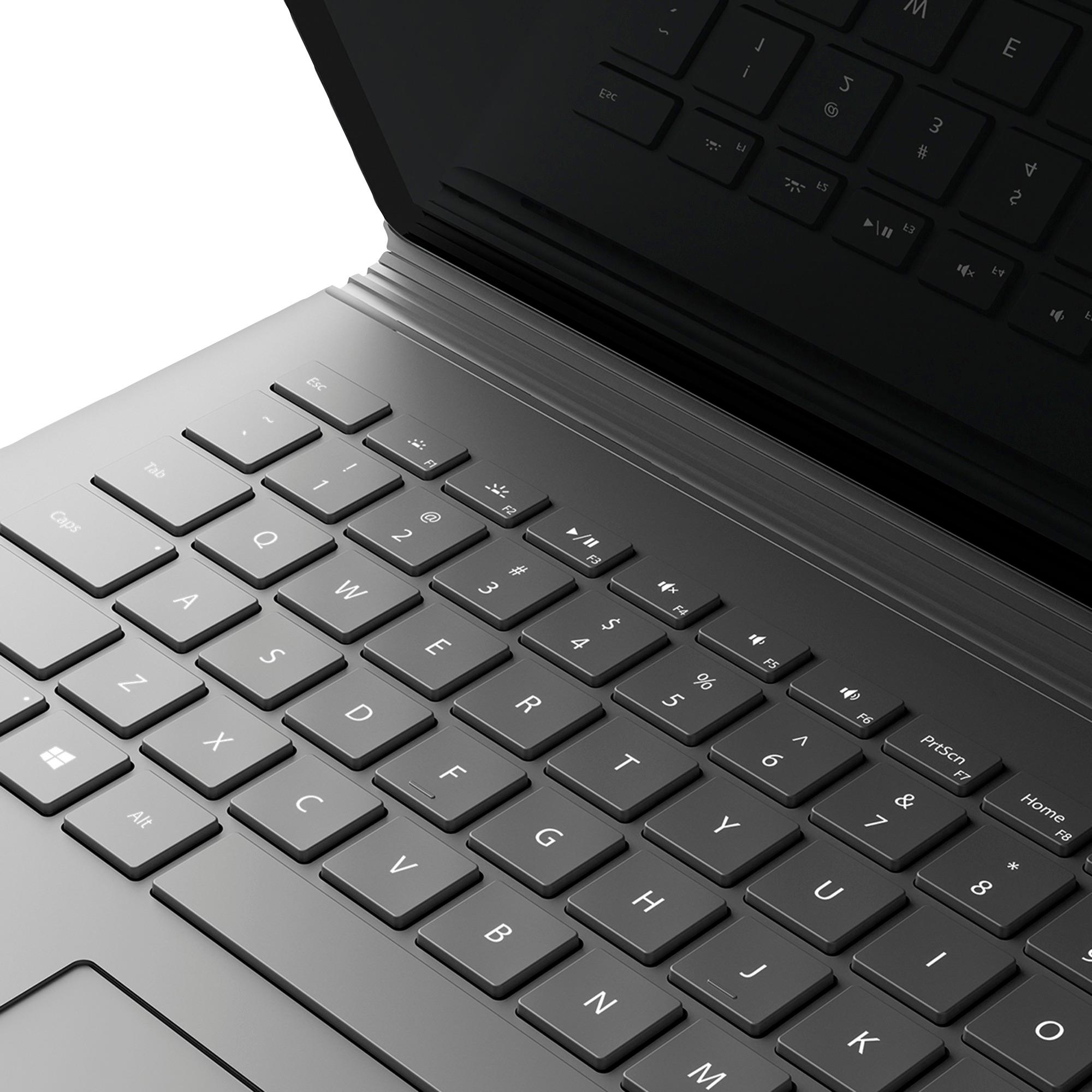
Customers are impressed with the Surface Book 2-in-1's ease of use, comfortable keyboard, and excellent battery life. Many appreciate its light weight and the versatility offered by the tablet mode. The sleek design also receives positive feedback. However, some customers find the price to be a significant drawback.
This summary was generated by AI based on customer reviews.
No-compromise laptop with a huge bonus
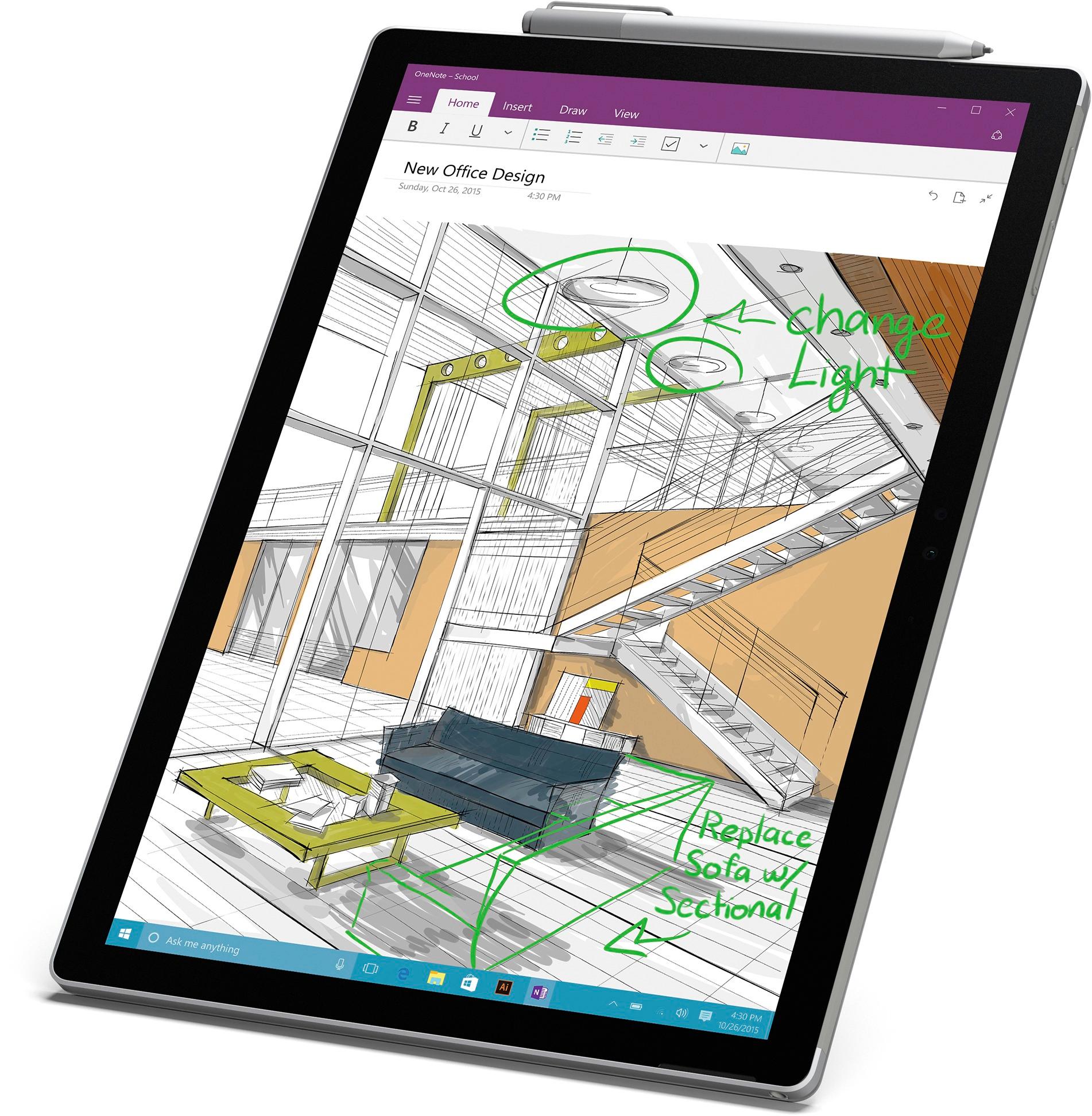
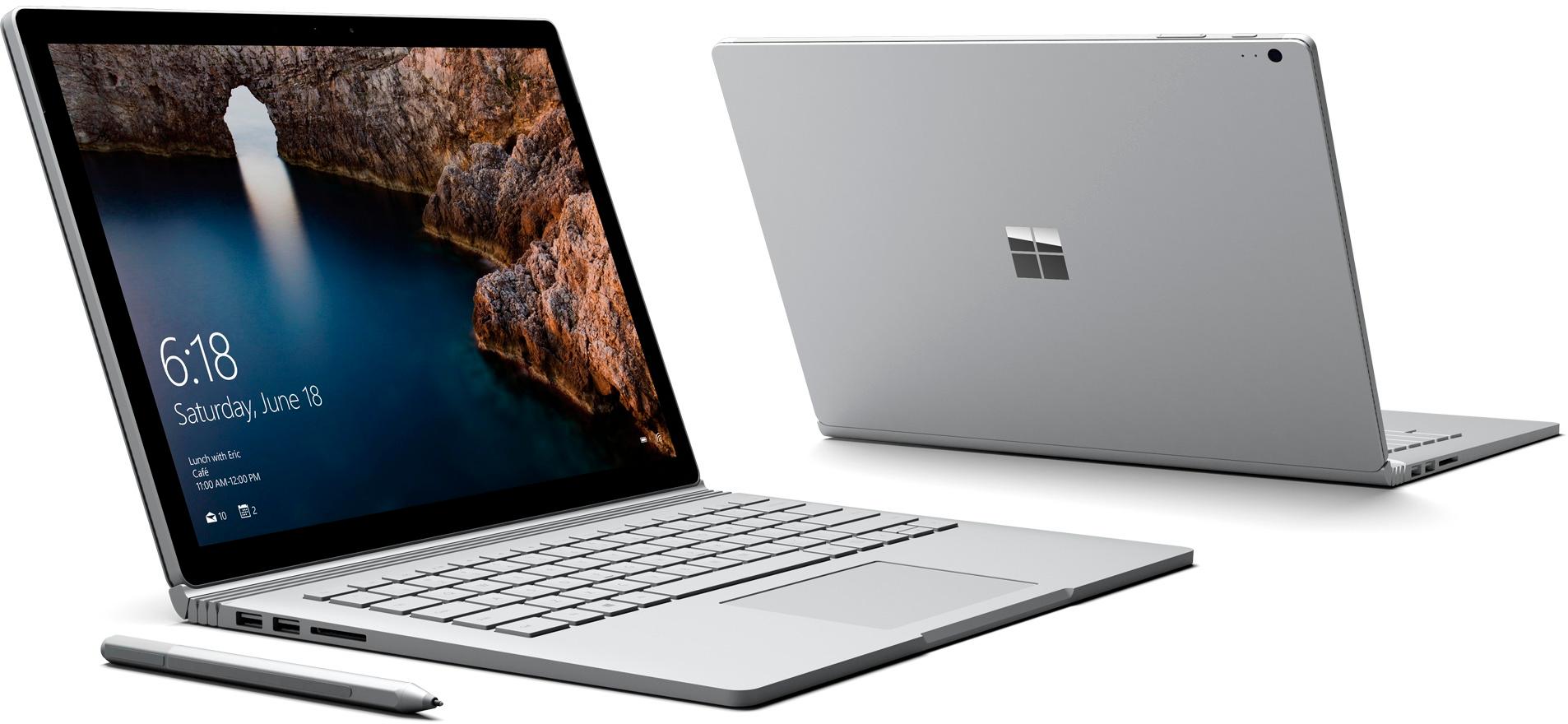
Posted .This reviewer received promo considerations or sweepstakes entry for writing a review.I've been using Surface Pro 3 for a year. It's a great product, but more a tablet than laptop, and I wanted something that was the other way around - and with a bigger screen. The SurfaceBook is a beautiful laptop (people actually come up to me in cafés to inquire...# with excellent performance. And when I need to jot down notes #I like to mark up documents with the pen) I just pull the tablet off. Jaw dropping stuff. Only drawback - the battery life of the standalone tablet is quite limited. But if you mostly need a tablet - get a Surface Pro! Software issues that other report here have been resolved in recent updates, no complaints there.
I would recommend this to a friendUser review after a month of use
Posted .This reviewer received promo considerations or sweepstakes entry for writing a review.Its been a little over a month since I bought my Surface book and it has been the best decission that I have made. It works great with minimal crashes and has proven to be really helpful to me as a college student. Note taking is seamlessly good and the display is just excellent and the best one available at the moment. I highly recommend this to anyone!
I would recommend this to a friend- Pros mentioned:Battery life
Premium
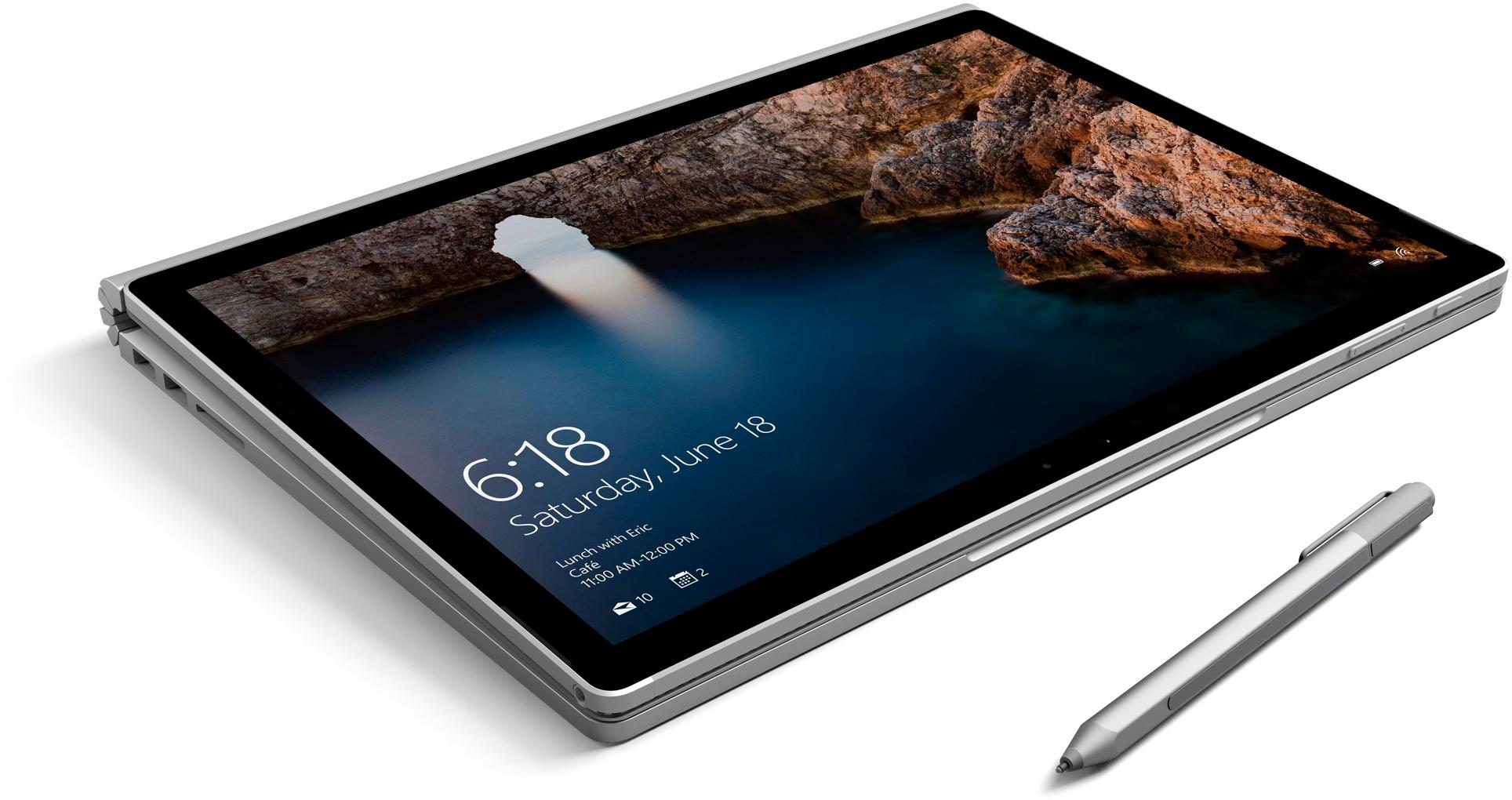
Posted .This reviewer received promo considerations or sweepstakes entry for writing a review.This laptop really does give one the premium feel but it gets easily scratched and dented. I had to purchase a keyboard cover since a lot of dust and dirt particles were prone to dirtying the keyboard. What I had a problem with was the process of turning the laptop into a tablet. Obviously it only requires a press of a button but I found that gripping the tablet part and pulling it from the base was quite difficult since there was a limited amount of time offered to pull them apart. More often than not I found myself having to press and hold the button to release the tablet part again once or twice to pull the tablet off. Other than that, the amount of battery time is really nice and I love the hello windows function with face recognition that allowed you to help calibrate with more pictures since I wear glasses and have several different pairs in fact. The mousepad is really smooth and works well. I do recommend buying a screen protector too for this laptop since it can function as a tablet. Overall the purchase was pretty worth and I have yet to fully take advantages of all the specs.
I would recommend this to a friend - Pros mentioned:Keyboard quality
Great for a laptop, decent for a tablet
Posted .This reviewer received promo considerations or sweepstakes entry for writing a review.Just purchased my surface book and I'm satisfied. It is a great laptop and it is worth the price. It feels like a premium product and doesn't feel cheap or shoddy at all. The only downside to this computer is that its meant more for a laptop. Using it as a tablet is a little bit difficult and it isn't like the surface tablet products. There is no kick stand to the tablet portion so you will have to use the keyboard as a kick stand. If you use the keyboard as a kickstand it may be difficult to type. It still functions as a regular tablet, just not the surface tablets.
I would recommend this to a friend - Pros mentioned:Battery life
Gorgeous, Expensive! Powerful Laptop-Tablet
Posted .This reviewer received promo considerations or sweepstakes entry for writing a review.I was just a little tentative about certain elements - the way the screen detaches, the different modes of use, and the computer's power. Let me say that the more I use it, the more places I realize I want to use it. Pros: - Great finishing, quality and battery life - Fast performance and no per-installed software apart from a couple that are meant to show the capabilities of the surface book - Touch and pen work really well Cons: - Not very easy to open the lid when its closed - Expensive but I believe that I bought in a good deal
I would recommend this to a friendBrand response from MicrosoftOutreachTeam
Posted .Hi Vishram,
Thank you for taking the time to leave such a detailed review on your experience with the Surface Book. We'll be sure to share this with our team, so they know where our products can be improved in the future.
Thanks again,
Victoria
Surface Customer Care
Opt for 256GB
Posted .This reviewer received promo considerations or sweepstakes entry for writing a review.I initially purchased the 128GB Surface Book, only to find that I was left with 80GB after transferring my documents and installing the basic applications and programs I use daily. I fretted over the decision to exchange the machine a few days after purchasing it, however to safe proof my purchase for the future the 256GB model was the most logical buy. Needless to say the performance on both models is awesome. Many reviewers will note that screen resolutions above 1080p aren't much noticeable to the human eye, well they are wrong. The Surface Book's screen offers a tremendous viewing experience for watching video and surfing the web, there aren't many other pc's that offer such an immersive experience. With the additional memory I can store multiple favorite movies and much of my iTunes music library, without the hassle of needing to be tethered to wifi or hot spot connection to stream. I could never rip the 128GB Surface Book model which indeed is perfect for many users, but if you intend to get the most out of your purchase, opt for the 256GB's of memory. Don't forget to order the Qi SD adapter from an online retailer, the adapter fits perfectly into the SD card reader with bulging out. I was nearly able to double the memory using a Qi adapter along with a 200GB micro sd card. Windows 10 only gets better, and the ability to use SD cards and flash drives as permanent storage truly makes these machines even more remarkable.
I would recommend this to a friendAmazing.
Posted .This reviewer received promo considerations or sweepstakes entry for writing a review.I was a little worried about buying this computer with that much of a price tag to it. But I'm glad I did as it is amazing. No problems at all once all the updates are installed.
I would recommend this to a friend- Pros mentioned:Ease of use, Weight
Love it
Posted .This reviewer received promo considerations or sweepstakes entry for writing a review.Very light weight, easy to use. I am very happy with it.
I would recommend this to a friend 2nd Surface
Posted .This reviewer received promo considerations or sweepstakes entry for writing a review.I bought this 8g 256g I.5 surface book last Saturday. After working on setting it up and charging it my experience is as follows. Keep in mind I also have a surface 3. Within the first few hours it froze on me twice and I had to do a hard power button restart. The mouse pad pointer disappeared and I had to do another hard boot. The battery lasted maybe 4 hours at most. I packed it up and returned it. I bought the HP spectre x 360 in a I7 8g 256 for $600 less. The HP is twice as fast, boots up in 1/4 the time of the surface book and I am super happy.
No, I would not recommend this to a friend- Pros mentioned:Battery life
Love the Surface Book
Posted .This reviewer received promo considerations or sweepstakes entry for writing a review.I originally purchased a Surface Pro 4, but returned it after a couple days. The battery was just not going to work for me. The surface book solved my battery problem. I have no regrets about my purchase.
I would recommend this to a friend Amazing computer
Posted .This reviewer received promo considerations or sweepstakes entry for writing a review.This computer is amazing. I'm majoring in engineering and this computer goes above and beyond. It's so beautiful too.
I would recommend this to a friendSeems cool, but it is nothing special
Posted .This reviewer received promo considerations or sweepstakes entry for writing a review.I bought this because I needed a PC because Microsoft dumbed-down VBA in the new version of Office for Mac. Thanks for nothing. By doing this, they now force you to do all of your coding on a PC. I do a Boot-Camp version of Windows, but its not convenient. So, I go to the store and I am there to buy. I am the easiest sell EVER. But the demo is very broken. I can not try it out at all. The screen detachment device doesn't work and the screen is attached in the backwards position, which means that I could not even use the keyboard. It didn't boot up either. The salesman told me that if I wanted to try it, I should buy one and return it if i don't like it. I bought it in Massachusetts and returned it while on a business trip to Honolulu. (Huge praise to Best Buy for making this very very easy and painless!!!). Windows is what it is....buggy, a pain in the butt, blue screen. Geez! Really? Still? I guess I have come to expect that from low-end PC's that cost a few hundred dollars, but this is a (supposed) top-shelf machine. I just can't live with it. I admit that i LOVED watching a movie or two on the giant screen though!!! Awesome, but I can do that with an iPad Pro.
No, I would not recommend this to a friendAmazing product, but has Screen Flickering issue
Posted .This reviewer received promo considerations or sweepstakes entry for writing a review.I think this surface book is amazing, but when I disconnent the screen and the keyboard, the screen flickering a couple seconds. When I try the Model machine at Bestbuy, it doesn't have the flicker issue. However, I still love this product, so I went to bestbuy and exchange a new one. Now just waiting for the store pickup.
I would recommend this to a friendpretty butt
Posted .This reviewer received promo considerations or sweepstakes entry for writing a review.went to BestBuy to buy the $1899 model. like what I saw so I decide to buy one. One of the Geeks on the squad said there was an issue logging in that needs to be fixed on all units. I told salesman I wanted to be able to login, register book online before I left the store. they were gracious in fixing login bug & Getting it registered with Microsoft. All I needed to see was a reboot & login one more time when it froze up and wouldn't reboot. Can you say disappointment? I really wanted to take it with me, but had to return it before I left the store. I'm a tech & know bugs will get worked out. I just didn't have the time to spend on bug fixing a $2500.00 investment after all the adds & extras I had. May look at it again after Microsoft gets a few more returned.
No, I would not recommend this to a friendThis laptop was awesome when it finally worked!
Posted .This reviewer received promo considerations or sweepstakes entry for writing a review.This is one of the 1st laptops that the screen flipped backed and I was able to use it for work. That was a nice feature.
I would recommend this to a friendExcellent laptop for my MIT engineer
Posted .This reviewer received promo considerations or sweepstakes entry for writing a review.This laptop has all the power to do all of the complicated formulas my daughter will have to achieve at MIT
I would recommend this to a friendgreat product
Posted .This reviewer received promo considerations or sweepstakes entry for writing a review.I love these devices, have helped several family members purchase so I decided to purchase finally.
I would recommend this to a friendWorst Purchase I've Ever Made
Posted .This reviewer received promo considerations or sweepstakes entry for writing a review.Wow. Where do I begin. So I bought a sureface book at best buy for editing photos. But, the first time I opened photoshop the laptop gave me the blue screen of death. So I called Microsoft and they told me the best thing to do would be to take it to the closest Microsoft store to have it replaced. So I drove 4 hours, explained what they said on the phone and the sales associate said that what they said on the phone was wrong, and that they just had to run a software update....so I waited a couple hours for that only to find that what they said on the phone was right, they did have to reaplce it. So they did. Everything was fine...or so I thought. Get home, computer is working fine for a little while and then... blue screen again. So I call, they say it should be replaced AGAIN. Same thing. I drive 4 hours, they say it's just a software update and they will have to reset the laptop. I asked if they could put a couple files on a hardrive so they wouldnt be erased (I should add that last last time this was no problem) but they said it would be a $50 fee....I explained to the manager that last time they did it for free and she said it wasnt there responsibility to back up my stuff (Well, if their freaking sureface books would actially WORK this wouldn't be an issue.) But whatever, I bought a over-priced usb from them and retrived my things. Waited hours, they said the update worked, we tried photoshop, everything seemed to work fine. The next day when I tried photoshop, surfacebook crashes with the blue screen of death yet again. So, all that you say, I am FURIOUS! I haven't even used the laptop I paid $1900 for. SO SO MAD.
No, I would not recommend this to a friendIssues Right out of the Box
Posted .This reviewer received promo considerations or sweepstakes entry for writing a review.Just received my new Surface Book tonight and already need to take to Geek Squad tomorrow because it died. Here's the order of events: (1) WiFi didn't work at first. No problem, just needed to restart and everything was fine. (2) I noticed once that it acted like it undocked and went into tablet mode without me touching the computer, but then was fine after about two seconds. (3) After installing Office 365, it started repeating item-2 and I was not able to use the keypad or mouse. It seemed to be in tablet mode even after disconnecting and reconnecting several times. I was even asked if I wanted to exit tablet mode, and selected "Yes" every time, but the keypad still didn't work. (4) Thinking I needed to restart, the computer totally died and didn't have a pulse after logging off. It won't turn on. Just a black screen. Well, it has a pulse in the keyboard (lights turn on), but that's it. The tablet seems to be dead. Taking to Best Buy tomorrow. Not sure if the dead computer is caused by Office 365, or more than likely related to the ghostly tablet/laptop mode issue previously mentioned. Perhaps it's (also) causing a battery issue with the tablet and/or the keyboard. If I can, I will update this review later if it helps.
No, I would not recommend this to a friendBattery life and screen issues
Posted .This reviewer received promo considerations or sweepstakes entry for writing a review.Battery life has dropped 2 hours in 10 minutes. Then I rechecked it and it went back up an hour a few minutes later. It is always changing and is not constant and does not make sense what's going on with it either. Also screen flickers occasionally and the screen is dim no matter what settings it is on. And overall the battery life is not very good. I think I will be returning this product after only having it for less than a week. The time does not update when the laptop is closed so it's always behind which is really really annoying.
No, I would not recommend this to a friendBrand response from MicrosoftOutreachTeam
Posted .Hello ASmith, Your feedback on Surface Book is extremely important to us and we are always working hard to optimize your Surface experience. In the meantime, please check out our support site that may help you to resolve battery and flicking issues you are experiencing: https://www.microsoft.com/surface/en-us/support/browse/surface-book?category=install-update-activate . If you need further help, please contact our Customer Support through the Support Web Portal: www.support.microsoft.com . We apologize for any frustration this has cause and hope this was helpful to you.