Customer Ratings & Reviews

- Model:
- 2WR-00001
- SKU:
- 5678500
Rating by feature
- Value
Rating 3.9 out of 5 stars
- Quality
Rating 4.7 out of 5 stars
- Ease of Use
Rating 4.2 out of 5 stars
Customers are saying
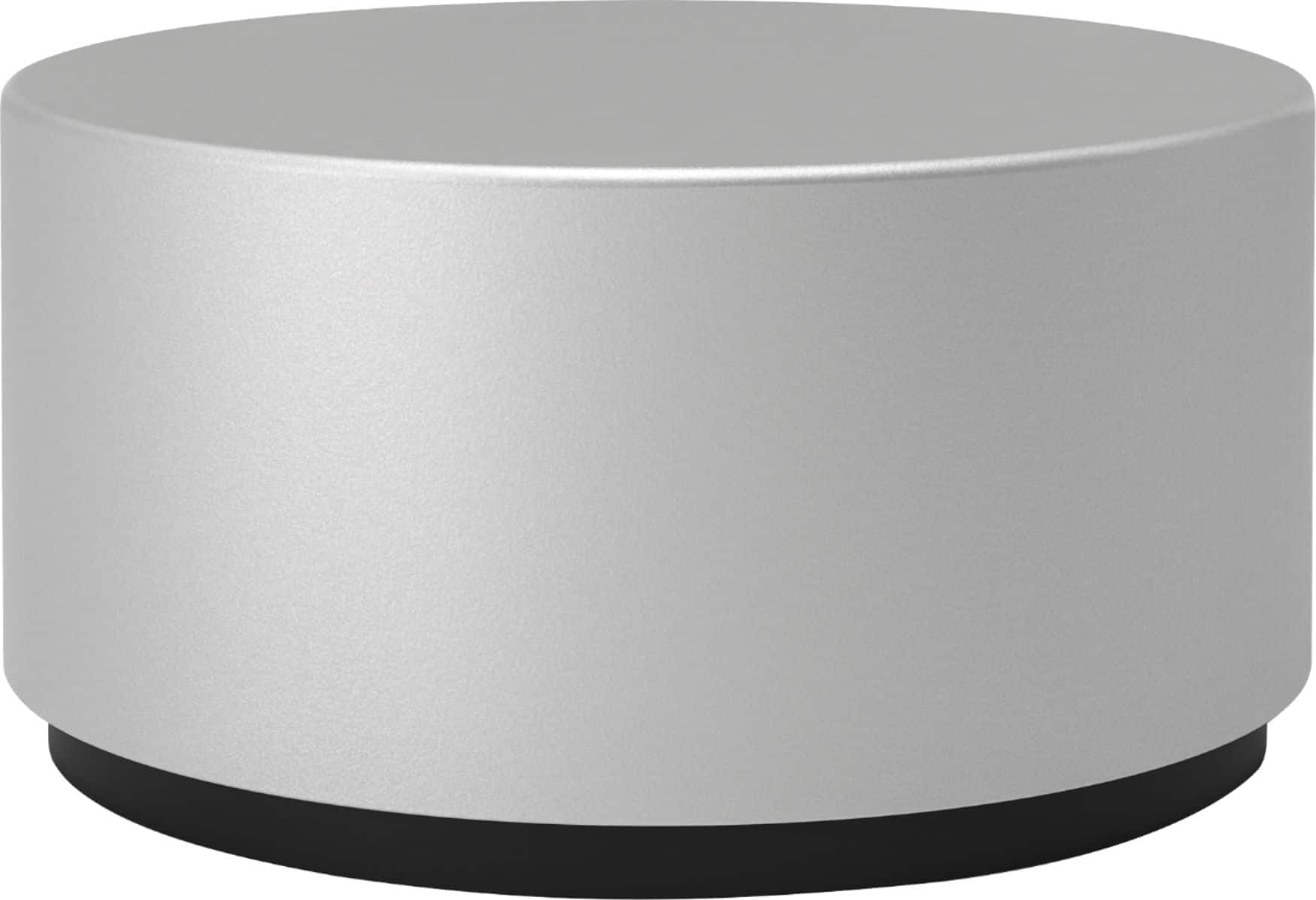
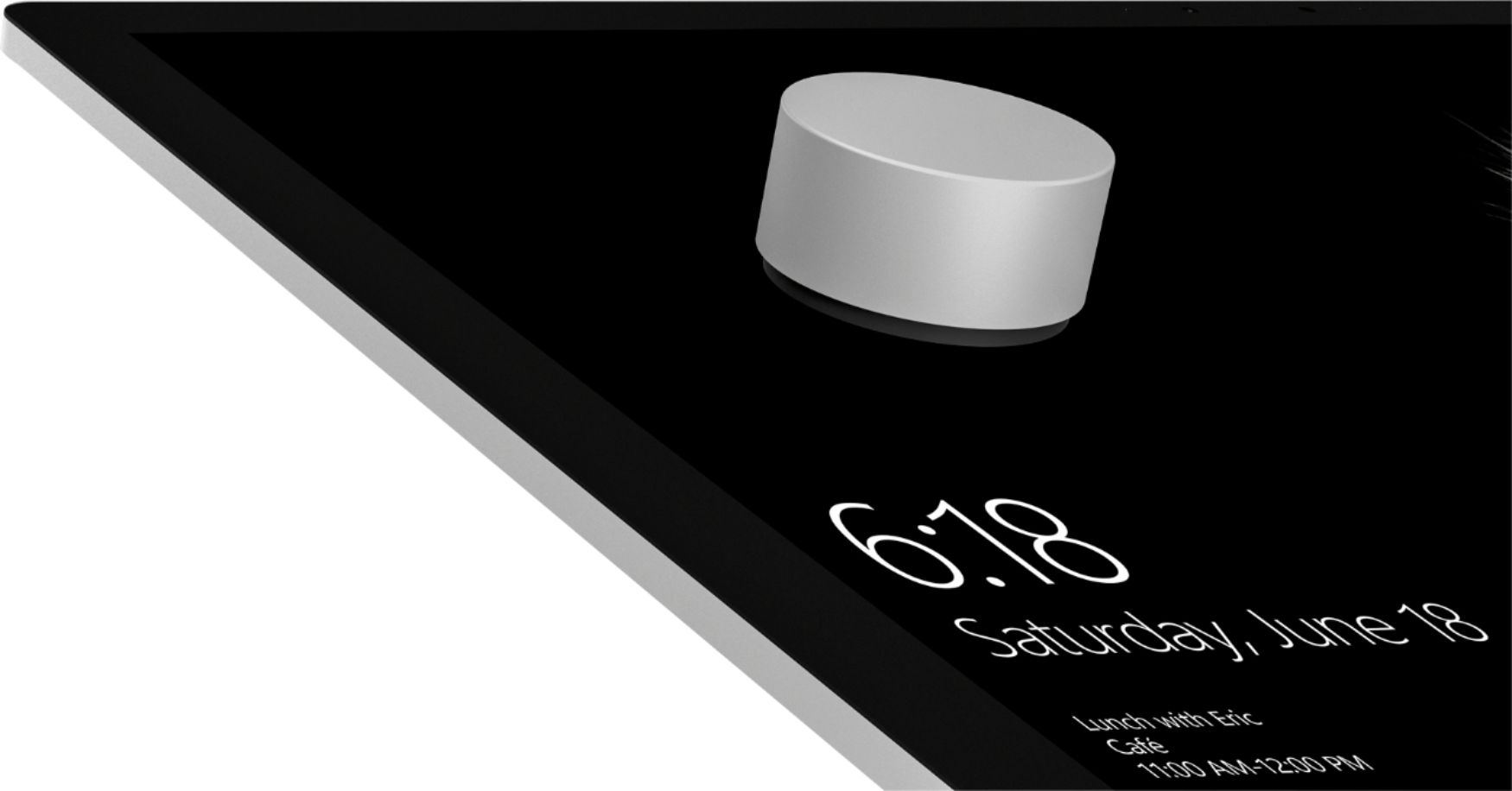
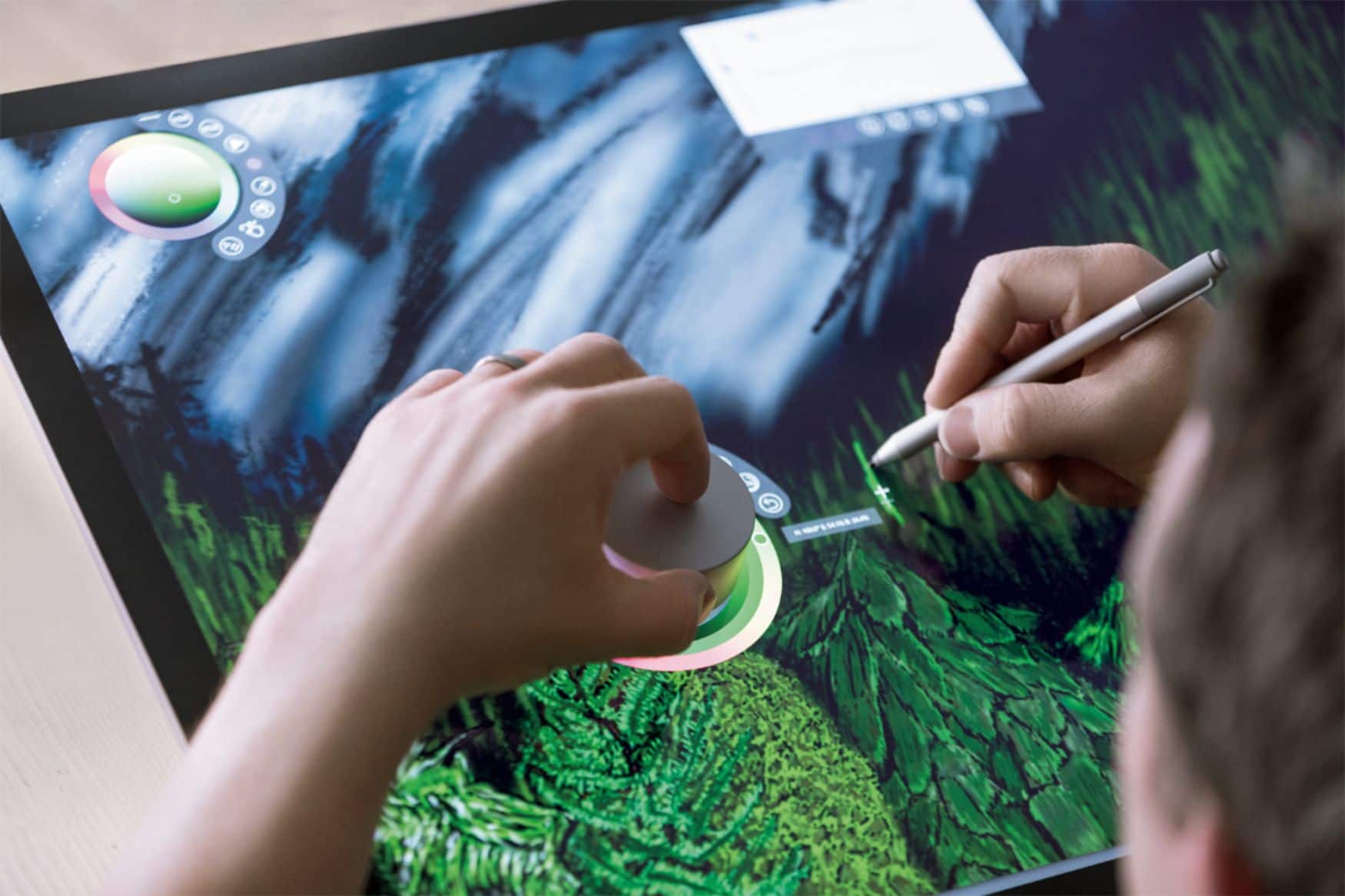
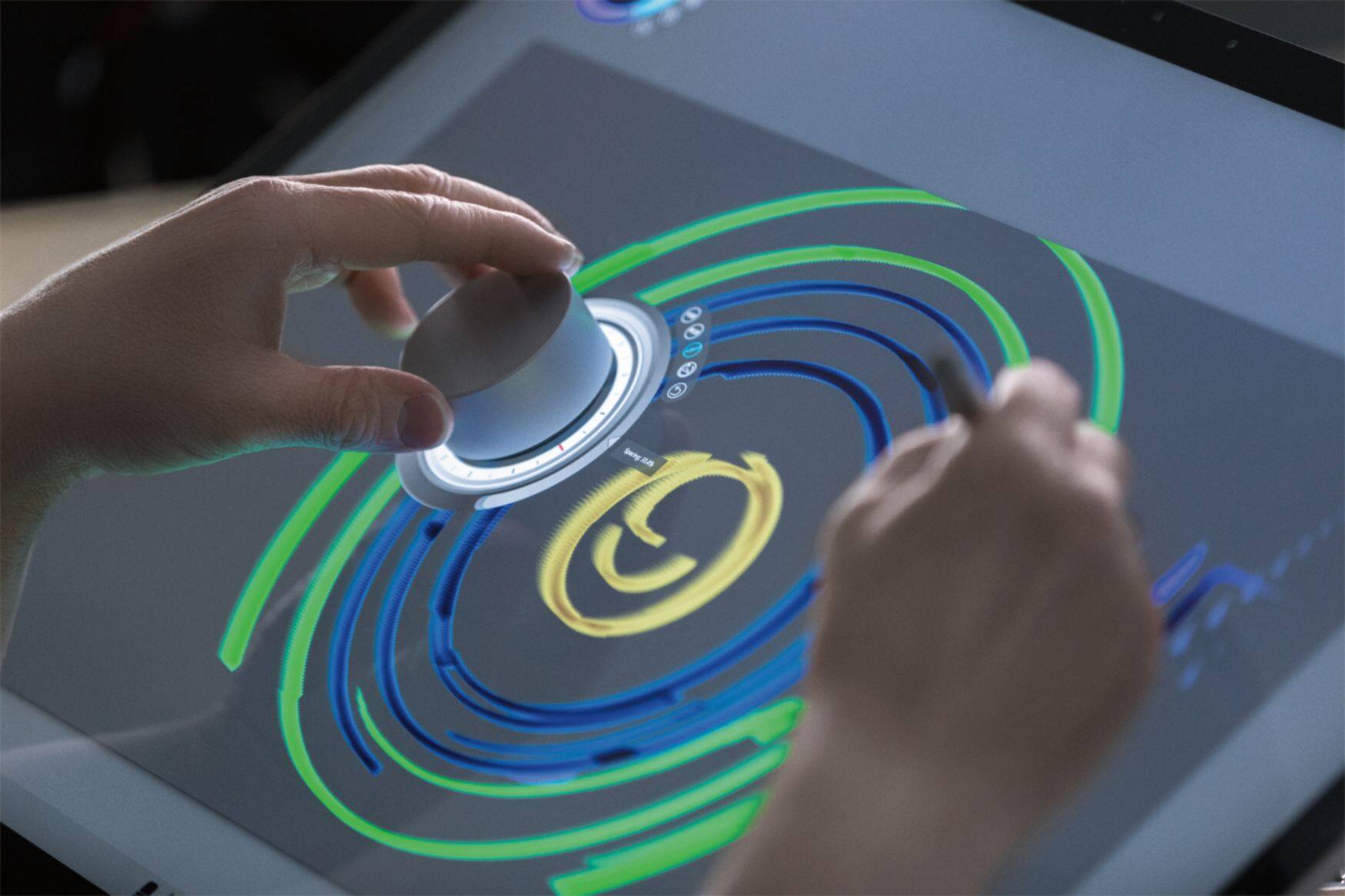
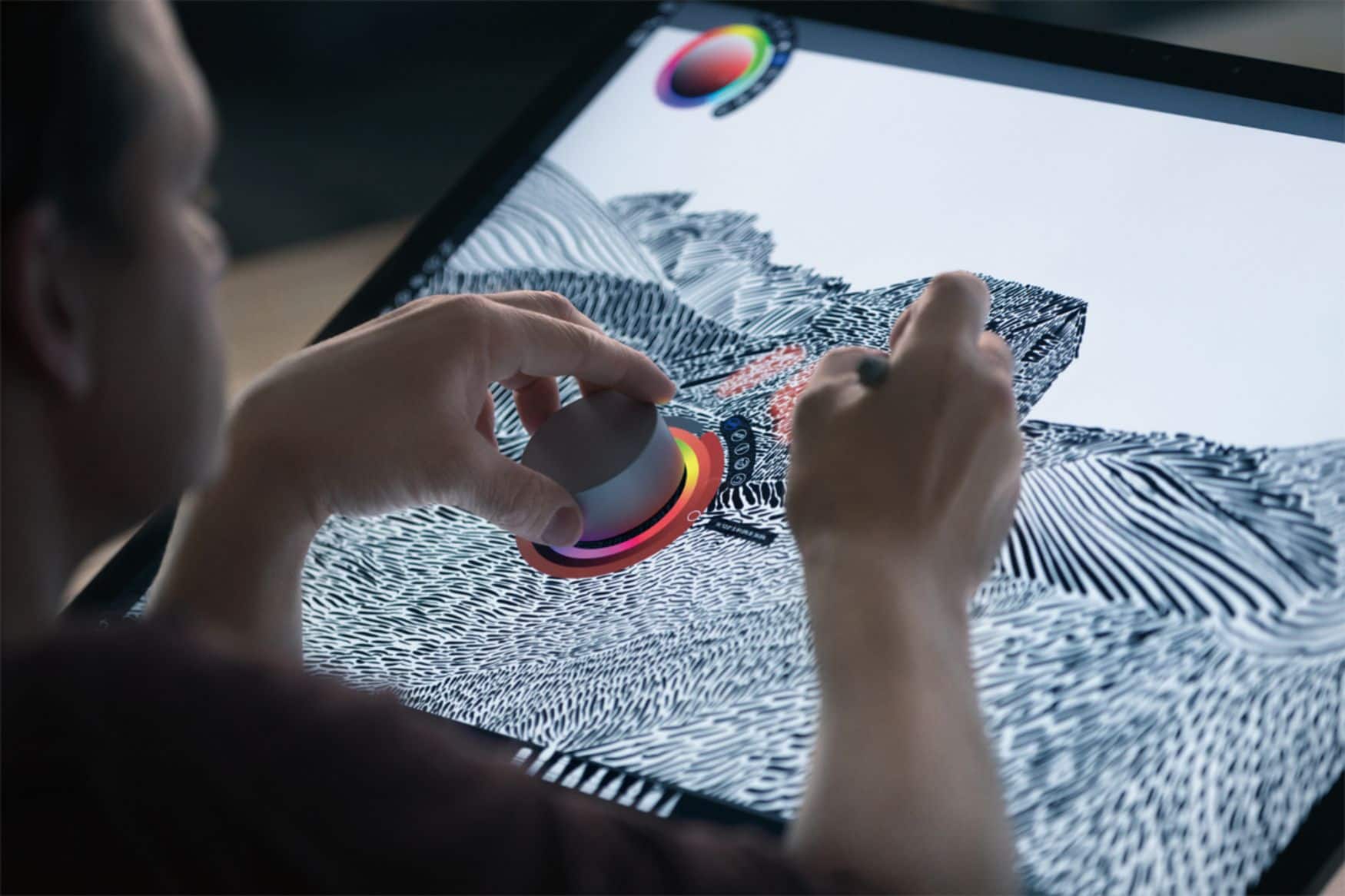
Customers frequently mention the Surface Dial's ease of use and utility for drawing, volume control, and scrolling. Customization options are also appreciated. However, some customers have expressed concerns about its stability, price, and limited app support.
This summary was generated by AI based on customer reviews.
I love this thing
||Posted .This reviewer received promo considerations or sweepstakes entry for writing a review.I review engineering prints almost everyday in my job. I would love a surface AIO but I only have the surface book. But I still love this device. I use it constantly to change weights of the ink, zoom, and scroll constantly. If you mark up pdfs I can definitely recommend this.. But I don't know about artists or anything like that because I am the farthest thing from that.
I would recommend this to a friendBrand response from MicrosoftOutreachTeam
Posted .Hi Ben,
We're so glad you're loving the Surface Dial in combination with your Surface Book. Thanks for sharing with the community some of your favorite features that allow you to stay in the flow. We're thrilled we're able to help you accomplish more in all your endeavors!
Cheers,
Jessica
Surface Customer Care
- Pros mentioned:Ease of use
great for drawings
||Posted .This reviewer received promo considerations or sweepstakes entry for writing a review.i work in construction and this helps me markup the drawing with ease.
I would recommend this to a friend Surface Dial
||Posted . Owned for 3 weeks when reviewed.This reviewer received promo considerations or sweepstakes entry for writing a review.Exactly as advertised. A neat little peripheral that you can program. Key commands to the press, left turn, and right turn functions. Works nicely for art as I can use it with my off hand to adjust brush sizes and swap between tools.
I would recommend this to a friend- Pros mentioned:Ease of use
used on tablet purchased
||Posted .This reviewer received promo considerations or sweepstakes entry for writing a review.critical for use on current tablet purchased at remote locations
I would recommend this to a friend - Pros mentioned:Ease of use
Great disk
||Posted .This reviewer received promo considerations or sweepstakes entry for writing a review.Perfect accessory for the windows studio. Makes adjustments to the environment easy
I would recommend this to a friend - Pros mentioned:Ease of use
Very useful
||Posted .This reviewer received promo considerations or sweepstakes entry for writing a review.This device is very useful to make the most out of my Surface
I would recommend this to a friend Nice but unclear
||Posted . Owned for 1 month when reviewed.This reviewer received promo considerations or sweepstakes entry for writing a review.Great dial but in new surface book 3, the dial does not seem to have the screen interaction. Good item, more of an issue with new surface hardware, so nothing against the dial.
I would recommend this to a friend- Pros mentioned:Ease of use
Kept this device
||Posted .This reviewer received promo considerations or sweepstakes entry for writing a review.I'm usually hesitant on new devices but this one was well worth it.
I would recommend this to a friend - Pros mentioned:Ease of use
Works well
||Posted .This reviewer received promo considerations or sweepstakes entry for writing a review.A key tool to go with the surface pro for art and other applications
I would recommend this to a friend - Cons mentioned:Size
Useful little tool
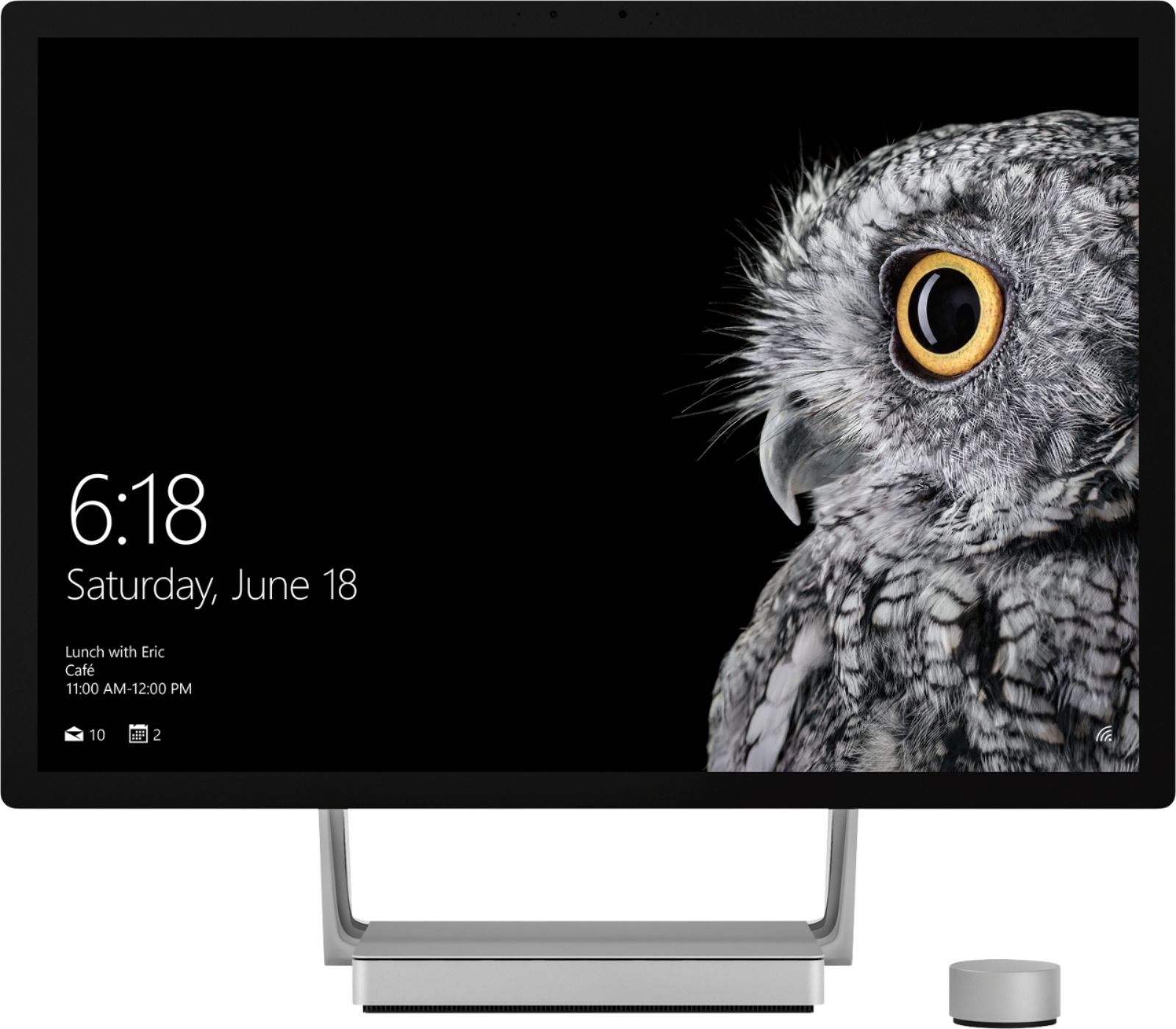
||Posted .This reviewer received promo considerations or sweepstakes entry for writing a review.While I haven’t had that breakthrough moment with the puck, it is a useful tool to have alongside the Surface Studio when it is at an angle for drawing and I am primarily using the pen. The puck is a lot smaller than I thought it would be but it stays put with its rubber base and at least gives me a simple way to zoom in and out while drawing. It is only as good as the support provided by the various applications being used but it seems to have a lot of potential.
I would recommend this to a friendBrand response from MicrosoftOutreachTeam
Posted .Hi there,
Thanks for taking the time to share your experience of Surface Dial with the community. We're glad you're enjoying the way this unique tool is helping you navigate your Surface Studio. If you're looking for more ways to get to know your device, here are some great tips for changing the settings on your Surface Dial: https://support.microsoft.com/en-us/help/4023515.
Kindly,
Jessica
Surface Customer Care
- Pros mentioned:Drawing
Great for illustrators
||Posted .This reviewer received promo considerations or sweepstakes entry for writing a review.This dial has made Drawing so much fun on my Surface Book 2.
I would recommend this to a friendBrand response from MicrosoftOutreachTeam
Posted .Hi there,
Thanks for the great shout-out. We're thrilled to hear about how Surface Dial has helped you stay in your creative flow! If you haven't already, be sure to check out all the great apps that are compatible with Surface Dial: https://www.microsoft.com/en-us/store/collections/AppsforSurfaceDial?rtc=1.
Cheers,
Jessica
Surface Customer Care
- Pros mentioned:Ease of use
Works flawless
||Posted .This reviewer received promo considerations or sweepstakes entry for writing a review.Easy to set up, great user feedback with tons of shortcuts
I would recommend this to a friend Volume knob!
||Posted .This reviewer received promo considerations or sweepstakes entry for writing a review.I know this is meant for artistic purposes but I bought this as a volume knob for when I listen to Spotify premium. It works well and has a high quality feel to it. It will default to scrolling when you open and close things. Very easy to get it back to controlling the volume. Never used sticky underside. Would buy again!
I would recommend this to a friend- Pros mentioned:Ease of use
great input device
||Posted .This reviewer received promo considerations or sweepstakes entry for writing a review.works as an easy to use input tool, easy to install well made
I would recommend this to a friend - Pros mentioned:Ease of use
Great idea from Microsoft for Windows 10
||Posted .This reviewer received promo considerations or sweepstakes entry for writing a review.Great idea from Microsoft for Windows 10, work great in my surface book
I would recommend this to a friend - Pros mentioned:Ease of use
great gadget
||Posted .This reviewer received promo considerations or sweepstakes entry for writing a review.love this little gadget! It works well with my MS Pro tablet & laptop.
I would recommend this to a friend Very Inovative Accessory
||Posted .This reviewer received promo considerations or sweepstakes entry for writing a review.This accessory is very innovative, but a little ahead of its time. It needs some more app support and third party applications that work along side of it. For the apps that it does work with it is awesome.
I would recommend this to a friend- Pros mentioned:Ease of use
Great for laptop
||Posted .This reviewer received promo considerations or sweepstakes entry for writing a review.This works great with my laptop. It’s small and easy to use.
I would recommend this to a friend - Pros mentioned:Ease of use
Great addition to surface pro 4
||Posted .This reviewer received promo considerations or sweepstakes entry for writing a review.Allows for quick cad and drawing versatility and easy to use.
I would recommend this to a friend - Cons mentioned:Stability
Great accessory for the surfacebook
||Posted .This reviewer received promo considerations or sweepstakes entry for writing a review.Great product but it doesn't work with all applications and programs!
I would recommend this to a friend