Customer Ratings & Reviews

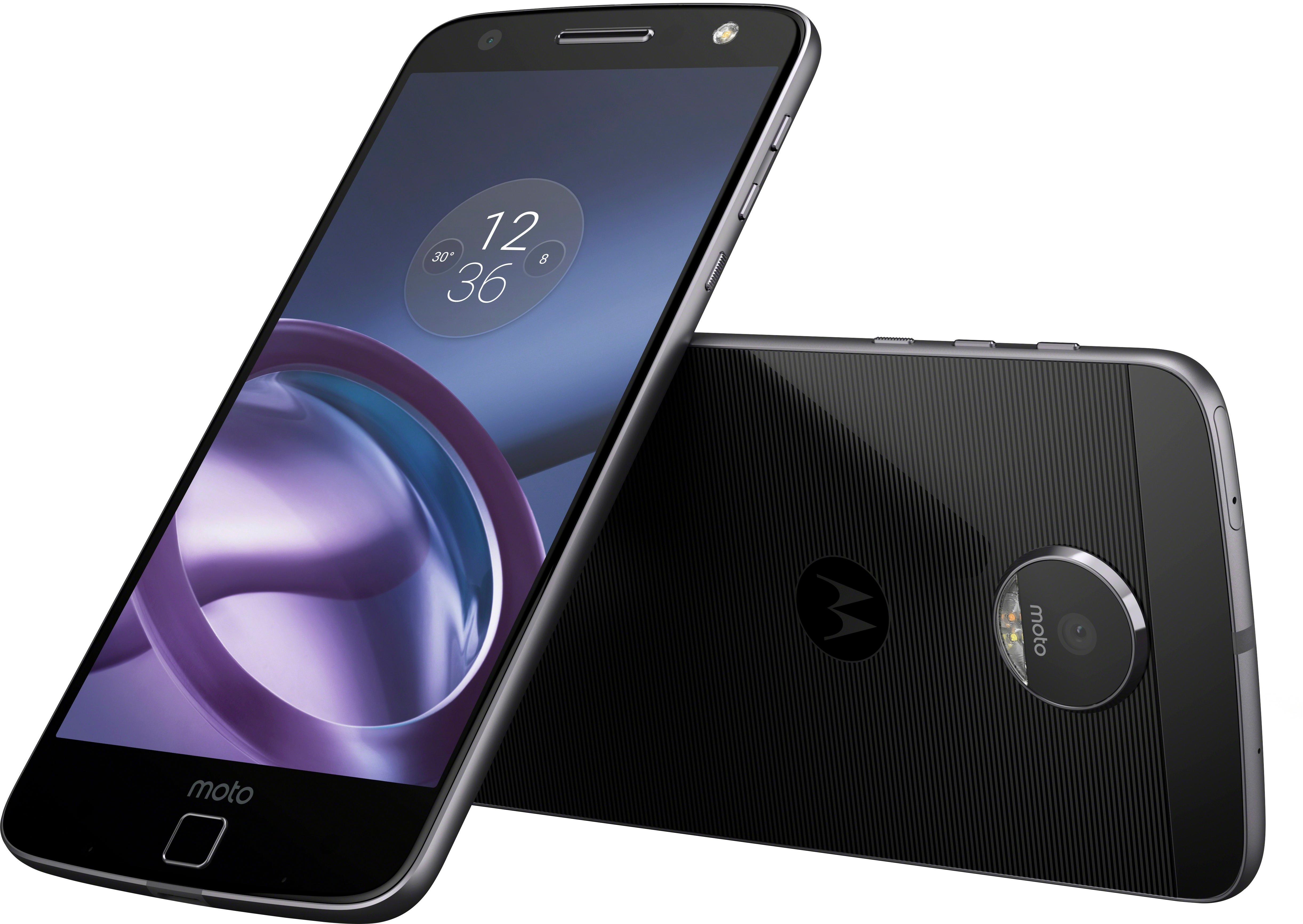
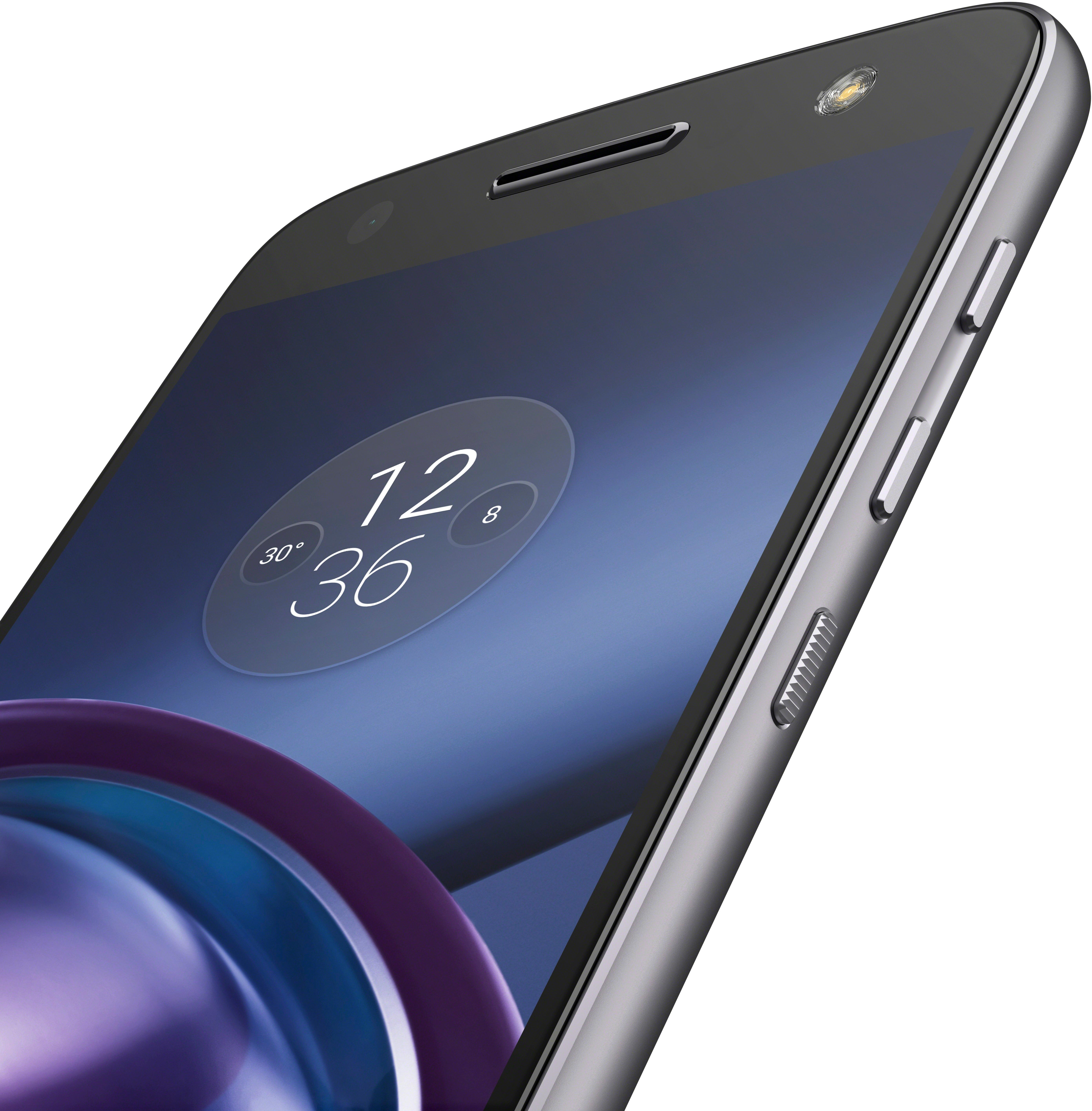
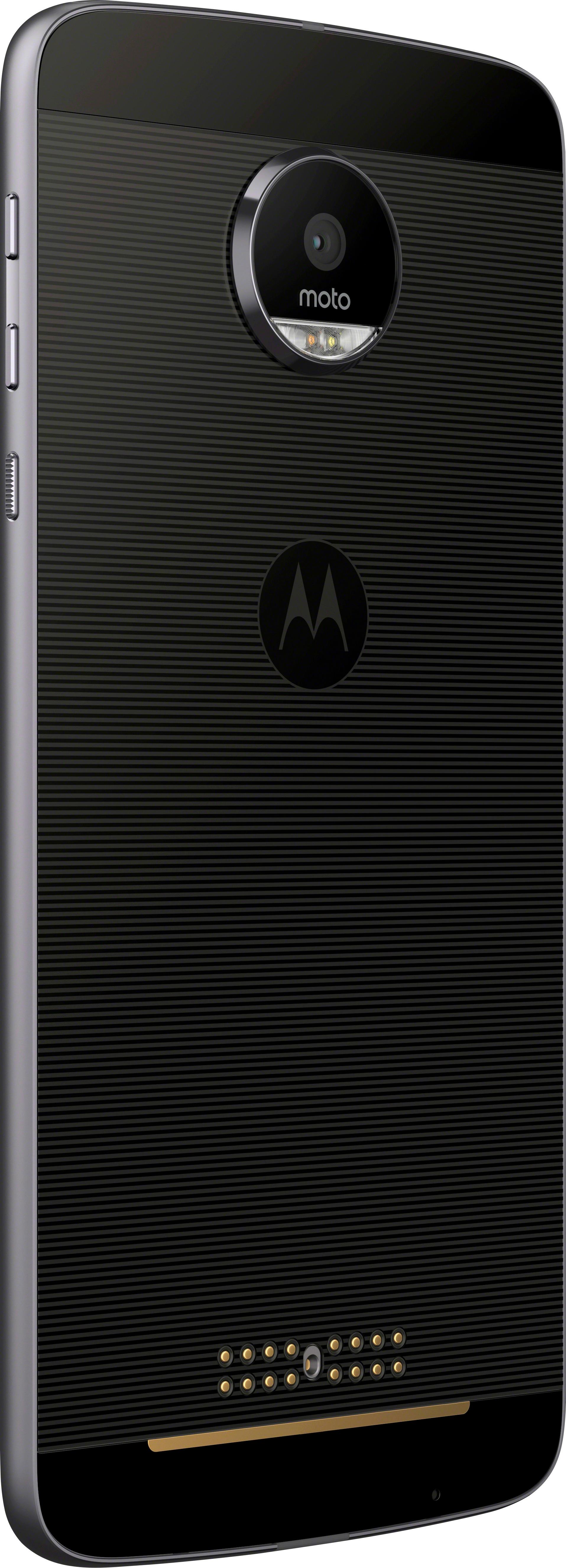
- Model:
- 01076NARTL
- SKU:
- 5601502
to a friend
Customers are saying
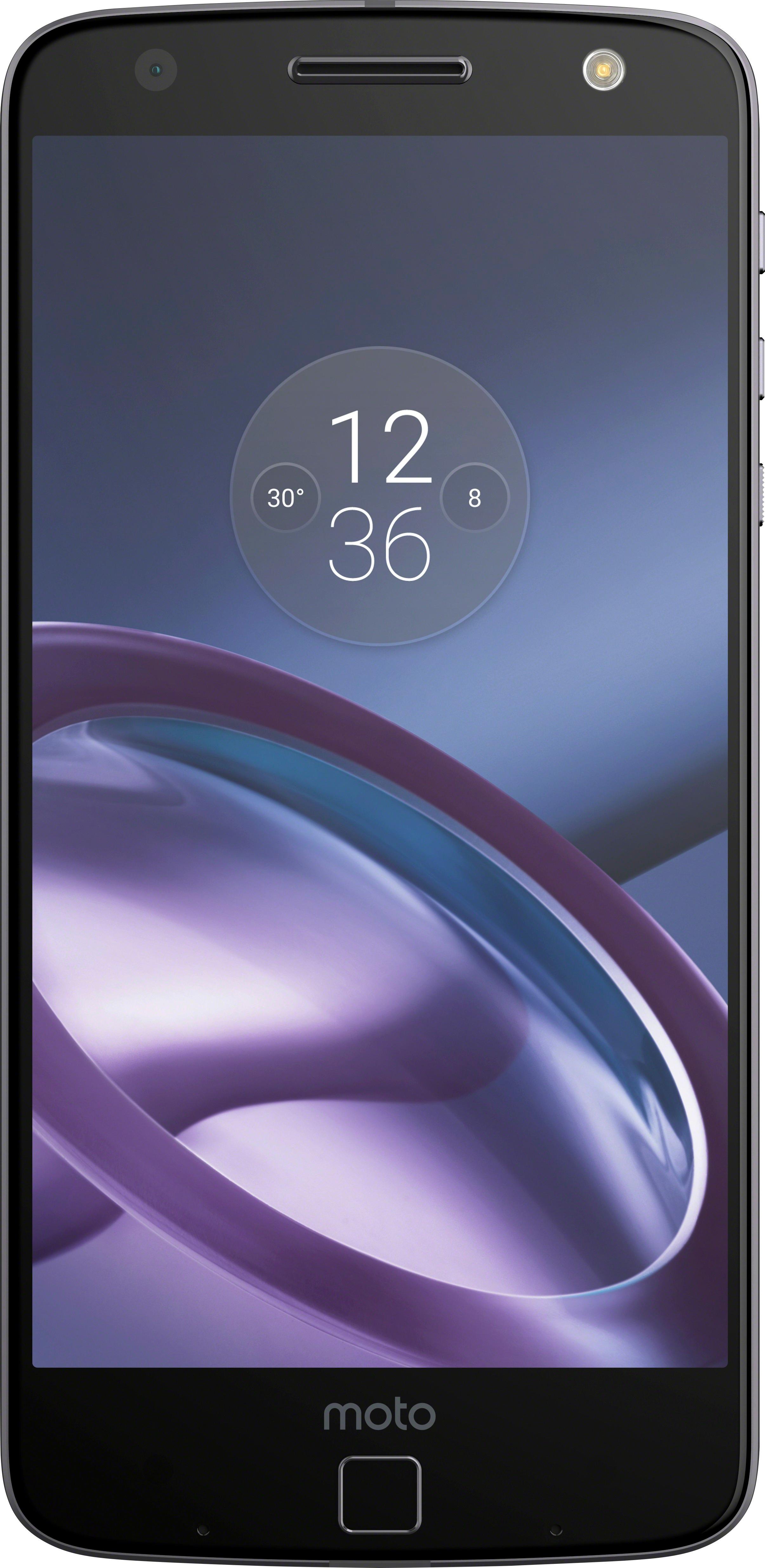
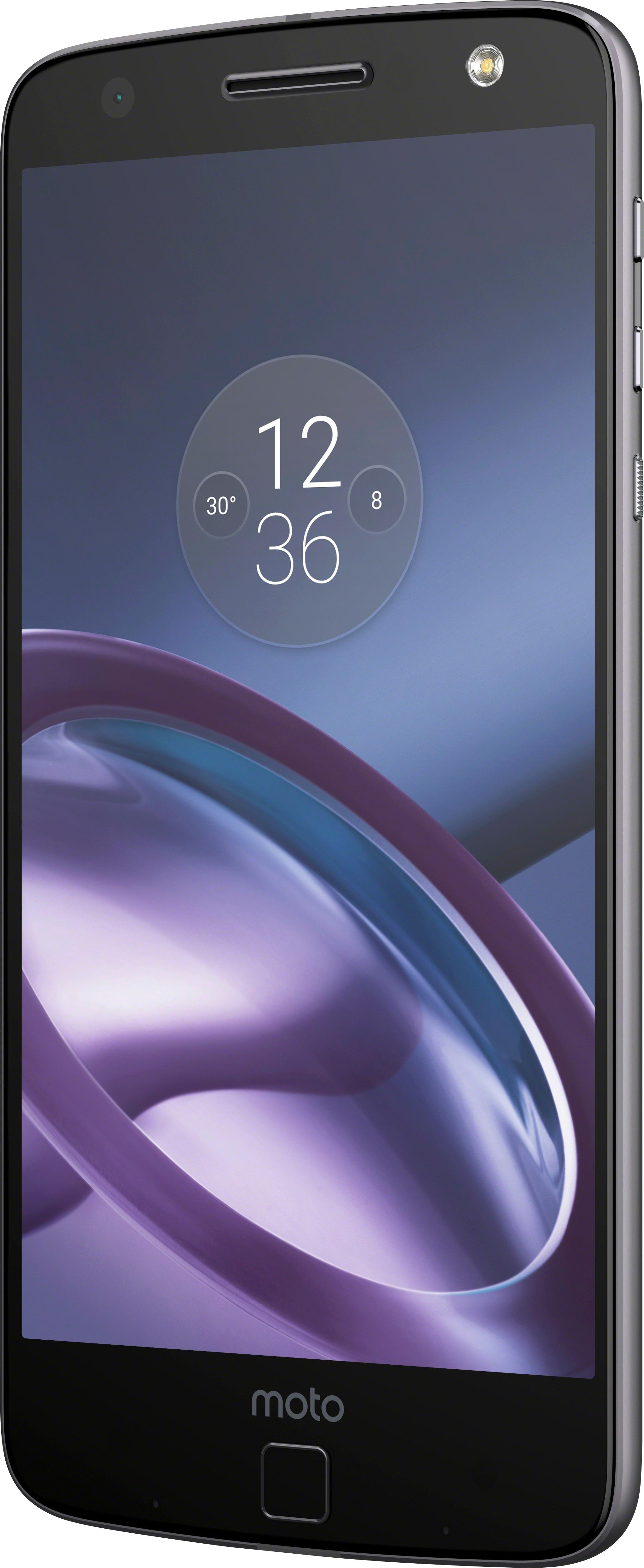
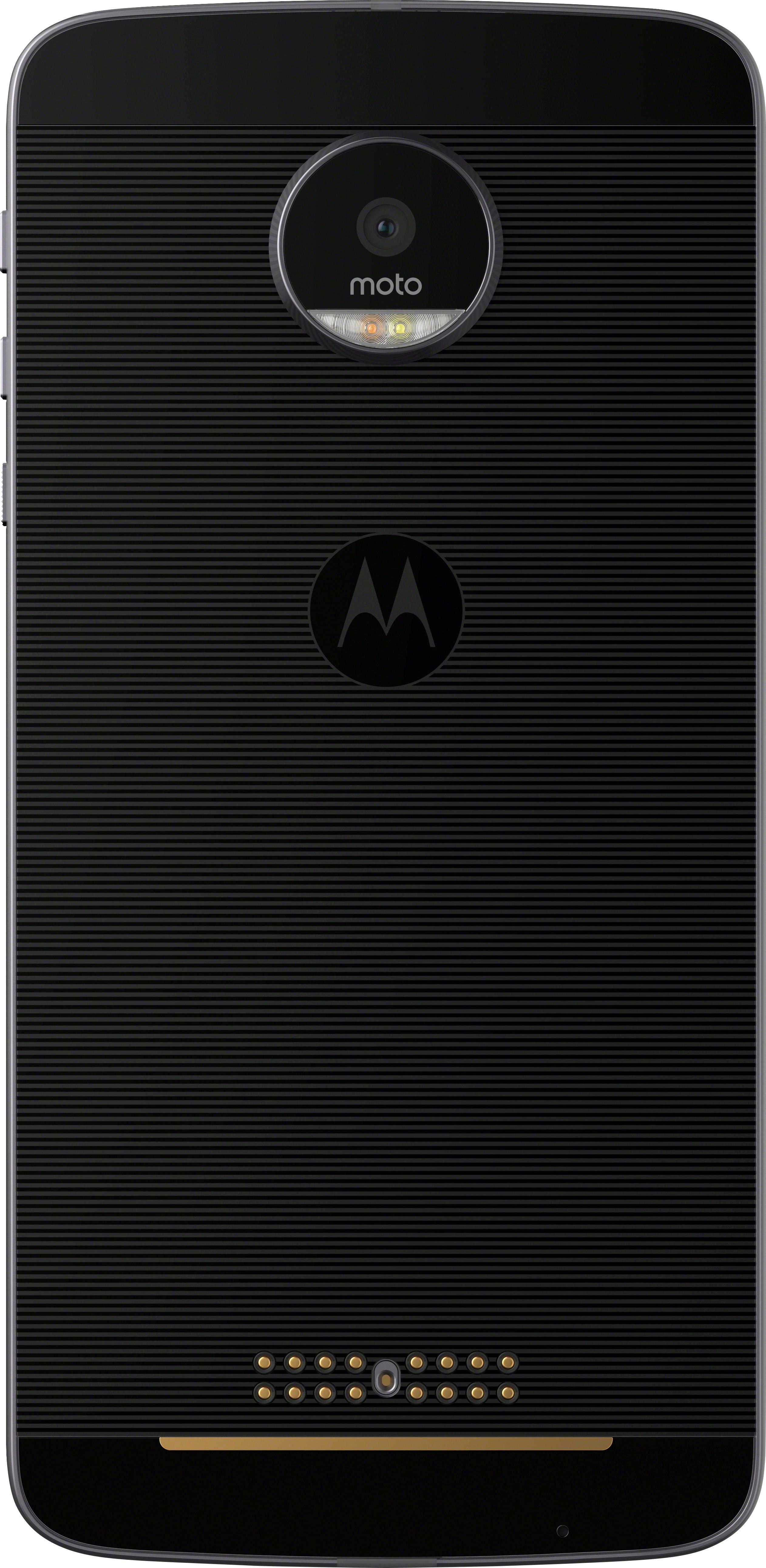
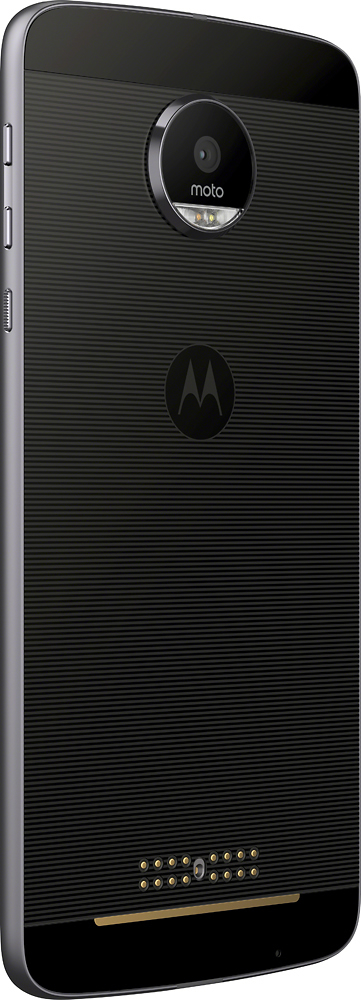
Customers commend the Moto Z 4G LTE for its long battery life, affordability, and good camera quality. Many users also appreciate that the phone is unlocked, thin, and compatible with Moto mods and various attachments. The projector feature is also a popular highlight. On the downside, some customers find the frequent updates disruptive.
This summary was generated by AI based on customer reviews.
Terrible Phone
Posted .This reviewer received promo considerations or sweepstakes entry for writing a review.Camera:focus is garbage and does the opposite sometimes, night pictures are terrible and other lighting cab affect the quality so you can capture what you see onto a picture . Software : good there is nothing different than any other android phone besides the phone Touchscreen: isn't the best which can be noticed if you game alot but for basic functions like typing and pressing icons it's normal Battery: was decent but after year of owning this it drains quickly Only convenient thing this phone offers is a magnetic battery extender
No, I would not recommend this to a friendBrand response from Motorola Customer Care
Posted .Hi FreeHeadset, sorry to hear about this report. Let me help you. With camera, what app are you using? Is it the pre-installed app? For your concern with the touchscreen, do you have running in the background? Does this happen in a specific game app? And for the battery, a lot of factors come into play when it comes to the battery performance of the phone. Actual battery performance will vary and depends on many factors including signal strength, network configuration, age of battery, operating temperature, and features selected, device settings, voice, data, and other application usage patterns. Here are some tips and tricks on how can better manage and extend your phone's battery life:https://motorola-global-portal.custhelp.com/app/answers/indevice_detail/a_id/111889/p/30,6720,9834. Please let us know if this helps by sending us an email to supportforums@motorola.com. -Anne

this device sucks!
Posted .This reviewer received promo considerations or sweepstakes entry for writing a review.The display turns on automatically and even if you have no notifications or anything, it is super annoying, the applications froze pretty often, i had to close and reopen the apps a lot, i am not a heavy app user so i really wonder... the touch screen is not as responsive I have to touch really firmly for the phone to respond, the modes don't always work i have to disconnect and reconnect them. this stupid phone does not have a gallery, if I take a screen shoot then i have to go to Menu/ Files/ Downloads/Images/screenshoots I mean it is ridiculous. the calendars don't even allow me to select weekly calendars, for many apps that require the fingerprint signature the close will lock itself rather than recognize my signature as a log in, I mean this is a very dumb phone.
No, I would not recommend this to a friendBrand response from Motorola Customer Care
Posted .Hi imarti29, sorry to hear about this report. We can try to troubleshoot the device. Can you check if the same thing happens while in safe mode? To boot into Safe mode, press the physical power key, touch and hold Power off, touch OK when Reboot to Safe mode appears.Feel free to send us an email to supportforums@motorola.com sharing more details and let me know how it goes. We are more than glad to assist. -Anne