Customer Ratings & Reviews
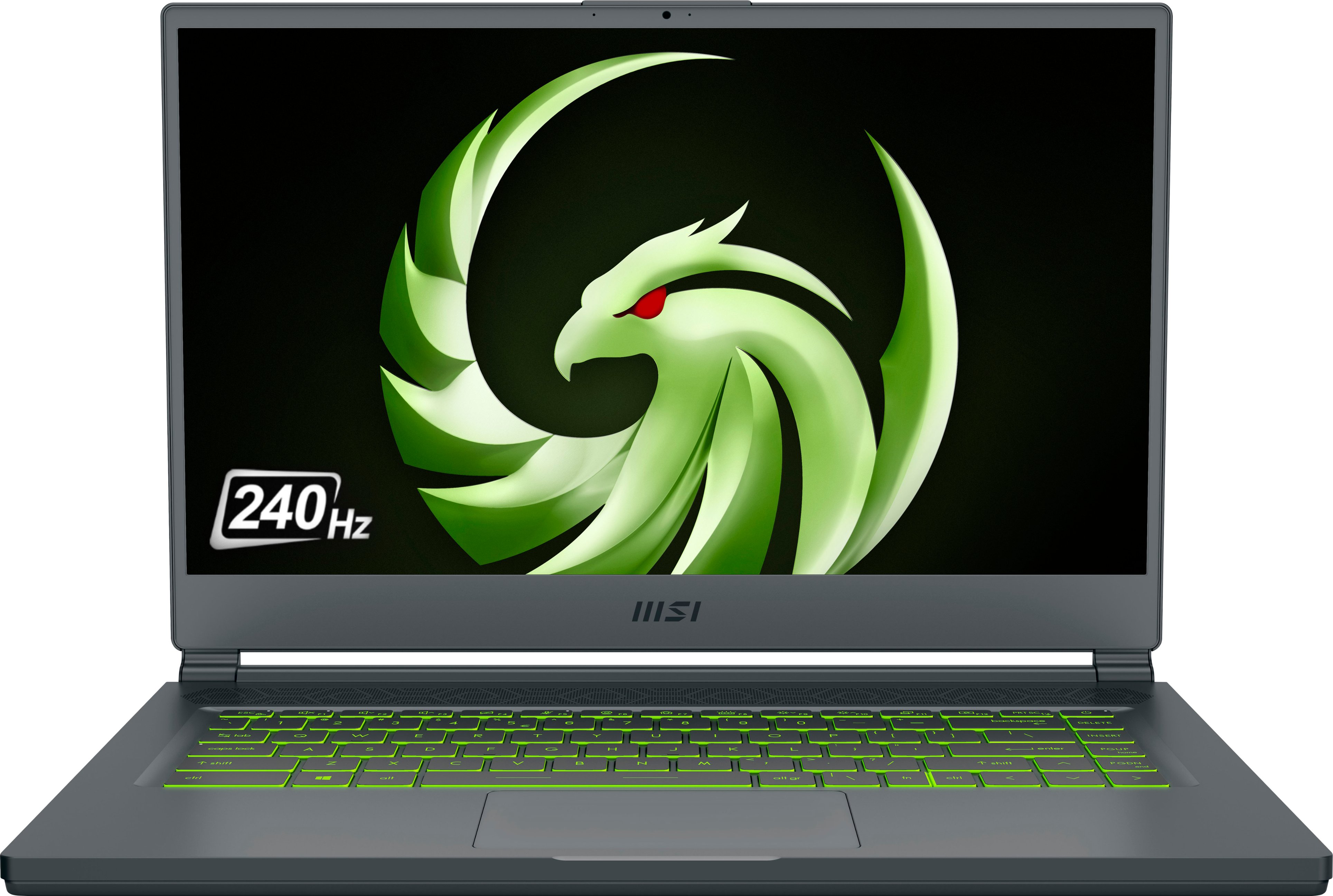

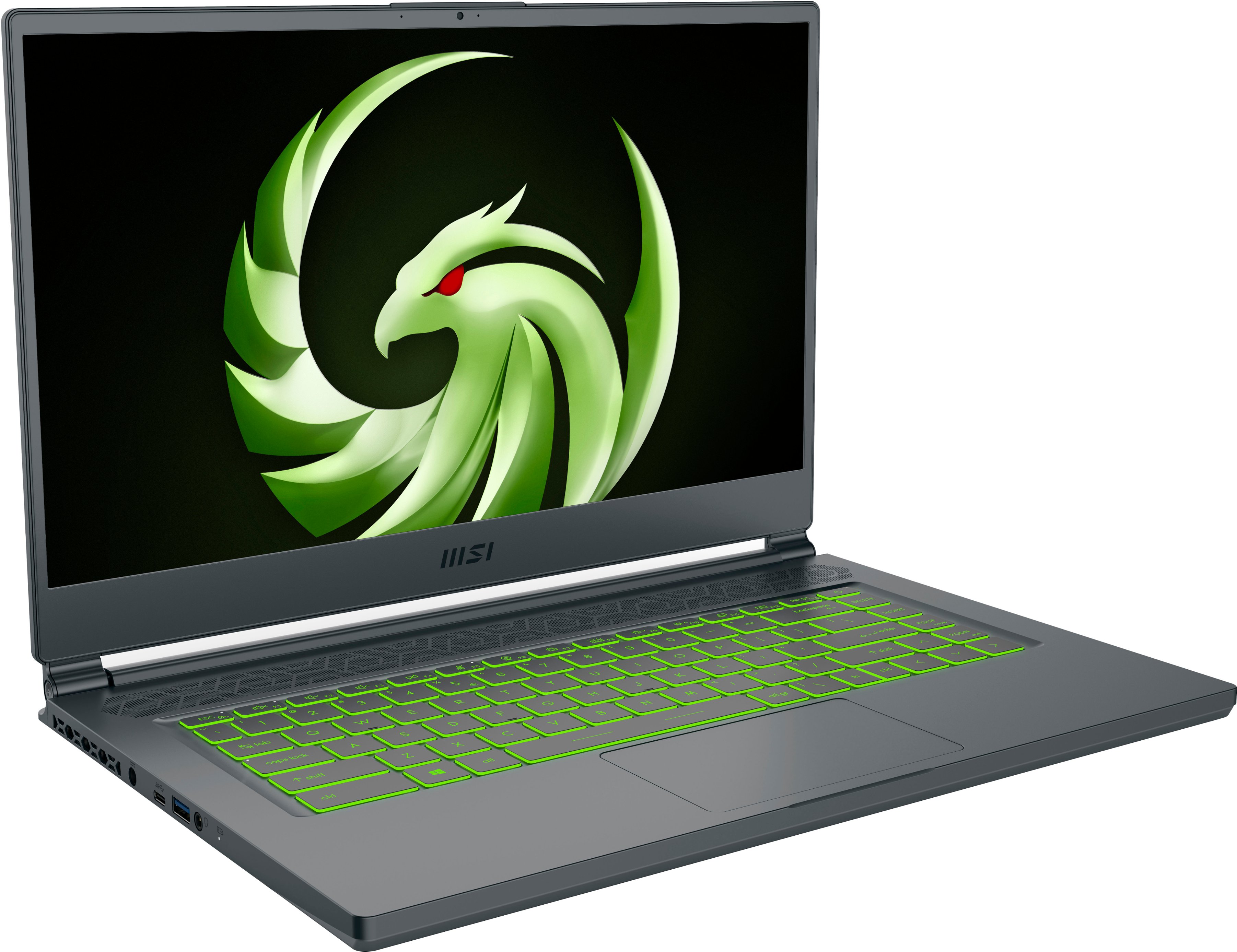

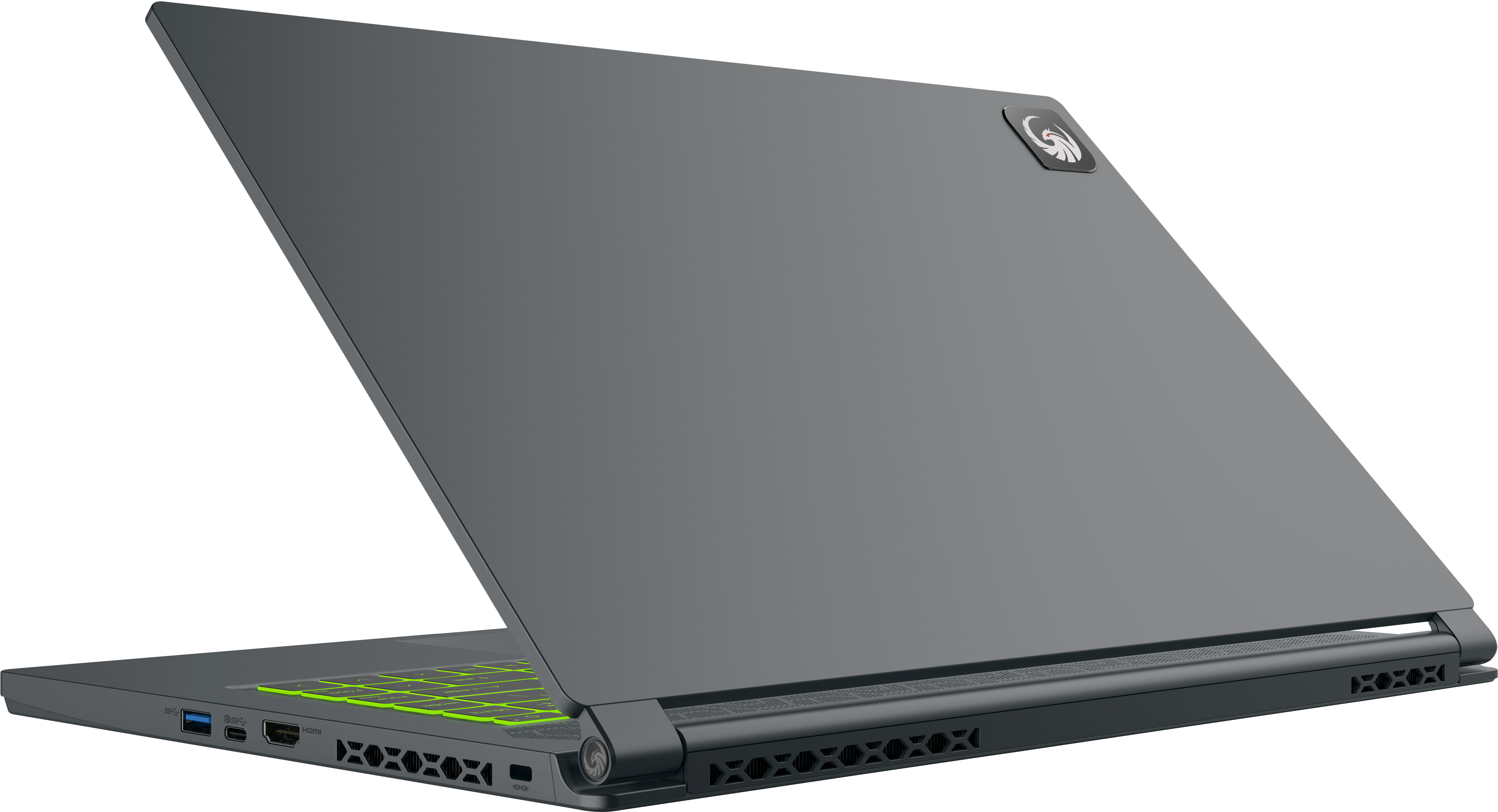
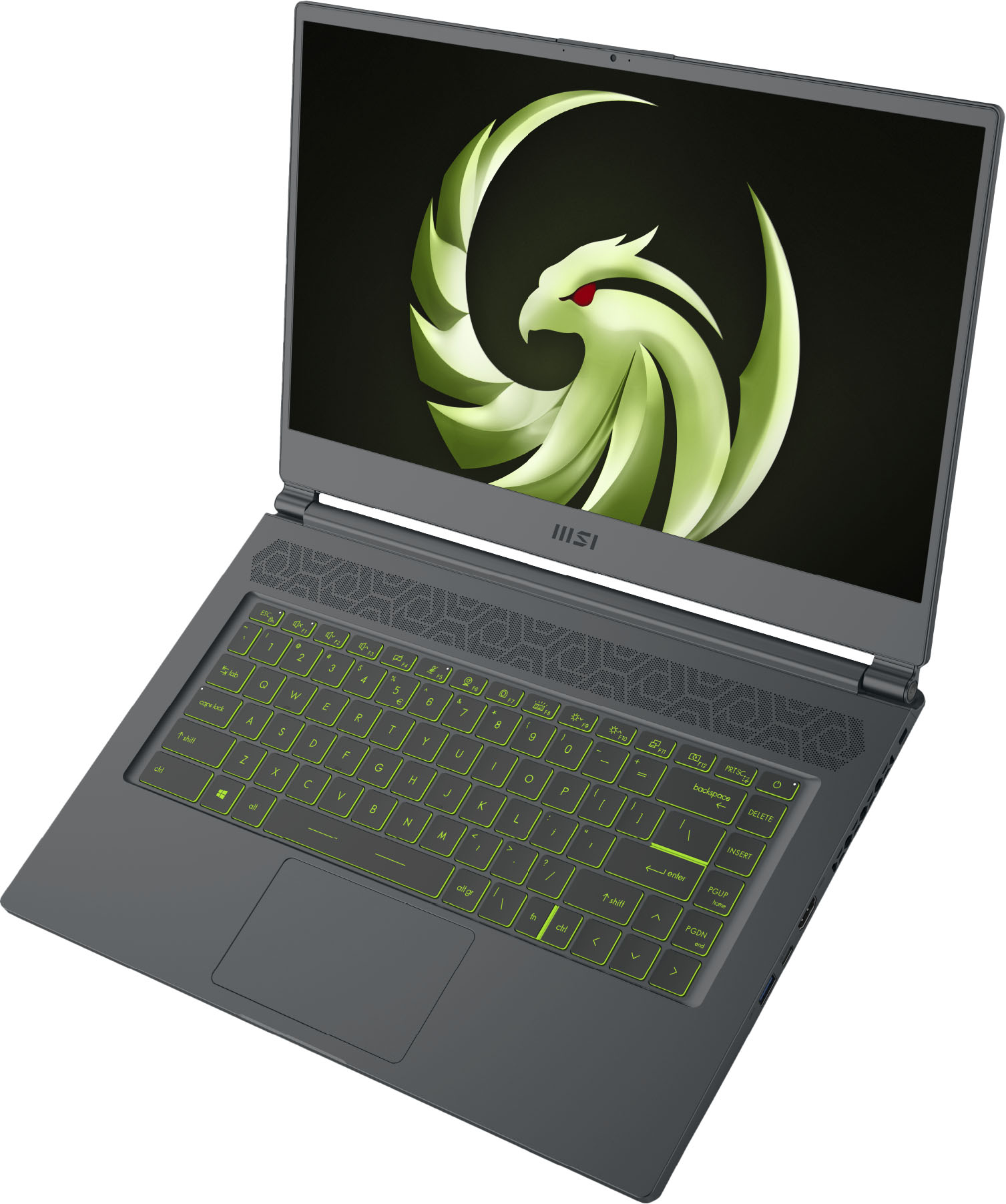
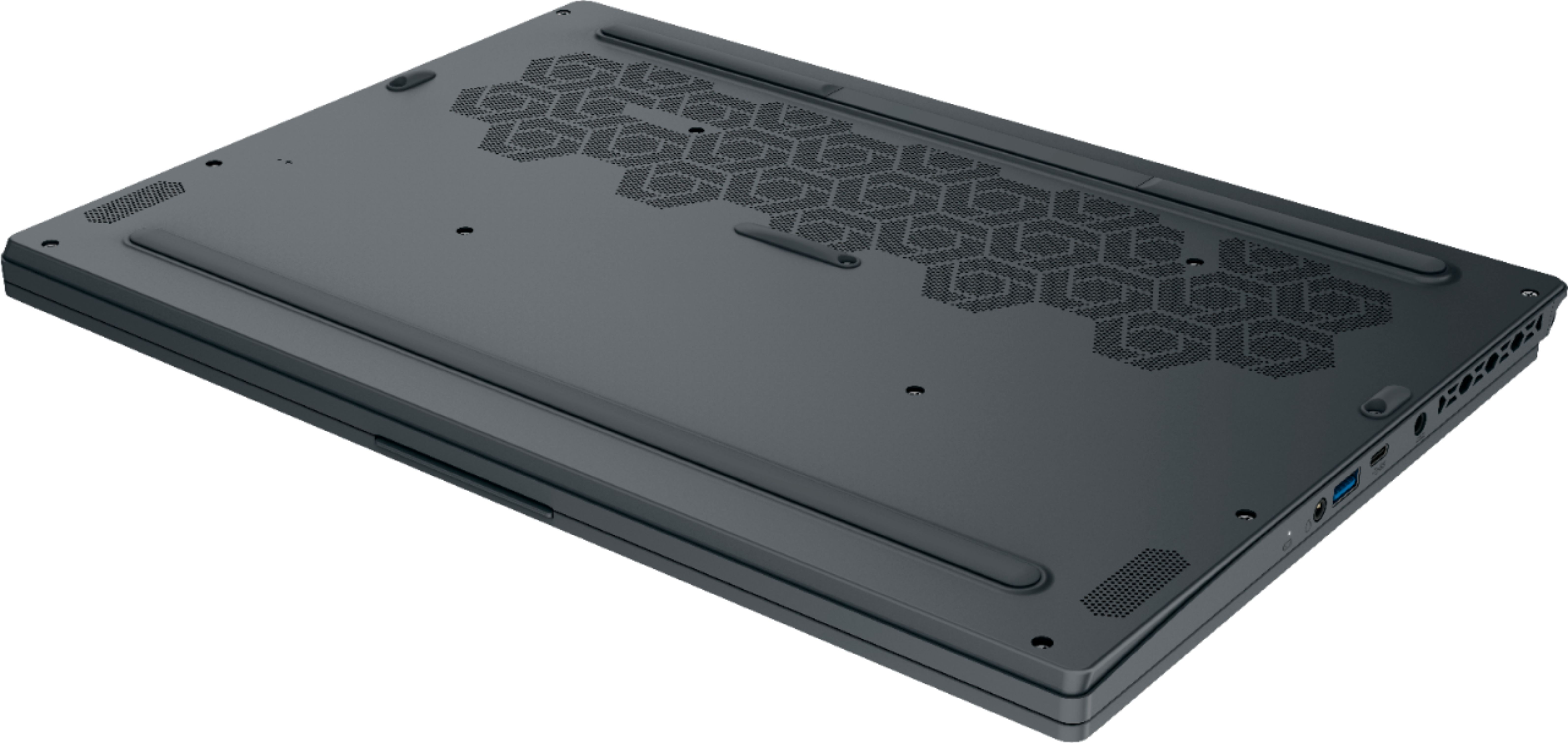
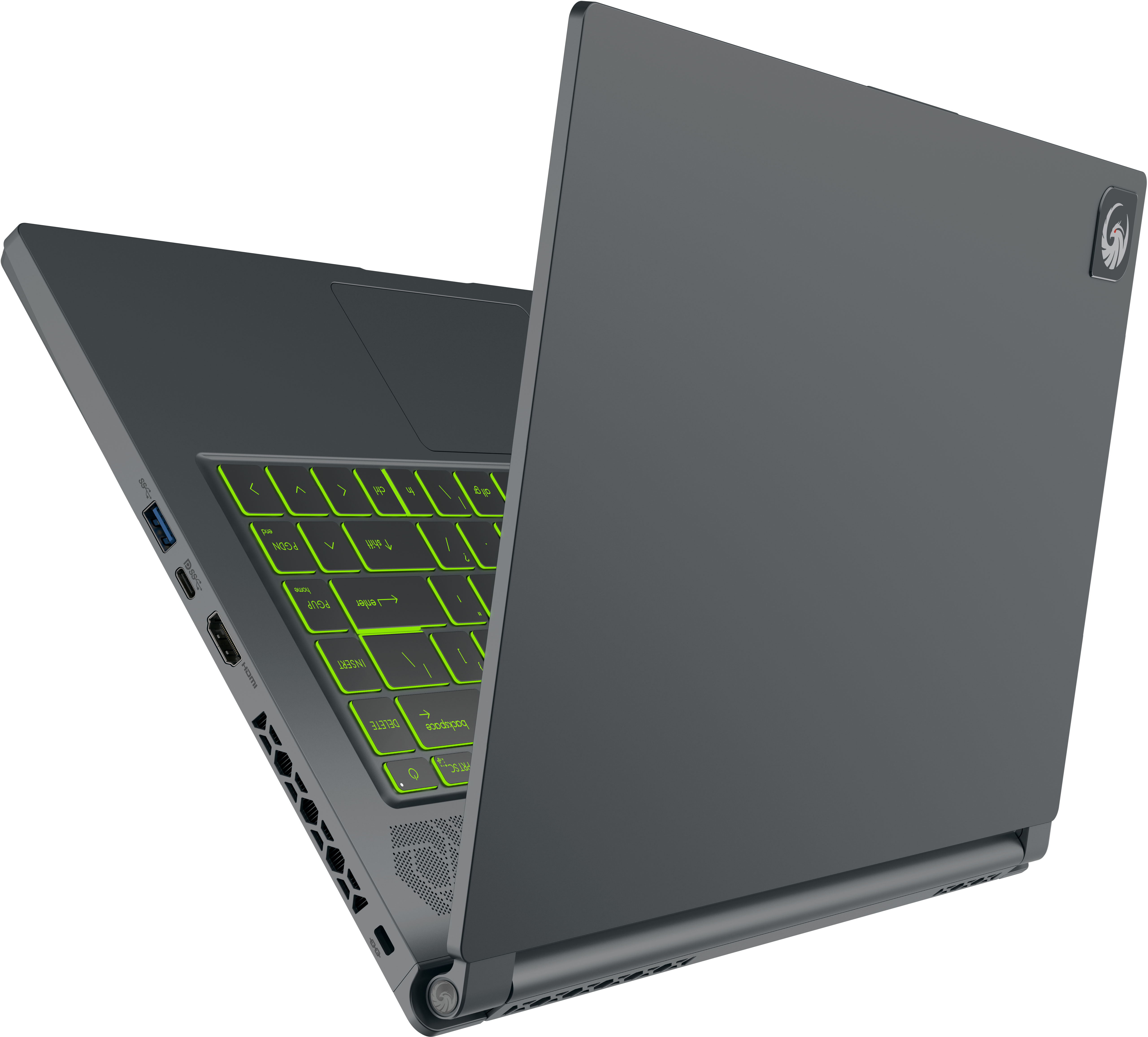





- Model:
- Delta15001
- SKU:
- 6468118
Rating by feature
- Battery Life
Rating 4.2 out of 5 stars
- Speed
Rating 4.7 out of 5 stars
- Display
Rating 4.6 out of 5 stars
Customers are saying
Customers praise the Delta AMD Advantage Edition laptop's performance, battery life, graphics capabilities, and lightweight design. Positive feedback also highlights the high refresh rate screen and included 16GB of RAM. However, some users note that the laptop can get quite warm and the fans are sometimes noisy. Concerns were also raised regarding the hinge's durability.
This summary was generated by AI based on customer reviews.
- Pros mentioned:PerformanceCons mentioned:Heat
Light and fast
||Posted . Owned for 1 month when reviewed.This reviewer received promo considerations or sweepstakes entry for writing a review.Exceeded my expectation, it runs all the game smoothly. Little hot but otherwise love it.❤
I would recommend this to a friend A good laptop for the price
||Posted . Owned for 9 months when reviewed.This reviewer received promo considerations or sweepstakes entry for writing a review.At the time I purchased it this was a good laptop for the price
I would recommend this to a friend- Pros mentioned:RamCons mentioned:Heat

Fast and Furious Gaming Laptop
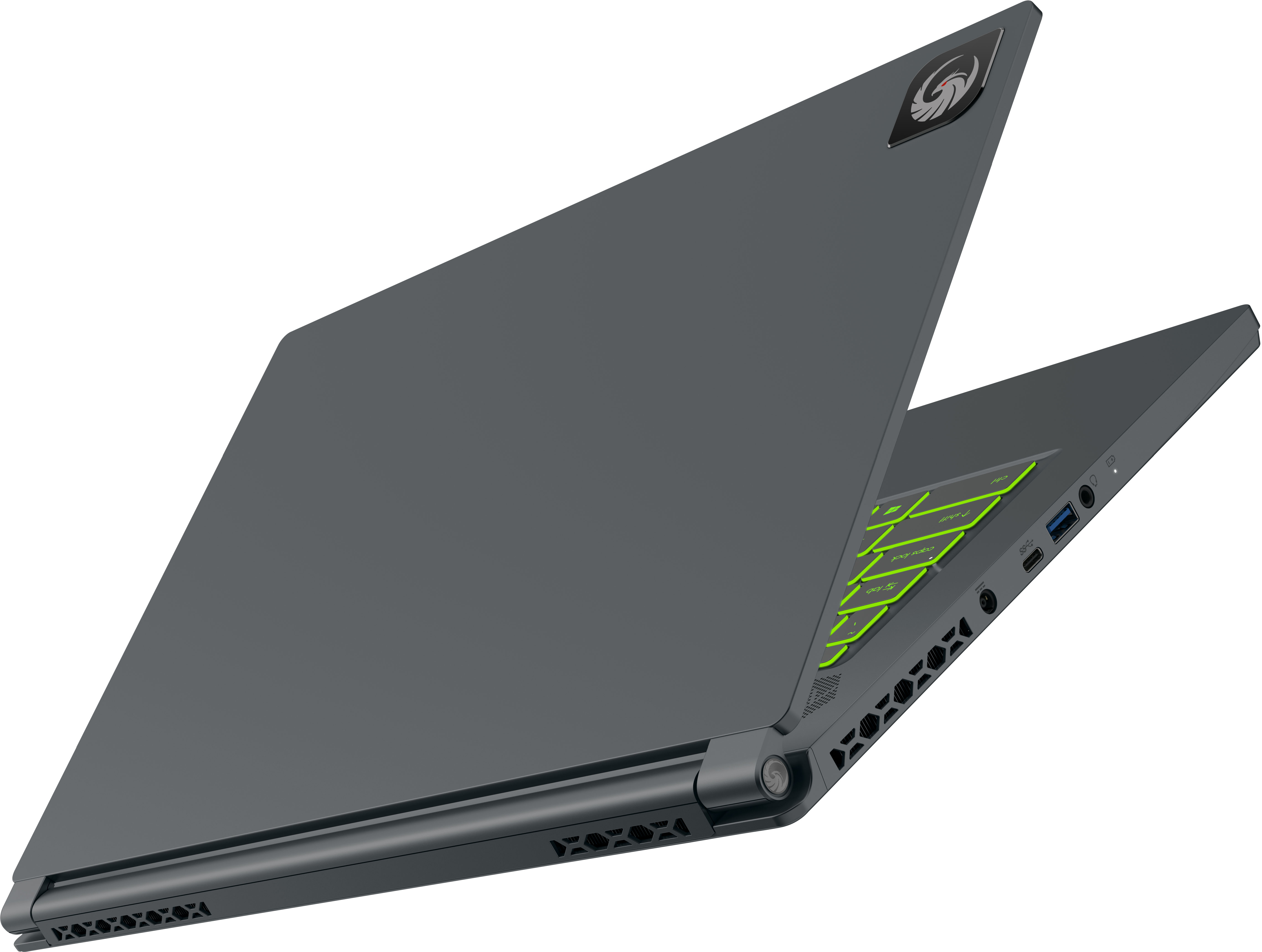
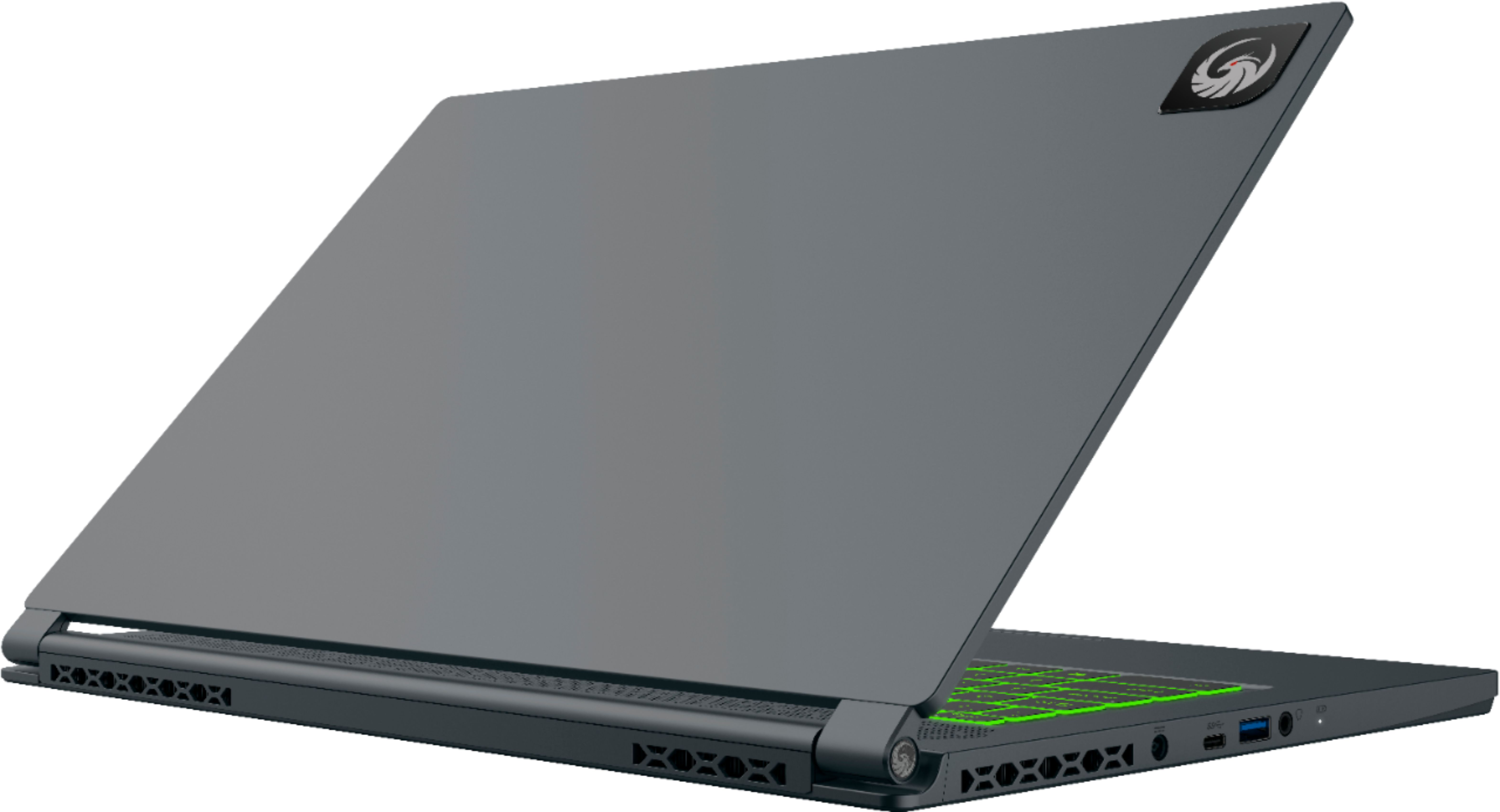
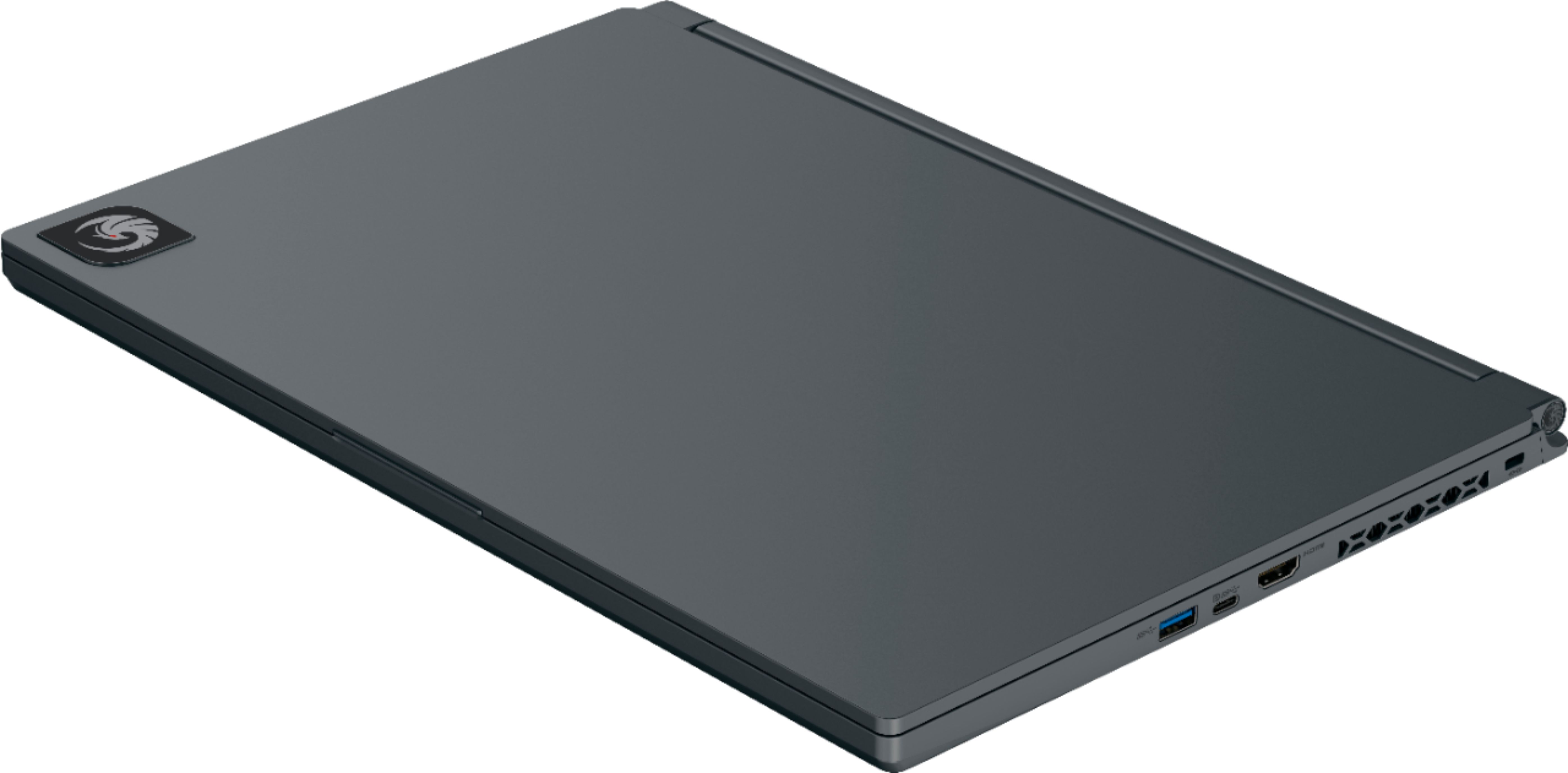
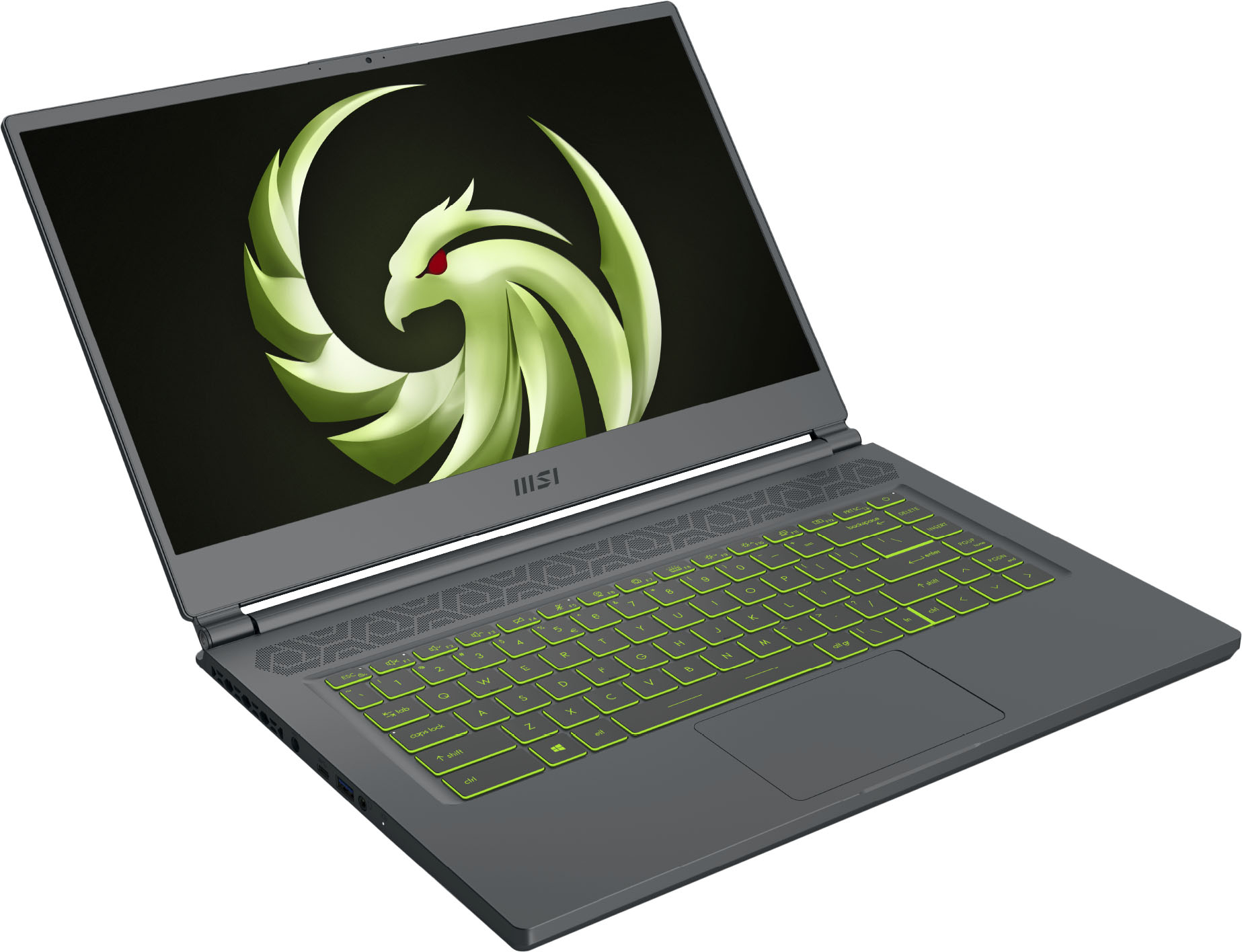
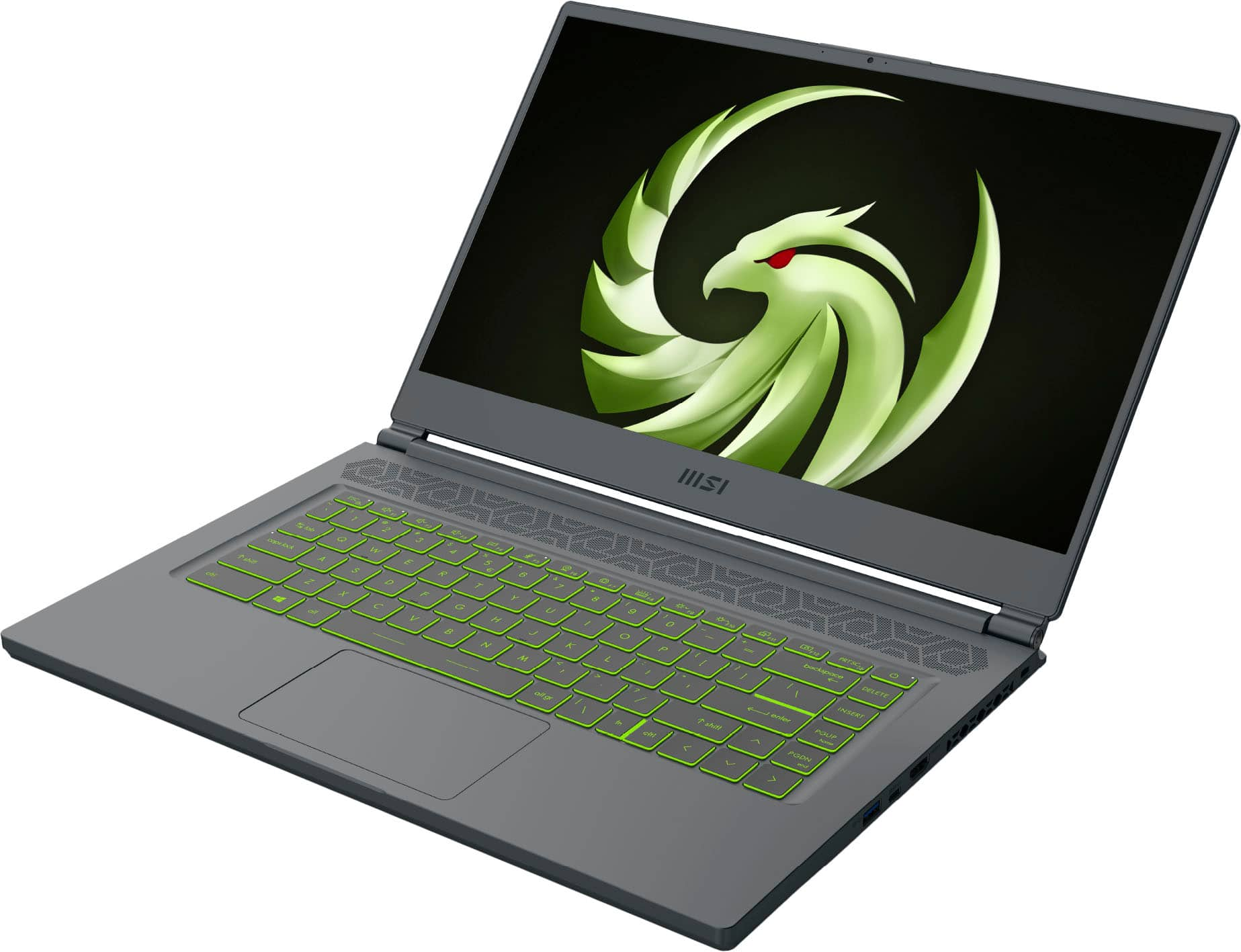
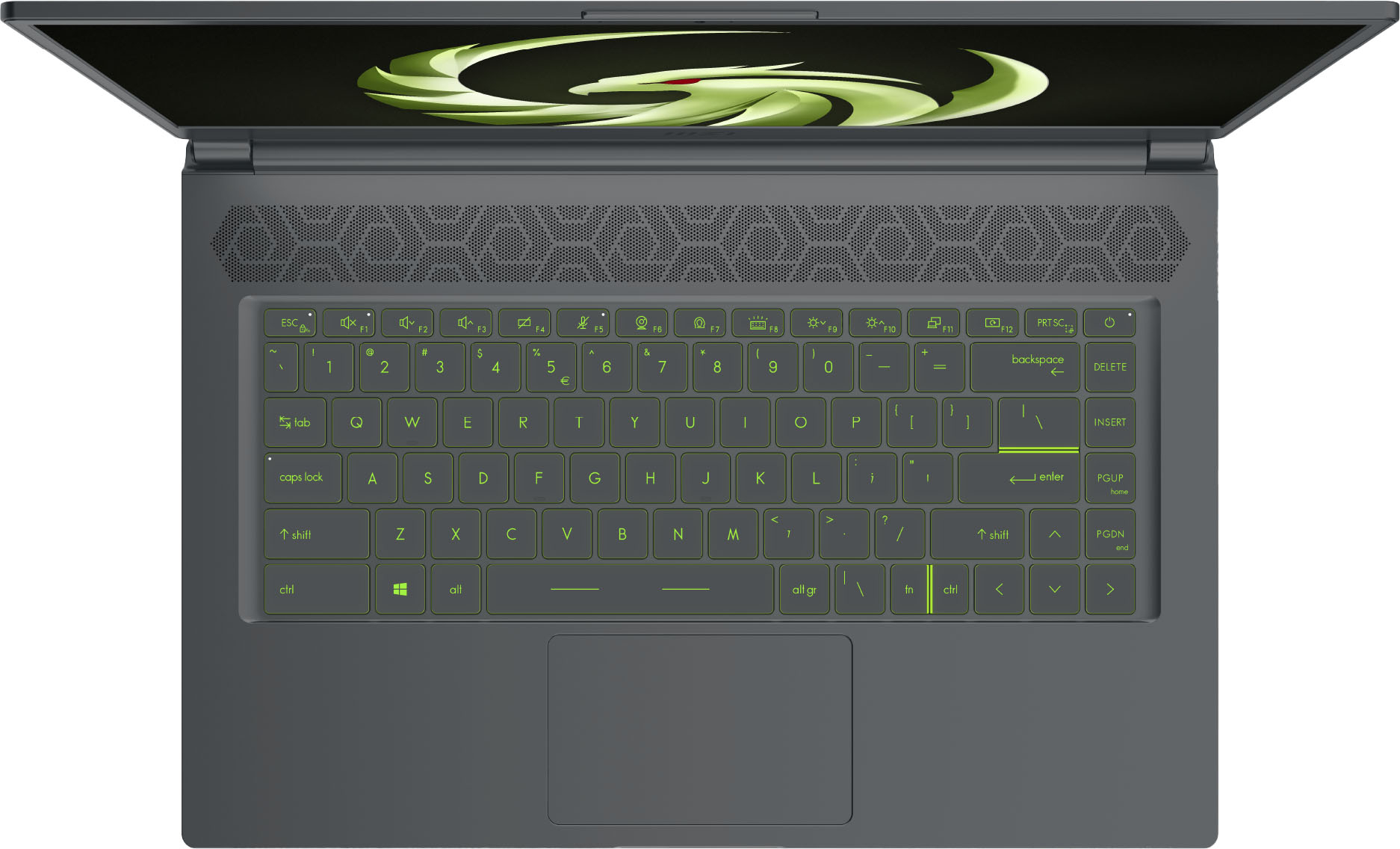
|Posted .This reviewer received promo considerations or sweepstakes entry for writing a review.This is one beautiful laptop with it's black case and thin profile for a gaming laptop. The laptop has a backlit keyboard without a keypad so it has this upscale and sophisticated look to it. Powering this MSI is an AMD Ryzen 7 5800H chip, along with an AMD Radeon RX 6700M graphics card that is anti lag for extreme gaming performance. The screen has a 240hz refresh rate and 1920x1080 FHD display coming in at 15.6", and it all comes together in a truly spectacular display. No matter what you do on this screen it looks amazing, and it's like nothing I have ever experienced before. Windows 10 works well on here, a whopping 16GB of RAM, and a 1TB SSD for storage. This machine is ready out of the box to play games and not slow you down. WiFi 6E will keep you connected for solid performance, and this machine weighs just over 4 pounds. The fans in this computer are loud, but needed to help keep this cool as much as possible. The laptop does get warm and that's even when the fans are running at full speed to keep this cool. I have been using this computer for everyday work purposes, surfing, shopping, and gaming. It's an excellent overall machine that gives you the best of both worlds with work and play. Gaming will be experienced the way that gaming is meant to be on a fast and responsive visual display and super slick internal components that ensure you're moving at the speed of light. This laptop is big but still ideal for on the go and portability. Plenty of ports and jacks to keep your controllers and monitor connected. MSI Delta is one of the best laptops I have ever used. PRO: 240hz screen is amazing 1TB SSD 16GB RAM CON: Fans are loud and this baby gets hot
I would recommend this to a friend - Pros mentioned:Performance
Great gaming laptop
||Posted . Owned for 1 month when reviewed.This reviewer received promo considerations or sweepstakes entry for writing a review.Love my gaming laptop bought a different brand hated it nothing but problems went to a different Best Buy showed him what I bought told him problems I was having told me it was the laptop showed me this one and told me I would love it. He was right this thing works amazing no complaints I play rust pubg apex and cod on it with no issues
I would recommend this to a friend - Pros mentioned:Performance
Great Computer for both Gaming and Work
||Posted . Owned for 1 month when reviewed.This reviewer received promo considerations or sweepstakes entry for writing a review.Computer is perfect for everything I needed as an artist and a gamer. It handles my Wacom tablet and let me paint at 24x36 inches 300 Resolution without many problems nor lag. It allows me to play Planet Zoo and League of Legends without any hardware problems.
I would recommend this to a friend - Pros mentioned:Performance
Love it
||Posted . Owned for less than 1 week when reviewed.This reviewer received promo considerations or sweepstakes entry for writing a review.Really great performance for such a light weight machine
I would recommend this to a friend - Pros mentioned:Battery life, Performance, RamCons mentioned:Fan noise
Thin & light gaming laptop!
|Posted .This reviewer received promo considerations or sweepstakes entry for writing a review.The MSI Delta... A thin gaming laptop that comes with an all AMD build. If you are in looking for a great performing gaming laptop OR a work horse that comes with a fairly thin profile, this is definitely it. Many reviews have been left already about the great performance, so i will confirm that this machine is very capable when it comes to computationally expensive workloads or AAA gaming and briefly go into minor details only. Compared to my HP Omen which comes with a 4800H, the 5800H in the MSI Delta nets 10%+ gains in multithreaded workloads and 25%+ gains in single threaded workloads. Definitely a nice IPC improvement over the previous gen Ryzen CPU. Onto other things that have not been so thoroughly covered with this laptop... Upgradeability: This laptop comes with a 1TB NVME SSD that gets 2000MB/s reads & writes. Quite decent, but the great thing is that there is an additional M.2 slot for another PICE 3.0 drive. I have not upgraded mine yet as 1TB is quite sufficient for my needs but may do so in the future as required. For the RAM, this laptop comes loaded with 2x 8GB DDR4 SODIMMs rated at 3200MHz for a total of 16GB. It is also notable that these SODIMMs are x8 sticks which perform better than x16 sticks which most laptops come with (kudos to MSI). For my use case, I maxed out the RAM right away to 64GB via 2x 32GB SODIMMs rated at 3200MHz & 1.2V. Upgrading to the max is ideal for me as I am a software engineer 1st and a gamer 2nd. As far as I can tell in the BIOS, there seem to be no settings for XMP/DOCP so it is essential that if you want to upgrade to higher capacities of RAM while maintaining 3200MHz speeds, you must buy DDR4 SODIMMs that draw only 1.2V otherwise you will not get the rated speeds that the RAM is listed at and it will default to 2400MHz. Upgrading the SSD's or RAM is not quite as simple as I would've liked. Typically, you can just take off the back cover and then you have access to the SSD or RAM slots, however the motherboard of this laptop is flipped which means additional disassembly is required. Please note that when upgrading the SSDs or RAM, you will be breaking the white Factory Seal tape which covers one of the screws required to take off the backside cover (not sure if this means you VOID your warranty, but please understand the risk thoroughly before doing so). For this specific model, once you take off backside cover (which consist of 11 screws, one of which is hidden under the white factory seal tape), you will need to do the following (you can reference the attached image for steps below): - take out 2 additional screws which hold the motherboard in place (outlined in red circles) - take out 2 screws that hold the battery in place (outlined in red circles) & remove the battery and disconnect the battery plug (outlined in a green rectangle) that is connected to the motherboard (please note, you don't necessarily need to take out the battery, however i found it much easier to disconnect the ribbons and audio plug from the motherboard when doing so) - take off 3 ribbons (outlined in red rectangles) that are connected to the motherboard & speaker driver plug (outlined in a green rectangle) - take out the screw (outlined in red circle covered under yellow tape) which holds the WIFI card & please note that you do not need to disconnect the two antenna cables from the WIFI card - carefully lift from the bottom left most side of the motherboard (respective to when motherboard is oriented above the battery) and then lift from the right side -- please note, the WIFI/Bluetooth cables are attached to the right underside of the motherboard via tape, so there will be resistance upon first time when flipping the motherboard out. if you are careful (meaning slow & steady), you should be able to flip the motherboard over and have access to both M.2 SSD slots and the 2 DDR4 SODIMM slots. The process of flipping the motherboard is not hard, however it is very tedious as you will need to ensure you take off additional screws, ribbons, & plugs. I would say it adds an additional 5-15 minutes for upgrading, but it is very doable and manageable. I did not mention upgrading the WIFI card above because at the time of this review, the MSI Delta comes with the latest WIFI card standard which is WIFI 6E. If at a later point in time the WIFI standards change, you will also be able to upgrade the WIFI card of this laptop as well :) Software wise, I noticed that MSI Center was a bit buggy, especially if you upgrade to Windows 11. MSI Center would just not open and crash immediately after opening it. I did not have this issue when on Windows 10. MSI Center's Live Update feature was also very buggy -- especially when attempting to download & install drivers for AMD or Realtek Audio, I noticed that it simply would just not work as intended and the installs would simply fail or loop continuously. I would stay away from the Live Update feature and use MSI Center strictly for changing the laptop's performance profile or monitoring the laptop. Everything else though ran very well. I was able to install all my software engineering apps & games and run them without any crashes. Battery life on this laptop is quite amazing as well. Not as amazing as my M1 MacBook Air, but great in respect to other Windows machines I own. I got easily over 9 hours of video playback and over 6 hours doing normal workloads (e.g., coding, browsing the web, etc.) from a 100% charged battery. Take this with a grain of salt as your mileage may vary depending on your workload and usage. The only thing I would kind of nit pick about when it comes to the MSI Delta is the audible fan noise. When playing games or running heavy workloads, you'll notice the fan ramps up quite fast and is very audible. I do not personally own an audio device which can accurately record the decibels, however in the case of the MSI Delta, such a device is not necessary to discern that the fans are running close to full tilt and that the device is quite loud. The fan curve though does a great job at keeping thermals below 85°C. Only when running synthetic benchmarks did I notice the temps get above 90°C but real world scenarios would hardly be able to push the MSI Delta to such thermal limits. If using headphones, the fan noise would not be an issue. However if you are in an office/quite environment often, this may be a concern for you and you may have to change the performance profile to lessen the fan noise. Overall, I have really loved this laptop because of the thin profile it comes in and great performance it gives whether you are gaming or running heavy workloads. For the price, it is a good deal. I've seen this laptop priced as low as $1299.99 during Christmas, so if you are on a budget, you should definitely keep an eye on it when it is on sale as this would be a total steal. I would highly recommend this laptop for anyone that is looking to get a high performance thin & light gaming laptop!
I would recommend this to a friend Great for linux
||Posted . Owned for 2 months when reviewed.This reviewer received promo considerations or sweepstakes entry for writing a review.Great little laptop. I use it to run Linux. Doesn't get overly hot
I would recommend this to a friend- Cons mentioned:Hinge
Horrible! Hinge broke within a month.
||Posted . Owned for 2 months when reviewed.This reviewer received promo considerations or sweepstakes entry for writing a review.Horrible!!!!!! I purchased this while it was on sale for $1300, I had it less than a month and the hinge locked up started popping and then broke. I opened and closed it maybe twice a day. Beyond disappointed I spent this much money for it to not last. Sent it in for repair on March 23rd and they said the part was in stock on the 28th. Never heard anything from them after that they said it would take 2 weeks to get it back. I contacted them on the 11th and they said the part was on back order with no known restock date. And they won’t do anything about it until 30 days. So I spent 1300 to have the laptop for not even a month. I still don’t have it back. I’m extremely gentle with my items and thus shouldn’t have happened.
No, I would not recommend this to a friend - Pros mentioned:Performance
Powerhouse!!
||Posted . Owned for 1 month when reviewed.This reviewer received promo considerations or sweepstakes entry for writing a review.Awesome Laptop!! 1 month in and I’ve been able to tweak everything to a perfect balance for my workload. It has been able to handle EVERYTHING I put it through. Amazing portability on battery alone as well!
I would recommend this to a friend Poor Quality And Performance
||Posted . Owned for 4 months when reviewed.This reviewer received promo considerations or sweepstakes entry for writing a review.Worst experience I have ever had with a laptop. One of the keys broke off after owning for only 2 months, bestbuy was of no assistance. Called the manufacturer and they don't stock the replacement keyboard parts and have to order it from china and that will take 2-3 months. I use my laptop primarily for work and purchased this based on its advertised above average battery life. Even with every power saving setting enabled, 30% screen brightness and keyboard backlight off I am lucky to get 2.5 hours on a full charge and all I am running is a few web browser tabs. Stay away from MSI and bestbuy doesn’t care unless you bought their over-priced warranty.
No, I would not recommend this to a friend- Pros mentioned:Battery life, Build quality, Performance
MSI and AMD For The Win!
|Posted .This reviewer received promo considerations or sweepstakes entry for writing a review.Ahhh man, where do I start? The Ryzen 7 - 5800H and the all new Radeon RX6700M mobile GPU is a very powerful combination! This machine has run every single game I have thrown at it with absolute ease. Games I’ve played on it include.. Rocket League, Control, Resident Evil 2, Fortnite, Street Fighter, Gears 5, Battlefield V, and Call of Duty Warzone. I averaged anywhere between 120 and 200 frames per second on every game I played. All on High / Ultra settings. I honestly cannot wait to try some true next game video games on this laptop. I am confident that they will run without a hitch also. The AMD smart shift software is absolute genius. I still don’t quite understand how it works lol, but its some type of sorcery. I went ahead an unplugged the laptop to see how the laptop would perform and all the games I tried still ran really good! Although the frames dropped down between 70-100, I didn’t have to turn down the graphics settings while on battery. It’s hard to say how long the laptop will let you game on battery alone, But based on my tests.. I’ll go ahead and assume that you’ll get at least 4 hours of play time while on battery. It has a l fairly large battery and the AMD software does an excellent job of managing power while on battery. The fans do get a little loud, but the speakers are loud enough to let you enjoy the game without a headset. I would still recommend you use a headset though to get the full immersive experience. You still with me? Let me tell you about the build quality of the laptop. It is premium. The whole chassis is metal, I’m guessing aluminum, because it is very lightweight yet sturdy. The whole laptop is very thin and light without sacrificing quality. The display is crisp and very vibrant. I believe it is an IPS panel, but it doesn’t have the typical light bleed or weak contrast of an IPS panel. It’s a very nice colorful IPS panel. My unit did have a very slight amount of light bleed in the bottom corner, but it is negligible and I only really notice it on the boot up screen or on screens with mostly black background. It is 240hz, super fast. This is the first time I’ve every played on a 240 hz screen and I dont think I can ever go back haha. It’s so buttery smooth, and breathes new life into “older” games. The keyboard is very comfortable to type on and the trackpad feels like metal and is very smooth and accurate. My only complaint about the laptop is that when I opened it up to see how easy it would be to upgrade, there is some sort of cover under the shell? Call me dumb, But I’ve never seen a laptop with that in there. I shared a photo of it. I’m going to assume it is there as a heat shield, and there to cool and disperse heat across the laptop. It feels like there is some sort of adhesive around it, holding it in place and I didn’t want to rip it off to look under it. Sooo I’ll wait til I see a tear down or upgrade tutorial on YouTube before I mess with it. Honestly though, the machine has plenty of Ram and SSD storage to keep you going for quite some time. I always tend to circulate my game titles anyway. I dont like to keep more than 10 games installed at a time and clutter up my hard drive anyway. I would like to eventually add an extra 1 or 2 TB NVME drive into it though. I believe it has 2 NVME M.2 slots. Another thing to note is that one of the screws has a “factory seal” sticker covering it. Hopefully MSI can chime in on whether or note you void your warranty or not by removing the sticker and opening the laptop. I could ramble all night about this amazing laptop, But if you made it this far I’m going to tell you to go ahead and buy this thing If you are seriously considering it. It is my new favorite machine to game on, and I’ve neglected my Xbox Series X since I got my hands on it. I love it, and I think you will also!
I would recommend this to a friend - Pros mentioned:Graphics, Performance
Phenomenal gaming laptop!
|Posted .This reviewer received promo considerations or sweepstakes entry for writing a review.Got this laptop for my daughter, here are her thoughts: I’ve only had this laptop for a few days but it has completely blown me away in comparison to my previous laptop. Setup was very easy and straightforward and once up an running its performance has been amazing! The graphics and rendering are very smooth. When playing games on my previous laptop, for example, Phasmaphobia, it was very glitchy and hard to move around. Movement was very choppy. This laptop is like butter, everything runs extremely smoothly. I love the keyboard, the keys are very responsive and the speakers are surprisingly good for a laptop although I’ll likely still use my headphones most of the time. Next year I’m off to college where I’ll be studying graphic design. With the processing power this laptop delivers I figure it is going to be an incredibly useful tool. Its not heavy or bulky so it will be great for taking it to and from classes. Overall, by far the best laptop I’ve ever had. Thanks Dad!
I would recommend this to a friend - Pros mentioned:GraphicsCons mentioned:Heat
Should Have Called It Alpha
|Posted .This reviewer received promo considerations or sweepstakes entry for writing a review.For starters this is my third gaming PC and thus far the best dang one for the refresh rate alone! I can play my games and the picture is smooth as butter (not joking)! Design is top notch and the gun metal exterior shell is crisp and very cool. Although, finger prints to track quite a bit. The keys and keyboard are great! If you’re like me and like tailoring your PC then you’ll really enjoy controlling the backlit keyboard. When, you press enter the computer resumes right where you left off and is nothing like a conventional PC that takes long to load back in! In today’s world having the camera ON/OFF button is amazing for privacy. I do wish it had an Ethernet port for faster options for gaming. MSI’s gaming center lets you monitor the entire computer’s internal items and I love that it is giving you live feedback on its health. A few downsides for me where the battery drained pretty fast, it heated up pretty quickly (standard I suppose for long gaming), and the camera’s photos were grainy. Overall a top notch option for someone who wants a computer they won’t have to upgrade for a few years and is looking for something ahead of the gaming curve!
I would recommend this to a friend Some good stuffs right here
||Posted . Owned for 8 months when reviewed.This reviewer received promo considerations or sweepstakes entry for writing a review.It's pretty decent for being my very first PC I do have it on the charger all the time. Which I'm assuming is probably bad but with a full charge I might be able to play a game like Siege or Pub G for like 30 minutes with it.
I would recommend this to a friendTerrible Hinge
||Posted . Owned for 2 weeks when reviewed.This reviewer received promo considerations or sweepstakes entry for writing a review.I've had this laptop for 16 days, and after day 14, the hinge started cracking when opening and closing. Suddenly the hinge gave out 2 days later. It's quite possibly the worst hinge I've seen on a product. I thought maybe my product is just defective, looked online, and saw mentions of it happening to other's a few weeks after there purchase. I take good care of this laptop, it's expensive, i even have the plastic protector still unpeeled on the front, and haven't even close/opened this laptop more than 50 times. Just quite frustrating and disappointing seeing a $1,299 breakdown so fast considering I also frequently use it for work.
No, I would not recommend this to a friendGood gaming laptop
||Posted . Owned for 1 month when reviewed.This reviewer received promo considerations or sweepstakes entry for writing a review.Great starter gaming laptop, only con is I didn’t realize it didn’t have an ethernet connection, other than that great laptop
I would recommend this to a friend- Cons mentioned:Hinge
didnt last a year
||Posted . Owned for 6 months when reviewed.This reviewer received promo considerations or sweepstakes entry for writing a review.After 9 months of gaming 2-3 times a week with this laptop. it has been amazing, my laptop is always open, its never in the closed position. and Today 9/22/22 I I tried closing it for the very first time and the left side hinge area broke. I was literally in shock, its a good thing I purchased best buys total tech protechton plan or id be out of luck!
No, I would not recommend this to a friend - Pros mentioned:Ram
GREAT (and powerful) MSI DELTA GAMING LAPTOP
|Posted .This reviewer received promo considerations or sweepstakes entry for writing a review.MSI - DELTA 15.6" FHD 240HZ GAMING LAPTOP - RYZEN R7-5800 - RADEON RX6700M - 1TB SSD - 16GB MEMORY - BLACK MODEL:DELTA15001 GREAT (and powerful) MSI DELTA GAMING LAPTOP I’ve only ever heard great things about MSI Gaming Laptops and the MSI – DELTA Gaming laptop lives up to the hype. Since I’ve only used Nvidia GPU’s, I was not sure what to expect performance wise, but I was surprised how well the GPU (RX6700M) performs. Especially when paired with the ultra-fast CPU AMD RYZEN R7-5800H. Even when benchmarking with Unigine Superposition (which usually brings GPU’s to their knees) I was able to get up to 45 FPS in Extreme Mode (by comparison the Nvidia RTX 3050TI only got about 26 FPS). In real world gaming tests, the MSI-DELTA Gaming laptop easily blasted through anything I gave it, usually even at Ultra settings. So far, I’ve tested Doom Eternal, Star Wars Squadrons, and Forza 4 (which is really CPU / GPU / RAM intensive). Most of these are getting at least 100 FPS and closer to 200FPS in Doom for example. I’ve yet to start fine tuning the laptop to see if I can get more performance, but I assume I can get at least another 10% more after tweaking. She does run hot though. When gaming, you will want to run this rig on a table and not on your lap. The screen is bright, and colors seem accurate. I don’t have a spectrometer (or whatever it is called) to tell how true the colors are, but they seem really good to me. I was able to use it outside without any issues (on full brightness). Given that this will be used for gaming, it will almost always be plugged in, so I did not try to see exactly how long the batteries will last. You should be aware that the MSI DELTA GAMING LAPTOP does not have a physical ethernet port. You can get a simple USB3 to Gb Ethernet for a few dollars just about anywhere. What it does have instead of a physical ethernet port, is a 240hz screen, 1 TB of highspeed NVME storage, 16GB RAM (in 2 chips so you can run in dual channel mode), and the latest WiFi and Bluetooth versions. The keyboard lights and colors can be controlled via included software. The keys themselves are only OK, they are not very tactile and are very smooth. That being said, I would be bringing a gaming keyboard and mouse with me, so that is not a huge deal. The trackpad was really responsive and plenty usable for example in first person shooters like Doom. Overall, the MSI DELTA GAMING LAPTOP is one the best I’ve used in a long time. This will be my Go To system, when I don’t want to be tied down the big desktop system. PRO’s - 240hz Refresh Rate - Great CPU / GPU Combo - Plenty of Storage (1TB) and RAM (16GB) - GPU with 10GB of VRAM - Light Keyboard with ability to change colors - Thin form factor - USB 3.2 Gen 2 Port (Type C) (with DisplayPort function) - Wi-Fi 6E / Bluetooth 5.2 - Qty (2) m.2 NVME Slots for SSD expansion according to the specs SETUP / MISC I’m sure it was all about timing, but it was nice that the unit I received had a very recent versions of Win 10 build on it, so that I did not have to spend an hour doing the update / reboot thing that is typical with most laptops. The laptop was fully up to date in only a few minutes. Everything out of the box if fully automated, and it boosts itself into higher performance mode when needed. SUMMARY / RECOMMENDATION The MSI DELTA GAMING LAPTOP is good to go out of the box, there is nothing more that is really needed. It has plenty of everything. I’m not even sure if upgrading the RAM to say 32GB would make that much of a difference in real world use. I have no hesitation recommending the MSI DELTA GAMING LAPTOP to anyone in the market for a high-performance laptop.
I would recommend this to a friend - Pros mentioned:RamCons mentioned:Fan noise
Gaming On Ultra...Sweet
|Posted .This reviewer received promo considerations or sweepstakes entry for writing a review.--- SETUP --- The MSI Gaming laptop arrived in a no-frills box with just the minimum to protect the computer. Documentation was minimal and all that was in the box was the charging cable and the laptop itself. I immediately started charging the laptop. Initial setup took 5 minutes but downloading all the software and updates for gaming took a couple of hours. --- FEATURES --- This MSI Gaming Delta laptop features a 15 inch 240hz screen, 1 TB SSD storage, 16 GB memory, and uses the AMD Ryzen R7-5800H processor with the Radeon RX6700M graphics card. It weighs a little over 4lbs and is Wi-Fi 6E compatible. --- PERFORMANCE --- This is a beast of a portable machine. It is a huge upgrade from my previous desktop that housed 2 Radeon’s RX480s. With this laptop, I was able to play most games I tried at high settings and a few in ultra settings. Games like Doom Eternal run at a full 60 FPS on high settings without any hiccups or frame drops. A Dark Souls like game called Mortal Shell looked incredible on Ultra and I was able to see detail I’ve never seen before. Games that are less graphic intensive are extremely beautiful to look at with the 240 hz running on ultra at their fullest potential. An example of this would be Phsyconauts 2. --- EXPECTATIONS --- The MSI Delta weighs a little over 4 pounds but feels lighter than I expected that to feel. When playing games at high or ultra settings, the fans do sound loud. That is to be expected, but if you’re playing without headphones, expect to hear those fans. A software feature that I think many streaming gamers will enjoy is the autodetection of your microphone / headphone connections. Upon plugging in said devices, a software called Nahimic opens up and with a few prompts, customizes your equipment for their best use with your intended purpose. For instance, when I stream my video games through Facebook Gaming or YouTube, I put on certain filters, like a suppressor and gain adjustments, so that my background noise isn’t heard. This software takes care of that automatically. Battery wise, this laptop lasts if you’re just doing office-related things, but when you’re gaming, you want it plugged in for long sessions. Speaking of office-related work, I used the laptop to teach my coding students via Zoom as well as to create lesson plans. I didn’t like the work-experience because of the lack of a number pad and an ethernet port. Because it is Wi-Fi 6E enabled, I didn’t mind gaming only with my Wi-Fi 6E router. --- VALUE --- For the price, portability, and awesome insides, this is a worthy present for yourself and others who work hard and want to game equally as hard. --- APPROVAL --- This is my first MSI product and I must say, they have left quite an impression on me. I’d suggest this machine belongs in the hands of gamers who want nothing but top-notch quality paired with portability.
I would recommend this to a friend