Customer Ratings & Reviews
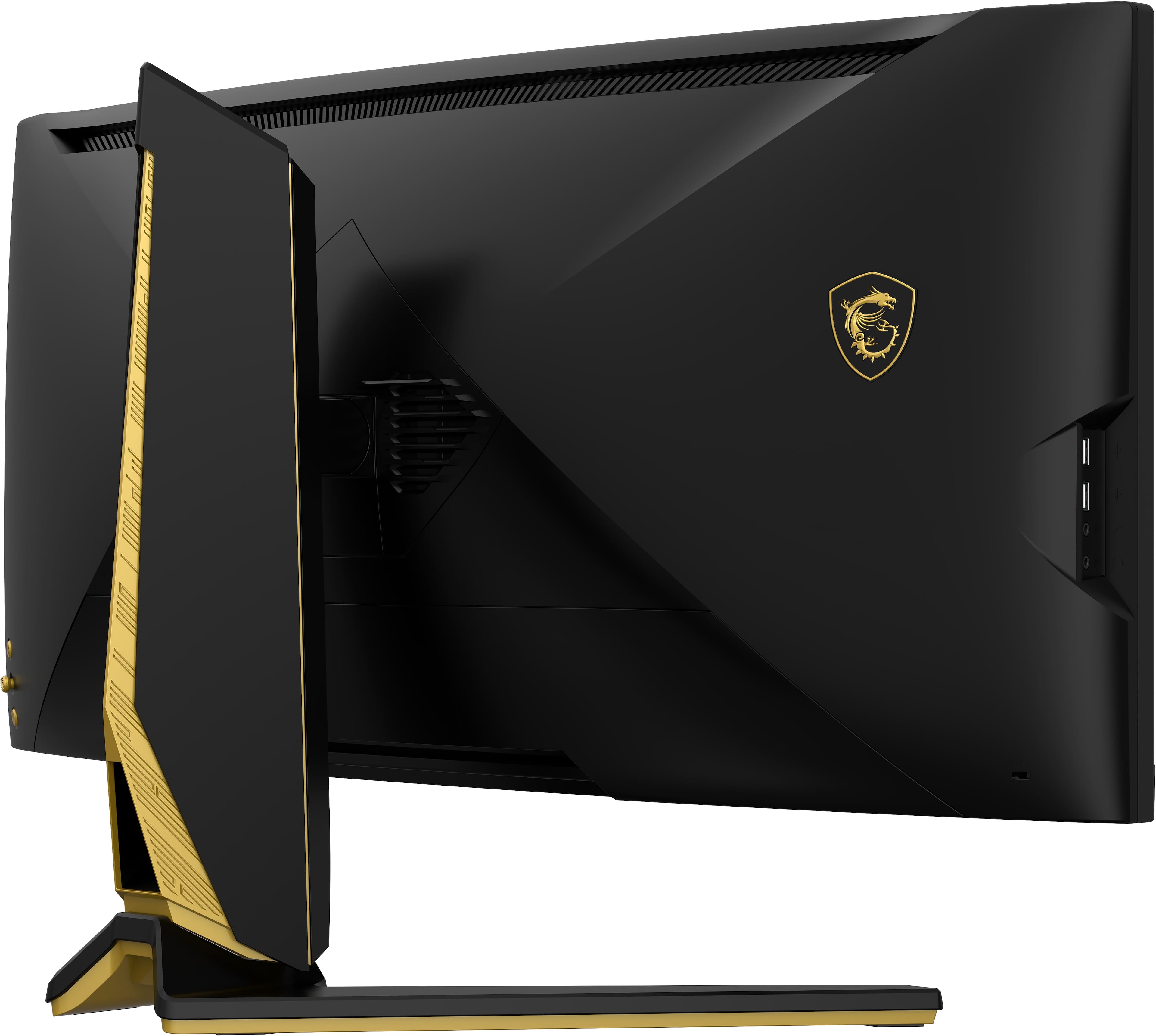
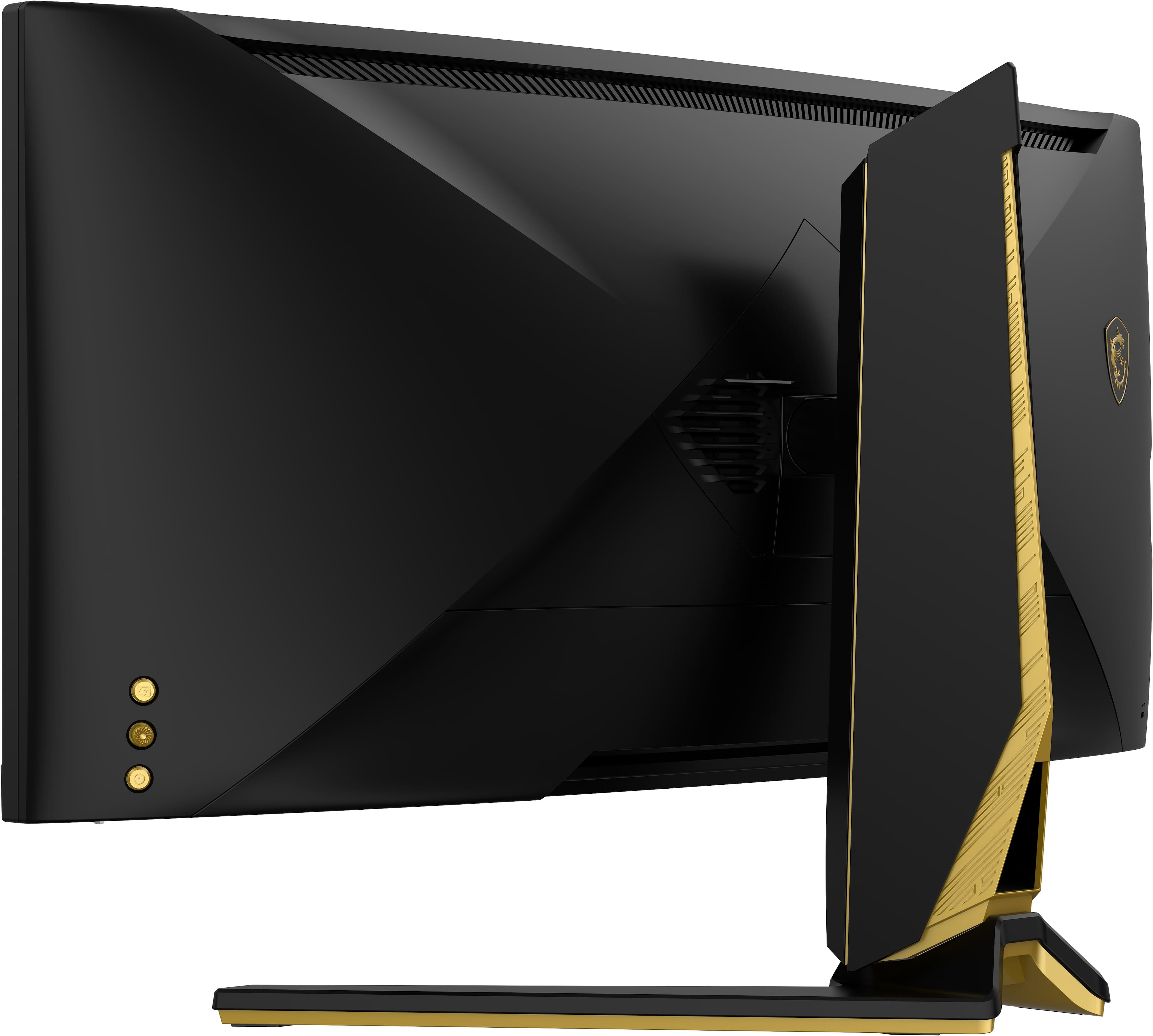
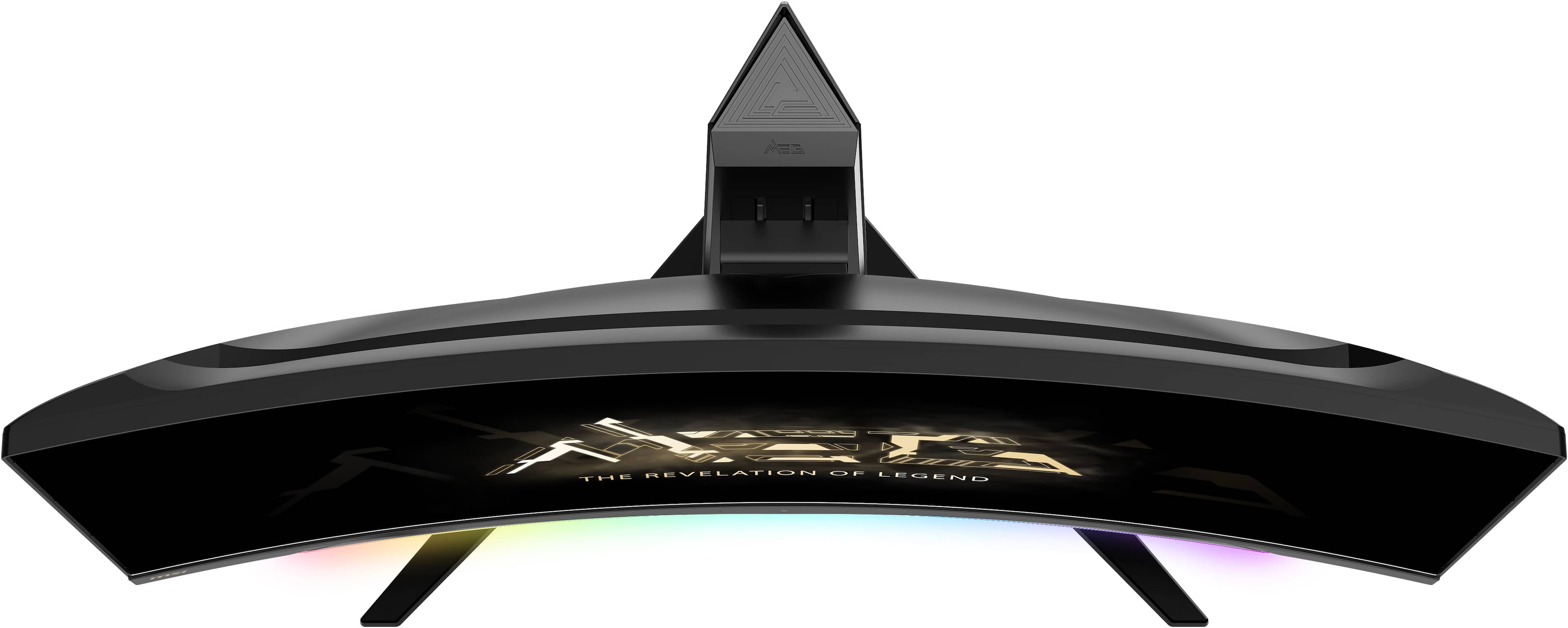
- Model:
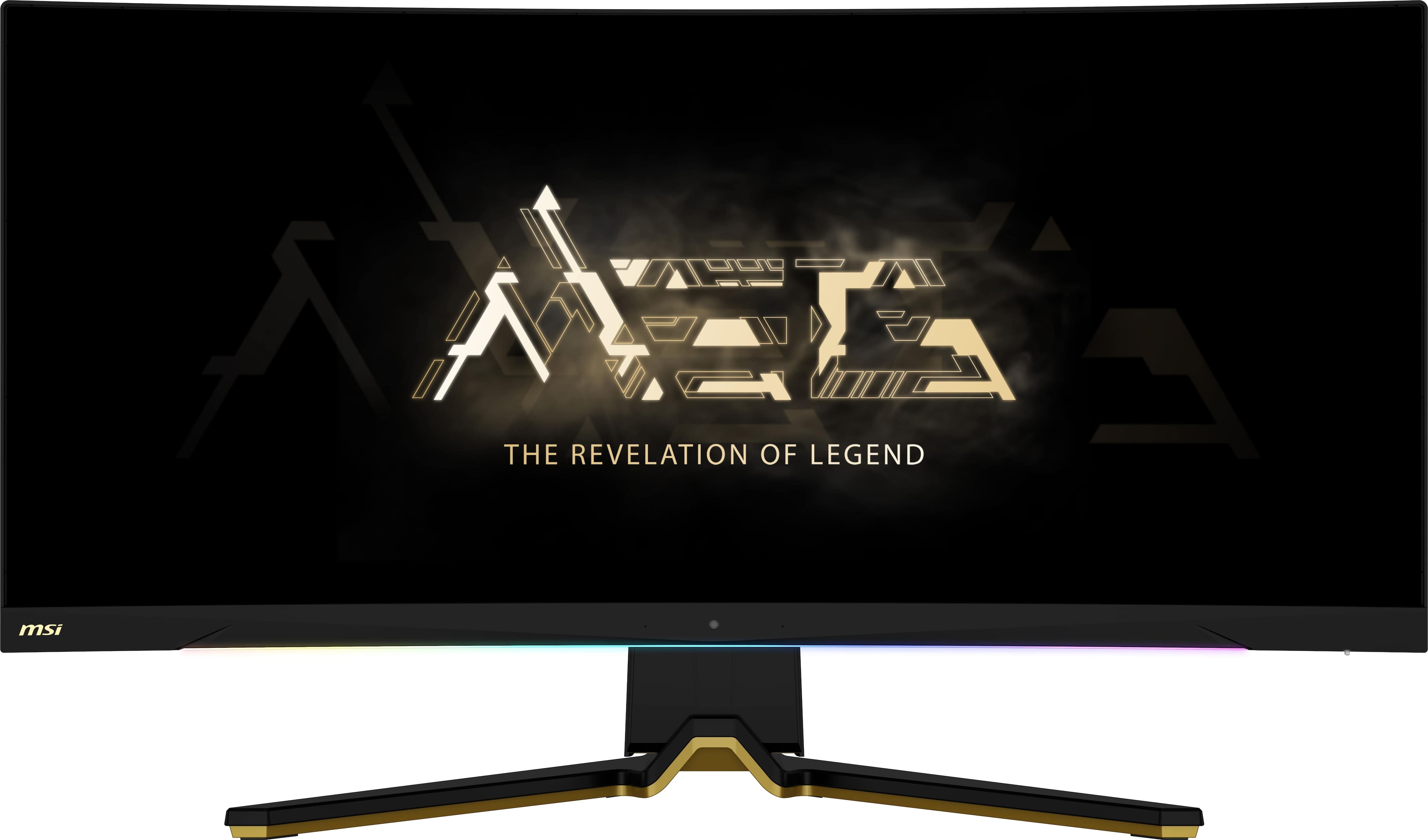
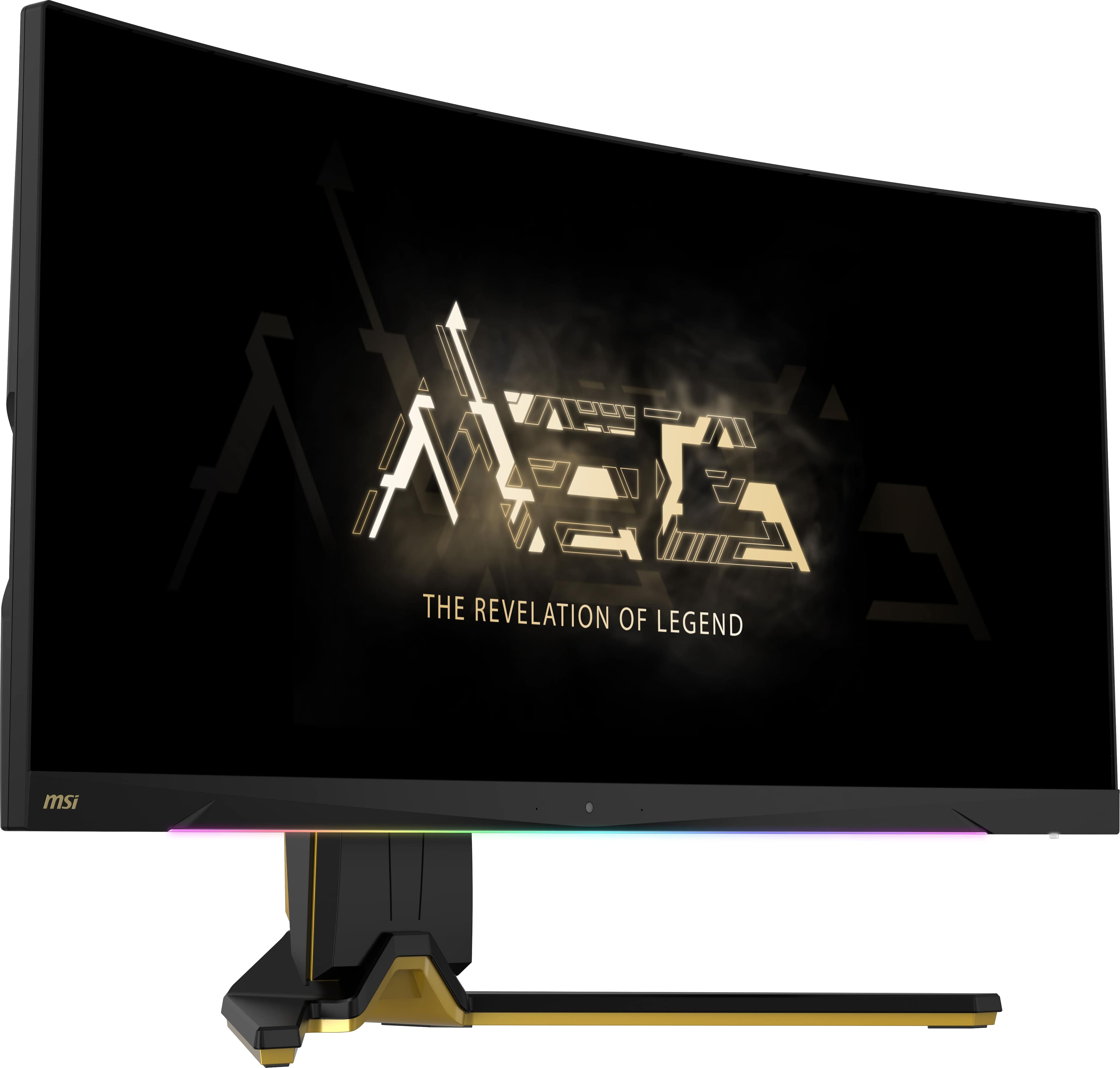
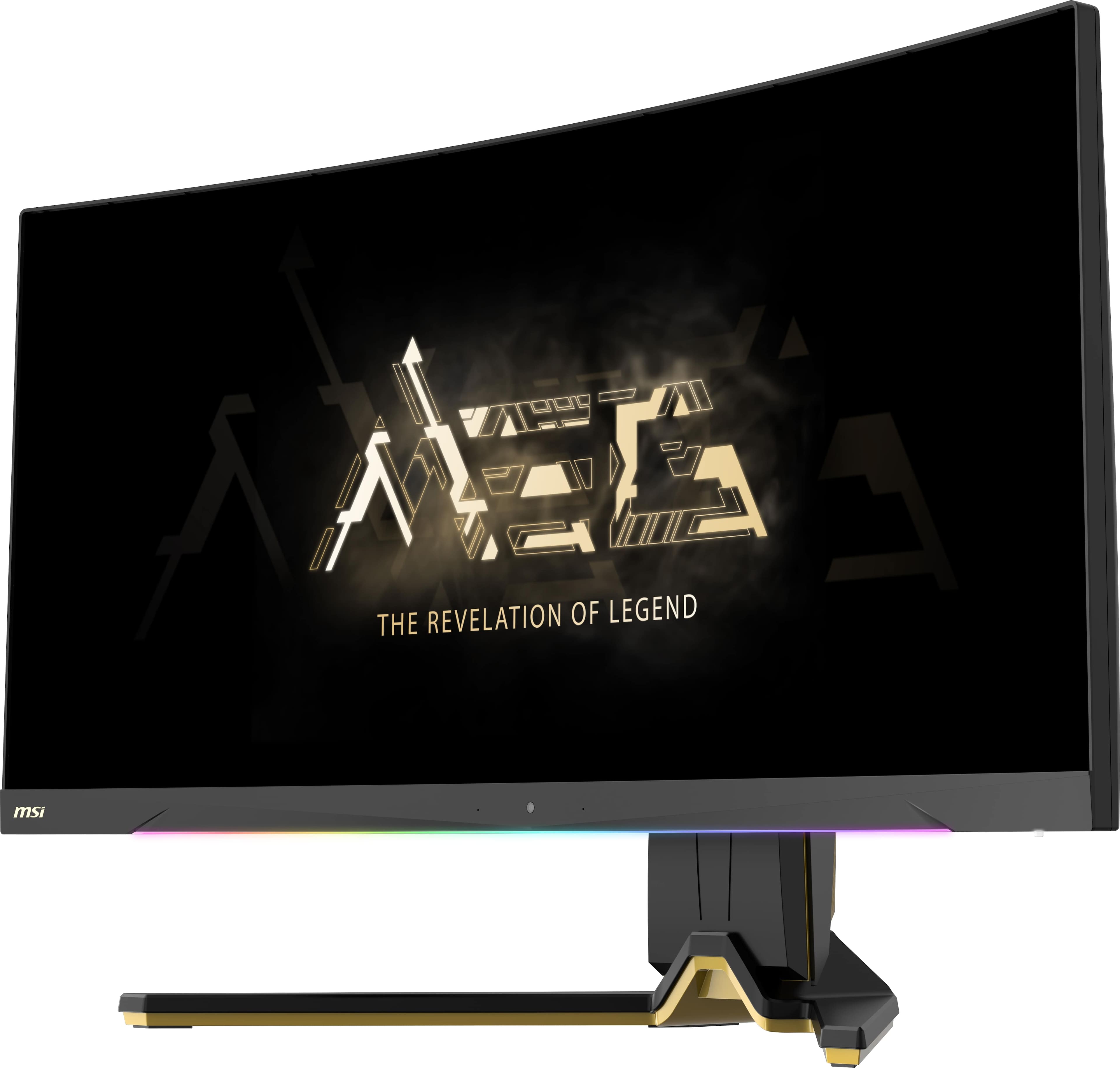
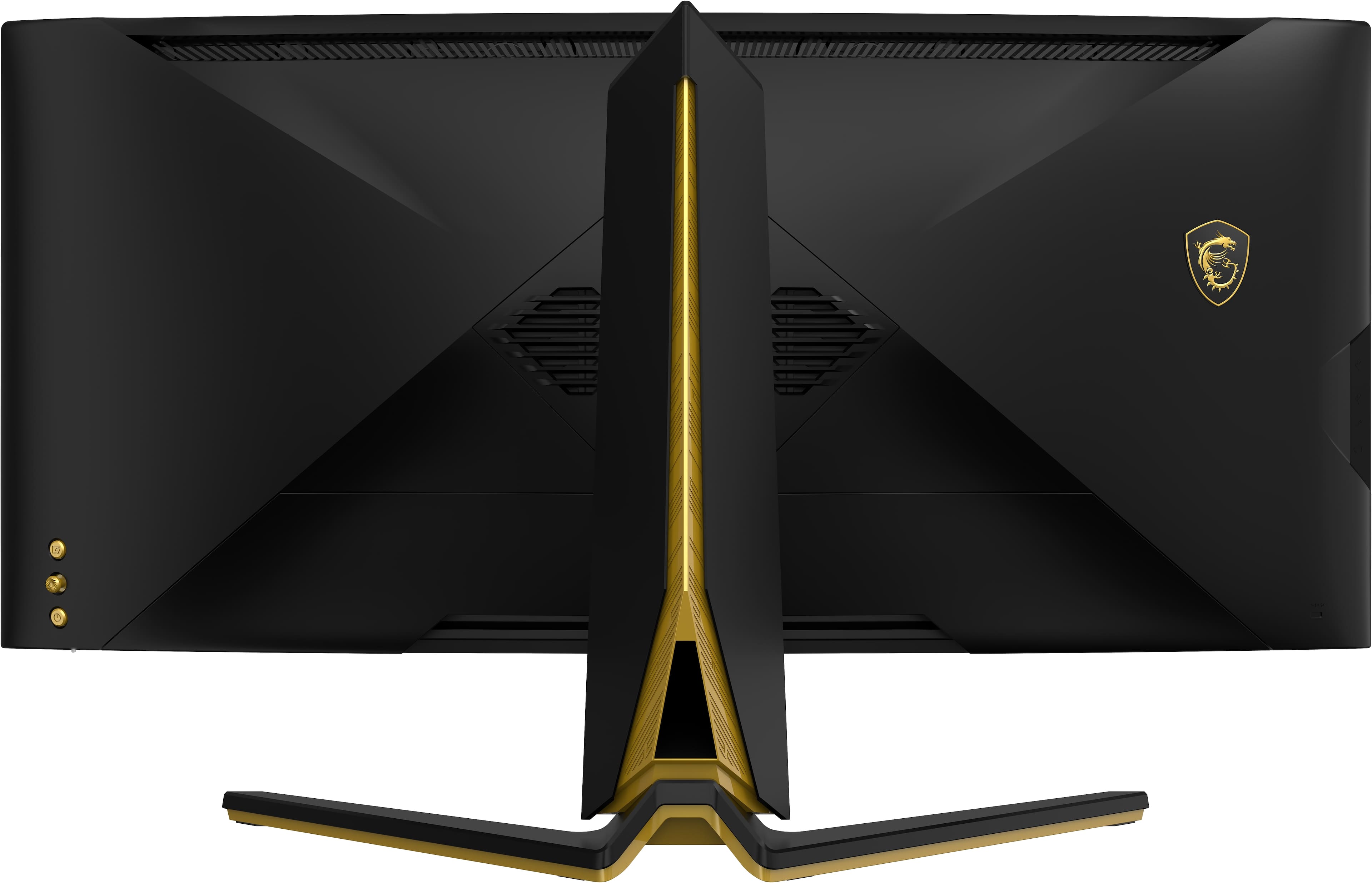
- MEG 342C QD OLED
- SKU:
- 6544810
Rating by feature
- Display Quality
Rating 4.7 out of 5 stars
- Ease of Use
Rating 4.1 out of 5 stars
- Features
Rating 4.3 out of 5 stars
Customers are saying
Customers consistently note the excellent color quality and the convenient KVM switch as major advantages of the MEG342CQDOLED monitor. The built-in KVM functionality is frequently praised for its usefulness in connecting multiple devices. However, some users find the OLED screen's maintenance reminders to be somewhat bothersome. Overall, the positive feedback on picture quality and KVM functionality outweighs concerns about the screen care messages.
This summary was generated by AI based on customer reviews.
Best monitor you can buy
||Posted . Owned for less than 1 week when reviewed.This reviewer received promo considerations or sweepstakes entry for writing a review.What makes this better than the Alienware and Samsung ultrawides (which share the same panel) is the built in KVM and 65 USB-C. This means you can connect it directly to your laptop with a single cable which is perfect if you game and work at the same monitor. I bought this to replace my 2 27" monitors and will never look back.
I would recommend this to a friendGreat OLED for gaming and general use.
||Posted . Owned for 2 months when reviewed.This reviewer received promo considerations or sweepstakes entry for writing a review.4 stars because of the MSI OLED Screen care feature consistently popping up. You can ignore it but its a feature that cant be disabled, yet. Overall great panel and features. I love it.
I would recommend this to a friendBest and favorite monitor I have
||Posted . Owned for 5 months when reviewed.This reviewer received promo considerations or sweepstakes entry for writing a review.I never knew what I was missing with my other monitors. This QOLED is truly amazing and worth every penny. If you're looking for stunning picture quality for your gaming, this is the monitor is the monitor for you. It's by far my favorite, as it's the center piece of my set up, monitor. The colors are amazing and the amount of different settings to customize it to the platform your using is fantastic. Bighew TTV approved!!
I would recommend this to a friendFantastic Display, Real Good KVM, Minor Annoyances
||Posted . Owned for 3 weeks when reviewed.This reviewer received promo considerations or sweepstakes entry for writing a review.I've had the MSI MEG 342C monitor for a little over three weeks now. First and foremost, the QD-OLED screen is fantastic. I'm a huge fan of OLED but this is my first QD-OLED screen. Blacks are full on black. Colors just pop. It gets WAY brighter than I could ever want (I have the brightness down to 20). There has been discussion on the internet that many QD-OLED monitors have poor quality text due to the sub-pixel layout. I was weary of this but have not experienced it at all. To me, text appears very clear. If all you care about is a great QD-OLED screen, there is an Alienware monitor with the same panel at a cheaper price. But, if you're like me and you want certain features, the MSI is the way to go. Why did I get the MSI? The KVM switch was important to me. I have a work laptop and a personal desktop. I wanted to be able to switch between them and use the same peripherals (keyboard, mouse, webcam, mic, etc.) for each computer with minimal effort and was prepared to buy a separate KVM switch. But then, I saw that this monitor had a built in KVM switch with four USB ports and can power/charge a laptop through the USB-C cable (AND QD-OLED!), I was excited to try it. For the most the part, the KVM switch works great, even with a powered USB hub plugged in to add more USB ports. I say "for the most part" because I had one issue where my keyboard didn't work properly when I turned the USB-C PD charging off. I'm not entirely sure why, but it worked fine again when I turned the USB-C PD charging back on. I'm not sure exactly what the issue was, but it was a very easy fix. I also had a temporary issue with poor webcam video quality, once. I'm not sure if the USB port matters, but now the webcam works just fine. Very early in my ownership of this monitor I had a situation where the monitor did not seem to recognize either my laptop or desktop after some hours of non use. Restarting the computers resolved the issue. I'm still not sure exactly what happened and I think it only happened twice. It's possible it was user error on my part. However, I changed various sleep/hibernation options on the two computers and now I'm not having issues with the monitor recognizing the inputs after periods of non-use. One issue that COULD be a big annoyance for some is the aggressive panel protection. The monitor prompts the user to run the panel protect every 4 hours, or so, of usage. The panel protect only takes about 15 minutes and you can say no or stop it once it starts. So far, this is more of an annoyance in principle rather than practice. During a full 8 hour work day, I take a lunch break so just run the panel protect then and then at night when I go to bed. Along with the panel protection, I have taken steps to minimize the potential for burn-in such as using a black background on my desktop, hiding the desktop icons unless I need them, setting the taskbar to autohide, and setting a black screen screensaver to come on after a short period of non-use. This limits static elements from staying on the screen for extended periods of time, at least to some degree. Are these steps necessary? I don't know for sure. But, to me, they're worth it as a preventative measure for a monitor that costs $1,000. I haven't gamed much on it so far, but I can say that Ghostwire Tokyo looks amazing. Overall, I am very pleased with the monitor and would absolutely purchase it if I had it to do over with the information I know now. The display is amazing and the KVM switch is incredibly useful to me. I put 4 stars to acknowledge the issues I had (but that don't seem to be issues any longer) and for the panel protect prompt every ~4 hours but those issues are not deal breakers to me.
I would recommend this to a friendWonderful Screen but USB Problem
||Posted . Owned for 2 weeks when reviewed.This reviewer received promo considerations or sweepstakes entry for writing a review.The picture is amazing. It is so so clear! It first came one out of 4 USBs working correctly. They all had powder but only one with data. MSI support tried to data that is supposed to work for a thumb drive. Sent it back to Best Buy for a replacement. The VESA mount was not right but a few washers fixed that. I like the wire cover. The replacement has 2 out of 4 USBs working correctly. 2 USBs are all I need. If I need more there is enough room inside the wire cover a USB HUB. Well MSI website says this only 2 USBs, so I was extra happy it has 4. I am at 4 USBs for power and 2 of them have data. That does work with my Assistive Tech mouse and other Assistive Tech devices which is great since I have physical disabilities.
I would recommend this to a friendIncredible display, annoying protection "feature"
||Posted . Owned for 3 months when reviewed.This reviewer received promo considerations or sweepstakes entry for writing a review.Display quality is the best I've ever owned, and the KVM feature works seamlessly, but the mandatory "panel protect" feature comes on intermittently and blocks the center of the screen. If you don't cancel it immediately, or choose the wrong option (easy to do by mistake), the screen shuts off. There's no way to disable this currently, and although there's a large LED at the bottom of the monitor, there's no warning that the display is about to be blocked. This is totally unacceptable when you're in the middle of a game, video call, or a presentation.
No, I would not recommend this to a friendGreat monitor with qwerks
||Posted . Owned for 1 month when reviewed.This reviewer received promo considerations or sweepstakes entry for writing a review.The monitor itself is great. Looks amazing and performs even better. I dont think i can go back to a regular monitor after this. The only reason i dont give it a 5 star is because the oled protection is a bit intrusive. You can turn it off but why if it help the burn in. Usually you can skip it but after a few skips, it wont let you skip and you have to perform it. Because i have a 2nd monitor i can switch it but for someone who doesnt you have to make a choice. Stop playing or play through it since it wont alow you to cancel. Doesnt take to long but if your playing online then that will be a problem.
I would recommend this to a friendMost functional of all current QD-OLED monitors
||Posted .This reviewer received promo considerations or sweepstakes entry for writing a review.Much better colors and brightnes than standard OLED gaming monitors using LG matrix. Built in KVM is perfect if you need to connect multiple computers or laptops. There is Corsair with the same set of inputs and KVM, but it's the dimmest OLED on a market.
I would recommend this to a friend
Versatile Monitor That Won't Disappoint!
|Posted . Owned for 3 weeks when reviewed.This reviewer received promo considerations or sweepstakes entry for writing a review.10/10 as far as picture quality goes and I can say that this monitor is worth the premium ($50 at the time of writing) over the Alienware QD-OLED. The full featured HDMI 2.1 ports and OLED perfect blacks are great for console gaming with my PS5, while the KVM switch and 65w USB-C input are great for productivity. The only downsides to this monitor are that the OLED care message is a bit too naggy and I kind of wish the RGB light strip was behind the monitor instead of right in front.
I would recommend this to a friendPanel Protect Reminder kills this product
||Posted . Owned for 2 months when reviewed.This reviewer received promo considerations or sweepstakes entry for writing a review.While I love this panel, there is a pop-up that comes up every four hours that blocks the center of the screen. As a gaming monitor, I play competitive shooters and it is extremely annoying to have this reminder pop-up in the middle of a fight. Even if it isn't mid-fight, I still then have to reach around to the OSD joystick and close the window while playing. I hope that there will be an option to remove the pop up, until then- this review will be 2 stars.
No, I would not recommend this to a friendAwesome Monitor!
|Posted . Owned for 1 month when reviewed.This reviewer received promo considerations or sweepstakes entry for writing a review.Owned other models using the same panel. I will say I'm 100% happy with the functionality of this one. Install the software, connect the usb, set monitor to go to standby when button is pressed instead of "off" the panel care features will work and not interrupt you while gaming. I have only seen the pop up twice while gaming when I first got the monitor and once I figured out to set it to go to standby. I havent noticed the pop ups and I have witnessed the care feature activate during standby multiple times.
I would recommend this to a friendGreat monitor.
||Posted . Owned for 1 month when reviewed.This reviewer received promo considerations or sweepstakes entry for writing a review.KVM + oled! Only monitor on the market (I think) that has this combo. Power delivery to USB c is a little low so it won’t power your bigger laptops.
I would recommend this to a friendFantastic monitor
||Posted . Owned for 1 week when reviewed.This reviewer received promo considerations or sweepstakes entry for writing a review.Colors look great refresh rate is good. Made a great addition to my race sim.
I would recommend this to a friendBest Ultrawide Monitor Out!
||Posted . Owned for 2 weeks when reviewed.This reviewer received promo considerations or sweepstakes entry for writing a review.If you’re looking for the best ultra wide gaming experience!? Look no further than right here! First let me say the HDR experience is superb! Not once have a had a good experience with HDR on a monitor!… the colors are magnificent! I mean it’s OLED with a glossy coat and it’s HDMI 2.1 for console gaming! I can go on and on but I’ll stop here! A great buy of you have the budget for it!
I would recommend this to a friendImage enchancment is dumb
||Posted . Owned for less than 1 week when reviewed.This reviewer received promo considerations or sweepstakes entry for writing a review.This monitor is nice till you notice how blurry it is without the image enchancment. This issue with it is that it will be different with each thing you do. I played two different games and had it on but needed two different settings. Also, the bar light won't go to the settings you set it up with unless you open their program each time you start up. Image enchancment feature ruins the monitor...put it next to the g8 oled and you will know the g8 oled above it bh far...last thing it has too much platic and feels really cheap for $1000 bucks monitor.
No, I would not recommend this to a friendGreat gaming monitor
||Posted .This reviewer received promo considerations or sweepstakes entry for writing a review.Great monitor, love the huge size m, really immersive.
I would recommend this to a friendGreat monitor
||Posted . Owned for less than 1 week when reviewed.This reviewer received promo considerations or sweepstakes entry for writing a review.She’s huge and has beautiful curves. She’s a bit heavy so I’d recommend using the stand it comes with, you would have to get a heavy duty desk arm to mount it
I would recommend this to a friendA Gaming Monitor Should stay on in Game
||Posted . Owned for 2 weeks when reviewed.This reviewer received promo considerations or sweepstakes entry for writing a review.There is a handy-dandy LED light bar at the bottom of the monitor that should be able to provide an indication of when the monitor is about to automatically turn off to start its OLED self care maintenance routine. At least give us a way to know how much time is remaining before it is going to automatically shut down in the middle of a game.
No, I would not recommend this to a friendNot good
||Posted . Owned for 2 weeks when reviewed.This reviewer received promo considerations or sweepstakes entry for writing a review.Best Buy does a horrible job at fulling orders. Waited over 2 weeks for this item and it was declared lost.
No, I would not recommend this to a friend