Customer Ratings & Reviews

- Model:
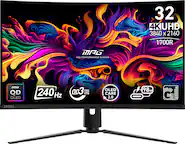
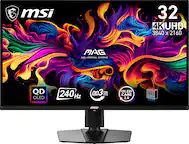
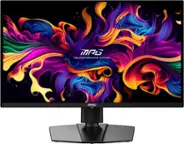
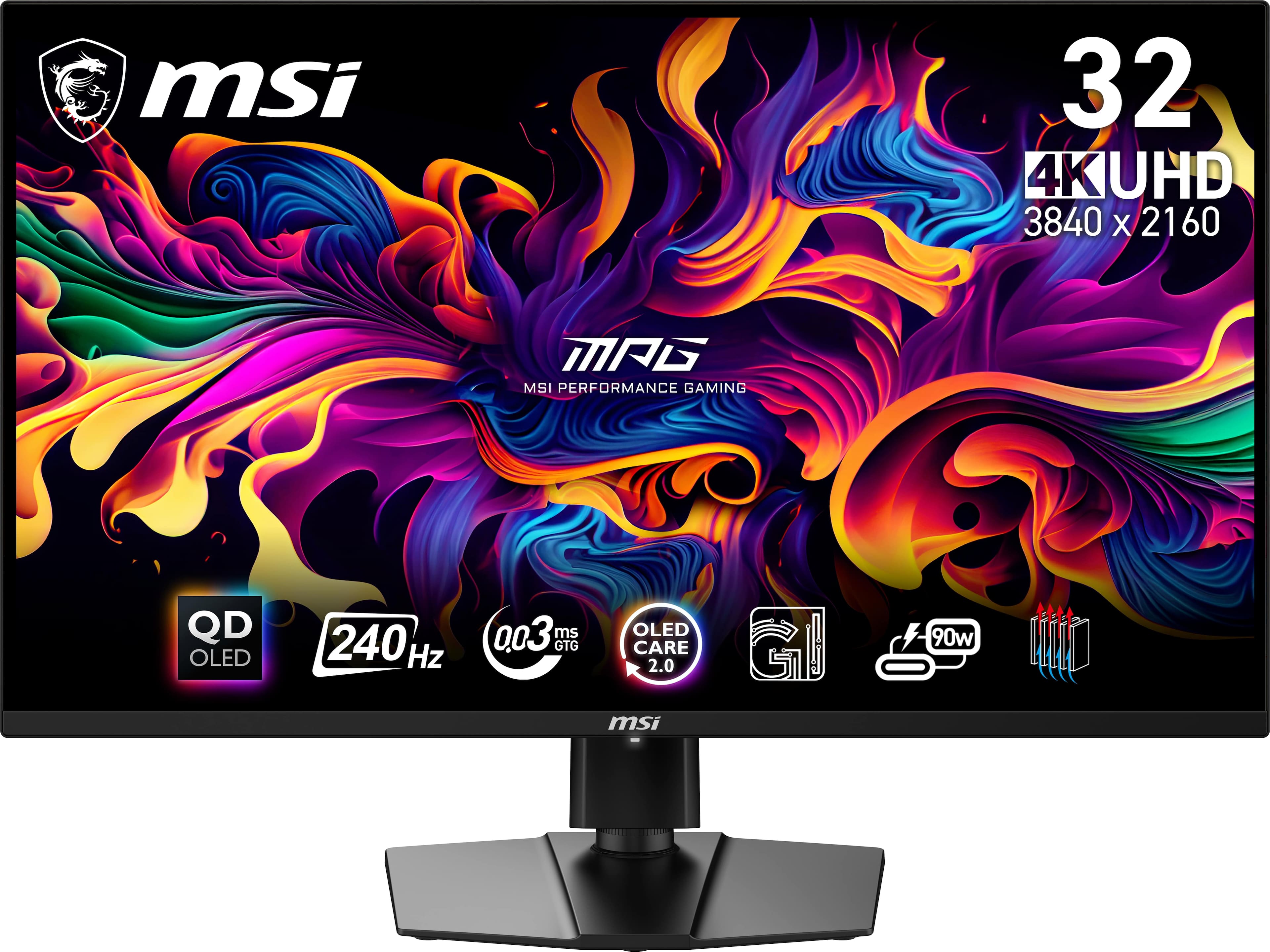
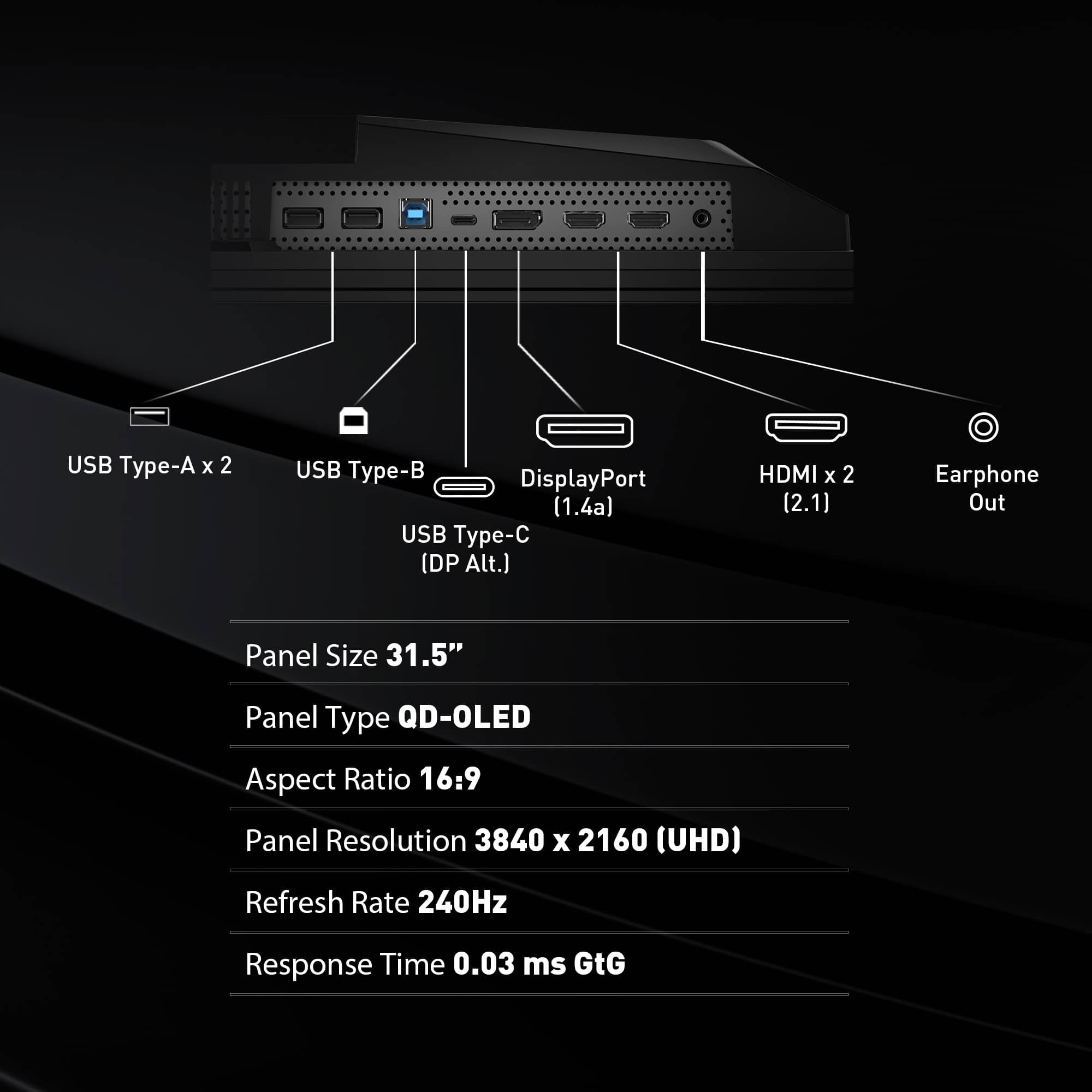
- MPG 321URX QD-OLED
- |
- SKU:
- 10732124
Customer reviews
Rating 4.9 out of 5 stars with 216 reviews
(216 customer reviews)Rating by feature
- Display Quality4.9
Rating 4.9 out of 5 stars
- Ease of Use4.8
Rating 4.8 out of 5 stars
- Features4.8
Rating 4.8 out of 5 stars
Rated 5 out of 5 stars
Beautiful Monitor
||Posted . Owned for less than 1 week when reviewed.This reviewer received promo considerations or sweepstakes entry for writing a review.This is my my first monitor, and it looks so good and clean. Loved the height adjustment and swivel, which was perfect for my desk setup as well the flat base stand. I didn't like those monitors with pointy legs as a stand since it woulve been on the way. OLED IS SO BEAUTIFUL!!! By the way, if you do get his monitor at a later date, remember that a signature is required, so I recommend pickup in store if you're busy.
This review is from MSI - MPG321URXQDOLED 32" Quantum Dot OLED UHD 240Hz 0.03ms Gaming Monitor with HDR400 (DisplayPort, HDMI, USB) - Black
I would recommend this to a friendRated 5 out of 5 stars
Recommending gaming OLED monitor! Must have!
||Posted .This reviewer received promo considerations or sweepstakes entry for writing a review.First time owning an OLED gaming monitor and I am loving it. Battlefield 6 looks freaking amazing in this game.
This review is from MSI - MPG321URXQDOLED 32" Quantum Dot OLED UHD 240Hz 0.03ms Gaming Monitor with HDR400 (DisplayPort, HDMI, USB) - Black
I would recommend this to a friendRated 5 out of 5 stars
Huge upgrade from 1080p 27
||Posted . Owned for less than 1 week when reviewed.This reviewer received promo considerations or sweepstakes entry for writing a review.Good semi-glossy monitor. Colors really pop, but there are still a few issues with VRR flickering that I hope are resolved in the next upcoming updates.
This review is from MSI - MPG321URXQDOLED 32" Quantum Dot OLED UHD 240Hz 0.03ms Gaming Monitor with HDR400 (DisplayPort, HDMI, USB) - Black
I would recommend this to a friendRated 5 out of 5 stars
So far so good
||Posted .This reviewer received promo considerations or sweepstakes entry for writing a review.Looks good so far worked well out the box. Replacing a lg c2 42"
This review is from MSI - MPG321URXQDOLED 32" Quantum Dot OLED UHD 240Hz 0.03ms Gaming Monitor with HDR400 (DisplayPort, HDMI, USB) - Black
I would recommend this to a friendRated 5 out of 5 stars
Awesome monitor
||Posted .This reviewer received promo considerations or sweepstakes entry for writing a review.This is as good as it gets for me. No complaints at all
This review is from MSI - MPG321URXQDOLED 32" Quantum Dot OLED UHD 240Hz 0.03ms Gaming Monitor with HDR400 (DisplayPort, HDMI, USB) - Black
I would recommend this to a friendRated 5 out of 5 stars
Awesome Monitor!
||Posted .This reviewer received promo considerations or sweepstakes entry for writing a review.Great monitor, love the slim profile of it. Buttery smooth and color accuracy looks great straight out of the box. No signs of text fringing and much nicer to use over a curved monitor.
This review is from MSI - MPG321URXQDOLED 32" Quantum Dot OLED UHD 240Hz 0.03ms Gaming Monitor with HDR400 (DisplayPort, HDMI, USB) - Black
I would recommend this to a friendRated 5 out of 5 stars
Affordable 4k gaming oled monitor
||Posted . Owned for 1 month when reviewed.This reviewer received promo considerations or sweepstakes entry for writing a review.Affordable 4k gaming oled monitor, great for 4k gaming that doesn’t break the break
This review is from MSI - MPG321URXQDOLED 32" Quantum Dot OLED UHD 240Hz 0.03ms Gaming Monitor with HDR400 (DisplayPort, HDMI, USB) - Black
I would recommend this to a friendRated 5 out of 5 stars
Excellent monitor
||Posted .This reviewer received promo considerations or sweepstakes entry for writing a review.The color accuracy and picture is beautiful I’ve had no problems so far 1 year in
This review is from MSI - MPG321URXQDOLED 32" Quantum Dot OLED UHD 240Hz 0.03ms Gaming Monitor with HDR400 (DisplayPort, HDMI, USB) - Black
I would recommend this to a friendRated 5 out of 5 stars
Great monitor, especially at this price point!
||Posted . Owned for less than 1 week when reviewed.This reviewer received promo considerations or sweepstakes entry for writing a review.I started off with the Dell AW3225QF and while it’s decent, I decided to aim for the MPG 321URX. I made a great decision. I do both console gaming (PS5) and PC gaming and the monitor is excellent for both. I love the glossy display! In my opinion OLEDs should never have a matte finish to the display. Also, the input lag is EXCELLENT. A lot of console games are still 60 fps or lower and I’m noticing that the response time at lower frames is great. That is very important to me. At this price point forget the other 32 inch OLEDs. This is the one! Also, don’t forget to remove the plastic from the vents on the back of the monitor.
This review is from MSI - MPG321URXQDOLED 32" Quantum Dot OLED UHD 240Hz 0.03ms Gaming Monitor with HDR400 (DisplayPort, HDMI, USB) - Black
I would recommend this to a friendRated 5 out of 5 stars
OLED is the best
||Posted .This reviewer received promo considerations or sweepstakes entry for writing a review.Incredible monitor. OLED is just so much better than IPS and VA panels. The size was quite a bit bigger than my previous 27" monitor but I got used to it after a few days.
This review is from MSI - MPG321URXQDOLED 32" Quantum Dot OLED UHD 240Hz 0.03ms Gaming Monitor with HDR400 (DisplayPort, HDMI, USB) - Black
I would recommend this to a friendRated 5 out of 5 stars
Upgraded from 1440p and blown away
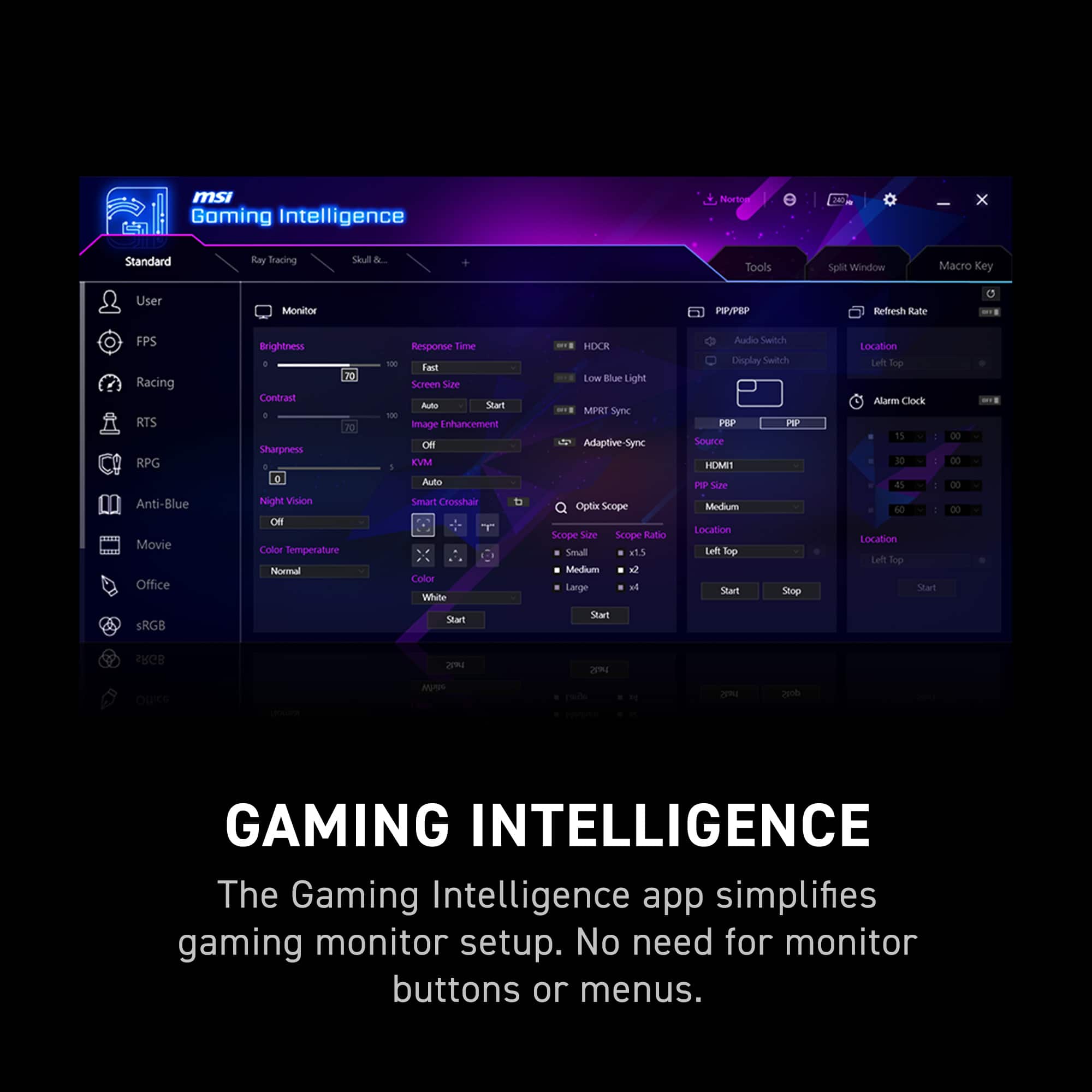
||Posted . Owned for 1 week when reviewed.This reviewer received promo considerations or sweepstakes entry for writing a review.Have really enjoyed this monitor so far. Deep blacks and amazing colors have been a treat. I bought this monitor to use for work and gaming because of the KVM switch I have both my PC and work computer connected and its been working really well! Theres starting to become a lot of choices when it comes to next gen OLED but its really hard to beat this monitors price point with the features that are being offered. At the time of this review i would definitely recommend strongly considering this monitor to be a purchase choice for anyone looking into an OLED monitor.
This review is from MSI - MPG321URXQDOLED 32" Quantum Dot OLED UHD 240Hz 0.03ms Gaming Monitor with HDR400 (DisplayPort, HDMI, USB) - Black
I would recommend this to a friendRated 5 out of 5 stars
Big Leap from IPS to OLED
Posted .This reviewer received promo considerations or sweepstakes entry for writing a review.Coming from a 1440p IPS monitor, the OLED experience is outstanding, and 4K resolution makes text fringing almost unnoticeable. Contrast is excellent, blacks are deep, and HDR looks great. One thing to note: at the moment, the TB400 mode appears brighter than Peak1000, but overall color performance is impressive (just make sure to select the correct color mode in HDR).
This review is from MSI - MPG321URXQDOLED 32" Quantum Dot OLED UHD 240Hz 0.03ms Gaming Monitor with HDR400 (DisplayPort, HDMI, USB) - Black
I would recommend this to a friendRated 5 out of 5 stars
Next level
||Posted .This reviewer received promo considerations or sweepstakes entry for writing a review.Owned a ultrawide OLED before this and this thing looks INSANELY good. The pixel density improvement is worth every penny
This review is from MSI - MPG321URXQDOLED 32" Quantum Dot OLED UHD 240Hz 0.03ms Gaming Monitor with HDR400 (DisplayPort, HDMI, USB) - Black
I would recommend this to a friendRated 5 out of 5 stars
Amazing monitor
||Posted .This reviewer received promo considerations or sweepstakes entry for writing a review.Amazing gaming monitor, I’m very satisfied with this purchase.
This review is from MSI - MPG321URXQDOLED 32" Quantum Dot OLED UHD 240Hz 0.03ms Gaming Monitor with HDR400 (DisplayPort, HDMI, USB) - Black
I would recommend this to a friendRated 5 out of 5 stars
Amazing
||Posted . Owned for 5 months when reviewed.This reviewer received promo considerations or sweepstakes entry for writing a review.I come from playing on TV’s and the change is out off this world nothing can beat the quality of oled
This review is from MSI - MPG321URXQDOLED 32" Quantum Dot OLED UHD 240Hz 0.03ms Gaming Monitor with HDR400 (DisplayPort, HDMI, USB) - Black
I would recommend this to a friendRated 5 out of 5 stars
Color and Clarity
||Posted . Owned for less than 1 week when reviewed.This reviewer received promo considerations or sweepstakes entry for writing a review.Seriously this monitor does it all and for less than compeititors.
This review is from MSI - MPG321URXQDOLED 32" Quantum Dot OLED UHD 240Hz 0.03ms Gaming Monitor with HDR400 (DisplayPort, HDMI, USB) - Black
I would recommend this to a friendRated 5 out of 5 stars
The absolute best gaming monitor I've ever used.
||Posted .This reviewer received promo considerations or sweepstakes entry for writing a review.This is an amazing monitor. I was looking for the best gaming monitor and all my research led me to the MSI - MPG321URXQDOLED 32"
This review is from MSI - MPG321URXQDOLED 32" Quantum Dot OLED UHD 240Hz 0.03ms Gaming Monitor with HDR400 (DisplayPort, HDMI, USB) - Black
I would recommend this to a friendRated 5 out of 5 stars
32inch Monitor
||Posted .This reviewer received promo considerations or sweepstakes entry for writing a review.It is so amazing. I really have a good gaming group experience with this.
This review is from MSI - MPG321URXQDOLED 32" Quantum Dot OLED UHD 240Hz 0.03ms Gaming Monitor with HDR400 (DisplayPort, HDMI, USB) - Black
I would recommend this to a friendRated 5 out of 5 stars
Excellent
||Posted . Owned for 3 weeks when reviewed.This reviewer received promo considerations or sweepstakes entry for writing a review.This display is honestly perfect. I have no gripes, I’m fully satisfied with this purchase
This review is from MSI - MPG321URXQDOLED 32" Quantum Dot OLED UHD 240Hz 0.03ms Gaming Monitor with HDR400 (DisplayPort, HDMI, USB) - Black
I would recommend this to a friendRated 1 out of 5 stars
Amazing Picture, Ruined by a Fatal Flaw
||Posted .This reviewer received promo considerations or sweepstakes entry for writing a review.DO NOT BUY THIS MONITOR! The image quality on the MSI MPG321URX is stunning—hands down the best I’ve ever seen. But it’s all wasted on a monitor that forces itself to go dark mid-use, with no real way to stop it. Here’s the problem: MSI’s “screen protection” feature dims the entire display for nearly 15 minutes. You’ll get a prompt every 4 hours asking if you want to run it—you can postpone it up to three times. But after 16 hours, it gives you a 1-minute warning and forces a 15-minute blackout, even if you're in the middle of a match, editing, or watching something. You can switch to a 16-hour mode to reduce pop-ups—but that one skips the postpones entirely. Just the one-minute warning, then you’re dark. MSI claims to have patched this with a firmware update. But check the forums—there are just as many people saying the update bricked their monitor as there are saying it worked. It’s mind-blowing. Why would you design a high-end gaming monitor that randomly shuts itself off for 15 minutes and give users zero reliable control over it? Amazing hardware, sabotaged by idiotic software. Avoid it. There's plenty of great monitors out there, especially for the price.
This review is from MSI - MPG321URXQDOLED 32" Quantum Dot OLED UHD 240Hz 0.03ms Gaming Monitor with HDR400 (DisplayPort, HDMI, USB) - Black
No, I would not recommend this to a friend