Customer Ratings & Reviews




- Model:
- GA00515-US
- SKU:
- 6290306
Rating by feature
- Value
Rating 4.6 out of 5 stars
- Quality
Rating 4.8 out of 5 stars
- Ease of Use
Rating 4.7 out of 5 stars
Customers are saying
Customers are positive about the Nest Hub Smart Display's ease of use, screen size, sound quality, and Google Assistant functionality. Many appreciate its compatibility with other smart home devices. However, customers are negative about the lack of a camera and some have reported connectivity issues. A few also find the price to be too high.
This summary was generated by AI based on customer reviews.
- Pros mentioned:Screen size
Good Stuff
||Posted . Owned for 3 weeks when reviewed.This reviewer received promo considerations or sweepstakes entry for writing a review.Love it but it lacks a camera. Eventhough, I've heard that google really gets on spying on customers. Control freak company. The 7 inch display is big enough to have it useful. Quality picture and sound yo will enjoy.
I would recommend this to a friend - Pros mentioned:Screen size
I love the Google Nest Hub
||Posted . Owned for less than 1 week when reviewed.This reviewer received promo considerations or sweepstakes entry for writing a review.I love this product so much that I have decided to replace all of my Google mini homes with the nest hub and even get the 10 inch hub max.
I would recommend this to a friend - Pros mentioned:Ease of use
Google Nest hub 7"
||Posted . Owned for less than 1 week when reviewed.This reviewer received promo considerations or sweepstakes entry for writing a review.It works great! And the price you cant beat and the set up was really easy to do.
I would recommend this to a friend - Pros mentioned:Screen size, Sound quality

Compact & Intelligent Smart Display System.
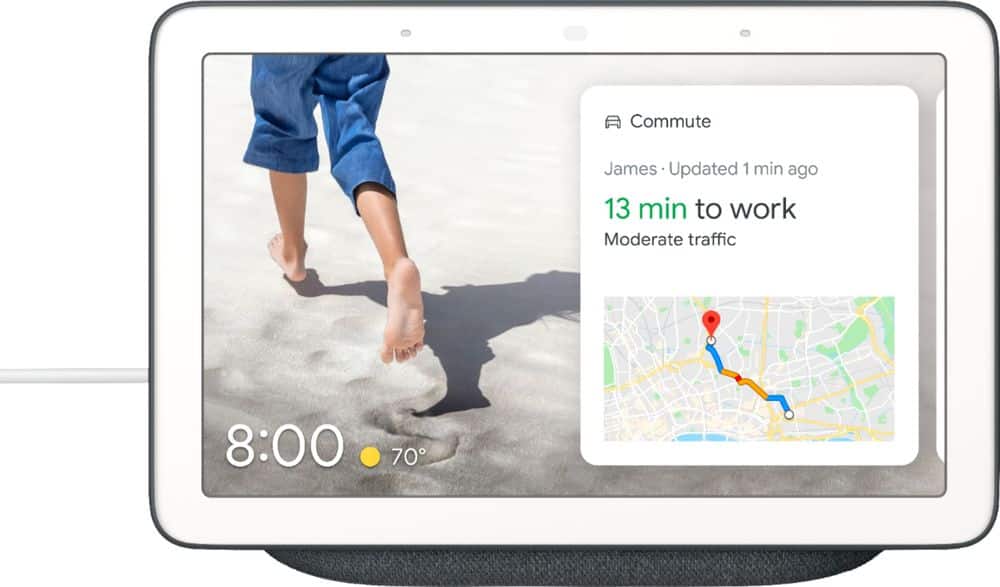
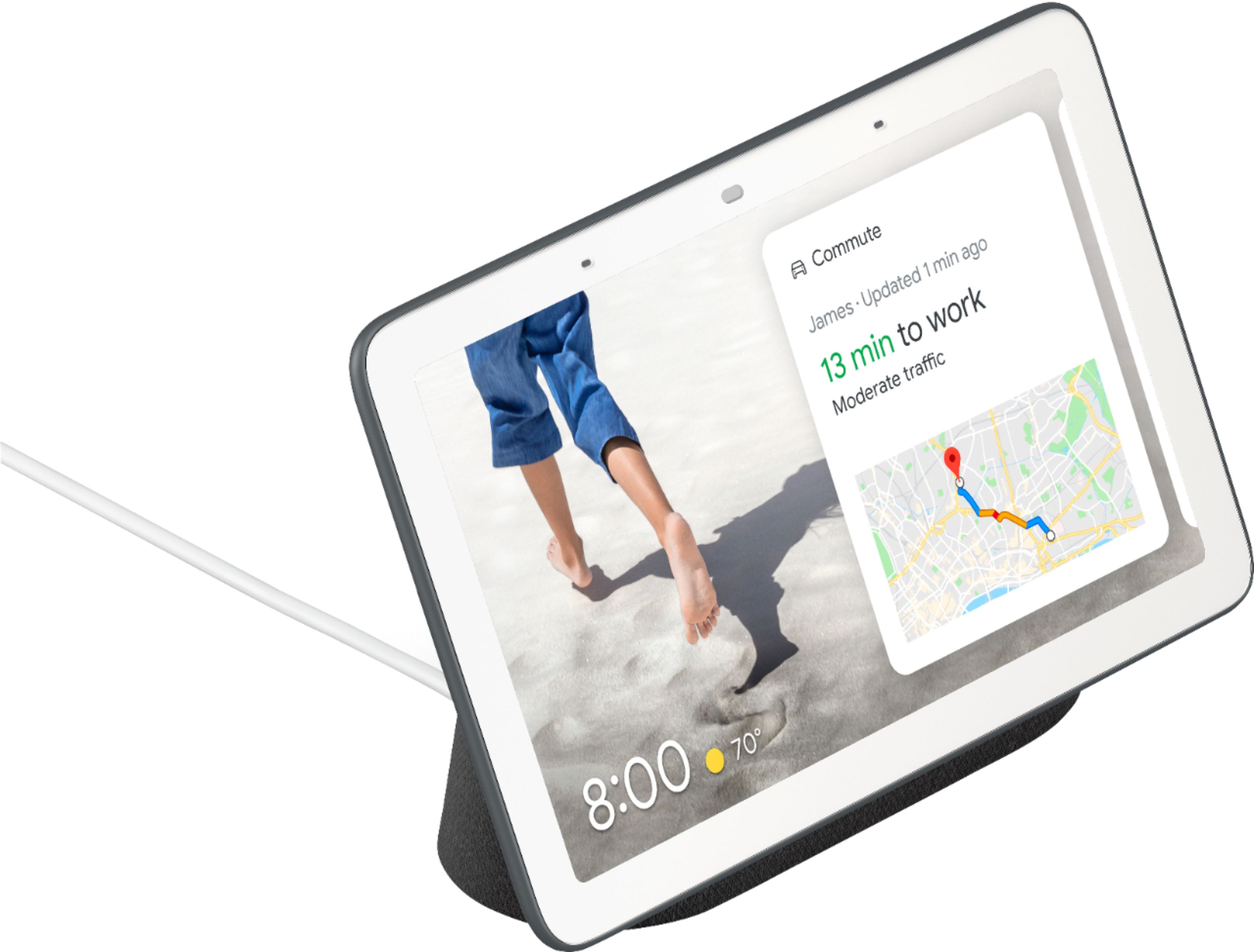
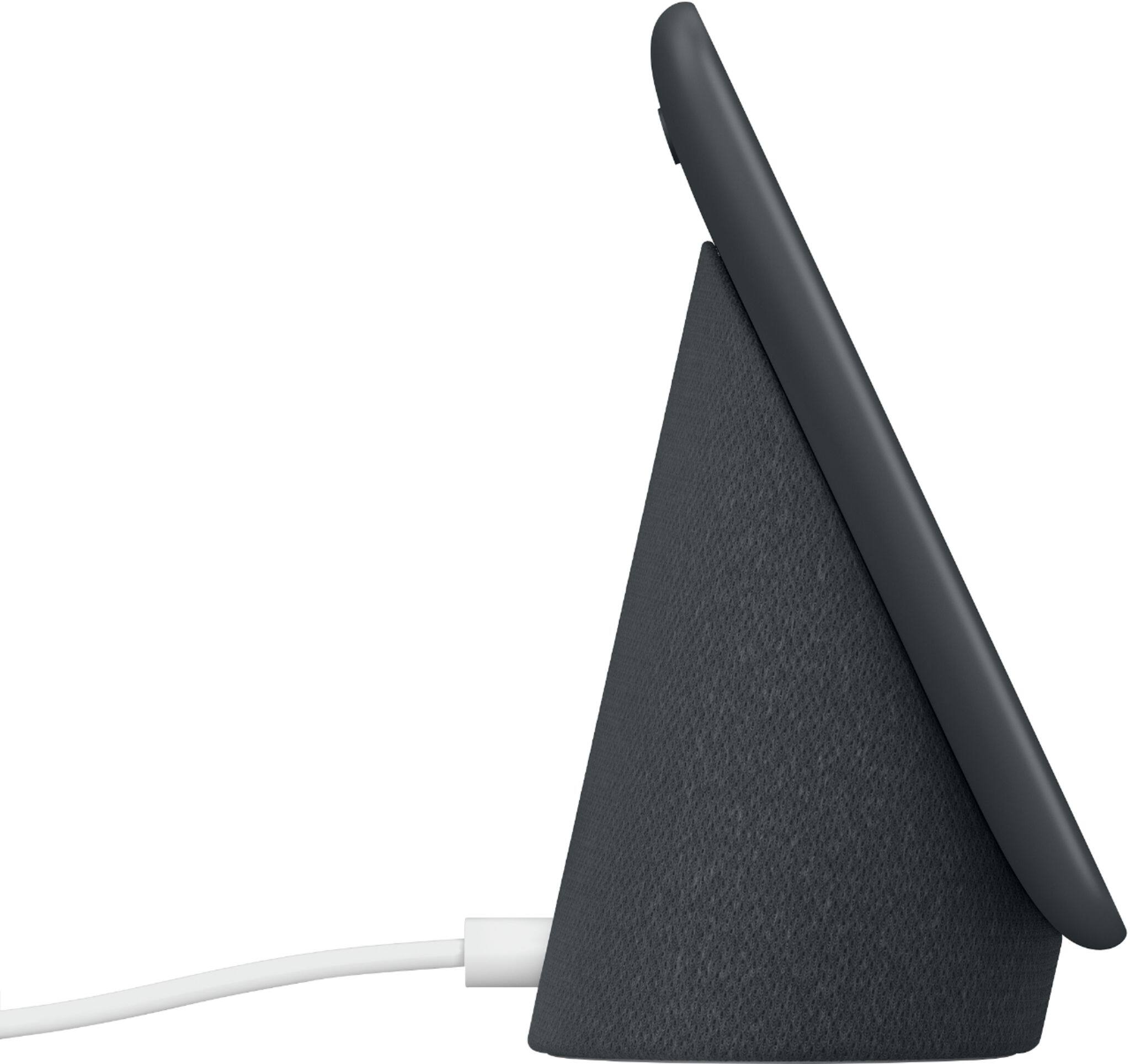
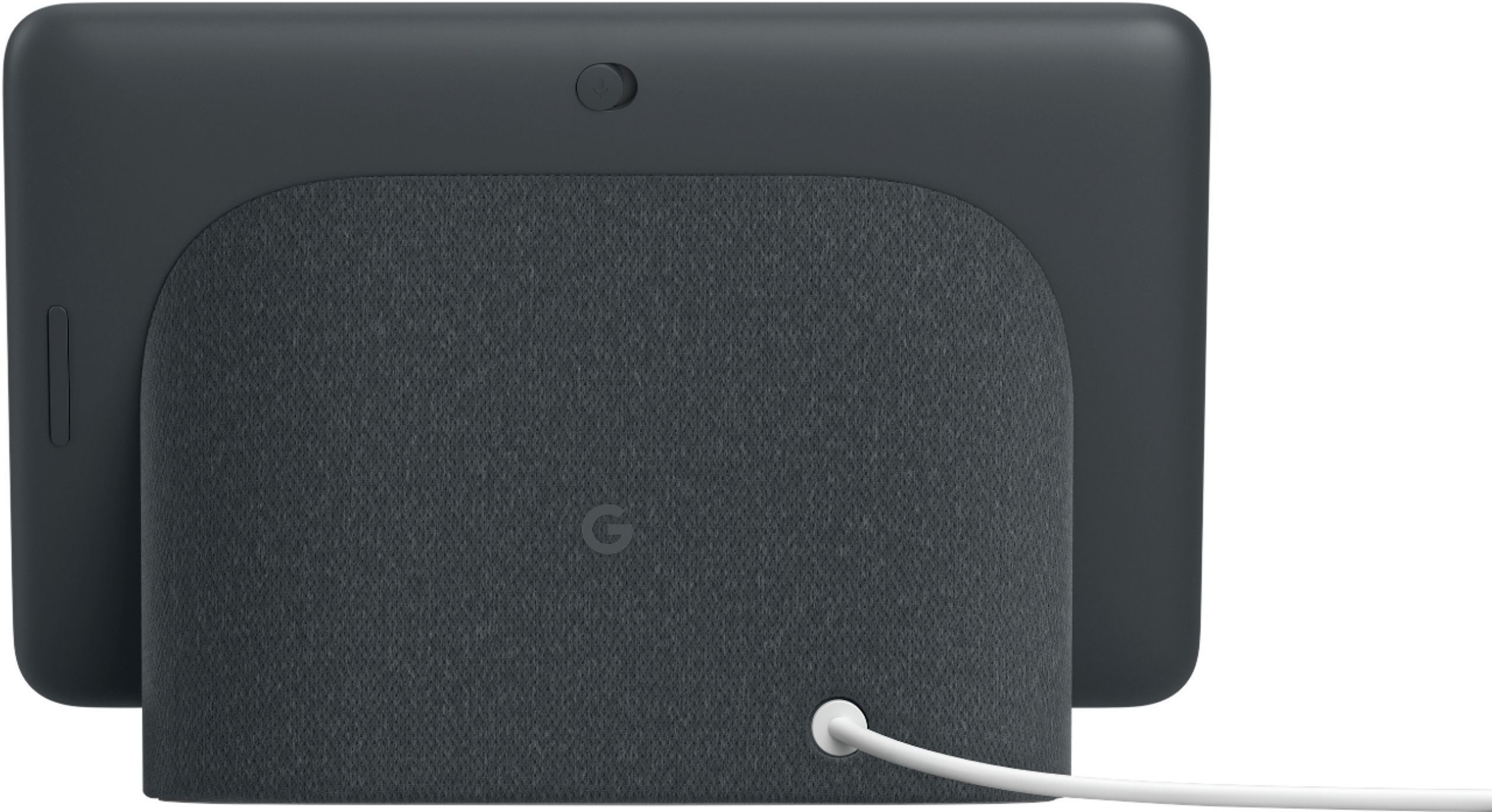
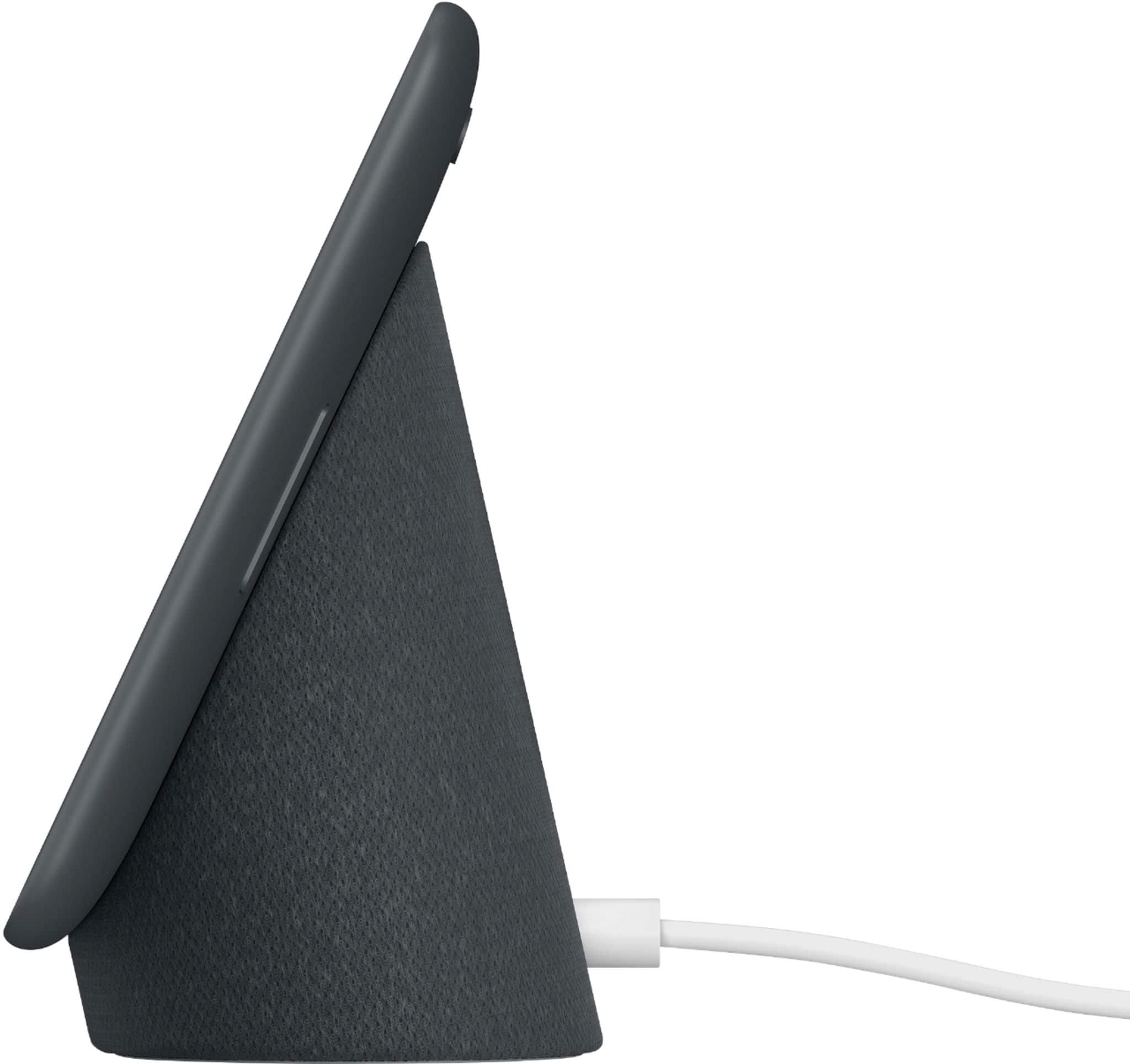
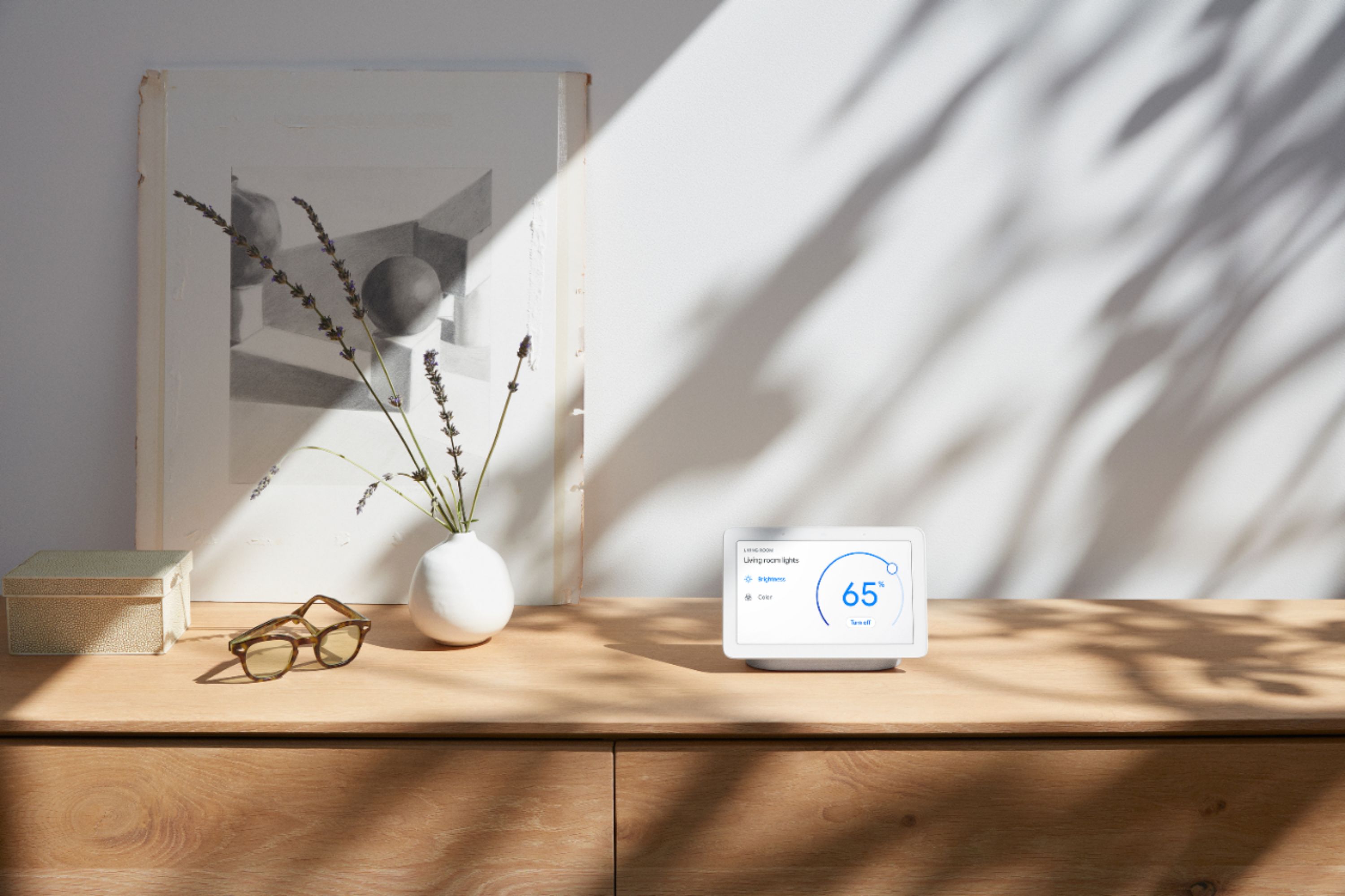
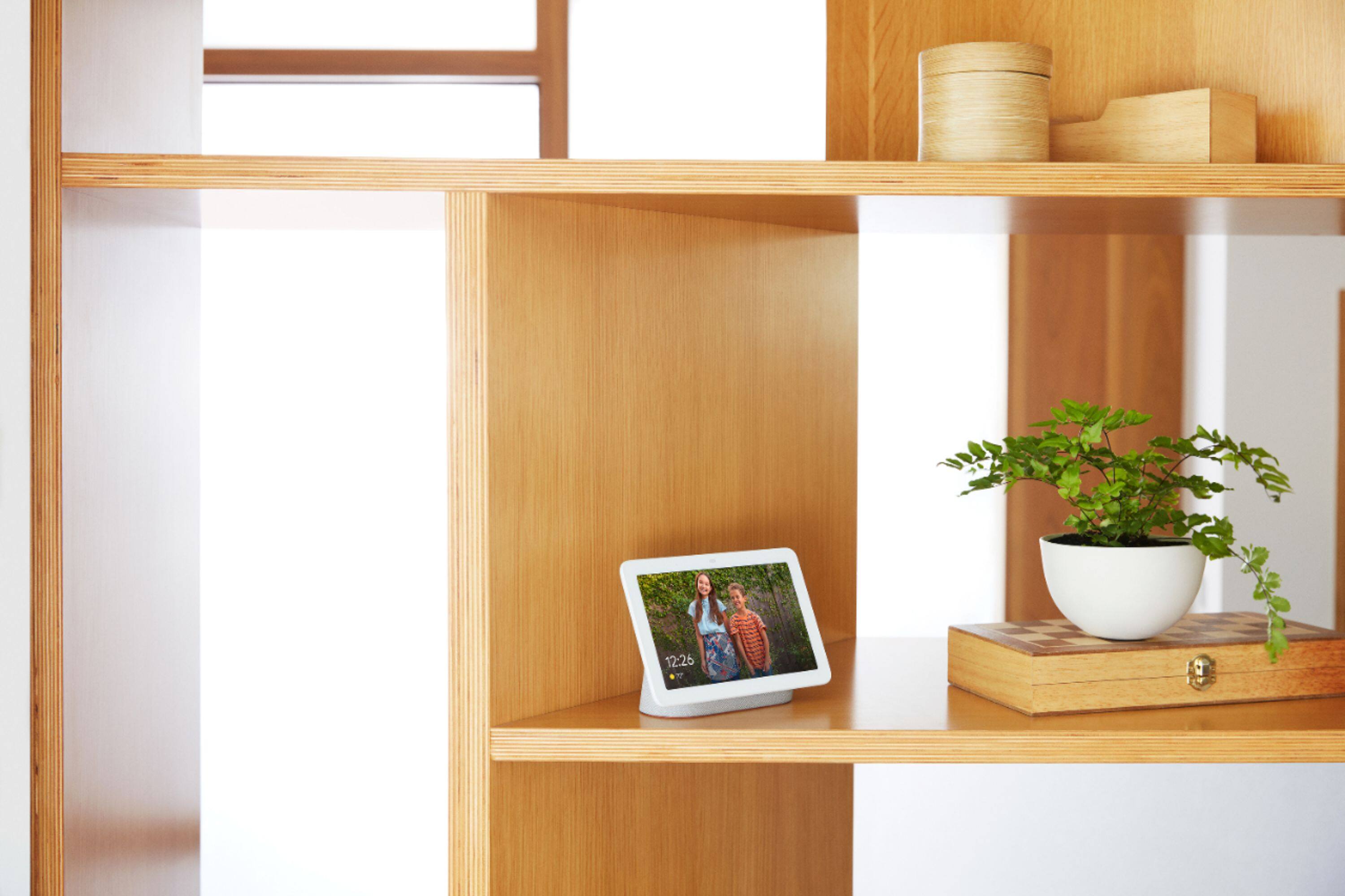
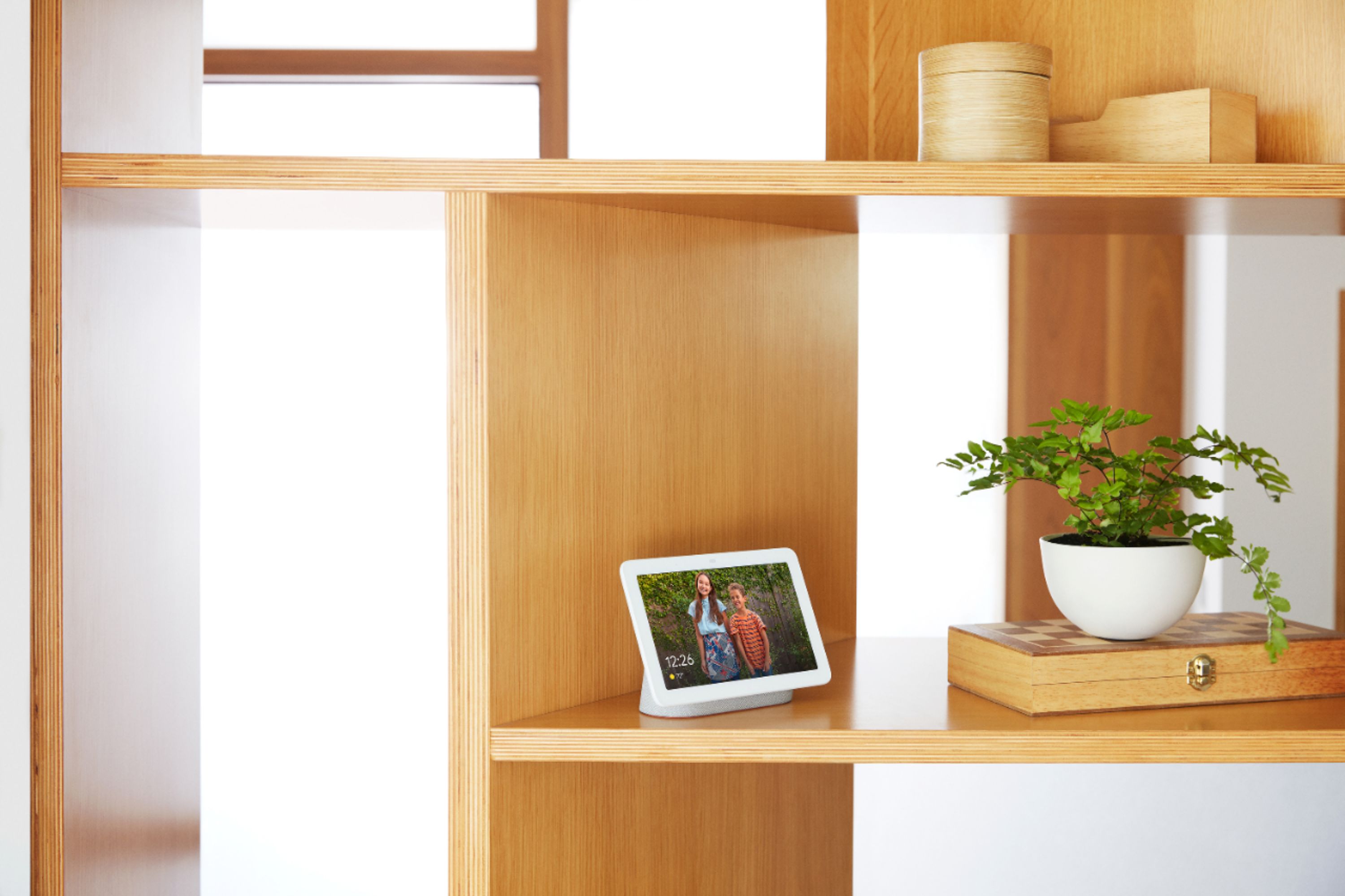
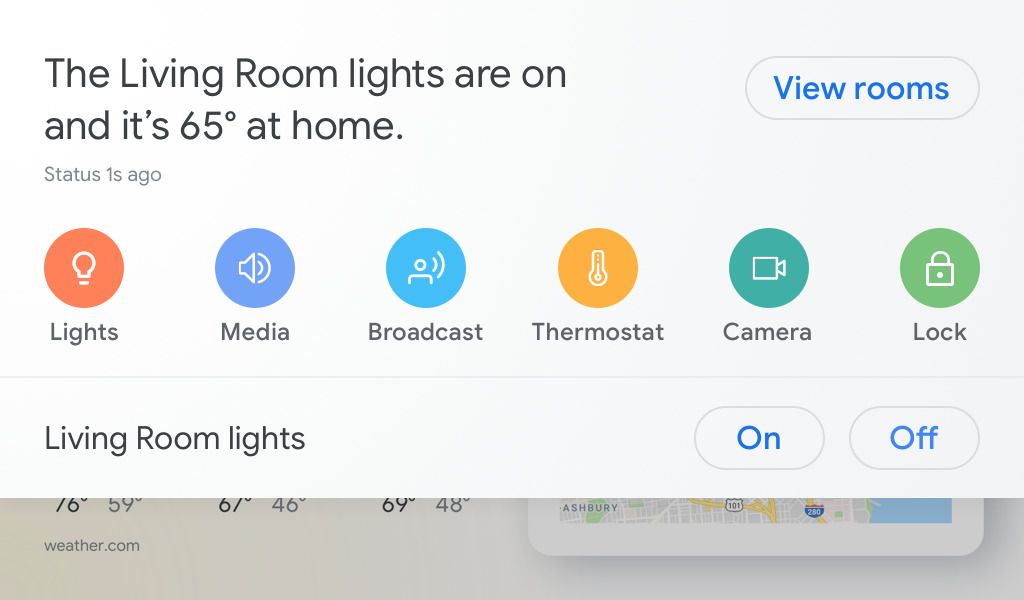
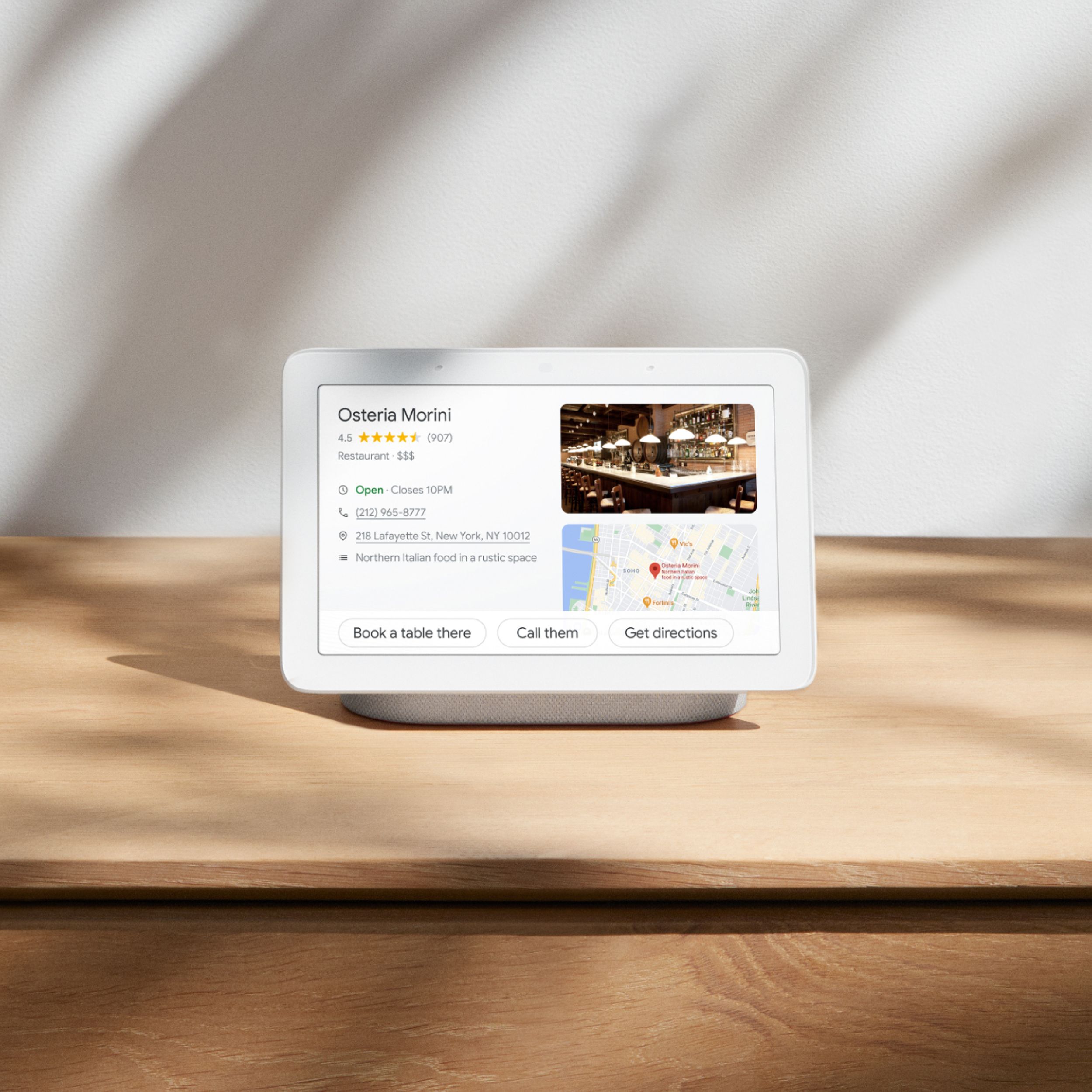
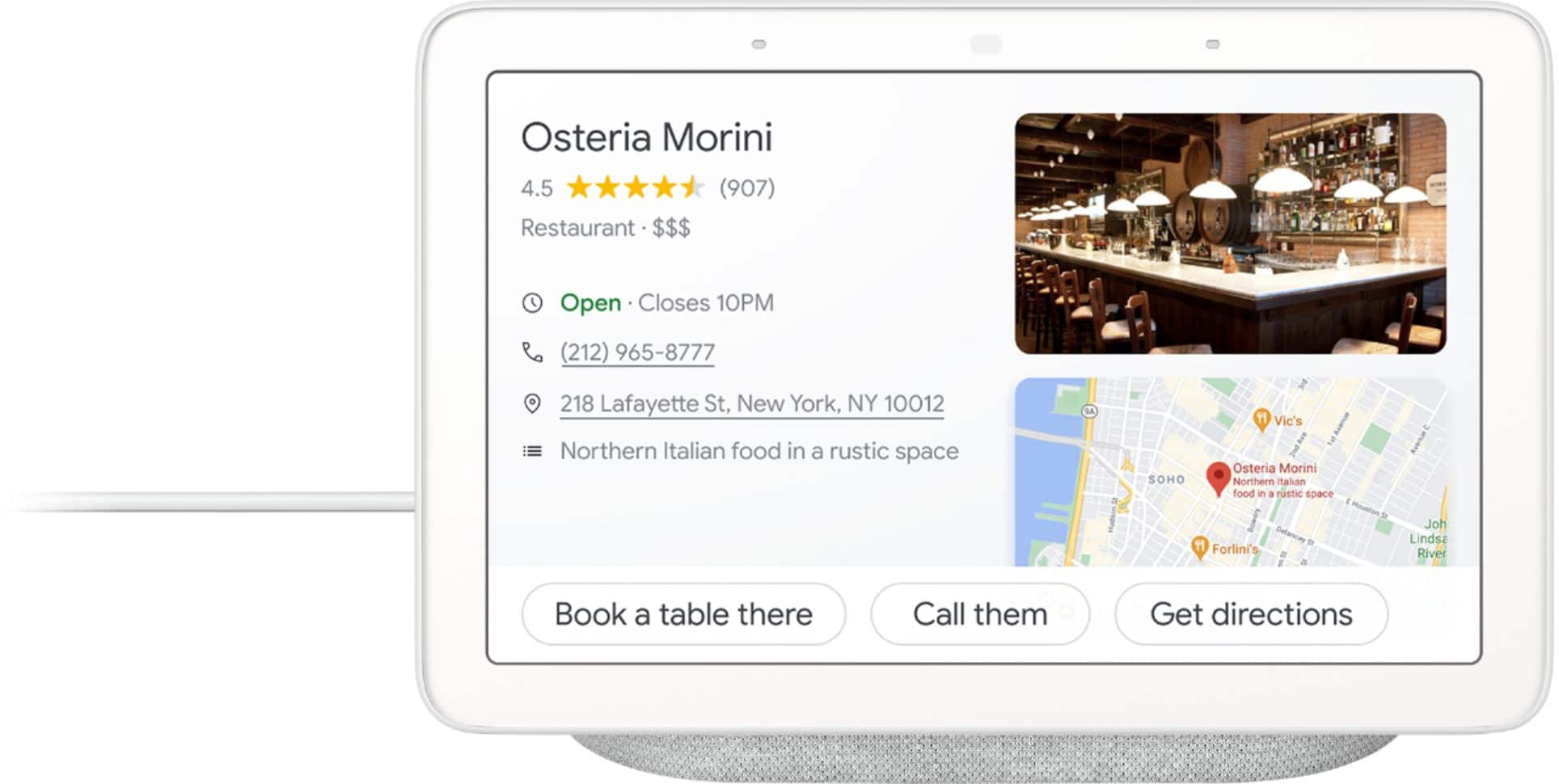
|Posted .This reviewer received promo considerations or sweepstakes entry for writing a review.==== Summary ==== Google has created a really good smart display hub system that combines a sharp and vibrant 7" screen, a decent music speaker, and a smart artificial intelligence program (the Google Assistant) held together by an interface that expertly blends sight, speech, and touch controls. It is fun to use, simple to control, and offers powerful automation control options for a home equipped with smart devices & appliances. It can also serve as a delightful picture frame. Best of all, the pricing is just right ($150) making the Google Hub accessible to most people. It's a Win from Google. *Pros: -Clean, minimalist design that blends easily into most settings. -Compact footprint. -Sharp, responsive, and colorful touchscreen. -Decent sound quality for its size. -Far-field microphones work well & reliably. -Google Assistant is smart and responsive. -Smart Home controls (e.g., lights, TV's, security cameras, thermostat, doorbell, etc). -Routines (multiple automated tasks) are easy to setup and use inside the Google Home app. -Via “Voice Match” technology, up to 6 different people can create their own custom Routines. -No video camera/webcam (good for privacy). -The Hub makes for a lovely picture frame. -Comes with 6-months of free YouTube Premium. *Neutral: -The Hub needs to be plugged in all the time - no rechargeable battery inside. -I wish there was an onscreen keyboard for YouTube music & video search. -In a pitch-dark room in ambient clock mode, it's difficult to tell the time (unless you're really close-by) because the screen becomes too dark. *Cons: -Can't cast Netflix videos to it. ==== Design ==== I find the design of the Google Home Hub to be clean, simple, and unobtrusive. The Hub, with its 7" LCD touchscreen framed by a white front bezel and a fabric-textured charcoal stand in the back, is able to fit in easily and naturally pretty much anywhere in the house (e.g., desk, nightstand, kitchen counter, dining room table). The white rubber mat on the bottom of the stand is super grippy and prevents the Hub from moving around and easily falling over. The screen is nice with its sharp and vibrant colors and the viewing angle is good as well. The ambient light sensor on the top middle of the frame does an excellent job adjusting screen brightness and reacts quickly. If the default auto-brightness is too bright or too dim for you, you can adjust the Ambient EQ auto-brightness level from the Google Home app (Settings -> Display Settings -> Ambient EQ). From there, you can also control other settings such as Screen Timeout, Screen Color Matching, and there is an option to show the clock during low light. Also on the top frame of the screen are the two far-field microphones that does an excellent job picking up your voice commands easily from across the room. The Hub always picked up on my prompts and commands reliably. Speaking to it in low volume worked just as well. Should you want to disable the voice command functionality, there is a toggle behind the screen you can slide to Off which is a nice touch. The microphones and the speaker performed satisfactorily together during phone calls and the voices came in and went out clearly. Behind the right edge of the screen is the volume control button that goes from 0 (silence) to 10 that is tactile and easy to locate. Although the speaker is small, it gets loud enough to entirely fill out a small- to medium-sized room. Music playback was pretty decent although, as expected, bass is weak and the soundstage is limited. It is no replacement for a quality bluetooth speaker. Audio quality can be slightly adjusted inside the Google Home app where you can set Bass and Treble levels between -6dB to +6dB. Your music won't become super fantastic all of a sudden but the inclusion of these settings is still appreciated. For what it is, however (a smart AI display), the Hub is good enough for me for casual music listening and streaming videos. Some other notable hardware features inside the Hub is the inclusion of Bluetooth 5.0 technology, 2.4 & 5 GHz Wifi capability, and support for multi-room audio sync and playback with other Google Home enabled speakers (such as my JBL Link 10). The Hub is powered via a power cord tethered to the wall and has no rechargeable battery inside, which is a slight disappointment. It would've been nice to temporarily unplug it and carry it around with me around the house. I'm hoping for third-party companies to quickly release battery base mods so I can turn the Hub into a portable smart display. All in all, the Google Home Hub is a very well-designed smart display system with many thoughtful touches and good hardware. ==== Control & Navigation ==== There are two main ways of interacting with the Google Hub - via touch or voice - and both methods worked very well. The screen is very responsive to taps and swipes and all the animations and transitions are smooth and fluid. A single tap wakes up the display from its slumber clock mode into its ambient mode. Another single tap takes you into your "home screen." From there, you can swipe from left to right to go back into ambient mode or swipe from right to left to view your Reminders, Calendar events, News, Music, Videos, and more. Swiping up from the bottom of the screen reveals some convenient shortcut settings - the Ambient EQ brightness setting, Volume level, Do Not Disturb Mode, and a About Device screen. Swiping down from the top of the screen reveals the "Welcome home" or "Home View" screen where you can control all the smart devices around the house such as smart light bulbs, speakers, thermostat, etc. There is also a "Broadcast" option which allows you to say something and have it played back across all the connected speakers around the house like an intercom system. Very neat. The second major way of interacting with the Hub is via your voice and this method, too, worked very well. Just speak "Hey, Google or "Ok, Google" and speak out your query or command and the Google Assistant responds back quickly. Simple and powerful. The only control option I wish the Google Hub had included was an onscreen keyboard. Having a keyboard would’ve made searching for music and videos more precise and easier. Hopefully, Google will add an onscreen keyboard in one of the future firmware updates. To sum it up, Google did a fantastic job with the control options. Everything worked well without any hiccups. ==== Functionality & Usefulness ==== The brain behind the Google Home Hub is the Google Assistant AI software and what a powerful tool it is~! The list of things that Google Assistant can do and perform is too numerous to list in this review. Instead, here are two links that showcase some of the capabilities of the Google Assistant - one from Google and one from a popular news site. https://assistant.google.com/explore https://www.tomsguide.com/us/pictures-story/917-best-google-assistant-features.html For me personally, I find Google Assistant to be very helpful for the following things in my life - playing music and music videos, setting up Reminders and viewing my calendar entries, getting weather forecasts, creating shopping lists, having the news read to me, setting up alarm clocks, viewing my family photos in Ambient Mode, making hand-free phone calls, quickly finding recipes in the kitchen, getting restaurant recommendations, and turning on and off my smart home devices (e.g, light bulbs, TV). I do wish, however, for a little bit more. As of right now, the Google Hub cannot send text messages and for some reason, Netflix movies does not work although it is listed inside Settings as a supported “video service” that can play videos. Casting from other video apps such as Tubi and Hulu, however, worked just fine. Despite these somewhat minor gripes, I feel confident that the Google Hub will continue to be improved steadily by Google and new features will be added in the short- and long-term future. Overall, I’m excited and enjoying the convenience of having such a smart AI assistant nearby that can, in addition to speaking back answers to my queries, also show me videos, make phone calls, control my smart devices, and act as a wonderful and dynamic photo frame. ==== Closing Thoughts ==== For ~$150, the Google Home Hub is a fantastic product with great value. It has a clean and pleasing design, the AI component is brilliant, the screen is vibrant and clear, and the powerful automation and smart home control features are well-integrated & highly functional. It also doesn't take up too much space, easily blending into almost any environment inside a home. The Hub is an excellent creation from Google that I highly recommend.
I would recommend this to a friend - Pros mentioned:Sound quality
Great buy
||Posted . Owned for 1.5 years when reviewed.This reviewer received promo considerations or sweepstakes entry for writing a review.It’s like a mini time telling, music playing,little security gaird
I would recommend this to a friend - Cons mentioned:Camera
No camera on it
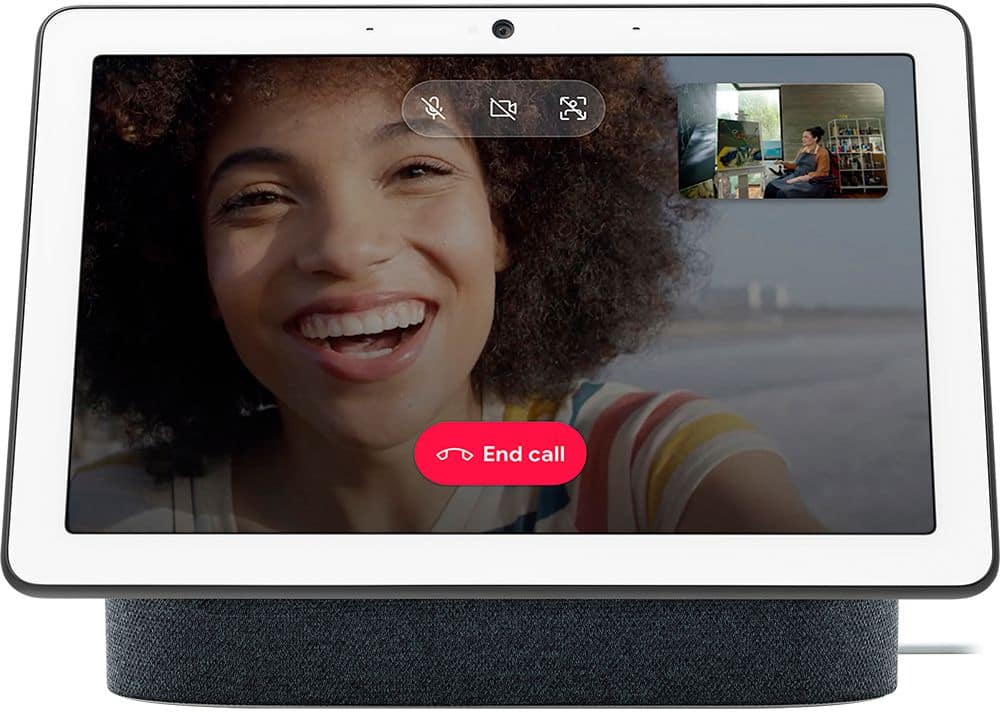
||Posted . Owned for 1 month when reviewed.This reviewer received promo considerations or sweepstakes entry for writing a review.Doesn’t have a camera on it though the video shows a camera, it’s actually attached to the other bigger one.
I would recommend this to a friend - Pros mentioned:Smart home integration
Nice
||Posted . Owned for 1 month when reviewed.This reviewer received promo considerations or sweepstakes entry for writing a review.You can listen to your radio and you can see any video and you can connect your other smart devices to this device.
I would recommend this to a friend - Pros mentioned:Sound quality
Google home
||Posted . Owned for 1 month when reviewed.This reviewer received promo considerations or sweepstakes entry for writing a review.Easy to set up. Nice little speaker and screen. Would definitely recommend
I would recommend this to a friend Excellent Google Hub
||Posted . Owned for 2 weeks when reviewed.This reviewer received promo considerations or sweepstakes entry for writing a review.I Purchased 2 Google Nest Hubs, when they were on sale for $79.99 after testing them I realized I should’ve bought 2 more. We enjoy watching or hearing news ,music, weather,etc. My 5yr old likes to ask google to make animal sounds and it also shows a pic of the animal on screen. Good thing if put on kids room you can have parental control settings on the app for YouTube strong content.i do recommend this device from google .
I would recommend this to a friendRemarkably Useful Device
||Posted . Owned for 1 month when reviewed.This reviewer received promo considerations or sweepstakes entry for writing a review.The Nest Hub is an unobtrusive, useful little device that works very effectively with various Google services. We particularly like the YouTube integration, which allows us to easily catch up on news shows while we breakfast. And it is a spectacular photo display if you use Google Photo; pictures are bright, clear and very enjoyable to see. I only wish it could integrate with ADT security cameras, since that was my initial reason for trying the device. It can function with the service, but the cameras do not ... for now at least. But it was well worth getting.
I would recommend this to a friend- Pros mentioned:Screen size, Sound quality
The Best Smart Home Hub Yet
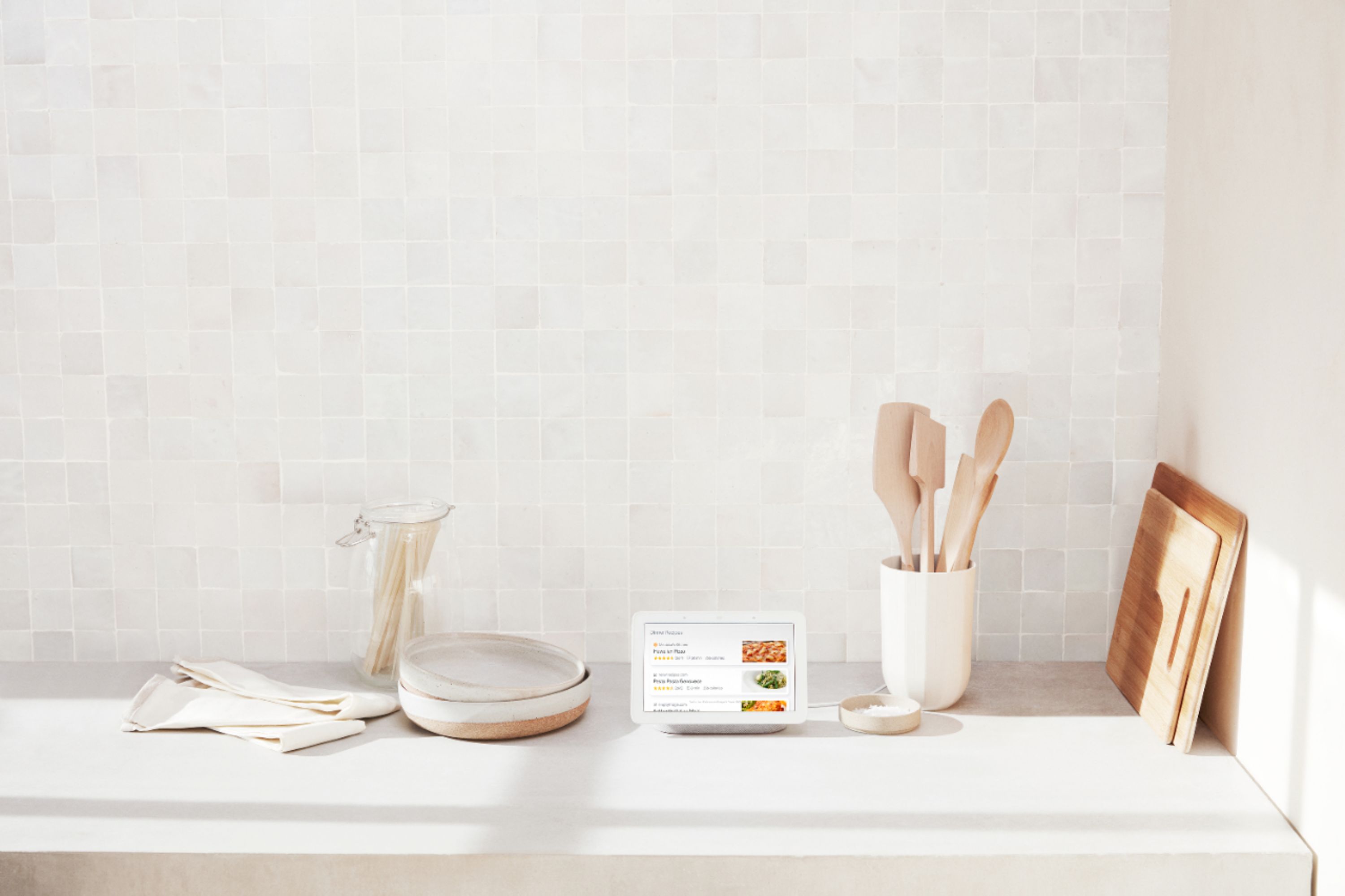
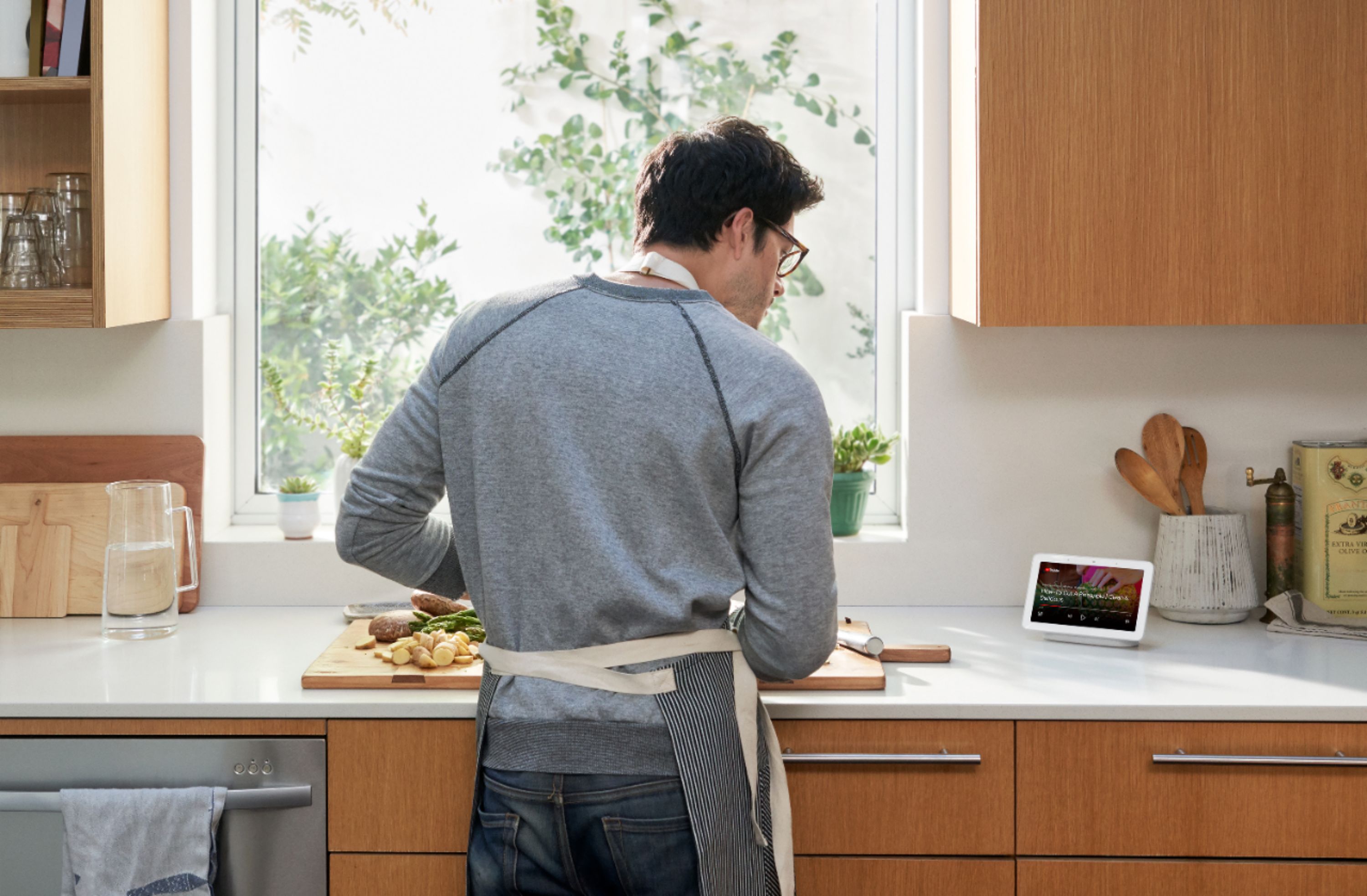
|Posted .This reviewer received promo considerations or sweepstakes entry for writing a review.The Google Home Hub is much like its older relatives, the Home and Home Mini, but adds a display that allows you to get more information out of your queries, provides a gateway to other Google Assistant capabilities that would otherwise only be available from your phone, and gives you a Hub to your smart connected home environment. These additions make the Google Home Hub the best iteration yet.. UNBOXING: The unboxing experience is quite simple. In the box is a 15 power adapter and the Hub, itself. I was a bit surprised to see that the Hub does not use micro USB or USB-C. Rather, it uses a DC Power Jack. In the grand scheme of things, this device doesn’t need to connect to other hardware via USB, so it perhaps makes sense why they chose this approach. The plastic film wrapped around the display was more difficult than I’d have liked—definitely a con for this unboxing experience. It’s nitpicking, but I definitely found it annoying. SETUP: The setup process is mostly headache free. You’ll need to use the Google Home App from your Android or iOS device to perform the setup process. If you’ve ever performed a setup for a Chromecast, the Hub’s display will run you through the same process. Thankfully because of the display, you won’t be left wondering if you’ve done things correctly; rather, both the Hub and Google Home app will guide you through every step of the way to connect to your Wi-Fi network and even perform a bit of a tour regarding some of the capabilities of the Hub. CAPABILITIES: So now you’ve got your Hub set up on your Wi-Fi network! What exactly can you do with it? Well, lots! But here are some of the things I have performed with my Google Home Ask for nearly any bit of quantifiable/numeric information (e.g. how tall is Michael Jordan?). Ask yes/no style questions (e.g. Is Tesla a publicly traded company?) Ask broader questions (e.g. who is the CEO of Google?) Perform calculations. Set timers, alarms and reminders. Get step-by-step recipes at your own pace. Stream Music over Spotify, Pandora, Google Play Music, YouTube Music and more. Google Home can even stream to a Bluetooth Speaker in your house if you configure it to have a ‘Default Speaker’ from the Home app. Get the latest news from popular news outlets like NPR and CNN. Play games that utilize your voice—different in comparison to most touchscreen games. Control/view your connected home devices like smart lights, switches, thermostats, cameras, appliances, sprinkler systems, robot vacuums, speakers, cast devices, and more. Order food delivery via supported companies like Starbucks or Dominos. Request an Uber to your house. Shop for products that are available on Google Express. This list is by no means exhaustive, and I’m sure these capabilities will grow over time, as well. I won’t delve into all the concrete details for these capabilities, but I will say that many of these capabilities have a visual aspect in addition to their auditory aspect. The ‘Google Home’ series was originally just a smart connected home speaker without a display, so many of these capabilities were originally designed to work with just speakers, but as Google Assistant has made its way to our phones and TVs, more visual capabilities have been added, such as viewing your Google Assistant-enabled cameras, watching YouTube and even seeing multiple kitchen timers—an absolute godsend. MY USAGE (In the kitchen): With the addition of the touchscreen, I can now view and control many of my smart devices like my thermostat, doorbell, and smart lights. Being able to have step-by-step recipes that are both visual and auditory makes the Hub an excellent addition for those looking to spice things up in the kitchen—which is my preferred area for the Hub. And since I’m a multi-tasker in the kitchen, I often need timers, so the new display is excellent for setting multiple timers, naming them, and also seeing their status so you can anticipate your next movement. And if your hands are clean, you can control them on the touch screen, or opt to use your voice to acknowledge the timers as they go off. While I’m cooking in the kitchen, I’d normally listen to music on my Home speaker or watch YouTube videos on my phone, but now I can do both of these things on my Hub thanks to its loud speaker and 7” display. SOUND QUALITY: As far as sound is concerned, the Hub isn’t meant to compete with your Google Home Max, soundbars or other speakers. It’s really meant to be functional and decent while doing it, and it does just that. I appreciate that it is loud and clear, but it doesn’t carry the musicality I’d personally want due to my audiophile needs. The average person will be happy using it for music, but those accustomed to more expensive audio performances will likely use those systems for listening to music. And thanks to the the built-in Bluetooth, you can configure your Hub or any other Home speaker to play music on a nearby Bluetooth speaker instead of its own speaker. Since I keep a high performance soundbar near my kitchen area, I can ask my Hub to play music and enjoy music on my soundbar instead. Just set a ‘Default Speaker’ for your Hub via the Home app. DISPLAY QUALITY: The display is only 7” and has a resolution of 1024x600, so it’s not meant to replace your television, but instead acts as a tool for helping you out while you’re home. It gets plenty bright and also dims very well so that way it isn’t constantly illuminating a space where you’re currently vacant. It has an ambient light sensor that detects the light in the area and will automatically brighten/dim to match. The touchscreen hasn’t had any issues for me. Overall, I’m satisfied with the display, considering the price. OVERALL: The Google Home Hub is perfect for a lot of situations—it’s up to you to choose how you want to make use of it. I find that the Google Home Hub is meant to be used in a place where you spend a lot of time—and for me, that’s in the kitchen. But even more so, it’s meant to help you be productive, organized, informed, and entertained. And the Hub does all that with not only clear audio, but also with bright visuals. For me, it’s made my kitchen a more productive environment, as well as more fun.
I would recommend this to a friend - Cons mentioned:Camera
You get a camera with the Amazon Echo Show
||Posted . Owned for 2 months when reviewed.This reviewer received promo considerations or sweepstakes entry for writing a review.I really like the Nest Hub! It comes in handy and is nice for controlling you smart devices. However, you get more for your money with the Amazon Echo Show....even the small version! Google/Nest needs to up their game. I prefer Google but wish my hub had a camera. The only way to get a camera with Google is with the very large expensive hub.
No, I would not recommend this to a friend Must buy.
||Posted . Owned for 1 month when reviewed.This reviewer received promo considerations or sweepstakes entry for writing a review.It's the best bedside clock you can buy! We love it! I end up buying smart bulbs too(wmart). It controlls them also. Weather, YouTube, Pandora, Netflix, my Swann camera's too. Nice desktop control center. Dims with light at night if you want it to. Does a lot of other stuff. I like it. Tell it to alarm like a clock etc...
I would recommend this to a friend- Pros mentioned:Screen size
Awesome GooGoo
||Posted . Owned for 3 weeks when reviewed.This reviewer received promo considerations or sweepstakes entry for writing a review.We love the display that shows family album ❤️❤️❤️
I would recommend this to a friend Makes Everything Simple
||Posted .This reviewer received promo considerations or sweepstakes entry for writing a review.I have these placed on each floor of my house. Specifically in the bedrooms. I control the lights, TV, video with someone in another room, turn the alarm on or off and see who's at the front door. And so much more.
I would recommend this to a friendAnother win for Google
||Posted . Owned for 3 weeks when reviewed.This reviewer received promo considerations or sweepstakes entry for writing a review.Great device for the kitchen. We decided to replace our echo show and is way better. The echo show was getting glitchy and unresponsive. What is even better is that it knows the difference between my wife and I when talking to it.
I would recommend this to a friendGoogle Hub Fun!
||Posted .This reviewer received promo considerations or sweepstakes entry for writing a review.This is there Google Home fun I have been waiting for. This device is a great addition to the Google Home environment. The only drawback is there is no camera, but I'm told that is for privacy reasons. I wouldn't be surprised if a model with a camera is everyday offered.
I would recommend this to a friendMust buy!
||Posted . Owned for 1 month when reviewed.This reviewer received promo considerations or sweepstakes entry for writing a review.I have google mini and google hub both, but This is way better than google mini, it can be a picture frame, clock, and weather channel for Live. Sometime i watch youtube or netflix at my bed!!
I would recommend this to a friendLove the nest hub
||Posted . Owned for 1 month when reviewed.This reviewer received promo considerations or sweepstakes entry for writing a review.works great! And the price you cant beat and the set up was really easy to do.I really love the google nest hub. I enjoy watching my shows and music videos on it. I would recommend this.
I would recommend this to a friendNice bedside smart alarm clock
||Posted . Owned for 2 weeks when reviewed.This reviewer received promo considerations or sweepstakes entry for writing a review.The ambient display on this thing is really nice, it does a great job of adjusting according to room brightness, so it's the perfect brightness in a dark bedroom on a nightstand.
I would recommend this to a friend