Customer Ratings & Reviews
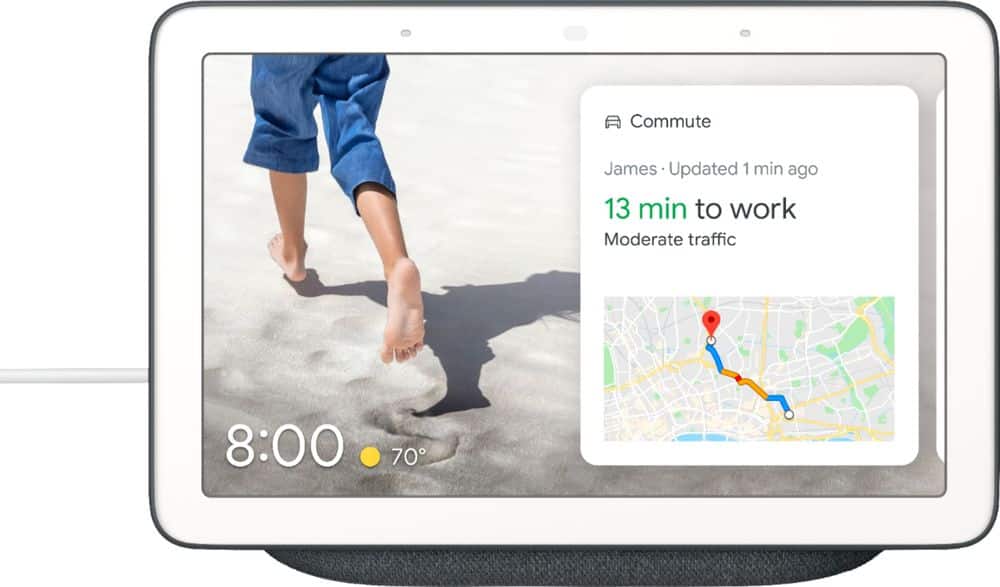
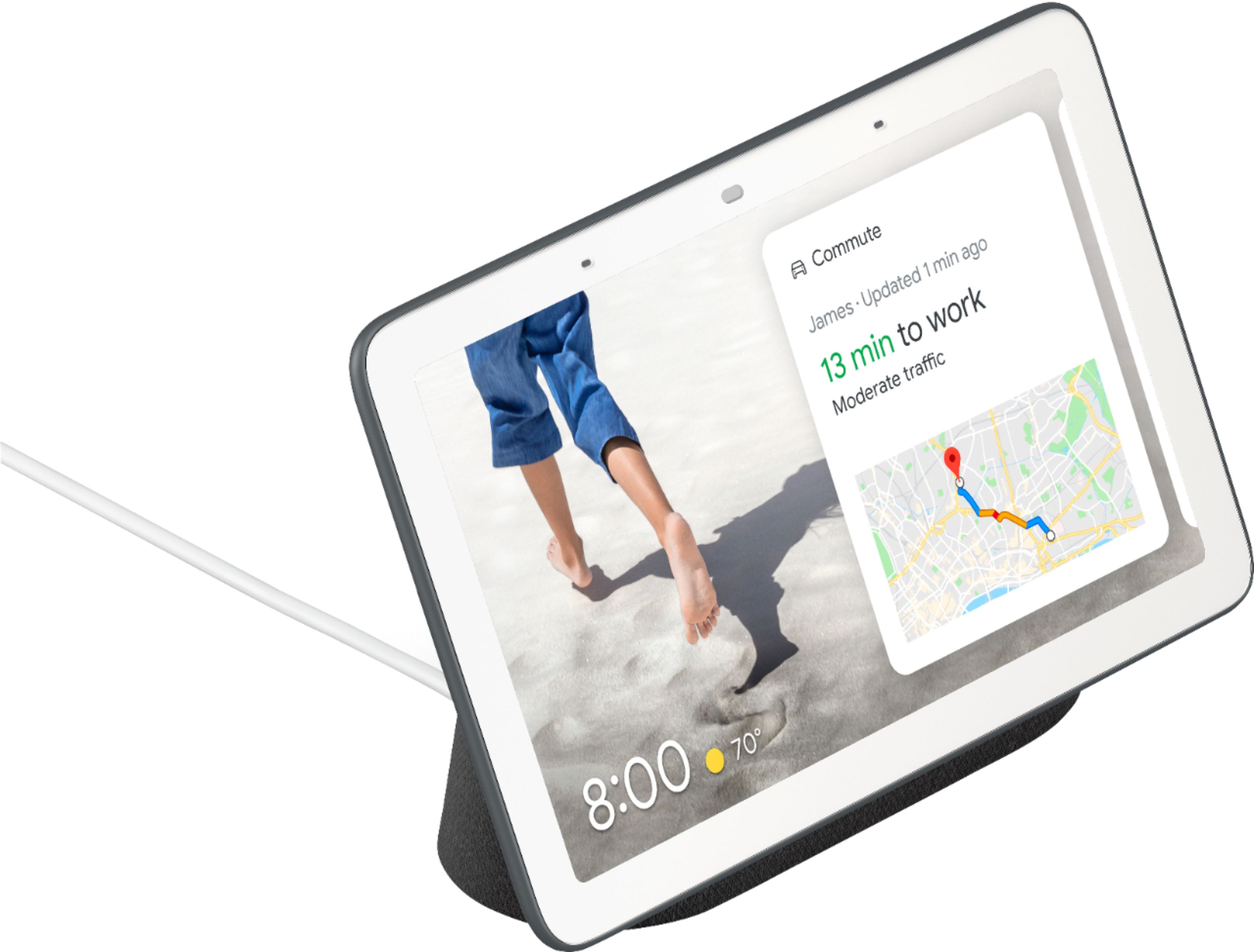
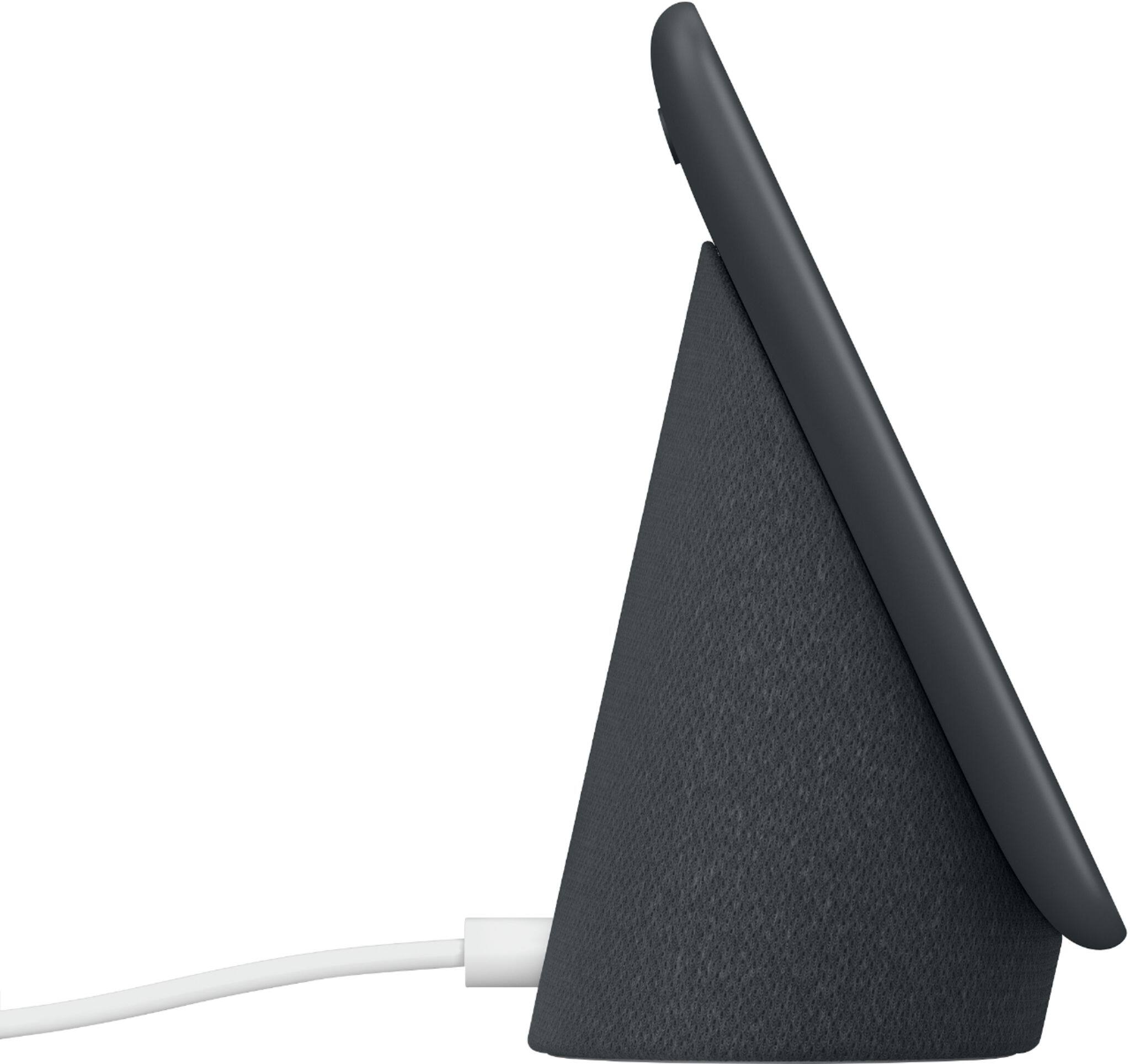
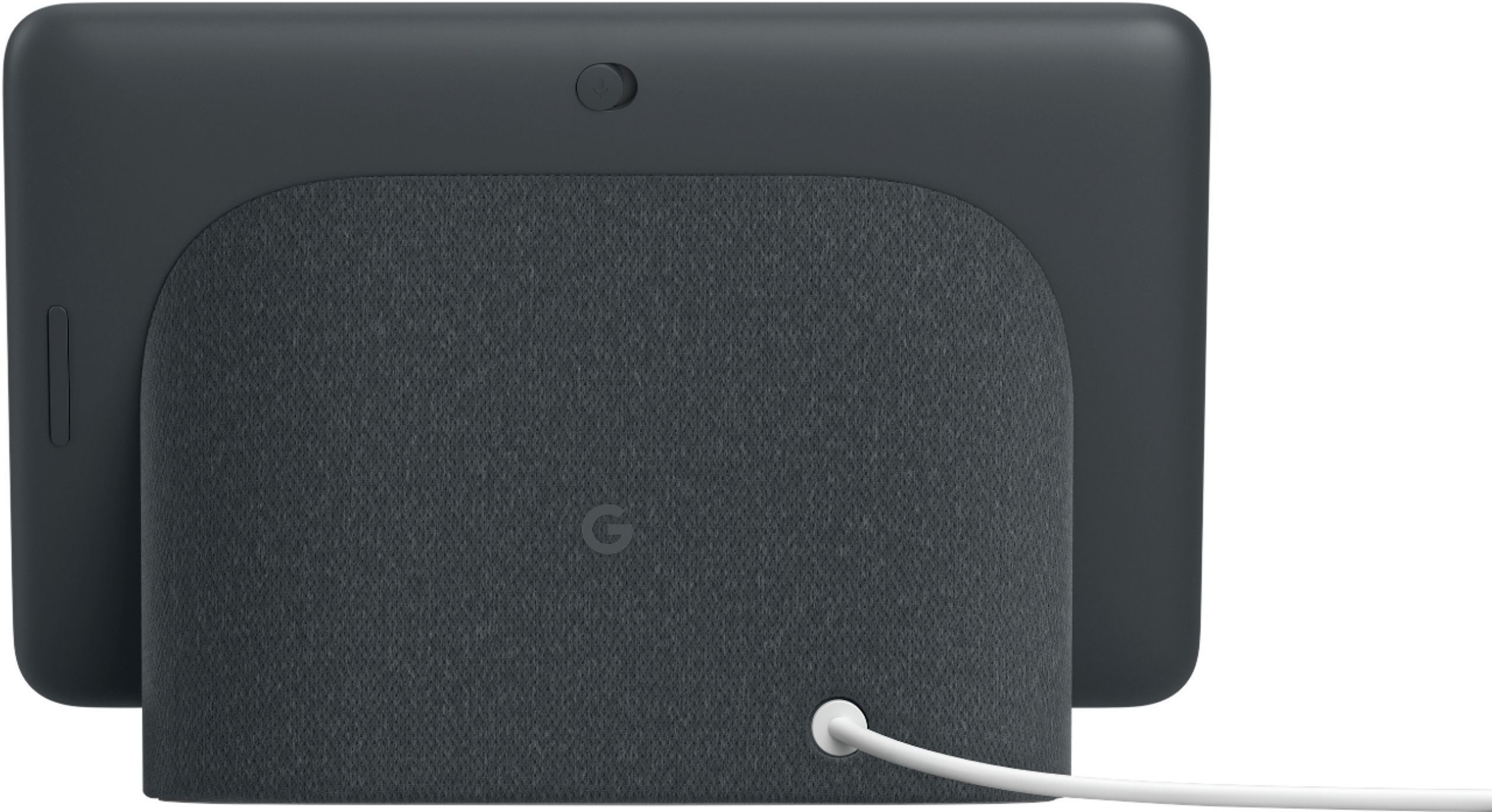





- Model:
- GA00515-US
- SKU:
- 6290306
Rating by feature
- Value
Rating 4.6 out of 5 stars
- Quality
Rating 4.8 out of 5 stars
- Ease of Use
Rating 4.7 out of 5 stars
Customers are saying
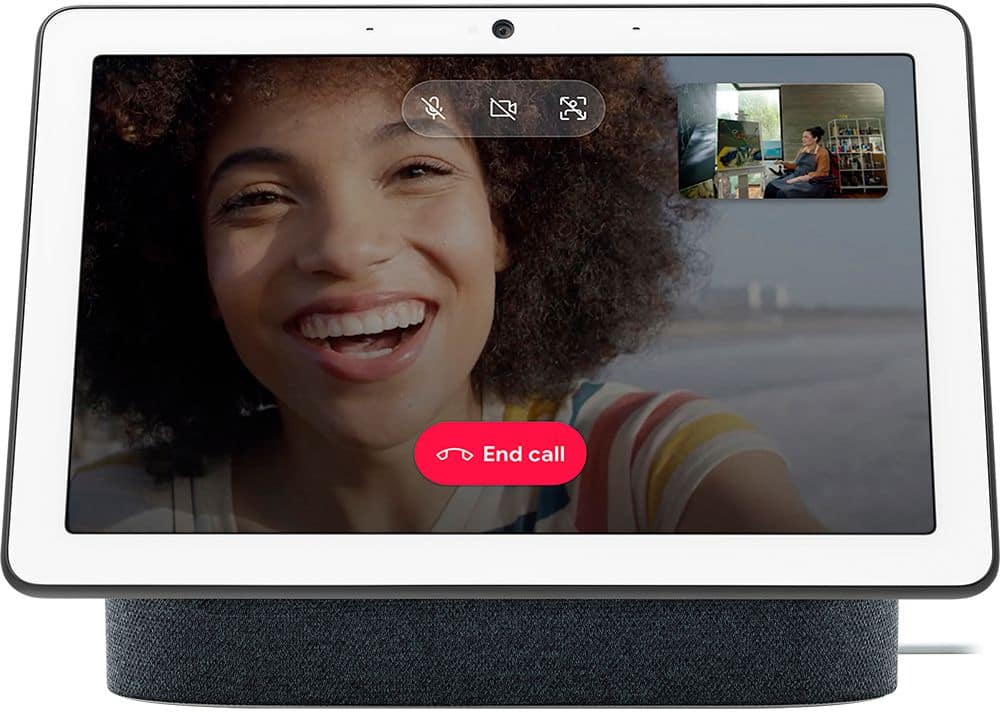
Customers are positive about the Nest Hub Smart Display's ease of use, screen size, sound quality, and Google Assistant functionality. Many appreciate its compatibility with other smart home devices. However, customers are negative about the lack of a camera and some have reported connectivity issues. A few also find the price to be too high.
This summary was generated by AI based on customer reviews.
Google nest
||Posted . Owned for 1 month when reviewed.This reviewer received promo considerations or sweepstakes entry for writing a review.I really love the google nest hub. I enjoy watching my shows and music videos on it. It’s really useful, would recommend. It’s a lovely Christmas gift too.!
I would recommend this to a friend- Pros mentioned:Ease of use, Screen size, Sound quality

Good but not perfect.
|Posted .This reviewer received promo considerations or sweepstakes entry for writing a review.The Google Home Hub is a nice addition to a Smart Home ecosystem. I have been using a competitors brand for a while now, and wanted a small screen to be able to view live video feeds from my cameras. Google Home Hub has come to market at a great price point for a product like this. It was fairly easy to set up, although going back to change some settings, ironically had me Googling the product for more information! You plug it in, download theGoogle Home Hub app and then continue the set up from there. It is fairly intuitive. Much like the competing product, you can match up different smart ecosystems to the Google Home Hub and control them from there. So far I've connected my 8 Arlo Cameras, my Pioneer Elite Amplifier and my ecobee thermostats and their corresponding sensors. The first time I ran everything after linking them to Home Hub, it worked perfectly. But the second time I went to do it, I had to relink the cameras and the thermostats. This was annoying, but so far, they haven't become unlinked again yet. I feel that the Home Hub response rate is slower than others, seemingly taking a time to respond, but, the response is usually accurate and factual. The ability to call up YouTube videos is a nice touch, when I had an adult moment and forgot how to tie a Windsor knot, simply asking 'Hey Google, how o you tie a Windsor know' instantly streamed me a video to the device and played automatically. Overall this is going to be a useful device, with features that you can add at your pace, thousands of partner products are available and many more will be added over time. The speaker is good, but not great. I'm sure it's small size has a lot to do with that but there is a built in equalizer that allows you to customize the sound. All in all a nice product in an attractive footprint.
I would recommend this to a friend Great little device
||Posted . Owned for 3 weeks when reviewed.This reviewer received promo considerations or sweepstakes entry for writing a review.I received two of them for Christmas. Use these things every day. Can be very very helpful. Don’t know what I would do without them. Recommended them to my daughter.
I would recommend this to a friendA great compliment to our smarthome
||Posted . Owned for 1 month when reviewed.This reviewer received promo considerations or sweepstakes entry for writing a review.Very handy speaker with visual interface to manage our IoT devices. Very clever device. Good audio quality. All around great gadget.
I would recommend this to a friendGreat Buy
||Posted . Owned for 3 weeks when reviewed.This reviewer received promo considerations or sweepstakes entry for writing a review.This was a great purchase. I use it everyday for weather, podcasts, general info etc. I’m thinking about getting the Nest Hub Max for my kitchen.
I would recommend this to a friendMakes life much simpler.
||Posted . Owned for 1 month when reviewed.This reviewer received promo considerations or sweepstakes entry for writing a review.Love all the Google products and have pretty much automated my household with the convenience of their products.
I would recommend this to a friendAwesome!
||Posted . Owned for more than 2 years when reviewed.This reviewer received promo considerations or sweepstakes entry for writing a review.Love my Google products, entire house is connected with them!
I would recommend this to a friendLove
||Posted . Owned for 1 month when reviewed.This reviewer received promo considerations or sweepstakes entry for writing a review.I love this product. I got a really good deal but a Nest and get 2 Chromecast free. They work seamless together.
I would recommend this to a friendGreat for YouTube
||Posted .This reviewer received promo considerations or sweepstakes entry for writing a review.We use this in our kitchen for music streaming, recipes, videos etc....just starting to learn what it’s capable of! Love it!
I would recommend this to a friendExcellent Addition
||Posted .This reviewer received promo considerations or sweepstakes entry for writing a review.This device is one of the most use and user friendly purchases I’ve made all year, does everything I expected and more!!
I would recommend this to a friendGoogle hub
||Posted .This reviewer received promo considerations or sweepstakes entry for writing a review.I got it for my wife¡¡, Chritmas im sure she Will be happy using @ the kitchen for her recipes and video chats.
I would recommend this to a friendGreat google product
||Posted .This reviewer received promo considerations or sweepstakes entry for writing a review.This gives me a lot af info that I don’t have to look on my phone and it keeps me entertained
I would recommend this to a friendAmazing
||Posted . Owned for 1 month when reviewed.This reviewer received promo considerations or sweepstakes entry for writing a review.I’m pretty sure it could have all sorts of things but for what it is it does a great job
No, I would not recommend this to a friendGreat sound quality
||Posted . Owned for 1 month when reviewed.This reviewer received promo considerations or sweepstakes entry for writing a review.I love it and my daughter can’t stop playing with it
I would recommend this to a friendGreate resolution
||Posted .This reviewer received promo considerations or sweepstakes entry for writing a review.Great camera good asistant in the kitchen and house
I would recommend this to a friend- Pros mentioned:Screen size, Sound quality
Personal assistant at a glance!
|Posted .This reviewer received promo considerations or sweepstakes entry for writing a review.Intro: I owned a Google Home since 2016 and I use it a lot so I was very excited to give the Google Home Hub a try. Google made many updates to the app and Google Home that I now find that it works flawlessly for me to get information and control my connected devices. Inside the box: Google Home Hub Power plug Get started manual and safety Setup: 5 minutes or maybe less to have my Google Home Hub ready. Like I mentioned earlier I do own an original Google Home so maybe that made my setup easier. The Google Home app walk you through the setup and you have no way around the app. It should be the first thing you download. Features: Everything is displayed and you can do voice commands or simply use the touchscreen to do some basic controls. Screensavers, YouTube, recipes and more all are displayed on this beautiful 7 inch screen. Ambient light sensor adjust to the colors around the Google Home Hub so it will never be left out. Powerful speakers that are impressive for the size of the Google Home Hub. Far-field microphones can hear my commands from almost anywhere in the house. Control all your Google Home supported devices such as your lights, tv and thermostat all from your voice commands. My conclusion: I’m into newer technology and love the idea of having a smart home. I think for people like myself the Google Home is easy to use and can make things very convenient for people who use it. Google Home is a big player in the voice assistant market and I personally feel they are doing a great job. They are adding more features and more partners to make it easier for consumers. I recommend Google Home Hub because it is taking things to next level in the home assistant market by adding different options to customers.
I would recommend this to a friend Great tech product
||Posted .This reviewer received promo considerations or sweepstakes entry for writing a review.Control the lights for the holidays is so easy now
I would recommend this to a friend- Pros mentioned:Screen size
Great add on to our kitchen accessories
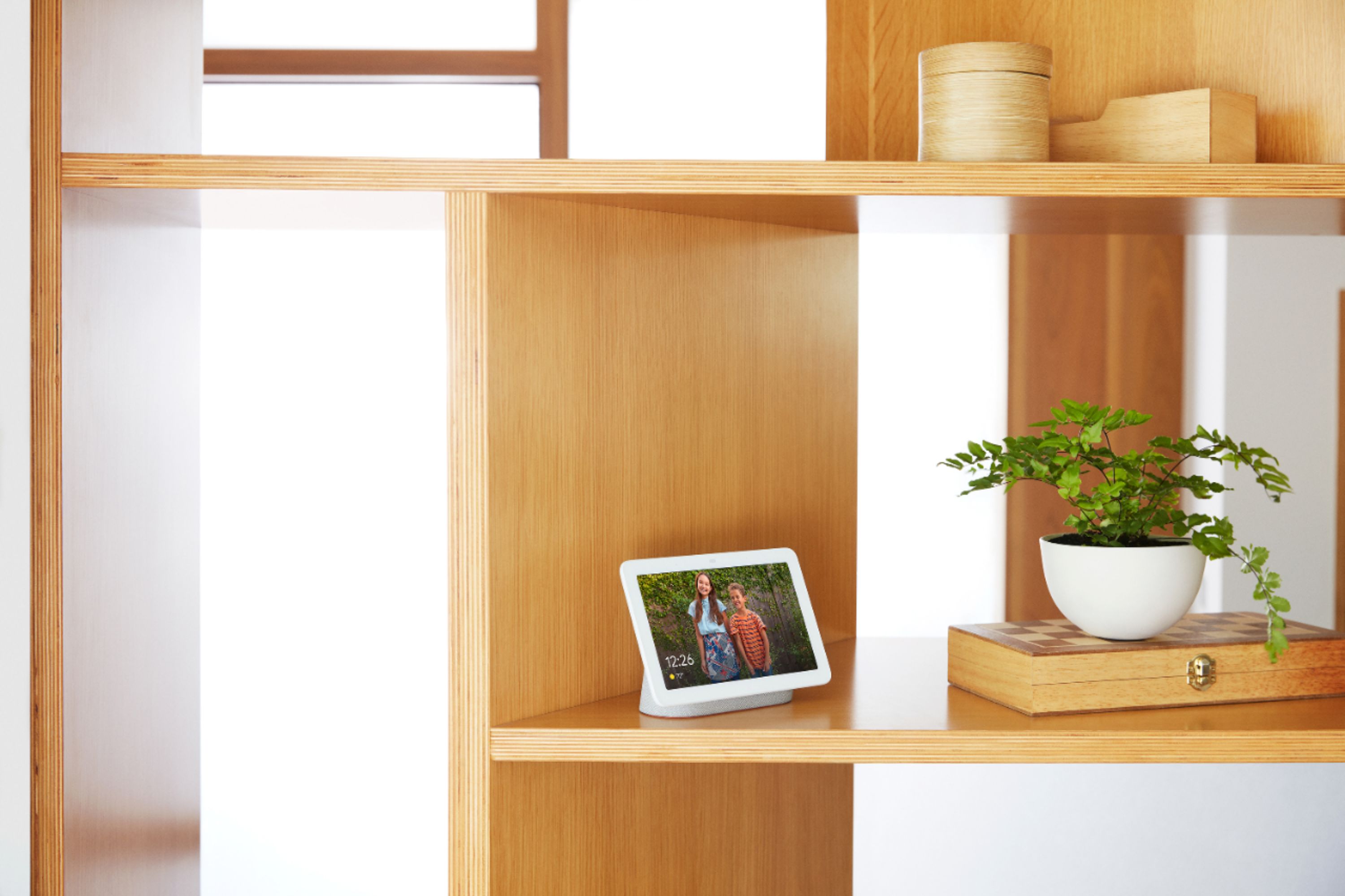
|Posted .This reviewer received promo considerations or sweepstakes entry for writing a review.Don't get me wrong when I say it's a great add on to our kitchen accessories. By accessories, I meant gadgets we use for listening to or watching while working in the kitchen. We already have a Google Home and Insignia's Smart Bluetooth Speaker with Google Assistant but the feature that tempted us to get this Google Home Hub was its screen. I know there are some other similar gadgets available in the market but it was first of its kind for us and moreover, its from Google and you can't get wrong with Google. So we got it without even a second thought and are happy that we did. We've been using it for little over a week and it hasn't disappointed us so far. It has a quivering 7" display screen which our both other devices lacked. It may be small for some but is good for us. It's smaller as compared to Lenovo's 10" or other competitors. Set up was breeze and took no time from start to finish. I immediately connected my other smart devices and everything was up & running. I love that you can display your google photos on the screen. My 3 yo son is addicted and jumps in joy when he sees his pics displayed on the screen. If nothing else, it can serve as a picture frame. Pros: -Smaller Foot print: We live in an apartment, so have a very limited space. This Google home is just about the size that we need and put on our kitchen counter. Its incredibly lightweight as well -Display Screen: You get a display screen along with the speaker which can be used to watch youtube videos -Customization: The screen is fully customizable. You can choose to display the clock or your pictures. It can display the temperature or even the maps -Automatic Dimming: Google home hub has an ambient light sensor, (that by the way can be mistaken as camera) that adjusts the brightness of the screen according to the ambient light which is a great feature if you have it in your bedroom. It will automatically dim the brightness the moment you turn off the lights -Affordable: With the price being $149, although it's a bit expensive than other smart devices from Google but it's definitely cheaper than the same family devices from its competitors like Amazon Echo Show or Lenovo Smart Display or JBL Link View Cons: -No Camera: It does not have a camera, so that means no video chatting. But looking from a different perspective, it's good to not have a camera, so you have no privacy issues at all. Use your phone or tablet for video chatting -No battery: This is the most important feature that I miss in this device. It does not have a battery, that means you will have to plug it in all the time. I can't understand why this wasn't made wireless. The only reason I can come up with is the footprint. Google wanted to make it as small as possible and that might have been the reason for leaving the battery out -Decent sound: The sound is not that great on this device. You will be better off using your other devices if you are an audiophile but for simple sounds, it serves the purpose. It's fine if you want to listen to background music, but it's not particularly loud or crisp. Unfortunately, the sound quality isn't in the same league as other smart displays like the Amazon Echo Show or the JBL Link View. -No Netflix: You can't stream Netflix on this device. The only streaming app is Youtube and that's what you will have to live with -No Onscreen Keyboard: There is no on screen keyboard. So you will have to rely on Google assistant to find whatever you are looking for. If its something in English, there hardly will be any problem but if you are searching for something in foreign language, then good luck hitting the bulls eye or getting anywhere close to it With so many cons mentioned above, I am still in love with my Google Home Hub. I can live with all above cons but the "no battery" one. We don't live in a perfect world and every gadget has its pros & cons. I'm sure Google with come up with a modified version. Overall, I am satisfied with this and will definitely recommend it to my friends.
I would recommend this to a friend - Pros mentioned:Screen size
A More Personal Smart Display
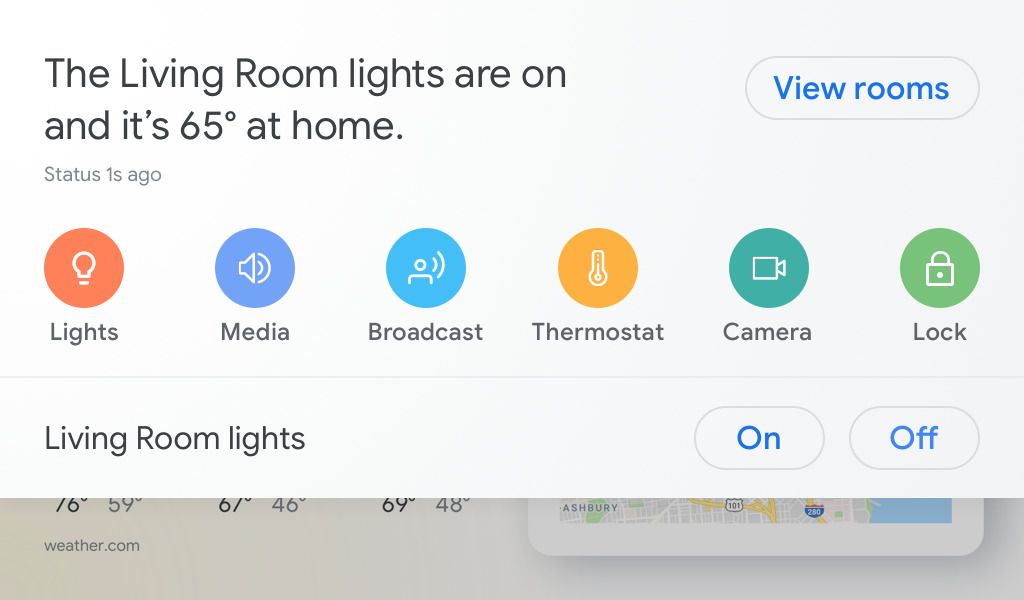
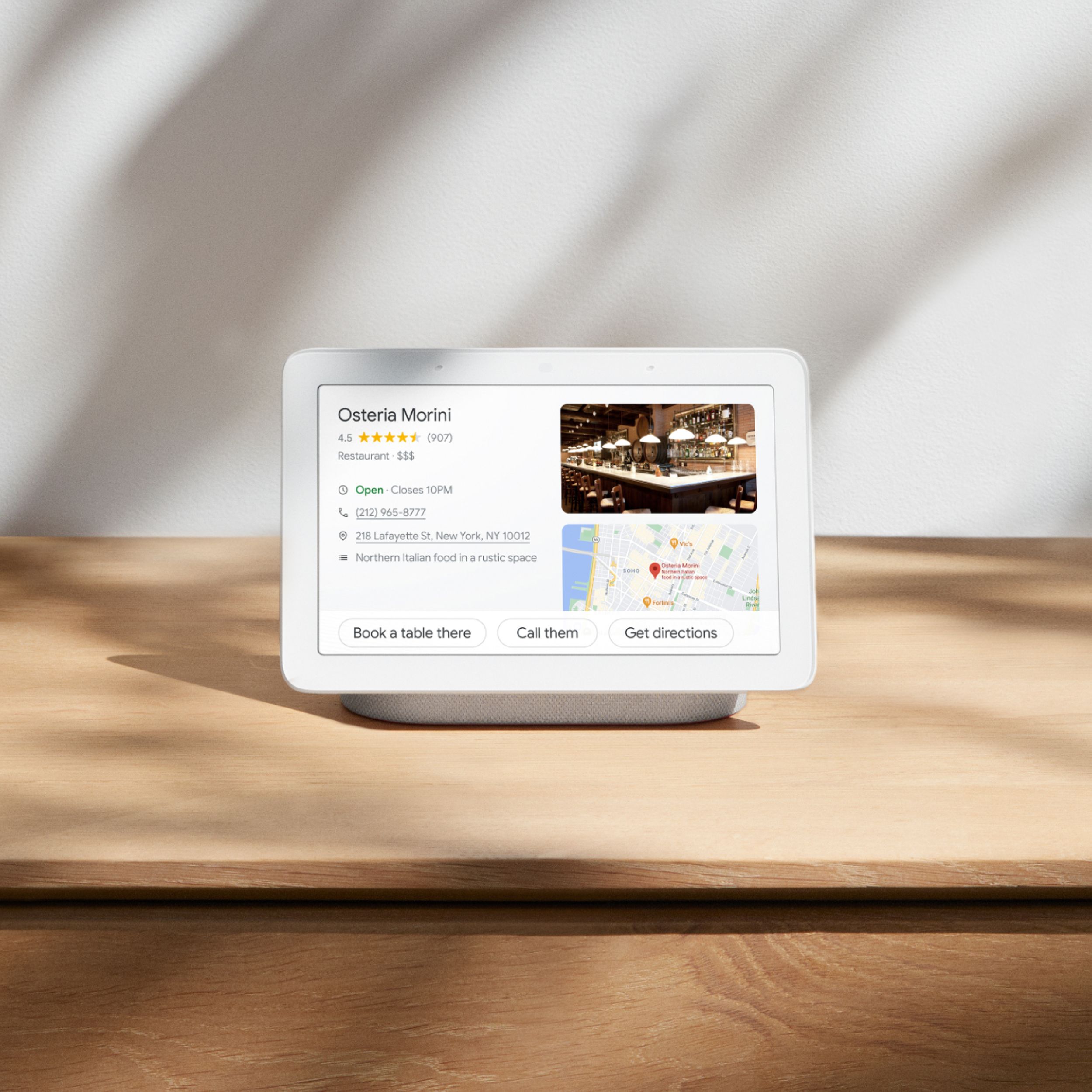
|Posted .This reviewer received promo considerations or sweepstakes entry for writing a review.I really like the Google Home Hub, but not necessarily for the reason I thought I was going to. Having already owned a Google Home and Home Mini I thought one with a touch display to control and watch videos on would be a nice addition. It turns out the screen ends up being a bit more utilitarian in practice, but it works really well and is an excellent display for my hundreds of photos that have been locked away on my phone all these years. The Home Hub has a nice build. It’s much smaller than I expected it to be, even knowing it only has a 7” screen. It doesn’t take up much more space than the standard Google Home. The box is just the display and a power cord. Setup was as short and easy as it has always been through the Google Home app; the app will automatically detect the Home Hub and guide you through the setup process of connecting to WiFi and logging in to your Google account. I was a little surprised that the setup couldn’t be done on the display itself, but I guess it keeps it consistent with the other Home devices. Once the setup is finished you’re brought to the main home screen that shows you all the normal Google Assistant stuff; weather, traffic, news, etc. It’s all personalized to you, so it will show things like your commute to work and stories based on your search history. It’s something I’ve become well accustomed to using Nexus and Pixel phones over the years, so it wasn’t anything to new for me. There’s a pull-down menu on the top that will allow you to control everything you’ve connected to Google like smart thermostats, lights, security cameras, and Chromecasts. I all of these things in my house and they control very easily once they’re all connected to your Google account. It’s nice to have onscreen controls for the lights and thermostats; calling out to Google by voice to adjust these things still doesn’t feel 100% natural to me. Outside of those activities there isn’t all that much to do on the screen. It’s a good-looking screen, though at 7” it’s not that much bigger than a lot of smartphones, so you have to get up close to it to really see anything. You can watch YouTube videos, but nothing on other services like Netflix or Hulu. I’ve found that I’m able to Cast YouTube videos to the Hub, but my other video apps do not show it. It seems like this was an intentional choice by Google to make the Hub more of a display for visual information, not some kind of stationary Android tablet. It’d be nice to a least have the option to Cast to the Hub, but for me I’ll probably just be using this to look up short YouTube videos. As an assistant the Hub works pretty much like the other Home products, with the added benefit of a display. Looking up places will bring up maps with directions and phone numbers on the screen and factoids usually come with a nice picture too. Even though there’s a touch screen, there isn’t an onscreen keyboard, so voice is still going to be the primary input for the Hub. The microphones do a good job of getting my voice from across the room as well. The speaker quality is just okay; it’s better than the Home Mini, but it’s more suited to videos and not music. It can be linked to a Bluetooth or Cast speaker, but on its own it’s not the best. When the Hub is not doing anything might be my favorite thing about it. If you keep your photos in Google Photos the Hub becomes a really nice digital picture frame. The app gives you a few different ways to display. The first one will just have Google decide which pictures are good ones and display those, which I found myself using and it worked really well. It can also display pictures that contain certain people. Or, you can choose specific albums you’ve created and have it display those. I have a lot of photos, but I’m not very good at printing them; my wife once told me if someone broke into our house they’d have no idea who lived there, so having something will actually display all the pictures that usually just live on my phone turned out to be a huge plus. And since it’s pulling everything from your photos library you don’t need to go in and add new photos since it will just do it for you based on what you’ve chosen to display. The ambient light sensor also does a really good job of adjusting the brightness and color balance to match the room. It makes the display look kind of dull at first glance, but then it starts to feel more like a real picture frame in that it’s not this super bright screen shining out across the room. Overall I’m really happy with the Google Home Hub. It’s not perfect; if I could I would give it 4.5 stars, but I’m more inclined to round the score up than down.
I would recommend this to a friend Not happy with unit
||Posted . Owned for 1 year when reviewed.This reviewer received promo considerations or sweepstakes entry for writing a review.I bought 2 of these at the same time, 1 has worked perfectly from day one. The other one started having issues after 1 year and now it is not able to link at all so it is worthless.
No, I would not recommend this to a friendBrand response from Nest Support
Posted .Hi FiftyFifty,
Thank you for sharing your feedback with us. We're sorry to hear that one of your Nest Hub couldn't connect at all.
We hate that you're going through this experience. We'd like to know more about what's going on with your Nest Hub. If you will allow us, please reach out to support team and we can help you troubleshoot any issues with it here: https://support.google.com/googlenest/gethelp