Customer Ratings & Reviews

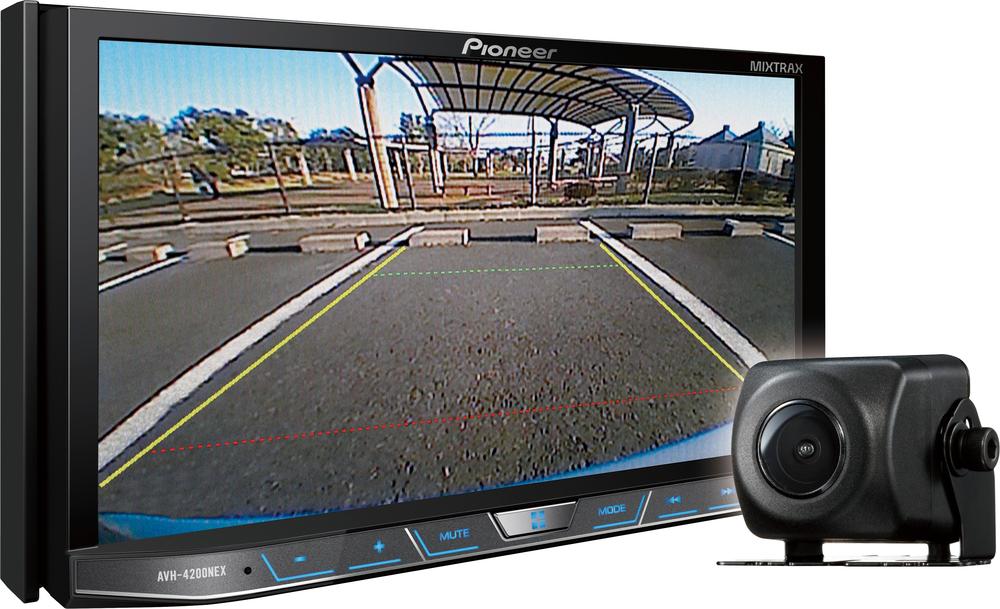
- Model:
- AVH-4200NEX
- |
- SKU:
- 4901312
Customer reviews
Rating 4.7 out of 5 stars with 345 reviews
(345 customer reviews)to a friend
Customers are saying
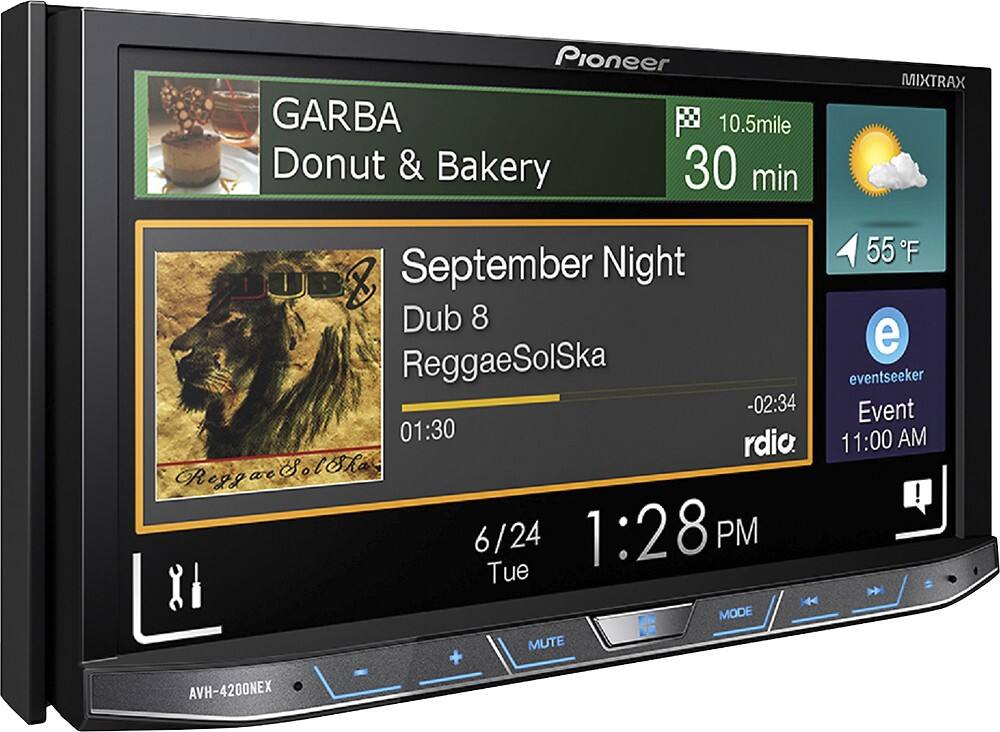
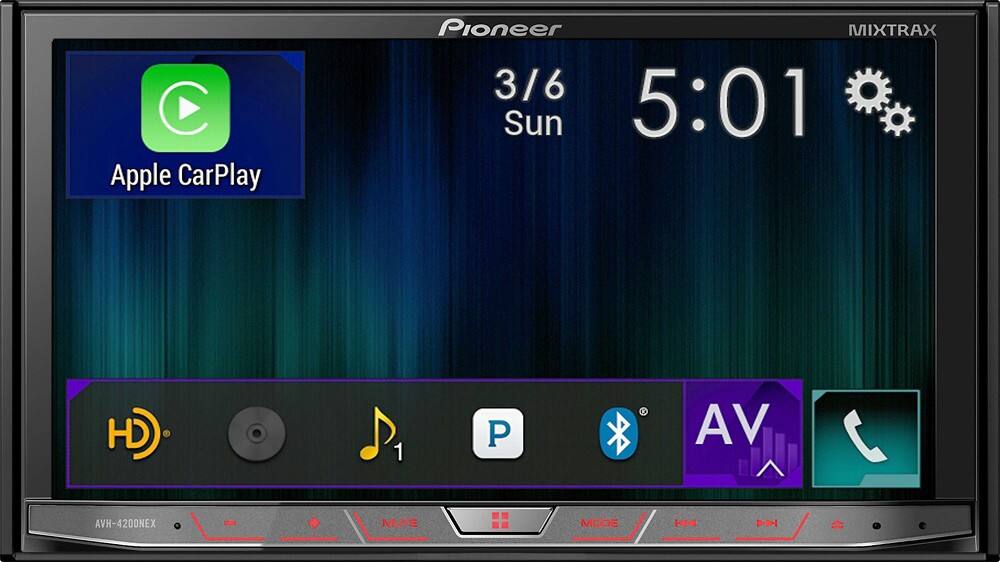
Customers are enthusiastic about the Android Auto and Apple CarPlay compatibility, praising the ease of use and installation. They also appreciate the sound quality and the various features the product offers, such as navigation and a user-friendly interface. Overall, customers are pleased with their purchase and find it to be a worthwhile investment.
This summary was generated by AI based on customer reviews.
Rated 5 out of 5 stars
So Far Great!!
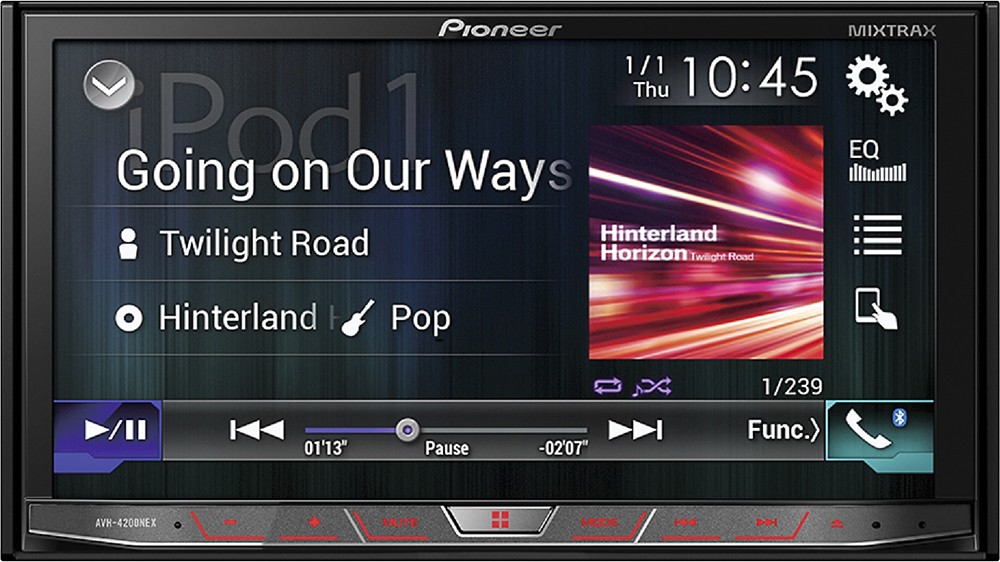
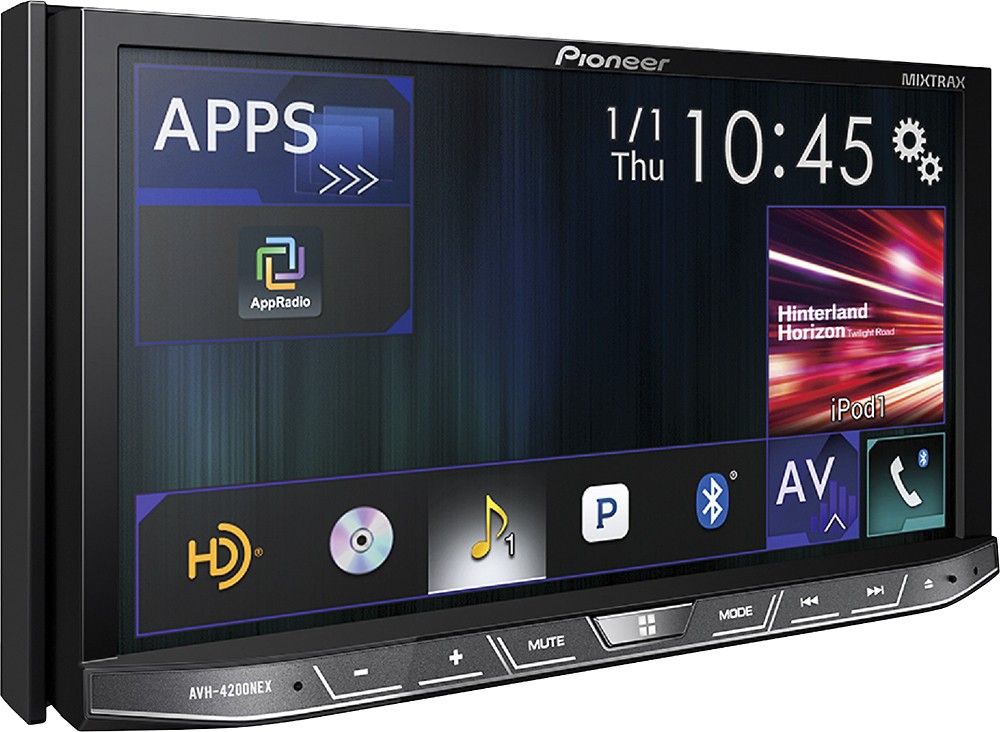
Posted .This reviewer received promo considerations or sweepstakes entry for writing a review.I installed it in my car ( Nissan altima 05) and it works great since day one. Plays DVDs, Cds, USB and even SD cards. Music and video its perfect and if you have an iPhone or android phone you can get android auto or carplay. GPS navigation and more with carplay or android auto.
I would recommend this to a friendRated 2 out of 5 stars
No help from Pioneer product support
Posted .This reviewer received promo considerations or sweepstakes entry for writing a review.Purchased from Best Buy about a year ago. Several months ago the GPS when hooked up to the unit began this searching for GPS thing and the map would not update. Contacted Pioneer customer care and received an unsympathetic it must be a problem with your phone, our unit only displays the information the phone gives it. No other help was offered although I tried. So I reset the phone to factory and everything was perfect other than the hassle of that. About a month later same thing. This time though working through this I noticed if you woke the phone up the Pioneer unit updated my location. Searching through user forums online I saw similar symptoms "solved". All this user recommended was turning the power saving mode off on your Android phone. It worked! No thanks Pioneer. You could have surely helped me with this issue.
No, I would not recommend this to a friendRated 5 out of 5 stars
Excellent Technology
Posted .This reviewer received promo considerations or sweepstakes entry for writing a review.This unit is amazing. I purchased this for my wife so she wouldn't have to have texting, phone calls, maps, etc. get in her way of driving safely with the kids. The phone call quality is superb. I called her and couldn't tell she was in a car. The Apple Car Play and Android Auto are amazing. So far so good. Haven't found any issues yet. While your phone is connected it is always charging, so if I don't want my phone charging then I can just connect via bluetooth instead of the usb cable. The only thing you don't get when usb only are the navigation maps. No biggie.
I would recommend this to a friendRated 2 out of 5 stars
Great Radio But Needs Work
Posted .This reviewer received promo considerations or sweepstakes entry for writing a review.So I love how this radio is laid out, love the customization options and that you can play movies off an iPod touch 5th gen with the right accessories. But there is some issues that I am not sure I can live with for the price of the radio. For one there is a warning screen that pops up on start up every time, and you have to press OK to proceed to the radio features. Then if it goes to your iPod function then the music will be paused and you have to press play. It doesn't automatically start playing on start up. So that's at least 2 taps on the screen to get music to play. The biggest problems I have is that with the iPod function the radio plays my songs within my playlists in alphabetical order. I have over 3000 songs on my iPod and spent a lot of time arranging my songs in playlists to be in the perfect order for my enjoyment. I really don't like that it's in alphabetical order. I see this as a possible deal breaker. Also carplay isn't available on iPods just iPhones. And the app radio/HDMI Mode is kinda junky because you can see the screens mirrored on the radio but still have to control the iPod from the iPod and can't do it through the radio. So to play a movie through an iPod touch you have to spend around $50 for a special apple adaptor then an HDMI cable and then pick a video through the iPod and it will play on the radios' screen. I see a simpler way of just save your money, get a USB stick that works with the radio and load all your movies on that and it will work. The other way with the special adaptor and HDMI cable make for a lot of added cables and wiring mess to go in your glove box or behind the radio. I am not sure if I am going to keep the radio.
No, I would not recommend this to a friend- Pros mentioned:Apple carplay
Rated 5 out of 5 stars
Awesome!!
Posted .This reviewer received promo considerations or sweepstakes entry for writing a review.Great for Android Auto, and other Car-infotainment.
I would recommend this to a friend