Customer Ratings & Reviews


- Model:
- RC21-01810100-R3M1
- SKU:
- 6486201
Rating by feature
- Value
Rating 4.1 out of 5 stars
- Quality
Rating 4.6 out of 5 stars
- Ease of Use
Rating 4.5 out of 5 stars
Customers are saying
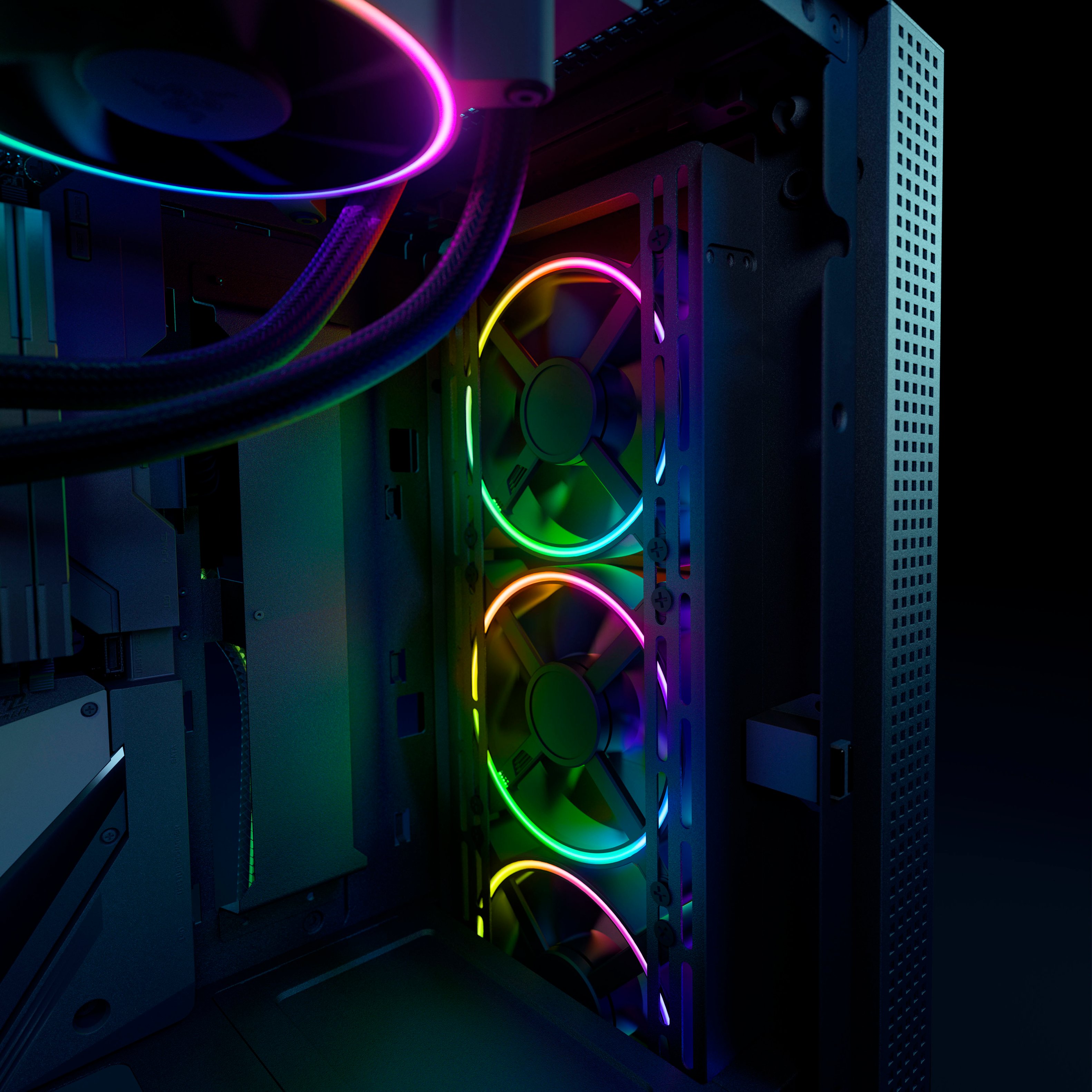
Customers admire the superb RGB lighting and excellent airflow provided by the Kunai Chroma RGB fans. Many appreciate the high-quality build and relatively easy installation process, although some find the price point to be a significant drawback. While the fans generally perform well, a noticeable high-pitched sound at higher RPMs is a recurring concern for some users.
This summary was generated by AI based on customer reviews.
- Pros mentioned:Airflow, Build quality, RgbCons mentioned:Price

High quality fans for particular users
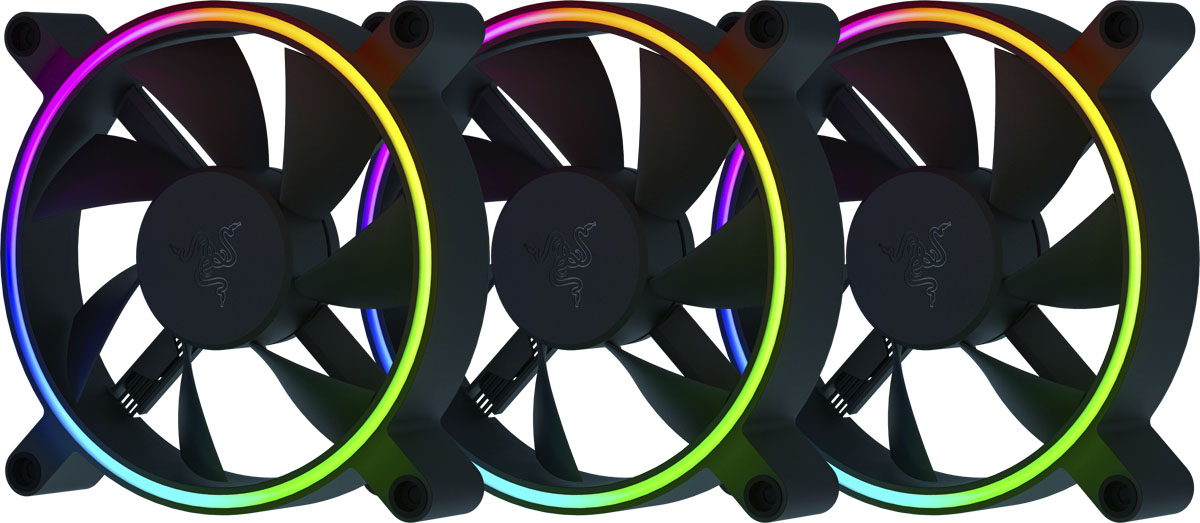
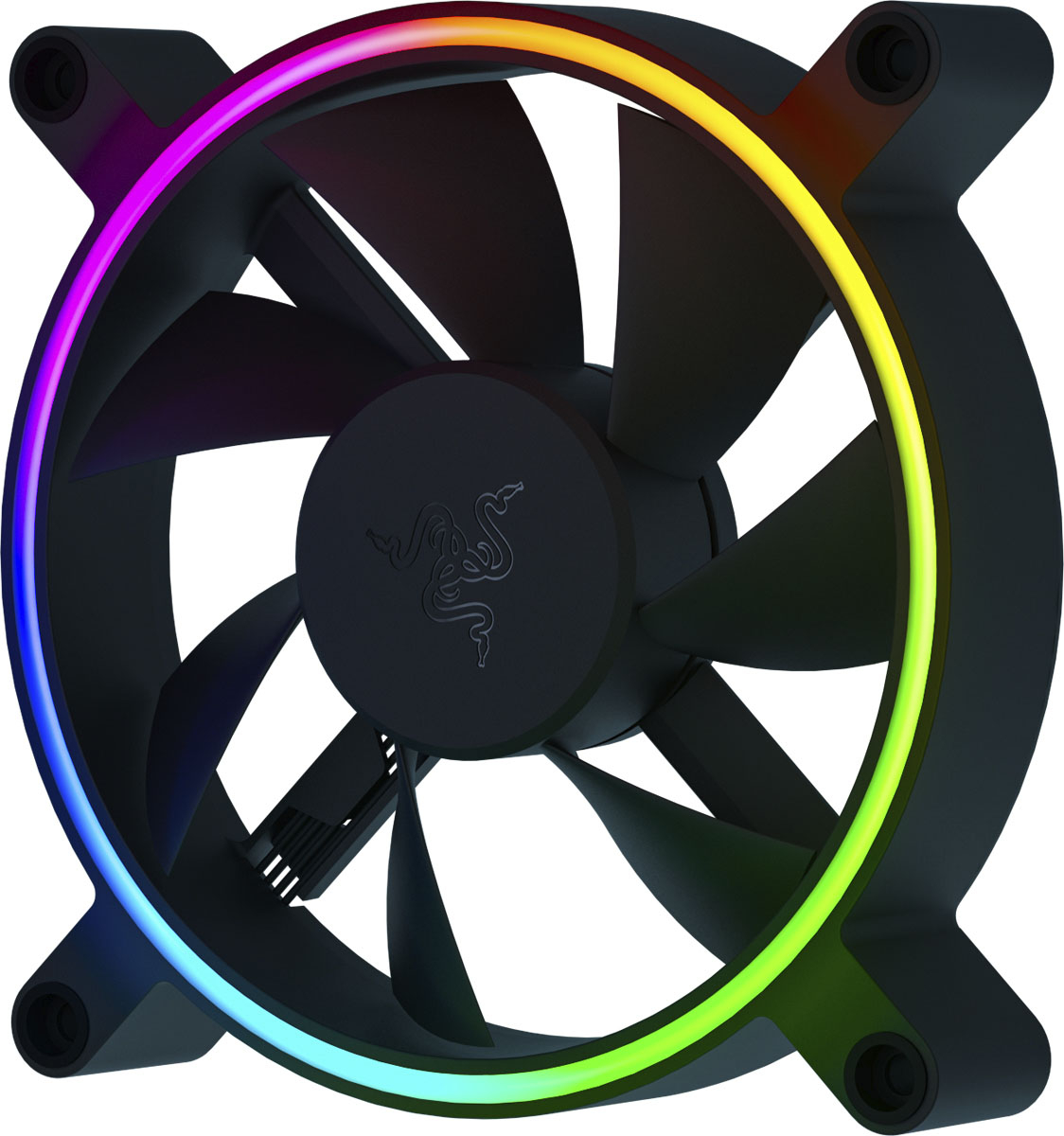
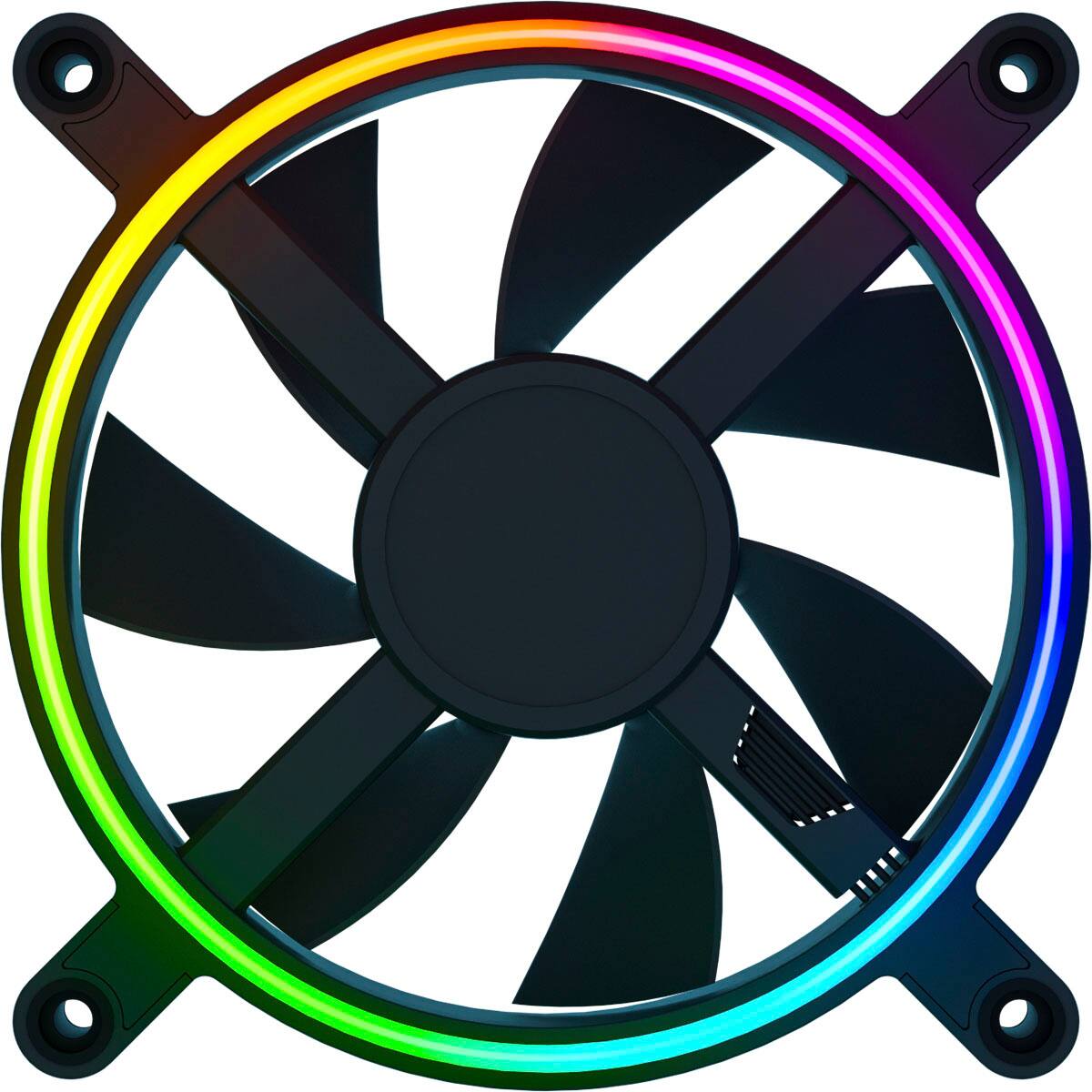
|Posted .This reviewer received promo considerations or sweepstakes entry for writing a review.The Razer Kunai RGB 120mm fans in this 3 pack set exude well-built quality when you open them. They're packaged nicely, feel very solid, and have nice touches like the rubberized mounts to avoid vibration. And they do definitely move a lot of air, and in general they do so quietly. The RGB consists of a decently bright, but not overwhelming, ring. The blades do not illuminate, and whether that's a problem for you depends on what you want out of lighting on your system. I guess my biggest complaint is that these are really a product for those who are into the Razer ecosystem. And for those people, I would recommend them, but if not, the price tag is just a bit steep for 3 120mm fans. Even if they are very nice fans!
I would recommend this to a friend - Pros mentioned:Airflow, Installation, RgbCons mentioned:Noise level
Provides much needed extra ventilation
|Posted .This reviewer received promo considerations or sweepstakes entry for writing a review.I top mounted one of these Razer fans inside each of our three gaming systems. The systems have nearly identical cases and components which made the multiple installations quick and easy. The fan screws matched my mounts with no problem and the cable connected to the system board easily. The fan operates at low volume during desktop use and does not increase the amount of existing fan noise. It can get noticeably louder when taxed, but all of the other case fans are already loud by then anyhow. As far as performance, it does a good job of providing the extra ventilation we needed because all three systems typically run hot. I’m seeing internal temps running a few celsius lower on my machine which is a noticeable improvement. The RGB lighting can be controlled with Razer’s Synapse software. That is convenient for those who, like me, have other Razer RGB peripherals and already have Synapse installed.
I would recommend this to a friend - Pros mentioned:Build quality, Installation
Super Quailty
|Posted .This reviewer received promo considerations or sweepstakes entry for writing a review.The Razer - Kunai Chroma RGGB 120MM performance fans are fantastic adds for any PC. I think their most endearing quality is that they are built by Razer who have made a name for themselves by delivering superior products. Just from previous experience and the feel of quality of these three fans I believe as long as I keep them clean, they will endure & potentially outlive the components that they are cooling. The fans are easy to install. My thoughts being, if you are buying individual fans you know how to install them, how to daisy chain the cables, and how to download and use the Chroma app. On that subject the Chroma app is a must if you are using any eligible devices and peripherals supported by Razer and other brands. These fans only light up on the outer ring. For the price I would have expected a full RGB surface that would allow you to microsection coloring as the user saw fit. For the performance, these are solid top tier fans and will not disappoint. They are also still fairly quiet at full speed when I am running my PC in turbo overclock mode.
I would recommend this to a friend Rgb is blah
||Posted . Owned for 1 week when reviewed.This reviewer received promo considerations or sweepstakes entry for writing a review.I bought 6 of these, a 3 pack and 3 singles, the lifhting when set to white was a sifferent hue on all 6 fans…. Junk
No, I would not recommend this to a friend- Pros mentioned:Airflow, Fan size
VERY quiet, need PWM controller, soft LED light
|Posted .This reviewer received promo considerations or sweepstakes entry for writing a review.I've only ever used Razer gaming peripherals e.g. keyboards, mice, headsets. This is my first Razer component so didn't have any expectations going in. In the box, you get 3x 120MM fans with all necessary cables, screws, etc. I did notice that the fans have rubberized mounting holes for the screws - which helps reduce case vibration and helps the fans run quieter. There is no controller board, but the fans are compatible with other PWM controllers or you need an aRGB port on your motherboard. If you don't have either, the fans will work but you won't get the LED color. For the more technical users, the cables are designed for 4 PIN headers but will work on 3 PIN headers. Although, I wouldn't recommend using them if you only have 3 PIN headers. Setup and mounting is easy, the Kunai are standard-sized fans. To manage the colors you need the free Razer Synapse software - it's intuitive and gives you control of the LEDs and fan speed. On the latter, the Kunai can run at up to 2200 RPM and they are quieter, MUCH quieter, than the stock non-LED fans in my Corsair case. So it's a win for me. Te Kunai LEDs are softer vs LED fans my friends have - not sure if that's because the Kunai only lights the outer ring, or if it's a deliberate choice to go with softer LEDs, but I like it. If you want your gaming rig to look the part and want fans that run quietly without compromising airflow, I would recommend the Razer Kunai. If you want BRIGHT LEDs these may not be for you.
I would recommend this to a friend - Pros mentioned:AirflowCons mentioned:Noise level
Great all-around fans
|Posted .This reviewer received promo considerations or sweepstakes entry for writing a review.These 120mm Razer Kunai ARGB fans are awesome. First of all, if you get them shipped, rest assure that they will not be damaged in the shipping as they come in a nice box that has each fan in a foam packaging. Once I opened them it took me no time at all to install them. There are 2 big questions when buying fans: how well do they keep temps down in your case and how quiet are they? I already had 3 fans and by adding these 120mm Razer Kunai ARGB fans, they have really made a huge noticeable difference in keeping the temps down. Second, the fans for the most part are quiet. The only time they can get kind of loud is when they run over 1000 rpm. The only reason why I gave it 4 out 5 stars is because I can't control RGB since it doesn't come with a controller. Overall, I would recommend these Razer Kunai fans if you want fans to provide strong air and are quiet most of the time.
I would recommend this to a friend - Pros mentioned:Build qualityCons mentioned:Price
Razer 120MM Light kit
|Posted .This reviewer received promo considerations or sweepstakes entry for writing a review.Razer - Kunai Chroma RGB 120MM LED PWM Performance Fan The packaging is first class. Each fan is separately wrapped. The box has is sturdy. Each fan works quietly without noise, or whining. Each fan lights from both sides, but not very bright. The blades are not illuminated. There are way too many wires. If you don’t have a plug on your motherboard you need to purchase an accessory from Razer. There are included 4 rubber mounts and 4 short metal screws for mounting. There is a lot of quality in the workmanship, but I just do not see the value. All in all, I do not think the value is there. I would not recommend the Razer Kunia Chroma RGB 120 MM LED PWM performance kit to family and friends.
No, I would not recommend this to a friend - Pros mentioned:AirflowCons mentioned:Price
Good fans if you have the right RGB connectors
|Posted .This reviewer received promo considerations or sweepstakes entry for writing a review.These fans work well as fans but just make sure you have the correct RGB connections before buying. You'll need an adapter (Razer sells one but it's a little expensive) if your motherboard doesn't support aRGB. My motherboard sadly only supported jRGB. As far as the fans go. I had to look up which way was blowing out but other than that they work pretty well. Airflow felt really good. I can hear them ramp up when demanded but even that is fairly quiet. They're nearly silent when the computer is more idle. I didn't have any great before temperature stats so I can't compare the actual difference but I'm happy with the performance right now. They're fans. They're probably a little expensive but they do work well and have RGB you can customize. Not much more to say about this.
I would recommend this to a friend - Cons mentioned:Noise level, Price
Not Worth the Price
|Posted .This reviewer received promo considerations or sweepstakes entry for writing a review.They are case fans... they should not be $45 a piece. These do not offer a significant advantage for my PC setup in terms of cooling. I have these configured as 3 exhaust fans on the top of the case, they are sleek, but that is about it. Even at an RPM of about 1200, they emit this high pitch hum, its feint, but annoying. They are louder than the OEM case fans that came with my case even at quiet RPMs. When they are at above 1500 RPM, they are LOUD. I can tell they are moving lots of air and I can hear how much pressure is generated, which is good, but man, it's loud. I had to adjust the fan settings in BIOS to get these to run at a lower RPM. The RGB too is lackluster. It literally is just one single halo ring and that is it of RGB. Nothing on the center piece of the fan motor like most other case fans, nor on the inside of the fan wall, just a single little circle of RGB. Pretty boring, and very dim. Just get yourself some cheaper RGB fans from other brands that are trusted for half the price...
No, I would not recommend this to a friend - Pros mentioned:Installation, Rgb
Excellent quality, move a lot of air!
|Posted .This reviewer received promo considerations or sweepstakes entry for writing a review.I have used many different styles of fans over the years, from multiple brands. I can say that these new Razer fans are up there in quality and performance. They produce a strong flow of air while remaining at reasonable sound levels. The RGB rings are attractive and really add to any build. Installation was simple, just like any other fan. RGB settings were easy to control with my MSI Center application, via one of the JRAINBOW headers on my motherboard. I recommend these fans to anyone looking to up the visual style of their build while providing great air flow.
I would recommend this to a friend - Pros mentioned:Rgb
Whisper Quiet, Good Looking, Pricey
|Posted .This reviewer received promo considerations or sweepstakes entry for writing a review.I was pretty excited to get these fans installed into my gaming pc. I only had 1 non-rgb fan in the front of the case. So upgrading to 3 colorful fans really livens up the case display. The box was packed very well and the fans were well secured. They didn't waste packaging and i do appreciate that. The included instructions were about like Ikea instructions. Meaning to say that there were no words and just pictures for the most part. So they weren't all that helpful. I did hit youtube and managed to find some very helpful instructions related to the proper wiring pattern. The biggest complaint with installation is that unless you have a mobo with an argb connector on it, you'll be up a creek without a paddle. For this price for 3 fans it should have come with a controller, which is even referenced in the instructions. Luckily my motherboard supported them and I was able to get them all setup no problem. They are well designed with the rubber bushings for the mounts rubber screws for fastening it to the case. This really helps cut down on vibration and noises. The fans themselves are whisper quiet and spin up and down with little fanfare. ;) The LEDs are nice and bright and present a nice ring of light around the perimeter of the fan blades. My motherboard is an MSI and uses mystic light, and I had no trouble setting up these lights to work with that 3rd party solution. I was also able to synch the mystic light setup with my other razer devices using smart synch. Overall, I'm quite pleased with them and would recommend them to others.
I would recommend this to a friend - Pros mentioned:Airflow
Fans are quiet, look good, and move a lot of air
|Posted .This reviewer received promo considerations or sweepstakes entry for writing a review.Just received and opened the Razer Kunai Chroma aRGB hydraulic case fans. The box includes 3 x 120mm fans, mounting hardware, manual and wire harnesses. That’s it. Oh wait…and a small sheet of stickers. So, taking these out of the package and they are big. I thought they would fit in my current setup, but I must have smaller fans as they don’t fit. Anyway, I still tested them out and they look great. They are quiet and move a lot of air. Razer offers downloadable software and an optional fan controller to control settings. So, for now, these will sit with my collection of parts for my next pc build or case.
I would recommend this to a friend - Pros mentioned:Build quality
Works, but…
|Posted .This reviewer received promo considerations or sweepstakes entry for writing a review.I love Razer products. Well built, individually packed with care. I installed two out of three of these fans on my NZXT H201 mini-itx case which initially included two NZXT basic not lit case fans. My case has a NZXT controller in the back that honestly is horrible as it does not seem to wanna work with anything non NZXT but I put up with it cause I love their cases. Needless to say my beautiful razer fans work great as far as working BUT in order to get my RGB I need to get the Razer controller (already purchased and on the way). So sadly I will see the awesome light show of the Razer RGB lighting and change things around with the synapse app after I get the controller. I am not docking these fans a star as it’s something I already knew. NZXT controller does not allow you to operate the colors but will work as far as the fans spinning and working. Btw much quieter then my other fans.
I would recommend this to a friend - Pros mentioned:Airflow
Good fans, meh RGB, bad value
|Posted .This reviewer received promo considerations or sweepstakes entry for writing a review.Great fans as far as airflow goes, quiet at 70% or less (caveat I'm not an audiophile + I game with a headset, so most PC fans seem fine to me) Where do I begin with the cons....they have such lame brightness, there are competing fans that do the same amount of cooling with better aRGB for 50-70% of the cost...I would look elsewhere unless you're an uber razer fan with extra $$ to blow
No, I would not recommend this to a friend - Pros mentioned:Rgb
Look good!
|Posted .This reviewer received promo considerations or sweepstakes entry for writing a review.These cooling fans do what they’re supposed to. Keep your PC case cool with a nice touch of RGB. Easy to set up and install.
I would recommend this to a friend - Cons mentioned:Noise level
All Razzle Dazzle, Little Performance
Posted .This reviewer received promo considerations or sweepstakes entry for writing a review.I replaced a couple Cooler Master Sickleflow fans you can find for $10 with these $44 Razer fans and i'm not thrilled with the performance. First of all, my CPU is running about 4 degrees warmer now at idle and about 10 degrees hotter under gaming load. So they are not moving a much air as a $10 sickleflow even though these have a higher RPM. Second they are MUCH louder as well. Which you'd expect that at the top end of the RPM scale since these are faster, but even running at 1500ish RPM these are louder. So what are you paying for? You're paying for the name and aesthetics not performance. These are not boxy fans they are round something you don't see a lot of in the industry. They feel quality despite not performing to a premium level. And you get a light ring on the front and back which is is a 3pin ARGB style so you can put on a decent light show. They also have daisy chain argb capabilities which is handy if you only have one motherboard argb port. So basically what you are paying for is razzle dazzle and NOT performance.
No, I would not recommend this to a friend - Pros mentioned:Fan size
Worth the price
Posted .This reviewer received promo considerations or sweepstakes entry for writing a review.This are amazing, a little pricey but the fan quality is def worth it compared to the competition
I would recommend this to a friend