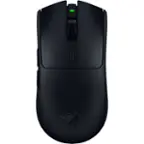
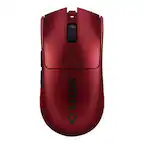
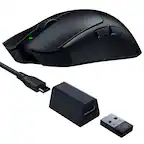
Customer Ratings & Reviews

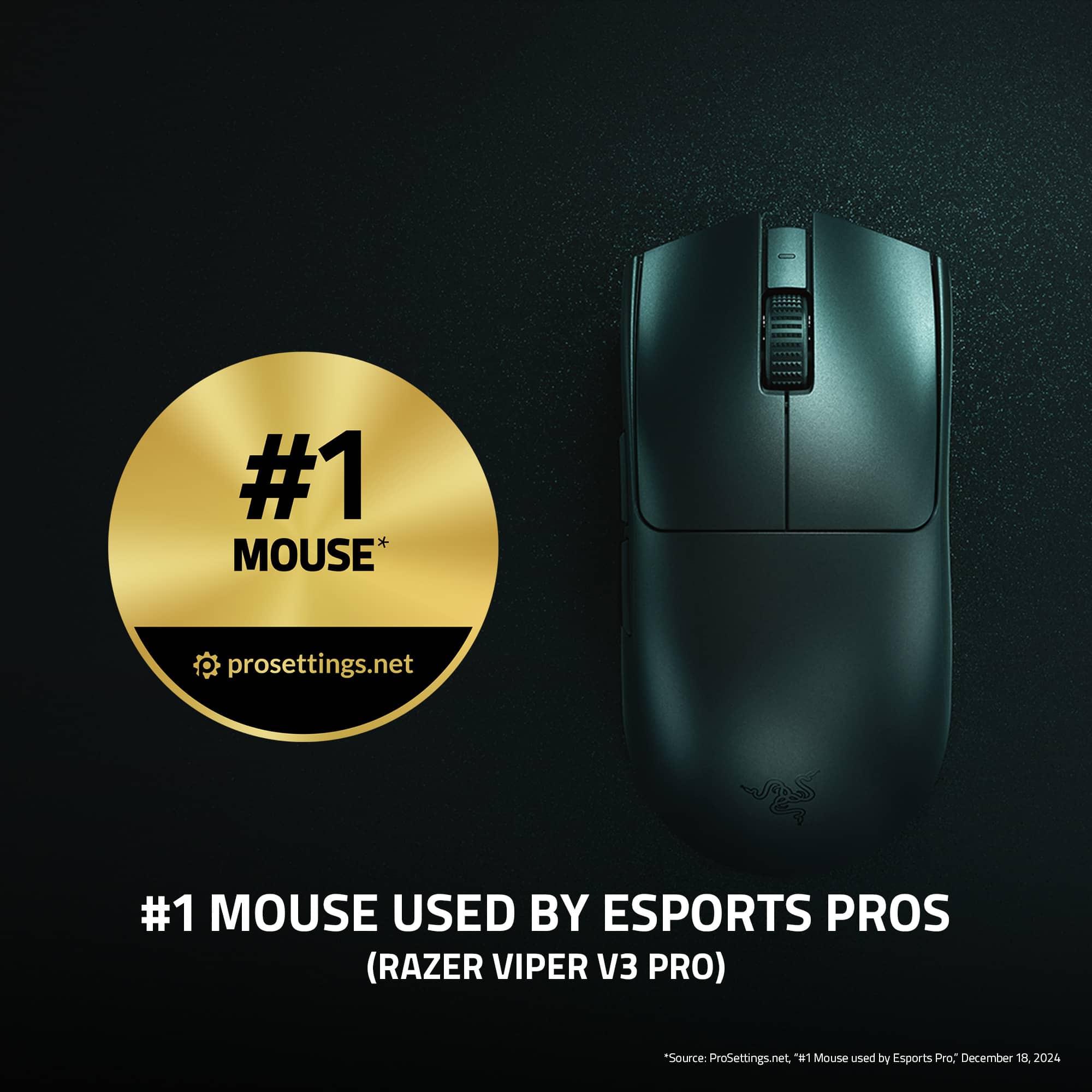
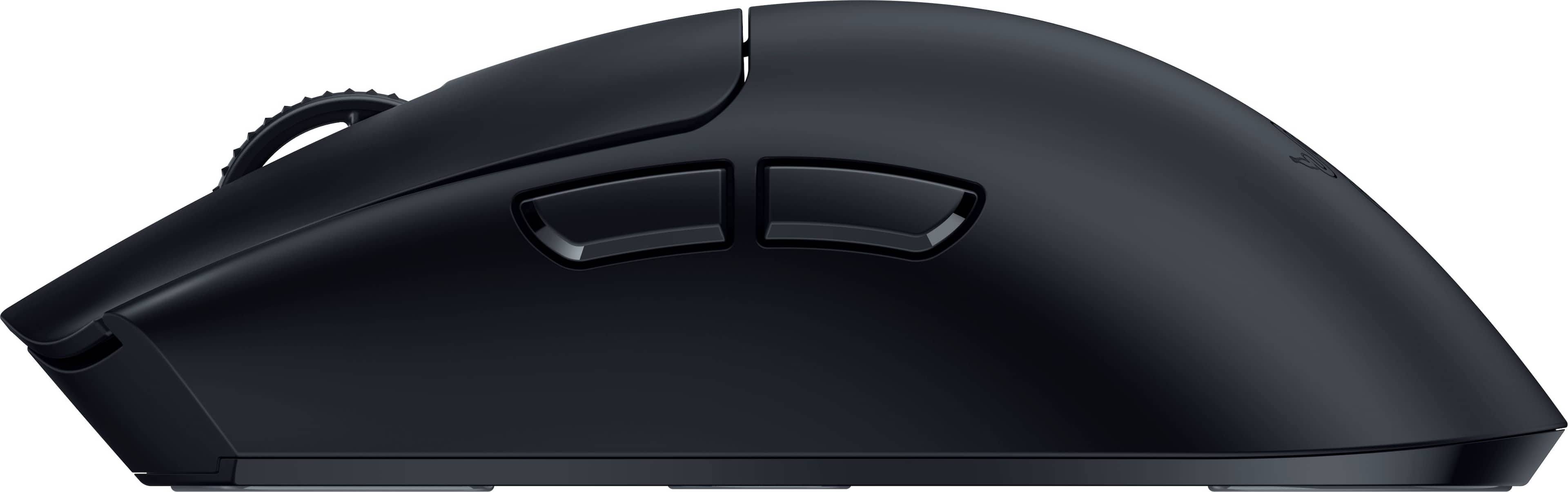
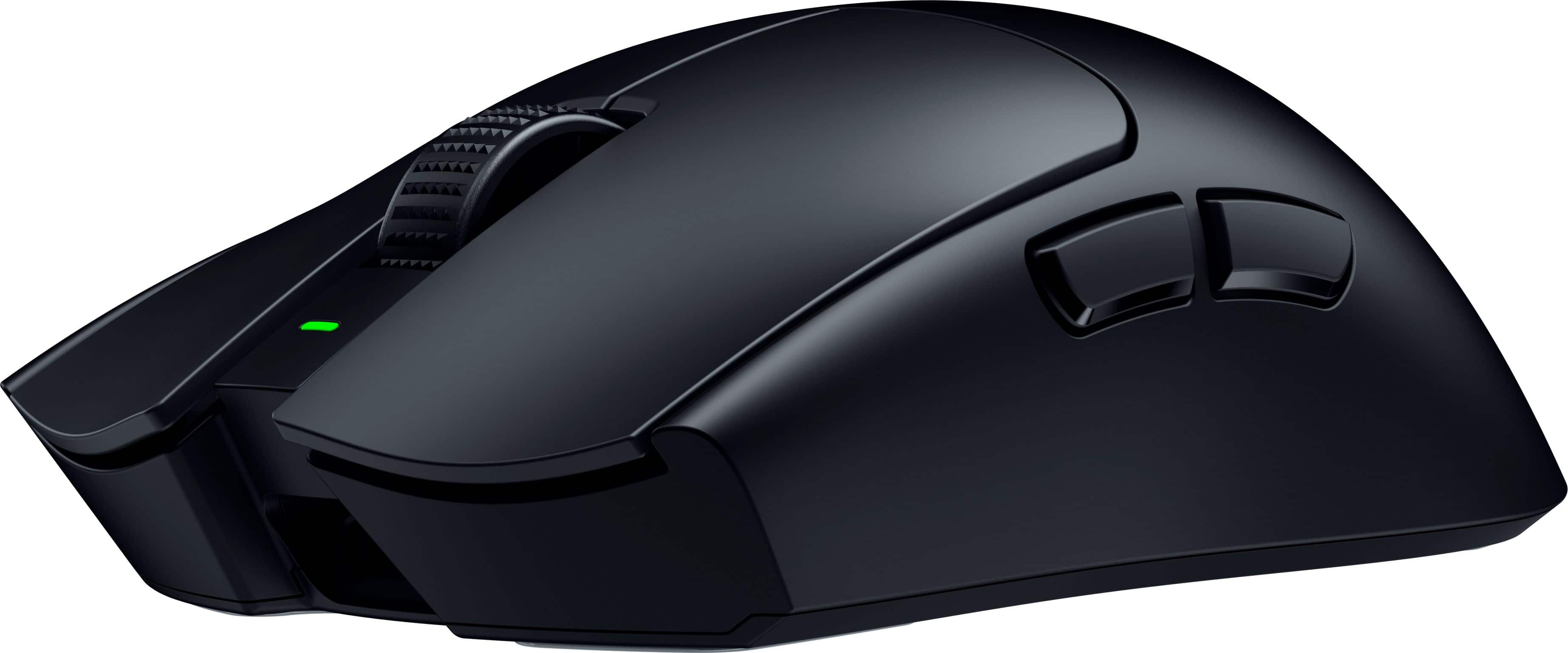
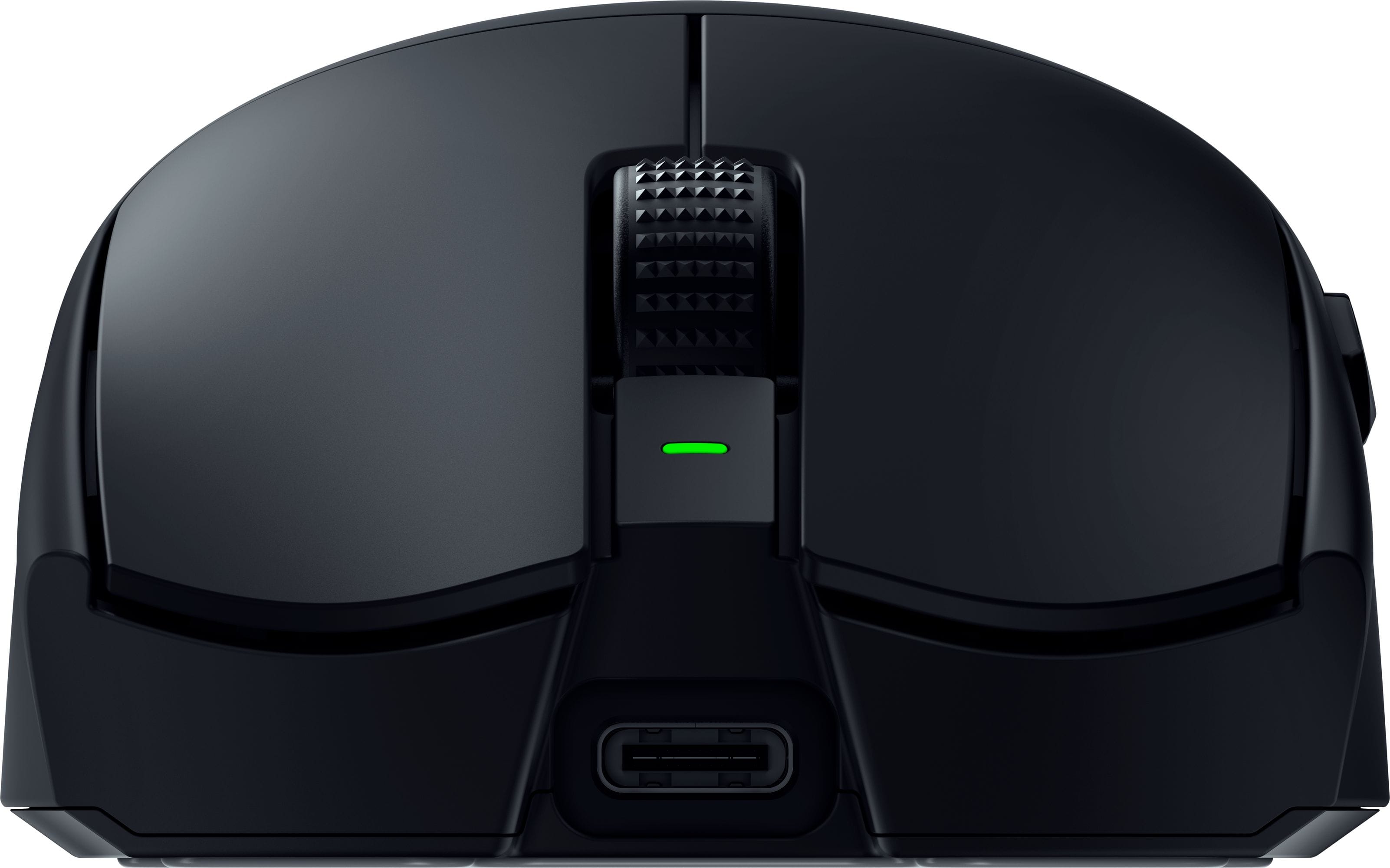




- Model:
- RZ01-05120100-R3U1
- SKU:
- 6576242
Rating by feature
- Value
Rating 4.5 out of 5 stars
- Quality
Rating 4.9 out of 5 stars
- Ease of Use
Rating 4.9 out of 5 stars
Customers are saying
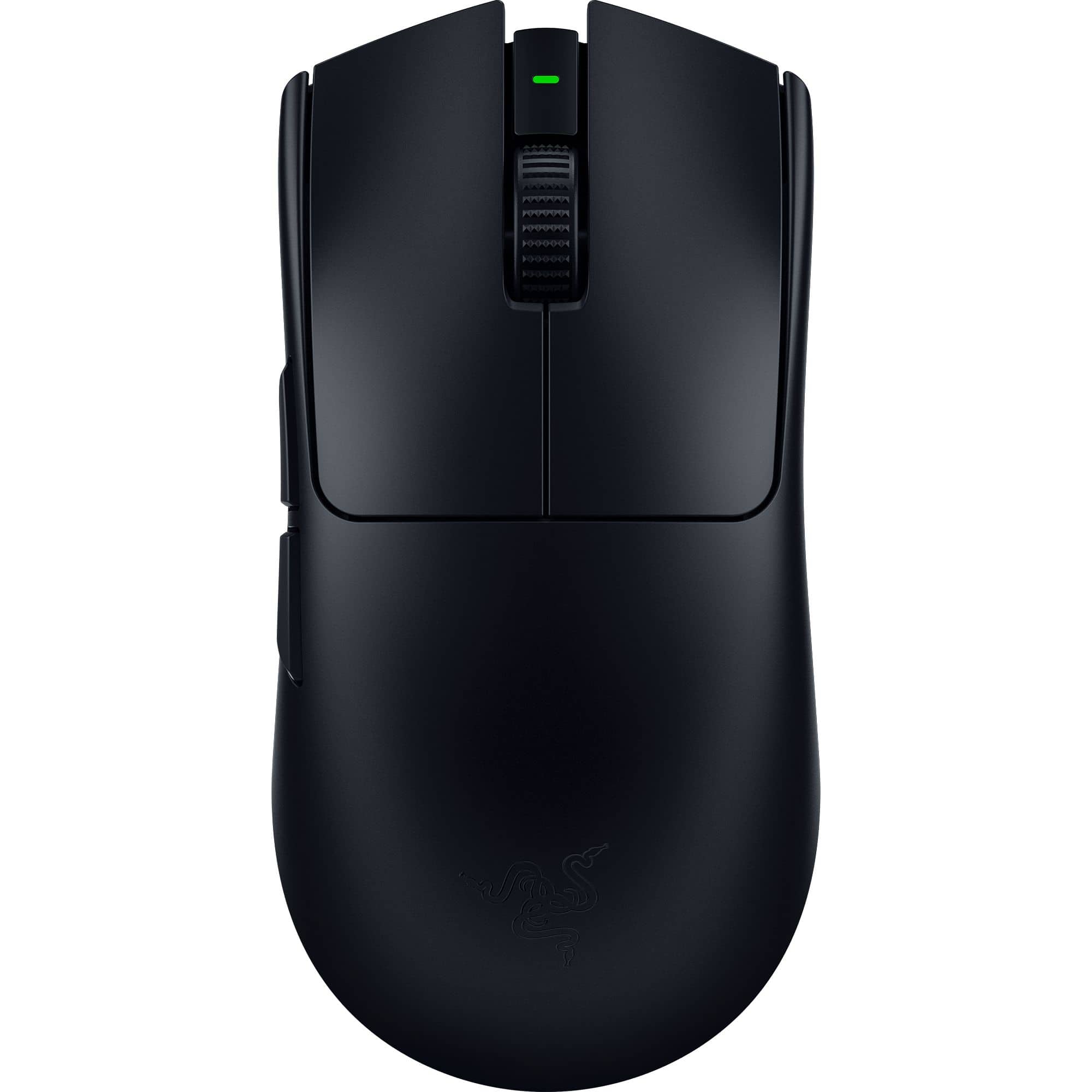
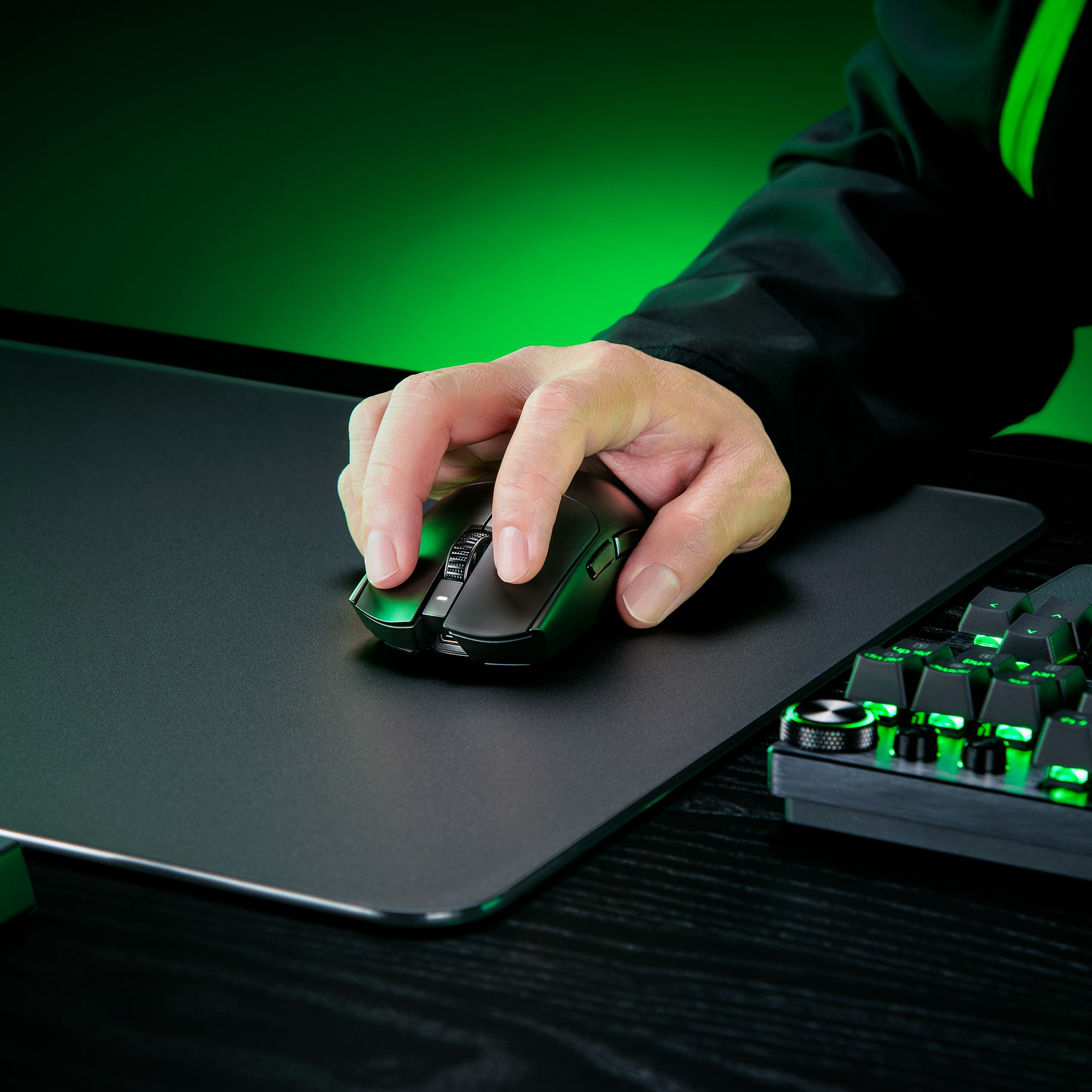
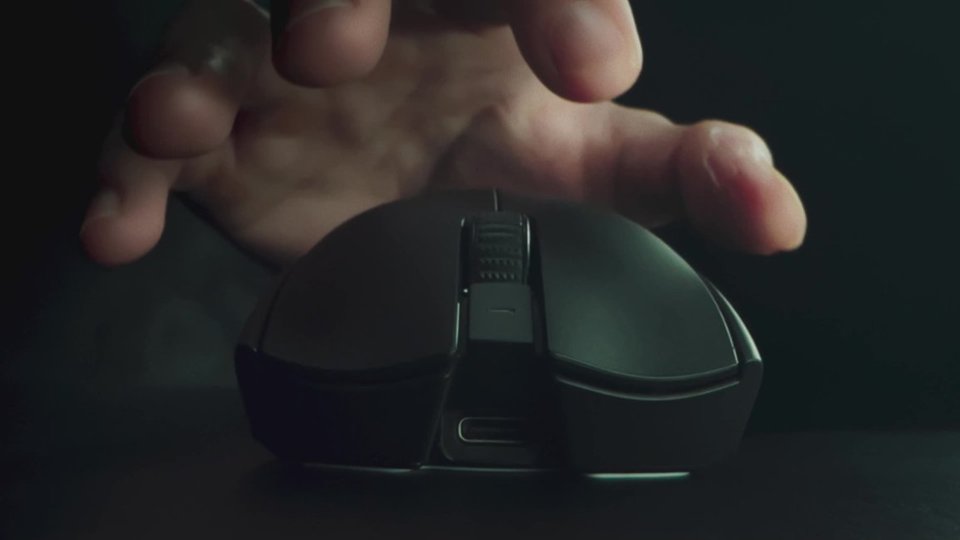
Customers are pleased with the Viper V3 Pro's lightweight design, long battery life, and excellent responsiveness. Many users appreciate the comfortable ergonomics, familiar shape, and high-quality sensor. Some find the price to be a drawback, while others mention concerns about the software.
This summary was generated by AI based on customer reviews.
- Pros mentioned:Battery life
Early failure
||Posted . Owned for 3 months when reviewed.This reviewer received promo considerations or sweepstakes entry for writing a review.About 3 months of use and the mouse is starting to disconnect and reconnect at random while playing games. Trouble shooting steps provided by Razer have produced no results. Currently waiting on response from Razer for next steps and possible replacement since I'm outside of my Best Buy return period. I've owned wireless Logitech mice for nearly 20 years and never had this sort of issue, not great that my first ever Razer mice is already failing...
No, I would not recommend this to a friend - Pros mentioned:Battery life, Shape, Weight
The perfected Viper!
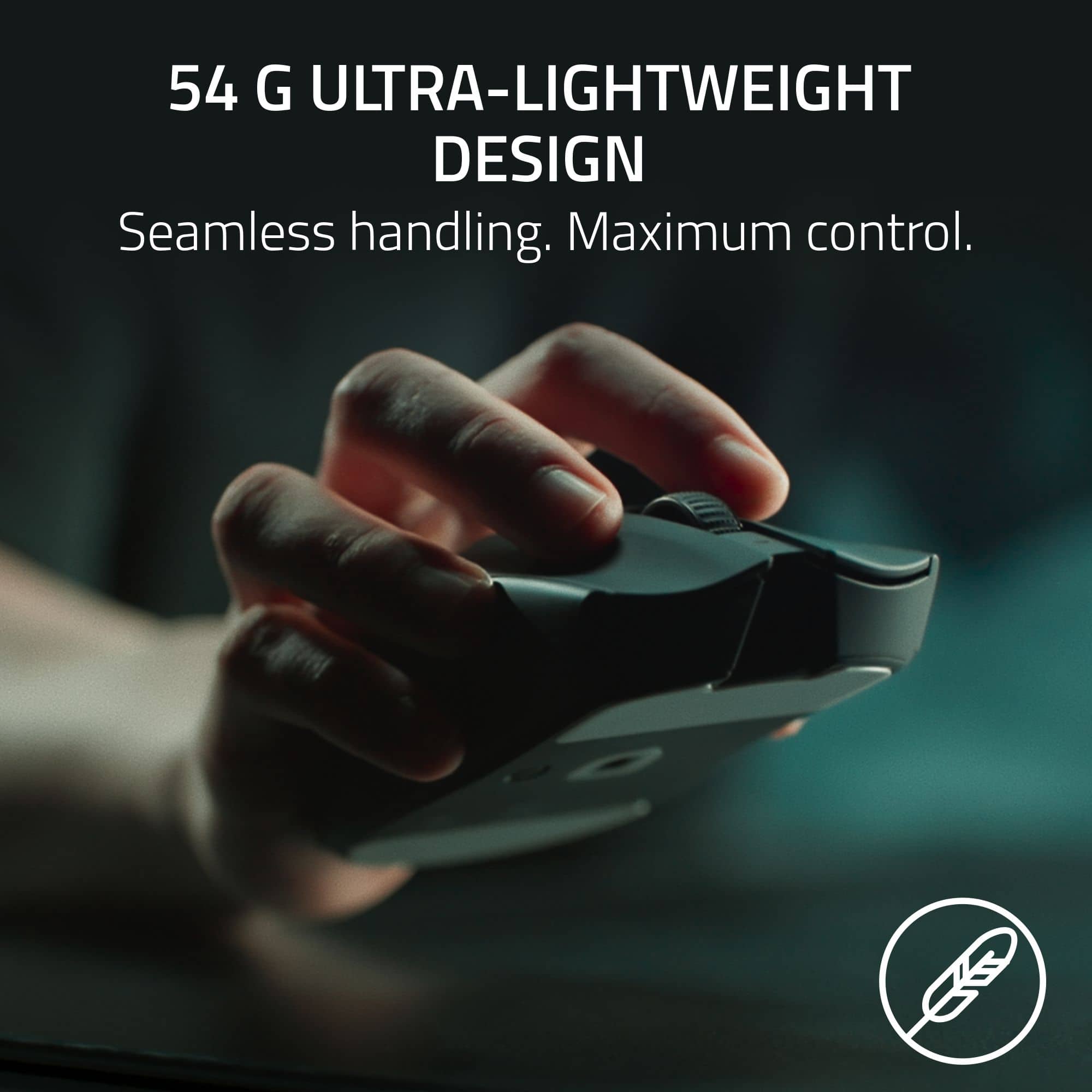
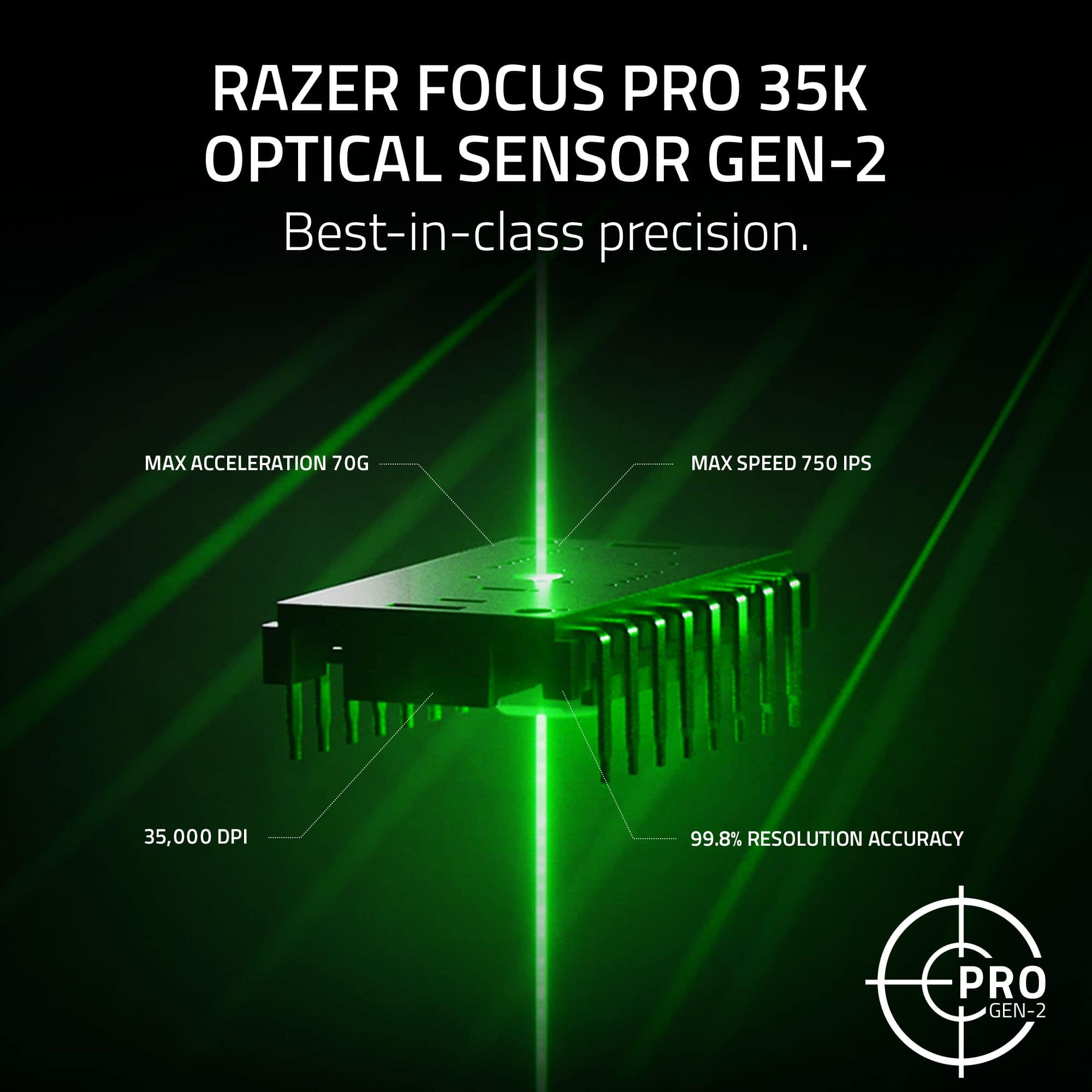
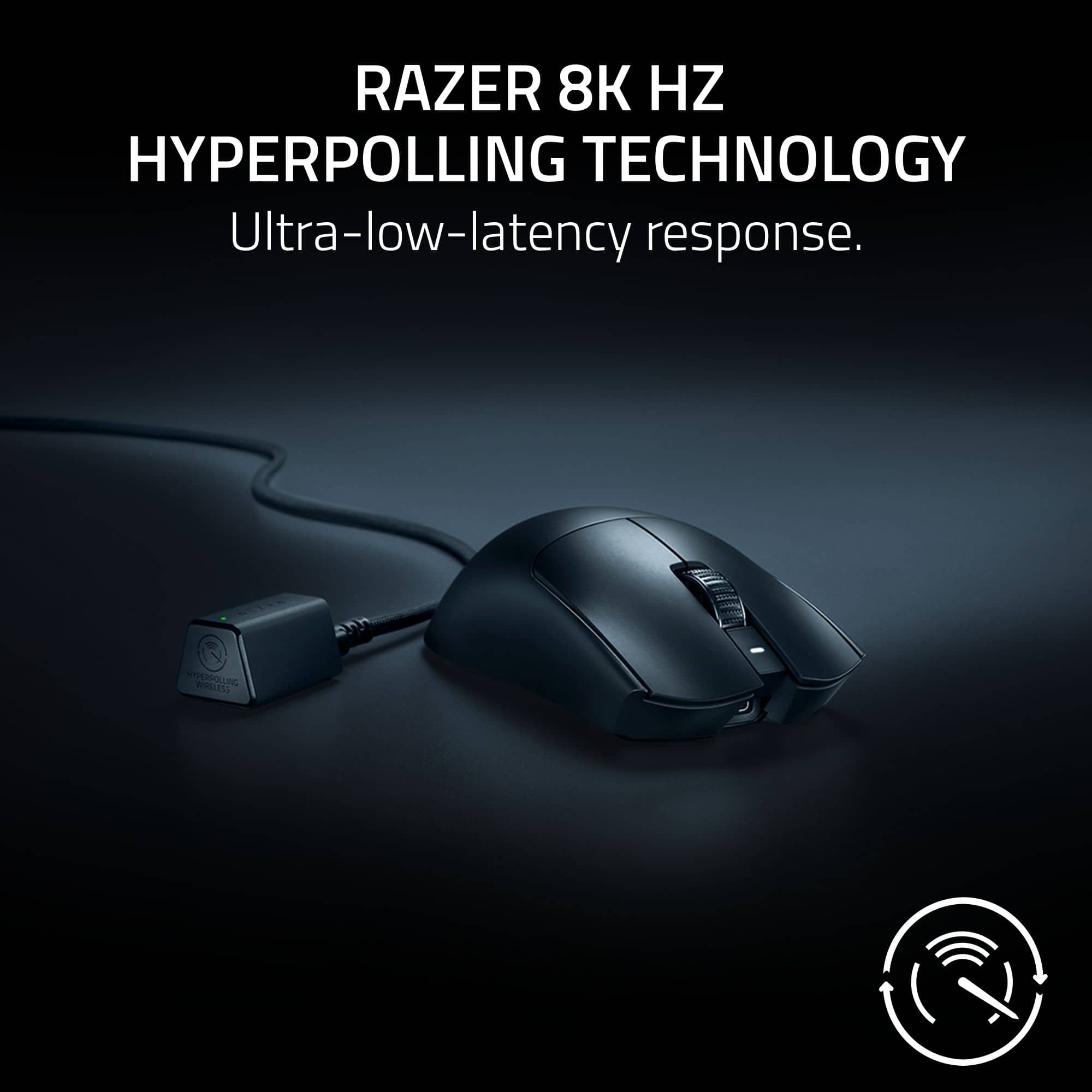
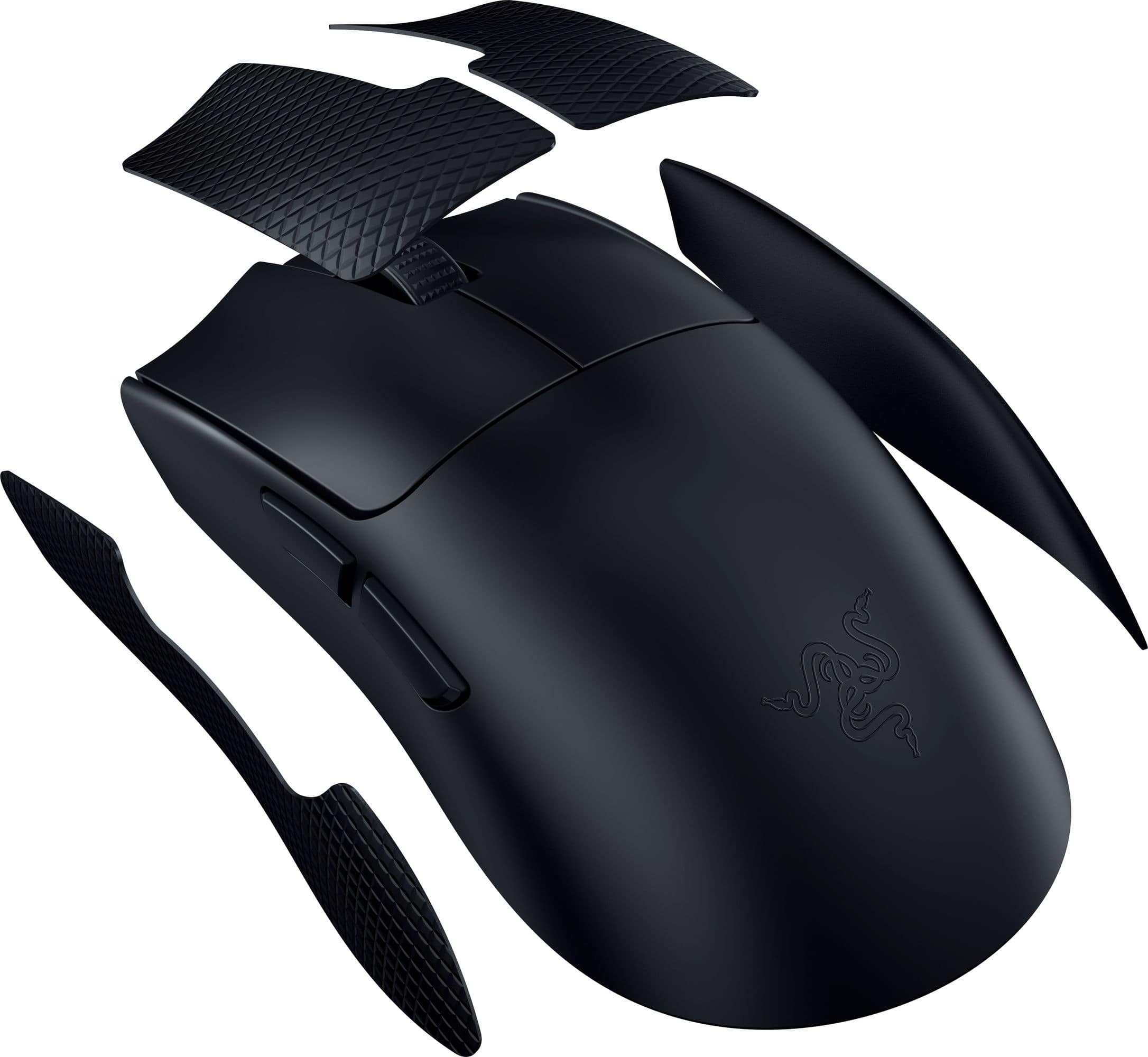
Posted .This reviewer received promo considerations or sweepstakes entry for writing a review.This mouse is amazing! It's a clear upgrade from the V2 Pro (and older Vipers) it has a new shape and even better specifications. The shape is now different (higher hump, and straighter sides) this makes the mouse feel much more "safe" and the higher hump gives you more stability especially in a claw grip. The weight is now 54g (black) 55g (white) and its very well balanced. You will be shocked how light this feels when you unbox it! For the buttons they all feel excellent with no quality issues. Razer even managed to upgrade the sensor as its now capable of 35k DPI and you get the hyperpolling 8k wireless dongle right in the box (no extra purchase necessary) so thats just awesome. When it comes to the battery life It's outstanding as well. Overall I'd highly recommend this mouse (yes its pricey) but worth the investment if you want the best of the best!
I would recommend this to a friend - Pros mentioned:WeightCons mentioned:Software

Upgraded from good to great
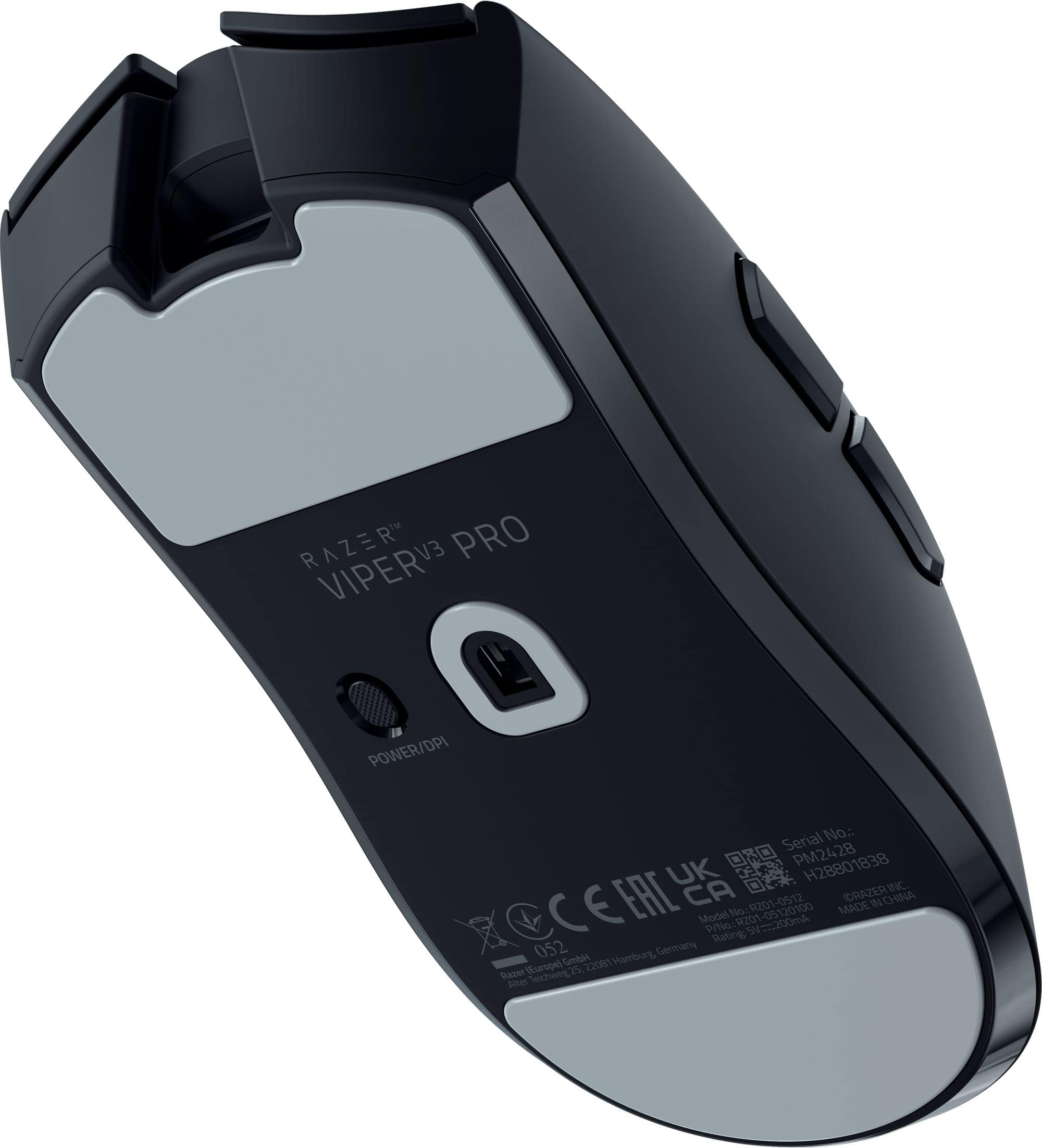
|Posted .This reviewer received promo considerations or sweepstakes entry for writing a review.Great Includes 8000Hz dongle Light Larger hump is more comfortable Revised finish improves grip Larger skates Includes grip tap Matches sensitivity of your previous mouse Nice clicky switches Solid feel Straighter sides works with more grips Improved debounce Not so great Finish shows fingerprints easily Might be too large for some I prefer a little more slope on the sides Still not a fan of the DPI button on the bottom No visible way in game to see the current DPI setting No way to use the HyperPolling dongle on a laptop without the cord Design 9/10 The first thing you notice with the Viper V3 Pro is the new smooth touch finish. It does feel nice in the hand and doesn’t feel slippery. If there is as downside, it is that it’s a fingerprint magnet. The design has been updated to reduce the curves on the sides. If you prefer a mouse with curvier sides, you might not like the redesign as the sides are nearly straight. For the majority, the redesign offers more options. The mouse feels slightly longer, and the hump is a little taller. While only 4 grams lighter than the V2 Pro, the difference is noticeable. It also feels more solid with no rattles or hollow sounds. The skates are much larger than in the past. Included in the box now is the HyperPolling dongle. The only downside is if you want to use the HyperPolling dongle on a laptop you are going to have to carry around the USB cable as well. Unlike their previous dongles, this one doesn’t just plug straight into the USB port and is much larger. Buttons 9/10 The left and right mouse buttons have a solid clicky feel to them with that give solid feedback regardless of your finger placement. They also provide just enough resistance to prevent accidental activation when resting your fingers on the button. Razer claims they have improved debounce and it shows. No matter how fast I tried, each click registered as a single click. This is extremely helpful because usually at some point during gaming my fingers get tried and twitch slightly causing accidentally activation. So far, with the V3 Pro this hasn’t happened. The side buttons aren’t as clicky but still feel solid. Placement is good, at least for someone with larger hands using a palm grip. The side buttons sit high leaving plenty of room for the thumb to prevent accidental clicks. The one choice that still seems odd is placing the DPI button on bottom. Sure, you can use Synapse to automatically change DPI, but it would be nice to have a way to quickly change DPI without mapping a button. Software 8/10 While Synapse isn’t the most liked, it seems like Razer has calmed down a bit from previous versions pushing to have an account and to install extra apps. On startup, all that was needed was to skip creating an account and it didn’t do anything else besides bring me to the settings. A nice change from older versions. If you are the type who like to exactly match your old mouse Synapse now has a Sensitivity Matcher which allows the V3 Pro to measure the speed of your old mouse and duplicate it. It seems like a nice touch, but I prefer to start fresh with a new one. You can also set sensitivity in increments of 1 as well as make x and y settings independent if you prefer. The max number or stages is 5. Polling rate can be set the same across the board or you can Synapse to have a custom polling rate for games that switches automatically so you can save battery power when not playing games. Synapse does display current DPI settings as a popup when on the desktop but once in game you have no easy way to know what your DPI is set to if you change it. If you are the type who switches DPI mid game, you are going to be left guessing. Older mice had the DPI displayed direct on the mouse while others had an in-game popup. It would be nice if Razer had some option for those who change DPI settings while in game. Performance 10/10 The new larger skate lets V3 Pro glide much better than previous generations while feeling more planted. The 8000Hz polling rate is nice, but it is hard to tell any different beyond the 4000Hz range. It might be due to lack of skill but currently 4000Hz feels instant. Flick shots feel effortless but being honest I prefer the rough coating on older Razers because the textured finish just felt like I could grip better. That said, the smooth soft touch finish on the V3 Pro feels more premium and hasn’t slipped. It seems like the issue is mainly getting confident with new finish. Of course, this could be easily improved with grip tape, but I prefer not to stick anything extra on my mice. Final Thoughts The Razer Viper V3 Pro feels like an evolutionary versus revolutionary upgrade. Regardless, the upgrade takes what was originally a good mouse and makes it great.
I would recommend this to a friend - Pros mentioned:Battery life, Comfort, Weight
Responsive and comfortable
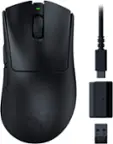
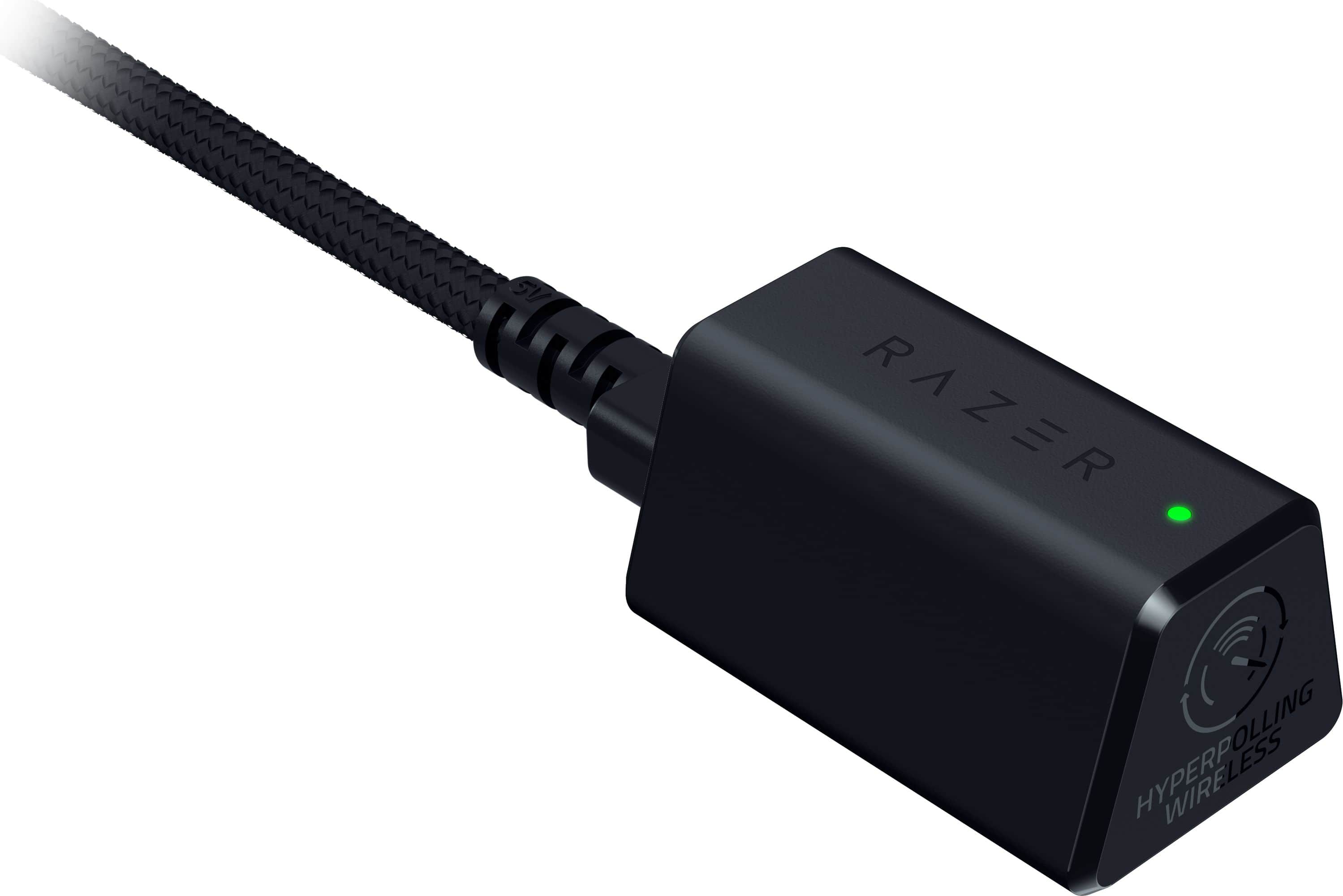
|Posted .This reviewer received promo considerations or sweepstakes entry for writing a review.This mouse is a very high-quality gaming device for serious gamers. It comes with the mouse, USB cable, USB dongle, rubber grips and razor stickers. I was surprised at how light weight it is! As soon I connected it the USB cable to charge, I was prompted to download the Razer Synapse software. It guided me through the process of updating the dongle and mouse. In less than 2 hours the mouse was fully charged and ready to go wirelessly. The USB cable remains connected to the PC and the dongle connects to the USB cable. The dongle provides the super-fast connection via the mouse and PC. The Synapse software provides multiple customization options such as mouse speed, connection speed, calibration and key re-assignments. There is the normal mouse click buttons, scroll wheel and two additional reprogrammable function buttons on the left side of the mouse. The bottom of the mouse has two smooth surface pads that provide friction free movement. There are optional rubber grips that can be attached for a better control. I tried the mouse with and without the rubber grips and it worked great either way. I prefer the grips due to the additional control I feel it gives. There weren't any instructions on where they attached, but it was rather easy to figure out based on the shapes. I normally prefer mice with a little more weight, but I'm impressed with how it feels and responds. It is large enough to give a good grip and light weight to effortlessly control. I tested it with several FPS games, and it is the most comfortable and responsive mouse that I've ever used. It helps to reduce fatigue in long gaming sessions and the battery life seems to be very good. There is an indicator light on the dongle that can be configured to indicate different indicators such as mouse battery life and connection status. I like that I can easily see the battery status with green as fully charged, yellow as medium charge and red as low battery life. If you are serious about gaming, I highly recommend this mouse. It looks good and functions just as great. It will give you that extra edge in comfort and super responsive control.
I would recommend this to a friend - Pros mentioned:Battery life, Overall performance, ShapeCons mentioned:Software
Simply the Best
||Posted . Owned for 5 months when reviewed.This reviewer received promo considerations or sweepstakes entry for writing a review.This is the best mouse if you want to play competitively. It has the best performance, it’s light, has great battery life and a great shape. As a bonus, the aesthetic is very clean and minimalistic too. Glad we’re stepping away from the edgy gamer gear look. If you want an ergo shape, the DeathAdder V3 Pro is the same mouse as this, just ergonomic instead of symmetric. Some nitpicks would include no Bluetooth, no dongle storage, no carrying case, and no RGB. Also, the dongle is very awkward given it’s a little object with a long cable that connects to your PC, instead of the tiny “usb flash drive” looking dongle that literally every other mouse uses. You can argue this is for the 8000Hz but mice like the Logitech G Pro X 2 have 8000Hz without using this awkward dongle style. I still give this 5 stars because those are nitpicks that don’t intrude on your experience using the mouse.
I would recommend this to a friend - Pros mentioned:Shape, Weight
Compared to DA3Pro & V2 & Superlight 2
||Posted . Owned for less than 1 week when reviewed.This reviewer received promo considerations or sweepstakes entry for writing a review.This mouse was designed with the Zowie and Superlight 2 competition. They have almost the exact same shape so it all boils down to materials and behind the plastic. Compared to the DA3 Pro makes sense as its essentially nearly identical except with a few key differences. The hump on thr DA3Pro gives you more control but also more "drag," slowing swipes down on one side. The Viper V3 Pro being symmetrical works only because if you swipe left or right its the same. The Viper v3 pro is definitely lighter and it feels that way. In addition, the ptfe feet is significantly a larger real estate space on the Viper V3 pro, making the glide feel even nicer. The material on the V3 pro feels nicer too. I feel like whatever they did on the V3 pro material has more grip friction than the DA3 Pro. I could be wrong but it feels that way to me. Lastly, thr Viper V3 pro is lower but feels like it has the same hump shape as the DA3 pro, but the lower Viper V3 Pro makes it easier to finger grip claw grip, which imo is better for fps games. Against the Viper V2 Pro, its also identical but the internals and the hyperspeed dongle included makes it a good value. FYI the dongle is like $30 or so, making this mouse cheaper than the previous generation if you bought the dongle separately. As with compared to the Logitech Superlight 2, the Superlight 2 even thoufh is extremely similar to Viper V3 pro, I feel like im squeezing the chassis more cause its more indented or somrthing. The material also feels a little too smooth and less grip on the superlight 2 requiring definite grip tape. Overall not a fan of the superlight 2 because of that squeeze feel. Overall you cant go wrong with the V3 pro series DA or Viper. Viper ovviously is the better choice for fps games.
I would recommend this to a friend - Cons mentioned:Connectivity
nearly as good as it gets.
||Posted . Owned for 1 year when reviewed.This reviewer received promo considerations or sweepstakes entry for writing a review.Despite the annoyance that Razer Synapse has become, this mouse is a great end-game for those who want an esports mouse that will last a while, especially if you put glass mouse skates on it. Comes with grip tape. Razer Mouse Angle calibration allows you to calibrate horizontal motion if you tend to hold the mouse at an angle. Pros: Great for people with large hands. reliable switches. Mouse Angle Calibration compatible. up to 8k polling. large mouse skates for minimal friction. Razer hyperpolling USB dongle. USB rechargeable. Cons: expensive. Needs Razer Synapse to be customized. Shorter-than-expected battery life if on 2k polling rate or higher. limited to 1k polling in wired mode. cable is quite stiff if you plan on using it in wired mode. I had minor issues with USB dongle connectivity after a year of use. (they can be bought separately if they break)
I would recommend this to a friend - Pros mentioned:Battery life, Weight
10/10 worth it! but wait for a discount
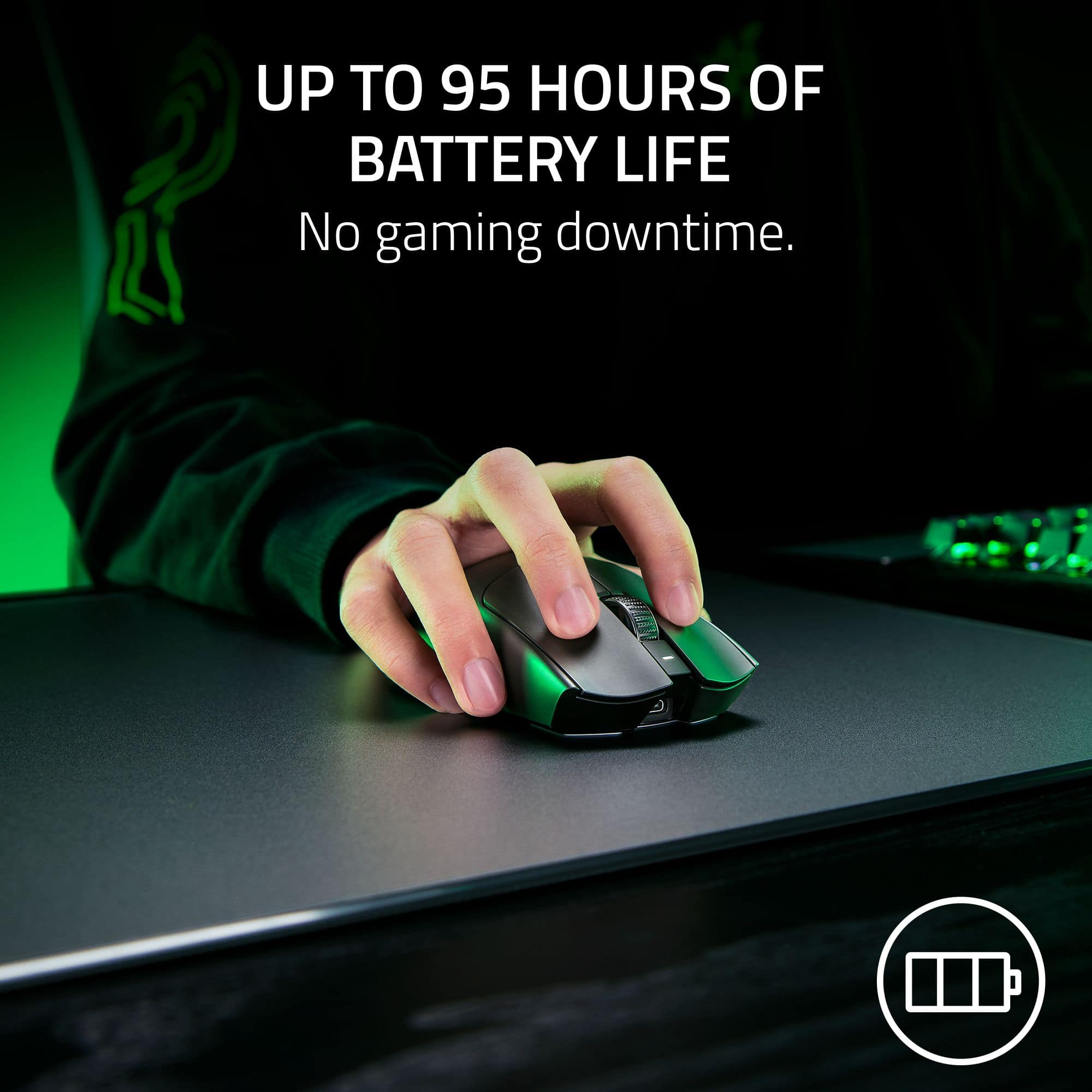
||Posted . Owned for 2 months when reviewed.This reviewer received promo considerations or sweepstakes entry for writing a review.The Razer Viper V3 Pro is a game-changer for serious gamers. Right out of the box, its ultra-lightweight design (just 58 grams) stands out, making extended gaming sessions incredibly comfortable without fatigue. The wireless connectivity is seamless, and with a whopping 95-hour battery life, I rarely worry about recharging—even during marathon gaming weekends. The performance is exceptional, thanks to the Focus Pro 30K Optical Sensor. It delivers pinpoint accuracy and quick responsiveness, perfect for FPS games where precision matters. The HyperSpeed wireless technology ensures a lag-free experience, rivaling even wired mice. A bonus is the textured grip and ergonomic shape, which accommodates different hand sizes and grip styles. The build feels sturdy yet refined. While the mouse is clearly performance-focused, its understated design makes it versatile for work and everyday use. My only minor suggestion would be to include a USB-C charging cable for faster recharging, but it’s hardly a dealbreaker given the battery longevity. Overall, the Razer Viper V3 Pro combines performance, comfort, and style in one sleek package. Highly recommended for gamers seeking top-tier quality.
I would recommend this to a friend - Pros mentioned:Battery life, Overall performance, Shape
Nice mouse , great shape choice
||Posted .This reviewer received promo considerations or sweepstakes entry for writing a review.I had the old model which worked great but I wanted to try the new model and I’m glad I did. I love the shape and skates on the new one much better. Is it worth the upgrade? That’s subjective , I could have very well of bought this , didn’t like the shape and texture change, and returned it. For me it was enough of an improvement I couldn’t imagine returning it. Technically speaking, battery life is still great, performance is great, no issues. It’s a nice mouse but if you want to save a few bucks, the last generation is also a great mouse with a different shape. 4 stars for value. It’s too expensive for me to give it 5 stars in value. Quality I give it 5 stars. It does exactly what it says it does and seems built to last. Ease of use , 4 stars. 1 star removed because I considered synapse being part of the use and it’s improving but it’s still synapse
I would recommend this to a friend - Pros mentioned:Battery life, Weight
Buttery smooth movement and lightning fast
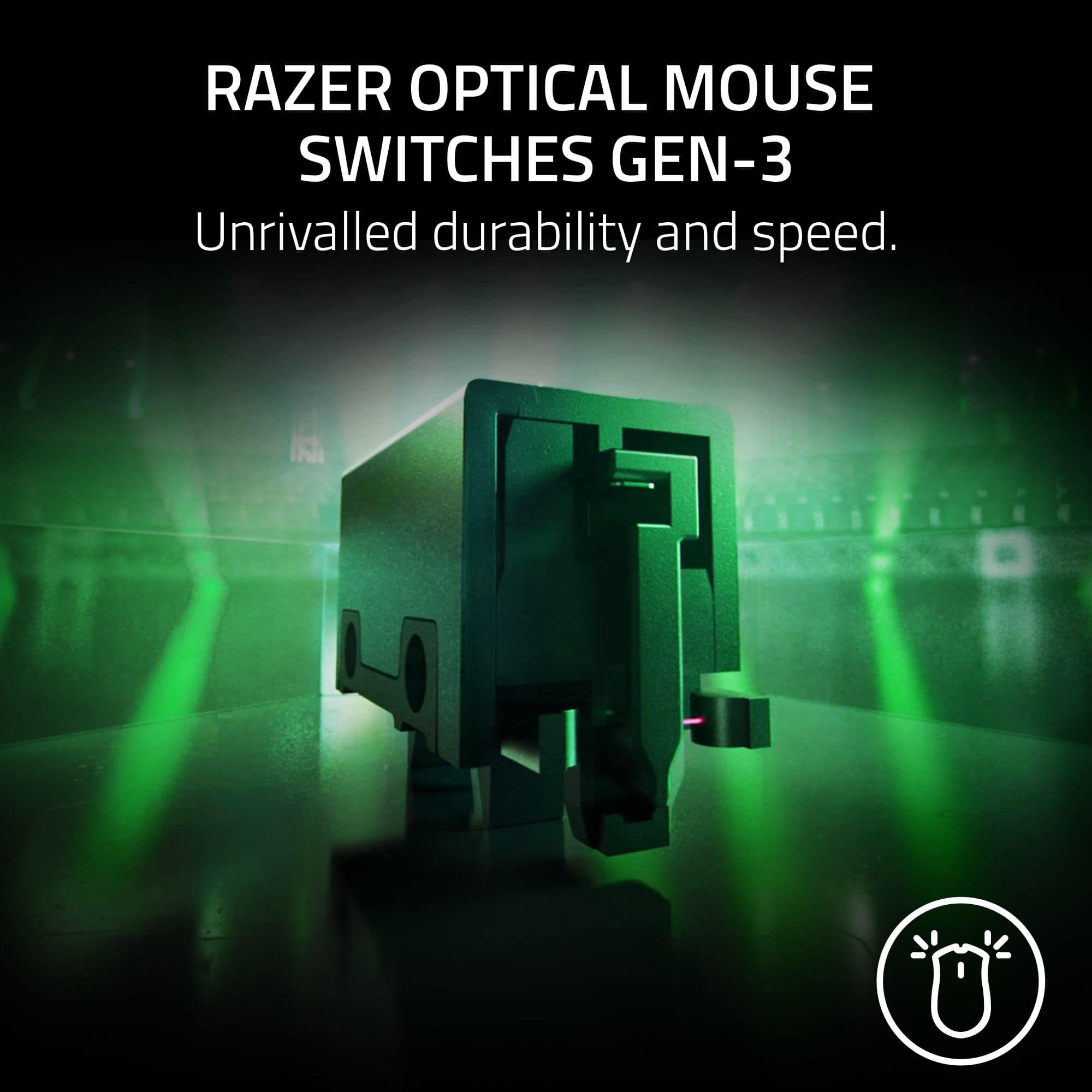
|Posted .This reviewer received promo considerations or sweepstakes entry for writing a review.Over the years, Razer has been my go-to for most of my gaming and computer peripherals including their high-performance mice. With the release of Razer’s new Viper V3 Pro mouse, they continue to impress and one up themselves by somehow making it even lighter and faster. I’ll start by mentioning I have owned every generation of Razer’s Viper mouse line as well as other manufacturers and I always end up back with the Viper line mice for several reasons. Unboxing the V3 Pro was about as simple and self-explanatory as you can get, especially if you’ve owned Razer Products in the past and don’t have to install any new software; basically, a simple plug-and-play peripheral. If you haven’t, I would suggest downloading the recommended Razer software that can be used to customize the Viper along with any other Razer peripherals. In the box includes the mouse, USB-C charger and dongle for the wireless connection, instructions and grip stickers for the mouse that you can either install or leave off depending on your preference. Once the mouse is fully charged, you are good to go on most computers that automatically sense new devices and install the appropriate drivers if necessary. Although I’m sure I have become “groomed” and accustomed to the Vipers’ design and ergonomics over the years, in my opinion it just feels more comfortable in comparison to the competition. After previously using other mice, I have noticed my hand will sometimes cramp up over time. With the new Viper V3 Pro, the design and aesthetics are identical to their last V2 model until you look “under the hood”. Being that both models are extremely light, the V3 weighs only 54 grams, you probably won’t notice a difference in the weight. However, once you flip it over to check out the underbelly and begin to use it, you’ll notice how much more “buttery” smooth it feels because of the larger slip pads on the bottom which cover more surface area and make it easier to maneuver. Utilizing the included Razer HyperPolling wireless dongle, which has a true 8000 Hz wireless polling rate, coupled with their Gen-3 optical mouse switches and the Gen-2 Razer Focus Pro optical sensor, which has smart tracking, motion sync and asymmetric cut-off, the gaming competition won’t know what hit them with such precise movement and lightning-fast responses. The other benefit that I almost always forget about, only because I rarely have to do it, is the rechargeable battery lasts nearly 100 hours on a single charge meaning less down time. As I mentioned previously, the Razer Viper family has always been my favorite mouse and the new V3 Pro did not disappoint. I would highly recommend the new Viper V3 Pro, as well as many other Razer products, to anyone in the market for the latest and greatest peripherals and want a leg up on the competition or even as an everyday mouse.
I would recommend this to a friend - Pros mentioned:Battery life, WeightCons mentioned:Rgb lighting
Aimbot
||Posted . Owned for less than 1 week when reviewed.This reviewer received promo considerations or sweepstakes entry for writing a review.Awesome lightweight mouse, ultra responsive. Makes micro adjustments in game easy and fits the hand extremely well. Battery seems to hold up for long gaming sessions even at 8k polling. Cheaper than the Logitech alternative with better stats, a rare win-win. Only downside is no rgb but honestly once you're playing you won't even notice.
I would recommend this to a friend - Pros mentioned:Battery life, Weight
Best Gaming mouse
||Posted . Owned for 4 months when reviewed.This reviewer received promo considerations or sweepstakes entry for writing a review.Weighing a mere 54 g (just under 2 oz), this mouse floats across your desk with the agility of a greased lightning bolt—lighter even than the coveted Logitech G Pro X Superlight 2. Every flick, swipe, and micro-adjustment feels buttery smooth—this is glide territory reserved for the most elite of esports legends. Sensor So Sharp It Might Cut the Air. Equipped with Razer’s Focus Pro 35K Optical Sensor Gen-2, offering up to 35,000 DPI, this thing tracks with surgical precision—even on glassy surfaces . One experienced user proclaimed, “it just feels so accurate,” especially for those lightning-fast flicks in games like CS2!!!! The V3 Pro is built with esports in mind: Gen-3 optical switches, up to six (or eight, if you count scroll wheel programming) programmable buttons, and battery life that spans from ~95 hours at 1000 Hz down to ~17 hours at 8000 Hz!!!! This is the best gaming mouse in the world and you NEED to experience the power of the Razer Viper V3 Pro
I would recommend this to a friend - Pros mentioned:Battery life, Shape, Weight
Super light and fits my hand
||Posted . Owned for 1 month when reviewed.This reviewer received promo considerations or sweepstakes entry for writing a review.I love everything about this mouse but one thing... more on that in a moment. This mouse is super light-weight, feels like it has air inside, and not much more, which makes the rather exceptional battery life a pleasant surprise. I like the ability to use it while it's charging and then go wireless again. Its shape is very well designed to be comfortable in my hand, and the buttons have a great feel and responsiveness. Here's where I struggle... I haven't identified the root cause yet, but from time to time, I find that my mouse fails to function wirelessly (no, LoL, not a dead battery...). If I plug it in, it works fine, and then unplug it, it stops again. I've tried playing with the button on the bottom, but that doesn't seem to change anything. If I reboot, the problem goes away and it works wirelessly once again (See? It's not a dead battery... ;-D ). I have the Razer software installed, and it reports my drivers are up to date, so it's not that either. The non-functioning issue has only happened three times now, and I think I've had this for around a month - so I'm not seeing any clear patterns here. Final thoughts: Yes, I recommend this mouse. I even bought the same mouse for my son, and he loves it, too.
I would recommend this to a friend - Pros mentioned:Battery life, Comfort, Weight
Best gaming mouse iv'e used
||Posted . Owned for 1 month when reviewed.This reviewer received promo considerations or sweepstakes entry for writing a review.The Razer Viper V3 Pro is hands down the best mouse I’ve owned for gaming. It’s insanely lightweight, which makes it super easy to flick and track in fast-paced games. The sensor feels extremely accurate and responsive—no lag at all. Battery life is excellent; I’ve gone weeks of daily use without needing to charge. I also love that I can just plug the dongle into a USB-C cable and use it wired if I want. The shape is comfortable for long sessions, and the build quality feels solid
I would recommend this to a friend - Pros mentioned:Comfort, Weight
Fire Mouse
||Posted . Owned for 2 weeks when reviewed.This reviewer received promo considerations or sweepstakes entry for writing a review.The setup was smooth, and the mouse feels amazing with the grips once put on. The mouse is super light and comfortable to use.
I would recommend this to a friend - Pros mentioned:Weight
Razer Viper V3 Pro (white) is fantastic mouse!
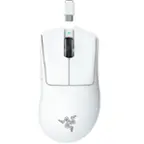
||Posted . Owned for 2 weeks when reviewed.This reviewer received promo considerations or sweepstakes entry for writing a review.The world of computer mice is vast. The market is flooded with every flavor, size, price, and quality. I did my research and had several similar mice in a few different price ranges in mind. I ended up going with the Razer Viper V3 Pro, in white, due to being wireless, the capability of 8k hz polling, its size, and texture. This is a fantastic mouse, albeit expensive, but I would consider it worth every penny. The responsiveness and weight makes it a joy to use. The optical sensors and buttons are crisp and lightning fast. I’ve noticed having an easier time managing recoil and accuracy in FPS games coming from a heavier, slower mouse. I also do a lot of CAD/CAM for work and the ergonomics are a great bonus for my size of hand and my claw/palm grip. I would definitely recommend this mouse to those that can afford it. If you’re on the fence, take my advice and try it out. I don’t think anyone would be disappointed in choosing this mouse over anything else.
I would recommend this to a friend - Pros mentioned:Comfort, Weight
I was skeptical as a viper v2 pro owner.
||Posted . Owned for less than 1 week when reviewed.This reviewer received promo considerations or sweepstakes entry for writing a review.I was honestly skeptical when I saw mouse after owning my viper v2 pro for 5 months. I told myself id rock my v2 viper and enjoy it, but something told me to try the V3 pro. After watching some yt videos, i could tell the mouse was very hyped up and I told myself: “if i honestly dont like it, ill return it”. I purchased the mouse opened it up, and immediately noticed a weight difference, and the feeling of the mouse didnt feel as “gritty” as the viper v2 pro, and i use “gritty” very lightly when I say it..bc it just adds some texure when holding the mouse. I honestly love how the new coating feels (its slicker but still grippy) I played a couple matches in valo and this mouse absolutely blew me away. For me, its mainly weight savings (definitely noticeable.. not as “sluggish” when gliding on a mouse mat), and the sensor… this is where this thing is unbelievable.. play anything with a 240hz plus monitor and this mouse, and Its basically cheating; I do believe it can provide me with a competitive advantage, as ive noticed improvement with my aim in such short time. I advise anyone with a v2 pro to try out this mouse; Also, I found comfort to be great, I never disliked the way my v2 felt in my hands and never had comfort issues. I definitely prefer the way the v3 feels in my hand, as its more natural/ comfortable to me. Its an overall combination of all the improvements, that makes this mouse much better than the V2 and I can confidently recommend this mouse and reture my V2 :)
I would recommend this to a friend - Pros mentioned:Overall performance, Weight
Amazing
||Posted . Owned for 2 weeks when reviewed.This reviewer received promo considerations or sweepstakes entry for writing a review.The Razer Viper V3 Pro is an elite wireless gaming mouse that pushes what’s possible with polling rate, latency, and weight. Its biggest strengths are those moments when performance matters: fast twitch movements, precision aiming, smooth tracking, minimal delay. If you use it in those scenarios—and set your polling rate appropriately for your usage—you’ll be very satisfied.
I would recommend this to a friend - Pros mentioned:Battery life, Weight
Great Mouse
||Posted . Owned for 1 month when reviewed.This reviewer received promo considerations or sweepstakes entry for writing a review.The Viper V3 is a great mouse. I was using the first-gen Razer Viper. I figured it was time for an upgrade, and this did not disappoint. The clicks feel nice, it's very responsive. I'm impressed by how lightweight this thing is, and somehow Razer managed to get this thing to have 95 hours of battery life. Love the soft rubber coating on the mouse as well, way better than just having it be plastic. Overall great mouse, would buy again.
I would recommend this to a friend - Pros mentioned:Battery life
Massive refinements and a top notch mouse
|Posted .This reviewer received promo considerations or sweepstakes entry for writing a review.Packaged in classic Razer packaging, you will find your mouse, the dongle and a very generously lengthed USB-C to USB-A cable. I love the external design of the dongle that also has a USB-C port and connects to the same cable as your mouse. As a result, you can run the braided USB cable to your desk to place the dongle as close to your mouse as possible. When the mouse needs charging, you just disconnect the cable from the dongle and connect it directly to your mouse to charge. Upon first use, the sensitivity was too much and it was all over the place and I couldn't adjust it to my liking. Looking online, there was a firmware update for both the dongle and the mouse and once applied it worked smooth as silk. I go through a lot of gaming mice but I settled down on a Razer Deathadder V3 wired mouse about a year ago as I really liked the feel and responsiveness to it for playing games. I've been using it for about a year so I was delighted to see the Viper V3 Pro has the same basic design but is just a touch smaller. In comparison, it has better clicks and moves better because there is no cable getting in the way. Pictured side by side, you can see they are very much related. I play Fallout 76 and World of Warcraft daily so I was able to get right in and judge the feel and responsiveness of the Viper V3 Pro compared to not only my Deathadder V3 but my Corsair M75 Wireless and the Viper V3 Pro is the superior mouse no question. It handles much better and passed my flick test with top marks. Moving and aiming is very responsive and for the first time it is on par with wired mice if not superior to most except the best. My only problem now is I'm so used to tugging the mouse from time to time to adjust for the cable on my previous wired mice that I find myself phantom tugging on the Viper but i'm sure this will subside sooner than later. I do not like over complicated mice with all types of buttons and gimmicks and the straight forward functionality of the Viper with just two additional buttons on the side is perfect. It is spartan in the best way. There are also quality of life improvements too and two things I love: One is the Viper doesn't have a slot for the dongle which I appreciate as I prefer the solid ergonomics of the Viper as is. Second is the indicator light on top that lights up when charging or first waking up the mouse to let you know it's ready to go then quietly fades away. The M75 and several other wireless devices I've tried either don't have an indicator light or it stays on the entire time in use which is distracting. These little design decisions go a long way. I consider the Viper V3 Pro the big BIG brother to the Deathadder V3 and it is now my new daily driver. Fantastic!
I would recommend this to a friend