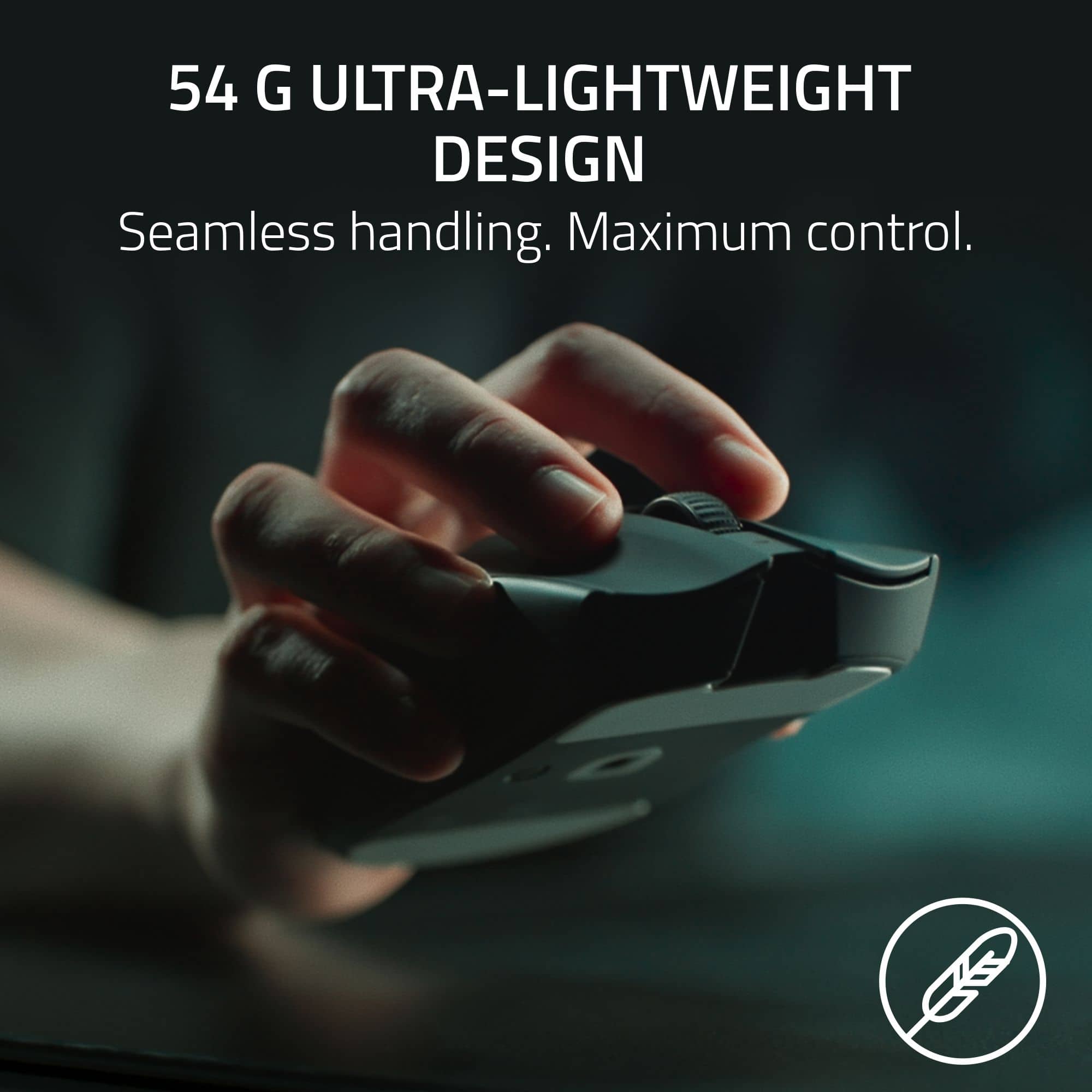
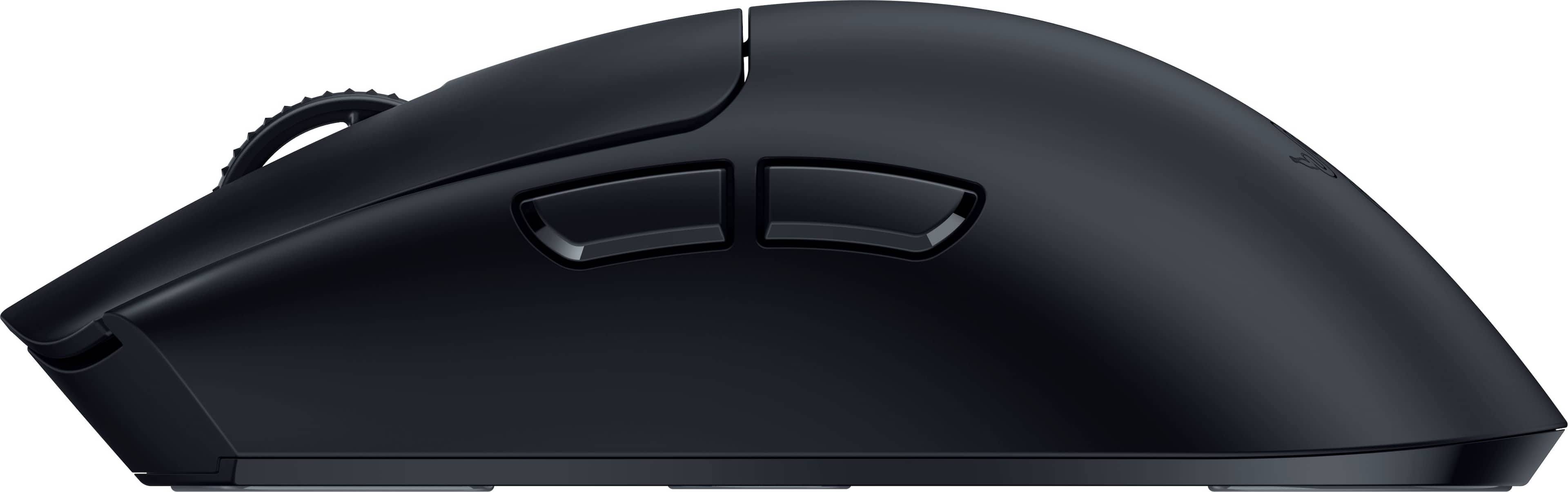
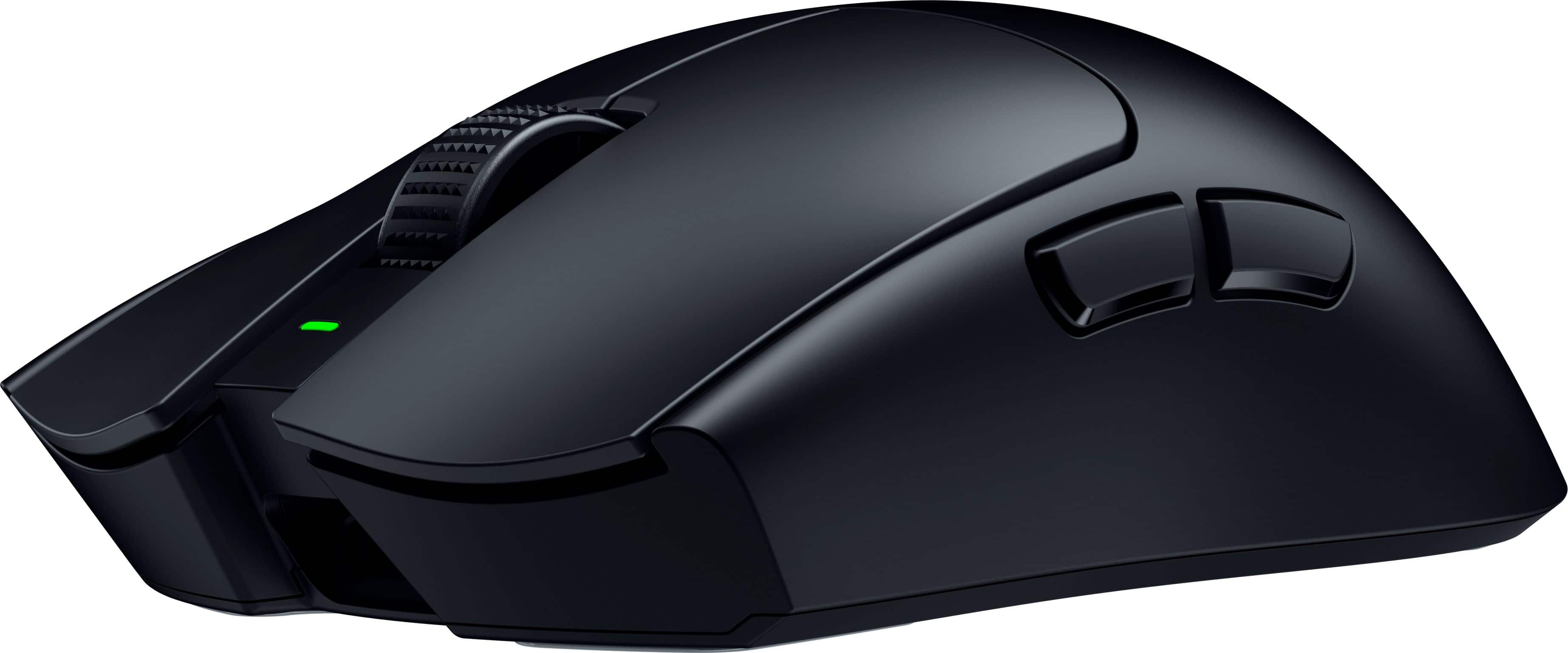
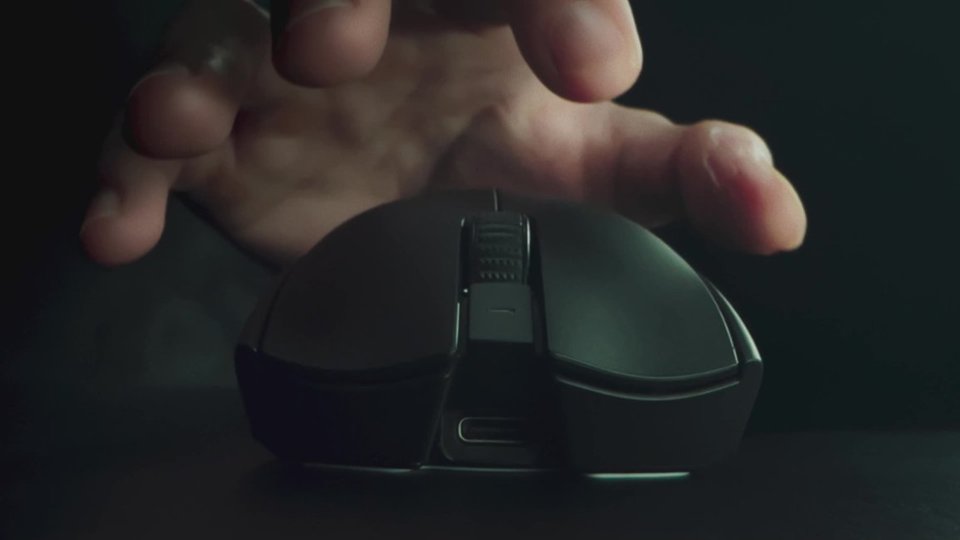
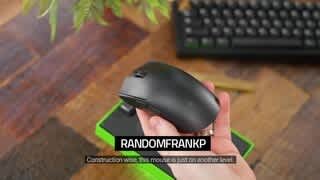
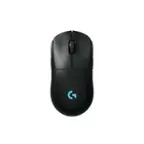
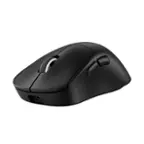
Customers commend the Viper V3 Pro for its lightweight design, excellent battery life, and impressive responsiveness, making it suitable for FPS gaming. Users appreciate its comfortable shape, high-quality sensor, solid build, and smooth glide. The primary drawbacks mentioned are its high price and the software being perceived as excessive. Some users also noted concerns about the side buttons, scroll wheel, and skates.
This summary was generated by AI based on customer reviews.
The vast majority of our reviews come from verified purchases. Reviews from customers may include My Best Buy members, employees, and Tech Insider Network members (as tagged). Select reviewers may receive discounted products, promotional considerations or entries into drawings for honest, helpful reviews.
Page 3 Showing 41-60 of 510 reviews
Pros mentioned:
Battery life
Rated 5 out of 5 stars
Amazing
|
|
Posted . Owned for 6 months when reviewed.
This reviewer received promo considerations or sweepstakes entry for writing a review.
Insanely accurate, nice grip, good battery life, and overall the best mouse I’ve owned.
This reviewer received promo considerations or sweepstakes entry for writing a review.
Best mouse I’ve ever used! The receiver feels like it has unlimited range and the overall smoothness factor is insane.
I would recommend this to a friend
Pros mentioned:
Weight
Rated 5 out of 5 stars
Razer viper v3 pro
|
|
Posted . Owned for less than 1 week when reviewed.
This reviewer received promo considerations or sweepstakes entry for writing a review.
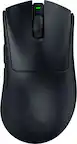
Definitely the lightest mouse I’ve owned, feels great quality and no complaints yet.
I would recommend this to a friend
Rated 5 out of 5 stars
Endgame for long slender hand!
|
|
Posted . Owned for 1 week when reviewed.
This reviewer received promo considerations or sweepstakes entry for writing a review.
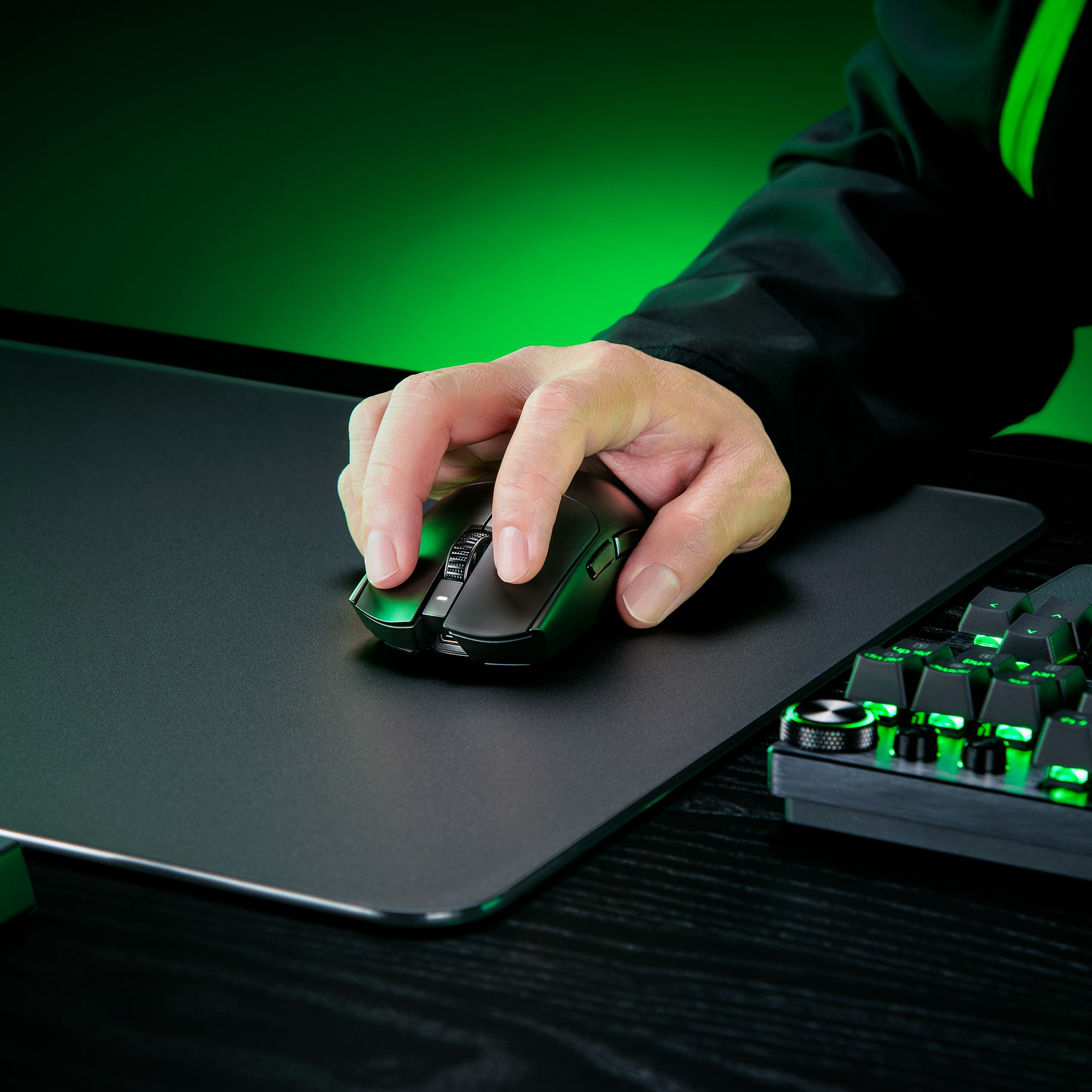
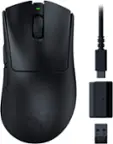
Long hands end game for me! As you can see in the photo... I have long slender fingers. I almost never feel like I have a good grip/usually need to twist my wrist. With this one I can FINALLY reach the end of the mouse without curling my fingers! This makes finger grip way better.
This has soft clicks that are great for spamming and i can hold it completely straight. Isn't "too ambi" like the superlight feels.
I'm also biased because I loved the Razer 2 pro over a LOT of other mouse shapes. 10/10
I would recommend this to a friend
Pros mentioned:
Weight
Rated 4 out of 5 stars
It's beautiful, but it has bluetooth
|
|
Posted . Owned for 2 weeks when reviewed.
This reviewer received promo considerations or sweepstakes entry for writing a review.
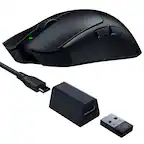
The description highlights that it has bluetooth, however it only works with RF, it is extremely light and very comfortable. Your clicks are super delicious.
This reviewer received promo considerations or sweepstakes entry for writing a review.
A very comfortable and responsive mouse, i recommend it highly over the Logitech superlight.
However my original had a defect so make sure you return for a new one if that happens to you.
I would recommend this to a friend
Rated 5 out of 5 stars
Worthy, Every, Penny
|
|
Posted . Owned for less than 1 week when reviewed.
This reviewer received promo considerations or sweepstakes entry for writing a review.
After owning a V2 Basilisk Pro for many years, I’m very satisfied how much BETTER this mouse works for my grip type and hand size.
I would recommend this to a friend

Pros mentioned:
Weight
Rated 5 out of 5 stars
Performance mouse
|
|
Posted . Owned for 2 weeks when reviewed.
This reviewer received promo considerations or sweepstakes entry for writing a review.
Amazing mouse, beats out the Logitech Gpro super light
This reviewer received promo considerations or sweepstakes entry for writing a review.
I was showing this mouse off to a friend because I couldn't believe how light it was, and he made a joke along the lines of "You must really feel like you got ripped off, cause it feels like you got nothing for your money". Not to hype this mouse up, but it really does feel like almost nothing in your hand. I'm still confused at the engineering that went into this mouse to make it as light as it is, with a battery, sensor, and buttons. It really is something special in that regard. And I didn't think I would enjoy a lightweight mouse, having always added the weights to my previous mice, but this one actually clicked with me and I'm finally going to be replacing my Logitech Pro Wireless.
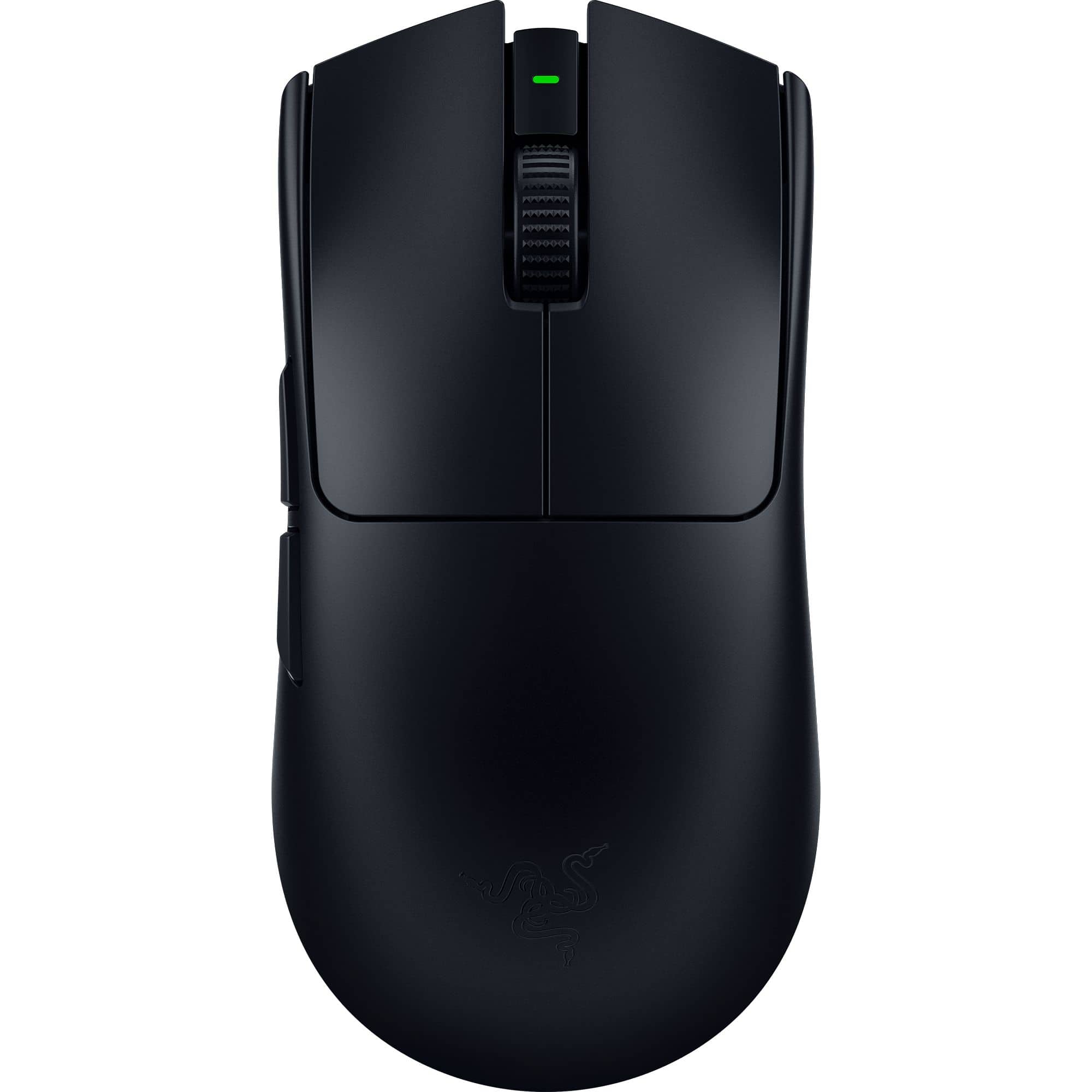
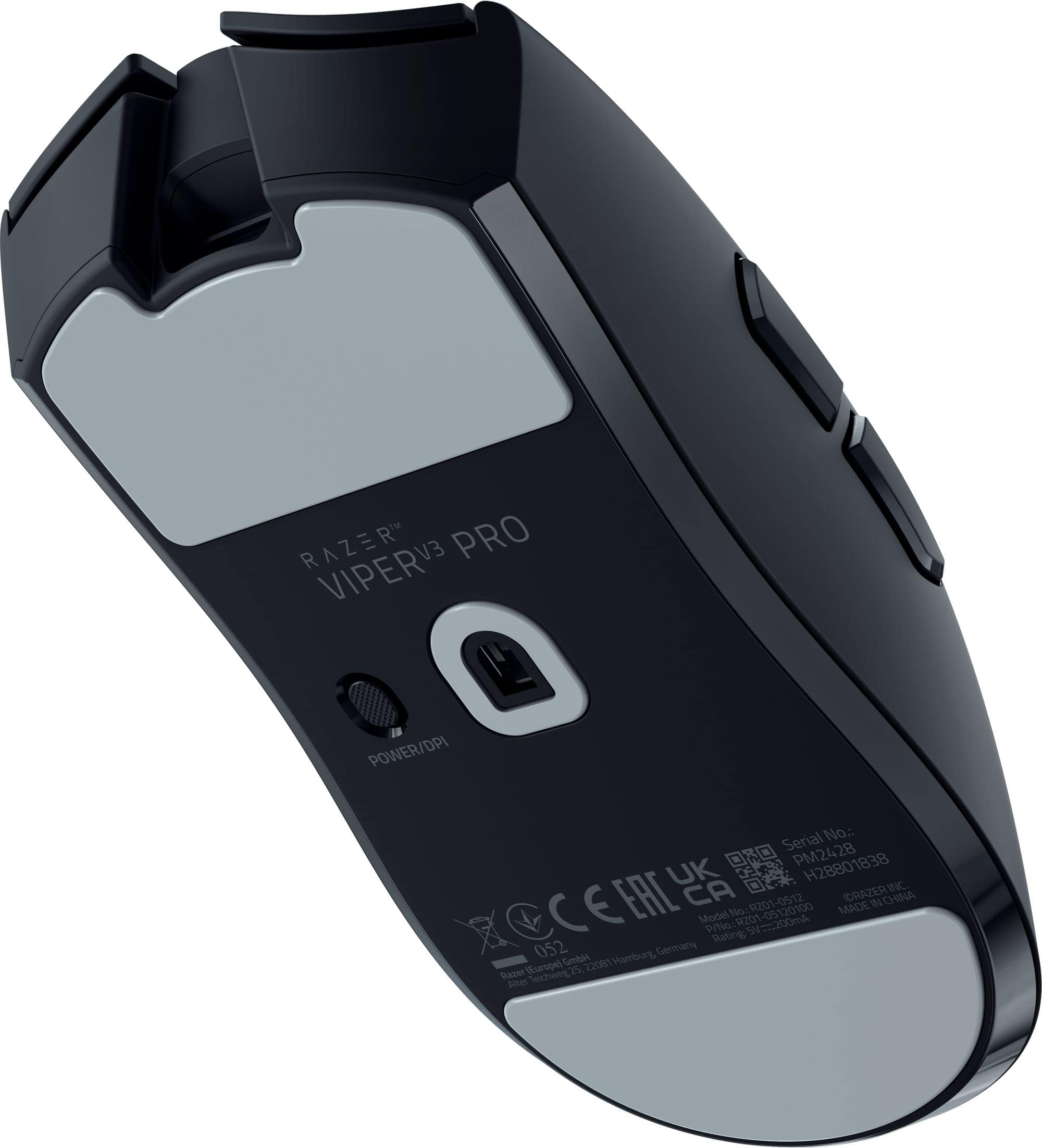
Starting off let's talk about the finish of this mouse. Unlike many other Razer products this thing is very minimalistic, and for good reason. There is no unnecessary RGB lighting on this. No added logos, no quick DPI switch (unfortunately). It's a simple matte black finish with the two primary mouse buttons, the textured mouse wheel, and two side buttons. On the bottom you'll find the power button which doubles as a DPI switch, though it's too inconvenient to use while actually playing. It feels very hollow, almost like there is nothing in there, and if I wasn't using it wirelessly, I'd swear there isn't a battery in it. That said, it feels very fragile. I can't speak to how fragile it is, I have gamed with it for about 40 hours so far and haven't had an issue, but who's to say over a longer period of time. Thats just me speaking from that mindset of "weight = good", which I now don't believe to be true. But, that is where my mind is, confused. Time will tell on that one.
To continue on the bottom, you have 2 large low friction pads to allow it to glide across surfaces with minimal resistance. This makes the already light mouse zip around even faster. It does have slight friction to it, but without actually using moisture I don't believe it could get lower. I really like the pads they used on this, but I have to say that using it on a hard surface without a mouse pad isn't my favorite. While using my mouse pad it feels phenomenal, with just the right amount of resistance for me. Your milage may very depending on your preference, but this is working great for me.
I'm a palm gripper, my whole hand is on that mouse and the length of this mouse is great for me. If you are a claw or fingertip type of gamer with a small to medium sized hand, this mouse might be too long for you. I've attempted to mimic those grips on this mouse, and either the mouse was too long or I was too simple to do it properly, because I felt like the mouse was too long for my fingers to get the pose comfortably. The mouse is five inches long, so I would figure out what size works for you before purchasing.
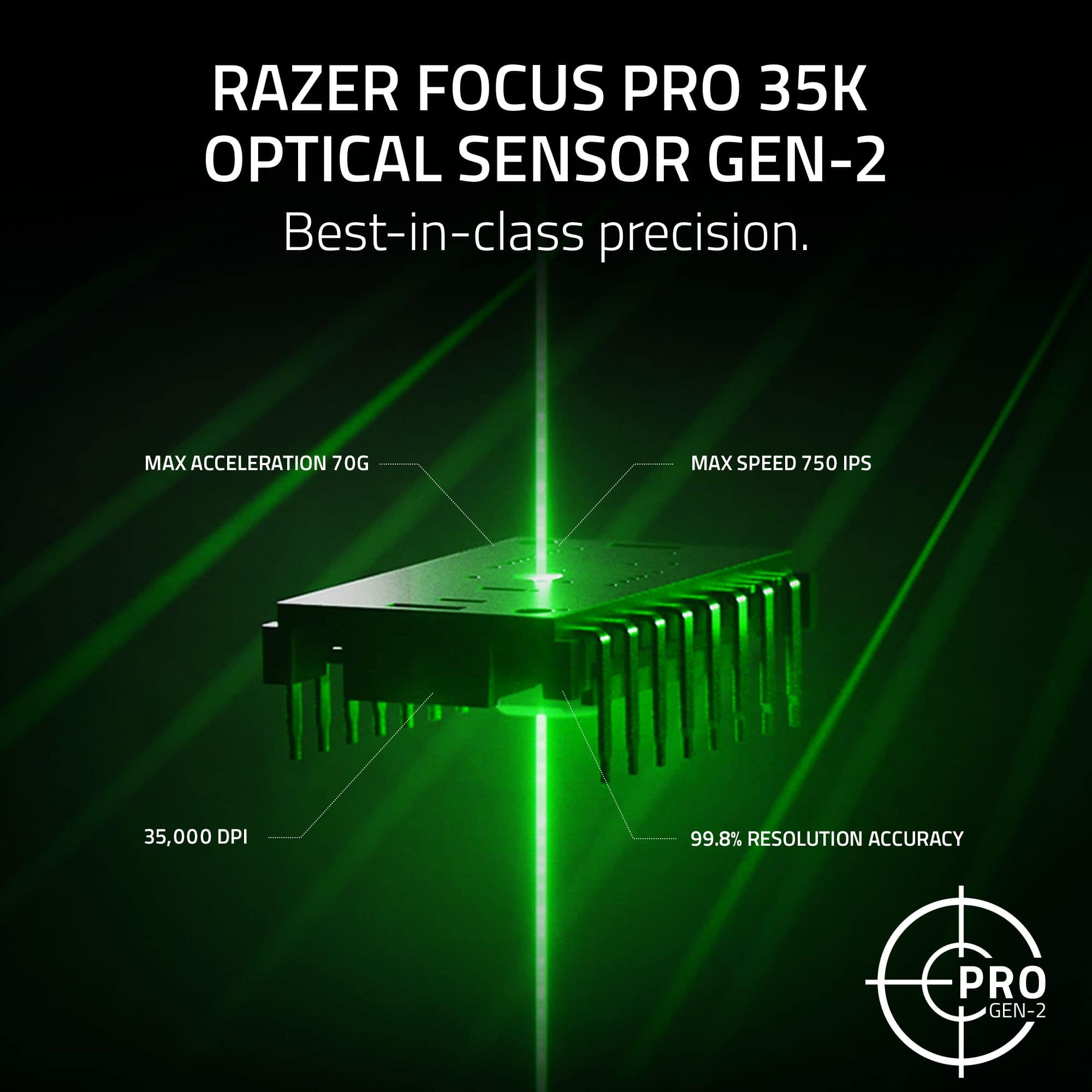
Another area where Razer surprised me was with their software. It has been a long time since I owned a Razer mouse (Razer Orochi was my last) and I wasn't impressed then. I didn't like the forced login, nor the lack of retained settings if the software wasn't running. Those two things are no longer an issue. Synapse features 5 levels of sensitivity for the mouse, though without rebinding the mouse I don't know how useful that is. But the sensor goes all the way up to 35k which is mind boggling. I can use up to 6400 myself, but anything over that I lose accuracy. I did toy around with the higher sensitivities, but they were far too zippy for my taste. It's nice that the option is there though for those that can. Additionally, to that, the software allows you to separate the X and Y axis on the sensor, assigning individual sensitivities to both. I like them to match, but I can see situations where that could be handy.
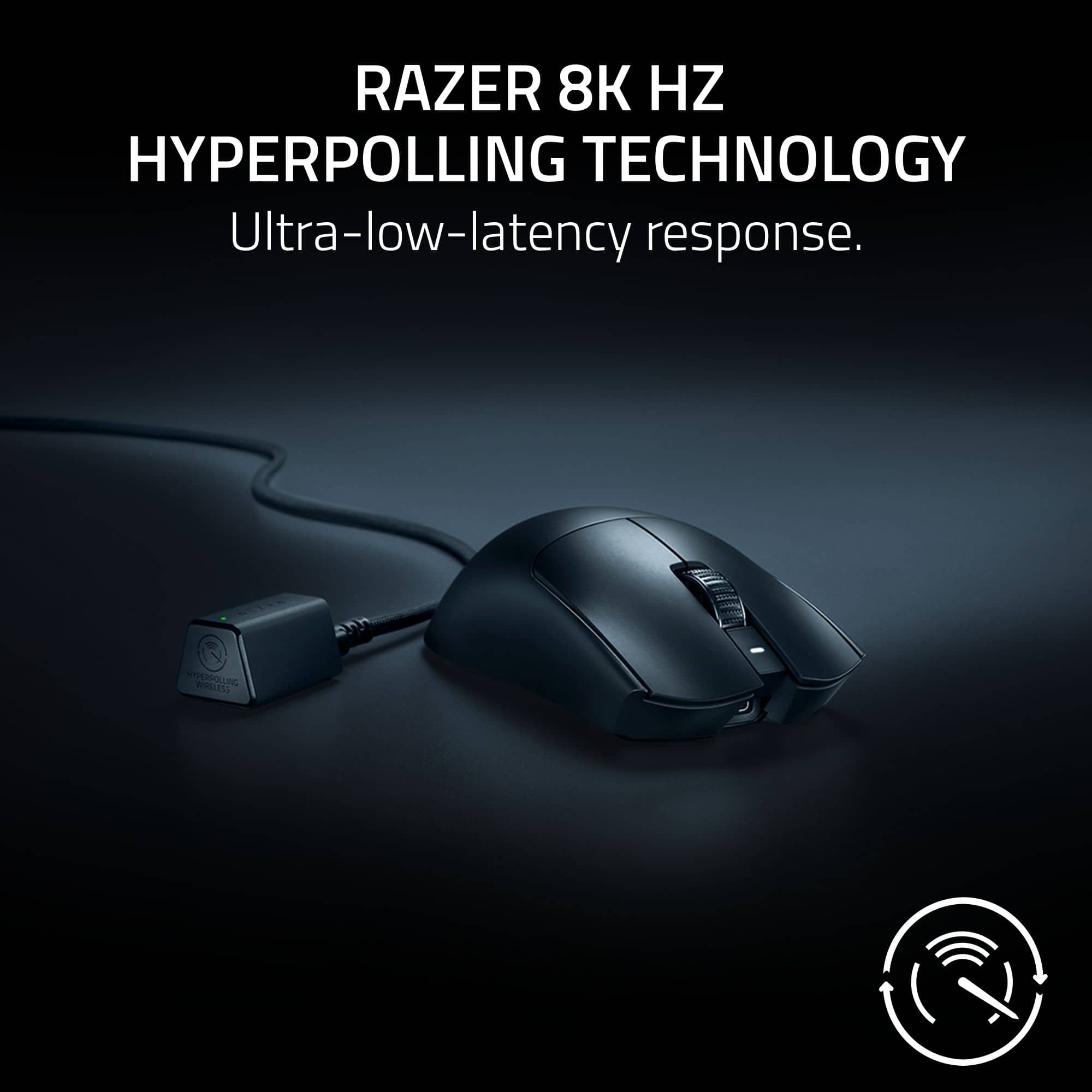
The V3 Pro features a maximum polling rate of 8000hz. There is a catch to that though. It only works in the wireless mode. In a blind test I couldn't tell a difference between 8000 and 1000, but for those that can, the option is there. There is a drawback to that though, the battery life. When using the 8000hz mode the battery drains significantly faster. While using the 1000hz mode I used 20% of battery in 3 days of use (with about 5 hours used a day), with the 8000hz mode I went through 40% of the battery in just 1 day with around the same use time. Thankfully, Razer has built in a feature that allows it to switch into 8000hz mode only when gaming. I've been using that feature for 4 days now, with about the same usage and after a full charge I am now down to 45% battery. Overall, the battery life on this mouse I feel is very adequate. A final caveat to the 8000hz mode, it can be CPU intensive. I saw warnings about it on Synapse and decided to test it myself. In a CPU intense game (Horizon Zero Dawn at 1080p), I saw a reduction of about 3%. To put that in perspective, I went from 195fps to 189. Not a figure that really matters, but if you're on that line of being CPU bound in your competitive games, you might want to think about using this mode or not.
Synapse has multiple other features for this mouse as well. If you don't know for some reason the sensitivity you were using on your other mouse, there is sensitivity matching you can do in the software. Simply put your mouse side by side and move them, and it will configure the DPI to match. Its pretty accurate and was only off slightly (but who's to say which sensor is more accurate). It also has battery saving mode which you can change in the software, as well as low power mode which will drop the sensor sensitivity when the mouse is low on power. And finally there is mouse mat calibration. With this setting you can set a cut off point for the sensor. Razer states the mouse is already calibrated, but you can adjust the smart tracking from low to high distance. I left mine at medium.
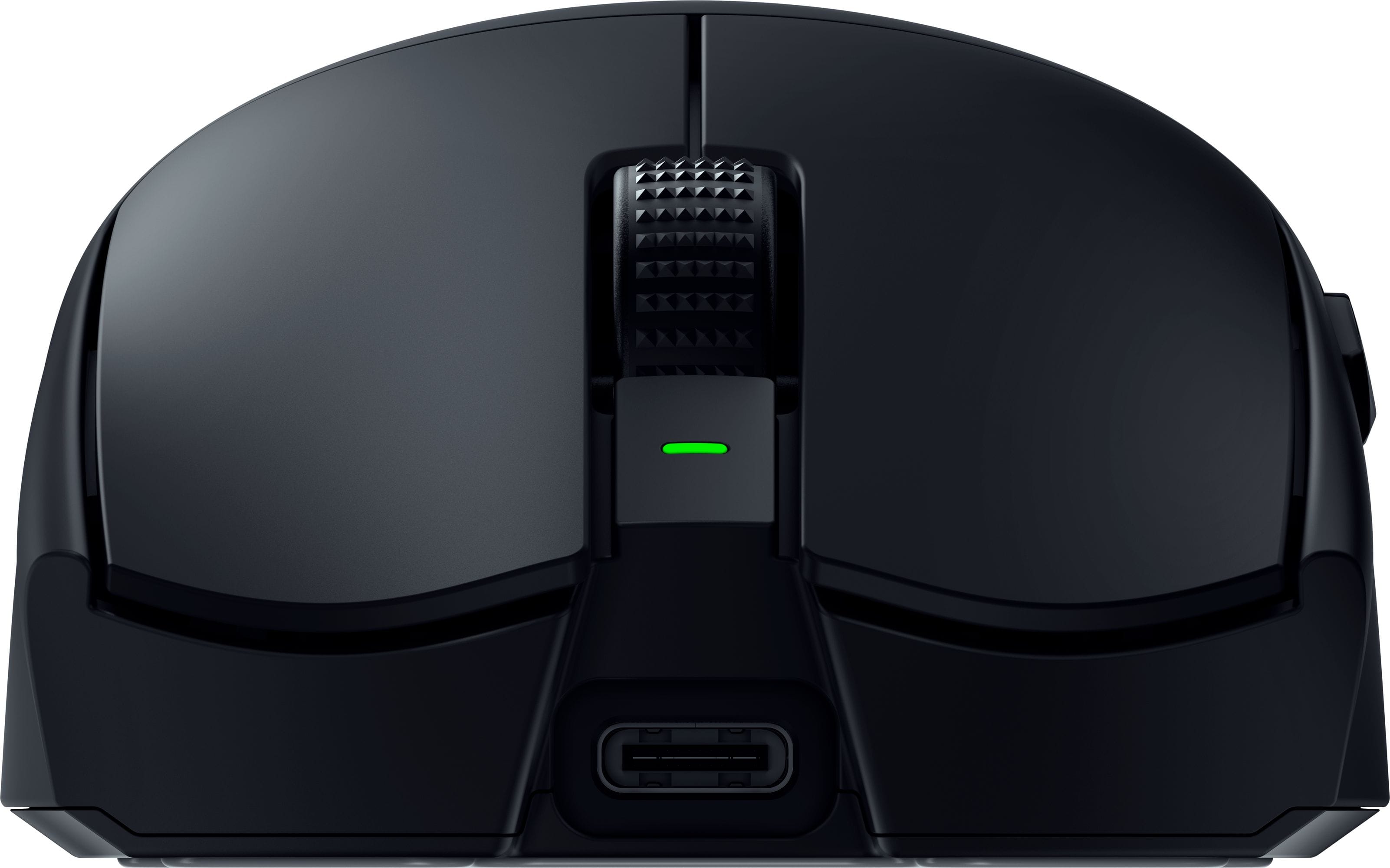
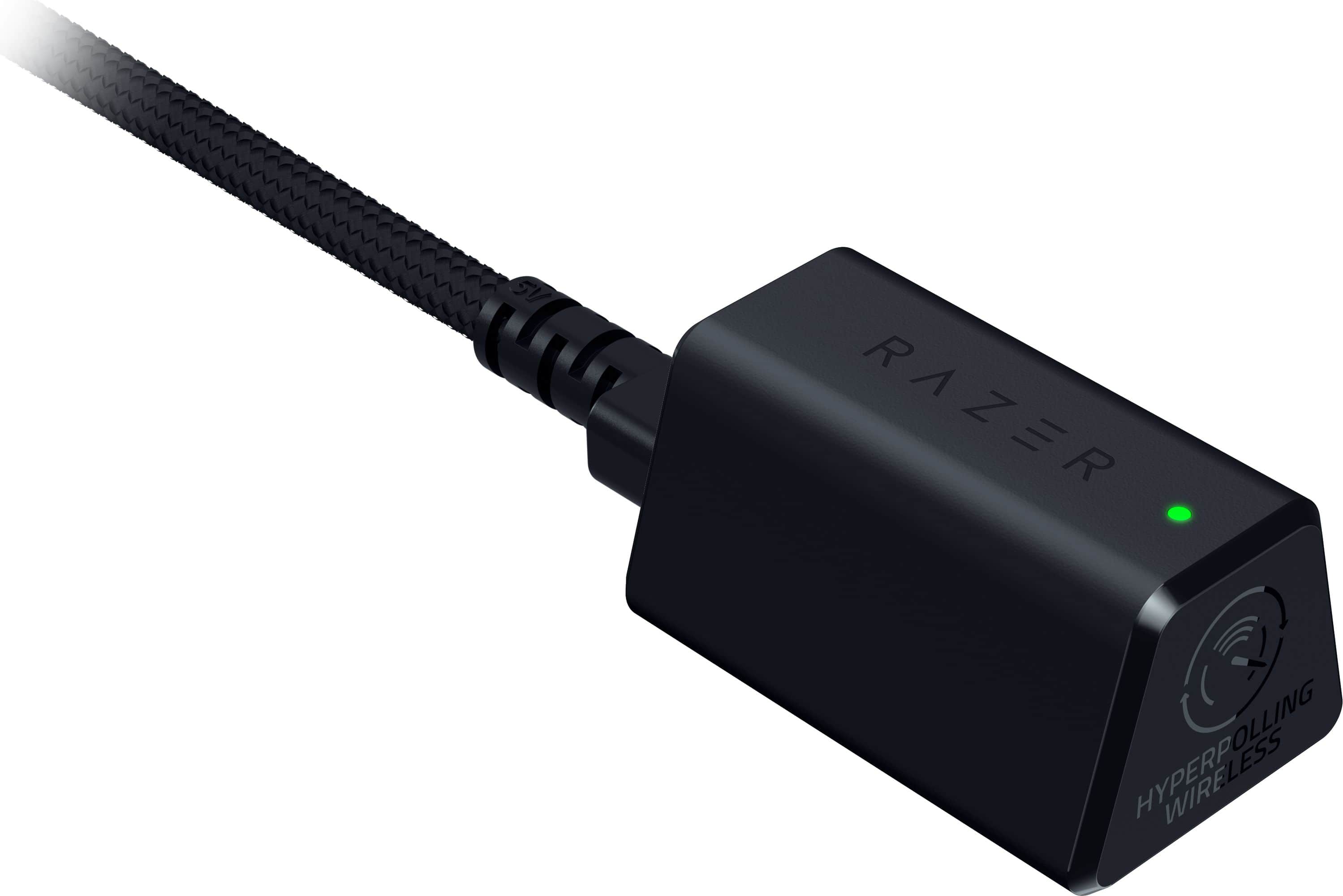
The only real complaint I have with this mouse is the dongle. The mouse comes with a really nice braided USB-A to USB-C cable that you plug this triangular dongle into. It has an indicator light on it that you can set to tell you the battery level, connection status, or a battery warning. Thats all great but what I don't like is how its not a single USB dongle. It has to be attached to this cable and isn't low profile. The reason I don't like this is because it makes it impractical to use with a laptop. My other mouse has a very minimalistic USB dongle that isn't obtrusive to use with my laptop, whereas this would be. The lack of Bluetooth connectivity makes it a No-Go for use with my laptop. I understand why it lacks Bluetooth, but I still notice it missing. A minor gripe as this is going to be used exclusively with my desktop, but something other buyers should consider.
In summary, this mouse really swayed my opinion on Razer back to favorable after a few bad apples in the past. I still find myself skeptical of how light this mouse is, but I am going to give them the benefit of the doubt that its an engineering marvel, and I am going to continue enjoying the mouse. I don't think I'll be able to go back to a normal mouse again after experiencing how nice this lightweight mouse is.
I would recommend this to a friend
Pros mentioned:
Weight
Cons mentioned:
Software
Rated 5 out of 5 stars
Upgraded from good to great
|
Posted .
This reviewer received promo considerations or sweepstakes entry for writing a review.
Great
Includes 8000Hz dongle
Light
Larger hump is more comfortable
Revised finish improves grip
Larger skates
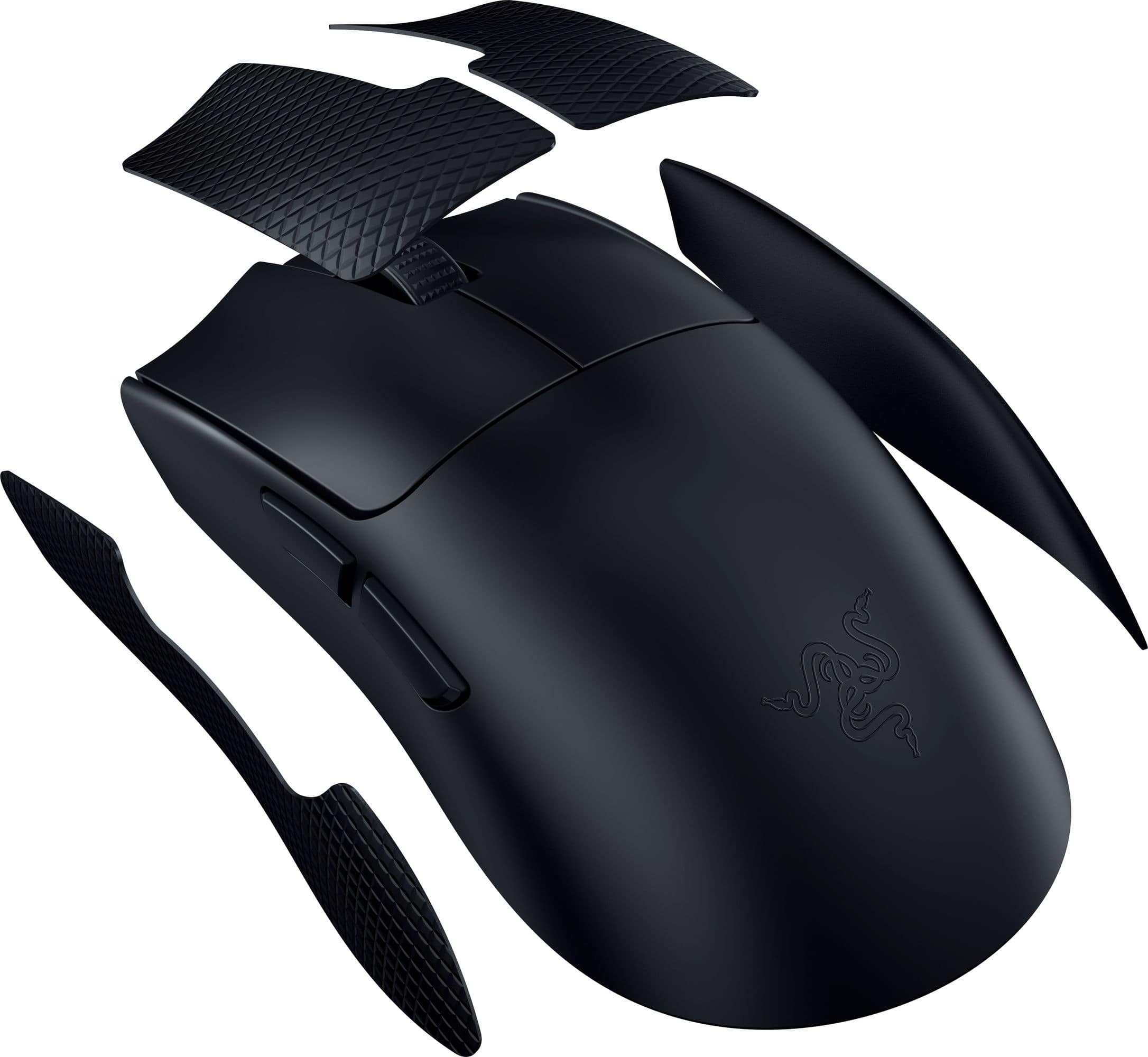
Includes grip tap
Matches sensitivity of your previous mouse
Nice clicky switches
Solid feel
Straighter sides works with more grips
Improved debounce
Not so great
Finish shows fingerprints easily
Might be too large for some
I prefer a little more slope on the sides
Still not a fan of the DPI button on the bottom
No visible way in game to see the current DPI setting
No way to use the HyperPolling dongle on a laptop without the cord
Design 9/10
The first thing you notice with the Viper V3 Pro is the new smooth touch finish. It does feel nice in the hand and doesn’t feel slippery. If there is as downside, it is that it’s a fingerprint magnet. The design has been updated to reduce the curves on the sides. If you prefer a mouse with curvier sides, you might not like the redesign as the sides are nearly straight. For the majority, the redesign offers more options. The mouse feels slightly longer, and the hump is a little taller. While only 4 grams lighter than the V2 Pro, the difference is noticeable. It also feels more solid with no rattles or hollow sounds. The skates are much larger than in the past. Included in the box now is the HyperPolling dongle. The only downside is if you want to use the HyperPolling dongle on a laptop you are going to have to carry around the USB cable as well. Unlike their previous dongles, this one doesn’t just plug straight into the USB port and is much larger.
Buttons 9/10
The left and right mouse buttons have a solid clicky feel to them with that give solid feedback regardless of your finger placement. They also provide just enough resistance to prevent accidental activation when resting your fingers on the button. Razer claims they have improved debounce and it shows. No matter how fast I tried, each click registered as a single click. This is extremely helpful because usually at some point during gaming my fingers get tried and twitch slightly causing accidentally activation. So far, with the V3 Pro this hasn’t happened. The side buttons aren’t as clicky but still feel solid. Placement is good, at least for someone with larger hands using a palm grip. The side buttons sit high leaving plenty of room for the thumb to prevent accidental clicks. The one choice that still seems odd is placing the DPI button on bottom. Sure, you can use Synapse to automatically change DPI, but it would be nice to have a way to quickly change DPI without mapping a button.
Software 8/10
While Synapse isn’t the most liked, it seems like Razer has calmed down a bit from previous versions pushing to have an account and to install extra apps. On startup, all that was needed was to skip creating an account and it didn’t do anything else besides bring me to the settings. A nice change from older versions. If you are the type who like to exactly match your old mouse Synapse now has a Sensitivity Matcher which allows the V3 Pro to measure the speed of your old mouse and duplicate it. It seems like a nice touch, but I prefer to start fresh with a new one. You can also set sensitivity in increments of 1 as well as make x and y settings independent if you prefer. The max number or stages is 5. Polling rate can be set the same across the board or you can Synapse to have a custom polling rate for games that switches automatically so you can save battery power when not playing games. Synapse does display current DPI settings as a popup when on the desktop but once in game you have no easy way to know what your DPI is set to if you change it. If you are the type who switches DPI mid game, you are going to be left guessing. Older mice had the DPI displayed direct on the mouse while others had an in-game popup. It would be nice if Razer had some option for those who change DPI settings while in game.
Performance 10/10
The new larger skate lets V3 Pro glide much better than previous generations while feeling more planted. The 8000Hz polling rate is nice, but it is hard to tell any different beyond the 4000Hz range. It might be due to lack of skill but currently 4000Hz feels instant. Flick shots feel effortless but being honest I prefer the rough coating on older Razers because the textured finish just felt like I could grip better. That said, the smooth soft touch finish on the V3 Pro feels more premium and hasn’t slipped. It seems like the issue is mainly getting confident with new finish. Of course, this could be easily improved with grip tape, but I prefer not to stick anything extra on my mice.
Final Thoughts
The Razer Viper V3 Pro feels like an evolutionary versus revolutionary upgrade. Regardless, the upgrade takes what was originally a good mouse and makes it great.
I would recommend this to a friend
Rated 5 out of 5 stars
The best of the best
|
|
Posted . Owned for 1 month when reviewed.
This reviewer received promo considerations or sweepstakes entry for writing a review.
I love it a lot never try something like that. Get it while you can.
This reviewer received promo considerations or sweepstakes entry for writing a review.
Amazing mouse and now my goto mouse. Was using the logitech superlight pro x but this is a step better. Fits my hands better and play style better. Also doesnt have the switch issues.
This reviewer received promo considerations or sweepstakes entry for writing a review.
First thing that stood out to me with this new Razer Viper V3 Pro Ultra was how light it is. Words cant really describe how light it is. I have several other gaming mice, and this one for sure is the overall sleekest and lightest of them all. The packaging comes with a braided USB type C cable, the wireless transmitter and grip tape for the mouse. It also has a rechargeable battery so battery life my vary. I only charged it after opening it, I haven't had to re-charge it yet after a couple of days of usage. The mouse has 8 buttons that are customizable.
Feel: The Viper 3 feels pretty good, not too slippery in the hands. Super lightweight and quick and super responsive, however the mouse is pretty large for smaller hands. That took me a little while getting use of it. I'm not a pro level gamer, but I do notice the difference in my play while using this mouse versus my older gaming mouse. The mouse is well balanced with a minimalistic approach to design which works to it's advantage.
Software: Downloading the Razer Synapse software is a must. Here I immediately changed the polling to test it out. Also, having the ability to change the polling rate to in-game only and adjusting it down while doing other things. This will help save battery life as increased polling rates will tear through the battery pretty quickly.
Build: The scroll wheel texture and button clicks are pretty good. I'll have to see how they hold up long term. Overall gaming with this mouse will feel awesome to use. Only drawback would be cost, but having the dongle included does make me still recommend if you want to bring your game to the next level.
I recommend checking this one out for yourself.
I would recommend this to a friend
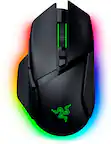
Rated 5 out of 5 stars
Very good mouse
|
|
Posted . Owned for 3 weeks when reviewed.
This reviewer received promo considerations or sweepstakes entry for writing a review.
This mouse is very smooth and very fast. It feels great.