Customer Ratings & Reviews

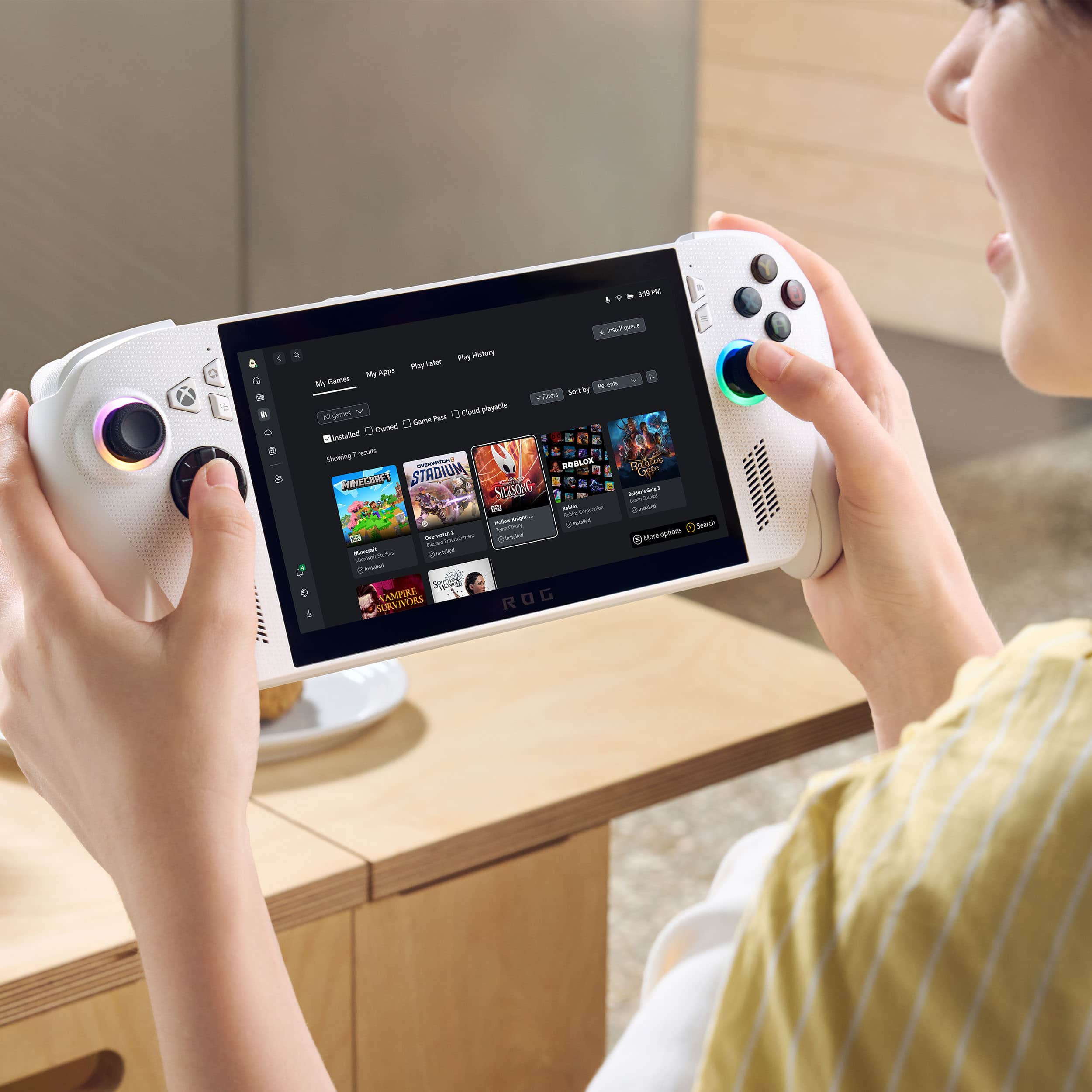
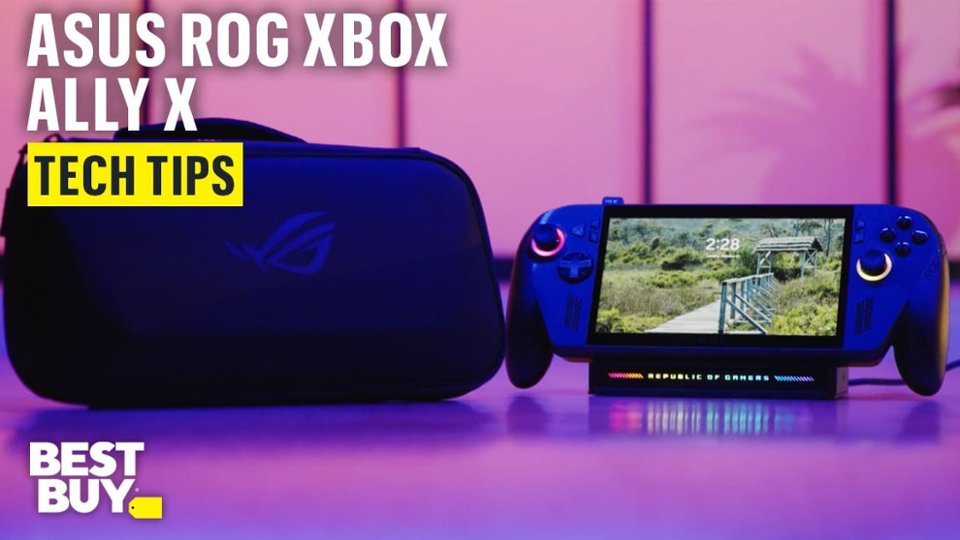
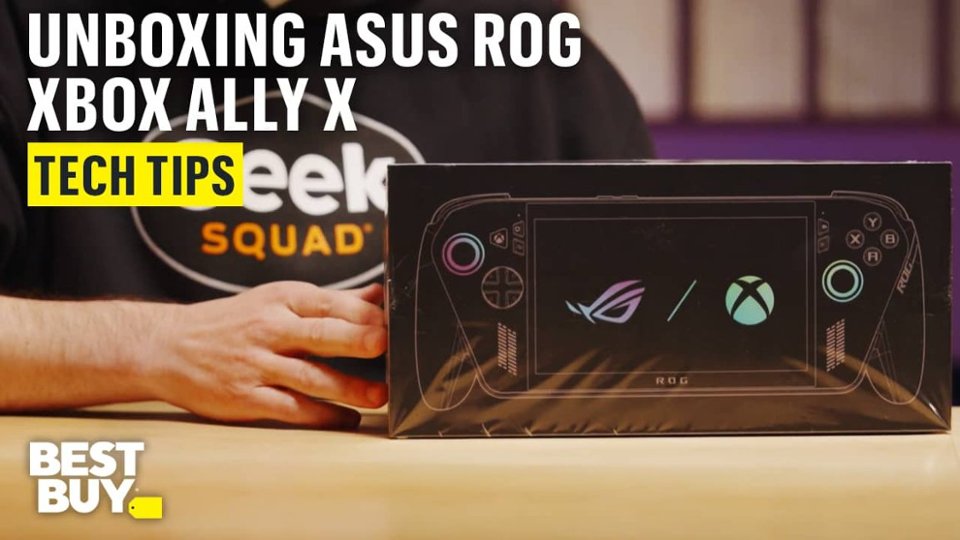

- Model:
- RC73YA-XB_ALLY.Z2A.16
- SKU:
- 6642251
Rating by feature
- Performance
Rating 4.2 out of 5 stars
- Storage Capacity
Rating 4.1 out of 5 stars
- Controller
Rating 4.7 out of 5 stars
Customers are saying
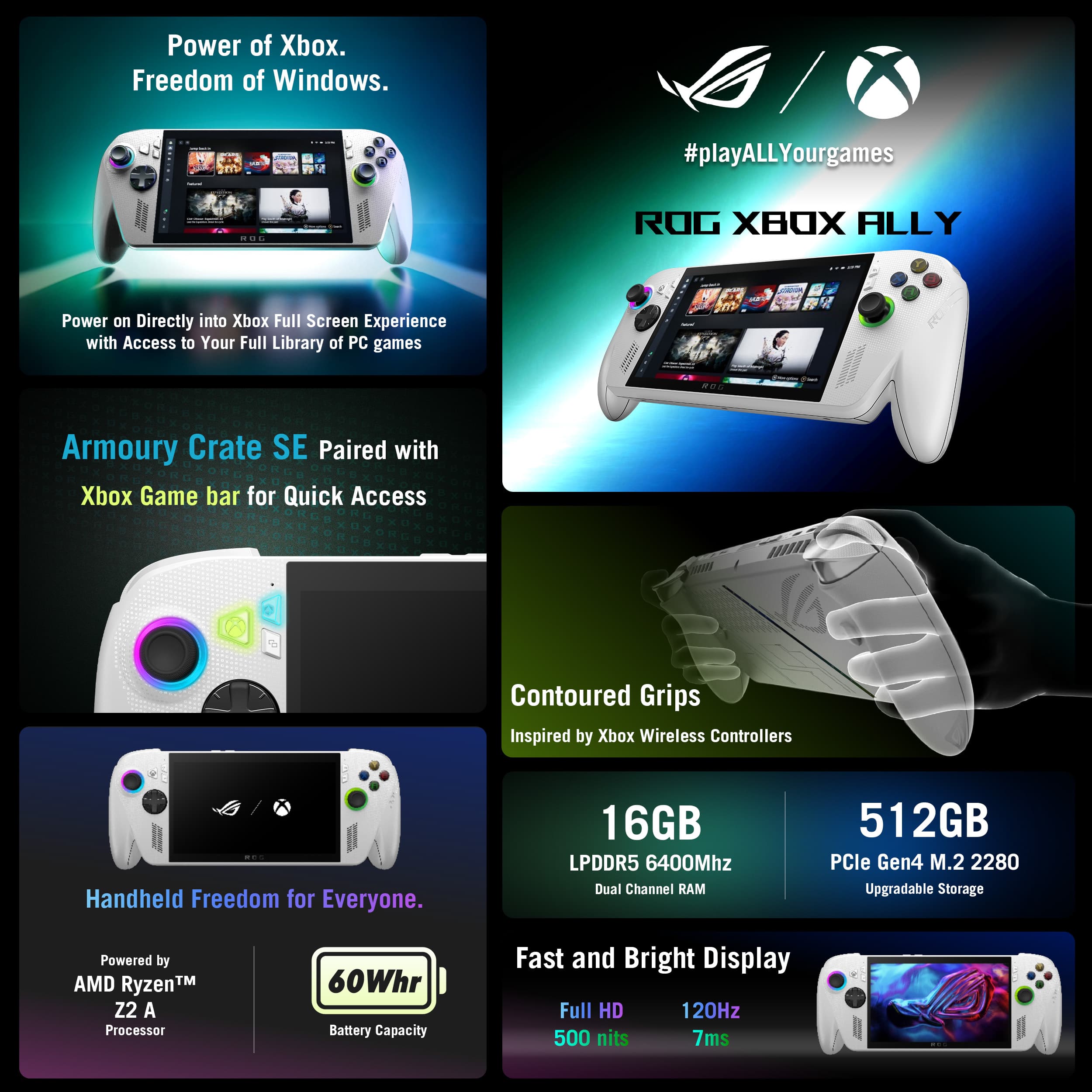
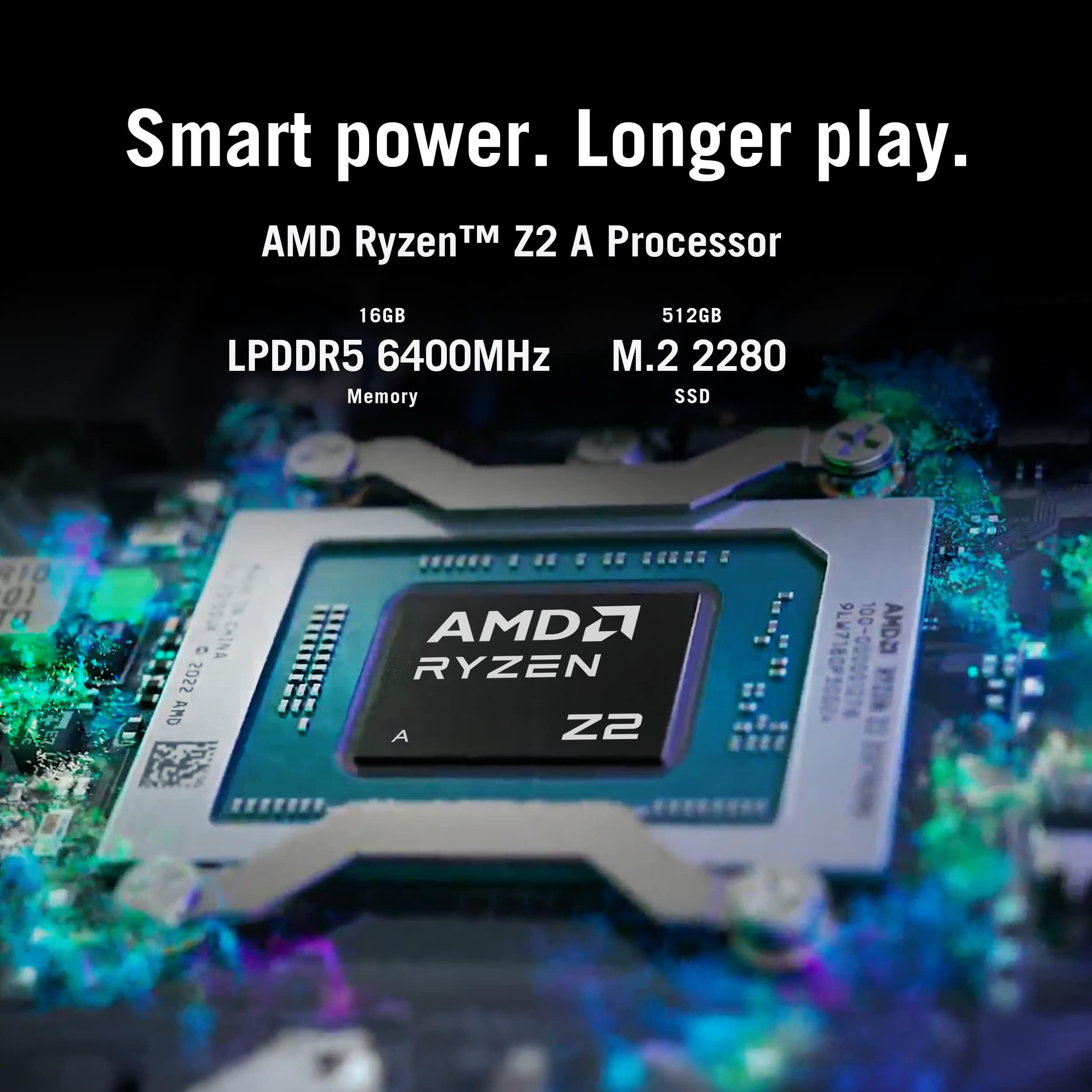
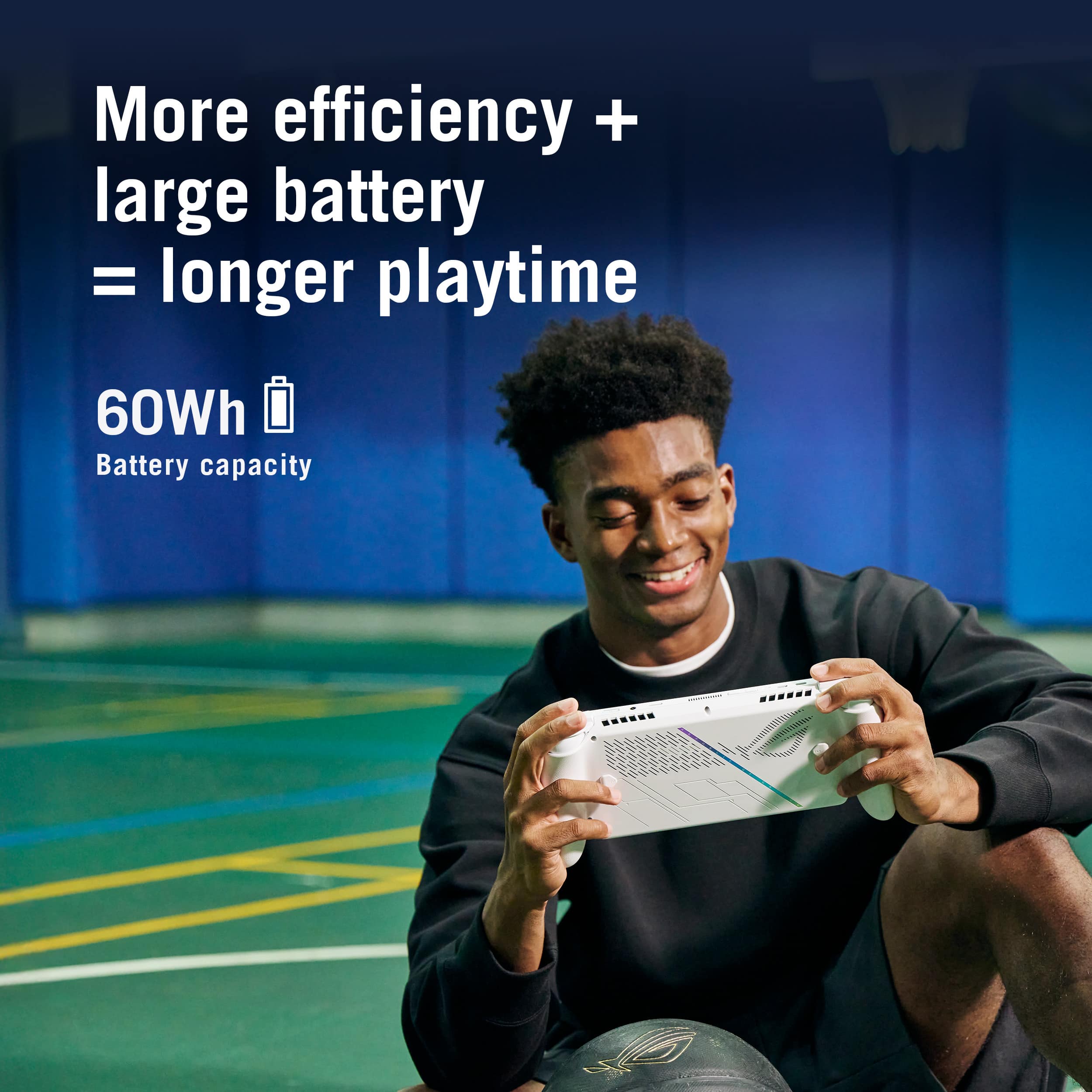
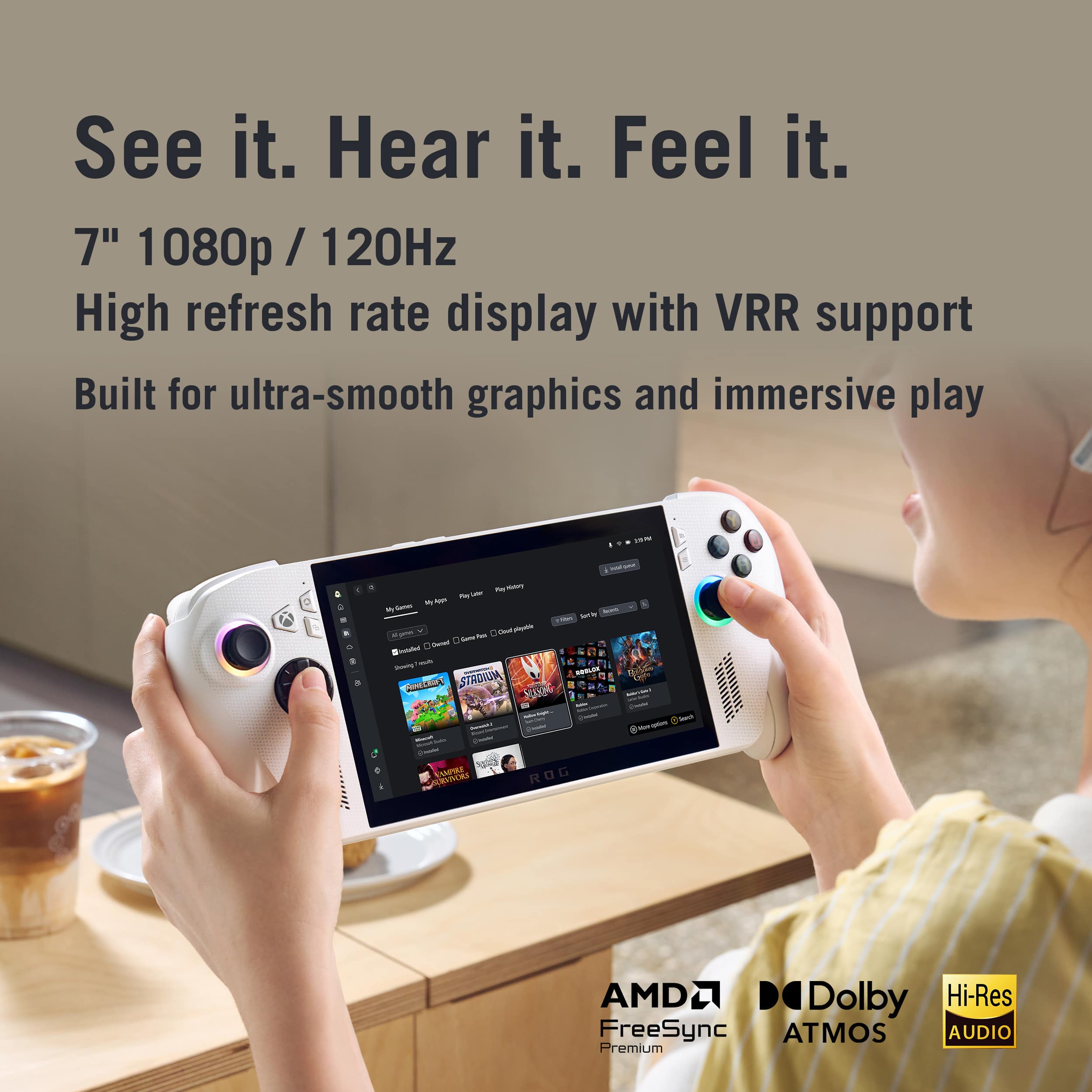
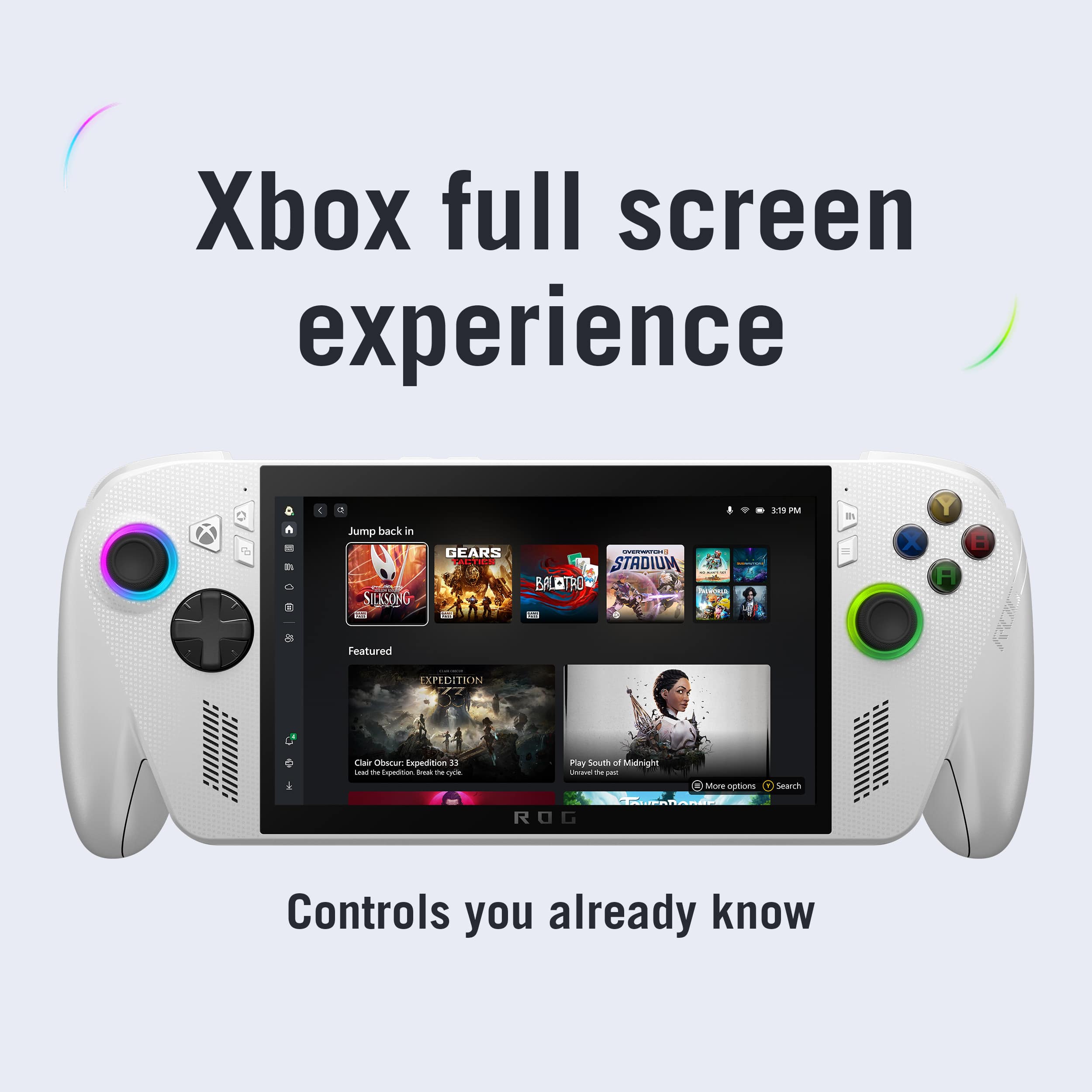
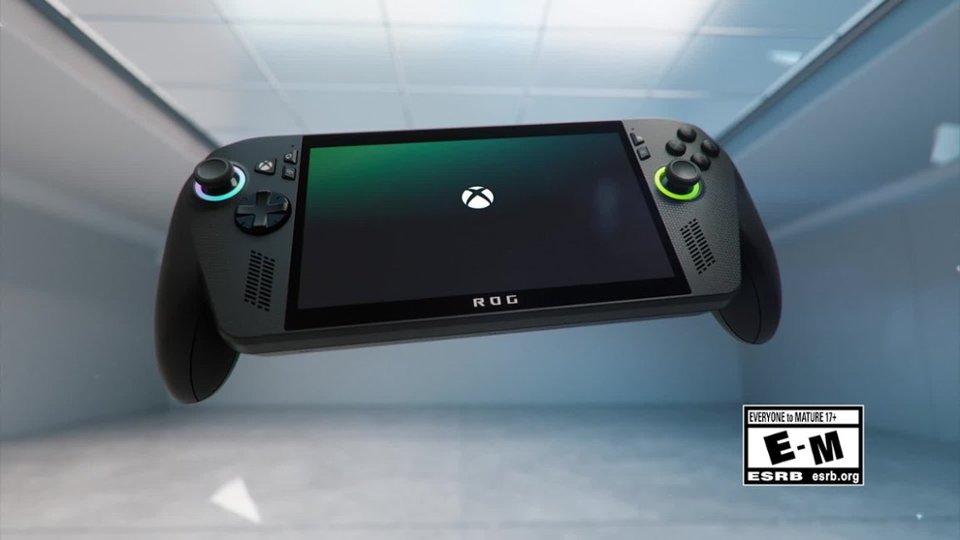
Customers admire the ROG Xbox Ally for its powerful performance, making it a capable little PC, and its portability, enhanced by great tweaks. The device also boasts a premium screen quality and a smooth 120Hz refresh rate. While the battery life and quiet fan noise are appreciated, some customers express a desire for a larger storage capacity.
This summary was generated by AI based on customer reviews.
- Pros mentioned:Overall performance, Portability
Perfect for on the move gamers
||Posted .This reviewer received promo considerations or sweepstakes entry for writing a review.Excellent buy, purchased one for myself and one for son for Christmas. Perfect for out of town playing or playing multiplayer without taking up multiple televisions. Great graphics, install a micro SD card and take your games with you.
I would recommend this to a friend - Pros mentioned:Battery life, Overall performance
Impressed!!
||Posted . Owned for 3 weeks when reviewed.This reviewer received promo considerations or sweepstakes entry for writing a review.Don’t play much or many games but call of duty and grand theft auto are my main 2 and the ROG handles them fine. Played for a few hours straight and only seen the battery warning once. I like that i can play the games on my console, play anywhere games and pc!
I would recommend this to a friend - Cons mentioned:Game compatibility
Handheld
Posted .This reviewer received promo considerations or sweepstakes entry for writing a review.Runs most games but not all but it can run mostly everything at low settings
I would recommend this to a friendBrand response from ASUS Answers
Posted .Dear ModeratorA,
Thank you for sharing your experience with the ROG Xbox Ally. We are sorry to hear about the performance limitations you have encountered, and we apologize for the inconvenience caused.
To help improve performance, we recommend following the steps outlined in our FAQ guide linked below. If the issue continues, please contact our support team at https://www.asus.com/us/support/CallUs so we can assist you further.
We stand behind our products and continuously strive to improve our products and processes to achieve customer service excellence. For more information, email us at [email protected] and include the case number "N2510034235-0039" as a reference. We will do our best to resolve your case quickly. Your feedback is very important to us and enables us to improve our support channels. Thank you for choosing ASUS.
Best Regards,
Chantae
ASUS Customer Loyalty US Support
[Windows 11/10] How to optimize your gaming experience - https://www.asus.com/support/faq/1046445/
- Pros mentioned:Overall performance
Pretty solid performance
||Posted . Owned for 1 month when reviewed.This reviewer received promo considerations or sweepstakes entry for writing a review.I got this fully expecting to need to return it because of subpar, or just flat out bad performance. To my surprise this handheld is actually decently powerful, you can fiddle with the power/graphic settings to play modern games at 30 fps, or in the case of older titles, say pre 2020, you can play many of them at max graphical settings locked at 60 fps. It's an all around decent experience even if the price tag is a tad on the high side.
I would recommend this to a friend - Pros mentioned:Battery life
Great for a gaming parents!
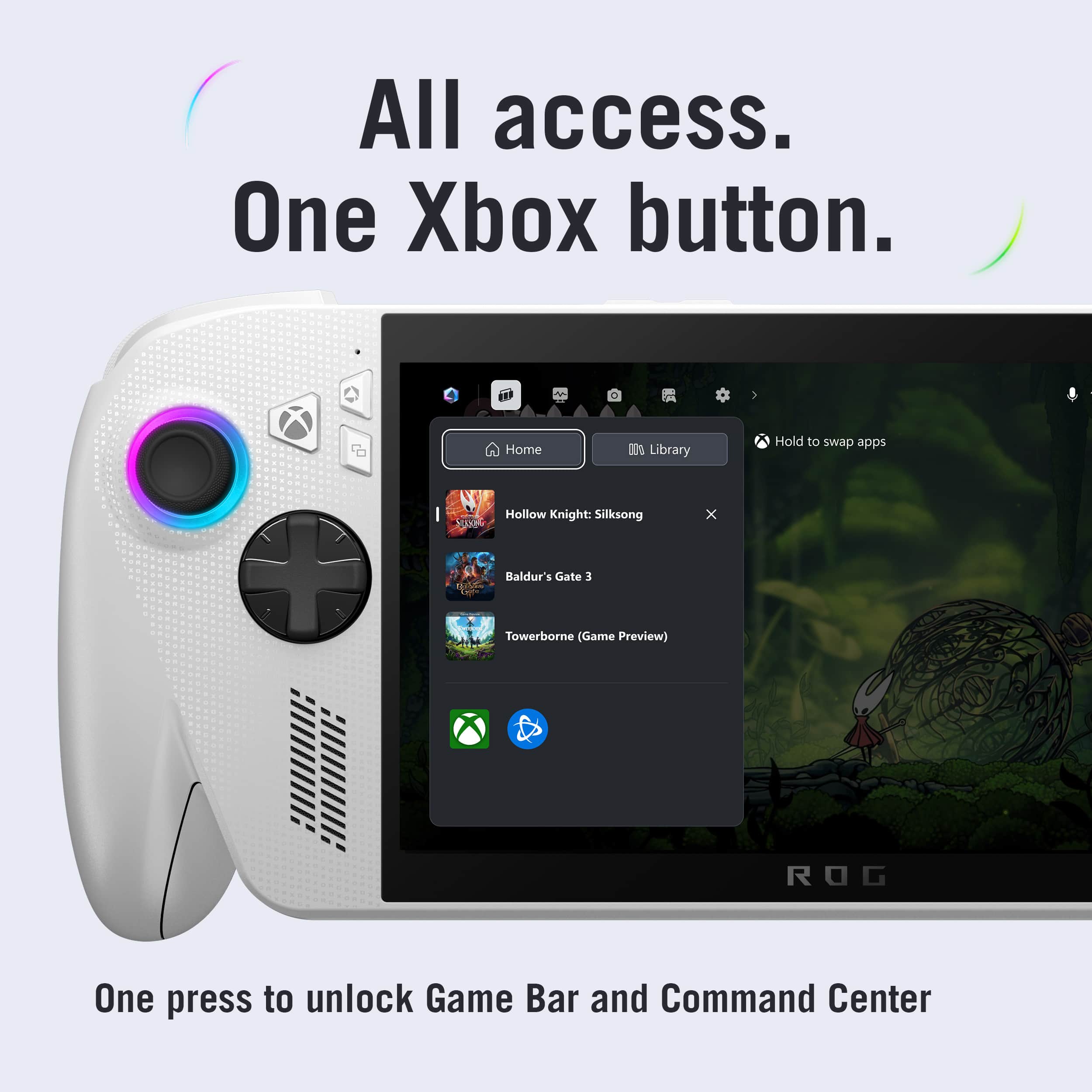
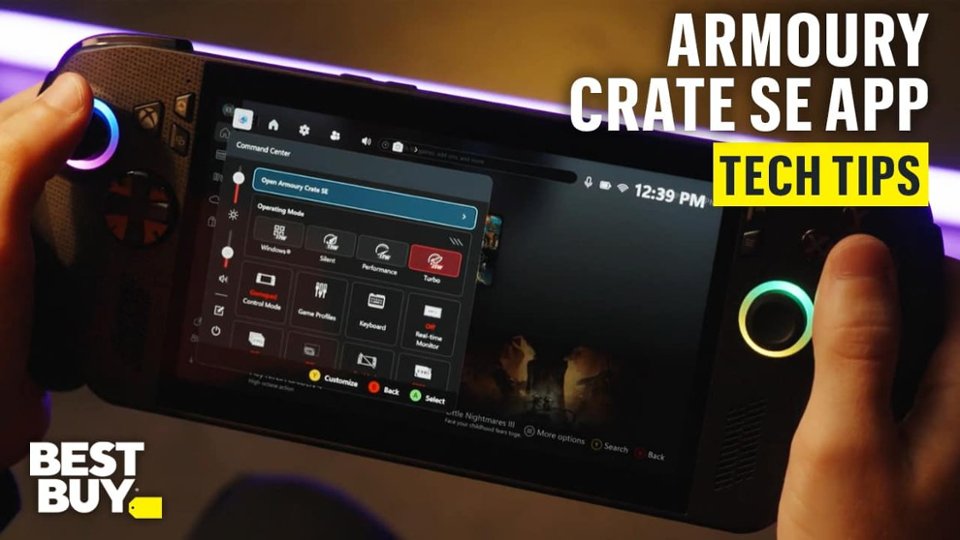
||Posted . Owned for less than 1 week when reviewed.This reviewer received promo considerations or sweepstakes entry for writing a review.Received this a few days ago and it is a game-changer, especially as a newer parent. I am not tied down to a desk or a tv to play games. The battery is pretty remarkable and lasts around 2 hours when the performance settings are set to “Turbo” to provide 20W of power delivery. Full screen gaming experience makes this feel like a console, while having the capability to play not only Xbox games, but also Steam and Battle.net. Armory Crates makes access to these platforms simple.
I would recommend this to a friend - Cons mentioned:Storage capacity
Acceptable Device
||Posted .This reviewer received promo considerations or sweepstakes entry for writing a review.I can play Dark Souls on my lunch break at work! Runs pretty well on older games. Newer games require a few graphical adjustments but overall playable. Besides, 30fps on a small screen doesnt look so bad. Overall happy with the controller potion on the device. Its definitely built with big hands in mind. I think its too pricey for what you get, though. A Steam Deck is more worth it than this device. Similar performance, less windows bloat, for less. I only bought this for the Xbox Controller form factor. Otherwise, Steam Deck it is. Out of the box storage is also far too low.
No, I would not recommend this to a friend - Pros mentioned:Overall performance
Loving this so much!
Posted .This reviewer received promo considerations or sweepstakes entry for writing a review.Have had plenty of handhelds but this one is it! Better than steam deck, switch 1&2, and android emulator
I would recommend this to a friend - Pros mentioned:Comfort
Great for mid/small indie games.
||Posted . Owned for 1 month when reviewed.This reviewer received promo considerations or sweepstakes entry for writing a review.I'm new to PC handhelds so I have no reference to what's better or worst. I'm enjoying it for what it is, playing games on the go or in bed. It's really comfortable to hold and pretty much playall my smaller games navtively on it. Games like cyberpunk or call of duty I would just cloud stream them. Cloud streaming is getting really good, I can't the difference most of the time. I think the price is not great and I get it's a mini PC but most are buying this just for gaming. I think 400 to 450 should be the max price.
I would recommend this to a friend - Pros mentioned:Overall performance, Screen quality
I Love ROG Xbox Ally
||Posted . Owned for 2 weeks when reviewed.This reviewer received promo considerations or sweepstakes entry for writing a review.I purchased for excellent price. Loads of fun and very well made. Has great graphics and can be hooked up to your TV. And also can use Xbox controller highly recommend. Thanks
I would recommend this to a friend - Pros mentioned:Portability
Good but not the best
||Posted . Owned for 1 month when reviewed.This reviewer received promo considerations or sweepstakes entry for writing a review.Got this for my son to play some different PC games on. Basically it's a PC with all the flexibility of a PC. I would recommend for someone who travels and enjoys gaming. But it is not a full blown gaming council there are some performance drawbacks.
I would recommend this to a friend - Pros mentioned:Overall performance, Screen quality
Excellent product and customer service.
||Posted .This reviewer received promo considerations or sweepstakes entry for writing a review.Product is great like an xbox in my hand build quality is excellent multi tasking is great as well. The staff at the woodmoore town center was great made my purchase easy and fast.
I would recommend this to a friend - Cons mentioned:Storage capacity
Language was Stuck
||Posted . Owned for 1 month when reviewed.This reviewer received promo considerations or sweepstakes entry for writing a review.When we opened it and tried to set it up, it gave the option to select the language. We tried to select English multiple times, but the machine was stuck in French. I had bought the machine brand new and it seemed to be region locked. It was almost 3 weeks before we were able to even use it. I had to bring it back up to Best Buy and ask if other people were having this problem and they told me they were unaware of it. geek squad did end up fixing it for me for free however they said that they should have charged me which I think is crazy since I bought it brand new and it didn’t work correctly. Now that it is in English, it is working correctly. Obviously the storage isn’t as great as the black device but that is OK. It does the job.
No, I would not recommend this to a friendBrand response from ASUS Answers
Posted .Dear Autumn,
Thank you for sharing your experience with the ROG Xbox Ally. We sincerely apologize for the initial difficulty you encountered with the language settings. We recognize the inconvenience of experiencing such issues with a newly purchased device and regret the frustration this may have caused.
We are pleased to hear that the issue has since been resolved and that your unit is now functioning correctly in English. Your feedback regarding the setup experience and storage will be passed along to our product teams for review for further review.
We stand behind our products and continuously strive to improve our products and processes to achieve customer service excellence. If you require any further assistance, please email us at [email protected] and include the case number "N2510034235-0042" as a reference. We will do our best to resolve your case quickly. Your feedback is very important to us, and it enables us to improve our support channels. Thank you for choosing ASUS.
Best Regards,
Chantae
ASUS Customer Loyalty US Support
- Cons mentioned:Heat dissipation
False start- too many quirks
||Posted .This reviewer received promo considerations or sweepstakes entry for writing a review.Fun while it works. My biggest complaints are that you have to check in when you start up a game so that your saves sync. Game crashes and you’re on a plane? Too bad… also it locks you into the audio output when you start the game- headphones plugged in works on start but if you unplug and go back to the game while it’s still up no audio- vise versa if you start with speakers and then plug in headphones… no audio through headphones. Why am I talking about physical headphones you ask? Because Bluetooth is broken in it- it’s a known issue. Another known issue is that it will get crazy hot- like I burnt my hand hot on an airplane because the power button isn’t default set to sleep- another known issue that you have to go in and readjust. And the last straw as I’ve really been trying to make it work is that it crashes. I’m trying to play this on planes and when offline for brief moments of relaxation while traveling and don’t want to spend that time tinkering to get an expensive piece of tech to work…
No, I would not recommend this to a friendBrand response from ASUS Answers
Posted .Dear Valued Customer,
Thank you for sharing your experience with the ROG Xbox Ally. We are pleased to hear that you have enjoyed the device when it works as intended. However, we sincerely apologize for the performance issues you have encountered and the inconvenience this has caused, including crashes, audio output limitations, Bluetooth connectivity concerns, and overheating during use. Your feedback is very important to us and will be passed along to our product team for review.
For further investigation and to explore repair options, we recommend contacting our support team directly at https://www.asus.com/us/support/callus/.
We stand behind our product and we continuously strive to improve our products and processes in order to achieve customer service excellence. For more information send us an email at [email protected] and provide the case number "N2510034235-0029" for reference. We’ll do our best to provide a quick resolution to your case. Your feedback is important as it helps with improvements to ASUS Support channels. Thank you for choosing ASUS.
Best Regards,
Chantae
ASUS Customer Loyalty US Support
- Pros mentioned:Overall performance
Great with only minor issues
||Posted .This reviewer received promo considerations or sweepstakes entry for writing a review.I’ve been playing with it for a few days now and I’m extremely happy with the purchase. The one issue to a degree is that since it runs Windows, you are going to experience typical annoying things. I ran updates through the Xbox app, then through windows itself, MyAsus and Armoury Crate. Of course the MCU update in Armoury Crate didn’t want to install. Annoying but the unit works great otherwise. Maybe the next MCU update will decide to install.
I would recommend this to a friend - Pros mentioned:Overall performanceCons mentioned:Setup process
Love it.
||Posted .This reviewer received promo considerations or sweepstakes entry for writing a review.This is wonderful. Yes intial set up and updates can take a bit but once you're up and running this is fantastic. Love it.
I would recommend this to a friend - Pros mentioned:Portability
Handheld PC with Xbox perks
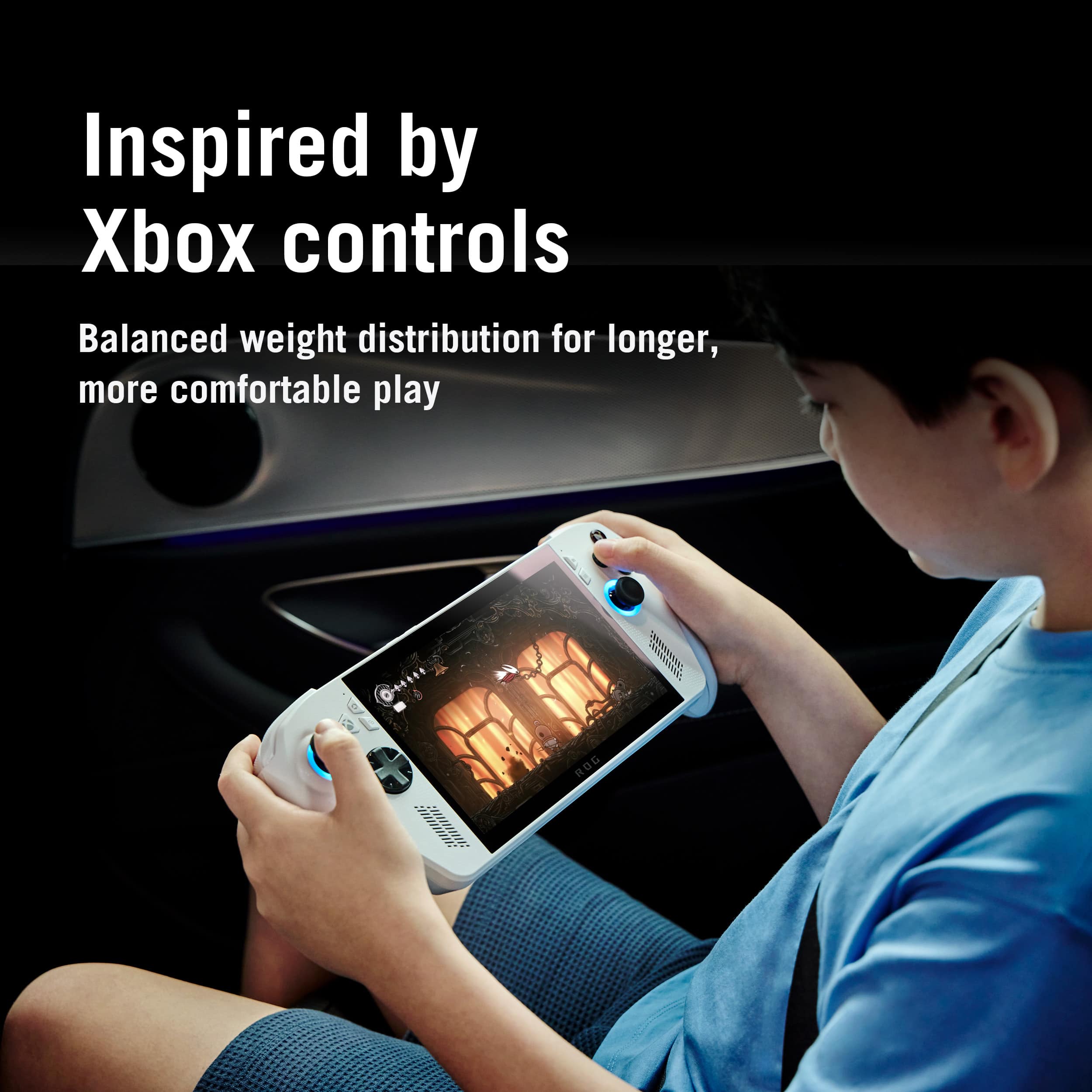
||Posted .This reviewer received promo considerations or sweepstakes entry for writing a review.with Gamepass, and access to Epic Games and Steam library, i can now play PC games conveniently from my desk at work, on my couch, or wherever. game changer for me, to finally play Spider-Man 2 without buying a PS5, and any of my other PC games, not bound to my computer. comfy for long play sessions, due to the built in xbox gamepad, this baby rocks! sure, the black version is more highly powered, but this one hit all my needs for a way more affordable price.
I would recommend this to a friend - Pros mentioned:Overall performance
Amazing product
||Posted . Owned for 2 weeks when reviewed.This reviewer received promo considerations or sweepstakes entry for writing a review.I previously bought and then returned the ROG Ally, not the Ally X, because it's interface with using just Windows as a starting point didn't work well for me. This Xbox ROG Ally is much more user friendly and seems more powerful and I've really enjoyed using it so far. It uses full screen Xbox or Steam apps which streamlines the user experience. I won't be returning this model.
I would recommend this to a friend - Pros mentioned:Battery life, Overall performance
Excellent windows handheld
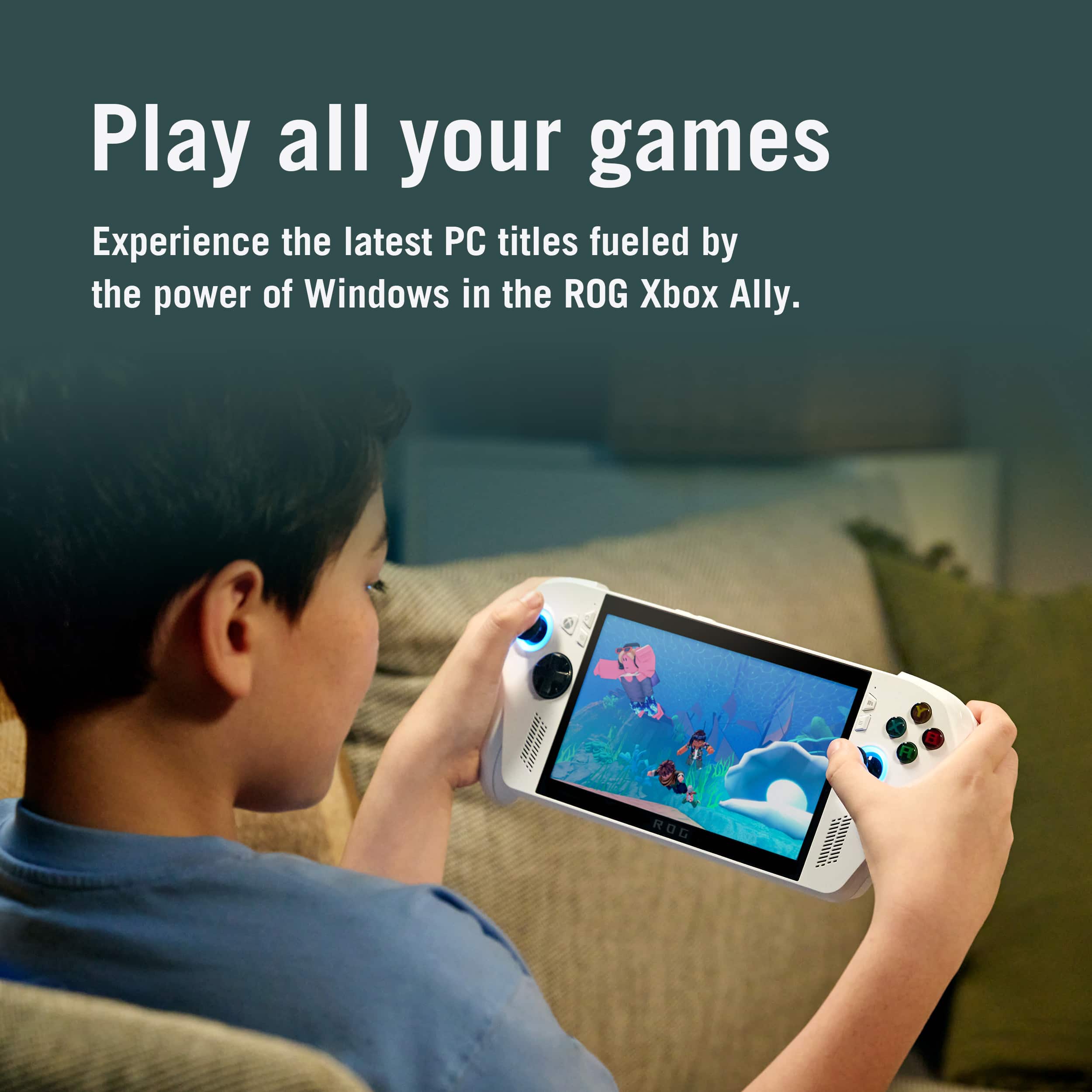
||Posted .This reviewer received promo considerations or sweepstakes entry for writing a review.Runs my windows games easily without requiring extra setup or workarounds. Great battery life. The new windows handheld mode has worked seamlessly so desktop is not necessary. Exceeded my expectations!
I would recommend this to a friend - Pros mentioned:Screen quality
Great for Travel, Not for AAA Heavyweights
||Posted . Owned for 1 month when reviewed.This reviewer received promo considerations or sweepstakes entry for writing a review.The ASUS ROG Xbox Ally is a comfortable, high-quality handheld with a sharp 1080p/120Hz screen and great ergonomics. It runs Windows, giving you access to Steam, Xbox PC games, and cloud gaming, but performance is mid-range for heavy AAA titles. A good choice for portable indie and casual gaming — less ideal if you want top-tier performance for modern big games.
I would recommend this to a friend - Pros mentioned:Battery life, Portability
Love my handheld!
||Posted . Owned for 2 weeks when reviewed.This reviewer received promo considerations or sweepstakes entry for writing a review.So in love with Rog Ally X! Convenient and battery life is great. Now i wished i got the 1TB instead of the 500gb
I would recommend this to a friend