Customer Ratings & Reviews

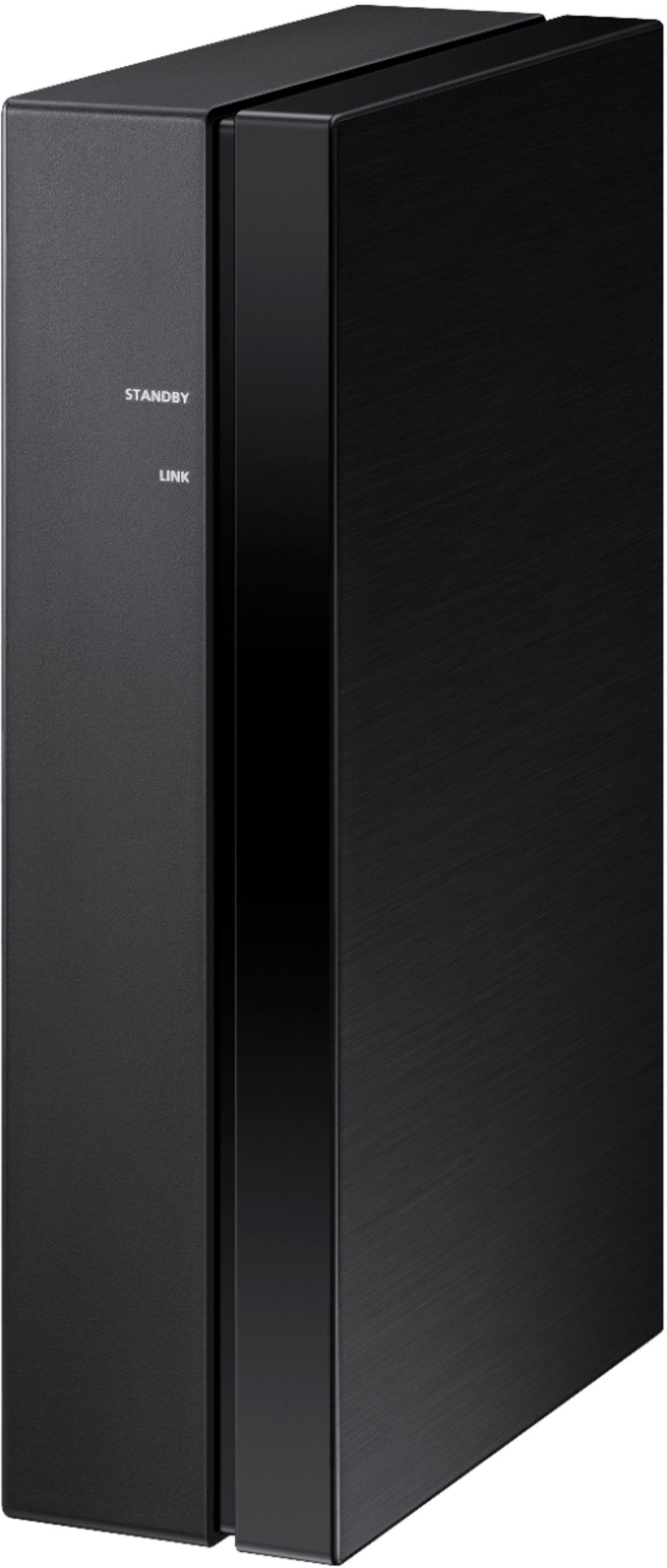
- Model:
- SWA-9100S/ZA
- SKU:
- 6456117
Rating by feature
- Value
Rating 4.2 out of 5 stars
- Quality
Rating 4.2 out of 5 stars
- Ease of Use
Rating 4.3 out of 5 stars
Customers are saying
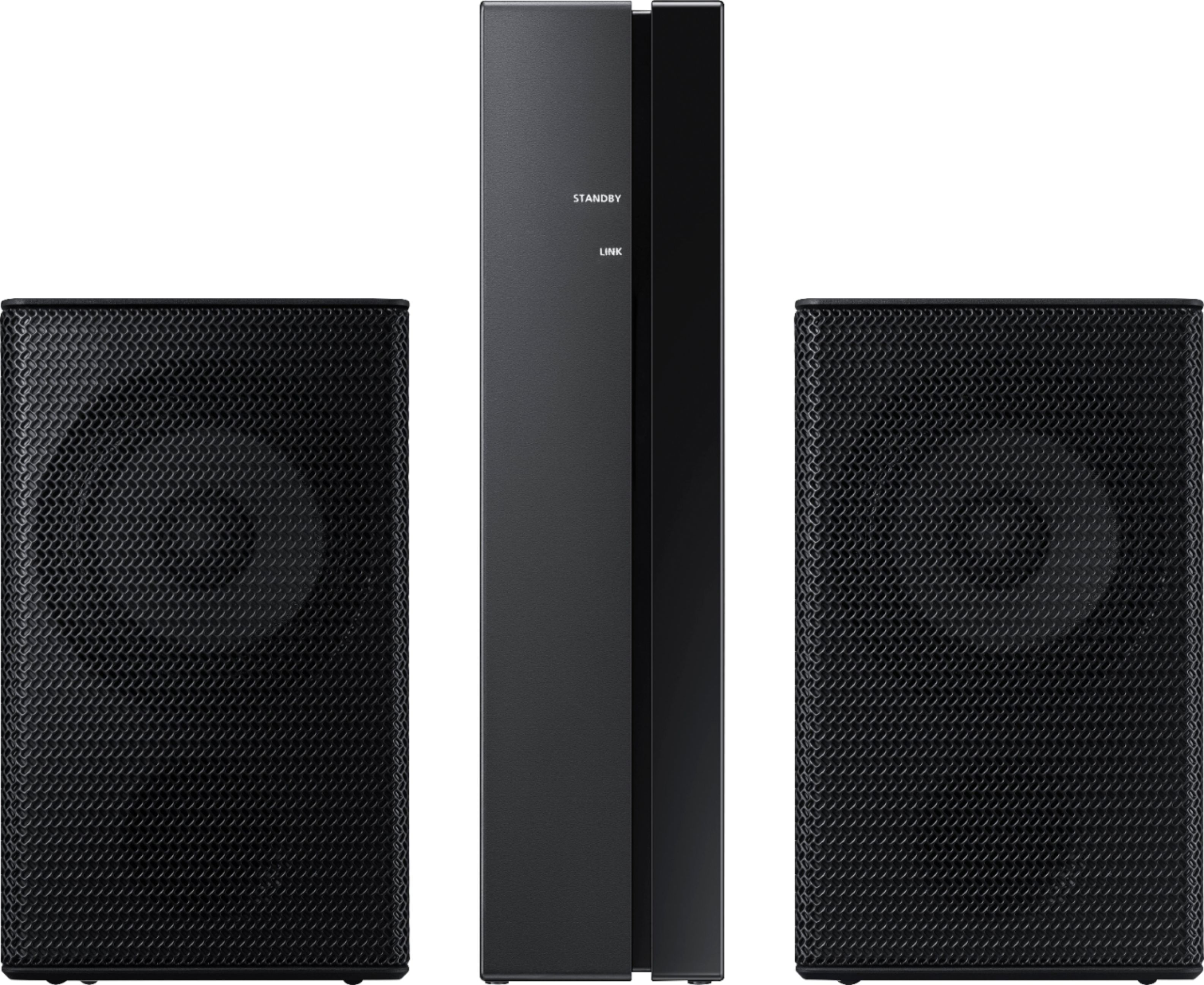
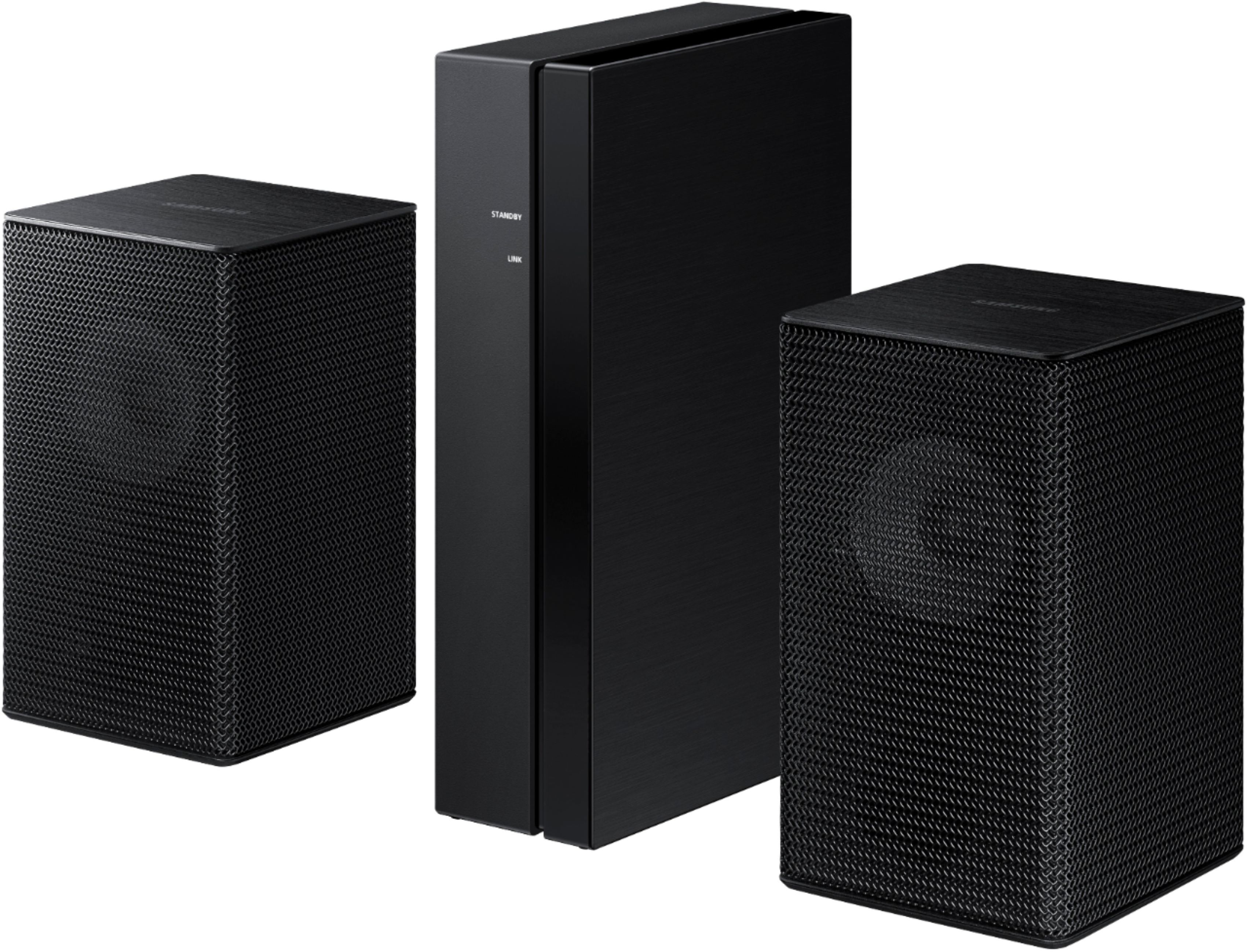
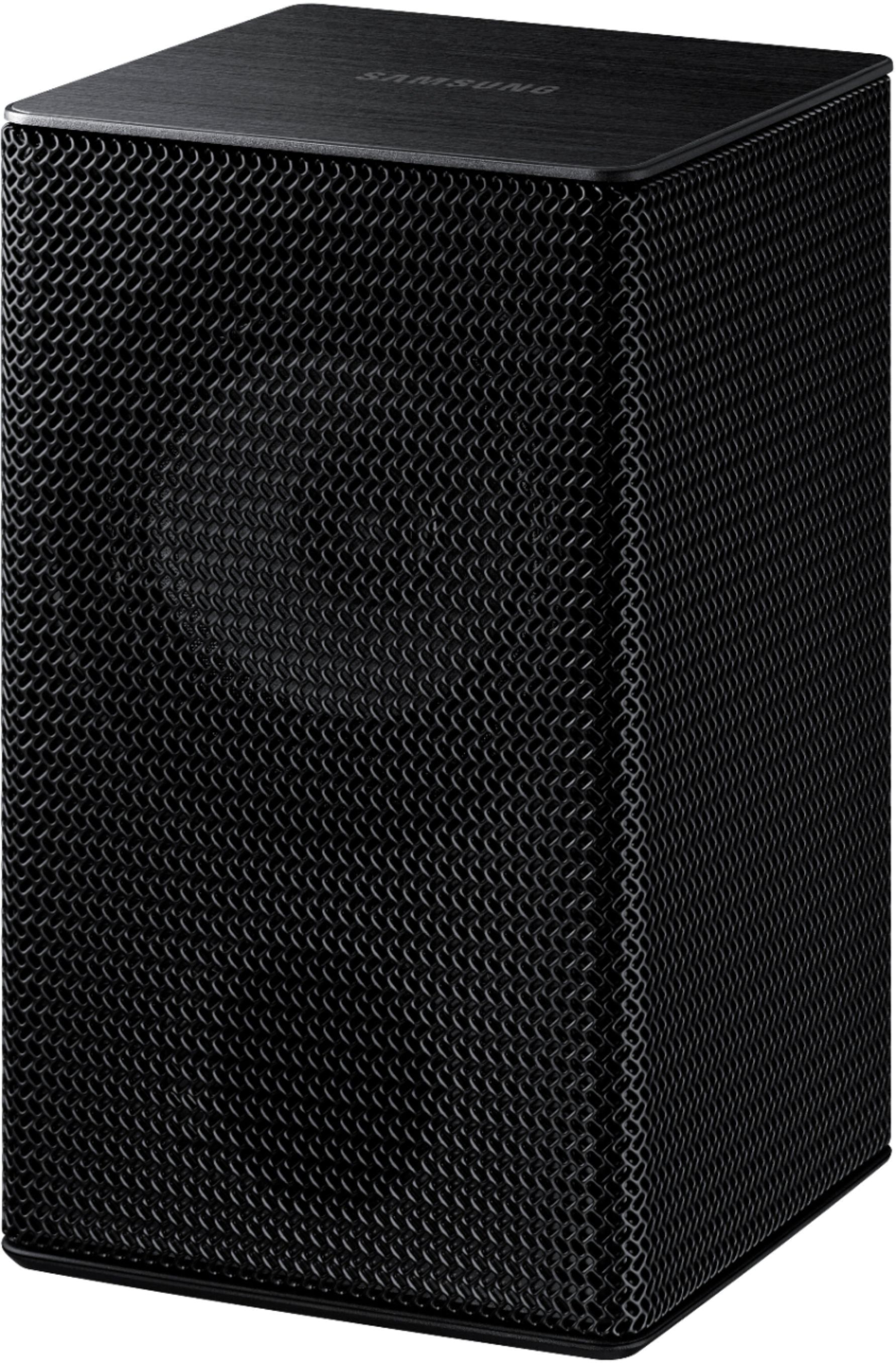
Customers regard the sound quality of the 2.0-Channel Wireless Rear Speaker Kit with Surround Sound as amazing and a great improvement over the original speakers. The easy setup process is also widely appreciated. However, some customers have concerns about the low volume, lack of true wireless connectivity, compatibility issues, occasional syncing problems, and small speaker size.
This summary was generated by AI based on customer reviews.
Budget friendly addition
||Posted .This reviewer received promo considerations or sweepstakes entry for writing a review.Totally changed my AV setup. Budget friendly add on is definitely worth the money. Took a few minutes to get connected but once it’s set, it’s awesome.
I would recommend this to a friend- Pros mentioned:Sound quality
Speakers
||Posted . Owned for 2 months when reviewed.This reviewer received promo considerations or sweepstakes entry for writing a review.I love my wireless speakers they sound so good and
I would recommend this to a friend Great Addition to Soundbar
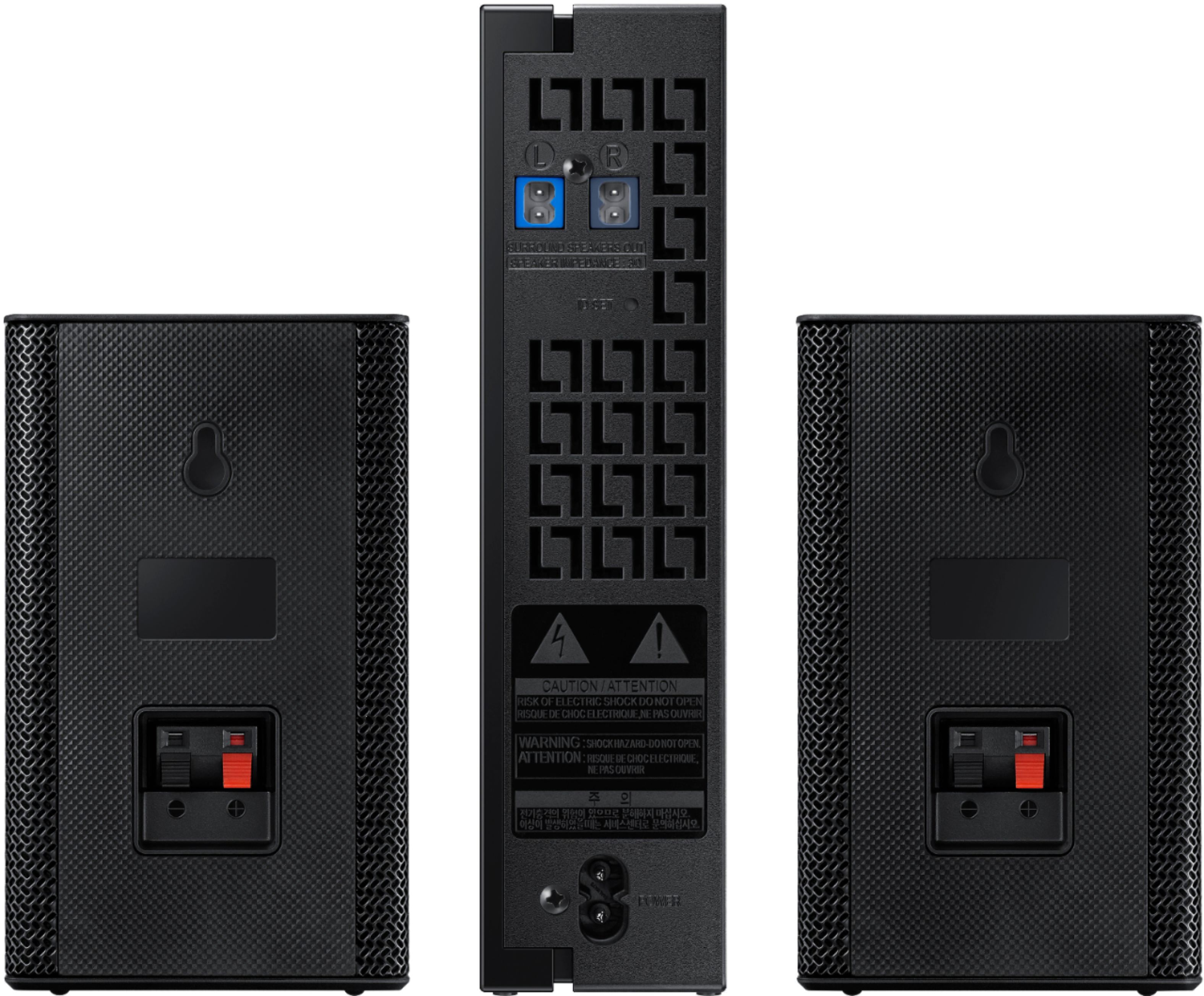
||Posted . Owned for 3 weeks when reviewed.This reviewer received promo considerations or sweepstakes entry for writing a review.We paired Samsung's wireless rear speakers with iur Samsung HW-A650 and we're very happy. As other reviews mention, there are cables that connect the 2 rear channel speakers to a central controller thay connects to the soundbar by bluteooth. Good sound. Easy to pair using the included instructions. We would buy it again!
I would recommend this to a friend- Pros mentioned:Easy setup
Rear speakers
||Posted . Owned for 3 months when reviewed.This reviewer received promo considerations or sweepstakes entry for writing a review.These are really nice and sound great. Easy setup.
I would recommend this to a friend Good for small apartment
||Posted . Owned for 3 months when reviewed.This reviewer received promo considerations or sweepstakes entry for writing a review.You can barely hear the sound, unless you up the volume in the settings. Definitely only recommend for small rooms. These won't do for medium or big rooms.
I would recommend this to a friend- Pros mentioned:Sound quality
Wireless surround sound speakers
||Posted . Owned for 1 week when reviewed.This reviewer received promo considerations or sweepstakes entry for writing a review.Love these little speakers. Pack a lot of punch and very clear.
I would recommend this to a friendBrand response from Samsung
Posted .Hi ALLB,
Thank you for choosing Samsung's SWA-9100S Rear Speaker Kit and for your review. I am glad to hear you are enjoying the clear and enhanced surround sound experience when paired with your Samsung Soundbar.
Should you ever have any questions or concerns or need help with settings or features, please contact Samsung Customer Support at 1-800-SAMSUNG (ask for Soundbars), available 8AM -12AM EST, 7 days a week. Or text HELP to 62913.
For additional support resources, visit us on the Samsung website and click on the ‘Support’ link in the upper right corner of the homepage for:
1) More ‘Contact Us’ options – LiveChat, Facebook, Twitter, Samsung Community, Samsung Members app
2) Manuals & Software
3) Warranty Info
4) Product Registration: For access to easy warranty support, convenient opt-in to special promos and offers, faster troubleshooting and service, and quick notification of system updates.
Thank you for choosing Samsung Sound Devices!
~ Samsung Specialist
- Pros mentioned:Sound quality
Speaker
||Posted . Owned for 3 weeks when reviewed.This reviewer received promo considerations or sweepstakes entry for writing a review.Surround sounds awesome. Love the product. Would recommend.
I would recommend this to a friend Happy Ears!
||Posted . Owned for 1 month when reviewed.This reviewer received promo considerations or sweepstakes entry for writing a review.The Samsung SWA-9100S speaker kit was easy to connect to my existing Samsung HW-Q60B 3.1 channel sound bar. Now we enjoy a full 5.1 channel surround sound with this setup. Highly recommend to all that want to expand their 3.1 channel setup to 5.1 channel surround sound.
I would recommend this to a friend- Pros mentioned:Price
Good
||Posted . Owned for 2 weeks when reviewed.This reviewer received promo considerations or sweepstakes entry for writing a review.I love it ,the bets I recommend it and good price .
I would recommend this to a friend - Cons mentioned:Volume
The speaker sound is very low
||Posted . Owned for 1 month when reviewed.This reviewer received promo considerations or sweepstakes entry for writing a review.Very good speakers and the audio clarity is very good, the only problem is that it is heard very low
I would recommend this to a friendBrand response from Samsung
Posted .HI Jun23,
Thank you for purchasing the Samsung SWA-9100S Rear Speaker Kit. We appreciate you sharing your experience with the surround sound system.
By design, the surround speakers are supposed to simulate sounds happening behind the viewer. Therefore, most of the time the surround channels are only used for ambient sounds, which are naturally lower in volume.
However, there are a few settings you can change to adjust the surround effect to your preference:
1) Make sure that the source (e.g. TV output) is sending surround channels to the Soundbar. If the source is not capable of surround, then set the Surround mode to OFF on the Soundbar by pressing the Surround button on the remote.
2) If the source has surround channels, select the desired Sound Mode from the Soundbar remote.
3) Turn off Dynamic Range Control. This is done by pressing and holding the Sound Mode button while the Soundbar is in standby mode. Depending on your soundbar model, you may or may not have DRC.
4) Increase the volume level of the surround speakers using the Sound Control button on the Soundbar remote control. Press the Sound Control button on the soundbar remote (looks like a gear), then select REAR LEVEL and use the Up/Down buttons to adjust the volume within a -6 to +6 range.
I hope these tips help to enhance your audio enjoyment. Should you need further assistance with this issue or have any questions, please contact Samsung Customer Support at:
1-800-SAMSUNG (ask for Soundbars), available 8AM - 12AM EST, 7 days a week.
For additional support resources, visit us on the Samsung website and click on the ‘Support’ link in the upper right corner of the homepage for:
1) Chat with Us/Product Help: To begin a chat or find solutions, choose ‘TVs & Home Theater’ and select your model & topic.
2) Manuals & Software
3) Warranty Info
4) Register a Product: For access to easy warranty support, convenient opt-in to special promos and offers, faster troubleshooting and service, and quick notification of system updates
5) Contact Us
~ Samsung Ambassador
- Pros mentioned:Sound quality
Live
||Posted . Owned for 3 months when reviewed.This reviewer received promo considerations or sweepstakes entry for writing a review.These are awesome they make your tv sound more live
I would recommend this to a friend Works great. A bit overpriced.
||Posted . Owned for less than 1 week when reviewed.This reviewer received promo considerations or sweepstakes entry for writing a review.Works great with the models it says. A little pricey for what you get.
I would recommend this to a friend- Cons mentioned:Volume, Wireless
Fair
||Posted . Owned for 1 month when reviewed.This reviewer received promo considerations or sweepstakes entry for writing a review.1. Not completely wireless 2. Wish the speakers were much louder
No, I would not recommend this to a friendBrand response from Samsung
Posted .Hi Lonzo,
Thank you for purchasing the Samsung SWA-9100S Rear Speaker Kit. We appreciate you sharing your experience with the surround sound system and thoughts regarding the wireless speaker description.
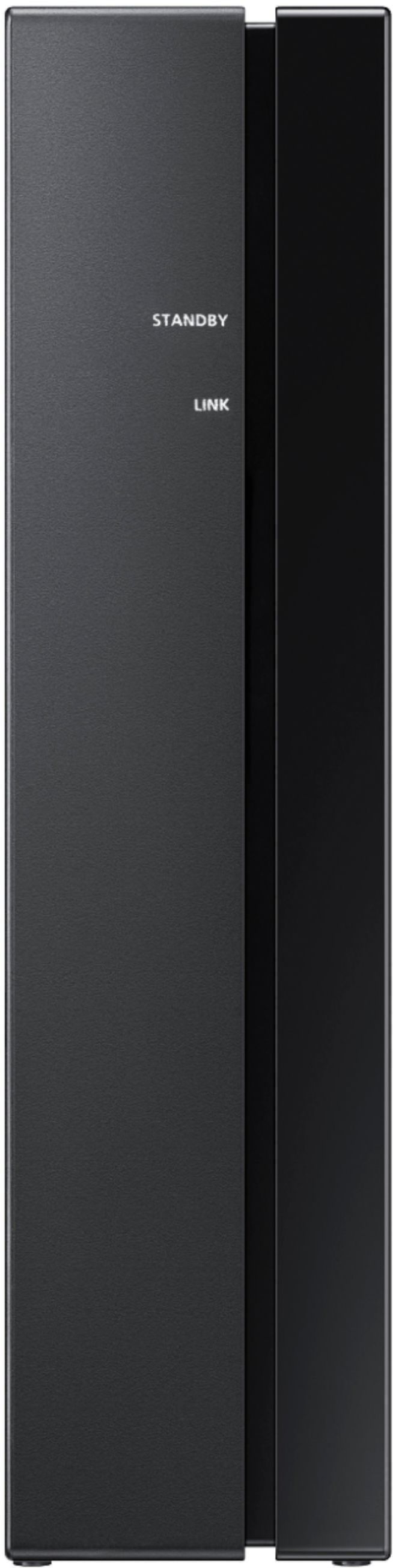
Occasionally, customers have trouble hiding and running speaker wires from the front of the room (where their soundbar is) to the back of their room (where they have their rear speakers). The Rear Speaker Kit eliminates that hassle. Connect the rear speakers to its wireless module and place these three in the back of your room. One wire is required to connect each rear speaker to the wireless module. Then plug in the power cable to the module. The “wireless” convenience is in connecting your soundbar and any other speakers at the front of the room to the rear speakers – this can now be done via Wi-Fi through the wireless module, eliminating any clutter of long wires running the length of your room.
Please know, the surround speakers are supposed to simulate sounds happening behind the viewer. Therefore, most of the time the surround channels are only used for ambient sounds, which are naturally lower in volume.
However, there are a few settings you can change to adjust the surround effect to your preference:
1) Make sure that the source (e.g. TV output) is sending surround channels to the Soundbar. If the source is not capable of surround, then set the Surround mode to OFF on the Soundbar by pressing the Surround button on the remote.
2) If the source has surround channels, select the desired Sound Mode from the Soundbar remote.
3) Turn off Dynamic Range Control. This is done by pressing and holding the Sound Mode button while the Soundbar is in standby mode. Depending on your soundbar model, you may or may not have DRC.
4) Increase the volume level of the surround speakers using the Sound Control button on the Soundbar remote control. Press the Sound Control button on the soundbar remote (looks like a gear), then select REAR LEVEL and use the Up/Down buttons to adjust the volume within a -6 to +6 range.
I hope these tips help to enhance your audio enjoyment. Should you need further assistance with this issue or have any questions, please contact Samsung Customer Support at 1-800-SAMSUNG (ask for Soundbars), available 8AM - 12AM EST, 7 days a week.
For additional support resources, visit us on the Samsung website and click on the ‘Support’ link in the upper right corner of the homepage for:
1) Chat with Us/Product Help: To begin a chat or find solutions, choose ‘TVs & Home Theater’ and select your model & topic.
2) Manuals & Software
3) Warranty Info
4) Register a Product: For access to easy warranty support, convenient opt-in to special promos and offers, faster troubleshooting and service, and quick notification of system updates
5) Contact Us
~ Samsung Solutions
Replacement of a broken surround system
||Posted . Owned for 1 month when reviewed.This reviewer received promo considerations or sweepstakes entry for writing a review.I bought this based on the reviews for it. Has a incredible range of sound. The only downside is that doesn’t tell you that you buy a an additional piece to get it to work. I was at 50/50 of returning or buying the needed piece. I am glad that I did
I would recommend this to a friendMeh
||Posted . Owned for 1 month when reviewed.This reviewer received promo considerations or sweepstakes entry for writing a review.Speakers add depth but that’s about it…”wireless” speakers somehow need speaker wire which has a special connector and is far too short…(ended up splicing on regular speaker wire and haven’t had a problem yet but shouldn’t have been necessary at the price) overall the speakers are not great quality in comparison to the sound bar.
No, I would not recommend this to a friendBrand response from Samsung
Posted .Hi George,
Thank you for purchasing the Samsung SWA-9100S Wireless Rear Speaker Kit and for sharing your thoughts about the wireless description. Your feedback is important to helping us pursue a world class product experience.
Occasionally, customers have trouble hiding and running speaker wires from the front of the room (where their soundbar is) to the back of their room (where they have their rear speakers). The Rear Speaker Kit eliminates that hassle. Connect the rear speakers to its wireless module and place these three in the back of your room. One wire is required to connect each rear speaker to the wireless module. Then plug in the power cable to the module. The “wireless” convenience is in connecting your soundbar and any other speakers at the front of the room to the rear speakers – this can now be done via Wi-Fi through the wireless module, eliminating any clutter of long wires running the length of your room.
Should you ever have questions or need help, please call us at 1-800-SAMSUNG (ask for Soundbars), available 8AM - 12AM EST, 7 days a week.
For additional support resources, visit us on the Samsung website and click on the ‘Support’ link in the upper right corner of the homepage for:
1) Chat with Us/Product Help: To begin a chat or find solutions, choose ‘TVs & Home Theater’ and select your model & topic.
2) Manuals & Software
3) Warranty Info
4) Register a Product: For access to easy warranty support, convenient opt-in to special promos and offers, faster troubleshooting and service, and quick notification of system updates
5) Contact Us
~ Samsung Solutions
Returned
||Posted . Owned for 1 week when reviewed.This reviewer received promo considerations or sweepstakes entry for writing a review.Honestly can't help you here. Had to return these and upgrade to higher model inorder to get to link with Samsung soundbar.
I would recommend this to a friend- Pros mentioned:Sound quality
Good addition to your soundbar
||Posted .This reviewer received promo considerations or sweepstakes entry for writing a review.Great sounding one you get it paired, instructions need to be more specific though
I would recommend this to a friendBrand response from Samsung
Posted .Hi Emmik,
Thank you for choosing Samsung’s SWA-9100S wireless rear speaker kit and for your review. We appreciate your feedback regarding the manual included with your speaker system. To assist you in the functions and setup, you can download the full user manual directly from Samsung’s website by clicking “Support” in the top right corner. Then go to “Manuals & Software” > “TVs & Home Theater” > “TVs & Home Theater Accessories” > “Rear Speaker Kits”. From there, you can select the SWA-9100S
Should you need any additional assistance with settings or features of your soundbar please contact Samsung Customer Support at 1-800-SAMSUNG (ask for Soundbars), available 8AM - 12AM EST, 7 days a week.
For additional support resources, visit us on the Samsung website and click on the ‘Support’ link in the upper right corner of the homepage for:
1) Chat with Us/Product Help: To begin a chat or find solutions, choose ‘TVs & Home Theater’ and select your model & topic.
2) Manuals & Software
3) Warranty Info
4) Register a Product: For access to easy warranty support, convenient opt-in to special promos and offers, faster troubleshooting and service, and quick notification of system updates
5) Contact Us
~ Samsung Solutions
sound not for me
||Posted . Owned for 1 month when reviewed.This reviewer received promo considerations or sweepstakes entry for writing a review.Nice and compact but sound is not strong. Not a good selection for a large room. Sorry.
No, I would not recommend this to a friendAdds to the Theater Experience
||Posted . Owned for 2 months when reviewed.This reviewer received promo considerations or sweepstakes entry for writing a review.Hard to notice the background sound with these. Maybe an adjustment is needed?
I would recommend this to a friendWireless surround sound
||Posted .This reviewer received promo considerations or sweepstakes entry for writing a review.Just what I need to complete Samsung 75" TV in my living room.
I would recommend this to a friend