Customer Ratings & Reviews


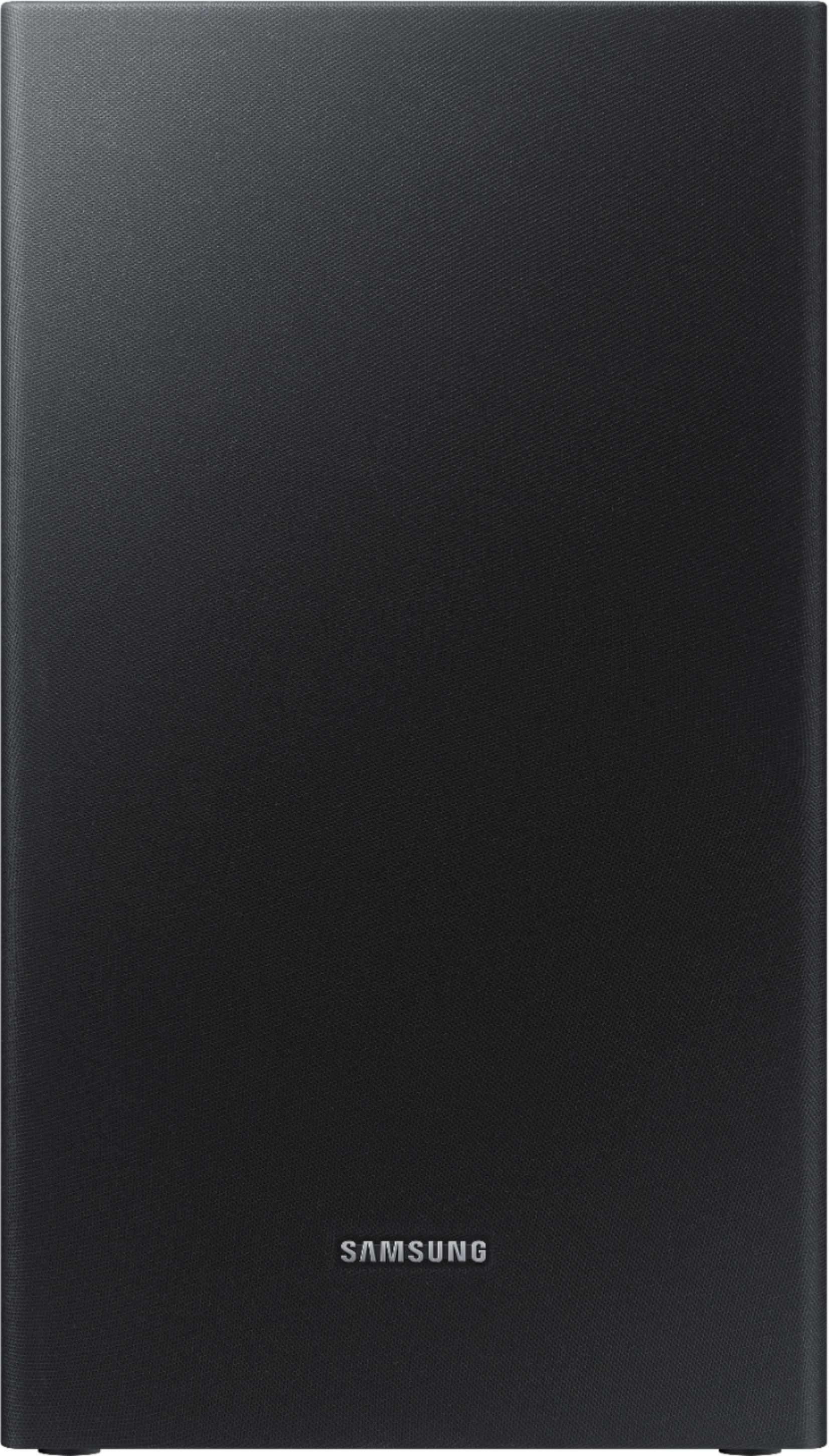

- Model:
- HW-R450/ZA
- SKU:
- 6327859
Rating by feature
- Value
Rating 4.6 out of 5 stars
- Quality
Rating 4.6 out of 5 stars
- Ease of Use
Rating 4.6 out of 5 stars
Customers are saying
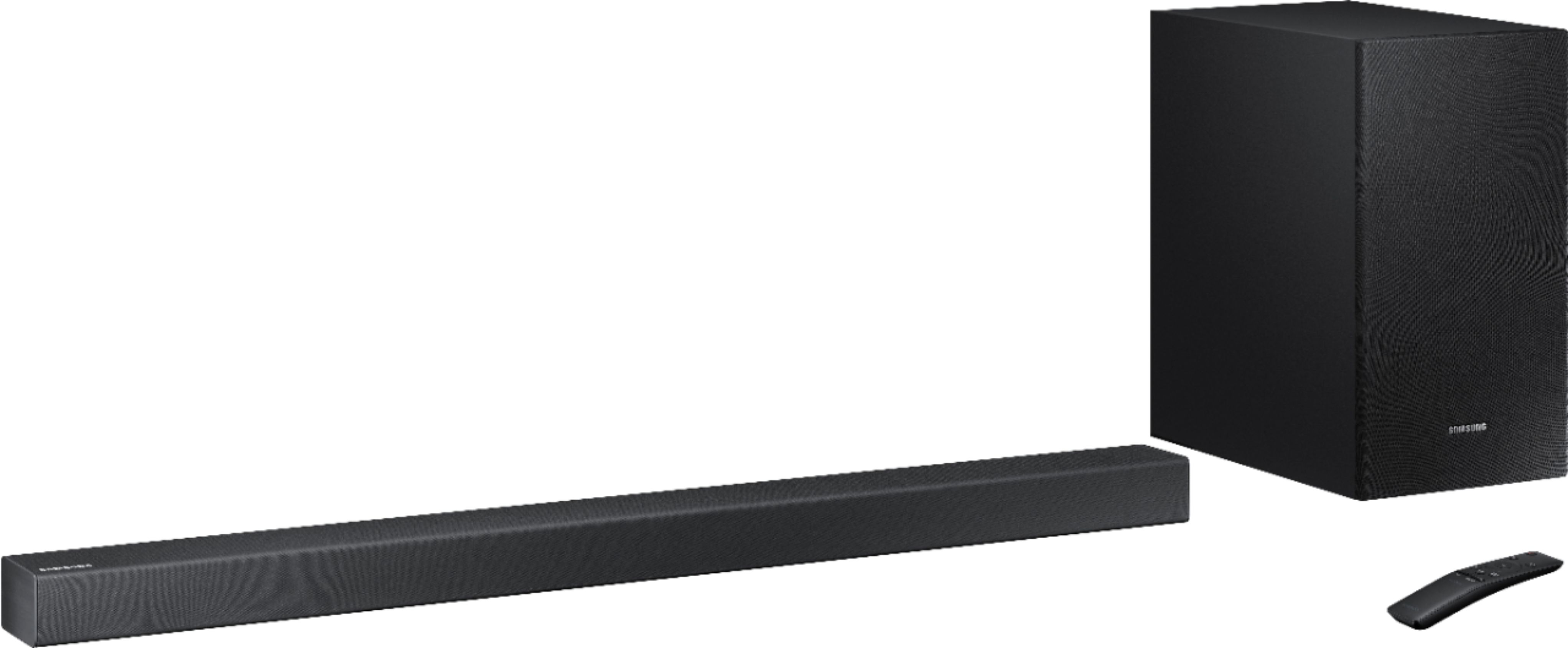
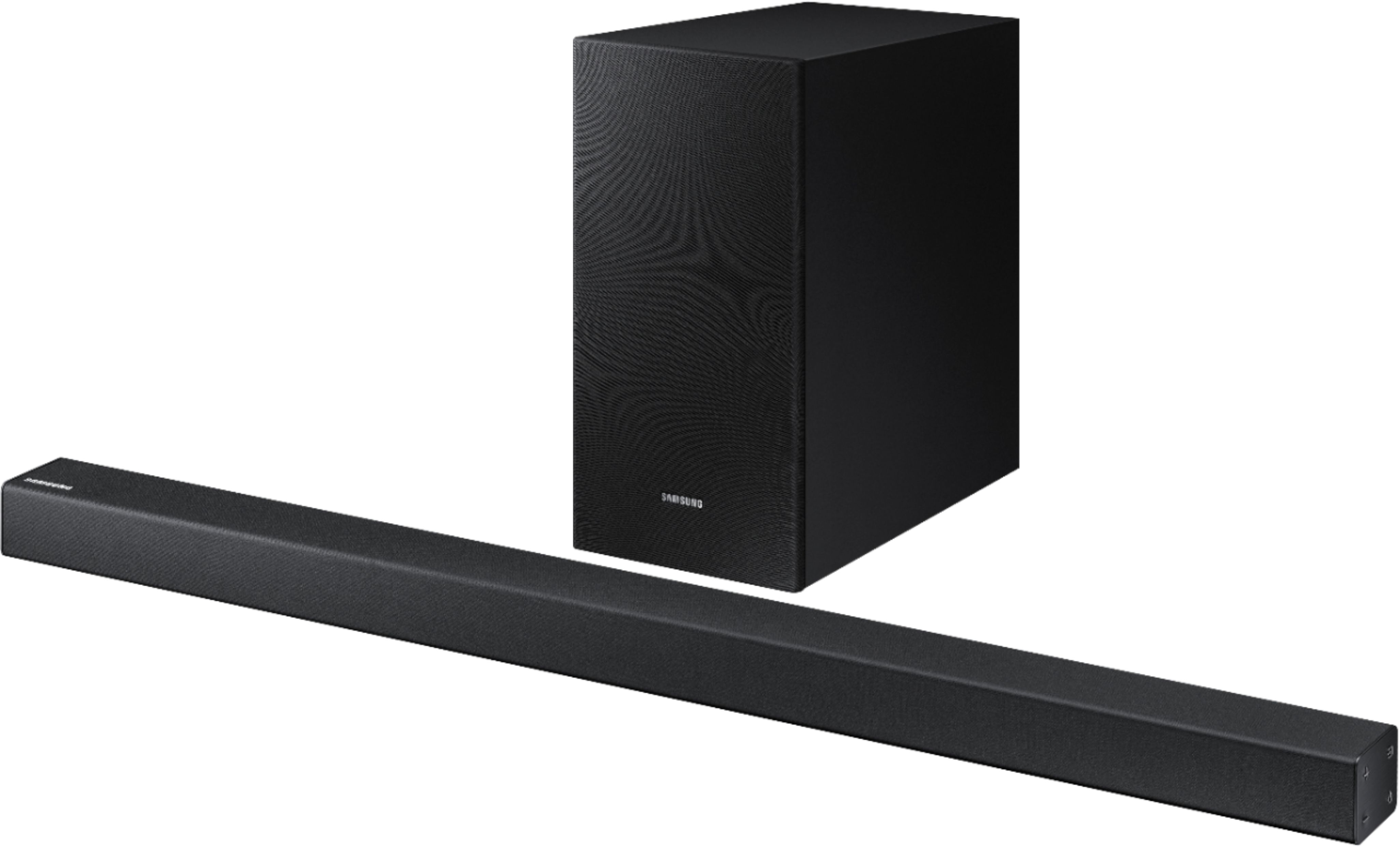
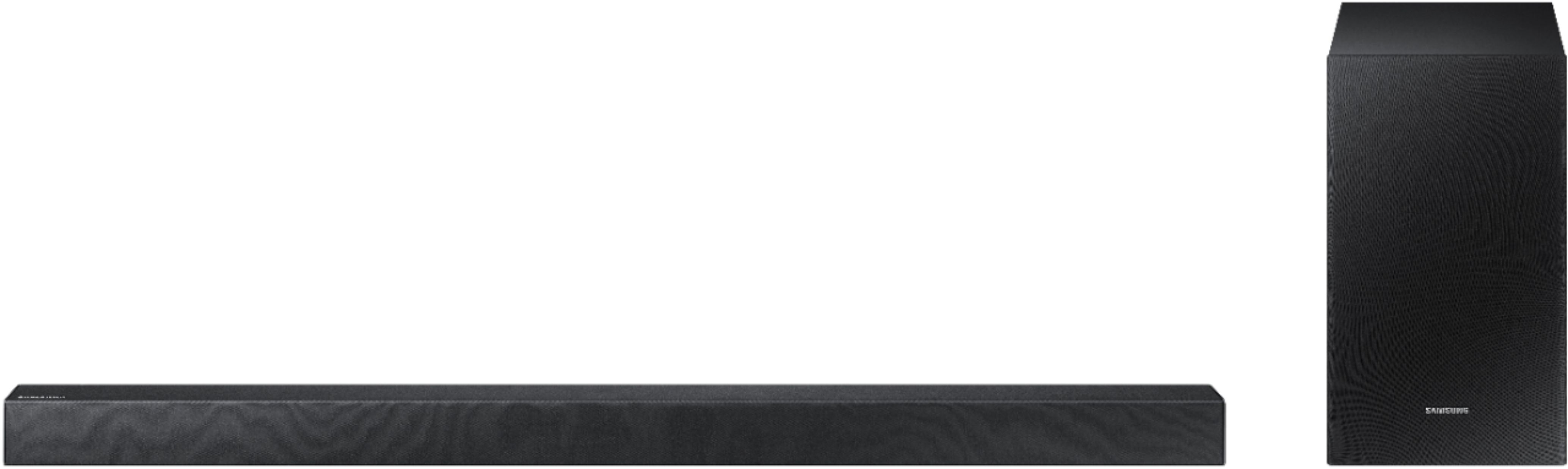
Customers appreciate the 2.1-Channel 200W Soundbar System for its sound quality, easy setup, affordable price, and strong bass. Many customers mentioned that the sound quality is great for the price and that the setup process is simple and quick. Some customers also highlighted the effectiveness of the subwoofer in delivering deep bass.
This summary was generated by AI based on customer reviews.
Sound is really clear just like the movie theater.
||Posted . Owned for 1 month when reviewed.This reviewer received promo considerations or sweepstakes entry for writing a review.Very satisfied with this purchase!! Great for family room.
I would recommend this to a friendSoundbar
||Posted . Owned for 1 month when reviewed.This reviewer received promo considerations or sweepstakes entry for writing a review.Great small sound bar. It does has different sound techniques!
I would recommend this to a friendGreat
||Posted .This reviewer received promo considerations or sweepstakes entry for writing a review.Great sound for being much smaller than I anticipated.
I would recommend this to a friendgood value for the money
||Posted . Owned for 1 month when reviewed.This reviewer received promo considerations or sweepstakes entry for writing a review.if you don't want to spend a lot this is the bar for you
I would recommend this to a friendgood
||Posted . Owned for 1 month when reviewed.This reviewer received promo considerations or sweepstakes entry for writing a review.good product . I will recommend this to a friend .
I would recommend this to a friendGreat for small room
||Posted .This reviewer received promo considerations or sweepstakes entry for writing a review.Really enhances the Samsung tv sound. Good for small room
I would recommend this to a friendsound is good
||Posted . Owned for 1 month when reviewed.This reviewer received promo considerations or sweepstakes entry for writing a review.The soundbar system with wireless was easy to install
I would recommend this to a friendSounds great, well worth the money.
||Posted . Owned for 1 month when reviewed.This reviewer received promo considerations or sweepstakes entry for writing a review.Perfect sound for the room medium size living room
I would recommend this to a friendBetter than the tv
||Posted . Owned for 2 weeks when reviewed.This reviewer received promo considerations or sweepstakes entry for writing a review.Not bad for the sale price, better than the TV ...
I would recommend this to a friendWasn’t too impressed!
||Posted .This reviewer received promo considerations or sweepstakes entry for writing a review.I hooked everything up and the subwoofer was above par for the price, but the soundbar had very subpar volume. My TV speakers had louder volume than this soundbar, and I hooked it up to a 50” 7000 series Samsung TV. Needless to say that I took this back and got a different soundbar.
No, I would not recommend this to a friendBrand response from Samsung
Posted .DoubleTap:
Thank you for your review of this Samsung HW-R450 Soundbar System. I am sorry to hear that it did not work out for you and have returned it.
Your feedback is very important to us and the volume concerns will be shared with our product team.
Should you ever decide to give Samsung audio products another try and have concerns or questions, please know we are always here to help. You can contact Samsung Customer Support by any of the below options:
1) Phone: 1-800-SAMSUNG (ask for Soundbars)
Available 8AM - 12AM EST (Mon-Fri) / 9AM - 11PM EST (Sat-Sun)
2) LiveChat or Email: https://www.samsung.com/us/support/#contact_us_for_support
3) Facebook Messenger: https://www.facebook.com/samsungsupport
4) Twitter: https://twitter.com/SamsungSupport
The Samsung Home Theater & Home Audio Community is also a great resource for getting help from Samsung moderators and customers: https://us.community.samsung.com/t5/Home-Theater-Home-Audio/bd-p/hometheaterhomeaudio
Again, thank you for taking the time to share your experience. We hope to regain you as a customer in the near future.
- Samsung Solutions
Works well with new tv.
||Posted . Owned for 1 month when reviewed.This reviewer received promo considerations or sweepstakes entry for writing a review.Like that sound bar doesn’t “time out” so quickly.
I would recommend this to a friendOk.
||Posted . Owned for less than 1 week when reviewed.This reviewer received promo considerations or sweepstakes entry for writing a review.Purchased to replace my vizio soundbar that had to much feedback noice and didnt connect well with our samsung smart tv. This one does and we like that you only need one smart remote, but the sound quality on the vizio is def far superior.
No, I would not recommend this to a friendBrand response from Samsung
Posted .Antenna:
Thank you for sharing your review of the Samsung HW-R450. I am sorry to see that you are not completely happy with the sound quality.
You can try optimizing audio performance for your specific content by pressing the SOUND MODE button on your soundbar remote, and then selecting the desired sound effect by choosing STANDARD, SURROUND SOUND, GAME, or SMART.
You can also press the Sound Control button on the remote (looks like a gear) to adjust TREBLE and BASS.
Press and hold the Sound Control button for about 5 seconds to adjust the sound for each of seven frequency bands.
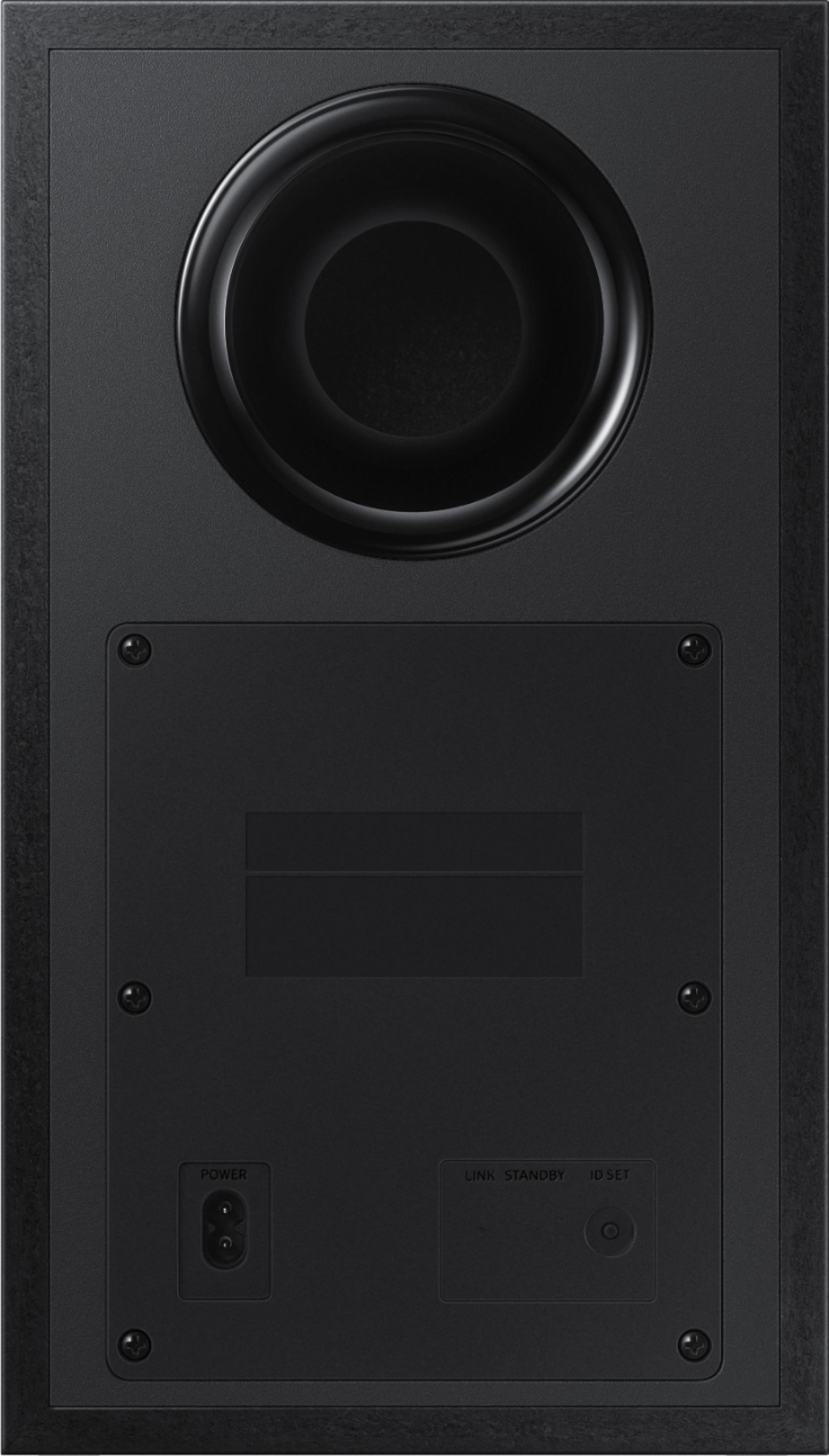
Using the WOOFER button on the remote, you can adjust the volume of the subwoofer between -6 to +6 by toggling the button up or down. To set the subwoofer volume level to 0, press the button down.
You can find additional audio setting adjustments on pages 20-22 in the User Manual that can customize output to your preference: http://downloadcenter.samsung.com/content/UM/201903/20190312112119819/HW-R450_ZA_FullManual_00_ENG_190117.pdf
For further assistance with optimizing your settings, please reach out to us at:
1) Phone: 1-800-SAMSUNG
- Available 8AM - 12AM EST (Mon-Fri) / 9AM - 11PM EST (Sat-Sun)
2) LiveChat: https://www.samsung.com/us/support/#contact_us_for_support
3) Facebook Messenger: https://www.facebook.com/samsungsupport
4) Twitter: https://twitter.com/SamsungSupport
5) The Samsung Members Community is also a great resource for getting help from Samsung moderators and customers: https://us.community.samsung.com
If you have not already done so, we invite you to register your new Samsung product at: https://us.community.samsung.com
Registering your product gives you access to easy warranty support, convenient opt-in to special promos and offers, faster troubleshooting and service, and quick notification of system updates.
~ Samsung Solutions
Pretty good
||Posted . Owned for 1 month when reviewed.This reviewer received promo considerations or sweepstakes entry for writing a review.This sound system definitely makes a difference over using the TV sound. It was also easy enough to pair with the TV and remote. Though it lacks a little in the surround sound and the subwoofer seems weaker than we expected.
I would recommend this to a friendBrand response from Samsung
Posted .DMPZW:
I am glad to see that you are overall happy with the performance of the HW-R450 Soundbar, featuring a strong wireless subwoofer, as well as Game Mode, Dolby Digital Plus, and DTS Digital Surround for deep bass, rich sound, and clear tones.
You can try optimizing audio performance for your specific content by pressing the SOUND MODE button on your HW-R450 remote, and then selecting the desired sound effect by choosing STANDARD, SURROUND SOUND, GAME, or SMART.
You can also press the Sound Control button on the remote (looks like a gear) to adjust TREBLE and BASS.
Press and hold the Sound Control button for about 5 seconds to adjust the sound for each of seven frequency bands.
Using the WOOFER button on the remote, you can adjust the volume of the subwoofer between -6 to +6 by toggling the button up or down. To set the subwoofer volume level to 0, press the button down.
Please refer to pages 20-22 in the User Manual for audio setting adjustments: http://downloadcenter.samsung.com/content/UM/201903/20190312112119819/HW-R450_ZA_FullManual_00_ENG_190117.pdf
If you need further assistance, please know we are here to help. You can reach Samsung Support via:
1) Phone: 1-800-SAMSUNG
Available 8AM - 12AM EST (Mon-Fri) / 9AM - 11PM EST (Sat-Sun)
2) LiveChat: https://www.samsung.com/us/support/#contact_us_for_support
3) Facebook Messenger: https://www.facebook.com/samsungsupport
4) Twitter: https://twitter.com/SamsungSupport
5) The Samsung Members Community is also a great resource for getting help from Samsung moderators and customers: https://us.community.samsung.com
If you have not already done so, we invite you to register your new Samsung product at: https://us.community.samsung.com
Registering your product gives you access to easy warranty support, convenient opt-in to special promos and offers, faster troubleshooting and service, and quick notification of system updates.
It’s okay
||Posted . Owned for 1 month when reviewed.This reviewer received promo considerations or sweepstakes entry for writing a review.This sound bar and sub are good for a bedroom but I would not recommend it for anything larger. It’s not the greatest for movies but it gets the job done.
No, I would not recommend this to a friendBrand response from Samsung
Posted .TiaH254:
Thank you for sharing your review of the Samsung HW-R450 Soundbar.
If there is anything we can do to improve your enjoyment to 5 stars -- such as help optimize settings for your specific usage scenario -- please let us know. You can reach Samsung Soundbar Support at:
1) Phone: 1-800-SAMSUNG (ask for Soundbars)
Available 8AM - 12AM EST (Mon-Fri) / 9AM - 11PM EST (Sat-Sun)
2) LiveChat or Email: https://www.samsung.com/us/support/#contact_us_for_support
3) Facebook Messenger: https://www.facebook.com/samsungsupport
4) Twitter: https://twitter.com/SamsungSupport
The Samsung Members Community is also a great resource for getting help from Samsung moderators and customers: https://us.community.samsung.com/t5/Get-Help/ct-p/get-help
If you have not already done so, we invite you to register your new Samsung product at: https://www.samsung.com/us/support/register/
Registering your product gives you access to easy warranty support, convenient opt-in to special promos & offers, faster troubleshooting & service, and quick notification of system updates.
Thanks for choosing Samsung.
Cheap but average
||Posted . Owned for 1 week when reviewed.This reviewer received promo considerations or sweepstakes entry for writing a review.The Samsung from Best Buy is pretty cheap right now $ 150. but the sound quality is very average and the base is not as good as most sound bars we own.
No, I would not recommend this to a friendBrand response from Samsung
Posted .BestBuySupporter1:
Thank you for sharing your review of the Samsung HW-R450. I am sorry to see that you are not completely happy with its performance.
The HW-R450 features a powerful wireless subwoofer, as well as Game Mode, Dolby Digital Plus, and DTS Digital Surround for deep bass, rich sound, and clear tones.
You can try optimizing audio performance for your specific content by pressing the SOUND MODE button on your HW-R450 remote, and the selecting the desired sound effect by choosing STANDARD, SURROUND SOUND, GAME, or SMART.
You can also press the Sound Control button on the remote (looks like a gear) to adjust TREBLE and BASS.
Should you need further assistance, please contact Samsung Customer Support and a representative will gladly help you.
1) Phone: 1-800-SAMSUNG (ask for Soundbars)
Available 8AM - 12AM EST (Mon-Fri) / 9AM - 11PM EST (Sat-Sun)
2) LiveChat or Email: https://www.samsung.com/us/support/#contact_us_for_support
3) Facebook Messenger: https://www.facebook.com/samsungsupport
4) Twitter: https://twitter.com/SamsungSupport
The Samsung Members Community is also a great resource for getting help from Samsung moderators and customers: https://us.community.samsung.com/t5/Get-Help/ct-p/get-help
If you have not already done so, we invite you to register your new Samsung Soundbar at: https://www.samsung.com/us/support/register/
Registering your product gives you access to easy warranty support, convenient opt-in to special promos & offers, faster troubleshooting & service, and quick notification of system updates.
Great Value Purchase
||Posted . Owned for 8 months when reviewed.This reviewer received promo considerations or sweepstakes entry for writing a review.Pick this one up for my parents so didn't want to blow him out the water with the sound it had good value overall so it's in that middle tier s i rated it three stars
I would recommend this to a friendGood soundbar.
||Posted . Owned for 1 week when reviewed.This reviewer received promo considerations or sweepstakes entry for writing a review.First one we bought speaker blew in less than a week. Must of been a factory defect. Second one, no problems and has a really great surround sound function as well as smart and game settings!!
I would recommend this to a friendBrand response from Samsung
Posted .betz:
I am glad to see that your second unit is working to your satisfaction. If you should ever have questions regarding features, warranty coverage, or operation, please know that we are always here to help. You can reach Samsung DAV Support at:
1) Phone: 1-800-SAMSUNG (ask for Soundbars)
Available 8AM - 12AM EST (Mon-Fri) / 9AM - 11PM EST (Sat-Sun)
2) LiveChat or Email: https://www.samsung.com/us/support/#contact_us_for_support
3) Facebook Messenger: https://www.facebook.com/samsungsupport
4) Twitter: https://twitter.com/SamsungSupport
The Samsung Members Community is also a great resource for getting help from Samsung moderators and customers: https://us.community.samsung.com/t5/Get-Help/ct-p/get-help
To optimize your product experience, we encourage you to register your new Samsung Soundbar at: https://www.samsung.com/us/support/register/
…and gain access to easy warranty support, convenient opt-in to special promos & offers, faster troubleshooting & service, and quick notification of system updates.
Thanks for choosing Samsung.
Sound bar
||Posted . Owned for 1 year when reviewed.This reviewer received promo considerations or sweepstakes entry for writing a review.This is a very nice quality system however I did not do my homework and I would’ve liked the next step up. As far as being a entry level unit I think it is great
I would recommend this to a friend- Cons mentioned:Volume
Not loud / no bass
||Posted .This reviewer received promo considerations or sweepstakes entry for writing a review.Not loud... the volume goes to 100 but it sounds like it's actually at 5. There is no bass, the salesman said I'd be rattling my windows with this. Returned it and got the Polk audio Magnifi Max and it was well worth the money!!! Been a month and it's knocked things off the entertainment center lol, I love it! Many awesome features like adjustable bass, easily paired with any cable remote, etc. Highly recommended!
No, I would not recommend this to a friendBrand response from Samsung
Posted .Slayerdude:
Thank you for having tried the Samsung HW-R450 Soundbar. I am sorry that you found the bass and overall volume to be weak.
There are two adjustments that can be made for bass and subwoofer:
1) Using the WOOFER button on the remote, you can adjust the volume of the subwoofer between -6 to +6 by toggling the button up or down. To set the subwoofer volume level to 0, press the button down
2) Adjust the bass control by pressing the SOUND CONTROL button (gear icon) on the remote control, then select BASS to increase the level. You can adjust the volume between -6 to +6 by using the Up/Down buttons.
Also, it is important to check that the soundbar was correctly positioned. It has come to our attention that customers may be positioning the soundbar incorrectly, resulting in poor sound quality and seemingly low volume output. The soundbar should be placed with the SAMSUNG logo facing up towards the ceiling. If you position the soundbar with the logo facing up, you will see the display/status panel and the speakers will be facing outward. (Refer to product photos on Samsung.com and zoom in on the photos) If you have incorrectly placed the soundbar with the SAMSUNG logo perpendicular to the floor (facing you when you sit), you will experience muffled and low volume sound because the unit will be resting on the speakers.
Should you ever decide to give Samsung audio products another try and have concerns or questions, please know we are always here to help. You can contact Samsung Customer Support by any of the below options:
1) Phone: 1-800-SAMSUNG (ask for Soundbars)
Available 8AM - 12AM EST (Mon-Fri) / 9AM - 11PM EST (Sat-Sun)
2) LiveChat: https://www.samsung.com/us/support/#contact_us_for_support
3) Facebook Messenger: https://www.facebook.com/samsungsupport
4) Twitter: https://twitter.com/SamsungSupport
The Samsung Members Community is also a great resource for getting help from Samsung moderators and customers: https://us.community.samsung.com/t5/Get-Help/ct-p/get-help
Again, thank you for taking the time to share your experience. We hope to regain you as a customer in the near future.
Sound quality not what I expected
||Posted . Owned for 3 weeks when reviewed.This reviewer received promo considerations or sweepstakes entry for writing a review.The shows that I have been watching since I bought the soundbar have an echo with the voices so I have to mute it. Maybe with a movie it will be alright. I'll try one soon.
No, I would not recommend this to a friendBrand response from Samsung
Posted .Bill 7254:
I am very sorry to see that you are experiencing an unusual echo when watching certain content.
So that we can better troubleshoot this issue, please contact Samsung Customer Support and a representative will gladly help you.
1) Phone: 1-800-SAMSUNG (ask for Soundbars)
Available 8AM - 12AM EST (Mon-Fri) / 9AM - 11PM EST (Sat-Sun)
2) LiveChat or Email: https://www.samsung.com/us/support/#contact_us_for_support
3) Facebook Messenger: https://www.facebook.com/samsungsupport
4) Twitter: https://twitter.com/SamsungSupport
The Samsung Members Community is also a great resource for getting help from Samsung moderators and customers: https://us.community.samsung.com/t5/Get-Help/ct-p/get-help
If you have not already done so, we invite you to register your new Samsung Soundbar at: https://www.samsung.com/us/support/register/
Registering your product gives you access to easy warranty support, convenient opt-in to special promos & offers, faster troubleshooting & service, and quick notification of system updates.