Customer Ratings & Reviews
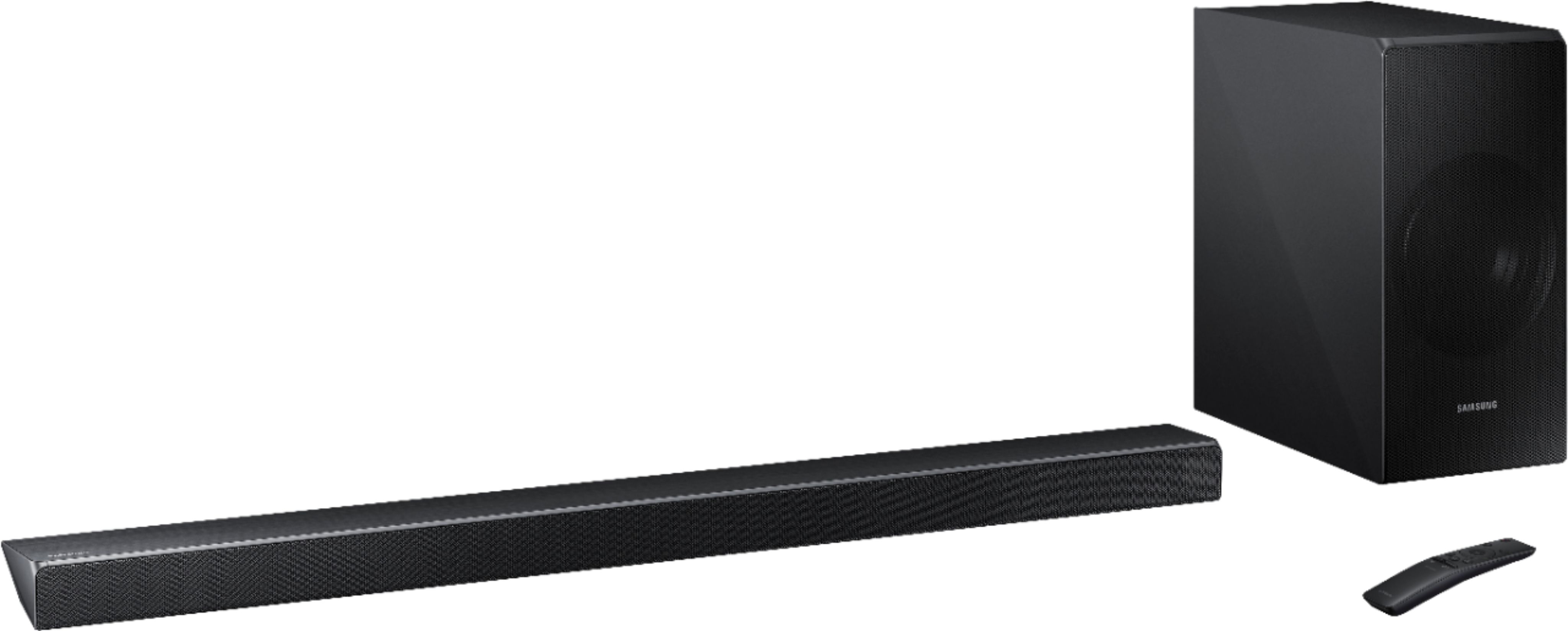
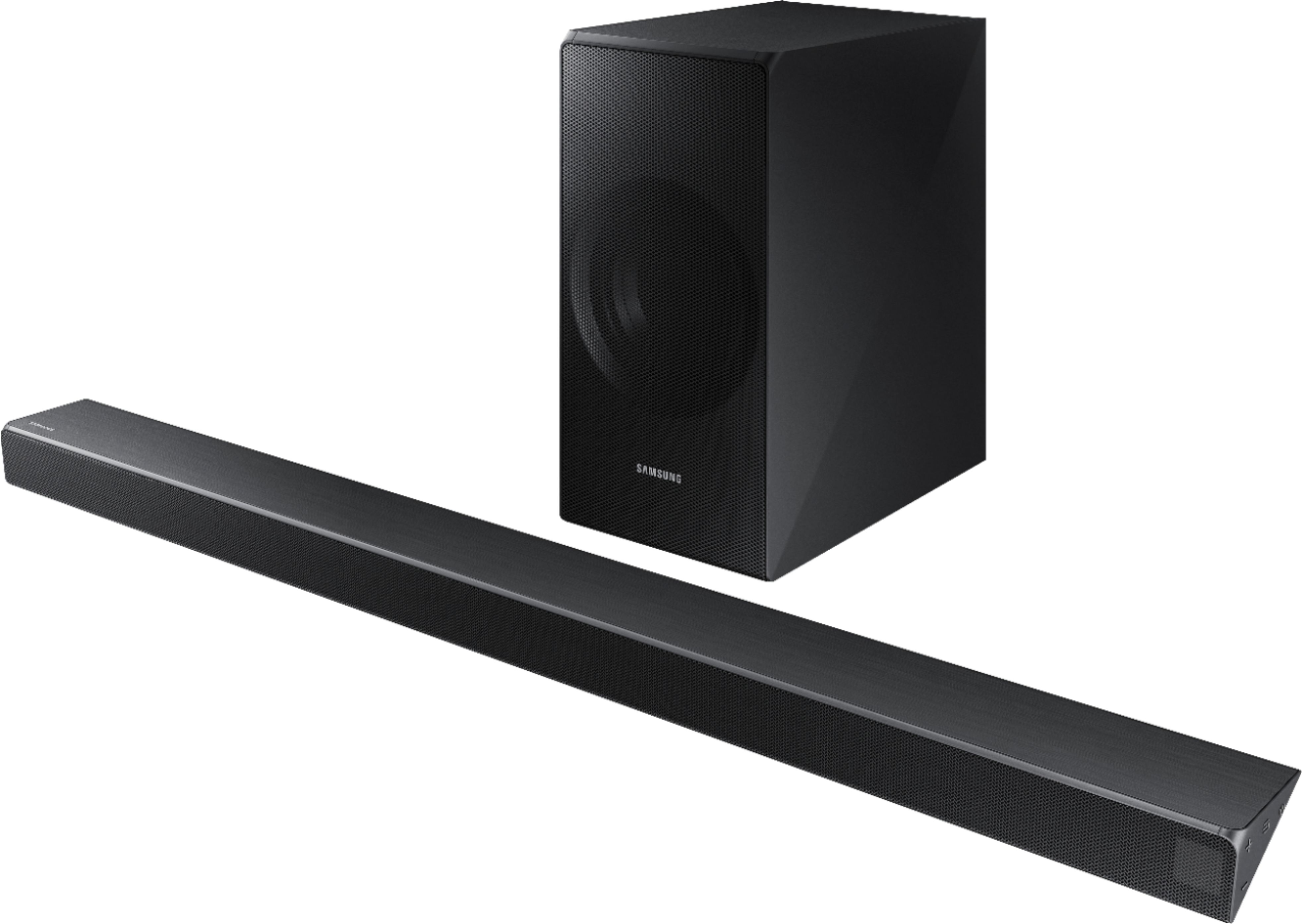

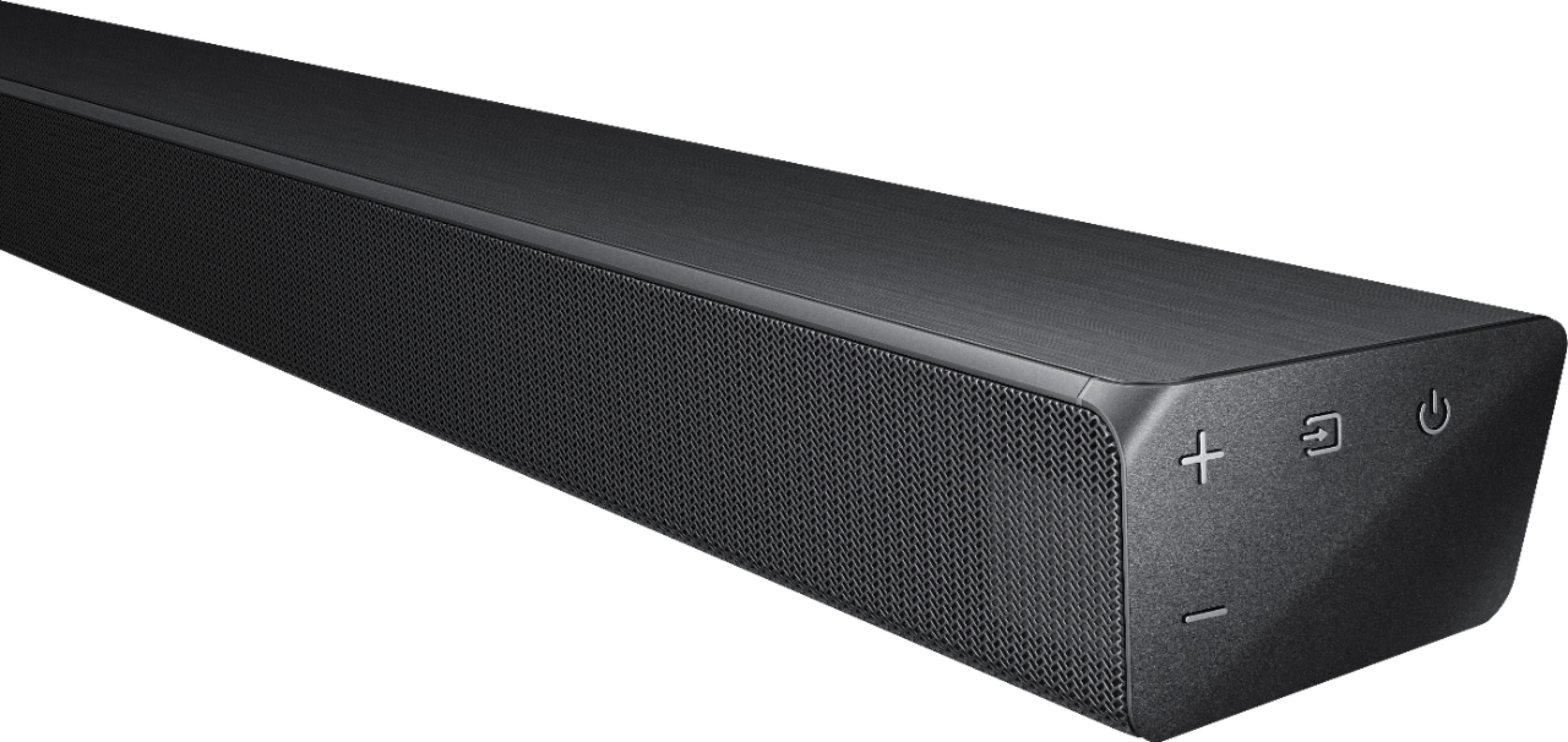
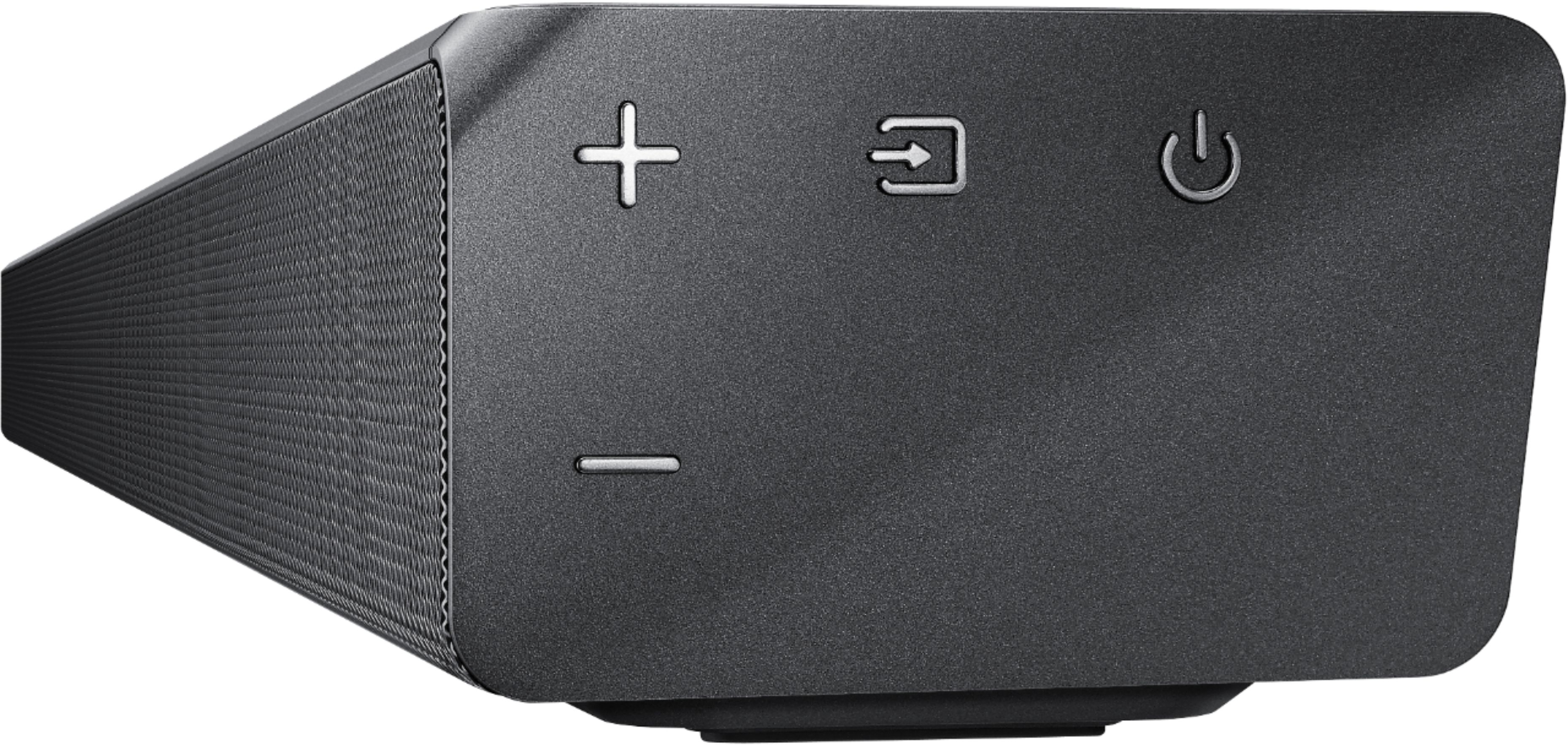
- Model:
- HW-N550/ZA
- SKU:
- 6199816
Rating by feature
- Value
Rating 4.2 out of 5 stars
- Quality
Rating 4.3 out of 5 stars
- Ease of Use
Rating 4.4 out of 5 stars
Customers are saying
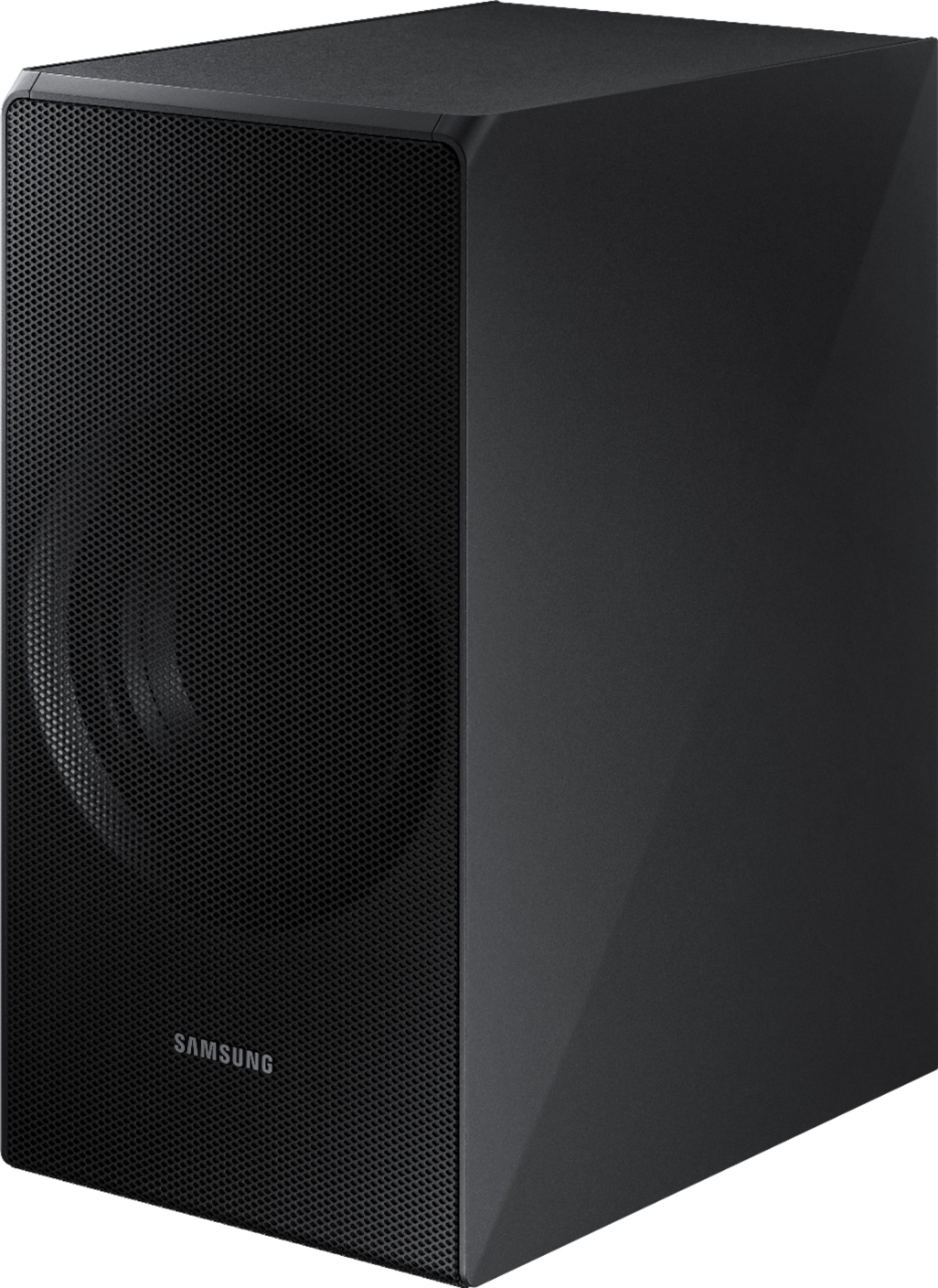
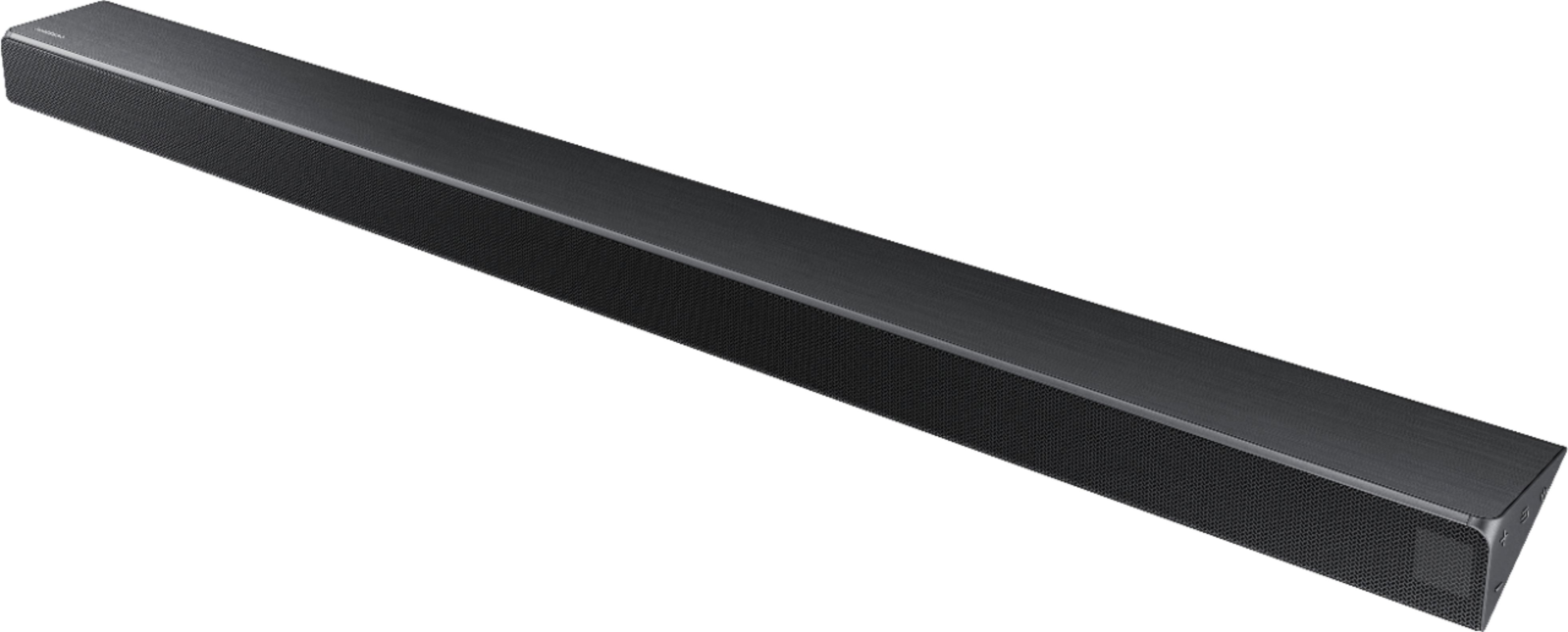
Customers praise the 3.1-Channel Soundbar System for its exceptional sound quality, describing it as excellent. They also appreciate the easy setup process, with comments highlighting how simple it is to connect and set up the device. While some customers mention that the bass could be stronger, the overall sentiment is positive, with many expressing satisfaction with the product's value for the price.
This summary was generated by AI based on customer reviews.
Good on the low end, not great with voices
||Posted . Owned for more than 2 years when reviewed.This reviewer received promo considerations or sweepstakes entry for writing a review.Movie sound and music are great through this system, the center channel is a bit weak in terms of voices and conversation within a show.
No, I would not recommend this to a friendGood!
||Posted .This reviewer received promo considerations or sweepstakes entry for writing a review.I purchased three (3) of these units. Some of the features could use some improvements. Trying to sink the sound to the Samsung HD TV periodically drop out.
I would recommend this to a friendBrand response from Samsung
Posted .Pastor:
I am very sorry to hear that you are experiencing out of sync sound issues with your TV.
So that we can better understand your usage scenario and assist with settings, please contact Samsung Customer Support at:
For further assistance on sound adjustment or other feature usages, please contact us via any of the below options:
1) Phone: 1-800-SAMSUNG (ask for Soundbars)
Available 8AM - 12AM EST (Mon-Fri) / 9AM - 11PM EST (Sat-Sun)
2) LiveChat or Email: https://www.samsung.com/us/support/#contact_us_for_support
3) Facebook Messenger: https://www.facebook.com/samsungsupport
4) Twitter: https://twitter.com/SamsungSupport
5) The Samsung Home Theater & Home Audio Community is also a great resource for getting help from Samsung moderators and customers: https://us.community.samsung.com/t5/Home-Theater-Home-Audio/bd-p/hometheaterhomeaudio
We hope to hear from you.
- Samsung Solutions
Sound better
||Posted .This reviewer received promo considerations or sweepstakes entry for writing a review.My husband are older and technologically challenged so have not gotten the wireless box connected so I think when we get that connected it will be excellent!!
I would recommend this to a friendBrand response from Samsung
Posted .Happy:
Thank you for purchasing this Samsung HW-N550 Soundbar System. I am sorry to hear that you are experiencing issues connecting the soundbar.
Please give us the opportunity to assist you by contacting Samsung Customer Support via any of the below options:
1) Phone: 1-800-SAMSUNG
2) LiveChat or Email: https://www.samsung.com/us/support/#contact_us_for_support
3) Facebook Messenger: http://m.me/samsungsupport
4) Twitter: https://twitter.com/messages/compose?recipient_id=18768513
We hope to hear from you soon.
- Samsung Solutions
Sound is adequate.
||Posted . Owned for 8 months when reviewed.This reviewer received promo considerations or sweepstakes entry for writing a review.Sound is adequate. The rear speakers have wires connected to a receiver I don't like that setup. When I upgrade my next purchase will be wireless.
No, I would not recommend this to a friendNice Sound
||Posted .This reviewer received promo considerations or sweepstakes entry for writing a review.Upgrading to the Samsung sound system with a 3.1 channel and subwoofer was a good choice. However, I feel the bass from the subwoofer could be better.
I would recommend this to a friendBrand response from Samsung
Posted .Ksgeek:
Thank you for purchasing this Samsung HW-N550 Soundbar System.
Your feedback is very important to us and the bass quality concerns will be shared with our product team.
If you ever have questions or need assistance, please know that Samsung is always here to help. You can reach us via one of the below options:
1) Phone: 1-800-SAMSUNG (ask for Soundbars)
Available 8AM - 12AM EST (Mon-Fri) / 9AM - 11PM EST (Sat-Sun)
2) LiveChat or Email: https://www.samsung.com/us/support/#contact_us_for_support
3) Facebook Messenger: https://www.facebook.com/samsungsupport
4) Twitter: https://twitter.com/SamsungSupport
The Samsung Home Theater & Home Audio Community is also a great resource for getting help from Samsung moderators and customers: https://us.community.samsung.com/t5/Home-Theater-Home-Audio/bd-p/hometheaterhomeaudio
Thank you for choosing Samsung!
- Samsung Solutions
Doesn’t sound like demo at store
||Posted .This reviewer received promo considerations or sweepstakes entry for writing a review.Was expecting a better sound experience based off of store demo. Listened to same movie effects as displayed in store, wasn’t the same. Sound is okay.
No, I would not recommend this to a friendBrand response from Samsung
Posted .Sam4:
Thank you for purchasing this Samsung HW-N550 Soundbar System. I am sorry to hear that you were not completely satisfied with its low volume.
Please check the connection between the Soundbar and other source devices, and try the following tips that may help improve the volume level.
1. Check the source volume. For example, if connected to a mobile phone using Bluetooth, increase the volume on the mobile phone.
2. If the Soundbar is connected to a TV thru HDMI, make sure to use the HDMI-ARC jack on the TV and select “External speakers” as the TV sound output.
3. Then check the TV for the audio output format sent to the Soundbar. Typical options are PCM, Dolby Digital, and Bitstream. Select the option that optimizes the sound from your source.
4. Change the SOUND MODE on the Soundbar by using the Soundbar’s remote. Select the appropriate mode for the individual room acoustics.
5. Turn on Dynamic Range Control. This is done by pressing and holding the SOUND MODE button on the remote control while the Soundbar is in standby mode.
I hope these tips help to enhance your audio enjoyment.
For further assistance on sound adjustment or other feature usages, please contact us via any of the below options:
1) Phone: 1-800-SAMSUNG (ask for Soundbars)
Available 8AM - 12AM EST (Mon-Fri) / 9AM - 11PM EST (Sat-Sun)
2) LiveChat or Email: https://www.samsung.com/us/support/#contact_us_for_support
3) Facebook Messenger: https://www.facebook.com/samsungsupport
4) Twitter: https://twitter.com/SamsungSupport
5) The Samsung Home Theater & Home Audio Community is also a great resource for getting help from Samsung moderators and customers: https://us.community.samsung.com/t5/Home-Theater-Home-Audio/bd-p/hometheaterhomeaudio
- Samsung Solutions
produces allot of volume.
||Posted . Owned for 1 year when reviewed.This reviewer received promo considerations or sweepstakes entry for writing a review.Bought to get more voice control when streaming Netfix. Still cannot do that. I do have low rent enternet where I am located.
I would recommend this to a friend- Cons mentioned:Bass
Open box not so special
||Posted .This reviewer received promo considerations or sweepstakes entry for writing a review.Bought to go with rear speakers subwoofer defective would not connect returned for credit did not repurchase
No, I would not recommend this to a friendBrand response from Samsung
Posted .Kevintrux:
I am very sorry to see that you have encountered connection issues with this Samsung N550 Soundbar and have returned it.
Should you ever decide to purchase another Samsung soundbar and run into issues or have questions, please know that we are always here to help and can be reached at the following:
1) Phone: 1-800-SAMSUNG
2) LiveChat or Email: https://www.samsung.com/us/support/#contact_us_for_support
3) Facebook Messenger: http://m.me/samsungsupport
4) Twitter: https://twitter.com/messages/compose?recipient_id=18768513
Again, I am very sorry for the inconveniences you had, and hope that we will regain you as a customer.
- Samsung Solution
Sounds great but not compatible
||Posted .This reviewer received promo considerations or sweepstakes entry for writing a review.Sound bar was purchased by my husband to replace our current LG sound bar but this one was would not work with our wireless keyboard.
I would recommend this to a friendYou get what you paid for.
||Posted .This reviewer received promo considerations or sweepstakes entry for writing a review.I’ve had to get another system because the ones I bought messed up within a few hours. The sub is nice but the sound bar messes up easy.
No, I would not recommend this to a friendBrand response from Samsung
Posted .Chai82:
I am very sorry to see that you have encountered issues with the Samsung HW-N550 Soundbar System. We hope that you will give us a chance to assist with troubleshooting or warranty service.
Samsung products are engineered to the highest standards of performance and quality and we back your Samsung soundbar with a 1-year limited manufacturer's warranty, if purchased brand-new from an authorized dealer.
For further assistance or begin warranty service, please contact Samsung Customer Support via:
1) Phone: 1-800-SAMSUNG
2) LiveChat or Email: https://www.samsung.com/us/support/#contact_us_for_support
3) Facebook Messenger: http://m.me/samsungsupport
4) Twitter: https://twitter.com/messages/compose?recipient_id=18768513
Samsung is committed to providing the best possible product experience, quality, and value, and we are always here to help with any of your questions or concerns.
- Samsung Solutions
so-so
||Posted .This reviewer received promo considerations or sweepstakes entry for writing a review.HAD SOUND BAR INSTALLED BY A PROFESSIONAL. SEEMS ORIGINAL TV SPEAKERS WERE BETTER THAN I THOUGHT. NOT MUCH DIFFERENCE IN SOUND QUALITY.
I would recommend this to a friendBrand response from Samsung
Posted .kidbick:
Thank you for purchasing this Samsung HW-N550 Soundbar System. I am sorry to hear that you were not completely satisfied with its low volume.
Please check the connection between the Soundbar and other source devices, and try the following tips that may help improve the volume level.
1. Check the source volume. For example, if connected to a mobile phone using Bluetooth, increase the volume on the mobile phone.
2. If the Soundbar is connected to a TV thru HDMI, make sure to use the HDMI-ARC jack on the TV and select “External speakers” as the TV sound output.
3. Then check the TV for the audio output format sent to the Soundbar. Typical options are PCM, Dolby Digital, and Bitstream. Select the option that optimizes the sound from your source.
4. Change the SOUND MODE on the Soundbar by using the Soundbar’s remote. Select the appropriate mode for the individual room acoustics.
5. Turn on Dynamic Range Control. This is done by pressing and holding the SOUND MODE button on the remote control while the Soundbar is in standby mode.
I hope these tips help to enhance your audio enjoyment.
For further assistance on sound adjustment or other feature usages, please contact us via any of the below options:
1) Phone: 1-800-SAMSUNG (ask for Soundbars)
Available 8AM - 12AM EST (Mon-Fri) / 9AM - 11PM EST (Sat-Sun)
2) LiveChat or Email: https://www.samsung.com/us/support/#contact_us_for_support
3) Facebook Messenger: https://www.facebook.com/samsungsupport
4) Twitter: https://twitter.com/SamsungSupport
5) The Samsung Home Theater & Home Audio Community is also a great resource for getting help from Samsung moderators and customers: https://us.community.samsung.com/t5/Home-Theater-Home-Audio/bd-p/hometheaterhomeaudio
- Samsung Solutions
Average system
||Posted .This reviewer received promo considerations or sweepstakes entry for writing a review.For the price and build up not as good as hoped. Over based when woofer on. Had to disconnect. Not much better than the TV speakers.
No, I would not recommend this to a friendBrand response from Samsung
Posted .Larryd:
Thank you for purchasing this Samsung HW-N550 Soundbar System. I am sorry to hear that you were not completely satisfied with its sound performance.
Our customer care representatives are always here to help with sound setting adjustment to make your audio experience more tailored to your home entertainment environment.
You can reach us via any of the below options:
1) Phone: 1-800-SAMSUNG (ask for Soundbars)
Available 8AM - 12AM EST (Mon-Fri) / 9AM - 11PM EST (Sat-Sun)
2) LiveChat or Email: https://www.samsung.com/us/support/#contact_us_for_support
3) Facebook Messenger: https://www.facebook.com/samsungsupport
4) Twitter: https://twitter.com/SamsungSupport
The Samsung Home Theater & Home Audio Community is also a great resource for getting help from Samsung moderators and customers: https://us.community.samsung.com/t5/Home-Theater-Home-Audio/bd-p/hometheaterhomeaudio
Again, thank you for taking the time to share your experience. We hope to hear from you soon.
- Samsung Solutions
Ok surround sound
||Posted .This reviewer received promo considerations or sweepstakes entry for writing a review.This sound bar sub woofer is ok for living room that is small to average size. Not as loud as I would like it to be. Only two settings.
I would recommend this to a friendIt’s good sound for a small rooom
||Posted .This reviewer received promo considerations or sweepstakes entry for writing a review.It’s not as good as i thought it would be. But maybe because my room it’s in has high ceilings. Not as good as surround sound.
I would recommend this to a friendBrand response from Samsung
Posted .Robin:
Thank you for purchasing this Samsung HW-N550 Soundbar System. I am sorry to hear that you were not completely satisfied with its low volume.
Please check the connection between the Soundbar and other source devices, and try the following tips that may help improve the volume level.
1. Check the source volume. For example, if connected to a mobile phone using Bluetooth, increase the volume on the mobile phone.
2. If the Soundbar is connected to a TV thru HDMI, make sure to use the HDMI-ARC jack on the TV and select “External speakers” as the TV sound output.
3. Then check the TV for the audio output format sent to the Soundbar. Typical options are PCM, Dolby Digital, and Bitstream. Select the option that optimizes the sound from your source.
4. Change the SOUND MODE on the Soundbar by using the Soundbar’s remote. Select the appropriate mode for the individual room acoustics.
5. Turn on Dynamic Range Control. This is done by pressing and holding the SOUND MODE button on the remote control while the Soundbar is in standby mode.
I hope these tips help to enhance your audio enjoyment.
For further assistance on sound adjustment or other feature usages, please contact us via any of the below options:
1) Phone: 1-800-SAMSUNG (ask for Soundbars)
Available 8AM - 12AM EST (Mon-Fri) / 9AM - 11PM EST (Sat-Sun)
2) LiveChat or Email: https://www.samsung.com/us/support/#contact_us_for_support
3) Facebook Messenger: https://www.facebook.com/samsungsupport
4) Twitter: https://twitter.com/SamsungSupport
5) The Samsung Home Theater & Home Audio Community is also a great resource for getting help from Samsung moderators and customers: https://us.community.samsung.com/t5/Home-Theater-Home-Audio/bd-p/hometheaterhomeaudio
- Samsung Solutions
Ok quality
||Posted .This reviewer received promo considerations or sweepstakes entry for writing a review.I bought a Samsung tv and wanted better sound. This soundbar is ok but not mind blowing. Don't think it is worth the money.
No, I would not recommend this to a friendBrand response from Samsung
Posted .Apple:
Thank you for purchasing this Samsung HW-N550 Soundbar System.
If you ever have questions or need assistance, please know that Samsung is always here to help. You can reach us via any of the following options:
1) Phone: 1-800-SAMSUNG (ask for Soundbars)
Available 8AM - 12AM EST (Mon-Fri) / 9AM - 11PM EST (Sat-Sun)
2) LiveChat or Email: https://www.samsung.com/us/support/#contact_us_for_support
3) Facebook Messenger: https://www.facebook.com/samsungsupport
4) Twitter: https://twitter.com/SamsungSupport
5) The Samsung Home Theater & Home Audio Community is also a great resource for getting help from Samsung moderators and customers: https://us.community.samsung.com/t5/Home-Theater-Home-Audio/bd-p/hometheaterhomeaudio
We greatly value your review and will share your user experience with our product team.
- Samsung Solutions
Hoping for more
||Posted .This reviewer received promo considerations or sweepstakes entry for writing a review.This was my third sound bar so far. Was hoping for more that previous bars. Just does not have the mid range for voices.
No, I would not recommend this to a friendBrand response from Samsung
Posted .goodsound:
I am glad to see that you are enjoying the sound quality of this Samsung HW-N550 Soundbar.
I am sorry that you found the mid range for voices to be lacking. Your thoughts on this will be shared with our product team.
If you ever have questions or need assistance, please know that Samsung is always here to help. You can reach us via any of the following options:
1) Phone: 1-800-SAMSUNG (ask for Soundbars)
Available 8AM - 12AM EST (Mon-Fri) / 9AM - 11PM EST (Sat-Sun)
2) LiveChat or Email: https://www.samsung.com/us/support/#contact_us_for_support
3) Facebook Messenger: https://www.facebook.com/samsungsupport
4) Twitter: https://twitter.com/SamsungSupport
The Samsung Home Theater & Home Audio Community is also a great resource for getting help from Samsung moderators and customers: https://us.community.samsung.com/t5/Home-Theater-Home-Audio/bd-p/hometheaterhomeaudio
Thank you for choosing Samsung.
- Samsung Solutions
Average buy
||Posted .This reviewer received promo considerations or sweepstakes entry for writing a review.I wasn't blown away by the sound one we got it home. The clarity is great but the volume isn't loud enough for my liking.
No, I would not recommend this to a friendBrand response from Samsung
Posted .Pluto:
Thank you for purchasing this Samsung HW-N550 Soundbar System. I am sorry to hear that you were not completely satisfied with its low volume.
Please check the connection between the Soundbar and other source devices, and try the following tips that may help improve the volume level.
1. Check the source volume. For example, if connected to a mobile phone using Bluetooth, increase the volume on the mobile phone.
2. If the Soundbar is connected to a TV thru HDMI, make sure to use the HDMI-ARC jack on the TV and select “External speakers” as the TV sound output.
3. Then check the TV for the audio output format sent to the Soundbar. Typical options are PCM, Dolby Digital, and Bitstream. Select the option that optimizes the sound from your source.
4. Change the SOUND MODE on the Soundbar by using the Soundbar’s remote. Select the appropriate mode for the individual room acoustics.
5. Turn on Dynamic Range Control. This is done by pressing and holding the SOUND MODE button on the remote control while the Soundbar is in standby mode.
I hope these tips help to enhance your audio enjoyment.
For further assistance on sound adjustment or other feature usages, please contact us via any of the below options:
1) Phone: 1-800-SAMSUNG (ask for Soundbars)
Available 8AM - 12AM EST (Mon-Fri) / 9AM - 11PM EST (Sat-Sun)
2) LiveChat or Email: https://www.samsung.com/us/support/#contact_us_for_support
3) Facebook Messenger: https://www.facebook.com/samsungsupport
4) Twitter: https://twitter.com/SamsungSupport
5) The Samsung Home Theater & Home Audio Community is also a great resource for getting help from Samsung moderators and customers: https://us.community.samsung.com/t5/Home-Theater-Home-Audio/bd-p/hometheaterhomeaudio
- Samsung Solutions
Look elsewhere!
||Posted .This reviewer received promo considerations or sweepstakes entry for writing a review.I enjoy Samsung products and I exclusively buy their TV'S but this soundbar misses the mark. I purchased to go along with a Samsung Q6F 49" TV. The speakers included with the TV sound better than the soundbar no matter which way you set it up. Not asking a lot out of it either as it is setup in the bedroom! I will be returning to the store. I would continue to look elsewhere before buying this unit.
No, I would not recommend this to a friendBrand response from Samsung
Posted .Dtechmojo:
Thank you for your review of this Samsung Soundbar System. I am sorry to hear that it did not work out for you and have returned it.
Your feedback is very important to us and will be shared with our product team.
Should you ever decide to give Samsung audio products another try and have concerns or questions, please know we are always here to help. You can contact Samsung Customer Support by any of the below options:
1) Phone: 1-800-SAMSUNG
2) LiveChat or Email: https://www.samsung.com/us/support/#contact_us_for_support
3) Facebook Messenger: http://m.me/samsungsupport
4) Twitter: https://twitter.com/messages/compose?recipient_id=18768513
Again, thank you for taking the time to share your experience. We hope to regain you as a customer in the near future.
- Samsung Solutions
Sound
||Posted . Owned for 11 months when reviewed.This reviewer received promo considerations or sweepstakes entry for writing a review.The sound needs more clarity, for the price I paid it’s not worth it. I’ll keep shopping for another one.
No, I would not recommend this to a friendSound
||Posted . Owned for more than 2 years when reviewed.This reviewer received promo considerations or sweepstakes entry for writing a review.Its works good not that much base but fir now until i save for a better one it does its job
No, I would not recommend this to a friend