Customer Ratings & Reviews
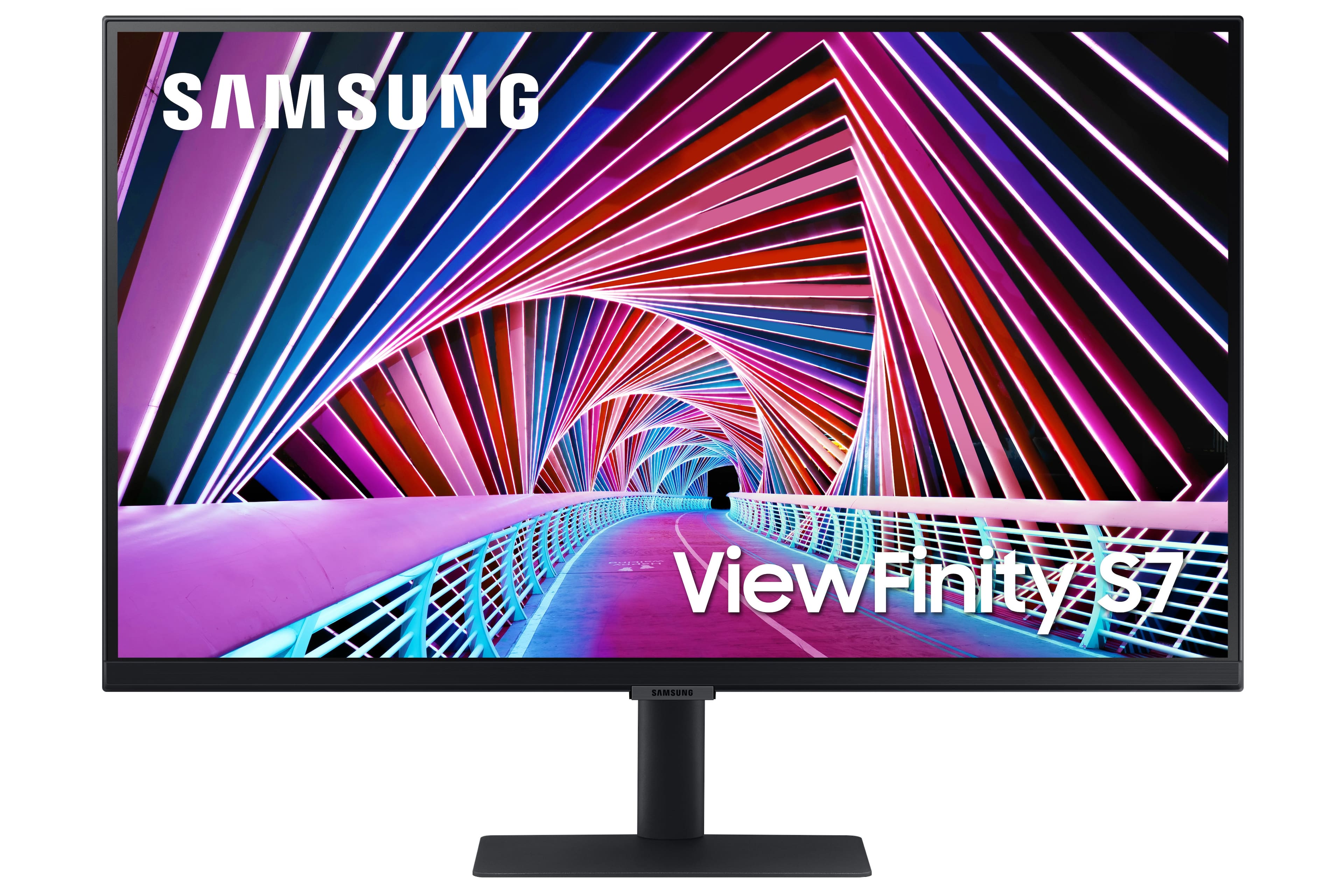
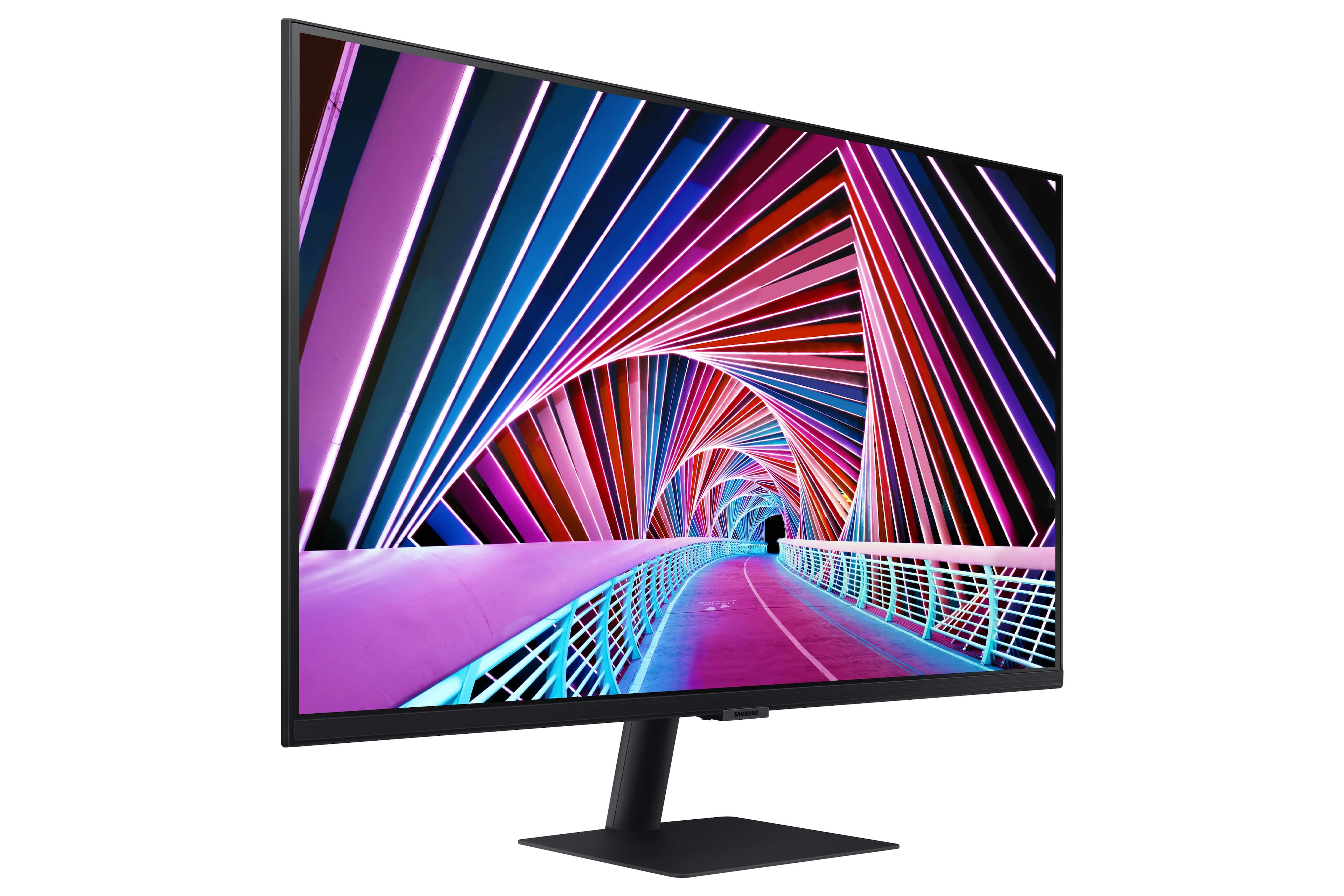
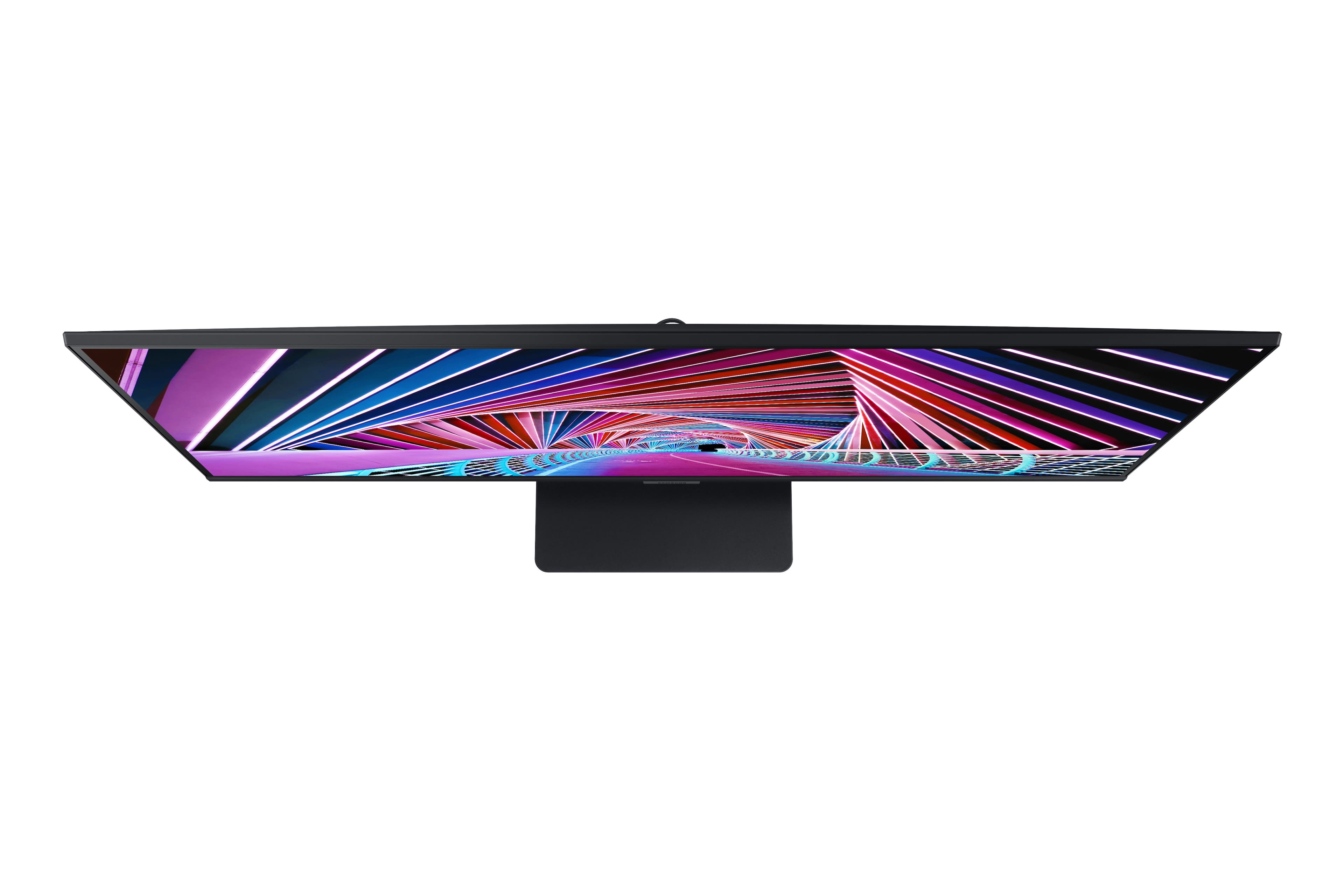
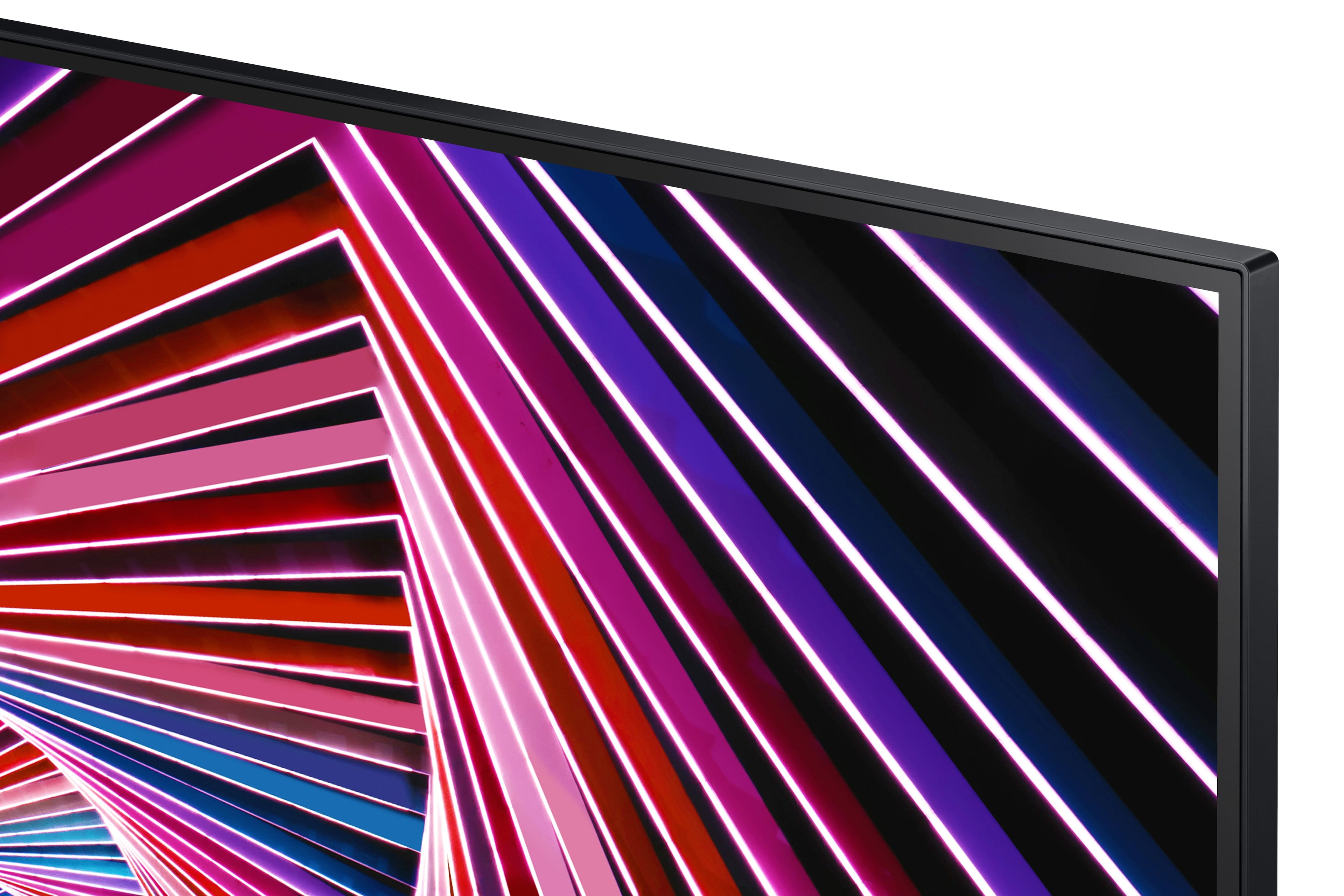
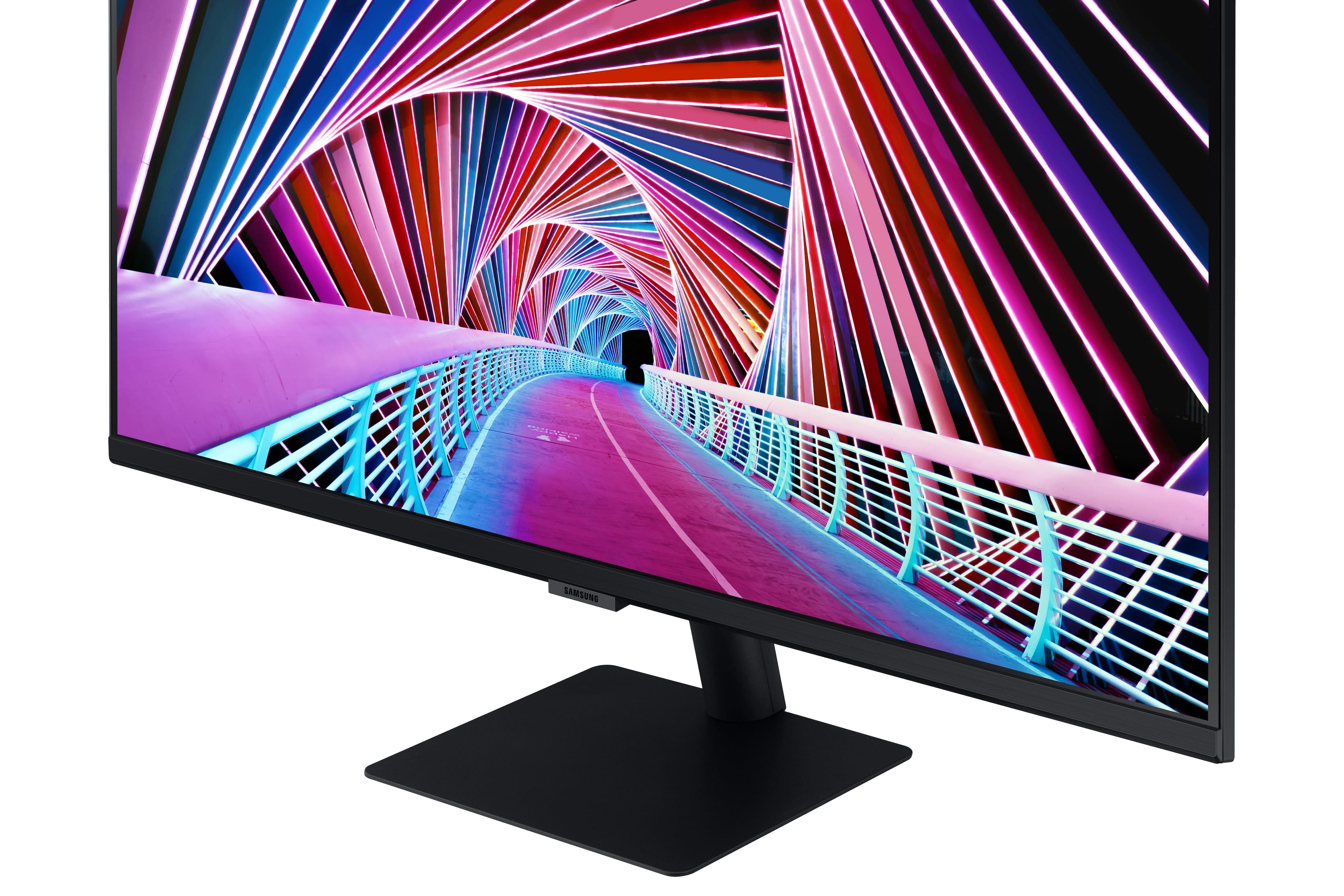
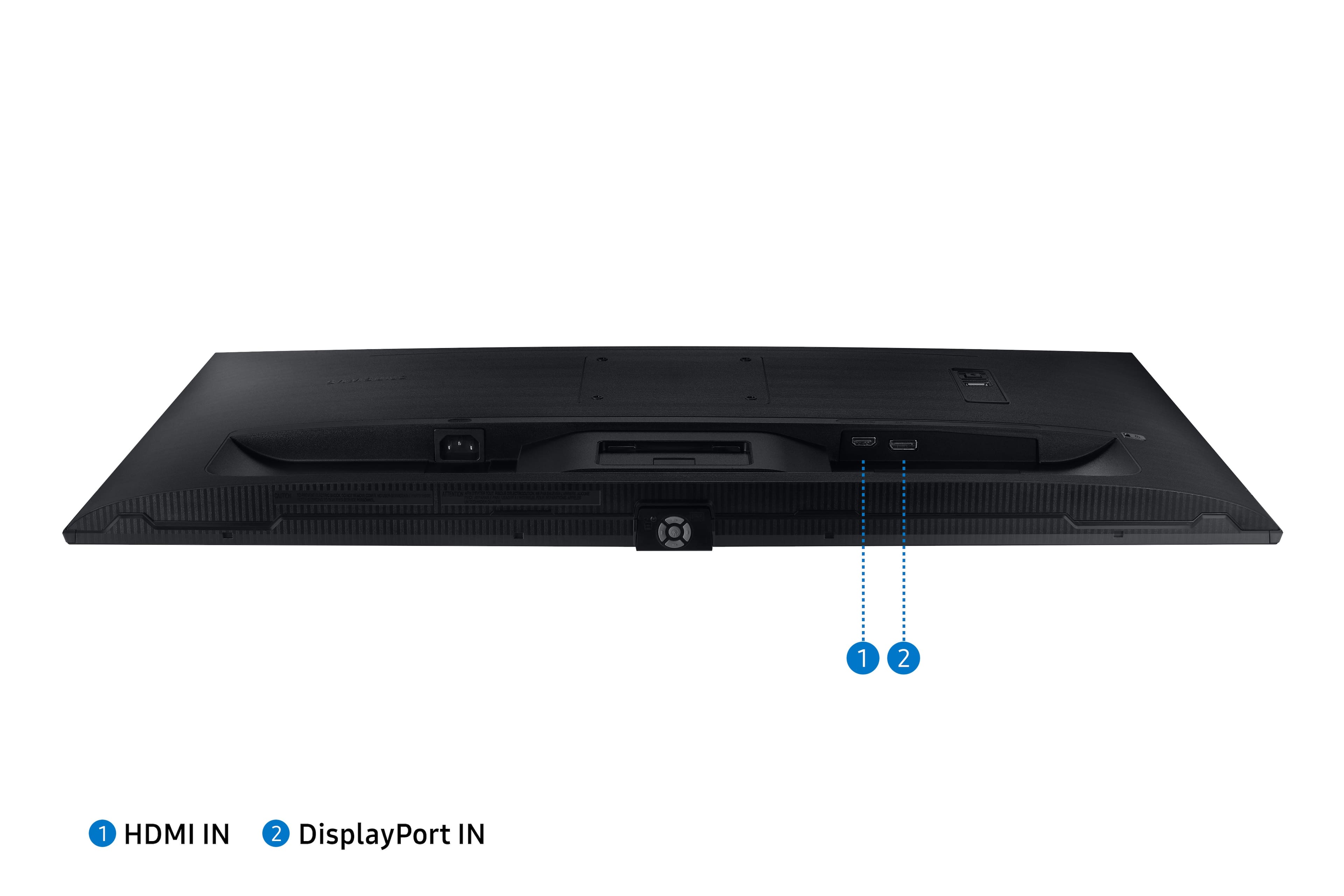
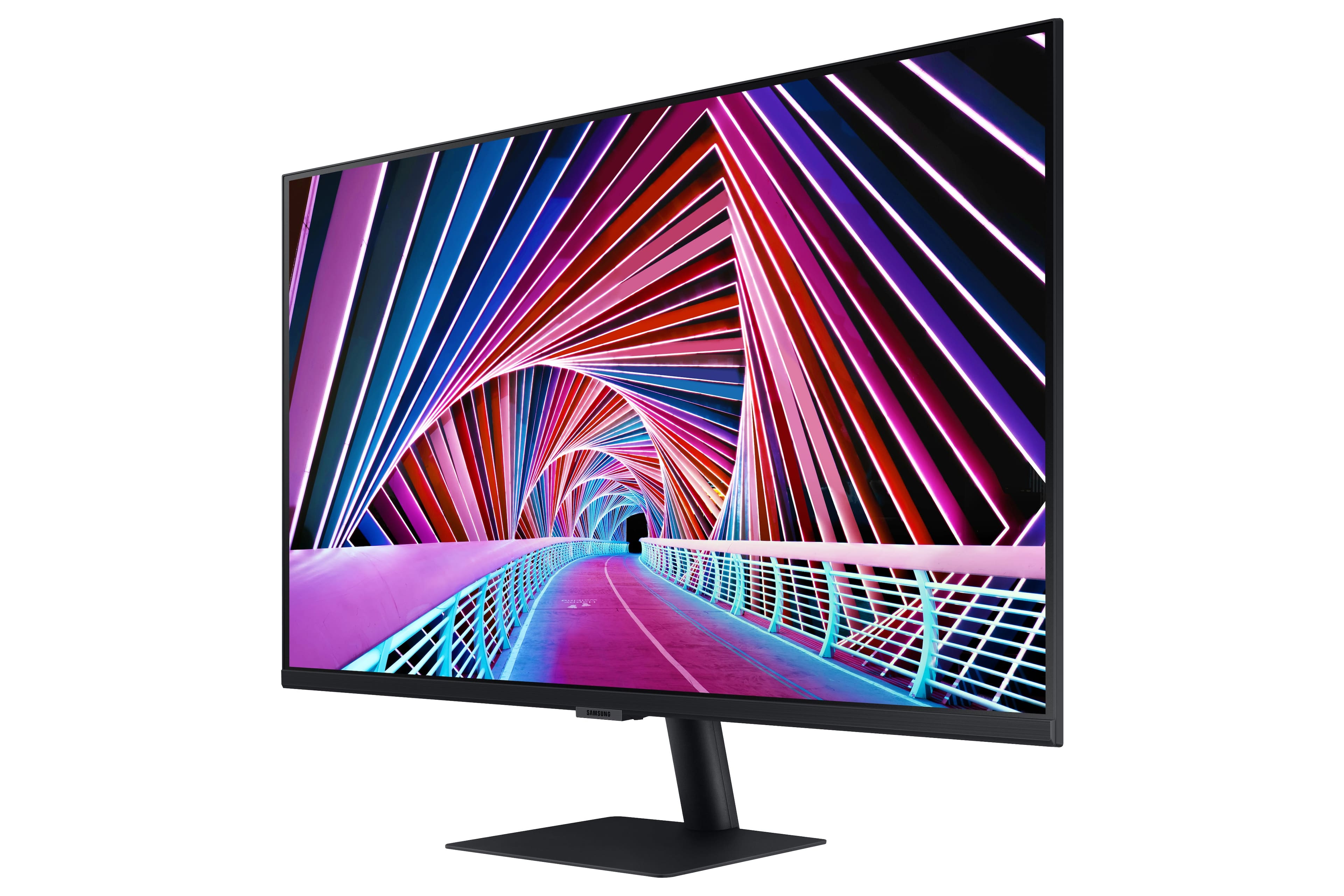
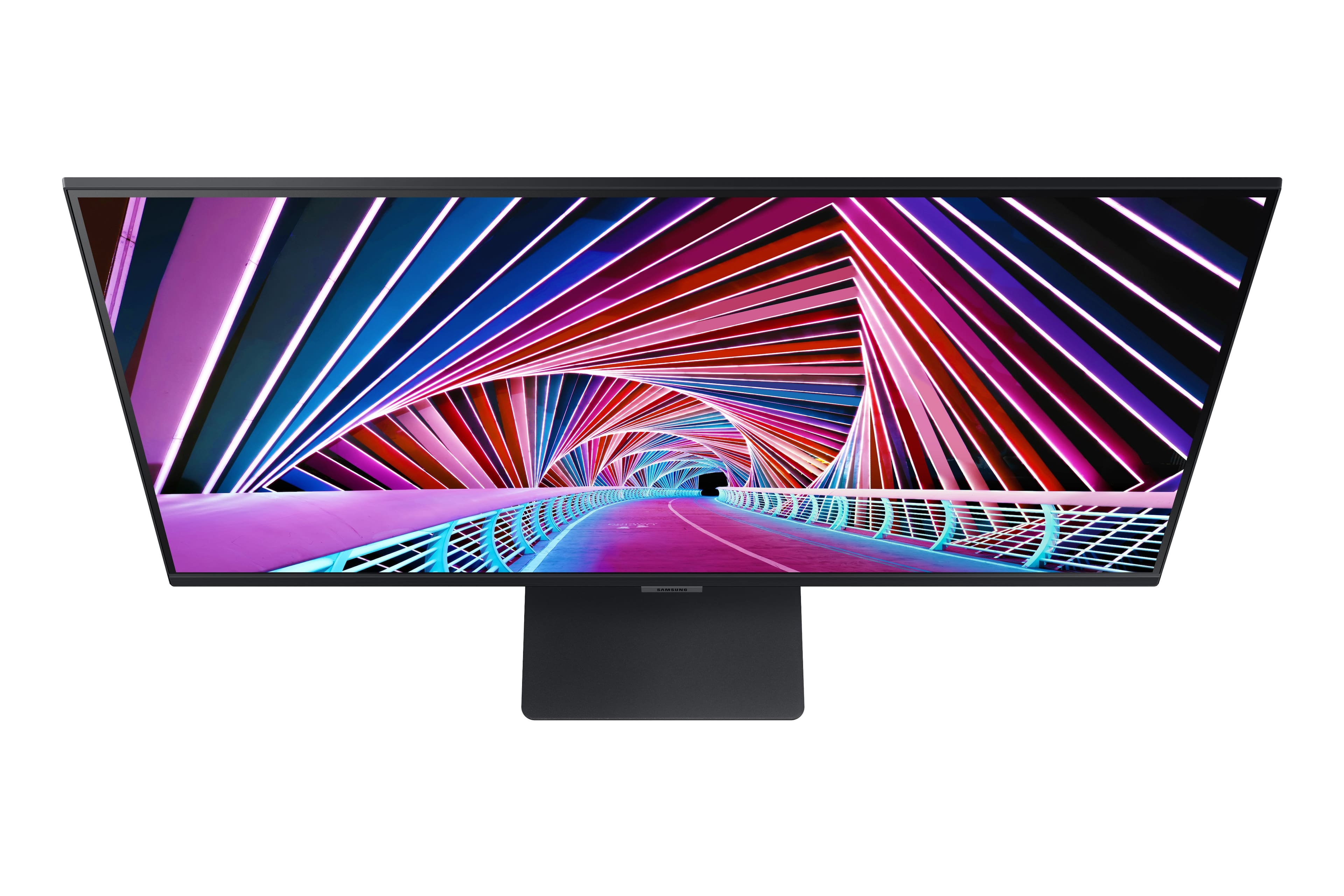
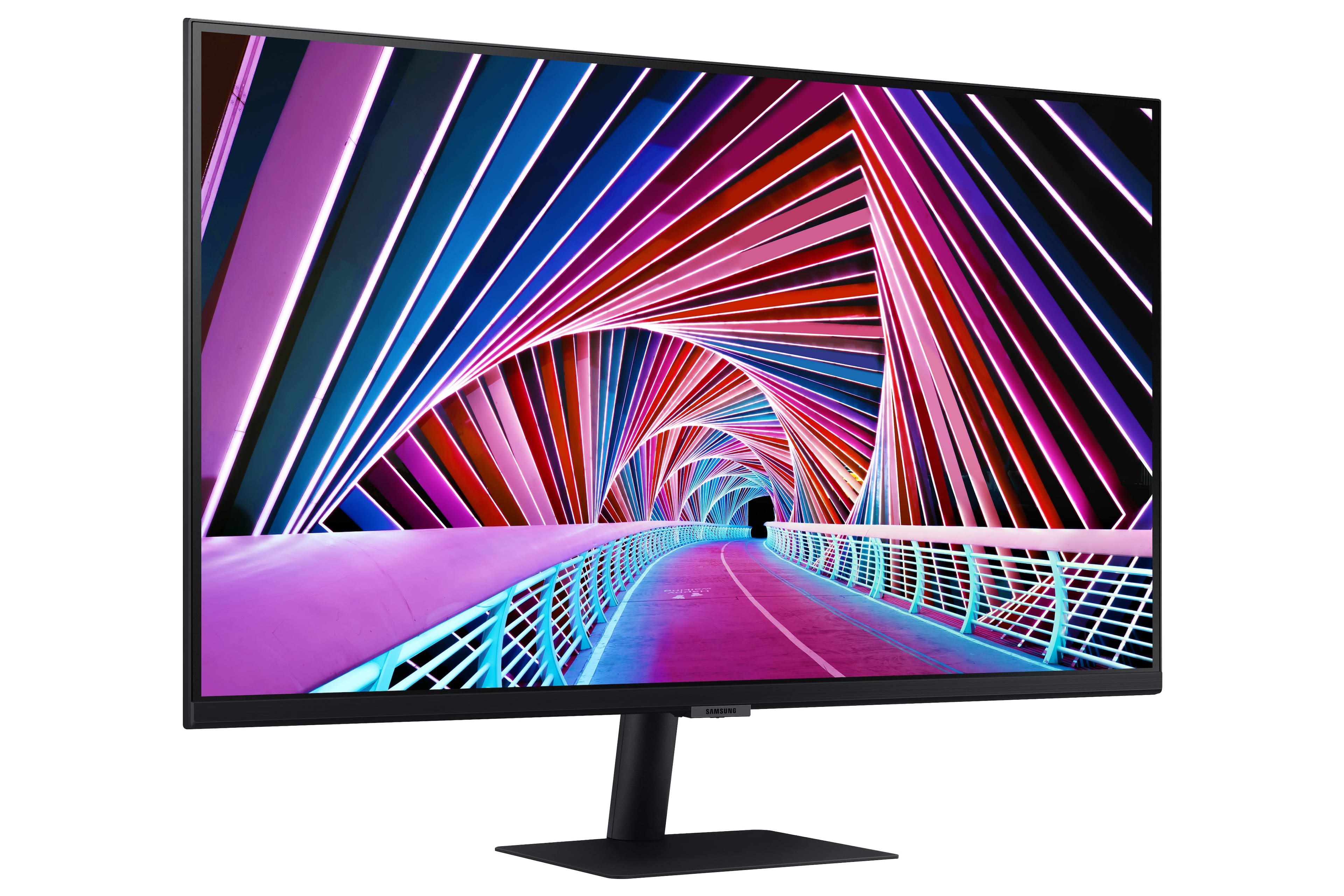
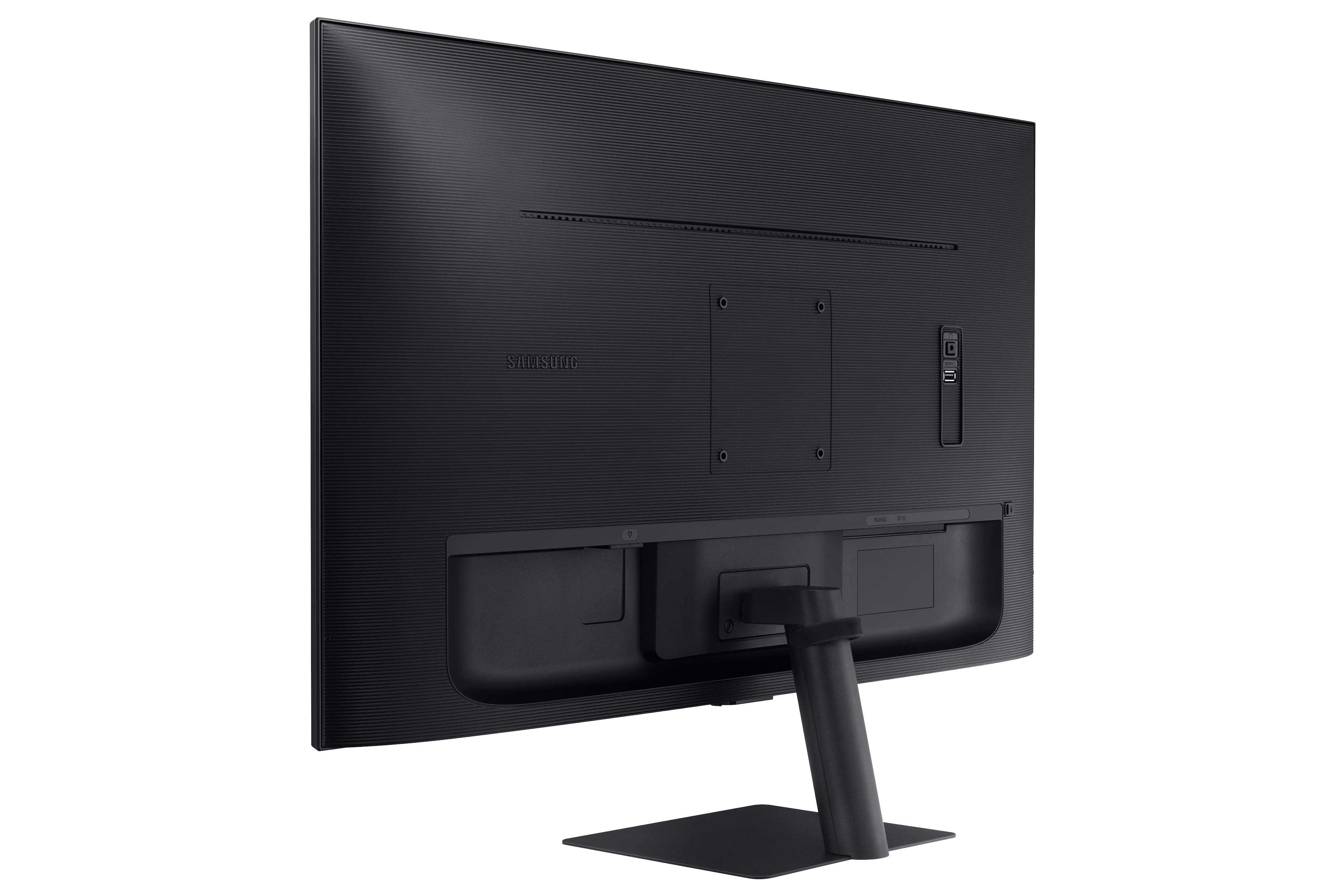
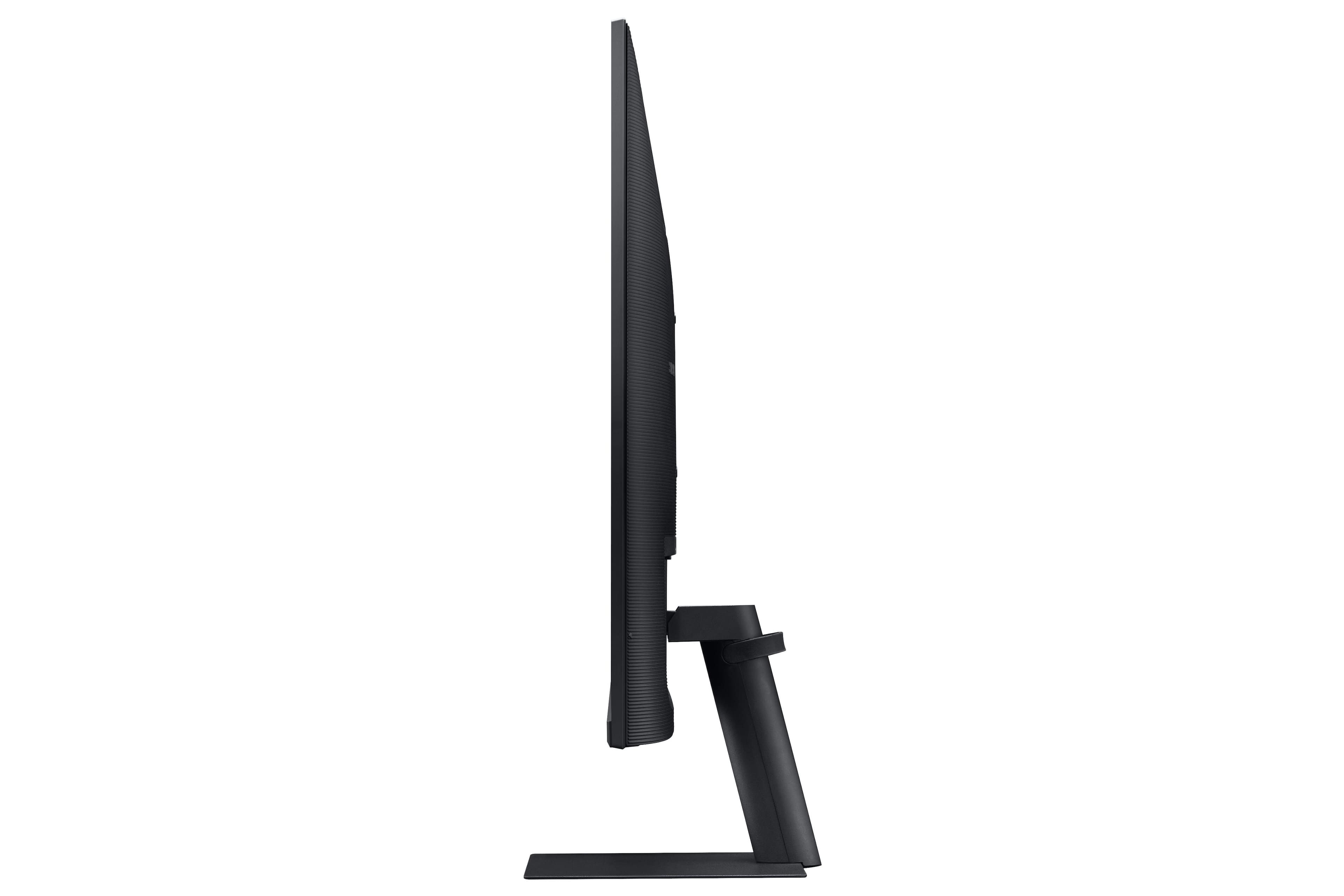
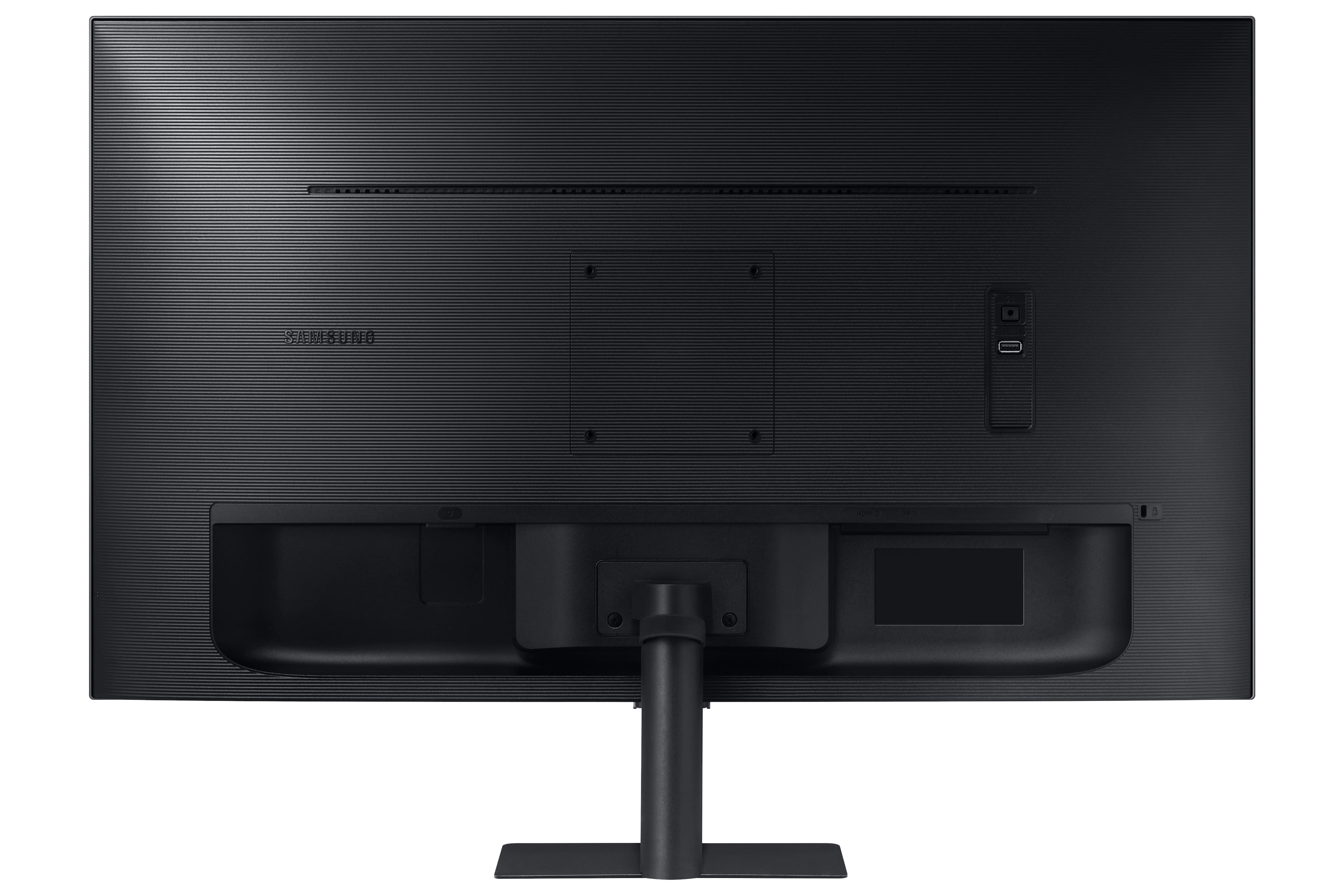
- Model:
- LS32A700NWNXZA
- SKU:
- 6451095
Rating by feature
- Display Quality
Rating 4.7 out of 5 stars
- Ease of Use
Rating 4.5 out of 5 stars
- Features
Rating 4.4 out of 5 stars
Customers are saying
Customers find value in the Samsung - 32" ViewFinity S7 4K UHD Monitor's large screen size, excellent picture quality, and high resolution. Many appreciate its ease of use and HDR capabilities, resulting in vivid colors and great performance for both work and entertainment. However, some users express dissatisfaction with the fixed height stand and the monitor's 60Hz refresh rate. The lack of built-in speakers is also a point of concern for a few customers.
This summary was generated by AI based on customer reviews.
Kinda expected—returned
||Posted . Owned for 1 week when reviewed.This reviewer received promo considerations or sweepstakes entry for writing a review.Purchase the open box and it had pixels missing. The brightness and contrast made the image look very bland.
No, I would not recommend this to a friendMonitor
||Posted .This reviewer received promo considerations or sweepstakes entry for writing a review.Frequent black screens. Can’t access control model on monitor. Chat with Samsung to resolve of no value
No, I would not recommend this to a friendTwo in a roll
||Posted . Owned for less than 1 week when reviewed.This reviewer received promo considerations or sweepstakes entry for writing a review.Got it replaced once and they were broken out brand new i wont be doing it a third.
No, I would not recommend this to a friendNeed some tape
||Posted . Owned for 2 weeks when reviewed.This reviewer received promo considerations or sweepstakes entry for writing a review.The bottom on the screen started coming off, $400 and it cant even stick together correctly...
No, I would not recommend this to a friendBrand response from Samsung
Posted .I am very sorry to see that you have encountered issues with the Samsung - A700 Series 32" LED 4K UHD Monitor. I understand your disappointment and hope that you will give us a chance to assist with troubleshooting or warranty service.
Samsung products are engineered to the highest standards of performance and quality and we back this model with a 1-year limited manufacturer's warranty, if purchased brand-new from an authorized dealer.
For further assistance or to begin warranty service, please contact Samsung Customer Support via:
1-800-SAMSUNG, available 8AM - 12AM EST (Mon-Fri) / 9AM - 11PM EST (Sat-Sun)
Samsung is committed to providing the best possible product experience, quality, and value, and we are always here to help with any of your questions or concerns.
Not Recommended
||Posted . Owned for 3 weeks when reviewed.This reviewer received promo considerations or sweepstakes entry for writing a review.Images were okay. Text reading is terrible. I returned it.
No, I would not recommend this to a friend
Good Monitor, but not for multi-computers
|Posted .This reviewer received promo considerations or sweepstakes entry for writing a review.So I really really wanted to love this monitor, and it has some amazing features to it, but just came up a bit short for my usage... This monitor is VERY lightweight for it size, which is nice. Simple stand is include, or you can get a 3rd party mounting arm/bracket. You should have no issues with any VESA mount for this, and be able to use the monitor horizontal, or if you have the space... vertical. Simple power cord design, nothing unique or crazy, just connects right to the monitor with no separate monitor, which makes cable management a breeze. Connectivty: HDMI or DisplayPort. So you can go with either method depending on your video card support. So I tested these with my 2019 Mac mini, and 2019 Mac Book Pro. When directly connected (key phrase, for my updates later), I had a good experience with the monitor. it allowed for a very high resolution, which resulted in tiny icons and text. So if you have good eyes, you will get massive screen space to work with. I could NOT get the monitor to support 2560x1440 scaled resolution which the monitor I was replacing was maxed out. that was a good compromise between the max resolution of this one, and the standard HD 1920 resolution. Not sure if that was because neither Mac could communicate with the monitor properly to get that resolution, or it just was not supported. This was with both Catilina on one and Big Sur on another. The screen is "darker" then other monitors. Even at full brightness, I found the screen to be dark. I am in a fully lighted office with natural and artificial light sources, and at 100% brightness, the screen at it's high resolution was still dark to me. I did not test the audio outputs of the monitor, as I have dedicated speakers for output. My main issue with the monitor, is while it did work very well when single connected to a computer, and using it's built in PIP functions. It does NOT like being connected to any type of KVM. (Keyboard Video Mouse switch). In my office I have 3 computers, two Macs and a Windows. I started with my IOGear DisplayPort KVM, which has been working fine for years with multiple monitors and computers over the time. Nothing I could do would get this monitor to display when connected via the DisplayPort KVM. I tried new cables, with no adapters, with a new docking port. Simply would not show a picture and sync with the computer. So I purchase an HDMI 4K based KVM.. and it DID work via HDMI. However. Since the HDMI signal would not go to 60hz, every single time I switched computers, I would get a nag on the screen that I was not at the Optimal resolution.. .and that I should switch. The max the computer through HDMI and the switch would go is 30hz, so I couldn't go any higher. There was no option in the monitor menu, to turn this nag message off. After two days, of every single time I switched computers having to manually dismiss this warning, I gave up... I will be moving this monitor to another computer setup we have in the house, and I will be putting my old monitor back at my desk. So this is a good monitor for most, and most won't have any issues. But for me, just missed the mark.
I would recommend this to a friendDecent, but room for improvement
|Posted .This reviewer received promo considerations or sweepstakes entry for writing a review.A 32" monitor sitting on my desk is quite the wonder to behold, and in 4k to boot, really starts with my expectations pretty high. But turning it on, it does look great in 4k, but something just constantly feels off. And after playing with it for awhile, I think it's real problem is viewing angles. I do thing the color reproduction is very good (though perhaps could be "punchier", but it loses its effect because I think this monitor has very poor viewing angles. It very quickly loses contrast if you're not looking at it dead on, and since it's 32", and meant for a desk, unless you're 2-3 feet back, you're going to have some sharp angles towards the edges, which make them feel washed out. So this monitor probably works better in an environment where you are able to set it further back on your viewing position. Of course, that might defeat some of the benefits of a 4k 32" monitor, because if it's sitting further back you will have to increase the scaling when using it for PC work in order to be able to see icons and text clearly. Which means you lose some of the realestate you gain from being 4k. The menus and power are controlled by a center button with 4 direction buttons around it at the bottom center of the screen (under the samsung logo). I actually found this very easy and intuitive to use, and one of the best monitor controls I've used. Menus are similarly easy to navigate, with plenty of options, including setting adaptive picture and "eco sensor mode" which both claim to adjust brightness based on your lighting environment (brighter screen in a bright room, darker screen in a dark room). But "eco sensor" isn't available with an HDR singal. You can also set HDR mode, Black Level (low and normal, which looks REALLY washed out), response time, and HDMI and DP versions. One interesting feature is this does support Picture-in-Picture, though I don't have a use case for that, I thought that was a neat inclusion. I would've liked to have seen a 2nd HDMI port though (or at least a 2nd DP for daisy-chaining). A really good monitor, but really marred by the poor viewing angles that make it appear underwhelming.
I would recommend this to a friend- Pros mentioned:Resolution, Screen size
OK monitor
|Posted .This reviewer received promo considerations or sweepstakes entry for writing a review.I like the size and functionality of this basic monitor. I say basic because the HDR is basically non existent and the colors seem a little dull. Running it off of a laptop the screen doesn't seem as sharp as it should be. By itself, it runs at 4k and looks good, but the colors still seem off and dull. For what it supposed to do, I wouldn't buy it. But for a large basic monitor, it gets the job done.
No, I would not recommend this to a friendBrand response from Samsung
Posted .K0S0H,
Thank you for purchasing the Samsung - A700 Series 32" LED 4K UHD Monitor. I am sorry to hear that you are not satisfied with the color performance of this model.
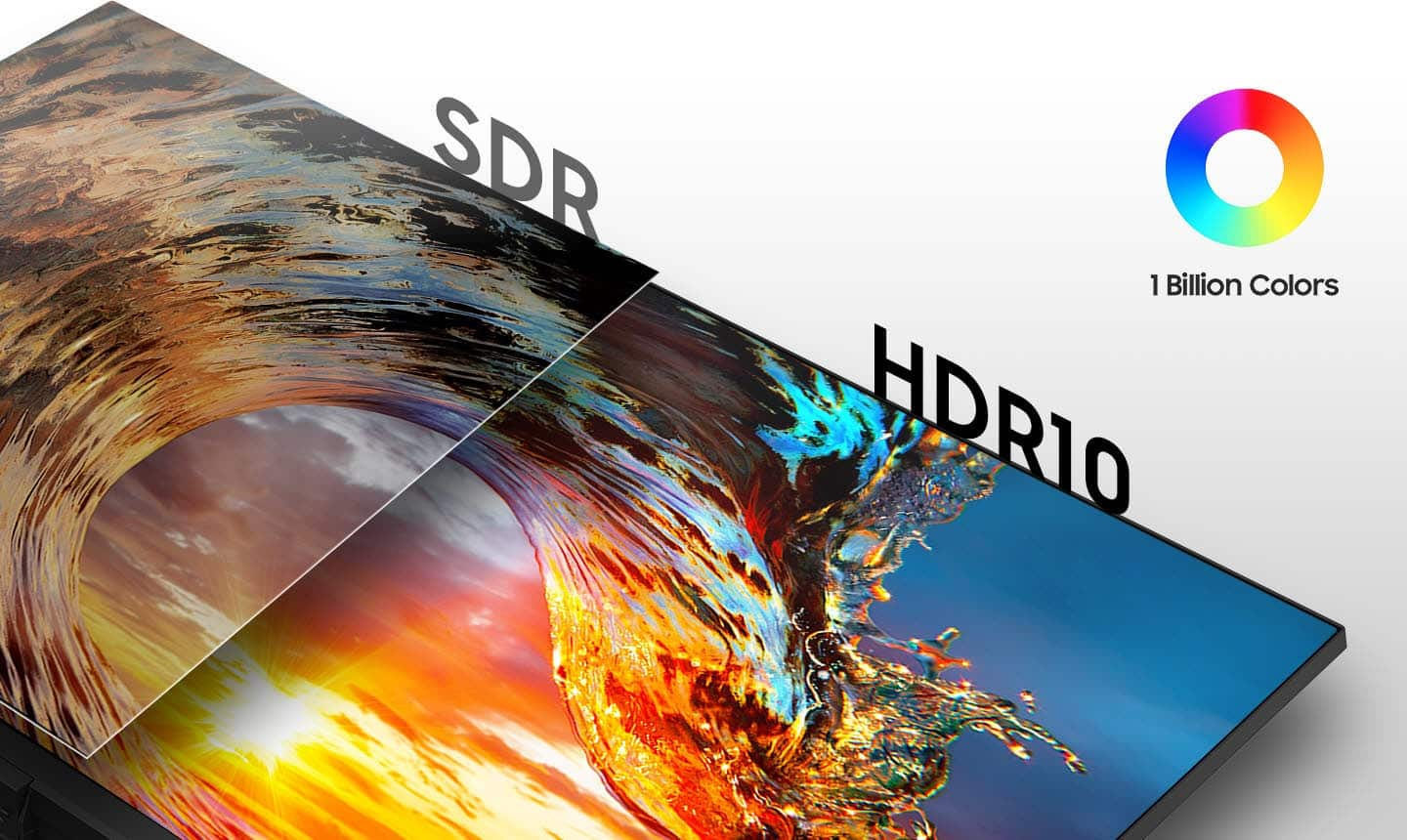
With this A700 Series monitor, you can enjoy any content in stunning color accuracy and detail. With a wide range of colors, near-limitless hues, and HDR10, which makes dark colors darker and the brightest colors even brighter, every piece of content becomes a joy to look at and can be experienced exactly as the creator intended.
Samsung products are engineered to the highest standards of performance and quality and we back the Samsung S32A700 with a 1-year limited manufacturer's warranty, if purchased brand-new from an authorized dealer.
Please use the manual in the link below, to adjust the picture quality of this monitor
https://www.samsung.com/us/support/downloads/?model=N0021458
If you still need assistance with step-by-step troubleshooting and picture adjustment, please contact Samsung Customer Support and a representative will gladly help you:
1-800-SAMSUNG, available 8AM - 12AM EST (Mon-Fri) / 9AM - 11PM EST (Sat-Sun).
Samsung is committed to providing the best possible product experience, quality, and value, and we are always here to help with any of your questions or concerns.
Samsung Monitors
- Cons mentioned:Refresh rate
Good mid-range 4K monitor
|Posted .This reviewer received promo considerations or sweepstakes entry for writing a review.I found this monitor to be very good for productivity usage and a secondary screen to view videos... while the 4K res is very crisp... the refresh rate is not so much if you're planning to use it for gaming. HDMI will only get you 30hz, so you must use a display port to utilize the 60hz. Coming from a 120hz super ultra wide, it's very noticeable. Overall... I use this as a secondary screen mainly for productivities tasks utilizing the 4K res. Worth the price compared to others. Thanks.
I would recommend this to a friend - Pros mentioned:Screen size
Huge monitor but some minor quibbles
|Posted .This reviewer received promo considerations or sweepstakes entry for writing a review.I ordered this monitor to create a dual monitor setup for me while I work from home. This would have been a great setup but for two things. First, the monitor doesn’t have any adjustment at all for height. The stand is fixed so it can’t be moved from its height. I was kind of surprised by this as most of the monitors I see on the market can have the height adjusted. Secondly, I noticed a small green blur on my screen that comes and goes. It’s kind of odd because there is no rhyme or reason as to when it will appear. I never had this problem with the previous monitor I had and after reconnecting the old one, the problem didn’t recreate itself. The quality of the images are pretty good however and looked great when I played a movie on it. The darks are dark and the detail is pretty good. I’ll probably end up hooking up my kids Xbox to it and letting them use it since I can’t get past the green blur on the screen. My kids are 9 & 10 so they won’t have any issues with it. They are just happy to be allowed their four hours of video game time on the weekends. I’m on the fence about whether I would recommend this item. I’m sure the blur is an anomaly and most people won’t have an issue with not being able to adjust the height. It just didn’t work for my needs but my kids will more than likely enjoy it.
I would recommend this to a friendBrand response from Samsung
Posted .TechFan,
Thank you for sharing your feedback on the Samsung - A700 Series 32" LED 4K UHD Monitor. I am sorry to see that this model fell short of your expectations, and you are not completely satisfied with the stand and the screen blur.
We want you to be completely satisfied with this product and would like to speak to you to see what your setup is like so that we can see what we can do to assist.
Please reach out to us for assistance if you are still experiencing issues.
You can reach us via any of the below options:
1-800-SAMSUNG, available 8AM - 12AM EST (Mon-Fri) / 9AM - 11PM EST (Sat-Sun).
Or visit our Samsung website and click on the SUPPORT link in the upper right corner for:
• Contact Us Options (LiveChat, Remote Support, Facebook, Twitter)
• Product Support
• Manuals and Downloads
• Warranty Info
• Product Registration: Registering your product gives you access to easy warranty support, convenient opt-in to special promos and offers, faster troubleshooting and service, and quick notification of system updates
• Samsung Community: A great resource for getting help from Samsung moderators and customers
• …and more
We look forward to hearing from you.
Samsung Monitors
- Pros mentioned:Resolution
Great for the price
Posted .This reviewer received promo considerations or sweepstakes entry for writing a review.The UI is a little tricky at first but once you get used to it this is a great monitor. I have vision problems and it made everything much better at that resolution. Although beware going up in scale if your video card cant run it at 4k. Still looks great at HD.
I would recommend this to a friend - Pros mentioned:Ease of use, Screen size
Samsung 32"
Posted .This reviewer received promo considerations or sweepstakes entry for writing a review.Works well, clear picture, set up completed within minutes
I would recommend this to a friend - Pros mentioned:Screen size
Excellent Monitor
|Posted .This reviewer received promo considerations or sweepstakes entry for writing a review.This is a really good quality monitor. With so many monitors to choose from, this is a definite winner. Setup was easy, quality of picture is great, menu options are plentiful and easy to navigate, and the viewing angles are great. The only reason I gave 4 stars is I would like to see the ability to raise and/or lower the screen. Otherwise a well made beautiful monitor.
I would recommend this to a friend - Pros mentioned:Screen size
Overall good
|Posted .This reviewer received promo considerations or sweepstakes entry for writing a review.Solid quality picture. The stand makes it a bit tall for the desk I intended to put it on since I have a cabinet above it, but that is my faulty measuring. It took a few minutes to get it set up since it shut off the computers volume, so I had to play with settings. It was a bit more then a plug and go, but definitely doable. It comes with an HDMI cord, so make sure that will work with what you are hooking it to.
I would recommend this to a friend Great for basic needs
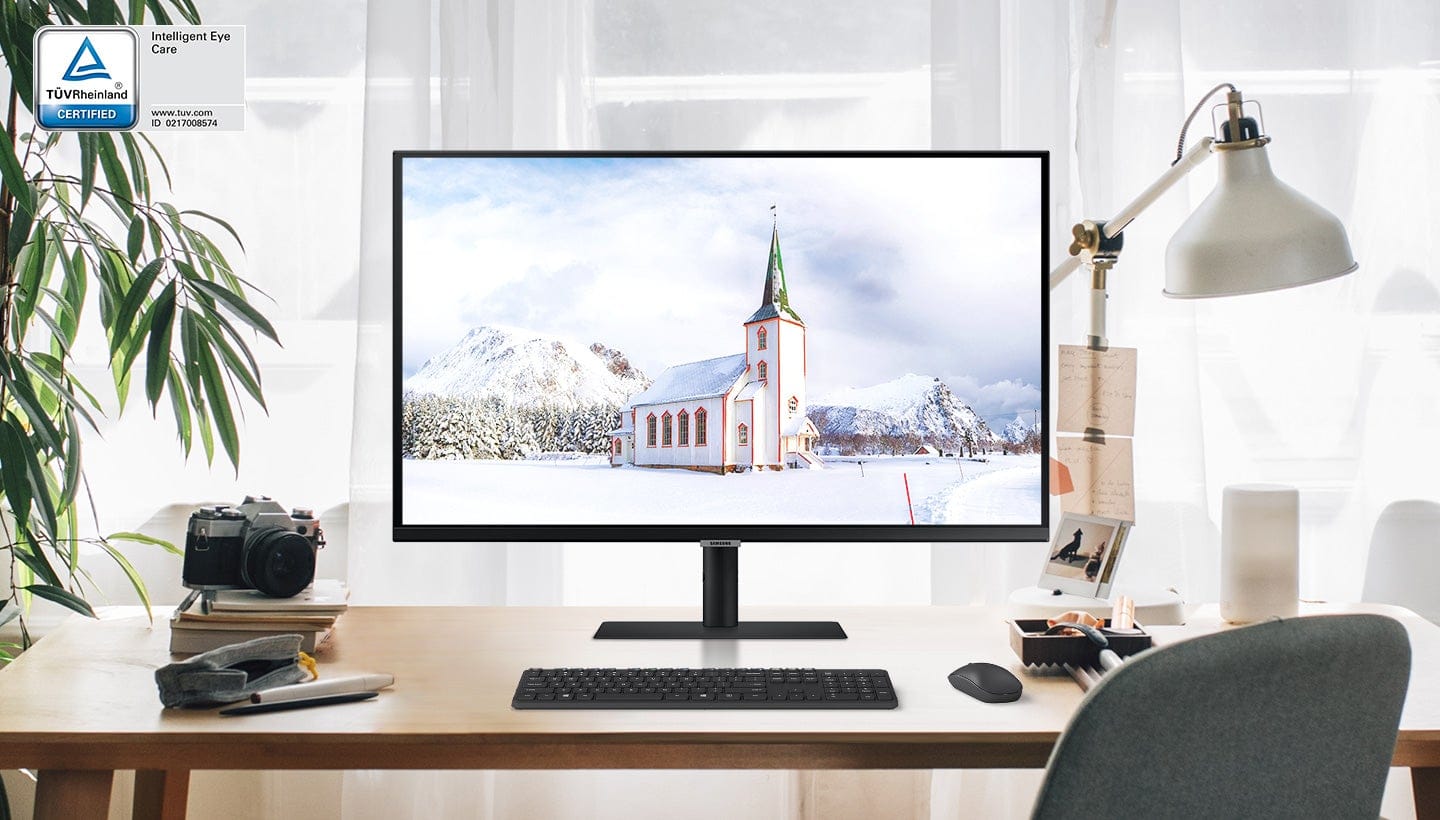
|Posted .This reviewer received promo considerations or sweepstakes entry for writing a review.Samsung - A700 Series 32" LED 4K UHD Monitor with HDR Included- 32" LED 4K monitor, stand, HDMI cable, power cord The monitor only took a few minutes to set up. The included base is nice and sturdy and doesn't take up much area, which is important for limited desk space. You cannot adjust the height, just the tilt. The monitor includes one HDMI port and a headphone jack. The cords are a great length which is nice depending on your set up. The size of the monitor is generous at 32". The frame is minimal, which creates a clean look. Because there's so much display area and a thin frame, it also works great in a dual monitor situation, so you can almost seamlessly work multiples screens and applications. The 4K definition is clear, the color contrast is great. I feel like the overall colors are a bit dark and could be brighter. The brightness and color temps adjust automatically if you are working in the evening or a dark room. The monitor is TUV certified to help protect your eyes from too much blue light with an eye saver mode. Just a couple things to note- this is not a gaming monitor and it doesn't claim to be. So if you are in the market for one, you will need to look elsewhere. But if you need a great basic monitor for work, school, videos and movies, this one is great. I highly recommend it.
I would recommend this to a friendOk for standard use.
|Posted .This reviewer received promo considerations or sweepstakes entry for writing a review.My previous experience with Samsung monitors has always been great. The 32" A700 comes a bit short. Perhaps I have been spoiled by IPS dispays? The good first: Very minimal bezel, and a "strap" to keep your cables tamed. Windows instantly recognizes the monitor. It's 4k - Bezels keep getting smaller and smaller. And the A700 series monitor is no different. Coming from the CRT days (giyf) - it blows me away how far we've come. Getting more negative: But at the same time, the differences in display technology when the industry should just settle on one - Twisted nematic (TN), Vertical alignment (VA), or In-plane switching (IPS), etc - baffles me a bit. First this monitor is not IPS. IPS IMHO is the best of the best. And should be the industry standard. The A700 series is the ol' matte twisted nematic. And when I say "ol" - it is the original LCD technology. Colors seem washed out, and too dark in brightness on factory settings. Bumping the brightness up to 100% barely helped. Thankfully my video card had additional boosting ability, or honestly this monitor would have been unusable for my use case (Gaming, and 4k video). In addition, the "HDR", if we can call it that doesn't "feel" like true HDR. It looks like Samsung just made a color preset with very pronounced hue and color bleed. It made my head hurt, so I turned it off. Other monitors with "HDR" do not suffer from this, and are a joy. So if you are purchasing this monitor with the "HDR" feature as one of the reasons to do so, don't. In addition, there was some minimal assembly required to attach the monitor to the stand. Two screws needed for the install were hidden in the bag of accessories (HDMI and Power Cable). So well hidden, I threw them out. Luckily I found them in the end. This made me grumble quite a bit. Samsung should have taped them to the stand instead of inside of the bag. Using the monitor for standard applications (with HDR off) seemed to produce less eye discomfort than comparable monitors. And a final "pro" - not a single dead pixel, as are very common with these type of displays. In the end, if you are buying this for gaming - don't. It won't live up to your expectations (unless tetris is your thing). If you are buying this because of the HDR feature, don't. Samsung seems to have made their implementation of this technology very gimmicky - and doesn't feel like "true" HDR. If however, you want a giant monitor for web browsing, business application, and videos on youtube - these would be the only uses I'd recommend this monitor to a friend for. Is it worth the price for you? That's only something you can answer. But give it a try, or demo it in-store. You may have a use for it that I didn't or couldn't think of.
I would recommend this to a friendBrand response from Samsung
Posted .MemphisTechieRN,
Thank you for purchasing the Samsung - A700 Series 32" LED 4K UHD Monitor. I am sorry to hear that you are not satisfied with the color performance of this model.
Please know that with this UHD monitor you can enjoy content in stunning color accuracy and detail. With a wide range of colors, near limitless hues, and HDR10, which makes dark colors darker and the brightest colors even brighter, every piece of content becomes a joy to look at.
Samsung products are engineered to the highest standards of performance and quality and we back the Samsung S32A700 with a 1-year limited manufacturer's warranty, if purchased brand-new from an authorized dealer.
If you would allow us to better assist you with step-by-step troubleshooting and picture adjustment, please contact Samsung Customer Support and a representative will gladly help you:
1-800-SAMSUNG, available 8AM - 12AM EST (Mon-Fri) / 9AM - 11PM EST (Sat-Sun).
Samsung is committed to providing the best possible product experience, quality, and value, and we are always here to help with any of your questions or concerns.
Samsung Monitors
Pretty good with a few hiccups
|Posted .This reviewer received promo considerations or sweepstakes entry for writing a review.The single biggest problem that we've found is that the monitor seems to freeze up when I push my games and uses a higher FPS. There's no one "magic spot" to push the resolution to when it freezes as it appears random. The monitor will just freeze, go black and then come back to life within a matter of 2-3 seconds. It's not a show-stopper, but I feel confident that I've tracked the problem back to the monitor because two other monitors never have that problem. Everything else about the monitor seems ideal. It's probably the second nicest monitor in the house now and simply watching HD movies on it looks amazing. No other issues with performance that I am aware of and no dead pixels. The screen is simply impressive in most ways, and I think it's fine for all but the most serious graphics designers, or someone who needs a professional-level of color display.
I would recommend this to a friendLackluster monitor for Samsung
|Posted .This reviewer received promo considerations or sweepstakes entry for writing a review.This is a decent monitor for a wide variety of users, however I was honestly expecting to be more impressed. Taking into consideration the price point of this monitor, as well as being a Samsung, this monitor seemed to come up short for me. I do like the overall aesthetic of this monitor, the design of it and its stand is nice and pleasing to the eyes. I also like the range of ports on the back of the monitor. I like that I can use either a HDMI cord or display port cord, having both options is nice. I also like that there is a USB port right on the back, it is getting harder and harder to find monitors with USB ports. As someone who likes to put LED lighting on the back of my monitor to have it be backlit, that USB port is extremely convenient and saves me from running a long USB wire to my computer. I also like the control button pad on the bottom of the monitor, it feels more ergonomic than the traditional buttons on the bottom corner of a monitor. I am not a fan of the non adjustable stand. For a monitor from a high profile brand like this, and at this price point, it really should have been adjustable. As far as screen quality, sharpness, refresh rate, etc, this is one of my biggest gripes about the monitor. If the screen quality was absolutely amazing, I would not care so much about the other negatives, but it's not amazing. And that makes this monitor not really have anything fantastic going for it. The quality compared to my other monitors, even one that is 4 years old, does not even compare. It's fuzzy, hazy, missing a lot of detail, and the colors seem to be off. I have messed around with the settings so much, changed cables, etc, but I can not seem to make the screen quality get any better. The overall fit and finish of this product disappointed as well. What seems to be a gasket material that goes between the front bezel and the screen itself is not right. There are many areas where it sticks out and I have had to carefully pick and cut it out so it does not appear on the screen. Which then worries me that the front seal is not sealed right. Overall, this monitor is just okay with its lackluster screen quality and nothing to rave about features. I know Samsung can make better products than this so it is disappointing to have so many issues with this monitor. This monitor would be good for people working from home, or average use of browsing the internet, movie playing,, etc. This monitor would definitely not be good for people who need their screen quality to be up there such as video and photo editors, and gamers.
No, I would not recommend this to a friendBrand response from Samsung
Posted .Katie,
Thank you for purchasing the Samsung - A700 Series 32" LED 4K UHD Monitor. I am sorry to hear that you are not satisfied with the color performance of this model.
Please know that this A700 monitor has a wide range of colors, near-limitless hues, and HDR10, which makes dark colors darker and the brightest colors even brighter, every piece of content becomes a joy to look at and can be experienced exactly as the creator intended.
Samsung products are engineered to the highest standards of performance and quality and we back the Samsung S32A700 with a 1-year limited manufacturer's warranty, if purchased brand-new from an authorized dealer.
To better assist you with step-by-step troubleshooting and picture adjustment, please contact Samsung Customer Support and a representative will gladly help you:
1-800-SAMSUNG, available 8AM - 12AM EST (Mon-Fri) / 9AM - 11PM EST (Sat-Sun).
Samsung is committed to providing the best possible product experience, quality, and value, and we are always here to help with any of your questions or concerns.
Samsung Monitors
Pricey for what you get
|Posted .This reviewer received promo considerations or sweepstakes entry for writing a review.Firstly, the picture is great and the "Eye Care" mode is most welcome, now that we're all cooped up at home. I added this to my home office as my main screen and therefore have specific feedback in this use case. Worth noting I'm not an avid gamer, but this monitor has done just fine w/ its refresh rate/resolution the handful of times I've gamed with my kids on simple, non-demanding, games. The price of this monitor would lead one to believe it comes with quite a few bells and whistles. I'm accustomed to having my main screen with speakers built in - so sounds come from in front of me - yet this does not have any speakers. This, despite having a "volume" option right in the On-Screen Display (OSD) and showing as a speaker device when i plug it in via Display Port to my Surface Book 2. Additionally, the mount given provides *zero* adjustment points. No up/down, no pivot/rotate, nothing. It's stuck where you have it. So, get those books off your shelf if you need it up a bit higher to give you proper ergonomics. As touched on before, the OSD shows many options that either do nothing or are simply disabled. Eco saving, picture mode, color, just to name a few. If I had to bet, there's a *slightly* different model # that has all these features for just a few bucks more.
No, I would not recommend this to a friendBrand response from Samsung
Posted .bc3tech,
Thank you for purchasing the Samsung - A700 Series 32" LED Monitor. I am sorry that you were not aware that this model does not come with built-in speakers.
Please know that this monitor does tilt. It has a tilt range of -2° to +22°, as listed in the User Manual.
For complete product specs, please visit samsung.com: https://www.samsung.com/us/support/downloads/?model=N0021458
This monitor does come with audio/headphone output so you can connect your own speakers.
For assistance with adjusting your monitor, please contact Samsung Customer Support and a representative will gladly help you:
1-800-SAMSUNG, available 8AM - 12AM EST (Mon-Fri) / 9AM - 11PM EST (Sat-Sun).
Samsung is committed to providing the best possible product experience, quality, and value, and we are always here to help with any of your questions or concerns.
Samsung Monitors
- Pros mentioned:Screen size
Samsung 32" 4k monitor
Posted .This reviewer received promo considerations or sweepstakes entry for writing a review.Bought two of these and the color and temperature match is exact. Picture is sharp and overall the value is excellent for the price.
I would recommend this to a friend