Customer Ratings & Reviews
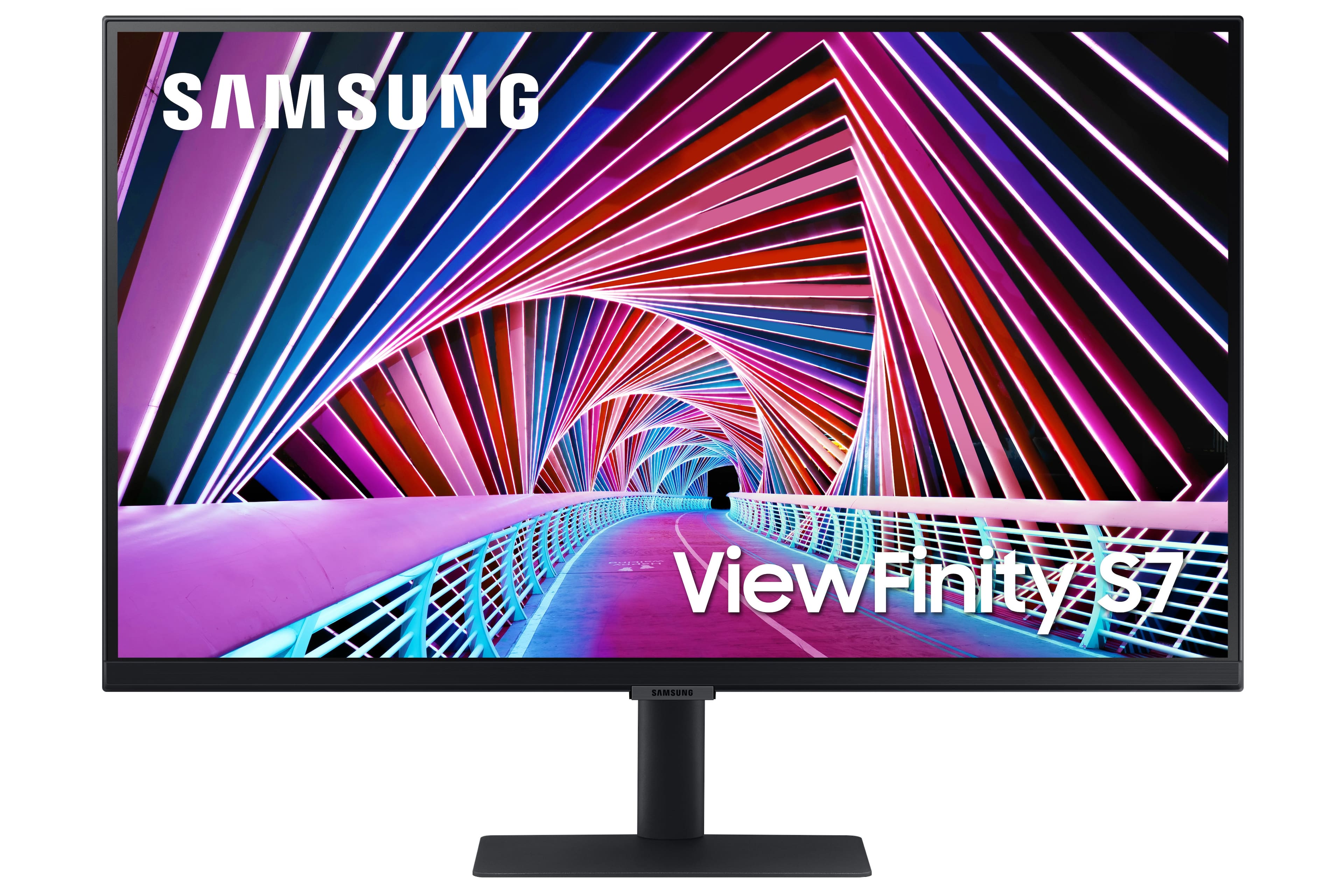
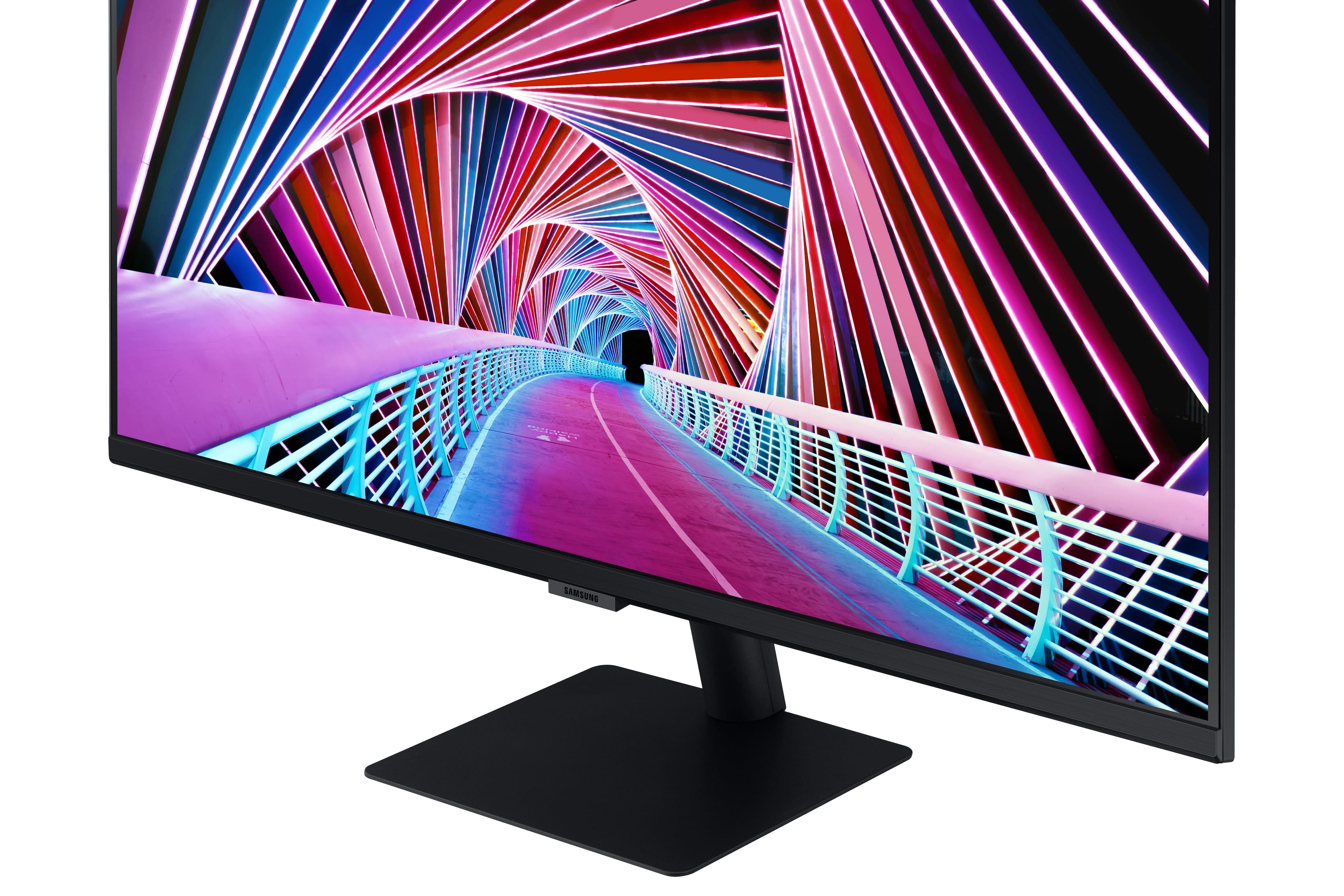
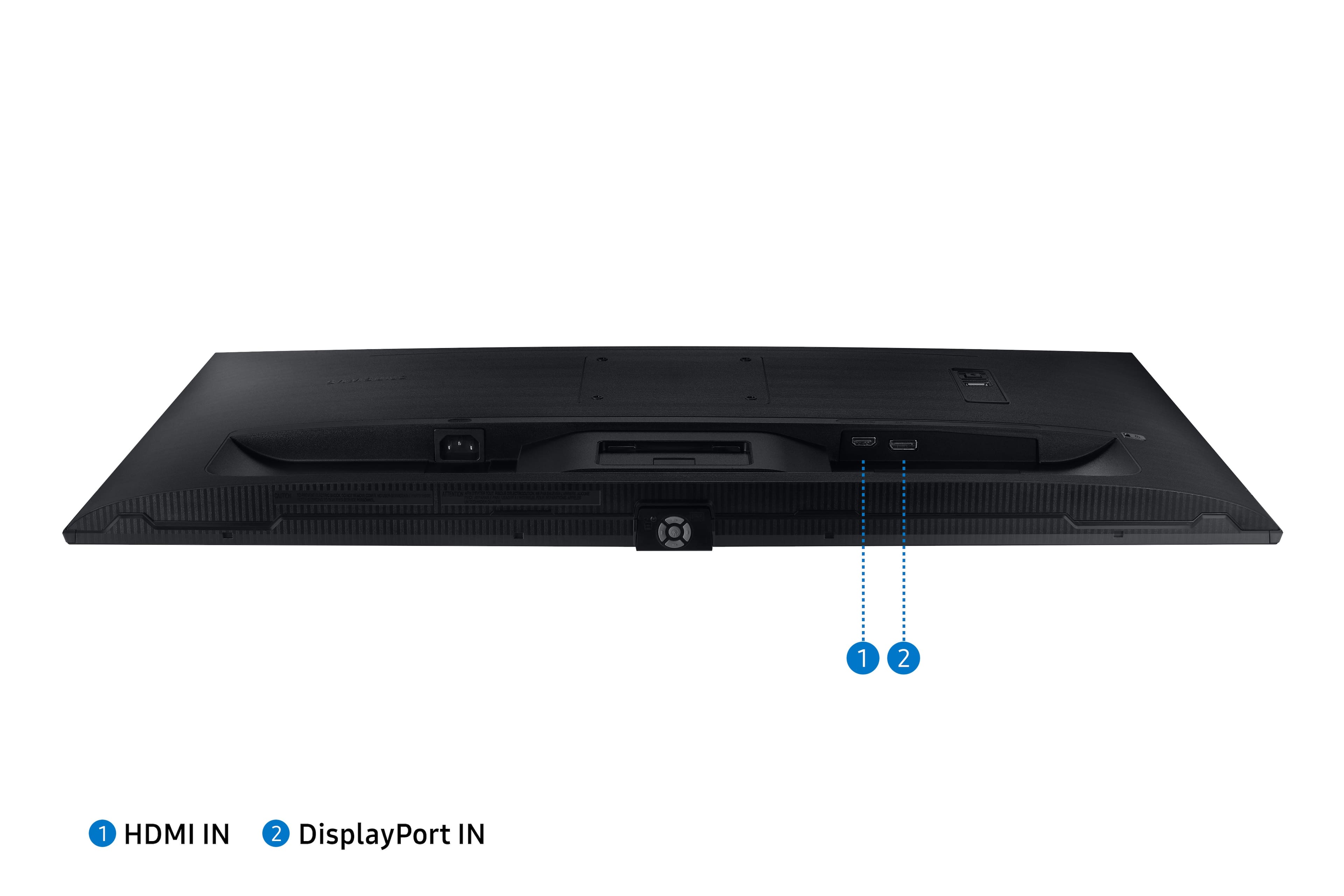
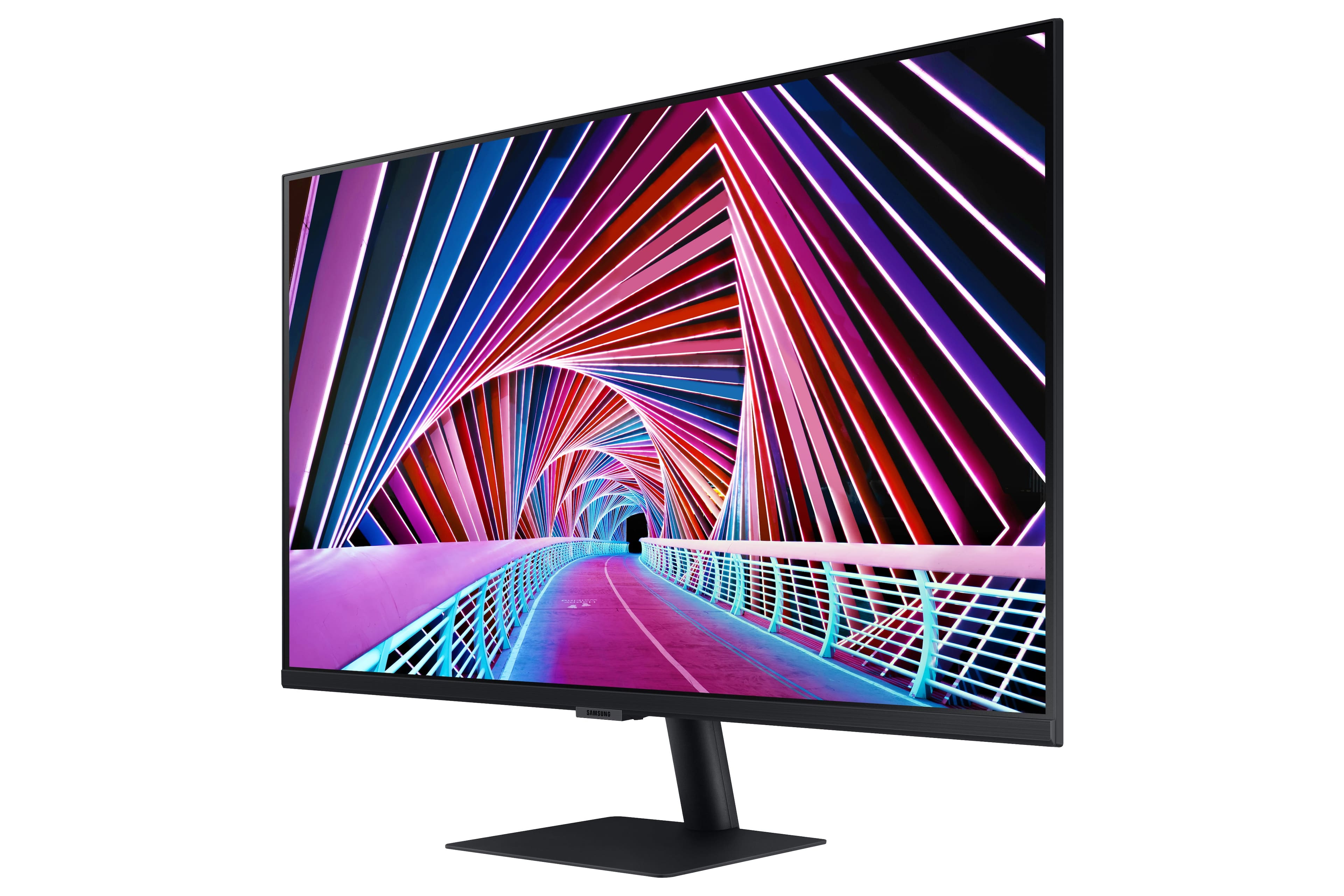
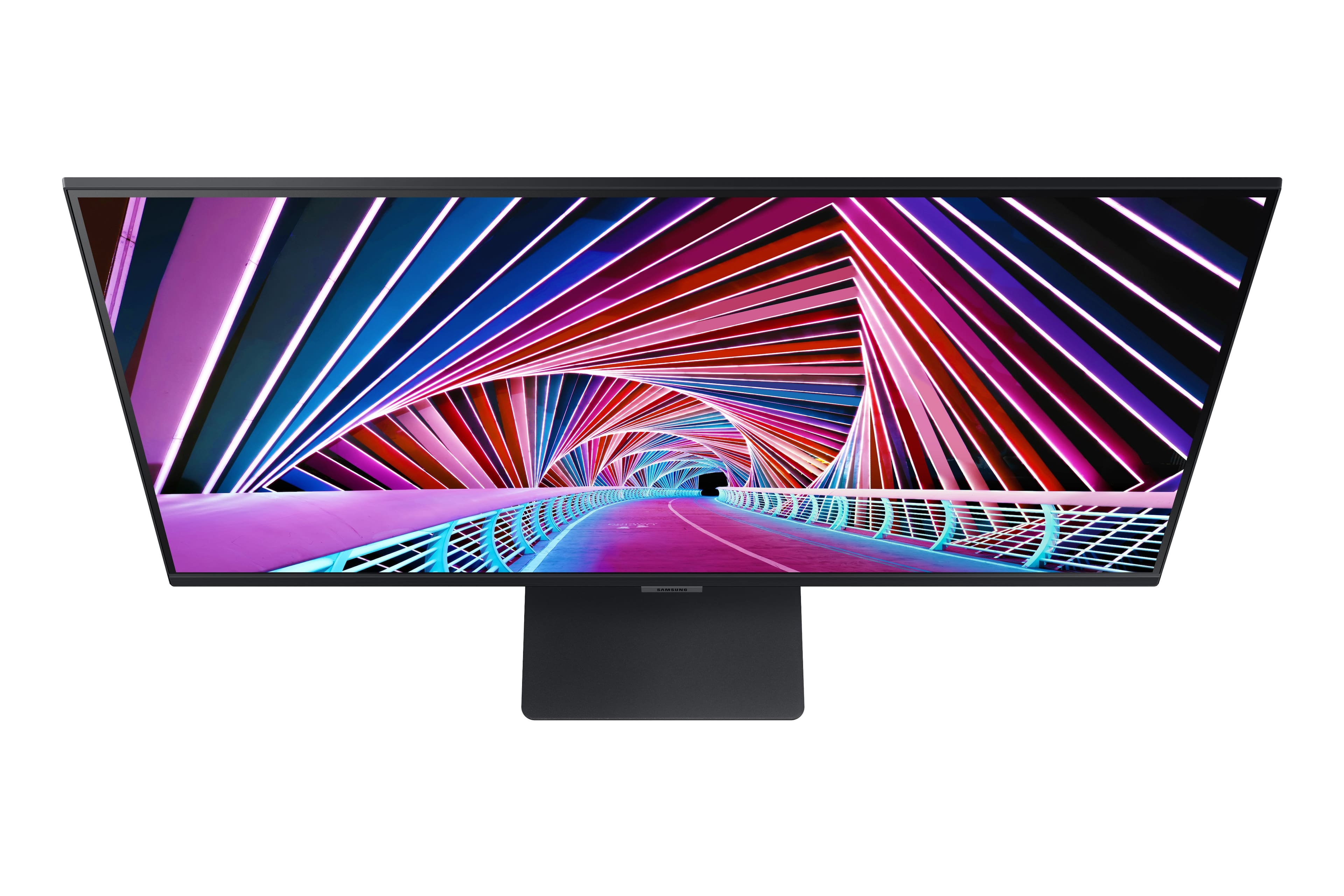
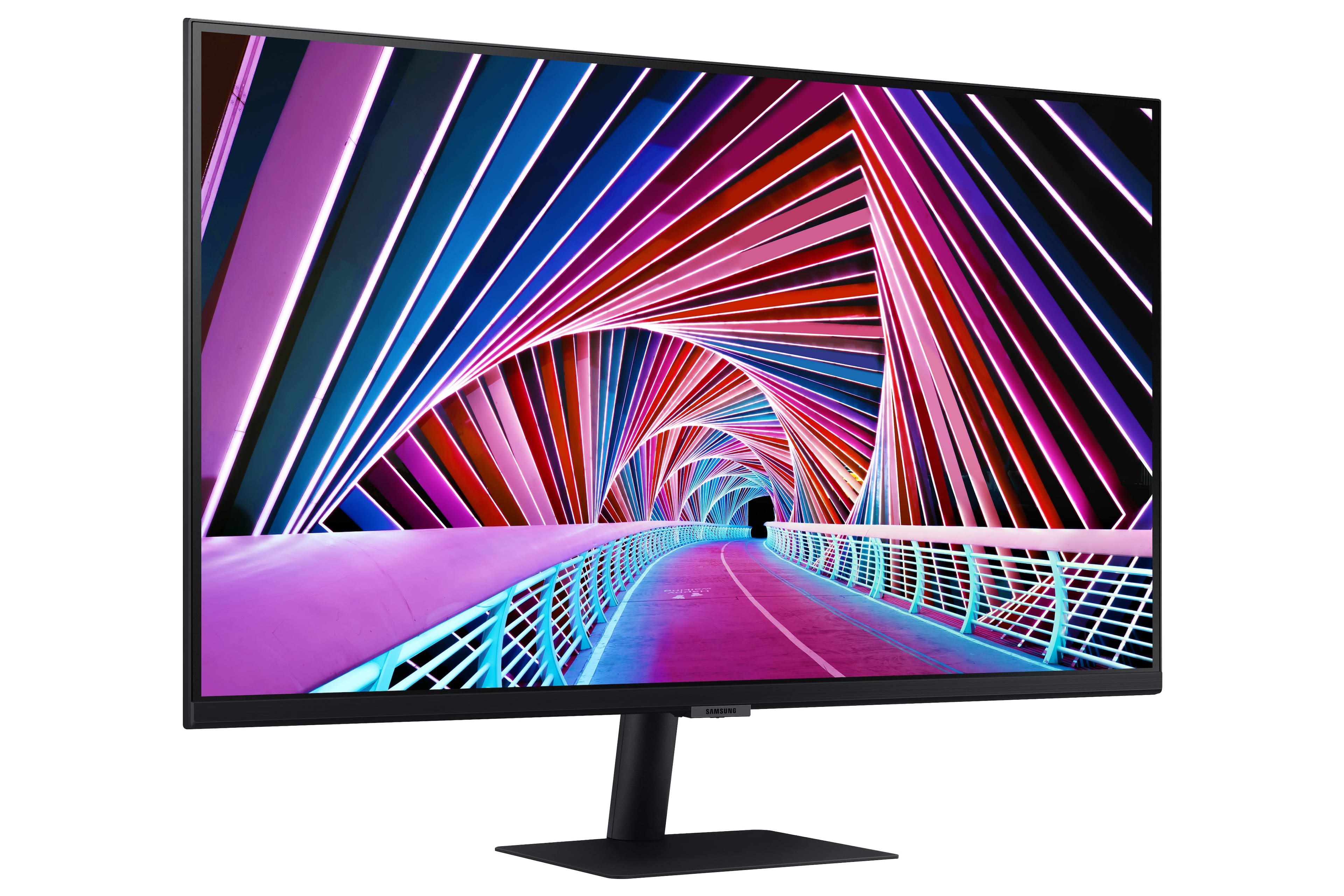
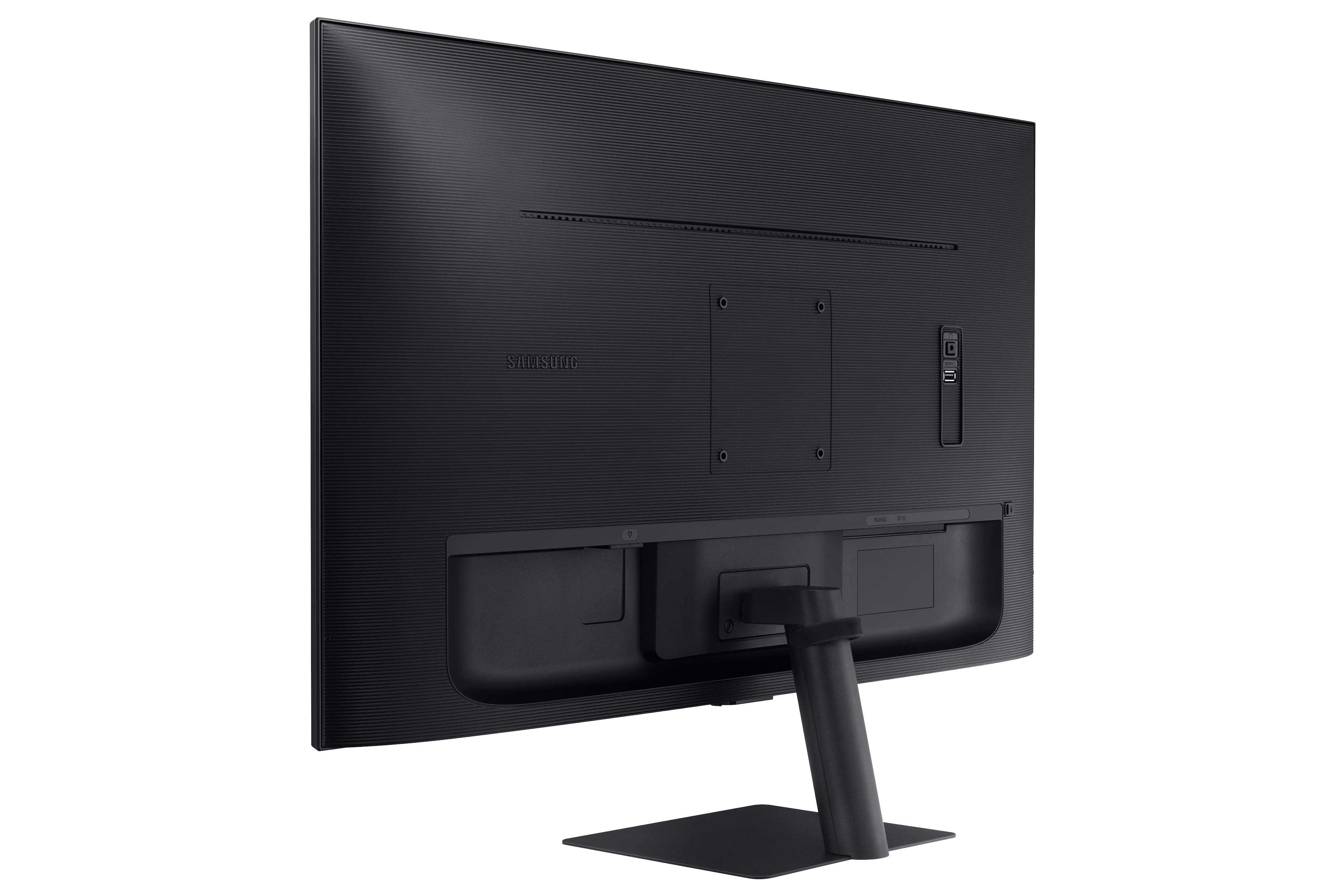
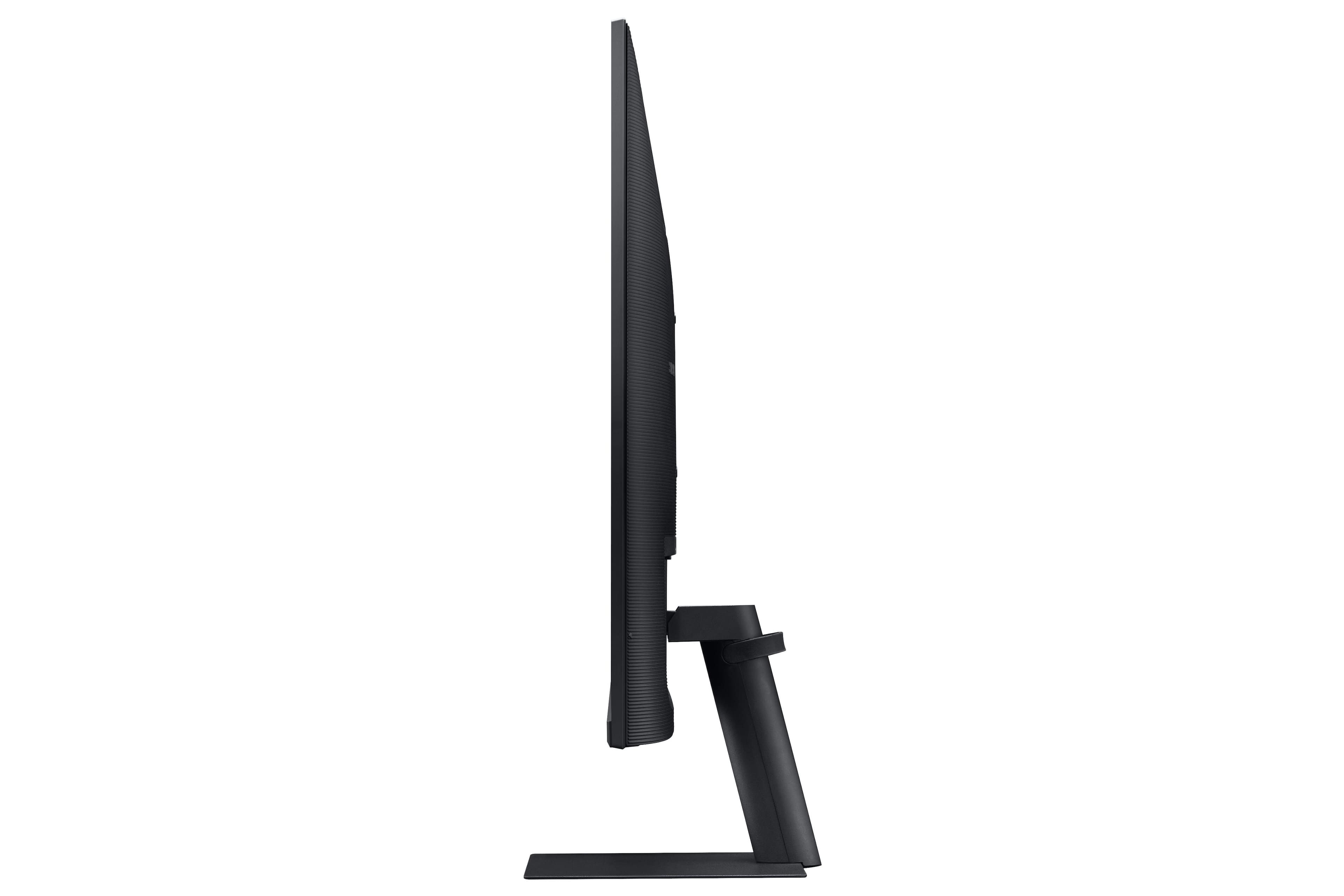
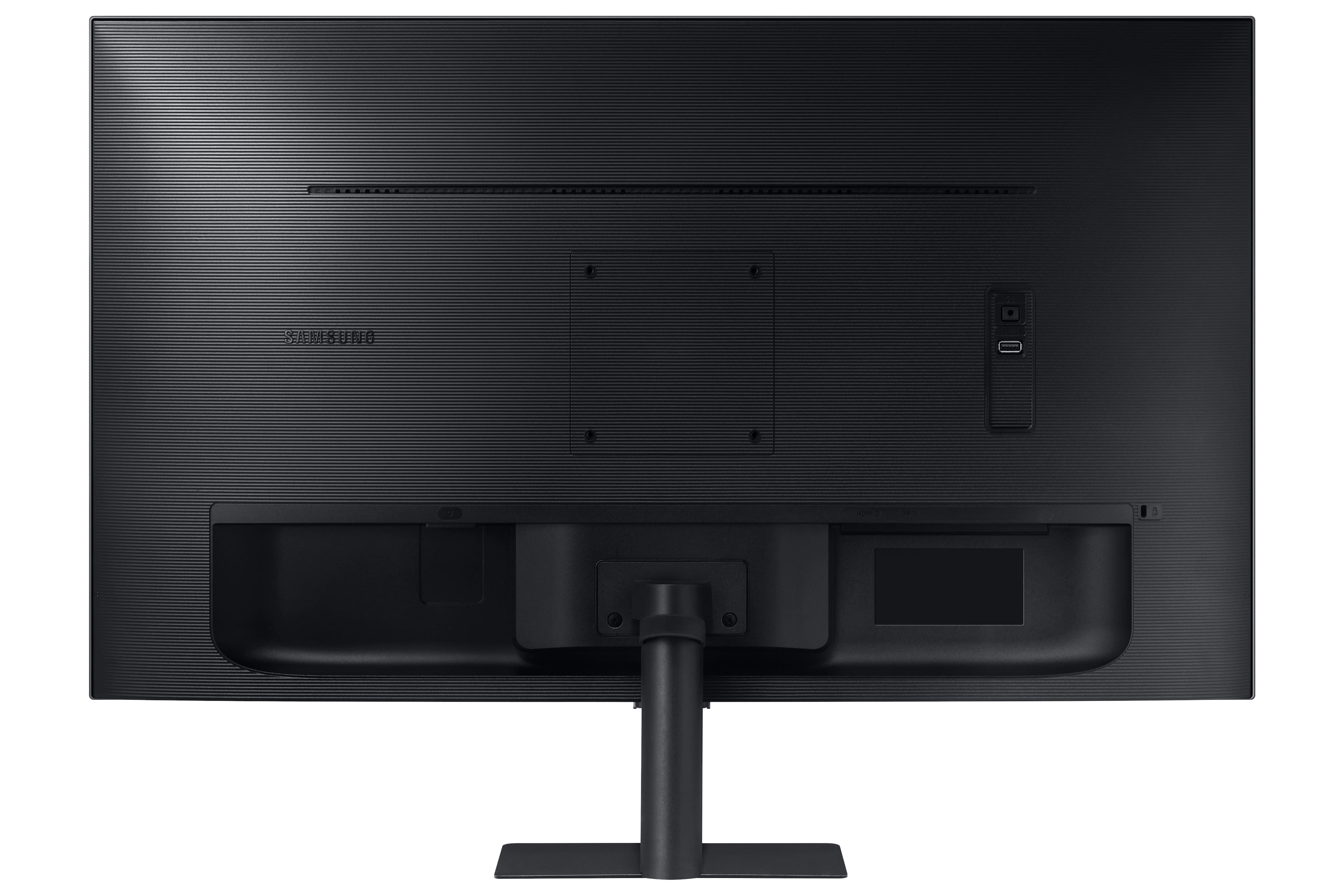
- Model:
- LS32A700NWNXZA
- SKU:
- 6451095
Rating by feature
- Display Quality
Rating 4.7 out of 5 stars
- Ease of Use
Rating 4.5 out of 5 stars
- Features
Rating 4.4 out of 5 stars
Customers are saying
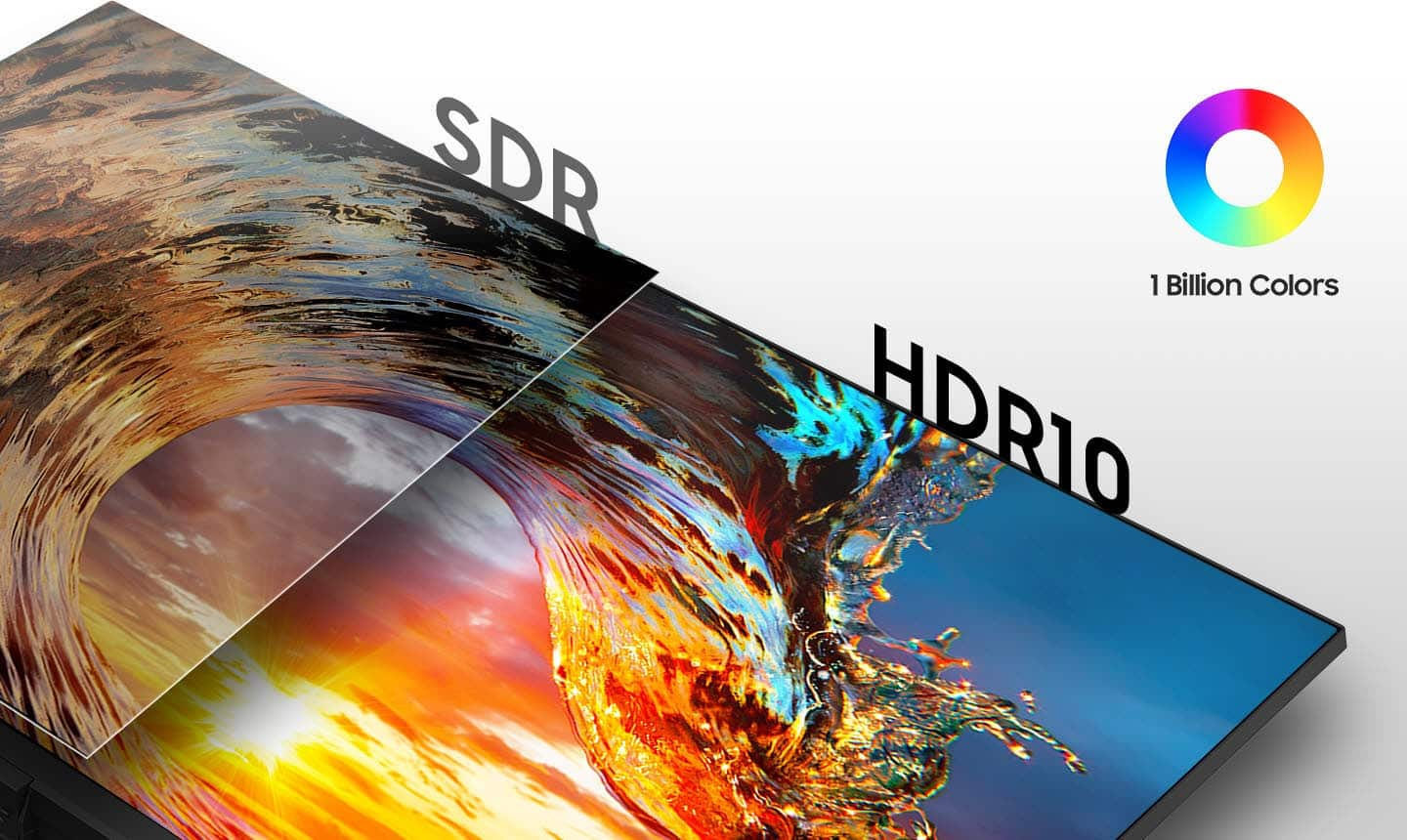
Customers find value in the Samsung - 32" ViewFinity S7 4K UHD Monitor's large screen size, excellent picture quality, and high resolution. Many appreciate its ease of use and HDR capabilities, resulting in vivid colors and great performance for both work and entertainment. However, some users express dissatisfaction with the fixed height stand and the monitor's 60Hz refresh rate. The lack of built-in speakers is also a point of concern for a few customers.
This summary was generated by AI based on customer reviews.
- Pros mentioned:Quality
Purchase a monitor for my son
Posted .This reviewer received promo considerations or sweepstakes entry for writing a review.I purchased this monitor for my son he’s really enjoying using it I’m so pleased with the quality of the monitor
I would recommend this to a friend 
Lacks brightness, needs better HDR
|Posted .This reviewer received promo considerations or sweepstakes entry for writing a review.I am a big fan of Samsung products owning many computer components, TVs, phones and more recently a new electric range. Over the years Samsung has built its products to the point where I seek out the Samsung brand for the products I'm interested in. However, I admit I'm quite disappointed with the Samsung A700 Series monitor. The brightness specification on this monitor should be up to 300 nits. I have it sitting next to an LG 27" 4K Monitor with HDR rated at 350 nits and the LG monitor is 50% brighter. The Samsung monitor's colors are subdued and definitely not the vibrant colors I get from the LG monitor with HDR. In general, there seems to be a blue-gray haze. If you have this sitting on its own, you likely will not notice the brightness difference. I'm using this monitor for my personal computer. My LG 27" monitor is now connected to my work computer and it serves as a constant reminder that this Samsung monitor's brightness isn't great. While not an accurate measurement, I used an app on my phone to measure the lux output of a white browser screen. The Samsung A700 Series monitor will put out 205 lux. The LG monitor I mentioned above puts out 300 lux. That's with the HDR turned off on the Samsung monitor. With HDR on, the brightness drops to 170 lux. In terms of size, it's great. At first, it was a little intimidating in the box, but after a day or so of use, it's very comfortable. It is important to make sure the monitor is sitting at the right level and that you're facing it straight on and not at an angle. Another positive for this monitor is that there are no dead pixels. The implementation of HDR on this Samsung monitor is a far cry from what I have become accustomed to. In order to properly activate HDR, you must go into your computer display settings and turn on "Use HDR". Once this is done, you can go into the monitor's settings and choose the HDR mode you wish to use and can tweak many settings. In general, the HDR dims your brightness, then adds additional emphasis on the colors displayed. I found the Samsung implementation of HDR too harsh. Colors are blown out and bleed, especially the color red. I could not stand the HDR performance and have thus turned it off after initial testing and tweaking. I spent the weekend tweaking settings on the monitor in several different modes. I tried making color adjustments within Windows and within my nVidia control panel. While I can mask the blue-gray haze, I sacrifice even more brightness and text clarity. I've tried: -HDR On in Windows + All the HDR settings on the monitor -Changing the PC or AV setting in on the HDMI and DVI connectors on the monitor -Turning off Eye Care and Eco Saving -Running the Windows Color Calibration utility -Adjusting the height to see if different viewing angles help -Different PCs and HDMI and DVI connections I think the size of this monitor is right for my needs. I also think 4K is the way to go on the resolution for a monitor this size. But I cannot recommend this particular monitor in places where you have mixed multi-monitor setups. I would spend more time in the store or doing more research on the brightness of my next monitor purchase.
No, I would not recommend this to a friendBrand response from Samsung
Posted .bzm3j81,
I am very sorry for the color issues you have encountered with your Samsung - A700 Series 32" LED 4K UHD Monitor. Please know that this S32A700 monitor does come with HDR10, making dark colors darker and bright colors even brighter.
Please know that you can adjust the brightness and color in the settings below steps from the manual may help.
You can adjust the general brightness of the picture. (Range: 0~100)
A higher value will make the picture appear brighter.
――This menu is not available when Picture Mode is set to Dynamic Contrast mode.
――This menu is not available when Eco Saving Plus is enabled.
――This menu is not available when Eye Saver Mode is enabled.
If you still have additional questions please take a look at the manual in the below link.
https://www.samsung.com/us/support/downloads/?model=N0021458
If that does not work, please do not hesitate to reach out to Samsung Customer Support so that we can better understand your issue and assist with a solution.
You can reach us via any of the below options:
If you need further assistance, we are here to help. You can reach Samsung Support at 1-800-SAMSUNG, available 8AM - 12AM EST (Mon-Fri) / 9AM - 11PM EST (Sat-Sun).
Or visit our Samsung website and click on the SUPPORT link in the upper right corner for:
• Contact Us Options (LiveChat, Remote Support, Facebook, Twitter)
• Product Support
• Manuals and Downloads
• Warranty Info
• Product Registration: Registering your product gives you access to easy warranty support, convenient opt-in to special promos and offers, faster troubleshooting and service, and quick notification of system updates
• Samsung Community: A great resource for getting help from Samsung moderators and customers
• …and more
Registering your product gives you access to easy warranty support, convenient opt-in to special promos and offers, faster troubleshooting and service, and quick notification of system updates.
Samsung stands behind the quality and performance of every product we manufacture, and we back this model with a 1-year manufacturer's limited warranty, if purchased brand-new directly from an authorized seller.
Again, I am very sorry for the inconveniences you have had and hope that we will hear from you soon.
Samsung Monitors
- Pros mentioned:Screen size
My new Sansung monitor
Posted .This reviewer received promo considerations or sweepstakes entry for writing a review.Really like the size. Better than my old method of using two separate screens.
I would recommend this to a friend Awesome Huge and Sharp Monitor!
|Posted .This reviewer received promo considerations or sweepstakes entry for writing a review.Replaced a 2.5K monitor with this 32" 4K. Love it! The brightness and colors are great, super sharp, and very responsive. Of course need to make sure your computer and graphics settings can adjust to optimal. Basic flat square stand (I like that it's not angled so I can place items on it). I do wish it had 1 more HDMI port and could slightly tilt downward a few degrees actually, but minor gripes on each. Hope this serves me well for many years!
I would recommend this to a friend- Pros mentioned:Quality
Great screen. Loose stand
Posted .This reviewer received promo considerations or sweepstakes entry for writing a review.Monitor moves a bit too much but overall great monitor.
I would recommend this to a friend Good entry monitor into 4K
|Posted .This reviewer received promo considerations or sweepstakes entry for writing a review.The monitor is just that. Has 2 connection DP and HDMI - I started out my connection using DP but never could get higher than 30Hz refresh so I moved to HDMI - and was then able to get 4K@60Hz. The monitor works well and my installation was on my 2 arm mount. So I didn't use the included base. I thought the base was a bit limited as well with only tilt option. The playback is nice and the imaging is smooth. Not a lot of options to really calibrate the monitor. I had to do this via my graphics card software. So that is strike 1. Secondly not a lot of ability to adjust the brightness. I understand that in order to emphasize HDR the 4K monitors are typically a little less bright than a 1080P monitor but this one is a bit limited as the base is 300nits and only goes up to 350nits as per Samsung.com specs. I was very disappointed in this limitation! Overall, this is a decent monitor, has good color, and great for watching some movies, youtube, or the kids! If you are serious about your move to 4K I would check for a higher-end model(better calibration and higher nit. As for setup, simple plug and play - fits on a standard mount as its VESA 100x100mm
No, I would not recommend this to a friendBrand response from Samsung
Posted .KaneM7,
I am very sorry to see that there were not a lot of options to calibrate the monitor nor a lot of ability to adjust the brightness with the Samsung A700 Series 32" LED 4K UHD Monitor.
In regards to the brightness you can follow the below steps to get the maximum brightness:
You can adjust the general brightness of the picture. (Range: 0~100)
A higher value will make the picture appear brighter.
――This menu is not available when Picture Mode is set to Dynamic Contrast mode.
――This menu is not available when Eco Saving Plus is enabled.
――This menu is not available when Eye Saver Mode is enabled.
If you still are having trouble after trying the above steps please do not hesitate to reach out to Samsung support.
Samsung products are engineered to the highest standards of performance and quality and we back this model with a 1-year limited manufacturer's warranty, if purchased brand-new from an authorized dealer.
You can contact Samsung Customer Support via:
1-800-SAMSUNG, available 8AM - 12AM EST (Mon-Fri) / 9AM - 11PM EST (Sat-Sun)
Samsung is committed to providing the best possible product experience, quality, and value, and we are always here to help with any of your questions or concerns.
Samsung Monitors
- Pros mentioned:Ease of use
Excellent
Posted .This reviewer received promo considerations or sweepstakes entry for writing a review.Good for the price and very easy to use for gaming or work
I would recommend this to a friend Solid buy for the price
Posted .This reviewer received promo considerations or sweepstakes entry for writing a review.I have two 29-in monitors, one on either side of this one, and it's really extraordinary the difference in both size and display quality. I feel like I should have upgraded to this years ago. Highly recommend.
I would recommend this to a friend- Pros mentioned:Ease of use, Screen size
Excellent monitor for multiple uses.
Posted .This reviewer received promo considerations or sweepstakes entry for writing a review.Excellent monitor. Very easy to setup and use. Vivid colors.
I would recommend this to a friend Awasome picture quality
Posted .This reviewer received promo considerations or sweepstakes entry for writing a review.Doesn’t sound best bang for buck but it delivers the best in this price range.
I would recommend this to a friendGood monitor
Posted .This reviewer received promo considerations or sweepstakes entry for writing a review.It is so good for that price. No problems at all. Three sources for input would be better.
I would recommend this to a friendJust OK... maybe
Posted .This reviewer received promo considerations or sweepstakes entry for writing a review.Color appeared washed-out, no matter what the settings. Poor contrast made the blacks look grey. Worked fine otherwise, but the color/contrast issues forced me to return it for a Samsung U32J590, which had a MUCH better picture.
No, I would not recommend this to a friendBrand response from Samsung
Posted .I’m sorry to see that you rated this product 3 stars, which indicates dissatisfaction.
If there is anything we can do to assist you and improve your product experience, please contact Samsung Customer Support via:
1-800-SAMSUNG, available 8AM - 12AM EST (Mon-Fri) / 9AM - 11PM EST (Sat-Sun).
Your thoughts and opinions are very important to Samsung and we hope to hear from you.
-Samsung Monitors
Not as good as advertised
Posted .This reviewer received promo considerations or sweepstakes entry for writing a review.Quality of the picture is not as sharp as desired Setup simple but you buy a monitor for crisp text etc
No, I would not recommend this to a friend- Pros mentioned:Ease of use
Samsung -A700 Series 32" LED 4k UHD Monitor
Posted .This reviewer received promo considerations or sweepstakes entry for writing a review.Very Happy With Performance, Clarity, Ease of set up
I would recommend this to a friend - Pros mentioned:Resolution
Works perfectly fine
Posted .This reviewer received promo considerations or sweepstakes entry for writing a review.I bought it and its incredible 4k res is so good_-
I would recommend this to a friend - Pros mentioned:Screen size
Good picture definitely, but broken after 4 months
Posted .This reviewer received promo considerations or sweepstakes entry for writing a review.Got it for my girlfriend cause she wanted to play video games with me, the 3.5mm jack on the back already broke and everything only had it for roughly 4 months. For 300$ it is NOT worth it, if it was around 200$ it would be more on par only because of the picture quality, it looks good(little dull even after messing with the settings) but it’s broke already. Have a 4K LG ultragear for my own use and it’s clearly much better, would rather recommend that one. (No pics cause the issues not visual)
No, I would not recommend this to a friend Samsung - A700 Series 32" LED 4K UHD Monitor with
Posted .This reviewer received promo considerations or sweepstakes entry for writing a review.The monitor works well and is energy efficient. It lights up when the computer is fully engaged. This is the first monitor I've used in 30 years of computer use that is this efficient.
I would recommend this to a friendWorst monitor I ever had.
Posted .This reviewer received promo considerations or sweepstakes entry for writing a review.Very bad monitor. Often monitor turns black. For example you touch the monitor it turns off so every time I have to unplug the monitor and plug back in. Sometimes this doesnt work so I am doing it 3-5x. I am so mad at this monitor. I wont buy Samsung ever again. Monitor have bad colors. Its not stable. Brightness is too low. Really look for something else. For example some Asus or Dell monitor. You will do way better. I bought this for company I am using it as working monitor. But its terrible. Even when you turn on youtube monitor goes black and after few seconds its came back on. So when there is something more graphic hungry this Samsung just cant handle it. I wish I get money back and could buy 2nd Asus.
No, I would not recommend this to a friendBrand response from Samsung
Posted .We are very sorry for the power issues you have encountered with your Samsung - A700 Series 32" LED 4K UHD Monitor with HDR.
Please contact Samsung Customer Support so that we can better understand your issue and assist with a solution.
You can reach us via any of the below options:
If you need further assistance, we are here to help. You can reach Samsung Support at 1-800-SAMSUNG, available 8AM - 12AM EST (Mon-Fri) / 9AM - 11PM EST (Sat-Sun).
Or visit our Samsung website and click on the SUPPORT link in the upper right corner for:
• Contact Us Options (LiveChat, Remote Support, Facebook, Twitter)
• Product Support
• Manuals and Downloads
• Warranty Info
• Product Registration: Registering your product gives you access to easy warranty support, convenient opt-in to special promos and offers, faster troubleshooting and service, and quick notification of system updates
• Samsung Community: A great resource for getting help from Samsung moderators and customers
• …and more
Registering your product gives you access to easy warranty support, convenient opt-in to special promos and offers, faster troubleshooting and service, and quick notification of system updates.
Samsung stands behind the quality and performance of every product we manufacture, and we back this model with a 1-year manufacturer's limited warranty, if purchased brand-new directly from an authorized seller.
Again, I am very sorry for the inconveniences you have had and hope that we will hear from you soon.
out of box failure
Posted .This reviewer received promo considerations or sweepstakes entry for writing a review.Out of box failure after waiting a week. Manual is terrible and controls are obscure
No, I would not recommend this to a friendBrand response from Samsung
Posted .Thank you for bringing this issue to our attention as Samsung is committed to providing the best possible product experience, quality, and value. Samsung greatly values our customers’ feedback and we utilize your concerns and opinions in our relentless efforts towards delivering world-class products. We hope to have you back as a customer again.