Customer Ratings & Reviews

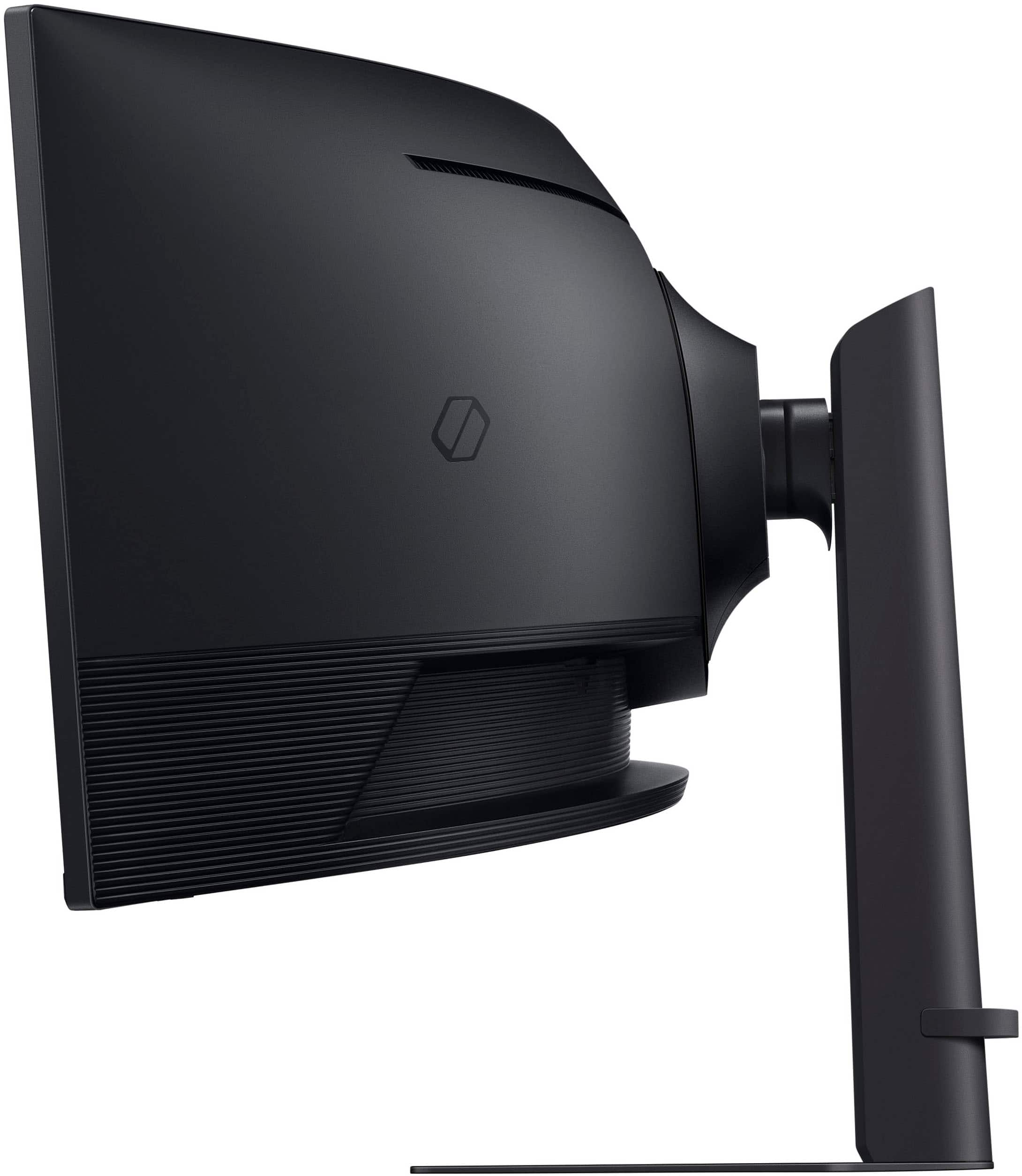
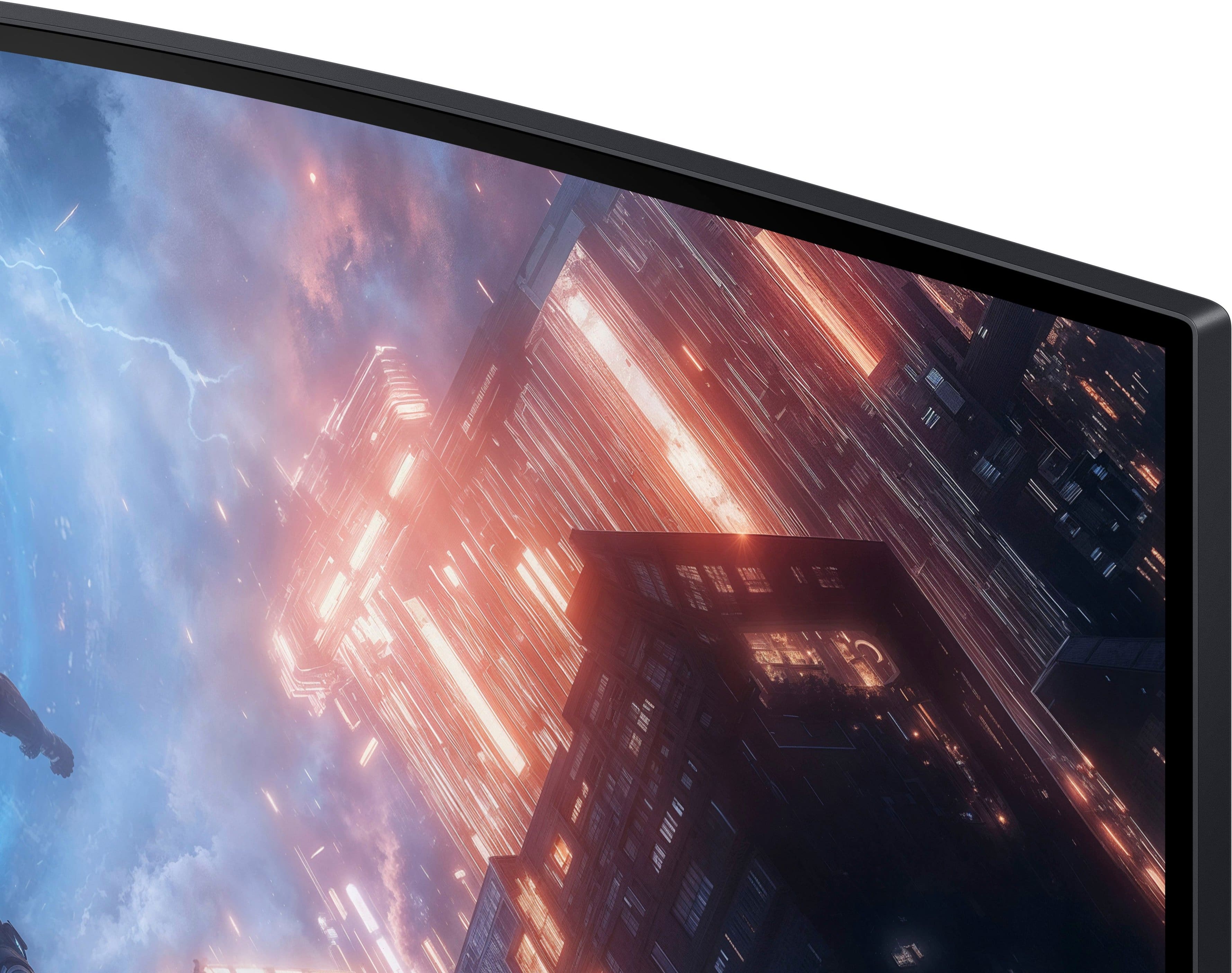
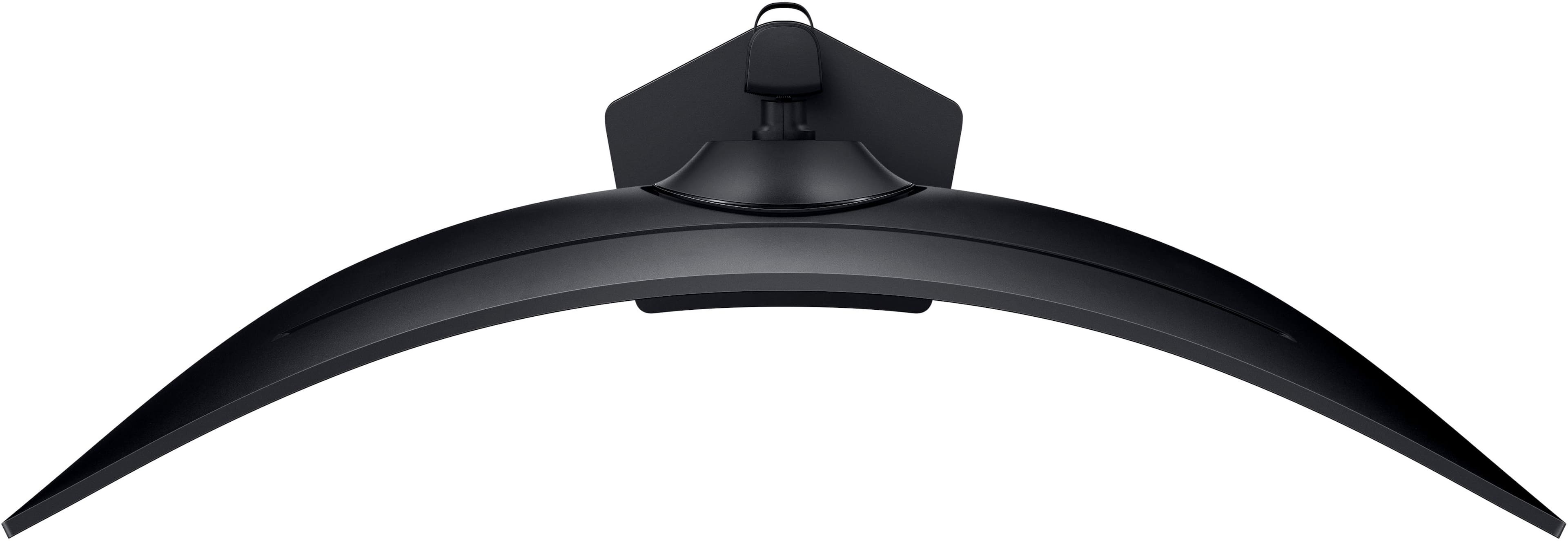
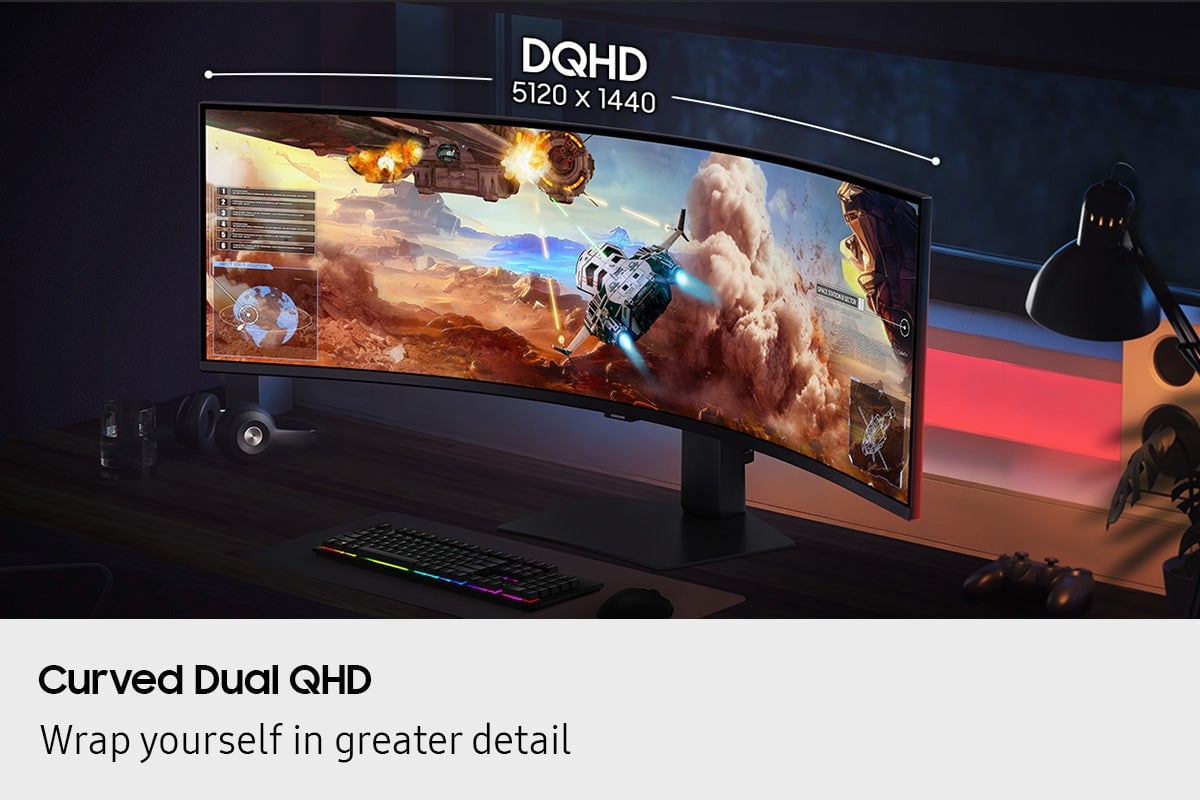
- Model:
- LS49FG910ENXZA
- SKU:
- 10187581
Rating by feature
- Display Quality
Rating 4.7 out of 5 stars
- Ease of Use
Rating 4.8 out of 5 stars
- Features
Rating 4.6 out of 5 stars
- Pros mentioned:Immersion, Overall performance

Terrific for gaming, less so for "normal" use
|Posted .This reviewer received promo considerations or sweepstakes entry for writing a review.First a disclaimer: I am more of a casual, not hardcore gamer. I agreed to review this monitor using my usual game, Microsoft Flight Simulator X. First thing, my video card would not drive this display to full resolution, so an upgrade was needed. I then discovered FSX doesn't support ultra-widescreen displays, so that needs an update as well. To save time (and money) I had my hardcore gaming daughter play some games on my computer. First, some hardware stats: Ryzen 5 5600GT, 32GB RAM, GeForce RTX3050 video card. The main game tested was Final Fantasy VII (Remake Intergrade). She has previously played this game to the end. The first thing noticed with this monitor was the ability to see so much more of the gameplay area without needing to use camera controls to "look around". She mentioned it was much more immersive and allowed her to more thoroughly enjoy the beauty and detail of the game world. She normally plays on a 43" 4K HDR display, so this ultrawide view was a significant improvement. With the display in HDR mode the images were clear and clean, and the video cut scenes were gorgeous. Even me sitting back and watching her play, it was easy to be drawn into the world and get involved, even as a spectator. For any game that supports the resolution of this display, it will look better and offer far better play. So much of the area can be seen simply by moving your head, not messing with camera controls. I cannot recommend a display like this highly enough for this sort of computer use. Since most people do more than just play games on their computer, I also wanted to mention more casual uses. I use a jigsaw web site to play some puzzles daily. The best way to work these puzzles is in full screen mode, but this display makes things a bit harder because of the sheer size of the display. I also do some video editing, and can appreciate having the space to have the editing software only on one side of the display and using the other side for something else. This is in addition to the second 32" 1080p monitor I have on the side. So I now have the equivalent of three monitors directly in front of me, which depending on my current use can be either fantastic or a bit of a pain. In most cases, it's much better. But I wanted to make sure to point out that there might be a couple of use cases it's just a bit too much. In conclusion, I highly recommend this display for serious (and even casual) gamers. It also works well for people that often have multiple windows open on their screen Just be aware that some items that use full screen might simply be made too big for comfort.
I would recommend this to a friend - Pros mentioned:Resolution, Screen size
What A Great Monitor!!
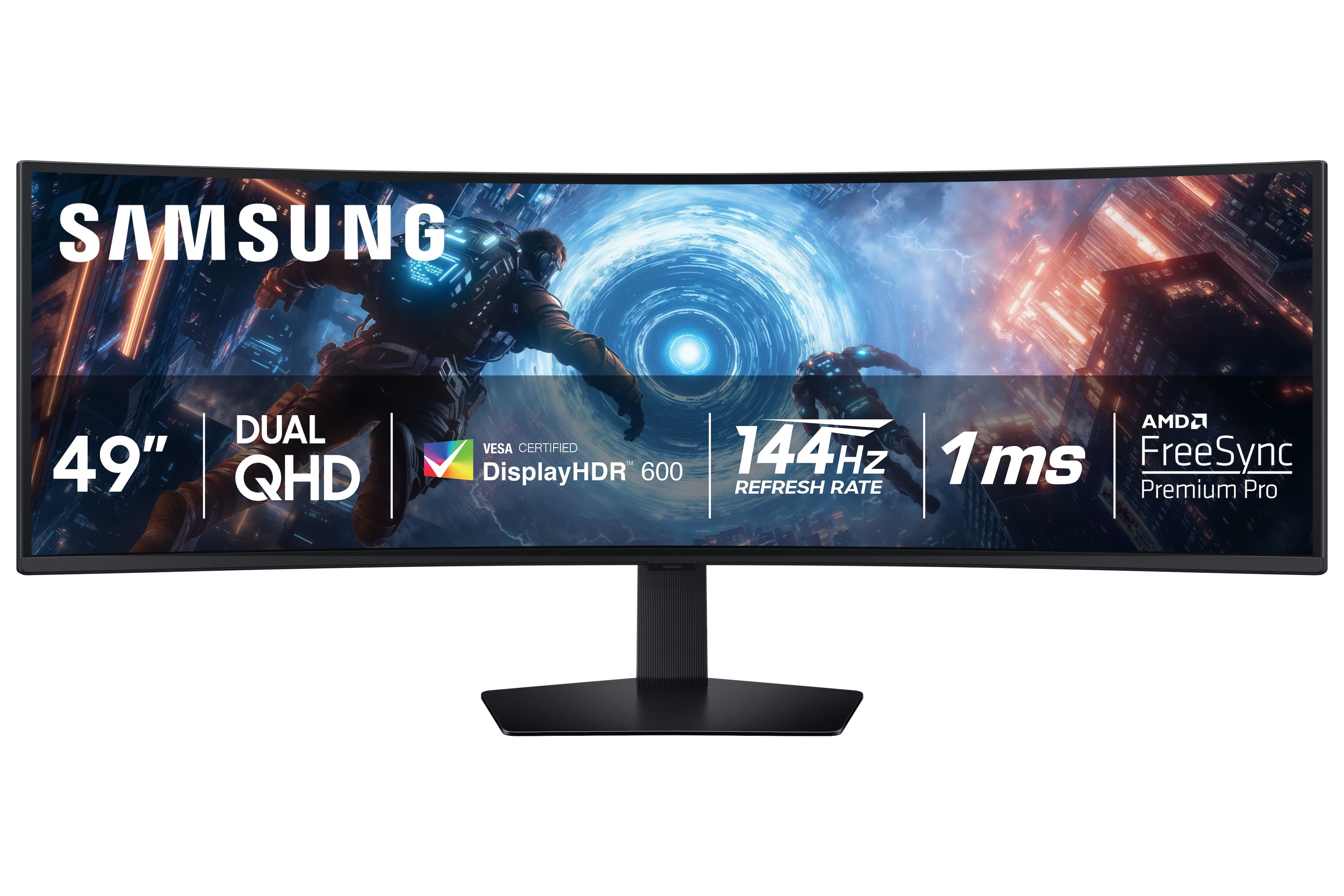
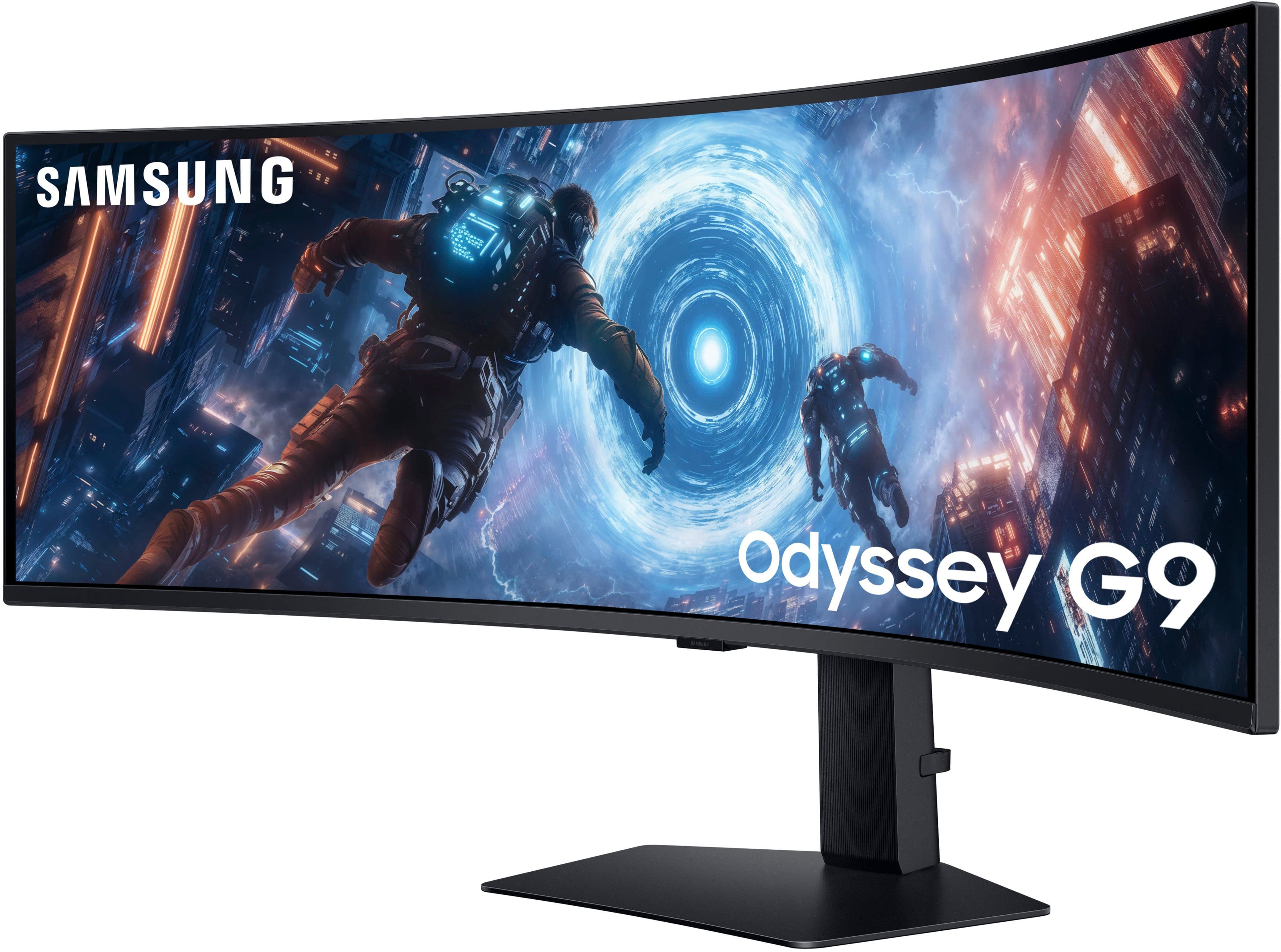
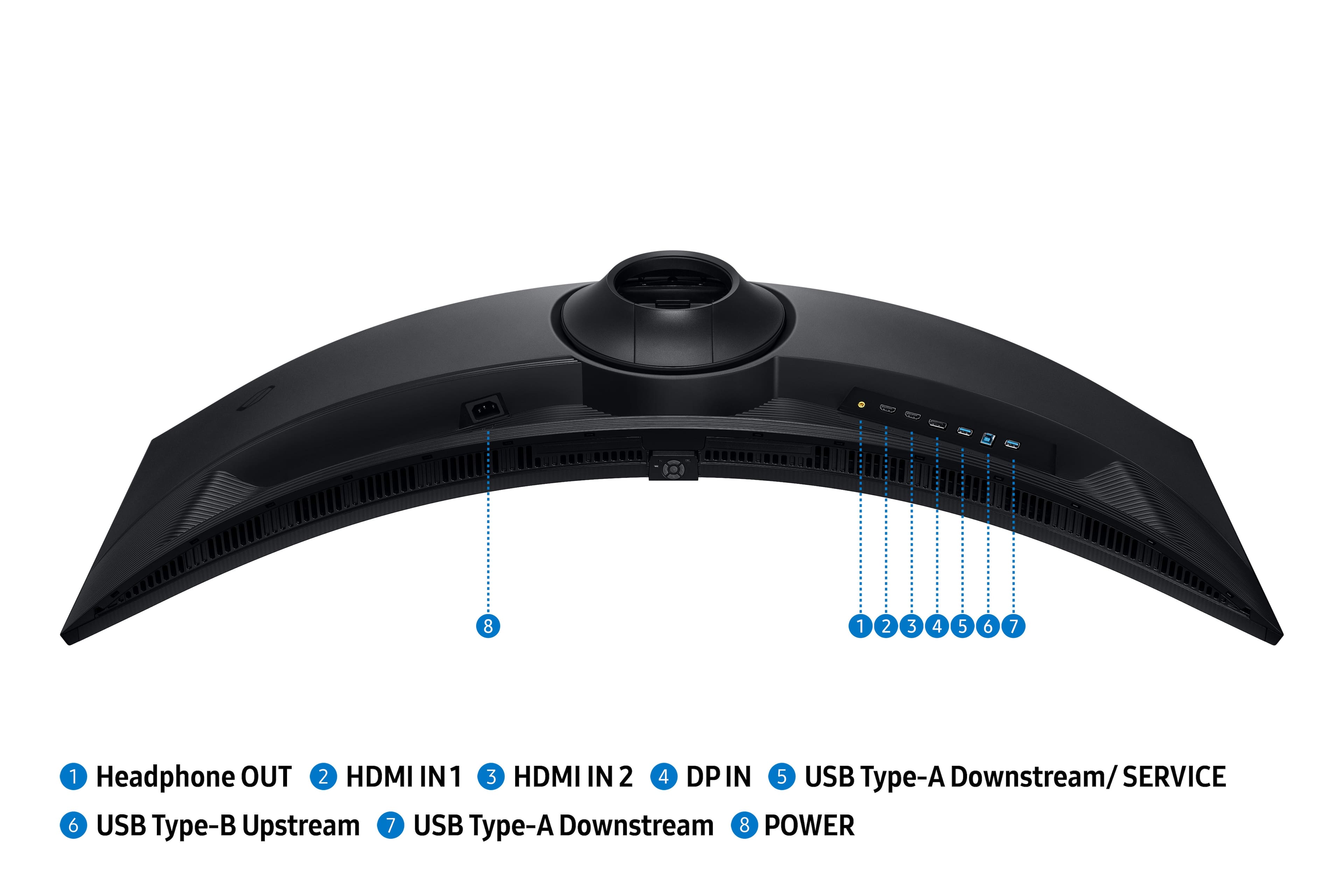
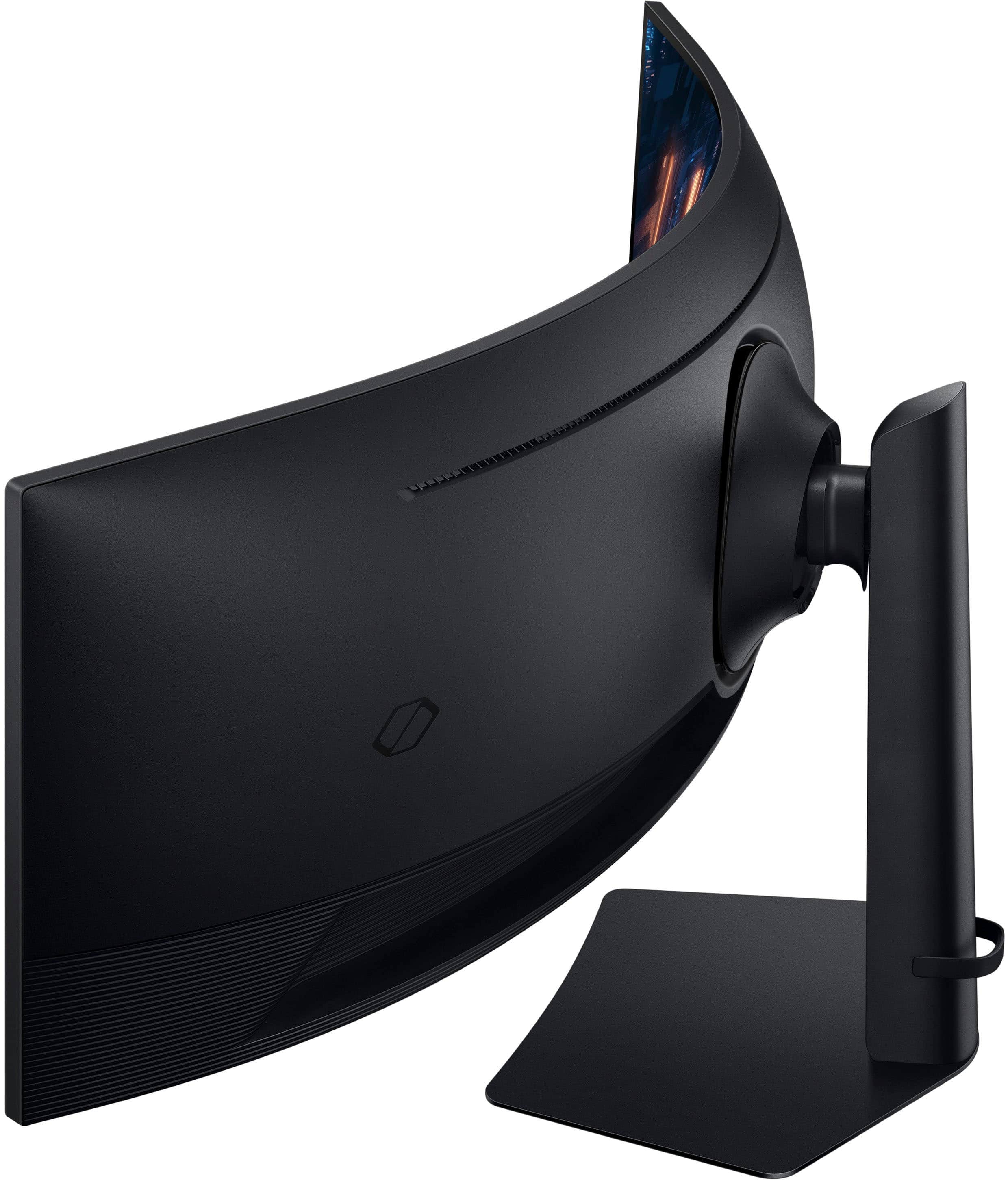
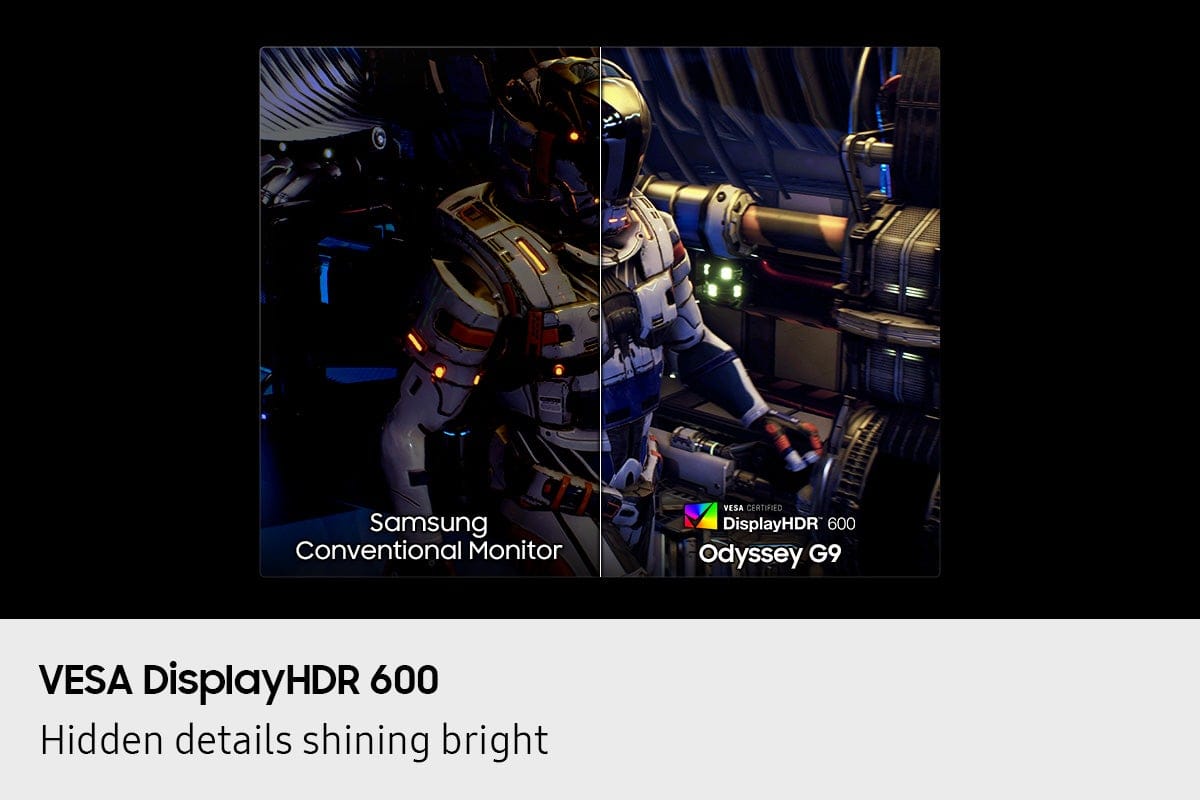
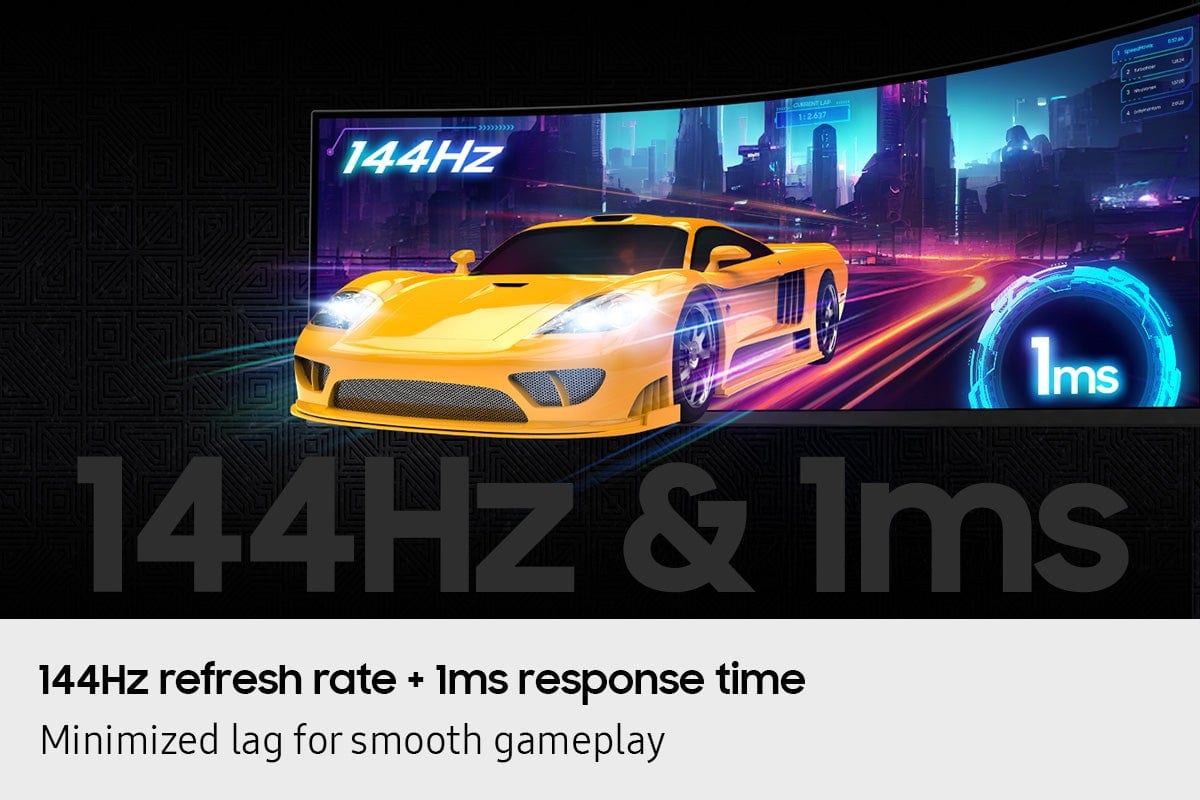
|Posted .This reviewer received promo considerations or sweepstakes entry for writing a review.Samsung - 49" Odyssey G9 G91F 1000R Curved Dual QHD 144Hz 1ms AMD FreeSync Premium Pro Gaming Monitor with HDR600 (HDMI x2, DP, USB) – Black Here’s some of the stats: DQHD 5120x1440 (similar to having two 27” monitor screens run side-to-side), VESA Display HDR 600, 144 Hz VRR, 1 MS response time, dual screens if using two inputs otherwise one large screen with one input, AMD FreeSync Premium Pro, you can set it up Picture-by-Picture (2 screens) and Picture-in-Picture, Auto Source Switch+ (monitor detects turned on connected device and switches to new source signal), of course the monitor swivels, tilts, raises and lowers. It has a headphone port, 2 HDMI ports, DP, USB-A downstream, USB-B upstream, another USB-A downstream. I’ve not had a curved monitor before, but it didn’t take me very long to really like the screen space! I have my workspace with my gaming laptop to the right of the G9 and a 27” monitor on the left end of the G9 in portrait mode for documents and/or email, File Explorer etc. Anyway, getting back to the G9, I’ve been gaming on it too and it certainly adds to the immersive experience. I love that you can see to your character’s left and right sides to keep better track of what’s off to your sides including things trying to shoot, bludgeon or eat you! Response time is great with no ghosting or distortion at all. It shows color very well along with its good resolution. When not gaming, I’ll have various windows open on it to keep track of different things while I’m working on a document, looking up something on the internet etc. with it all on the same screen as I prefer. Like I said earlier, the ones I leave open all day will usually be on my laptop monitor or the portrait one to the left end of the G9. That way I can do all sorts of things directly on the G9 with all that wonderful screen space. Even when I’m not gaming the curved screen makes it easier and smoother to see other open programs without your eyes having to jump to a completely different screen. As you would imagine, the G9 is a weighty item as it has to be to give a secure base for the big screen, but it’s manageable to move around if needed. While the G9 is designed to operate at 144 Hz, I seem to have a problem with it doing so. The monitor comes with its power cord along with a DP cord, but I don’t have a DP port on my laptop so I’m using a pretty good HDMI cable to the G9. I can set it for 144 Hz but it will blink out for a few seconds every once in a while. When I set it to lower refresh rates it still does this blinking until I get to 60 Hz then it’s fine. I suspect I may need a DP cable with an HDMI connector on one end to get the proper bandwidth or whatever it takes for the monitor to perform normally at 144 Hz – that’s my theory at this point since I’m convinced it isn’t the monitor’s fault. Frankly, I don’t want to go back to two side-by-side monitors anymore, as I had for years in my previous desk setup. This lovely, curved monitor is completely pleasing to me and I have every intention of using it for everything until it dies in some far distant time!
I would recommend this to a friend I have no rating to give this monitor
||Posted . Owned for 1 month when reviewed.This reviewer received promo considerations or sweepstakes entry for writing a review.Bestbuy pulled the wrong monitor when I purchased this so I returned it for the correct one. There error.
No, I would not recommend this to a friendBrand response from Samsung
Posted .Please know you are leaving a review for the Samsung 49" Odyssey G9 G91F Premium Pro Gaming Monitor, not the service provided by a third party seller. Please follow up directly with the seller for further assistance. We hope your issue is resolved in a timely manner. Should you have questions regarding Samsung TVs, please contact Samsung Support at 1-800-SAMSUNG, 8AM - 12AM EST, 7 days a week. Our LiveChat agents are also available by clicking on the ‘Support’ link on our website.

- Pros mentioned:Immersion, Resolution
Unbelievable Technical Marval
|Posted .This reviewer received promo considerations or sweepstakes entry for writing a review.This is my first time experiencing an ultra wide monitor that is larger then 34" and after I received the box, I could not help but turn my laughs into smiles and my smiles into pure WOW. Let me start by saying that any company that can manufacture such a well built computer monitor at 49" wide with an incredible curve deserves PRAISE. The unboxing of this monitor is extremely simple. The monitor is well protected by Styrofoam and the cardboard box is rather thick. The base is quite large but extremely sturdy and it connect with the arm simply. The monitor when attached to the stand can be raised and tilted for your viewing pleasure. The viewing pleasure is, well, immersive....like extremely immersive. when I look at the center of the screen it seems like its the normal distance of a monitor, however, when I look at the curved sides (left and right of course) they appear much closer to me and I genuinely feel like I am running a command center. This Odyssey G9 monitor has duel QHD resolutions and its very clear. Strikingly clear be it playing an immersive video game, watching a movie or doing regular work. This is 240Hz with a 1ms response time which is incredible for perfect frame gaming which looks flawless during testing. This is also HDMI 2.1 which is quite nice. It is also very cool that you can have a triple display layout for regular work or general computer use or have two really large multi screen options. I tested out the new auto source switch and the monitor rapidly chances source signals which was very cool. I think I am spoiled now with this 49" size and I can guarantee you that I will be buying another one of these 49" Odyssey G9 units for my office. This product is incredible and massive kudos to Samsung for developing something like this.
I would recommend this to a friend - Pros mentioned:Resolution, Screen size
FUN GAMING EXPERIENCE
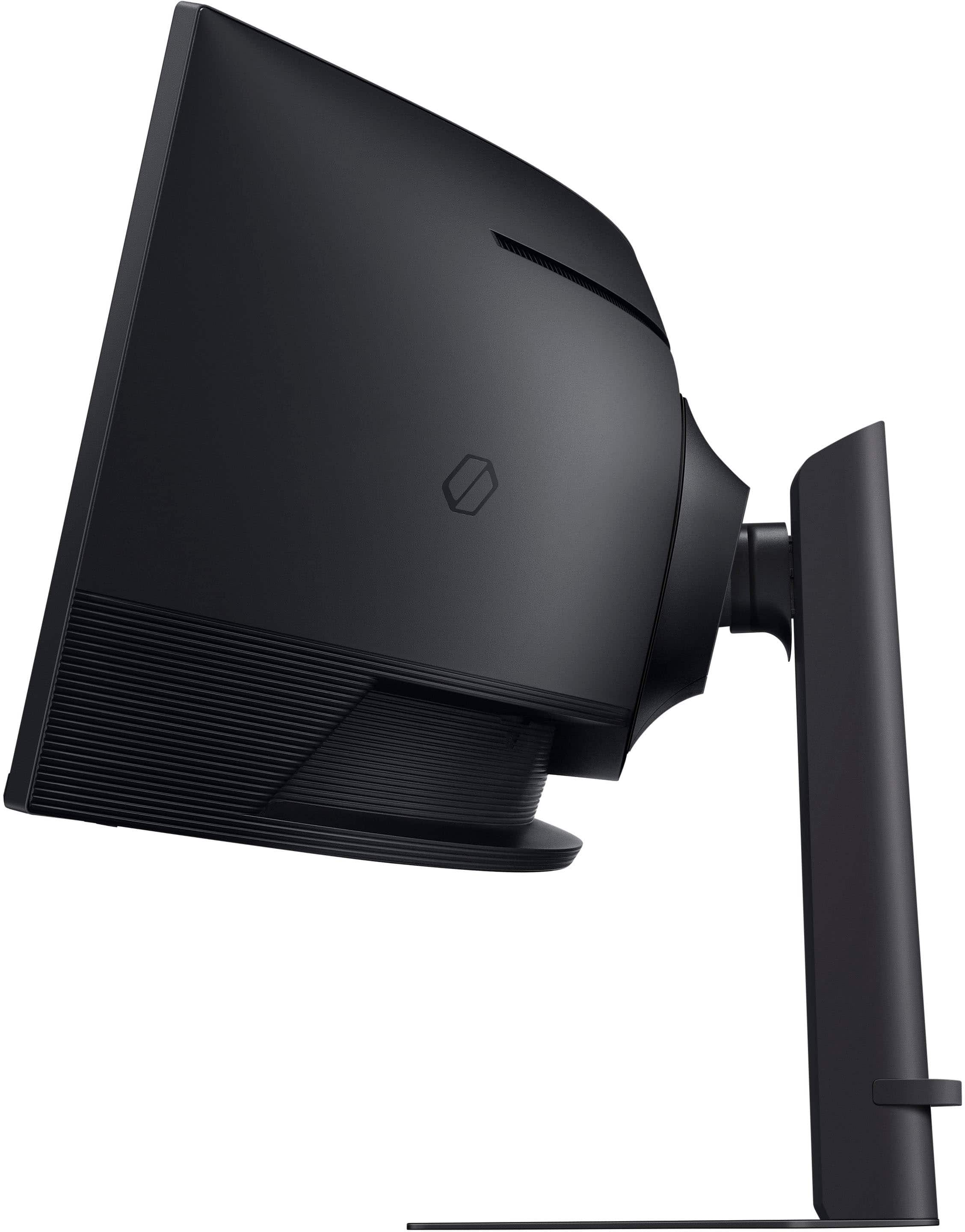
|Posted .This reviewer received promo considerations or sweepstakes entry for writing a review.As always with anything from BEST BUY, shipping was quick and the product arrived in great shape and undamaged. Set up was a little time consuming for us but alas we are seniors and surely for a younger person more adapt with today's technology it is probably a breeze. Keep in mind that his is our very first CURVED Computer Gaming Monitor, so we really don't have anything to judge it against, none the less this monitor is fantastic, it's everything that it is advertised to be and more. So crisp and clear and I swear we can see not only more detail on our favorite games than previously playing on a regular computer monitor but we can now see things that we never really noticed before, things at the peripheral edges that we didn't notice before. Deep solid Black Colors, and no lag time whatsoever that we can see. And the cherry on top is the picture in a picture feature so multi-tasking is possible without game playing interruption. Although the screen does tilt, the stand in general does not go up as high as it should, and it definitely can tip over forward a lot more easily than tip over backward and you would think that the designers would of made that the other way around. The fun and change in over all game playing experience is well worth the price and more. This is a fun product and we are very please with it. We will definitely recommend it to our friends and family.
I would recommend this to a friend It's a bit much...and I love it.
|Posted .This reviewer received promo considerations or sweepstakes entry for writing a review.Alright so here's the thing. I know this is targeted toward gamers, but I don't think it is the best fit for that use case. Games are generally not built for a crazy wide aspect ratio, which is what the Samsung G91F provides. It is a 32:9 aspect ratio, roughly double (for the sake of argument) of what is more along the lines of normal. That doesn't mean that some games aren't awesome on it... or can be modified in a way to make it an awesome experience. And it also doesn't *necessarily* mean that whatever stretching/distortion occurs on un-modified, non-optimized (for 32:9 monitors) games are unplayable. Take something basic, like Minecraft. Built for 32:9? Heck no! Are there FOV mods that make 32:9 acceptable (dare I say, awesome)? Absolutely! But without mods, is the general experience of playing Minecraft *better* on 32:9 versus something more mainstream? I'd say so. It's something you have to adjust to, but once you do, it's kind of incredible. The stretching on the edges almost becomes a mechanism for 'hacking' the game in a way that gives you better close-up view of an object in your peripheral that is otherwise much further away. After a couple of hours at this aspect ratio, it's almost uncomfortable to go back to a more standard 16:9 or 16:10. Alright, with that out of the way, here are some more thoughts. That said, more and more games are natively supporting ultra wide aspect ratios. 21:9 seems more standard right now in 2025, but over time I imagine that will continue to expand. Those games that do... Star Wars Outlaws, for example...it's really something. Very immersive, and if your PC hardware can push the full resolution, you're in for a real treat. What 32:9 gives you are side-by-side 16:9 screens in a single panel, which has its own fun use cases. With Picture By Picture (PBP) support, you can still play your 16:9 game on a great panel, while another machine is connected (say, a work computer) so you can get a couple of rounds in on your lunch hour without making some huge switch or putting in a KVM. At the end of the work day, turn off PBP, filp to full immersive mode, and enjoy. Oh, and during the day-- maybe that connection to your work computer allows you to push the equivalent of dual monitors on a single panel, with no bezel. And you can seriously crank on the widest spreadsheet you have. Some other things...this monitor comes well packaged, is easy to assemble, and is entirely ridiculous to look at (namely, because it's a very large piece of equipment). Everyone in my household saw it, thought it was over the top, then sat down in front of it...and in only a couple of minutes, their minds started changing. There are few products anymore that really surprise me. I generally don't care much for curved monitors, and I generally think ultra wides are better for productivity than they are gaming and entertainment. The sheer size of this one is what piqued my curiosity, and boy oh boy, I don't know how to go back to something more normal. I thought I was going to miss my 4K 32"....not even a little bit. So, it's $1000. It's big, it's ridiculous, it's over the top, and it's awesome. This definitely changed my mind on ultra wides, and I hope I can find more content to make the best use of the aspect ratio. But I do love it, and I don't think I'll be going back.
I would recommend this to a friend- Pros mentioned:Screen size
Another one that should be considered.
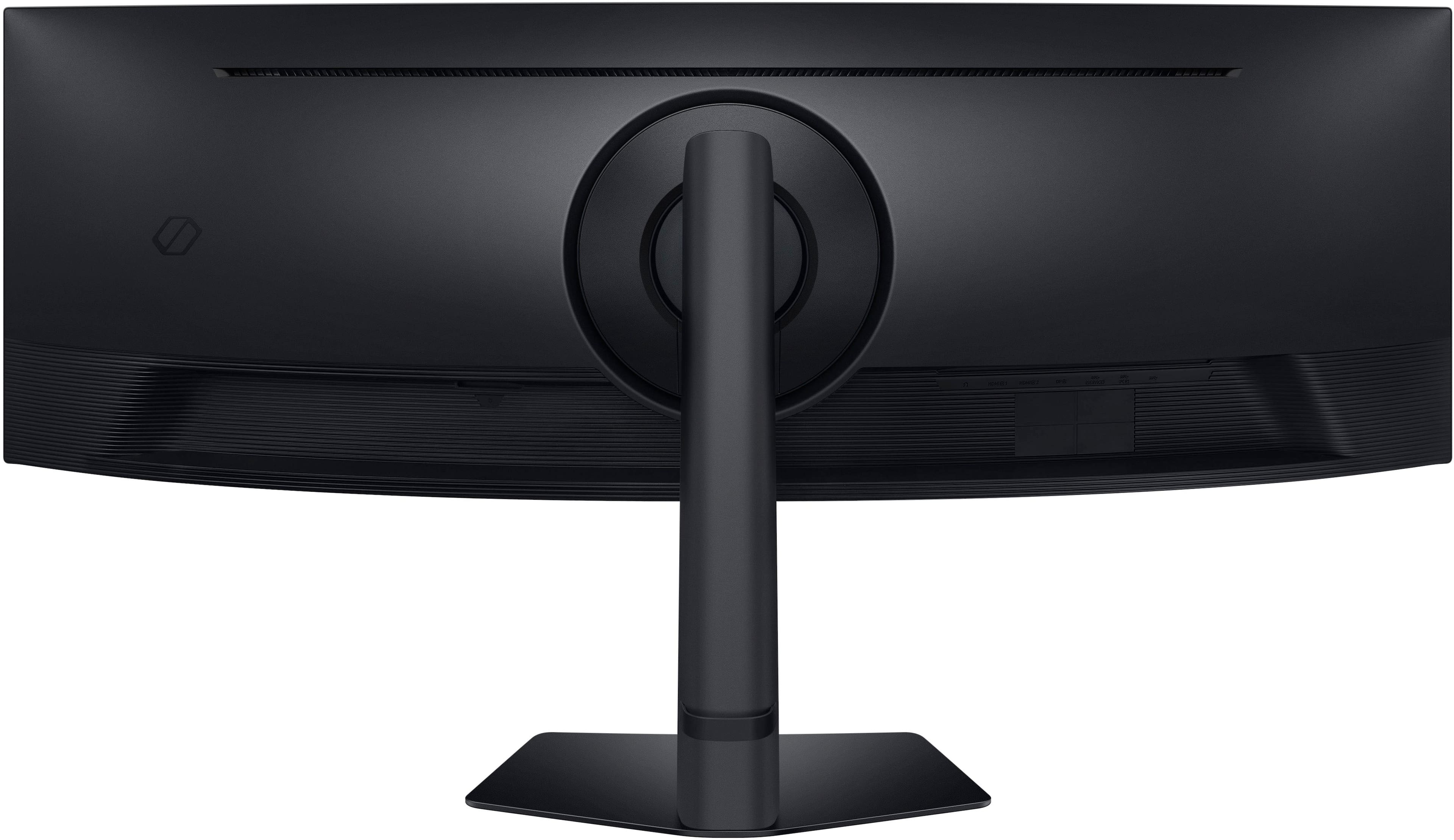
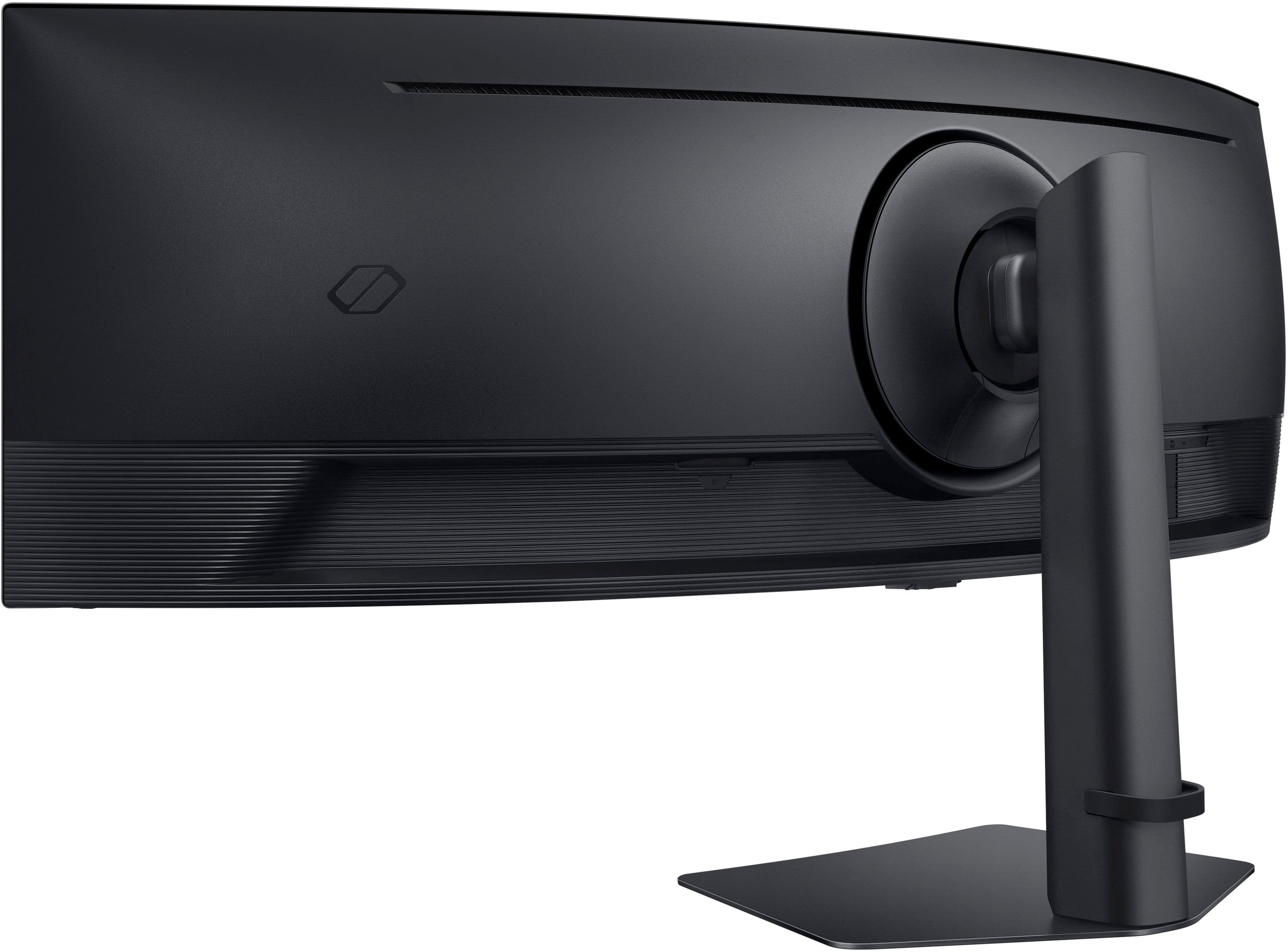
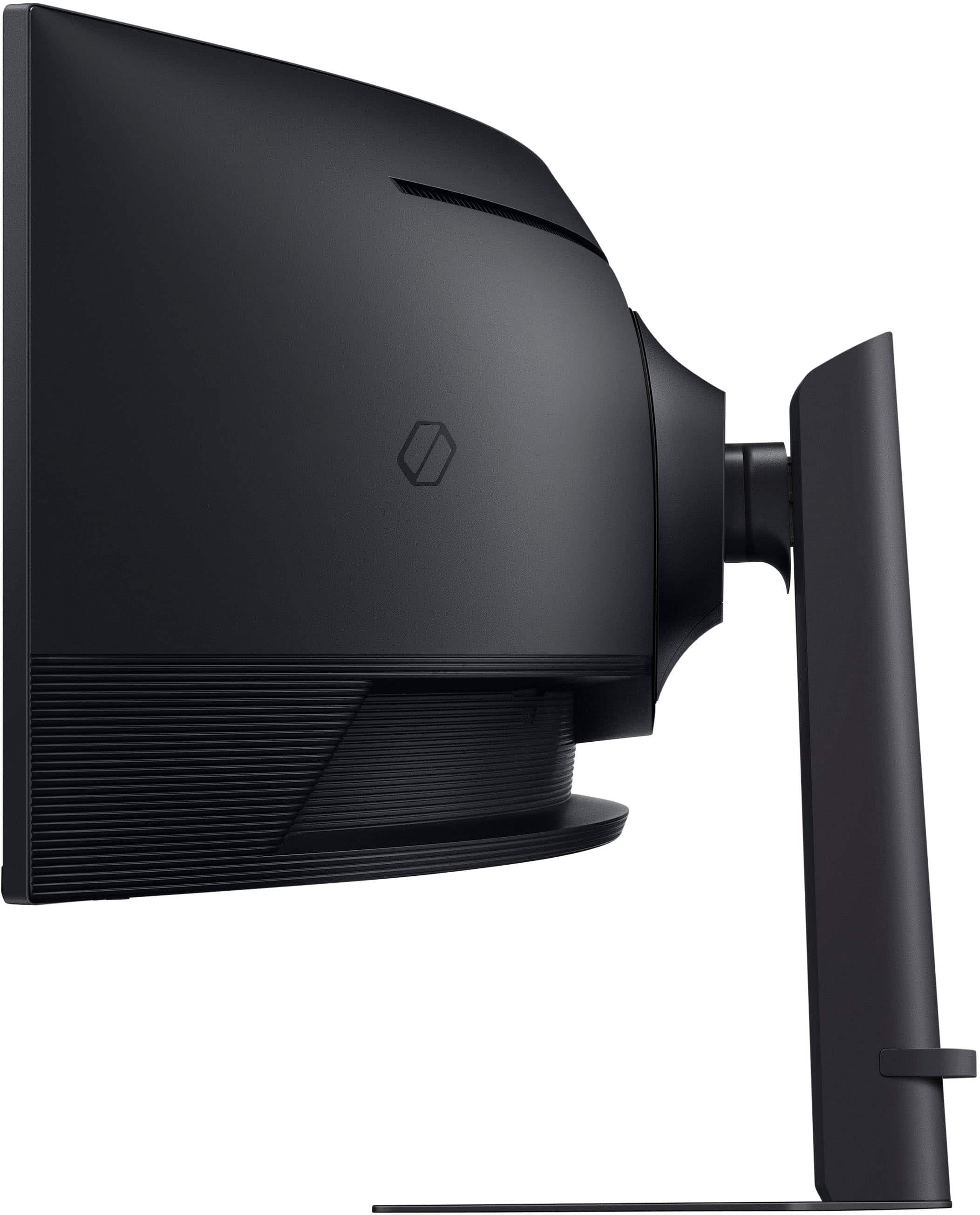
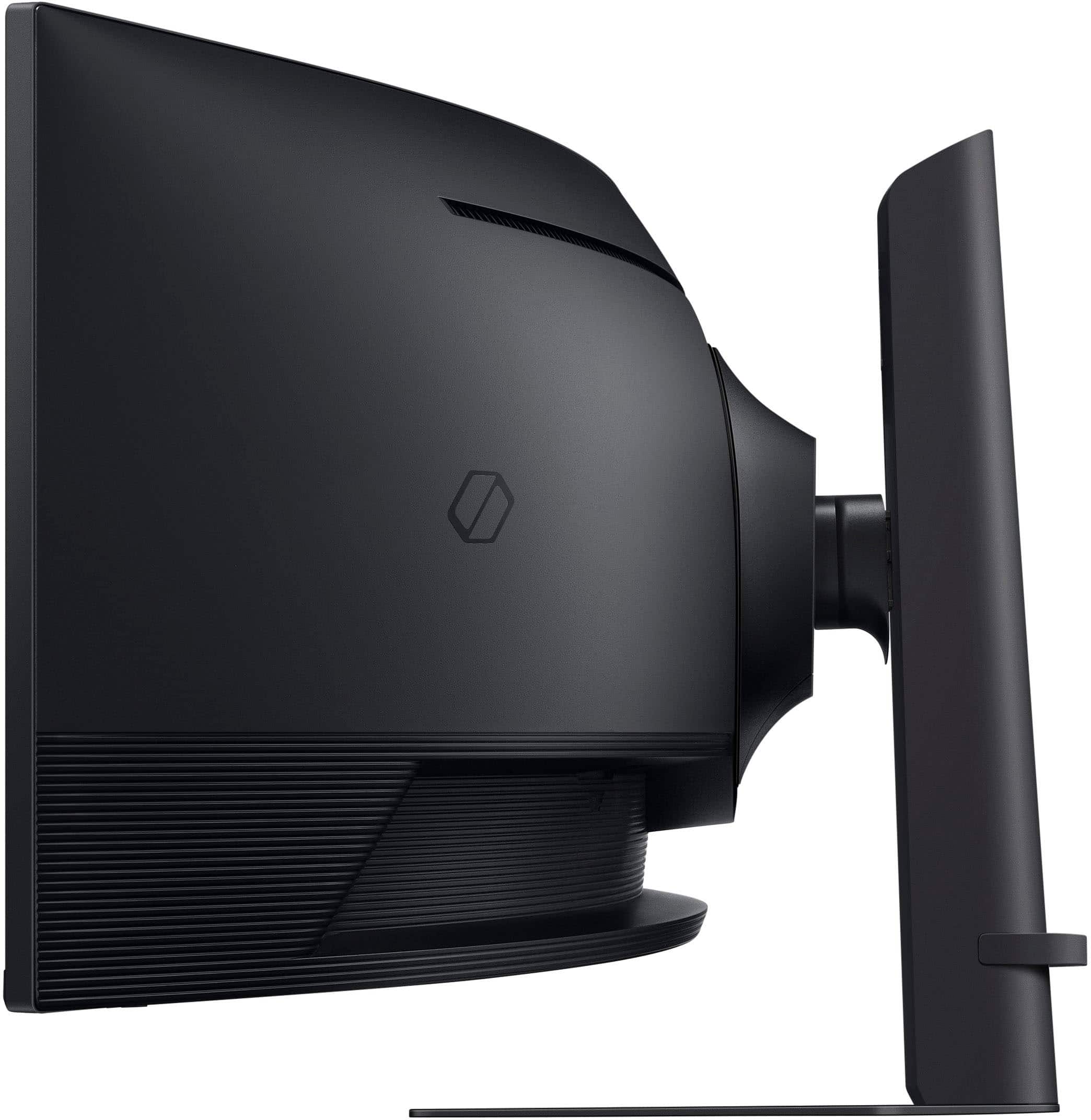
|Posted .This reviewer received promo considerations or sweepstakes entry for writing a review.Monitors come in all shapes and sizes, but when you go wide..it's different. Hardware: This monitor is built like a tank, and I meant that in a good way. Because it's HEAVY, and has a good base. The base on this thing is solid, which you will for sure want depending on where you are putting it. I like that it does not have the huge legs like on my previous 49 inch monitor. They were so big, I had to remove them and mount it on an arm. Not this time, this base is perfect. Screen: This is the main reason you might be buying this monitor, the screen size and orientation. It's different at first if you are new this these ultra wide screens, but once your eyes adjust after a few games you will love it. Quality is what you assumed it would be, superior to some others. Crystal clear, and good frame rates for game play. Good viewing angles, and solid performance. It has a NICE finish on it, so you will not have glare. Price: This is a sweet spot, as there are some that can cost a lot less, or a lot more. Current pricing is fair I say, base on my other options. In the end, you have to decide if you like ultra wide...or regular for games, I say this is the way. It curves around you and just looks so much better. You can also use it with other tasks, like regular day to day things. Web browsing, viewing YouTube, social media, etc. With that, it's like having 3 to 4 monitors in one. Very nice! I say buy it, and buy it now!
I would recommend this to a friend - Pros mentioned:Resolution
49" Monitor
Posted .This reviewer received promo considerations or sweepstakes entry for writing a review.This is the second monitor of this size that I have purchased and I definitely prefer it to the Dell version that I purchased for $500 more, easier on the eyes and the resolution is great! I use mine for work, but I've been told it is great for Gamers.
I would recommend this to a friend - Pros mentioned:Screen size
A very very good G9, good indeed!
|Posted .This reviewer received promo considerations or sweepstakes entry for writing a review.This monitor is a curved monitor, with a capital C. Make no mistake about it, this is much more curved than the G91SFSD (??) Of which I also have. The monitor is far more curved than the gentle curve of the higher end G9 but that doesn't mean either monitor is not worth buying, in fact both are, but for slightly different reasons. The first G9 that I got, well it was the best, and is the best, thing I have ever paid money for in my life. Certainly the best $1999 investment that I have ever made. Why? Because it is. That's why. The G9 monitor series is amazing. This one is much more curved, is not OLED like my other and yet has a better rate of latency than my OLED, which is still amazing at 1 second. Hooking it up is easy, I mounted mine both, one above the other (not recommended though as they don't have anywhere close to a match since this monitor is highly, highly curved, and the other is not) and it works great for me but most will not want to see such obvious differences (it's not bezel to bezel) With that being said, the monitor picture is amazing, it's a light monitor whether you mount it or use the stand. Very amazing, monitor and I can't recommend it enough!! A great value monitor at just 49" wide, heh heh. SO WORTH IT!
I would recommend this to a friend - Pros mentioned:Screen size
Great for at home work
Posted .This reviewer received promo considerations or sweepstakes entry for writing a review.My husband has had this for a year and I have decided to purchase this for my at home office, it’s great, I can add three screens to the monitor, which is helpful, so I can multi-task work.
I would recommend this to a friend Great picture
Posted .This reviewer received promo considerations or sweepstakes entry for writing a review.Great picture. Average sound. Lots of options. Needs better speakers and lets be honest, a camera would make it 7 stars. It is what it is
I would recommend this to a friendI have 2
Posted .This reviewer received promo considerations or sweepstakes entry for writing a review.Love this monitor and all it features as it eliminates the need for a KVM or Regular tv for that Fact
I would recommend this to a friend