Customer Ratings & Reviews
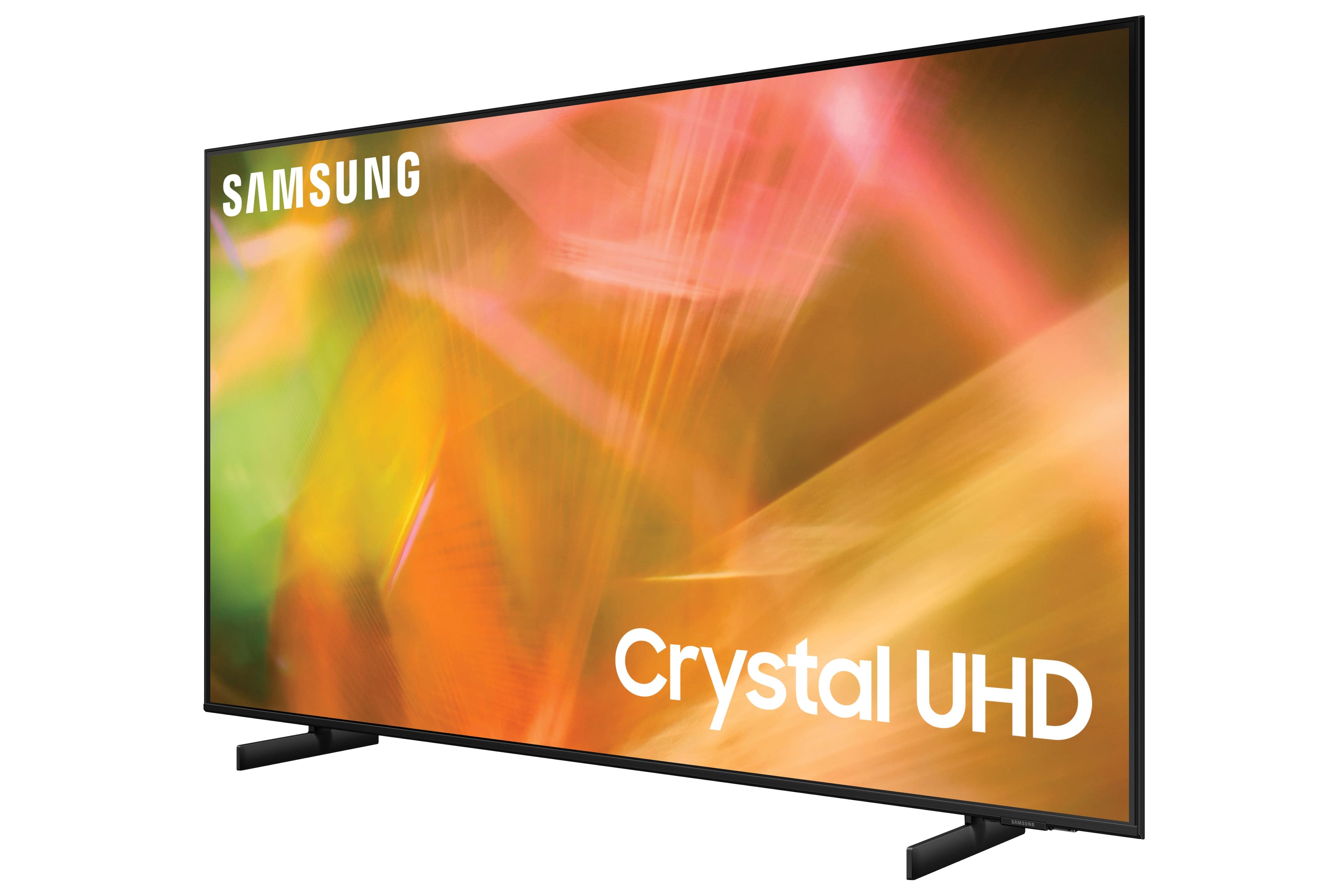
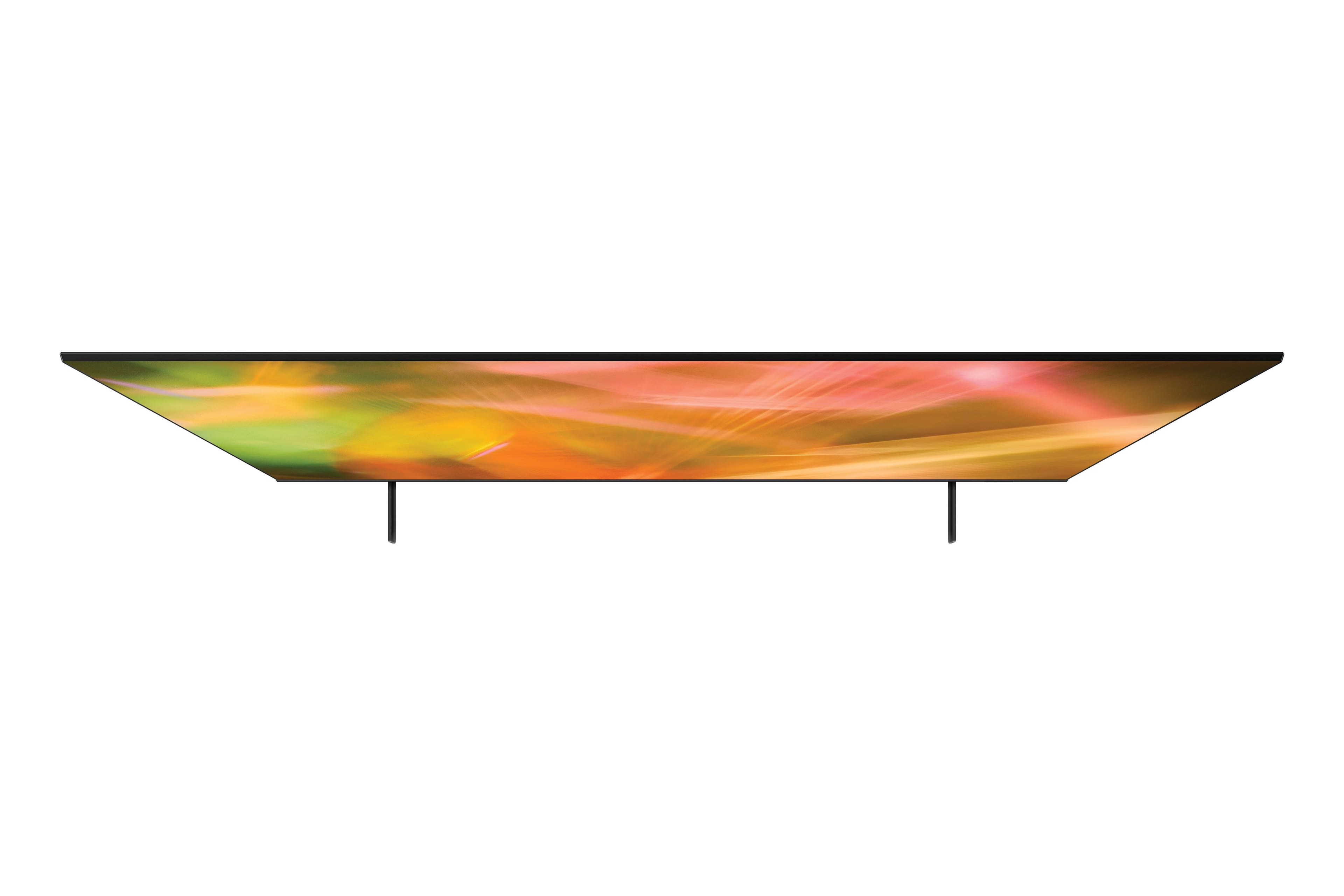
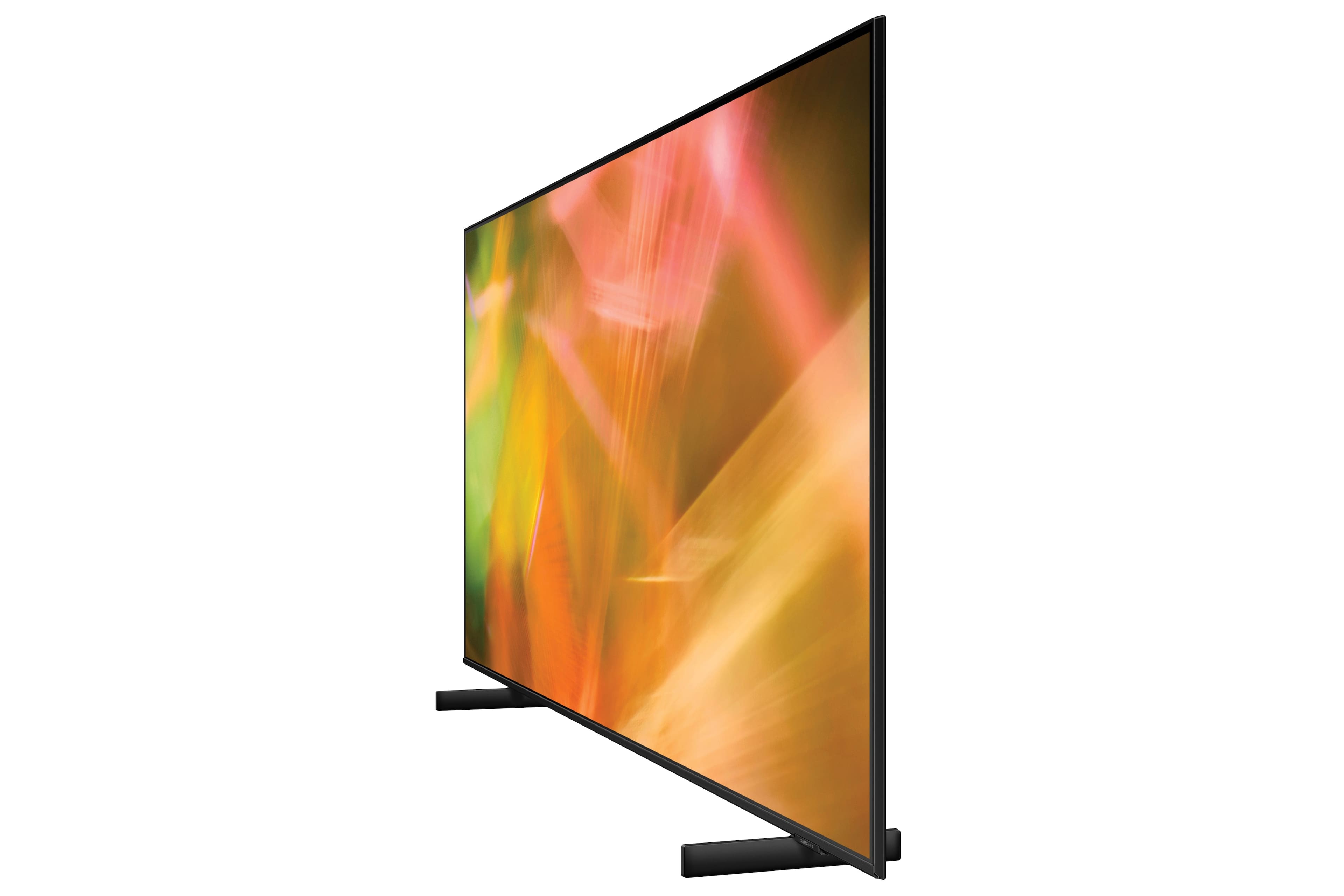
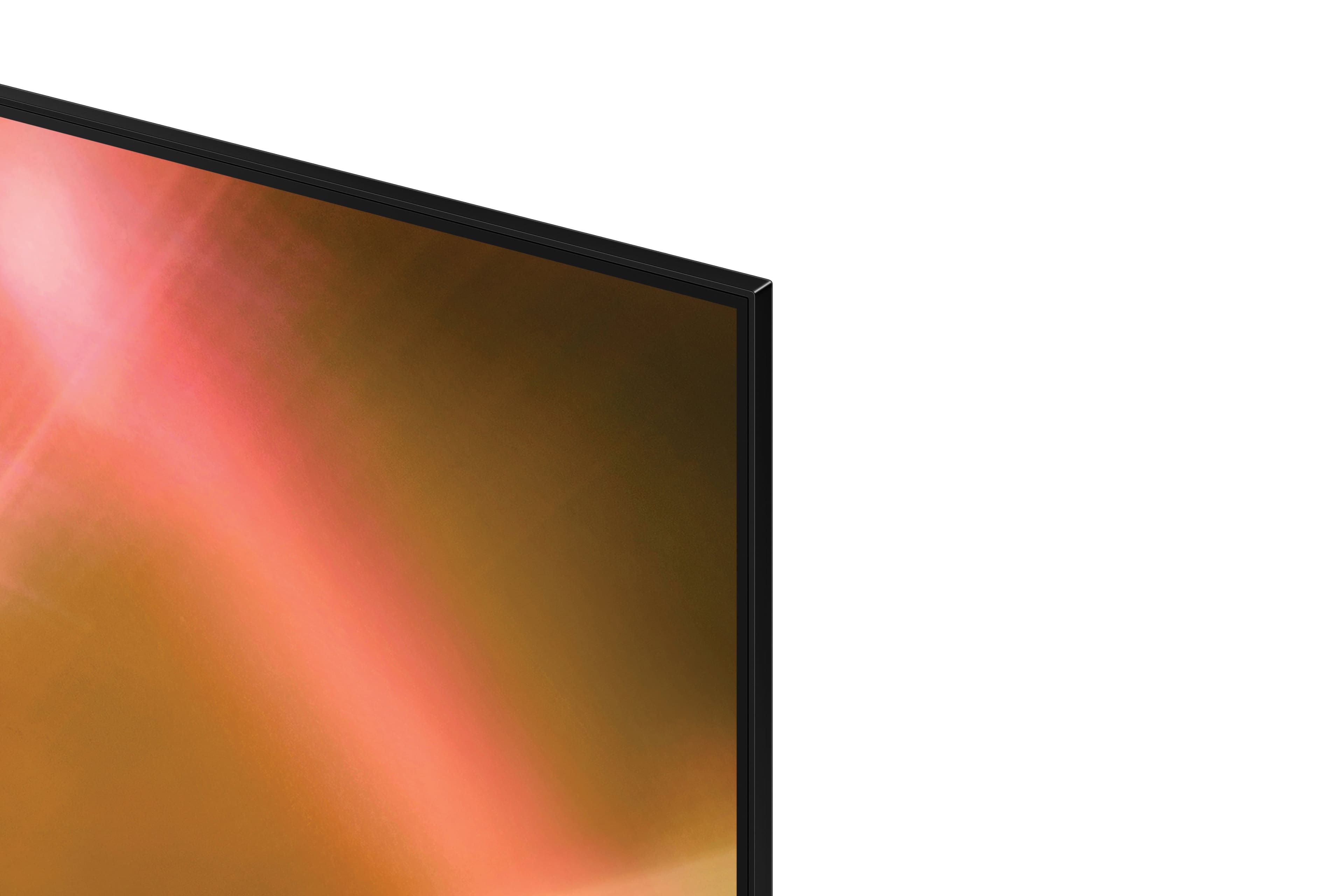







- Model:
- UN50AU8000FXZA
- SKU:
- 6452997
Rating by feature
- Picture Quality
Rating 4.6 out of 5 stars
- Sound Quality
Rating 4.2 out of 5 stars
- Brightness
Rating 4.6 out of 5 stars
Customers are saying
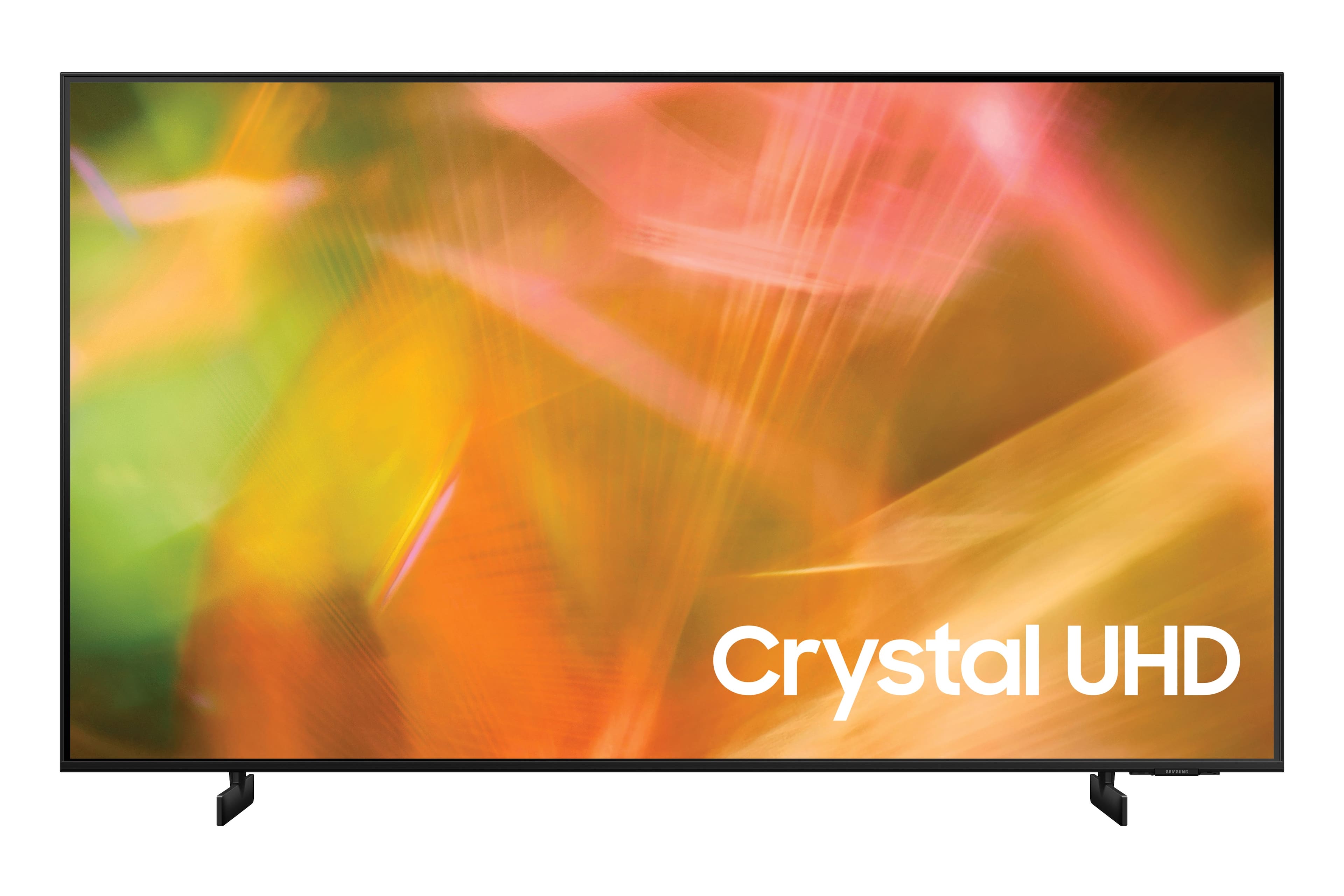
Customers are satisfied with the picture quality, easy setup, price, color, and size of the 50" Class 8000 Series LED 4K UHD Smart Tizen TV. They appreciate the excellent picture clarity, vibrant colors, and user-friendly interface. However, some customers have concerns about the durability and lifespan of the TV, as well as issues with the remote control and screen.
This summary was generated by AI based on customer reviews.
- Pros mentioned:Picture quality
Good Tv for price
||Posted . Owned for more than 2 years when reviewed.This reviewer received promo considerations or sweepstakes entry for writing a review.Good TV. Great picture and User interface. Use it for gaming and watching TV.
I would recommend this to a friend - Pros mentioned:Picture quality
Volume would stop working
||Posted . Owned for 1.5 years when reviewed.This reviewer received promo considerations or sweepstakes entry for writing a review.Very good quality picture but the volume would sporadically stop working.
I would recommend this to a friend - Pros mentioned:Picture quality
Great!
||Posted . Owned for 1 year when reviewed.This reviewer received promo considerations or sweepstakes entry for writing a review.Great quality, user friendly. Picture quality is clear and crisp. One of the greater TV's I've purchased.
I would recommend this to a friend - Pros mentioned:Picture quality
Great price, great TV
||Posted . Owned for 1 month when reviewed.This reviewer received promo considerations or sweepstakes entry for writing a review.Bought this for master bedroom, love the picture quality and it is everything we were looking for. Great price for a good quality TV.
I would recommend this to a friend - Pros mentioned:Picture quality
Samsung 50" Class 8000 Series - Great TV
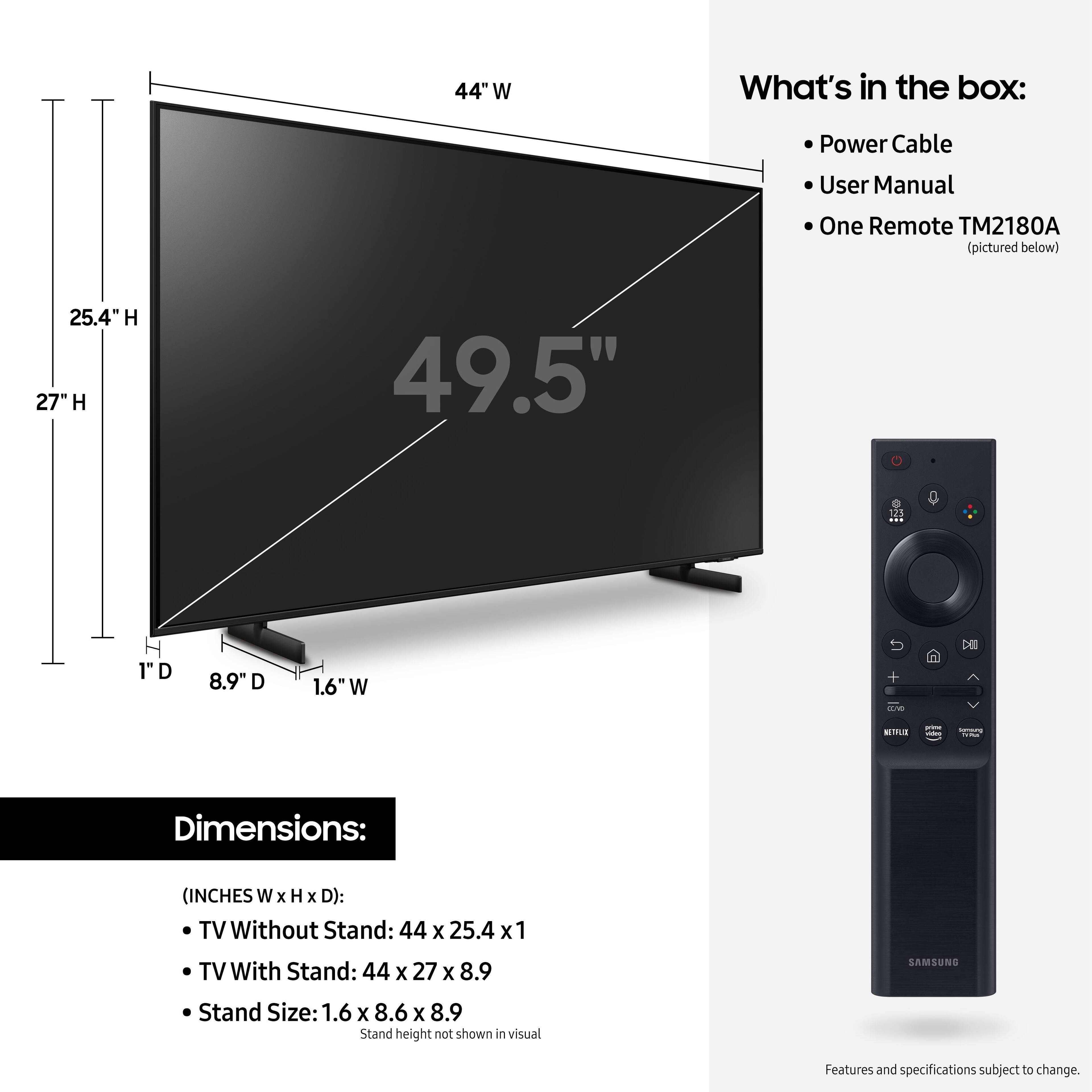
||Posted . Owned for 3 weeks when reviewed.This reviewer received promo considerations or sweepstakes entry for writing a review.We have five TVs in the house and this is the best one we’ve purchased. The stand width is smaller than other options which is great as we have limited space in our wall unit. Set up was quick and smooth. Disney+, Hulu, Netflix, Prime Video, etc. are already programmed in which is great! Clear, vivid picture with crisp audio. Adding home theater and blue ray player was easy and fast. We would definitely recommend this Samsung TV.
I would recommend this to a friend - Pros mentioned:Picture qualityCons mentioned:Remote control
We like it
||Posted . Owned for 1 month when reviewed.This reviewer received promo considerations or sweepstakes entry for writing a review.This is a nice tv with some surprising little toys to go along. Straight on viewing you’ll enjoy a great picture and stunning colors, from the side view that great picture diminishes a good bit. We hung it on the wall in the bedroom. Had trouble with the power plug staying in. Finally, I gave it a monster push in and it’s stayed plugged for now. The remote is a little thing and tricky too. Over all this is an enjoyable unit.
I would recommend this to a friendBrand response from Samsung
Posted .Hi Phil!
Thank you for purchasing the Samsung 50" AU8000 Crystal UHD TV and for sharing your thoughts on the viewing angle. The AU8000 utilizes Samsung's Crystal Display allowing you to see every detail with stunning clarity powered by the Crystal Processor 4K.
There are image adjustments you can make to optimize your picture to suit your preferences. Your TV has several Picture Modes to choose from allowing you to enjoy content in optimal conditions. Go to Home > Settings > Picture > Picture Mode
You can also go to: Settings > Picture > Expert Settings to manually fine tune your image.
If you have attempted adjusting settings and the image is still not to your liking, I may suggest exploring the QLED line of TV's from Samsung starting with the Q60A. The Samsung Q60A is designed with Dual LED technology which allows the TV to balance color and brightness more accurately than conventional Edge Lighting arrangements. Samsung TVs with Dual LED also produce a wider viewing angle, making it better for everybody watching. Starting with our Q70A, our models feature a Wide Viewing Angle designed to let you see the full picture with brilliant color — no matter where you're sitting. From our QN90A Neo QLED Series on up, our models feature Ultra Viewing Angle allowing you to see every detail at any angle. Ultra Viewing Angle gives you the consistent detailed picture, even when sitting off to the side.
For further assistance with settings adjustments, please contact Samsung Customer Support at:
1-800-SAMSUNG (ask for TVs), available 8AM -12AM EST M-F (9AM – 6PM EST Sat). Or text HELP to 62913.
For additional support resources, visit us on the Samsung website and click on the ‘Support’ link in the upper right corner of the homepage for:
1) More ‘Contact Us’ options – LiveChat, Facebook, Twitter, Samsung Community, Samsung Members app
2) Manuals & Software
3) Warranty Info
4) Product Registration: For access to easy warranty support, convenient opt-in to special promos and offers, faster troubleshooting and service, and quick notification of system updates.
~ Samsung Solutions
- Pros mentioned:Picture quality
Perfect for streaming and gaming
||Posted . Owned for 3 weeks when reviewed.This reviewer received promo considerations or sweepstakes entry for writing a review.Upgraded from an older samsung and the refresh rate and vivid crispness is absolutely amazing.Perfect for streaming and gaming.
I would recommend this to a friend - Pros mentioned:Picture quality
Good tv
||Posted . Owned for 11 months when reviewed.This reviewer received promo considerations or sweepstakes entry for writing a review.Excellent tv, and really captures smart. Its a little overzealous into switching to whatever console you have hooked up but other than no complaints
I would recommend this to a friend - Pros mentioned:Picture quality
Dissatisfied Customer
Posted .This reviewer received promo considerations or sweepstakes entry for writing a review.After about 4 years of minimum use of this TV set, it starts showing black screen and buy itself turning on and off. No solution was offered by the company. Before the above issues picture and sound were fine.
No, I would not recommend this to a friend - Pros mentioned:Ease of use, Picture quality
Nice TV
||Posted . Owned for 1 month when reviewed.This reviewer received promo considerations or sweepstakes entry for writing a review.Great television. Excellent picture quality, very light and it has easy to use pre-loaded apps.
I would recommend this to a friend - Pros mentioned:Picture quality
Great tv
||Posted . Owned for 10 months when reviewed.This reviewer received promo considerations or sweepstakes entry for writing a review.Overall great tv for the price point…. Love the picture great Quality in general…..
I would recommend this to a friend - Pros mentioned:Picture quality
Great TV for the money
||Posted . Owned for 9 months when reviewed.This reviewer received promo considerations or sweepstakes entry for writing a review.We got this TV to mount on our patio. It’s loud enough, plenty bright and has good resolution for sports.
I would recommend this to a friend - Pros mentioned:Color
Great purchase
||Posted . Owned for 1 month when reviewed.This reviewer received promo considerations or sweepstakes entry for writing a review.I love this TV colors are very vivid I have had no problem whatsoever with it definitely recommend it for the price
I would recommend this to a friend - Pros mentioned:Ease of use
Very nice tv at twice what this cost.
||Posted . Owned for 11 months when reviewed.This reviewer received promo considerations or sweepstakes entry for writing a review.Use this in our bedroom... I like Samsung TV's, menu on this is very easy to use, video quality excellent.
I would recommend this to a friend - Pros mentioned:Picture quality
Samsung Crystal UHD
||Posted . Owned for 1 month when reviewed.This reviewer received promo considerations or sweepstakes entry for writing a review.Works well, picture quality is pretty good for the price point. All software runs as it should.
I would recommend this to a friend - Pros mentioned:Picture quality
GREAT TV!! DO NOT HESITATE!
||Posted . Owned for 1 month when reviewed.This reviewer received promo considerations or sweepstakes entry for writing a review.Great picture and perfect size for out Master Bedroom. So glad we pulled the trigger on this one. We originally wanted an OLED but the cost of a good one was something I couldn't see putting in a bedroom. This went on sale the same day as the Prime Day sale and was last one available. $399+tax we didn't hesitate and picked up right away! You can not go wrong with this one.
I would recommend this to a friend - Pros mentioned:Ease of use, Picture qualityCons mentioned:Volume
Samsung tv review
||Posted . Owned for 3 weeks when reviewed.This reviewer received promo considerations or sweepstakes entry for writing a review.The picture is excellent!!! Easy setup. I would recommend this tv to anyone. The volume could be a bit louder
I would recommend this to a friend - Pros mentioned:Picture quality
Samsung makes great products
||Posted . Owned for 1 year when reviewed.This reviewer received promo considerations or sweepstakes entry for writing a review.I have been a long time fan of Samsung and this TV in my opinion has a great picture especially for the price!
I would recommend this to a friend - Pros mentioned:Picture qualityCons mentioned:Remote control
Excellent quality for the price.
||Posted . Owned for 1 month when reviewed.This reviewer received promo considerations or sweepstakes entry for writing a review.I can’t give a 5 because the tv seemed harder to set-up than others I have purchased and I do not like the remote at all. I have no complaints about the quality of the picture and I am pleased with my purchase-bought just in time for watching the Olympics.
I would recommend this to a friend - Pros mentioned:Picture quality
Love it…BUT
||Posted . Owned for 3 weeks when reviewed.This reviewer received promo considerations or sweepstakes entry for writing a review.The television is beautiful picture is beautiful. However, the stand should be more solid. It’s very flimsy.
I would recommend this to a friend