Customer Ratings & Reviews
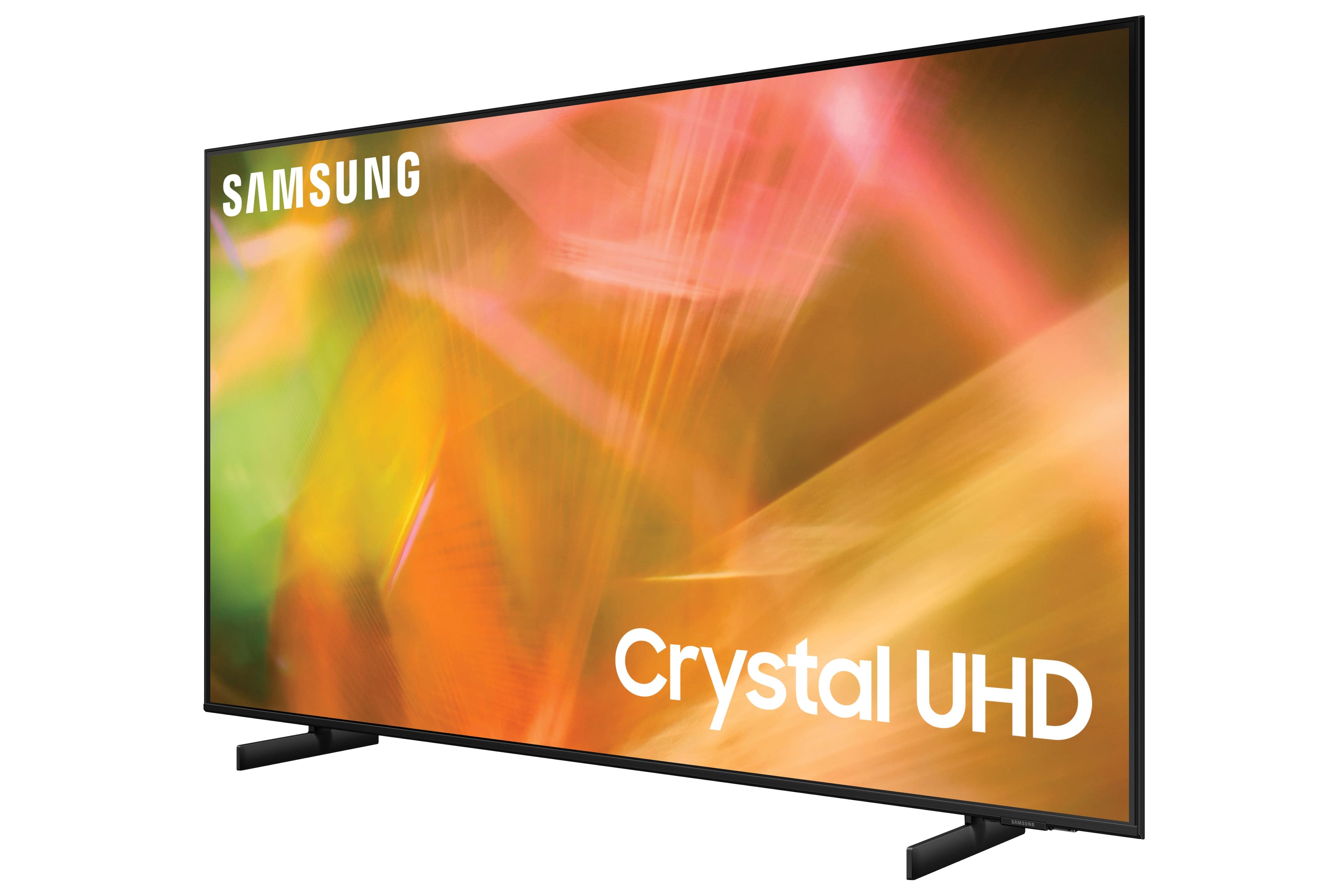







- Model:
- UN50AU8000FXZA
- SKU:
- 6452997
Rating by feature
- Picture Quality
Rating 4.6 out of 5 stars
- Sound Quality
Rating 4.2 out of 5 stars
- Brightness
Rating 4.6 out of 5 stars
Customers are saying
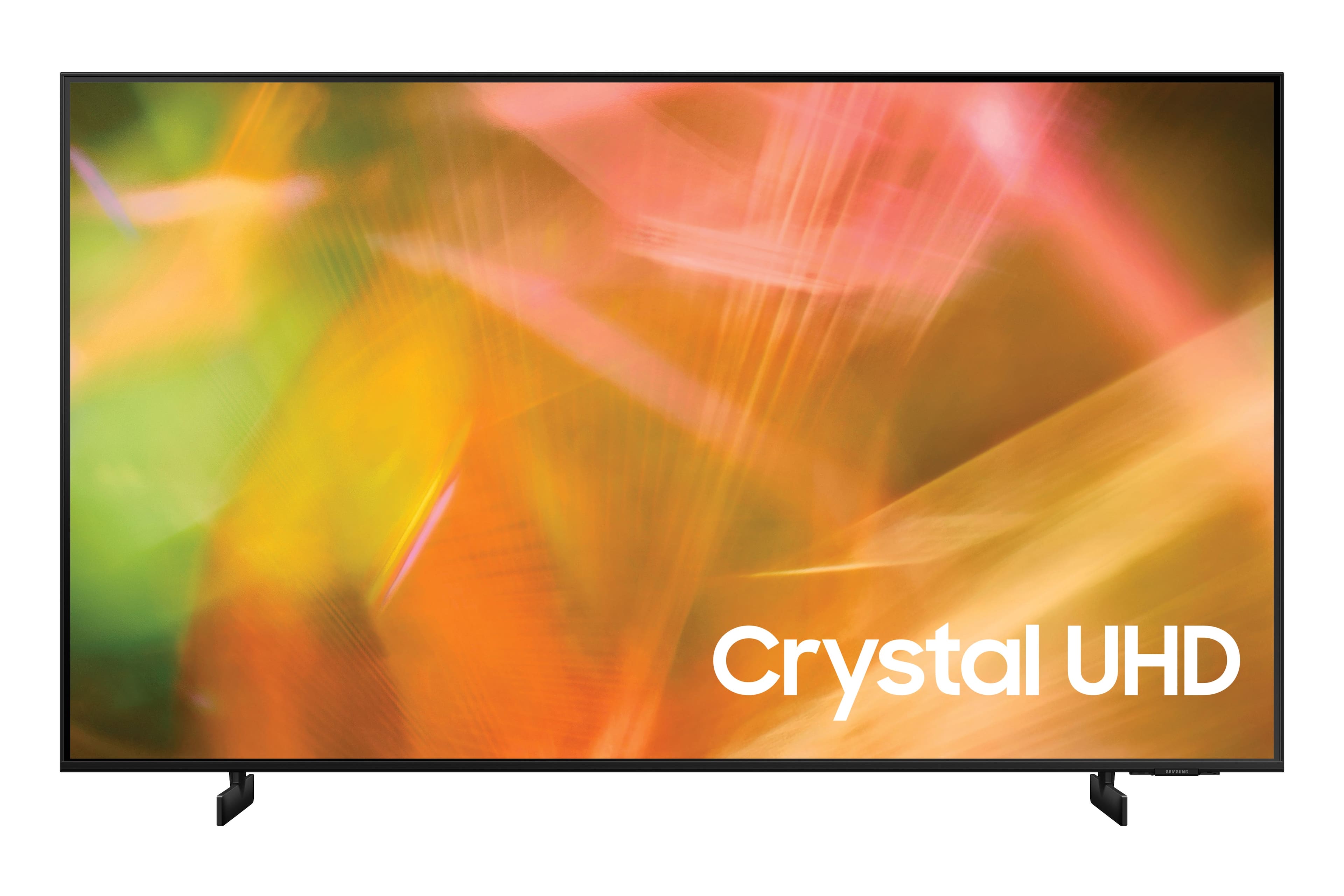
Customers are satisfied with the picture quality, easy setup, price, color, and size of the 50" Class 8000 Series LED 4K UHD Smart Tizen TV. They appreciate the excellent picture clarity, vibrant colors, and user-friendly interface. However, some customers have concerns about the durability and lifespan of the TV, as well as issues with the remote control and screen.
This summary was generated by AI based on customer reviews.
New TV
||Posted . Owned for 3 weeks when reviewed.This reviewer received promo considerations or sweepstakes entry for writing a review.TV was delivered in time frame as promised. Removed old tv. Set up on wall hanger went pretty well although we had to order special screws from Amazon. We are still learning how to use our smart tv. We waited to order the u til tax free weekend.
I would recommend this to a friend- Cons mentioned:Remote control
Avoid at all costs.
||Posted . Owned for 1 week when reviewed.This reviewer received promo considerations or sweepstakes entry for writing a review.Overall the TV is light and it has a nice, sturdy base. It also is a TV! But that's all the nice things I have to say about it. I am now on my second one within a month and this one has issues too. The first screen had a dead pixel. dead center. Whenever the screen would go dark, it would just be this distracting white dot, dead center int he screen. After returning that one and getting the second one, I'm now having even larger issues with this. Not only was it having trouble turning on when plugged in, but now 1/4th of the right side of the screen is just descending lines that will not go away. I have no idea if they just keep giving me refurbished TVs or what. Now I have to go back up and give this one back, but I will not be returning it for the same model or brand. Besides the terrible defectiveness of the TV's, the power cord is too short, the HDMI ports are too close together and put in a weird position, the remote may be simplistic, but it's way too bare bones, and the screen quality is just meh. I would never recommend this TV at any price because you're going to get burnt with it eventually. It may not be within 2 weeks like mine was, but eventually. So if you don't get an extended warranty on this, you're going to burning 500 dollars to be upset 6 months down the line.
No, I would not recommend this to a friendBrand response from Samsung
Posted .Hi stankyboyo,
Thank you for your review of the Samsung AU8000 Crystal UHD TV and for sharing the issues that have caused you to return your unit. Your experience is very important to us and will be shared with our product team.
It is possible that your unit needed minor troubleshooting, a firmware update, or adjustments in settings.
Should you ever decide to give Samsung TVs another try and have questions or need assistance with settings, setup, or features, please know we are always here to help. Call us at 1-800-SAMSUNG (ask for TVs), available 8AM - 12AM EST, 7 days a week.
For additional support resources, visit us on the Samsung website and click on the ‘Support’ link in the upper right corner of the homepage for:
1) Chat with Us/Product Help: To begin a chat or find solutions, choose ‘TVs & Home Theater’ and select your model & topic.
2) Manuals, Software, & Warranty Info
We hope to regain you as a customer in the future.
~ Samsung Solutions
Samsung
||Posted . Owned for 3 weeks when reviewed.This reviewer received promo considerations or sweepstakes entry for writing a review.Remote is terrible. Too sensitive. Any touch changes channels Also, it keeps deferring to Samsung TV. Very annoying. We do not want Samsung TV. I would not purchase a Samsung again!!
No, I would not recommend this to a friendCompatibility
||Posted . Owned for 1 month when reviewed.This reviewer received promo considerations or sweepstakes entry for writing a review.Justin suggested this TV because of its compatibility with Apple TV. He was right on and the connectivity was seamless. Graphics are so much better than our previous TV. Can’t believe how much better the screen photos are than our 10 year old TV
I would recommend this to a friendBurcu
||Posted .This reviewer received promo considerations or sweepstakes entry for writing a review.Highly recommended it.. it is very good.. This is our 3rd generation television from Samsung already and we love it too... :) Samsung doing amazing job for television but unfortunately it still has sound quality problem.. Other then that it’s perfect!
I would recommend this to a friendWorth it for a tv that jobs it’s job
||Posted . Owned for 3 months when reviewed.This reviewer received promo considerations or sweepstakes entry for writing a review.Very pleased with this tv. it’s a quick start up. the samsung channels are good and strong. once had an issue with wifi connectivity with an vizio tv in its same location but this TV has had zero issues with connectivity.
I would recommend this to a friendMalfunctioning in less than 1 1/2 years
||Posted . Owned for 1 year when reviewed.This reviewer received promo considerations or sweepstakes entry for writing a review.We were happy with the TV, but now it will not work. Glitching, freezing, pausing, and rebooting automatically. Made an appointment to bring in the TV for repair at Best Buy with Geek Squad, and they said they won't touch it because it isn't warranteed. "You can find a TV repair place or trouble shoot on YouTube."
No, I would not recommend this to a friendavoid at all costs
||Posted . Owned for 1 year when reviewed.This reviewer received promo considerations or sweepstakes entry for writing a review.I should have returned this TV immediately when I realized that the Crystal UHD was no where near the quality of the OLED. We kept it, despite the subpar picture- well, now theres no picture at all. We are just outside the 1 year warranty and theres no picture or sound at all. We are so upset. A couple of weeks ago black lines appeared at the bottom and now theres nothing at all. Just a flashing back light and little bits of sound every 10 minutes.
No, I would not recommend this to a friend- Pros mentioned:Picture quality
Slow
||Posted . Owned for 4 months when reviewed.This reviewer received promo considerations or sweepstakes entry for writing a review.What's so great about these? Picture is great the menus are too slow and controls are unresponsive - TV is wired directly to modem but still feels sluggish.
No, I would not recommend this to a friendBrand response from Samsung
Posted .Hi Dave,
We appreciate you sharing your thoughts and feedback regarding the navigation speed through the menu, and delays when responding to the commands from your remote. We value your experience and will pass these details on to our product teams.
To optimize the smart TV performance, please try Device Care option under the Support Menu. Go to Settings > Support > Device Care > Start Device Care
This service checks memory and frees up unused cached memory and closes background apps.
Please also be sure you are running the latest firmware. You can check to see what software version your TV is using and if there is an available update through the settings on your TV. Go to: Settings > Support > Software Update.
Should you need further assistance, please contact Samsung Customer Support. You can reach us 1-800-SAMSUNG (ask for TVs), available 8AM - 12AM EST, 7 days a week.
For additional support resources, visit us on the Samsung website and click on the ‘Support’ link in the upper right corner of the homepage for:
1) Chat with Us/Product Help: To begin a chat or find solutions, choose ‘TVs & Home Theater’ and select your model & topic.
2) Register a Product: For access to easy warranty support, convenient opt-in to special promos and offers, faster troubleshooting and service, and quick notification of system updates.
3) Manuals & Software
4) Warranty Info
5) Contact Us
~ Samsung Solutions
- Pros mentioned:Picture quality
Not working fully with remote.
||Posted . Owned for 1 week when reviewed.This reviewer received promo considerations or sweepstakes entry for writing a review.Good picture however unable to set up remote to do everything for the tv or Onkyo receiver. Samsung has not put the correct codes in for the new tv’s as of yet.
I would recommend this to a friendBrand response from Samsung
Posted .Hi Samsung59,
Thank you for purchasing the Samsung 50" AU8000 Crystal UHD TV and for sharing your review. We appreciate the details you have provided regarding compatibility with your Onkyo receiver.
Please know, With Anynet+, you can control external devices that are connected to your TV with HDMI using your TV remote. To turn on Anynet+ (HDMI-CEC), go to: Settings > General > External Device Manager > Anynet+ (HDMI-CEC). If your cable box does not support HDMI-CEC, you will not be able to use Anynet+.
Additionally, you can use the Universal Remote feature to program your connected devices using your TV remote by following these set-up steps:
1) Connect an external device to the HDMI port of the TV, and then power on the external device. Your TV will automatically recognize the device when connected through HDMI and will switch the output. If it doesn't automatically detect it, then keep following the steps to set up Universal Remote.
2) Press the Home button on your TV remote to access the Home Screen. Using the directional pad on the remote, navigate to Source. When the selector is placed over Source, the Source menu will appear. Press UP on the directional pad to access Universal Remote.
3) Select Universal Remote on the Source screen. Next, select Start and make sure the device you want to connect is turned on. When your desired device displays, select it. Follow the on-screen instructions to complete the setup and register the device. The instructions may vary, depending on the device type selected.
4) Your TV and the remote will memorize the external device and its connection port (HDMI 1, HDMI 2, etc.) to make controlling everything even easier.
Should you ever have questions or need help, please call us at 1-800-SAMSUNG (ask for TVs), available 8AM - 12AM EST, 7 days a week.
For additional support resources, visit us on the Samsung website and click on the ‘Support’ link in the upper right corner of the homepage for:
1) Chat with Us/Product Help: To begin a chat or find solutions, choose ‘TVs & Home Theater’ and select your model & topic.
2) Register a Product: For access to easy warranty support, convenient opt-in to special promos and offers, faster troubleshooting and service, and quick notification of system updates.
3) Manuals & Software
4) Warranty Info
5) Contact Us
~ Samsung Solutions
As good as I expected from a Samsung product.
||Posted . Owned for 1 month when reviewed.This reviewer received promo considerations or sweepstakes entry for writing a review.So far the Samsung 50 inch TV has worked well. Took a little bit longer to set up than I expected. Have not had the opportunity to stream any movies, but will do as soon as I get more accustomed to the TV. Very pleased with my purchase.
I would recommend this to a friendSamsung 50 inch TV
||Posted . Owned for 1 month when reviewed.This reviewer received promo considerations or sweepstakes entry for writing a review.Would have been 5 but I was initially told that a sound system probably wasn’t needed. Santa thought differently so got me a Polk system and installed it! So far this is just what I wanted and needed.
I would recommend this to a friendSamsung has gone downhill.
||Posted . Owned for 2 weeks when reviewed.This reviewer received promo considerations or sweepstakes entry for writing a review.Samsung used to be the best brand of TV. Now, it's just like any other TV brand. I wish I had returned this but I missed the return window by 2 days. Pros: The resolution is 4k. It's very thin and the bezel is almost nonexistent. Cons: The smart TV software is pretty awful. It defaults to auto-play the SamsungTV+ on a TV station. I don't want to autoplay some program I do not intend to watch. There is a setting to play your last app at startup, but this feature does not work at all. Numerous complaints online but Samsung does not respond nor change the software to allow you to determine what plays on startup. All of the preset color profile schemes are bad. I will have to take time to manually customize to get the saturation, contrast, etc. looking better than mediocre. Also, I've never liked how TVs change the film quality with blur reduction and other corrective features and now it does not seem like you can disable them. I want to watch the film how the filmmakers cut it. I do not want AI algorithms changing the film quality. The speakers are terrible. Most speakers are terrible on TVs but these speakers are particularly bad. People sound like they are talking in cans or underwater. The TV will not connect to my favorite bluetooth speaker (the SoundCore+). When I researched this, I saw lots of people complaining about the problem on Samsung's website and no response or update from Samsung. So, I guess I won't be using my bluetooth speaker with this TV. Brightness: bad. I have the brightness cranked and the picture is dark. There are more cons but who cares? Samsung, I loved you but I think we've gone separate ways.
No, I would not recommend this to a friendBrand response from Samsung
Posted .blahblah,
I'm sorry to hear you're not fully enjoying your AU8000 TV. Your thoughts on image and sound quality are appreciated and will be shared with our teams.
Please do ensure your TV's firmware is up to date with version 2022.0, as this includes various image, connectivity, and performance updates. You can check this by going to: Settings > Support > Software Update.
If you need more help, Samsung is here for you. Please call us at 1-800-SAMSUNG, 8AM - 12AM EST, 7 days a week. Our LiveChat agents are also available by clicking on the ‘Support’ link on our website.
~ Samsung Specialist
Best for people with cataracts
||Posted . Owned for more than 2 years when reviewed.This reviewer received promo considerations or sweepstakes entry for writing a review.Decent tv for an older person or someone who doesn't care about picture quality
No, I would not recommend this to a friendSamsung 50" Class 8000 Series TV
||Posted . Owned for 3 weeks when reviewed.This reviewer received promo considerations or sweepstakes entry for writing a review.Samsung 50" Class 8000 Series LED TV worked great for our needs. This is a Smart TV with 3 HDMI's. This made it really easy to switch sources without adding a Video selector switch. I would buy it again.
I would recommend this to a friendPretty good TV
||Posted . Owned for 3 weeks when reviewed.This reviewer received promo considerations or sweepstakes entry for writing a review.I like this TV, especially for the price. BUT, it does have some motion blur when watching fast action sports. I tried playing with the settings, but couldn't find a "sports mode".
I would recommend this to a friendI don't understand what a title is
||Posted . Owned for 3 weeks when reviewed.This reviewer received promo considerations or sweepstakes entry for writing a review.I am unable to get it to record shows or to put a program on hold. I thought buying a smart TV would give me lots more options Help
No, I would not recommend this to a friendGreat Tv
||Posted .This reviewer received promo considerations or sweepstakes entry for writing a review.Love this tv. Would def recommend it. My only gripes is the remote is basic and I wish there was more brightness options. Appreciate the low lag during console gaming so I don’t have to hook it up to a gaming monitor.
I would recommend this to a friendOutstanding Service
||Posted . Owned for 3 weeks when reviewed.This reviewer received promo considerations or sweepstakes entry for writing a review.Our daughter and I received excellent support to help us understand the differences and features of all televisions in this price class. Ultimately, he helped her select a TV that has been a wonderful addition to her new apartment.
I would recommend this to a friendwhat??
||Posted . Owned for 1 month when reviewed.This reviewer received promo considerations or sweepstakes entry for writing a review.The Smart Tv is smarter than me--LOL- I am having a bit of a problem getting use to all the changes from my old TV but I am working on it But I am 90 yrs old-so it takes a little time..
I would recommend this to a friend