Customer Ratings & Reviews
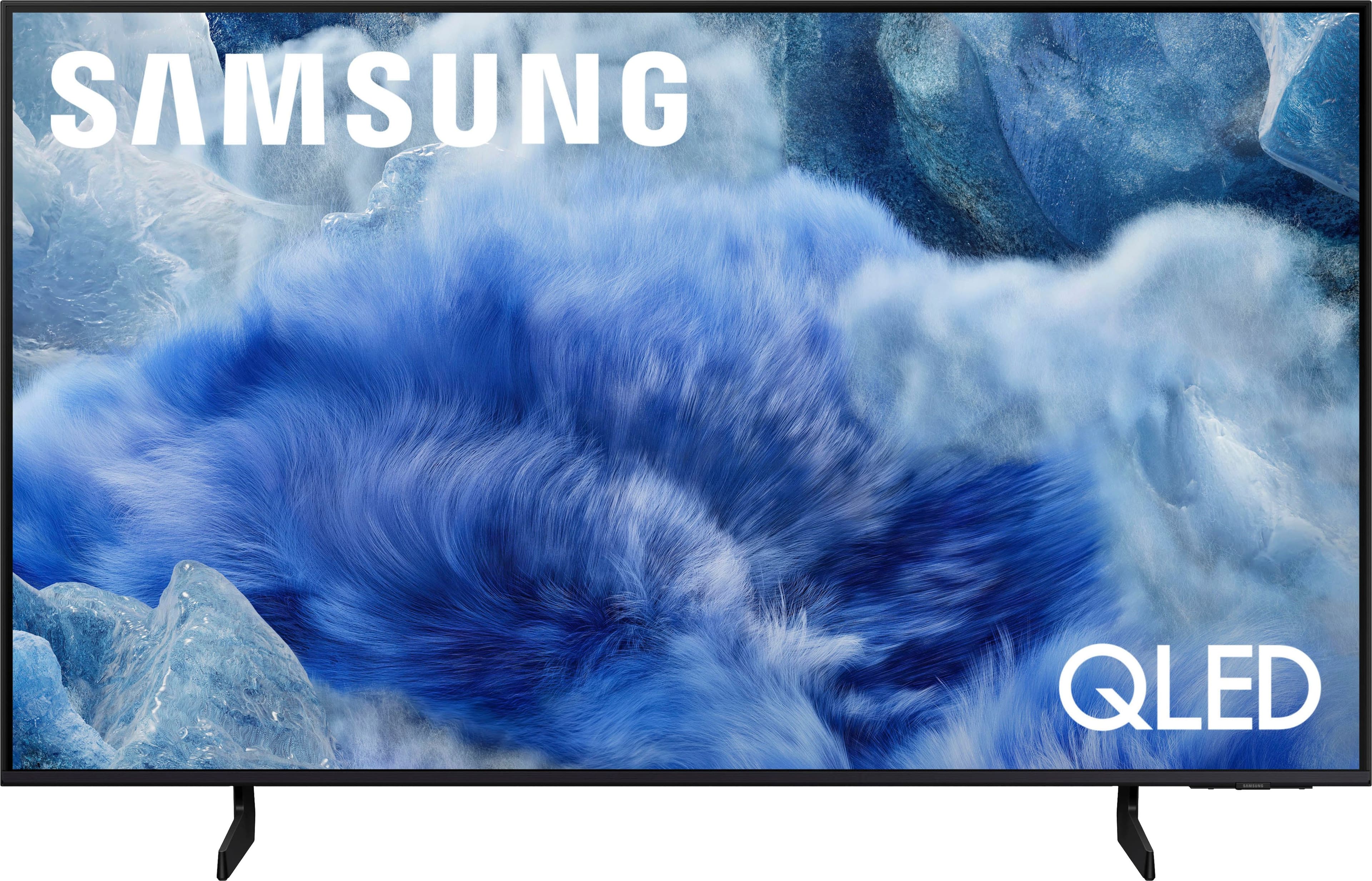
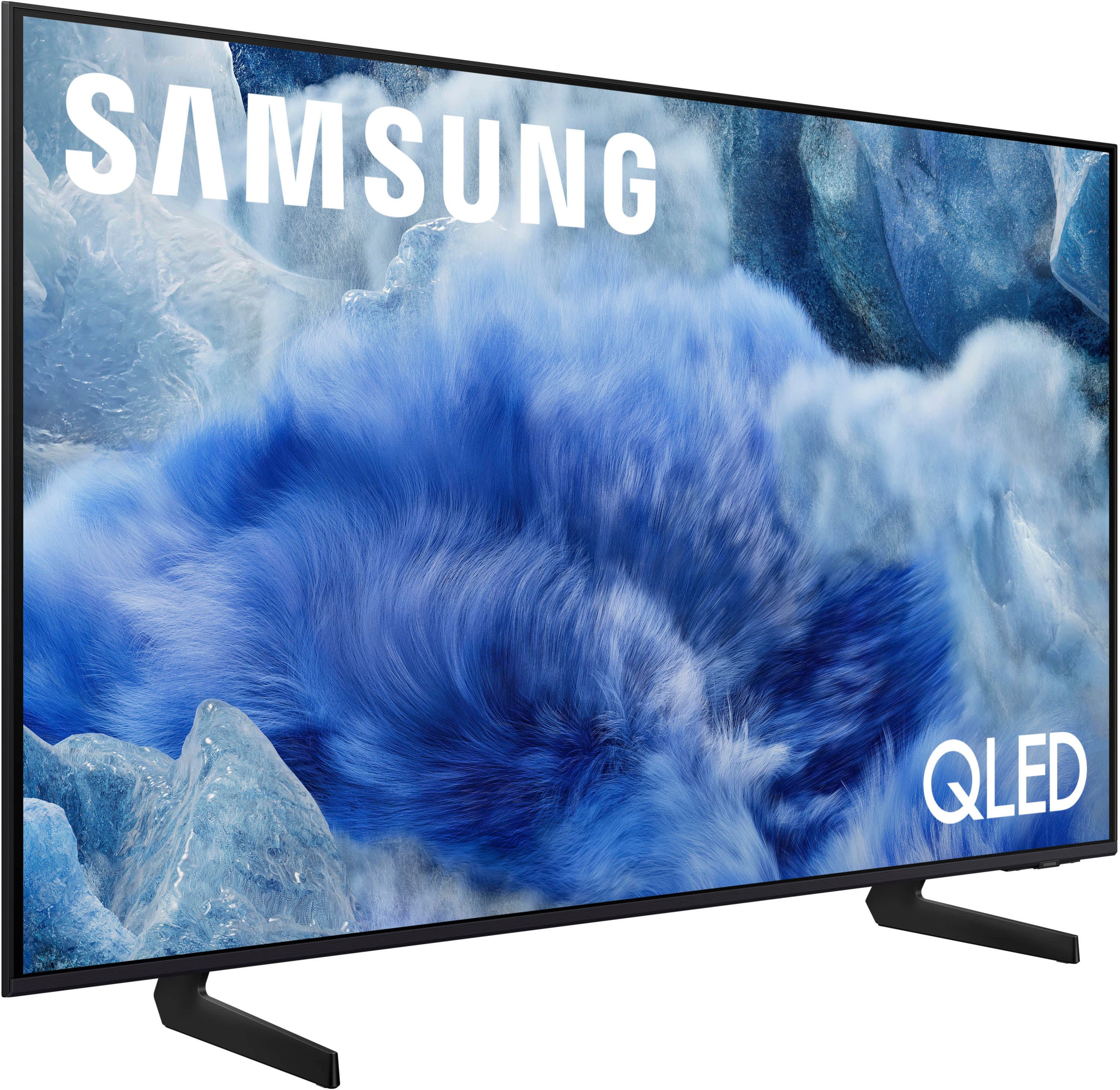



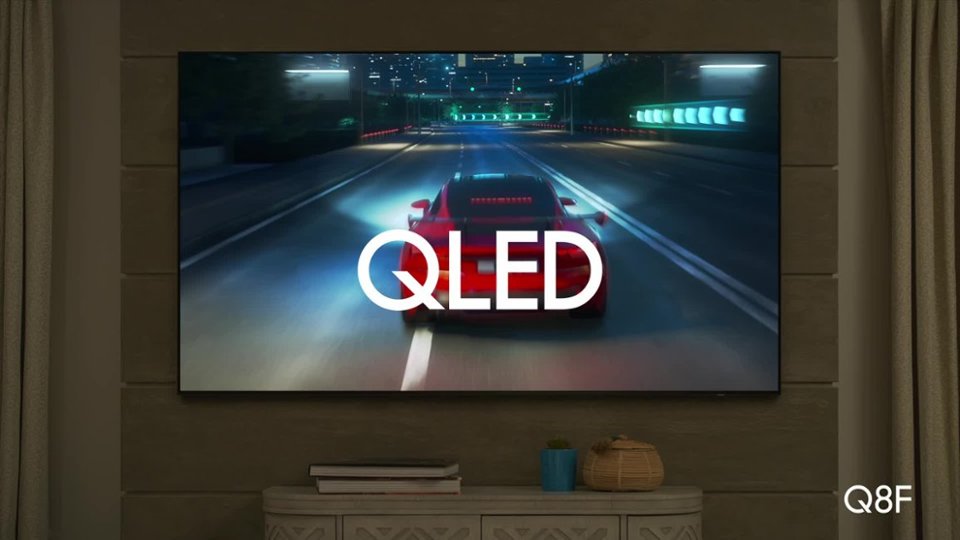
 100% Color Volume 100% Color Volume with Quantum Dot Over a billion colors that don't fade, even in the brightest scenes *QLED televisions can produce 100% Volume in the DCI-PS colorspace, the format most cinema screens and HDR movies for television.](https://pisces.bbystatic.com/image2/BestBuy_US/images/products/684f880e-f8dd-4c6c-91d9-5f55b1534a3c.jpg)







- Model:
- QN50Q8FAAFXZA
- SKU:
- 10517938
Rating by feature
- Picture Quality
Rating 4.9 out of 5 stars
- Sound Quality
Rating 4.6 out of 5 stars
- Brightness
Rating 4.8 out of 5 stars
Tv review
||Posted . Owned for 3 weeks when reviewed.This reviewer received promo considerations or sweepstakes entry for writing a review.Very clear picture love the size of the television Screen
I would recommend this to a friendGood TV
||Posted . Owned for 1 month when reviewed.This reviewer received promo considerations or sweepstakes entry for writing a review.Good TV. Not significantly better than my Crystal TV before, but a solid purchase. Samsung TV is great!
I would recommend this to a friendNothing negative to say!
||Posted . Owned for 1 month when reviewed.This reviewer received promo considerations or sweepstakes entry for writing a review.All my HDTV purchases have been SAMSUNG. I can't say anything negative about this Samsung 50" QLED screen. Amazing picture! The Paramount+ app is not installed but you can still get to your account.
I would recommend this to a friendVery good value
||Posted . Owned for 3 weeks when reviewed.This reviewer received promo considerations or sweepstakes entry for writing a review.Very good value and very good features. We were not looking for the biggest, best. fanciest TV to replace one that died. This fit our requirements nicely and didn't break the bank! I researched numerous choices before selecting this one.
I would recommend this to a friendCustomer
||Posted . Owned for less than 1 week when reviewed.This reviewer received promo considerations or sweepstakes entry for writing a review.Best Buy has been more than helpful since my purchase of a new TV. Thank you. Always quick to take care of any questions/actions when necessary. Thank you
I would recommend this to a friendGood product.
||Posted . Owned for 2 weeks when reviewed.This reviewer received promo considerations or sweepstakes entry for writing a review.Good tv. Had a 2024 version and had to change it for a 2025.
I would recommend this to a friendSamsung TV installation
||Posted . Owned for 1 month when reviewed.This reviewer received promo considerations or sweepstakes entry for writing a review.Best Buy Geek Squad installation of TV was superb. Installation team was competent, clean and curteous. Could not be happier with inst.
I would recommend this to a friendGreat tv
||Posted . Owned for 3 weeks when reviewed.This reviewer received promo considerations or sweepstakes entry for writing a review.We absolutely love our new tv , all the tech members at t c Best Buy in the tv department were great and informative with our purchase Thanks again
I would recommend this to a friendHighly recommend!
||Posted .This reviewer received promo considerations or sweepstakes entry for writing a review.Great unit! Easy setup and picture is immaculate. No complaints
I would recommend this to a friendSamsungtv
||Posted . Owned for 1 month when reviewed.This reviewer received promo considerations or sweepstakes entry for writing a review.Everything was explained and sales person was very helpful!
I would recommend this to a friendHappy Wife
||Posted .This reviewer received promo considerations or sweepstakes entry for writing a review.It was for my wife in a medium size room and she loves it.
I would recommend this to a friendAnonymous
||Posted . Owned for 2 weeks when reviewed.This reviewer received promo considerations or sweepstakes entry for writing a review.Really like the new TV set. Still learning how to maneuver the controls but all in all a good buy.
I would recommend this to a friendSamsung is still the best.
||Posted . Owned for 3 weeks when reviewed.This reviewer received promo considerations or sweepstakes entry for writing a review.Love the tv, but to be honest, it is not easy for a non-tech person to set everything up ourselves. Had my son come to help us.
I would recommend this to a friendSamsung 50” QLED
||Posted . Owned for 3 weeks when reviewed.This reviewer received promo considerations or sweepstakes entry for writing a review.Absolutely perfect for use in my sitting room to watch NEW YORK YANKEES games.
I would recommend this to a friendSamsung
||Posted .This reviewer received promo considerations or sweepstakes entry for writing a review.The delivery was great! Tv was on Time, Tve has great quality and is what I asked for!
I would recommend this to a friendGreat TV
||Posted . Owned for 1 week when reviewed.This reviewer received promo considerations or sweepstakes entry for writing a review.Great product! Love my new TV definitely recommend to all…Gaming has never looked so good
I would recommend this to a friendGood
||Posted . Owned for 1 month when reviewed.This reviewer received promo considerations or sweepstakes entry for writing a review.Good tv I will send you the money now and send it back
I would recommend this to a friendLooked Better in the store
||Posted . Owned for 1 week when reviewed.This reviewer received promo considerations or sweepstakes entry for writing a review.I usually don't go into the store to look at TVs and make a decision on the spot. I usually look at Consumer Reports and then go to the store once i'm decided to confirm that it's a good tv. This time I want to the store and bought this tv on the spot. It was a mistake. My only problem is not that the video quality is not great, but that even on sale, this is a very over priced tv. You can get a decent brand with the same specs for a fraction of the price. I returned the tv promptly.
No, I would not recommend this to a friendBrand response from Samsung
Posted .Hi Paul,
We appreciate your feedback on the picture quality of Samsung’s Q8F TV. If the image doesn’t quite match your preferences, there are several adjustments you can make to better suit your viewing environment and content type.
First, please ensure your TV is running the latest firmware, as updates may include important picture quality enhancements. Go to: Home > Left directional button > Settings > Support > Software Update > Update Now
To explore picture mode options, navigate to: Home > Left directional button > Settings > All Settings > Picture > Picture Mode. Options include:
• Standard – Ideal for general viewing
• Dynamic – Brighter and more vibrant for well-lit spaces
• Eco – Optimized for energy efficiency
• Movie – Best for viewing in low light
• Filmmaker Mode – Preserves the content creator’s intent and disables motion smoothing for supported content
You can further customize your image by going to: Settings > All Settings > Picture > Expert Settings, where you can adjust Brightness, Contrast, Color Tone, Sharpness, Contrast Enhancer and more.
If you’d like help finding the best picture settings for your preferences, please don’t hesitate to contact Samsung Support at 1-800-SAMSUNG, available 8AM – 12AM EST, 7 days a week. You can also LiveChat with an agent or explore additional resources on our website by clicking the ‘Support’ link.
~ Samsung Advisor
'Worst Buy'
||Posted .This reviewer received promo considerations or sweepstakes entry for writing a review.Poor service in store, help desk is useless! TV was broken and had to be replaced as well!
No, I would not recommend this to a friendBrand response from Samsung
Posted .BernardH,
We appreciate you sharing your delivery experience and are sorry to hear that your TV arrived damaged. For issues related to shipping or delivery, we recommend reaching out to Best Buy directly so they can assist in resolving the situation.
Once your issue is resolved, if you have any questions about setup, usage, or features, please don’t hesitate to contact Samsung Support at 1-800-SAMSUNG (8AM – 12AM EST, 7 days a week), or connect with a LiveChat agent via the ‘Support’ link on our website.
~ Samsung Specialist
New Samsung tv
||Posted . Owned for 1 month when reviewed.This reviewer received promo considerations or sweepstakes entry for writing a review.Picture scrambles often on all channels, sound not great
No, I would not recommend this to a friendBrand response from Samsung
Posted .MAXINEK,
Thanks for sharing your feedback. If the picture appears scrambled across all channels, it may be related to your signal, antenna, cable feed, or a setting that needs adjusting. To help you further, we’d need a bit more detail about your setup and what exactly you’re seeing when the issue occurs.
At your earliest convenience, please call Samsung Support at 1-800-SAMSUNG, available from 8AM - 12AM EST, seven days a week. You can also chat with one of our agents by clicking the ‘Support’ link on our website for:
• Live Chat
• Manuals, Software, & Warranty Info
~ Samsung Specialist