Customer Ratings & Reviews





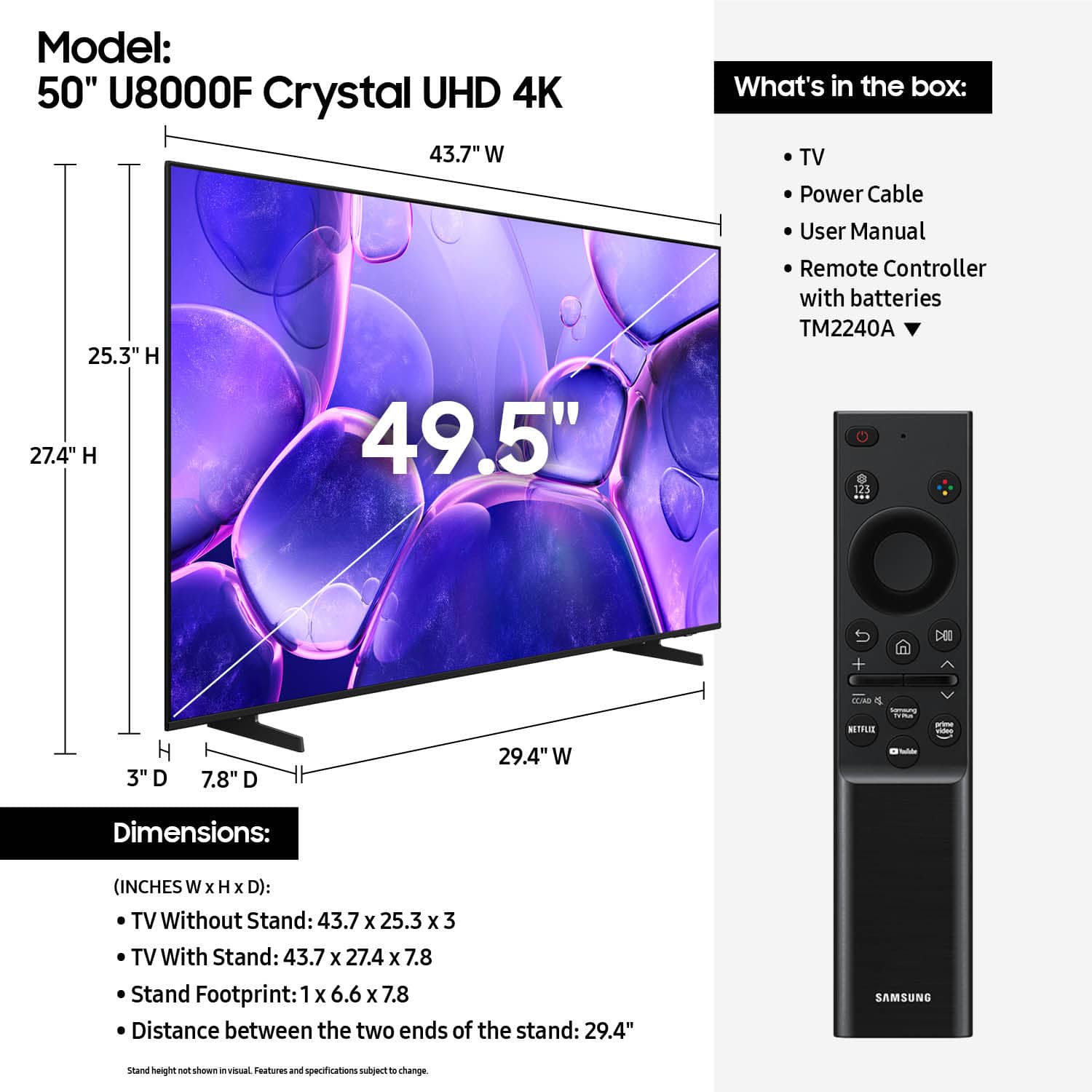










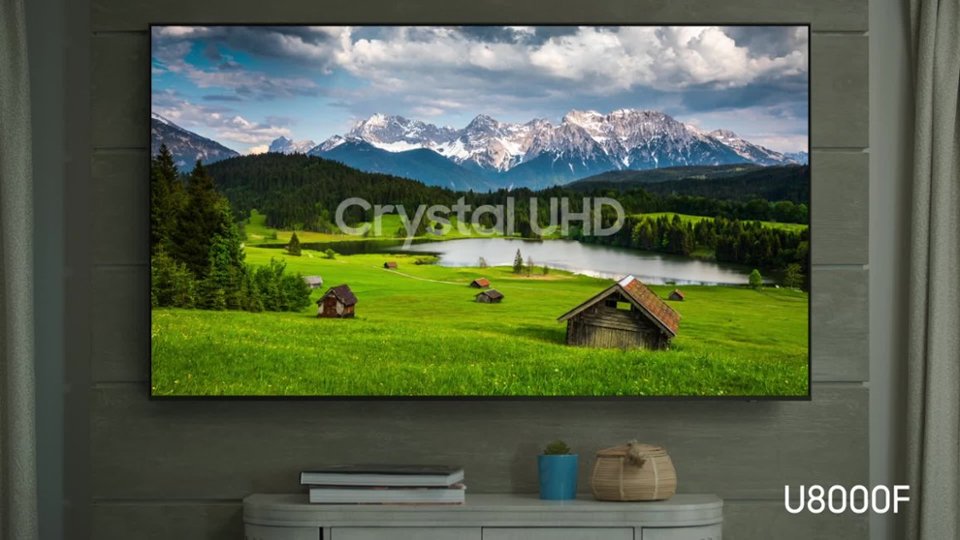


- Model:
- UN50U8000FFXZA
- SKU:
- 12161660
Rating by feature
- Picture Quality
Rating 4.7 out of 5 stars
- Sound Quality
Rating 4.5 out of 5 stars
- Brightness
Rating 4.7 out of 5 stars
- Pros mentioned:Picture quality
Samsung TV
||Posted . Owned for 1 month when reviewed.This reviewer received promo considerations or sweepstakes entry for writing a review.Nice TV. But I haven't used it much. I always like Samsung brand. I hope this purchase proved me right
I would recommend this to a friend - Pros mentioned:Picture quality
Good TV
||Posted . Owned for 1 month when reviewed.This reviewer received promo considerations or sweepstakes entry for writing a review.Good TV for the price. Not overly excited about the sound quality but great picture.
I would recommend this to a friend - Pros mentioned:Picture quality
Samsung the best
||Posted . Owned for 1 month when reviewed.This reviewer received promo considerations or sweepstakes entry for writing a review.Great quality, Cristal clear,great sound,unbeatable price,
I would recommend this to a friend - Pros mentioned:Picture quality
Good size and clear inage
||Posted .This reviewer received promo considerations or sweepstakes entry for writing a review.Beautiful and clear I think it's a very good option
I would recommend this to a friend Samsung 50" TV
||Posted .This reviewer received promo considerations or sweepstakes entry for writing a review.I have been a loyal customer of Samsung TVs but this model is disappointing in in sound and brightness. I have two Samsung Tvs and I can compare them and in my opinion the TV I bought two years ago is much better
I would recommend this to a friendBrand response from Samsung
Posted .Hi Sybf,
Thank you for purchasing Samsung’s U8000F TV and for sharing your feedback on the sound and picture quality. To ensure you’re experiencing the best possible audio, we first recommend checking that your TV is running the latest firmware. To do this, navigate to: Home > left directional key > Settings > Support > Software Update.
If the sound still doesn’t meet your expectations, there are a few settings you can try adjusting:
Go to: Settings > All Settings > Sound > Sound Mode
• Standard: Balanced sound without emphasis on any one range
• Optimized: Enhanced effects and spacious sound
• Amplify: Boosts mid and high tones to make dialogue clearer
You can also explore Expert Settings to fine-tune options such as Balance, Equalizer, Auto Volume, and more to match your personal preferences.
. If the image appears too dark, we suggest disabling certain energy-saving features, which can automatically adjust brightness and affect how the screen looks.
Go to: Settings > All Settings > General & Privacy > Power and Energy Saving, then turn off Brightness Optimization, Energy Saving Solution, Motion Lighting, and/or Contrast Enhancer.
You can also adjust the Picture Mode to better suit your environment: Settings > All Settings > Picture > Picture Mode
• Standard – Default mode for general viewing
• Dynamic – Brighter and clearer, ideal for well-lit rooms
• Movie – Best for dark room viewing
• Eco – Energy-saving mode
• Filmmaker Mode – Preserves content as intended by creators
To fine-tune brightness, go to: Home > left directional key > Settings > All Settings > Picture > Expert Settings, then adjust the Brightness level (0–50) to your preference.
I hope these tips improve your experience. If you need further support, feel free to contact us at 1-800-SAMSUNG, 8AM – 12AM EST, 7 days a week. LiveChat is also available via the ‘Support’ link on our website.
~ Samsung Advisor
- Pros mentioned:Picture quality
Wonderful TV!
||Posted . Owned for 1 month when reviewed.This reviewer received promo considerations or sweepstakes entry for writing a review.The TV is exactly what you thought it would be. Works wonderful, very bright, and worth every money.
I would recommend this to a friend - Pros mentioned:Picture quality
Tv review
||Posted . Owned for 1 month when reviewed.This reviewer received promo considerations or sweepstakes entry for writing a review.Decent tv for the price. Quality is decent enough.
I would recommend this to a friend Great rv
||Posted . Owned for 2 weeks when reviewed.This reviewer received promo considerations or sweepstakes entry for writing a review.This tv has been great love the picture So much you can do on it Video games Internet Free tv and movies I just love it
I would recommend this to a friend- Pros mentioned:Picture quality
Great upgrade
||Posted .This reviewer received promo considerations or sweepstakes entry for writing a review.Awesome product great upgrade to the old Samsung screen.
I would recommend this to a friend TV and Stand
||Posted . Owned for 1 month when reviewed.This reviewer received promo considerations or sweepstakes entry for writing a review.Great TV, very good picture, easy set up, very good price and the stand came in handy
I would recommend this to a friend
Good TV
|Posted .This reviewer received promo considerations or sweepstakes entry for writing a review.TV has a good crisp clear picture and functions beautifully, fits my needs perfectly.
I would recommend this to a friend- Cons mentioned:Port placement
Sam TV
||Posted . Owned for 2 weeks when reviewed.This reviewer received promo considerations or sweepstakes entry for writing a review.TV good but needs more ports. No added port to plug in Roku and doesn’t have optical port for Bose speaker so needed to buy a new speaker.
I would recommend this to a friend - Pros mentioned:Picture quality
Television purchase
||Posted . Owned for 3 weeks when reviewed.This reviewer received promo considerations or sweepstakes entry for writing a review.Very nice television! Best Buy is friendly and helpful and is always a good place to shop!
I would recommend this to a friend - Pros mentioned:Size
Samsung
||Posted . Owned for 3 weeks when reviewed.This reviewer received promo considerations or sweepstakes entry for writing a review.I Love my Samsung TV!!! Fits the wall Perfectly!!!
I would recommend this to a friend - Pros mentioned:Picture quality
Turns itself off
||Posted . Owned for 1 month when reviewed.This reviewer received promo considerations or sweepstakes entry for writing a review.I bought this TV a month ago and it has come with s family.
No, I would not recommend this to a friend - Pros mentioned:Picture quality
Samsung Smart TV
||Posted .This reviewer received promo considerations or sweepstakes entry for writing a review.Love this Samsung TV, it is in my bedroom, and the picture is perfect. Great price
I would recommend this to a friend - Pros mentioned:Picture quality
Good quality
||Posted . Owned for 5 months when reviewed.This reviewer received promo considerations or sweepstakes entry for writing a review.Excellent picture and love the casting ability especially for everyday use.
I would recommend this to a friend Love it
||Posted . Owned for 1 month when reviewed.This reviewer received promo considerations or sweepstakes entry for writing a review.It’s a very good size, has great sound, and I love the colors — I recommend
I would recommend this to a friend- Pros mentioned:Setup ease
Easier setup then I expected.
||Posted . Owned for 1 month when reviewed.This reviewer received promo considerations or sweepstakes entry for writing a review.Purchased this smart TV to replace an earlier flat screen. Setup was quick and much easier then I expected. On screen prompts guided us through every step.
I would recommend this to a friend - Pros mentioned:Picture quality
Love the picture
||Posted . Owned for 1 week when reviewed.This reviewer received promo considerations or sweepstakes entry for writing a review.Good tv for the value. Beautiful picture. Easy to set up. Only complaint is the remote. Its personal choice i like a remote with numbers on it
I would recommend this to a friend