Customer Ratings & Reviews





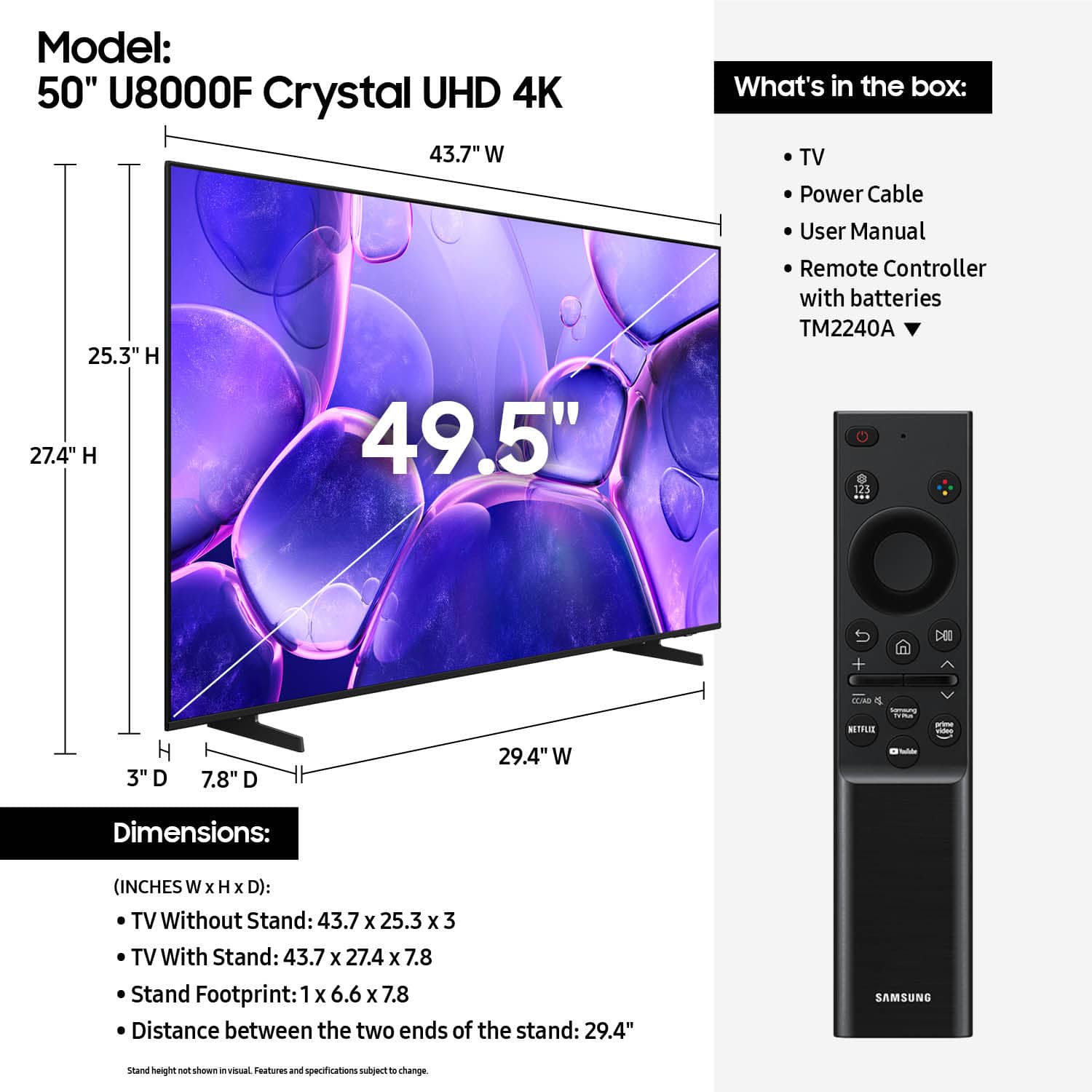










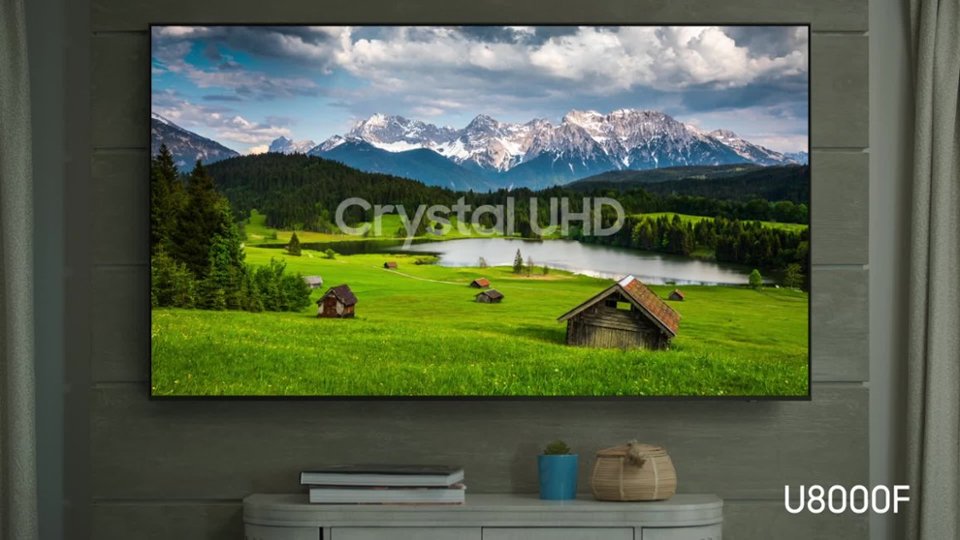


- Model:
- UN50U8000FFXZA
- SKU:
- 12161660
Rating by feature
- Picture Quality
Rating 4.7 out of 5 stars
- Sound Quality
Rating 4.5 out of 5 stars
- Brightness
Rating 4.7 out of 5 stars
- Pros mentioned:Picture quality
Samsung 50" TV
Posted .This reviewer received promo considerations or sweepstakes entry for writing a review.Love my new Samsung 50" TV. Great picture & quality.
I would recommend this to a friend - Pros mentioned:Picture quality
The crystal is CRYSTAL clear!
Posted .This reviewer received promo considerations or sweepstakes entry for writing a review.TV is crystal clear, excellent user experience. Great upgrade from my last TV, glad I decided to buy it.
I would recommend this to a friend Samsung everywhere !!
Posted .This reviewer received promo considerations or sweepstakes entry for writing a review.Like I said before. Everything in my house is basically Samsung. TVs. Fridge. Washer dryer. Dishwasher. I can’t stress enough how great Samsung products are!
I would recommend this to a friendTitle of what?
Posted .This reviewer received promo considerations or sweepstakes entry for writing a review.Bluetooth sound and tv sound won't sync making this tv useless for my Bluetooth hearing aids. I'm sorry I ever purchased this tv. The tv won't accommodate the tv link I got with my hearing aids. I'm very disappointed with this tv.
No, I would not recommend this to a friendBrand response from Samsung
Posted .Hi William,
Thank you for your feedback on the lip sync issues you're experiencing with your Samsung U8000F TV. Here are a few settings that may help:
1. Adjust Digital Audio Delay. You can manually increase the audio delay to better match the video: Settings > All Settings > Sound > Expert Settings > Digital Output Audio Delay
2. Enable Audio Pass-Through. Samsung TVs include an audio pass-through option, which sends the audio signal directly to your connected soundbar or receiver without additional processing by the TV. This can reduce delay when using external audio devices: Settings > All Settings > Sound > Expert Settings > Digital Audio Output Format > Pass-Through
3. Check for Firmware Updates. Ensure your TV is running the latest software, which may include performance improvements related to sound or sync: Home > left directional key > Settings > Support > Software Update > Update Now
If the issue continues after these steps, please contact Samsung Support for additional troubleshooting or assistance. We’re here to help at 1-800-SAMSUNG, 8AM – 12AM EST, 7 days a week. LiveChat and additional support resources are also available through the Support link on our website.
~ Samsung Advisor