Customer Ratings & Reviews
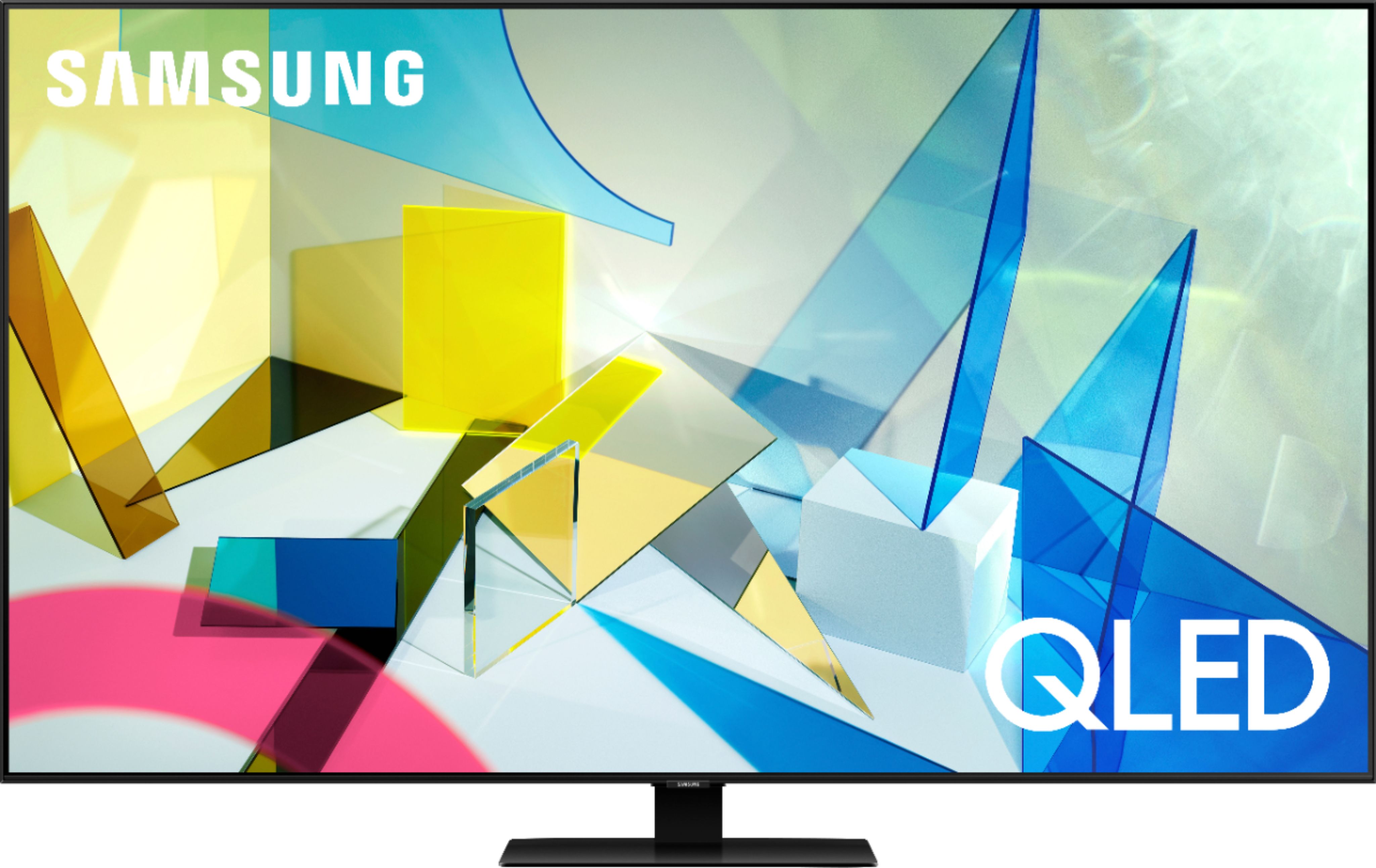
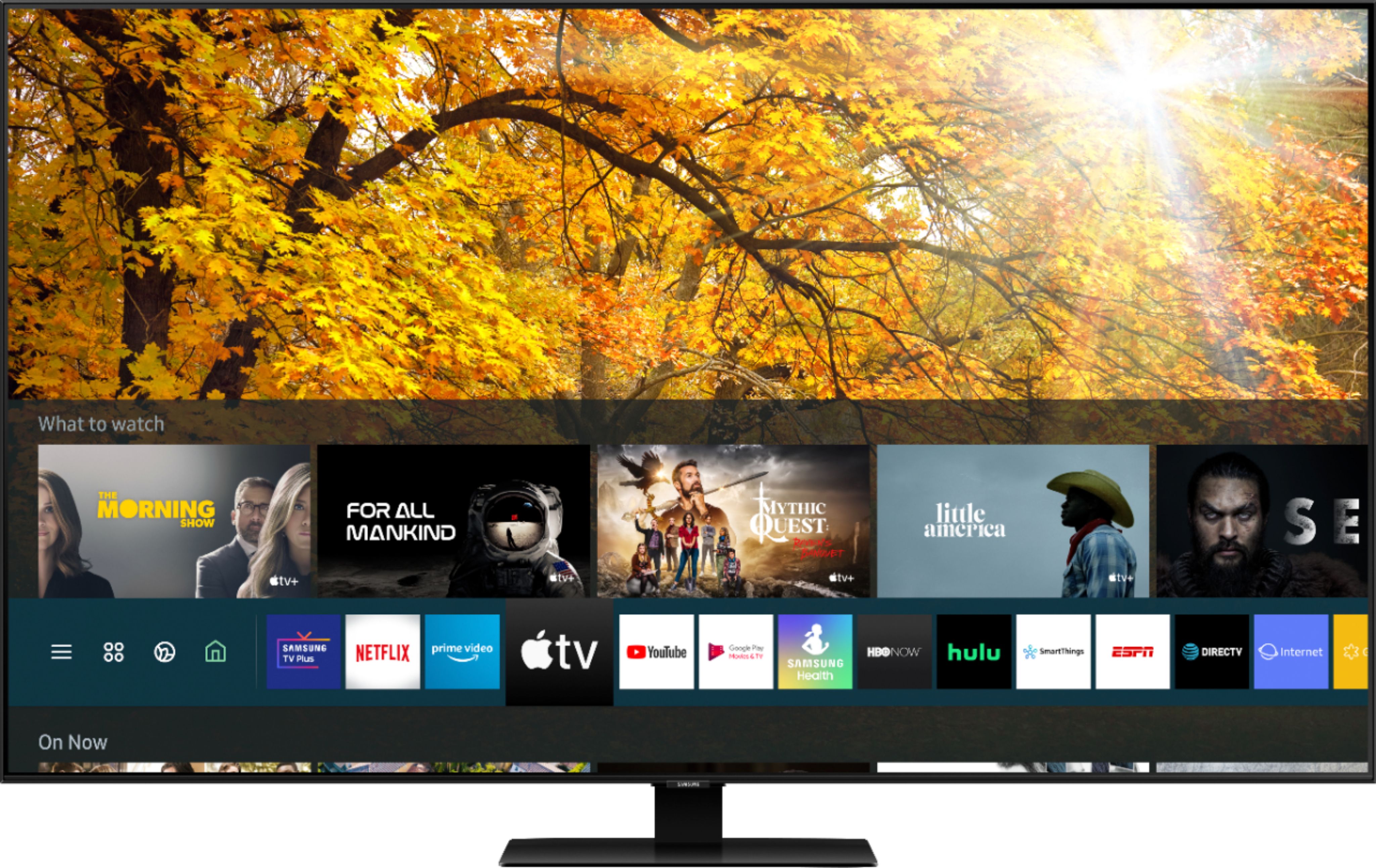
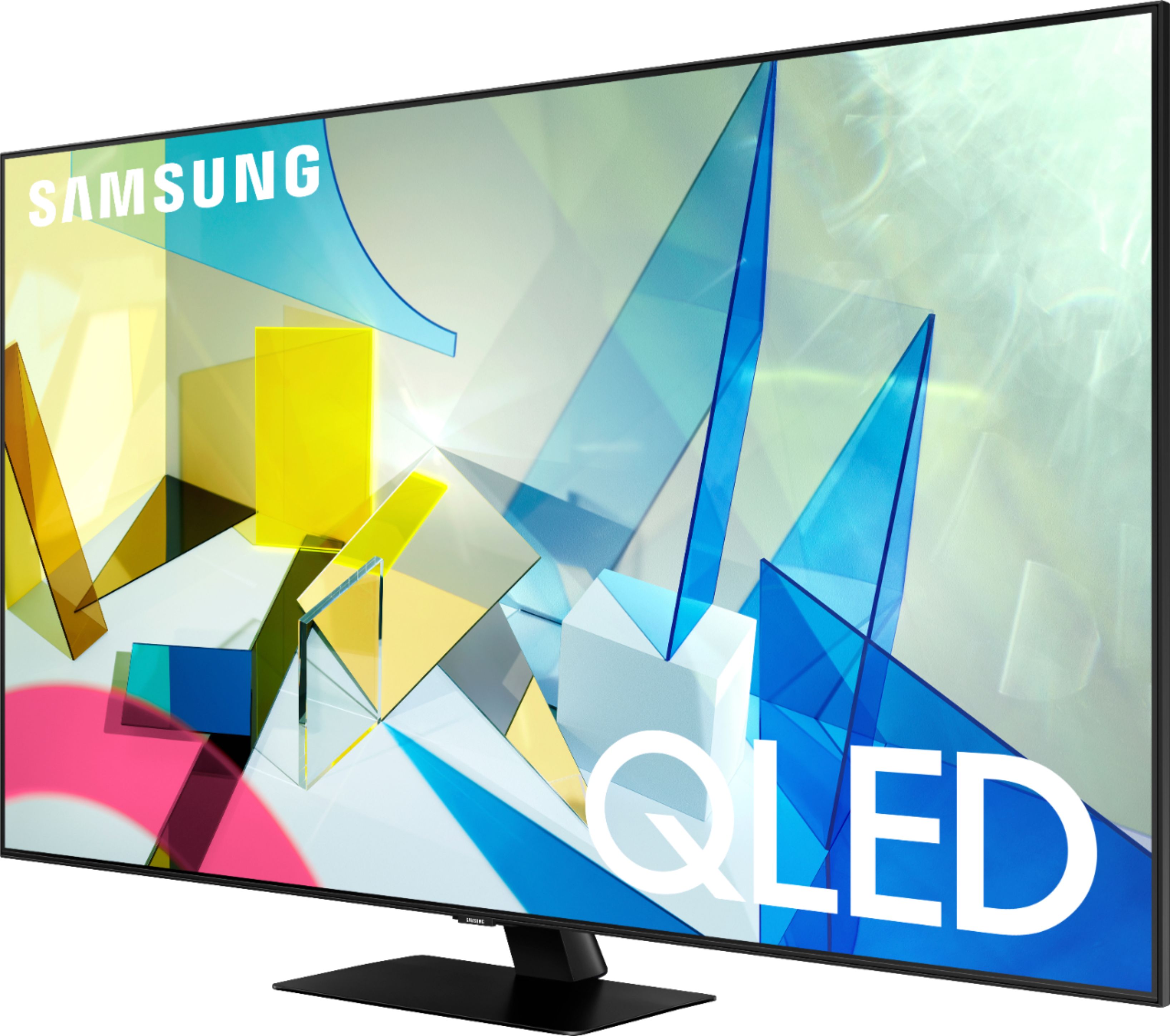
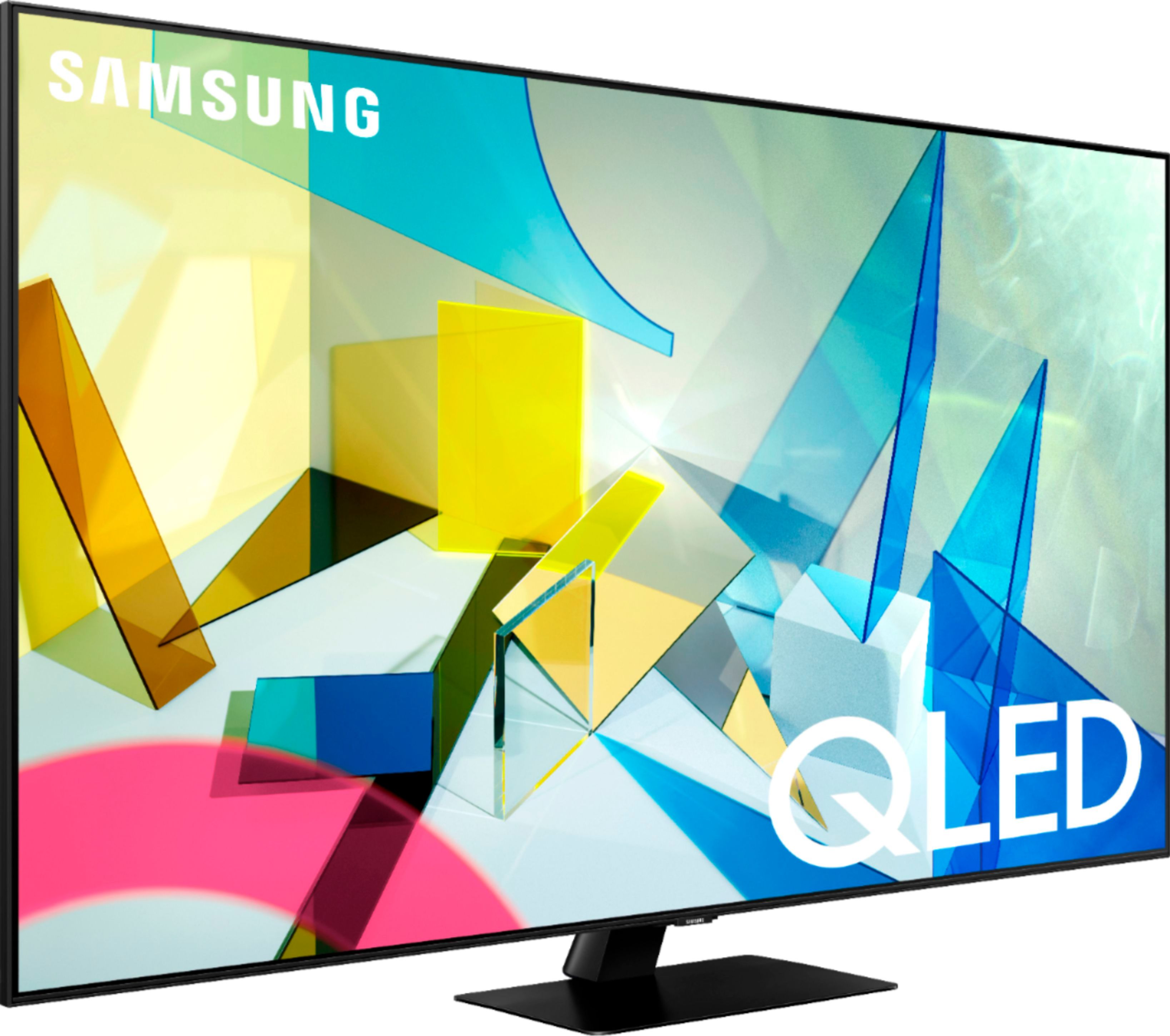




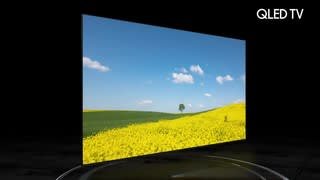




- Model:
- QN55Q80TAFXZA
- SKU:
- 6402394
Rating by feature
- Picture Quality
Rating 4.8 out of 5 stars
- Sound Quality
Rating 4.5 out of 5 stars
- Brightness
Rating 4.7 out of 5 stars
Customers are saying
Customers are impressed with the 55" Class Q80T Series QLED 4K UHD Smart Tizen TV's picture quality, describing it as amazing and standing out. They also appreciate its easy setup, especially when connecting to Wi-Fi, and find it to be a great value for the price. While some customers have concerns about the cheaply made remote control and the presence of ads, many agree that the TV's overall quality makes it worth the investment.
This summary was generated by AI based on customer reviews.
Geeks are Pros
||Posted . Owned for 1 month when reviewed.This reviewer received promo considerations or sweepstakes entry for writing a review.As always, the Geek Squad are professional. They have the expertise and knowledge to address issues. They are very courteous and have great rapport with their clients.
I would recommend this to a friend- Cons mentioned:Remote control
Highly rated TV but too much color saturation
||Posted . Owned for less than 1 week when reviewed.This reviewer received promo considerations or sweepstakes entry for writing a review.The television had OK motion clarity, but not great. The colors were over-saturated which caused the TV to lose detail and caused halos around people and objects in the foreground. Did not like the "smart" remote.
No, I would not recommend this to a friend Fine delivery
||Posted . Owned for 2 weeks when reviewed.This reviewer received promo considerations or sweepstakes entry for writing a review.Delivery was delayed one day late which was no big deal. however, I wish I had been notified prior to the scheduled date. Delivery service was great. Very efficient on arrival notification, face masks worn and item placed in my home where requested
I would recommend this to a friendgreat tv but a little trickly for non-techie peopl
||Posted . Owned for 1 month when reviewed.This reviewer received promo considerations or sweepstakes entry for writing a review.great install by the geek squard member....but probably people with less tech skills need more reiview before he leaves and maybe a week or so later to see if any questions.
I would recommend this to a friendSamsung Qled
||Posted . Owned for 1.5 years when reviewed.This reviewer received promo considerations or sweepstakes entry for writing a review.Ive had this tv for over a year now and i gotta say its great never hand an issue and overall great quality
I would recommend this to a friendNice tv
||Posted . Owned for 1 month when reviewed.This reviewer received promo considerations or sweepstakes entry for writing a review.Got this TV via curbside pickup. Best Buy was great. TV is great. Love the minimalist remote that can do basically everything. The operating system is great as well.
I would recommend this to a friendGreat Job
||Posted . Owned for 2 weeks when reviewed.This reviewer received promo considerations or sweepstakes entry for writing a review.Very happy with the T.V. and the installation, and Dennis was great and did a great job.Very neat and knew what he was doing. I would highly recommend. Joe M
I would recommend this to a friendExcellent curbside experience
||Posted .This reviewer received promo considerations or sweepstakes entry for writing a review.On time delivery. curbside delivery. As soon as I parked vehicle , associates reached out me to confirm curbside delivery. The TV was at car within 2-3min, so nice
I would recommend this to a friendAmazing TV, great shipping, zero interest. Cant be
||Posted . Owned for 1 month when reviewed.This reviewer received promo considerations or sweepstakes entry for writing a review.Helpsul sales assistant directed us to an amazign tv. Great price, amazing ability to pay interest free, on time delivery, brought right into our house.. Perfect
I would recommend this to a friendGreat purchase!
||Posted . Owned for 3 weeks when reviewed.This reviewer received promo considerations or sweepstakes entry for writing a review.I’m extremely pleased with my purchase! The delivery was on time, setup was a cinch, and the picture quality blows my mind! Highly recommended!
I would recommend this to a friend- Cons mentioned:Glare
Just ok
||Posted . Owned for 3 weeks when reviewed.This reviewer received promo considerations or sweepstakes entry for writing a review.We were going to upgrade to this with the ps5 but it was not as impressive as we’d hoped. The brightness and color contrast seemed subpar
No, I would not recommend this to a friendBrand response from Samsung
Posted .Kwilfong:
Thank you for purchasing the Samsung Q80T TV and for your review. I am sorry to hear that your TV’s image is not meeting your expectations. There are several image settings you can adjust to your liking such as Picture Mode and Expert Settings.
Choose a Picture Mode by going to Settings > Picture > Picture Mode and choose from Dynamic, Standard, Natural, Movie, or Filmmaker Mode.
You can further adjust your sharpness, brightness, contrast, color, tint, contrast, white balance, and more by going to Settings > Picture > Expert Settings
You may want to try adjusting settings under Game Mode like Dynamic Black Equalizer to achieve the best performance.
Please also give us the opportunity to assist you with image quality adjustments tailored to your preferred viewing experience. You can reach us via any of the following options:
1) Phone: 1-800-SAMSUNG (ask for TVs), available 8AM – 12AM EST 7 days a week
2) LiveChat: https://www.samsung.com/us/support/#contact_us_for_support
3) Facebook Messenger: https://www.facebook.com/samsungsupport
4) Twitter: https://twitter.com/SamsungSupport
5) The Samsung Members Community is also a great resource for getting help from Samsung moderators and customers: https://us.community.samsung.com
If you have not already done so, we invite you to register your new Samsung product at: https://www.samsung.com/us/account/signin/?redirect=https%3A%2F%2Fwww.samsung.com%2Fus%2Fsupport%2Fregister%2F
Registering your product gives you access to easy warranty support, convenient opt-in to special promos and offers, faster troubleshooting and service, and quick notification of system updates.
~ Samsung Solutions
Solid all around TV
||Posted . Owned for 3 weeks when reviewed.This reviewer received promo considerations or sweepstakes entry for writing a review.Solid TV, might be overpriced but hey its samaung their known for good craftsmanship and reliability on their products. I would say this is an all around good TV for movies, TV and gaming. Its probably not the best but, its very good
I would recommend this to a friendBetter than expected
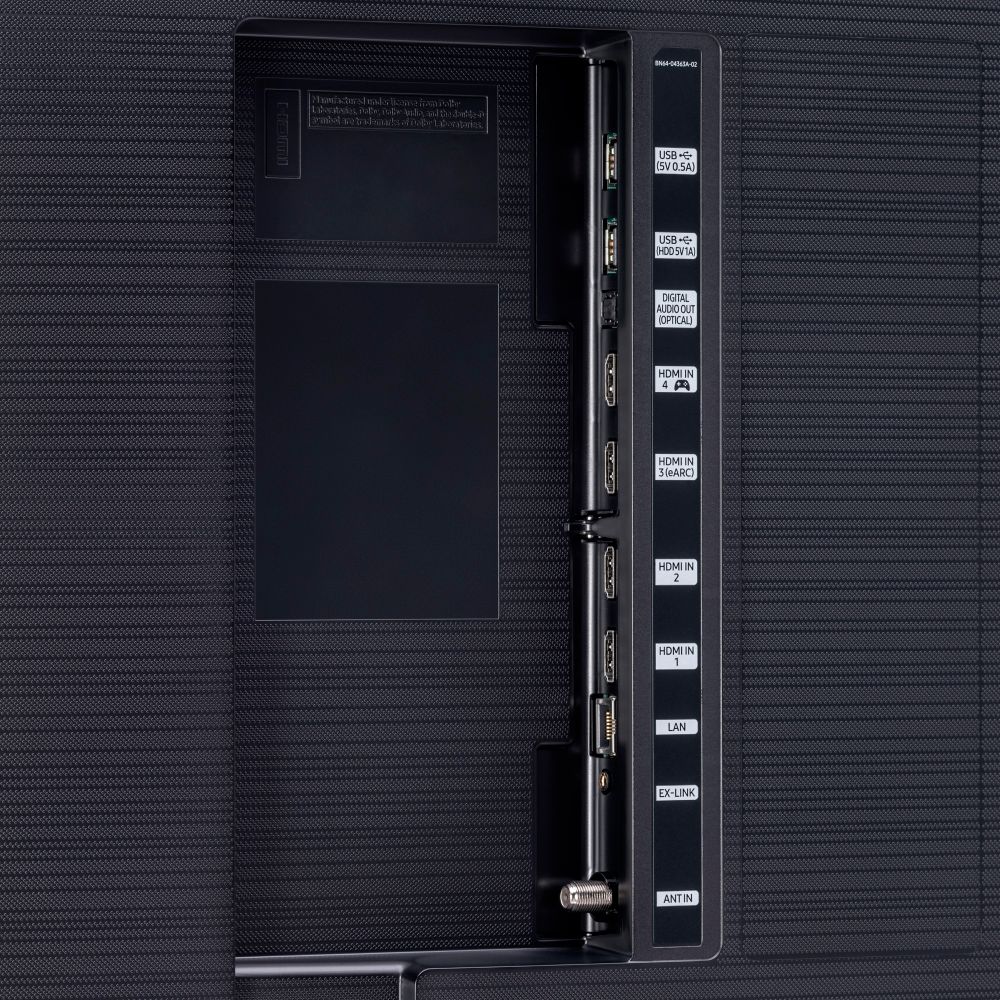
||Posted . Owned for 3 weeks when reviewed.This reviewer received promo considerations or sweepstakes entry for writing a review.Excellent value for the new tech. Bought for the 4 hdmi, but got better a/v than expected. Hook up to xbox and sonos beam and its a dream machine.
I would recommend this to a friendAwesome TV
||Posted . Owned for 3 weeks when reviewed.This reviewer received promo considerations or sweepstakes entry for writing a review.My first large tv and a smart one at that. It is awesome and pretty easy for a middle age person to get use too. My 40” Samsung came from Best Buy too
I would recommend this to a friend- Pros mentioned:Picture quality
Rich
||Posted . Owned for 2 months when reviewed.This reviewer received promo considerations or sweepstakes entry for writing a review.We opened up the room taking out a wall. Had a 42" Sony TV and nothing wrong with it. Just wanted a bigger 55"screen. After doing research, I thought the QLED Samsung was the ticket, After getting it set up and only watching it for a week, my wife and I couldn't get use to the bright vivid picture, especially being a bigger screen than what we were used too. I boxed it up, took it back to the store and paid more money to get the Sony 55" OLED TV. Was definitely the way to go. More realistic picture and a happy wife.
No, I would not recommend this to a friendBrand response from Samsung
Posted .Rich:
Thank you for sharing your review of the Samsung Q80T TV. I am very sorry that you were not completely happy with image brightness and have decided to return it.
Should you ever decide to give Samsung TVs another try and have questions or need assistance with settings, setup, or features, please know we are always here to help. Again, my sincerest apologies. We hope to regain you as a customer in the future.
1) Phone: 1-800-SAMSUNG (available 8AM -12AM EST, 7 days a week)
2) LiveChat: https://www.samsung.com/us/support/#contact_us_for_support
3) Facebook Messenger: https://www.facebook.com/samsungsupport
4) Twitter: https://twitter.com/SamsungSupport
Thank you again for taking the time to share your thoughts. Your feedback helps us continuously deliver best-in-class products and service.
~ Samsung Solutions
- Pros mentioned:Picture quality
Great picture, poor features
||Posted . Owned for 1 month when reviewed.This reviewer received promo considerations or sweepstakes entry for writing a review.This tv has a great picture, but like my other Samsung tv’s the wifi is terrible. The apps are just ok. Let’s call it what it is.....a great monitor, with poor “smart tv” features.
No, I would not recommend this to a friendBrand response from Samsung
Posted .Hattrick:
Thank you for purchasing the Samsung Q80T TV and for your review. Samsung offers hundreds of apps in our App Store that you can download, and we are continuously adding more premium content and new services to our Smart TV platform.
I am very sorry you are experiencing WiFi connection issues. A new firmware update has recently been released which may help improve your connection. (1460.9 released on 12/7/20)
Using your TV's remote, navigate to Settings, and select Support. Select Software Update, and then select Update Now. New updates will be downloaded and installed on your TV. Updates usually take a few minutes; please do not turn off the TV until the update is complete. When the update is finished, the TV will restart automatically.
You may also want to enable automatic updates for future convenience.
Select Settings > Support > Software Update, then select Auto Update.
1) Phone: 1-800-SAMSUNG (ask for TVs), available 8AM – 12AM EST 7 days a week
2) LiveChat: https://www.samsung.com/us/support/#contact_us_for_support
3) Facebook Messenger: https://www.facebook.com/samsungsupport
4) Twitter: https://twitter.com/SamsungSupport
5) The Samsung Members Community is also a great resource for getting help from Samsung moderators and customers: https://us.community.samsung.com
If you have not already done so, we invite you to register your new Samsung product at: https://www.samsung.com/us/account/signin/?redirect=https%3A%2F%2Fwww.samsung.com%2Fus%2Fsupport%2Fregister%2F
Registering your product gives you access to easy warranty support, convenient opt-in to special promos and offers, faster troubleshooting and service, and quick notification of system updates.
~ Samsung Solutions
Easy to operate
||Posted . Owned for 1 month when reviewed.This reviewer received promo considerations or sweepstakes entry for writing a review.The new TV, sounder, and Roku are all great, but the best part was the great installation and setup job by Daniel of the Geek Squad. He was awesome!
I would recommend this to a friendOverall very good TV
||Posted . Owned for 1 month when reviewed.This reviewer received promo considerations or sweepstakes entry for writing a review.Best buy sale personal were very helpful in helping me with making my discussion on the television i purchased the television was very easy to set up
I would recommend this to a friendGood as expected
||Posted . Owned for 1 month when reviewed.This reviewer received promo considerations or sweepstakes entry for writing a review.As a substitute for the Q90 I originally purchased, it has performed very well. Some issues with navigating and setting up AVR.
I would recommend this to a friendExcellent tv for Xbox one x
||Posted . Owned for 2 weeks when reviewed.This reviewer received promo considerations or sweepstakes entry for writing a review.I had to play around with the settings to get the color right. I am loving it so far. Can’t wait for the Xbox series x. This tv is ready for it.
I would recommend this to a friend