Customer Ratings & Reviews
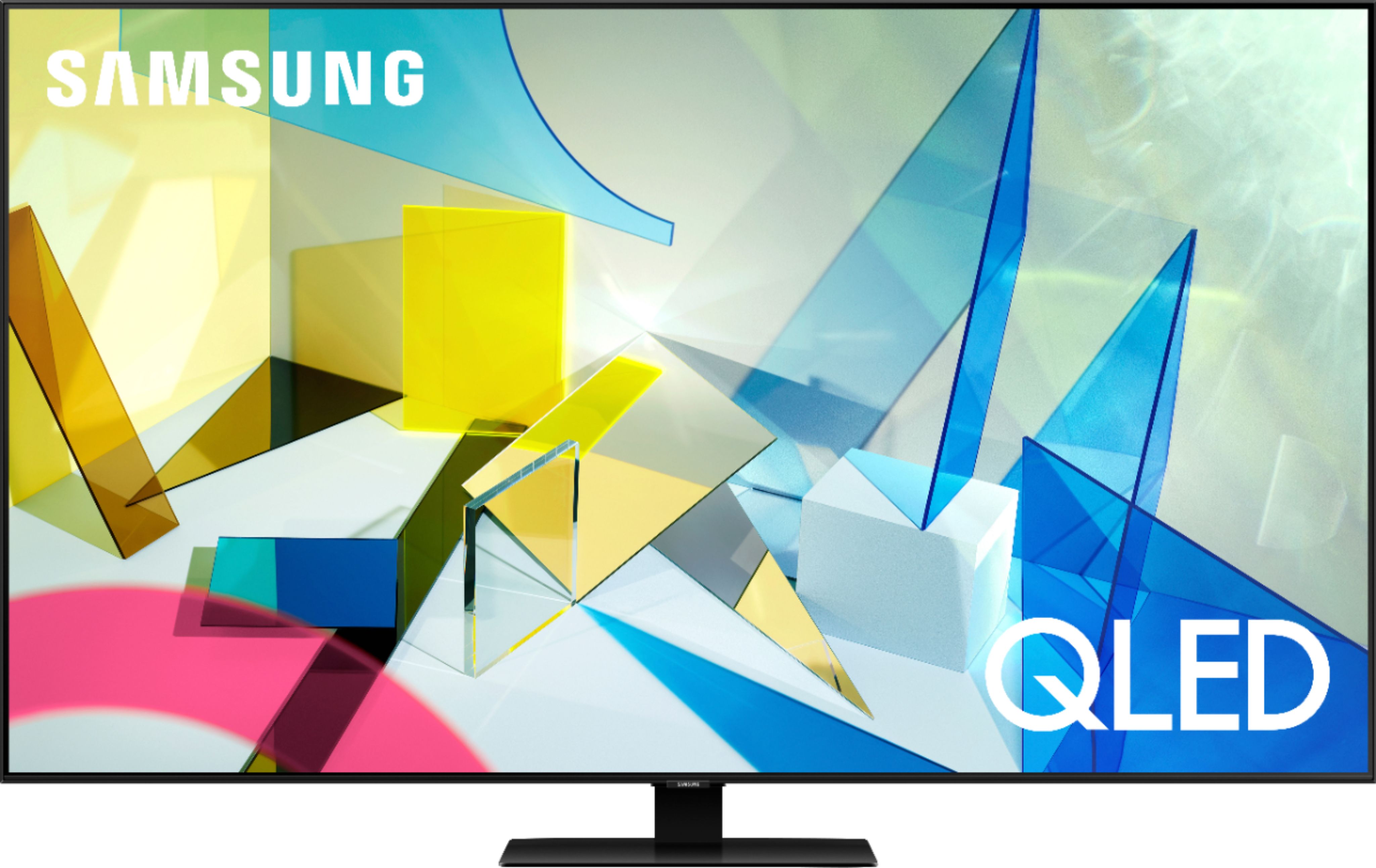
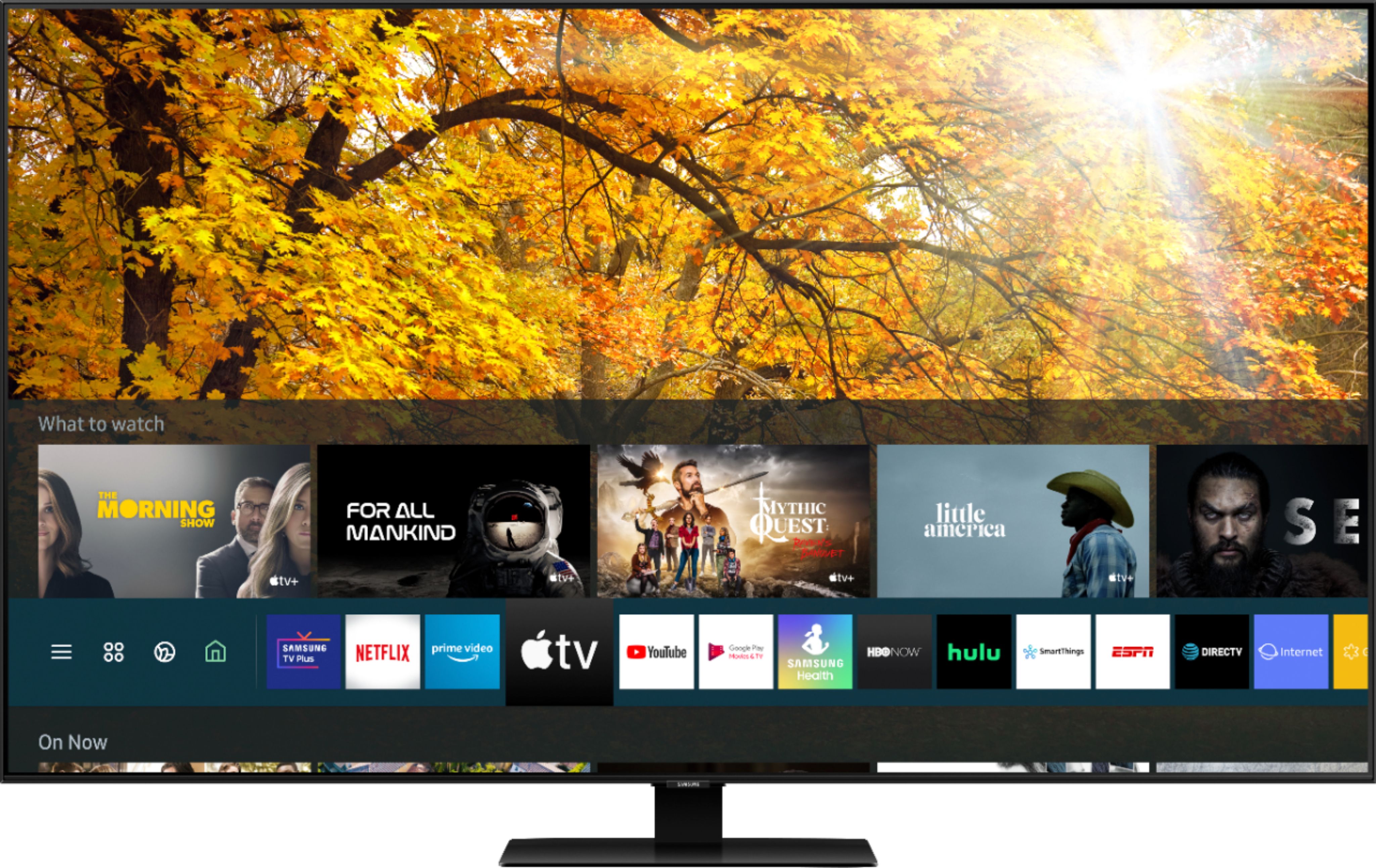
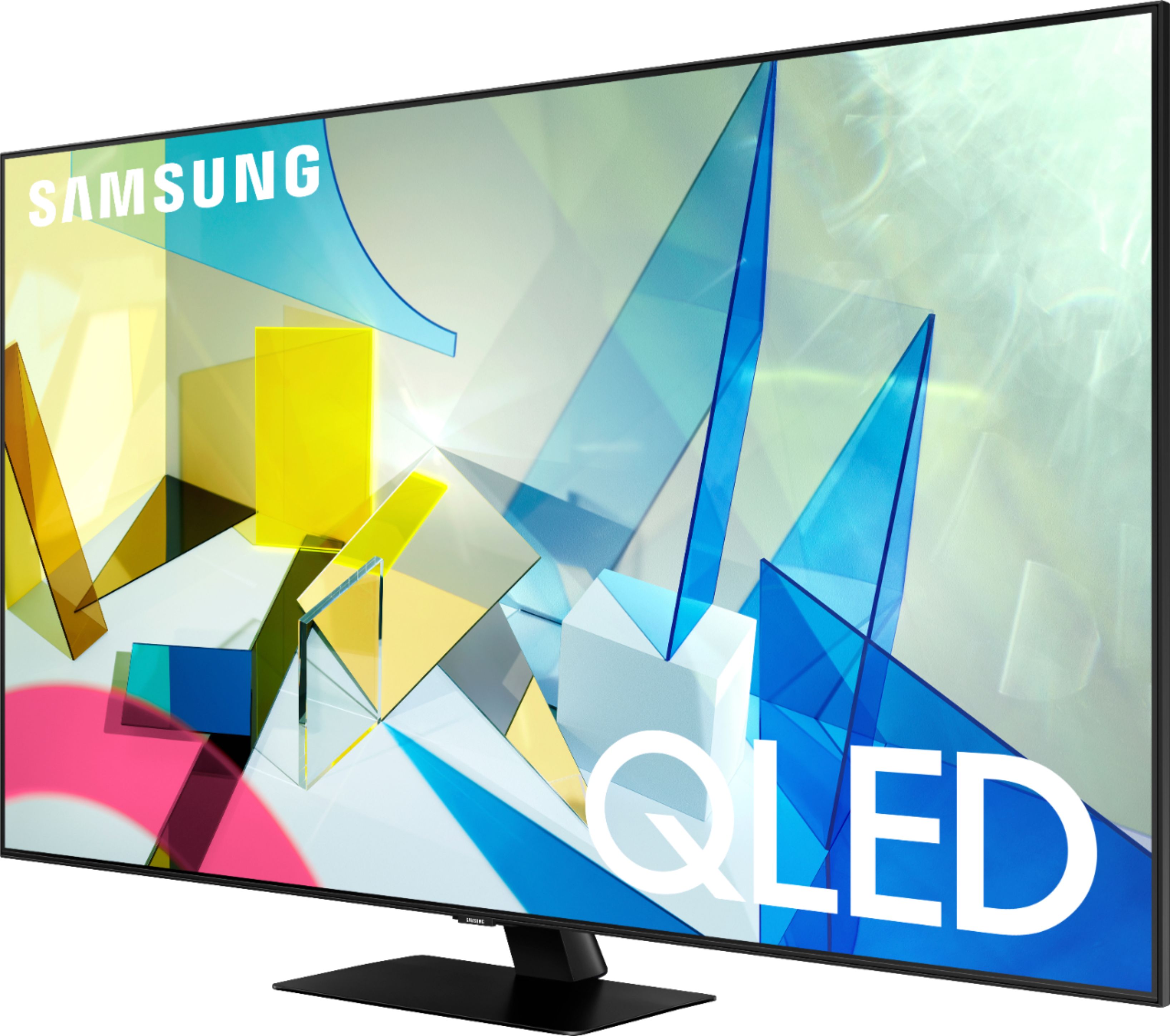
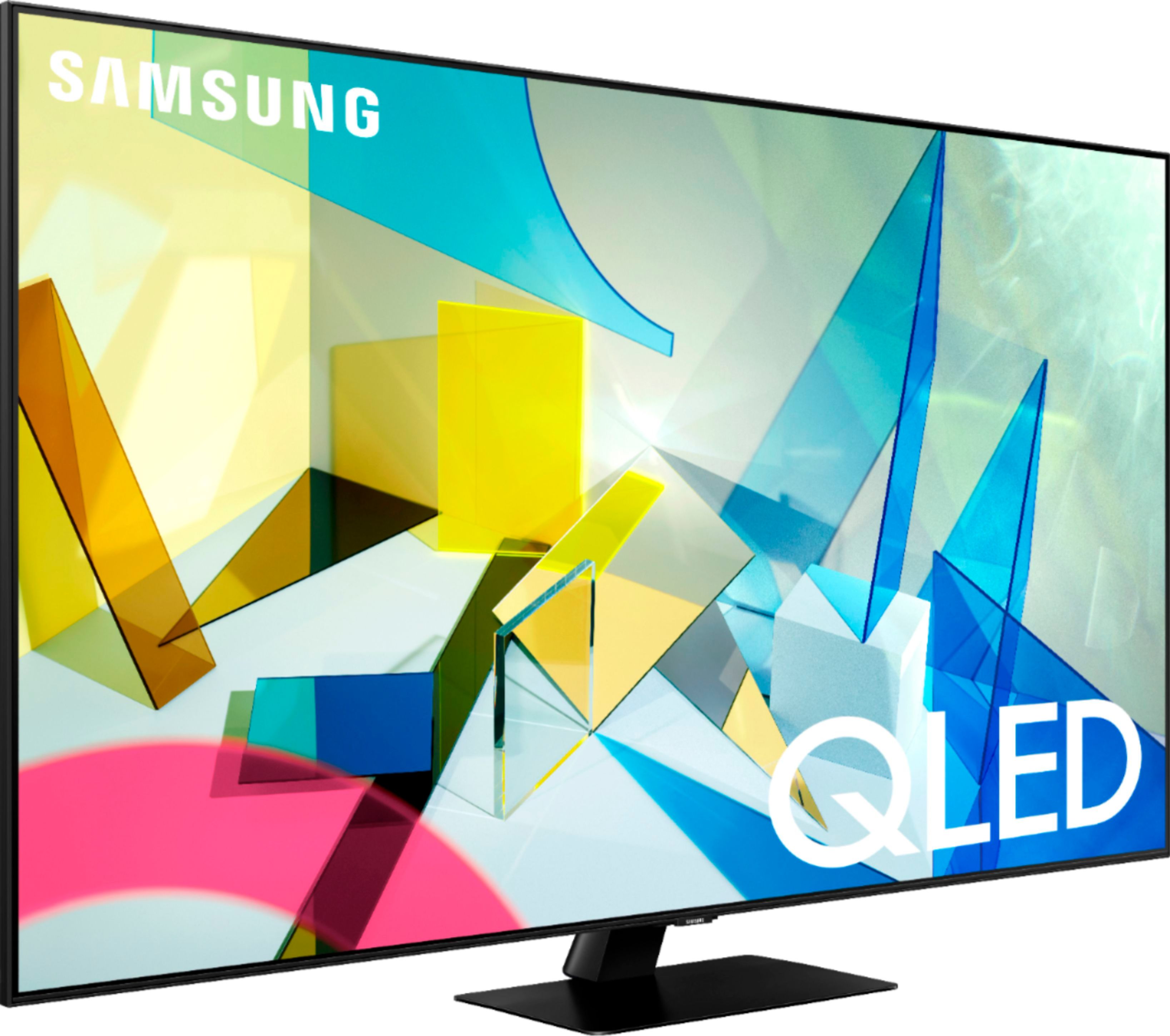
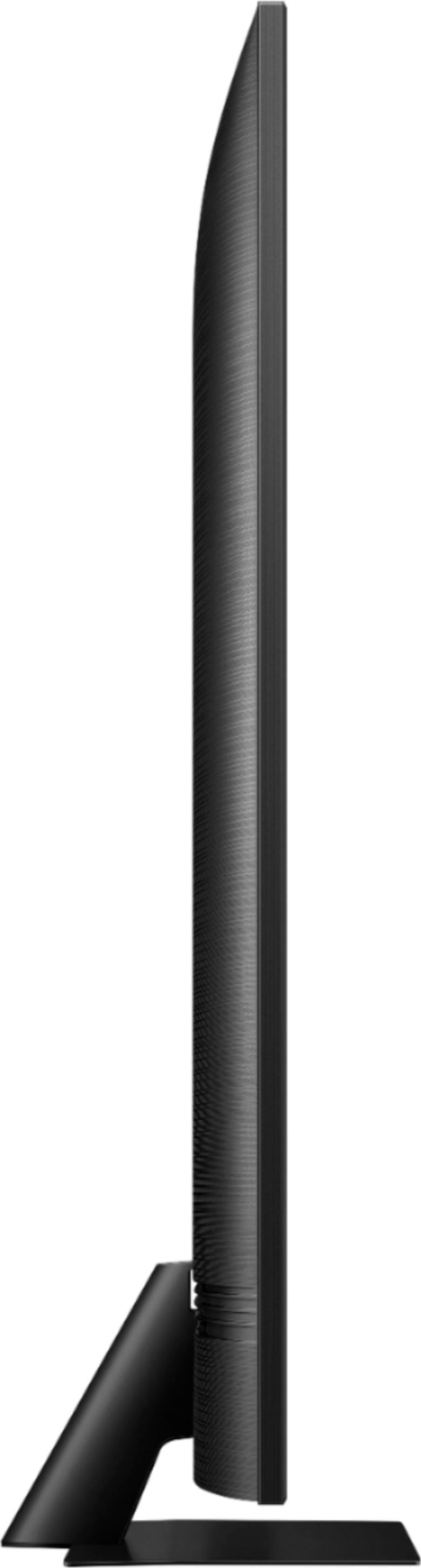
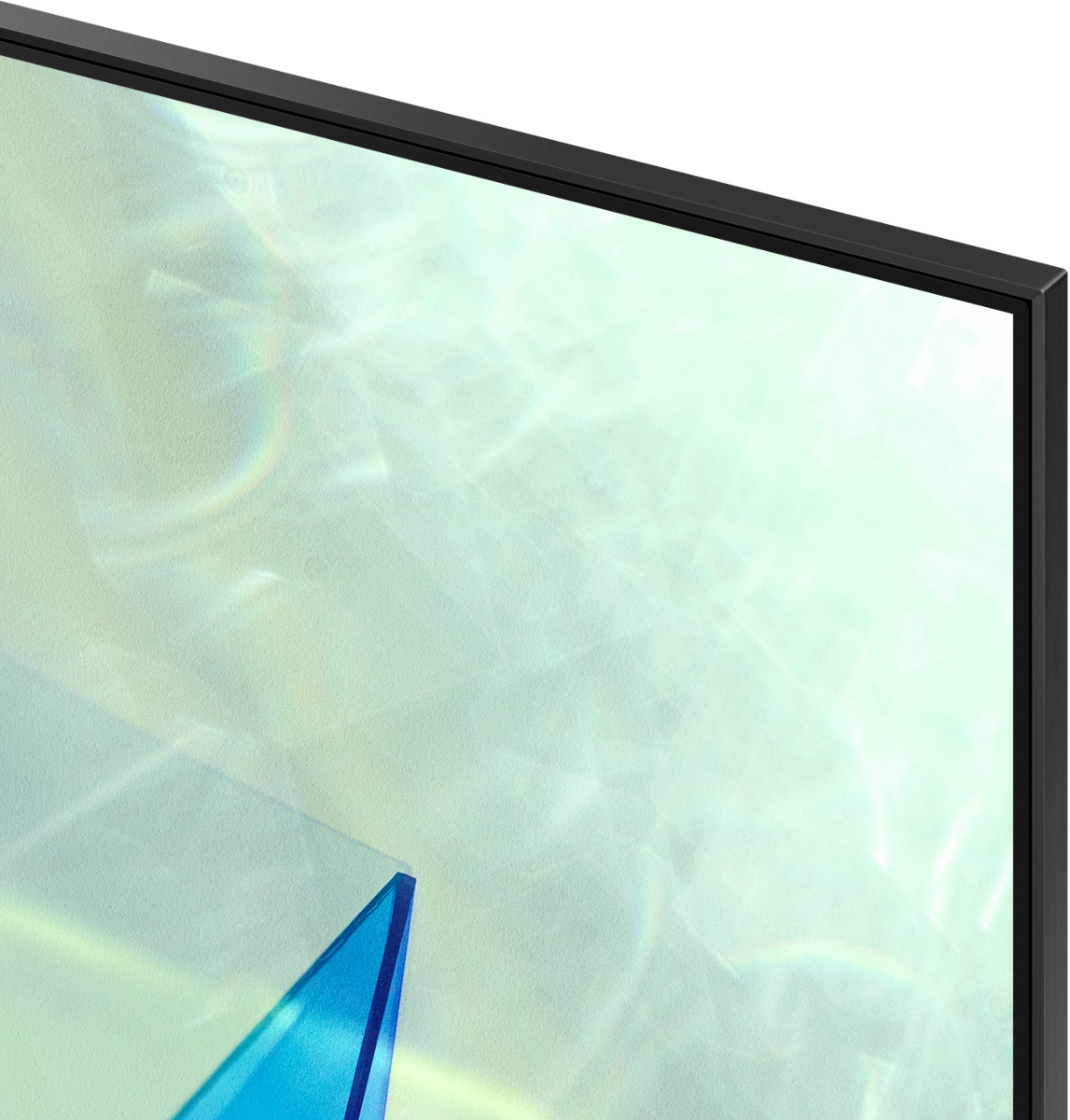
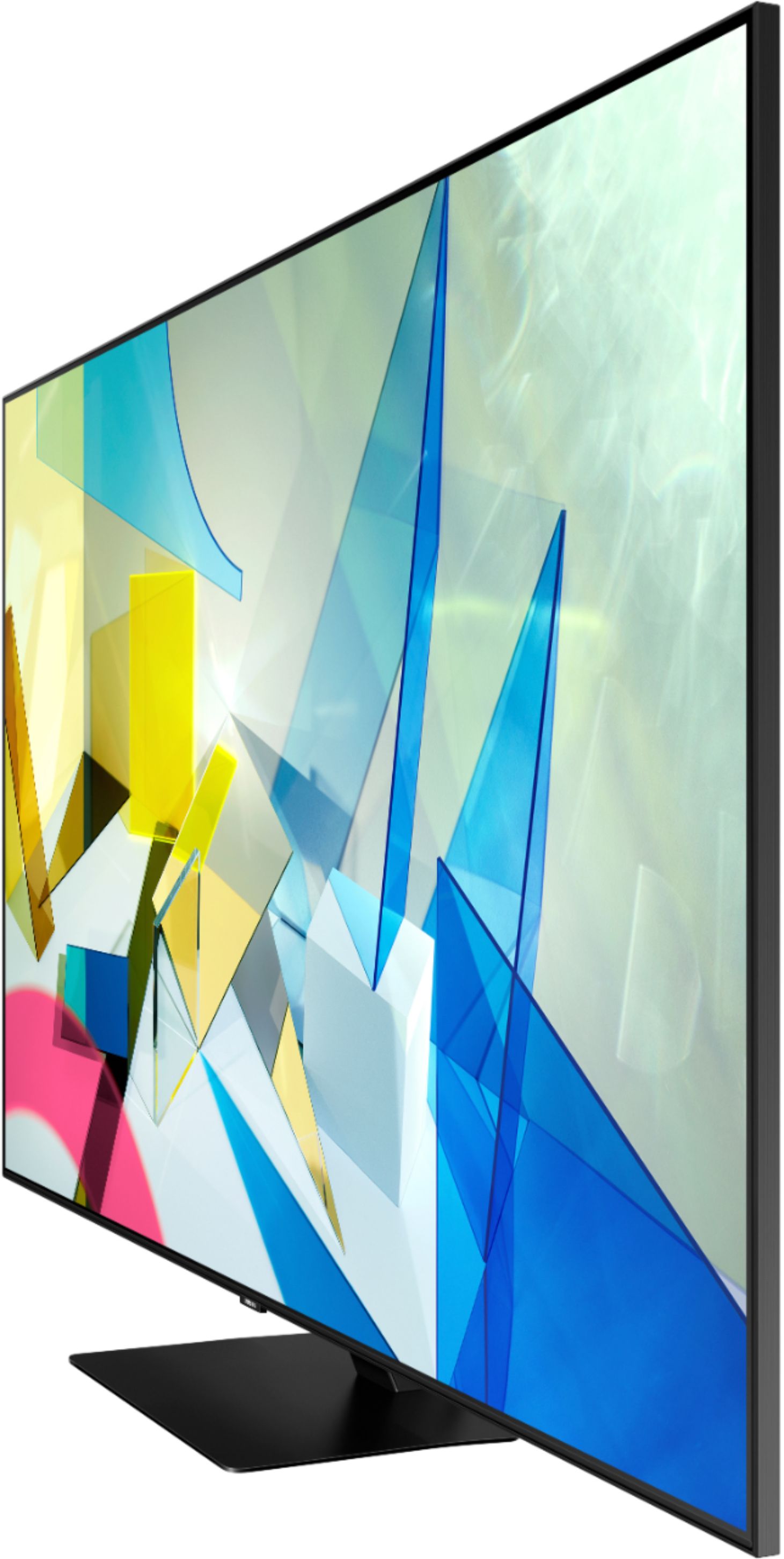

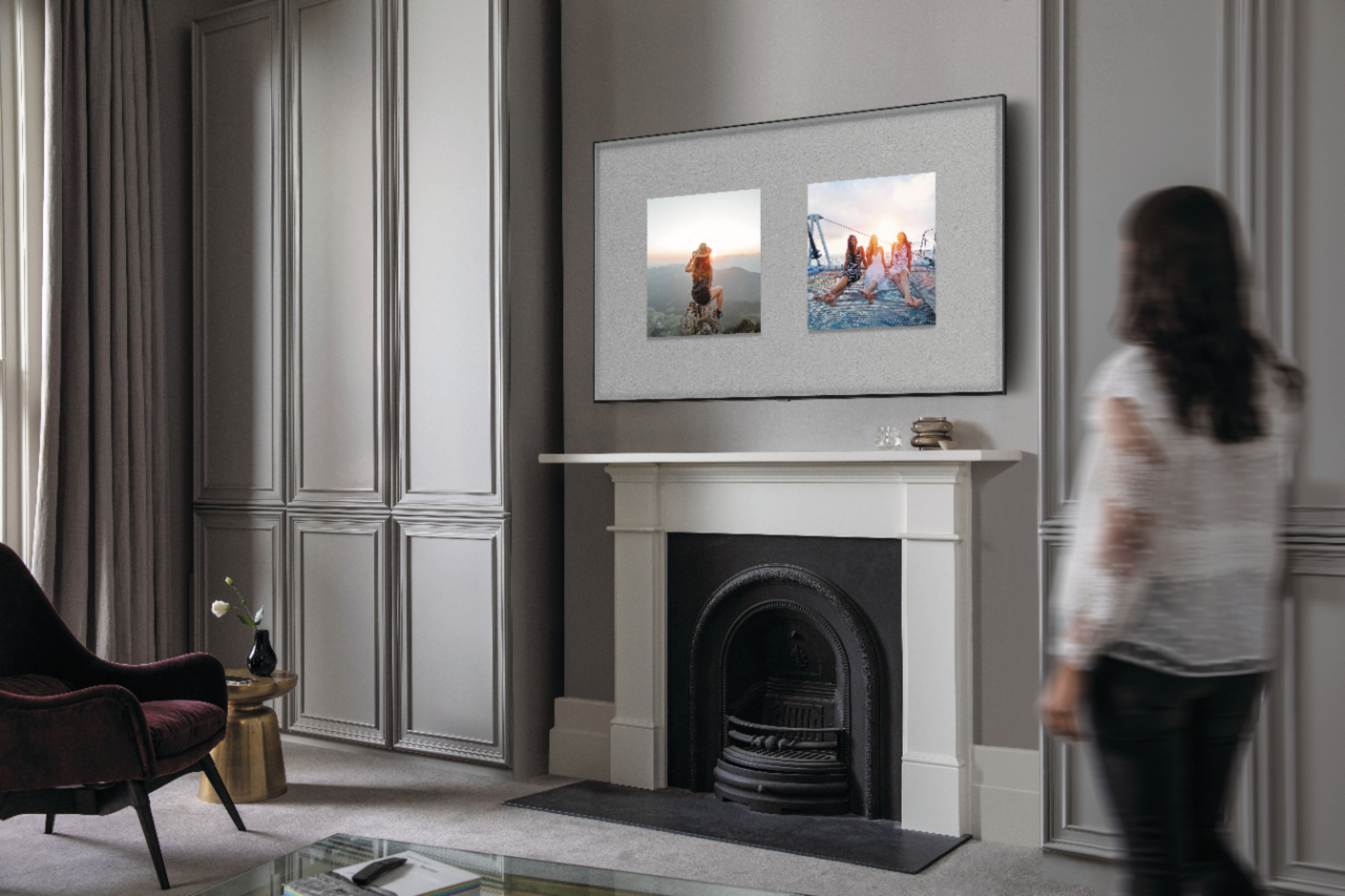



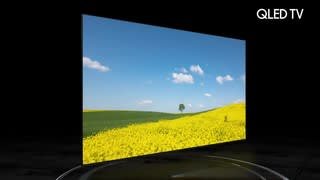




- Model:
- QN55Q80TAFXZA
- SKU:
- 6402394
Rating by feature
- Picture Quality
Rating 4.8 out of 5 stars
- Sound Quality
Rating 4.5 out of 5 stars
- Brightness
Rating 4.7 out of 5 stars
Customers are saying
Customers are impressed with the 55" Class Q80T Series QLED 4K UHD Smart Tizen TV's picture quality, describing it as amazing and standing out. They also appreciate its easy setup, especially when connecting to Wi-Fi, and find it to be a great value for the price. While some customers have concerns about the cheaply made remote control and the presence of ads, many agree that the TV's overall quality makes it worth the investment.
This summary was generated by AI based on customer reviews.
okay tv
||Posted . Owned for 1 month when reviewed.This reviewer received promo considerations or sweepstakes entry for writing a review.This is the first time I splurged on a TV and I have got to say... I am not impressed... It has been a bit over a month since I got it and it has already had several glitches and lags. It takes a bit to turn on and the TV quality isn't much different than one of LG's models.
No, I would not recommend this to a friendBrand response from Samsung
Posted .TechSavvy,
I am sorry that you are experiencing lags and glitches with your Q80T TV.
Please make sure that your TV is running the latest firmware.
Using your TV's remote, navigate to Settings, and select Support. Select Software Update, and then select Update Now. New updates will be downloaded and installed on your TV. Updates usually take a few minutes; please do not turn off the TV until the update is complete. When the update is finished, the TV will restart automatically. If there aren't any new updates, select OK to exit.
You may want to enable automatic updates for conveniences.
Select Settings- Support- Software Update, then select Auto Update.
We also recommend you try Device Care option to optimize the smart TV performance, as it frees up unused cached memory and closes background apps.
Go to Settings > Support> Device Care > Start Device Care
If the issues persist, please reach out to Samsung Customer Support at:
1) Phone: 1-800-SAMSUNG, available 8AM – 12AM EST 7 Days A Week
2) LiveChat: https://www.samsung.com/us/support/#contact_us_for_support
3) Facebook Messenger: https://www.facebook.com/samsungsupport
4) Twitter: https://twitter.com/SamsungSupport
Have you registered your new Samsung TV with us? If not, we invite you to do so at: https://www.samsung.com/us/account/signin/?redirect=https%3A%2F%2Fwww.samsung.com%2Fus%2Fsupport%2Fregister%2F, and gain access to easy warranty support, convenient opt-in to special promos & offers, faster troubleshooting & service, and quick notification of system updates.
-Samsung Ambassador
Great price
||Posted .This reviewer received promo considerations or sweepstakes entry for writing a review.Great tv at $1049 plus $50 0ff with a best buy gift card from last month tablets purchase.
I would recommend this to a friendWe Don't have it Anymore!
||Posted . Owned for 3 weeks when reviewed.This reviewer received promo considerations or sweepstakes entry for writing a review.Loved the TV, after the 3rd day the screen developed a crack. Best Buy took it back. However, could not replace it because they were out of stock. So I don't have this unit to review. Don't know they even asked.
No, I would not recommend this to a friendBrand response from Samsung
Posted .OneNut:
I am very sorry for the unfortunate situation with a crack having developed in your screen. Please know that a crack will not spontaneously develop; a physical impact – perhaps small, but done at just a certain degree – would be the most likely cause.
If you are considering getting a replacement once your local store has them in stock again, and you have any questions or concerns regarding the usage or setup of your TV, please contact Samsung Customer Support.
1) Phone: 1-800-SAMSUNG (available 8AM -12AM EST, 7 days a week)
2) LiveChat: https://www.samsung.com/us/support/#contact_us_for_support
3) Facebook Messenger: https://www.facebook.com/samsungsupport
4) Twitter: https://twitter.com/SamsungSupport
Thank you again for taking the time to share your thoughts. Your feedback helps us continuously deliver best-in-class products and service.
~ Samsung Solutions
Samsung
||Posted . Owned for 3 weeks when reviewed.This reviewer received promo considerations or sweepstakes entry for writing a review.Not enough programs are broadcast 4K UHD. Not a very clear picture through Spectrum.
No, I would not recommend this to a friendQuality television
||Posted . Owned for 1 month when reviewed.This reviewer received promo considerations or sweepstakes entry for writing a review.Looks great. Darkest black ever. I am sufficiently pleased with my purchase.
I would recommend this to a friendGreat.
||Posted . Owned for 11 months when reviewed.This reviewer received promo considerations or sweepstakes entry for writing a review.Great buy. Tv shows nice. It jus gets hot from time to time .
I would recommend this to a friendAwesome TV
||Posted . Owned for 1 month when reviewed.This reviewer received promo considerations or sweepstakes entry for writing a review.Everything is great no issues. Then entire buying experience was great.
I would recommend this to a friend- Pros mentioned:Picture quality
Samsung Q80T series OLED
||Posted . Owned for 3 weeks when reviewed.This reviewer received promo considerations or sweepstakes entry for writing a review.I am sad to report that while this TV has a brilliant picture and sound it would switch off or reset way too often to be acceptable.while this was an open box and recertified by the Geek Squad tv it clearly didnt preform as it should so it was returned.I have other Samsung products that work well so I am confused as to why this unit failed..
No, I would not recommend this to a friend OK so far.
||Posted . Owned for 1 month when reviewed.This reviewer received promo considerations or sweepstakes entry for writing a review.Happy to this point. With future use I will have a better evaluation.
I would recommend this to a friendSmart TV
||Posted . Owned for 2 months when reviewed.This reviewer received promo considerations or sweepstakes entry for writing a review.Clarity is good , sound is clear, and got it for a great price
I would recommend this to a friend- Cons mentioned:Stand
Remote terrible, very dainty looking and picture q
||Posted . Owned for 5 months when reviewed.This reviewer received promo considerations or sweepstakes entry for writing a review.We are design and image quality mediocre. The cord manageability was a joke. Very dainty and fragile stand. Didn’t have your sports car sleek substantial look to it. Look like something that came out of QVC
No, I would not recommend this to a friend Big fan of the visual quality
||Posted . Owned for 1 month when reviewed.This reviewer received promo considerations or sweepstakes entry for writing a review.I'm a fan of Samsung products and this one does not disappoint.
I would recommend this to a friendProblems?
||Posted . Owned for 1 month when reviewed.This reviewer received promo considerations or sweepstakes entry for writing a review.I am having problems with the sound bar, It is either the bar or the TV, both are samsung. The Geek guy tried and it didn't last, it still doesn't work and the Geek guy has gone dark for over two weeks. the Geeks manage is trying to help. Next appt is 10 days away.
No, I would not recommend this to a friendBrand response from Samsung
Posted .Arthur:
Thank you for purchasing a Samsung soundbar to go along with your Samsung TV. So we can better understand the issue you are having with your two devices, please contact Samsung Customer Support.
1) Phone: 1-800-SAMSUNG (ask for TVs), available 8AM – 12AM EST 7 days a week
2) LiveChat: https://www.samsung.com/us/support/#contact_us_for_support
3) Facebook Messenger: https://www.facebook.com/samsungsupport
4) Twitter: https://twitter.com/SamsungSupport
5) The Samsung Members Community is also a great resource for getting help from Samsung moderators and customers: https://us.community.samsung.com
If you have not already done so, we invite you to register your new Samsung product at: https://www.samsung.com/us/account/signin/?redirect=https%3A%2F%2Fwww.samsung.com%2Fus%2Fsupport%2Fregister%2F
Registering your product gives you access to easy warranty support, convenient opt-in to special promos and offers, faster troubleshooting and service, and quick notification of system updates.
Thank you for being a loyal Samsung customer.
~ Samsung Solutions
Nice
||Posted . Owned for 1 month when reviewed.This reviewer received promo considerations or sweepstakes entry for writing a review.I'm glad I went to best buy for purchasing this product.
I would recommend this to a friendNot what I expected
||Posted .This reviewer received promo considerations or sweepstakes entry for writing a review.The stand that holds the TV is great, but the picture quality is less than I expected and the resolution only has two settings, it says custom is not an option, so you either have black lines on the sides or the picture is cut off on the sides of the picture.
No, I would not recommend this to a friendMy TV was bought within the last 11 months and now
||Posted .This reviewer received promo considerations or sweepstakes entry for writing a review.My TV was bought within the last 11 months and now it does the weirdest things I’ve ever seen a TV do it pixelates and shows me the characters in black and white so yes I know I have to get a hold of the geek squad
No, I would not recommend this to a friendNo rating
||Posted . Owned for 3 weeks when reviewed.This reviewer received promo considerations or sweepstakes entry for writing a review.Not installed yet. Appointment canceled by BestBuy because of weather. Could not reschedule for 3 weeks later
I would recommend this to a friendOk
||Posted . Owned for 2 weeks when reviewed.This reviewer received promo considerations or sweepstakes entry for writing a review.Ok pictures. I’m done with Samsung tv. Will get Sony next
I would recommend this to a friendObservation
||Posted . Owned for 1 month when reviewed.This reviewer received promo considerations or sweepstakes entry for writing a review.The picture is not as clear as I thought it would be. I may be able to adjust but I told have time to read the instructions. I like the size of my tv.
I would recommend this to a friendBrand response from Samsung
Posted .SweetAl:
Thank you for purchasing the Q80T TV and sharing your thoughts regarding the image quality. The TV will upscale as best as possible any content sent to it. The closer your content is to 4K, the better the image will look on the screen.
Here are some tips to help improve the picture clarity:
1) HDMI cables are recommended for optimal HD viewing.
2) If you have an analog cable box or satellite box, upgrade to a digital cable box or satellite box.
3) Change the output resolution of your devices, such as digital broadcast receiver, IPTV, and set-top box to UHD or HD.
4) You can further adjust your sharpness, brightness, contrast, color, and more by going to Settings > Picture > Expert Settings
5) Choose a Picture Mode by going to Settings > Picture > Picture Mode and choose from Dynamic, Standard, Natural, Movie, or Filmmaker Mode.
Please also give us the opportunity to assist you with image quality adjustments tailored to your preferred viewing experience. You can reach us via any of the following options
1) Phone: 1-800-SAMSUNG (ask for TVs), available 8AM – 12AM EST 7 days a week
2) LiveChat: https://www.samsung.com/us/support/#contact_us_for_support
3) Facebook Messenger: https://www.facebook.com/samsungsupport
4) Twitter: https://twitter.com/SamsungSupport
5) The Samsung Members Community is also a great resource for getting help from Samsung moderators and customers: https://us.community.samsung.com
If you have not already done so, we invite you to register your new Samsung product at: https://www.samsung.com/us/account/signin/?redirect=https%3A%2F%2Fwww.samsung.com%2Fus%2Fsupport%2Fregister%2F
Registering your product gives you access to easy warranty support, convenient opt-in to special promos and offers, faster troubleshooting and service, and quick notification of system updates.
~ Samsung Solutions
Good no glare when light comes thru.
||Posted . Owned for 1 month when reviewed.This reviewer received promo considerations or sweepstakes entry for writing a review.This is a very good tv except when the picture blurs sometimes.
No, I would not recommend this to a friendBrand response from Samsung
Posted .Moviemannia,
Thank you for sharing your feedback with us.
I am glad you are happy with its overall performance.
Have you tried Auto Motion Plus? It is a feature designed to eliminate blur and judder on an LED TV, specifically in fast moving images.
You can change Auto Motion Plus settings by following these steps:
1) With the TV powered on, press the Home button on the Samsung remote to open the Home screen
2) Then select Settings > Picture > Expert Settings > Picture Clarity Settings
3) Then you will see the following three options:
a) Off: Picture Clarity Settings will always be off
b) Auto: Picture Clarity Settings will automatically activate and deactivate based on the type of program being watched
c) Custom: Allows custom adjustments and settings to be used
4) By selecting the Custom option, you can access these advanced settings:
a) Judder Reduction: Use the directional keys on the remote to adjust the Judder setting
b) LED Clear Motion: Select to turn on/Off/Auto
c) Noise Reduction: Select to turn Auto/Off
Should you need further assistance with features or other product usage, please reach out to Samsung Support and an agent will gladly assist you.
You can reach us via any of the below options:
1) Phone: 1-800-SAMSUNG, available 8AM - 12AM EST (Mon-Sun)
2) LiveChat: https://www.samsung.com/us/support/#contact_us_for_support
3) Facebook Messenger: https://www.facebook.com/samsungsupport
4) Twitter: https://twitter.com/SamsungSupport
If you have not already done so, we invite you to register your new Samsung product at: https://www.samsung.com/us/account/signin/?redirect=https%3A%2F%2Fwww.samsung.com%2Fus%2Fsupport%2Fregister%2F
Registering your product gives you access to easy warranty support, convenient opt-in to special promos and offers, faster troubleshooting and service, and quick notification of system updates.
Again, thank you for bringing the issue to our attention – we greatly value your feedback and utilize your concerns and opinions towards delivering best-in-class service and products.
-Samsung Ambassador