Customer Ratings & Reviews
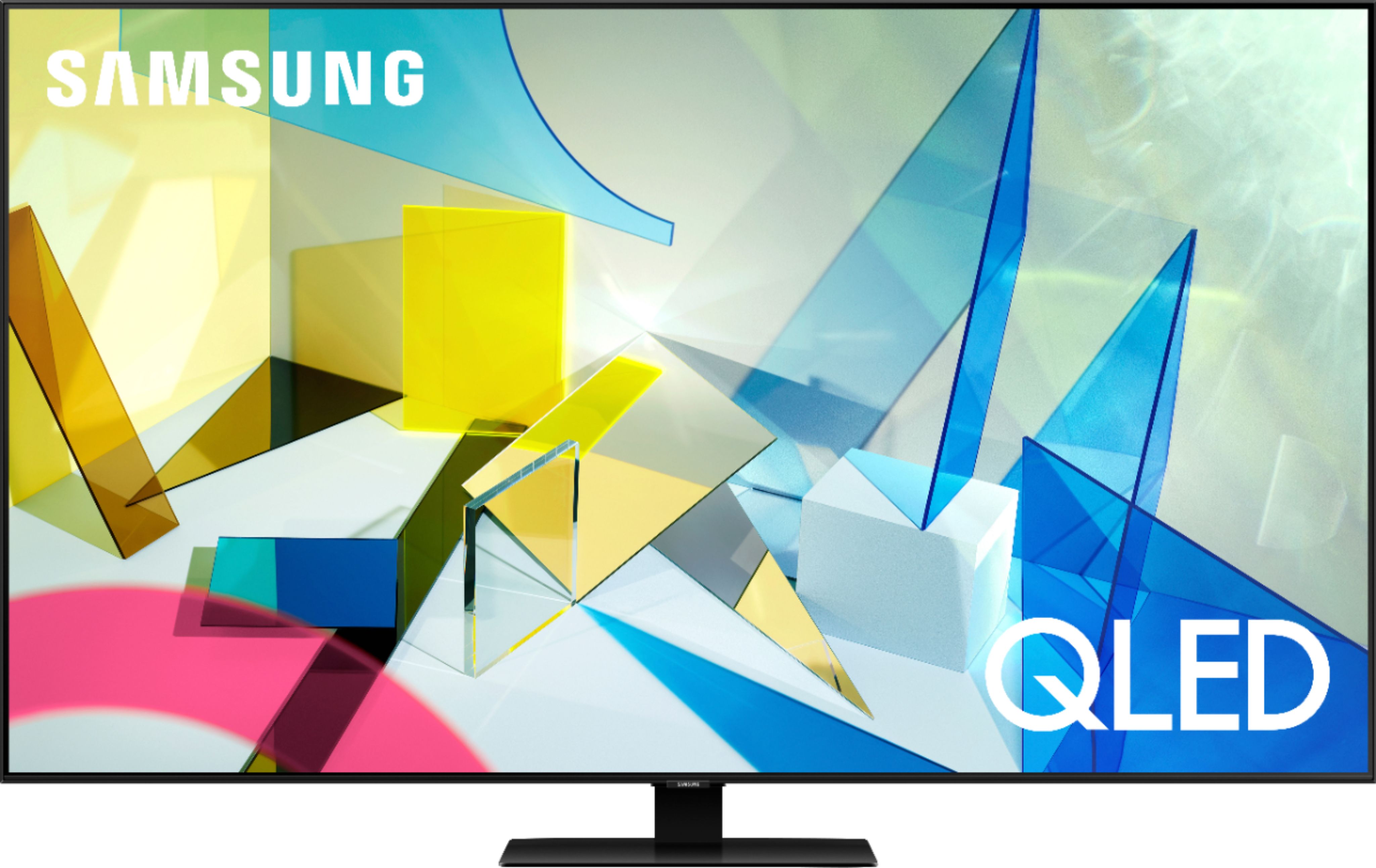
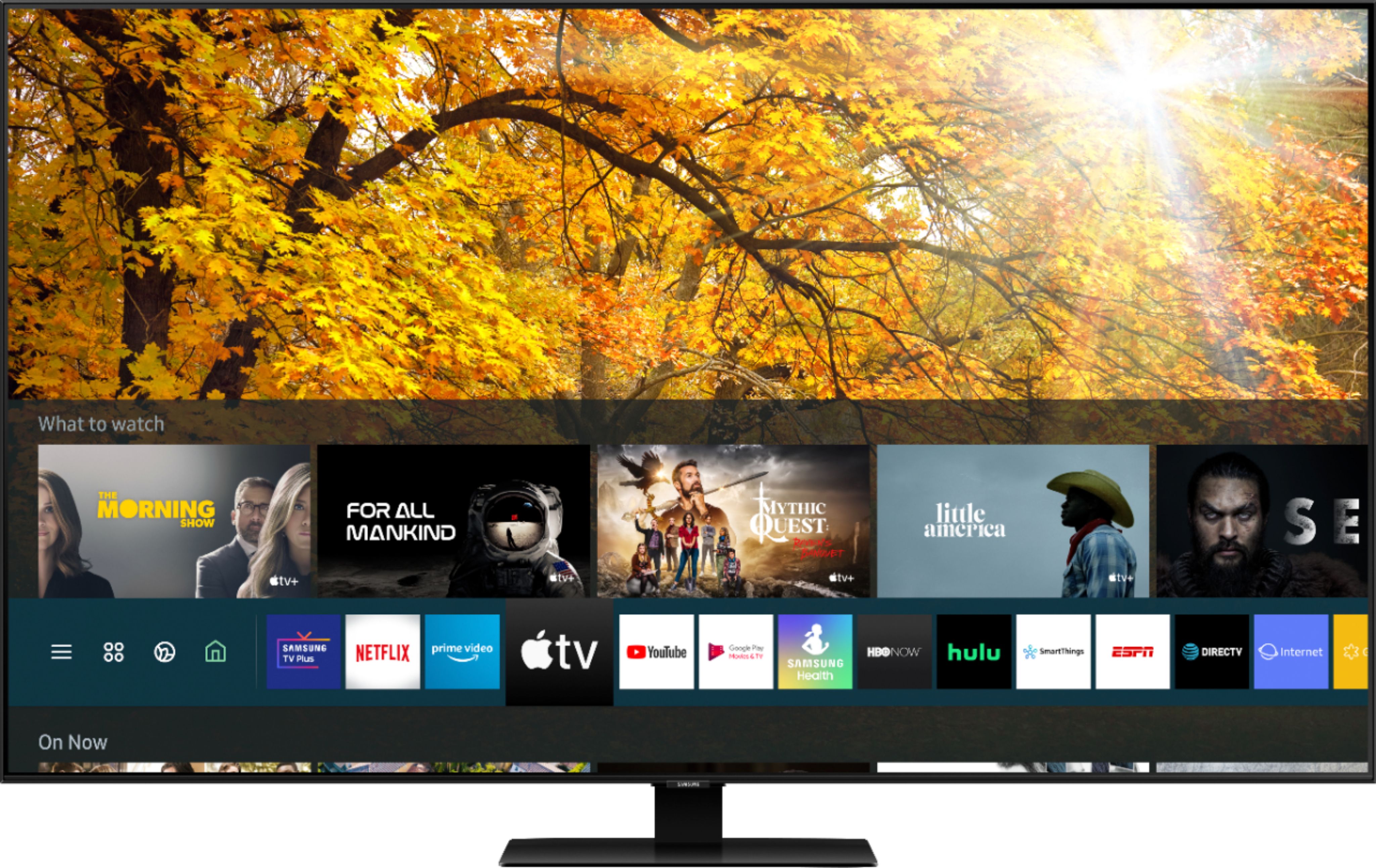
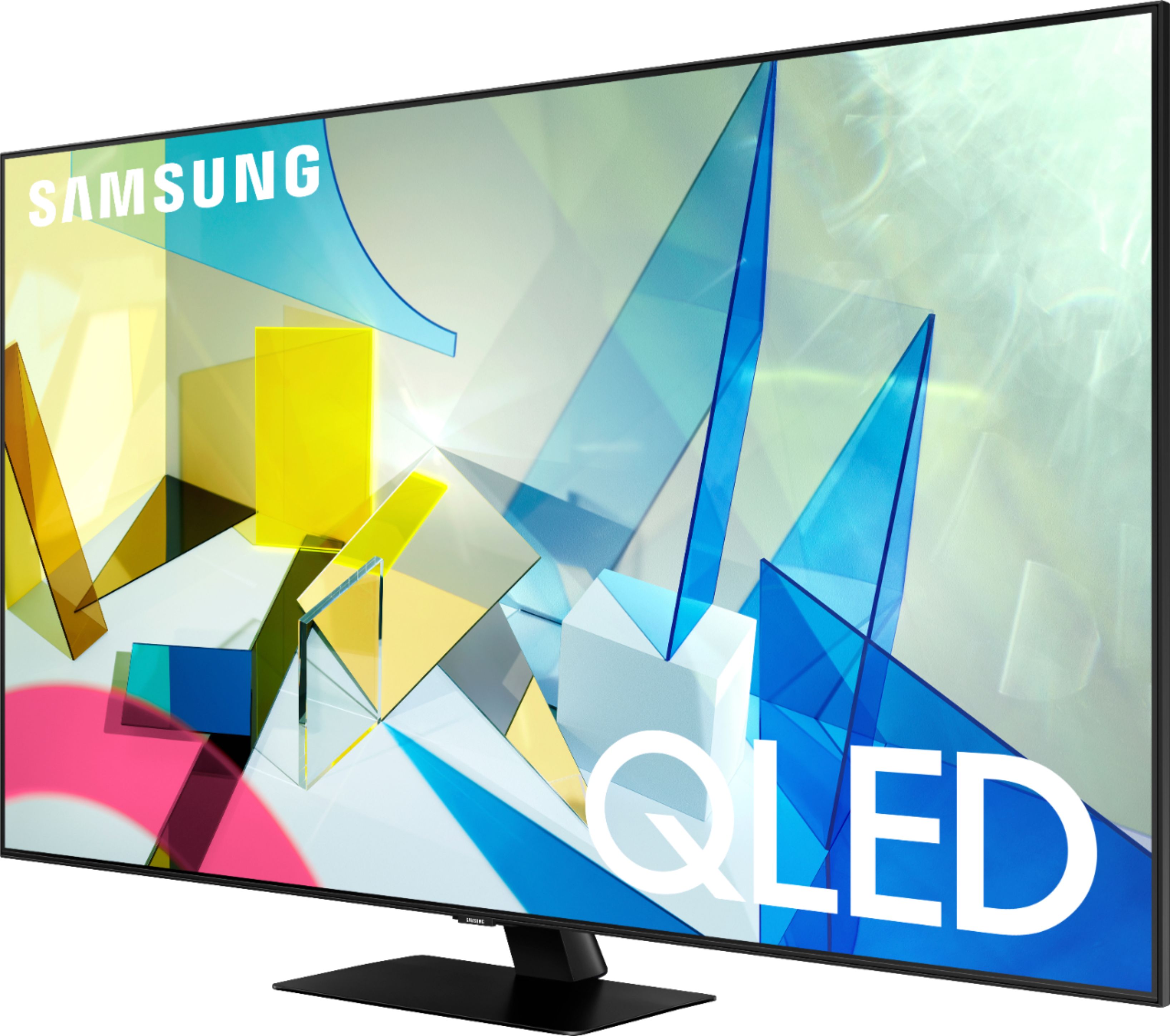
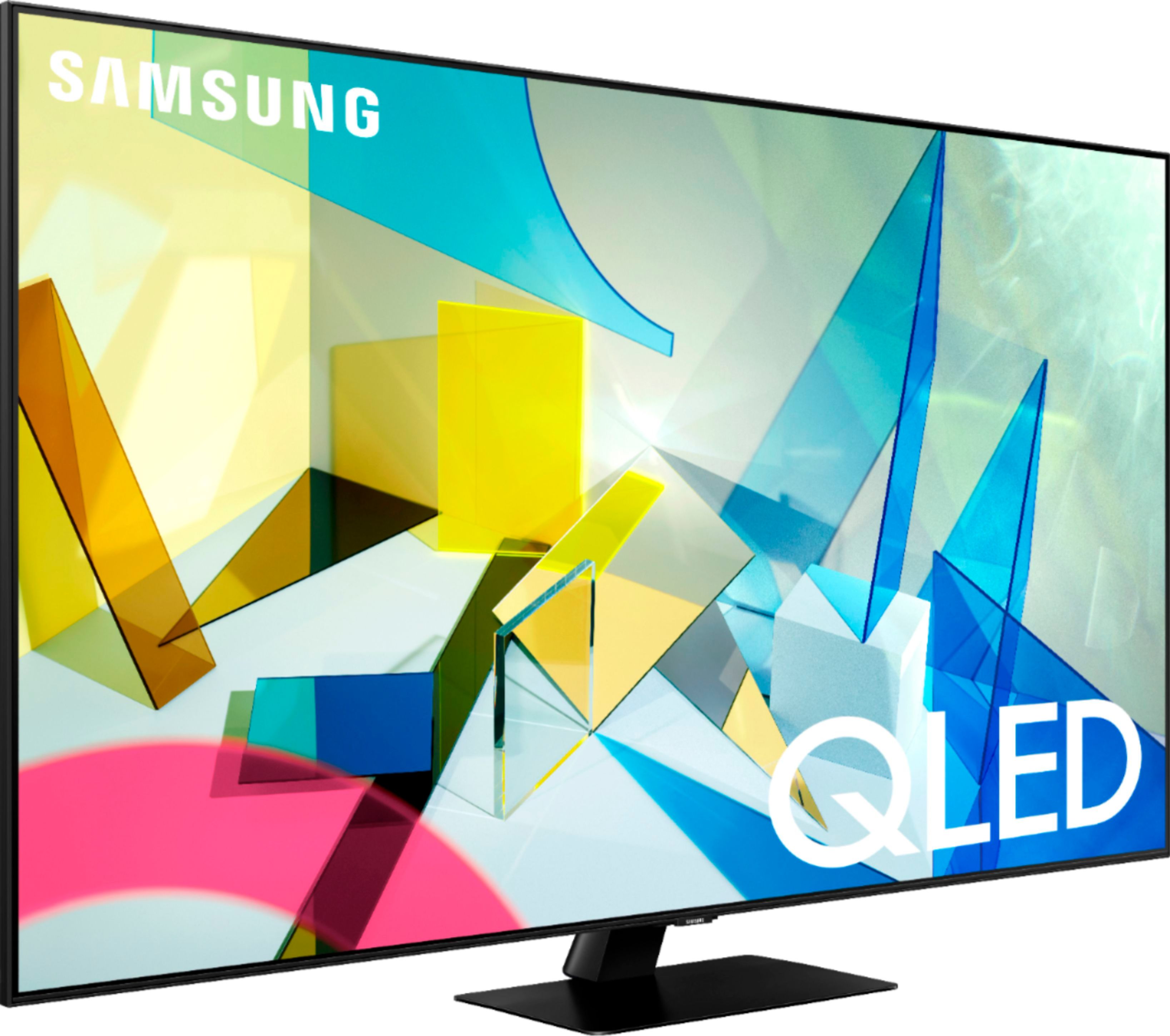
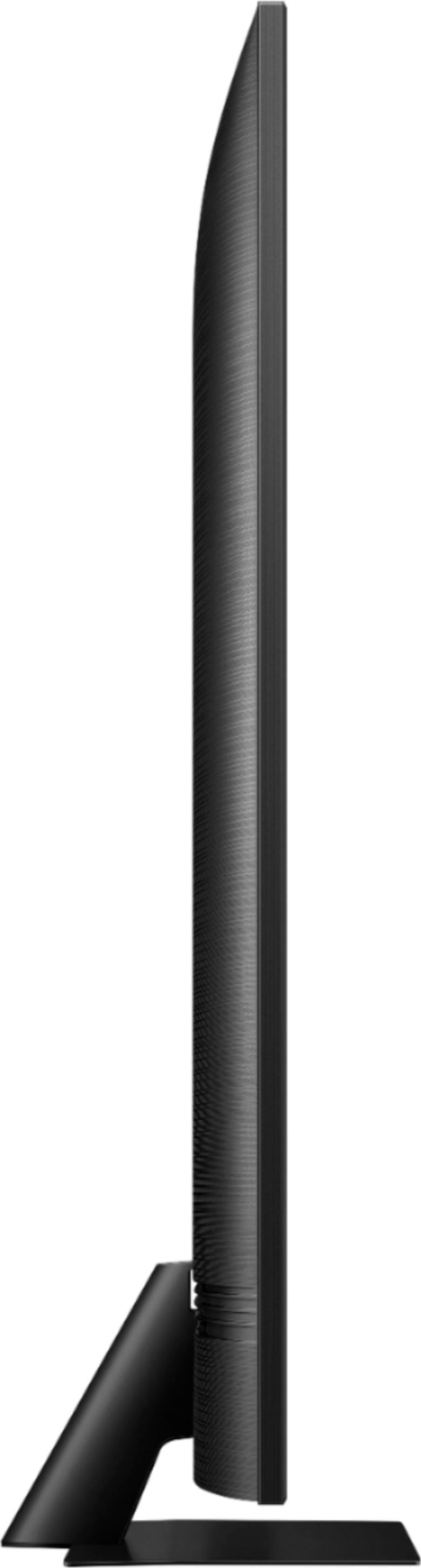
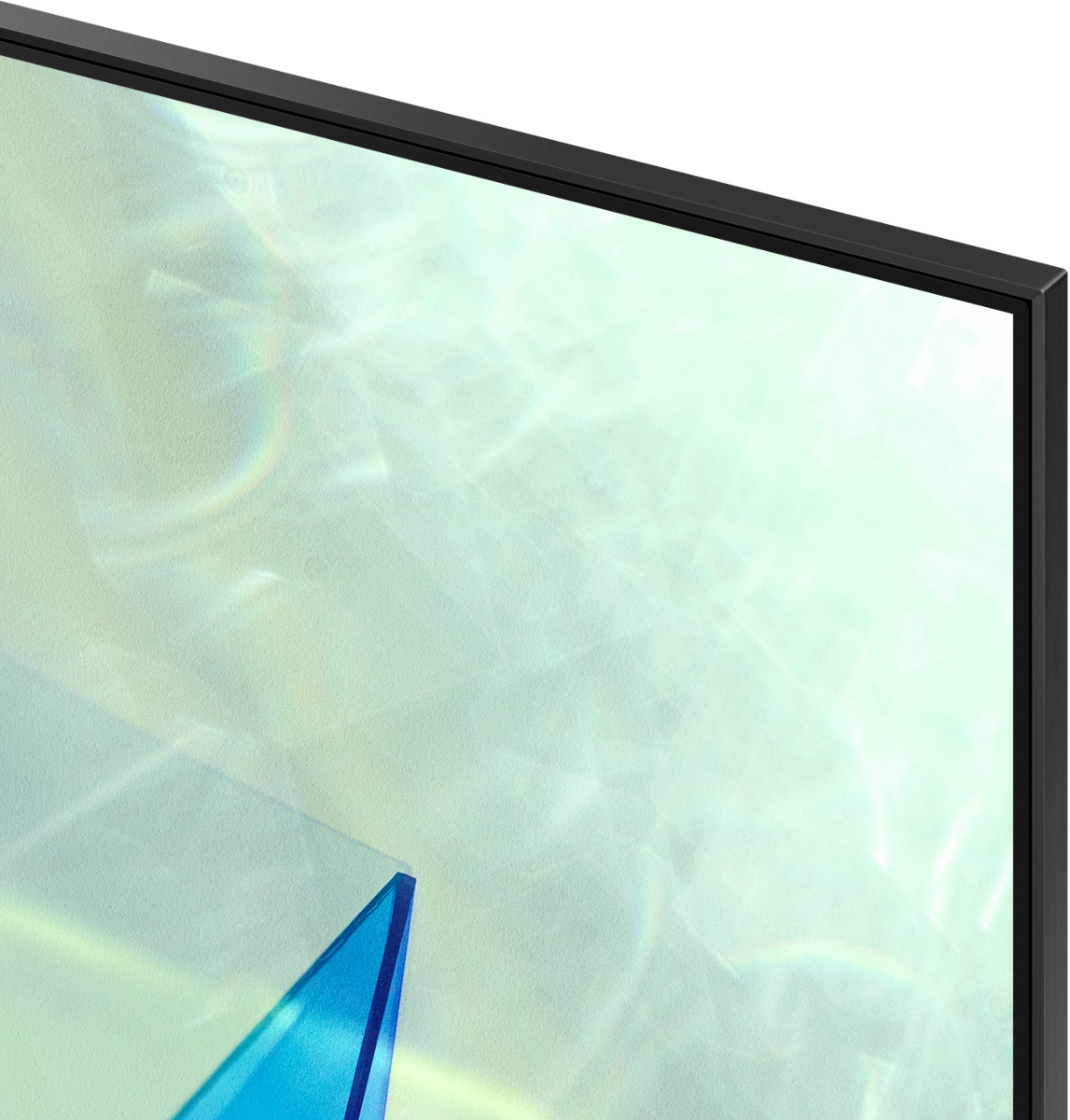
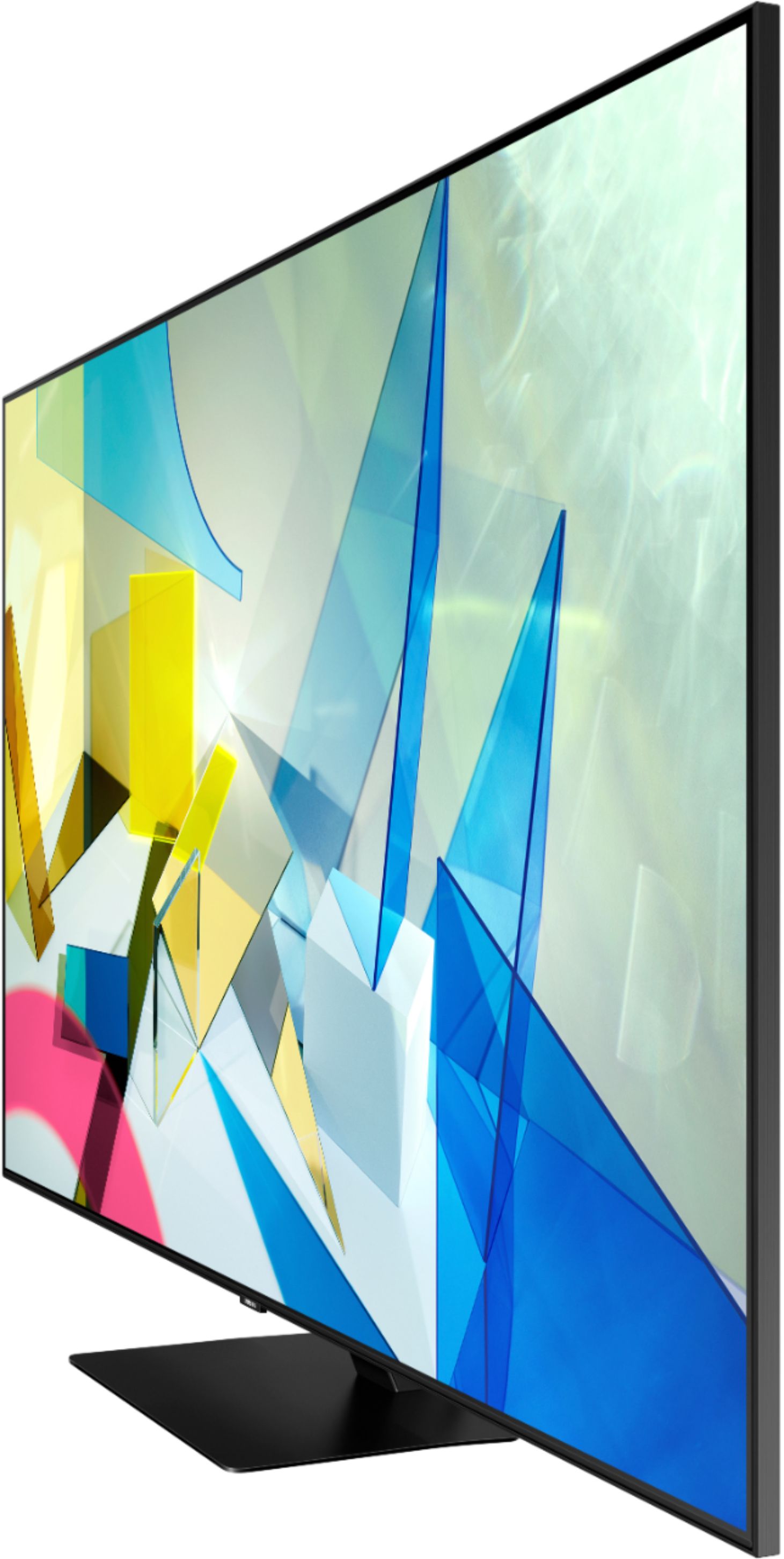

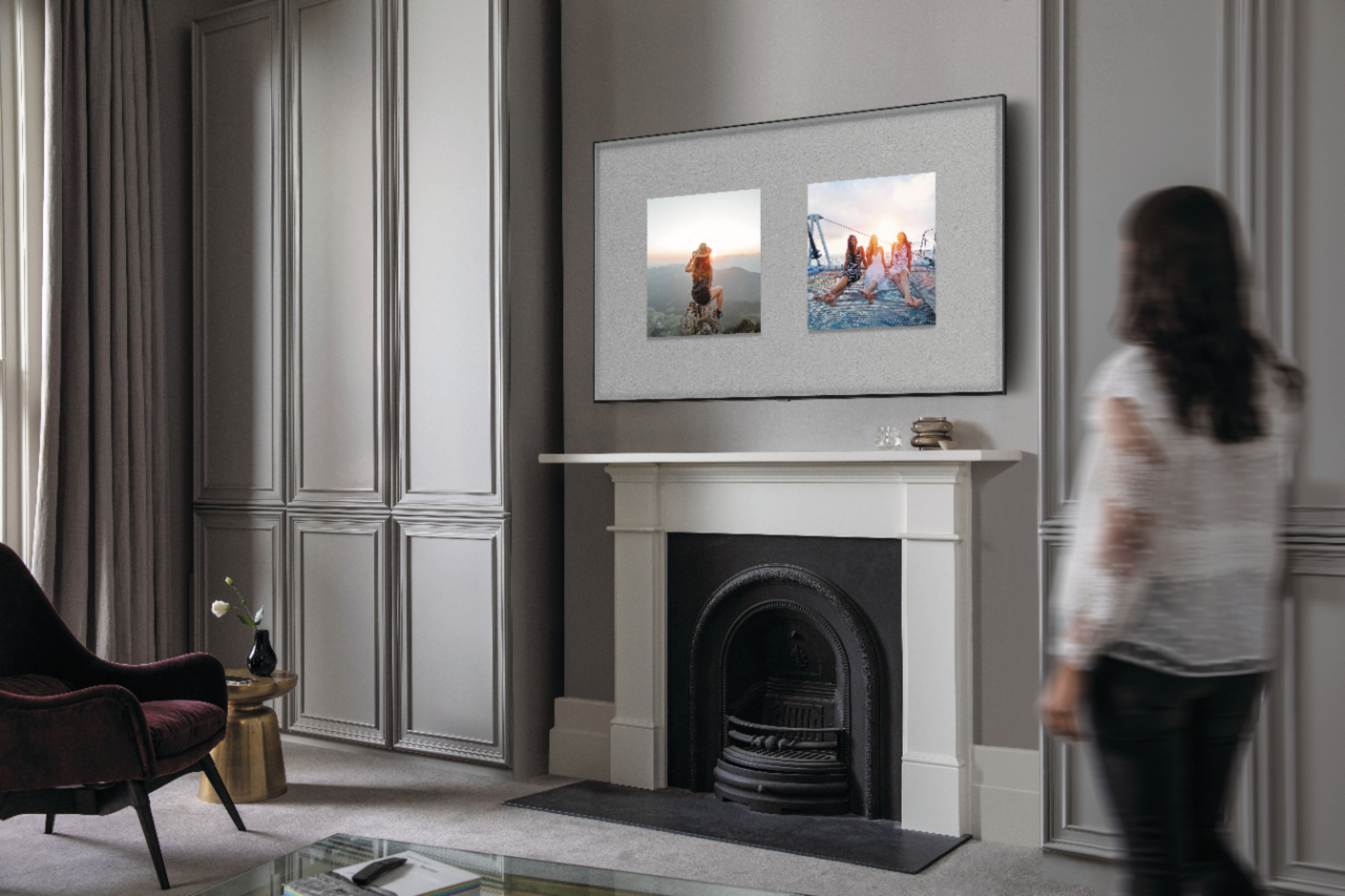
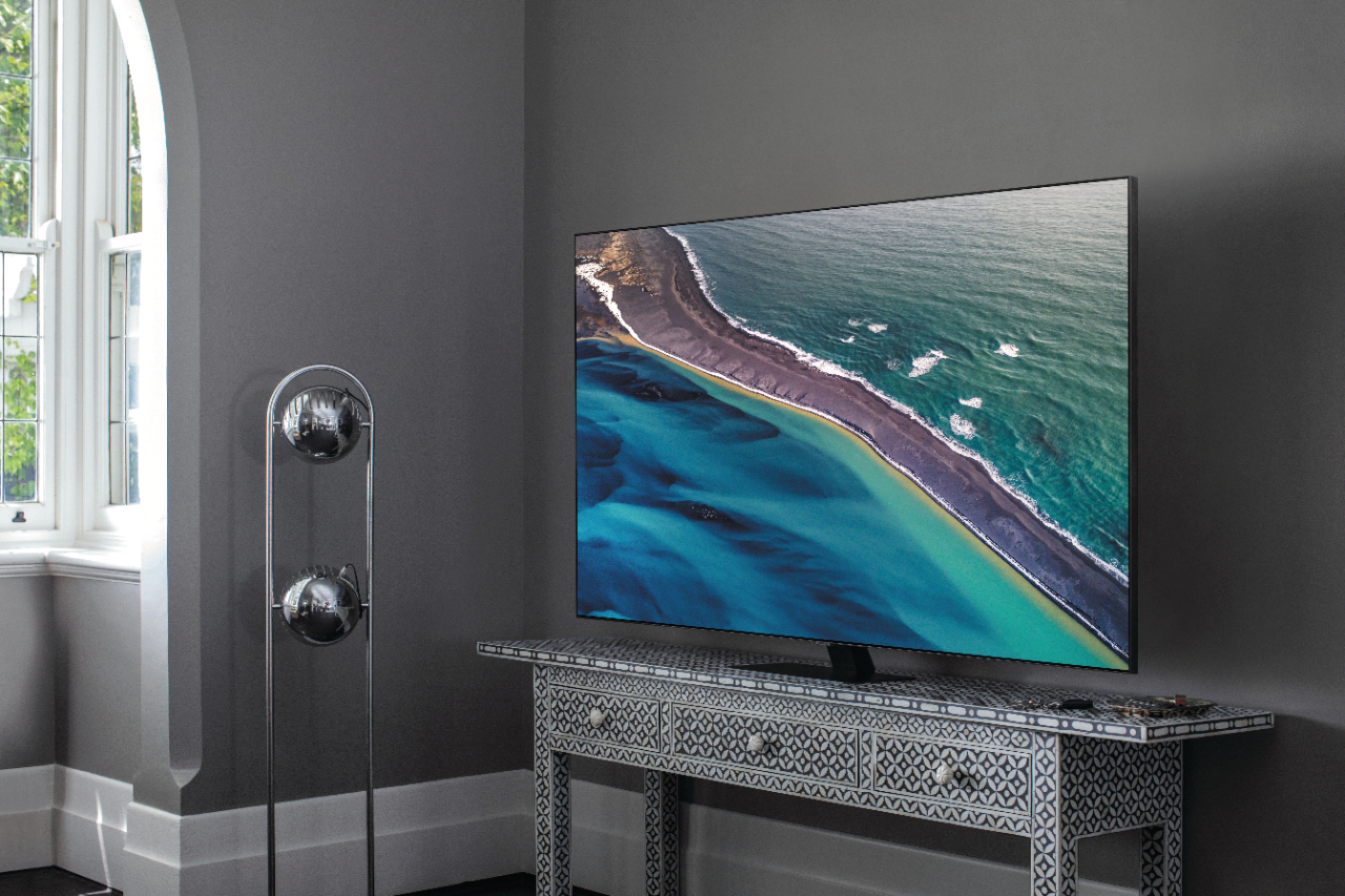
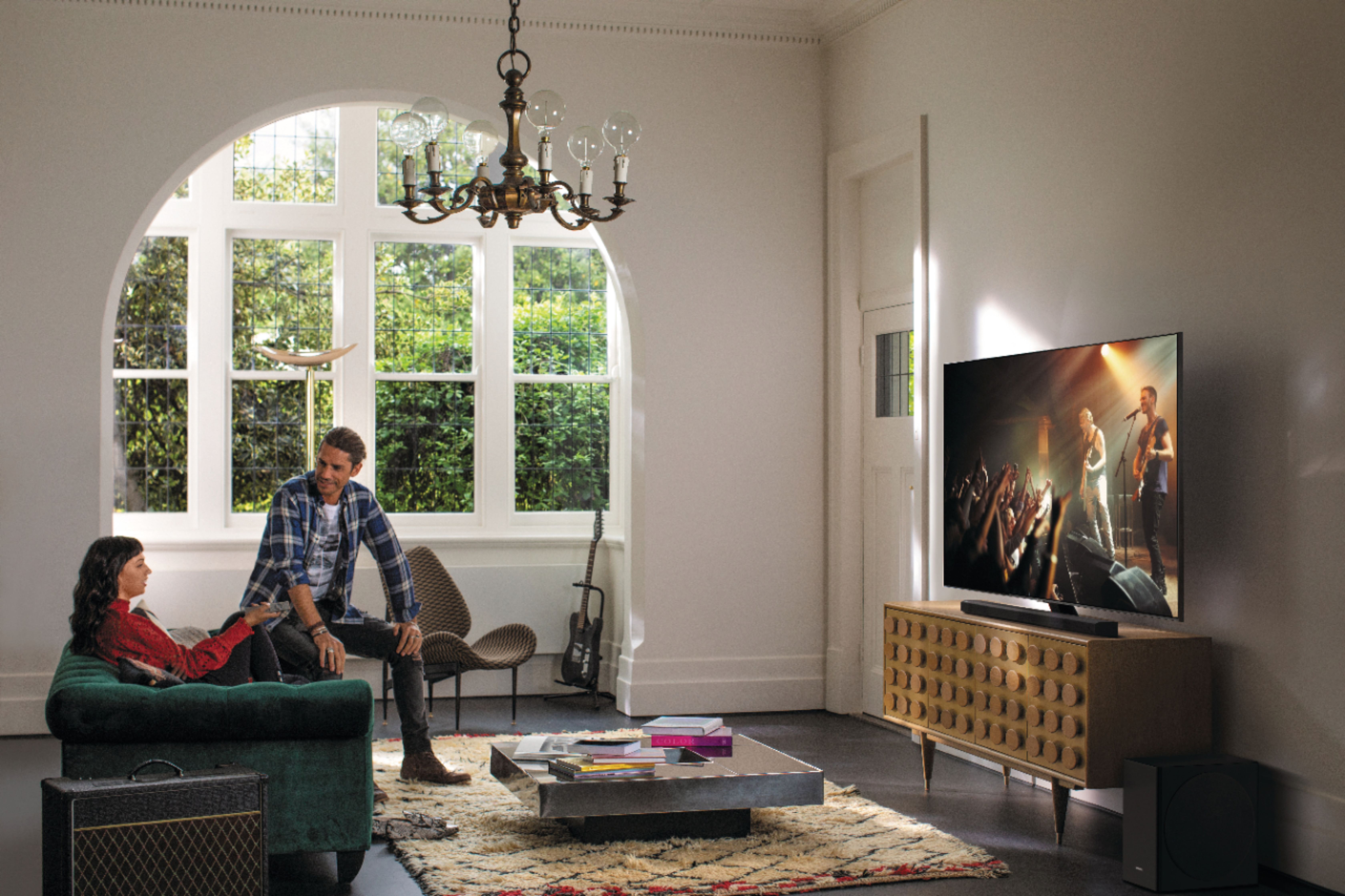

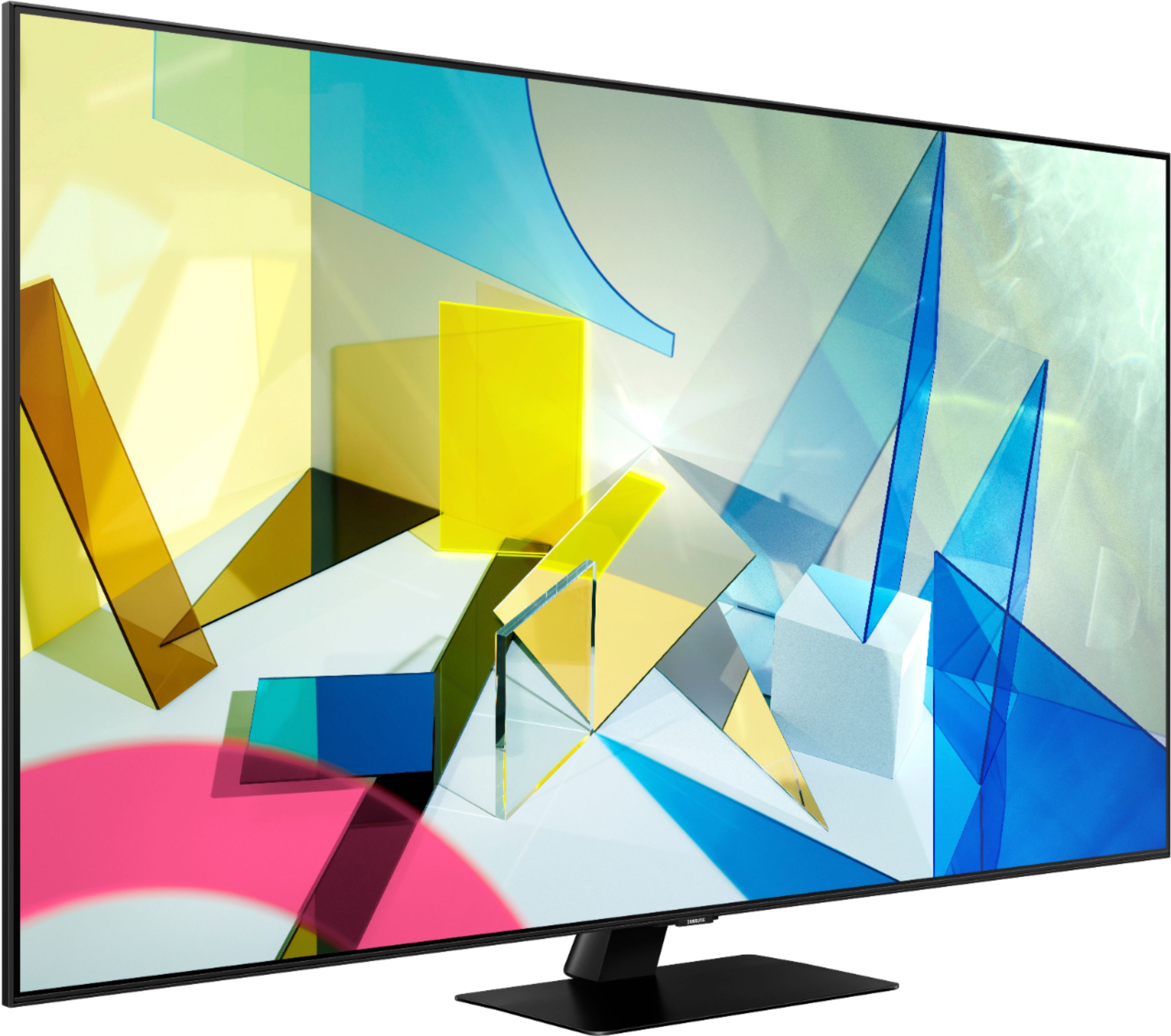
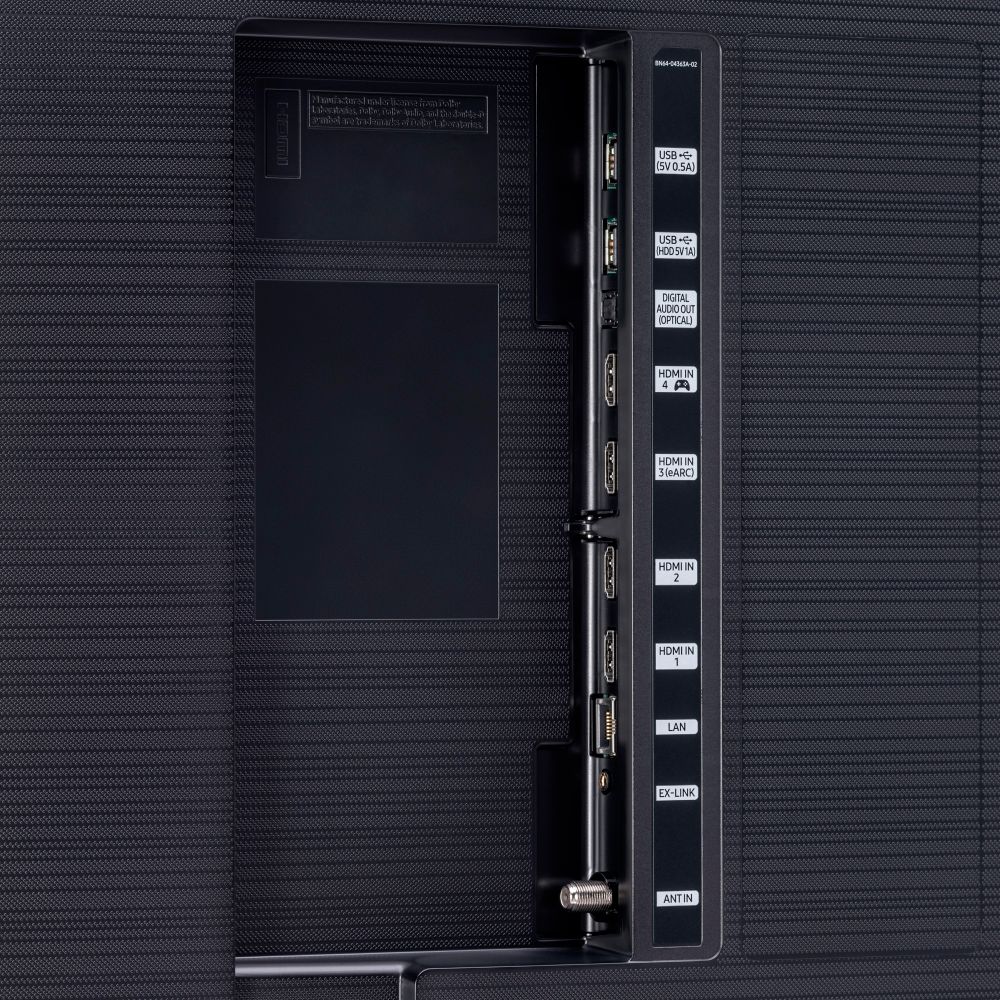


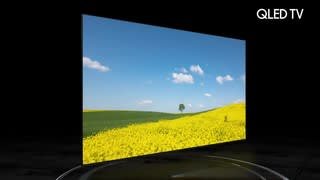




- Model:
- QN55Q80TAFXZA
- SKU:
- 6402394
Rating by feature
- Picture Quality
Rating 4.8 out of 5 stars
- Sound Quality
Rating 4.5 out of 5 stars
- Brightness
Rating 4.7 out of 5 stars
Customers are saying
Customers are impressed with the 55" Class Q80T Series QLED 4K UHD Smart Tizen TV's picture quality, describing it as amazing and standing out. They also appreciate its easy setup, especially when connecting to Wi-Fi, and find it to be a great value for the price. While some customers have concerns about the cheaply made remote control and the presence of ads, many agree that the TV's overall quality makes it worth the investment.
This summary was generated by AI based on customer reviews.
Scratches
||Posted . Owned for less than 1 week when reviewed.This reviewer received promo considerations or sweepstakes entry for writing a review.I was setting it up when I saw that the whole screen was scratched. I wanted to enjoy the tv now I cant because its scratched
No, I would not recommend this to a friend- Pros mentioned:Picture quality
Best quality tv
Posted .This reviewer received promo considerations or sweepstakes entry for writing a review.Was a great tv picture perfect literally. I always receive compliments on how good everything looks
I would recommend this to a friend - Pros mentioned:Picture quality
Amazing TV
Posted .This reviewer received promo considerations or sweepstakes entry for writing a review.I thought that I would write this review because I struggled to decide on which TV would be the right one for me. So, I thought I might be able to help others as I've found that TV I was looking for. The picture on this TV is incredible, especially with HDR content. I returned my LG Nanocell 85 55in because I wasn't at all happy with the picture because of the backlight and local dimming. This TV has a far superior picture because of its better local dimming and the full array backlight. The user interface is good, nothing really special but easy to use and is functional. Things are where you would expect them and they are easy to get to, I guess what you want most out of a user interface. The fact that it has a HDMI 2.1 port (1 port with a game controller icon) is good if you intend to buy the PS5 or Xbox Series X. I don't have any personal experience with gaming on this TV because I intend to get the new console. I was considering the Sony X900H when I was looking at this TV but I ultimately decided to go with this one because of the many reviews that I read that said they are both great TVs but the Q80T was superior in most use cases. The black levels are great, details don't get lost in the gray which was very important to me and the panel handles reflections tremendously well. You can't go wrong by getting this TV and I'm sure the majority of people will be very happy with their purchase.
I would recommend this to a friend - Pros mentioned:Picture qualityCons mentioned:Remote control
Awful User Interface - Don't Buy This
Posted .This reviewer received promo considerations or sweepstakes entry for writing a review.All the reviews go into detail on the picture quality. And yeah… it’s good. The user interface is simply awful and close to unusable. We now require at least 2 remotes. There are no number buttons on the remote. You have to press a button to get numbered boxes on the screen and then use the left and right controls to select the channel and then use the up control to select “Done”. So, to go to channel 301 you click a button, then always click 3 lefts to get to “3” (cause it always starts at 6) then click select, then go right 7 times (to the 0) and click select, then left 9 clicks to get to the 1 (it does NOT loop around to get to the one faster), then up to “Done”, then select. A total of 24 clicks !!!!! ALSO.. both this means to change channel as well as the “Alexa” interface works, maybe, 15% of the time. We say “go to channel 301” (or we enter 301 as just described) and it goes to 3301… or maybe it goes to 3, or maybe 1, or maybe 33. Been on the phone with Samsung for over 2.5 hours. Also, Samsung says they cannot recommend a universal remote that works with thier TV (i.e., I wanted one with the channel number buttons). We've returned it and bought an LG OLED CX. Better picture and EXCELLENT user interface. (We'll just be careful about the potential burn in issue).
No, I would not recommend this to a friendBrand response from Samsung
Posted .JerryC57D:
Thank you for sharing your review of the Samsung Q80T TV. I am very sorry that you were not completely happy with the user interface and have decided to return it.
Should you ever decide to give Samsung TVs another try and have questions or need assistance with settings, setup, or features, please know we are always here to help. Again, my sincerest apologies. We hope to regain you as a customer in the future.
1) Phone: 1-800-SAMSUNG (available 8AM -12AM EST, 7 days a week)
2) LiveChat: https://www.samsung.com/us/support/#contact_us_for_support
3) Facebook Messenger: https://www.facebook.com/samsungsupport
4) Twitter: https://twitter.com/SamsungSupport
Thank you again for taking the time to share your thoughts. Your feedback helps us continuously deliver best-in-class products and service.
~ Samsung Solutions
Great TV
Posted .This reviewer received promo considerations or sweepstakes entry for writing a review.It’s a great tv. 4 years later and it still has a beautiful screen no matter what I watch or play on it.
I would recommend this to a friend- Pros mentioned:Picture quality
Great Television!
Posted .This reviewer received promo considerations or sweepstakes entry for writing a review.Fantastic picture! The sound is super even without a sound bar. I buy only Samsung TVs for a reason. They are not the cheapest, but they are the best. This one is at the head of the class. Setup is a little challenging, I have not yet been able to turn off the "Smart Features" bar at startup, but I'll get there eventually.
I would recommend this to a friend - Pros mentioned:Picture quality
Samsung hits another home run
Posted .This reviewer received promo considerations or sweepstakes entry for writing a review.big Samsung tv fan, it's all I buy. just bought this for my bedroom and it is awesome. the picture and sound are incredible. the main reason I got this particular model is because unlike a lot of Samsungs with the stands on the end, this one has a center stand which fits on my dresser perfectly.
I would recommend this to a friend - Pros mentioned:Picture qualityCons mentioned:Remote control
Great Picture, But...
Posted .This reviewer received promo considerations or sweepstakes entry for writing a review.I have had my 55 inch Q80 TV for a bit over a month. I think the picture quality is superb, but I have had multiple issues with software glitches such as the TV freezing and everything from turning itself off uncommanded, to not being able to turn it off. I think the remote control may be part of the problem but it is extremely frustrating. I was too busy to spend much time investigating this issue in the first 2 weeks or I would most probably return the TV. I have always purchased Samsung TV's and this is the first one that doesn't function well.
No, I would not recommend this to a friend Good, not the Best
Posted .This reviewer received promo considerations or sweepstakes entry for writing a review.I'm not a tech expert or some fancy suave tv know it all kind of guy, I bought this television because my last one had some annoying audio issue and I decided to return it. This tv works just fine for me in my living room, I really wished I could have kept the old one (due to it's amazing picture!) but it is what it is. Game enhance mode is excellent on this tv! The Audio is by far the best audio I got from any tv. The down side is that most of the movies and tv show that I watch on netflix, hbo max, amazon, and hulu looks really grainy. took some tweaking to finally fix it, but now the down side is that it doesn't get as bright as it originally was. long story short, it's a good tv not the best.
I would recommend this to a friend- Cons mentioned:Input lag
NextGen Gaming TV
Posted .This reviewer received promo considerations or sweepstakes entry for writing a review.Great (Next-Gen) Gaming TV. 120hz HDMI 2.1 VRR ALLM LOW input lag
I would recommend this to a friend - Pros mentioned:Picture quality
NOT good for sports watching
Posted .This reviewer received promo considerations or sweepstakes entry for writing a review.I purchased this TV after reading great reviews online. I was excited about my new Samsung because I have a Q9FN that's a couple years old that I love. I should say that the Q80 has a great picture when you're streaming 4K content. However, about 90% of what I watch is sports through my cable (FiOS) box and it is virtually unwatchable. Whether it's basketball or hockey or baseball, the image stutters incessantly. It is choppy and just completely unacceptable for a top TV in this price range. I have just returned mine. Be warned!
No, I would not recommend this to a friend Same as the TU7000 to me.
Posted .This reviewer received promo considerations or sweepstakes entry for writing a review.I mean it's a nice tv and I bought it because I wasn't thrilled w the tu7000 series. I put them next to each other playing the same thing in my living room and honestly couldn't tell the difference. I'm going to return this only because...why spend the extra $800 when I can't see a difference?
I would recommend this to a friendBrand response from Samsung
Posted .Same:
Thank you for your review of the Samsung Q80T TV. The Q80T Series is engineered to display 100% color volume, and to fully express HDR effects. Powered by our proprietary Quantum Processor, your TV optimizes the picture according to the scene as well as to your room environment, such as the lighting condition.
It also comes with Ultra Viewing Angle that provides a vibrant picture to any seat
in the house, even during daytime hours or when the lights are on.
Should you wish to optimize your picture to your liking, you can choose a Picture Mode by going to Settings > Picture > Picture Mode and choose from Dynamic, Standard, Natural, Movie, or Filmmaker Mode.
You can further adjust your sharpness, brightness, contrast, color, and more by going to Settings > Picture > Expert Settings
I hope that helps. Our customer care team is always happy to help should you have questions about any TV in our 2020 TV lineup.
1) Phone: 1-800-SAMSUNG (ask for TVs), available 8AM – 12AM EST 7 days a week
2) LiveChat: https://www.samsung.com/us/support/#contact_us_for_support
3) Facebook Messenger: https://www.facebook.com/samsungsupport
4) Twitter: https://twitter.com/SamsungSupport
5) The Samsung Members Community is also a great resource for getting help from Samsung moderators and customers: https://us.community.samsung.com
If you have not already done so, we invite you to register your new Samsung product at: https://www.samsung.com/us/account/signin/?redirect=https%3A%2F%2Fwww.samsung.com%2Fus%2Fsupport%2Fregister%2F
Registering your product gives you access to easy warranty support, convenient opt-in to special promos and offers, faster troubleshooting and service, and quick notification of system updates.
~ Samsung Solutions
Poor TV for PC use
Posted .This reviewer received promo considerations or sweepstakes entry for writing a review.The default sharpness value in PC mode of 10 adds artificial edge enhancement to the image and it is quite distracting. A solution is to set the sharpness to 9, but due to a bug, the TV forgets to apply this setting every time the set is turned back on, or when the input or video mode is changed (even though the value in the menu still says "9"). You have to manually change it to 10 and then back down to 9 *every time* you turn it on, switch modes or switch inputs. Avoid this if you require 4:4:4 PC mode as you will be very frustrated with the result!
No, I would not recommend this to a friendBrand response from Samsung
Posted .Matt,
Thank you for sharing your experience in using the Q80T as a monitor. I am sorry that you are having some difficulties.
To save your preferred PC settings, we recommend you to rename the HDMI source to PC. Here are the steps:
1. Press Home and navigate to Source.
2. Select the HDMI to which the PC is connected.
3. Press the Up Arrow on the remote.
4. Then select Edit.
5. Select PC from the popup menu.
Please also try checking your TV settings, and make sure the Input Signal Plus is switched to ON.
Go to Home > Settings > General > External > Device Manager > Input Signal Plus > HDMI On
Should you need further assistance, please contact Samsung TV Support:
1) Phone: 1-800-SAMSUNG (ask for TVs) Available 8AM – 9PM EST (Mon-Fri)
2) LiveChat: https://www.samsung.com/us/support/#contact_us_for_support
3) Facebook Messenger: https://www.facebook.com/samsungsupport
4) Twitter: https://twitter.com/SamsungSupport
Have you registered your new Samsung TV with us? If not, we invite you to do so at: https://www.samsung.com/us/account/signin/?redirect=https%3A%2F%2Fwww.samsung.com%2Fus%2Fsupport%2Fregister%2F , and gain access to easy warranty support, convenient opt-in to special promos & offers, faster troubleshooting & service, and quick notification of system updates.
If you have an android don't bother
Posted . Owned for 1 week when reviewed.This reviewer received promo considerations or sweepstakes entry for writing a review.If you have an android and want to use any kind of the features don't bother with this piece of crap. I spent $1200 and can't even cast to the tv. And worse when you contact their help center either chat, phone, or email they just treat you like crap. I'll likely take it back to trade in for an lg or sony
No, I would not recommend this to a friendSamsuck QLED TVs
Posted .This reviewer received promo considerations or sweepstakes entry for writing a review.Samsuck... these TVs have aldoes suck l kinds of pixel issues. And they are not covered under warrantee. Samsuck really
No, I would not recommend this to a friendBrand response from Samsung
Posted .MikevR:
I am sorry to hear that you are experiencing issues with your Q80T TV. Samsung is committed to providing the best possible product experience, quality, and value. We back this Samsung TV with a 1-year limited manufacturer's warranty, including authorized repair for manufacturer defect, if purchased brand-new directly from an authorized seller.
For detailed information regarding our warranty, please see: https://www.samsung.com/us/support/service/warranty/QN55Q80TAFXZA
Please reach out to Samsung Customer Support for further assistance.
1) Phone: 1-800-SAMSUNG (ask for TVs), available 8AM – 12AM EST 7 days a week
2) LiveChat: https://www.samsung.com/us/support/#contact_us_for_support
3) Facebook Messenger: https://www.facebook.com/samsungsupport
4) Twitter: https://twitter.com/SamsungSupport
5) The Samsung Members Community is also a great resource for getting help from Samsung moderators and customers: https://us.community.samsung.com
If you have not already done so, we invite you to register your new Samsung product at: https://www.samsung.com/us/account/signin/?redirect=https%3A%2F%2Fwww.samsung.com%2Fus%2Fsupport%2Fregister%2F
Registering your product gives you access to easy warranty support, convenient opt-in to special promos and offers, faster troubleshooting and service, and quick notification of system updates.
~ Samsung Solutions