Customer Ratings & Reviews
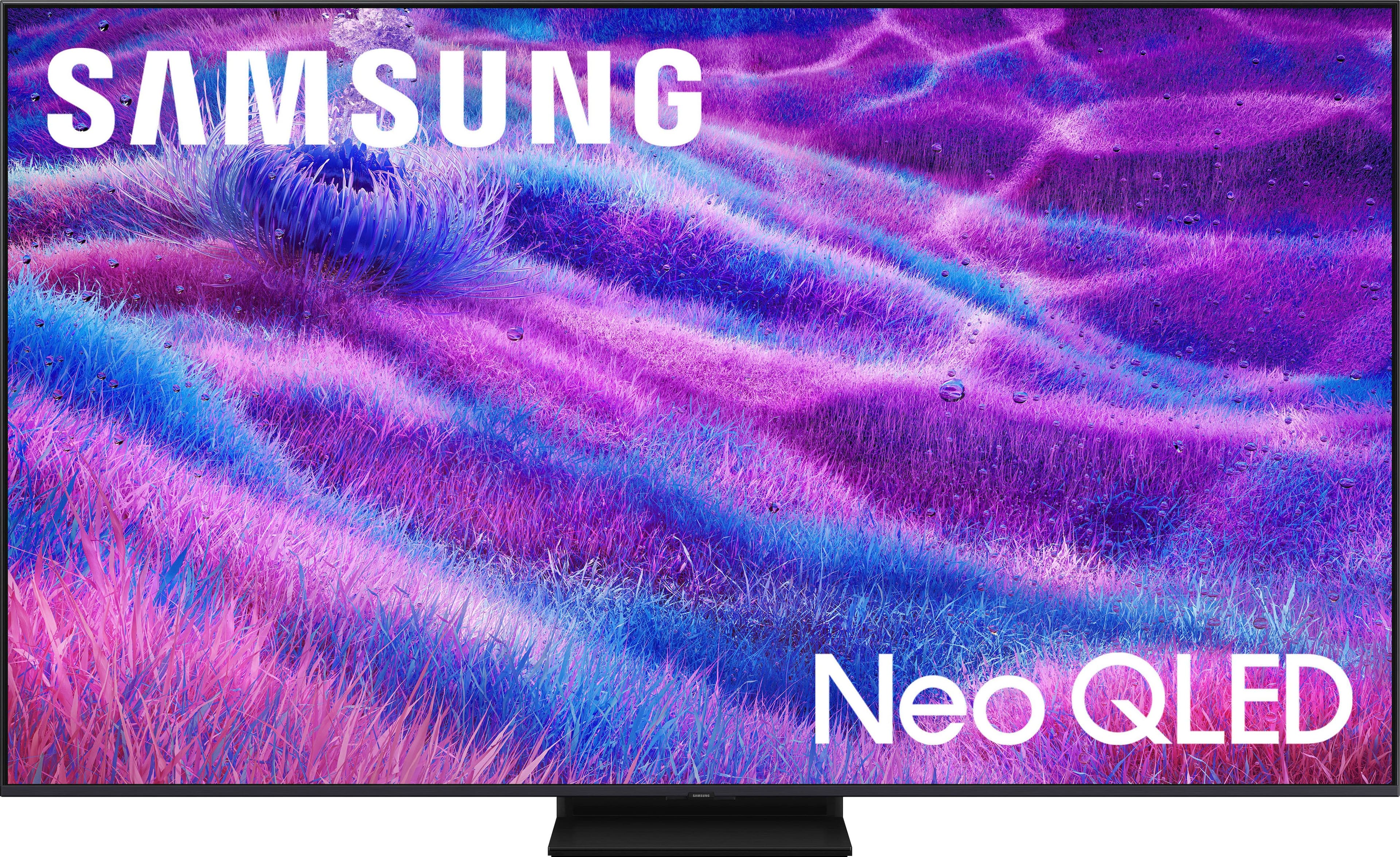
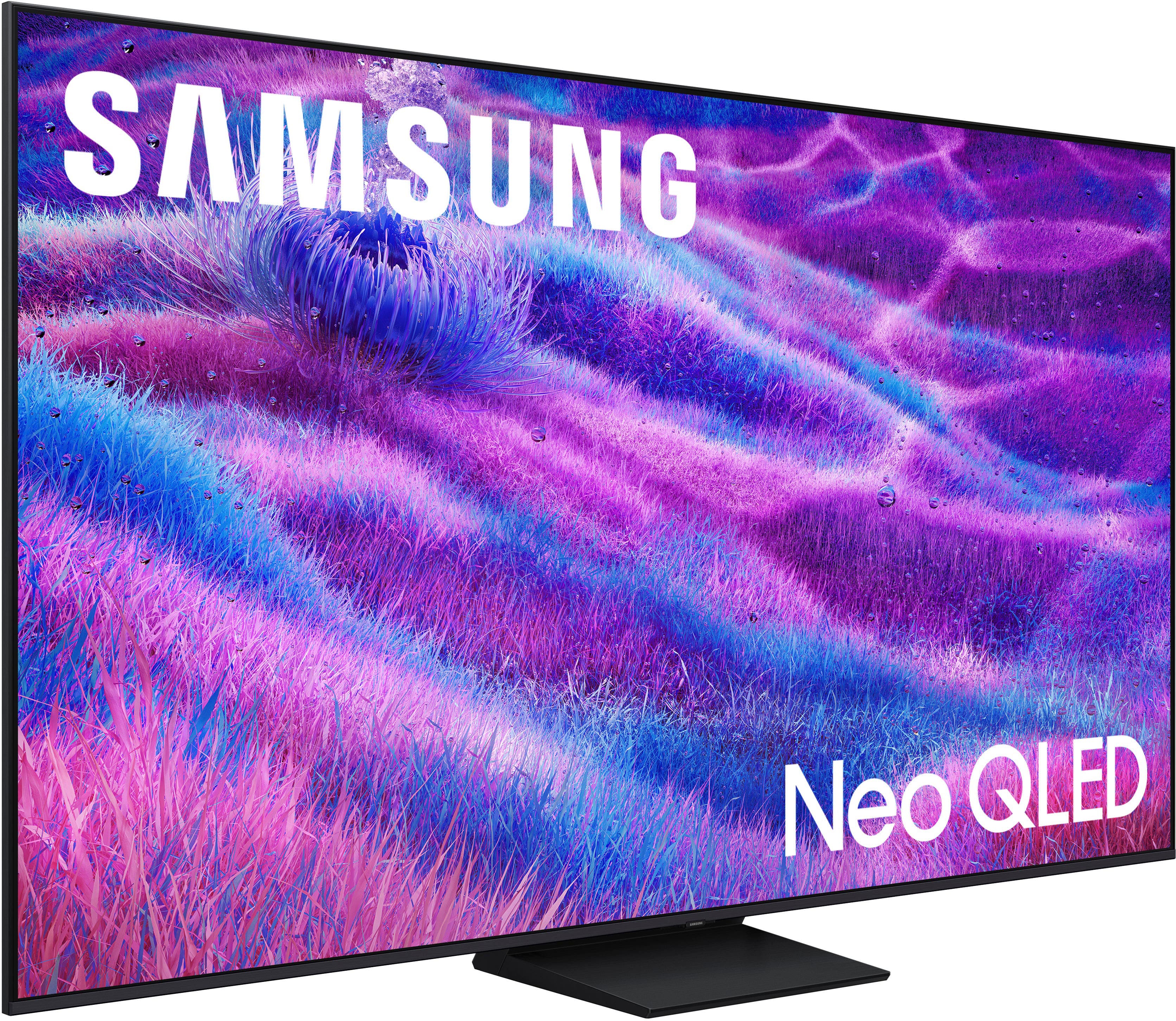
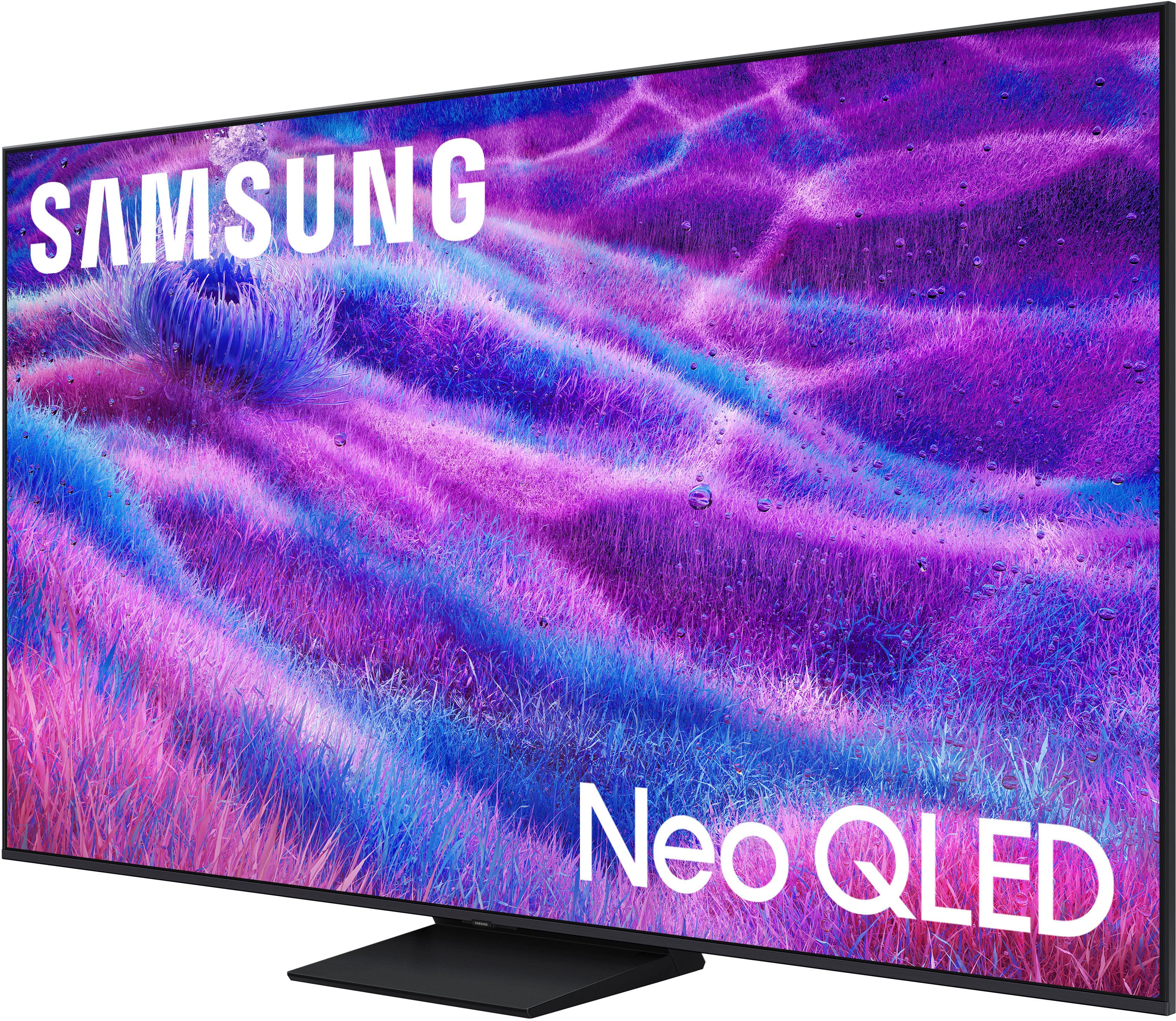
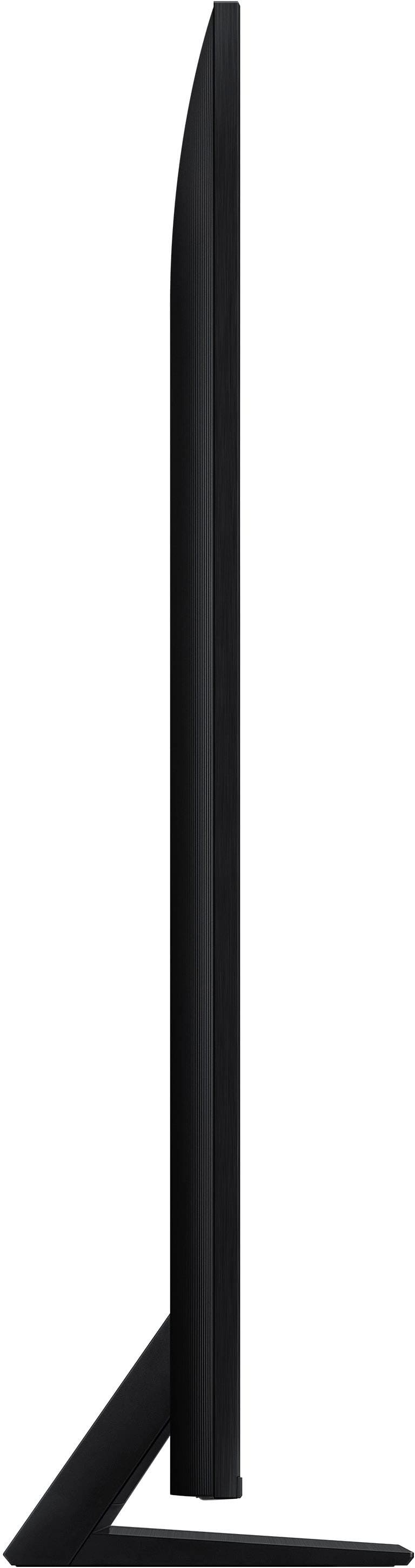

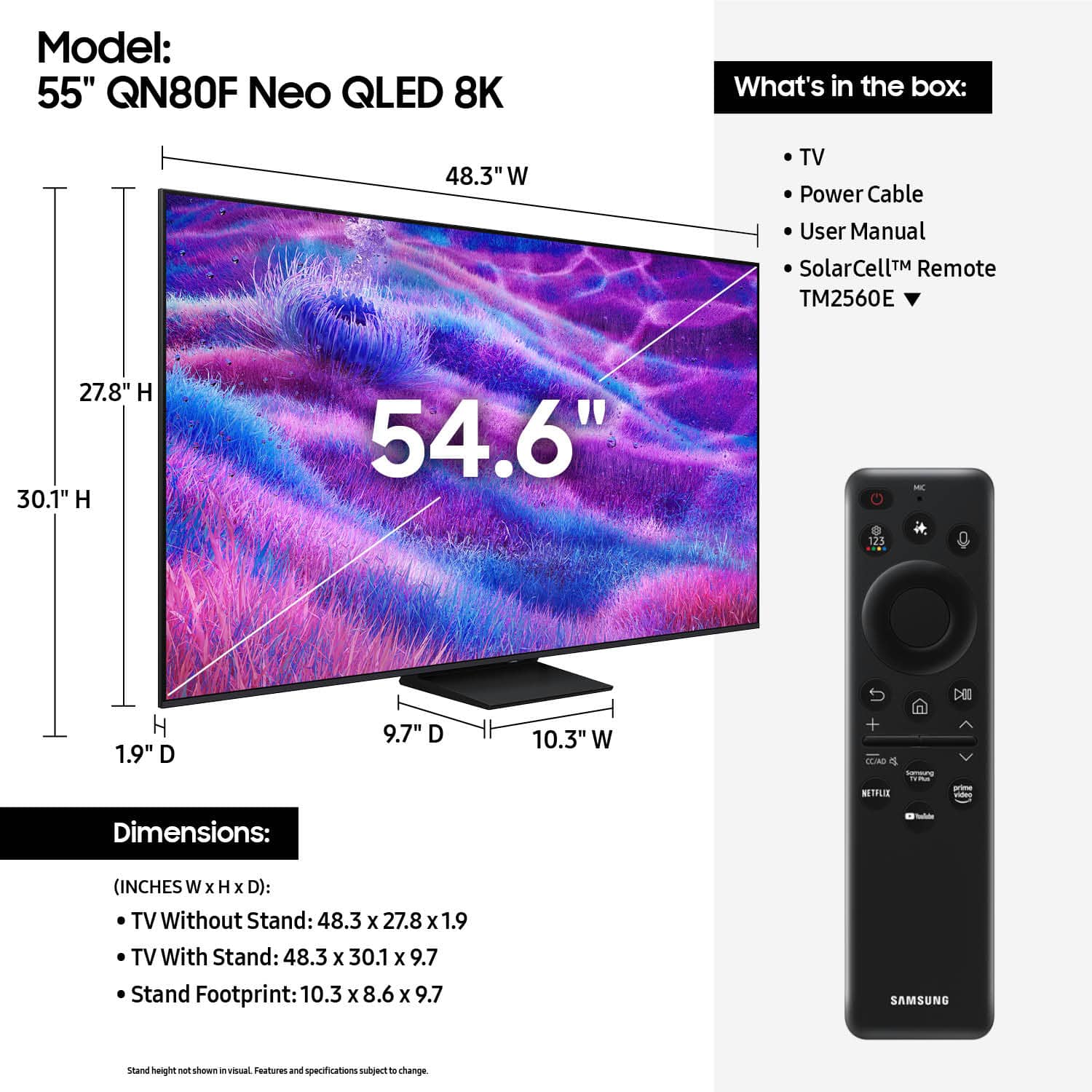
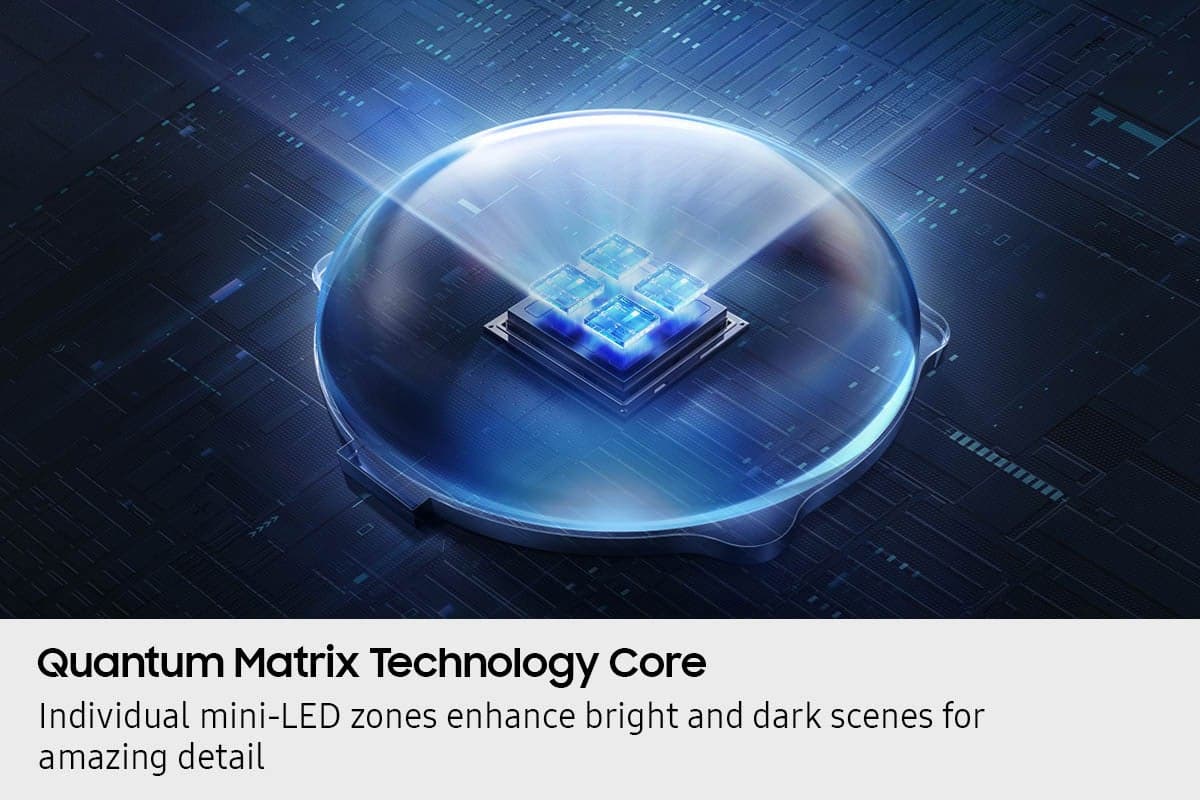
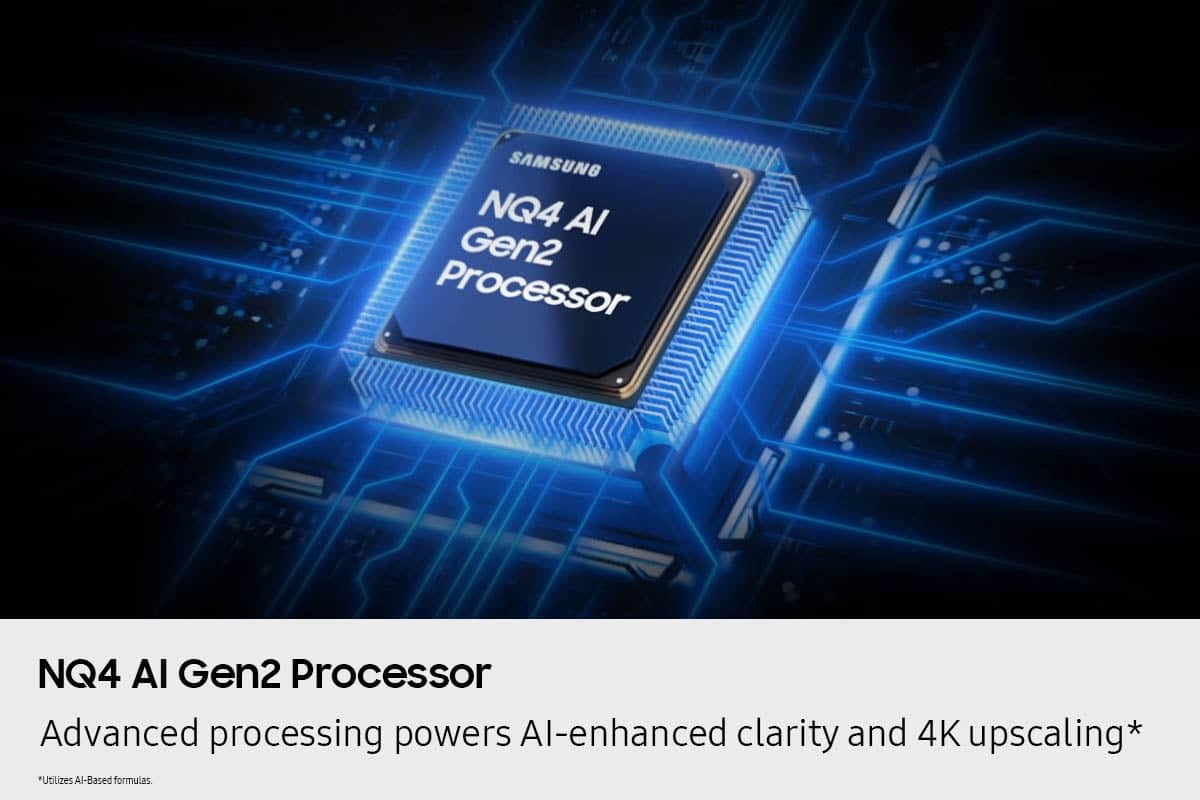
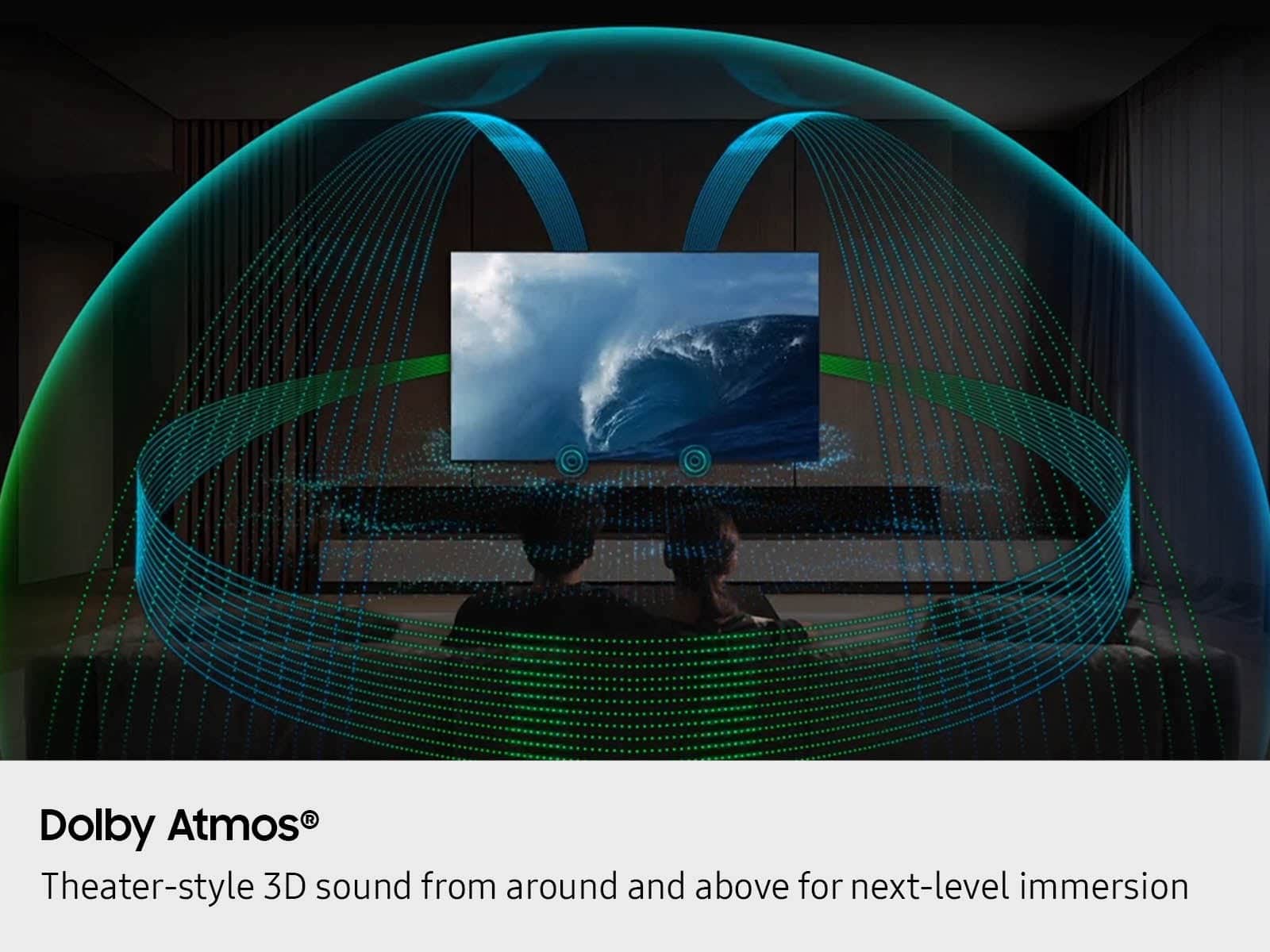






- Model:
- QN55QN80FAFXZA
- SKU:
- 10313296
Rating by feature
- Picture Quality
Rating 4.8 out of 5 stars
- Sound Quality
Rating 4.6 out of 5 stars
- Brightness
Rating 4.8 out of 5 stars
- Pros mentioned:Picture quality
Vibrant colors
||Posted . Owned for 3 weeks when reviewed.This reviewer received promo considerations or sweepstakes entry for writing a review.Really enjoy the vibrant colors on this Tv. The colors just jump out at you
I would recommend this to a friend - Pros mentioned:Picture quality
Love it!
||Posted . Owned for 8 months when reviewed.This reviewer received promo considerations or sweepstakes entry for writing a review.Absolutely no problems with this TV. Picture and sound are excellent.
I would recommend this to a friend Amazing tv
||Posted . Owned for 2 months when reviewed.This reviewer received promo considerations or sweepstakes entry for writing a review.Overall very satisfied with this tv purchase the picture is amazing and the AI integrated into it just makes it better
I would recommend this to a friend- Pros mentioned:Picture quality
Samsung did it again. Another quality. TV
||Posted . Owned for 3 weeks when reviewed.This reviewer received promo considerations or sweepstakes entry for writing a review.Bought this to replace my aging Samsung 6000 series. Excellent picture and good sound, I like the fact this has a bunch of built in Apps my old TV lacked. I am very pleased with my purchase.
I would recommend this to a friend - Pros mentioned:Picture quality
Tv samsung
||Posted . Owned for 1 month when reviewed.This reviewer received promo considerations or sweepstakes entry for writing a review.Excellent product, I love this TV. I love its system. I recommend this TV to anyone looking to buy a new one.
I would recommend this to a friend - Pros mentioned:Picture quality
Samsung you are the best love QLED
||Posted . Owned for 1 month when reviewed.This reviewer received promo considerations or sweepstakes entry for writing a review.I love this t v it’s perfect for me the picture is awesome I have already told several people about it even the sound is really good
I would recommend this to a friend - Pros mentioned:Picture quality
Great TV and Service
||Posted .This reviewer received promo considerations or sweepstakes entry for writing a review.Outstanding picture quality - in store pick-up was a breeze!
I would recommend this to a friend - Pros mentioned:Picture quality
Great for games
||Posted .This reviewer received promo considerations or sweepstakes entry for writing a review.Great for video games. I use with an xbox. Great picture & no lag. Would recommend if looking for a tv for your video game system.
I would recommend this to a friend - Pros mentioned:Picture quality
Good TV
||Posted .This reviewer received promo considerations or sweepstakes entry for writing a review.Works great. Clear picture and crisp colors. Good value.
I would recommend this to a friend - Pros mentioned:Picture quality
Great tv for hi quality programs
||Posted . Owned for 1 month when reviewed.This reviewer received promo considerations or sweepstakes entry for writing a review.I’ve purchased a number of Samsungs, and this is an upgrade.Great quality on live sporting events and high end productions. Face coloring can be a little off on some local news production, but that may just be lighting on the production end
I would recommend this to a friend Best TV
||Posted . Owned for 3 weeks when reviewed.This reviewer received promo considerations or sweepstakes entry for writing a review.Wonderful picture quality. Easy to set up and has many options for all levels of users. Excellent price.
I would recommend this to a friendSo far a disappointment, wish I had spent less.
||Posted . Owned for 3 weeks when reviewed.This reviewer received promo considerations or sweepstakes entry for writing a review.So far this TV has been somewhat of a disappointment. I’ve yet to figure out how to totally eliminate the “soap opera” effect, adjusting the equalizer doesn’t change the sound, there is some motion blurring I didn’t have on my 10 yr old TV, and the AI doesn’t seem to have enough “I”. Online help is limited since the (2025?) version of the QN80F seems to have a different GUI. Hope to improve things as I continue to play with the settings but I’m not hopeful.
No, I would not recommend this to a friendBrand response from Samsung
Posted .TVGuy,
Thank you for your feedback on the Samsung QN80F TV and your experience when watching fast-motion content. If the picture appears blurry or unnatural during high-speed scenes, there are several settings you can adjust to improve motion clarity.
Picture Clarity Settings: While originally intended for motion handling, these can also impact overall clarity
• Off: Disables motion enhancements
• Auto: Automatically adjusts based on content
• Custom: Lets you fine-tune:
o Judder Reduction – Helps smooth out uneven motion
o LED Clear Motion – Boosts sharpness in fast-moving content
o Noise Reduction – Reduces distortion and enhances detail in lower-resolution sources
Core Picture Settings
• Brightness – Controls overall screen brightness
• Contrast – Enhances the difference between bright and dark areas
• Sharpness – Adjusts edge definition; closer to 20 increases detail
• Color – Enhances depth and intensity of colors
You may also want to enable AI Mode, which automatically adapts picture settings based on your content, room lighting, and usage patterns. Go to: Settings > All Settings > Advanced Features > AI Mode Settings
And don’t forget to check for the latest firmware, which may improve performance: Settings > Support > Software Update > Update Now
To help you get the most from your TV, you can download the full e-Manual and more by visiting Samsung’s website then navigating to: Support > Manual & Software > TVs & Home Theater. From there, you can search for and select your QN80F TV model to view or download the available guides.
The e-Manual and Remote Control Guide are also conveniently built into your TV: Settings > Support > Tips and User Guides
If you need additional help, please contact Samsung Support at 1-800-SAMSUNG, 8AM – 12AM EST, 7 days a week. LiveChat agents are also available through the ‘Support’ link on our website.
~ Samsung Specialist
samsung review
||Posted . Owned for 1 month when reviewed.This reviewer received promo considerations or sweepstakes entry for writing a review.i find ease in navigating the home page much easier than my last tv
I would recommend this to a friend- Pros mentioned:Picture quality
Love it!
||Posted . Owned for 1 month when reviewed.This reviewer received promo considerations or sweepstakes entry for writing a review.From the showroom to our front room we are very pleased with the service provided and the product we purchased!
I would recommend this to a friend - Pros mentioned:Picture quality
Have an adequate internet service to support thiis
||Posted .This reviewer received promo considerations or sweepstakes entry for writing a review.Our old internet service did not support this tv. We changed our service and have great picture and streams fast.
I would recommend this to a friend - Pros mentioned:Picture quality
quality
||Posted . Owned for 3 weeks when reviewed.This reviewer received promo considerations or sweepstakes entry for writing a review.High quality picture and sound. Excellent sales associate.
I would recommend this to a friend Great picture
||Posted .This reviewer received promo considerations or sweepstakes entry for writing a review.This Samsung tv has a great picture quality. The colors are good.
I would recommend this to a friend- Pros mentioned:Picture quality
Mark G
||Posted . Owned for 3 weeks when reviewed.This reviewer received promo considerations or sweepstakes entry for writing a review.Satisfied with the TV. Excellent picture and sound quality.
I would recommend this to a friend - Pros mentioned:Picture quality
Great TV
||Posted . Owned for 3 weeks when reviewed.This reviewer received promo considerations or sweepstakes entry for writing a review.Bought this television to upgrade size and picture quality. Very happy with the choice!
I would recommend this to a friend A Wonderful Replacement
||Posted . Owned for 3 weeks when reviewed.This reviewer received promo considerations or sweepstakes entry for writing a review.Very easy setup/ installation and a very sharp display detail
I would recommend this to a friend













