Customer Ratings & Reviews

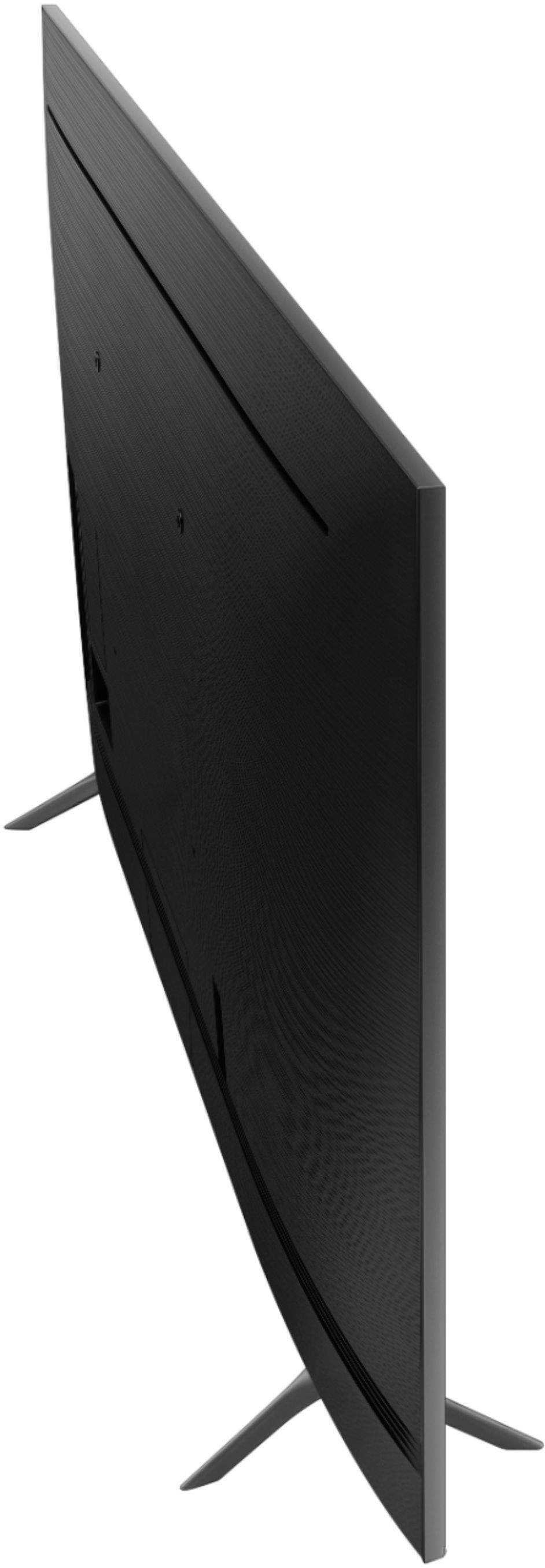
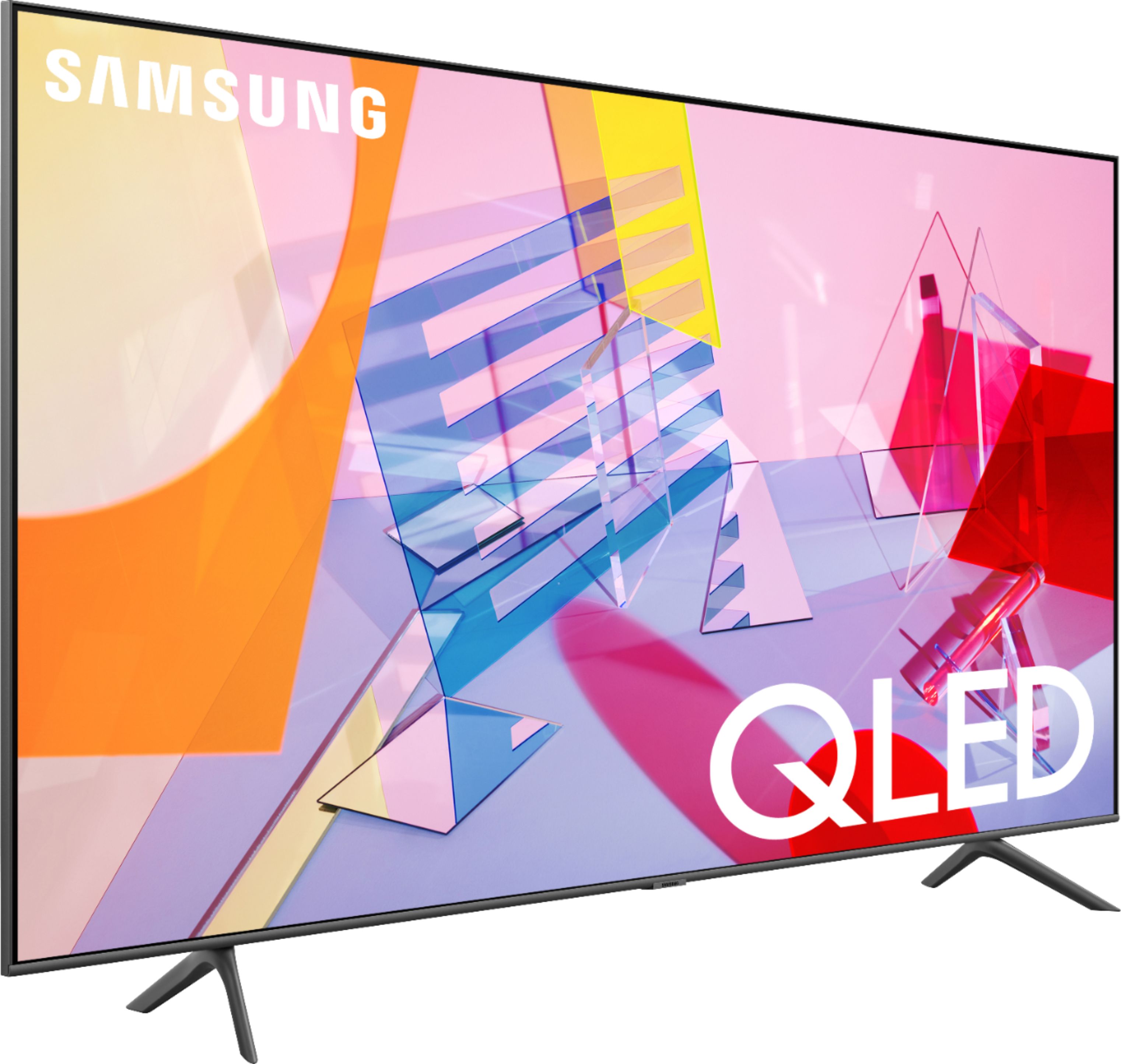
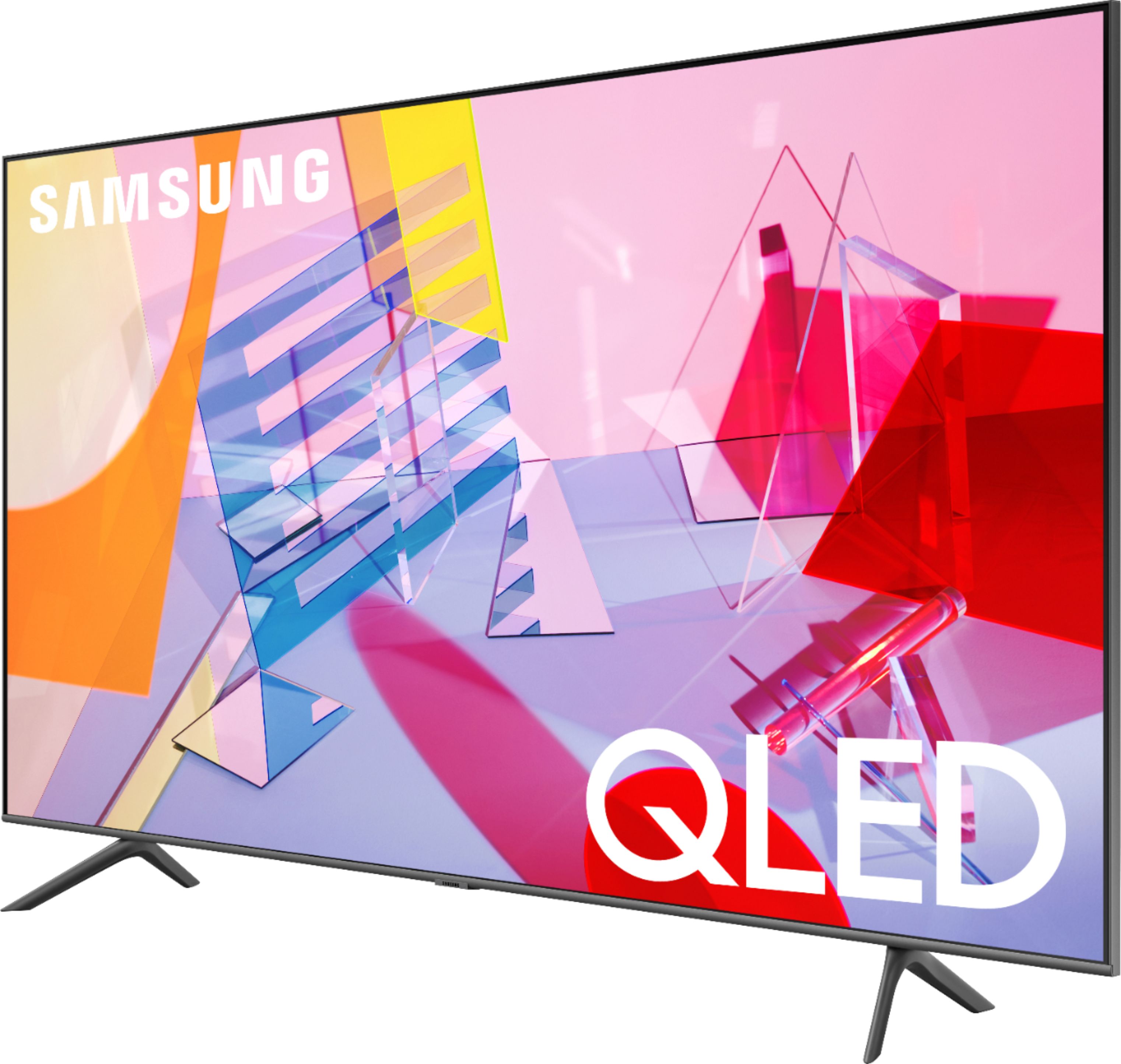
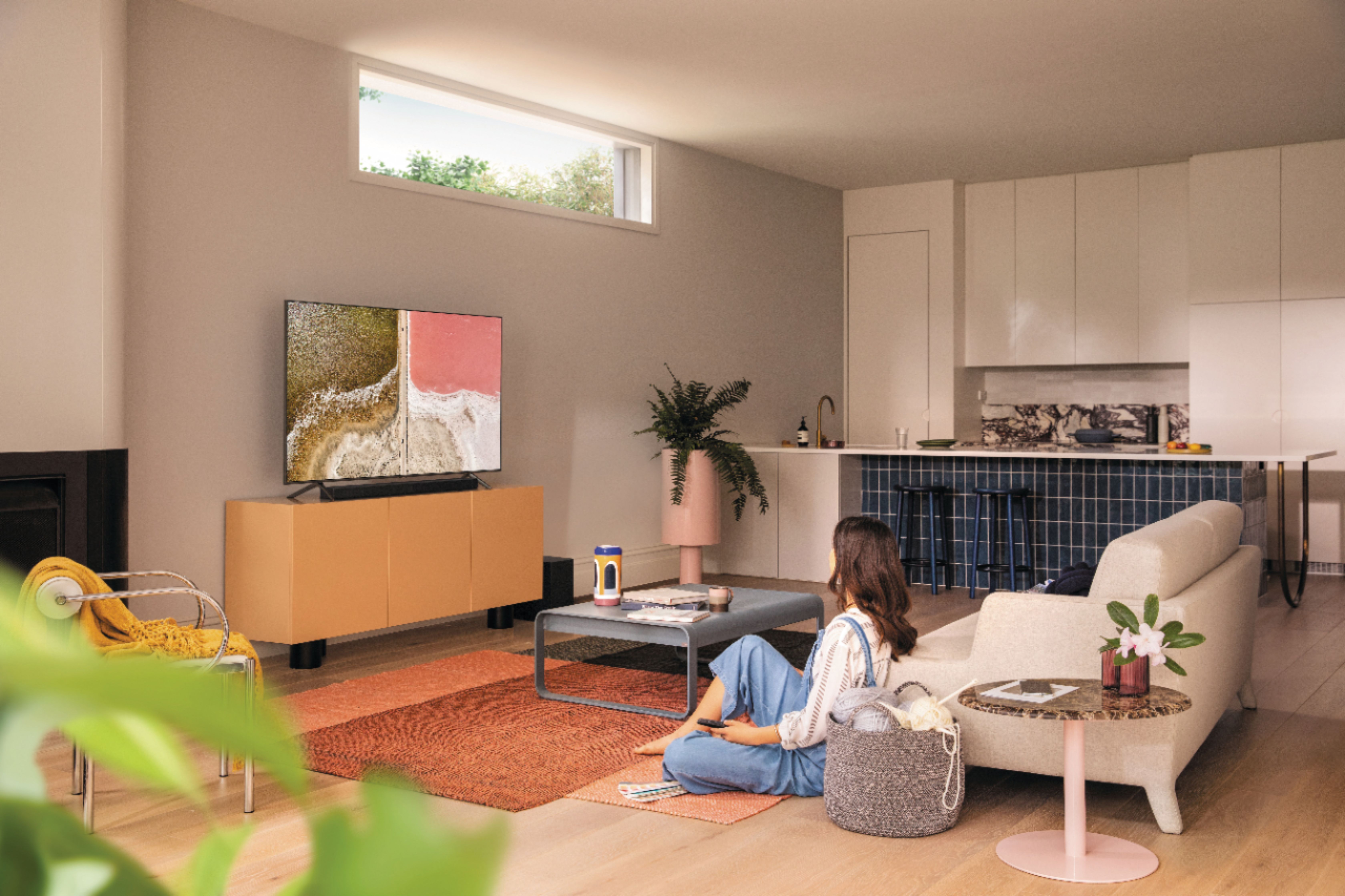









- Model:
- QN58Q60TAFXZA
- SKU:
- 6401751
Rating by feature
- Picture Quality
Rating 4.3 out of 5 stars
- Sound Quality
Rating 3.9 out of 5 stars
- Brightness
Rating 4.3 out of 5 stars
Customers are saying
Customers are delighted by the 58" Class Q60T Series QLED 4K UHD Smart Tizen TV's picture quality, describing it as 'great'. They also appreciate its user-friendly Tizen operating system and affordable price. However, some customers have expressed concerns about the durability of the TV and the limited features of the remote control.
This summary was generated by AI based on customer reviews.
average
||Posted . Owned for 1 month when reviewed.This reviewer received promo considerations or sweepstakes entry for writing a review.Its okay noting great, I had the 9000 series and it seem better in quality at least in 2018.
I would recommend this to a friendBrand response from Samsung
Posted .Ed8020:
Thank you for purchasing the Samsung Q60T TV and for your review. I am sorry to hear that you are not completely happy with your TV’s picture. There are several image settings you can adjust to your liking such as Picture Mode and Expert Settings.
Choose a Picture Mode by going to Settings > Picture > Picture Mode and choose from Dynamic, Standard, Natural, Movie, or Filmmaker Mode.
You can further adjust your sharpness, brightness, contrast, color, tint, contrast, white balance, and more by going to Settings > Picture > Expert Settings
Please also give us the opportunity to assist you with image quality adjustments tailored to your preferred viewing experience. You can reach us via any of the following options:
1) Phone: 1-800-SAMSUNG (ask for TVs), available 8AM – 12AM EST 7 days a week
2) LiveChat: https://www.samsung.com/us/support/#contact_us_for_support
3) Facebook Messenger: https://www.facebook.com/samsungsupport
4) Twitter: https://twitter.com/SamsungSupport
5) The Samsung Members Community is also a great resource for getting help from Samsung moderators and customers: https://us.community.samsung.com
If you have not already done so, we invite you to register your new Samsung product at: https://www.samsung.com/us/account/signin/?redirect=https%3A%2F%2Fwww.samsung.com%2Fus%2Fsupport%2Fregister%2F
Registering your product gives you access to easy warranty support, convenient opt-in to special promos and offers, faster troubleshooting and service, and quick notification of system updates.
~ Samsung Solutions
- Pros mentioned:Picture quality
Not good
||Posted . Owned for 1 month when reviewed.This reviewer received promo considerations or sweepstakes entry for writing a review.For 30 days I have owned this TV and only one week did it work perfectly. Some days I could not turn it on. Some days I could not turn it off. One day there was no audio. So I hope if I get an exchange that it will work! It has a great picture when it’s working!
No, I would not recommend this to a friendBrand response from Samsung
Posted .First:
Thank you for purchasing the Samsung Q60T TV. I am very sorry that you are experiencing issues with your unit. If you would like to try a few troubleshooting steps before exchanging your unit, try the following:
(1) Make sure that the AC power cord is securely plugged in to the TV and the wall outlet.
(2) Make sure that the wall outlet is working and the power indicator at the bottom of the TV is lit and glowing a solid red. If it is off, the TV either does not have power, or it is on and the screen is black. If it is blinking, your TV may need service.
(3) Try pressing the TV Controller button at the bottom of the TV to make sure that the problem is not with the remote control.
(4) If the TV turns on, your issue may be with the remote control
Additionally, to check your audio issue, check whether Digital Output Audio Format is set to Pass-Through. If you select the Pass-Through option to use an AV receiver that does not support Dolby Digital+, no sound is output with Dolby Digital+ content.
I hope this helps, should you need further assistance, please contact Samsung Customer Support.
1) Phone: 1-800-SAMSUNG (ask for TVs), available 8AM – 12AM EST 7 days a week
2) LiveChat: https://www.samsung.com/us/support/#contact_us_for_support
3) Facebook Messenger: https://www.facebook.com/samsungsupport
4) Twitter: https://twitter.com/SamsungSupport
5) The Samsung Members Community is also a great resource for getting help from Samsung moderators and customers: https://us.community.samsung.com
If you have not already done so, we invite you to register your new Samsung product at: https://www.samsung.com/us/account/signin/?redirect=https%3A%2F%2Fwww.samsung.com%2Fus%2Fsupport%2Fregister%2F
Registering your product gives you access to easy warranty support, convenient opt-in to special promos and offers, faster troubleshooting and service, and quick notification of system updates.
~ Samsung Solutions
58 inch samsung qled
||Posted . Owned for 2 weeks when reviewed.This reviewer received promo considerations or sweepstakes entry for writing a review.Didn't like the colors. Was disappointed with tv altogether so I returned it.
No, I would not recommend this to a friendAverage
||Posted .This reviewer received promo considerations or sweepstakes entry for writing a review.Average .............. ............. ................ ..............
No, I would not recommend this to a friendBrand response from Samsung
Posted .Handheld:
Thank you for purchasing the Q60T TV. Our innovative Dual LED backlight technology enables the Q60T to deliver vivid images with improved contrast, off-axis viewing, and color accuracy.
If you are experiencing specific issues which caused you to give this a 3-star rating, please know Samsung Customer Support is here to help.
1) Phone: 1-800-SAMSUNG (ask for TVs), available 8AM – 12AM EST 7 days a week
2) LiveChat: https://www.samsung.com/us/support/#contact_us_for_support
3) Facebook Messenger: https://www.facebook.com/samsungsupport
4) Twitter: https://twitter.com/SamsungSupport
5) The Samsung Members Community is also a great resource for getting help from Samsung moderators and customers: https://us.community.samsung.com
If you have not already done so, we invite you to register your new Samsung product at: https://www.samsung.com/us/account/signin/?redirect=https%3A%2F%2Fwww.samsung.com%2Fus%2Fsupport%2Fregister%2F
Registering your product gives you access to easy warranty support, convenient opt-in to special promos and offers, faster troubleshooting and service, and quick notification of system updates.
~ Samsung Solutions
- Pros mentioned:Picture quality
Black Screen of Death
||Posted .This reviewer received promo considerations or sweepstakes entry for writing a review.I owned this TV for 15 months and was only used for 11 months , Just suffered a black screen of death, Out of warranty. Tried all the fixes on-line. Before it broke, it was a nice TV!
No, I would not recommend this to a friend - Pros mentioned:Picture quality
Continues to give issues
||Posted . Owned for 1.5 years when reviewed.This reviewer received promo considerations or sweepstakes entry for writing a review.This TV used to be brilliant but quickly started having wireless issues. No longer is able to see wireless networks or Bluetooth devices. The tv itself has good picture though.
No, I would not recommend this to a friend Not very smart
||Posted . Owned for 1 month when reviewed.This reviewer received promo considerations or sweepstakes entry for writing a review.I have to keep rebooting the TV so that I can get HULU, some times the TV just changes channels, some times it just shuts off and then, the antenna channels come and go, but mainly go! I like my old Samsung with google chrome cast much better than my so called smart TV.
No, I would not recommend this to a friendBrand response from Samsung
Posted .Tetons,
To optimize the smart TV performance, please try Device Care option under the Support Menu.
Go to Settings > Support> Device Care > Start Device Care.
It improves your apps performance as it frees up unused cached memory and closes background apps.
We recommend you to also check that your TV is running the latest firmware.
Using your TV's remote, navigate to Settings, and select Support. Select Software Update, and then select Update Now. New updates will be downloaded and installed on your TV. Updates usually take a few minutes; please do not turn off the TV until the update is complete. When the update is finished, the TV will restart automatically. If there aren't any new updates, select OK to exit.
You may want to enable automatic updates for conveniences.
Select Settings- Support- Software Update, then select Auto Update.
I hope these tips help to solve your concerns.
If the issues persist, please reach out to Samsung Customer Support at:
1) Phone: 1-800-SAMSUNG, available 8AM – 12AM EST 7 Days A Week
2) LiveChat: https://www.samsung.com/us/support/#contact_us_for_support
3) Facebook Messenger: https://www.facebook.com/samsungsupport
4) Twitter: https://twitter.com/SamsungSupport
Have you registered your new Samsung TV with us? If not, we invite you to do so at: https://www.samsung.com/us/account/signin/?redirect=https%3A%2F%2Fwww.samsung.com%2Fus%2Fsupport%2Fregister%2F, and gain access to easy warranty support, convenient opt-in to special promos & offers, faster troubleshooting & service, and quick notification of system updates.
-Samsung Ambassador
Broken after 1 1/2 year
||Posted . Owned for 1.5 years when reviewed.This reviewer received promo considerations or sweepstakes entry for writing a review.This tv has been great so far, then suddenly it stops working and turns on to a black screen and chopped audio. It stopped working completely…
No, I would not recommend this to a friendSound issues
||Posted .This reviewer received promo considerations or sweepstakes entry for writing a review.When hooked to cable tv input via hdmi cable the sound would randomly skip or go silent for about 1 to 2 seconds. Long enough to miss anywhere from 5 to 10 words on the audio. This would happen maybe every 30 to 45 minutes. No set pattern, completely random. Funny thing was that on a playback from dvr the sound was there. Very frustrating. Returned the tv. Best Buy was very accommodating. 5 stars for them.
No, I would not recommend this to a friendBrand response from Samsung
Posted .Roger,
I am very sorry to learn that you were experiencing audio skipping issue and have returned the Q60T TV.
Should you ever decide to give Samsung TVs another try and have questions or need assistance with settings, setup, or features, please know we are always here to help.
Simply reach out to us via:
1) Phone: 1-800-SAMSUNG (ask for TVs), available 8AM – 12AM EST 7 days a week
2) LiveChat: https://www.samsung.com/us/support/#contact_us_for_support
3) Facebook Messenger: https://www.facebook.com/samsungsupport
4) Twitter: https://twitter.com/SamsungSupport
Again, thank you for taking the time to share your thoughts. Your feedback helps us continuously deliver best-in-class products and service.
-Samsung Ambassador
This sucks!
||Posted . Owned for 1.5 years when reviewed.This reviewer received promo considerations or sweepstakes entry for writing a review.Good while it lasted! I bought the tv 11-7-20/7/20/22 it faded to black. Samsung said it is out of warranty and best buy said the card on file for protection was expired. Best buy has my phone number though. the Samsung tech is telling me about the great deals they have instead of repairing the tv. This is the worst!
No, I would not recommend this to a friendNot happy
||Posted . Owned for 1 year when reviewed.This reviewer received promo considerations or sweepstakes entry for writing a review.Have to request a replacement for the panel less than two years after I bought it.
No, I would not recommend this to a friendTv already quite
||Posted . Owned for 1 month when reviewed.This reviewer received promo considerations or sweepstakes entry for writing a review.Doesnt work,two weeks later brand new.so so sad.wasng exspecting this
No, I would not recommend this to a friendBrand response from Samsung
Posted .Sadcustomer1,
I am sorry to hear that your Q60T TV has stopped working.
Samsung is committed to providing the best possible product experience, quality, and value. We back this Samsung TV with a 1-year limited manufacturer's warranty, including authorized repair for manufacturer defect, if purchased brand-new directly from an authorized seller
Please reach out to us via any of the following so that we can provide troubleshooting or begin warranty service:
1) Phone: 1-800-SAMSUNG (ask for TVs), available 8AM – 12AM EST 7 days a week
2) LiveChat: https://www.samsung.com/us/support/#contact_us_for_support
3) Facebook Messenger: https://www.facebook.com/samsungsupport
4) Twitter: https://twitter.com/SamsungSupport
If you have not already done so, we invite you to register your new Samsung product at: https://www.samsung.com/us/account/signin/?redirect=https%3A%2F%2Fwww.samsung.com%2Fus%2Fsupport%2Fregister%2F
Registering your product gives you access to easy warranty support, convenient opt-in to special promos and offers, faster troubleshooting and service, and quick notification of system updates.
We hope to hear from you soon
-Samsung Ambassador
Didn't last long after warranty
||Posted . Owned for 1.5 years when reviewed.This reviewer received promo considerations or sweepstakes entry for writing a review.Stopped working no picture at all. Doesn't turn off some radio like talk but not clear. Have to pull the plug. No change of channels. Screen is dead.
No, I would not recommend this to a friendDo your research
||Posted . Owned for 1 month when reviewed.This reviewer received promo considerations or sweepstakes entry for writing a review.Bad side view, edge lit array...I bought this and took it back and got the Full Array, Q80...no comparison
No, I would not recommend this to a friendBrand response from Samsung
Posted .Dangerzz,
Thank you for choosing Samsung.
I am sorry to hear that the Q60T did not work out for you.
Should you have any questions about features, or need assistance with your Q80T TV, please contact our TV Support via:
1) Phone: 1-800-SAMSUNG (ask for TVs), available 8AM – 12AM EST 7 days a week
2) LiveChat: https://www.samsung.com/us/support/#contact_us_for_support
3) Facebook Messenger: https://www.facebook.com/samsungsupport
4) Twitter: https://twitter.com/SamsungSupport
5) The Samsung Members Community is also a great resource for getting help from Samsung moderators and customers: https://us.community.samsung.com
If you have not already done so, we invite you to register your new Samsung product at:
https://www.samsung.com/us/account/signin/?redirect=https%3A%2F%2Fwww.samsung.com%2Fus%2Fsupport%2Fregister%2F&user=dsr-registration
Registering your product gives you access to easy warranty support, convenient opt-in to special promos and offers, faster troubleshooting and service, and quick notification of system updates.
Again, thank you for taking the time to share your thoughts. Your feedback helps us continuously deliver best-in-class products and service.
-Samsung Ambassador
- Pros mentioned:Picture quality
Excellent picture, but low quality TV
Posted .This reviewer received promo considerations or sweepstakes entry for writing a review.Excellent TV with best picture quality. But i gave it a 3 start because after 2.5 yrs of working flawlessly, the screen just shuts off one day and the LED panel is gone. Luckily I bought the Best buy protection plan and they exchanges it with the newer model.
No, I would not recommend this to a friend - Pros mentioned:Picture quality
Samsung “58
Posted .This reviewer received promo considerations or sweepstakes entry for writing a review.Crisp picture. Bought a few years ago still works like new.
I would recommend this to a friend Not happy
Posted .This reviewer received promo considerations or sweepstakes entry for writing a review.We had for 3 years and now it’s dead. I expected it to last longer than 3. Very disappointing,not what we expected from Samsung
No, I would not recommend this to a friend