Customer Ratings & Reviews








- Model:
- QN65LS03FWFXZA
- |
- SKU:
- 12161507
Customer reviews
Rating 4.4 out of 5 stars with 149 reviews
(149 customer reviews)Rating by feature
- Picture Quality4.7
Rating 4.7 out of 5 stars
- Sound Quality4.5
Rating 4.5 out of 5 stars
- Brightness4.8
Rating 4.8 out of 5 stars
Rated 5 out of 5 stars
Fabulous Frame TV
||Posted . Owned for 3 weeks when reviewed.This reviewer received promo considerations or sweepstakes entry for writing a review.I love how the tv looks like a piece of art. The tv is very high quality and has an excellent picture and sound!!
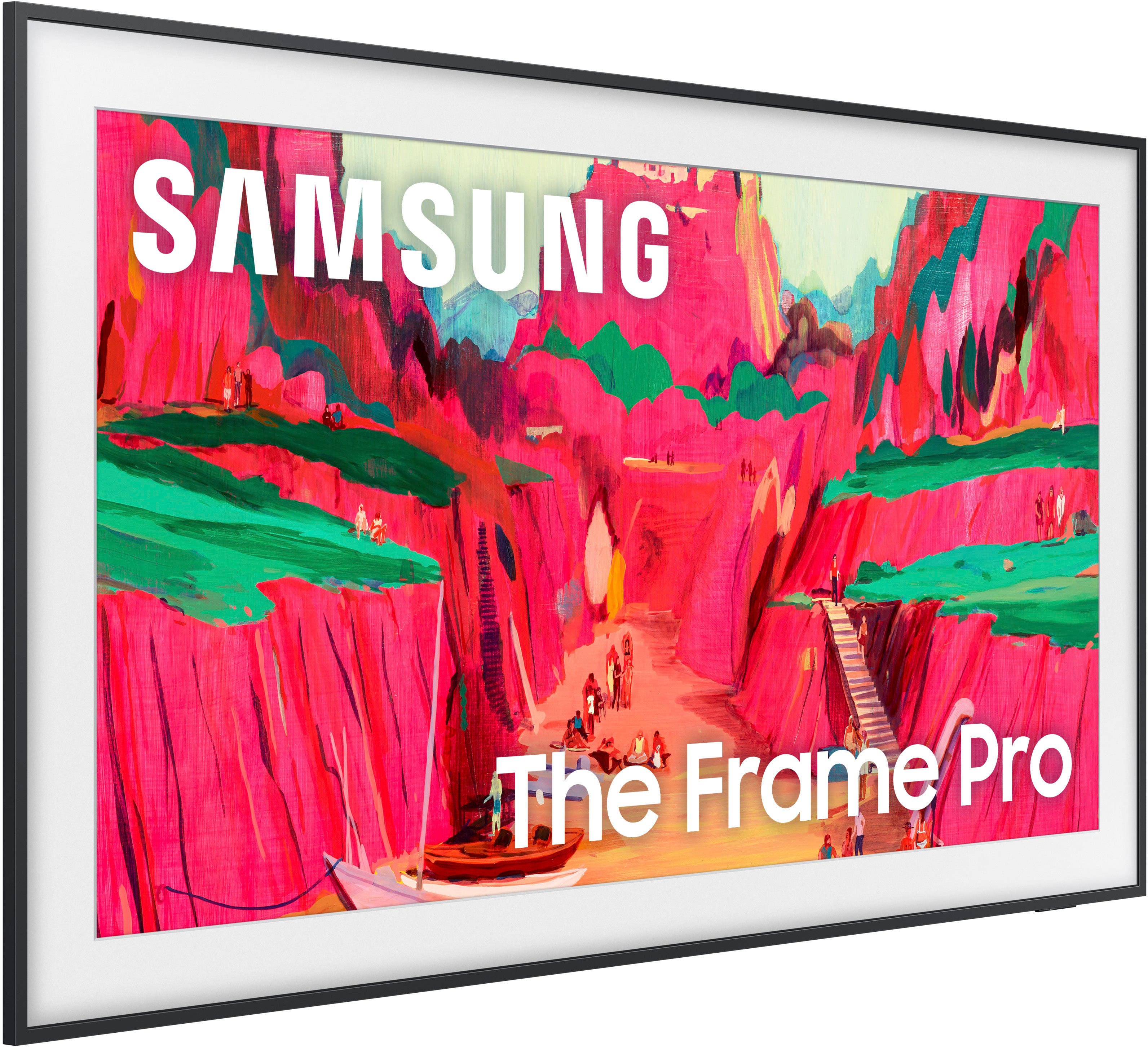
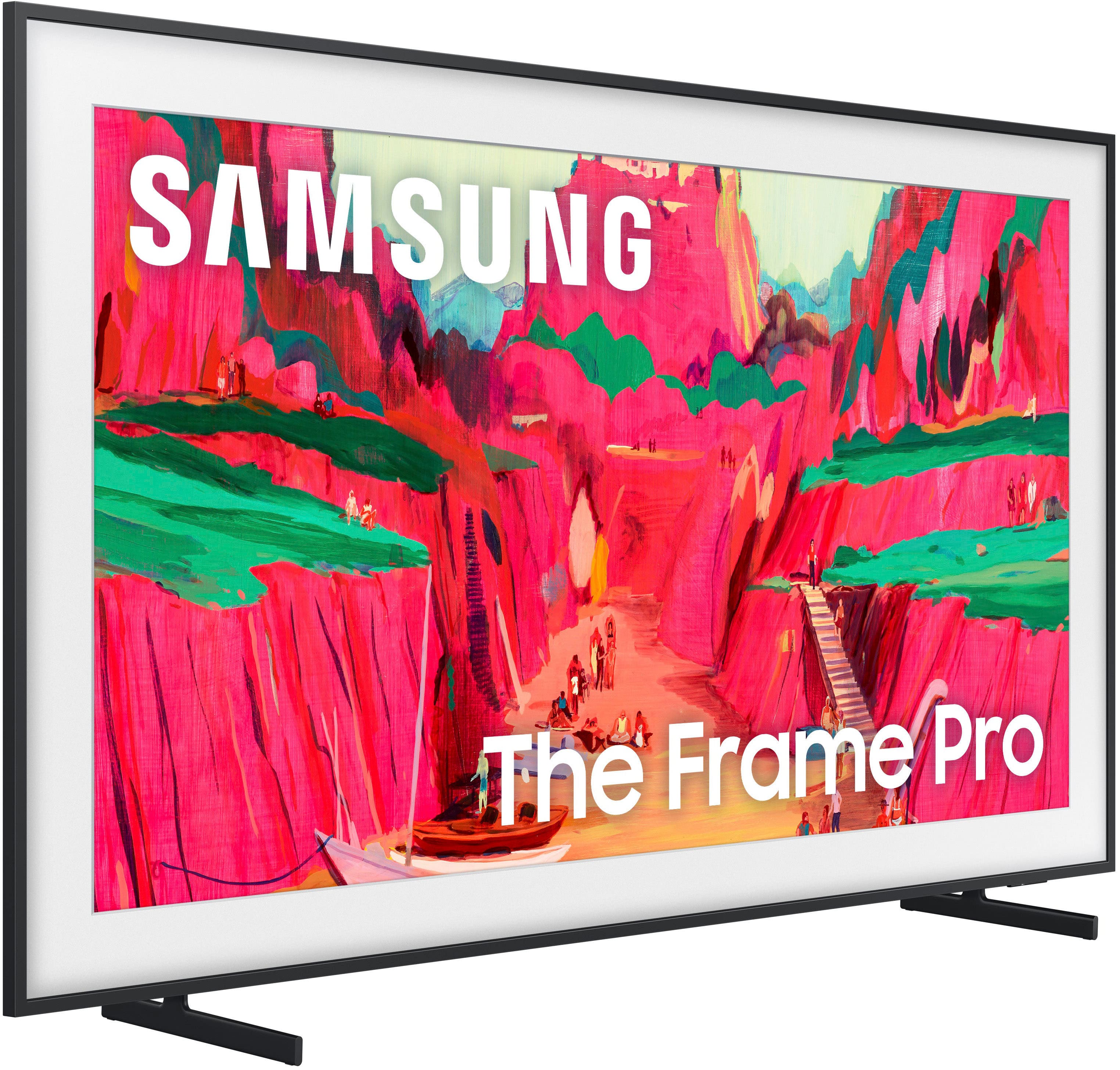
This review is from Samsung - 65” Class LS03FW The Frame Pro Series Neo QLED 4K UHD Art Mode SamsungVision AI Smart TV w/ Wall Mount (2025)
I would recommend this to a friendRated 5 out of 5 stars
Looks like a painting.
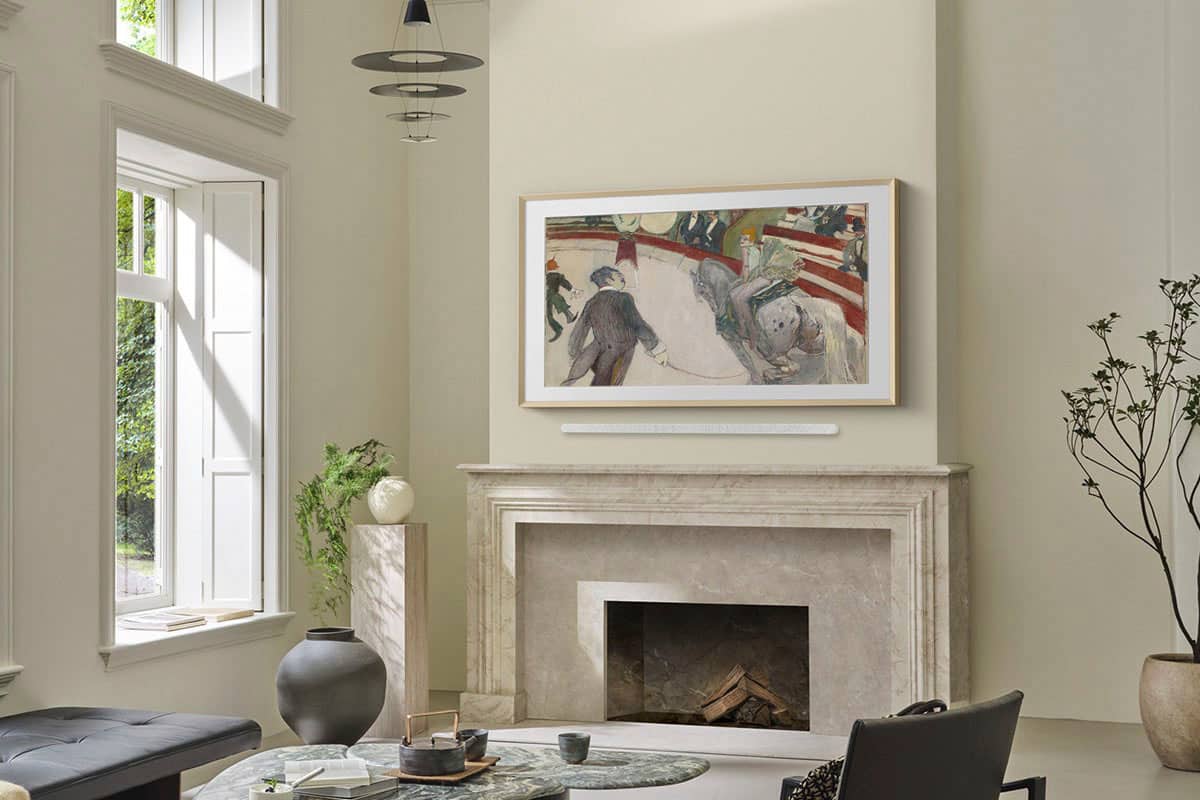
||Posted . Owned for 2 weeks when reviewed.This reviewer received promo considerations or sweepstakes entry for writing a review.Beautiful TV and looks great on the top of the fireplace!
This review is from Samsung - 65” Class LS03FW The Frame Pro Series Neo QLED 4K UHD Art Mode SamsungVision AI Smart TV w/ Wall Mount (2025)
I would recommend this to a friendRated 5 out of 5 stars
The perfect TV
||Posted . Owned for 1 month when reviewed.This reviewer received promo considerations or sweepstakes entry for writing a review.The perfect TV for those who would like a TV in their house but don’t love the aesthetic of having one
This review is from Samsung - 65” Class LS03FW The Frame Pro Series Neo QLED 4K UHD Art Mode SamsungVision AI Smart TV w/ Wall Mount (2025)
I would recommend this to a friendRated 5 out of 5 stars
Fine Art at its best!
||Posted . Owned for 2 weeks when reviewed.This reviewer received promo considerations or sweepstakes entry for writing a review.65" is a Beautiful TV! This is our second one. The artwork looks amazing. With a DECO frame, you truly can not tell that it is a TV.
This review is from Samsung - 65” Class LS03FW The Frame Pro Series Neo QLED 4K UHD Art Mode SamsungVision AI Smart TV w/ Wall Mount (2025)
I would recommend this to a friendRated 5 out of 5 stars
I love this TV
||Posted . Owned for 1 week when reviewed.This reviewer received promo considerations or sweepstakes entry for writing a review.Very beautiful and colorful picture on this TV. It’s been a great addition to me and my Fiancés new house. Fits flush against the wall and the mounting design is one of the best I’ve seen. An Easy install and I would recommend.
This review is from Samsung - 65” Class LS03FW The Frame Pro Series Neo QLED 4K UHD Art Mode SamsungVision AI Smart TV w/ Wall Mount (2025)
I would recommend this to a friendRated 5 out of 5 stars
Portrait TV
||Posted . Owned for 1 month when reviewed.This reviewer received promo considerations or sweepstakes entry for writing a review.Very nice portrait painting to enjoy while being the right spot in our house for the TV. Thanks SAMSUNG!
This review is from Samsung - 65” Class LS03FW The Frame Pro Series Neo QLED 4K UHD Art Mode SamsungVision AI Smart TV w/ Wall Mount (2025)
I would recommend this to a friendRated 5 out of 5 stars
Excellent Product
||Posted . Owned for 1 month when reviewed.This reviewer received promo considerations or sweepstakes entry for writing a review.Excellent Product.Enjoy the picture frame picture when TV not being watched.
This review is from Samsung - 65” Class LS03FW The Frame Pro Series Neo QLED 4K UHD Art Mode SamsungVision AI Smart TV w/ Wall Mount (2025)
I would recommend this to a friendRated 5 out of 5 stars
Incredible looking tv
||Posted . Owned for 1 month when reviewed.This reviewer received promo considerations or sweepstakes entry for writing a review.The tv is incredible! The picture is great! Love the artwork that is shown! It looks great on the wall! I was told the sound wouldn’t be good, I couldn’t be happier with the sound.
This review is from Samsung - 65” Class LS03FW The Frame Pro Series Neo QLED 4K UHD Art Mode SamsungVision AI Smart TV w/ Wall Mount (2025)
I would recommend this to a friendRated 5 out of 5 stars
Beautiful tv
||Posted . Owned for 1 month when reviewed.This reviewer received promo considerations or sweepstakes entry for writing a review.Love this tv! Colors are perfect for games and movies. Plus it looks great above the fireplace with a painting displayed on the screen.
This review is from Samsung - 65” Class LS03FW The Frame Pro Series Neo QLED 4K UHD Art Mode SamsungVision AI Smart TV w/ Wall Mount (2025)
I would recommend this to a friendRated 5 out of 5 stars
Samsung Quality
||Posted .This reviewer received promo considerations or sweepstakes entry for writing a review.The quality of the picture is phenomenal and the ability to use as an art piece is amazing.
This review is from Samsung - 65” Class LS03FW The Frame Pro Series Neo QLED 4K UHD Art Mode SamsungVision AI Smart TV w/ Wall Mount (2025)
I would recommend this to a friendRated 5 out of 5 stars
Great tv
||Posted . Owned for 3 weeks when reviewed.This reviewer received promo considerations or sweepstakes entry for writing a review.Very happy with the new Samsung. Love the look of being able to have art on my Home Screen.
This review is from Samsung - 65” Class LS03FW The Frame Pro Series Neo QLED 4K UHD Art Mode SamsungVision AI Smart TV w/ Wall Mount (2025)
I would recommend this to a friendRated 5 out of 5 stars
Beautiful
||Posted . Owned for 2 weeks when reviewed.This reviewer received promo considerations or sweepstakes entry for writing a review.Beautiful tv. Absolutely love it. Picture quality is amazing. Hooking up Music Frame wasnt as straight forward as i would like it but eventually made it work.
This review is from Samsung - 65” Class LS03FW The Frame Pro Series Neo QLED 4K UHD Art Mode SamsungVision AI Smart TV w/ Wall Mount (2025)
I would recommend this to a friendRated 5 out of 5 stars
Great TV
||Posted . Owned for 2 weeks when reviewed.This reviewer received promo considerations or sweepstakes entry for writing a review.Easy to install on the wall and the anti glare is great
This review is from Samsung - 65” Class LS03FW The Frame Pro Series Neo QLED 4K UHD Art Mode SamsungVision AI Smart TV w/ Wall Mount (2025)
I would recommend this to a friendRated 4 out of 5 stars
Great TV Experience
||Posted . Owned for 1 month when reviewed.This reviewer received promo considerations or sweepstakes entry for writing a review.Think of this as a 4.5 star review. I did a lot of research before we purchased this set. Since we were definitely upsizing from our 32" set, I did not want to deal with a big black rectangle on the wall when the set was not in use, and I wanted one that could easily integrate art (including adding a 'mat' of a selected color and width). We are very happy with the tv aspect of this set. The one deduction is for the set in the art mode. Although the viewing angle while watching programming is great, the viewing angle while in art mode is not so fabulous. If the art is viewed from less that a full front angle, the colors on the set lean violet. My guess this has to do with the screen material, and the lower light used in art mode. Not a deal breaker, and still better than the black box - but, could use improvement.
This review is from Samsung - 65” Class LS03FW The Frame Pro Series Neo QLED 4K UHD Art Mode SamsungVision AI Smart TV w/ Wall Mount (2025)
I would recommend this to a friendRated 5 out of 5 stars
Luxury TV art piece
||Posted . Owned for 1 month when reviewed.This reviewer received promo considerations or sweepstakes entry for writing a review.Look great! Good quality! We like it. Good investment
This review is from Samsung - 65” Class LS03FW The Frame Pro Series Neo QLED 4K UHD Art Mode SamsungVision AI Smart TV w/ Wall Mount (2025)
I would recommend this to a friendRated 5 out of 5 stars
Samsung Frame Pro review
||Posted . Owned for 1 month when reviewed.This reviewer received promo considerations or sweepstakes entry for writing a review.Great picture quality and ease of use. BB did a nice job with install and customer service. We combined with a Sennheiser sound bar and they work great together.
This review is from Samsung - 65” Class LS03FW The Frame Pro Series Neo QLED 4K UHD Art Mode SamsungVision AI Smart TV w/ Wall Mount (2025)
I would recommend this to a friendRated 5 out of 5 stars
Fabulous TV
||Posted . Owned for 1 month when reviewed.This reviewer received promo considerations or sweepstakes entry for writing a review.Fantastic TV- easy setup and outstanding picture- highly recommended
This review is from Samsung - 65” Class LS03FW The Frame Pro Series Neo QLED 4K UHD Art Mode SamsungVision AI Smart TV w/ Wall Mount (2025)
I would recommend this to a friendRated 4 out of 5 stars
Frame TV 65” looks great
||Posted . Owned for 3 months when reviewed.This reviewer received promo considerations or sweepstakes entry for writing a review.Frame display works well and image quality improved over older versions.
This review is from Samsung - 65” Class LS03FW The Frame Pro Series Neo QLED 4K UHD Art Mode SamsungVision AI Smart TV w/ Wall Mount (2025)
I would recommend this to a friendRated 5 out of 5 stars
thank you
||Posted . Owned for 2 weeks when reviewed.This reviewer received promo considerations or sweepstakes entry for writing a review.great I was happy with the TV. I got thank you you have a good service.
This review is from Samsung - 65” Class LS03FW The Frame Pro Series Neo QLED 4K UHD Art Mode SamsungVision AI Smart TV w/ Wall Mount (2025)
I would recommend this to a friendRated 5 out of 5 stars
Frame Pro
||Posted .This reviewer received promo considerations or sweepstakes entry for writing a review.Amazing picture and easy installation. Love the wirless box for game system.
This review is from Samsung - 65” Class LS03FW The Frame Pro Series Neo QLED 4K UHD Art Mode SamsungVision AI Smart TV w/ Wall Mount (2025)
I would recommend this to a friend