Customer Ratings & Reviews







- Model:
- QN65LS03FWFXZA
- SKU:
- 12161507
Rating by feature
- Picture Quality
Rating 4.7 out of 5 stars
- Sound Quality
Rating 4.5 out of 5 stars
- Brightness
Rating 4.8 out of 5 stars
Frame tv
||Posted . Owned for 1 month when reviewed.This reviewer received promo considerations or sweepstakes entry for writing a review.The frame tv is just what we wanted and it looks great in our house
I would recommend this to a friendBeautiful!
||Posted . Owned for 1 month when reviewed.This reviewer received promo considerations or sweepstakes entry for writing a review.Beautiful picture and art work! The art makes my house feel like a home.
I would recommend this to a friendFrame
||Posted . Owned for 1 month when reviewed.This reviewer received promo considerations or sweepstakes entry for writing a review.Excellent TV but hard to retain remote connections to sonos and frame gallery challenges at TV turn off
I would recommend this to a friendAwesome TV - should include a "Frame".
||Posted .This reviewer received promo considerations or sweepstakes entry for writing a review.The TV and built-in functions are awesome. The included mount was very east to understand and install. Only gripe is that the "Frame" TV doesn't come w/ an actual frame included - just the thin plastic trim. Have to drop another couple hundred to purchase seperately.
I would recommend this to a friendEasy elegance
||Posted .This reviewer received promo considerations or sweepstakes entry for writing a review.Easy install, great picture, looks great in our room
I would recommend this to a friendI Really Like It
||Posted . Owned for 3 weeks when reviewed.This reviewer received promo considerations or sweepstakes entry for writing a review.I really like it. It replaces a 14+ year old TV. The interface leaves a bit to be desired. Some older shows do not seem designed for the higher resolution. You are paying a lot more for the frame aspect. The artwork subscription costs money and is kind of ridiculous. But, still, I really like it.
I would recommend this to a friendAmazing TV
||Posted . Owned for 1 month when reviewed.This reviewer received promo considerations or sweepstakes entry for writing a review.Incredible TV, much better upgrade than the regular Frame TV. Worth it!
I would recommend this to a friendSecond Frame tv
||Posted . Owned for 1 month when reviewed.This reviewer received promo considerations or sweepstakes entry for writing a review.This is our second frame and we absolutely love them !!!
I would recommend this to a friendSmart TV and picture perfect
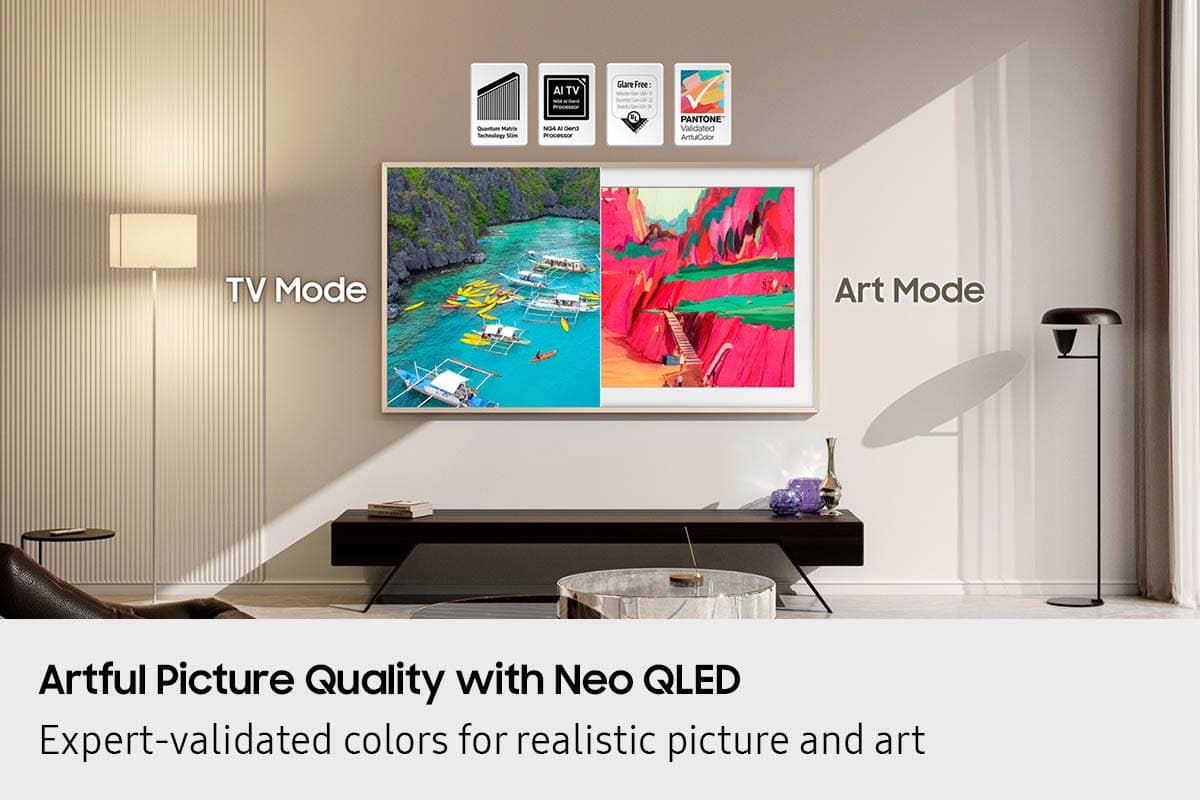
||Posted . Owned for 1 month when reviewed.This reviewer received promo considerations or sweepstakes entry for writing a review.Picture perfect. Perfect flat wall mount and the anti-glare screen is amazing
I would recommend this to a friendA Work of Art!
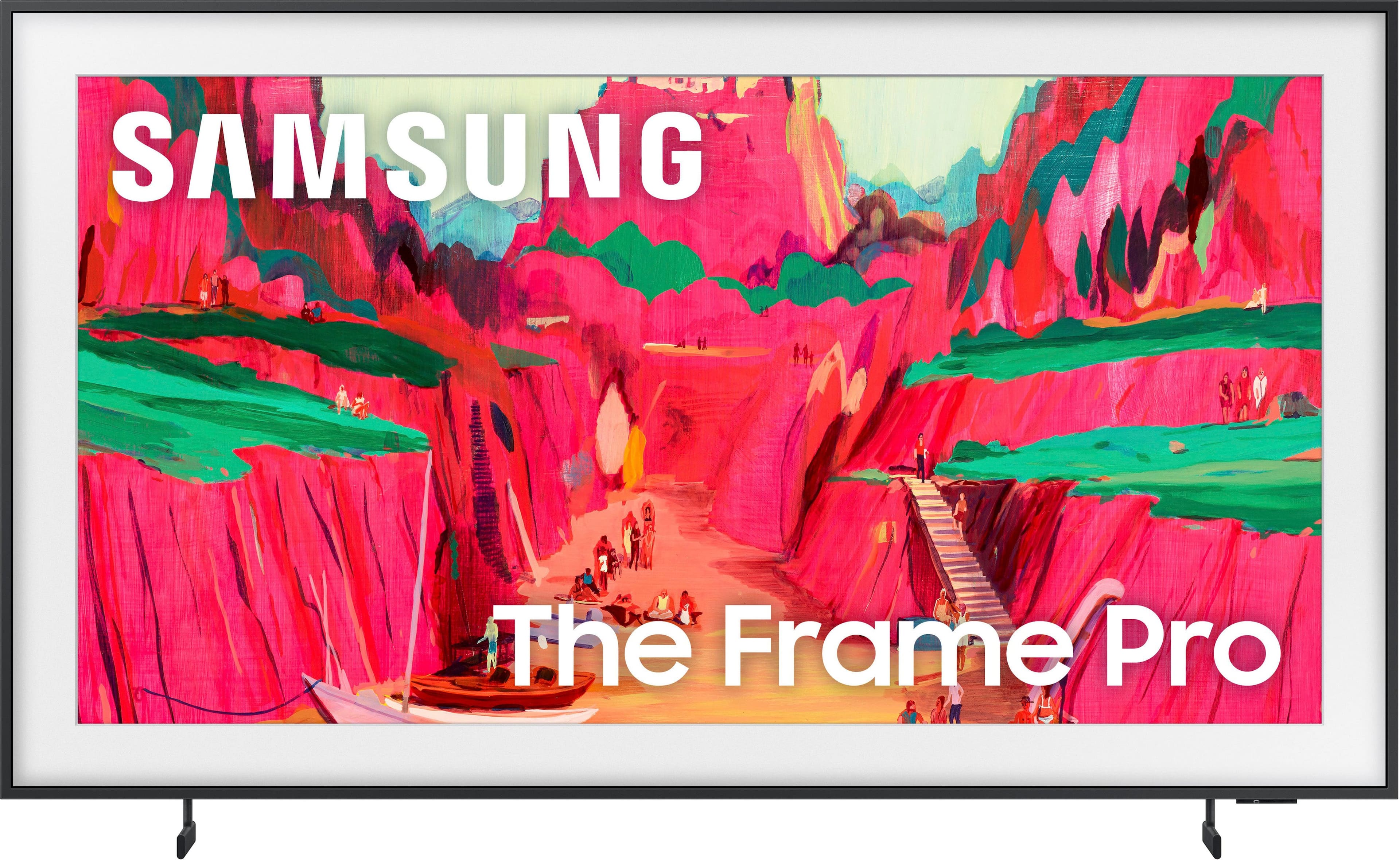
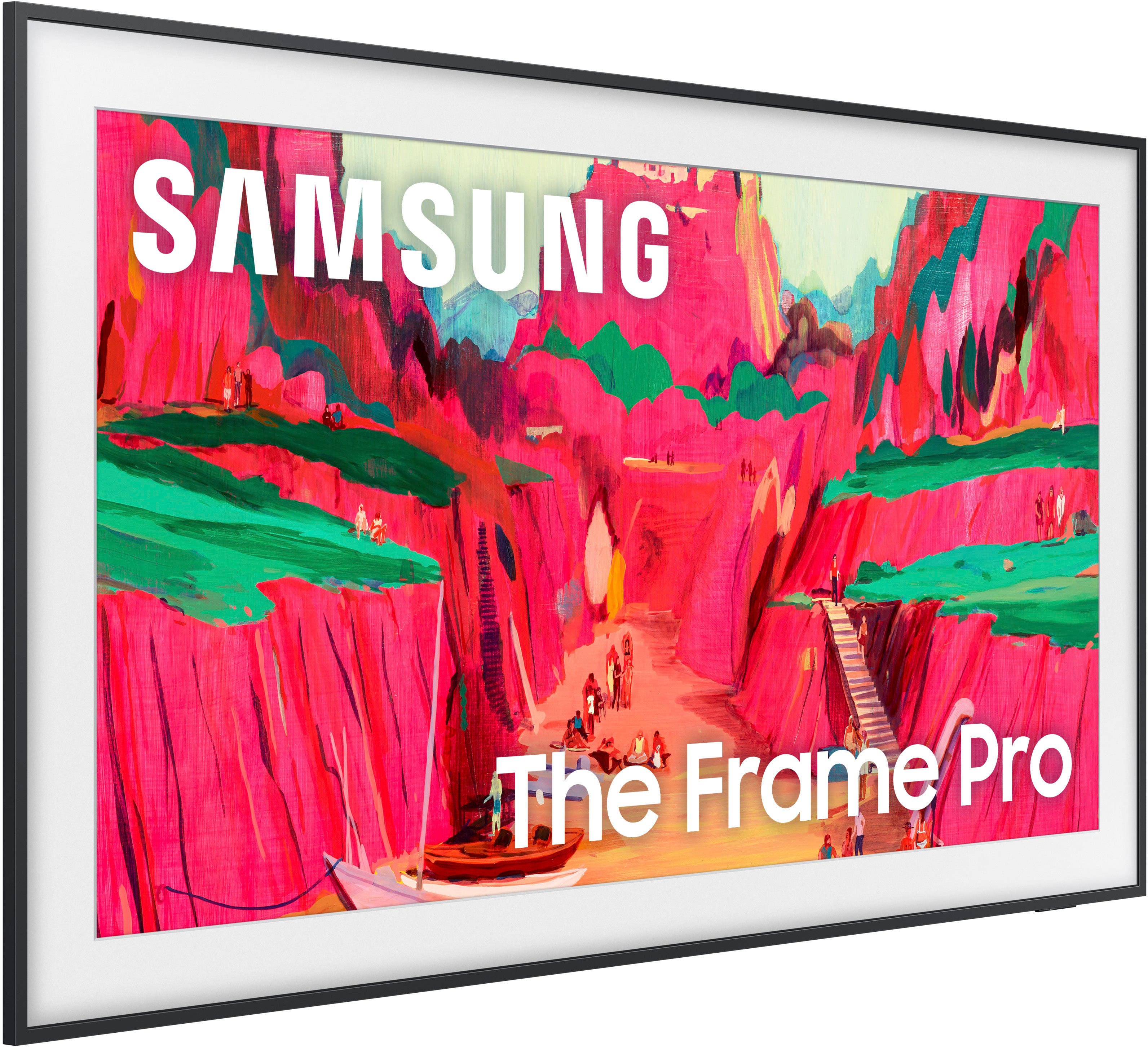
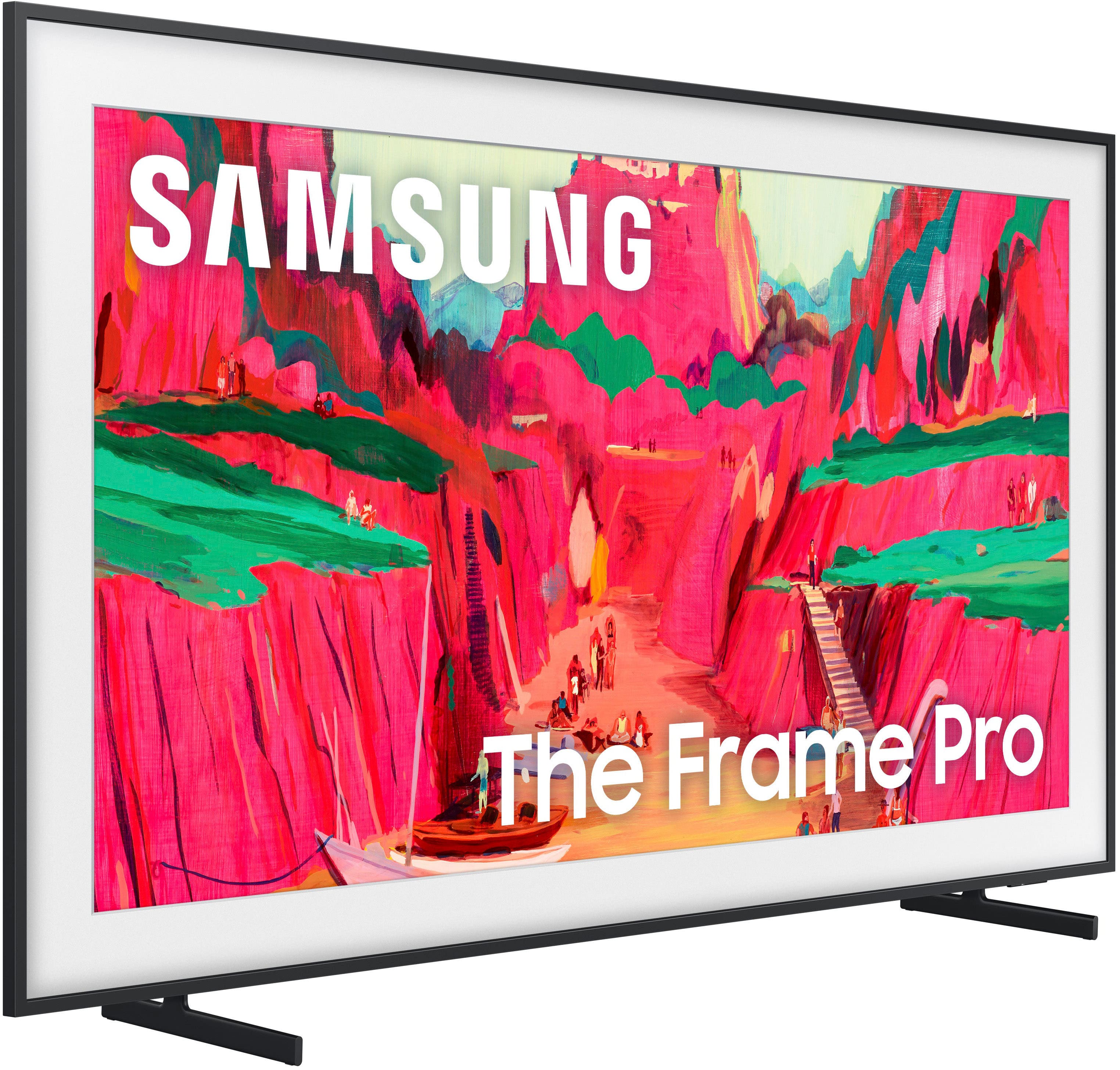
||Posted . Owned for 2 months when reviewed.This reviewer received promo considerations or sweepstakes entry for writing a review.The Frame Pro looks absolutely amazing with its slim profile and Art mode feature.
I would recommend this to a friendPicture frame tv
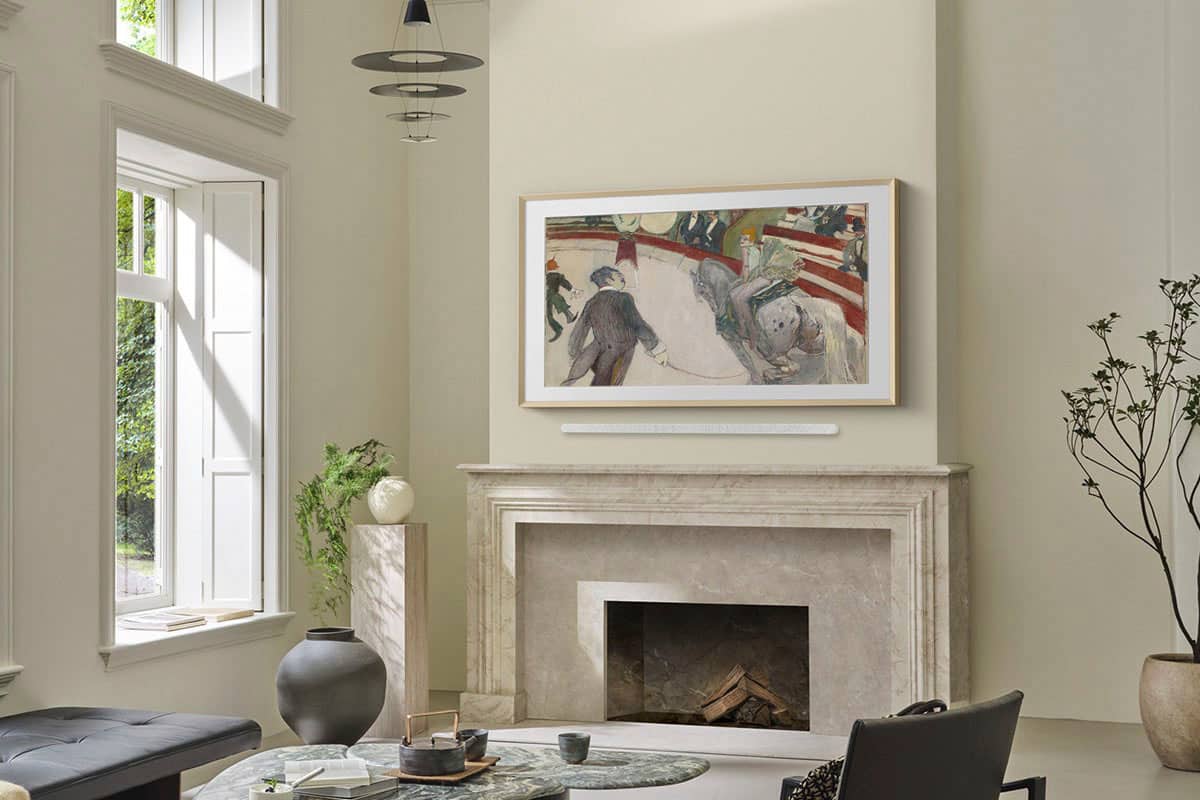
||Posted . Owned for 4 months when reviewed.This reviewer received promo considerations or sweepstakes entry for writing a review.Walking into my home great room, the first thing you see is my fireplace with this tv hanging over it, It was important NOT to see a bracket on the wall behind the tv! Beautiful ultra thin, looks just as it’s called A picture frame TV
I would recommend this to a friendMOA in your living room
||Posted . Owned for 1 month when reviewed.This reviewer received promo considerations or sweepstakes entry for writing a review.It’s so beautiful. I feel like I have my own museum of fine arts in my living room.
I would recommend this to a friendNeo qlex
||Posted . Owned for 2 weeks when reviewed.This reviewer received promo considerations or sweepstakes entry for writing a review.Great resolution. Clean look and function. Intuitive controls
I would recommend this to a friendGreat framed TV
||Posted . Owned for 1 month when reviewed.This reviewer received promo considerations or sweepstakes entry for writing a review.Works and looks great. We bought a high-end frame. Be sure to allow for the extra height and width of whichever frame you choose - some only add a little bit some add a lot.
I would recommend this to a friendAmazing television
||Posted . Owned for 1 week when reviewed.This reviewer received promo considerations or sweepstakes entry for writing a review.Great TV! And well worth the price! Super easy set up!
I would recommend this to a friendExpensive TV
||Posted . Owned for 2 months when reviewed.This reviewer received promo considerations or sweepstakes entry for writing a review.3 stars and probably should be less, within 50 days of purchase the remote control stop working and BB did not honor the warranty. Samsung puts you through a series of troubleshooting steps that would take shorter to just order a new one in the mail. Again I understand the one of things could happen, but it also happened to two others I know purchased the same tv.
No, I would not recommend this to a friendBrand response from Samsung
Posted .Flaco222,
Thank you for sharing your experience with the SolarCell Remote. If the remote is unresponsive, it may be due to a low or depleted battery.
You can charge the remote using the solar panel on the back or the USB-C port located at the bottom. To check the battery level of your remote, navigate to: Home > left directional key > Settings > All Settings > General & Privacy > Remote Control
To help resolve the issue, please try the following:
1. Reset the remote: Press and hold the Return and Enter (center of navigation pad) buttons for more than 10 seconds.
2. Re-pair the remote: After resetting, stand within 1 foot of your TV and press Return and Play/Pause simultaneously for at least 5 seconds, or until a pairing message appears on your TV.
3. Power cycle the TV: Unplug the TV from the power outlet for 30 seconds, then plug it back in.
4. Try pairing again if needed and move closer to the TV if you're having difficulty.
5. Check for TV firmware updates: Settings > Support > Software Update > Update Now
If your SolarCell Remote still isn’t functioning properly after these steps, please contact Samsung Support for further assistance. We’re available at 1-800-SAMSUNG, 8AM – 12AM EST, 7 days a week. LiveChat agents are also available at the ‘Support’ link on our website.
~ Samsung Specialist
Frame tv
||Posted .This reviewer received promo considerations or sweepstakes entry for writing a review.Great picture and sound. Great for reducing glare.
I would recommend this to a friendExceeds Expectations
||Posted . Owned for 3 weeks when reviewed.This reviewer received promo considerations or sweepstakes entry for writing a review.Excellent Customer Service, friendly, professional and knowledgeable. Always satisfied when I purchase from Best Buy!
I would recommend this to a friendGreat tv for bedroom
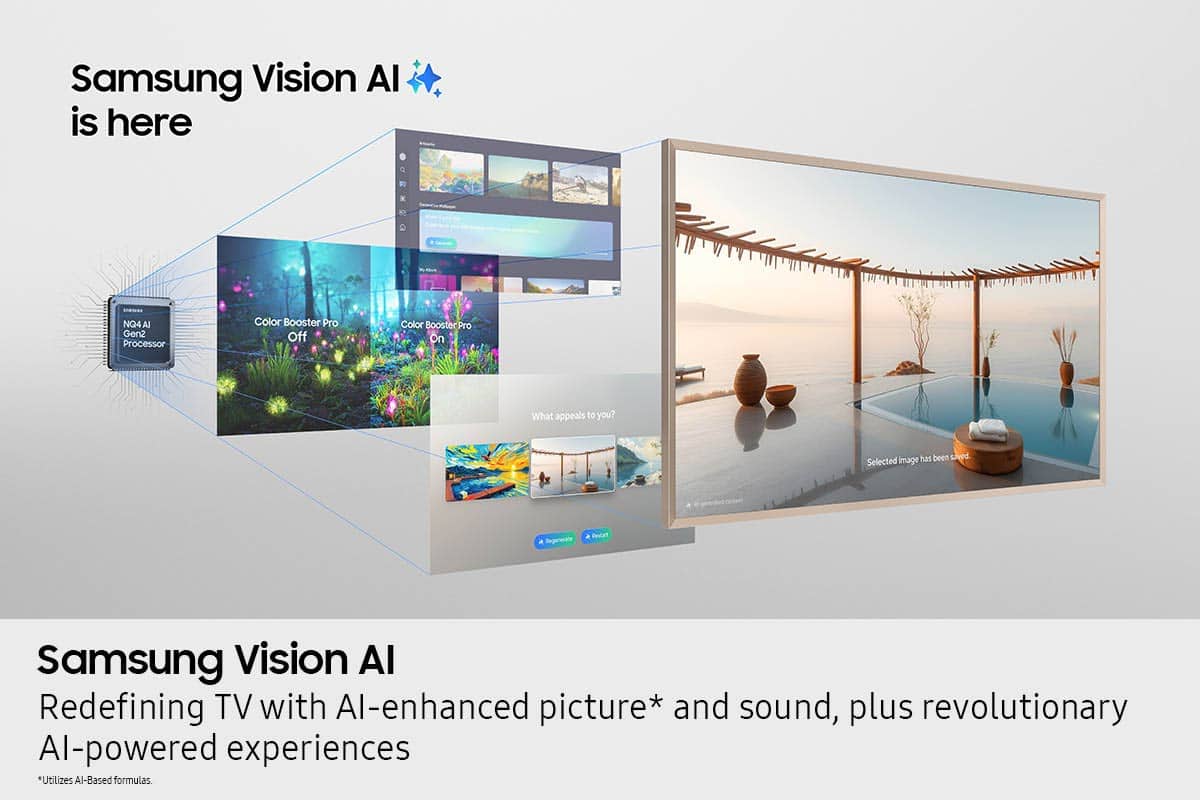
||Posted .This reviewer received promo considerations or sweepstakes entry for writing a review.Great TV, quality is great. So many features to explore
I would recommend this to a friendPerfection
||Posted .This reviewer received promo considerations or sweepstakes entry for writing a review.Delivery was timely and the frames was extremely well packaged. The antique gold really sets off the game TV . Love it!
I would recommend this to a friend