Customer Ratings & Reviews

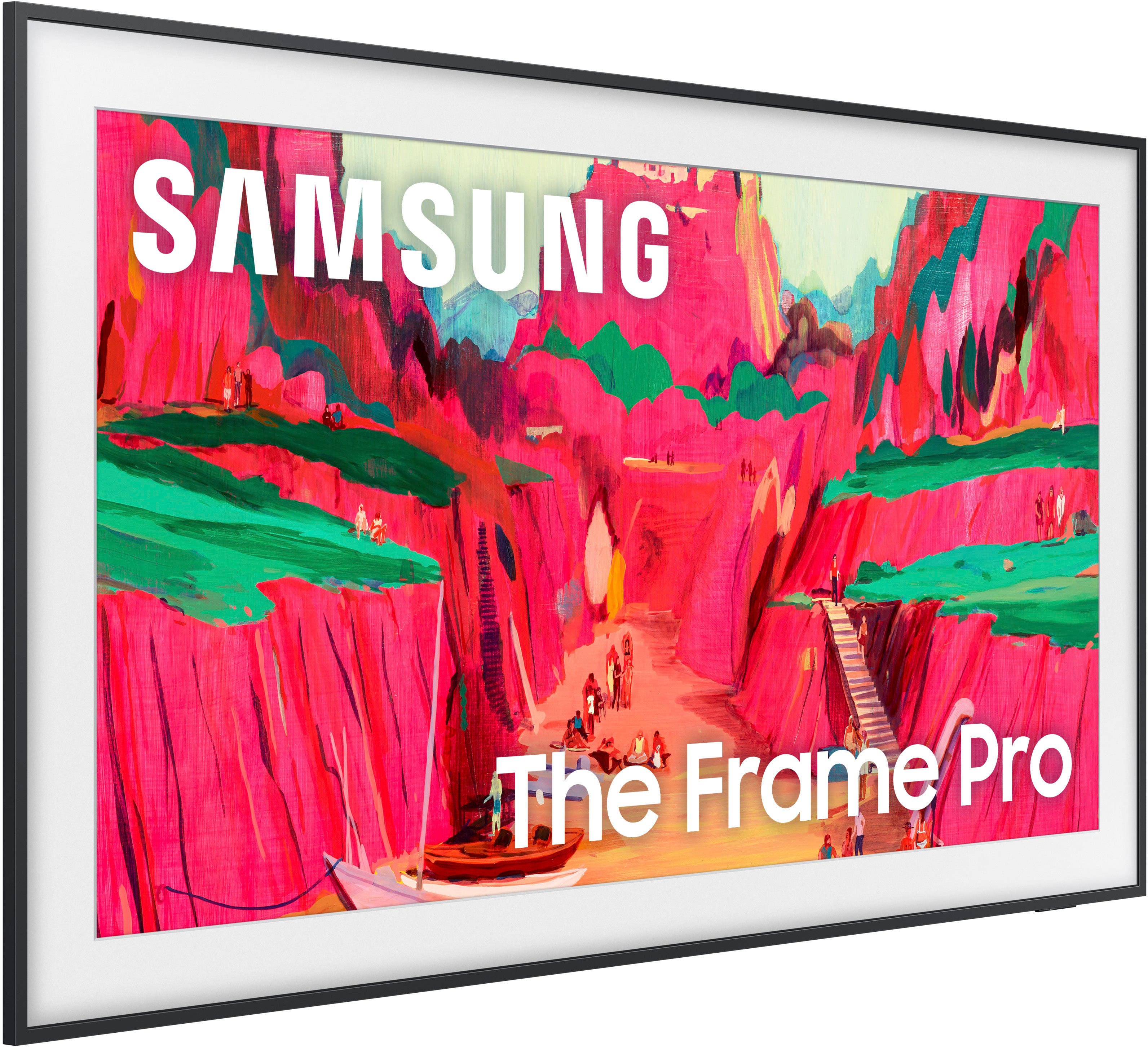
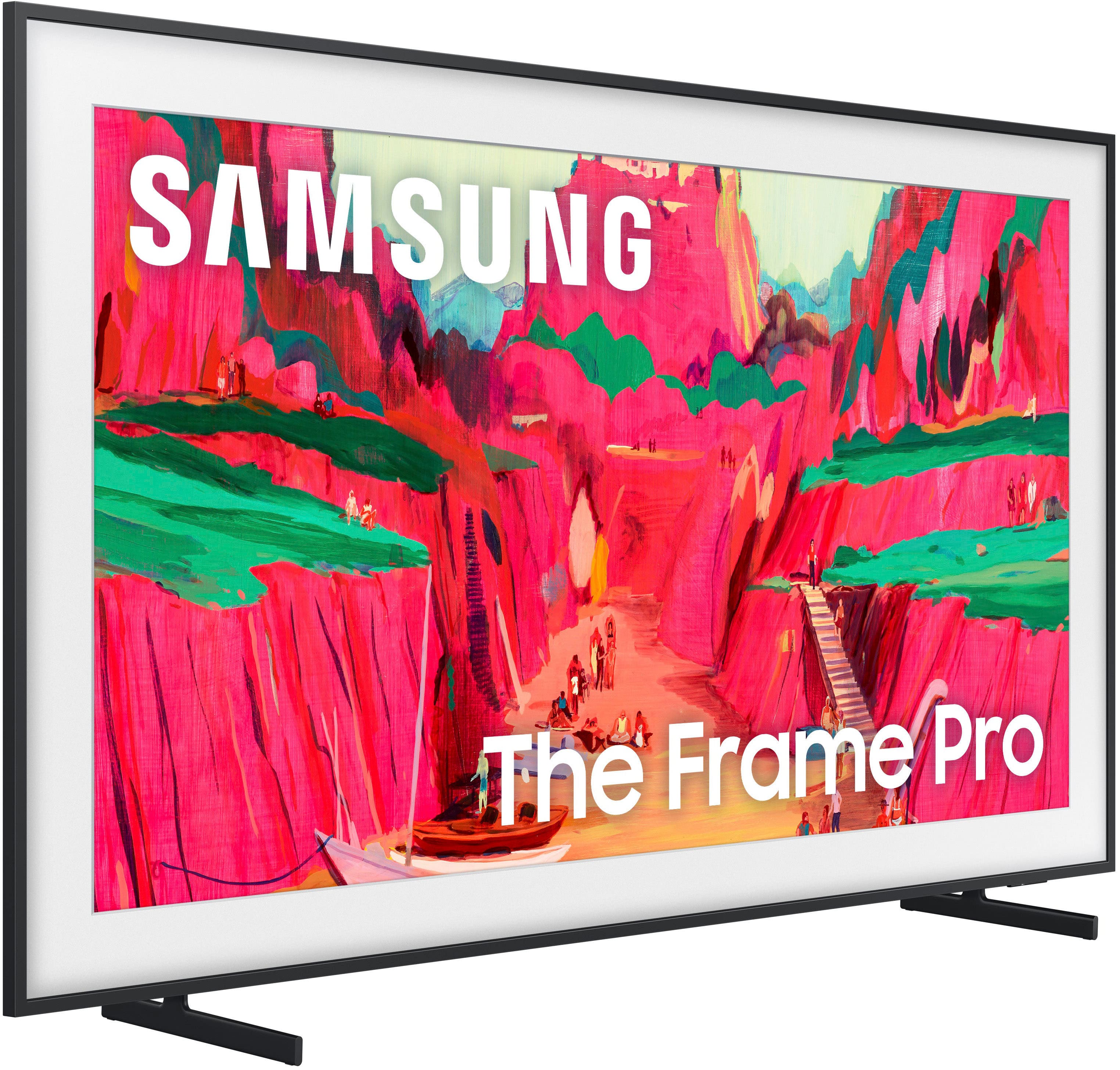
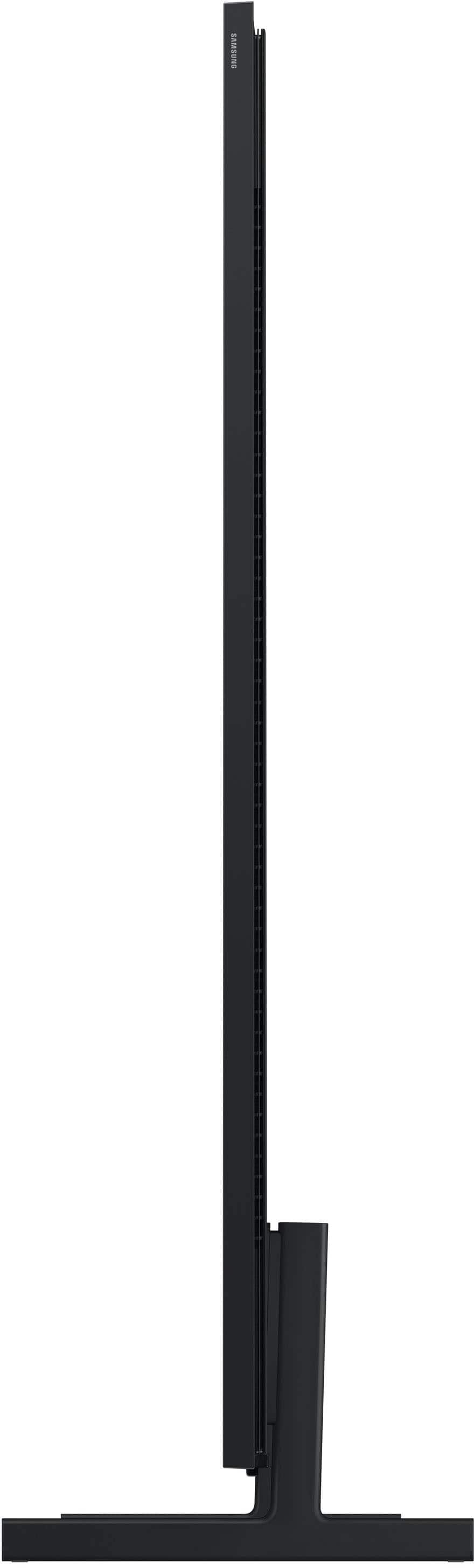
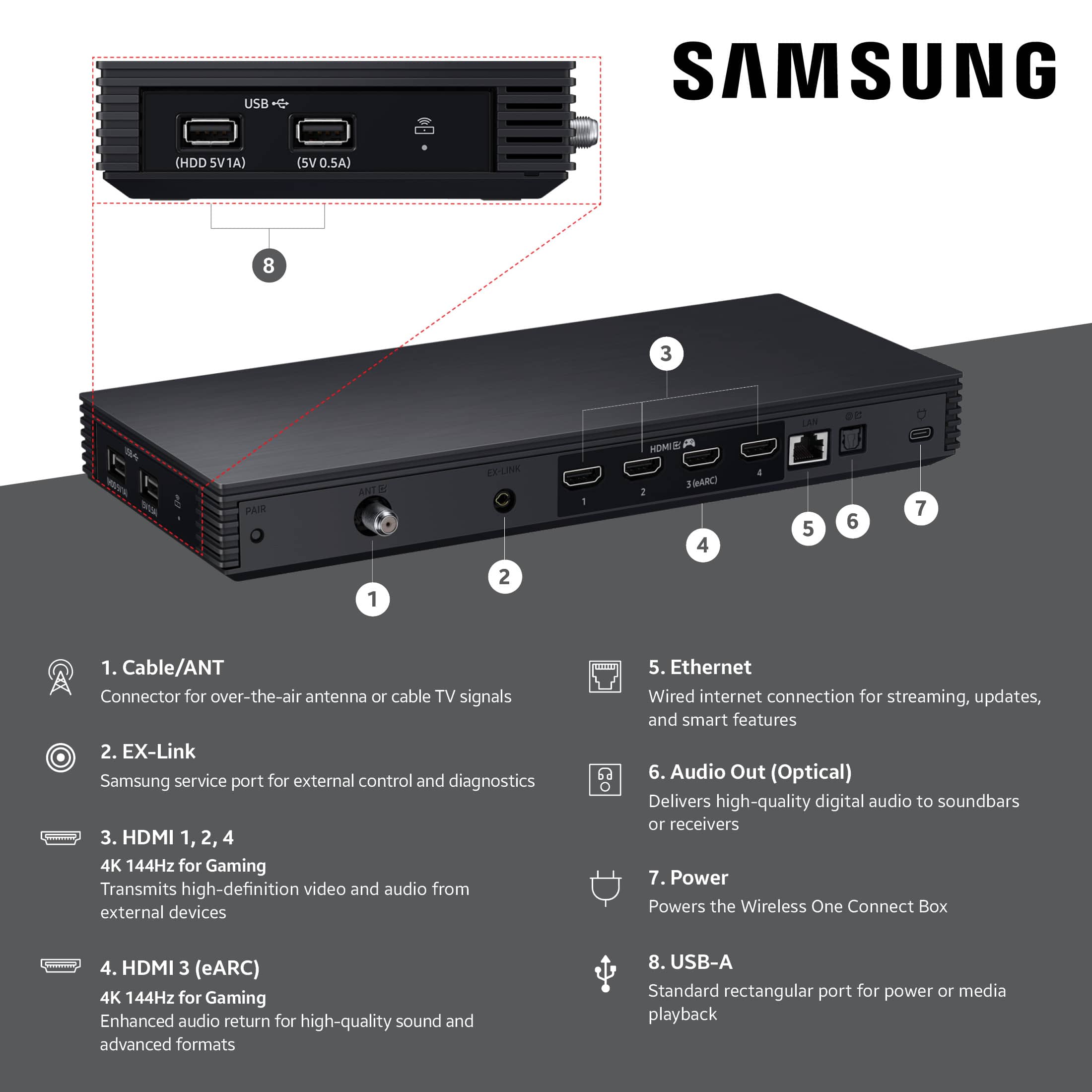






- Model:
- QN65LS03FWFXZA
- |
- SKU:
- 6613680
Customer reviews
Rating 4.4 out of 5 stars with 135 reviews
(135 customer reviews)Rating by feature
- Picture Quality4.7
Rating 4.7 out of 5 stars
- Sound Quality4.5
Rating 4.5 out of 5 stars
- Brightness4.8
Rating 4.8 out of 5 stars
Customers are saying
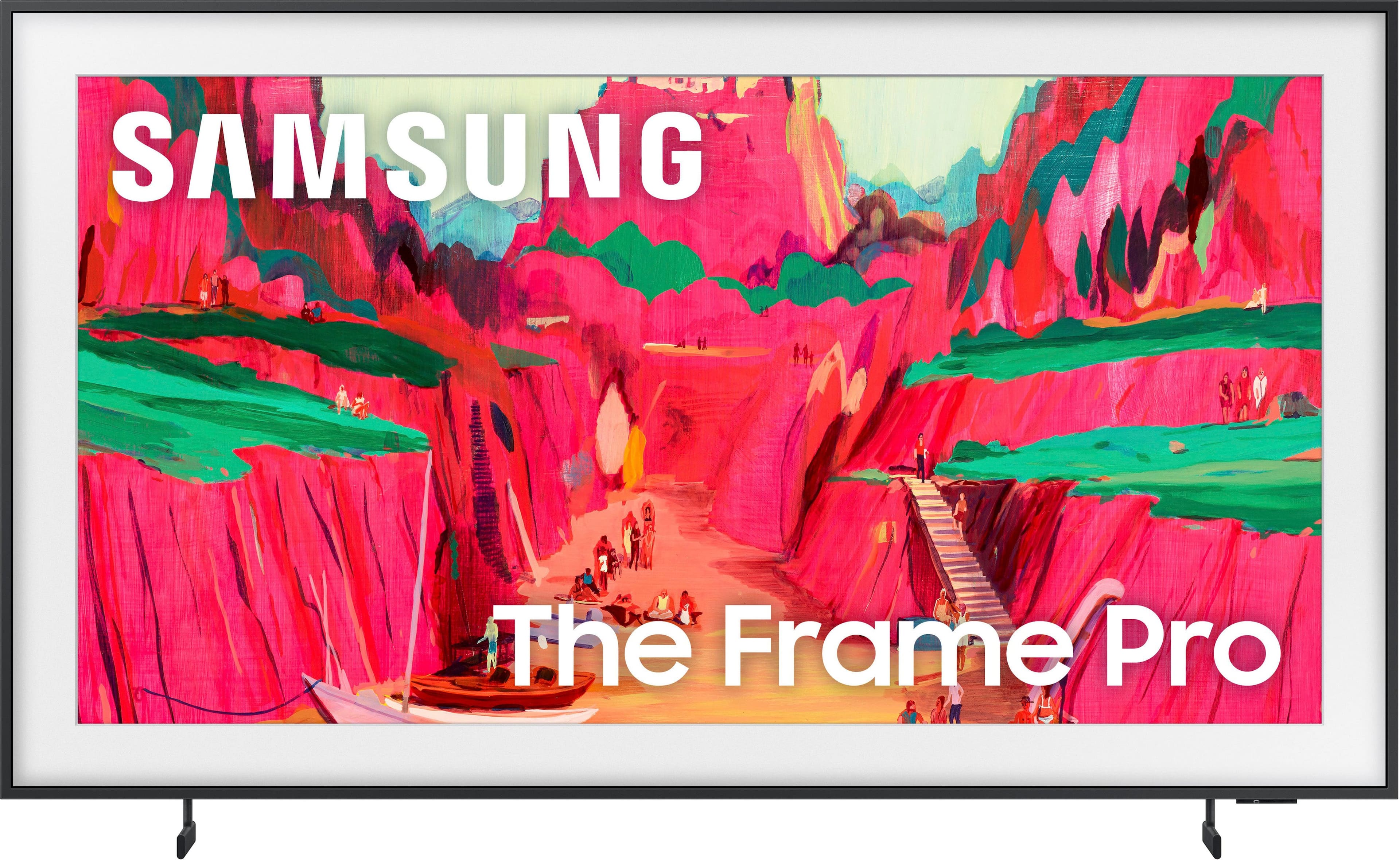
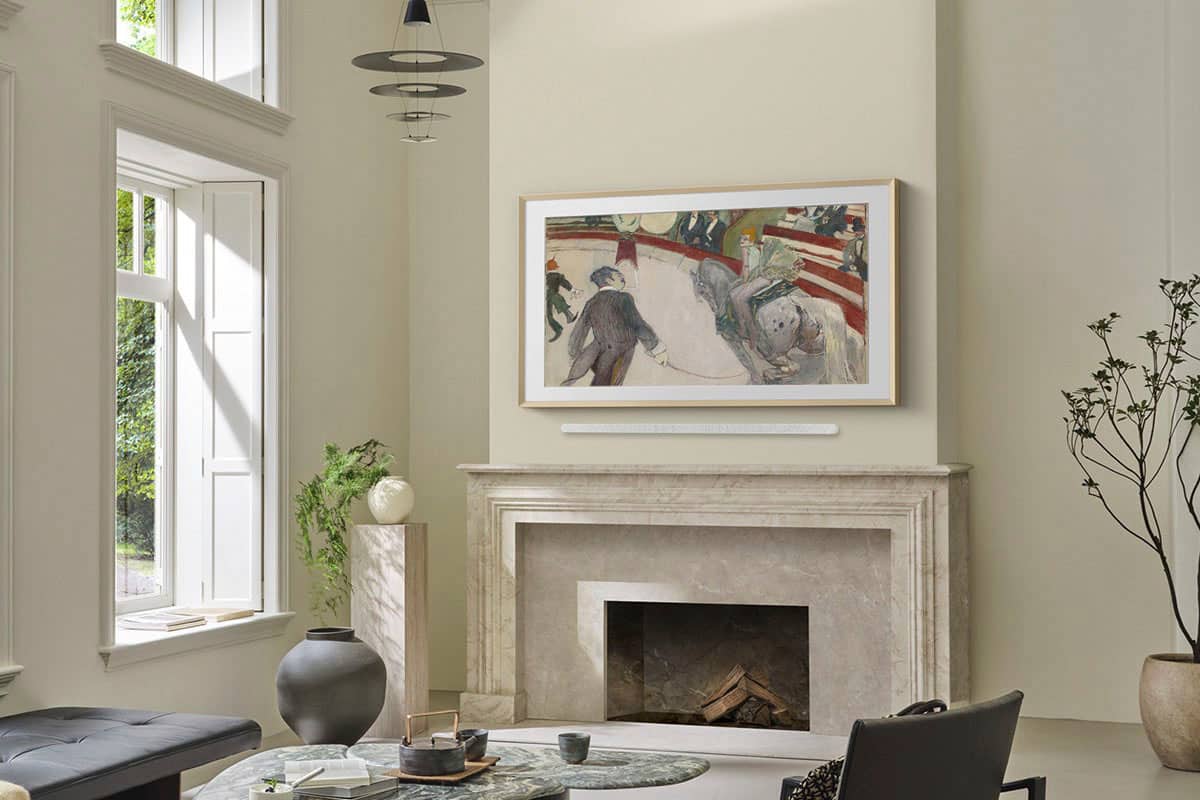
Customers praise the 65” Class LS03FW The Frame Pro Series Neo QLED 4K UHD Art Mode SamsungVision AI Smart TV for its impressive picture quality and sleek design, with some noting its ability to double as a painting. The TV's connectivity options, including the wireless one box, are also appreciated. Additionally, customers find its overall appearance to be a great addition to their homes.
This summary was generated by AI based on customer reviews.
- Pros mentioned:Picture quality
Rated 5 out of 5 stars
Samsung Frame Pro a winner
||Posted .This reviewer received promo considerations or sweepstakes entry for writing a review.This is just fantastic if you are looking for looking for a TV that doubles as a piece of art. I replaced a Frame 55 and the Pro has a significantly better picture. The Art Store is chock full of pieces by the masters -- Renoir, Monet, Van Gogh - and the representations look very original. Have had it for two months with no problems.
I would recommend this to a friend - Pros mentioned:Connectivity, Picture quality
Rated 5 out of 5 stars
Something to buy
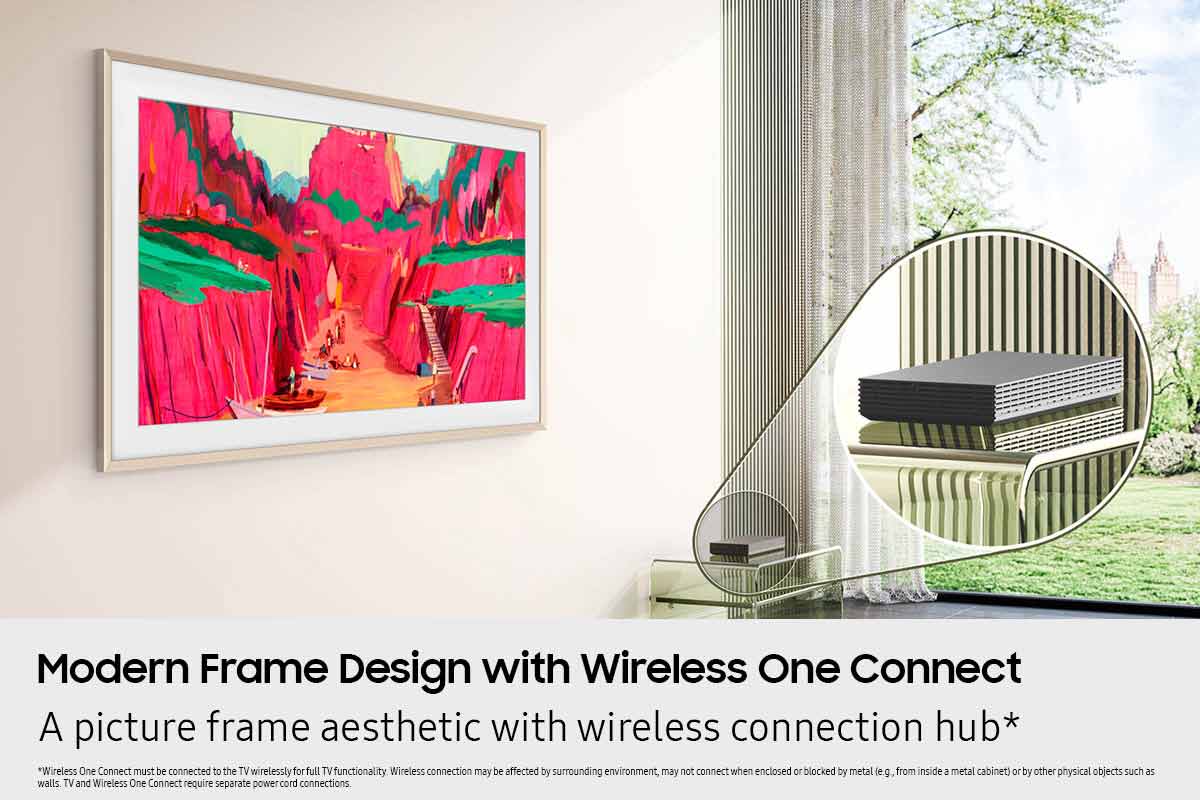
||Posted . Owned for 2 weeks when reviewed.This reviewer received promo considerations or sweepstakes entry for writing a review.Great product great picture. I love that. The one box is wireless.
I would recommend this to a friend - Pros mentioned:Picture quality
Rated 5 out of 5 stars
Great upgrade
||Posted . Owned for 1 month when reviewed.This reviewer received promo considerations or sweepstakes entry for writing a review.We have had a 55 inch frame for the past 8 years. We have recently updated to the 65 inch. It has a beautiful picture. Great new features and has such clarity. Highly recommend!
I would recommend this to a friend - Pros mentioned:Picture quality
Rated 5 out of 5 stars
Samsung 65" Frame Pro
||Posted . Owned for 3 weeks when reviewed.This reviewer received promo considerations or sweepstakes entry for writing a review.Great picture. Easy to install and set up. Sound is great when paired with sound bar and that was also easy to set up.
I would recommend this to a friend - Pros mentioned:Picture quality
Rated 5 out of 5 stars
The Frame Pro
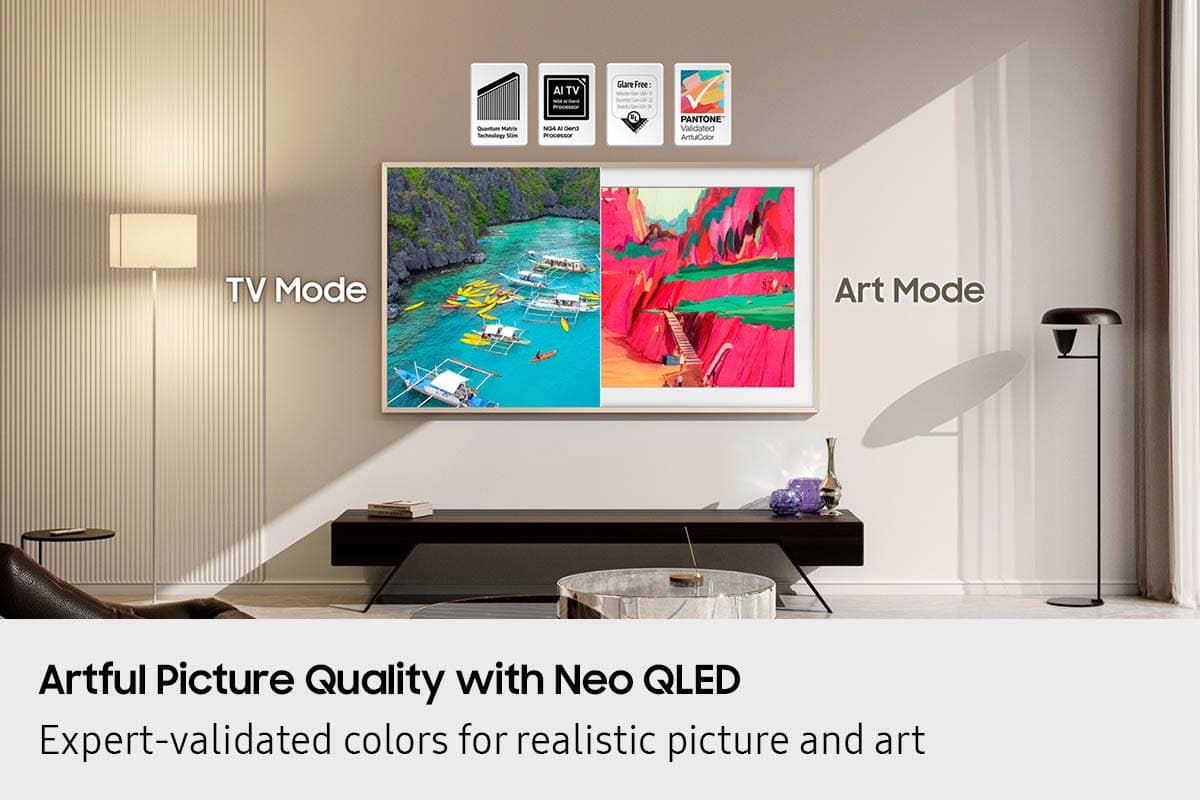
||Posted . Owned for 1 month when reviewed.This reviewer received promo considerations or sweepstakes entry for writing a review.This TV has met all expectations. The art is great and greets visitors when they enter the room versus a black TV screen. The Matte screen works wonderfully in my well lit living room. Very happy.
I would recommend this to a friend Rated 5 out of 5 stars
Beautiful new TV for a remodeled room
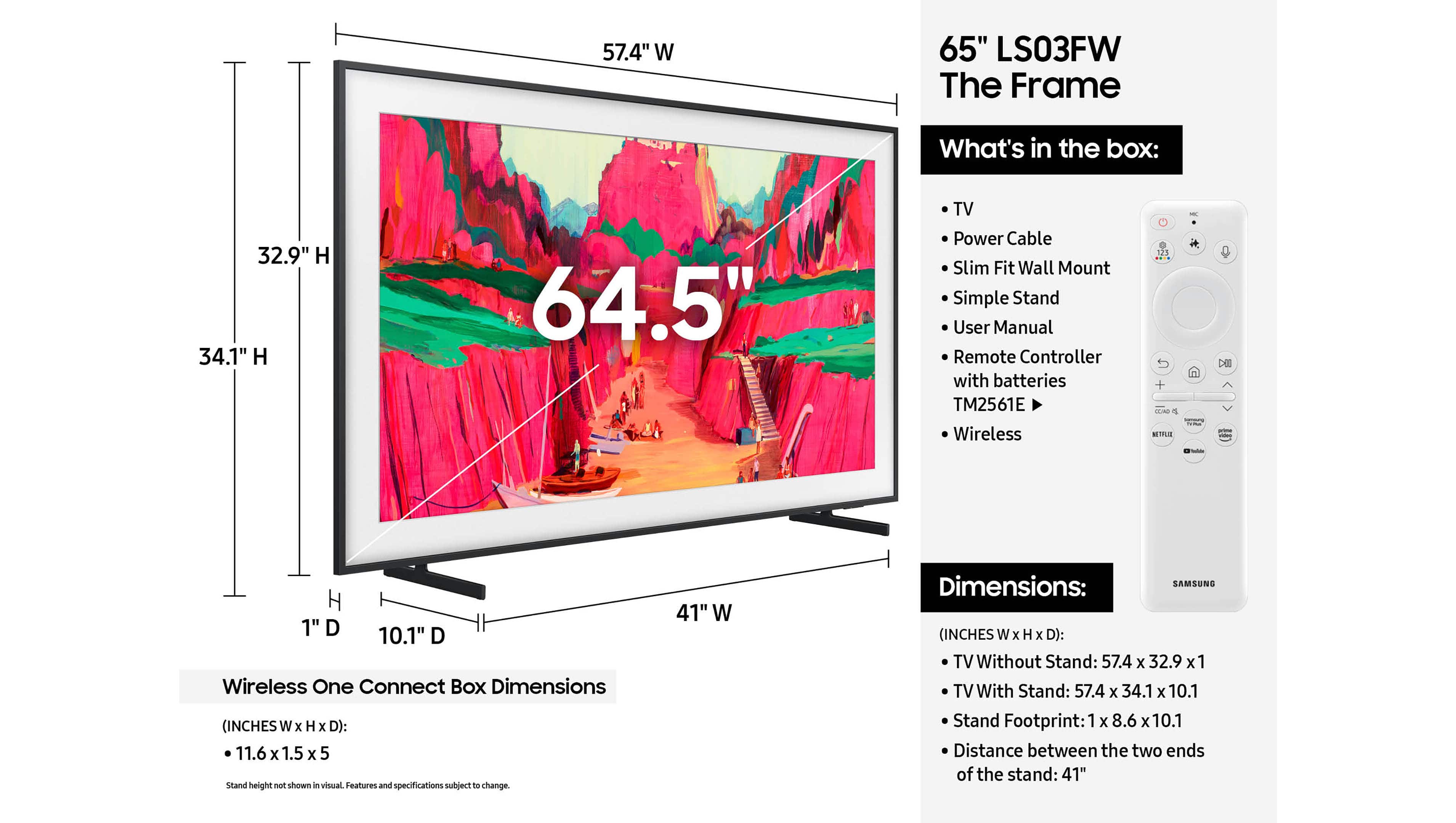
||Posted .This reviewer received promo considerations or sweepstakes entry for writing a review.We've had our Frame Pro for about a month now. It took some preparation to get a recessed outlet, and tuck the power cord into the preformed grooves, but the tv hangs as flat as possible on the wall. Great (!!!) for the variety of artwork to display. We're always finding new works of art to add to our growing 'favorites' list. The remote box for HDMI, etc inputs sits nicely on a lower shelf of a table we have under the tv. We primarily use an Apple TV streaming device that we connect via the Samsung One box (exact name eludes me).
I would recommend this to a friend- Pros mentioned:Appearance
Rated 5 out of 5 stars
Great product from a great company
||Posted . Owned for 2 weeks when reviewed.This reviewer received promo considerations or sweepstakes entry for writing a review.Looks great above the fireplace with family portraits and when we want to watch tv it switches right over. Another plus is I bought this full price and Best Buy refunded me nearly $500 when the price dropped.
I would recommend this to a friend - Pros mentioned:Picture quality
Rated 5 out of 5 stars
5 stars
||Posted . Owned for 2 weeks when reviewed.This reviewer received promo considerations or sweepstakes entry for writing a review.Beautiful picture frame thst functions as a tv. Truly unique technology spices up any room. Buy this its def staple to a nice room.
I would recommend this to a friend - Pros mentioned:Picture quality
Rated 5 out of 5 stars
Fabulous Frame TV
||Posted . Owned for 3 weeks when reviewed.This reviewer received promo considerations or sweepstakes entry for writing a review.I love how the tv looks like a piece of art. The tv is very high quality and has an excellent picture and sound!!
I would recommend this to a friend - Pros mentioned:Design
Rated 5 out of 5 stars
The perfect TV
||Posted . Owned for 1 month when reviewed.This reviewer received promo considerations or sweepstakes entry for writing a review.The perfect TV for those who would like a TV in their house but don’t love the aesthetic of having one
I would recommend this to a friend - Pros mentioned:Picture quality
Rated 5 out of 5 stars
Framed TV
||Posted . Owned for 1 month when reviewed.This reviewer received promo considerations or sweepstakes entry for writing a review.Very pleased with the quality and aesthetic! I’ve mounted this TV in my living room and my guests have complimented me on how nice it looks.
No, I would not recommend this to a friend - Pros mentioned:Picture quality
Rated 5 out of 5 stars
Samsung Frame Pro
||Posted .This reviewer received promo considerations or sweepstakes entry for writing a review.Simply love my new Samsung Frame Pro. Finally enjoying a great TV. The color is fantastic very clear picture. Thank you Best Buy
I would recommend this to a friend Rated 5 out of 5 stars
Our Frame Pro
||Posted . Owned for 1 month when reviewed.This reviewer received promo considerations or sweepstakes entry for writing a review.Perfect for us. Salesperson was very knowledgeable and easy to select.
I would recommend this to a friend- Pros mentioned:Glare reduction
Rated 5 out of 5 stars
Frame TV, great picture
||Posted . Owned for 1 month when reviewed.This reviewer received promo considerations or sweepstakes entry for writing a review.I'm enjoying the TV so far; I've had it for about 4 weeks. The delivery process was seamless. I really enjoy the matte finish on the TV which reduces glare. The picture is very bright and a noticeable upgrade from an older TV.
I would recommend this to a friend - Pros mentioned:Picture quality
Rated 5 out of 5 stars
Excellent Product
||Posted . Owned for 1 month when reviewed.This reviewer received promo considerations or sweepstakes entry for writing a review.Excellent Product.Enjoy the picture frame picture when TV not being watched.
I would recommend this to a friend Rated 5 out of 5 stars
65” Samsung Frame TV. It’s amazing!
||Posted . Owned for 1 month when reviewed.This reviewer received promo considerations or sweepstakes entry for writing a review.I love love love this tv. Brightness and blackness can’t be better. This is by far the best tv I’ve ever owned. For $4.99 you get unlimited art pieces. I also bought the burlwood frame and it’s amazing. Allhighly recommended!
I would recommend this to a friend- Pros mentioned:Picture quality
Rated 5 out of 5 stars
Samsung Quality
||Posted .This reviewer received promo considerations or sweepstakes entry for writing a review.The quality of the picture is phenomenal and the ability to use as an art piece is amazing.
I would recommend this to a friend - Pros mentioned:Picture quality
Rated 5 out of 5 stars
Beautiful tv
||Posted . Owned for 1 month when reviewed.This reviewer received promo considerations or sweepstakes entry for writing a review.Love this tv! Colors are perfect for games and movies. Plus it looks great above the fireplace with a painting displayed on the screen.
I would recommend this to a friend - Pros mentioned:Picture quality
Rated 5 out of 5 stars
I love this TV
||Posted . Owned for 1 week when reviewed.This reviewer received promo considerations or sweepstakes entry for writing a review.Very beautiful and colorful picture on this TV. It’s been a great addition to me and my Fiancés new house. Fits flush against the wall and the mounting design is one of the best I’ve seen. An Easy install and I would recommend.
I would recommend this to a friend - Pros mentioned:Glare reduction
Rated 5 out of 5 stars
Great TV
||Posted . Owned for 2 weeks when reviewed.This reviewer received promo considerations or sweepstakes entry for writing a review.Easy to install on the wall and the anti glare is great
I would recommend this to a friend